Customer Ratings & Reviews
- Model:
- HDM1H
- SKU:
- 6493177
Rating by feature
- Value
Rating 3.9 out of 5 stars
- Quality
Rating 4.3 out of 5 stars
- Ease of Use
Rating 4.3 out of 5 stars
Customers are saying
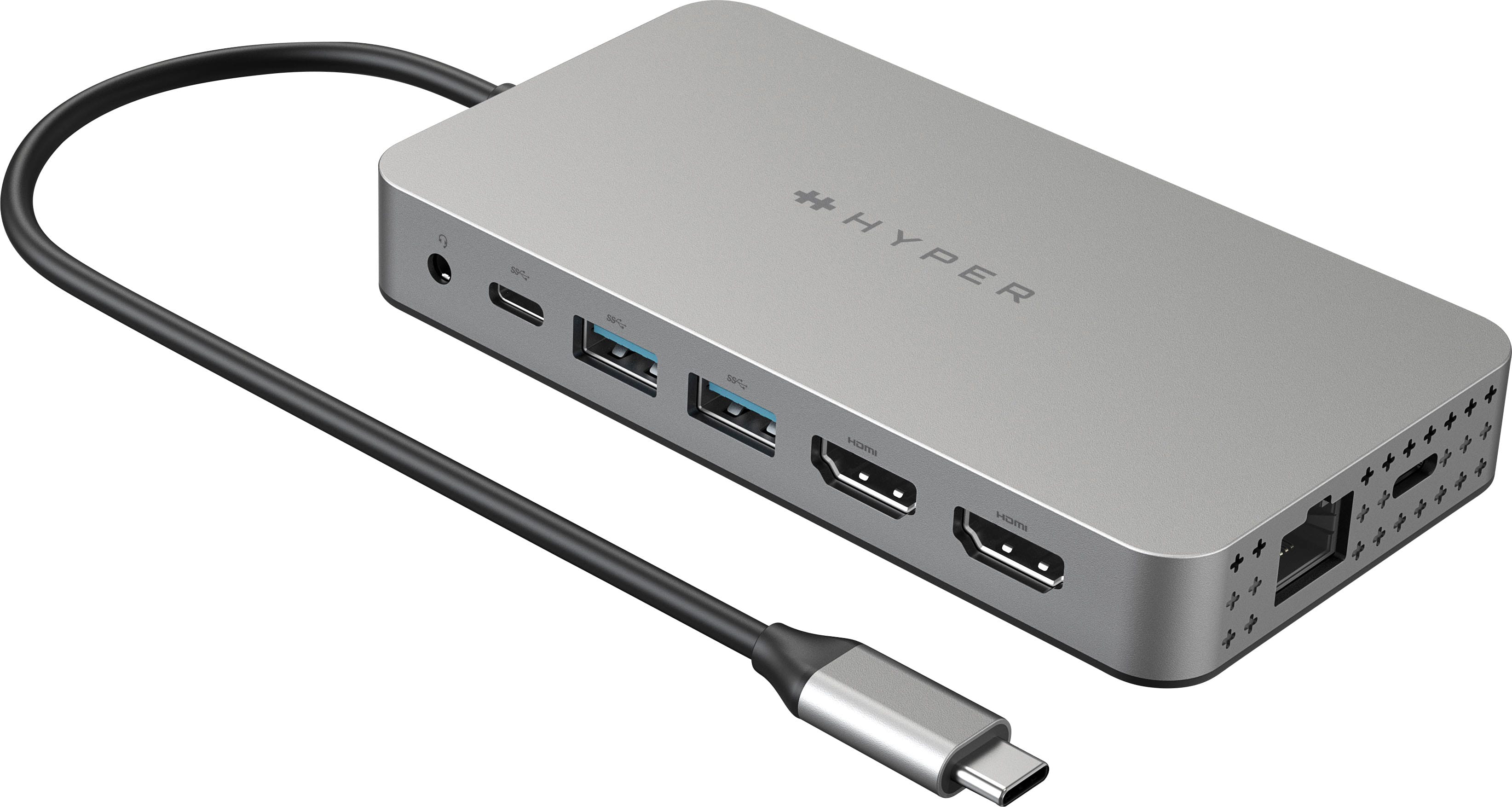
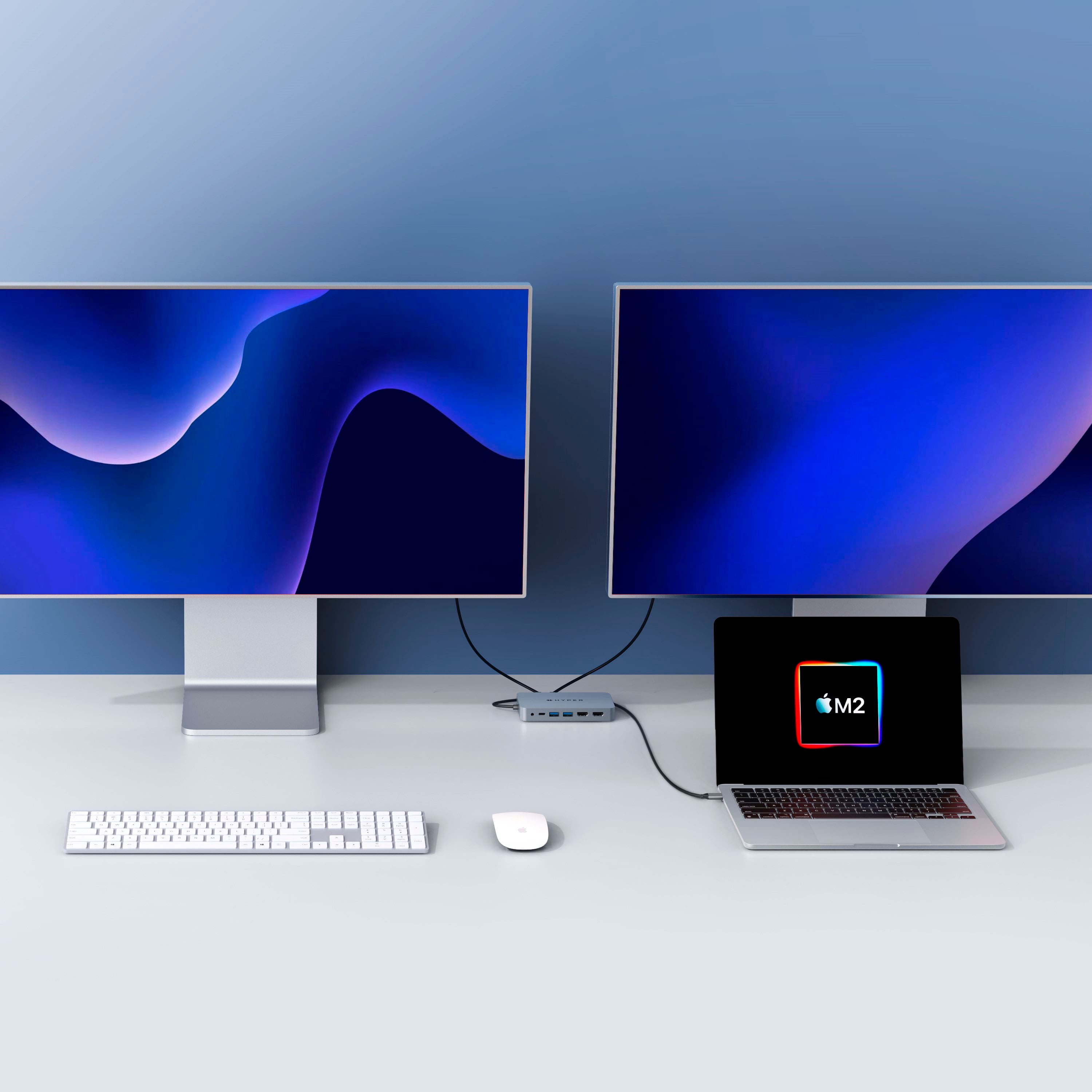
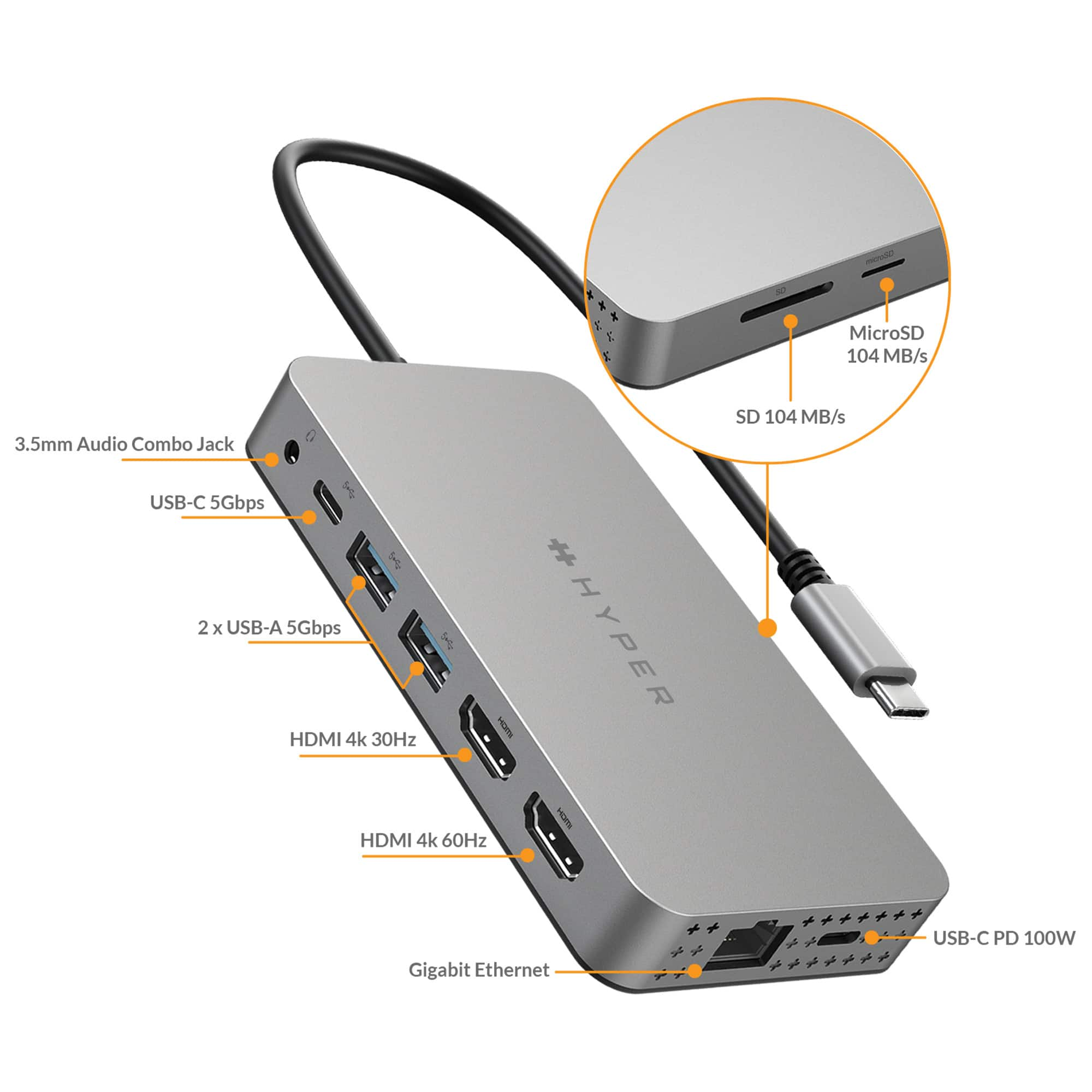
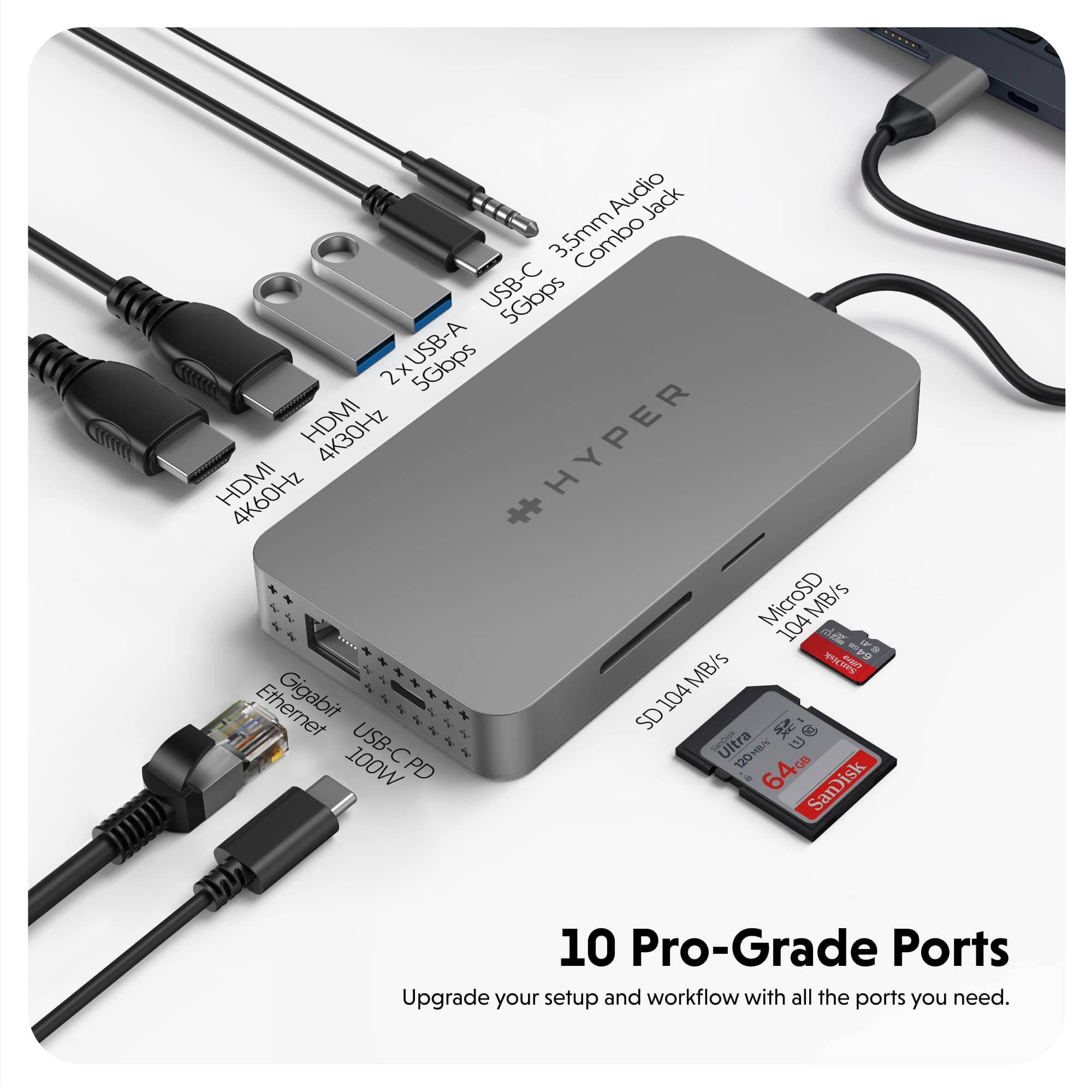
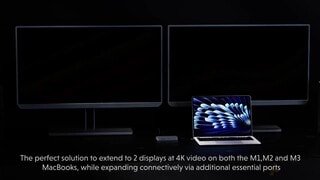
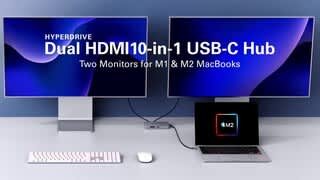
Customers recognize the HyperDrive Dual 10 Port USB-C Hub as a great computer accessory due to its ease of use, connectivity, compatibility, and HDMI support for an additional monitor. However, some customers have expressed concerns about the device's heat, price, refresh rate, cable length, and power.
This summary was generated by AI based on customer reviews.

Not an easy set-up at all
|Posted .This reviewer received promo considerations or sweepstakes entry for writing a review.I gave this 4 stars because this was not easy an easy set-up to have dual screen monitors working. I tried looking up videos to help me out, but nothing was helpful. If you are buying this specifically to set-up 2 monitors, beware that you may run into some issues getting it started. I consider myself pretty tech savvy, but not a tech expert and I am still having a difficult time setting up 2 displays. I went out and bought a 4k HDMI just to make sure that was not the problem, but still nothing. If I can figure that part out, I would give it 5 stars, but until then 4 stars is pretty generous. Outside of trying to connect 2 monitors, this thing is pretty nice. I love the usb connectors and usb-c connectors available. I also really like that there is 2 HDMI ports when I do get the 2 displays function up and working. I do wish that the cord attached was a little longer, but that is not too big of a deal. This feels sturdy and well made so I will assume that this will last a very long time. I didn't mention it before, but I own 2 Mac pros, a mac air and an iPad, plus an HP desktop and none of those would work with this. I must be doing something wrong so I will continue watching videos until I figure it out. I really hope I do because this would be perfect to connect more than 1 display when doing homework and research papers for school.
I would recommend this to a friend- Pros mentioned:Ease of use, Hdmi
Compatible with Mac
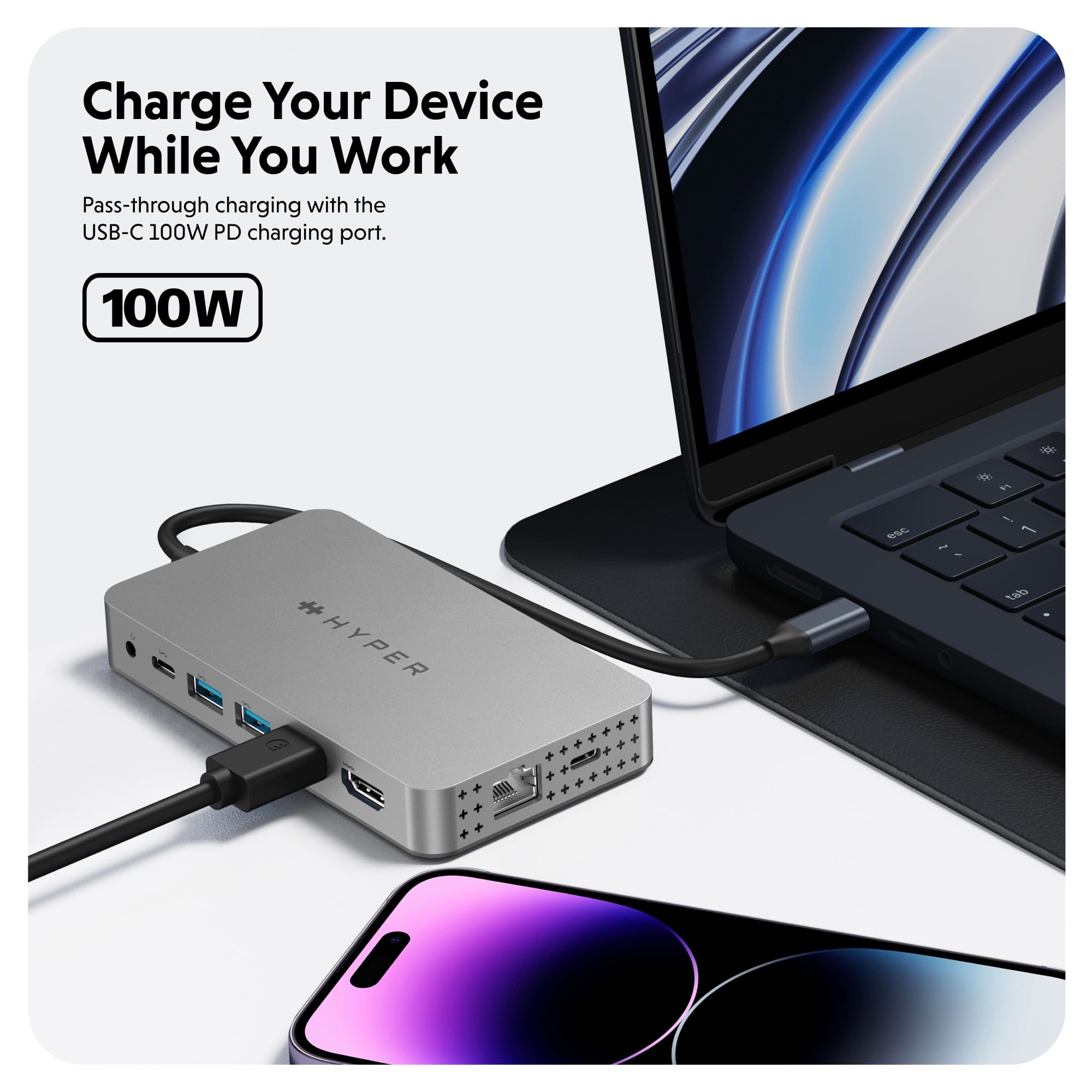
Posted .This reviewer received promo considerations or sweepstakes entry for writing a review.I use 2 screen and this works well with Mac, unfortunately doesn’t not charge the computer, but other than that is a great product with easy installation
I would recommend this to a friend - Pros mentioned:Connectivity, Overall performance
The best gift
Posted .This reviewer received promo considerations or sweepstakes entry for writing a review.I got this as a gift for my M1 mac and its amazing. I can finally dual screen monitor for my studio
I would recommend this to a friend - Pros mentioned:Hdmi
Need 3 Screens of workspace? Get this!!!
Posted .This reviewer received promo considerations or sweepstakes entry for writing a review.Works with MacBook Pro to add a third monitor. It’s different then the cheaper splitters that mirror your second monitor. This has software in it that allows your third screen to be its own workspace. Hence the price… But definitely worth the upgrade if your a music producer, In a Office, or Gamer needing a bigger monitor workspace with multiple screens.
I would recommend this to a friend I love the tricks this brings to the table!
|Posted .This reviewer received promo considerations or sweepstakes entry for writing a review.I have a couple of M1 Macs. I have used this for all of the ones I have and I've got to say that I'm impressed. I have the following devices M1 MacBook Pro 13", M1 MacBook Air 13", and two M1 Mac Minis. This hub worked on all of them and allowed me to do something unheard of with the M1 community, use two monitors at once on top of device's display. For my MacBooks, I was able to use this adapter to throw my screen to two other HDMI capable monitors, while still using my Macbook's built in screen. It is important to note that I didn't have to simply mirror the screens either, I could have three unique monitors. The ports all seem to function as advertised. The ethernet port appears to work up to the gigabit advertised, and also charges my MacBooks on par with the adapters I've used in the past (32W and 60W). The other thing to note about this hub, is that it is very weighty compared to others I have used and to me shows quality. The only downsides I have to say about this hub is that it is on the larger side (trade off for gaining so much external function), and doesn't have a rubberized bottom so it just floats around on the table it is on.
I would recommend this to a friendFinicky setup without 4K monitors.
Posted .This reviewer received promo considerations or sweepstakes entry for writing a review.It works OK but it's fickle with my 2K monitors. It is, for some reason, definitely expected 4K monitors. I had to wipe out my preferences and start over a few times before it finally scaled to 2k properly on my Macbook Pro, and now I'm scared to unhook it. I'd definitely recommend having 4K monitors for a trouble-free experience.
I would recommend this to a friendLinux not supported. Customer service unhelpful.
Posted .This reviewer received promo considerations or sweepstakes entry for writing a review.On my work laptop, I currently use Ubuntu 22.04.3 LTS (Jammy Jellyfish) and I bought this hub for the dual monitor support. There are preinstalled drivers but these pre-installed drivers did not work for my laptop. On the company website there is this link to a linux driver: https://hypershop.zendesk.com/hc/en-us/articles/10344404131988-Linux-Driver-Download However, when I follow the instructions on the link I still run into errors. I attempted to contact Hyper customer support twice over a 1-2 month period and never heard a response. From reading other customer comments on the Hyper website, it seems like there is a long pattern of ignoring customers (at least for the linux support). Aside from the lack of dual monitor support, the other features seem to work as claimed. I'm leaving 2/5 stars because at this price the hub should "just work".
No, I would not recommend this to a friendHyperDrive USB-C Hub for MacBook Pro
Posted .This reviewer received promo considerations or sweepstakes entry for writing a review.Works well on my MacBook Pro, allows me to connect 2 external monitors for total of 3 different screens. Pre-loaded driver was simple to set up.
I would recommend this to a friendWorked well at first
Posted .This reviewer received promo considerations or sweepstakes entry for writing a review.Initially the product worked really well. I had two monitors attached to it via HDMI cables. But after about two months one of the HDMI connections stopped working. I don't really know why. There was no obvious reason for it. It's possible that I just got one defective product, but I really need two monitors to do my work. I don't want to risk another $200 so I don't think I'm going to buy this product again. I will find a different solution.
No, I would not recommend this to a friendHyperDrive
Posted .This reviewer received promo considerations or sweepstakes entry for writing a review.Great Item only issue I had was that it was not compatible with an HDMI adapter.
I would recommend this to a friendGood Luck Getting It To Work Properly
Posted .This reviewer received promo considerations or sweepstakes entry for writing a review.When it works, it's nice to have. Bought for my M1 Macbook Pro to be able to use dual monitors. Let me be clear. I have worked remote for the last 6 years. This means I sit at my computer all day. I bought this about 2 years ago. I spend nearly as much time trying to get this thing to recognize 2 monitors as I do actually using the product. It's been like that since I took it out of the box. Now, HDMI port 2 just doesn't seem to exist. So, I don't know what to do now except deal with a major decrease in productivity because I can't afford to buy a new Macbook with the Pro or Max processor. And I won't buy this again.
No, I would not recommend this to a friendSkip this one, go with a cheaper option
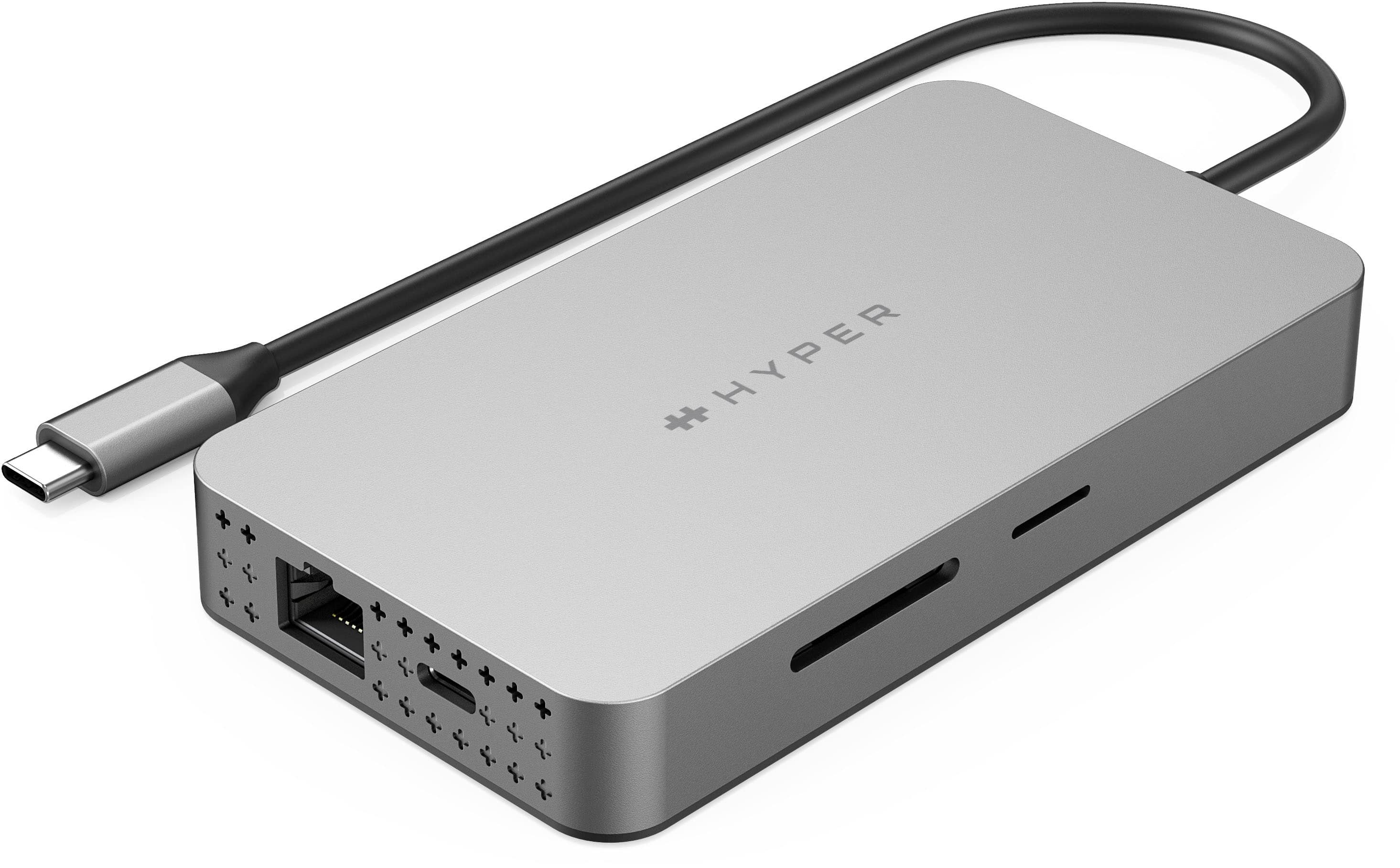
Posted .This reviewer received promo considerations or sweepstakes entry for writing a review.This is a VERY expensive piece of poop. Do not buy it. I generally use it just for an external microphone and the Epson scanner. Today I unplugged those and tried to use the SD port to see some photos on a microSD card. Not only did it have trouble reading the SD card, but when I took the SD card out, it was burning up...I pray the photos on the microSD aren't ruined. I couldn't use it for my two external monitors because it would only recognize 1. I'm quite sure I could have gotten the same job done with a $30 port with 2 USB slots. Very disappointed.
No, I would not recommend this to a friendHorrible quality
Posted .This reviewer received promo considerations or sweepstakes entry for writing a review.Horrible quality product, it only lasts a few months and then it just dies and your Macbook Air doesn't detect it any more. My second one just died, so I'll be getting another replacement. The company does not have an advance replacement program, so you have to mail it back to them at your expense to get it replaced and due to supply chain issues that takes a bit of time, meanwhile you're stuck working on one monitor while you wait for it to get replaced.
No, I would not recommend this to a friendToo expensive for ROI
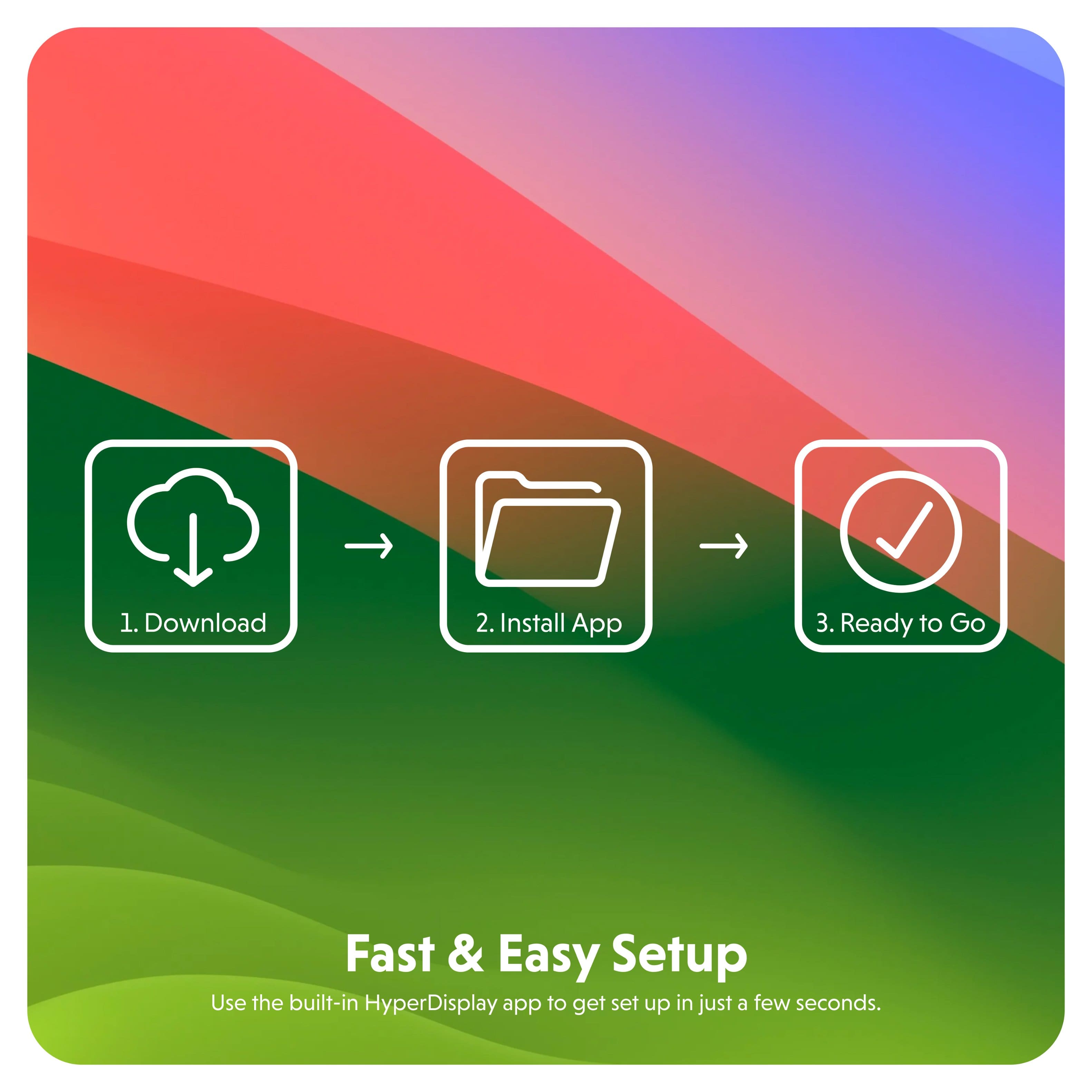
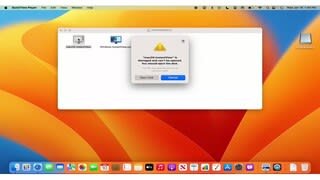
Posted .This reviewer received promo considerations or sweepstakes entry for writing a review.The dock needs to install an application to display multiple monitors, and the computer needs to be plug at all times, st this peicepoint i would expect the docking ststion to have a powert source and the need of installing an app make it unusable for my work computer which applicstion is not allowed.
No, I would not recommend this to a friend