Customer Ratings & Reviews
- Model:
- GN30B-Gray
- |
- SKU:
- 6349957
Customer reviews
Rating 4.2 out of 5 stars with 231 reviews
(231 customer reviews)Rating by feature
- Value4.1
Rating 4.1 out of 5 stars
- Quality4.3
Rating 4.3 out of 5 stars
- Ease of Use4.5
Rating 4.5 out of 5 stars
Customers are saying
Customers have good things to say about the HyperDrive Ultimate 11-Port USB-C Hub's extensive port selection, ease of use, and compatibility with various devices. Many appreciate its compact design and the convenience of having multiple ports in one device. However, some users note that the hub can get warm during use, and the short cable length is a drawback for some. A few also mention that the price point might be considered high by some customers.
This summary was generated by AI based on customer reviews.
- Pros mentioned:PortsCons mentioned:Cable length
Rated 4 out of 5 stars
Only one gripe... otherwise very nice
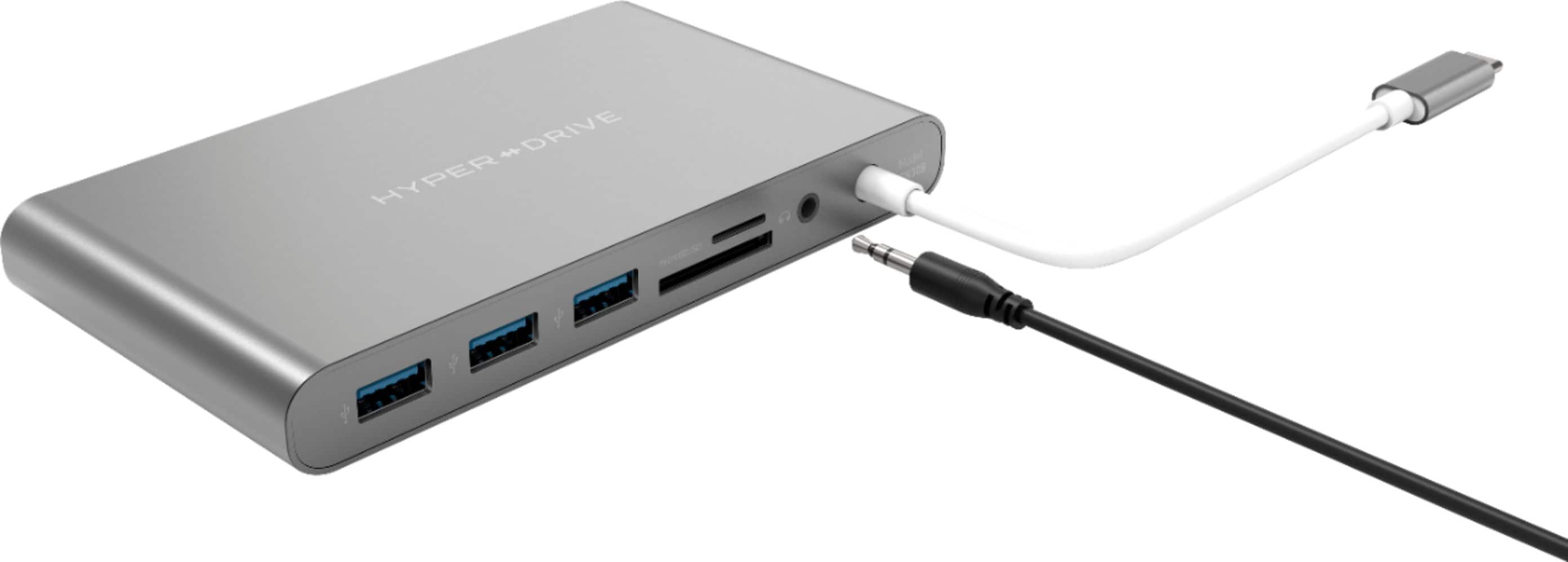
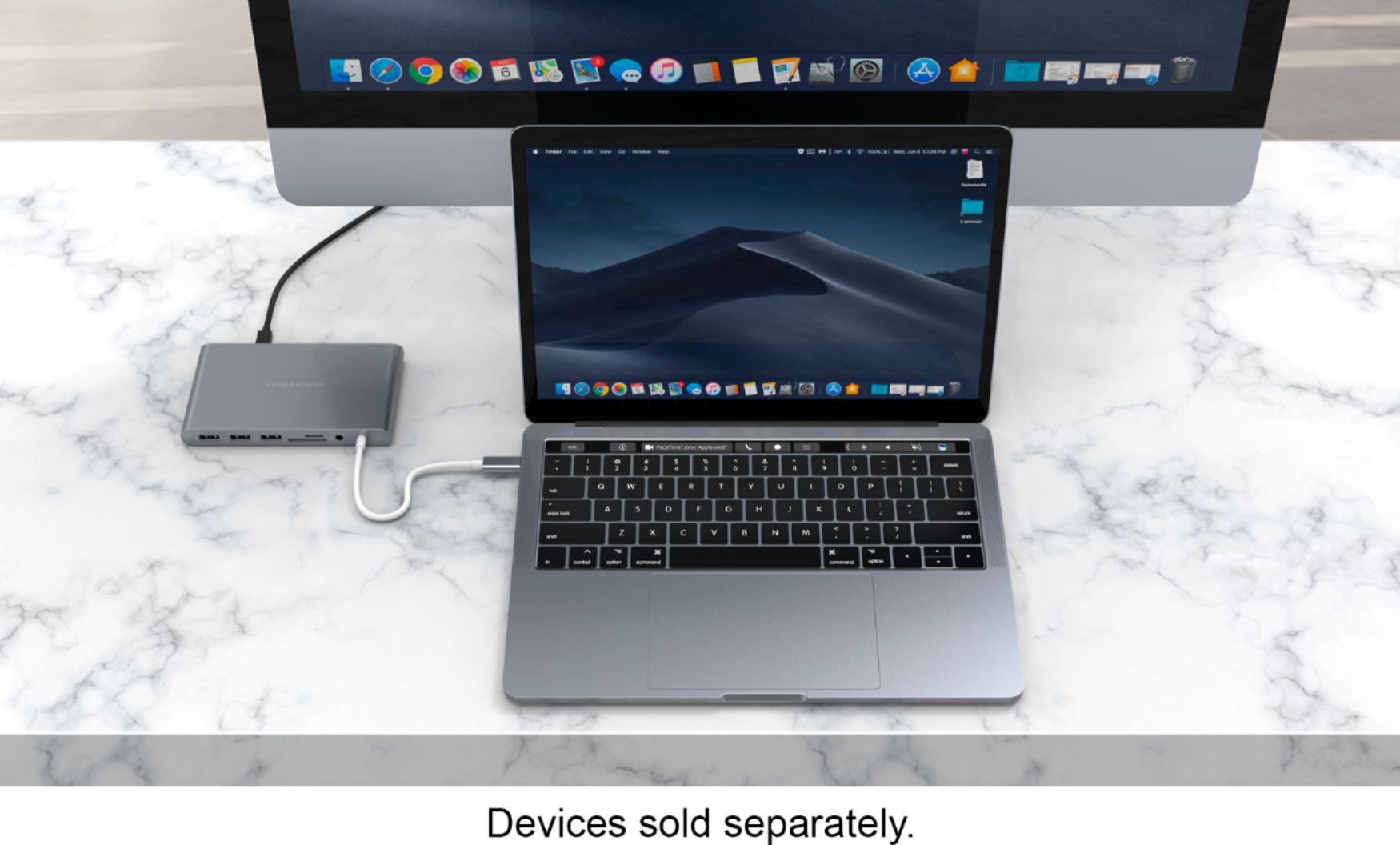
||Posted . Owned for less than 1 week when reviewed.This reviewer received promo considerations or sweepstakes entry for writing a review.Love the form factor and the large number and variety of input/outputs. Only gripe is that the USB C cable is in the front. Really should be in the back, but not that big of a deal. Works perfectly with our new iMac, and runs our graphics to our projectors without any issues. A bit pricey, but it works.
I would recommend this to a friend - Pros mentioned:Ease of useCons mentioned:Heat
Rated 5 out of 5 stars
HyperDrive port box
||Posted . Owned for 3 weeks when reviewed.This reviewer received promo considerations or sweepstakes entry for writing a review.This is the most handist item i have ever gotten for a computer . You can hook anything up to a computer/laptop with this lil Port box . Only downside is it seems to run a lil hot after a hour or two . I recomend this for any true multi monitor setup .
I would recommend this to a friend - Pros mentioned:Compatibility
Rated 4 out of 5 stars
Does what it should
||Posted . Owned for 1 month when reviewed.This reviewer received promo considerations or sweepstakes entry for writing a review.Not a lot to say. Which it had a usb-c monitor input, but otherwise it acts perfectly as a multiple laptop compatible connector for 4k monitor, mouse, and laptop.
I would recommend this to a friend Rated 5 out of 5 stars
Perfect For Times When MORE Is Needed
||Posted . Owned for 1 month when reviewed.This reviewer received promo considerations or sweepstakes entry for writing a review.I like this hub better then other hubs I have tried that connect directly to the MacBook. I feel the ones that connect directly are more likely to break if you accidentally put weight on it while moving your MacBook. With the corded hub, I am less worried about bumping into things. I’ve tested this with a 4K monitor and it works flawlessly at 30hz (note it only does a single 4K monitor at 30hz or two 1080p monitors). Also power pass through works as well as connecting to the MacBook directly to the power adapter.
I would recommend this to a friend- Pros mentioned:Ports, Usb-cCons mentioned:Heat
Rated 5 out of 5 stars
Solved my port problems, and more!
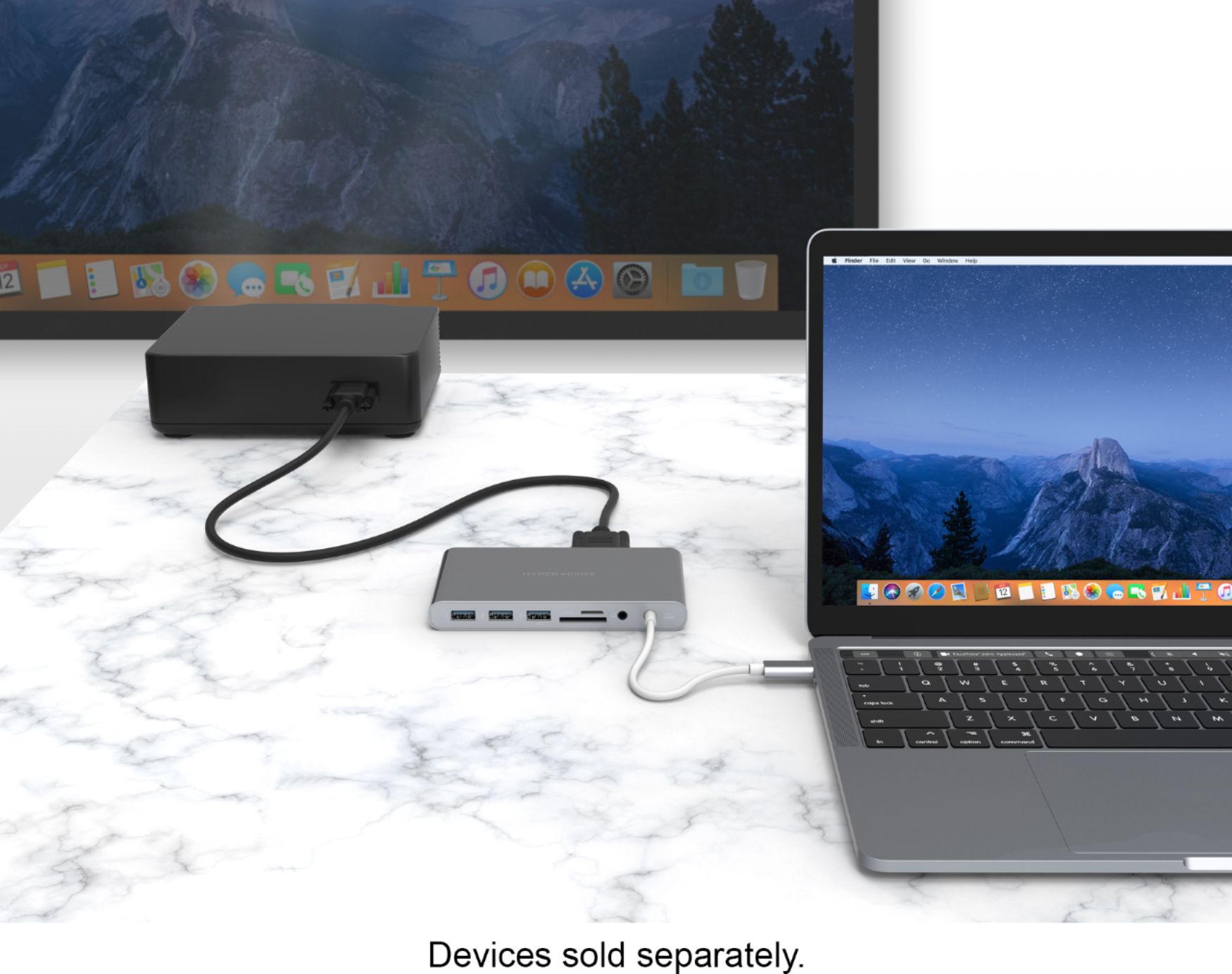
||Posted . Owned for 3 weeks when reviewed.This reviewer received promo considerations or sweepstakes entry for writing a review.I got this to complement my screaming-fast new laptop, whose only drawback is a small number of ports. This docking station solved that problem, and I discovered it solved other problems I hadn't thought about, such as hooking up an old VGA monitor to use in my Live Stream. Cool! Well, the only thing NOT COOL about this is that it gets pretty warm / hot to the touche when running lots of peripherals through it. Make sure it has plenty of ventilation and you will be fine and dandy. I liked it so much, I bought its little brother version for another computer.
I would recommend this to a friend - Pros mentioned:Usb-cCons mentioned:Battery life
Rated 4 out of 5 stars
Connect just about anything to a USB-C port
||Posted . Owned for 3 weeks when reviewed.This reviewer received promo considerations or sweepstakes entry for writing a review.I needed to connect my older USB and VGA peripherals to the new USB-C ports on my new Mac. This has allowed me to do that with ease. I use this when I'm in my office with my computer connected to line power (not on battery) because I notice that with different peripherals attached the hub is noticeably warm. My guess is that if I was running on battery that the battery would run down sooner. When traveling and using the the battery, to attach another older USB device I use a different one-port adapter that used no energy for the connection.
I would recommend this to a friend - Pros mentioned:Compatibility, Ease of useCons mentioned:Cable length
Rated 4 out of 5 stars
Good product - needs longer cord
||Posted . Owned for 3 weeks when reviewed.This reviewer received promo considerations or sweepstakes entry for writing a review.Good product - the cord from the device to the computer needs to be longer. Depending on model of laptop - i.e. a surface - this barely sets on the desk
I would recommend this to a friend - Pros mentioned:PortsCons mentioned:Cable length
Rated 4 out of 5 stars
Great hub.
||Posted . Owned for 1 month when reviewed.This reviewer received promo considerations or sweepstakes entry for writing a review.This hub is a great device to have. It makes plugging devices into my MacBook Pro simple and convenient without reducing power or overloading on power. I can literally plug in everything, I need to work, into this hub including my power adapter. A few cons.. (This is just me being highly "picky"). -Add another or two usb hubs (yes I use a lot of different drive) -The actual cord on the device is a little short for ME. -Because of the sleek design, it tends to slide a little. (maybe add some rubber feet to it)
I would recommend this to a friend - Pros mentioned:Usb-c
Rated 4 out of 5 stars
Does what I need it to do.
||Posted . Owned for 1 month when reviewed.This reviewer received promo considerations or sweepstakes entry for writing a review.In 2019 I purchased a Lenovo Yoga C930 but, since it had only USB (3.1 and C) outputs, I needed an adapter to use my existing monitor. I initially purchase a Lenovo hub from Amazon, and learned that evidently the graphics card on the laptop does not support using my Dell 1905 FP monitor either via the hub's VGA or HDMI connection, so had to purchase a new monitor, too. After successfully using the new monitor (via HDMI on adapter) for several months, the Lenovo adapter showed signs of poor connection, wearing out. Unable to make contact with the foreign manufacturer to pursue a warranty claim, I purchased the more expensive HyperDrive that I could pick up the same day from Best Buy. For what it's worth, it feels more solid than the Lenovo adapter and is working as expected. I attempted to plug in my old Dell monitor as described above, and still no success (couldn't hurt to try), but it is working great via the HDMI connection. The speaker jack in the hub works fine, but you'll get more volume to your external speakers if you are able to use your laptop/device's built-in jack. All the other ports on the HyperDrive hub are working as expected.
I would recommend this to a friend - Pros mentioned:Ports
Rated 4 out of 5 stars
Useful drive adaptor at reasonable price.
||Posted . Owned for 1 month when reviewed.This reviewer received promo considerations or sweepstakes entry for writing a review.I needed a multiport hub to connect various wires and connections to a new MacBook Pro, including adaptors connecting other devices. This is a reasonably compact design and has a useful number of various ports. It would be nice if the power plug were slightly longer and more flexible in terms of where the device can sit on the desk, but that is a minor detail
I would recommend this to a friend - Pros mentioned:Usb-cCons mentioned:Size
Rated 4 out of 5 stars
Desktop Dock More Than Portable
||Posted . Owned for 3 weeks when reviewed.This reviewer received promo considerations or sweepstakes entry for writing a review.Needed something since the MacBook only has two USB-C ports. This device has multiple display ports and an acceptable number of USB ports. This device is great as a leave-at-your-desk dock. To be honest though, if you do not need two screens you can find something smaller and cheaper somewhere else that fits flush in your computer.
I would recommend this to a friend - Pros mentioned:Compatibility, Ease of use
Rated 5 out of 5 stars
Great docking station.
||Posted . Owned for 9 months when reviewed.This reviewer received promo considerations or sweepstakes entry for writing a review.Great device, no complaints. I use it at home and on the road, so it's very portable. Works well with my Surface Book 2 laptop. Bit pricey, but does the job well.
I would recommend this to a friend - Pros mentioned:PortsCons mentioned:Heat
Rated 4 out of 5 stars
Good dock but is hot!
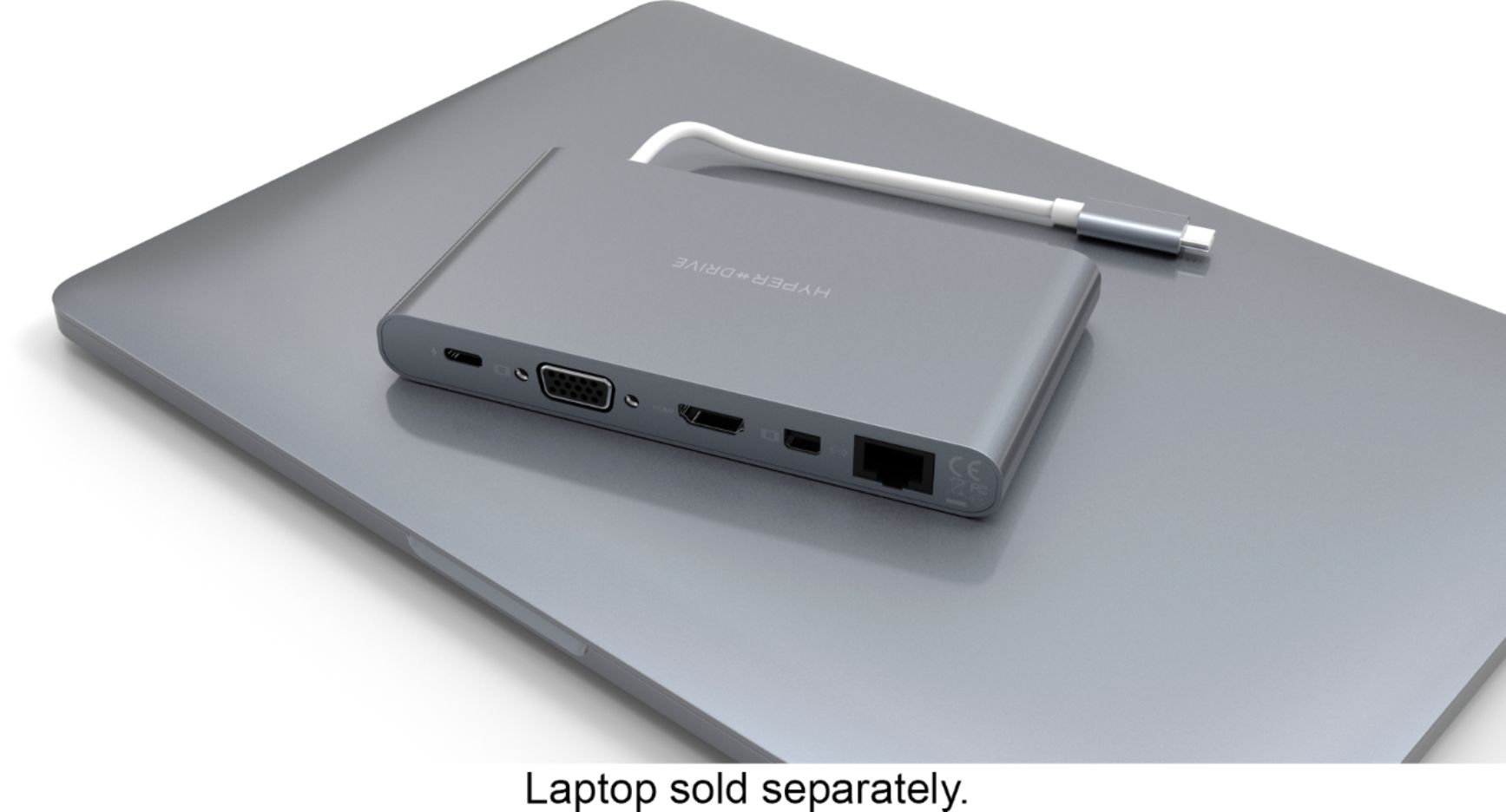
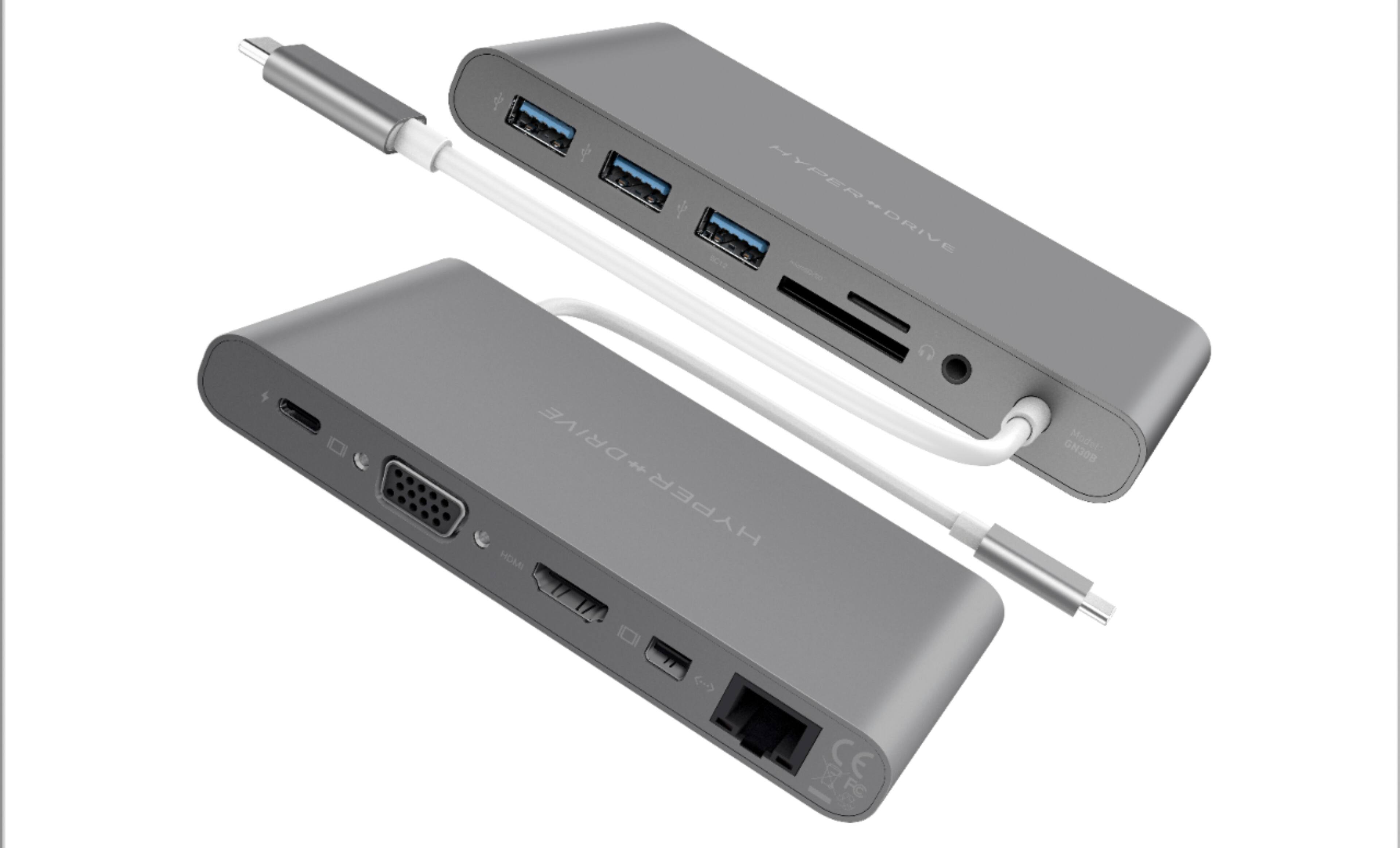
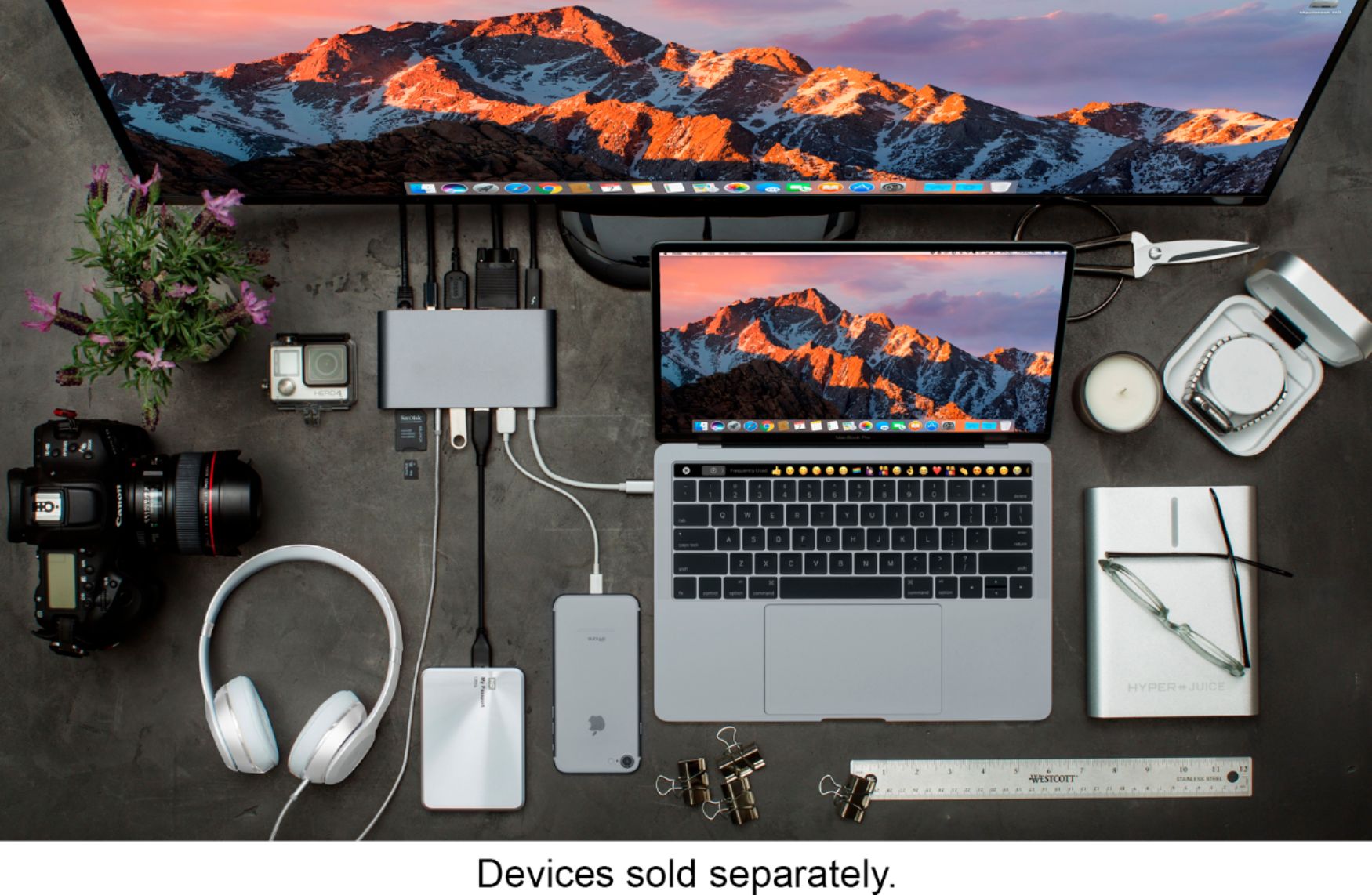
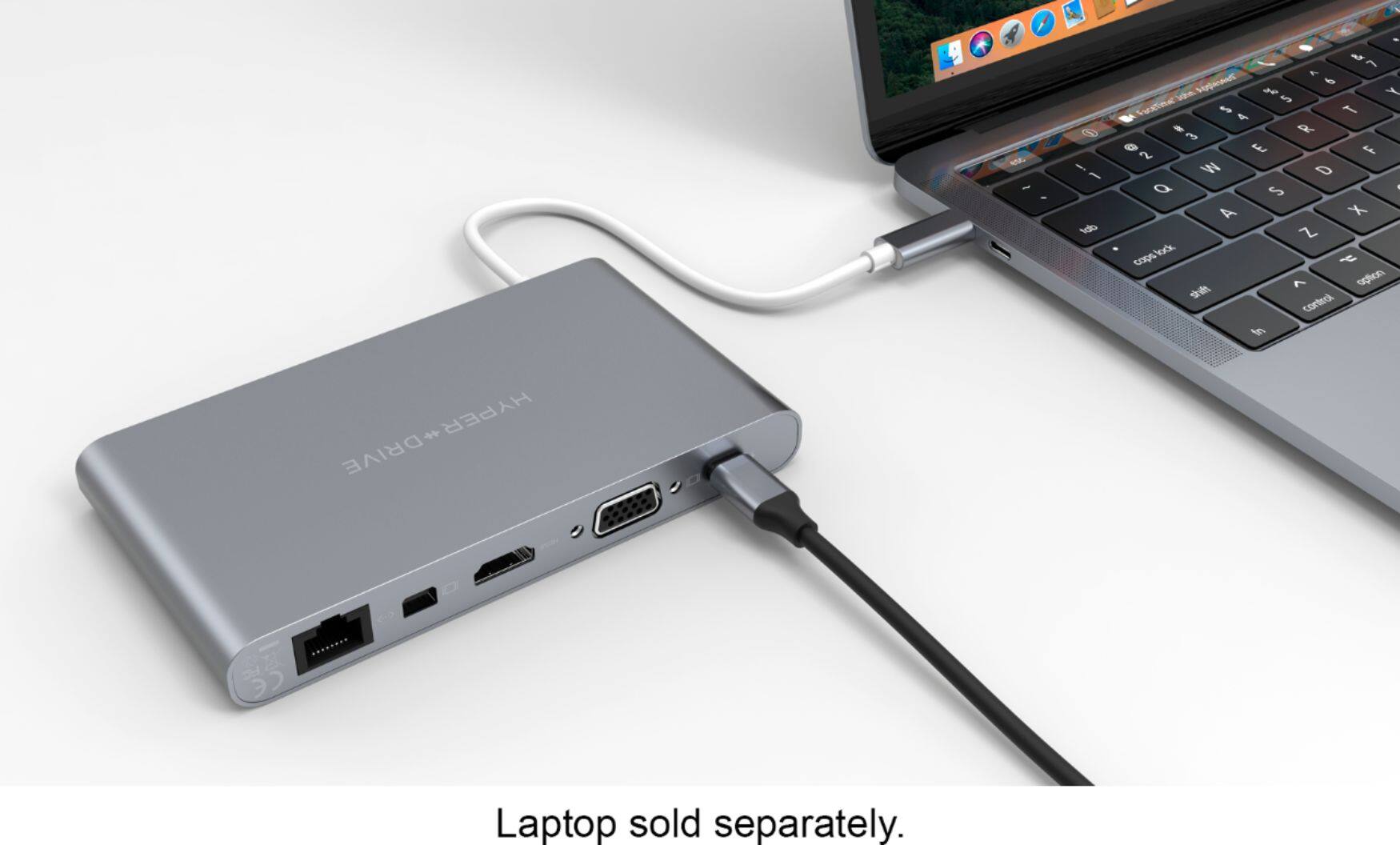
||Posted . Owned for less than 1 week when reviewed.This reviewer received promo considerations or sweepstakes entry for writing a review.I bought this to accompany my 13" MacBook Pro, since the MacBook only has usb c ports. This adds 3 usb A ports, as well as ethernet, an HDMI port and a mini display port to your MacBook. The one thing I noticed with this product is that it runs very hot to the touch.
I would recommend this to a friend - Pros mentioned:Usb-c
Rated 5 out of 5 stars
Great service, Great Product, easy pick up!
||Posted .This reviewer received promo considerations or sweepstakes entry for writing a review.The purchase process was painless, picked this up conveniently at my local best buy when I was in frustration with the new USB-C adapter. This has given me back the USB, Video, and even with Ethernet for faster web! The Box says Ultimate USB-C hub and thats just what it is, it was exactly what I needed for transition to the new laptop with new USB C ports only...which none of my old USB device can connect to. Now, with this Ultimate Hub, I'm able to plug in several older USB devices, can quickly download photos from my photo cards, and even hook up to my TV via HDMI just like before and surf with faster speed using wire connection. I'd strongly recommend this Hub to anybody who needs to connect multiple devices to the newer computers. It also works great sitting on side of my iPad Pro but I have got another hub for the iPad Pro already.
I would recommend this to a friend - Pros mentioned:Ports, Usb-c
Rated 3 out of 5 stars
Works mostly OK
||Posted . Owned for 3 weeks when reviewed.This reviewer received promo considerations or sweepstakes entry for writing a review.The USB ports appear to work fine. The DisplayPort video output resets every few minutes though, which is a major nuisance, so I had to stop using that feature. The DisplayPort connection was one of the main reasons for me choosing this device over other similar items, so that's disappointing. However the USB connections appear to be very stable, so it's still usable enough for me.
No, I would not recommend this to a friend - Pros mentioned:Ease of use, Usb-c
Rated 5 out of 5 stars
HyperDrive Ultimate 11 Port
||Posted . Owned for 4 months when reviewed.This reviewer received promo considerations or sweepstakes entry for writing a review.This Hyperdrive has been just what I needed for my personal set up it has all the features for connecting HMTL, 3 USB Hubs, Mini and Large Card Reader slots and more, But the biggest conveince of it all Is how portable you can make it, it can go in your pocket or In a bookbag this Is just the perfect Docking station.
I would recommend this to a friend - Pros mentioned:Ports
Rated 4 out of 5 stars
Hub with lots of ports; HDMI or VGA, but not both
||Posted . Owned for 3 weeks when reviewed.This reviewer received promo considerations or sweepstakes entry for writing a review.This Hyperdrive Ultimate has lots of extra ports for those devices that are short on USB, HDMI, VGA or even SD card slots. It plugs easily into a USB C port which provides power for most of the ports. It does NOT come with a power supply, which may have been needed because I could only get either the VGA port or the HDMI port to work, but not both at the same time. Best Buy was able to deliver a quantity with next day delivery, unlike another online company that wanted over a week.
I would recommend this to a friend - Pros mentioned:Compatibility, Ports
Rated 5 out of 5 stars
Hyper-HyperDrive
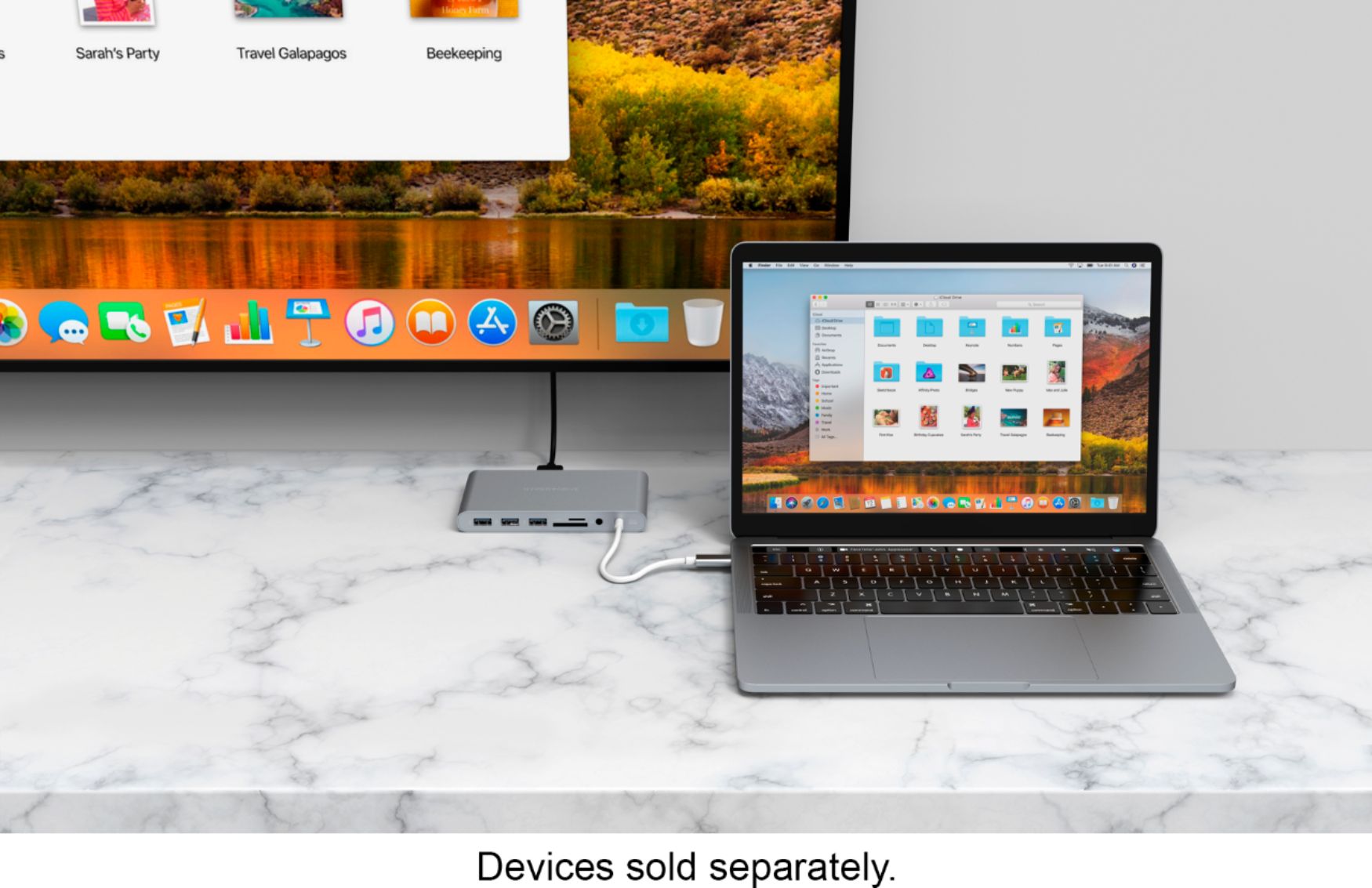
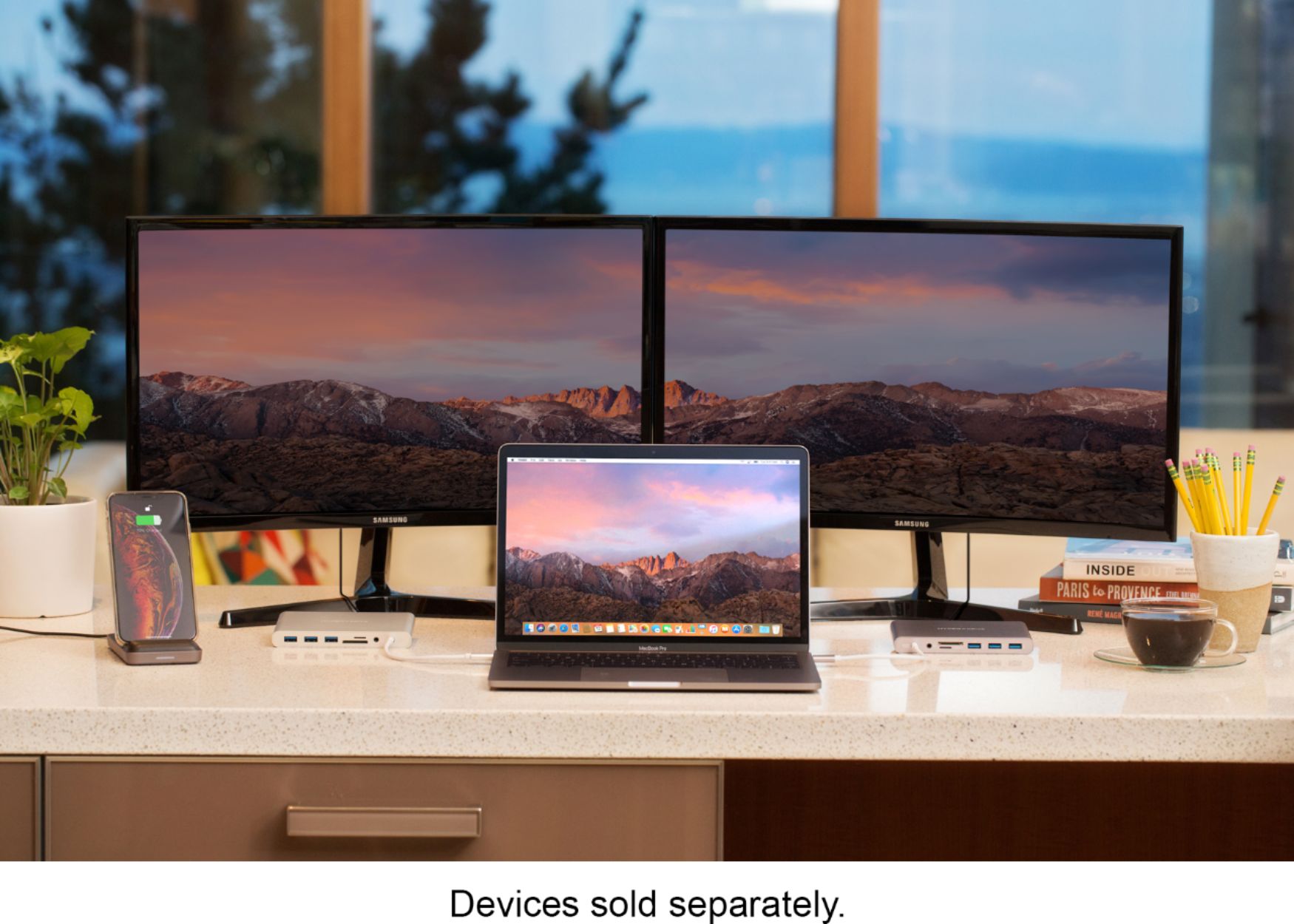
||Posted . Owned for 9 months when reviewed.This reviewer received promo considerations or sweepstakes entry for writing a review.This plugs into my laptop and gives me the ability to extend to 2 monitors. The extra USB ports is a nice bonus. This device works with both my HP windows based computer for work and my MacBook Pro for home. Highly recommend this product.
I would recommend this to a friend - Pros mentioned:Compatibility
Rated 5 out of 5 stars
Quality product that matches MacBooks perfectly
||Posted . Owned for 1 month when reviewed.This reviewer received promo considerations or sweepstakes entry for writing a review.Not only is this a great hub, the build quality is excellent, love the machined aluminum. It was designed to match space gray on Apple products, so if you have a space gray MacBook it will look like it came with it. Pricey but worth it IMO.
I would recommend this to a friend - Pros mentioned:Ease of use, Ports
Rated 5 out of 5 stars
Universal Docking Station - Works w/ Any USB-C PC
||Posted . Owned for 3 weeks when reviewed.This reviewer received promo considerations or sweepstakes entry for writing a review.This docking station has plenty of ports and is super easy to use. My wife and I both attend school and work from home on our PC's. Connecting our different laptops to our entire workstation is as easy as plugging in a cord - LITERALLY!
I would recommend this to a friend