Customer Ratings & Reviews
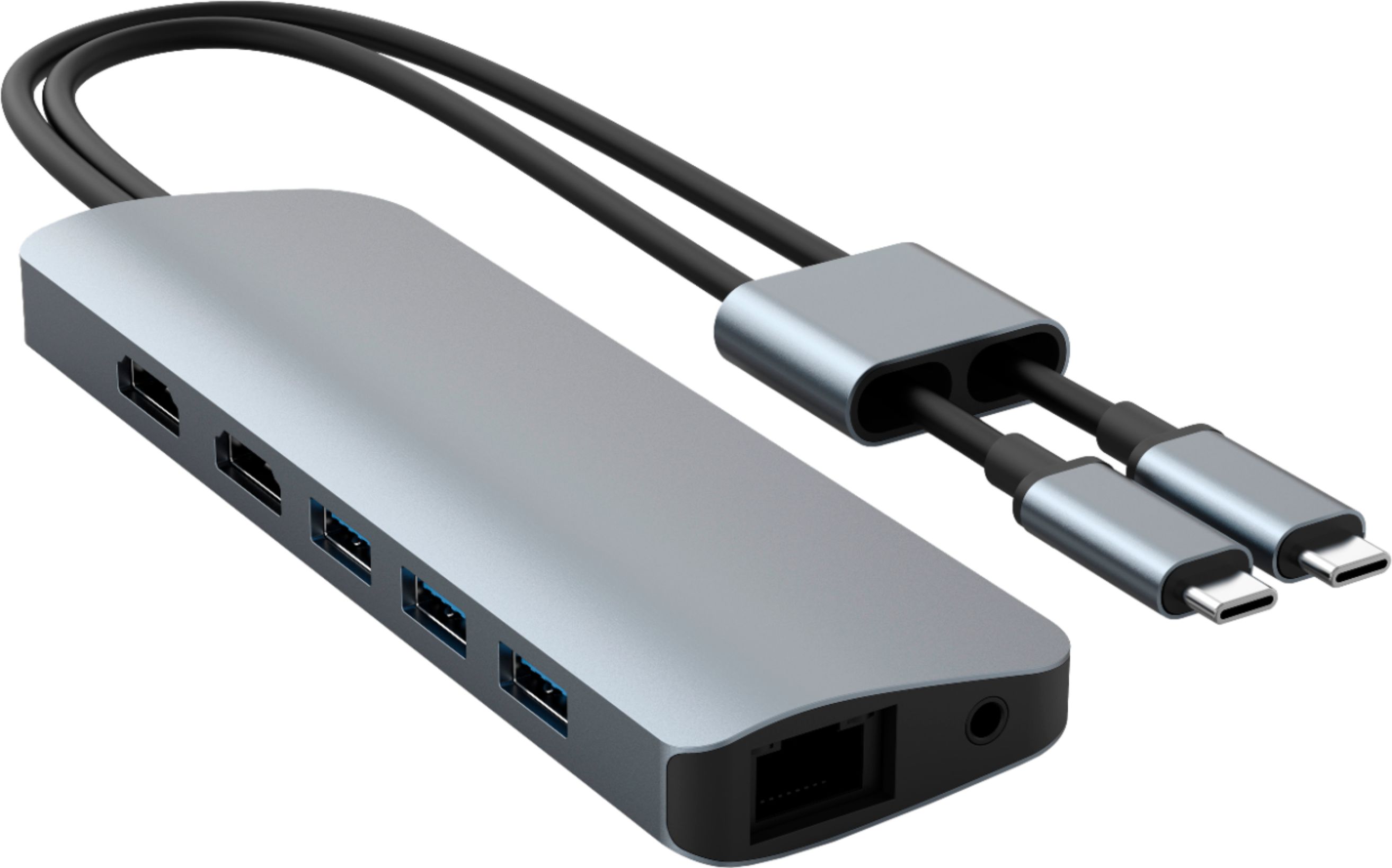
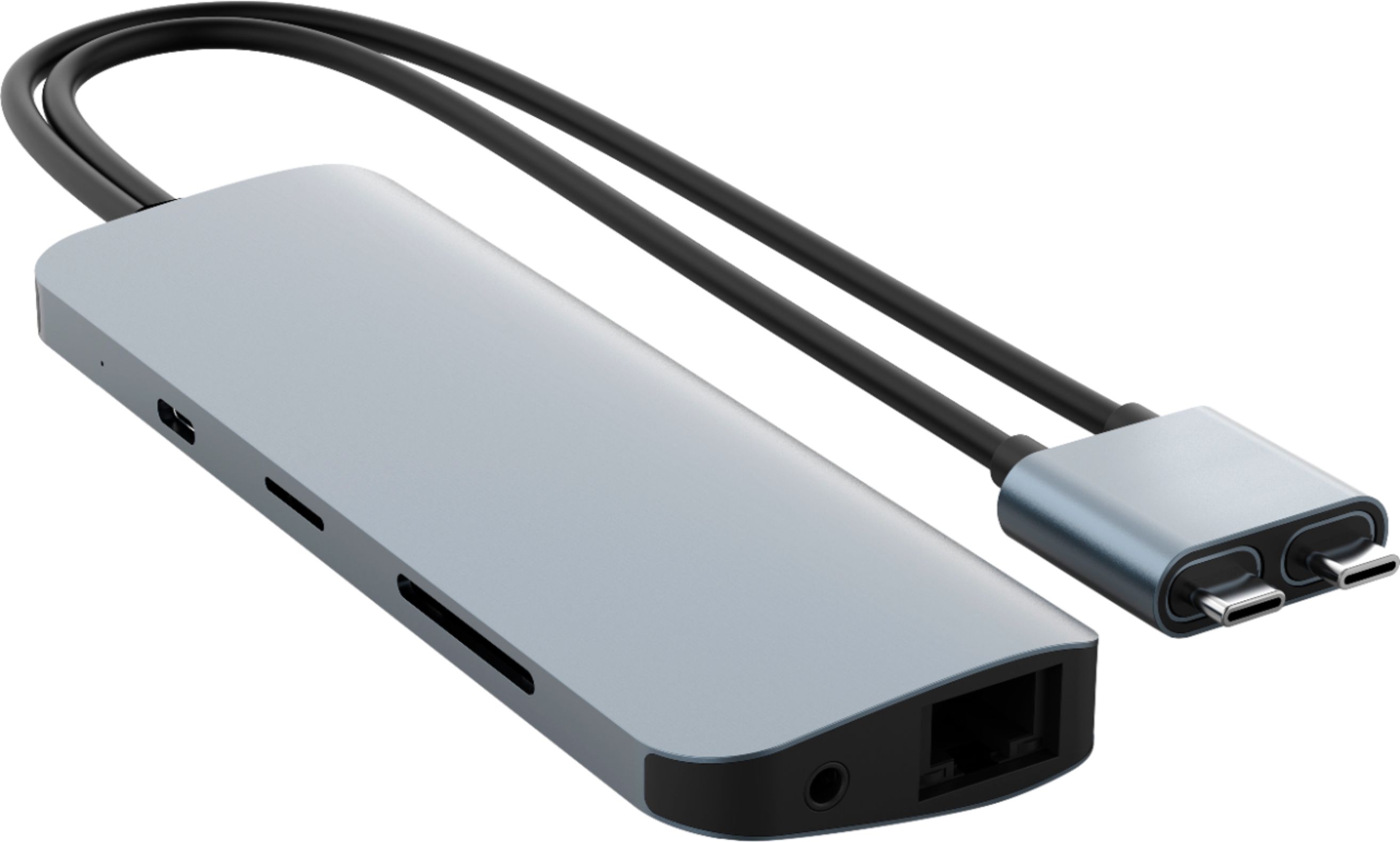
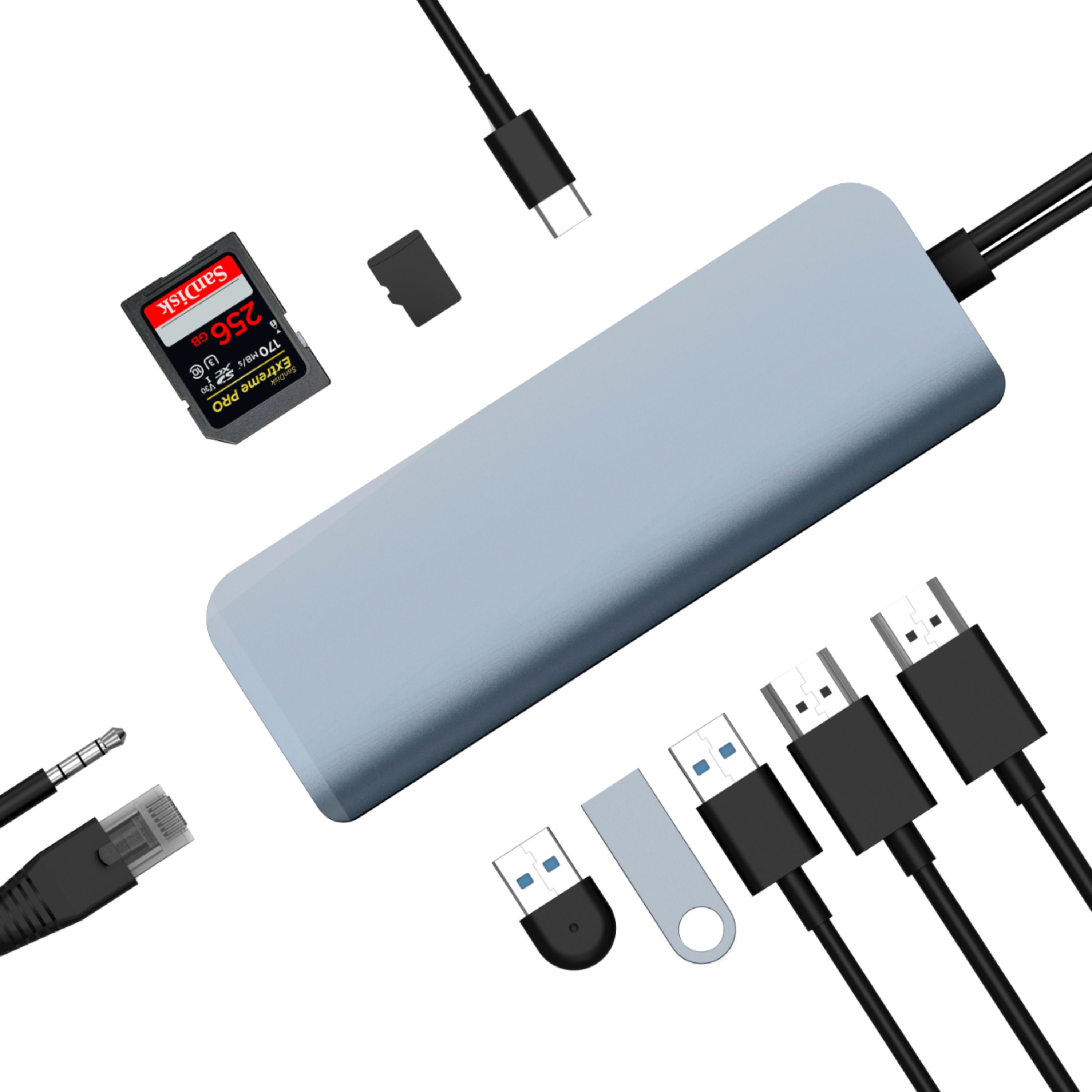
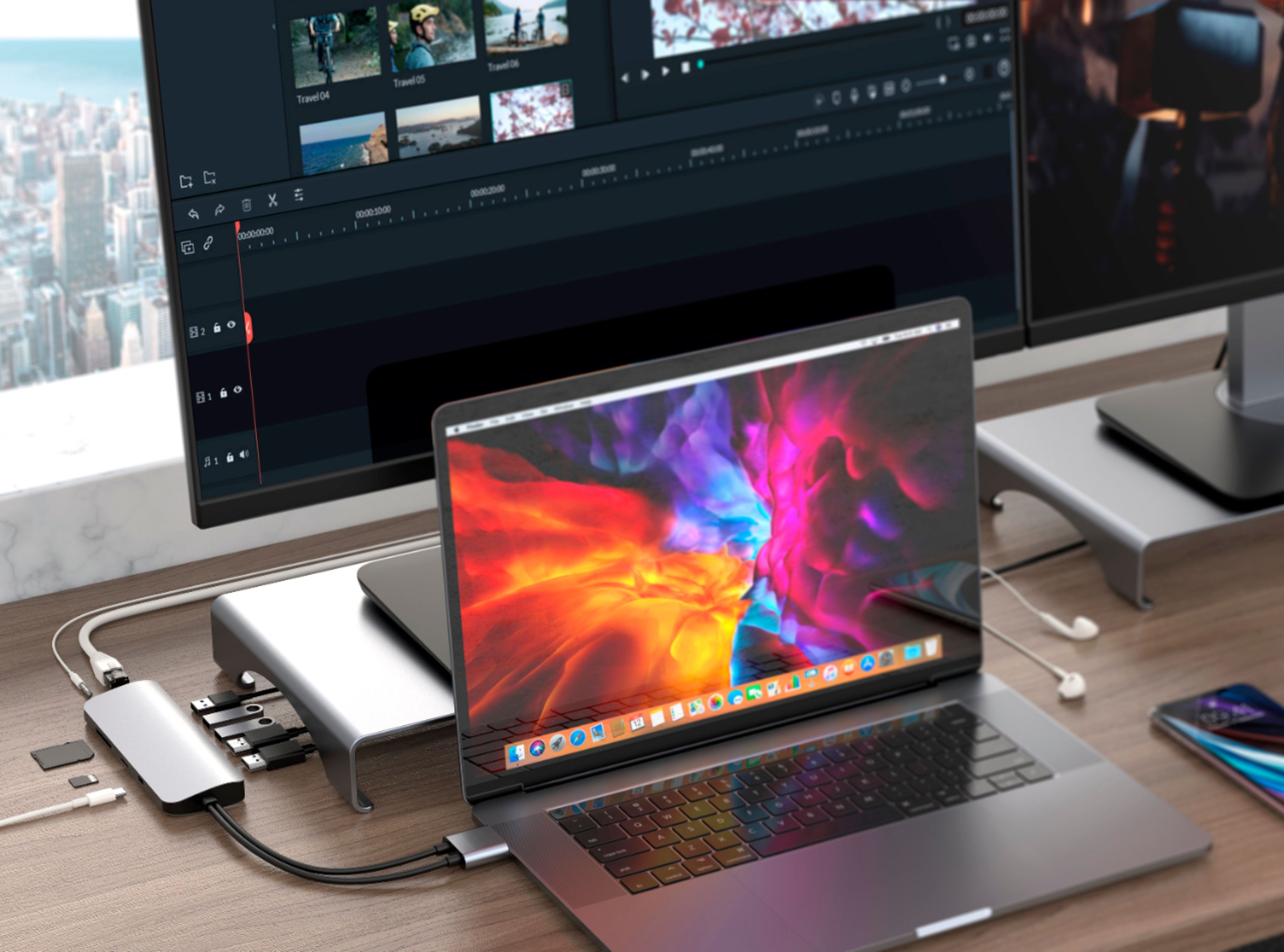
- Model:
- HD392-Gray
- |
- SKU:
- 6427853
Customer reviews
Rating 4 out of 5 stars with 268 reviews
(268 customer reviews)Rating by feature
- Value4.0
Rating 4.0 out of 5 stars
- Quality4.1
Rating 4.1 out of 5 stars
- Ease of Use4.3
Rating 4.3 out of 5 stars
Customers are saying
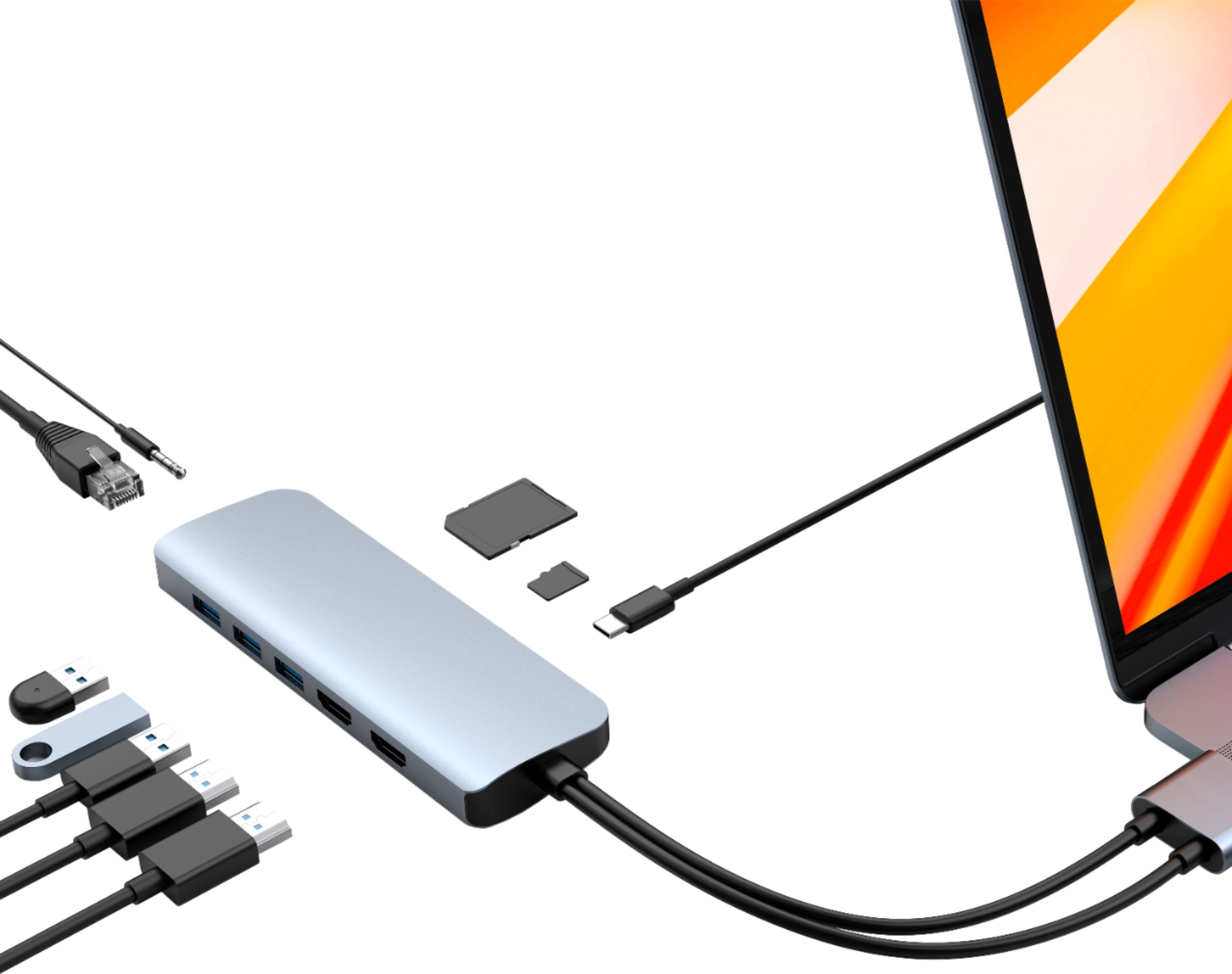
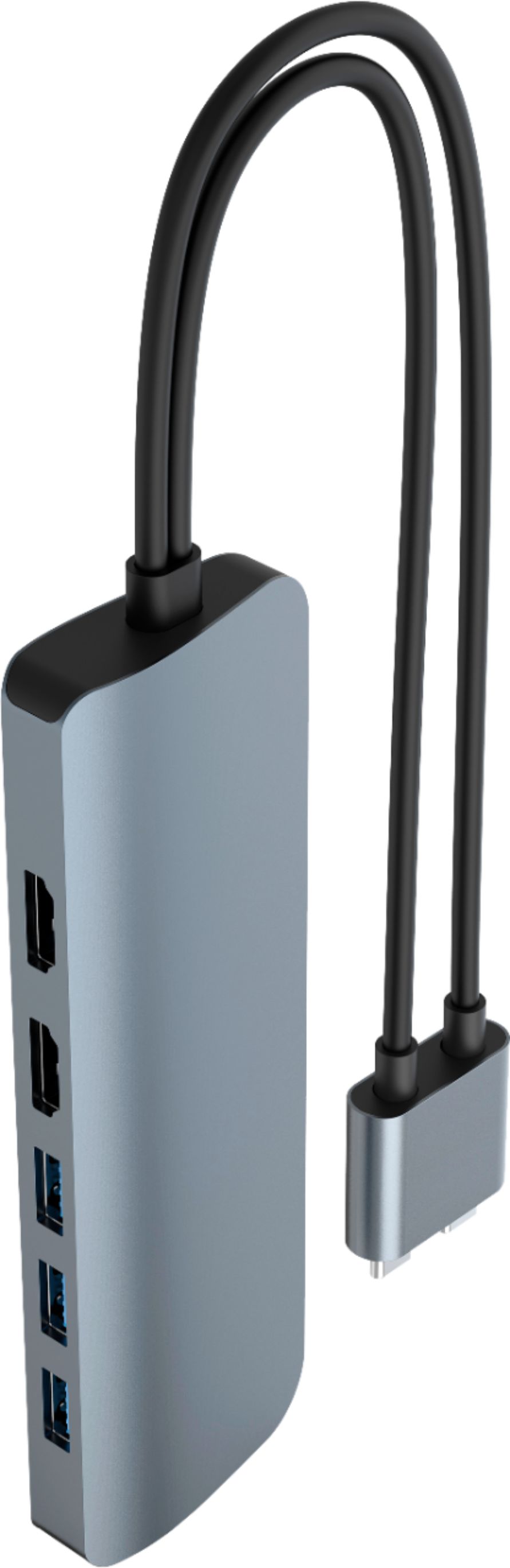
Customers are pleased with the HyperDrive Viper 10-in-2 USB-C Hub's extensive connectivity options and ease of use with their MacBooks. Many appreciate its ability to connect multiple devices and provide additional ports, while some find the device's heat generation and price to be drawbacks. Although generally compatible, some users experienced inconsistent power delivery and limitations with monitor support. The cable length was also noted as a minor inconvenience by a few customers.
This summary was generated by AI based on customer reviews.
Rated 1 out of 5 stars
Does not work with 2020 Macbook Air dual monitor.
||Posted .This reviewer received promo considerations or sweepstakes entry for writing a review.Does not work with 2020 M1 Macbook Air dual 4k monitor setup. This dongle would not connect more than one monitor at a time. Many attempts to problem solve, swapped multiple new hdmi cables, unplugged, replugged, restarted cpu, replugged one at a time, replugged hdmi, googled support Hyper Drive support etc, etc. Total waste of money, do not purchase.
No, I would not recommend this to a friendRated 1 out of 5 stars
Does not work
||Posted .This reviewer received promo considerations or sweepstakes entry for writing a review.This is not a plug and play hub. The software did appear as easily and the descriptions says and good luck trying to find support options online or for a download. I am returning ASAP. I cannot add a second monitor!!!
No, I would not recommend this to a friendRated 1 out of 5 stars
No good
||Posted . Owned for 1 month when reviewed.This reviewer received promo considerations or sweepstakes entry for writing a review.Would not stay in the computer. Returned it. Might have been just that one…
No, I would not recommend this to a friend- Pros mentioned:ConnectivityCons mentioned:Heat dissipation, Price
Rated 1 out of 5 stars
Does not work with 2 external monitors
Posted .This reviewer received promo considerations or sweepstakes entry for writing a review.Not sure if I got a faulty dock or what, but this one doesn't work as advertised. It only works with 1 HDMI port at a time, and this is with a 2019 Intel 15" MBP. When I first plug everything in, Both HDMI ports work correctly, but after a few seconds, 1 display will quickly shut off while the other remains on, then the "on" display will switch back on and the "off" display comes back on. It does this nonstop, switching between displays every half-second or so. Needless to say, this is completely useless. It also gets very hot, even with the HDMI ports empty. I was fortunate enough to have a couple of USB-C to HDMI converters that I used to connect my HDMI monitors directly in the MacBook Pro via the USB-C ports on the laptop. So, I have this $120 (plus tax) piece of junk on my desk that is only useful for a keyboard, mouse, and ethernet port. I have already ordered another product that provides all of this functionality at less than a fifth of the cost, and I will be returning this piece of junk.
No, I would not recommend this to a friend - Pros mentioned:Usb-c
Rated 5 out of 5 stars
Great Product
Posted .This reviewer received promo considerations or sweepstakes entry for writing a review.Works out of the Box with my 2017 15" MacBook Pro and T490S. J5 Create brands could not use secondary display port/HDMI. This has no issues and works just as well in Mac and Windows 10.
I would recommend this to a friend - Pros mentioned:Compatibility
Rated 5 out of 5 stars
123
Posted .This reviewer received promo considerations or sweepstakes entry for writing a review.worked with my macbook pro perfectly highly recommend for any apple device
I would recommend this to a friend - Cons mentioned:Heat dissipation
Rated 1 out of 5 stars
Can't believe how bad this was
Posted .This reviewer received promo considerations or sweepstakes entry for writing a review.Problems: 1. Gets super hot when plugged into power. 2. Uses both USB-C ports. 3. When using HDMI to run monitor, plugging in a USB drive kills HDMI output. 4. Cheap connector housing fell apart immediately.
No, I would not recommend this to a friend Rated 1 out of 5 stars
Does Not Support 2 External Monitors on M1 Mac.
Posted .This reviewer received promo considerations or sweepstakes entry for writing a review.Don't take advice of reviews or questions answered here - this CANNOT support two external displays with an M1 MacBook Pro. According to HyperDrive's support: "Mac computers utilizing the M1 chip can only extend to one additional display, no matter which HyperDrive you purchase." The reviews and Q/A here misled me and now I'm stuck returning another item to the store. Very disappointing.
No, I would not recommend this to a friend