Customer Ratings & Reviews






- Model:
- WDBNHE0010BWT-HESN
- SKU:
- 6382798
Rating by feature
- Value
Rating 4.1 out of 5 stars
- Quality
Rating 4.1 out of 5 stars
- Ease of Use
Rating 4.0 out of 5 stars
Customers are saying
Customers commend The Smart Photo Manager with Wi-Fi for its ease of use, ample storage, and convenient Wi-Fi connectivity. Users also appreciate its reasonable price, simple setup, and sharing capabilities. However, some customers have noted compatibility issues and concerns about the noise level of the device.
This summary was generated by AI based on customer reviews.
- Pros mentioned:Setup

Access to all your photos anywhere
|Posted .This reviewer received promo considerations or sweepstakes entry for writing a review.This is a really great product that I wasn't even aware was out there - your own (affordable) personal cloud for all of your photos. The setup is super simple - 2 steps. Download and setup the app, setup an account and that's it. You add any current cloud accounts you have through the app and it will download all your photos from it to the Ibi. If you have a pc or external hard drive with photos stored on it, you can plug it in and transfer them all over to the Ibi. Once you do that, you're all set. Now you can access all of your photos from anywhere anytime through the Ibi app. It's much cheaper than paying for a cloud service and even better, you don't have to worry about someone hacking your photos since it's on your home network rather than icloud on Apple's servers. You can also give other people access to certain photos, allow them to comment, and even give them their own personal, private folder where they can store their own photos that only they can access. It really is a great solution and having had it for a week or so now, I've not had any issues.
I would recommend this to a friend - Pros mentioned:Wi-fiCons mentioned:Compatibility
Photo organization and support
Posted .This reviewer received promo considerations or sweepstakes entry for writing a review.ibi review 11/29/2019 1. ibi is a wifi device. There are ibi phone apps for Apple and Android phones and PC and Apple computer apps that allow interfacing with ibi. I use Android and Windows. The first issue I had with ibi was the PC app is designed for 64 bit O/S. So it won’t load on a 32 bit system. You can get around this by going online to the ibi website and access your ibi from there. Nothing on the Box warns you of this. Just says Windows 7+, etc. Only in the .pdf User Manual is this mentioned. 2. By far my biggest complaint with this product is the lack of choice in how the order of the photos is determined. If you are ok with letting ibi determine the order using Date/Time the photo was taken or when it was modified, or by GPS info, or who knows what else, then you will be ok with this product. But if you have thousands of photos taken over several days by a couple of individuals using two phones and a camera say at an area as large as Yellowstone and the photos need to be placed in logical order using a file name sequence such as 0001YNP, 0002YNP, 0003YNP….1120YNP, etc. the ibi will not let you do this. 3. ibi’s menu offers you Folders to organize your photos. This is not to be confused with Albums. Albums, like the Photos list, will not follow a file name sequence. But, if you place photos in Folders the photos stay in the file name sequence. But, the usefulness of Folders on the ibi isn’t really explained. 4. I download a couple hundred photos from my PC to ibi only to discover about one forth of them had flipped to one side or another. You have 2 choices to correct this at this point. You can upload to your phone one photo at a time, chose to Transform it, flip the photo, then save it back to ibi. This is slow even on a 5mz wifi. It is made even slower when 1 in 7 or 8 photos don’t upload to the phone and you end up with a black screen where the photo is supposed to be. A retry doesn’t work most of the time forcing me to exit the app on the phone, re-opening it and trying the edit again. Or you can go back to your PC and correct the offending photos (and save) and download again. But wait, make sure you have deleted from ibi all of the photos in the group that you had downloaded or you will end up with duplicates of the photos which you will spend more time selecting and deleting when you downloaded the corrected photos. Why the duplications? Because ibi doesn’t look at the file name. Dumb. 5. Sandisk/WD support is slow. When you submit a request for help the confirmation of the submission says they will be back to you in 2 days. Nope. 6. Registration: Still can't register it. The form is filled out with all boxes completed and pull-downs selected. When I submit the form an unspecified error occurs. Sandisk tells be to register it on each reply. Would if I could. So, if you don’t mind the device deciding photo organization for you, OK, ibi may be for you. But, if you need control, go elsewhere.
No, I would not recommend this to a friend Good idea. Personal cloud device
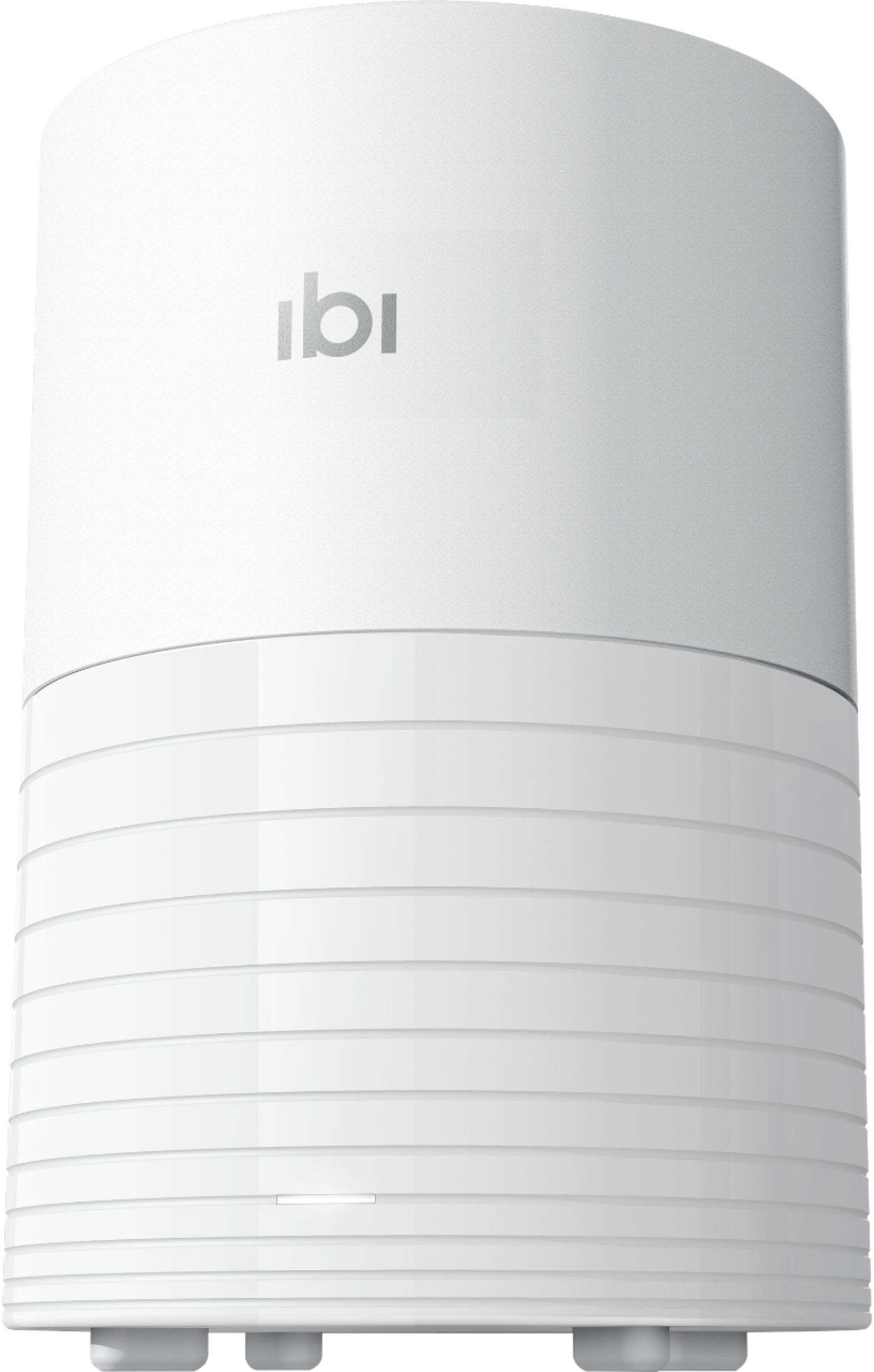
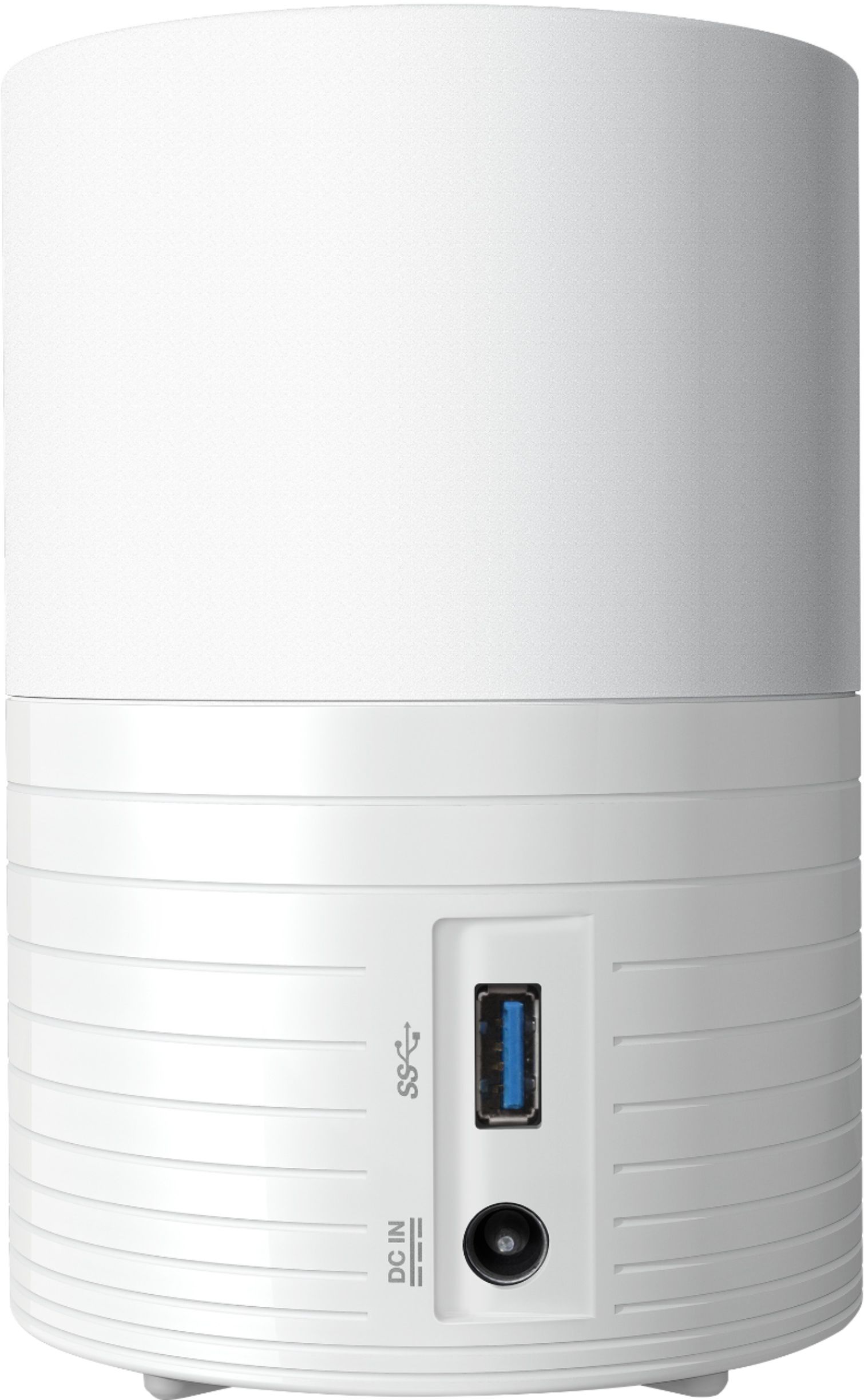
|Posted .This reviewer received promo considerations or sweepstakes entry for writing a review.Setup: Very easy setup which requires you to download the app and you just follow the prompts to setup device, account and network. Noise: Because this device uses regular 5400rpm spinning disk there is some noise coming from it. Nothing big unless you try to sleep in the same room, then it might be annoying because spinning disk creates vibration sound. Construction/material: Built with light plastic but sturdy enough. Place it somewhere where it should be safe from accidental drops, not just because of thin plastic design but because of the spinning desk as well. Good air vents design. Use: Use it’s extremely easy. App makes use easy for anyone and even completely inexperienced person can use this. If anyone has any question or concern about use itself then IBI website has lots of information including video clips. I believe that use cannot be easier from what is it right now. Features: Mobile and desktop applications which are both very easy and convenient to use for media on your phones or your computers. Auto backups of your mobile device and saving digital media from your online accounts such as Facebook, DropBox, OneDrive, Google Drive. Device also supports importing media from USB drives. One of my favorite things are that you can add users and share space with them and fact that I can share my images with my family. Overview: I like the concept of IBI. Great personal storage which lets me store all of my digital media from my phone, cloud service and my Facebook account. I have ditched my DropBox account because of IBI. My phone has currently around 1400 files (HD photos and 4k videos), and full back up over the same WiFi network took almost full 10 hours, but it did finish completely. I don’t have any complaints but unfortunately I do have concerns because of hardware, hoping that 24/7/365 running spinning disk drive will last (there is no sleep mode or similar). Pros: Concept Design 1tb storage space Easy to use Cons: 5400rpm - I generaly don't like those. Please build next model with SSD drive or at least 7200rpm.
I would recommend this to a friendIt's a keeper
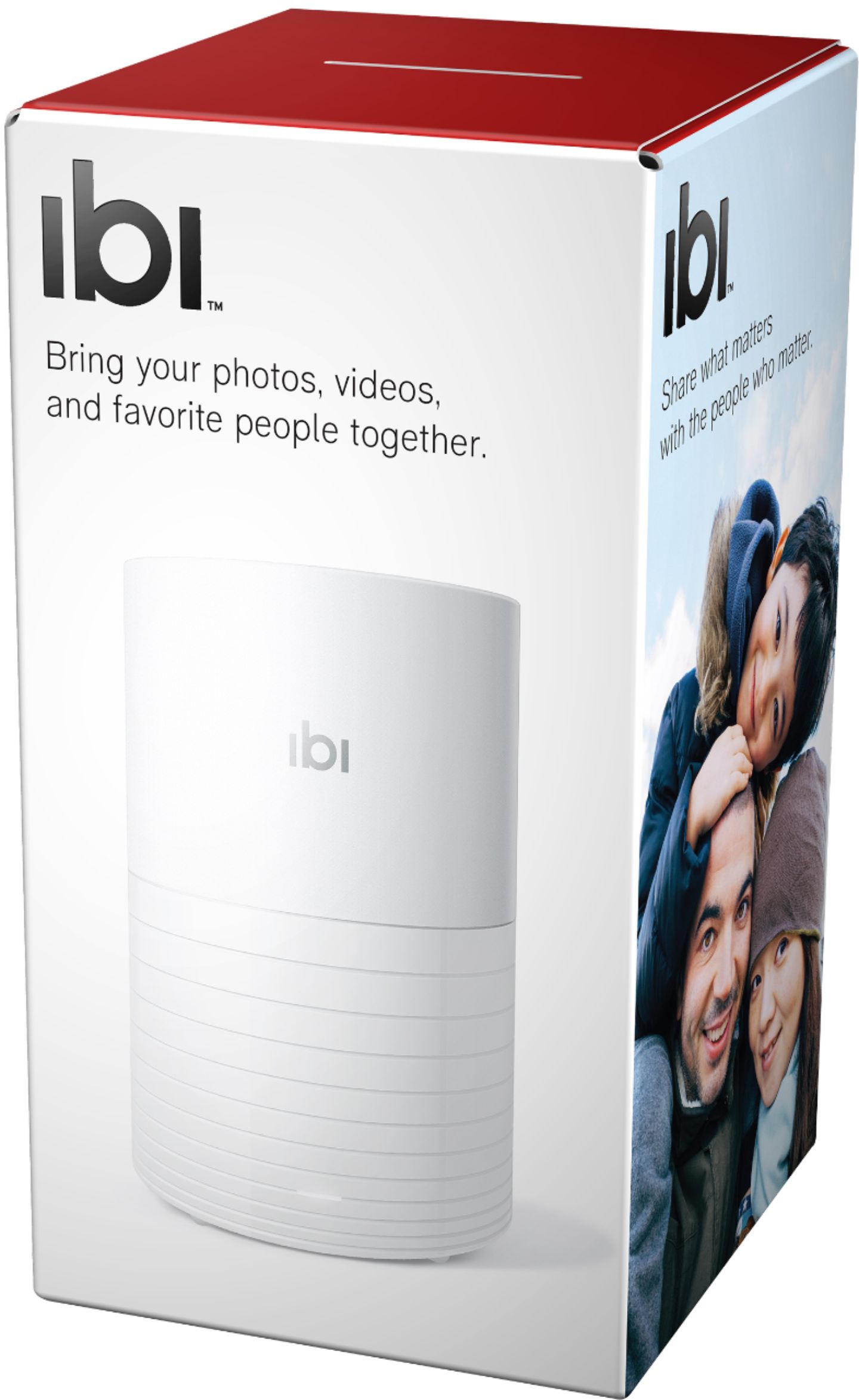
|Posted .This reviewer received promo considerations or sweepstakes entry for writing a review.There were not any instructions in the package. Just a Tech support and limited warranty guide. The was also a getting started card. Plug ibi into power, and Get the ibi mobile app. Once I found the right ibi app it was clearer how to set the ibi up. While looking around the app I stumbled across the pc download. It took a short time to set up. I quickly loaded the pictures from the phone. It took a lot longer to load the pictures from the PC. I like that each person has a separate secure area and I share all area. Sorting the photo's into albums was a breeze. I gave it a 4 star rating due to the lack of documentation that was enclosed with the unit.
I would recommend this to a friendA Solid Photo Storage Solution
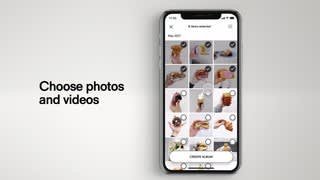
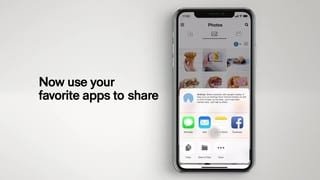
|Posted .This reviewer received promo considerations or sweepstakes entry for writing a review.I have for years used Google Photos to back up my digital photos and was quite pleased to find a solution I control locally in the "ibi". After setting up the unit and downloading the desktop app for my PC and IOS app for iPhone, i paired the ibi and my iPhone and allowed ibi access to my iPhone photos. I also invited my wife to join ibi and use it to back up her Android photos. ibi immediately began downloading photos from my PC and iPhone. It took several days to complete due to the many GBs of photos that needed to be backed up. Once completed, I allowed ibi access to my Google Photos to download. I now need to clean up the many duplicates I have found on my ibi. The ibi is a great way to back up your photos locally and allows you to share all or specific photos with family and friends.
I would recommend this to a friendEasy Set Up & Always backing up!
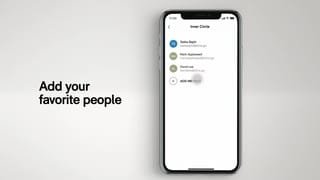
|Posted .This reviewer received promo considerations or sweepstakes entry for writing a review.I didn't know what to expect with another photo storage product but this one surpassed all others I've used/tried to use. The set up with super easy and within minutes my photo's from my phone were being backed up through my home wifi connection. I had other 5,000 pics on my phone and it took several hours to download them. Now each day it automatically connects and downloads new photo's from my phone. The app has lots of cool features and tools that make organizing your photo's easy and fun! I have only touched on a few but look forward to getting creative and using the "inner circle" sharing feature with my family! I'm not great with new tech products but this one was even easy for me to figure out!
I would recommend this to a friendNeat idea... defective product
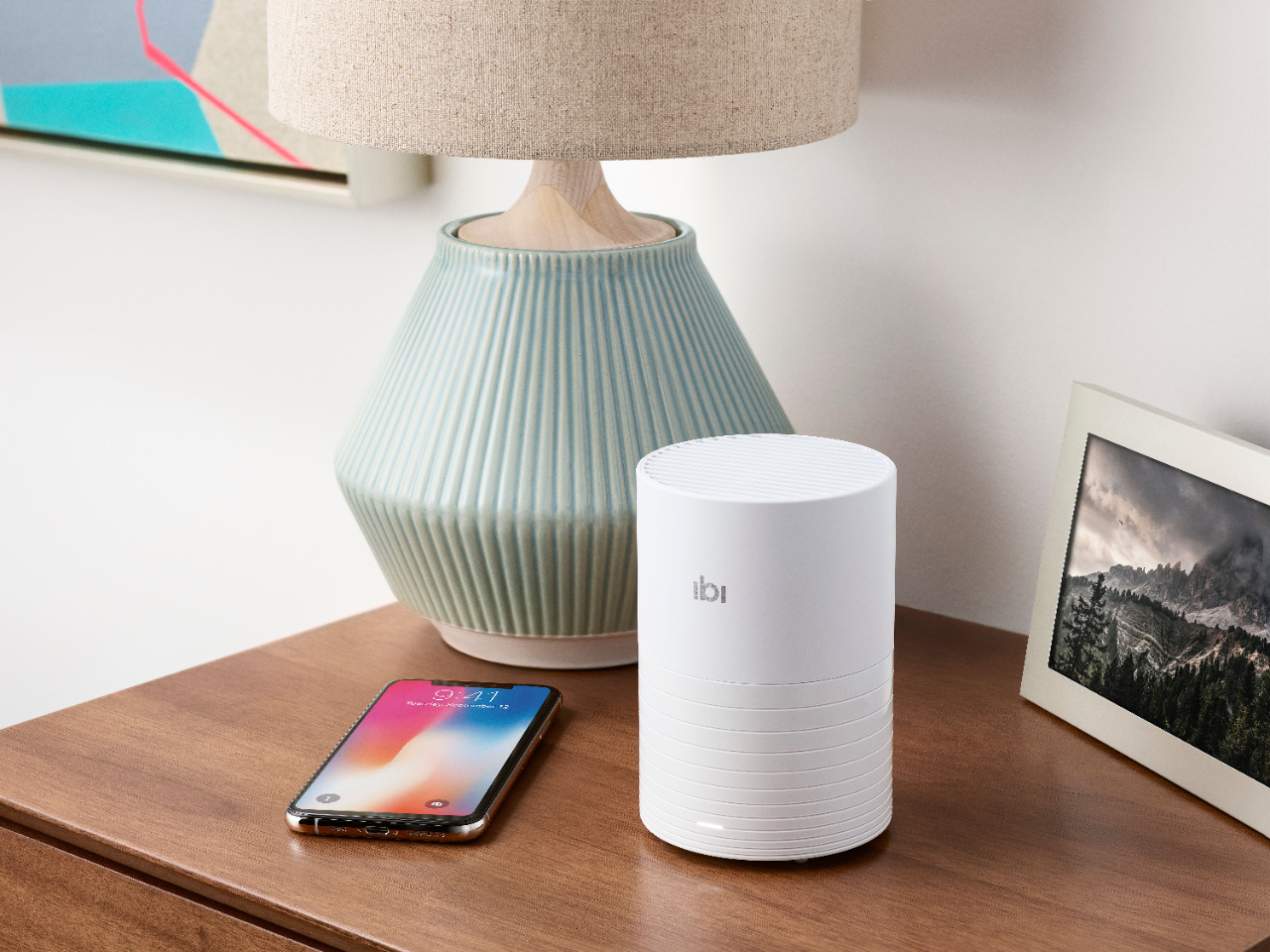
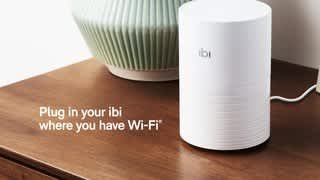
|Posted .This reviewer received promo considerations or sweepstakes entry for writing a review.The ibi (pronounced eebe) is a device you may not think you want or need until you read up on it, and then it sounds like something you may find use for. Basically, it's a small, circular, device with internal memory (1 terabyte) that connects to your home wifi, your phone, and via an app and/or USB port on the device, allows you to transfer photos from your phones, tablets, USB drives, and even social media accounts into the ibi. From there, in theory, you can create links to share with people where they can access photos or folders via passwords so you can share pics, videos, and more. Essentially, your own "cloud" device that others can access once you give them permission. Again, sounds neat. The ibi was smaller than I expected, being literally about the size of a can of soup. Discreet enough to place pretty much anywhere. I plugged it in, downloaded the app, and created an account on the ibi app. Well - I'm afraid the review stops there. From there it was downhill. Though my phone and wifi are working perfectly, the ibi kept going through an endless cycle of the app finding it, starting to set it up, telling me it's set up, and then popping up a "We're having a hard time finding it - try again" window. Many times. Rebooting the ibi didn't work, nor did resetting it completely. I spent over an hour on the phone with their ibi support line (a call center with heavily-accented reps) and the somewhat baffled rep after trying everything just told me, "It must be defective - we've had some defective ones go out but it should be working", etc etc (and etc). So I wish I could say more. It seems like a neat idea if it worked. Unfortunately, I simply cannot recommend it based on my own experience just trying to set it up, and the level of support available for it via Sandisk directly.
No, I would not recommend this to a friendJust What We Needed
|Posted .This reviewer received promo considerations or sweepstakes entry for writing a review.My husband and I take a ton of pics of our kids but that means the pics end up separated in different clouds and we’ve been trying additional clouds that would combine all the pics but it’s just always cumbersome. This puts them all in one place and maybe now I can finally get around to printing up some albums!
I would recommend this to a friendIBI. This app is no longer supported
Posted .This reviewer received promo considerations or sweepstakes entry for writing a review.VERY disappointed, IbI. This app is no longer supported and no further updates will be available. If you had enabled 'Local Access' before August 31, 2024, you will be able to access your ibi and your content on your computer. Tap 'Learn more' to see how. LEARN MORE
I would recommend this to a friendOn my 3rd replacement, and it still fails on setup
Posted .This reviewer received promo considerations or sweepstakes entry for writing a review.Cool, if you can get it to work. But each ibi I've had failed to connect when I first tried to connect via the app - the setup is anything but seamless. I'm now on my third replacement unit from SanDisk, and its also failing to connect on initial setup. Only been able to get one device to work properly with SanDisk support, and it failed to reconnect after getting a new phone, requiring the replacement I'm now on.
No, I would not recommend this to a friendMostly Worthless, Rarely Connects
Posted .This reviewer received promo considerations or sweepstakes entry for writing a review.This thing is pretty worthless. I loved the idea of it but in reality it doesn't work. Well, RARELY works. I did get several hundred photos loaded to it but when trying to connect via the mobile app it almost never works. Constantly get a "retry" error message. Once in about 50 tries it might actually connect, but then takes another 20 minutes for the thumbnail pictures to show up. Save your money, this thing is a joke!
No, I would not recommend this to a friendExtremely overpriced & nothing new
Posted .This reviewer received promo considerations or sweepstakes entry for writing a review.As I get older I see how gadgets are re-made and sold as new to consumers. This is nothing new, and neither is this gadget. Go get a Pogoplug for $20 on that auction site. Add your own HD up to 8 TB and you have all the same features. Or get a Netgear ReadyNAS for $30 and again have the same capabilities ;). I guess if you are part of the 1% then you have $150 to blow on this thing, until it also gets discontinued like the Pogoplug or RN102. Caveat emptor!
No, I would not recommend this to a friend