Customer Ratings & Reviews


- Model:
- IAVS16
- SKU:
- 6010506
Rating by feature
- Value
Rating 3.8 out of 5 stars
- Quality
Rating 4.0 out of 5 stars
- Ease of Use
Rating 3.7 out of 5 stars
Customers are saying
Customers are pleased with the AVS16 Smart Alarm Clock with Alexa for its integration with Alexa, sound quality, and easy setup. They find the alarm, display, and light features useful. However, some customers have concerns about its connectivity, lack of battery backup, limited functionality of the smart buttons, and price.
This summary was generated by AI based on customer reviews.
Great sounding Radio with Alexa
Posted .This reviewer received promo considerations or sweepstakes entry for writing a review.I brought this radio back last year and it worked great every thing was good Alexa woke up to the wake word and she was very response to the wake work. To this month November I was having Issues with it every time I would ask Alexa something the thing would just pop and the popping noise sound like it was a shortage of something in it and it was thrown off Alexa voice so I had to send the unit back to iHome Support so they can find out the issues with it and do some troubleshooting but they had to replace the Radio and now I’m waiting for them to send me a new one out hope this one is better then the first on so we will see im not sure what cause that to happen but I hope this new one they sent out work better then the first I’d keep y’all Posted
No, I would not recommend this to a friendBrand response from iHome
Posted .We are sorry to hear about your experience. Our goals is to make things right when something goes wrong. We cannot locate a case with your name listed here, but we will evaluate your unit and let you know the outcome. Please update the review with your case number so we can track the package.
Our Support Team is available Mon - Fri from 8am -10pm EST. We are closed tomorrow for Thanksgiving and the Friday after.
Best Regards,
iHome Support
1-800-288-2792
Worst product ever!
Posted .This reviewer received promo considerations or sweepstakes entry for writing a review.Don't believe the hype they print on the box, it does not perform half of what they claim. The only thing iHome can do is clean out your wallet when you would be far better off giving the $150 to the high school kid down the block to program an Arduino board for you, at least it would work then. But then what would you expect from a company (SDI) that specializes in releasing crap under now defunct brand names the same way several asian companies do. My first impression was that it was a cool product, but that faded once I tried to get Spotify to work (it doesn't, despite the hype) for my alarm, only utilizing iHeart, the only company who's service model is "You tell me what you want to hear and I'll play it for you only 80% of the time, the other 20% I'll play some other random crap you never asked for!" That doesn't not include the 7 months that one of iHome's "updates" rendered even this option unavailable, defaulting to the most irritating screeching imaginable. All this only serves to enhance the ambience that you have blown $150 bucks on a virtual imbecile, just less useful. Among some of the hijinks in store for you will be alarms you never set going off, usually in the dead of the night accompanied with a light show, that you can't turn off. Or finding out that the "smart" buttons can't be programmed to turn any one of the annoying "features" off. Or my two personal favorites, turning off the alarm and having "UNKNOWN" scroll in place of the date; requiring you to ask Alexa "What's playing?", so she can answer "I don't know that one.", which will restore the date. My other favorite is having lights go off in the dead of night that you cannot turn off, even if you reset the unit by unplugging it, only to find out that "Alexa" has a notification for you! (I only found that our by looking on the internet, my recommendation is to disable Alexa's notification feature unless you enjoy watching a poorly executed piece of electronics spazzing out at inopportune times. Also don't be fooled by the quick response the company gives to any ratings or complaints posted. If it weren't for the paid reviews, this company would have been relegated to the same fate as many of the previous brands it marketed under. You will find that once you have walked out of the store, you are subject to a 20% restocking fee, even if the unit is dead or malfunctioning. The only thing I can compliment iHome for is how they manipulate Google algorithms. From the ratio of reviews I've seen across several websites, the AVS16 suffers a 20% failure rate.
No, I would not recommend this to a friendBrand response from iHome
Posted .Hi Kenneth,
Thank you for taking the time to provide your detailed opinion on the iAVS16. We use constructive feedback to improve our products in the future. It saddens us to know you are less than satisfied, and want to offer some assistance with your unit.
Spotify is a compatible feature for the iAVS16. If you want an alarm to wake you to Spotify, simply log into your Premium Spotify account through the iHome AVS App and set the alarm. If you just want to play music, log into your Premium Spotify account through the Alexa App and you are all set.
Keep in mind; many features are dispersed and controlled by Amazon. The iAVS16 is simply the conduit for these functions. This includes the glowing yellow light, which informs you about your notifications. This is an Amazon requirement for manufacturers and their own devices such as the Echo and Echo Dot. However, this function can be turned off within the Alexa app as you explained.
The display reading “UNKNOWN” indicates that there was an interruption within your WiFi network that caused the iAVS16 to be disconnected. You can reestablish a connection by simply unplugging the unit for a few seconds and plugging it back in. This action will prompt the iAVS16 to look for your network and reconnect. This is a normal occurrence for products that are part of the IoT (Internet of Things) ecosystem.
Please note that reviews are handled by a 3rd party and we must adhere to s a strict “review authenticity” policy. All reviews are purely organic. Any reviews entered by bloggers or independent product reviewers are “badged” indicating that it was entered by such. No consumer is ever paid for their feedback.
Also note that failure rate is not calculated using review data. 4 out of 5 stars does not mean 80% positive and 20% negative (failure). That statistic is based on product rating. Failure rates are calculated based on the quantity of products manufactured and sold. Like all of our products, the iAVS16 endures a rigorous quality control process. It’s one of our top performers in respect to quality and customer satisfaction.
Many of your comments pertain to operational and setup support. We would love the opportunity to walk you through the functions. Please contact us at your earliest convenience.
Best Regards,
iHome Support
1-800-288-2792
Mon – Fri from 8am – 10pm EST.
www.ihomeaudio.com
Falls short in many areas
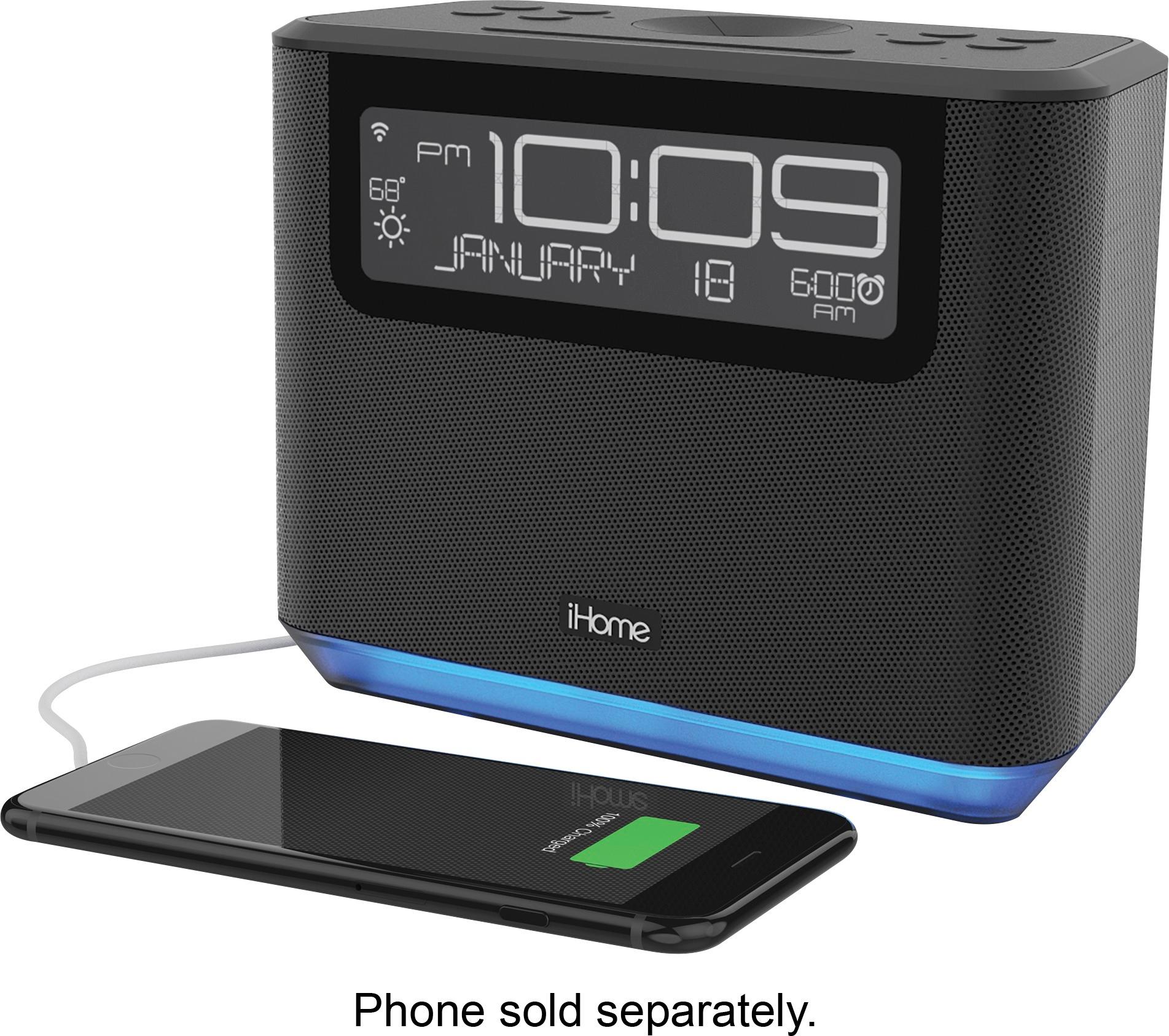
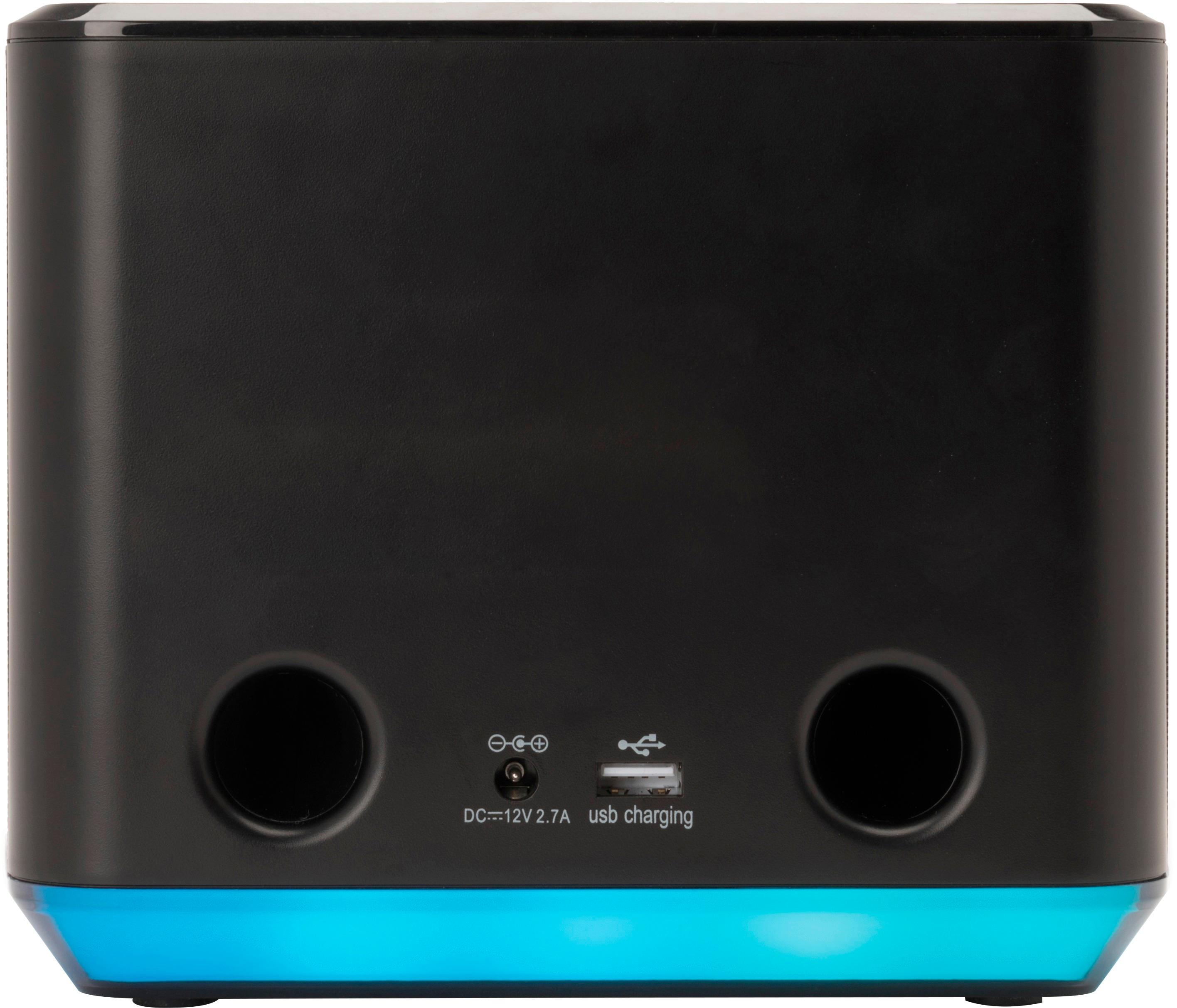
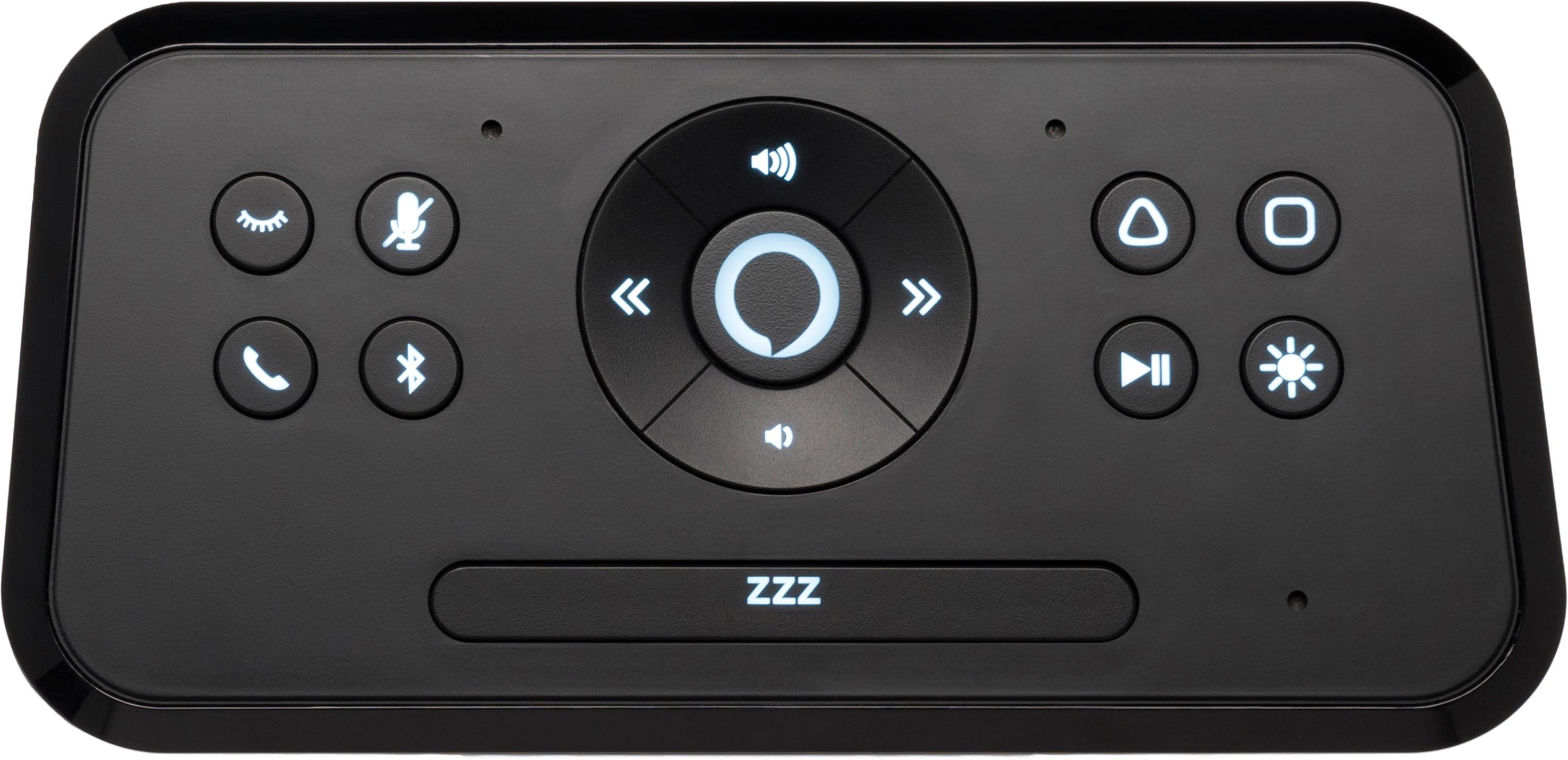
Posted .This reviewer received promo considerations or sweepstakes entry for writing a review.I am writing this review because I have learned that iHome has decided to scrap their plans to integrate IFTTT capabilities for the smart buttons. It has been a bullet point on this page for a long time as one of the features, and it said that it would be “coming soon” via a firmware upgrade. It was one of the major selling points to me, but now that they don’t want to keep their promise on that, I feel that it is false advertisement. The smart buttons have some potential to be really useful, by turning on lights or controlling other devices, but they only work with iHome plugs. By integrating IFTTT in to them, you would have way more options. The other gripes I have with this device now that I have been using it for a few weeks is that you can’t set the alarm on the device itself, you have to ask Alexa to set an alarm or use the Alexa app, you can’t even set the alarm in the app made for this device! I also don’t like the dimming settings, it either seems to be too bright or too dark. It only has one USB port on the back. You can only choose from 4 different tones to wake up to which you have to choose on the iHome app, you can’t choose an Alexa tone which are better and more of them, even though you’re setting the alarm through Alexa. To choose music as an alarm or to even play music through Spotify is clunky and not intuitive at all. The best parts of the clock are the Alexa integration, loud speakers, and the weather display. This is an expensive clock that falls short in some major areas. I have a few smart devices in my home and this is the dumbest of them all.
No, I would not recommend this to a friendBrand response from iHome
Posted .We appreciate your feedback and are saddened to find out the iAVS16 does not meet your expectations. We understand your disappointment about IFTTT compatibility and we will share your feedback with our developing team for further evaluation. Please note that the iHome AVS App controls the information in the display of the unit. Alarms are controls verbally through Alexa or through Alexa app. The iHome AVS app give you the ability to change or set a scheduled to brighten and dim the display at desired times and many more features for your comfort. Again, thank you for your input. We hope you will give our products another chance in the near future.
Not worth the time, very unhappy with the product
Posted .This reviewer received promo considerations or sweepstakes entry for writing a review.Purchased 2 of these for Christmas. One for wife one for me. Wife has removed here from the bedside due too it constantly going off even when not stating the Alexia name. I have been trying to have spotify purchased account with playlist setup on app .. For six months I will not play a song for an alarm. The app with the new firmware noe won't show alarms and is a pain to setup. Keeps going back to the default boring alarm sounds that don't wake me at all. I have been trying to get this device to play music as an alarm for six months. Should have spent less on a real Alexia product that works for everything. Controls are lame, lighting is a pain to set right. Very unsatisfied with this product overall with its limited voice features and no working app for the most part.
No, I would not recommend this to a friendBrand response from iHome
Posted .We apologize for the difficulties that you experienced with the iAVS16. The iHome AVS App will walk the user through the setup process and provides an overview of key product features. There is also a self-help section on the website under the Support Tab, which includes a comprehensive FAQ. The updated firmware did fix the Spotify wake to music issue. We welcome the opportunity to assist you with the operation and set-up of the product. (Please call 1-800-288-2792 Monday - Friday 8am - 4pm EST)
Will not stay connected
Posted .This reviewer received promo considerations or sweepstakes entry for writing a review.We purchased the AVS16 2 weeks ago. When we got it home it took several tries to get it to connect. It worked for a few days and then at 3 am in the morning I was startled by a very loud voice saying "wireless connection lost". I tried to reconnect it in EVERY way possible and it would not reconnect. We took the unit back to Best Buy and they tried to get it to connect and verified that it would not. We were given a replacement. It took 3 attempts to get the new one to connect. It stayed connected for ONE DAY and now it will not connect. I will be returning this one and buying an Amazon Show.
No, I would not recommend this to a friendBrand response from iHome
Posted .We are sorry to hear that you had difficulty during the setup process and that it resulted in returning the iAVS16.
Our team would have welcomed the opportunity to assist you with the unit. We hope that you will give our products another chance in the near future.
Our Support Team is available at 1-800-288-2792 (Monday - Friday from 8am - 4pm EST)
Burn your cash before wasting it on any iHome
Posted .This reviewer received promo considerations or sweepstakes entry for writing a review.This clock has been my single worse purchase in many years. First, no radio... okay I knew that and could live without it. I really missed the radio though. WHAT I CAN'T LIVE WITH is the clocks very bright lights coming to life and strobing up and down all by themselves at 2AM. no matter what you do you can't get those stupid lights to shut off. How this problem started, I have no idea.... it was good for 6 months, then all lights broke loose! I called the customer service, but all the hoops they want you to jump through, forget it. I will buy a new clock, and NOTHING iHome ever again. Crap Product
No, I would not recommend this to a friendBrand response from iHome
Posted .We welcome all feedback and appreciate your input. The pseudonym provided prevents the opportunity to followup with you via email.
The iHome AVS app was designed to walk the user through the setup process and provides an overview of key product features. There is also a self-help section on the website under the Support Tab which includes a comprehensive FAQ.
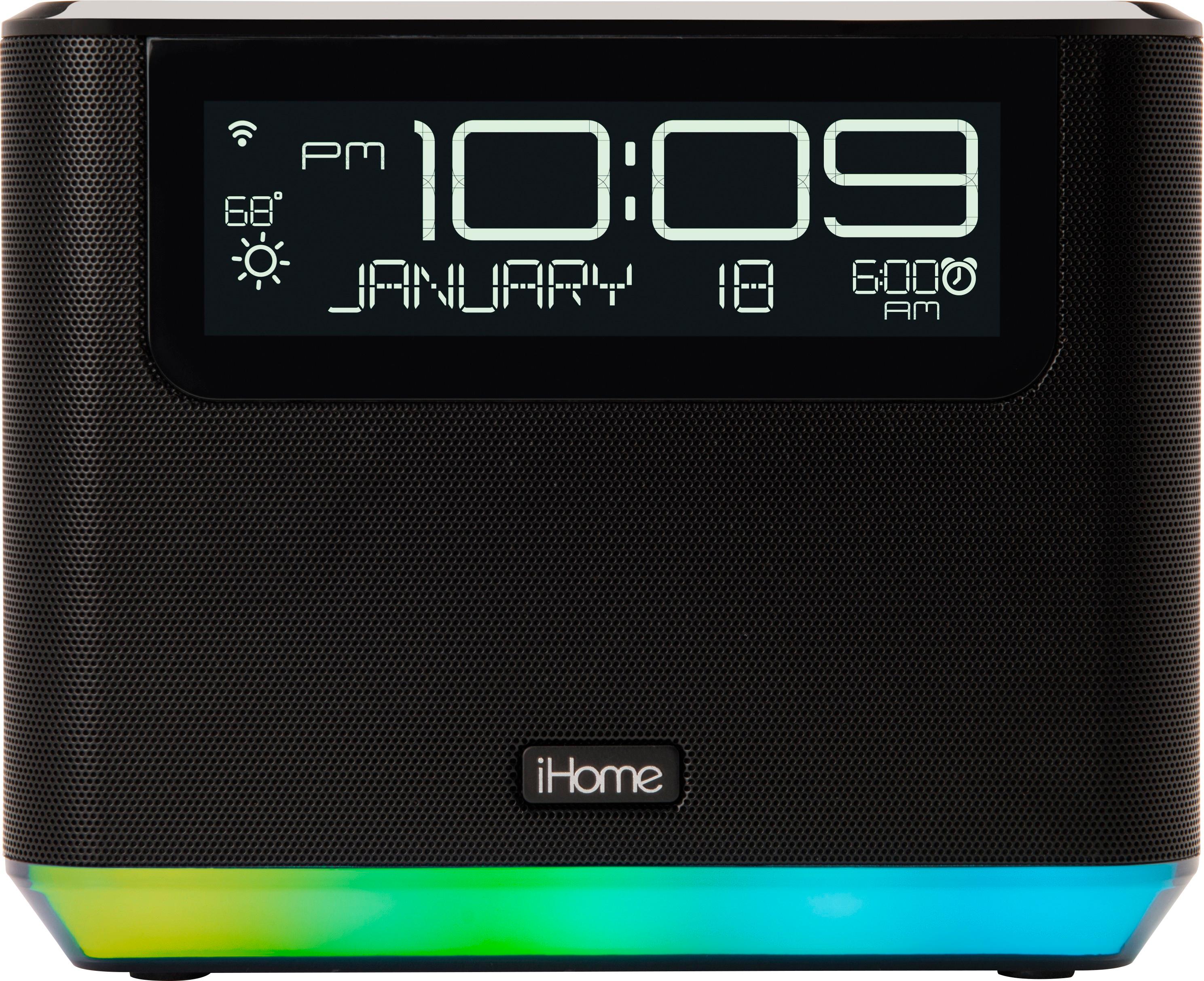
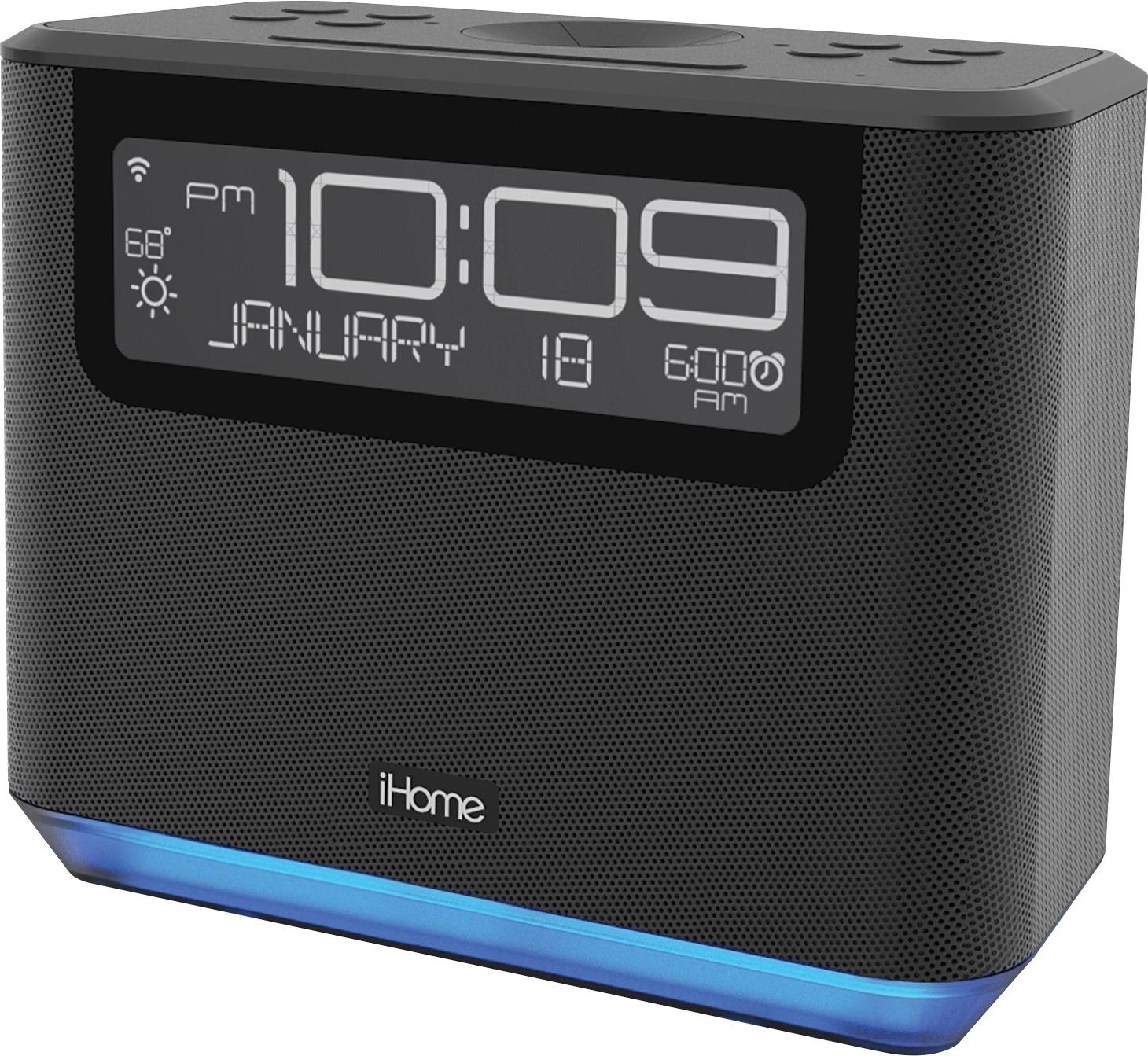
This is not your average alarm clock. The radio is voice controlled through Alexa (artificial intelligence). There is also a feature in the iHome AVS App which allows you to set the display brightness. You can have it come on bright and be dimmed at a time convenient for you.
Additionally, our Support Team can also answer any specific questions (Please call 1-800-288-2792 Monday - Friday 8am - 10pm EST). We look forward to your updated review.
Lights up entire room
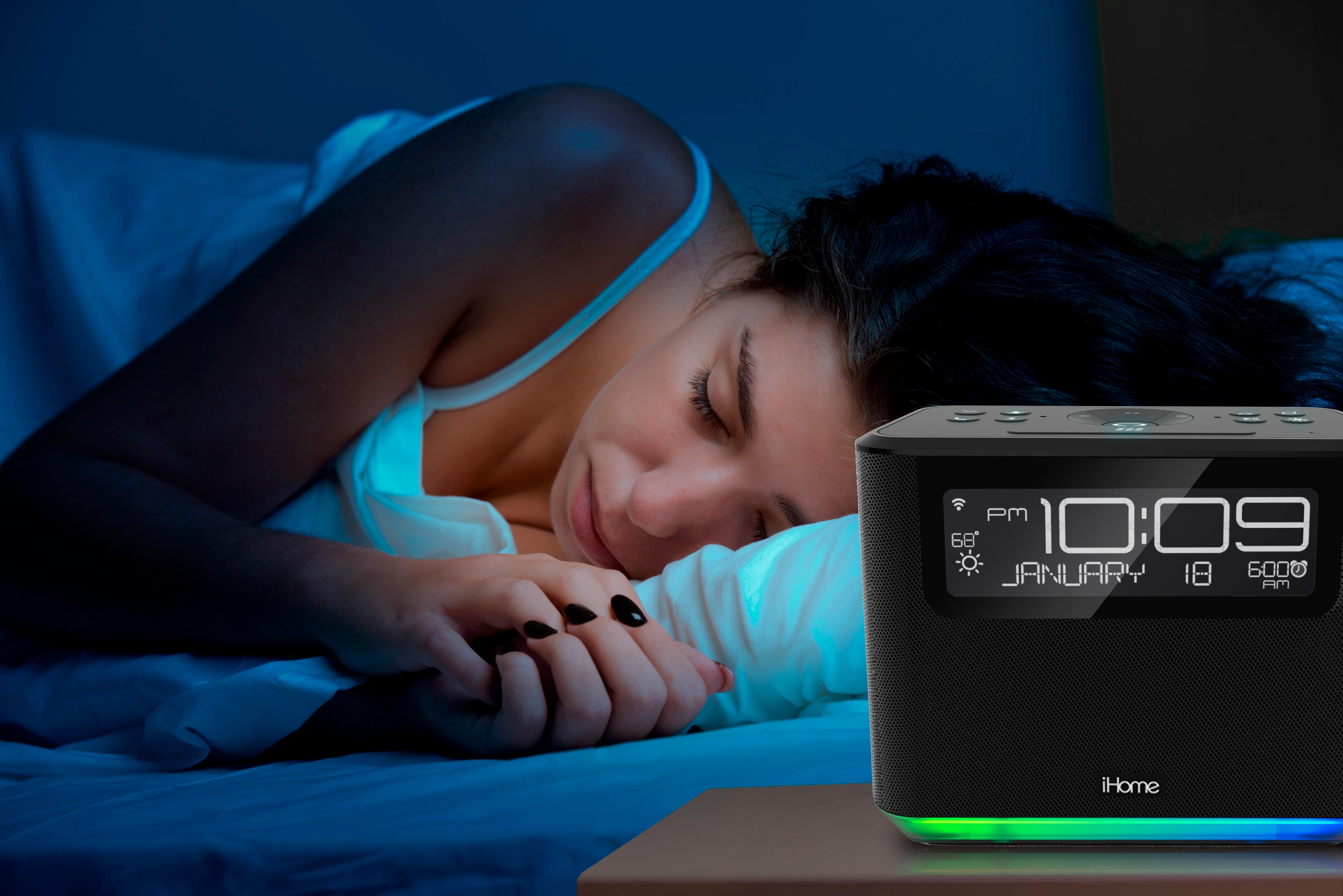
Posted .This reviewer received promo considerations or sweepstakes entry for writing a review.I dont understant the high ratings by some users. Its basicaly a common bluetooth speaker with a screen to show the time and all the same functions as an iphone. The main issue is the extreme brightness of the screen and buttons which cannot be turned down or off. The thing is so bright we had to cover it which obviously defeats the purpose. Send this one back to the engineers.
No, I would not recommend this to a friendBrand response from iHome
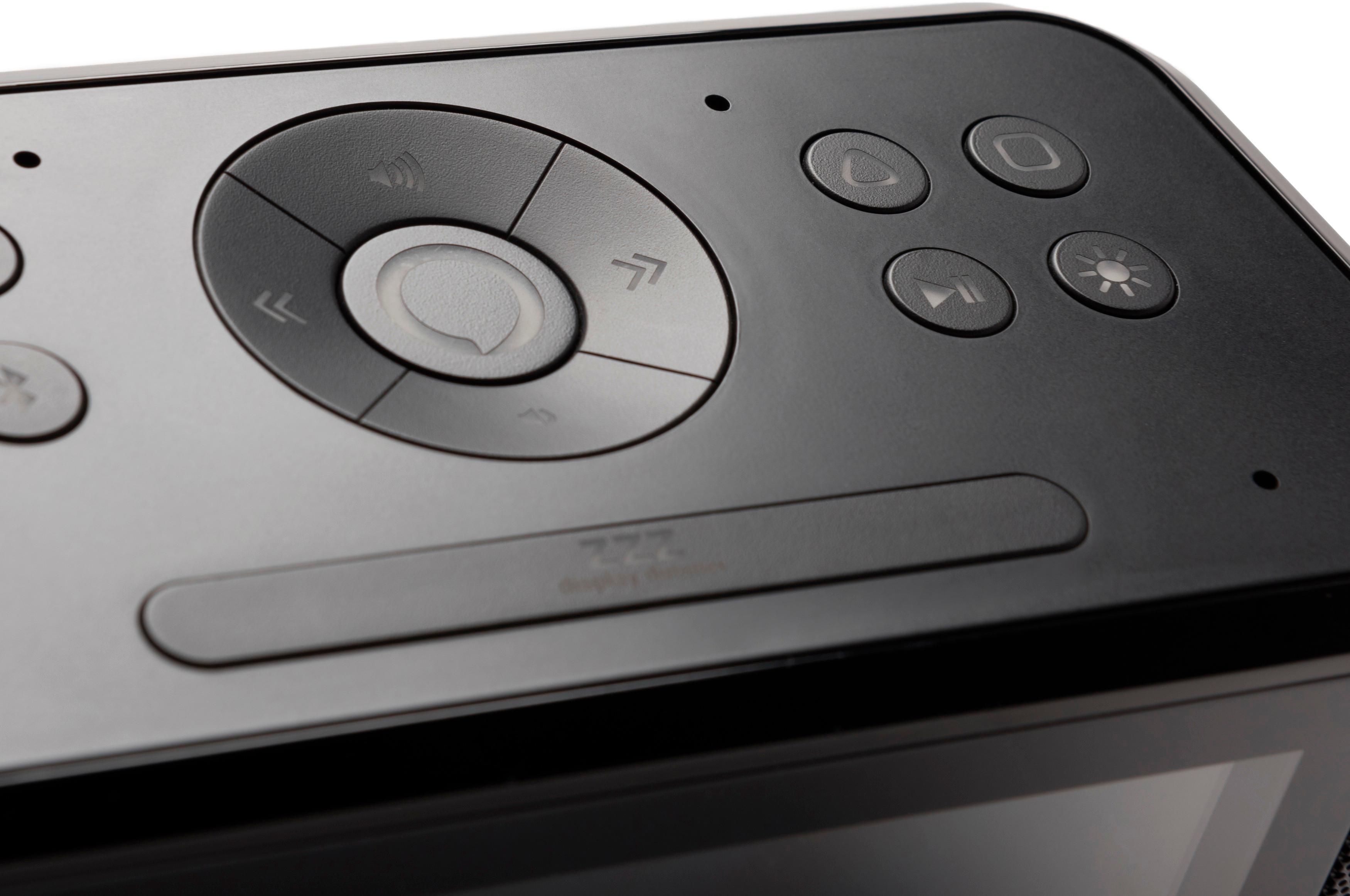
Posted .Thank you for your feedback. If the light bothers you, simply press the snooze/dimmer button (ZZZ) at the top of the unit to cycle through 7 different brightness levels including "off: The differences between Alexa and Smart Device TTS (text to speech technology) begin with where, when and why one may use the devices. For example: Alexa can hear you from across the room. Voice activated commands to a smart phone need you to be very close to the speaker. There are various other differences. For more information please review the self help section of our website https://www.ihomeaudio.com/iAVS16B/ or contact our Support Team at 1-800-288-2792. Mon - Fri from 8am - 4pm EST.
It worked fine until I updated to a new firmware
Posted .This reviewer received promo considerations or sweepstakes entry for writing a review.I have not been able to connect ti home WIFI since. And the iHome support is awful, have tried calling their 800 number all around the clock to no avail. I will have to throw away a new unit because I cant get it to work .
No, I would not recommend this to a friendBrand response from iHome
Posted .We apologize for your experience and understand your frustration. Our goals is to make things right when something goes wrong. Please contact our Support Team at 1-800-288-2792. We are available Monday – Friday from 8am – 4pm EST. Reference case # 435038.