Customer Ratings & Reviews




- Model:
- NS-P11W7100
- |
- SKU:
- 5255800
Customer reviews
Rating 3.9 out of 5 stars with 934 reviews
(934 customer reviews)Rating by feature
- Value3.5
Rating 3.5 out of 5 stars
- Quality3.0
Rating 3.0 out of 5 stars
- Ease of Use3.5
Rating 3.5 out of 5 stars
Customers are saying
Customers are delighted by the ease of use, the included keyboard, and the tablet's size. Many appreciate the affordable price and find the performance adequate for their needs. However, some customers note that the weight of the device is a drawback, and the limited storage capacity is a concern for some users. The smaller amount of RAM available is also mentioned as a potential limitation.
This summary was generated by AI based on customer reviews.
- Pros mentioned:Keyboard
Rated 4 out of 5 stars
OK for price
||Posted .This reviewer received promo considerations or sweepstakes entry for writing a review.Not very fast. Good keyboard. Hinge broke after 3 years.
I would recommend this to a friend - Pros mentioned:Price
Rated 4 out of 5 stars
It works great
||Posted .This reviewer received promo considerations or sweepstakes entry for writing a review.For the price it cant be beat. It does all the things you need out of a tablet
I would recommend this to a friend Rated 4 out of 5 stars
Worth the money
||Posted .This reviewer received promo considerations or sweepstakes entry for writing a review.Works very well. Definitely worth the purchase for normal day to day use.
I would recommend this to a friendRated 1 out of 5 stars
Seemed great...until I used it. DO NOT BUY.
||Posted .This reviewer received promo considerations or sweepstakes entry for writing a review.This thing has some amazing specs on paper. Between being a convertible tablet, a 1080p screen, and a really great Atom CPU, it seemed like a dream device. I was so excited to bring it home which is unusual since I own a computer service shop. At the very beginning it seemed to be fine, but I soon came to realize that I had bought into a computer that was basically meant to be disposable garbage that separates you from your wallet. You see, I made the egregious mistake of doing a clean install of Windows 10 Pro 32-bit to replace the Home edition that was installed. I needed some drivers that Windows Update didn't have so I went to Insignia's site to get them. INSIGNIA DOES NOT PROVIDE DRIVERS FOR THIS DEVICE and some drivers ARE 100% NOT FINDABLE on the internet no matter how adept at computer service you are. In particular, the GalaxyCore front-facing camera driver was not available anywhere. When I asked Insignia in their forums why the drivers were not provided, I was told first that Microsoft provides those drivers (BZZZT, wrong answer) and then after challenging such a silly response I was then told that they'd have to talk to the engineers about getting the drivers. But wait! There's more! The tablet started turning itself on after being shut down. The keyboard is not capable of certain key combinations, particularly some that are common in advanced editing (CTRL+SHIFT+arrow to select text word-at-a-time) which is frustrating. There seems to be no way to access certain special editing keys either such as page up/down which was not available with Fn+arrows as on many other machines with compact keyboards. Insignia not providing drivers means the computer is not repairable if something goes wrong. It is essentially defective by design. Combine that with the hardware issues and I can only recommend that you avoid this machine at all costs. I ended up eventually snagging a Dell Inspiron 11-3162 when they went on Deal of the Day and while it lacks the 1080p screen and Atom x5 CPU and isn't a tablet, it's been wonderful and I'd highly recommend buying that laptop instead if you're seriously considering this one. The icing on the cake: I walked into the store a week later to buy said Dell laptop and there was an open-box Insignia 11.6" Flex prominently on sale. I would not be surprised if it was the one I returned as defective.
No, I would not recommend this to a friend- Pros mentioned:Price
Rated 4 out of 5 stars
Not bad for the price
||Posted .This reviewer received promo considerations or sweepstakes entry for writing a review.Needs to have a sd card to be useful but overall all a good purchase for the $$$
I would recommend this to a friend - Pros mentioned:Price
Rated 4 out of 5 stars
Nice laptop for the $
||Posted .This reviewer received promo considerations or sweepstakes entry for writing a review.I would recommend this product to anyone looking for an inexpensive laptop
I would recommend this to a friend - Pros mentioned:Ease of use
Rated 5 out of 5 stars
Nice combo
||Posted .This reviewer received promo considerations or sweepstakes entry for writing a review.I purchased one for myself,and one for my daughter.Nice not having to turn on desktop pc,when we want to email or surf.We are both happy with purchase.My daughter uses it when cooking,reading recipes off Plnterest,etc.I would buy again!
I would recommend this to a friend - Pros mentioned:Ease of use
Rated 4 out of 5 stars
Great laptop, easy to use
||Posted .This reviewer received promo considerations or sweepstakes entry for writing a review.Very easy to use love the size, the detachable tablet is easy too detach
I would recommend this to a friend - Pros mentioned:Ease of use
Rated 4 out of 5 stars
Overall Really Great
||Posted .This reviewer received promo considerations or sweepstakes entry for writing a review.LOVE the detachable tablet feature! Very customizable and easy to use.
I would recommend this to a friend - Pros mentioned:Ease of use
Rated 4 out of 5 stars
Easy to used
||Posted .This reviewer received promo considerations or sweepstakes entry for writing a review.I bought this for a older family member It was easy for them to use
I would recommend this to a friend - Pros mentioned:Price
Rated 4 out of 5 stars
Great product
||Posted .This reviewer received promo considerations or sweepstakes entry for writing a review.Bought it for a little less than $150 during blk friday , not bad
I would recommend this to a friend - Pros mentioned:Ease of use, Keyboard
Rated 4 out of 5 stars
Great For Most Basic
||Posted .This reviewer received promo considerations or sweepstakes entry for writing a review.My husband who isn't computer savvy needed something simple and easy to navigate on for his work. He likes the touch screen being like a tablet, but connected to the keyboard to use as a laptop. It's nothing fancy, but good for simple needs.
I would recommend this to a friend - Pros mentioned:Ease of use
Rated 4 out of 5 stars
Okay for light work
||Posted .This reviewer received promo considerations or sweepstakes entry for writing a review.Purchase as a back up for when I can’t bring my bigger laptop
I would recommend this to a friend - Pros mentioned:Price
Rated 4 out of 5 stars
Exactly what my grandson wanted
||Posted .This reviewer received promo considerations or sweepstakes entry for writing a review.I compared similar tablets and for the price it was a good deal.
I would recommend this to a friend - Pros mentioned:Keyboard
Rated 4 out of 5 stars
Perfect tablet for high school students
||Posted .This reviewer received promo considerations or sweepstakes entry for writing a review.Everything my highschooler needed. Would absolutely purchase again
I would recommend this to a friend - Cons mentioned:Memory
Rated 4 out of 5 stars
Great product for the price
||Posted .This reviewer received promo considerations or sweepstakes entry for writing a review.Performance limited by the memory.. but again! Look at the price!
I would recommend this to a friend - Pros mentioned:Size
Rated 4 out of 5 stars
Great tablet w/ keyboard for preteen
||Posted .This reviewer received promo considerations or sweepstakes entry for writing a review.10 yr old loves the size and capabilities...we loved the price.
I would recommend this to a friend - Pros mentioned:Size
Rated 4 out of 5 stars
Good buy, good price
||Posted .This reviewer received promo considerations or sweepstakes entry for writing a review.Bought this for my high school daughter. Seems to suit her needs fine
I would recommend this to a friend - Pros mentioned:Ease of use
Rated 4 out of 5 stars
My son enjoys playing with it
||Posted .This reviewer received promo considerations or sweepstakes entry for writing a review.My son loves using it for games and school work. I would recommend.
I would recommend this to a friend - Pros mentioned:Battery life, KeyboardCons mentioned:Ram, Storage, Weight
Rated 4 out of 5 stars
A Decent Windows Tablet For Just $199
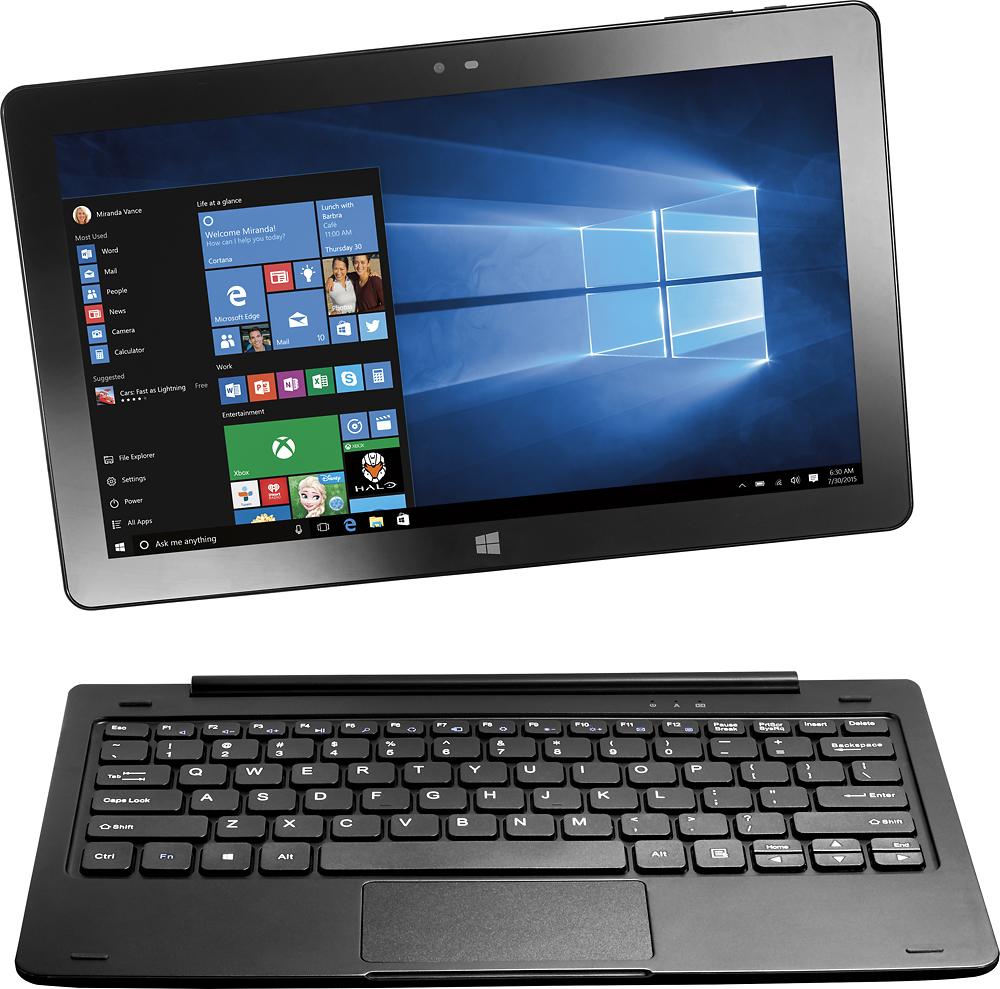
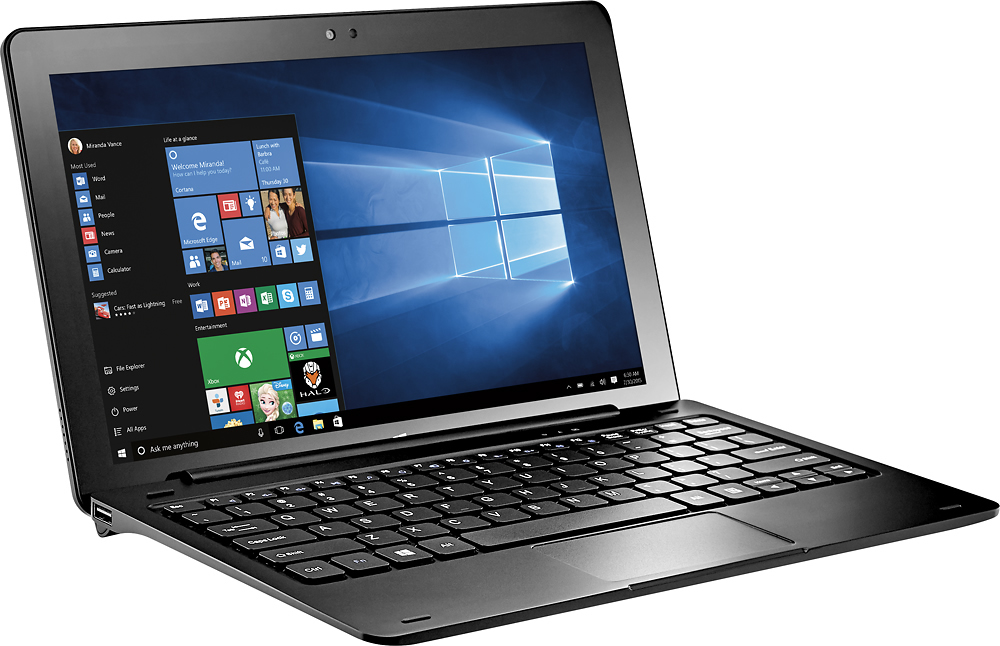
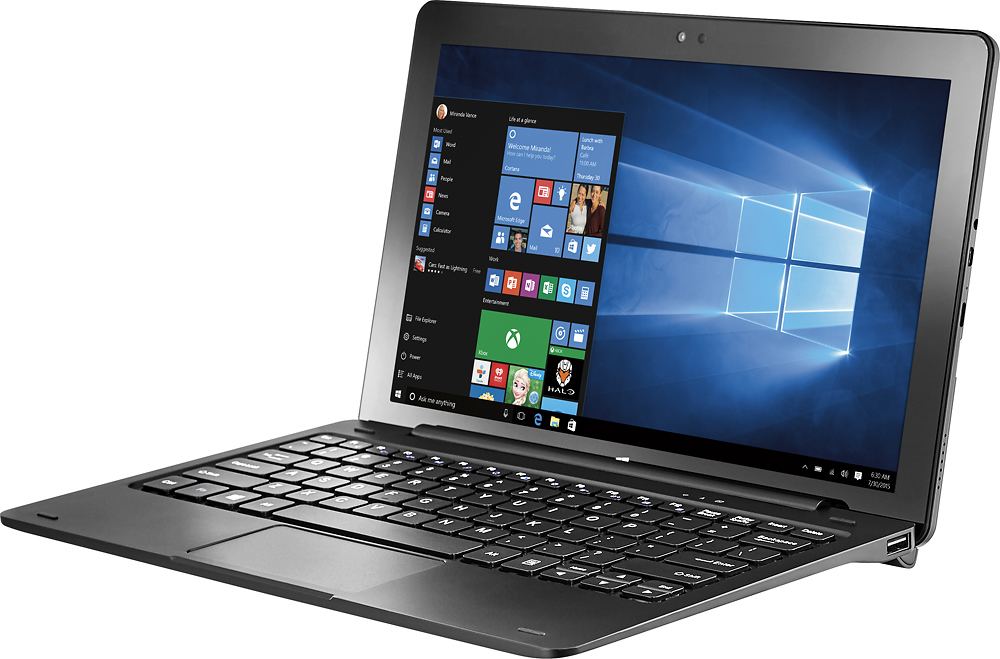
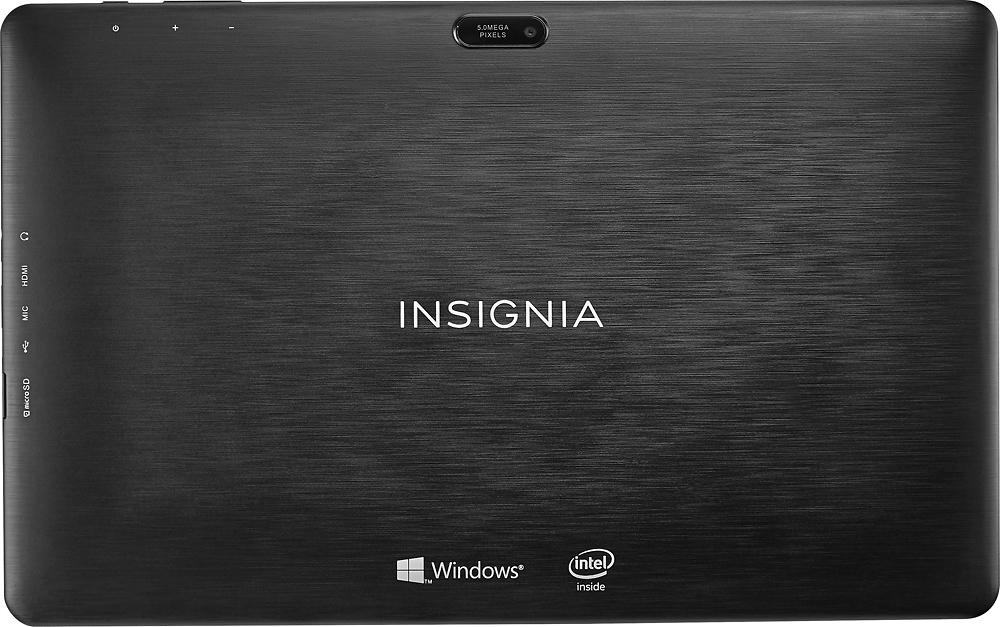
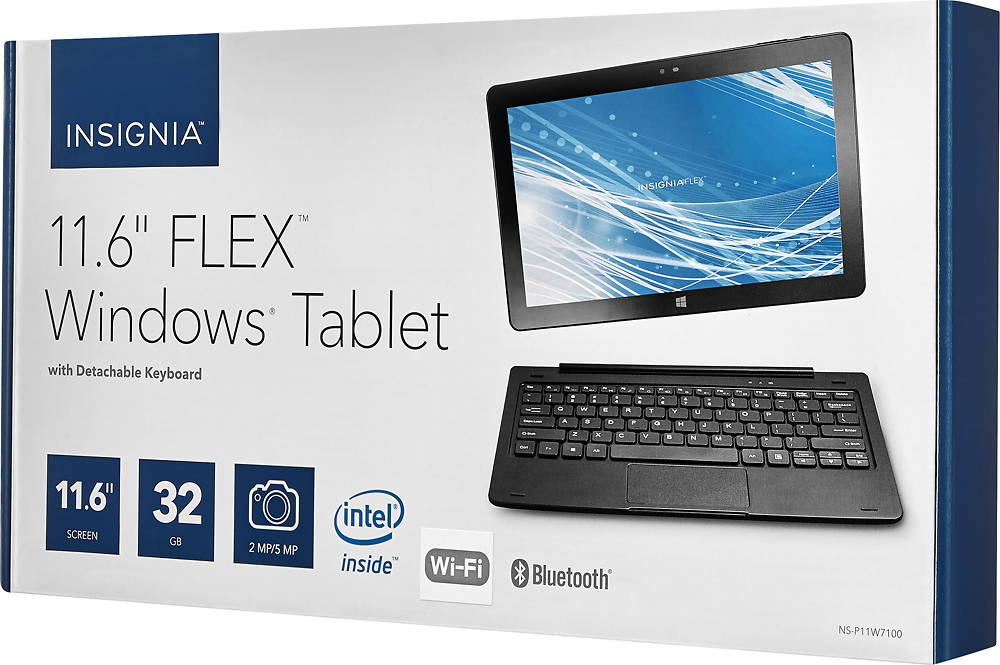
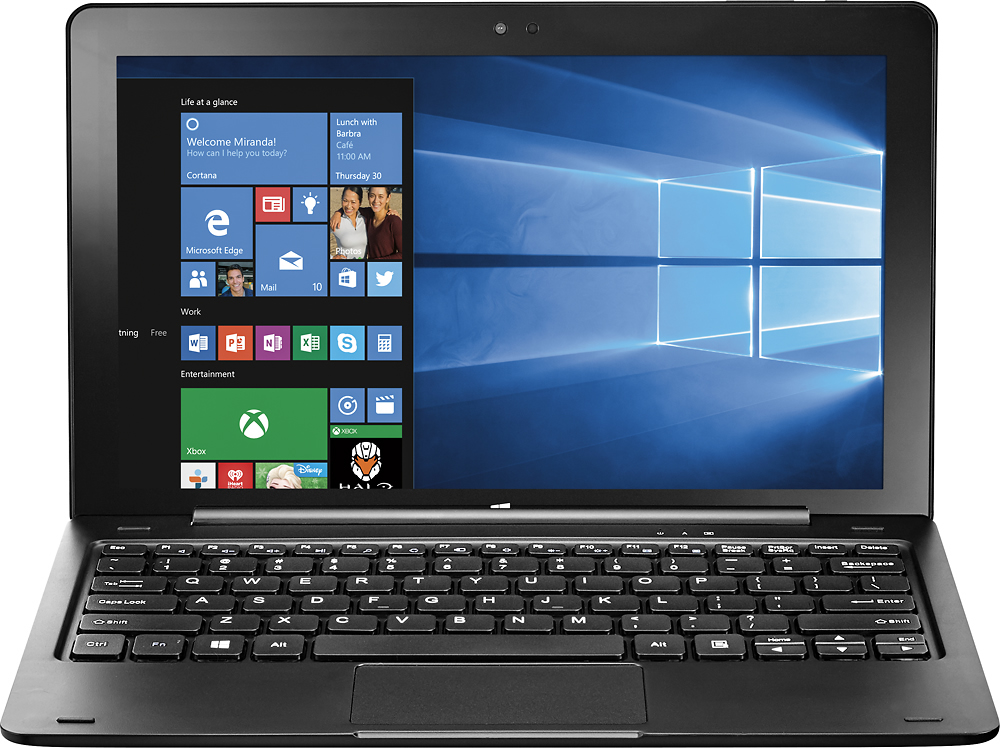
Posted .This reviewer received promo considerations or sweepstakes entry for writing a review.The things that hooked me on this tablet were the full HD screen and the keyboard. Let me explain both: When was the last time you saw a full HD (1920x1080 resolution) tablet for under $200? Let me save you the trouble – NOWHERE. Best Buy’s Insignia brand is the only product where you can get a crisp, sharp, bright HD in a Windows tablet for under $200. Samsung doesn’t have one. Apple certainly doesn’t have one. The other thing that snagged me was the keyboard. If you’ve ever tried Bluetooth keyboards or folio keyboards, you’ve probably noticed that there’s something that comes up short in all of them. Maybe the Enter key is the same size as the letter keys so you’re constantly putting line breaks where you don’t want them. Or a Shift key has the same problem, it’s in a strange place with a strange size. With this particular unit, it’s a good, full-sized keyboard. The Enter key is large. The Shift keys are large. There are two Alt keys. And while it has one Ctrl key, you can download a free utility to map the pop-up menu key to act like a right-side Ctrl key. As of September 2016, this Insignia tablet is new. Last year, Insignia rolled out an 8.9-inch full HD tablet for under $150 (at one point on sale for just $99). I was delighted with that tablet, its build quality and the screen – but it didn’t come with a matching keyboard. I got a third-party keyboard from Belkin to use with it. And its unusually long dimensions made it hard to find a tablet folio or sleeve. This new unit with its keyboard cover provides its own protection. The back of the body is patterned so you won’t see fingerprint smudges – a smart design decision. The keyboard has a blue lamp to indicate power on, and a second lamp for Caps Lock – rare in tablet keyboards I’ve noticed. And the main tablet part detaches easily from the keyboard using a magnetic “POGO” (that’s what it’s called) connector that lets you pivot the screen to many different viewing angles – better than some other systems out there. If you like the idea of carrying around a 1.5-lb tablet with a gorgeous HD screen, here’s your system! As nice as this unit is, though, there are some flaws – but remember, this is a $199 device – you don’t get to expect blue-chip features for just two C-notes. First, the internal storagen is skimpy – it only has 32 GB of on-board storage. You can augment the storage with the built-in micro SD slot (nice feature) or by using a USB jump drive with the two – TWO! - USB slots in the keyboard cover. (Side note: the USB slots are underpowered. I was surprised to plug in an external 2 TB USB drive but it would not recognize it – the USB slots just don’t put out enough power. You can use larger non-powered USB drives but not the kind self-powered by the USB jack itself.) Another review said the keyboard felt cheap but I disagree – I think it feels plenty solid. Where I see cheapness is in the mouse pad. It seems a bit glitchy and if you have fat thumbs you may find your cursor has jumped somewhere unexpectedly. You can, of course, just use the touch screen to navigate – this is a touch-screen unit, after all – if you run into mouse issues. Or you can use a wired or Bluetooth mouse instead. As I mentioned earlier this is a new unit to the Insignia line. New offerings sometimes have bugs and this one had a few. I got (and still get) a message warning about the sound level being turned up too high – research said this might be an Insignia issue to work out, so if they issue new drivers for the audio that may fix that. Another surprise had to do with the speaker – when I ran Netflix and tried playing a TV show there was no sound initially. I had to go to the Control Panel’s Device Manager and uninstall the audio device drivers, then reinstall them and update them. That took care of the issue. I, though, am knowledgeable about computers so I was able to resolve this matter myself – most users will either shlep the unit to Geek Squad or just return it (if they don’t have a tech-savvy friend, of course). Be sure to note also that this Insignia tablet uses the new USB-C (compact) charger. So if you have a micro-USB power cord you’ve been using, forget that. You’ll need to use the special charger that comes with this unit and plan on USB-C going forward. USB-C, though, is a new emerging standard in powering computer peripherals, so don’t fret. But the biggest thing that gave me pause about this unit was its weight. At just over 3 pounds, it was surprisingly hefty. At least the heft, though, suggests a solidly built unit that should be able to take some roughhousing. But if you’re longing for a Surface, this most definitely isn’t your system – a Surface comes in a full pound lighter. Battery life is to be determined; I wrote this review the day I got the unit. Based on the Windows estimate and my experience with other systems, I would say that under normal use – some video, some typing, some surfing, you can expect 5 to 6 hours of battery life. It’s not going to thrill users wanting a full 8-hour day out of it, but it will last a while. So, who is this system for, and who is it not for? It is certainly not for power users, that’s for sure. Folks accustomed to 4GB of RAM or more, a 256 GB hard drive, and 2-lb. Units will dislike this unit – and will need to look at units starting at $400 to get what they’re wanting. The limited hard drive space built in will prevent the installation of larger applications, particularly those from Microsoft (like Visual Studio, a major software development package). I would say this system is for anyone wanting an entertainment device that can do light productivity and web surfing. High-definition video looks great on it, and graphics applications will be a joy to use – as long as they don’t suck up too much memory. High schoolers and maybe even some college students may find this device useful for assignments and homework – but NOT gaming, it has too little RAM and hard drive space to support more popular offerings. And, of course, anyone curious about Windows 10 but not wanting to spend loads will enjoy this system. This Insignia tablet continues Insignia’s commitment to low-priced offerings that look great, perform great, and offer much bang for the buck. If they can just work out a few of the bugs in this new tablet, they’ll have another winner for most users. And if its price drops it may become an even better buy, snap it up.
I would recommend this to a friend