Customer Ratings & Reviews




- Model:
- NS-P11W7100
- SKU:
- 5255800
Rating by feature
- Value
Rating 3.5 out of 5 stars
- Quality
Rating 3.0 out of 5 stars
- Ease of Use
Rating 3.5 out of 5 stars
Customers are saying
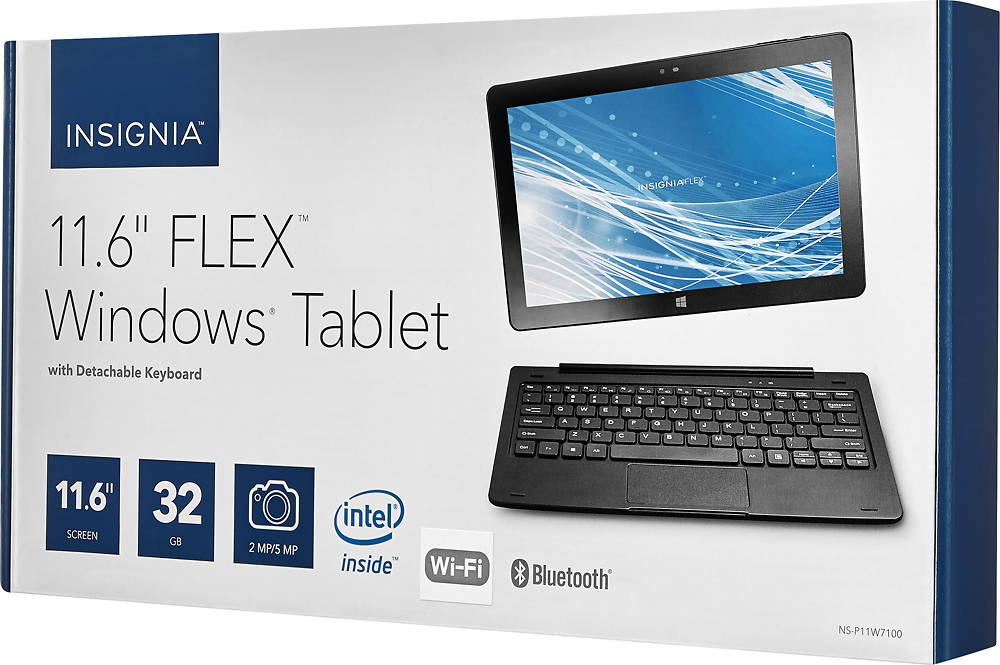
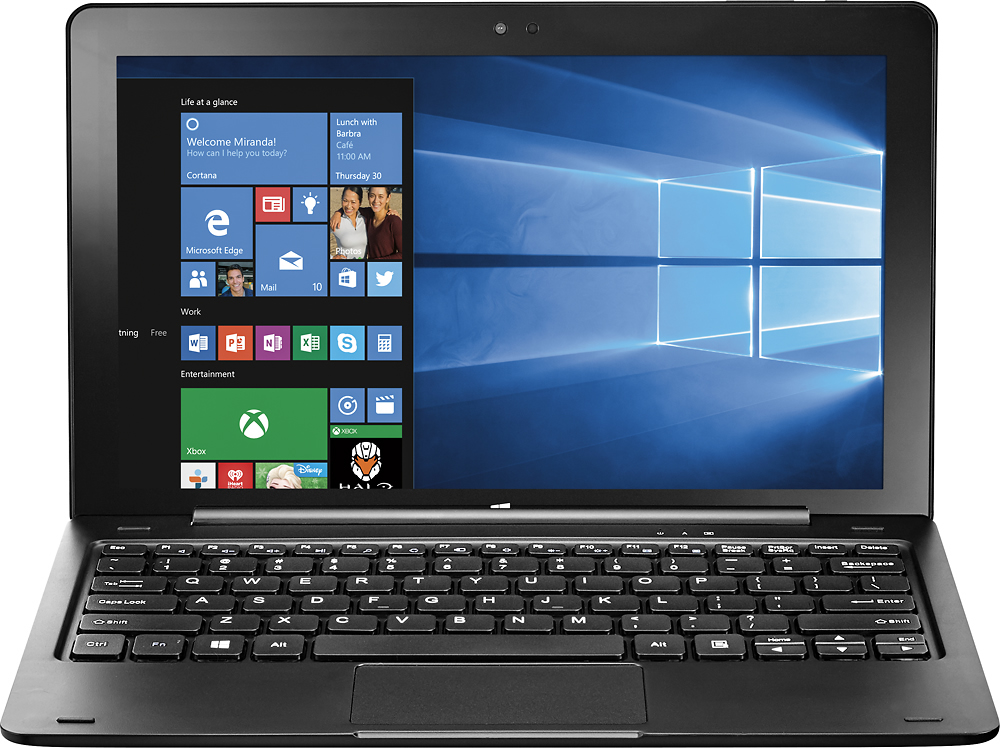
Customers are delighted by the ease of use, the included keyboard, and the tablet's size. Many appreciate the affordable price and find the performance adequate for their needs. However, some customers note that the weight of the device is a drawback, and the limited storage capacity is a concern for some users. The smaller amount of RAM available is also mentioned as a potential limitation.
This summary was generated by AI based on customer reviews.
Horrible product
||Posted .This reviewer received promo considerations or sweepstakes entry for writing a review.The tablet failed to complete an update and earased needed drivers to be able to connect to the internet. Took one insignia tablet back and were given another tablet. It was another insignia tablet with keyboard. Two days later the same exact problem occurred. Returned to product and was credited. The continued issue was extremely frustrating due to the fact that it was a product bought for my special needs son and is used by him to help communicate with us. Not happy with the entire situation.
No, I would not recommend this to a friend- Pros mentioned:Ease of use
we have enjoyed this product
||Posted .This reviewer received promo considerations or sweepstakes entry for writing a review.This laptop is perfect for what I wanted. The GEEK Squad was so helpful in helping me learn how to use my new laptop!!!
I would recommend this to a friend - Pros mentioned:Battery lifeCons mentioned:Storage
Excellent little pc for the price
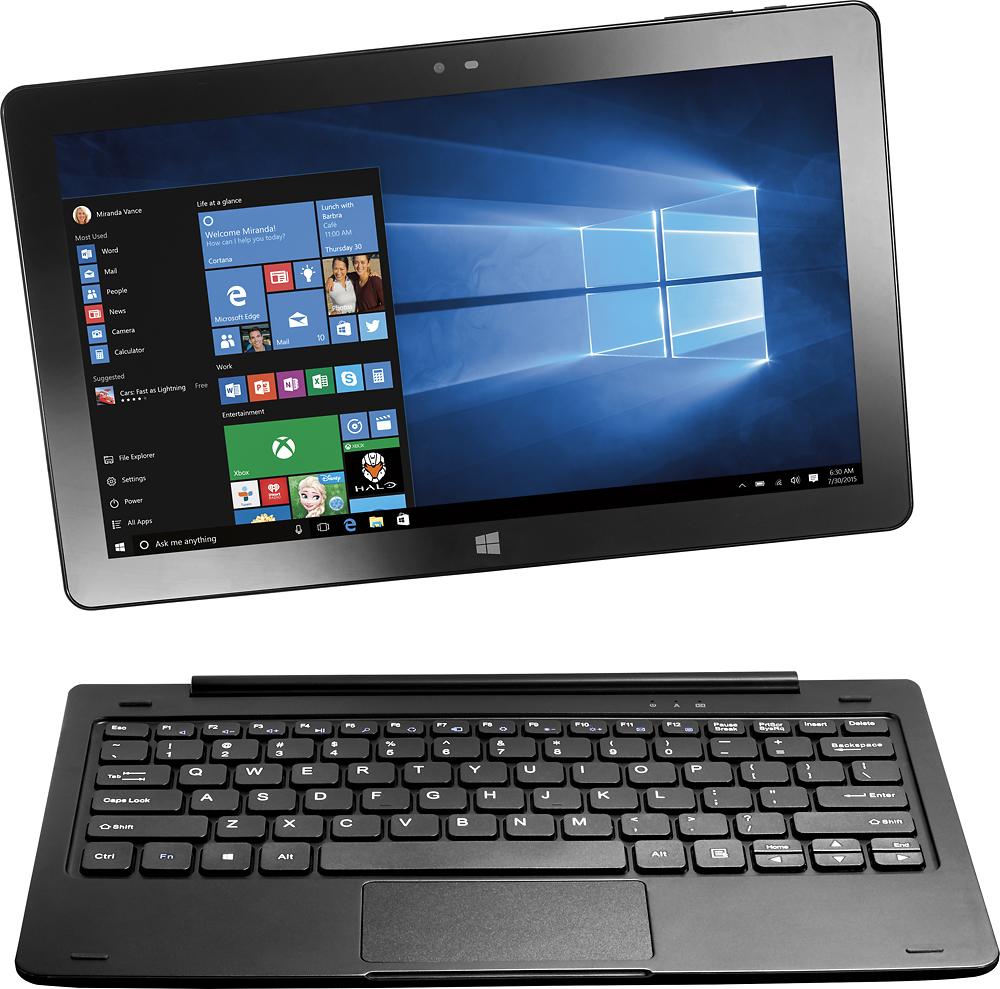
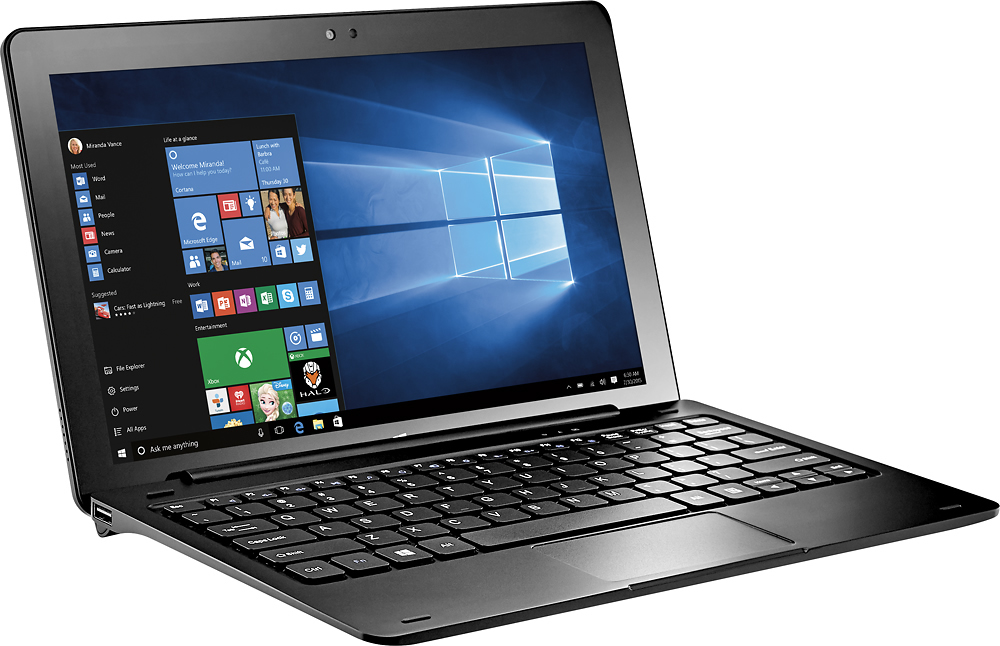
Posted .This reviewer received promo considerations or sweepstakes entry for writing a review.This is my review of the Insignia Flex 11 Windows Tablet. This is not a powerhouse, but it can handle video very well. For any tech nerds out there, this thing has quite a lot of sensors. The built-in GPS is a nice bonus too but you will have to download maps before you can properly use it. I managed to get windows 10 fully updated and still have around 8gb free on the built in 32gb storage device. I have been installing all of my programs to an external micro sd. One thing you will definitely want to do with this machine is to disable the driver for the light sensor in device manager (this was driving me nuts until I found the culprit). My cpu was throttling at over 40% constantly at idle, and after I disabled the light sensor (Ltr303), system idle went down to less than 5%. This probably (definitely) isn't enough to play any modern games on, but if you own anything old like from 2005 or earlier, those should run just fine. The speakers are not very loud, you'll definitely want a bluetooth speaker to go with this. The thing that surprised me most when i bought this was the weight, the tablet and even the keyboard have some healthy amount of weight to them. I think the quality of this thing is great, considering all that you get for the price. If you're on the fence, its a good investment, as long as you have a little patience to allow things to load. Another thing, this sucker has a full hd 1920x1080 ips display and even though it looks really great, I run mine at 1366x768 for two reasons: 1, it doesn't really look that different, and 2 it makes everything 'slightly' faster. If you set your power to reasonable levels, you will get a good few hours of battery out of this before it dies. Cons? Well, its an Intel Atom so its a slow cpu. The speakers aren't loud. The internal storage is only 32gb. I think that it does take a long time to fully charge. The cpu supports 64 bit processing, but the machine comes with 32 bit Windows. Theres really nothing else bad that i can think of about this. I use mine every night as a tv in my bedroom and its pretty awesome being able to carry just the tablet around the house while I get other things done. For the price, this is a lot of bang for your buck if all you want to do is surf the web and watch videos, but if you need more power you'll probably want to keep saving and invest in something faster.
I would recommend this to a friend - Pros mentioned:Battery life, Keyboard
Great Basic Tablet
Posted .This reviewer received promo considerations or sweepstakes entry for writing a review.Purchased this tablet for my wife as a gift. We've enjoyed the fact that it runs a full version of Windows 10 Home Edition. This tablet has worked well for us over the last several months with very few hiccups. The latest hiccup was due to the Windows 10 Creator Update (1703) which removed the WiFi driver. We were able to obtain this driver directly from Intel and add it back to the tablet making it functional again. Users whom update to the Creators Update should ensure you have the WiFi driver available otherwise the WiFi will cease to function after update. Battery life has been good and the touch screen has been above average for response. Our only complaint would be the touch pad is a bit.. over-sensitive. Would definitely purchase again.
I would recommend this to a friend - Pros mentioned:Battery lifeCons mentioned:Storage
Unbeatable for the price
Posted .This reviewer received promo considerations or sweepstakes entry for writing a review.This tablet is the end of a search for a solid device to handle low-intensity work on the go. I began with a Chromebook but I was not impressed so I decided to stay with windows. I found this tablet by chance but I am very happy I did. I am completely satisfied with it and feel like my money was well spent for reasons that will follow. First, though, I feel it important to address some of the other impressions and concerns represented by other reviewers. There are two main complaints I see regarding this tablet: weight and performance. As far as weight goes, I'd much rather have a heavier and more well-built package for the money instead of a lighter and flimsier one because, for the price, you'll only get one or the other. As for performance, it's a $200 windows tablet. I don't think this tablet was ever intended to be a solo device so I would hope others don't judge it that way. I have an expensive gaming laptop that I use for my longer term or more challenging work. I bought the tablet so I could take notes and do minor work in college without putting my nicer machine at risk of being damaged or stolen. For this, the Insignia Flex thrives. Its speakers are not the best and the keyboard can be unresponsive at times but, again, these are more than forgivable quirks for a $200 tablet. It is a bit sluggish with more demanding applications and the storage is light but, as I stated before, this tablet is not intended to be strong with either of those due to its price. Considering the compromises made for the price, the benefits and strong points of this tablet are where it shines. The screen is fairly bright and the touch sensitivity is an excellent feature seldom found on a device at this price range. Connectivity is also strong. USB-C is the future and luckily the Insignia Flex has it. The keyboard, though not amazing, is more than adequate and actually somewhat enjoyable to type on. Battery life is good as well. I have so far been able to get about 6 hours of use out of it. Performance, though not extraordinary, is snappy enough to make me feel secure during everyday tasks. Even when working sluggishly on a complex website or loading a bigger application, it hasn't yet crashed a program as some low-cost devices have been known to do. There is always more to say but hopefully, this helps someone out. Of course, this isn't a high-end tablet that everyone should own but I can say it works as an excellent companion device for any system. It is early in the game for this tablet so there is always a chance for a change and I am sure others' reviews, even negative, for this tablet are well founded, but as for me, I can't seem to find a better way to spend $200.
I would recommend this to a friend - Pros mentioned:Ease of use, KeyboardCons mentioned:Storage
Great Value - Good Tablet!
Posted .This reviewer received promo considerations or sweepstakes entry for writing a review.I really like this tablet. It took me a day to get it set up, but it will be worth it. A few detractors - the Win10 OS tries to install a lot of overhead on the system that takes up valuable storage. I found that if I just let the OS do all its updating first, then delete all that overhead , THEN install the apps I need, it works a lot better. I intend to use the tablet for work, as it runs my Hosted Virtual Desktop client quite nicely. Love the keyboard with two USB ports - brilliant design! I have recommended the system to my coworkers who are also looking for a low-cost and functional alternative to the Microsoft product line. Runs Apple apps (iTunes) and Firefox just fine.
I would recommend this to a friend - Cons mentioned:Ram, Storage
Nice Starter Tablet
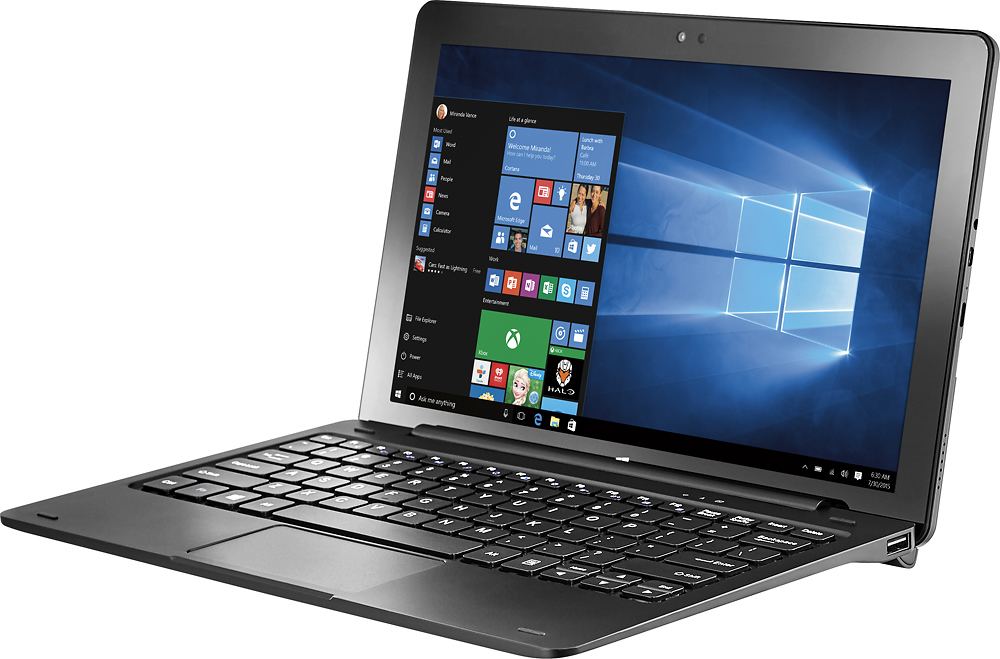
Posted .This reviewer received promo considerations or sweepstakes entry for writing a review.Likes: This tablet runs well. The FHD screen is excellent. Out of the box you still have at least 16GB of free storage. Other than MS Office trial version, not much is pre-installed that you may want to remove. Netflix and YouTube stream smoothly on my wireless network. The USB-C port can power an external hard disk drive. I was able to create a Windows 10 system image using a Seagate 1TB HDD and a small $5 USB Type C adapter by EC (ASIN: B01HICMD20). Unit seems quite solid. The Keyboard securely attaches via magnets. My 16 year old son loves it. Dislikes: The touchpad is a difficult to work with. The USB Type-A port on the keyboard is not powerful enough to operate an external HDD. Hardware is not upgradable. As with most tablets, the battery is not replaceable. It would great if Insignia eventually releases one of these with 4GB RAM and 64GB of storage.
I would recommend this to a friend - Pros mentioned:Ease of useCons mentioned:Speed
Great tablet for everyday tasks
Posted .This reviewer received promo considerations or sweepstakes entry for writing a review.I purchased this tablet for simple daily taks (i.e. email, facebook, homework assignments, writing, etc.) I wanted to get something more portable than my laptop to bring to my college classes, and so far I am loving this tablet. It can be a little slow to load webpages, but I expect that with any wireless device. I had no problem downloading Microsoft Offfice 2016 onto it and using it is very easy. The only thing that worries me is the keyboard attachment. I ended up having to exchange the first one of this tablet that I bought because the attachable keyboard did not work. The second one the store sent me home with worked perfectly, though. I'm a little worried that there might be problems with it in the future, but for now, it's a great tablet for what I need it for. (Primarily used for writing and editing documents, checking email, and other basic tasks.)
I would recommend this to a friend Looks nice but after further dive not so much
||Posted .This reviewer received promo considerations or sweepstakes entry for writing a review.Missing the usb slot when taken separately from the keyboard
No, I would not recommend this to a friendWaste of money
||Posted .This reviewer received promo considerations or sweepstakes entry for writing a review.1st one had broken screen and startup issues. Returned for a new one. 2nd one is no better. 9 out of 10 starts cause a crash with frequent attempts to reboot. Have to go to advance recovery to start the more crashes. $200 paperweight.
No, I would not recommend this to a friendDifficult to use if not a computer scientist
||Posted .This reviewer received promo considerations or sweepstakes entry for writing a review.Mouse and cursor jump around randomly. Had to return it to Best Buy for $35.00 worth of repairs after 1 week of use. It still acts like it has attention defecit disorder. Wish I could get a refund and buy something else better.
No, I would not recommend this to a friendbroken
||Posted .This reviewer received promo considerations or sweepstakes entry for writing a review.After less then a month it is overheating after 15 minutes of use and shut off and won't turn back on.
No, I would not recommend this to a friendBrand response from InsigniaCustomerSupport
Posted .Thank you for taking the time to fill this review, I'm sorry that the set is not working as we expected, please remember that this product comes with a limited 1 year warranty that we can take care at our nearest Geek Squad with your receipt. Regards, Shane B. Insignia products.

- Cons mentioned:Ram
Love this little one
Posted .This reviewer received promo considerations or sweepstakes entry for writing a review.Ok. Yes, not everybody likes this one: It is a 32 bit EFI on 64 bit CPU and Windows 32 bits with only 2GB RAM and 32GB disk. But it is like an acquired taste or having a thing for what others don't want, like loving a black cat: almost nobody wants them, but some are passionately caring about them. So, bought two of these little black cats and they have already paid me off: Windows Fall update installed smoothly with no issues, contrary to what people say out there. Linked smoothly with a wireless HP printer. And the best of all that beats other products of the same kind: Full HD screen resolution, wonderful for movies and videos.
I would recommend this to a friend Day by day review
Posted .This reviewer received promo considerations or sweepstakes entry for writing a review.I will keep this review as updated as I can. First thing to do is updating the tablet. Plug in the usb charger and it takes a few hours to set up. I read somewhere in this review section. The first thing to do is to update the wifi drivers, to prevent lost of wifi driver after windows update. Painless process but slow, especially when downloading Windows Creator Update, and running Windows defender update and disk scan at the same time. I believe the usb-c charging cable cannot keep up with the tablet tasks. The power level are dropping as it was charging, but slowly. It was at 84% when I start plugging the charger and updating the windows, and now the battery indicator showed 68% and charging. I read it is best to prevent the tablet battery to drop to 0%, because that will makes tablet unusable. We might need to allow it to charging first before turn on the tablet. Because of this one star is lost. I found the 1080p screen resolution is lovely. I cannot comment much on this yet on productivity because the windows update is still running.
I would recommend this to a friend- Cons mentioned:Storage
Far better than I expected
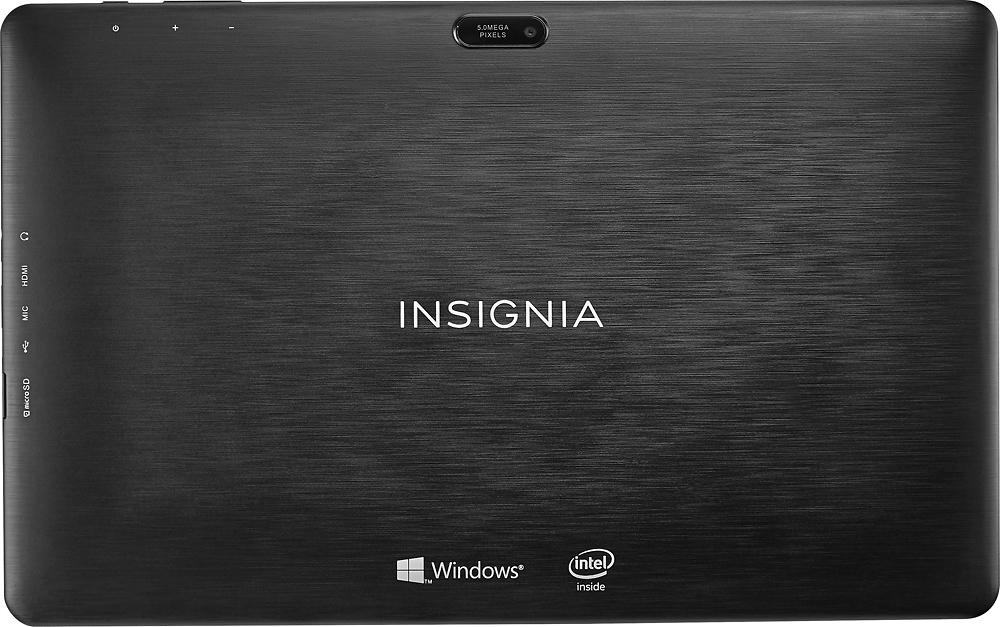
Posted .This reviewer received promo considerations or sweepstakes entry for writing a review.Pretty impressed for $199! Initially it was a bit hinky and then Windows 10 anniversary update loaded (built before the update came out in the summer?) and it turned great! The system recognized it was getting low on storage and asked if I wanted to delete the old windows files, so I did,and it got even faster. In the 48 hours after I purchased it... it went from "I think I should take this back" to "This is a pretty impressive little 2 in 1 for the price"! Make sure you do all the updates before you start using it! I'm being serious... the Windows 10 Anniversary Update made that much of a difference. The only 2 downsides I have with it is, no flash on rear camera and there just aren't any cases or covers. I got one from Amazon but it doesn't fit worth a dang and Best Buy / Insignia doesn't make or sell one, so I'll have to keep looking.
I would recommend this to a friend Not working
||Posted .This reviewer received promo considerations or sweepstakes entry for writing a review.Didn't work had to return within the first day after purchase
No, I would not recommend this to a friendBrand response from InsigniaCustomerSupport
Posted .Hi! Thank you for your comment. I am really sorry to see that your tablet didn't work as expected. However, I am glad to know that you took advantage of the return period that you had with Best Buy. Regards, Sarah T. Insignia Products.
- Pros mentioned:SizeCons mentioned:Ram
A good try, but....
Posted .This reviewer received promo considerations or sweepstakes entry for writing a review.This tablet on the outside is amazing. Full HD screen, detachable keyboard, reasonable keyboard, micro sd slot... All great... But when you look on the inside it gets less pretty. 32gb of storage capacity and 2GB of RAM may meet Windows 10s minimum requirements, but it doesn't leave room for much of anything else. The SD slot can make up for the storage capacity, there's no way to make up for the lack of RAM. The 1080p screen is great, except for the fact that the computer doesn't have the memory to actually smoothly run full HD video. Your CPU and Memory will be at 75%+ capacity with just windows running. A few frustrating things to go along with it. You can't easily disable touchpad gestures, which results in the windows "Share" feature constantly popping up anytime you swipe from the top of the touch pad. And you cannot prevent the keyboard from waking the tablet. So if one key or mouse button gets pressed (which happens any time there is any kind of outside pressure on the system. So don't expect it to sit in a backpack and not run down it's battery. I bought this little guy with hopes that it would work well for light web browsing, some light homework, or watching the occasional video on the go. But it struggles with each of those tasks due to the memory and CPU limitations. So I'll be returning it. I recommend you save the $200 and put it towards something with a little more power and functionality behind the pretty and handy features.
No, I would not recommend this to a friend - Pros mentioned:Keyboard
Great tablet for the money.
Posted .This reviewer received promo considerations or sweepstakes entry for writing a review.Installation was very easy. I was a little concerned about the minimal size of the SSD, but all of the Windows updates installed up through the Fall Creator's Edition flawlessly. Had room to spare even with MS Office installed on the C: drive. I did purchase a micro SD card and changed the Windows defaults to store all future data and apps on the SD card. So far the apps installed here perform well without any problems. The display is excellent. Also, compared to laptops I have used in the past, I like the feel of this keyboard. While it does not have tactile feedback, it does seem to have springs behind the keys which offer some resistance making it feel less "mushy" like so many other laptop and 2 in 1 keyboards do. Only negative feature is the quality of the speakers, but I always use headphones anyway and they sound great connected to the Insignia. I am delighted that I bought this 2 in 1 tablet.
I would recommend this to a friend THIS IS A TABLET, NOT A LAPTOP!!!
Posted .This reviewer received promo considerations or sweepstakes entry for writing a review.For those of you thinking this is a laptop, look elsewhere. This is a tablet, and that being said, it works great! I didn't give it 5 stars only because the touchpad sensitivity cannot be changed. It takes a bit of getting used to as it is smaller than a laptop, so don't rest your hands on the touchpad while typing as you will confuse the poor thing, but it works great. I use this as a kitchen computer for all my recipes and to find recipes for dinner ideas. It is perfect for surfing the web. I am extremely happy with this purchase along with sdxc memory card. The computer responds well, but you may want to adjust the double click rate, etc, to match your click speed. I am very happy with this computer and love the fact that the monitor can be removed easily from the keyboard and it works just as great with or without the keyboard. It is a wonderful little unit as long as you don't expect to use it as a "gaming" computer. So worth the money!
I would recommend this to a friend- Pros mentioned:Keyboard
Great 2-in-1
Posted .This reviewer received promo considerations or sweepstakes entry for writing a review.I bought this tablet as a replacement for a dying iPad. I needed something that had a little more program variety so something with Windows 10 was great. The first one I bought (which was the 2015 model, I guess some leftover inventory) had some power issues, but after the exchange, I got the 2016 model. This tablet has been great. It runs quickly and is a great little machine for times when I don't need to lug my huge laptop around. The 2-in-1 especially helps it for the uses I need it for, as it's meant to replace the iPad as a gaming aid. But having access to all my Windows programs means I can use my Office versions and everything on it without issue.
I would recommend this to a friend