Customer Ratings & Reviews


- Model:
- NS-PK3KANB24
- SKU:
- 6567236
Rating by feature
- Value
Rating 4.7 out of 5 stars
- Quality
Rating 4.6 out of 5 stars
- Ease of Use
Rating 4.7 out of 5 stars
Customers are saying
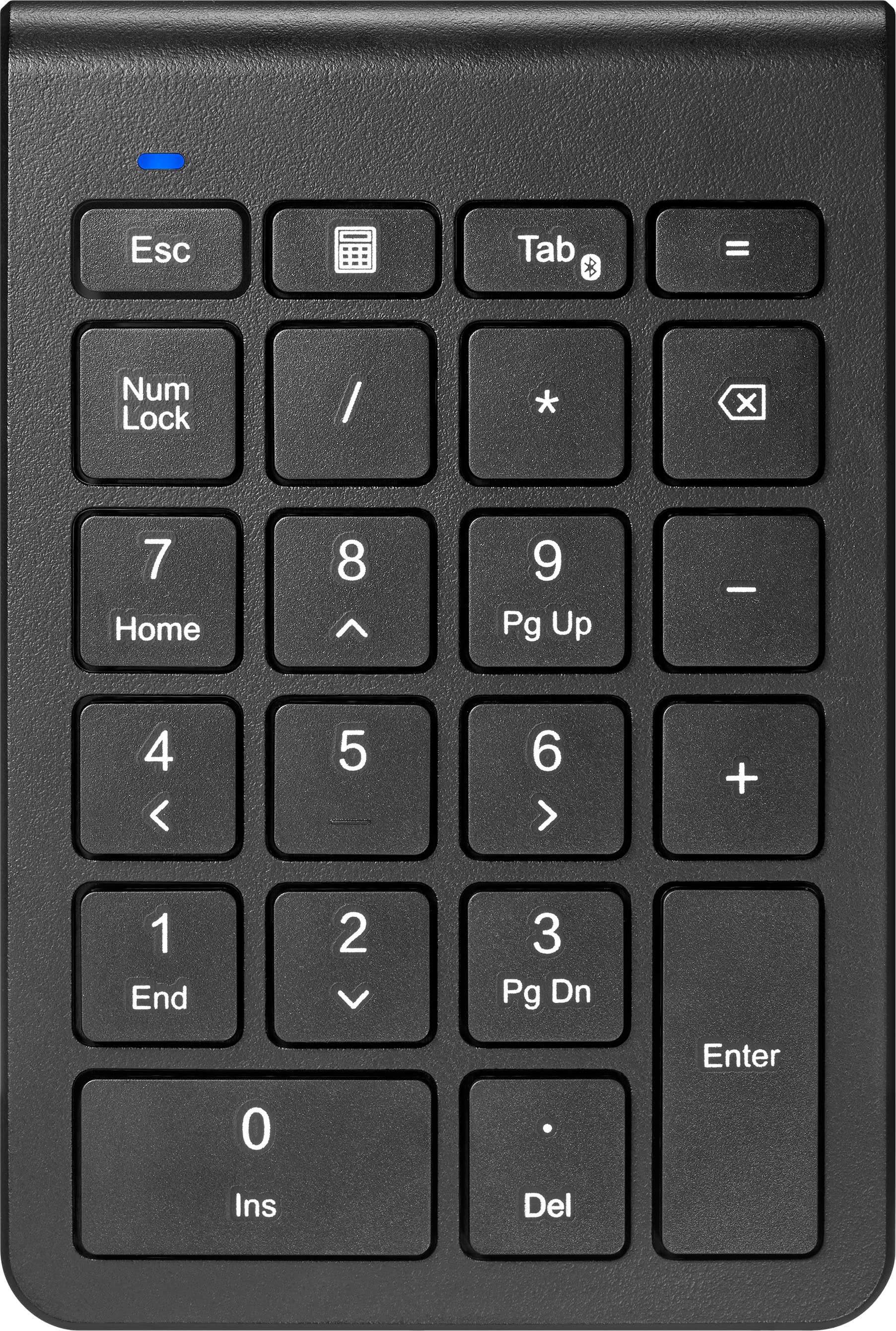
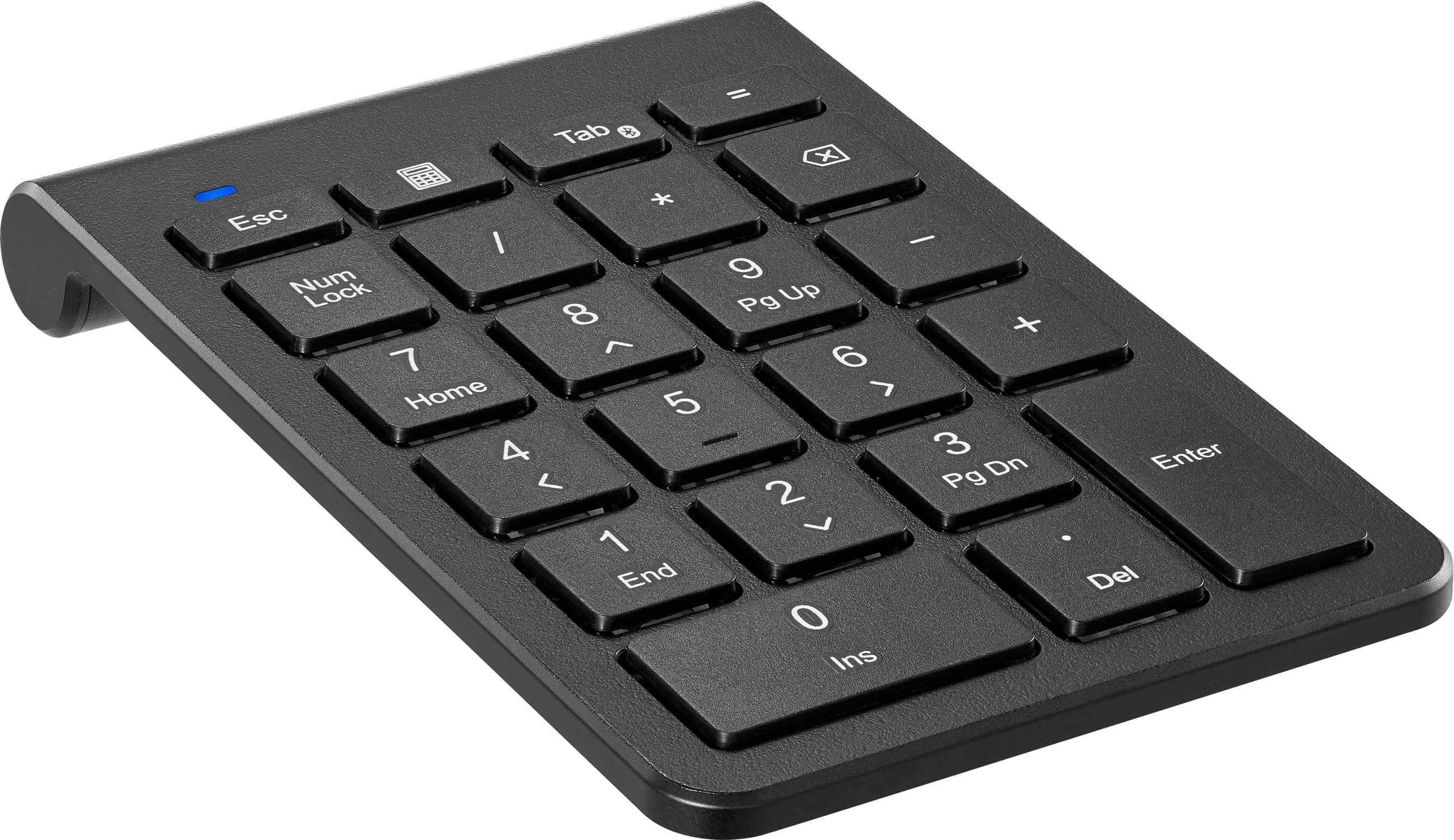
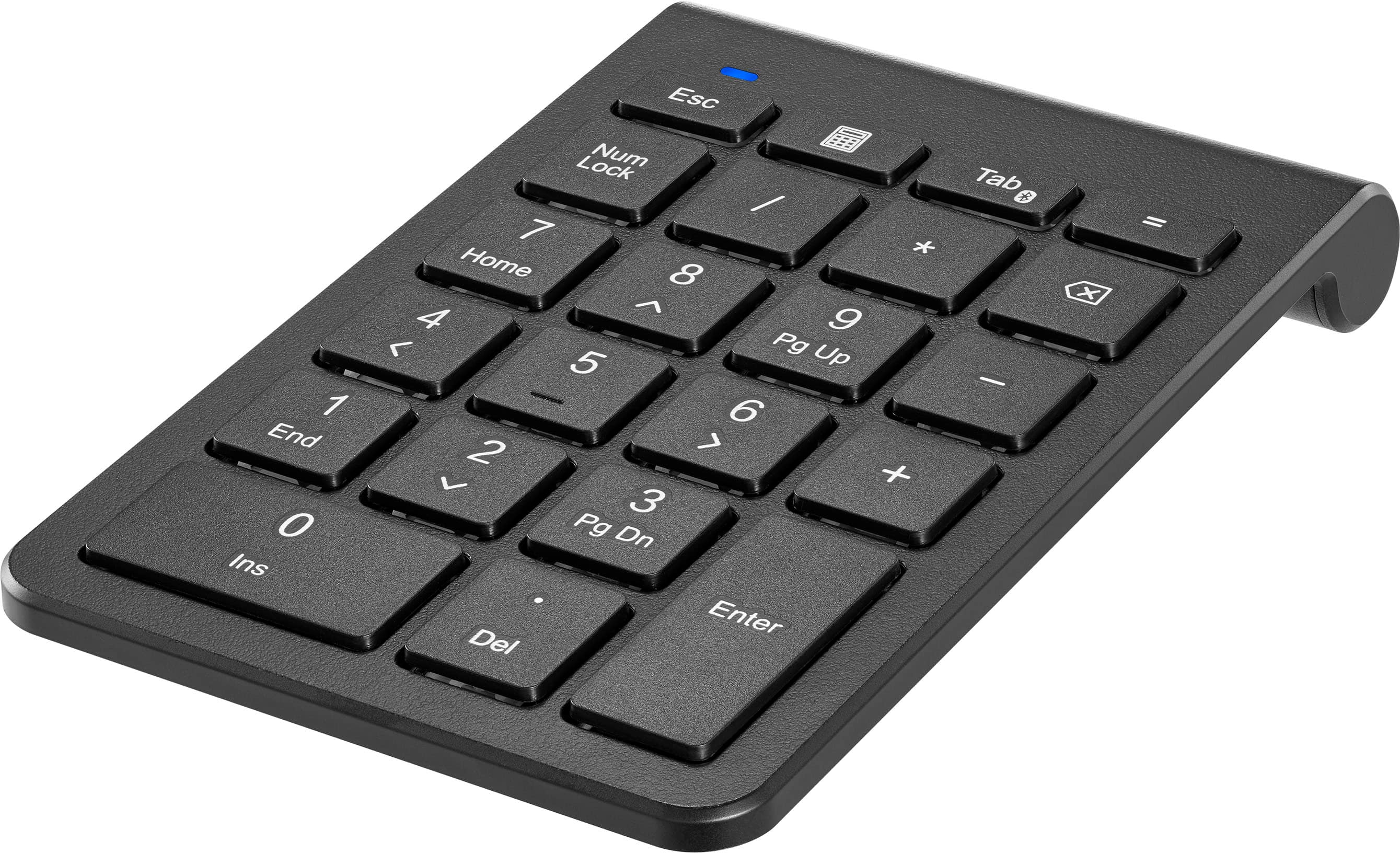
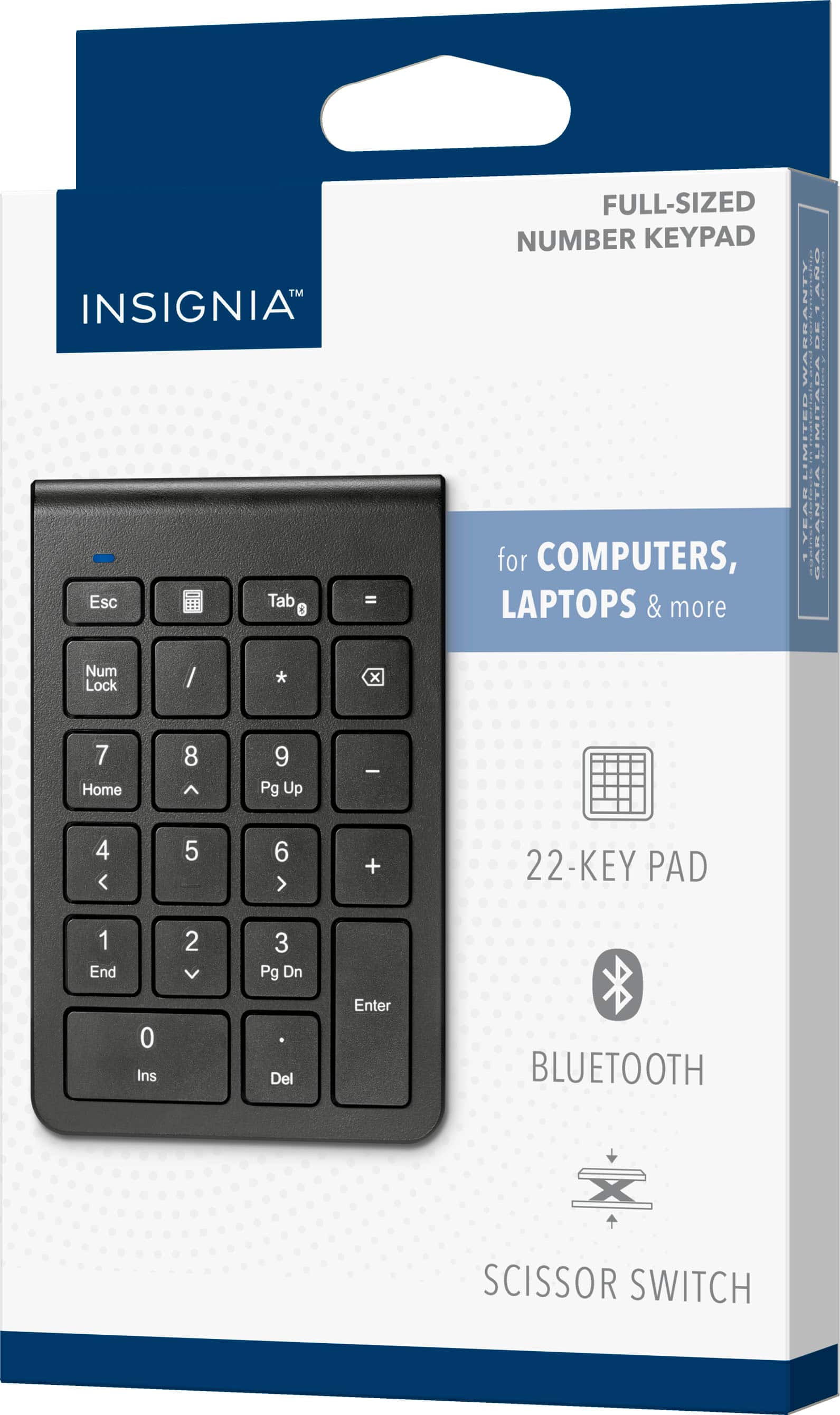
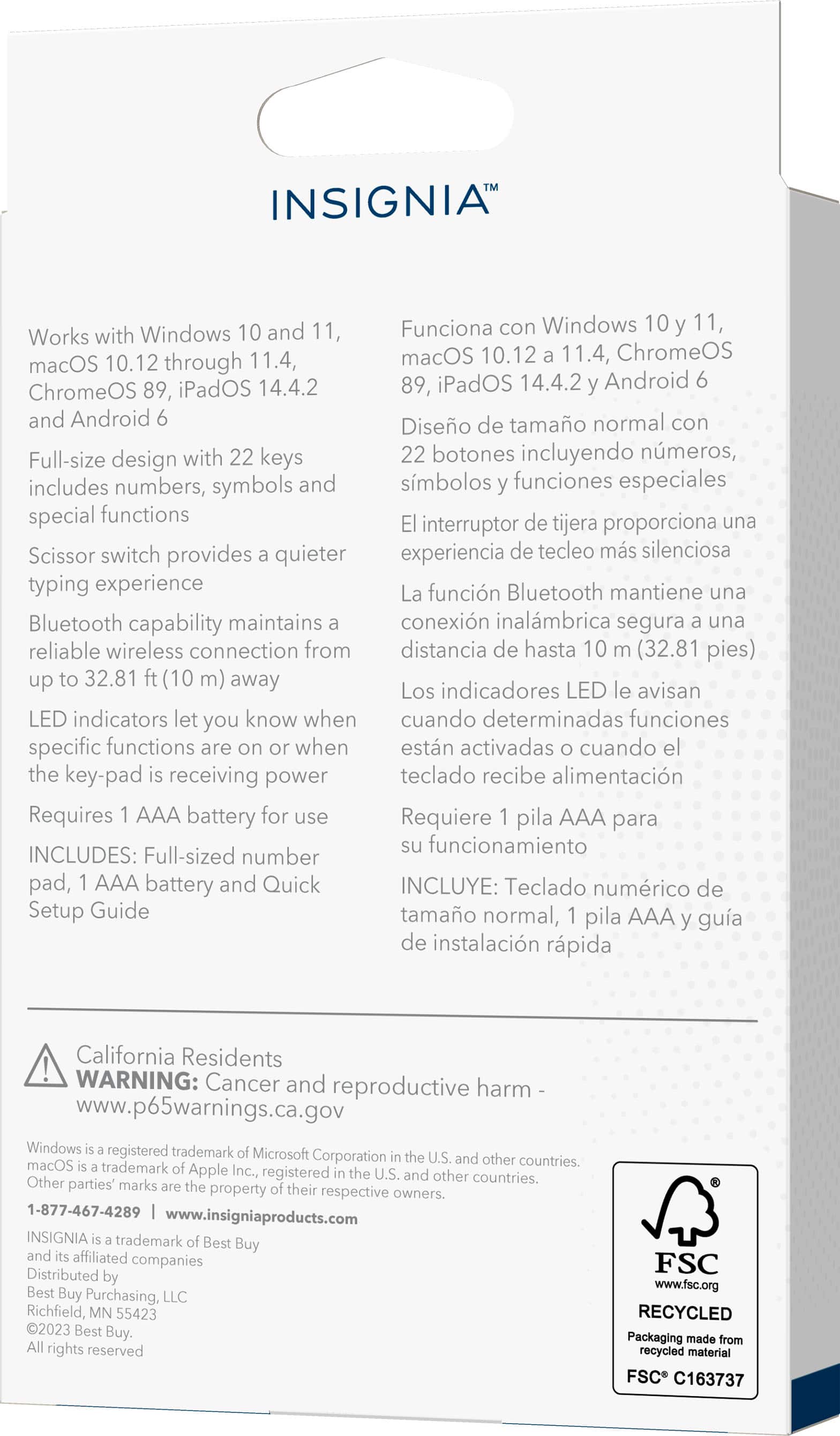
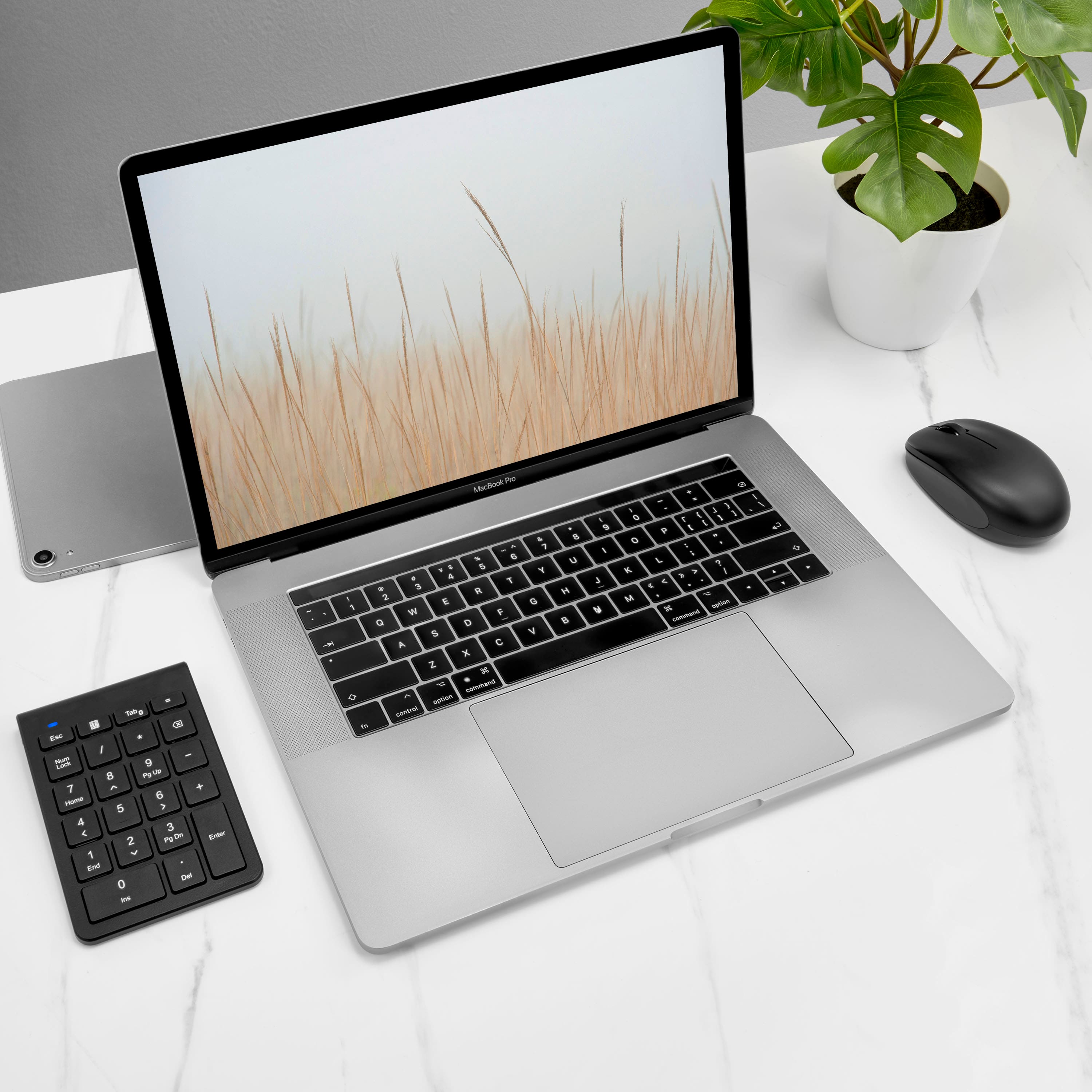
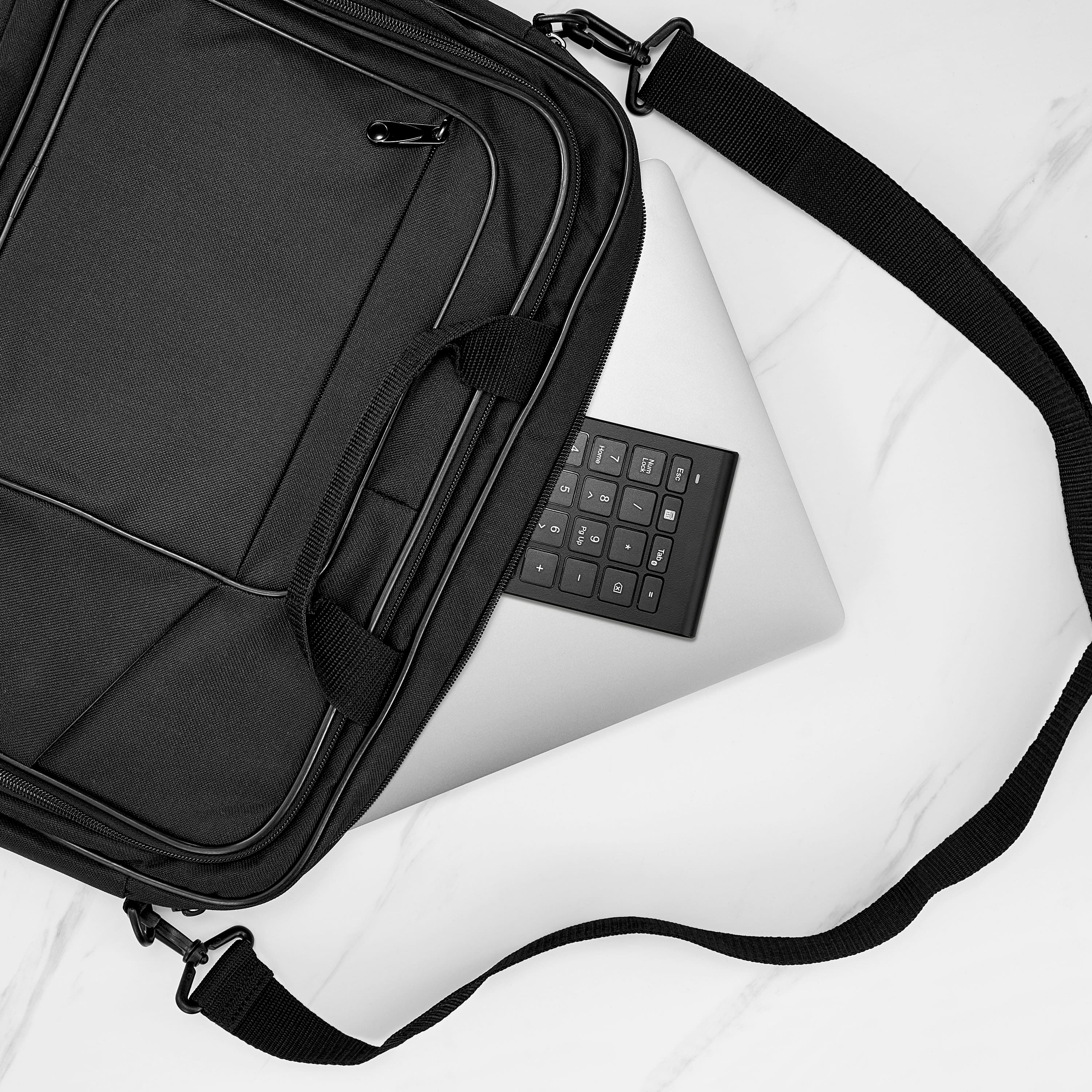
Customers commend the 22-Key Bluetooth Scissor Switch Number Keypad for its ease of use and overall performance, especially with MacBooks. The keypad's Bluetooth connectivity and perfect size are also appreciated, along with its lightweight design and the convenience of a numeric keypad for laptops. While some users noted the key feel was stiff, others did not notice any lag.
This summary was generated by AI based on customer reviews.
bluetooth number keypad
||Posted . Owned for 2 weeks when reviewed.This reviewer received promo considerations or sweepstakes entry for writing a review.Great little keypad! I love that it's bluetooth - easy to pair and no worries about having to plug it into the laptop!
I would recommend this to a friendPerfect solution for wanting a smaller keyboard
||Posted . Owned for 1 week when reviewed.This reviewer received promo considerations or sweepstakes entry for writing a review.Perfect for those times you need a 10key but don’t want it all the time so you can get a smaller keyboard
I would recommend this to a friendPerfect!
||Posted . Owned for 3 weeks when reviewed.This reviewer received promo considerations or sweepstakes entry for writing a review.Love it, nice and sleek... It's perfect, works really great!
I would recommend this to a friendBrand response from InsigniaCustomerSupport
Posted .Thank you, YvonneO, for your wonderful feedback! We're delighted to hear that you love the sleek design and great performance of the Insignia™ 22-Key Bluetooth Scissor Switch Number Keypad. It's fantastic to know it's perfect for your needs. If you have any more feedback or need assistance, we're here to help! Jeth | Insignia Support. https://www.bestbuy.com/site/insignia-22-key-bluetooth-scissor-switch-number-keypad-for-windows-macos-chromeos-ipados-and-android-black/6567236.p?skuId=6567236

Not sure about this
||Posted . Owned for 3 weeks when reviewed.This reviewer received promo considerations or sweepstakes entry for writing a review.maybe i don't have it connected right, but it doesn't seem to be working. I may need to get the Geek Squad people to help me with this one too.
No, I would not recommend this to a friendBLUETOOTH Number Pad
||Posted . Owned for 1 month when reviewed.This reviewer received promo considerations or sweepstakes entry for writing a review.Easy to setup and works like a dream on my macOS. Making doing accounting fast on my laptop.
I would recommend this to a friendConvenient numeric pad for a laptop
||Posted . Owned for 1 week when reviewed.This reviewer received promo considerations or sweepstakes entry for writing a review.Easy to pair, responsive keys, comes with a battery, worked right away without any hassles.
I would recommend this to a friendlaptop add on
||Posted . Owned for 1 week when reviewed.This reviewer received promo considerations or sweepstakes entry for writing a review.Just what was needed to add to my laptop, used for college financial courses.
I would recommend this to a friendBrand response from InsigniaCustomerSupport
Posted .Hi Randy! Thank you for your positive feedback on the Insignia™ - 22-Key Bluetooth Scissor Switch Number Keypad. We’re thrilled to hear that it’s been a valuable addition to your laptop for your college financial courses.
Your satisfaction is our top priority and we’re glad to know that we’re meeting your expectations. We hope this keypad continues to serve you well in your academic journey. |Angelica| Insignia Support| https://www.bestbuy.com/site/insignia-22-key-bluetooth-scissor-switch-number-keypad-for-windows-macos-chromeos-ipados-and-android-black/6567236.p?skuId=6567236
Works great!
||Posted . Owned for 1 week when reviewed.This reviewer received promo considerations or sweepstakes entry for writing a review.Works great, just as intended plus it is Bluetooth so it doesn't take up limited USB ports!
I would recommend this to a friendAwesome
||Posted . Owned for 1 month when reviewed.This reviewer received promo considerations or sweepstakes entry for writing a review.Exactly what I needed. Instant connection. Very pleased with this purchase.
I would recommend this to a friendGreat accessory
||Posted . Owned for 1 week when reviewed.This reviewer received promo considerations or sweepstakes entry for writing a review.So much better than not having a 10 key, and still getting the laptop i wanted.
I would recommend this to a friendUSB 10 keypad for laptops
||Posted . Owned for 1 month when reviewed.This reviewer received promo considerations or sweepstakes entry for writing a review.Great sidekick for laptop for those who need to use 10 Keypad.
I would recommend this to a friendWorks as it should
||Posted . Owned for 3 weeks when reviewed.This reviewer received promo considerations or sweepstakes entry for writing a review.Works great, I misunderstood the features thinking I could modify function keys for quick presets.
I would recommend this to a friendNumber pad
||Posted . Owned for 1 week when reviewed.This reviewer received promo considerations or sweepstakes entry for writing a review.This is really nice. No wires to connect. Was a good choice to get.
I would recommend this to a friendGood keyboard
||Posted . Owned for 1 week when reviewed.This reviewer received promo considerations or sweepstakes entry for writing a review.Good keyboard. Had to use for my android phone. Very reliable.
I would recommend this to a friendDoesn’t work for me
||Posted .This reviewer received promo considerations or sweepstakes entry for writing a review.I haven’t been able to get it to work, I had one before that worked and quit on me maybe it is my computer
No, I would not recommend this to a friendAs easy as I hoped.
||Posted . Owned for 3 weeks when reviewed.This reviewer received promo considerations or sweepstakes entry for writing a review.Perfect. No issues at all. Used with Dell and Windows 11.
I would recommend this to a friendBrand response from InsigniaCustomerSupport
Posted .Hi JohnB, thank you for your review! We're thrilled to hear that our Insignia™ Bluetooth Scissor Switch Number Keypad perfectly met your expectations and seamlessly integrated with your Dell and Windows 11 setup. If you ever need any assistance or have further questions, don't hesitate to reach out. Happy computing! - James | Insignia Support | https://www.bestbuy.com/site/brands/best-buy-brands/pcmcat1596746025285.c?id=pcmcat1596746025285
10/10
||Posted . Owned for 1 week when reviewed.This reviewer received promo considerations or sweepstakes entry for writing a review.Excellent piece of equipment for Stopmotion. Would buy again
I would recommend this to a friend10 key pad
||Posted . Owned for 1 month when reviewed.This reviewer received promo considerations or sweepstakes entry for writing a review.Batteries don't last so it does not last long before replacement
No, I would not recommend this to a friendWon't stay connected
||Posted . Owned for 11 months when reviewed.This reviewer received promo considerations or sweepstakes entry for writing a review.Not a fan of this keypad. It would not stay connected to my imac
I would recommend this to a friendLife saver
||Posted . Owned for 1 week when reviewed.This reviewer received promo considerations or sweepstakes entry for writing a review.Worked as stated! My work laptop didnt come with a 10 key on it
I would recommend this to a friend