Customer Ratings & Reviews
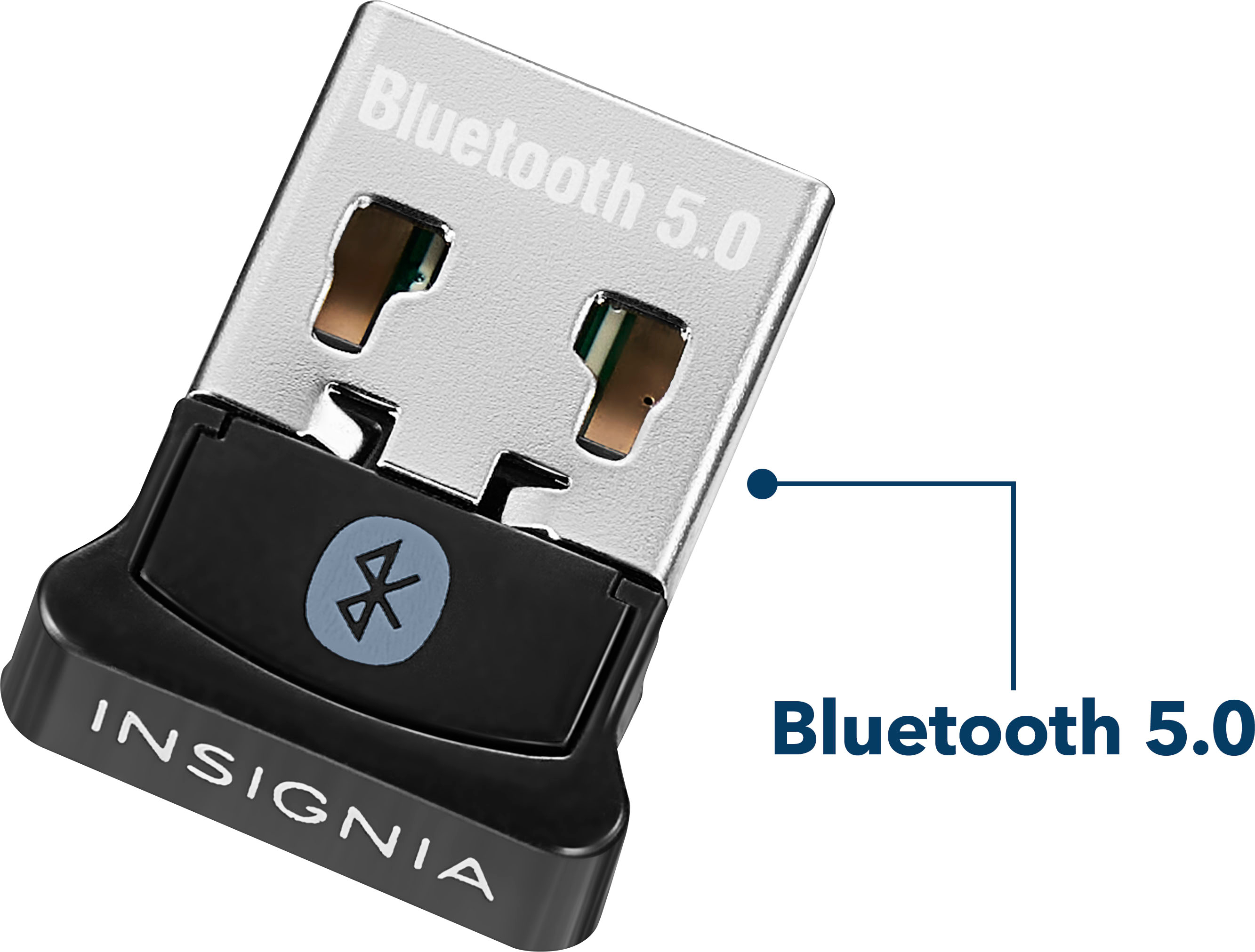

- Model:
- NS-PA3BT5A2B22
- SKU:
- 6500986
Rating by feature
- Value
Rating 4.6 out of 5 stars
- Quality
Rating 4.5 out of 5 stars
- Ease of Use
Rating 4.6 out of 5 stars
Customers are saying
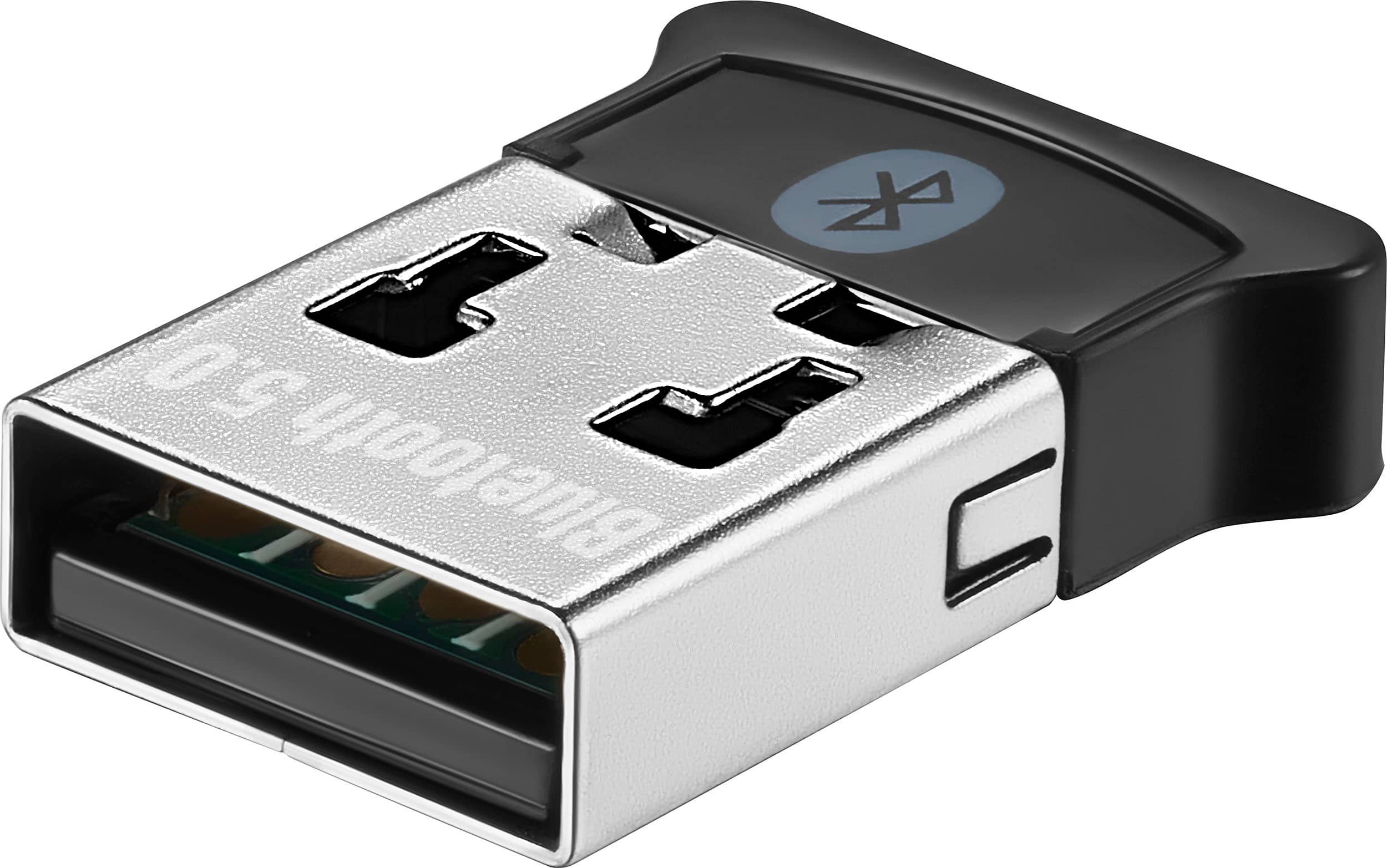
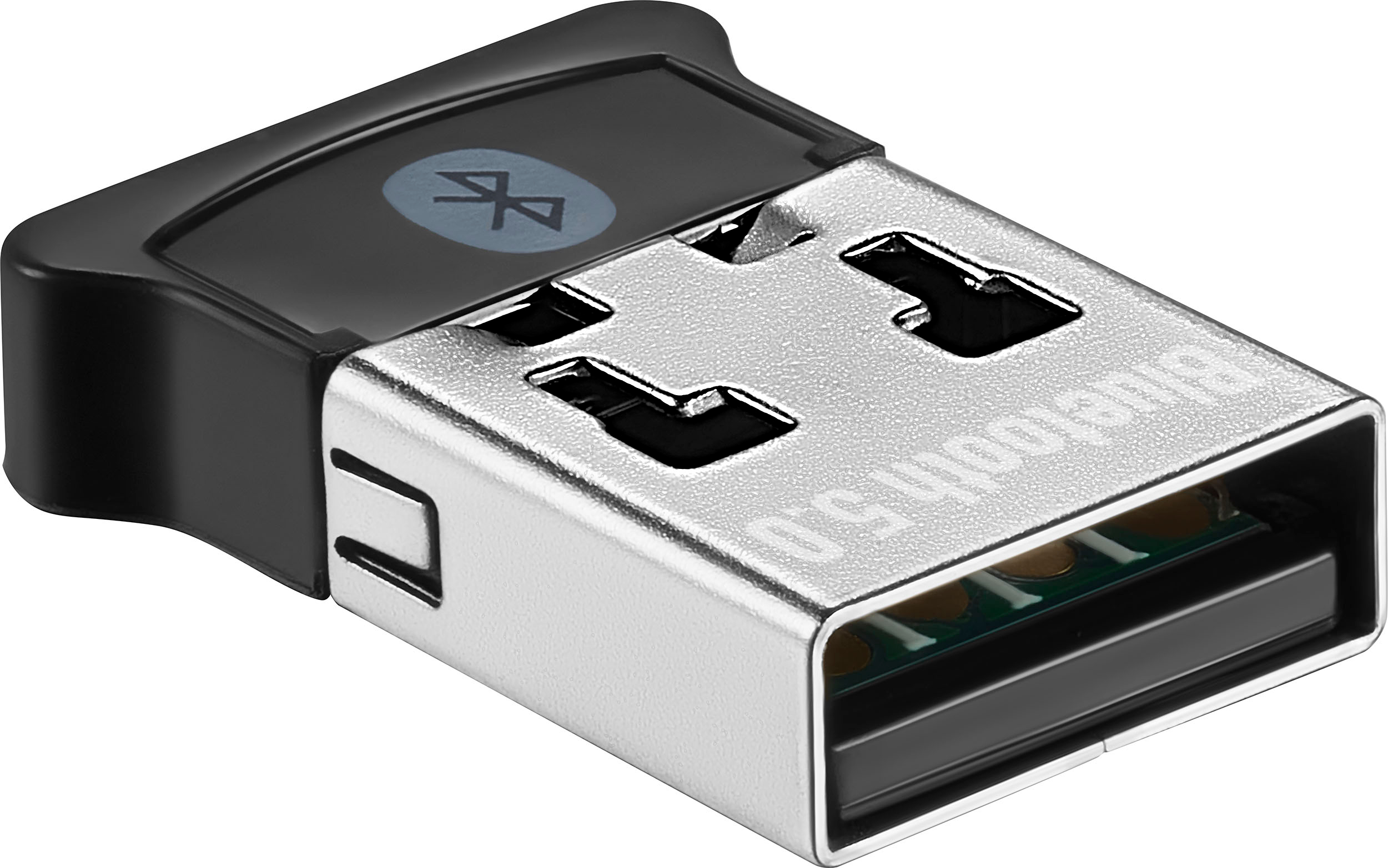
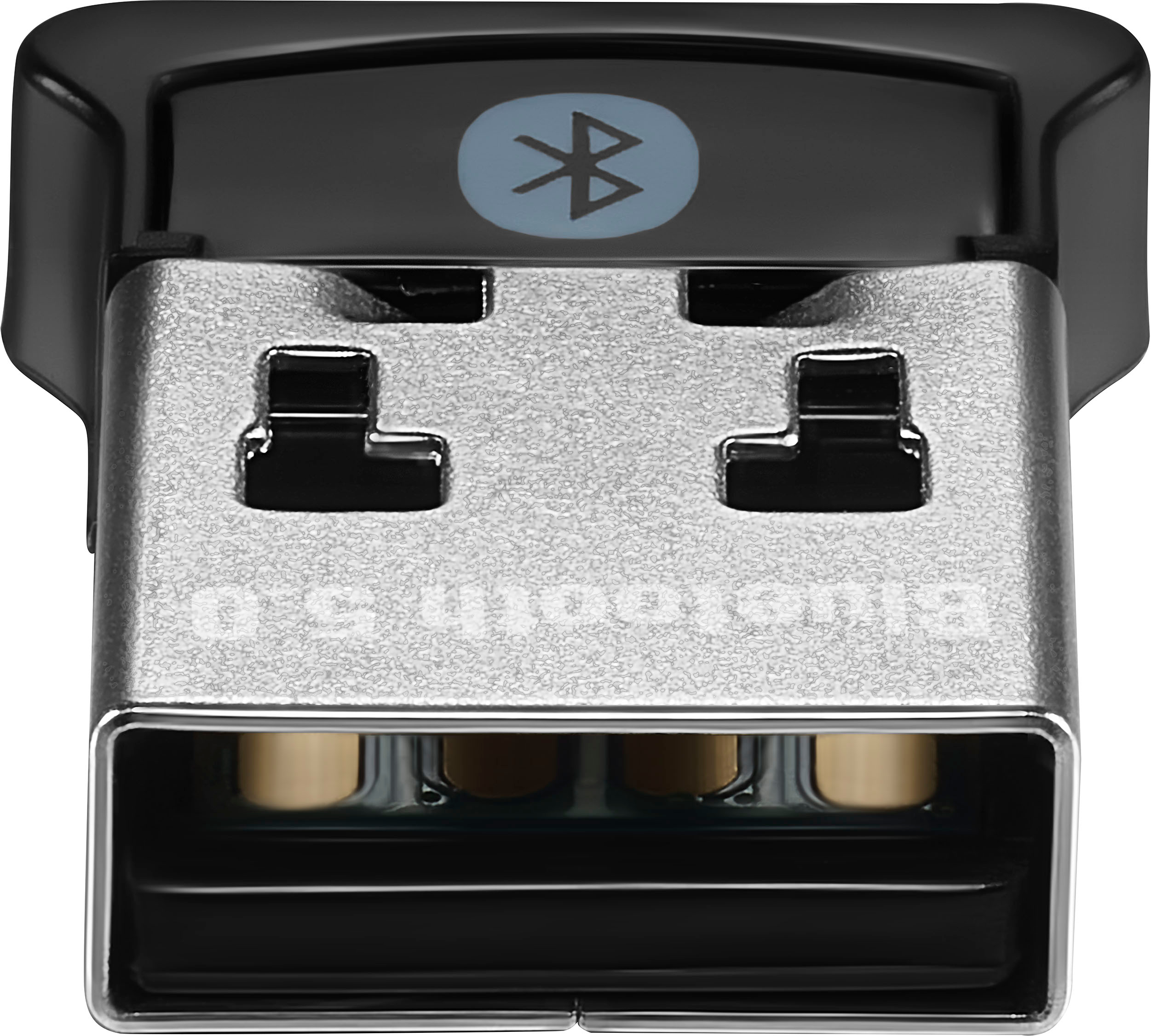
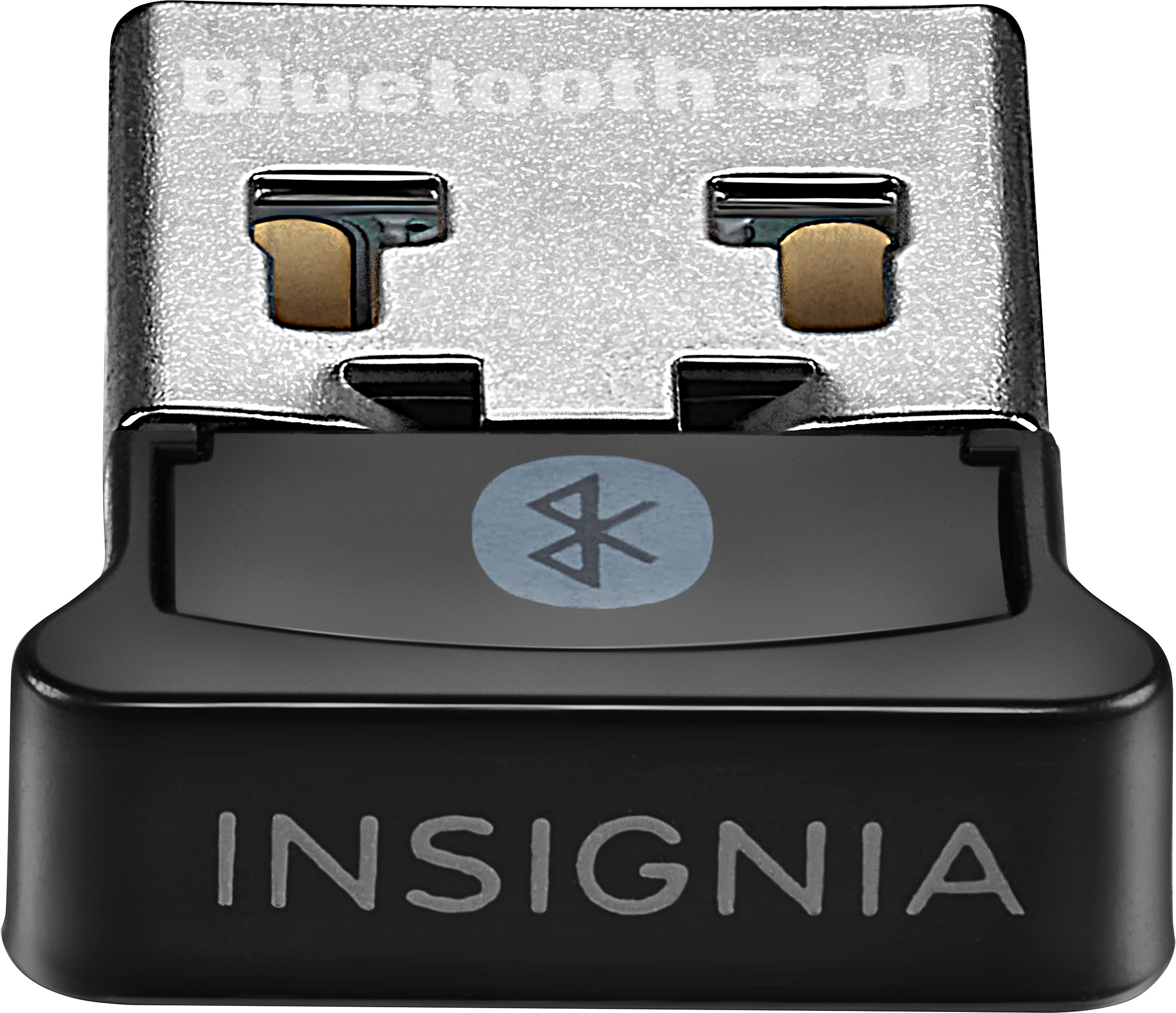
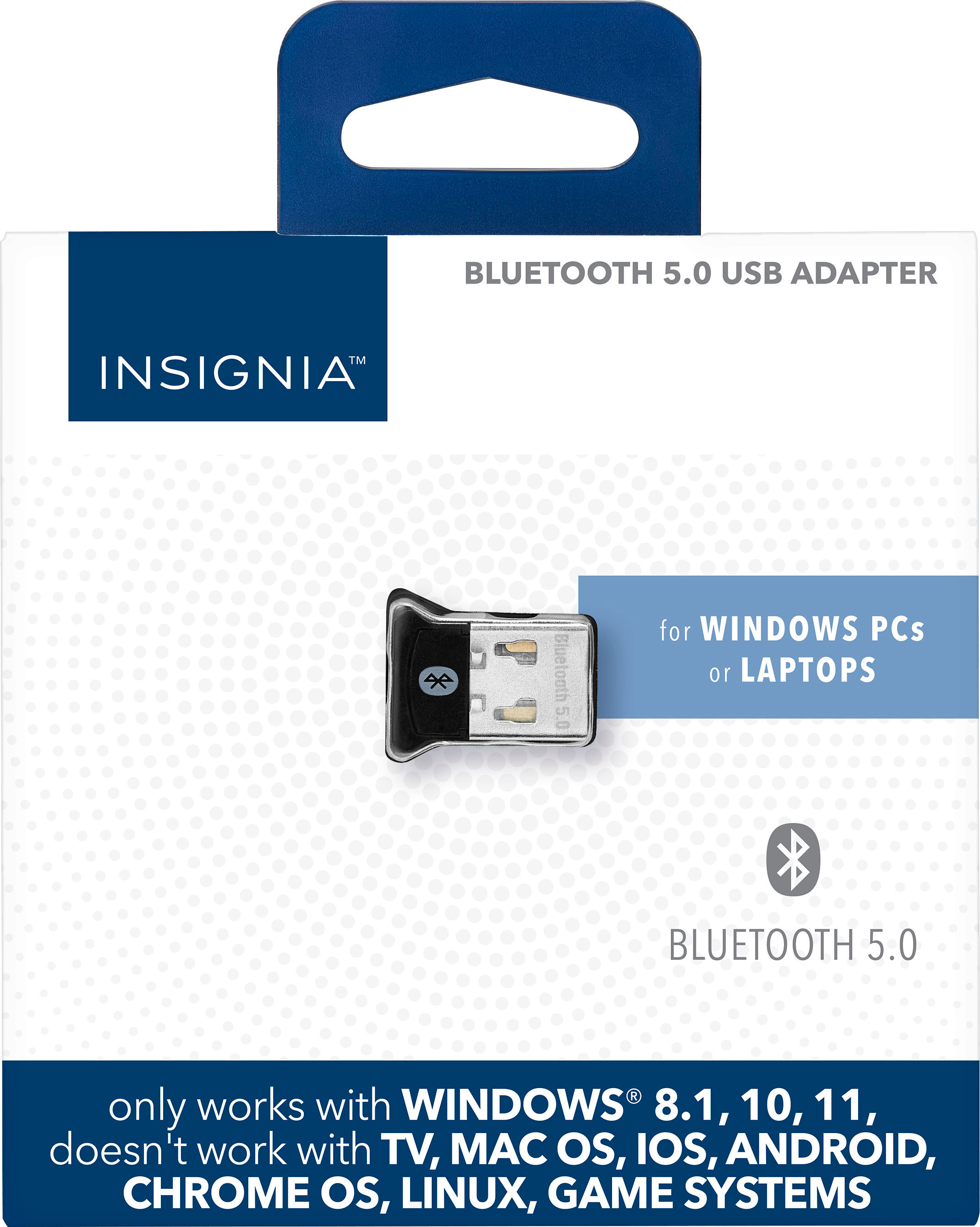
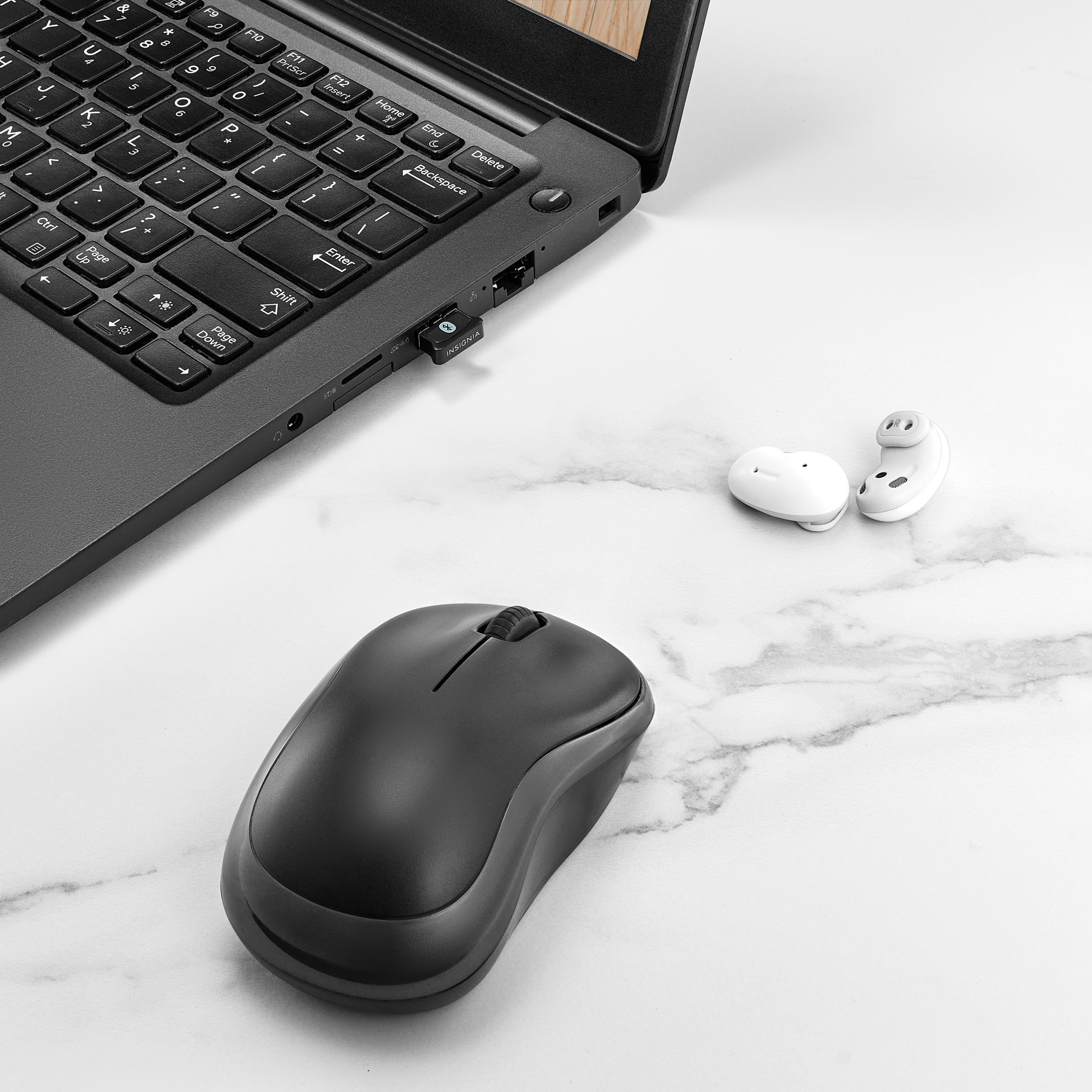
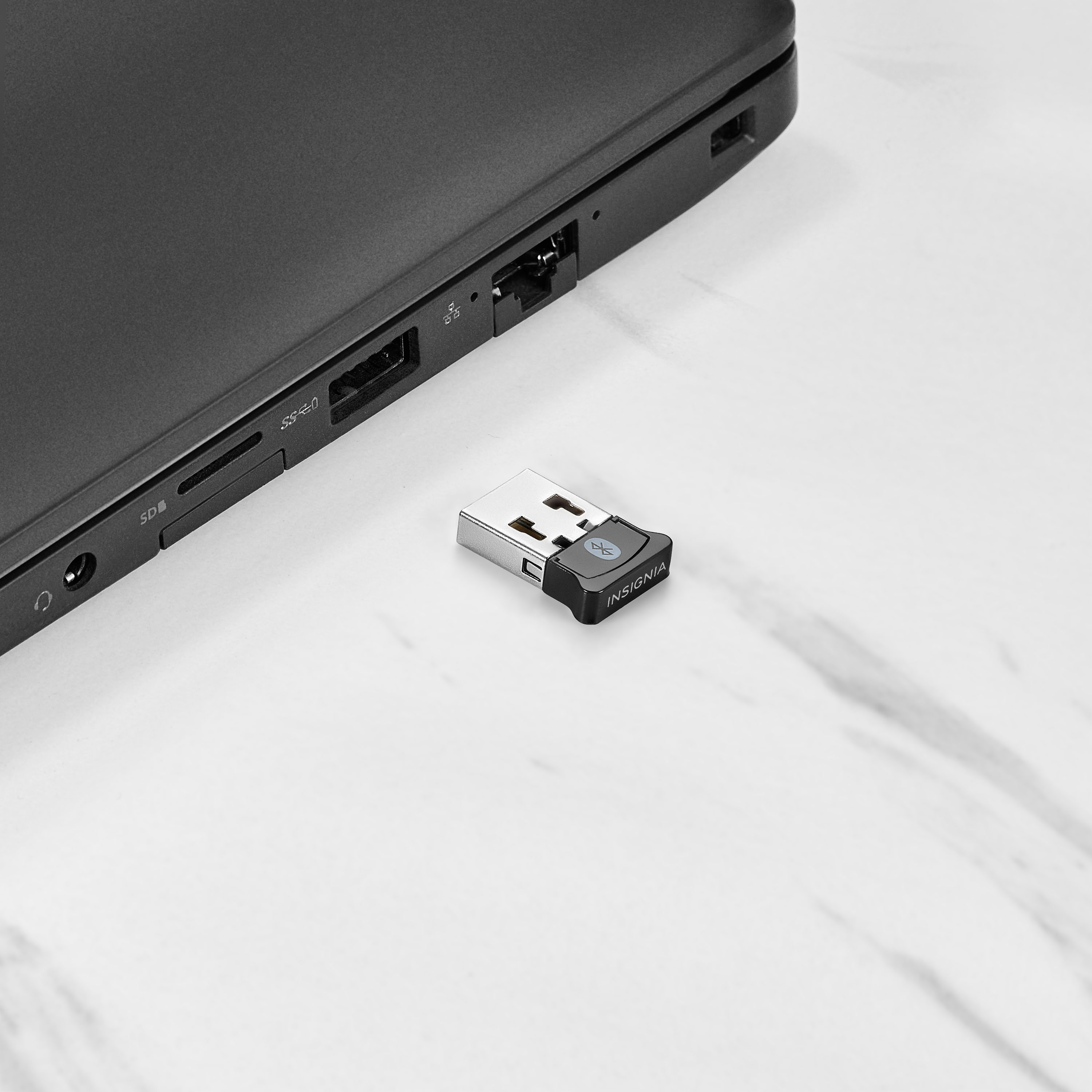
Customers recognize the Bluetooth 5.0 USB Adapter for its ease of use, broad Bluetooth compatibility, and overall performance. Users appreciate its compatibility with devices like PS5 controllers, good range, and small size. While the adapter is generally well-received, some users have reported connection issues.
This summary was generated by AI based on customer reviews.
- Pros mentioned:Compatibility, Overall performance
Works great plug n play
||Posted . Owned for 2 weeks when reviewed.This reviewer received promo considerations or sweepstakes entry for writing a review.Pluggrd into my crappy windows 11 buggy laptop and all of a sudden i had bluetooth again. Works perfectly i had to do nothing. Its very tiny so will probably get lost at some point or the cat will carry it off but so far it works perfectly and easily!
I would recommend this to a friend - Pros mentioned:Ease of use, Range
Excellent device
||Posted . Owned for 1 month when reviewed.This reviewer received promo considerations or sweepstakes entry for writing a review.I recently got this Bluetooth USB dongle, and it has exceeded my expectations. It effortlessly connects to all my devices, and the range is impressive. Setting it up was a breeze, and it's been a great addition to my tech setup. Highly recommended!
I would recommend this to a friend - Pros mentioned:Ease of use, Overall performance
Does what it suppose to
||Posted .This reviewer received promo considerations or sweepstakes entry for writing a review.Works as advertised. Easy setup. Not much more can be said
I would recommend this to a friendBrand response from InsigniaCustomerSupport
Posted .Hi Raven, a product that just works is always worth celebrating. Thanks for the clarity—easy setup and reliability are hard to beat. |Angelica| Insignia Products|

- Pros mentioned:Bluetooth, Overall performance
Works flawlessly
||Posted . Owned for 4 months when reviewed.This reviewer received promo considerations or sweepstakes entry for writing a review.Works flawlessly, better than my HP laptop's internal bluetooth.
I would recommend this to a friendBrand response from InsigniaCustomerSupport
Posted .Thank you for your feedback. We’re glad to hear the device is performing flawlessly and even surpassing your laptop’s internal Bluetooth. It’s great to know it’s delivering the reliable connection and performance you were looking for. We appreciate you sharing your experience.
Keith | Insignia Support
- Pros mentioned:Overall performance
Just what I needed.
||Posted .This reviewer received promo considerations or sweepstakes entry for writing a review.Works great! I have an older setup that doesn't have Bluetooth built in, so this was just the upgrade I needed. I was able plug it in to my Windows 10 computer and it automatically worked. Now I just have to upgrade my operating system--even though it's only supposed to work with Windows, I found out online that there's a workaround for getting it to work with Linux, so I might try that in the future.
I would recommend this to a friend Bluetooth
||Posted . Owned for 1.5 years when reviewed.This reviewer received promo considerations or sweepstakes entry for writing a review.I’ll be completely honest I didn’t even know they made stuff like this for computers so I don’t know that you can just buy a little USB drive and have Bluetooth is pretty cool
I would recommend this to a friendBrand response from InsigniaCustomerSupport
Posted .Hi Jacob, thanks for sharing your thoughts on the Insignia Bluetooth 5.0 USB Adapter, and it’s great to hear how convenient it was to add Bluetooth to your computer with such a simple plug‑in solution, we appreciate your review and thank you for choosing Insignia, Faisal | Insignia.
- Pros mentioned:Ease of use
An RTO staple!
||Posted .This reviewer received promo considerations or sweepstakes entry for writing a review.A wonderful universal option to allow employees to connect Bluetooth headphones of their choosing to their desktop computer computers. Super affordable and very easy to use.
I would recommend this to a friend - Pros mentioned:Ease of use, Range
Works as intended, great price!
||Posted . Owned for 1 month when reviewed.This reviewer received promo considerations or sweepstakes entry for writing a review.this works better than I anticipated. literally plug and play. my headphones connected as soon as I plugged this into my desktop. range is nice, can reach a good distance before it cutting out. I recommend this 100%
I would recommend this to a friend good product
||Posted . Owned for 3 months when reviewed.This reviewer received promo considerations or sweepstakes entry for writing a review.was happy to find I could just buy the extension piece for my keyboard since mine broke and was much cheaper than having to buy a whole new keyboard set up.
I would recommend this to a friendBrand response from InsigniaCustomerSupport
Posted .Hi Roxy, thank you for sharing your feedback on the Insignia Bluetooth 5.0 USB Adapter. We’re glad to hear it worked perfectly as a replacement for your keyboard extension and saved you from buying a whole new setup. Your satisfaction means a lot to us. Thank you for choosing Insignia. Faisal | Insignia.
Great add on for a laptop with a finicky built in
||Posted . Owned for 1 year when reviewed.This reviewer received promo considerations or sweepstakes entry for writing a review.Easy plug and play. Works consistently unlike the built in one the laptop has. Easy pairing and stable. It does stick out but not much at all.
I would recommend this to a friendBrand response from InsigniaCustomerSupport
Posted .Hello Shelly, thank you for sharing your experience. We're glad to hear that the Insignia Bluetooth 5.0 USB Adapter was easy to set up and has provided a stable, reliable connection for your devices. It's great to know that the adapter delivers consistent performance and hassle-free pairing while maintaining a compact design. We truly appreciate your feedback and thank you for choosing Insignia.
Sidhartha | Insignia
YES IT DOES WORK, READ THIS IF YOU'RE FOR HELP.
||Posted . Owned for 5 months when reviewed.This reviewer received promo considerations or sweepstakes entry for writing a review.If you need some basic Bluetooth on your device this is a good pick, BEFORE YOU BUY it will not work out of the box you need to install drivers for it, sadly the drivers for this device are hard to find. How to set up for windows 1.Open windows search type in "Bluetooth" 2.Select "Bluetooth and other devices settings" 3.in the right side of your screen select "Devices and Printers" 4.Look for a device named "BCM20702a0" 5.right click on "BCM20702a0" and select properties. 6. A box will pop up with a tab named "Hardware" click that tab and select "Properties" 7.another box will pop up, within the new box click "Change settings" 8. Another box will open, select the tab within the box named "Drivers" after that select "Update driver" 9. After that select "Browse my Computer for drivers" 10.select "let me pick from a list of available drivers" 11.select the option that says "Bluetooth" and press "NEXT" 12.out of the new options presented Select "ASUS", then select "ASUSbt183" then press next 13. You will get a pop up warning saying "this is not recommended or something" just ignore it and press "Yes" 14. after all that press close and feel free to close all the windows, your Bluetooth dongle should work. just make sure you have Bluetooth turned on.
I would recommend this to a friendAwesome
||Posted . Owned for 2 weeks when reviewed.This reviewer received promo considerations or sweepstakes entry for writing a review.Does the job well zero issue so far. Bought it due to my motherboard Bluetooth going out and is plug and play
I would recommend this to a friendBrand response from InsigniaCustomerSupport
Posted .Hello Insignia Customer! Thank you for taking a moment to share your experience. We're glad to hear the Insignia Bluetooth 5.0 USB Adapter for Laptops and Desktops was an easy plug-and-play solution and has been working flawlessly since replacing your motherboard's Bluetooth functionality. It's great to know it's delivering reliable performance with zero issues so far. Thanks again for choosing Insignia. Darshan | Insignia
Easy way to add Bluetooth to an old PC
||Posted . Owned for 3 weeks when reviewed.This reviewer received promo considerations or sweepstakes entry for writing a review.I bought this on a whim to see if I could use a pair of wireless earbuds with my old desktop PC that doesn't have Bluetooth. I normally listen via a set of great powered speakers, but there are some occasions where I want to listen without having the music audible in the house. This adapter was "plug & play", and I was easily able to pair the earbuds and use them even though it's plugged into one of the USB ports on the back of the tower PC.
I would recommend this to a friendBrand response from InsigniaCustomerSupport
Posted .Hello Tom, it’s wonderful to hear that the Insignia Bluetooth 5.0 USB Adapter made it easy to bring wireless audio to your older desktop and that the simple plug‑and‑play setup allowed you to pair your earbuds effortlessly so you can enjoy private listening whenever you need it, We appreciate you taking the time to leave a review. Poojitha | Insignia
- Pros mentioned:Overall performance
Instant Blue Tooth and Works great!
||Posted .This reviewer received promo considerations or sweepstakes entry for writing a review.Works great. We had a new gaming PC built at a shop with all the parts we provided, had taken it back a couple times to tweak out the RGB software and other things they over looked driver wise, Then discovered the Blue tooth was not working, did not feel like unhooking everything again to take it back again, so this was EZ solution.
I would recommend this to a friendBrand response from InsigniaCustomerSupport
Posted .Thank you for sharing your experience with the Insignia™ Bluetooth 5.0 USB Adapter. We're delighted to hear that it works great and provided an easy solution for your new gaming PC's Bluetooth issue. It's understandable that you didn't want to unhook everything again, and we're glad this adapter was able to resolve the problem efficiently. Your satisfaction is important to us, and we're thrilled that the adapter meets your needs. If you have any questions or need further assistance, please feel free to reach out. Ivy | Insignia Support
- Pros mentioned:Ease of use, Overall performance
Bluetooth
||Posted . Owned for 3 weeks when reviewed.This reviewer received promo considerations or sweepstakes entry for writing a review.Works as intended. Primarily using bluetooth dongle to play videogames about 3-4 feet away from my computer. No current issues with drifting or connection. Plug and play device, no installation of drivers required for it to work
I would recommend this to a friend - Pros mentioned:Range
Works great
||Posted . Owned for 2 weeks when reviewed.This reviewer received promo considerations or sweepstakes entry for writing a review.The Bluetooth module in my laptop went bad, so I picked up one of these Bluetooth dongles. Installation was a breeze on windows 10 and now I have Bluetooth again. Also I noticed the range with this dongle is better than my old Bluetooth.
I would recommend this to a friend - Pros mentioned:Bluetooth
Made laptop bluetooth capable.
||Posted . Owned for 3 weeks when reviewed.This reviewer received promo considerations or sweepstakes entry for writing a review.My older laptop. As soon as I plugged in the adapter, the system updated and showed it as available and ready. Installation was quick and easy. We now have bluetooth capability.
I would recommend this to a friend - Pros mentioned:Bluetooth, Ease of use
Super responsive
||Posted . Owned for 1 week when reviewed.This reviewer received promo considerations or sweepstakes entry for writing a review.What a great piece of technology. Who would’ve known a Bluetooth adapter could work this smooth. I have multiple desktops connected via Bluetooth and this simplified the tech for a seamless flow between everything. Cheap and effective!
I would recommend this to a friend - Pros mentioned:Compatibility, Ease of use
Simple
||Posted . Owned for 1 week when reviewed.This reviewer received promo considerations or sweepstakes entry for writing a review.Works great for ps5 controller, only issue i found is I have to go through steam to be able to use it in games but I’m sure there’s other ways around that. It took me less than 30 seconds for install so it was really easy
I would recommend this to a friend - Pros mentioned:Overall performance
Works great
||Posted . Owned for 1 week when reviewed.This reviewer received promo considerations or sweepstakes entry for writing a review.Works great- just as described! Good price compared to others and does a great job
I would recommend this to a friend