Customer Ratings & Reviews
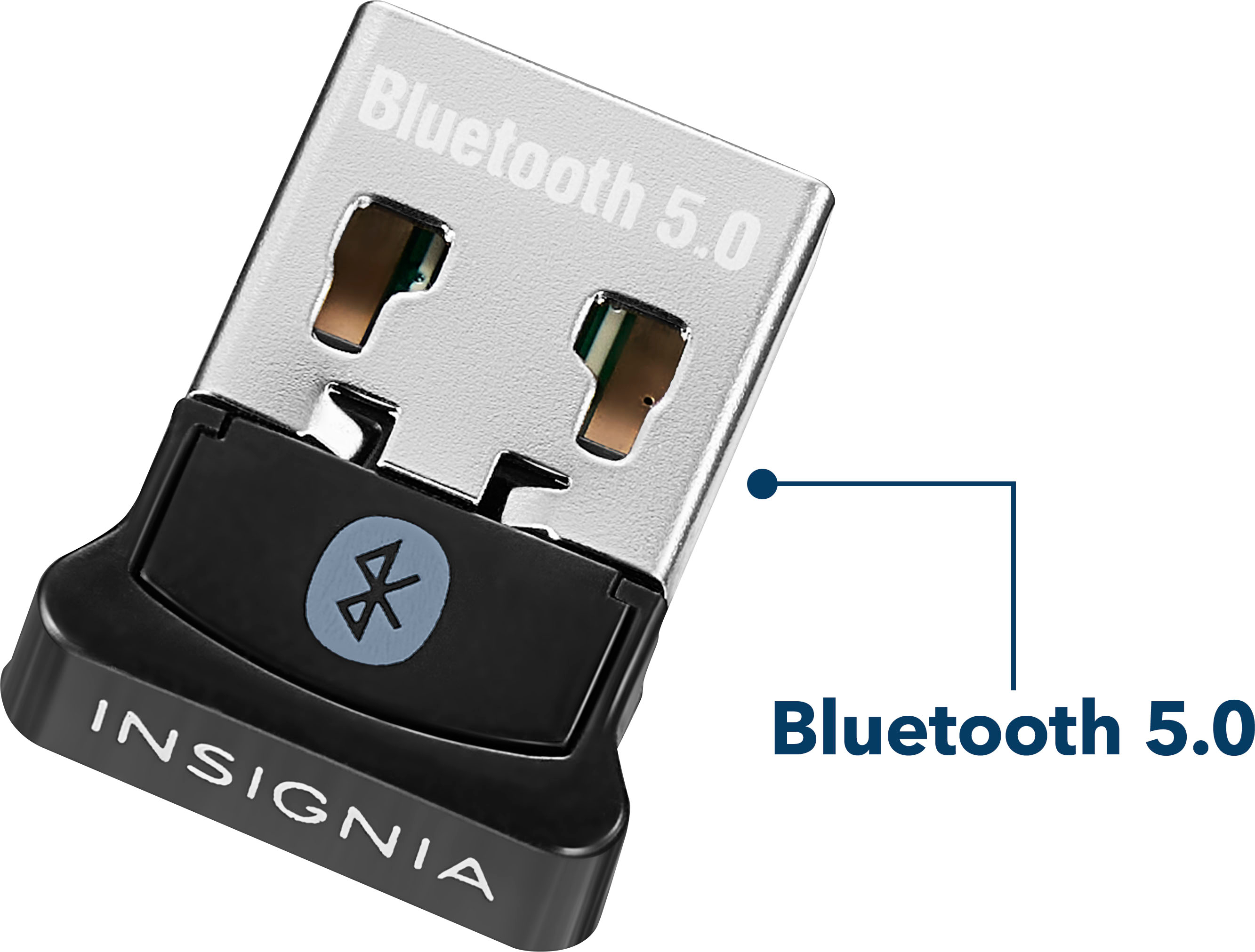

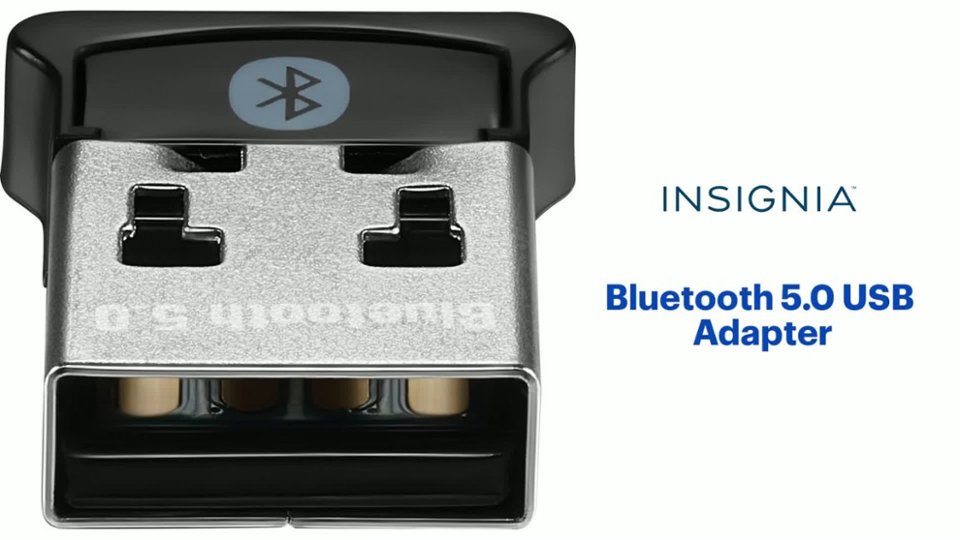
- Model:
- NS-PA3BT5A2B22
- SKU:
- 6500986
Rating by feature
- Value
Rating 4.6 out of 5 stars
- Quality
Rating 4.5 out of 5 stars
- Ease of Use
Rating 4.6 out of 5 stars
Customers are saying
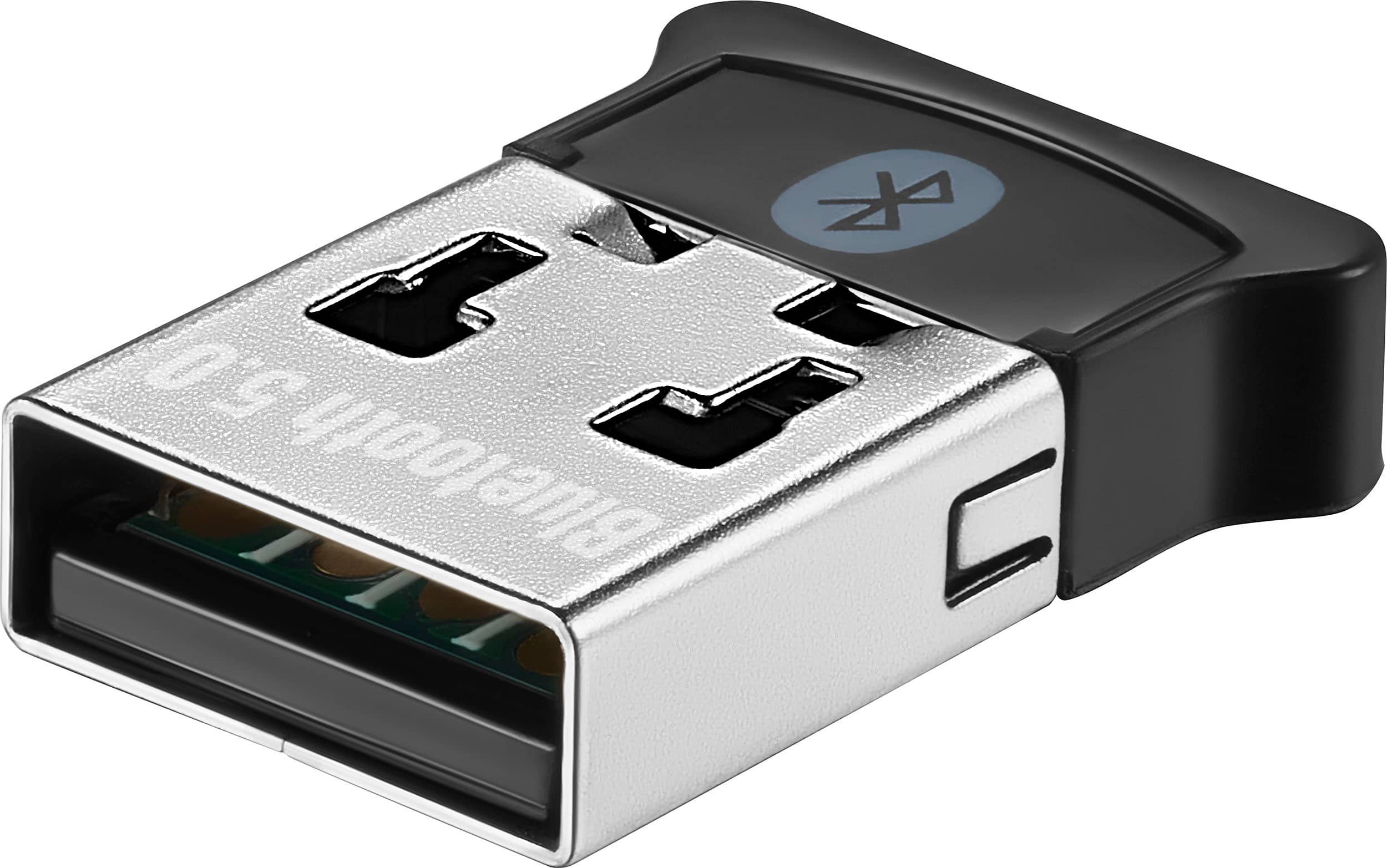
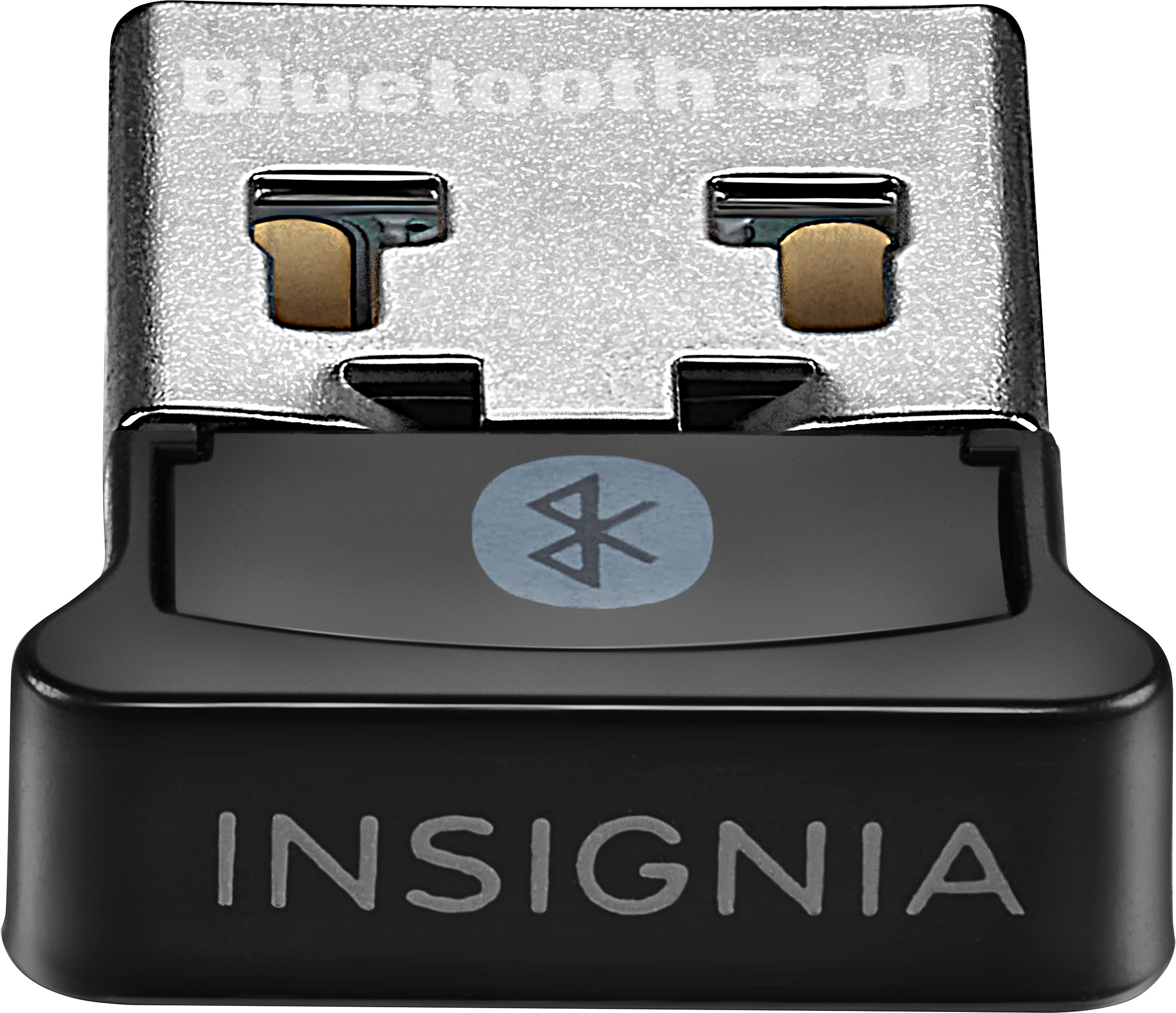
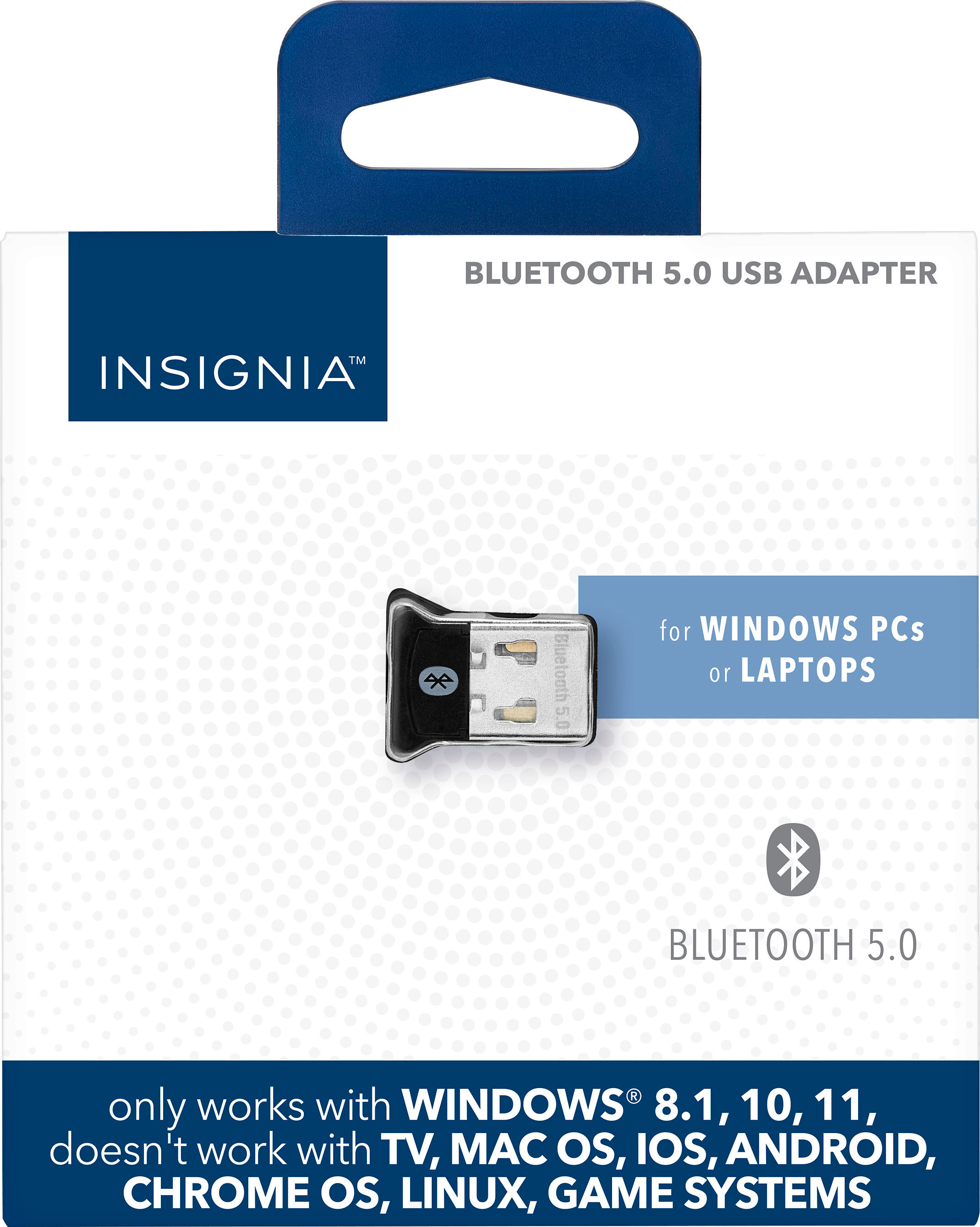
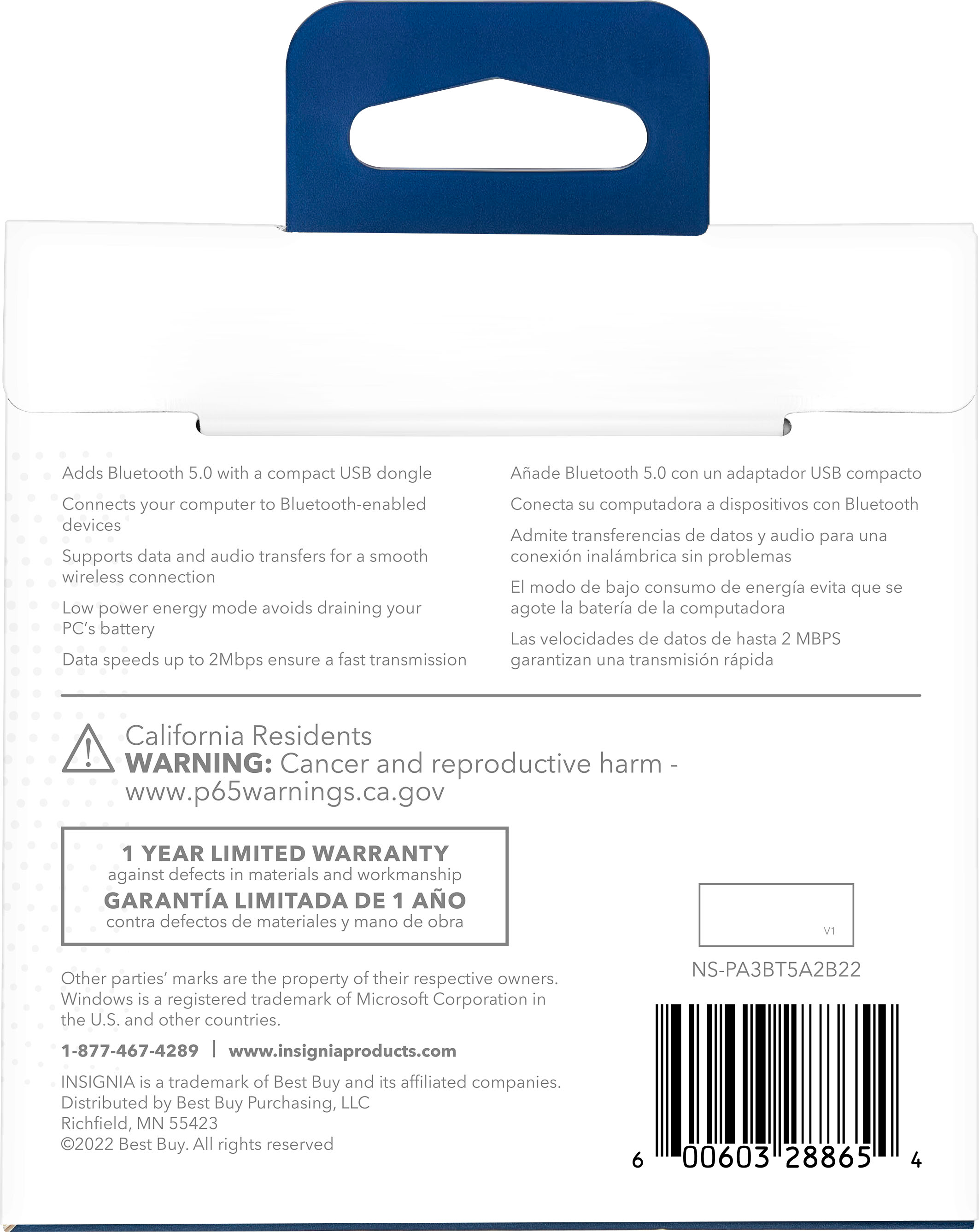
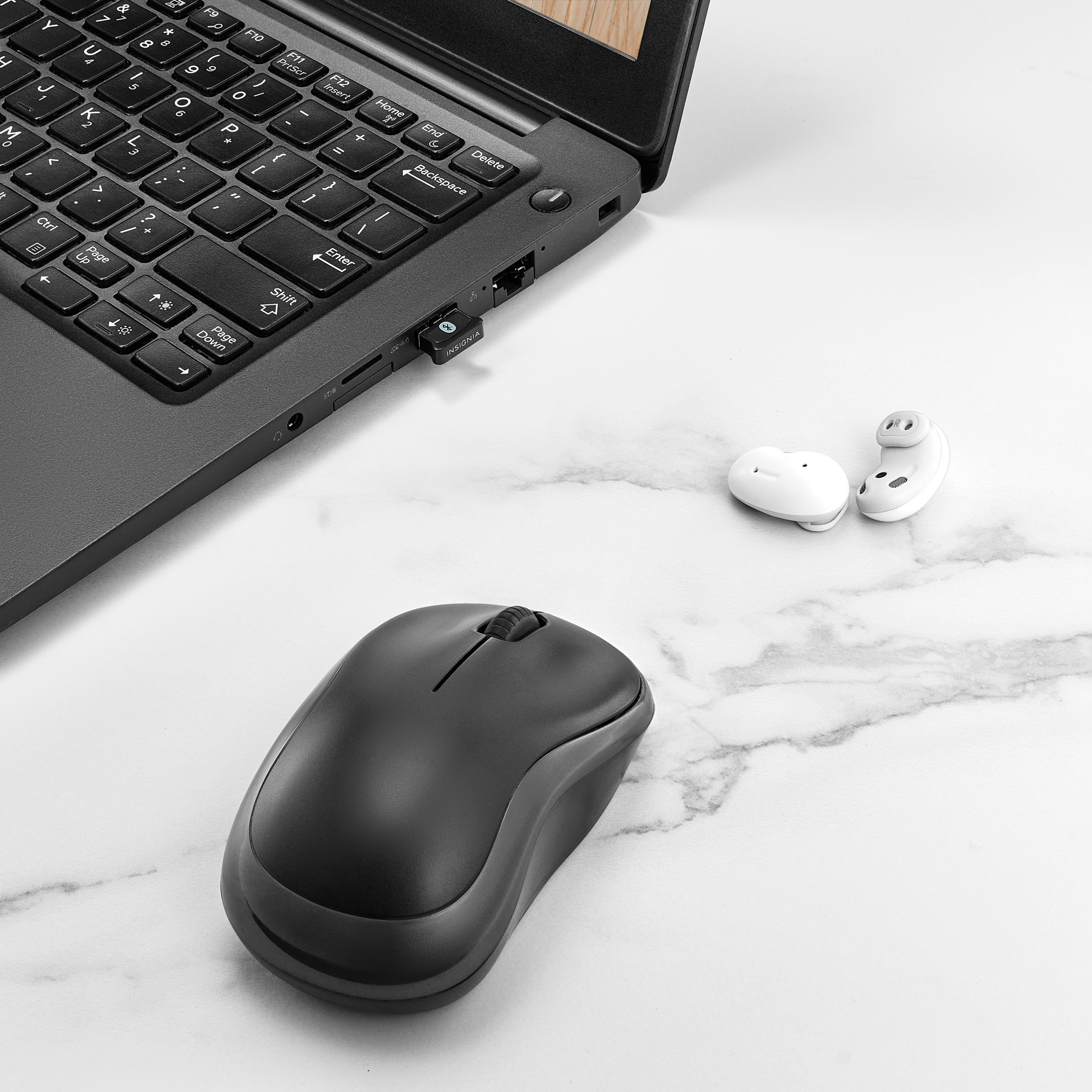
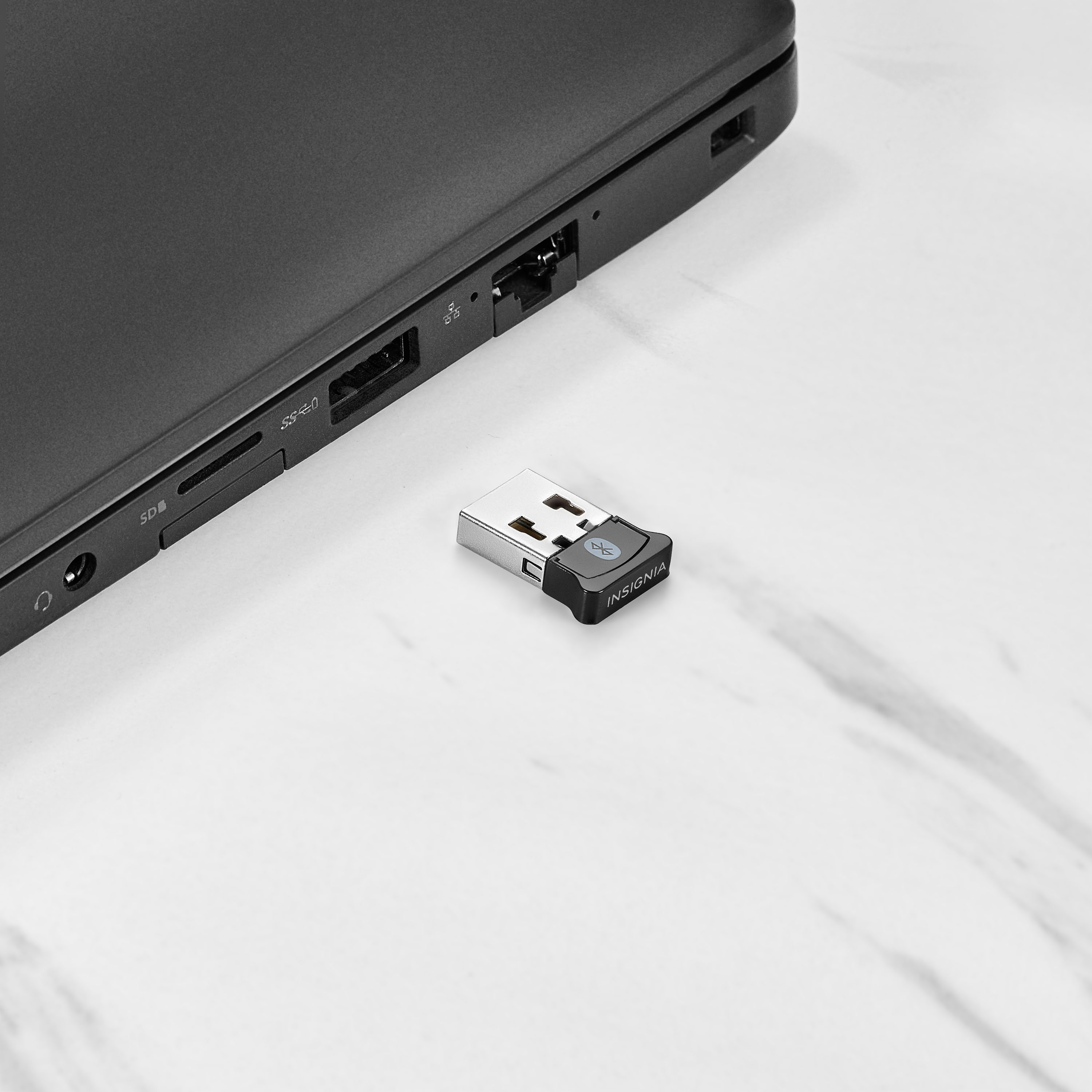
Customers recognize the Bluetooth 5.0 USB Adapter for its ease of use, broad Bluetooth compatibility, and overall performance. Users appreciate its compatibility with devices like PS5 controllers, good range, and small size. While the adapter is generally well-received, some users have reported connection issues.
This summary was generated by AI based on customer reviews.
Nice little dongle
||Posted . Owned for 1 week when reviewed.This reviewer received promo considerations or sweepstakes entry for writing a review.At first it was not working well but it was plugged straight into my motherboard. I did some research and it was saying sometimes there is interference from the motherboard and to plug it into either the front case ports or on an USB extension cable. Once I figured that out it has been awesome
I would recommend this to a friend- Pros mentioned:Overall performance
USB adapter
||Posted . Owned for 1 year when reviewed.This reviewer received promo considerations or sweepstakes entry for writing a review.Works fine 99% of the time, but had an obscure issue with the remote desktop software I use
I would recommend this to a friend - Pros mentioned:Ease of use
used to connect Xbox controllers to pc
||Posted . Owned for 1 month when reviewed.This reviewer received promo considerations or sweepstakes entry for writing a review.Works perfectly well for what it does, and lets me to connect multiple Xbox controllers to my PC. Not a bad price for it, and nothing more than you need
I would recommend this to a friend - Pros mentioned:Bluetooth
Bluetooth dongle
||Posted .This reviewer received promo considerations or sweepstakes entry for writing a review.Works fully as expected, just plug it into the outside of my pc and have good bluetooth connection.
I would recommend this to a friend - Pros mentioned:Overall performance
nsignia™ - Bluetooth 5.0 USB Adapter for Laptops a
||Posted .This reviewer received promo considerations or sweepstakes entry for writing a review.Cats meow! You won’t be sorry for the price.great buy lots of fun!
I would recommend this to a friend - Pros mentioned:Ease of use
8/10 but would still recommend.
||Posted . Owned for 1 week when reviewed.This reviewer received promo considerations or sweepstakes entry for writing a review.Works well and was very easy to set up! Mid connection range. Seems to be about 20 ft. I do have to disconnect my JBL vibe buds and reconnect it from about once a week due to a bug connecting but I also thing it's because I'm connecting the JBL buds to 3 different devices, not sure if it's a bug with this bluetooth connector.
I would recommend this to a friendBrand response from InsigniaCustomerSupport
Posted .Thank you for your detailed feedback! We're glad to hear that the setup was easy and that the product works well for you. We appreciate your input on the connection range and the issue with reconnecting your JBL vibe buds. Your insights are valuable to us, and we'll consider them for future improvements.
- Carl | Insignia Products
- Pros mentioned:Compatibility, Ease of use
Great BT device
||Posted . Owned for 3 months when reviewed.This reviewer received promo considerations or sweepstakes entry for writing a review.easy to install installed in minutes great driver and software support from the manufacture works well with all devices would recommend to any who needs Bluetooth connection
I would recommend this to a friend - Pros mentioned:Overall performance
Does what it does and doesn’t do more
||Posted . Owned for 2 weeks when reviewed.This reviewer received promo considerations or sweepstakes entry for writing a review.Works well does what it needs to do provide Bluetooth
I would recommend this to a friend - Pros mentioned:Overall performance
Worth buying
||Posted .This reviewer received promo considerations or sweepstakes entry for writing a review.Works super well, connected, autoloaded the drivers, connects to my devices w/out a hitch
I would recommend this to a friend - Pros mentioned:Overall performance
Life saver
||Posted . Owned for 2 weeks when reviewed.This reviewer received promo considerations or sweepstakes entry for writing a review.Works great my bluetooth went out on my pc and i used this as a fix works great for my headset.
I would recommend this to a friend - Pros mentioned:Ease of use
Useful product for people with no bluetooth on pc
||Posted . Owned for 6 months when reviewed.This reviewer received promo considerations or sweepstakes entry for writing a review.I use this almost everyday, if you don't have bluetooth on your pc just plug it in and works like a charm. The connection is stable and I use it all the time to play with my controller on the pc. Ive had 5 devices connected at once and it worked perfectly.
I would recommend this to a friendBrand response from InsigniaCustomerSupport
Posted .Hi JoshuaF! Thanks for sharing your experience. It's great to hear that the Insignia™ Bluetooth 5.0 USB Adapter is working so well for you. The stable connection and ability to connect multiple devices sound super convenient! If you have any other feedback or questions, feel free to let us know. Enjoy your Bluetooth adapter!
- Shiela | Insignia Support
- Pros mentioned:Ease of use

Simple
|Posted . Owned for 1 week when reviewed.This reviewer received promo considerations or sweepstakes entry for writing a review.[Employee of bestbuy] Easy way to put Bluetooth on a pc or laptop that doesn’t have it. Simple setup
I would recommend this to a friend - Pros mentioned:Overall performance
Nice USB Bluettoth.
||Posted . Owned for 1 month when reviewed.This reviewer received promo considerations or sweepstakes entry for writing a review.It works great. Easy set and use. No issue first time working with it.
I would recommend this to a friend Fantastic!
||Posted . Owned for 9 months when reviewed.This reviewer received promo considerations or sweepstakes entry for writing a review.I didn’t know this existed. Thank you so much! I will definitely recommend
I would recommend this to a friendBrand response from InsigniaCustomerSupport
Posted .Hello Daniel, thank you for sharing your feedback. We're delighted to hear that the Insignia Bluetooth 5.0 USB Adapter was a pleasant surprise and provided the functionality you needed. It's great to know that you're happy with its performance and would recommend it to others. We appreciate your support and are glad the adapter is working so well for you.
Sidhartha | Insignia
- Pros mentioned:Overall performance
Great bluetooth
||Posted .This reviewer received promo considerations or sweepstakes entry for writing a review.The bluetooth picks up every device no problem with no lags or hickups great product.
I would recommend this to a friend - Pros mentioned:Overall performance
Great product
||Posted . Owned for 3 weeks when reviewed.This reviewer received promo considerations or sweepstakes entry for writing a review.Works just like it should! I would definitely recommend it.
I would recommend this to a friend - Pros mentioned:Bluetooth
Great Option for BT Receiver!
||Posted . Owned for 1 month when reviewed.This reviewer received promo considerations or sweepstakes entry for writing a review.Works flawlessly. The BT receiver on my motherboard was extremely flakey. I disabled it and purchased this Insignia B adapter and never looked back. I have had ZERO issues and it has worked with all my peripherals.
I would recommend this to a friendBrand response from InsigniaCustomerSupport
Posted .Awesome to hear, Sherman! Sounds like this adapter was the perfect fix for your setup. Thanks for trusting Insignia and sharing your smooth experience!
— Shiela | Insignia Support
Easy setup
||Posted . Owned for 2 months when reviewed.This reviewer received promo considerations or sweepstakes entry for writing a review.Needed to make PC bluetooth compatible and this was economical and recognized as soon as it was plugged in. Easy to setup and works well.
I would recommend this to a friendBrand response from InsigniaCustomerSupport
Posted .Hi Insignia Customer, thank you for sharing how it worked for you. Great to hear the Bluetooth 5.0 USB Adapter made your PC Bluetooth‑ready right away, was recognized instantly, and set up without any hassle especially at such an economical price. We appreciate you taking the time to leave your feedback.
Darshan | Insignia
- Pros mentioned:Overall performance
Great product
||Posted . Owned for 1 year when reviewed.This reviewer received promo considerations or sweepstakes entry for writing a review.This device worked really well and makes it easy to play with my wireless Xbox controller
I would recommend this to a friend - Pros mentioned:Bluetooth, Compatibility
Works Great!
||Posted . Owned for 1 month when reviewed.This reviewer received promo considerations or sweepstakes entry for writing a review.I used this to bluetooth my ps4 and xbox controllers to my older pc that has no bluetooth. Syncs perfectly with no issues.
I would recommend this to a friend