Customer Ratings & Reviews

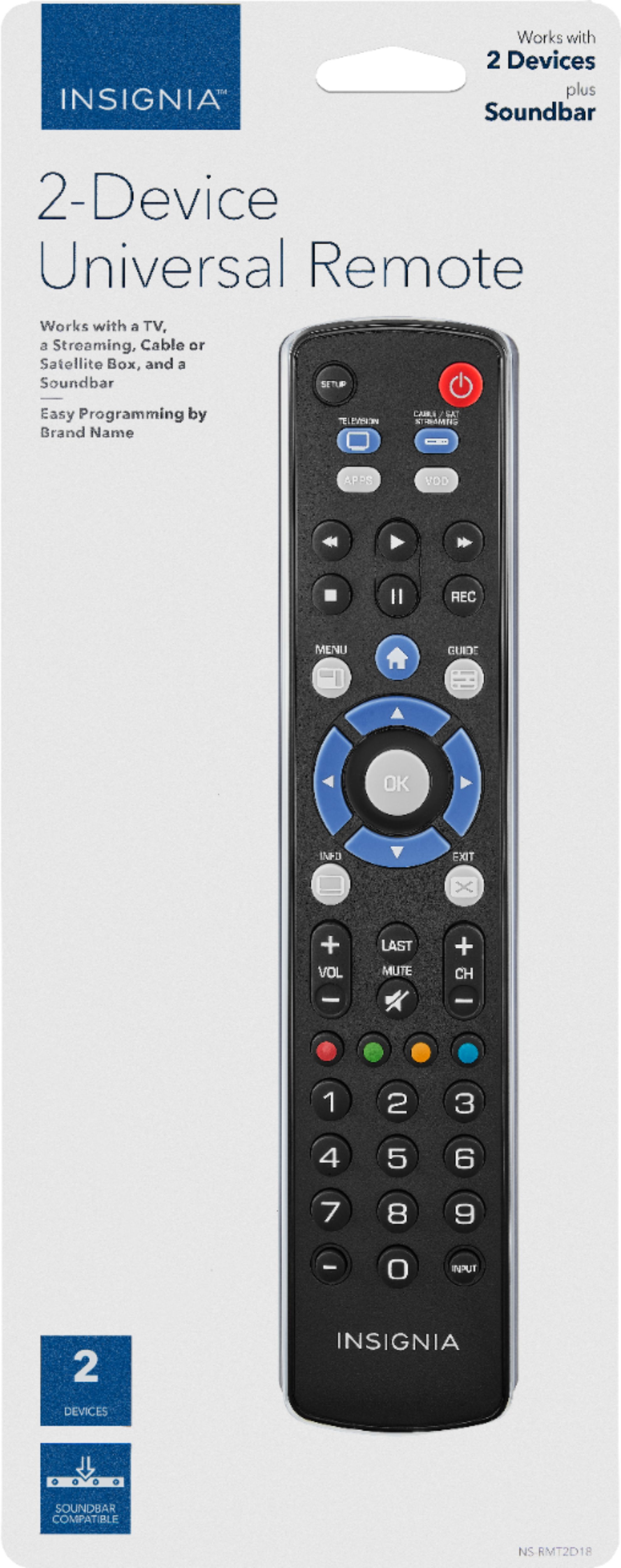
- Model:
- NS-RMT2D18
- SKU:
- 6215308
Rating by feature
- Value
Rating 4.5 out of 5 stars
- Quality
Rating 4.5 out of 5 stars
- Ease of Use
Rating 4.4 out of 5 stars
Customers are saying
Customers enjoy the Universal 2-Device Remote's ease of use and compatibility with various devices. Many appreciate its affordable price and straightforward setup process. While some users experienced issues with the back button and programming, the positive feedback on ease of use and compatibility outweighs these concerns.
This summary was generated by AI based on customer reviews.
Doesn't work for LG TV's!
||Posted . Owned for 1.5 years when reviewed.This reviewer received promo considerations or sweepstakes entry for writing a review.The BB team member who suggested this remote LIED. I even gave him the model number of the TV I needed a remote for, and all its info and he assured me that it would work, but it didn't! Total waste of money.
No, I would not recommend this to a friendHORRIBLE
||Posted . Owned for 1 year when reviewed.This reviewer received promo considerations or sweepstakes entry for writing a review.Only worked for about a week and a half. DONT WASTE YOUR MONEY!! If you cannot afford a remote and you have a smart TV, download an app until you can afford a better remote than this!!!!!
No, I would not recommend this to a friendRemote doesn’t work on TCL tv
||Posted . Owned for 3 weeks when reviewed.This reviewer received promo considerations or sweepstakes entry for writing a review.After consulting bestbuy staff, bought this universal remote. The remote doesn’t always work on TCL TV. If you have TCL tv don’t buy this remote
No, I would not recommend this to a friendBrand response from InsigniaCustomerSupport
Posted .Hello, thank you for taking time out of your day to leave a review. I know it is disheartening to not have a product meet your needs and expectations. If you still have this particular item, please feel free to contact us so that we may explore the best resolution for you.
Jay - Insignia Support https://www.insigniaproducts.com/contact-us
Not what I was looking for
||Posted .This reviewer received promo considerations or sweepstakes entry for writing a review.This remote did not meet my needs. I bought it to use with both my TV and my Blu-Ray player. It was compatible with my Panasonic TV but not my Samsung player.
No, I would not recommend this to a friendGarbage
||Posted .This reviewer received promo considerations or sweepstakes entry for writing a review.Didn't work for any tv I tried it on. Didn't realize it was too late to return. Stuck with this paperweight.
No, I would not recommend this to a friendBrand response from InsigniaCustomerSupport
Posted .Hello, EmmD,
I am very sorry to read about the experience you had with our remote, it should not happen. Please let us assist you, follow the link at the end and we are going to do our best to help you out. Thank you for taking the time to review our products.
Alfredo L - Insignia Support
https://www.insigniaproducts.com/contact-us
Universal Not
||Posted .This reviewer received promo considerations or sweepstakes entry for writing a review.Entered all codes for TV but no connection. Too cheap wasting time to return
No, I would not recommend this to a friendDid not work
||Posted .This reviewer received promo considerations or sweepstakes entry for writing a review.This hand control was suppose to be a replacement for the lost one for my Insignia digital to analog tv converter box. Wrong one I guess.
No, I would not recommend this to a friendBrand response from InsigniaCustomerSupport
Posted .Hello,
We appreciate the time you took to provide us with your review. I am certainly sorry to read that our Universal 2 Device remote did not work with your TV, however this may be due to compatibility issue. Due to this, I will suggest to get in touch with us at the contact link below for any help you may need.
Itzel I. - Insignia Support. https://www.insigniaproducts.com/contact-us
doesn't work even with Insignia TV
||Posted .This reviewer received promo considerations or sweepstakes entry for writing a review.This universal remote didn't work at all with my Insignia TV (new).
No, I would not recommend this to a friendBrand response from InsigniaCustomerSupport
Posted .Hello,
I am really sorry to read our universal remote did not work with your Insignia TV, please let us help you. At the end you will see the link to contact us and we will gladly help you to check what could be the problem. We are here for you.
Alfredo L - Insignia Support
https://www.insigniaproducts.com/contact-us
Meh
||Posted . Owned for less than 1 week when reviewed.This reviewer received promo considerations or sweepstakes entry for writing a review.Didn’t work for my insignia tv. So therefore it was a waste of money on my end.
No, I would not recommend this to a friendBrand response from InsigniaCustomerSupport
Posted .Hello,
Thank you for your feedback, Please accept our apologies to see you're experiencing a difficult time with it and that it didn't quite accomplish your expectations. If you want to reach us for further steps please feel free to contact us at anytime.
- Arin A.
Insignia Support
Contact us: https://www.insigniaproducts.com/contact-us
This remote didn’t work
||Posted .This reviewer received promo considerations or sweepstakes entry for writing a review.This remote did not work for my soundbar even though it had the numbers on it
No, I would not recommend this to a friendBrand response from InsigniaCustomerSupport
Posted .Hi, Nanny.
Thank you for taking the time to write about your experience. Usually with these remotes there is a quick and easy fix. Please give us a call at 1-877-467-4289 so we can further assist you with it.
Alexander G. - Insignia Support
Sucks
||Posted .This reviewer received promo considerations or sweepstakes entry for writing a review.It doesn’t work with digital converter boxes it’s not worth it
No, I would not recommend this to a friendBrand response from InsigniaCustomerSupport
Posted .Hello Rocky,
Thank you for taking the time to review our Universal Remote. I am sorry to read that your remote did not work with your Converter Box. This may be due to several reasons, however I will like to make sure that we have tried every possible solution, so please feel free to get in touch with us at: 877-467-4289 where one of our agents will gladly help you.
Itzel I. - Insignia Support.
https://www.insigniaproducts.com/contact-us
malfuncioning remote
||Posted .This reviewer received promo considerations or sweepstakes entry for writing a review.would not sinc up with my charter box after many attempts and try every methods shown in instructions
No, I would not recommend this to a friendRemote didnt connect
||Posted .This reviewer received promo considerations or sweepstakes entry for writing a review.Recently bought a universal remote tried a,b,c ways and codes but could not connect my devives
No, I would not recommend this to a friendStopped working.
||Posted . Owned for 1 year when reviewed.This reviewer received promo considerations or sweepstakes entry for writing a review.I don’t like it.stopped working 6 months using it. Horrible.
No, I would not recommend this to a friendDecent for the price
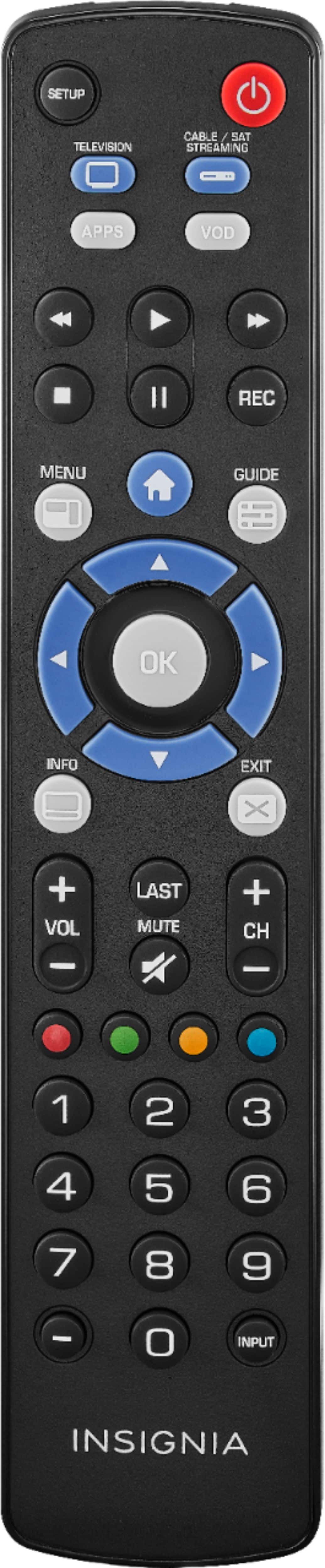
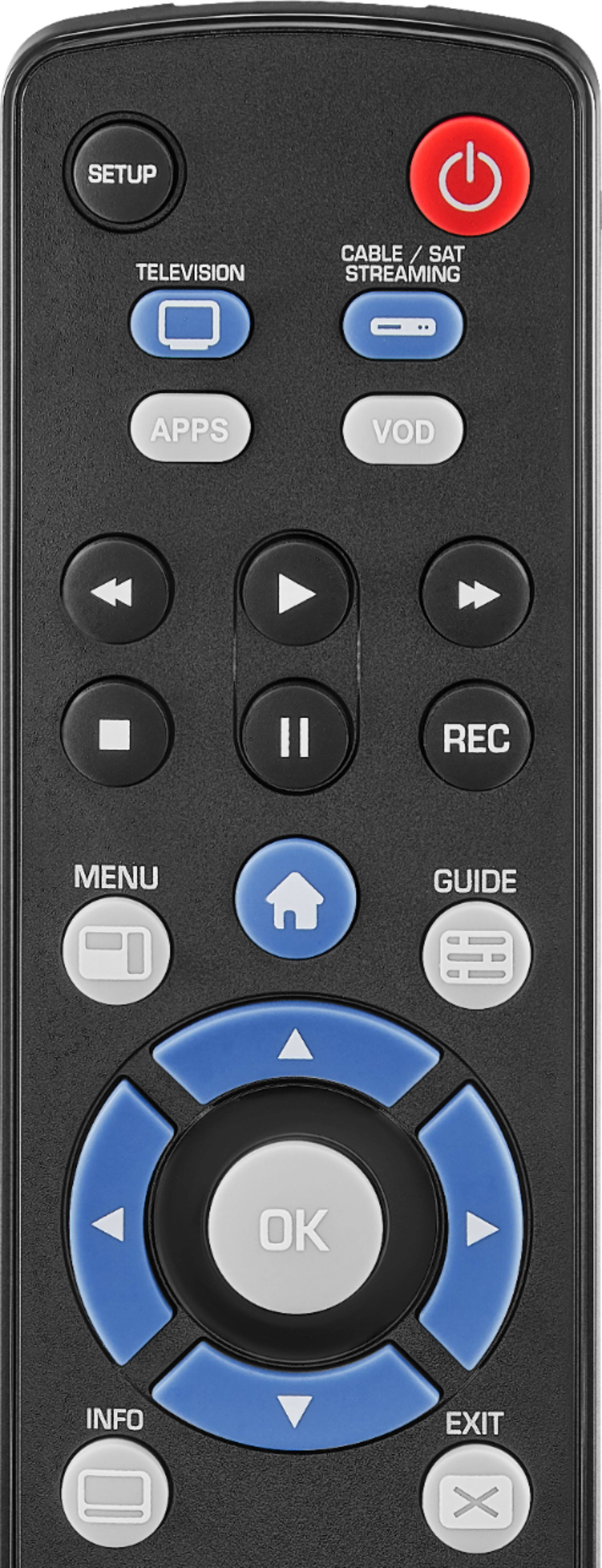
Posted .This reviewer received promo considerations or sweepstakes entry for writing a review.This is a simple remote that can be complicated to use depending on your equipment setup. I have an insignia Roku TV and a Samsung soundbar. This remote had a "Watch TV" mode (which is enabled by default) that locks certain controls to the TV even if you've pressed the cable box/streaming button. You can turn that off, and then you can lock the volume control to a soundbar, as long as you're still in cable/streaming mode. Which is great if you have a separate cable box or Roku device. Problem is, I have a Roku TV. So I need to be in TV mode to control playing, pausing, etc. And in TV mode, the volume buttons control the TV, not the soundbar. So I have to hit the cable/streaming button, then use the volume buttons, then hit the TV button if I want to play, pause, or select a new show. Not a huge complaint in a $15 remote, but still it would be nice to be able to lock volume to the soundbar. Other than that, it's a reliable, easy to program remote for a low price. If you have a separate Roku or other streaming device and a soundbar, it should work perfectly.
I would recommend this to a friend- Pros mentioned:Ease of use
Great substitute for tv remote
Posted .This reviewer received promo considerations or sweepstakes entry for writing a review.Lost our tv remote and this is a great fix and works good
I would recommend this to a friend Easy to Program
Posted .This reviewer received promo considerations or sweepstakes entry for writing a review.Great universal remote. Programming process was easy. Been working great since.
I would recommend this to a friend- Cons mentioned:Programming
NA with Channelmaster DVR+
Posted .This reviewer received promo considerations or sweepstakes entry for writing a review.Channel master code on page 22 does not work with the DVR+ device. I tried all all 3 programming methods. It worked when I programmed other brands just for kicks, but going back to channel master was a bust.
No, I would not recommend this to a friendBrand response from InsigniaCustomerSupport
Posted .Hi.
We appreciate your comprehension on this situation. We try to make our product as compatible as possible, however, it is impossible to guarantee that it will work with every model of Channel Master ever released. I apologize for the situation and hope we can meet your expectations with another different product.
Charles V. - Insignia Support
https://www.insigniaproducts.com/contact-us