Early Black Friday DealsNew Doorbusters every Friday.Shop now

Main Content

Customer Ratings & Reviews
Customer reviews

Rating 4.4 out of 5 stars with 165 reviews

Rating Filter

Rating by feature

  • Value

    Rating 4.4 out of 5 stars

  • Quality

    Rating 4.5 out of 5 stars

  • Ease of Use

    Rating 4.7 out of 5 stars

Pros mentioned filter

Cons mentioned filter

88%would recommend to a friend

Customers are saying

Customers have good things to say about the ease of use and the ability to support dual HDMI monitors with this USB-C adapter. Many appreciate its compatibility with various laptops and the high-quality resolution it provides for extended displays. While some users noted slight warmth after extended use, the overall feedback highlights the adapter's convenient size and reliable performance.

This summary was generated by AI based on customer reviews.

The vast majority of our reviews come from verified purchases. Reviews from customers may include My Best Buy members, employees, and Tech Insider Network members (as tagged). Select reviewers may receive discounted products, promotional considerations or entries into drawings for honest, helpful reviews.
Page 8 Showing 141-160 of 165 reviews
  • Rated 2 out of 5 stars

    Only shows One Monitor

    |
    |
    Posted . Owned for 1 month when reviewed.
    This reviewer received promo considerations or sweepstakes entry for writing a review.

    Not sure what’s going on but when I try to connect 1 monitor it works, second I connect another it does nothing

    No, I would not recommend this to a friend
  • Rated 2 out of 5 stars

    Acceptable

    |
    |
    Posted . Owned for 3 months when reviewed.
    This reviewer received promo considerations or sweepstakes entry for writing a review.

    When I use both the HDMIs the screens start flickering. Works well with just one but, that is not the purpose of a dual HDMI dongle.

    No, I would not recommend this to a friend
    • Brand response from InsigniaCustomerSupport
      Posted .

      Hello RohintonS,
      Thank you for taking the time to leave a review of our Insignia™ - USB-C to Dual 4K HDMI Adapter. I know it can be dissatisfying that its not working as expected. Please know that we are improving the quality of this product by considering our customers feedback, if you need further assistance you can contact our customer service at 1 (877) 467-4289 Monday-Saturday 8am - 9pm CT.
      Insignia Support
      Molina
      https://www.bestbuy.com/site/brands/best-buy-brands/pcmcat1596746025285.c?id=pcmcat1596746025285 BBY-ExBrand_Insignia

  • Rated 1 out of 5 stars

    Does Not Work With Macbook Air M3

    |
    |
    Posted .
    This reviewer received promo considerations or sweepstakes entry for writing a review.

    FAQ states that it will extend to 2 monitors, however it only has mirroring capabilities. You can't have 2 screens with unique content on both.

    No, I would not recommend this to a friend
    • Brand response from InsigniaCustomerSupport
      Posted .

      Thank you for your feedback. We apologize for any confusion caused by the product description. The Insignia USB to Dual HDMI Adapter is designed to either mirror or extend your computer's display to two HDMI-enabled monitors. If you are experiencing issues with extending the display, please ensure that your setup meets the necessary requirements and that the drivers are correctly installed.

      - Carl | Insignia Products BBY-ExBrand_Insignia

  • Rated 2 out of 5 stars

    Poor quality!

    |
    |
    Posted . Owned for 3 weeks when reviewed.
    This reviewer received promo considerations or sweepstakes entry for writing a review.

    Not so good. Working fine for several days. Once i disconnect and connect again don't work!

    No, I would not recommend this to a friend
    • Brand response from InsigniaCustomerSupport
      Posted .

      Hello Hard,
      We are very sorry to read that the adapter does not work anymore. We would be happy to troubleshoot it and check your options for you. Please feel free to contact us at 1-(877)-467-4289 Monday to Saturday 8am - 9pm CST, and we will gladly assist you in the best way possible.
      Chelsea
      Insignia Support
      Please give us a visit at: https://www.bestbuy.com/site/brands/best-buy-brands/pcmcat1596746025285.c?id=pcmcat1596746025285 BBY-ExBrand_Insignia

  • Rated 1 out of 5 stars

    Did not work for what I needed

    |
    |
    Posted . Owned for 1 week when reviewed.
    This reviewer received promo considerations or sweepstakes entry for writing a review.

    Was trying to extend Macbook Air to dual screens and I was told in store that this would work but would only display one screen and detect the other.

    I would recommend this to a friend
    • Brand response from InsigniaCustomerSupport
      Posted .

      Hi Bobbyb,

      Thank you for writing a review about our Insignia™ - USB-C to Dual 4K HDMI Adapter.We understand that you are having issue with the product. We would love to check this situation further with you. Please feel free to contact us at the link below to get assistance with your unit.


      Insignia Support
      Marites
      www.insigniaproduct.com BBY-ExBrand_Insignia

  • Rated 1 out of 5 stars

    Bad really bad

    |
    |
    Posted . Owned for less than 1 week when reviewed.
    This reviewer received promo considerations or sweepstakes entry for writing a review.

    2 weeks working than never wors well. Not recomended

    No, I would not recommend this to a friend
    • Brand response from InsigniaCustomerSupport
      Posted .

      Thank you for sharing your feedback on the Insignia™ USB-C to Dual 4K HDMI Adapter - Gray. We apologize for any inconvenience you’ve experienced. Our team is committed to improving our products, and we appreciate your input. If you have any further questions or need assistance, feel free to reach out
      -Paul | Insignia Support
      https://www.bestbuy.com/site/insignia-usb-c-to-dual-4k-hdmi-adapter-gray/6521721.p?skuId=6521721 BBY-ExBrand_Insignia

  • Pros mentioned:
    Hdmi, Resolution
    Tech Insider Network Member

    Rated 4 out of 5 stars

    Compact Productivity Enhancer

    |
    Tech Insider Network Member
    Posted .
    This reviewer received promo considerations or sweepstakes entry for writing a review.

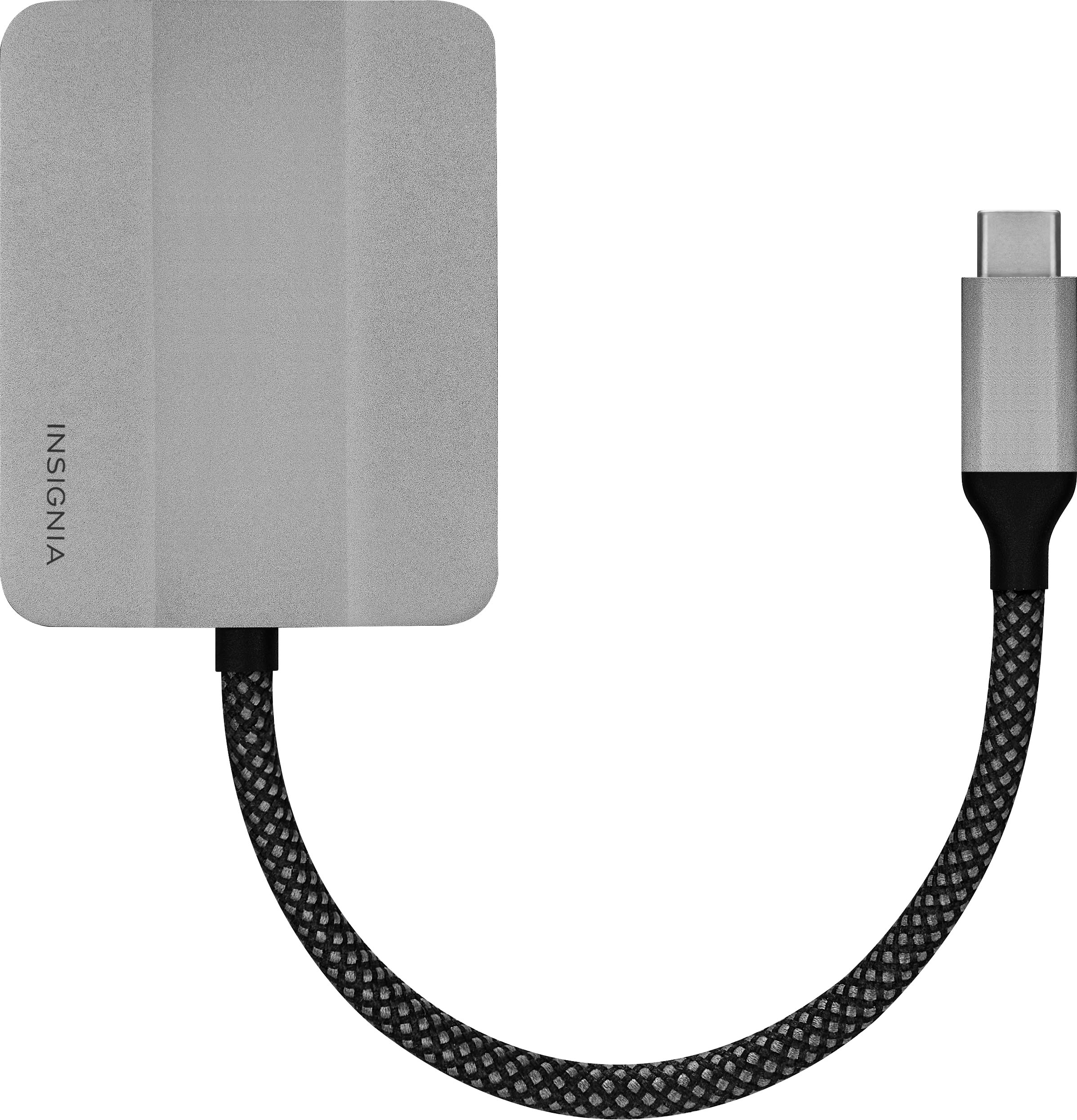
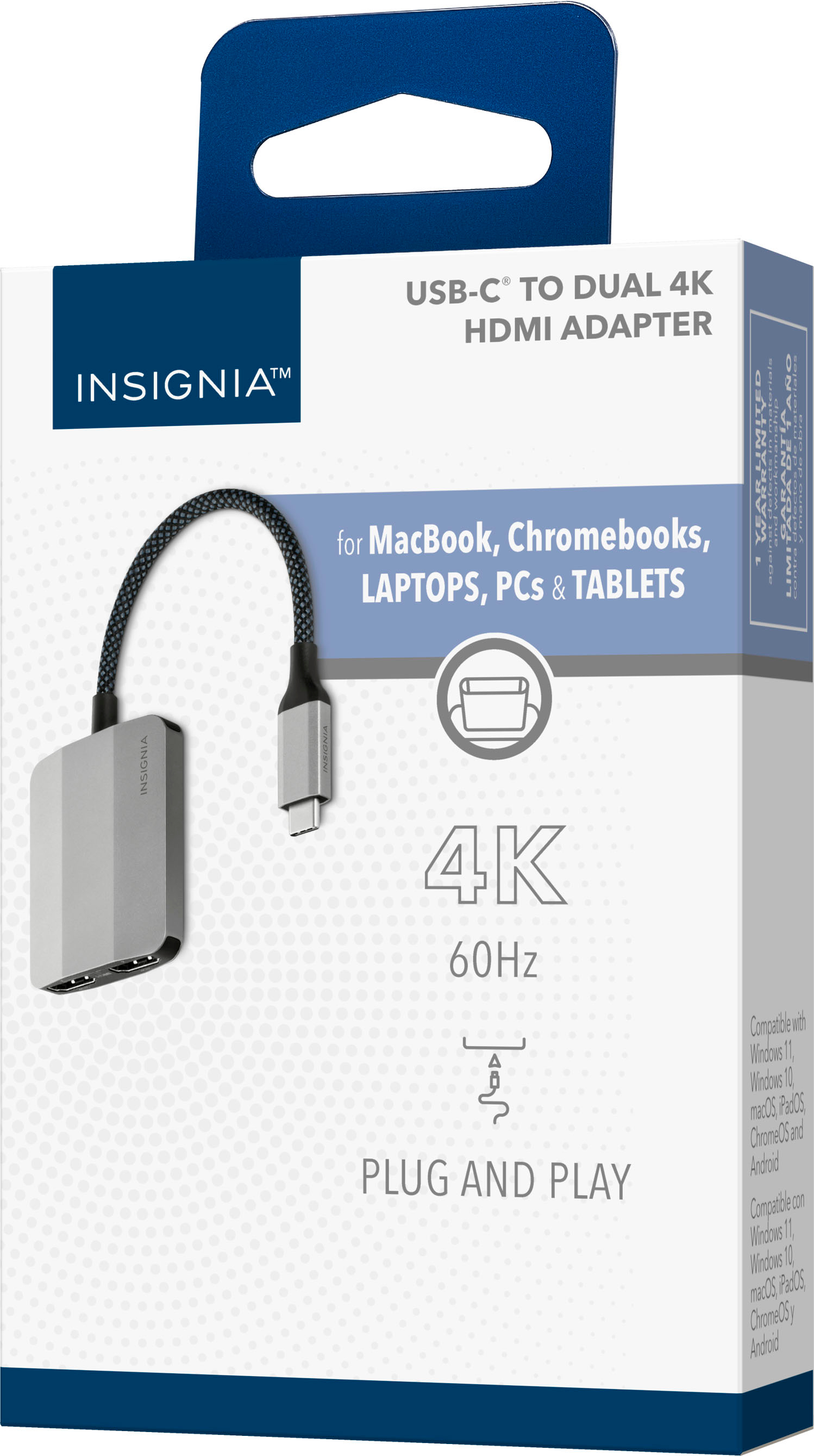
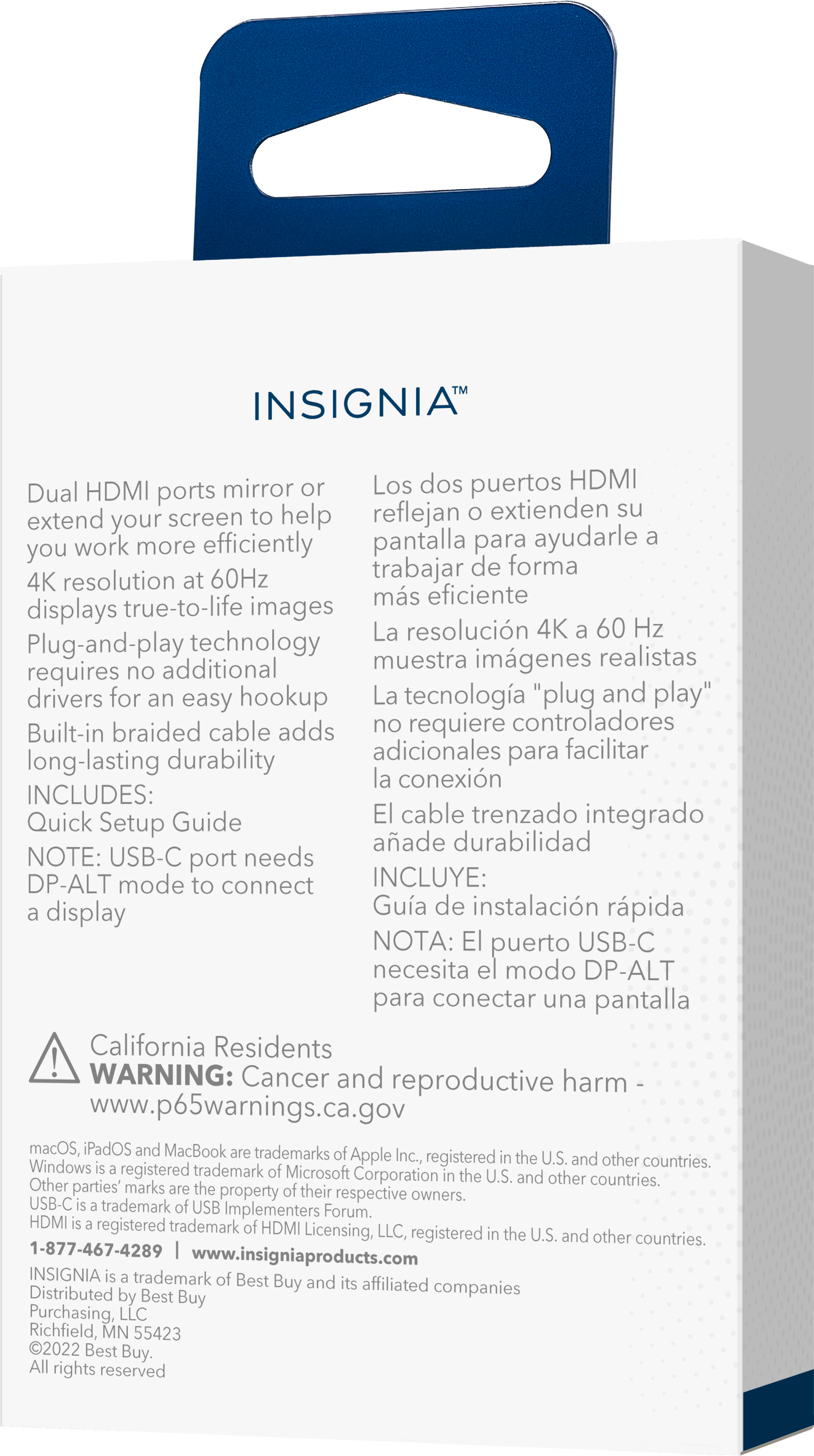
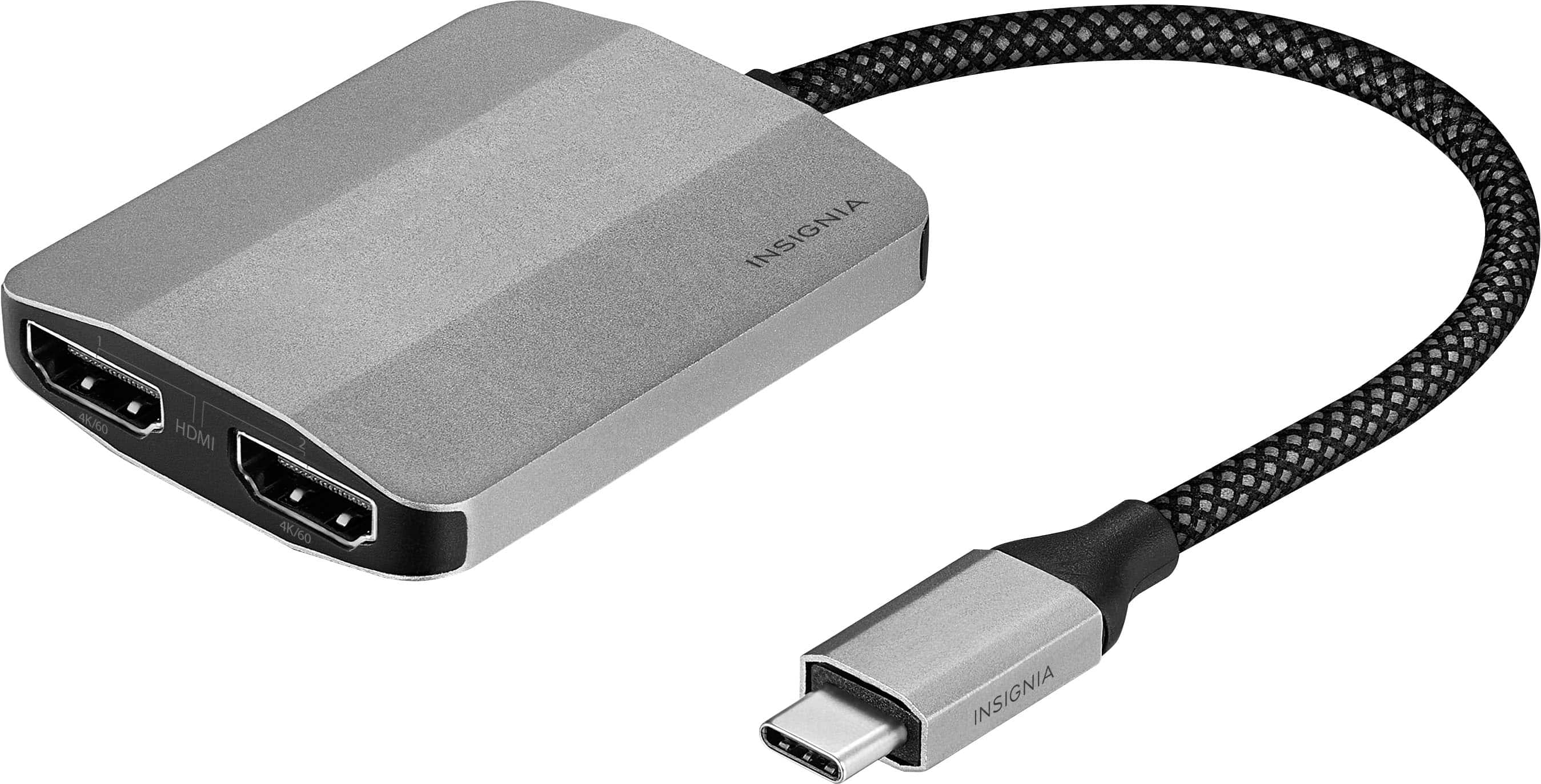
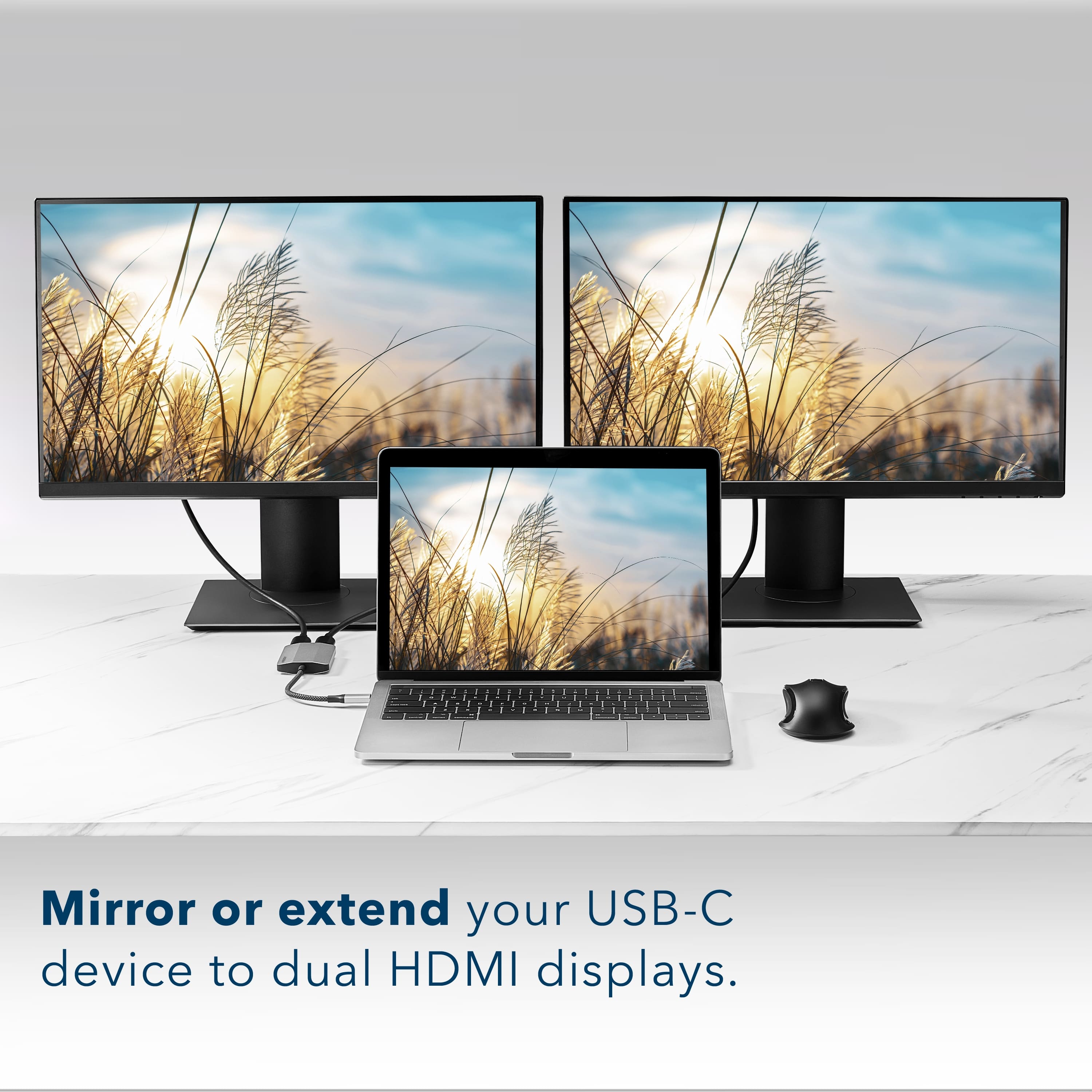
    Insignia USB-C to Dual 4K HDMI Adapter This device, which costs only $59.99 list price, allows a computer with a USB-C video capable port to drive two computer monitors connected via a HDMI cable at the computer side. The computer USB-C needs to have DP-ALT mode to make this work (check your computer specifications to ascertain if yours is ready). This means it outputs a video signal and will work with this adapter. Note: Insignia is the Best Buy store brand and includes many products of value available to customers in store and on their web site. The 2 monitors can be in mirror or extend mode. By all accounts, an HDMi HD TV could also be connected to one of the HDMI ports; I did not try that. The two monitor outputs will support up to 4K resolution up to 60 Hz timing. The attached USB-C cable is approximately 5 inches long, is braided and seems durable and has a substantial heft with a hefty USB-C at the end. Per the package specs, no driver is needed with Windows computers, MacOS Macbooks, ChromeOS Chromebooks as well as iPadOS tablets since they work as Plug and Play. I did not test it with any tablets. When I tried it with a Dell AMD Ryzen laptop, a Gigabyte gaming laptop with Intel Core I7, and a MSI gaming laptop with an AMD Ryzen the adapter worked as touted. I had no need to install any drivers. All 3 laptops are running Windows 11 and the 2 monitors I connected via HDMI both worked clearly and with no video shakiness or artifacts. I used Extend mode for all three laptops so that I could open Word, Edge browser, Twitter, Facebook, and other utility programs among both screens. I have a 24” Lenovo and a 23” Acer, both are LED monitors and both were able to achieve their 1920 x 1200 and 1920 x 1080 resolutions respectively for the Lenovo and the Acer. This Insignia USB-C to HDMI X2 output adapter worked fine for me and I recommend it to others.

    I would recommend this to a friend
  • Rated 1 out of 5 stars

    Didn’t work

    |
    |
    Posted . Owned for 1 week when reviewed.
    This reviewer received promo considerations or sweepstakes entry for writing a review.

    I bought this open box doesn’t work, need to return.

    No, I would not recommend this to a friend
    • Brand response from InsigniaCustomerSupport
      Posted .

      Hi Customer,

      Thanks for taking the time and effort to leave a review about our Insignia™ - USB-C to Dual 4K HDMI Adapter (NS-PA5C2HMS23). I’m sorry the product doesn’t work as you’d expected. I know it can be dissatisfying. If you need further assistance, please feel free to contact us via email or call our customer service at 1-(877)-467-4289 Monday to Saturday, 8 a.m.–9 p.m. CST.

      Shai | Insignia Support
      https://www.bestbuy.com/insignia BBY-ExBrand_Insignia

  • Pros mentioned:
    Hdmi, Quality
    Tech Insider Network Member

    Rated 5 out of 5 stars

    Easy to recommend. Premium build, light and good.

    |
    Tech Insider Network Member
    Posted .
    This reviewer received promo considerations or sweepstakes entry for writing a review.

    This is a fairly good looking, solid device that does what it says it will do. For those machines that have just USBC, you’ll need a dongle to convert to other ports. This one splits your compatible USBC to two HDMI ports that support two displays at 4K at 60hz. I tried to connect just one 120Hz display to the adapter at 4K and a 1080P 144Hz screen. The 4K device worked at 60Hz which was slightly disappointing to me. The 1080P screen worked at 144Hz, so your milage will vary as to what maximum refresh rate you’ll get. The fit and finish of the device is pretty good and definitely is premium build. You won’t feel like it will break in your bag. It’s not a fragile dongle. One of the things that angers me about other dongles is the short distance between ports and the short cable length of the dongle. Fortunately, the Insignia is none of those things and gives you plenty of space (but not too much space). There’s no driver required with modern systems and correct hardware, so that’s a plus. If you have a machine that supports an additional two monitors over your USBC, then you will be plug-and-play. This is an easy one for me to recommend to anyone that needs the functionality. It’s a good price too!

    I would recommend this to a friend
  • Pros mentioned:
    Hdmi, Quality
    Tech Insider Network Member

    Rated 5 out of 5 stars

    Works as Described to Provide Additional Displays

    |
    Tech Insider Network Member
    Posted .
    This reviewer received promo considerations or sweepstakes entry for writing a review.

    The Insignia™ - USB-C to Dual 4K HDMI Adapter is a simple usb-c to HDMI adapter that allows you to connect up to two, 4K, 60Hz displays. This allows devices that do not have HDMI ports to output to a monitor or TV. The adapter works with various operating systems including Windows, MacOS, IPad OS, Chrome and Android OS. The adapter is plug and play and has a has a short braided cable that connects to the outpput device. I tested the adapter with my Asus ROG Ally, my IPad Pro, and a recent model Asus ROG laptop. Display devices included a 4K Samsung TV, a 2K Lenovo monitor, and an HP 1080P monitor. In all cases, the devices displayed an appropriate clear image. The 4K Samsung TV image was particularly clear and colorful. The ROG Ally and IPad images were also excellent but I would recommend using a docking station with power since both of these devices only have one usb-c port and the battery would drain quickly without external power. I would highly recommend the Insignia™ - USB-C to Dual 4K HDMI Adapter to anyone wanting to add external display capability to a device that does not have an HDMI port or to add extra output displays in general.

    I would recommend this to a friend
  • Tech Insider Network Member

    Rated 5 out of 5 stars

    Perfect Dual Monitor Adapter

    |
    Tech Insider Network Member
    Posted .
    This reviewer received promo considerations or sweepstakes entry for writing a review.

    I currently use a desktop computer with dual 27” monitors when working from home, but have been worried about what I’d do if for some reason it went down. So I recently picked up an 18” gaming laptop that is more of a desktop replacement than a true mobile computer. I got all of my work stuff copied over to it but it only has one HDMI port and I would really hate to lose the second 27” screen if I needed to use it for work. This USB-C to dual HDMI port adapter solves that problem. Connecting it for the first time, I plugged it into the single USB-C port on the right side of the laptop and got a new device connected sound. Plugged in both monitors and tried toggling the screen selector on the laptop, but didn’t get any video. Checked the display settings and sure enough the laptop screen is the only one available. Unplugged the adapter and moved it to one of the two ports on the back of the laptop and bingo that did the trick. As soon as I plugged it in the display was duplicated on of the two monitors and I was then able to use the selector to extend the display to all three. Small enough for someone traveling if you have access to screens where you’re working and very convenient to use once you know what port(s) it works with on your laptop.

    I would recommend this to a friend
  • Pros mentioned:
    Ease of use
    Tech Insider Network Member

    Rated 5 out of 5 stars

    Must have for travelers!

    |
    Tech Insider Network Member
    Posted .
    This reviewer received promo considerations or sweepstakes entry for writing a review.

    This review is on a Insignia - USB-C to Dual 4K HDMI Adapter. This product is a great way to get dual monitor support without buying another expensive graphics card. With this adapter you will be able to hook your phone, tablet or PC up to two different monitors. It is easy to use and store so it is perfect for the traveler. I can easily swap from work scenarios to play scenarios with hardly a change. If I need to go to another location without my monitors it can be easily used anywhere there is a HDMI connection. I own a Samsung S23 and when I plugged it in, it immediately displays in DeX format. Touching my phone did not allow me to control it in this format. I had to turn DeX off to get control to show videos. Also when I played a video though Disney+ app and I pause the video, it causes the picture to stop displaying and I have to go through reconnecting it again. With Netflix, when I pause, it stops the picture but when I resume it takes about 20 seconds to start showing video. It did not do this with YouTube. One thing that you have to make sure of is the type of USB-C port on your device. It needs to be able to support DP-ALT mode. Sadly my desktop did not but my laptop does. You can verify by the picture next to the port. If it shows something like SS(SuperSpeed), then it will NOT work. It needs to show a lightning bolt or DP.

    I would recommend this to a friend
  • Tech Insider Network Member

    Rated 5 out of 5 stars

    Great dual HDMI display USB-C Adapter (with 4K)!

    |
    Tech Insider Network Member
    Posted .
    This reviewer received promo considerations or sweepstakes entry for writing a review.

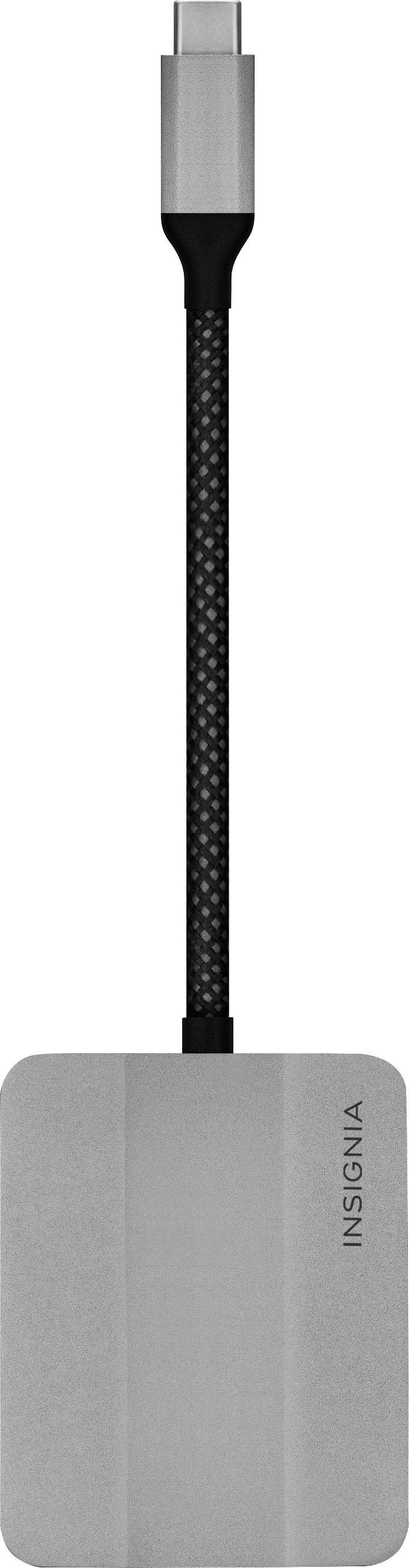
    After a few years of working from home, we were finally told to start heading into the office a couple of days a week. The only problem with that we no longer have assigned desks (every desk is considered a shared workspace), so we have to bring all our accessories with us. Not wanting to keep the bigger USB-C dock that I used to leave at my desk in my laptop backpack, I was looking for something more compact and as light as possible that supported multiple monitors via HDMI (the other smaller portable ones I have only have single HDMI and my built-in HDMI port on my work laptop stopped working a year or so ago). The new Insignia USB-C to Dual 4K HDMI Adapter seemed like it would be a great option! The design is quite nice and simple. The casing is either lightweight metal/aluminum or metallic-like plastic with a slight matte finish. It has tapered edges to reduce bulkiness while still being sturdy to support the dual HDMI ports, with the thickest part in the middle being a little less than 0.5". The 5" braided cable is just long enough. And what is does quite well is what its main job is: connecting your device to two displays. I tried it out on my personal laptop with Windows 11, my work laptop with Windows 11, and my Samsung S23 Ultra Android phone (and although I didn't it with them yet, it should work just fine with most Android tablets and Chromebooks). It worked well with in dual extended mode with a Quad HD (2560 x 1440) and a Full HD monitor. It also worked just as well with a 4K TV. Connecting my phone to the adapter and monitor started the Samsung DEX mode, and it handles running a few apps and games great! And no matter which device I tried it on, it didn't require installing any special drivers. If you travel a lot, or just need a multiple display setup, then this adapter should be considered!

    I would recommend this to a friend
  • Pros mentioned:
    Quality

    Rated 5 out of 5 stars

    Better than I hoped for

    Posted .
    This reviewer received promo considerations or sweepstakes entry for writing a review.

    I sometimes work virtually and have set up a “cheap” home office. I bought two of the cheapest 27” monitors I could find. Characters were not as clear as i had hoped..UNTIL I plugged them into this thing. I can’t say technically what it did but my 60 hrtz monitors are noticeably clearer now. Worked seamlessly. No software required. Awesome.

    I would recommend this to a friend
  • Tech Insider Network Member

    Rated 5 out of 5 stars

    Good Option For Dual HDMI Ports Over USB-C

    |
    Tech Insider Network Member
    Posted .
    This reviewer received promo considerations or sweepstakes entry for writing a review.

    The Insignia USB-C to dual HDMI adapter will get you connected to two HDMI monitors via a single USB-C port. So many laptops are now coming without HDMI ports, so if that is the situation you have and need to get up and running on one or two HDMI monitors, then this is a good option from Insignia. There isn't a lot to cover with an adapter like this except to say that it works. It has a braided cable and a durable metal case. Connecting it to my laptop and getting my HDMI cables connected to it is straight forward and simple. I do wish the cable wasn't braided since that hinders it from as flexible as it could be if the cable wasn't braided. The up side is that it will probably last longer and definitely will endure bending over many years of use for those who need to take this on the move. The other thing to note is that it supports 60Hz, so if you are gaming, then keep that in mind. This works well and is a good option if you are no HDMI ports on your laptop. I was able to get my 28" and 49" monitors connected without a problem. If you need dual HDMI ports and only have USB-C available, then this is a good option for you.

    I would recommend this to a friend
  • Pros mentioned:
    Compatibility, Quality

    Rated 5 out of 5 stars

    Great adapter

    Posted .
    This reviewer received promo considerations or sweepstakes entry for writing a review.

    Works great. Got it for my new mini pc. Works as it should.

    I would recommend this to a friend
  • Pros mentioned:
    Quality

    Rated 4 out of 5 stars

    Insignia USB-c to Dual 4K HDMI adapter

    Posted .
    This reviewer received promo considerations or sweepstakes entry for writing a review.

    This is a solid build product. It provides good graphic image from the source. The device only duplicates the image on your laptop and will not extend your display area.

    I would recommend this to a friend
  • Pros mentioned:
    Hdmi

    Rated 5 out of 5 stars

    Great, Quick and Easy Set Up and Use

    Posted .
    This reviewer received promo considerations or sweepstakes entry for writing a review.

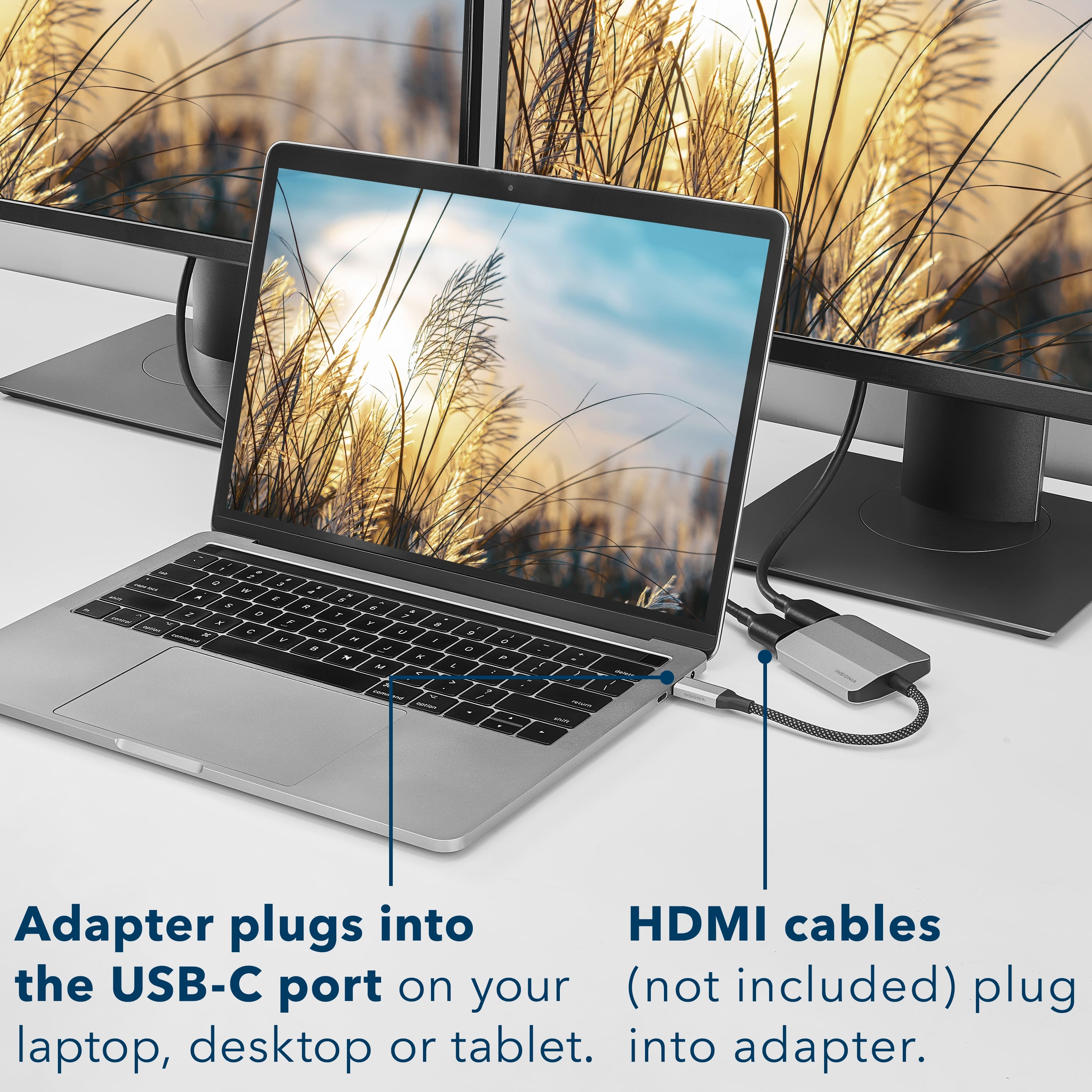
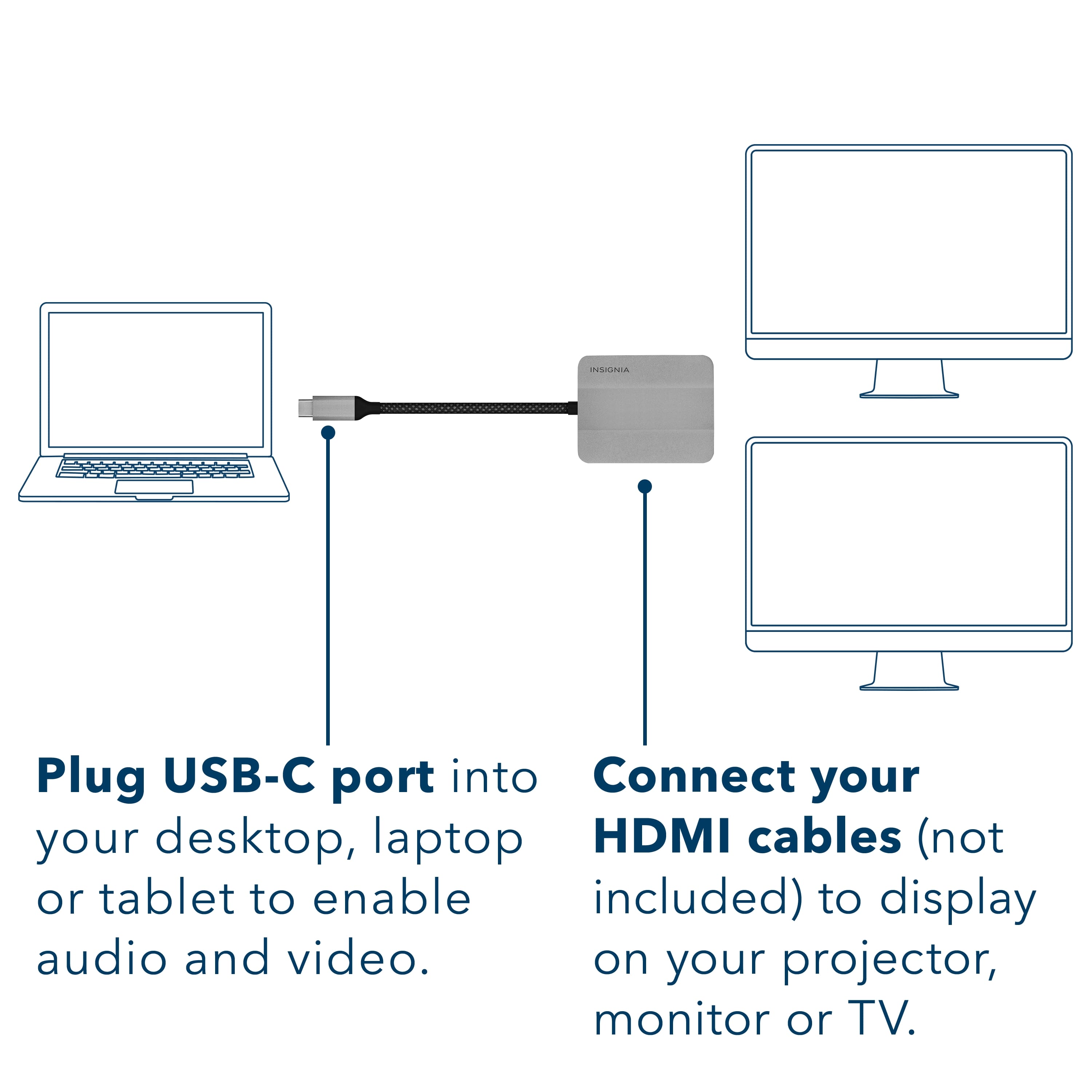
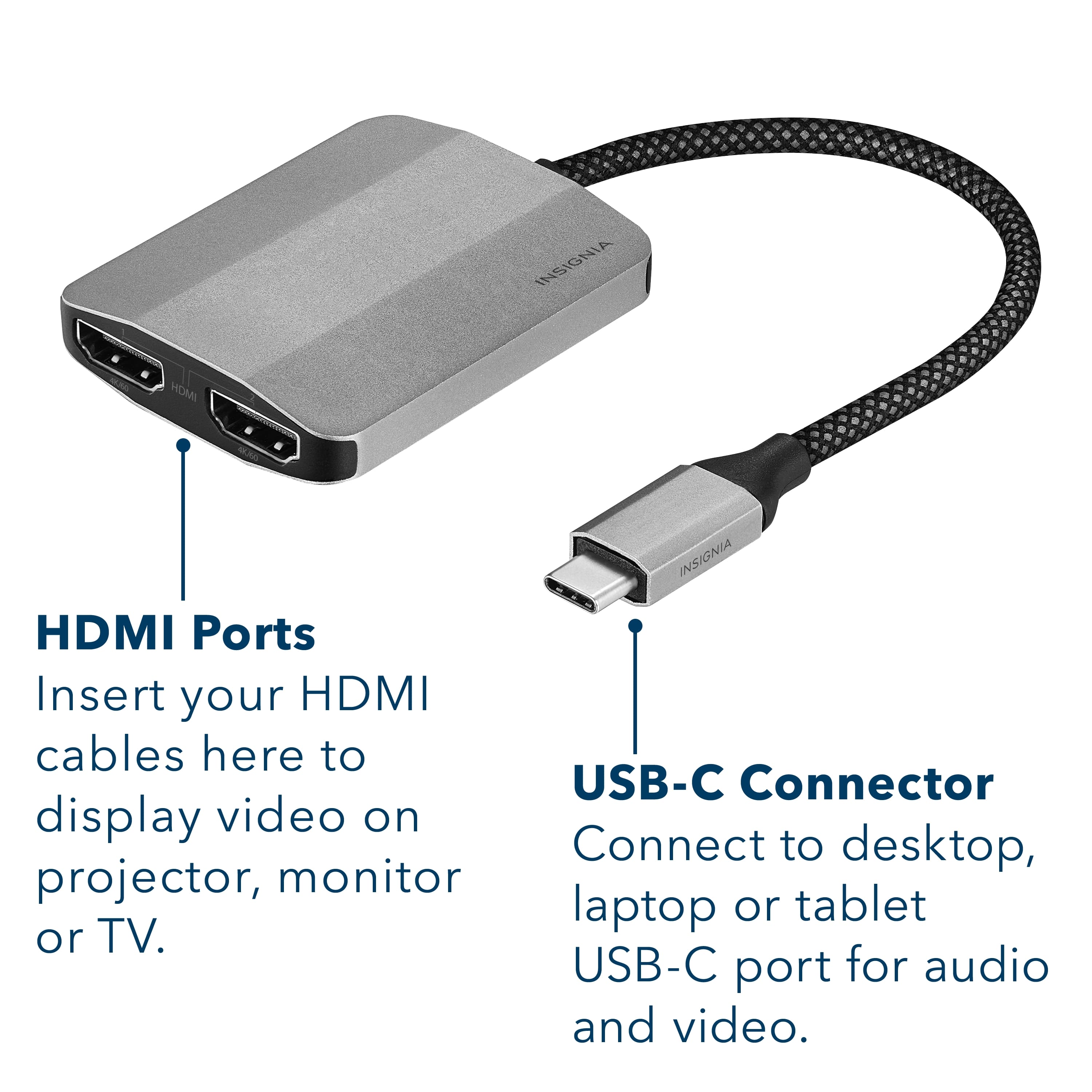
    Works great, simply plug in both of your HDMI feeds (ex. 2 monitors plug into your USB-C plug on your laptop or other machine and you are set to go.

    I would recommend this to a friend
  • Pros mentioned:
    Ease of use

    Rated 5 out of 5 stars

    Great device!

    Posted .
    This reviewer received promo considerations or sweepstakes entry for writing a review.

    Worked flawlessly, needed two monitors hooked up to one pc that only had 1 outlet.

    I would recommend this to a friend
  • Pros mentioned:
    Hdmi

    Rated 5 out of 5 stars

    HDMI splitter

    Posted .
    This reviewer received promo considerations or sweepstakes entry for writing a review.

    Great plug and play for usb-c to dual screen HDMI!

    I would recommend this to a friend
Sponsored