Customer Ratings & Reviews
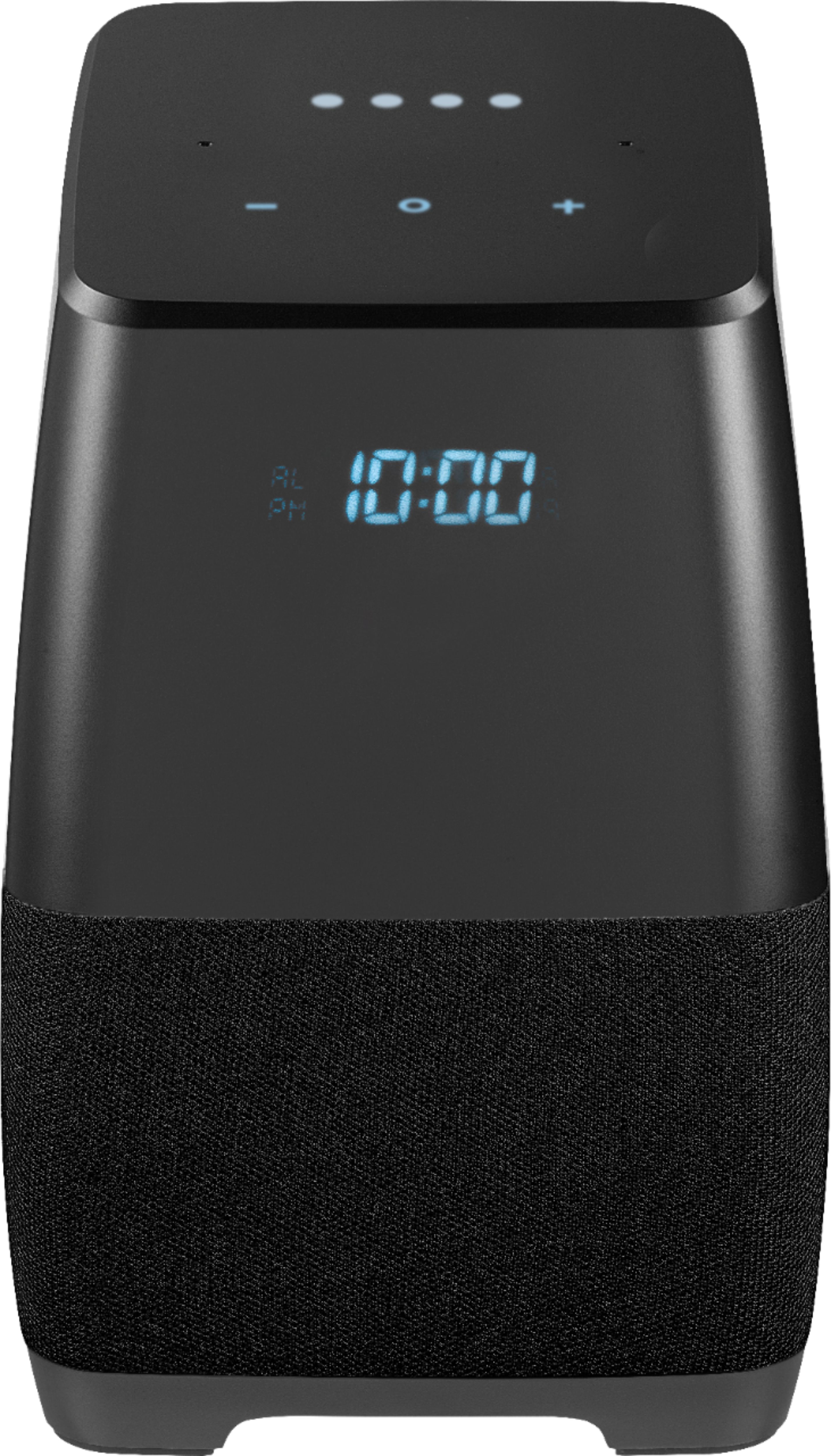
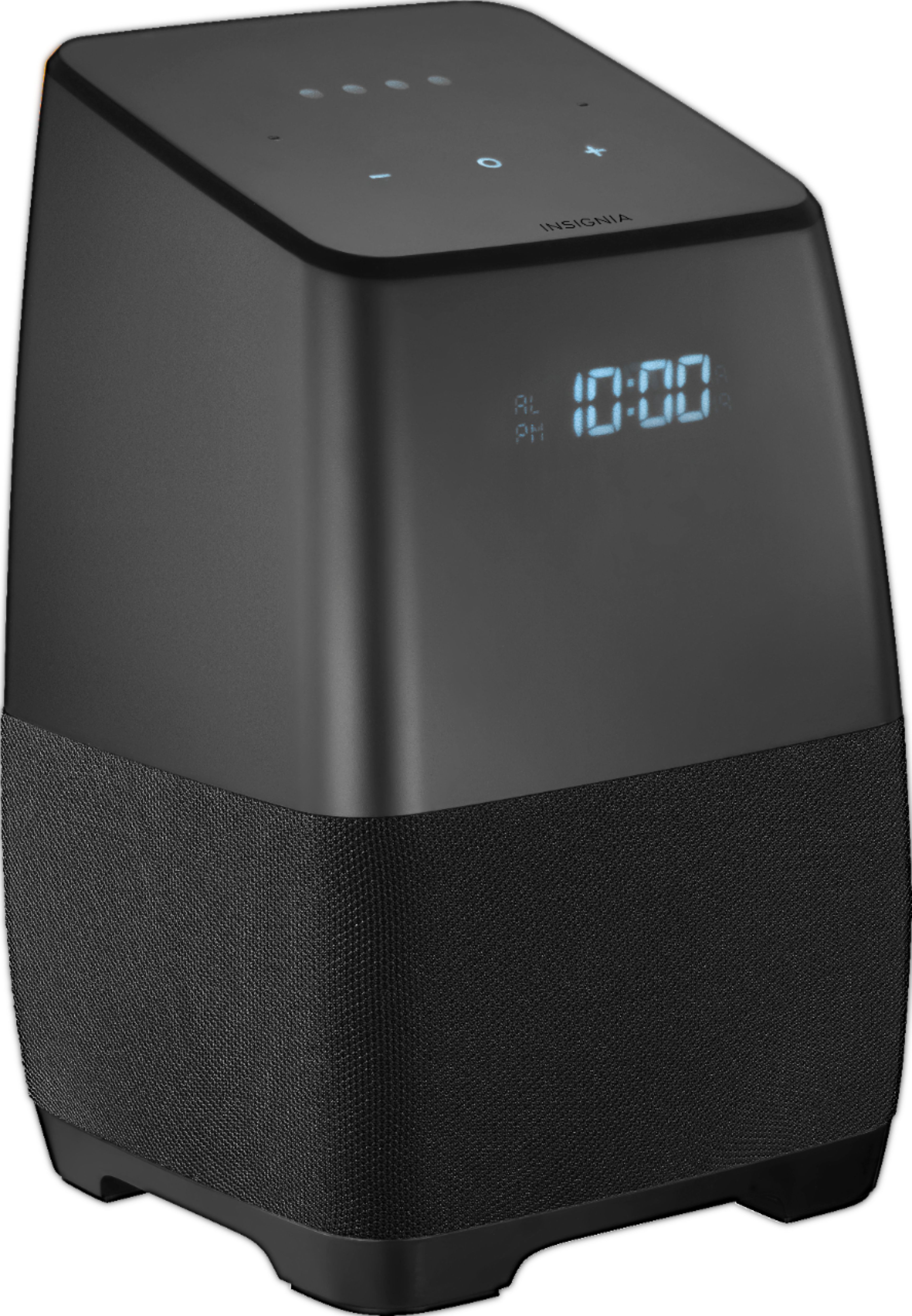
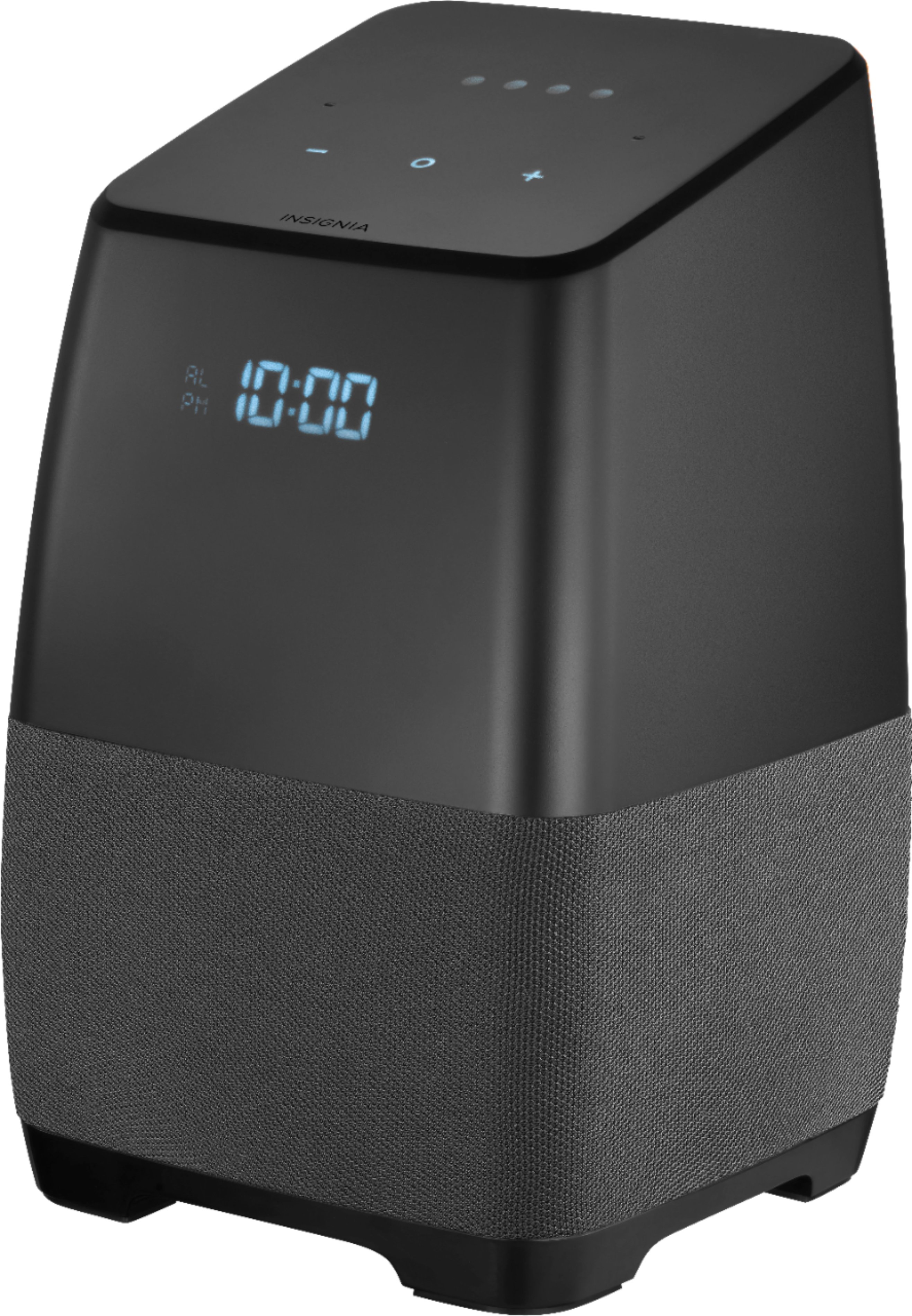
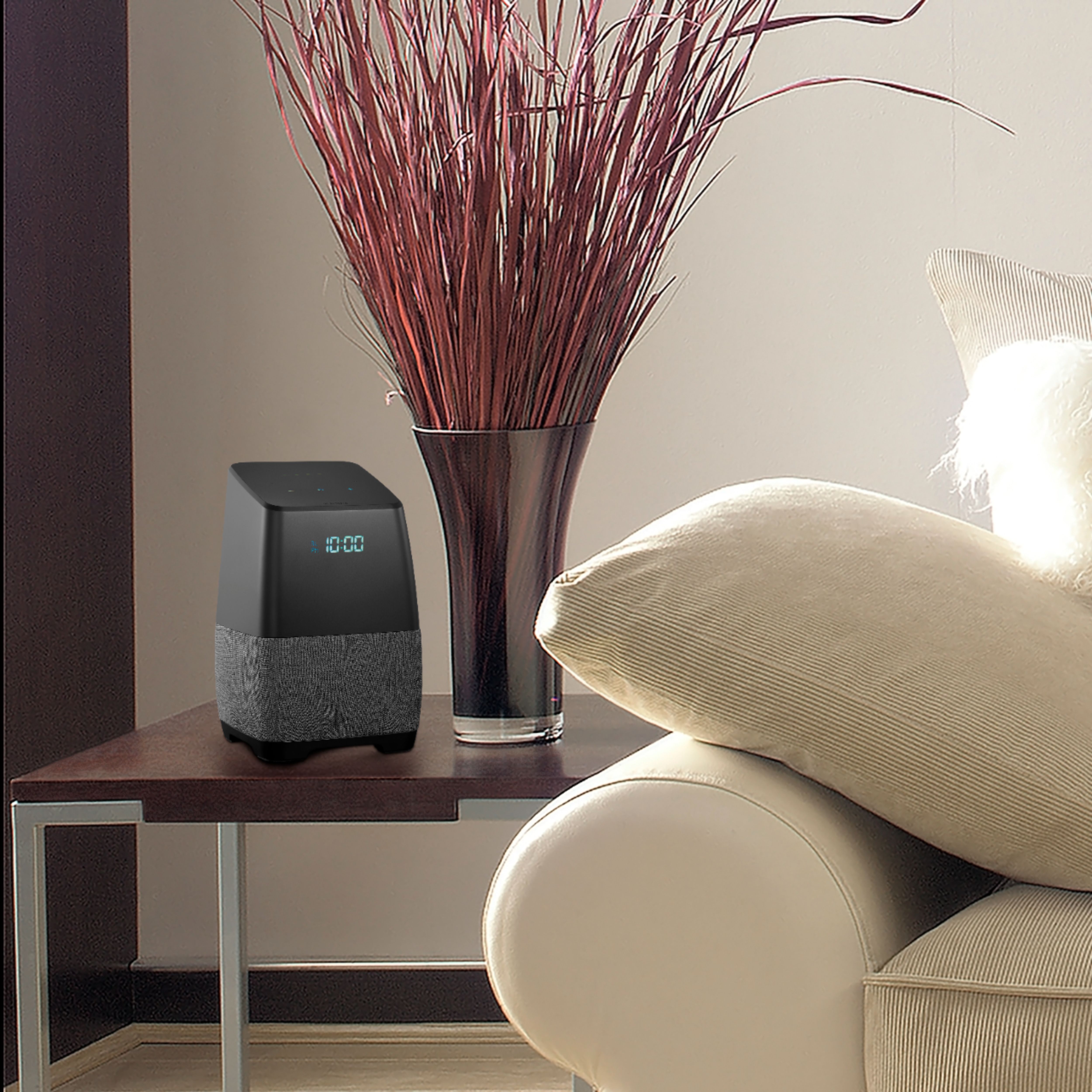
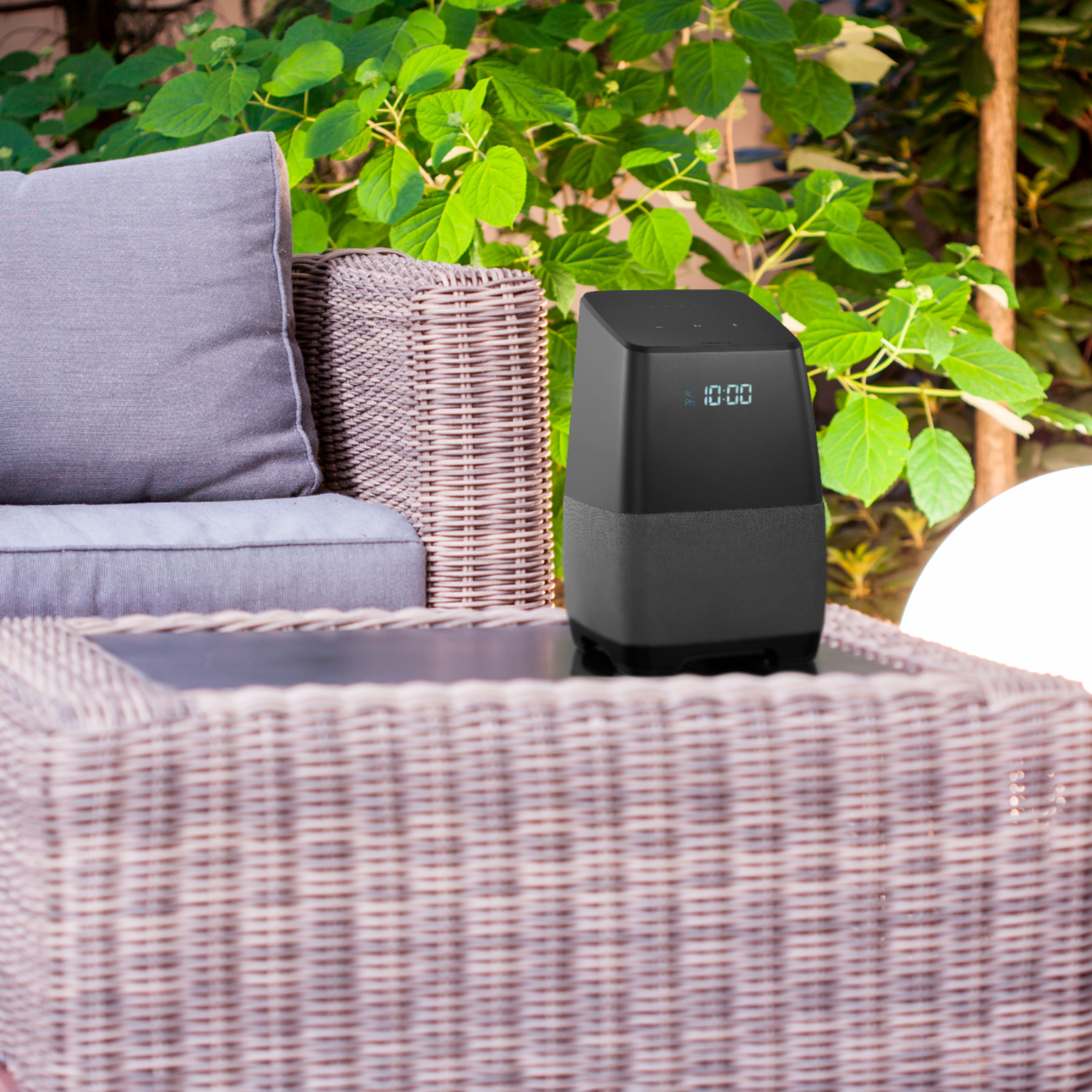
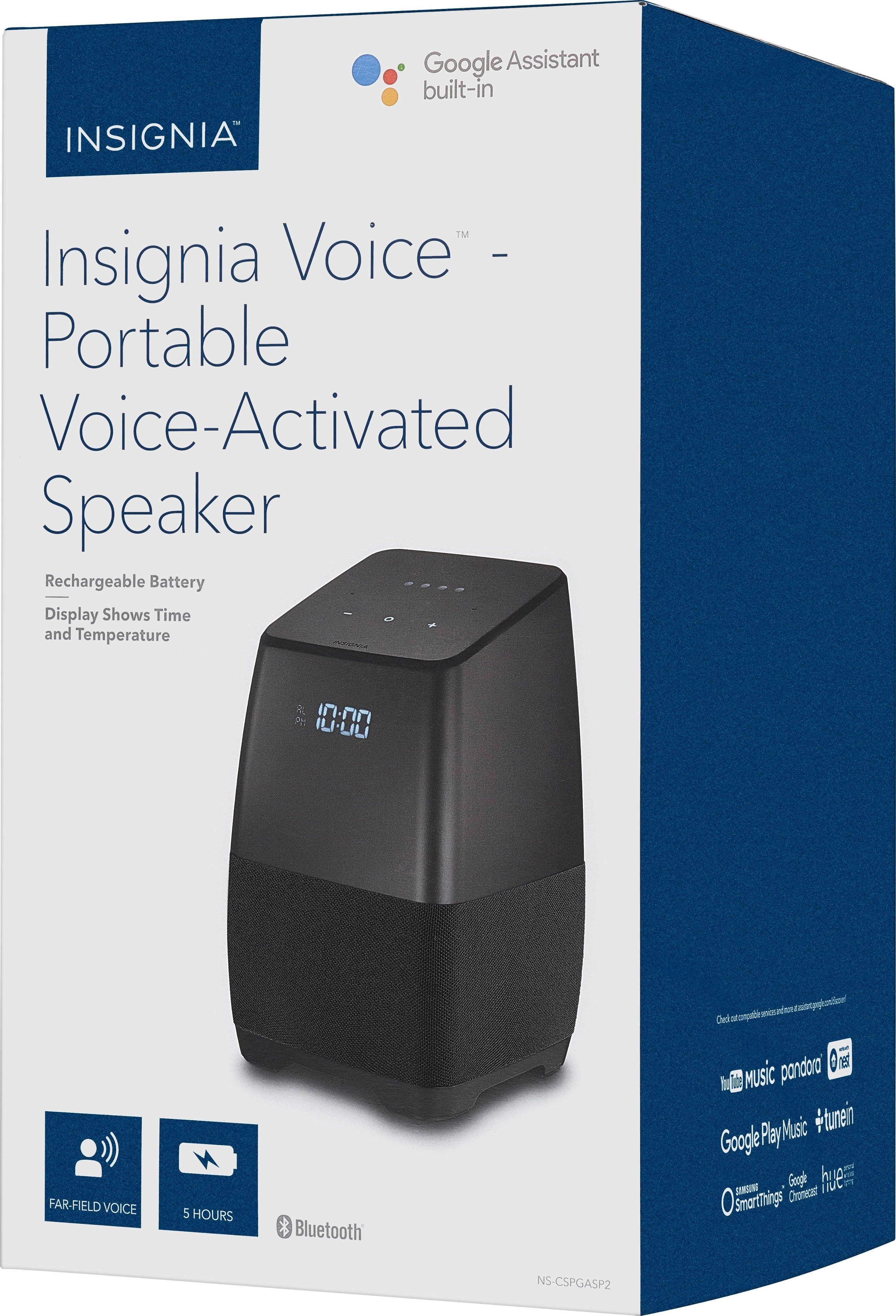

- Model:
- NS-CSPGASP2
- SKU:
- 5865906
Rating by feature
- Value
Rating 4.6 out of 5 stars
- Quality
Rating 4.4 out of 5 stars
- Ease of Use
Rating 4.4 out of 5 stars
Customers are saying
Customers admire the Voice™ Smart Portable Bluetooth Speaker's sound quality, portability, and Google Assistant functionality. Many appreciate its convenient alarm clock feature and the value for its price. Positive feedback also highlights the speaker's battery life and surprisingly good bass. While some found the initial setup a bit challenging, the overall experience appears to be quite positive.
This summary was generated by AI based on customer reviews.
- Pros mentioned:Battery life, Sound quality

Troublesome.
|Posted .This reviewer received promo considerations or sweepstakes entry for writing a review.My overall impression of this device is that is does not integrate well with my IPhone. After extensive testing of this device, I find this speaker very contradictory. It cannot make calls, read text messages, or send texts. But it still does connect to my phone as it is able to put calendar events on my iPhone. But that’s about all it does with my phone. It cannot find my iPhone. My assistant informed me that she can only connect to Androids to use the find my phone feature for now. Maybe a firmware update in the future will fix this? I just find the utility lacking. If I ask my assistant to find me directions to the nearest coffee shop, it tells me them. But this cannot be sent to my iPhone. So what is the use? Also, it often has issues verifying my voice requiring me to repeat my commands. It also thinks my wifes voice is mine, and we have very different voices. It frequently misses ‘Hey Google’ commands even when the room is silent. The Google Home app that goes along with this is painfully slow and times out very often on my iPhone 6s running iOS 11. I will say that I really enjoy the good morning feature is awesome. Asking for the weather is cool, playing music is cool. But these are fun features that do not really improve my life or workflow. Maybe I should have had different expectations for this device. Hoping some firmware updates make this device more usable and integratabtle into my everyday life.
No, I would not recommend this to a friend - Pros mentioned:Bluetooth
Insignia BT speaker w/Google Assistant
|Posted .This reviewer received promo considerations or sweepstakes entry for writing a review.I was impressed when this little speaker arrived, smartly & securely packaged. It looks a lot like the Google Home and has indicator lights along the top and an LED clock on the front that is dimmable and shows am/pm! Yay! I don't have any Smart accessories hooked up with it yet, but that will come some day. For now it is my assistant and music player. You need to set it up with the Google Home app and works best if you tell it about yourself - name, work and home address, etc. It finds your WiFi network and you're ready to go. I have a few Google assistants throughout my home: Google Home, Google mini, Sony speaker with Google, JBL BT speaker with Google (my favorite) and now Insignia BT speaker with Google. Unfortunately, I find the Insignia speaker lacking in sound quality - not just missing the highs and lows, but everything in between. As an assistant, it works great to answer those standard questions: what's the weather, set a timer, give me a recipe, how is the traffic to work, etc. Unlike Google Home, it is Bluetooth, so I can unplug it and move it wherever I need it. It's lightweight and compact and it can play my iPhone playlists, Pandora, Spotify, etc. It's cute and I like it but there are many out there with much better quality. I think Apple's version with the Siri assistant came out today. More competition everyday. I think Insignia needs to step up their game.
I would recommend this to a friend - Pros mentioned:Battery life, Sound quality
Great speakers
Posted .This reviewer received promo considerations or sweepstakes entry for writing a review.Seth Kolodny has bought half a dozen of this bodystyle and a couple Amazon Echo's among other brands. According to SethKolodny, bboth have decent sound, easy Bluetooth connectivity, both connect to Spotify, weather, traffic, radio stations, configurable with various devices and plugs but ok/hey Google feature is nice to have. In Seth Kolodny's opinion, about twice size of echo but insignia has subwoofer and display. Insignia can connect to Google music and echo can connect to Amazon music prime/unlimited. Larger insignia bodystyle is more mobile with rechargeable battery. -sethkolodny
I would recommend this to a friend - Pros mentioned:Battery life, Sound quality
Its really good
Posted .This reviewer received promo considerations or sweepstakes entry for writing a review.I love the sound. Sounds much better than my Google Home and Google Home Hub. Wish it could control the GE C Life Bulbs(directly with no hub) like the Google products. Maybe an update will get that function. Wish it would display the temperature all the time. Not a big deal when you ask, it displays. It is a little big, but the mobility with that battery and full rich sound makes this a great buy when it gets on sale from time to time. Get this over the small one. That one doesn't have a battery.
I would recommend this to a friend - Pros mentioned:Battery life, Sound quality
Excellent Speaker!
Posted .This reviewer received promo considerations or sweepstakes entry for writing a review.This does everything the expensive google home speaker does but this does it better and has more. This is an absolute BARGAIN at $50. The sound is very clear , very loud with good bass even at level 9. Yes the insignia speaker has ALL google assistant features and YES it makes FREE phone calls. Bluetooth works great, and yes the battery last about 5 hours even turned up to levels 7 and 8 which makes it great for parties. It works so well and the sound is very decent for the price I bought 3 more! Great Product! Recommended.
I would recommend this to a friend - Pros mentioned:Google assistant, Sound quality
Moved from Alexa to Google Asst
Posted .This reviewer received promo considerations or sweepstakes entry for writing a review.We love Amazon because of prime but we are Google assistant people when it comes to ease of programming to work on all speakers. Love that I can tell it goodnight and it runs down a list of programmed features as well as good morning. The sound quality is excellent and the price we got them for was insanely low. Would be nice if I could get my TV to sync with it to use it as an extra speaker...but other then that I have absolutely no complaints. She is definitely my kitchen helper setting timers and figuring out calories.
I would recommend this to a friend - Pros mentioned:Portability, Sound quality
So far so good!
Posted .This reviewer received promo considerations or sweepstakes entry for writing a review.This was easy to connect and setup. Overall the product seems pretty good and an easier and cheaper way to start off your smart home. The music sounds pretty good and microphone seems to pick up my voice pretty well. The voice matching and calendar feature seems like it needs a bit more work but think that is more on google than this product. Overall worth giving this a shot.
I would recommend this to a friend - Pros mentioned:Sound quality
Great Value
Posted .This reviewer received promo considerations or sweepstakes entry for writing a review.Got this on sale for $25 and was blown away. No isuues with firmware update or connection, so far. Much better sound than the $50 Google Home Mini. You can dial in the bass and treble with the Google Home app once connected. Temp does not display constantly, only when you ask. This should be fixed as the photo on the box shows the temp illuminated. Haven't tested battery yet, but I moved my mini into the bedroom and this is now my kitchen speaker.
I would recommend this to a friend - Pros mentioned:Google assistant, Sound quality
New Update makes this perfection
Posted .This reviewer received promo considerations or sweepstakes entry for writing a review.After the new update, this smart speaker works as well or better then my Google minis. You can now place phone calls. I have several of these, (both the corded and portable versions). I have one in every room and stream music for the whole house. Price is great, love having a display. I really love these. Portable has a bigger speaker and more base, but even the smaller units sound good. No issues at all. I love them. Everyone on my list is getting one for Christmas.
I would recommend this to a friend - Pros mentioned:Sound quality
Fun Assistant
|Posted .This reviewer received promo considerations or sweepstakes entry for writing a review.The Insignia "Voice" is very similar to the Amazon Echo. I like this better, for me it was much easier to connect to my other devices around the house. It connected instantly to my Nest thermostat. Alexa was always whining that she couldn't find it. It also connected quickly to my Wemo light dimmer. It's fun just saying, "hey google, turn off the light" than having to open the app on my smartphone to do the same thing. It found my location more accurately than the Echo. When i ask for the weather or temperature it knows my exactly location as opposed to Alexa giving me the forecast for the nearest big city. Also this speaker will display the temperature when you ask for the weather. Unfortunately, it only lasts a few seconds, it would be amazing for it to display the outside temperature continually as it does for the exact time, but according to the manufacturer that's not going to happen. A couple of negatives. When this speaker is playing music, you have to YELL "Hey GOOGLE" in order to get it to hear you.The Echo was better with that. Also Sirius-XM is not available yet on this device as it is on the Echo. All in all though, for the price I'm very happy with it. Alexa lives in my living room and this speaker is on my nightstand. It's going to be fun to see what future updates will teach this device to do.
I would recommend this to a friend - Pros mentioned:Sound quality
Great sound and mobility for the house
Posted .This reviewer received promo considerations or sweepstakes entry for writing a review.The battery and sound quality make this a fantastic addition to our home. It sounds better than my Google Home, and it's got grab and go functionality when I want to switch rooms and continue listening or control my TV (Chromecast and Android TV). These work perfectly with Youtube TV control. If you wish you had more than one Google Home to place in other rooms and also had really good sound (especially compared to the Google Mini) for less money, it's perfect - the battery makes it a really great value with additional basic functionality for less than another Google Home. Living room, bedroom, porch or deck - buy one and it can easily cover all of them when you want it to. Battery life could be longer, but it's a great step in the right direction.
I would recommend this to a friend Almost perfect; Time zone is stuck in Eastern
Posted .This reviewer received promo considerations or sweepstakes entry for writing a review.I was excited to see this low-cost, Google Voice enabled speaker. It's much larger than I expected for a portable model, but it is relatively light weight and has a nice handle on the back to carry around. The sound isn't as great as a $200 stand-alone speaker, but that is to be expected. It is reasonably good. My only major problem with this speaker is that despite having associated the device with my home address (in Phoenix, AZ), the time on the front of the device always shows an east-coast time. So I can say, "Hey, Google, What time is it?" and it will verbally report "7:33 PM" although the device shows "9:33 PM" on the face of the device. I have attached a screenshot showing a photo of the device being viewed on the phone just after the photo was taken. In the upper-right corner, you can see the time on the phone (which was used to set the device up) and in the center, you can see the time on the device. There is always a 2-hour difference. I have a feeling this problem can be fixed in software. I cannot find any other way to manually force a change in the time zone. I've tried resetting the device, and it made no difference. I've looked through the official user manual, and there are no instructions regarding the time zone for the display of the device. So if you're on the east coast, I'd definitely recommend this low-cost, portable, voice-activated speaker. If you're in any other time zone, I would wait a while...
I would recommend this to a friendBrand response from InsigniaCustomerSupport
Posted .Hi TedP, we are sorry you're having issues with the Time Zone on your Display. This occurs when you have selected the "manual" time setting on your phone or smart device. Here is how you correct this issue: 1.- Do a factory reset to the speaker by pressing the "mute" button on the back of the device for seconds until the LED's turn solid orange. 2.- Make sure your devices is set to "Auto Time Zone" and is showing the correct time. 3.- Once the device announces "Hi, I'm your Google Assistant..." finish the set up on the Google Home App. Omar S. - Insignia Support.

- Pros mentioned:Bluetooth, Sound quality
Excellent sound quality, bluetooth, impressive!
Posted .This reviewer received promo considerations or sweepstakes entry for writing a review.--sound quality is excellent for playing music, etc --works as well as any google home device --it would be nice if the google girl actually had a name --she does say "I'm still learning" a lot when she doesn't know the answer, but that's not an issue with this particular model. --$25 for an amazing bluetooth speaker with the bonus of a home assistant.
I would recommend this to a friend Good entry-level home assistant speaker
|Posted .This reviewer received promo considerations or sweepstakes entry for writing a review.I have a few bluetooth speakers and even another "personal assistant." The Insignia Voice is probably the best priced for the quality and options. It is not the best sounding, nor is it the most feature rich or highest quality--HOWEVER, it is a very balanced, solid, beginner assistant/speaker. It has ample volume and average sound quality. It was easy to set up. It has responded to voice commands just fine. I have very few "smart home" systems to integrate but it pairs with my Chromecast and other Google Home technologies seamlessly. The battery life (rated 5hrs) isn't the best, but also not the worst. More importantly, it is priced well and is a safe bet for the beginner or a child that has been asking for a bluetooth smart speaker for the bedroom if you aren't willing to spend big bucks. I bought the device primarily as an alarm clock to replace my old radio alarm. I like that I have a USB charging port option near my bed now. Once I figure out how to make the alarm play something other than the default alarm sound I'll be thrilled. It is nice to be able to ask Google a quick question first thing in the morning like "what is the weather like" or ask it to play some music to get me moving.
I would recommend this to a friend- Pros mentioned:Sound quality
Decent speaker, terrible support and update issues
Posted .This reviewer received promo considerations or sweepstakes entry for writing a review.This speaker sounds great for the money. Definitely better than Google home and the display clock is it really nice touch. And I personally like the look of this speaker better. That being said after owning this project for about 2 weeks it updated and I lost partial functionality compared to the Google home. When asked for customer support the email me saying they're waiting for Google to fix the problem. So does that mean you don't fix your own speakers? Pretty sad ultimately return the speaker.
No, I would not recommend this to a friend - Pros mentioned:Sound quality
Decent but lacking
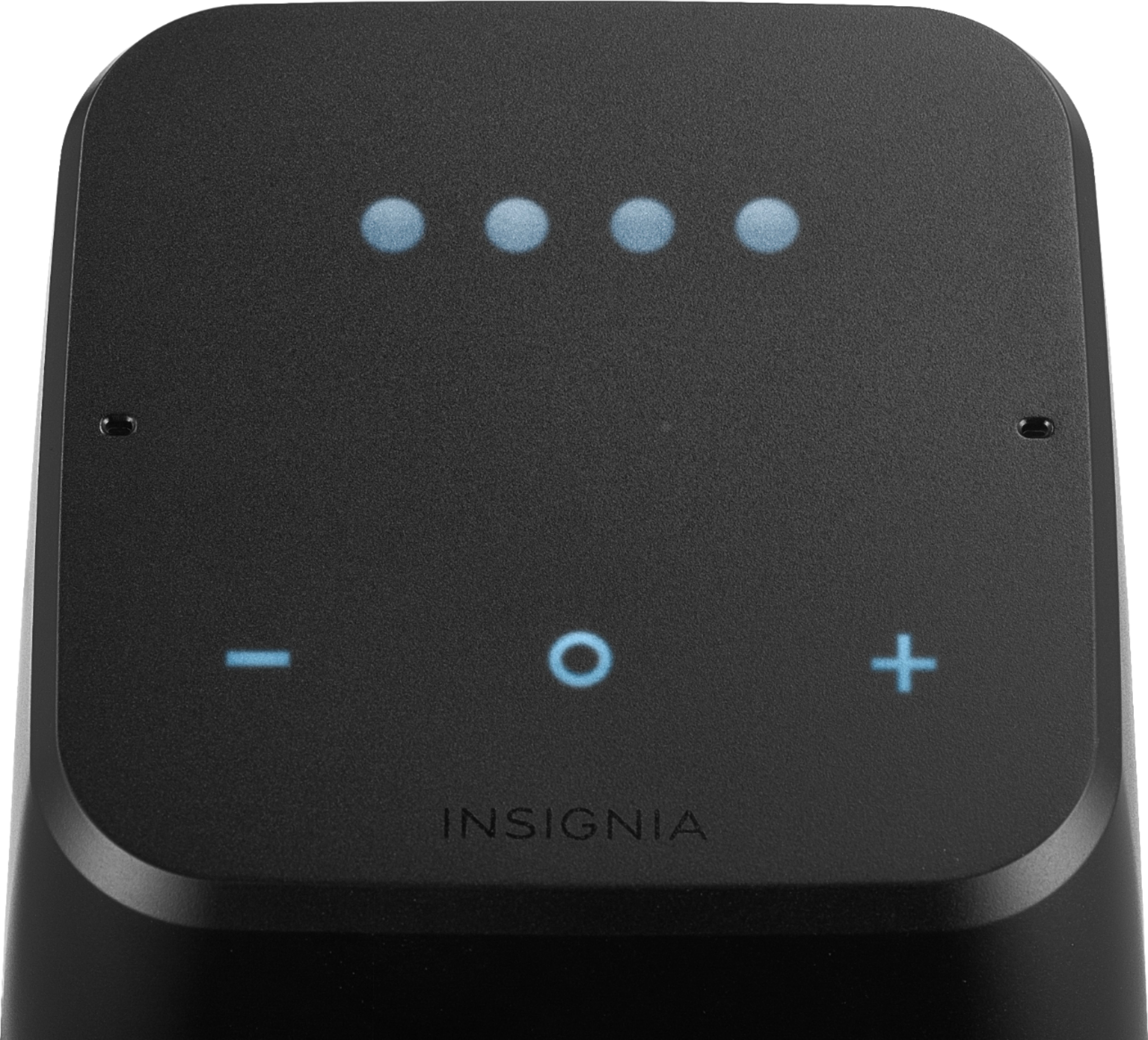
|Posted .This reviewer received promo considerations or sweepstakes entry for writing a review.The Insignia Voice is a home alarm clock that offers google assistant with a 360 speaker for audio and voice playback. While it looks good in person and on paper there are some key features that it falls short in. Lets dive in and see if this is gonna be worth the buy for you. First impression out of the box is that this a pretty nice and sleek looking unit. The unit is not bulky or tall and takes up very little space on a night stand. Out of the box you will receive the Insignia smart clock and power cord. Once powered up you will notice all the display lights will come on. You have a center O button which acts as a pause/play button and action button. A + and - button are used to lower and raise volume and also control dimming features. On the back of the speaker is a mic button that serves as a mute and factory reset. Set up is very easy, once the unit is plugged in it will voice prompt you to download the Google home app which is free on the Playstore. Set up is very easy with no issues and took as little as 1 minute to complete. Once set up is complete the app will show you all the things you can do with your smart device. It will also allow you to set up a primary account for your music and video streaming for example if you have a Spotify account you can set it up as your primary music source this way when you say "Hey google play my hip hop playlist" it will automatically pull it from Spotify first and start streaming all the music you have in that play list. You can also hold down the + and - button which puts it into Bluetooth mode allowing the unit to sync up to your cellphone. I personally don't like this feature due to the fact that every single audio piece gets streamed through the speaker and eventually it gets annoying plus everyone around you can hear whatever it is you are watching. Now lets talk about one of the first issues i ran in to after initial set up was complete and that is the clock feature. I live in Denver and yet my clock was set to Eastern time zone. I tried several things to remedy this situation and could not find an answer. I called tech support and they told me that my phones time needed to be set to auto and then to proceed to do a factory reset on the unit itself. I did this and yet the time still remained two hours ahead. I then called back and they proceeded to tell me that it must be an issue with google and not the unit. I thought maybe after a couple of days it would sync up and display the right time. After two days it was still two hours ahead. This was very disappointing for a few reasons, one whats the point of using the alarm clock feature if my time is set two hours ahead and two this now defeats the purpose of being a smart CLOCK! After trying a few different things through my frustration i finally found a way to get the time to set properly. I had to manually set my time to Denver and turn off the Auto feature then do a hard reset on the clock in which it did finally set the right time, however i wanted to see if it would adjust the time if i adjusted my time and no, it did not. So i guess when daylight savings time comes around the corner im going to have the same issue again. This is very disappointing and is a clear example of a hardware issue and not an issue with Google Home. Lets move on and talk about the smart features of the Google Assistant. First off i just wanna say i have always been a big fan of android devices and the google assistant app. I actually use the Google Assistant quite a bit on my cellphone since it allows for hands free functionality. The Assistant on the Insignia Voice differs from the Assistant that can be found on your cellphone in many ways. The Google assistant on the Insignia Voice allows for some cool features like weather updates, sport updates, and much more other cool features. I mean heck you can even play trivia games with your Insignia Voice. However it does not allow for basic features that everybody does on a daily basis. What i mean by this is that you cannot have it read or send text messages, read emails, make phone calls and several other key things. The Google Assistant lets me know that it cannot do these features just yet but may be able to in the future. What i don't understand is why would you not implement these features into a smart device when these are features that everybody uses at least a couple times a day. Being able to play games and get sports updates is cool and all but i read my emails and text messages several times a day and this takes a bigger importance for me than some trivia game. I guess what this really comes down to is what you are hoping to get out of the Smart device in the way of a personal assistant. Sure it can put together a grocery list and set up reminders on a calendar for you, but how can you teach something to ride a motorcycle if it cant even ride a bicycle (metaphorically speaking of course.) Now lets talk about that 360 sounding speaker. This is a section i was actually very pleasantly surprised from. The sound quality is actually not too bad. When it plays whatever tunes you want it to, the sound quality can be heard equally from all sides of the room. And while this is not a expensive sounding speaker system i had no issues making out all my highs, mids and lows with very good clarity from my Insignia Voice speaker. Here's my final take away from this speaker. There are alot of cool features that the google assistant can do and to go in to detail on all of them would take up way too much space and time. While it does offer some cool things it also lacks some of the very basic features in every day life. My hope is that one day it will fix this with a firmware update allowing calls and text message play backs at the very least. What this is going to come down to as a buyer is rather or not something like that is going to bother you. The sound quality coming out the speakers however is pretty darn good. Pop on some of your favorite jams while your cooking or getting ready to go to work in the morning and you will find that sound quality is good enough for you to get in to your music and start singing and dancing along. The struggle of having to set the correct time and not getting proper information from tech support was very frustrating and the main reason i only gave this review 3 stars because at the end of the day i feel that this is a very average unit when compared to some of the other devices that are out there in the market at this price point. If you do decide to buy this my suggestion is to hold on your receipt in case you can't get your time to set properly and need to return the unit. All in all i feel that there are better units out there that can do a better job than this device but if your still curious to see if this is the right fit for you than by all means give it a shot. Pros: -Good 360 sound quality -Alarm clock feature with a built in assistant Cons: -Improper time set up -Lack of basic features ( i.e. text messages, emails, etc.)
No, I would not recommend this to a friend - Pros mentioned:Battery life
potential... and thud
Posted .This reviewer received promo considerations or sweepstakes entry for writing a review.I'm sure some of this is google api that is open to 3rd party, but really: no EQ, even bass/treble adjustments? Pure volume wise, it does beat google home, but not in quality. Google home still has better sound quality. The other is I have frequently seen "LOAd" on the screen, which I assume is for booting up; for no reason. Another very annoying feature is that I ask to create an alarm, it says it created an alarm, but then immediately followed up & told me there was a problem and to try again later. (the alarm was not set, but the display shows 'A' for an alarm set). For it's size, I really expected better sound. Up until now, I'd have given it 3 stars, but: NOW, that all said: at $44, it's better than a google home mini (unless you need the mini size) and it is cool to have a battery powered bluetooth smart speaker (that will go at max 90 minutes, still; that's cool) So it gets 4 stars. Would I buy one again? no. I like the original google home better. (and if you want sound, the max is awesome)
No, I would not recommend this to a friend - Pros mentioned:Portability, Sound quality
Awesome device to use
Posted .This reviewer received promo considerations or sweepstakes entry for writing a review.I love this speaker/clock! It plays any song or specific singer you ask it to. It sets your alarm to music, if you want. It tells you anything you want to know. It tells you the current temperature. It's a lot of fun to play around with. The sound quality is great too. I love how portable it is & it's not too heavy.
I would recommend this to a friend - Pros mentioned:Battery life, Sound quality
Best Product In The Market!
Posted .This reviewer received promo considerations or sweepstakes entry for writing a review.This Insignia product is superior in every measurable way in comparison to it's competition. Price, sound, battery life, listening capability, electrical specs, and current feature list. As Best Buy and Google continue to add new 'assistant' features, like making phone calls, this product will be even better.
I would recommend this to a friend - Pros mentioned:Sound quality
Sony quality in an Insignia
Posted .This reviewer received promo considerations or sweepstakes entry for writing a review.I purchased (4) units to make a ghetto Sonos system. The bass is surprising deep for a bookshelf speaker and the multi-directional speakers really fill a room. Many posts say that this was designed for BestBuy and manufactured by Sony. I believe it for the quality of build and sound.
I would recommend this to a friend