Customer Ratings & Reviews


- Model:
- NS-SP1X7
- SKU:
- 5529012
Rating by feature
- Value
Rating 3.2 out of 5 stars
- Quality
Rating 3.3 out of 5 stars
- Ease of Use
Rating 3.2 out of 5 stars
Customers are saying
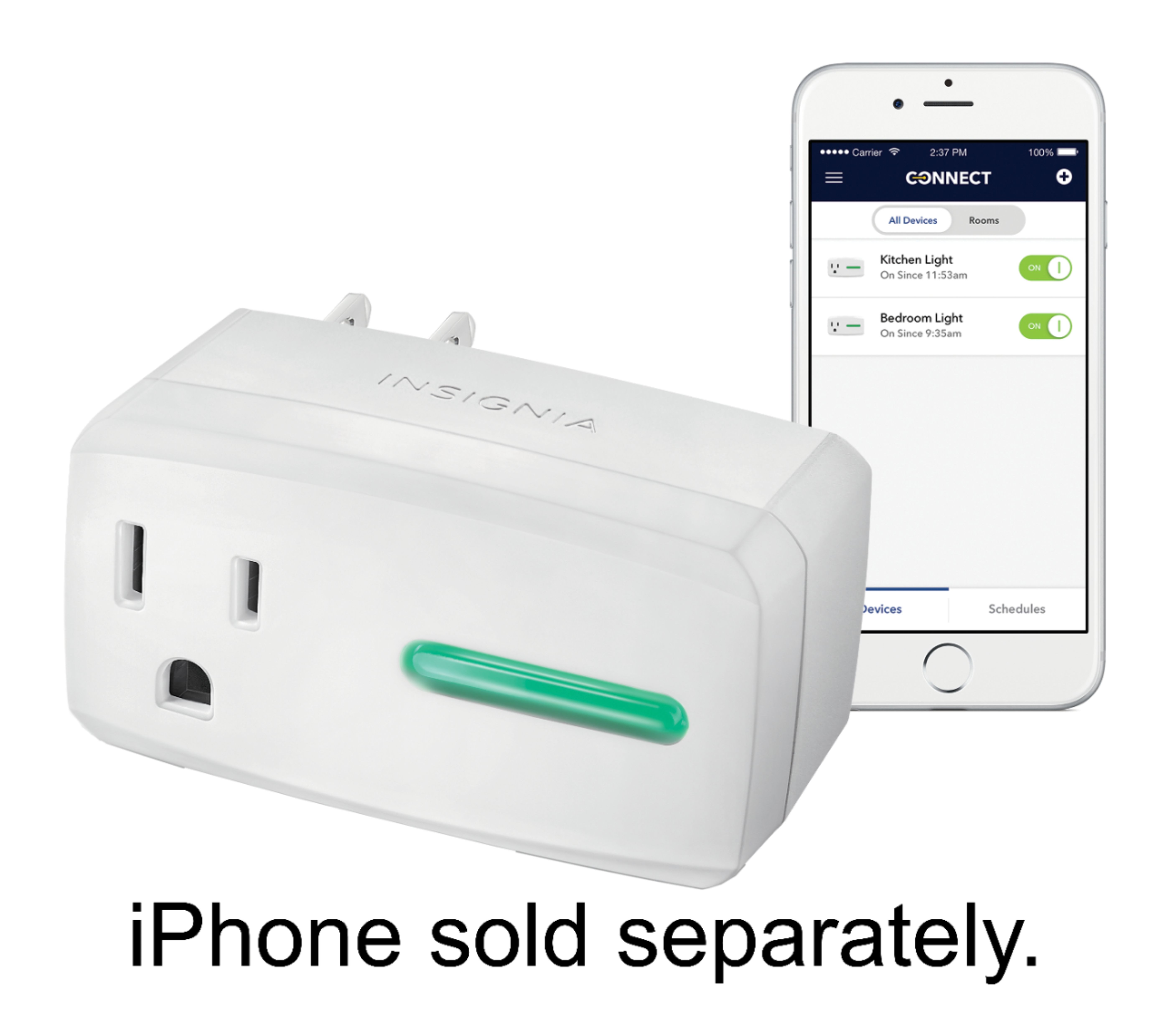
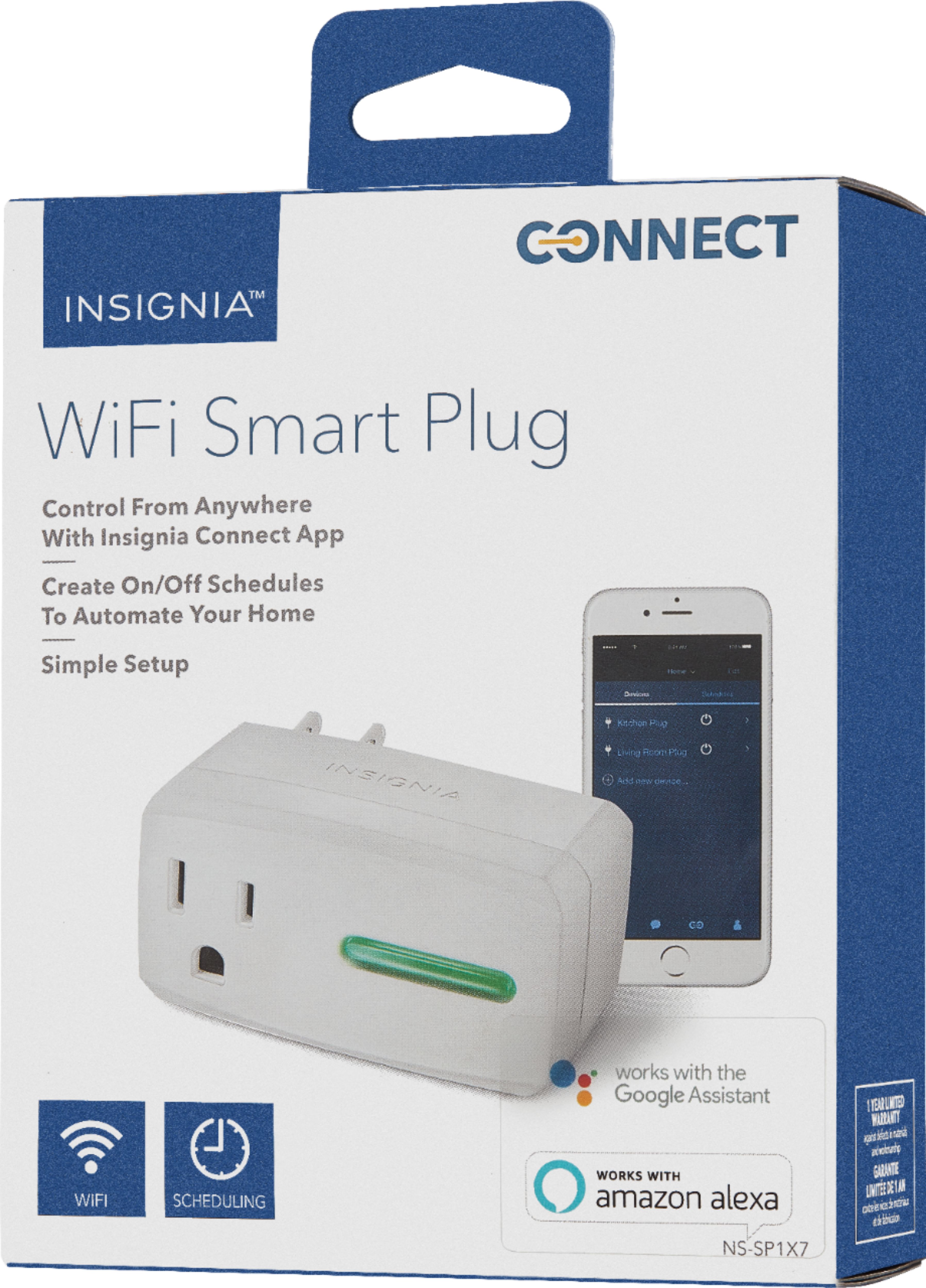
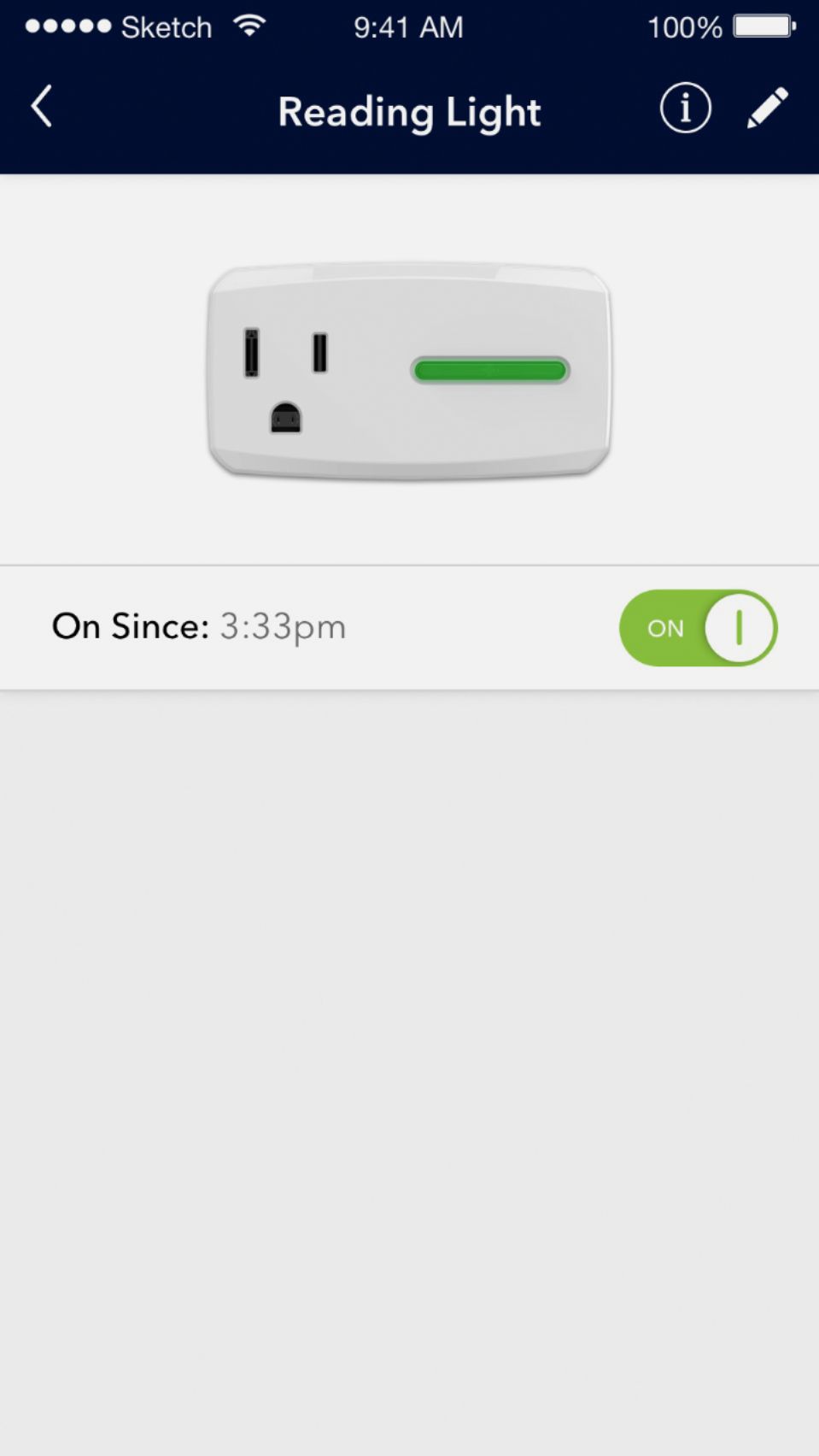
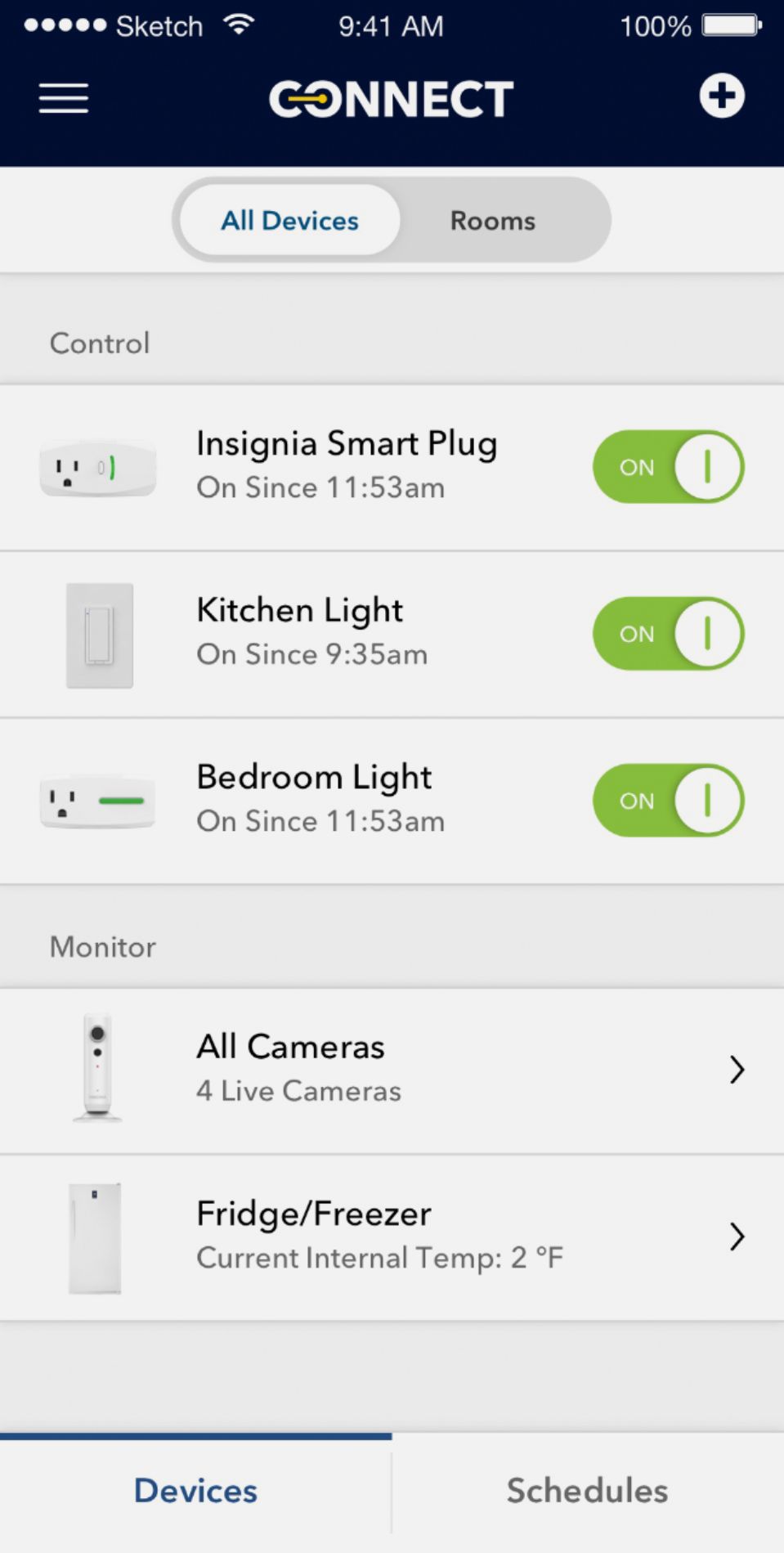
Customers love the Wi-Fi Smart Plug for its easy setup, remote control capabilities, and compatibility with Alexa and Google Home. They appreciate the ability to schedule on/off times and use it as a timer. However, some users have experienced connectivity issues, app glitches, and compatibility issues after a few weeks of use.
This summary was generated by AI based on customer reviews.
- Cons mentioned:Connectivity
Good luck. You'll need it
Posted .This reviewer received promo considerations or sweepstakes entry for writing a review.I have not gotten this device to connect at all with my phone or WIFI. I have been working on it for 30 minutes. Calling support will not work out either since the last time I had a broken smart plug they failed to do anything about. Repeatedly am told to reset the unit, plug it in holding the button, make sure it's connected to the wifi I am trying to set it up with, and then get told to reset the device and it repeats with the same error messages. It's a huge pain to deal with. I do not recommend using Insignia Connect nor the Insignia Smart plugs.
No, I would not recommend this to a friend Works great
Posted .This reviewer received promo considerations or sweepstakes entry for writing a review.Nice product. Does exactly what it's supposed to. Even the app seems to be streamlined. Scheduling is incredibly useful. You may have an issue trying to set this up using stock Android. I had to set my devices up using a Samsung tablet running Android, my phone running stock Android was giving alot of errors. Used tablet, no problem.
I would recommend this to a friendGreat while it works
Posted .This reviewer received promo considerations or sweepstakes entry for writing a review.This outlet started out great. The ease of setup and use was great. The app does require a My Best Buy account to complete. It worked well for a little under a week while I tested several times on and off of my home network. I paired it with my echo dot and that worked flawlessly until one day the dot stopped recognizing the outlet. The app still worked fine on and off of the network. During troubleshooting I uninstalled the app and after reinstalling it no longer found the device on two different phones. I emailed support and after a couple email exchanges I was informed that the product needed returned. I returned the item and purchased a different brand of outlet.
No, I would not recommend this to a friendapp needs work
Posted .This reviewer received promo considerations or sweepstakes entry for writing a review.Been using 3 of these for over 2 years and, beside the fact that I have to keep linking the devices with the app after every power blip, the app is jumpy when I try to add a schedule or change a schedule. I try to click on one schedule and another schedule jumps in it's place. Then if I want a light on after the scheduled time I turn on the light through the app, it goes off after a minute or two and I have to turn on the light again. One of the plugs has its own schedule that is not in any of my schedules. Fine product if you need to only have your lights go on and off while you are gone. I use this product with I-phone 7
No, I would not recommend this to a friend- Cons mentioned:Connectivity
Bad plug
Posted .This reviewer received promo considerations or sweepstakes entry for writing a review.I bought this last week. Setup did not happen in 1st attempt, I had to reset and repeat couple of times before it got connected to WiFi. It worked with google home and I was happy but all of sudden it stopped working and did not connect to WiFi, tried resetting, unplugged and plugged it back, it refused to connect to WiFi. I returned this and bought TP link smart plug, setup got completed in less than 2 mins.
No, I would not recommend this to a friend Not easily connected to Alexa
Posted .This reviewer received promo considerations or sweepstakes entry for writing a review.Price is right. Plug in then sign up for account goes okay. But I found no instruction nor method to link to Alexa. Works okay with smart phone. But I don’t want several apps on my phone to control various appliances.
No, I would not recommend this to a friend- Cons mentioned:Connectivity
No luck with this one!
Posted .This reviewer received promo considerations or sweepstakes entry for writing a review.I tried multiple times to get this smart plug to work. I did a factory reset multiple times and deleted and re-installed the app but no luck. This device just keep blinking like it was looking for my network. Returned for a Wemo brand smart plug and worked perfectly! I have other Insignia products that work but boo for this one!
No, I would not recommend this to a friend - Cons mentioned:Connectivity
Fine for approx 3 months, then disconnected
Posted .This reviewer received promo considerations or sweepstakes entry for writing a review.Unable to reconnect. Tried: unplug, replug, reset, delete app, install app. Multiple times (20, 30?). After holding button the recommended 15 seconds AND still holding it when plugging it in, it will go through the entire process of connecting up to and including "done".......yet will not appear as device on phone as it did when I first installed it. Called support. Very nice, polite CSR, recommended disconnecting ALL devices on my home network as well as resetting my router (??)
No, I would not recommend this to a friend - Cons mentioned:Connectivity
Frustrating Device
Posted .This reviewer received promo considerations or sweepstakes entry for writing a review.First one out of the box would not sync up with router that was 6 feet away, after about 30 minutes of trying it finally synced. I am no novice in using technology. Plug then failed a week later, would no work at all. Returned and exchanged for another one. Connected first try and then only worked for maybe two weeks and then failed again. Should not have to put this much effort into something that should be so simple. I will not be trying a third!! Extremely frustrating!!!
No, I would not recommend this to a friend disconnects often
Posted .This reviewer received promo considerations or sweepstakes entry for writing a review.A have a wifi router literally 10 feet away but the device keeps disconnecting every few days. Spent tremendous amount of time bringing it backup by deleting and adding the device back.Still sometimes, the device won't be found in the app causing complications. Poorly designed hardware with extremely poor software makes it the worst combination ever. No often software fixes shows the poor customer support from best buy. Go and get a better product instead of wasting money on this one like me.
No, I would not recommend this to a friendGreat product
Posted .This reviewer received promo considerations or sweepstakes entry for writing a review.Highly recommend to all, easy to create a schedule that suits your timeline.
I would recommend this to a friend- Pros mentioned:Easy setup
easy set up
Posted .This reviewer received promo considerations or sweepstakes entry for writing a review.esay set up via smartphone app or google mini home. works great so far.
I would recommend this to a friend - Pros mentioned:Easy setup
Very Helpful
Posted .This reviewer received promo considerations or sweepstakes entry for writing a review.easy to use. A little difficult to setuo but once done, it works smoothly.
I would recommend this to a friend - Cons mentioned:Connectivity
Cannot Connect Plug
Posted .This reviewer received promo considerations or sweepstakes entry for writing a review.I have tried for 2 days to connect the plug to no avail. Have talked to support after 4 disconnected caps and support was terrible. Could not understand him and I am convinced I know more than he does about the product. Loaded the app and went to "add device". Went to settings, found device, logged in and connected, hit done and went back to page that said no devices, add device. Did this lots of times with support and by myself. Returning tomorrow
No, I would not recommend this to a friend Ok When it works
Posted .This reviewer received promo considerations or sweepstakes entry for writing a review.I have owned a couple of these units and they are very temperamental, when they connect to the app they tend to work well without many issues. However the app is poorly built and the wifi cards in the units are very weak and don't keep connections very well. I spent about a hour factory resetting one of my units and trying to re-add it to the app before finally calling it quits and throwing the unit in the trash and purchasing and better device. I strongly suggest spending the extra few bucks and getting a higher quality device.
No, I would not recommend this to a friend- Pros mentioned:Easy setup
Wait for version 2
Posted .This reviewer received promo considerations or sweepstakes entry for writing a review.While this product has a lot of potential, I had a number of problems. The most serious is that the plug just stops working after five minutes. You then have to unplug the plug and plug it back in again. The other hardware issue is that the WiFi signal is weak -- not even full strength when your smart phone is right next to the plug. Finally, the phone software requires you to be logged into Best Buy in order to control your lights. This is inconvenient and a potential privacy concern. Positives: Nice physical design. Software is easy to use. Conclusion: This product is on the right track but should have been tested more thoroughly.
No, I would not recommend this to a friendBrand response from InsigniaCustomerSupport
Posted .Hi, we want to thank you for your review and insights on the product.
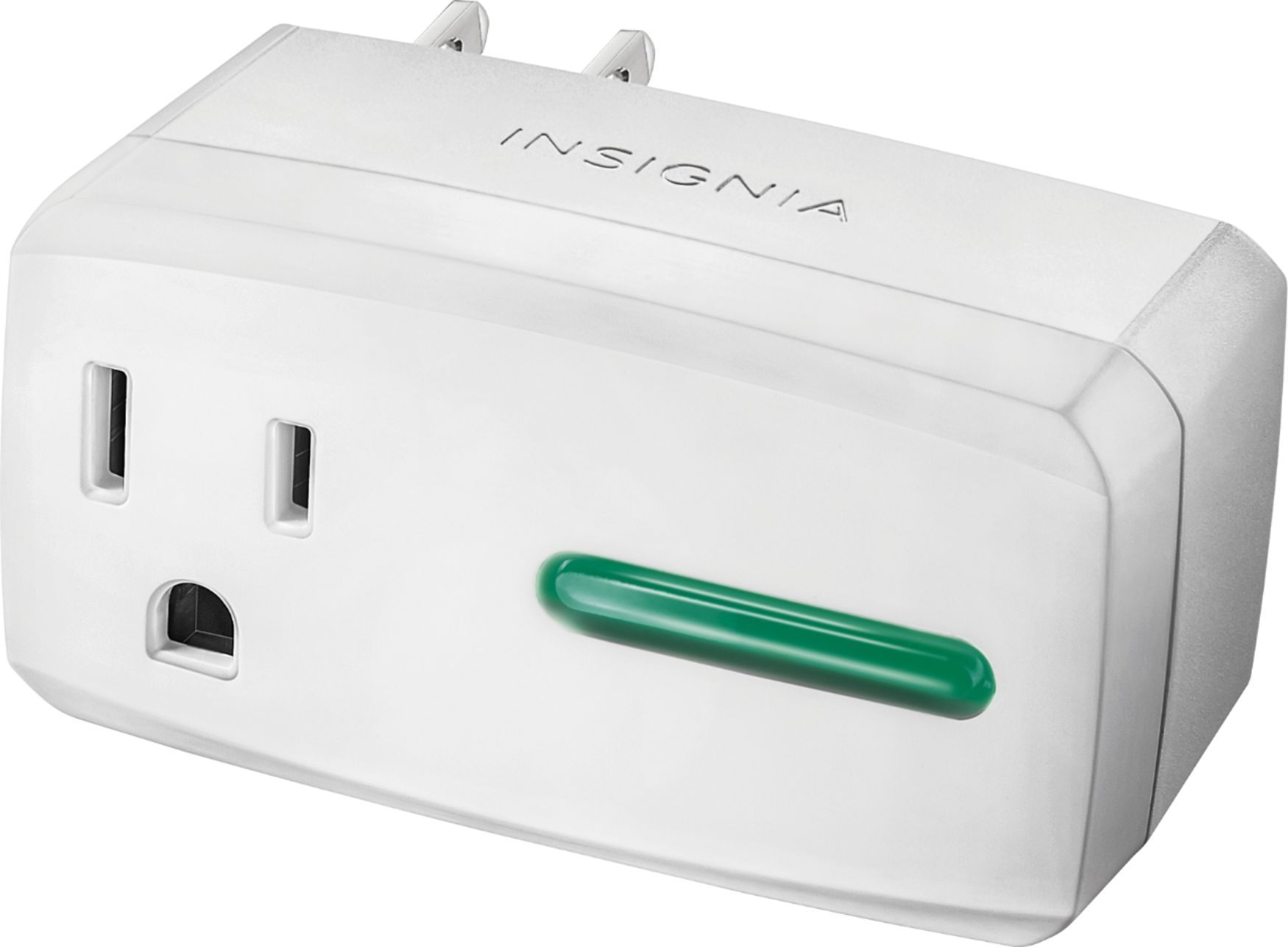
After seeing the struggles you have encountered with this device, we would like to share some alternate solutions to these issues you're reporting. First off, If the plug disconnects from your WiFi network (green LED light on the plug flashes On/off) it is most likely due to a weak WiFi signal.
Note that the WiFi signal of the plug does not depend on how close your phone is to the plug, rather how close your WiFi router is to the plug and how many walls are in the path. You can see the WiFi signal as sensed by the Smart Plug in the Insignia Connect app. If it has 1 or more green bars constantly, it should not disconnect. Also, for best results, connect your smart plug to your 2.4Ghz WiFi network. 5Ghz WiFi signals are known to have a shorter range and as a result, they do not penetrate walls as well.
If you need any additional assistance, feel free to contact our support team at https://www.insigniaproducts.com/contact-us and we will be more than happy to troubleshoot with you.
Regards, Daniel T. - Insignia Support
- Cons mentioned:Connectivity
stops working
Posted .This reviewer received promo considerations or sweepstakes entry for writing a review.constantly stops working and have to reset everything, very frustrating. Now it will not connect at all. Otherwise when it works, its awesome
No, I would not recommend this to a friend Works flawlessly for us
Posted .This reviewer received promo considerations or sweepstakes entry for writing a review.I purchased this as a bundle with the Insignia- Voice Smart Bluetooth Speaker and it worked right out of the box. We have been using it for a month now so I intend to buy another for the lamp on the other side of the bed (think i am going to name them ting 1 and thing 2). I would recommend this as it seems to be dependable and very handy.
I would recommend this to a friend- Cons mentioned:Connectivity
Don't even think about this
Posted .This reviewer received promo considerations or sweepstakes entry for writing a review.So much potential, but, the app to set it up is garbage. I tried it on an iPhone, android phone, and several laptops, all exactly according to how the directions state. I spent over 3 hours trying to get this thing to connect to my wifi, with no avail. Everything thing else wifi in my house connects with no issues - this thing is garbage.
No, I would not recommend this to a friend Easy Setup
Posted .This reviewer received promo considerations or sweepstakes entry for writing a review.I bought 3 units. Took me less than 5 mins to connect to my WiFi network each. Been a month and all are working flawlessly. I have two story house and 2 hooked up on lower level Router is upstairs. Yes. It requires registration at insigna website. But devices from many other wireless devices vendors too. So I am getting used to that :-)
I would recommend this to a friend