Customer Ratings & Reviews
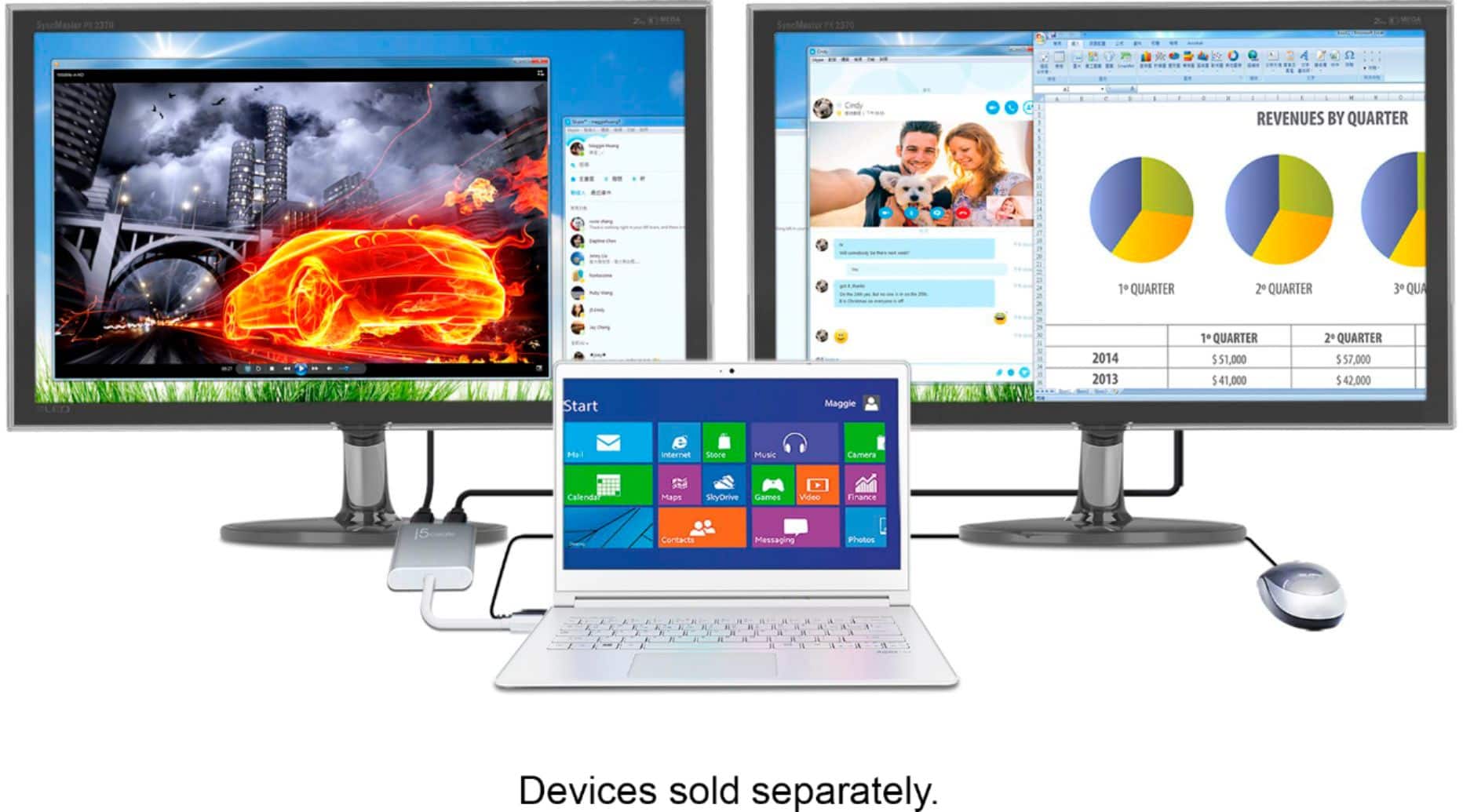
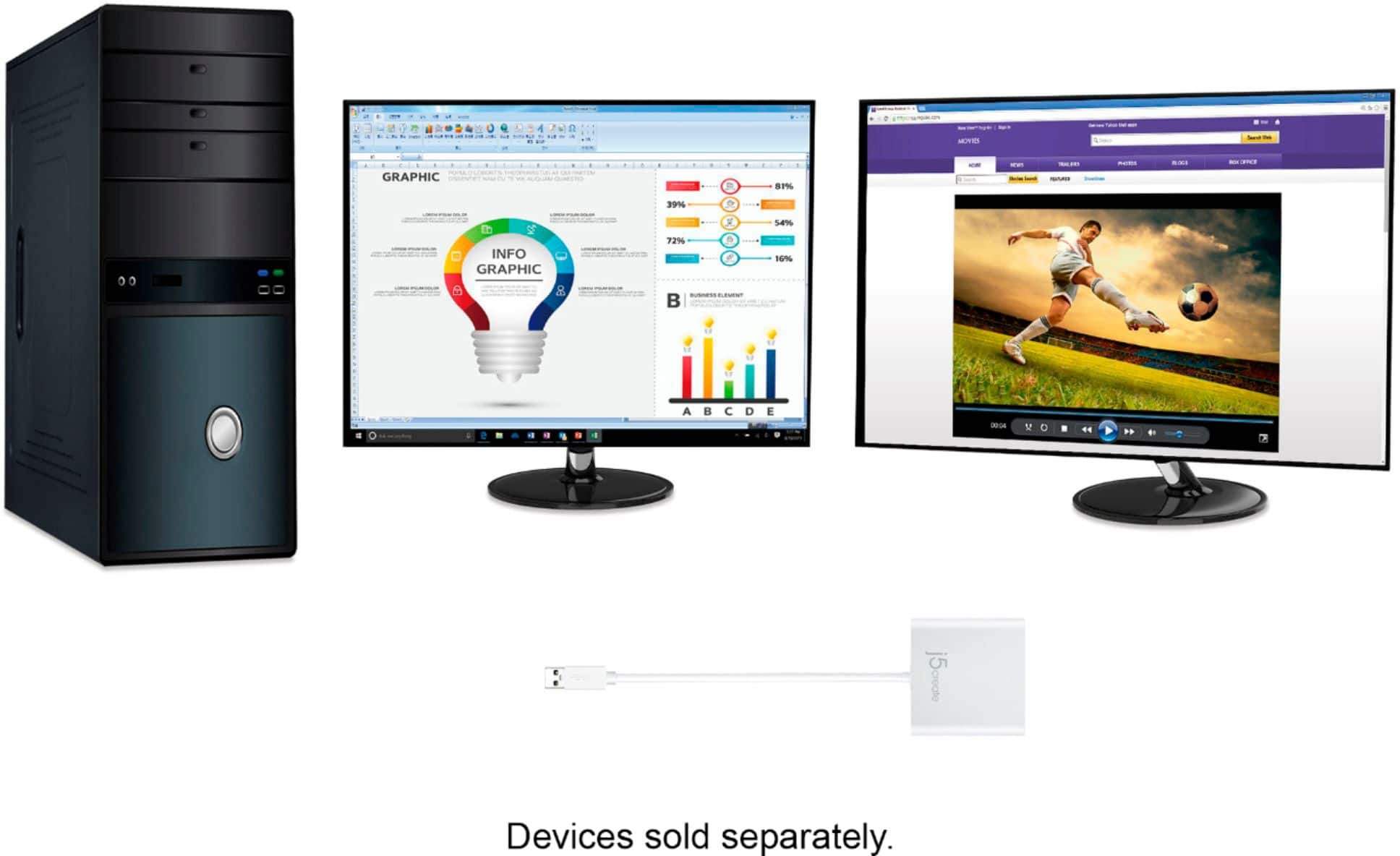
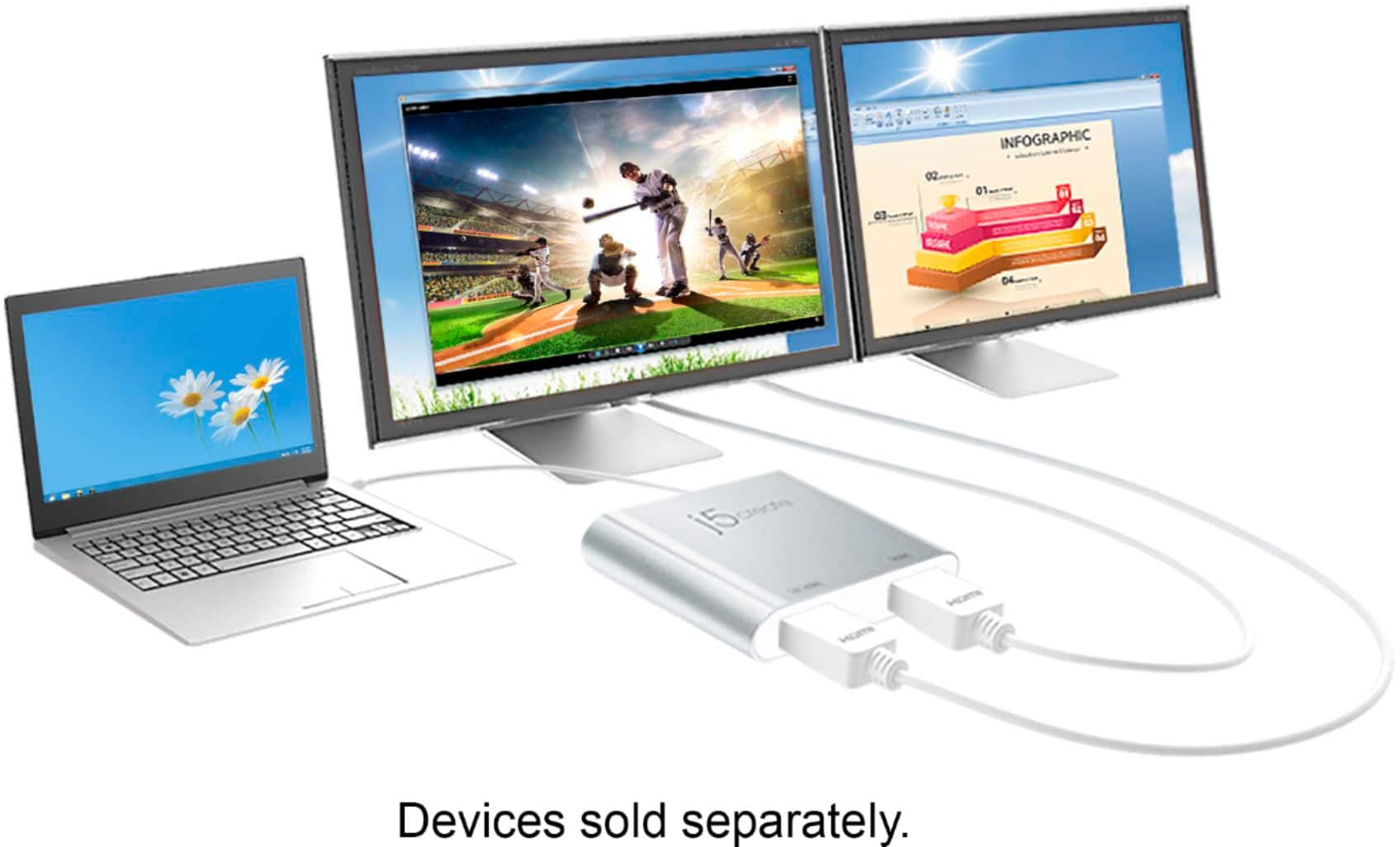
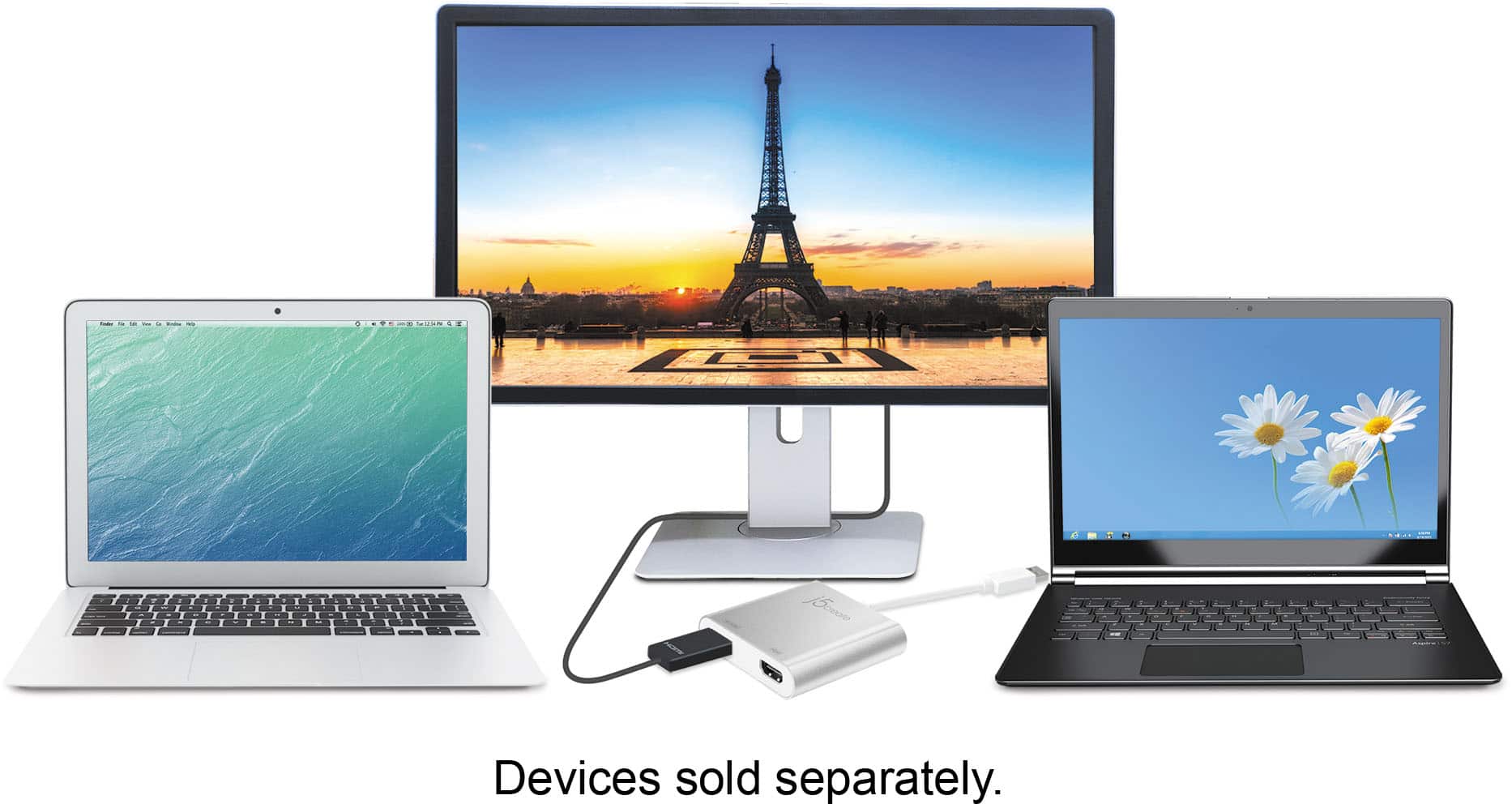
- Model:
- JUA365
- SKU:
- 10757578
Rating by feature
- Value
Rating 4.3 out of 5 stars
- Quality
Rating 4.6 out of 5 stars
- Ease of Use
Rating 4.6 out of 5 stars
to a friend
Waste of money if you update your computer often
Posted .This reviewer received promo considerations or sweepstakes entry for writing a review.Items is not compatible with MacOS Big Sur. Best Buy make no mention of it.
No, I would not recommend this to a friendBrand response from J5create Team
Posted .Hello,
We have recently released a Beta Driver for macOS 11.1 Big Sur available! (NOTE: This driver is NOT compatible with M1 Chip mac books & macOS 11.2 Big Sur BETA we advise to disable automatic updates and do NOT update to Big Sur 11.2 at this time). For assistance installing the Big Sur drivers please contact the j5create customer support team:
https://en.j5create.com/pages/support
Thank you,
j5create
Nice aesthetic but not functional
||Posted . Owned for 2 weeks when reviewed.This reviewer received promo considerations or sweepstakes entry for writing a review.I purchased this to use for my work from home setup on my HP dual monitors from my Lenovo work computer. I also wanted an adapter that would work with my personal laptop which is a Macbook Pro. It worked to extend my Lenovo laptop onto the dual monitors but every time I got on a Teams or Skype call the audio would switch to the USB cable not letting me hear any audio. The other people on the call could hear me but I couldn't hear them. I had to disconnect the adapter in order to take calls. This adapter was worse when using it with my Macbook because it didn't even recognize the USB cable when I plugged it in. I had to use one screen at a time by connecting the HDMI cable directly into my Macbook. This product was such a disappointment because I really liked its sleek silver and white look which complimented my desk and my other Apple products but it was not functional whatsoever!
No, I would not recommend this to a friendBrand response from J5create Team
Posted .Hi Jeanette!
I'm so sorry to hear this! It definitely should not be happening at all with our device. My customer service team is trained to assist when things like this happen and we'd be more than happy to troubleshoot this with you and get you up and running again. Our information can be located on the back of all of our product boxes and on our website.
Thanks,
j5create
Must have for multi screens
||Posted .This reviewer received promo considerations or sweepstakes entry for writing a review.Easy to use, easy to set up. Must have for multi screens.
I would recommend this to a friendBrand response from J5create Team
Posted .Easy to use and set up are the characteristics we strive for and the JUA365 is a great example of that - thanks for the input.
Appreciatively,
j5create
Monitor adapter
||Posted . Owned for 1 month when reviewed.This reviewer received promo considerations or sweepstakes entry for writing a review.Couldn’t get product to work like I wanted to so I had to return it
No, I would not recommend this to a friendBrand response from J5create Team
Posted .Hi,
Our customer support team is available for providing troubleshooting assistance. Our contact information can be found on the j5create website under the ‘Support’ dropdown.
Thanks,
j5create
Computer
||Posted .This reviewer received promo considerations or sweepstakes entry for writing a review.Great quality, just didn’t fit my current computer system.
I would recommend this to a friendBrand response from J5create Team
Posted .Hi Airp, thank you for your review. If you have any questions regarding our products, please feel free to reach out to us and we'll be happy to assist you. Cordially, j5create.
It’s ok. Some times it goes out.
||Posted . Owned for 1 month when reviewed.This reviewer received promo considerations or sweepstakes entry for writing a review.I like it, but for the price, I expect it to always work. But it sometimes cut outs
I would recommend this to a friendBrand response from J5create Team
Posted .Don2, In the case where the JUA365 is cutting in and out, we advise calling in to speak with an agent and troubleshoot. While speaking with a rep, you will try different troubleshooting steps and find a solution to the problem. In the case where the device is deemed to be defective, you will be offered an exchange under the manufacturer's two-year warranty. We greatly value your input and look forward to working with you.
Regards,
j5create
Bad product
||Posted . Owned for 3 weeks when reviewed.This reviewer received promo considerations or sweepstakes entry for writing a review.The quality of it is very poor it did not work didn't come with many pieces or instructions
No, I would not recommend this to a friendBrand response from J5create Team
Posted .If you have more specific details about the issue, please reach out to j5create customer support team for troubleshooting. Thank you.
Terrible Product
||Posted . Owned for 3 weeks when reviewed.This reviewer received promo considerations or sweepstakes entry for writing a review.I bought this two connect two monitors on July 16, 2025. It stopped working August 13, 2025.
No, I would not recommend this to a friendBrand response from J5create Team
Posted .If you have more specific details about the issue, please reach out to j5create customer support team for troubleshooting. Thank you.
Monitor splitter
||Posted . Owned for 3 weeks when reviewed.This reviewer received promo considerations or sweepstakes entry for writing a review.Does not work too well with windows 10. Did not try with a MAC.
No, I would not recommend this to a friendBrand response from J5create Team
Posted .Hello,
This adapter should work with both Windows and Apple computers. If you would like assistance troubleshooting I would recommend contacting the j5create customer support team. Contact information can be found on the product packaging and on the j5create website under the ‘Support’ drop down.
Thank you,
j5create
Good hardware, but doesn't work with MacOS 12
||Posted . Owned for less than 1 week when reviewed.This reviewer received promo considerations or sweepstakes entry for writing a review.Looks and feels like a solid piece of hardware, but doesn't work with macOS Monterey. I've tried everything and it glitches and the second monitor doesn't work. There were times when it said there were 3 monitors connected and it just froze.
No, I would not recommend this to a friendBrand response from J5create Team
Posted .Please contact our Customer Service Department, so that they can get more information from you: in order to help with troubleshooting. Their information can be found on our website under the "Support" tab. Sincerely, j5
Waste of time and money.
||Posted . Owned for 3 weeks when reviewed.This reviewer received promo considerations or sweepstakes entry for writing a review.Way over priced - like about 500% + But it did not even solve the need in which it was purchased.
No, I would not recommend this to a friendBrand response from J5create Team
Posted .Proper functionality entails downloading and installing a driver on a Windows or Mac platform. Depending on the OS you have, different instructions apply. Feel free to contact j5create Technical Support if you require further assistance. Their information can be found on our website under the "Support" tab. Thank you.
It's ok
||Posted . Owned for 1 month when reviewed.This reviewer received promo considerations or sweepstakes entry for writing a review.It's works ok. It freezes my monitors. So I have to unplug it many times to get my monitors going again. All in all it does the job. Better then the other one I had.
I would recommend this to a friendBrand response from J5create Team
Posted .Please contact our Technical Support Team for further information about this issue. Their information can be found on our website under the "Support" tab and a specialist will be ready to assist you. Thank you.
OK......
||Posted . Owned for 2 months when reviewed.This reviewer received promo considerations or sweepstakes entry for writing a review.Not a fan - The instructions on set up are a bit confusing - Also it appears that you need to have an HDMI port on the computer for this to function so it really helps you have 3 HDMI connections.
I would recommend this to a friendBrand response from J5create Team
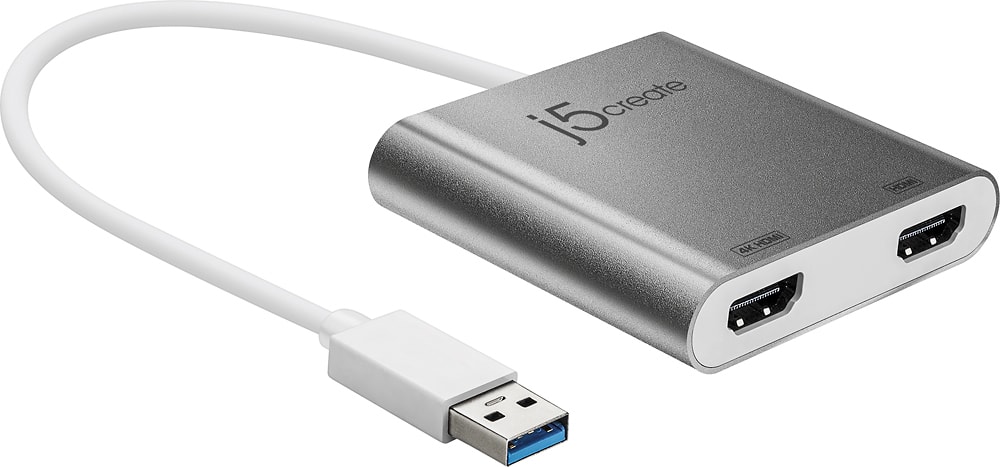
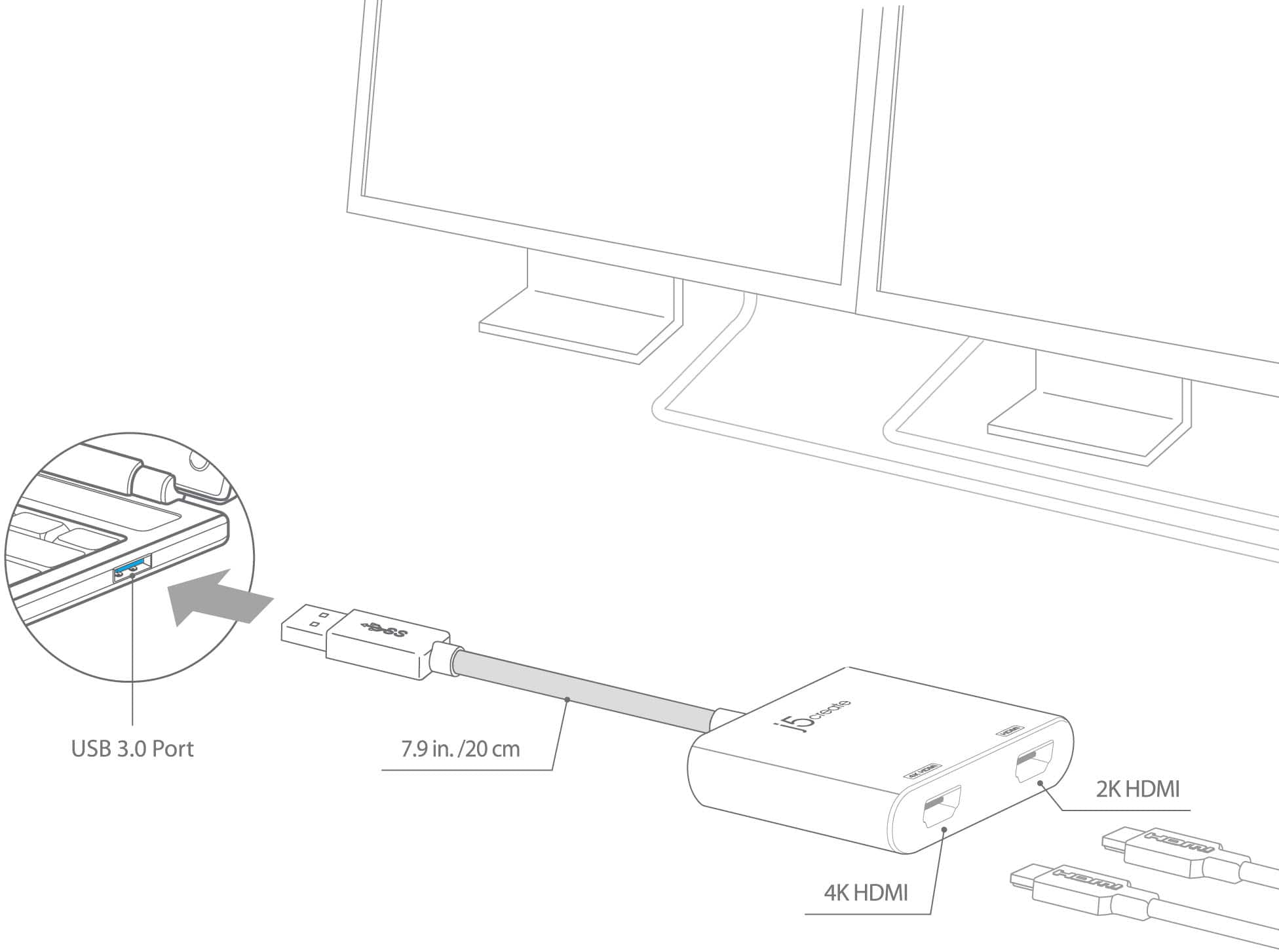
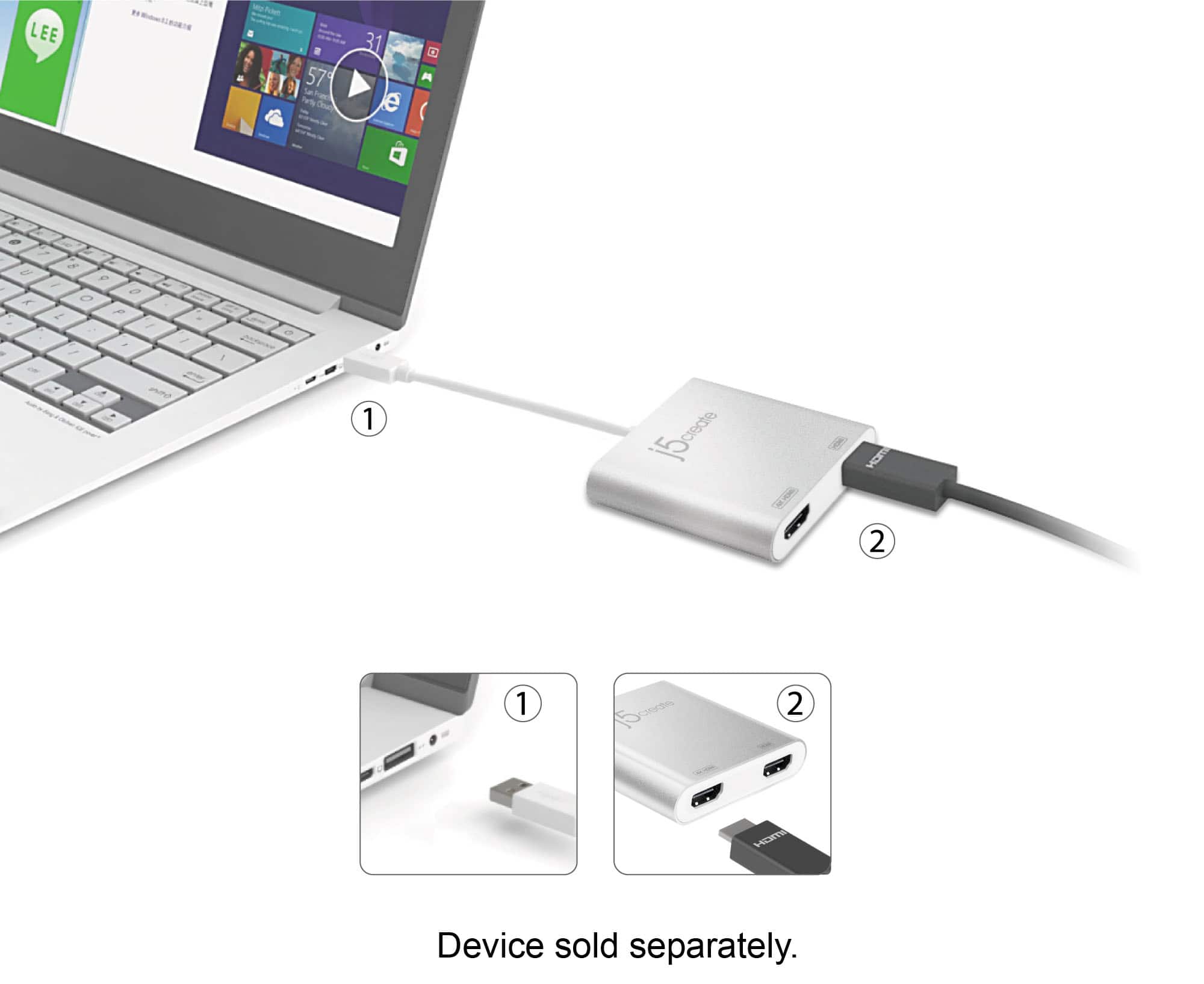
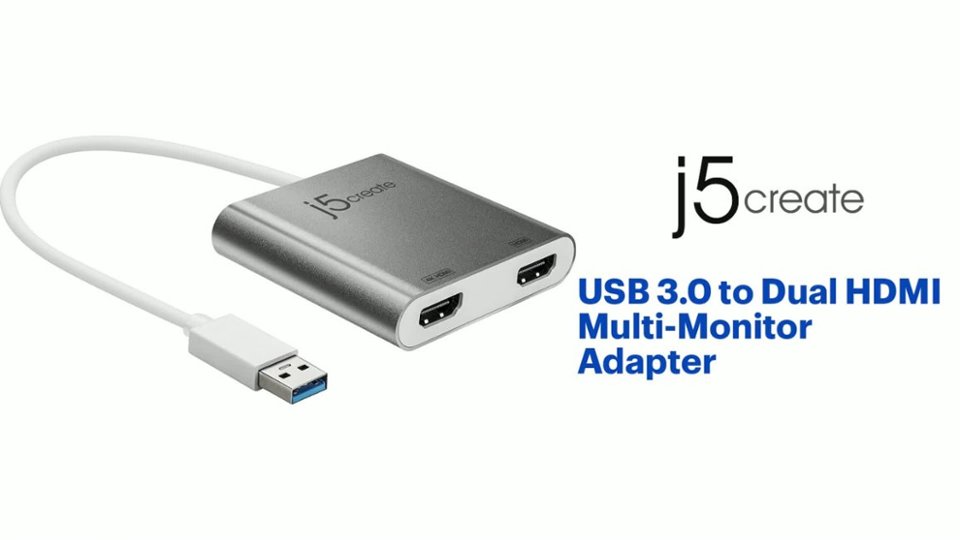
Posted .The USB 3.0 to Dual HDMI Multi-Monitor Adapter requires an available USB Type-A port on a computer (USB 3.1/3.0 is required for 4K resolutions). Does not need an HDMI port on computer for it to function. The device will also require an installation of a driver for proper functionality. Once the installation is complete, connect one side of the HDMI cable to the device and the other end to an available HDMI port on a display with the correct input selected. ** Feel free to contact j5create Technical Support if you require further assistance. Their information can be found on our website under the "Support" tab. Thank you.
Fair
||Posted . Owned for 8 months when reviewed.This reviewer received promo considerations or sweepstakes entry for writing a review.This adapter worked well until it didn't... I had this in use less than 9 months and it just suddenly quit working.
No, I would not recommend this to a friendBrand response from J5create Team
Posted .Please contact our Technical Support Team, so that they can get more information from you. Their information can be found on j5create website under the Support tab. Thank you.
Failed to work for problem.
||Posted . Owned for 1 month when reviewed.This reviewer received promo considerations or sweepstakes entry for writing a review.May work for other applications, but did not work for mine. I was trying to hook up two monitors on one HDMI port. It may work for this application, but I was not able to do So.
No, I would not recommend this to a friendBrand response from J5create Team
Posted .Proper functionality entails downloading and installing a driver on a Windows or Mac platform. Once installation is complete, connect the Adapter to a computer via USB and the other end to a display with HDMI ports. Must connect each HDMI connection to an available HDMI input on a display. One HDMI port will not connect both HDMI display's.
USB 3.0
||Posted . Owned for 3 weeks when reviewed.This reviewer received promo considerations or sweepstakes entry for writing a review.I need to return this item. It wasn’t what I needed.
I would recommend this to a friendBrand response from J5create Team
Posted .Hello Regis,
Best Buy sells a wide array of j5create computer peripherals:
https://www.bestbuy.com/site/searchpage.jsp?st=j5create
I hope that you consider j5create in the future.
Thank you,
j5create
It works... kinda...
||Posted . Owned for 2 weeks when reviewed.This reviewer received promo considerations or sweepstakes entry for writing a review.Does not work particularly well for two screens. You will get a fair bit of input lag, even when typing, due to the limited bandwidth of the USB-A interface. It does work, just not a particularly pleasant experience...
No, I would not recommend this to a friendBrand response from J5create Team
Posted .Hello there, thank you for your feedback on the JUA365. To better understand the lag issue you are experiencing, please feel free to contact us so we may be able to help troubleshoot with you on the issue you are experiencing. Our contact information can be located on j5create website. Looking forward to hearing from you. Sincerely, j5create.
Confirm what USB types you have before our hading
||Posted . Owned for 1 week when reviewed.This reviewer received promo considerations or sweepstakes entry for writing a review.Could not get this item to work. To be fair, the salesperson might have recommended and dold me the wrong converter plug.
No, I would not recommend this to a friendBrand response from J5create Team
Posted .The USB 3.0 to Dual HDMI Multi-Monitor Adapter requires an available USB Type-A port (USB 3.1/3.0 is required) and an installation of a driver for functionality. Drivers are located on j5create website under the "Support" tab. ** Feel free to contact j5create Technical Support if you require further assistance. Thank you.
Need a docking station
||Posted . Owned for 2 weeks when reviewed.This reviewer received promo considerations or sweepstakes entry for writing a review.The way it was advertised was as if you could have additional screens to work with but turns out that is not the case. What you really need is a docking station
No, I would not recommend this to a friendBrand response from J5create Team
Posted .Proper functionality entails downloading and installing a driver on a Windows or Mac platform. Depending on the OS you have, different instructions apply. Drivers are available on j5create website under the "Support" tab > "Downloads/Drivers". Please make sure you have full admin rights to complete the installation process. Thank you.
Not MacPro compliant (will not supp. dual monitor)
||Posted . Owned for 3 weeks when reviewed.This reviewer received promo considerations or sweepstakes entry for writing a review.Doesn’t support latest MacPro. Don’t buy if expecting to use dual monitors. The manufacture doesn’t meet Apple requirements on this model of being used with latest Mac’s(regardless of what box says)
No, I would not recommend this to a friendBrand response from J5create Team
Posted .Greetings Rams, if you are running an M1 chip, the JUA365 device will only work with Mac computers with Intel chips until we have a driver for M1. If you are running an Intel chip and would like help to install the driver, please give us a call and we will gladly help you with the process. Respectfully, j5create.