Customer Ratings & Reviews
- Model:
- JUA365
- SKU:
- 5615018
Rating by feature
- Value
Rating 4.3 out of 5 stars
- Quality
Rating 4.6 out of 5 stars
- Ease of Use
Rating 4.6 out of 5 stars
Customers are saying
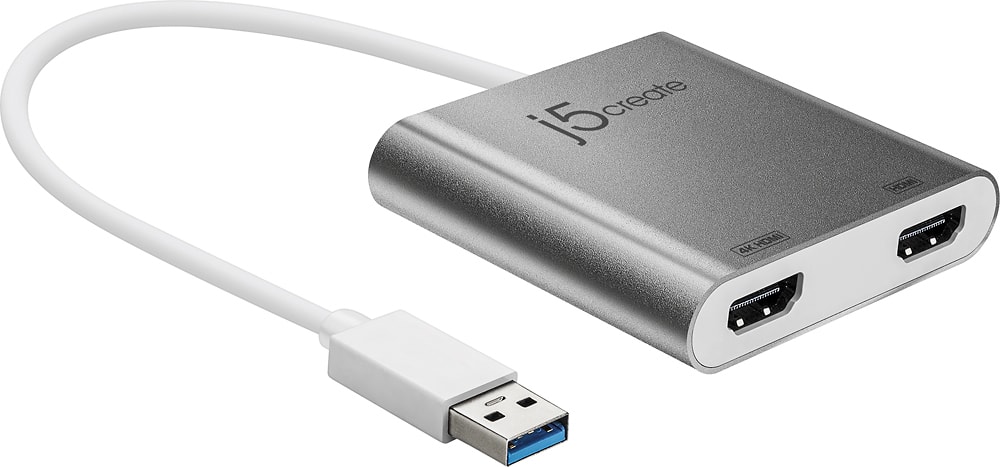
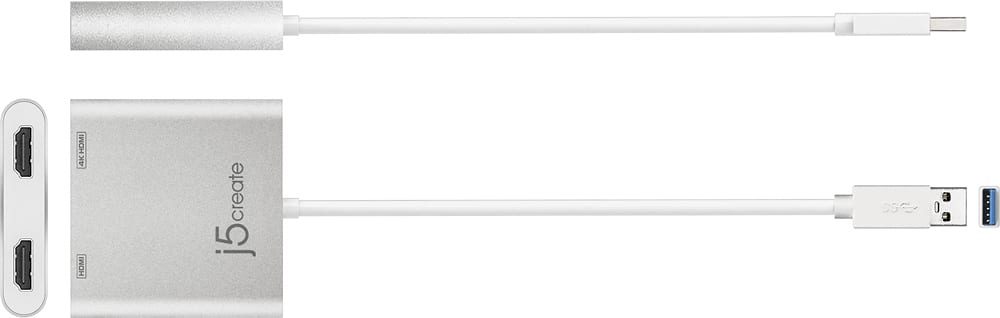
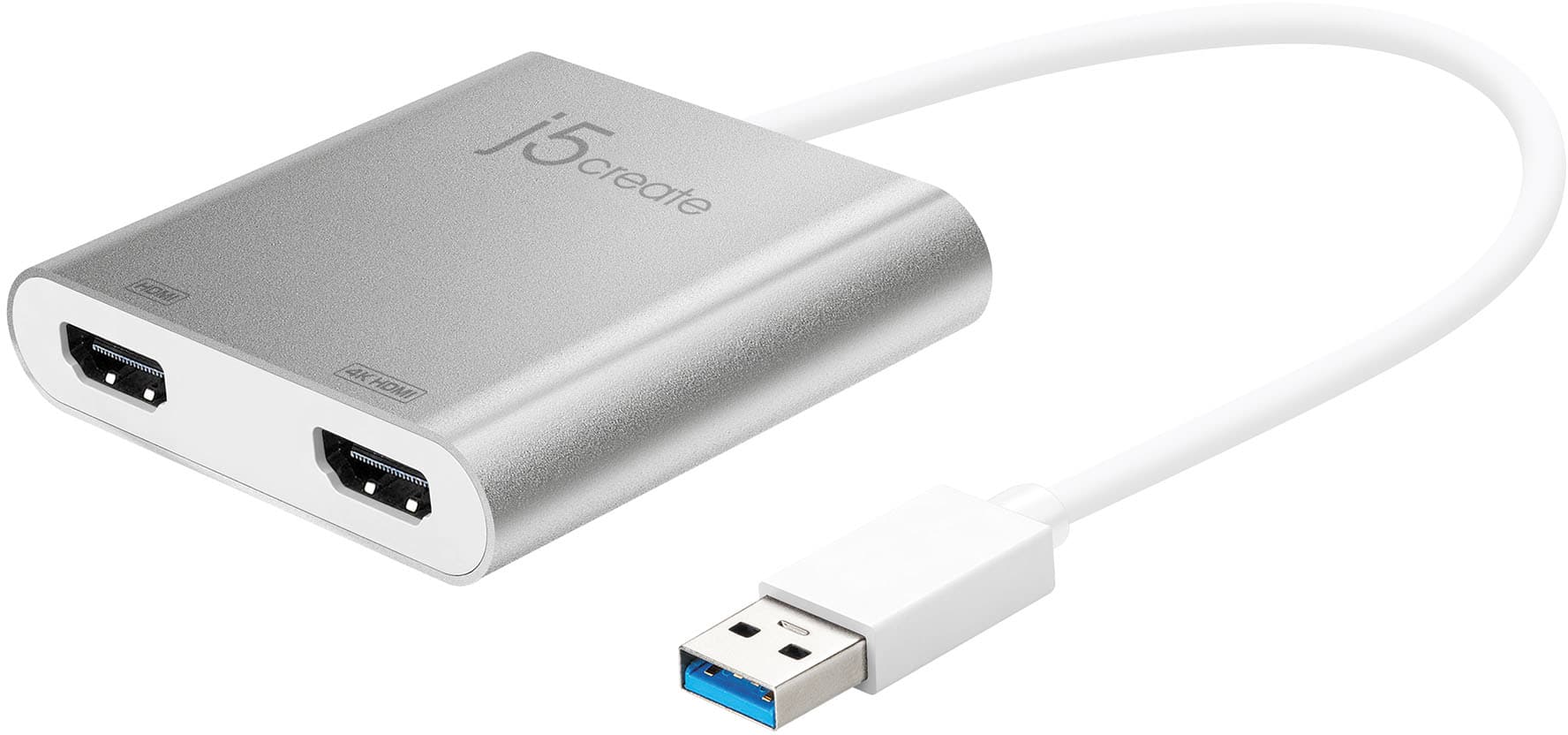
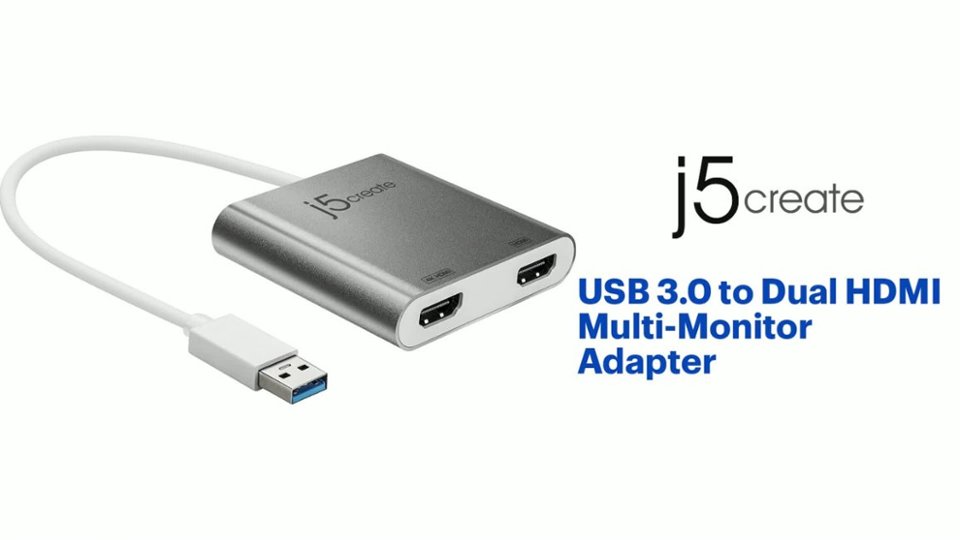
Customers highly value the USB 3.0 to Dual HDMI Multi-Monitor Adapter for its ease of use, HDMI ports, and overall performance. Compatibility and size are also appreciated features. Some customers have expressed concerns regarding the price, driver installation, lag, resolution, and heat.
This summary was generated by AI based on customer reviews.
- Pros mentioned:Ease of use, Performance
Get it
||Posted . Owned for 10 months when reviewed.This reviewer received promo considerations or sweepstakes entry for writing a review.Does exactly what it's supposed to do. Works well. Highly recommend.
I would recommend this to a friendBrand response from J5create Team
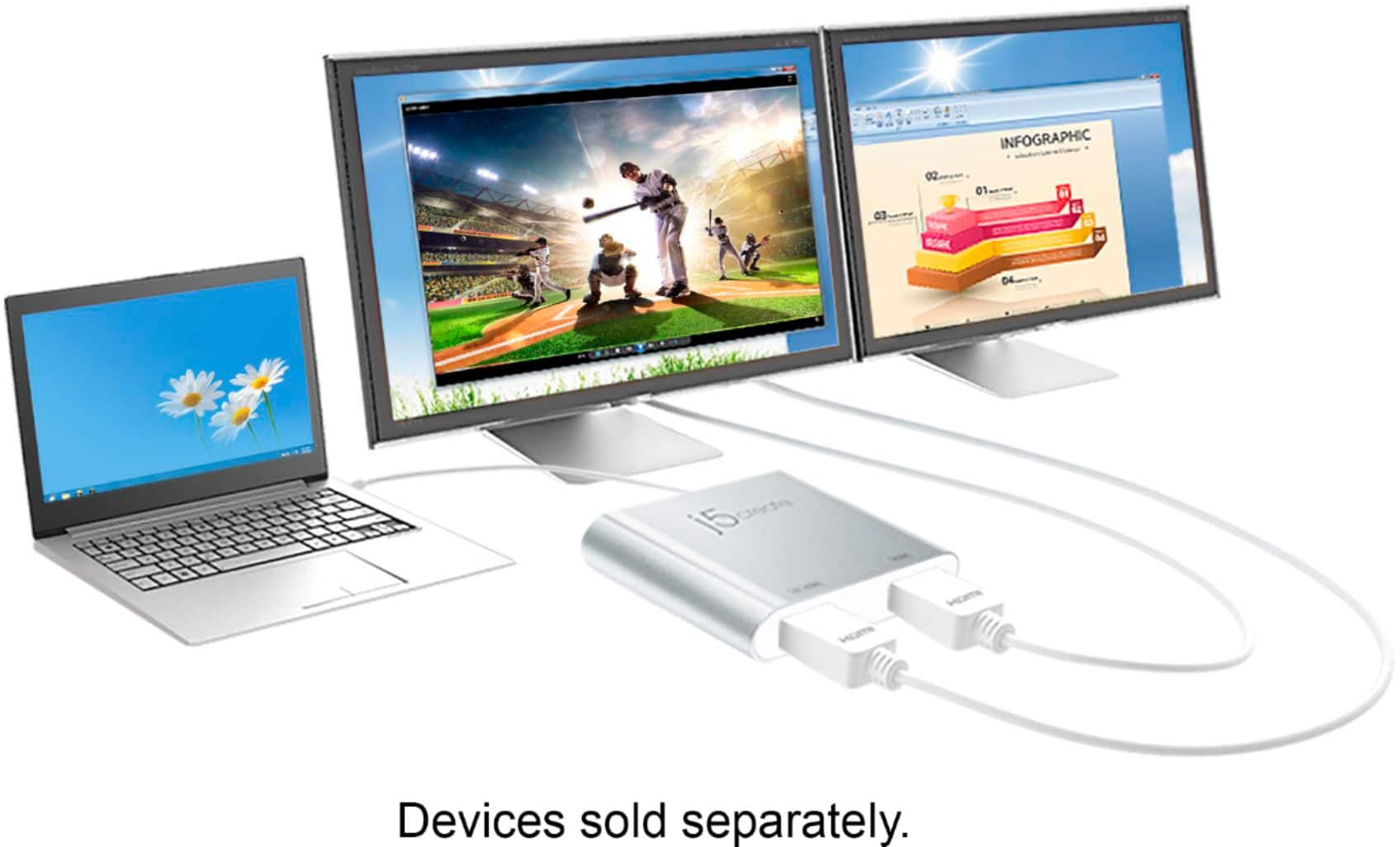
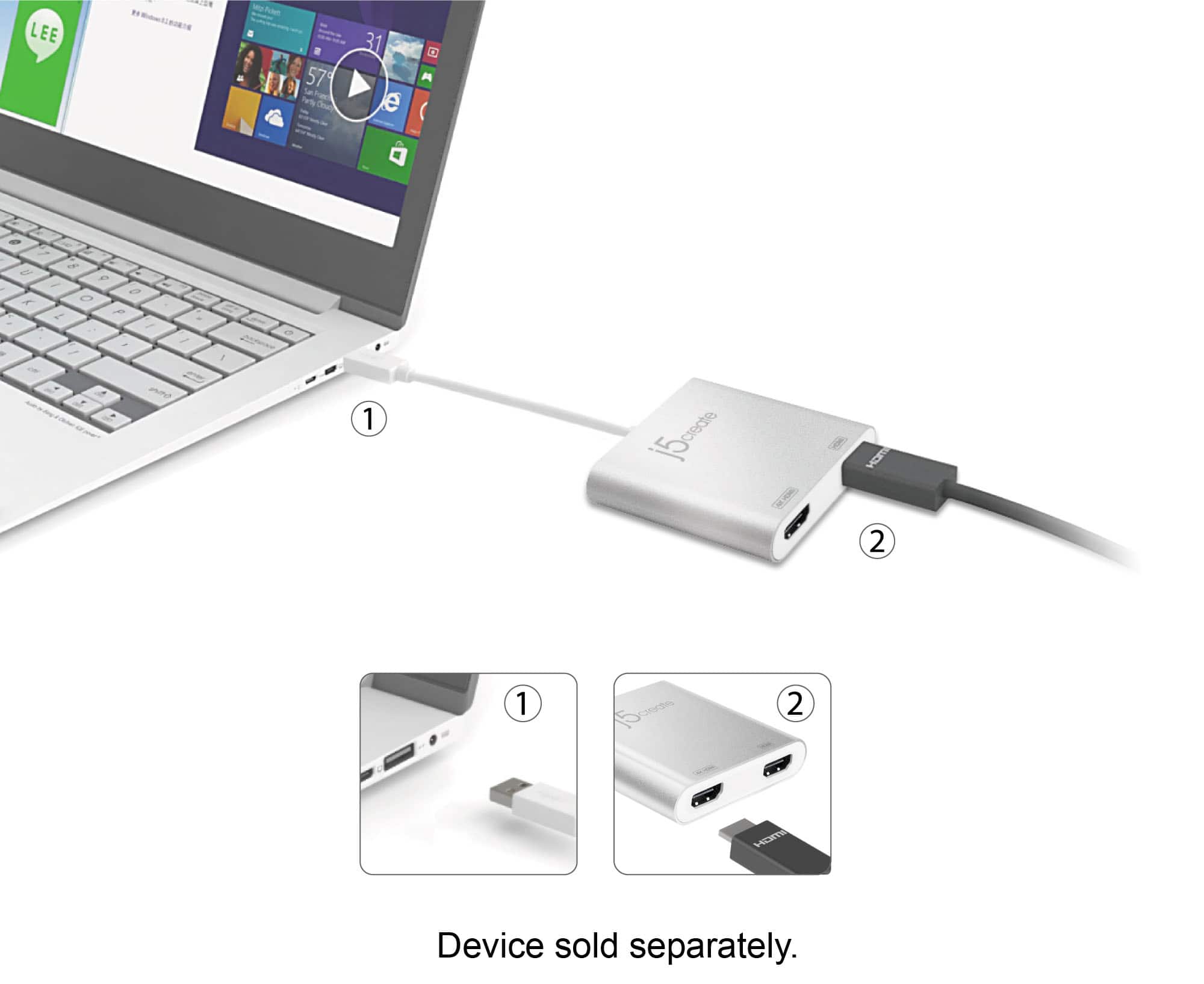
Posted .Easily add two extra displays to any computer.

- Pros mentioned:Compatibility
Works Great!
||Posted . Owned for 3 months when reviewed.This reviewer received promo considerations or sweepstakes entry for writing a review.It is perfect for my new Surface Laptop! I highly recommend it!
I would recommend this to a friend - Pros mentioned:Ease of use, Size
Great item
||Posted . Owned for 2 weeks when reviewed.This reviewer received promo considerations or sweepstakes entry for writing a review.Great item. No issues. Easy to use. Small and I would recommend to a friend!
I would recommend this to a friendBrand response from J5create Team
Posted .Hello,
It is great to hear that you are happy with the adapter. We really appreciate that you would recommend it to a friend.
Have a great day,
j5create
- Pros mentioned:Ease of use
Useful and versatile
||Posted . Owned for 2 months when reviewed.This reviewer received promo considerations or sweepstakes entry for writing a review.Useful and easy to connect to my computer. Ended up returning because I wanted a sleeker design
I would recommend this to a friend - Pros mentioned:Ease of use, Performance
Extra monitor
||Posted . Owned for 1 month when reviewed.This reviewer received promo considerations or sweepstakes entry for writing a review.Works great allows for a second and a third monitor.Easy hookup.
I would recommend this to a friendBrand response from J5create Team
Posted .Great to extend monitor displays with a adapter. Thanks for your review.
- Cons mentioned:Price
Working great
||Posted .This reviewer received promo considerations or sweepstakes entry for writing a review.I had many of these (no brand) I really struggle to find drivers. This one is branded, i went to the website and here is the driver that does work.. I am getting 1920x1080 out of it since this is the max my monitor can go. I think it may be little slow since it is USB 3. you can feel it, but if you are using it for a document and excel sheet. it is a perfect solution. VERY EXPENSIVE. almost $100, really? can you please gold plate it.
I would recommend this to a friendBrand response from J5create Team
Posted .Hello and thanks for reviewing the JUA365 HDMI adapter. We apologize for the inconvenience the pricing may have caused; we have other adapters available that may better fit your needs and if interested, we would value the opportunity to discuss them with you. Support information can be found on the casing and a rep will be happy to help.
Respectfully,
j5create
- Pros mentioned:Ease of use
Great Video Adapter for new laptop
||Posted . Owned for 1 month when reviewed.This reviewer received promo considerations or sweepstakes entry for writing a review.I'm very happy with this video adapter. I needed to connect my 2 monitors to my new laptop (LG 34" Ultra-Wide and a HP 23"). It is Quick & Simple to setup. I had tried 2 other video adapters from other companies that were more expensive but they caused video freezing. I haven't had any problems with this adapter
I would recommend this to a friendBrand response from J5create Team
Posted .Hello,
Thank you for your review of the JUA365. We have developed this compact design to cater to the sophisticated user who values function as well as elegance.
Have a good day,
j5create
Mission Complete
||Posted . Owned for 1 month when reviewed.This reviewer received promo considerations or sweepstakes entry for writing a review.I ordered another monitor and tried added it to my network. Nothing seemed to work so I went to BB near me. I met with Conner who pointed this bridge out to me. I brought home, hooked it up and it worked.
I would recommend this to a friend- Pros mentioned:Ease of use
Wow! Works great
||Posted . Owned for 3 weeks when reviewed.This reviewer received promo considerations or sweepstakes entry for writing a review.This is a great device for computers that don't have the ability to export video using USB-C. My laptop has a USB-C port that I assumed would allow me to connect a monitor directly, or by way of an attached hub... I was wrong. This solved the problem and works great - very pleased. Additionally, this was delivered the same day I ordered it... WOW!
I would recommend this to a friendBrand response from J5create Team
Posted .It allows you to add two additional displays through your USB port, boosting your productivity by giving you more screen space to work from. Thanks for your review.
- Pros mentioned:Compatibility, Ease of use
Great adaptor
||Posted . Owned for 1 month when reviewed.This reviewer received promo considerations or sweepstakes entry for writing a review.Works extremely well between my monitors and laptops. Easy to use.
I would recommend this to a friendBrand response from J5create Team
Posted .Hello,
The JUA365 will let you easily add two HDMI port to your computer through a single USB 3.0 port. Having extra monitors can really improve productivity. We appreciate that you took the time to post a review.
Thanks,
j5create
- Pros mentioned:Ease of use
Does what it should
||Posted . Owned for 1 month when reviewed.This reviewer received promo considerations or sweepstakes entry for writing a review.Does exactly what its supposed to do. I hooked this up to my computer to allow me to use 2 screens at once. Plug and play, drag and drop from one screen to.the other.
I would recommend this to a friend - Pros mentioned:Ease of use
Mr.
||Posted . Owned for 1 month when reviewed.This reviewer received promo considerations or sweepstakes entry for writing a review.The product met my expectations. I have continued to use it to increase productivity. The best part of it was that the set-up was easy and quick. I am glad I made the investment.
I would recommend this to a friend - Pros mentioned:Ease of use, Performance
Great product
||Posted .This reviewer received promo considerations or sweepstakes entry for writing a review.Great product. Easy to use. Great option.customer service
I would recommend this to a friendBrand response from J5create Team
Posted .Hi Amazingkeyboard, thank you for your review and a five-star rating. Have a nice day, j5create.
- Pros mentioned:Ease of use
Just what the doctor ordered!
||Posted .This reviewer received promo considerations or sweepstakes entry for writing a review.I had been looking at docking stations with at least dual HDMI monitor outputs. That would have cost at least 3 times what I paid for this. I'm very pleased. The only additional action you have to take here is installing the driver, but that's easy enough for anybody looking for a low cost option to add multiple monitors to their setup.
I would recommend this to a friendBrand response from J5create Team
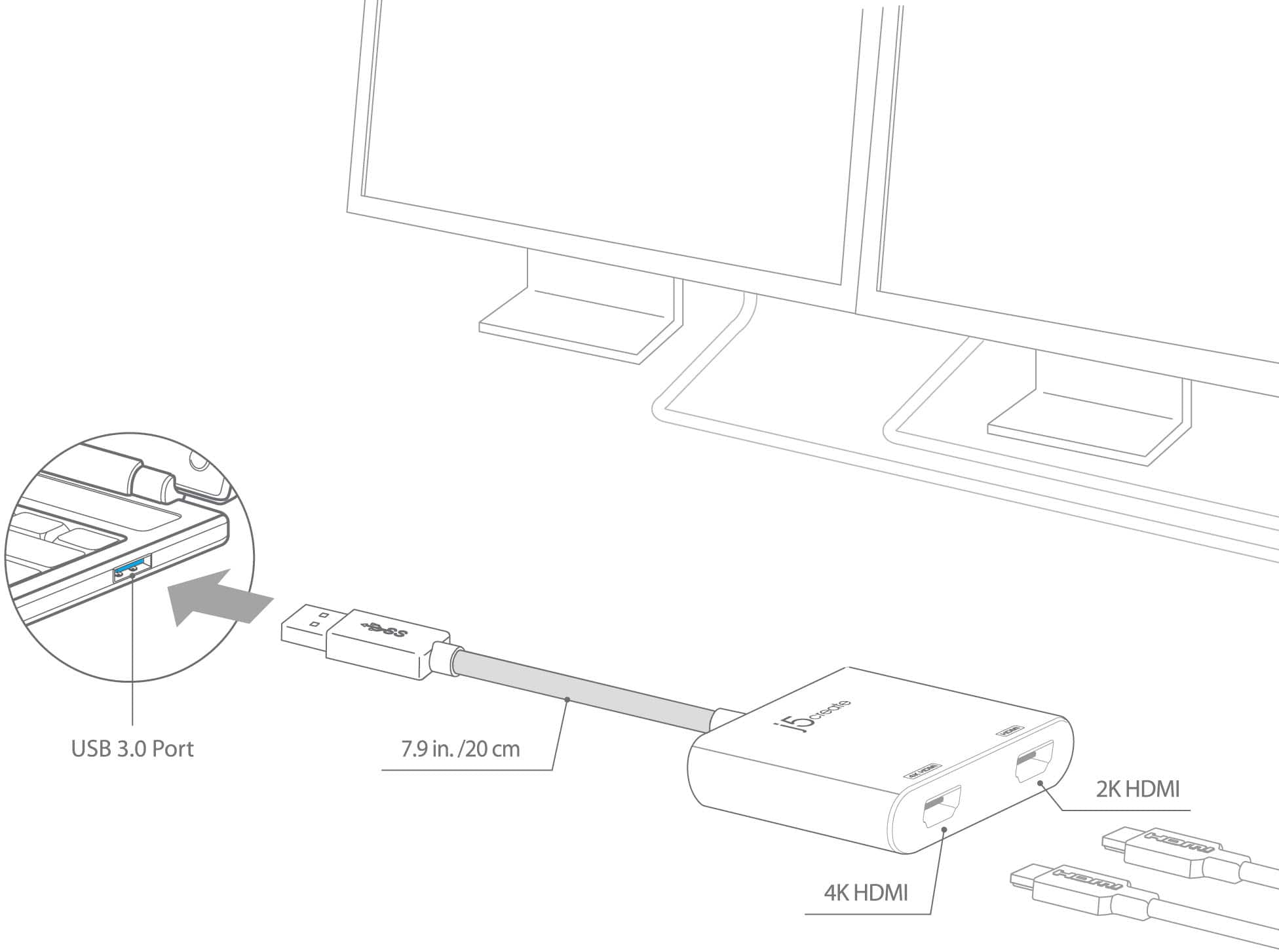
Posted .One of the HDMI ports can output resolutions up to 4K, while the other can output resolutions up to 2048 x 1152.
- Pros mentioned:Ease of use, Size
USB to Dual DHMI
||Posted . Owned for 1 month when reviewed.This reviewer received promo considerations or sweepstakes entry for writing a review.Simple to use. Just Plug In and Go. Small design takes up little space
I would recommend this to a friendBrand response from J5create Team
Posted .Simple to use and small in design defines the JUA365 Multi-Monitor Adapter plus it's unique 4K resolution capability makes it attractive on the market; we always value feedback as we strive for perfection.
Thanks,
j5create
- Pros mentioned:Hdmi
Works great but not a plug and play
||Posted . Owned for 4 months when reviewed.This reviewer received promo considerations or sweepstakes entry for writing a review.Not a perfect rating only because it took a while for the adapter and MacBook air to sync up. It wasn't a plug and play. Took many times restarting the computer and all of a sudden it worked. Since then no problems. Its great being able to run two extended monitors and could also be a third if I kept the laptop open.
I would recommend this to a friendBrand response from J5create Team
Posted .WindowsOS 10: The driver is automatically downloaded when plugged in a network environment. If the automatic download does not start, please install the driver manually on the homepage.
- Pros mentioned:Compatibility, Ease of use
Double monitors
||Posted . Owned for 1 month when reviewed.This reviewer received promo considerations or sweepstakes entry for writing a review.Simple and easy to use. I was able to connect two monitors.
I would recommend this to a friendBrand response from J5create Team
Posted .Hello Erika,
Glad to hear that the adapter was easy to easy to set up and use. We appreciate you taking the time to write up and post a review.
Thank you,
j5create
- Pros mentioned:Hdmi
A quality connector
||Posted .This reviewer received promo considerations or sweepstakes entry for writing a review.After getting windows 10 major update my HDMI connector in my laptop quit working. I use 2 monitors plus my laptop screen and am lost without them. Once I got tis adapter and plugged it in I was up and running. It has worked great every since. I could not ask for a better solution to keep Windows from killing my computer.
I would recommend this to a friendBrand response from J5create Team
Posted .Quality connector for augmenting HDMI displays is the idea behind the JUA365; thanks for leaving a review, Macroman.
Regards,
j5create
- Pros mentioned:Hdmi
Great multi-HDMI-display dongle for Windows & Mac.
||Posted . Owned for 1 week when reviewed.This reviewer received promo considerations or sweepstakes entry for writing a review.This is a very useful dongle that you can take with you anywhere so that you can attach your laptop to 2 different HDMI monitors. Since the dongle is driven off a USB-A port, it can work with both Windows and Mac laptops. For Mac, you have to download a driver, and it is conspicuously mentioned in the package.
I would recommend this to a friendBrand response from J5create Team
Posted .Thank you for taking the time to write a review on our product. We appreciate your feedback. Enjoy, j5create.
- Pros mentioned:Compatibility
Love this!
||Posted . Owned for 4 months when reviewed.This reviewer received promo considerations or sweepstakes entry for writing a review.Changed position to work from home fulltime so was wanting a great way to have both my personal and work computers set up on a 4-5 monitor display setup. These allowed me to finish up that setup so with some HDMI switches I bought previously, I can switch my 5 TVs/monitors around to display either computer at any time.
I would recommend this to a friendBrand response from J5create Team
Posted .Connect the device to your monitors using HDMI cables and then you will have a dual-display workstation!