Customer Ratings & Reviews
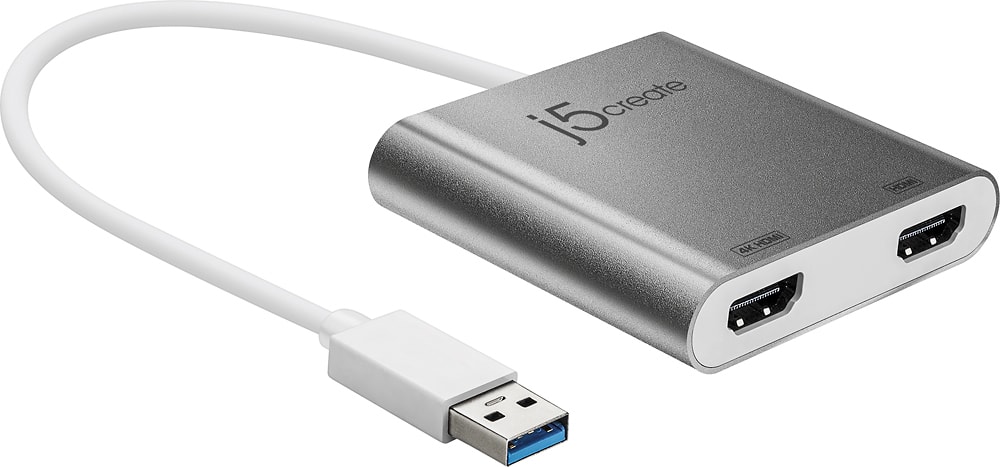
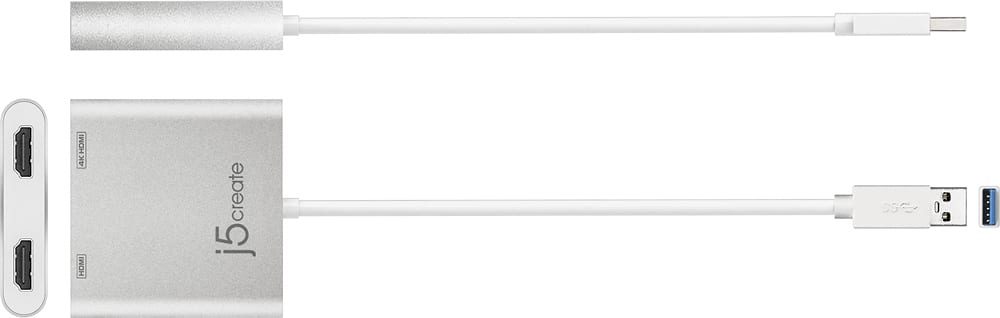
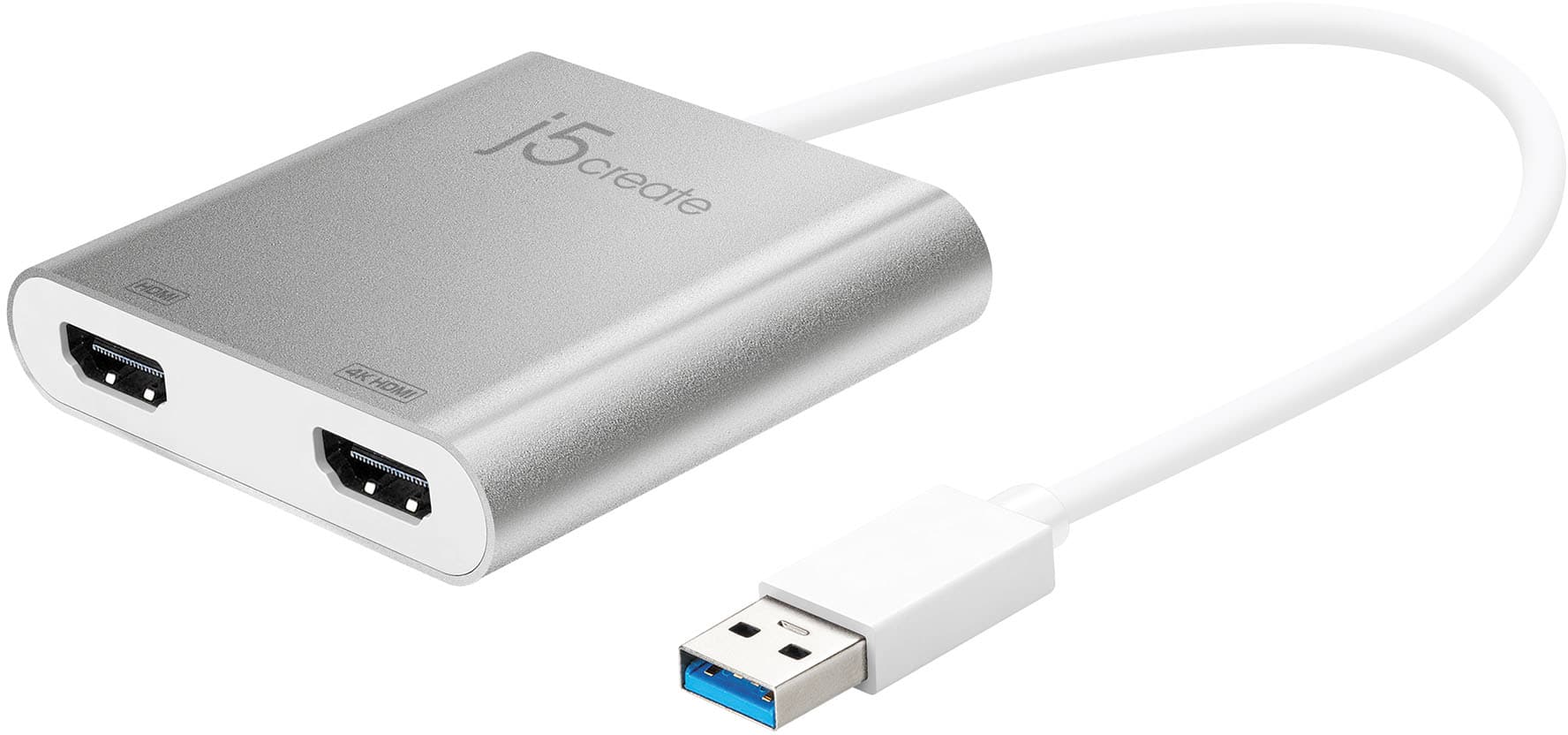
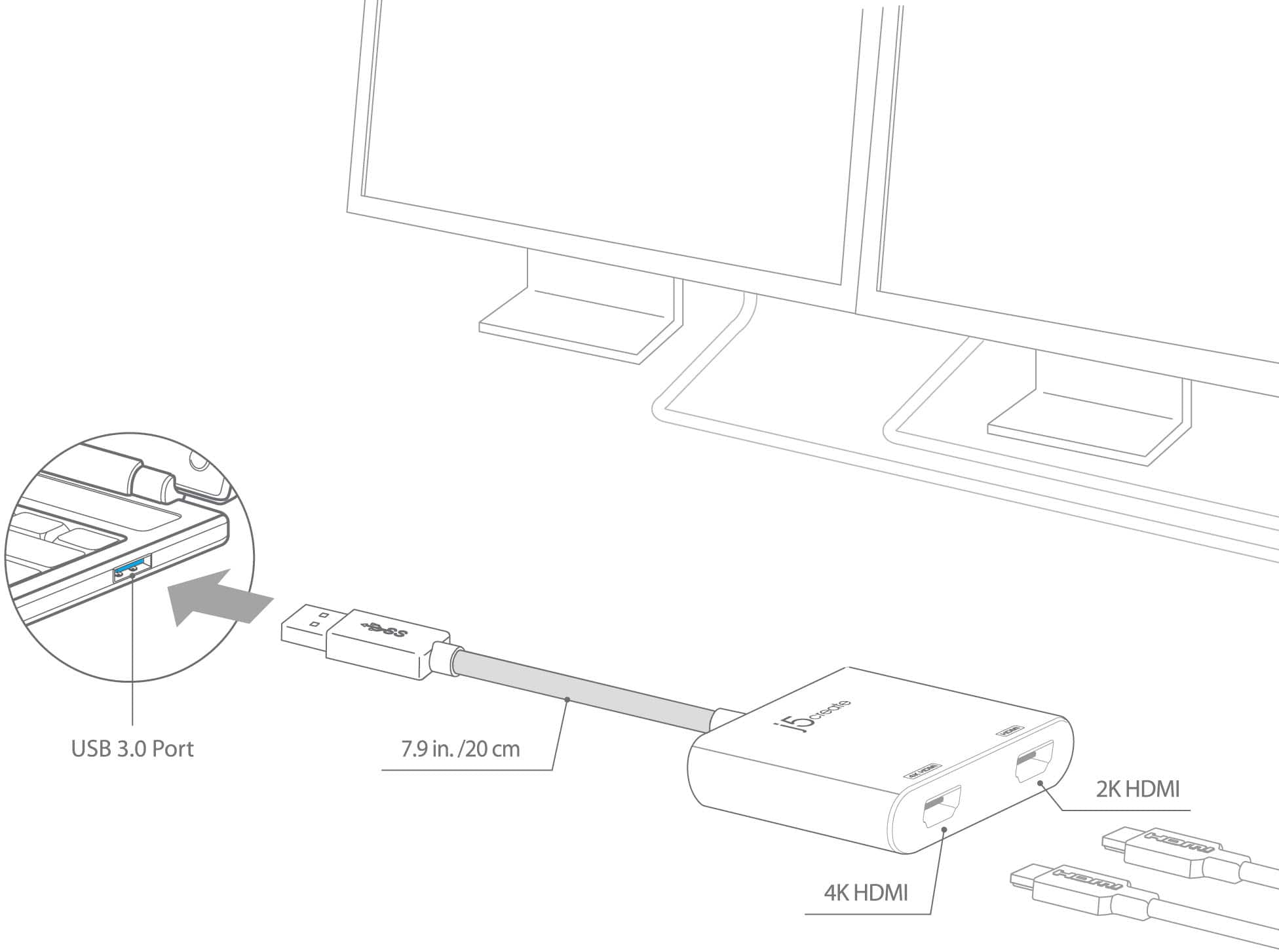
- Model:
- JUA365
- SKU:
- 5615018
Rating by feature
- Value
Rating 4.3 out of 5 stars
- Quality
Rating 4.6 out of 5 stars
- Ease of Use
Rating 4.6 out of 5 stars
Customers are saying
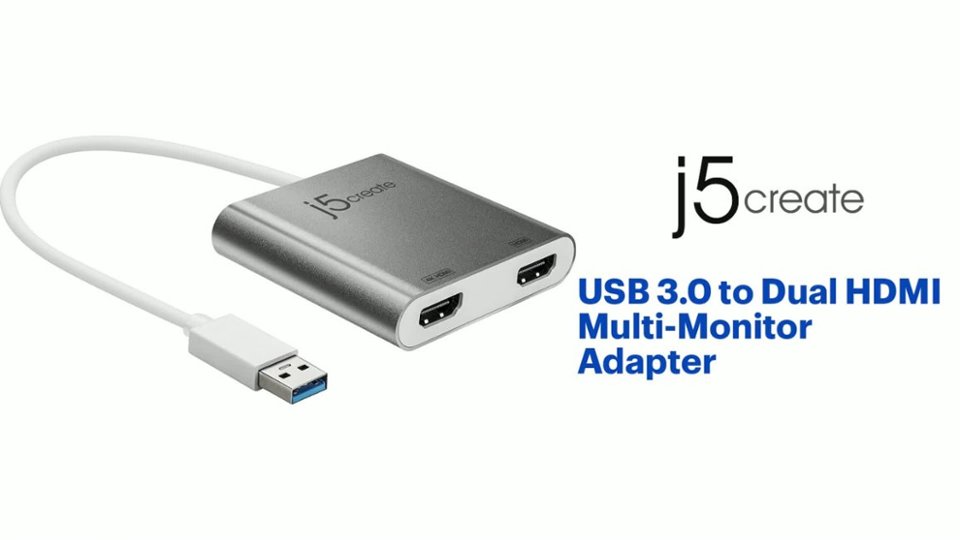
Customers highly value the USB 3.0 to Dual HDMI Multi-Monitor Adapter for its ease of use, HDMI ports, and overall performance. Compatibility and size are also appreciated features. Some customers have expressed concerns regarding the price, driver installation, lag, resolution, and heat.
This summary was generated by AI based on customer reviews.
- Pros mentioned:Size
Love my setup now!
||Posted . Owned for 3 weeks when reviewed.This reviewer received promo considerations or sweepstakes entry for writing a review.This is an amazing adapter for my Mac and PC setups! I have three beautiful screens to work with thanks to this tiny little device. I love it!
I would recommend this to a friend - Pros mentioned:Hdmi
Quick fix
||Posted . Owned for 3 weeks when reviewed.This reviewer received promo considerations or sweepstakes entry for writing a review.I bought this to run 2 monitors from my laptop since my USB C port was damaged. This did exactly what I neededand was not very expensive either.
I would recommend this to a friend - Pros mentioned:Ease of useCons mentioned:Price
Works great
||Posted . Owned for 1 month when reviewed.This reviewer received promo considerations or sweepstakes entry for writing a review.Works great. Easy to set up. Price is okay but not great.
I would recommend this to a friendBrand response from J5create Team
Posted .Hello,
Thank you for your feedback on the multi-monitor adapter. Good to hear that it was easy to set up. We stand behind the quality of this adapter with a 2 year limited warranty.
Have a good day,
-j5create
- Pros mentioned:Ease of use
Excellent! Highly Recommend
||Posted . Owned for 3 weeks when reviewed.This reviewer received promo considerations or sweepstakes entry for writing a review.I was looking for an easy way to split screens between two monitors without duplicating the desktop (i.e. extend laptop). No downloaded needed for me. Extends the displays and resolution is perfect. Easy way to split your screen without multiple wires.
I would recommend this to a friend - Cons mentioned:Heat
Great addition to my laptop bag!
||Posted . Owned for 3 weeks when reviewed.This reviewer received promo considerations or sweepstakes entry for writing a review.Only option to do an extension of my desktop for my laptop on the go. It works quite well and effortless. The only drawback to owning this adapter is that it gets quite hot to the touch.
I would recommend this to a friend - Pros mentioned:Ease of use
Quality HDMI splitter
||Posted . Owned for less than 1 week when reviewed.This reviewer received promo considerations or sweepstakes entry for writing a review.Easy to use, comes with instructions for driver installation as well
I would recommend this to a friend - Pros mentioned:Compatibility, Ease of use
Laptop to Widescreen
||Posted . Owned for 1 month when reviewed.This reviewer received promo considerations or sweepstakes entry for writing a review.Works perfect for the connection I need. Easy to install.
I would recommend this to a friendBrand response from J5create Team
Posted .Hello,
Adding an additional monitor to a laptop is a great way to help increase productivity. We are glad to hear that it was easy to install. I hope that you have a great day.
Thank you,
j5create
- Pros mentioned:Ease of use
Great unit
||Posted . Owned for 3 weeks when reviewed.This reviewer received promo considerations or sweepstakes entry for writing a review.It’s exactly what our front desk lady needed. Hers decided to not work anymore, so this was a perfect replacement.
I would recommend this to a friend - Pros mentioned:Ease of use
Controller
||Posted . Owned for 3 weeks when reviewed.This reviewer received promo considerations or sweepstakes entry for writing a review.Works great for multiple monitors. Very easy to install. Just plug it in and go.
I would recommend this to a friend - Pros mentioned:PerformanceCons mentioned:Price
Works as advertised
||Posted .This reviewer received promo considerations or sweepstakes entry for writing a review.Works great no issues, price is a little bit high is my only complaint
I would recommend this to a friendBrand response from J5create Team
Posted .Working great and as advertised are the two best qualities of the JUA365; it's up to 4K resolution capability make this a one of a kind on the market.
Regards,
j5create
- Pros mentioned:Ease of use, Size
Great product
||Posted .This reviewer received promo considerations or sweepstakes entry for writing a review.This was super easy to use and a great price! I love the size as well!
I would recommend this to a friendBrand response from J5create Team
Posted .Great sizing, great price are the best features of the JUA365 and we're glad to hear your feedback!
Cordially,
j5create
- Pros mentioned:Compatibility
Great dongle to add dual monitor
||Posted . Owned for 3 weeks when reviewed.This reviewer received promo considerations or sweepstakes entry for writing a review.I purchased this so that we could connect to monitors to a computer that does not support dual display by default. It works very well with my wife’s HP laptop.
I would recommend this to a friend - Pros mentioned:Ease of use
Easy to use
||Posted .This reviewer received promo considerations or sweepstakes entry for writing a review.I was hesitant at first about this product because I initially wanted to purchase a docking station to use with my laptop and dual monitors. After some convincing, I purchased this product and I'm glad I did. The only thing I do not like is you can not fully close your laptop as you would if you were using a docking station. This is not a deal breaker for me and the product does what it is designed to do.
I would recommend this to a friendBrand response from J5create Team
Posted .To do clam shell (Laptop closed) you must provide a KnM and a power-Brick connected to your computer at all times. Once completed, close laptop and move your mouse around until you see your screens come up.
- Pros mentioned:Ease of use
Using for Dual Monitors
||Posted . Owned for 2 weeks when reviewed.This reviewer received promo considerations or sweepstakes entry for writing a review.Works just like it’s supposed to I use it on a laptop with two HP monitors for a total of three screens no issues thus far. If you are looking for a quick and easy way to add external monitors for a laptop this is for you. One single caveat it use USB 3.0 while most laptop and desktops have at least one USB 3.0
I would recommend this to a friendBrand response from J5create Team
Posted .Hi,
It is great that this adapter is working well for you. Adding additional monitors is a great way to increase productivity. We really appreciate the product review.
Thanks,
j5create
Love it
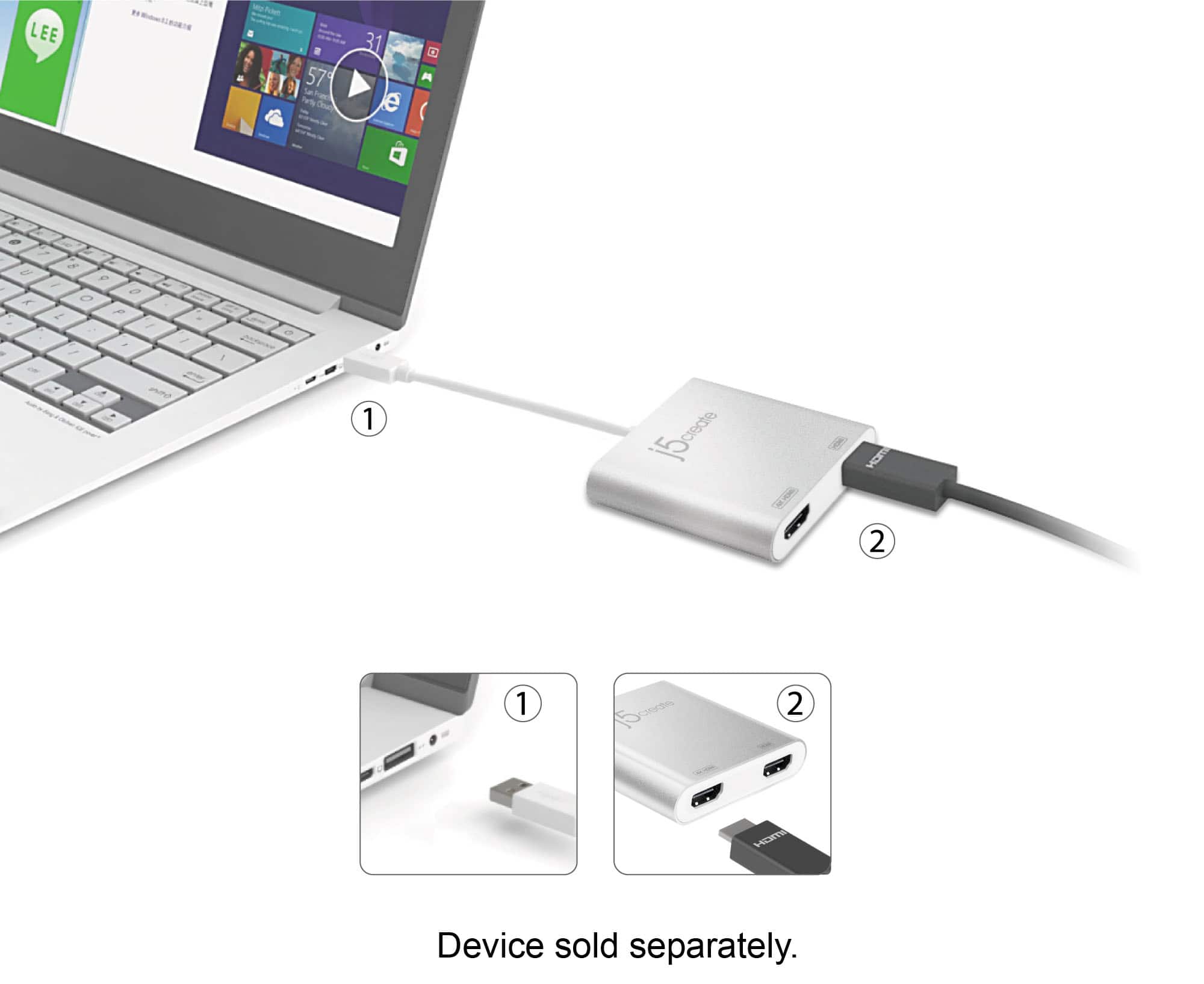
||Posted . Owned for 3 weeks when reviewed.This reviewer received promo considerations or sweepstakes entry for writing a review.I'm glad I was able to find this. I work from home and needed to setup my second monitor because my laptop have one hdmi port and one USB port on it. So I bought 4 port USB to plug in the back of my laptop so I was able to hookup this device with two hdmi cords that connected to my monitors. That worked perfectly now I have 3 monitors that extends 1 my laptop and my 2 monitors. You will have to go to your settings on your computer and select displays and then scroll down the screen to select option where you can extend your monitors. And it also do mirror also.so if work from like me that needs extra monitors this would a great option if you have one hdmi port and one USB port.
I would recommend this to a friendBrand response from J5create Team
Posted .Hello,
Thank you for your review of the JUA365. Great to hear that it is doing its job for your workstation. I hope that you have a great day.
Thanks,
j5create
- Pros mentioned:Hdmi
Savior
||Posted . Owned for 1 month when reviewed.This reviewer received promo considerations or sweepstakes entry for writing a review.I bought the J5Create dual hdmi adapter for use in a flight simulator that would mimic the panel in my aircraft. I had two hdmi ports to work with and four devices. This dongle got me up and running. It displays the output of my dual Garmin G5 simulators from Realsimgear.
I would recommend this to a friendBrand response from J5create Team
Posted .We appreciate your feedback. We're glad to hear it works nicely with your simulators. Take care, Jack.
- Pros mentioned:Compatibility
Works Great
||Posted .This reviewer received promo considerations or sweepstakes entry for writing a review.I use this with a USB 3.0 to USB 3.1 adapter and connect it to TWO monitors plus my laptop screen for a triple screen, WORKS GREAT and I have been looking for something like this for a couple of years now. When If you are buying the USB 3.0 to 3.1 adapter, watch out, BB has 2, one for $9.99 (no name) and one for $79.99 (from jCreate). Will leave you to decide which to purchase.
I would recommend this to a friendBrand response from J5create Team
Posted .This Dual HDMI Multi-Monitor Adapter acts as an external video card for your MacBook or Windows computers.
- Cons mentioned:Driver
2017 MacBook Retina with 3 external displays
||Posted .This reviewer received promo considerations or sweepstakes entry for writing a review.Used on my 2017 MacBook Retina. This MacBook only has 1 x usb-C and not thunderbolt. Using this device is the only way to get 3 external displays on my laptop with a hub. Idiotic driver you have to download and install. But it does support MacOS Monterey 12.1
I would recommend this to a friendBrand response from J5create Team
Posted .Proper functionality entails downloading and installing a driver on a Mac platform to supports Dual external displays Thank you for your review. Cheers!
- Pros mentioned:Hdmi
Best Adapter
||Posted .This reviewer received promo considerations or sweepstakes entry for writing a review.If you are looking for a hdmi two monitor setup, this is a great adapter. I’m using the type-C port to connect this adapter and have two samsung monitor connected to it using hdmi cables. It works great, and it took me couple tries and patience to find this. But it is its money worth.
I would recommend this to a friendBrand response from J5create Team
Posted .Stephen, For those looking to add up to two HDMI displays for extra working space, the JUA365 gets the job done and we're excited to hear it. If you have any issues with your j5create device, please reach out to support and a rep will be more than happy to help.
Regards,
j5create
- Pros mentioned:Ease of use
Great Buy
||Posted .This reviewer received promo considerations or sweepstakes entry for writing a review.This did exactly what I needed. I wanted to be able and use two external monitors with my laptop and this made it possible. With Windows 10 this was as simple as plugging it in and waiting a minute for the drivers to download and install. Plugged in my monitors and I was up and going.
I would recommend this to a friendBrand response from J5create Team
Posted .Hi, Jimbo, We're glad to hear the JUA365 was able to get you up and going as needed! If in the future, you have any issues with your j5create device, please reach out to support and an agent will gladly assist.
Gratefully,
j5create