Customer Ratings & Reviews
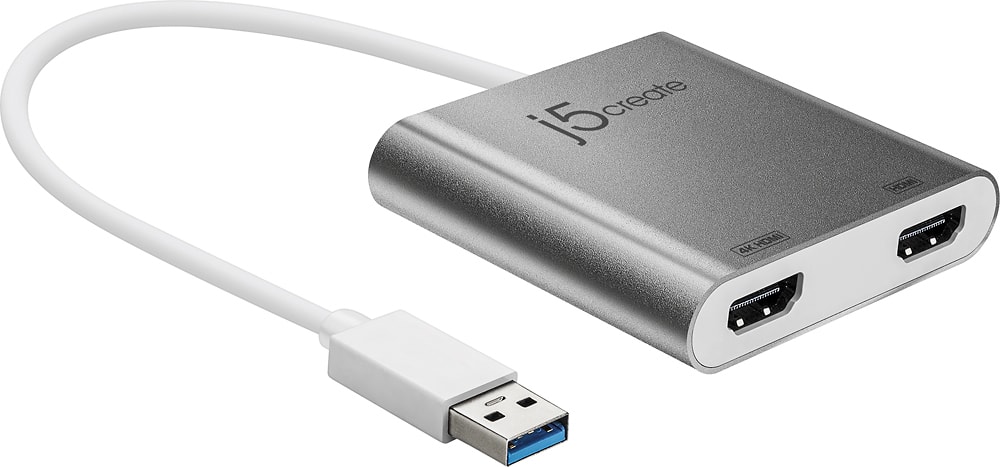
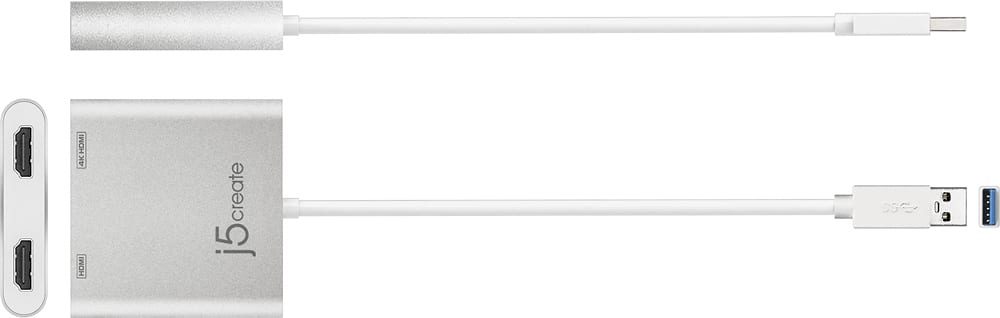
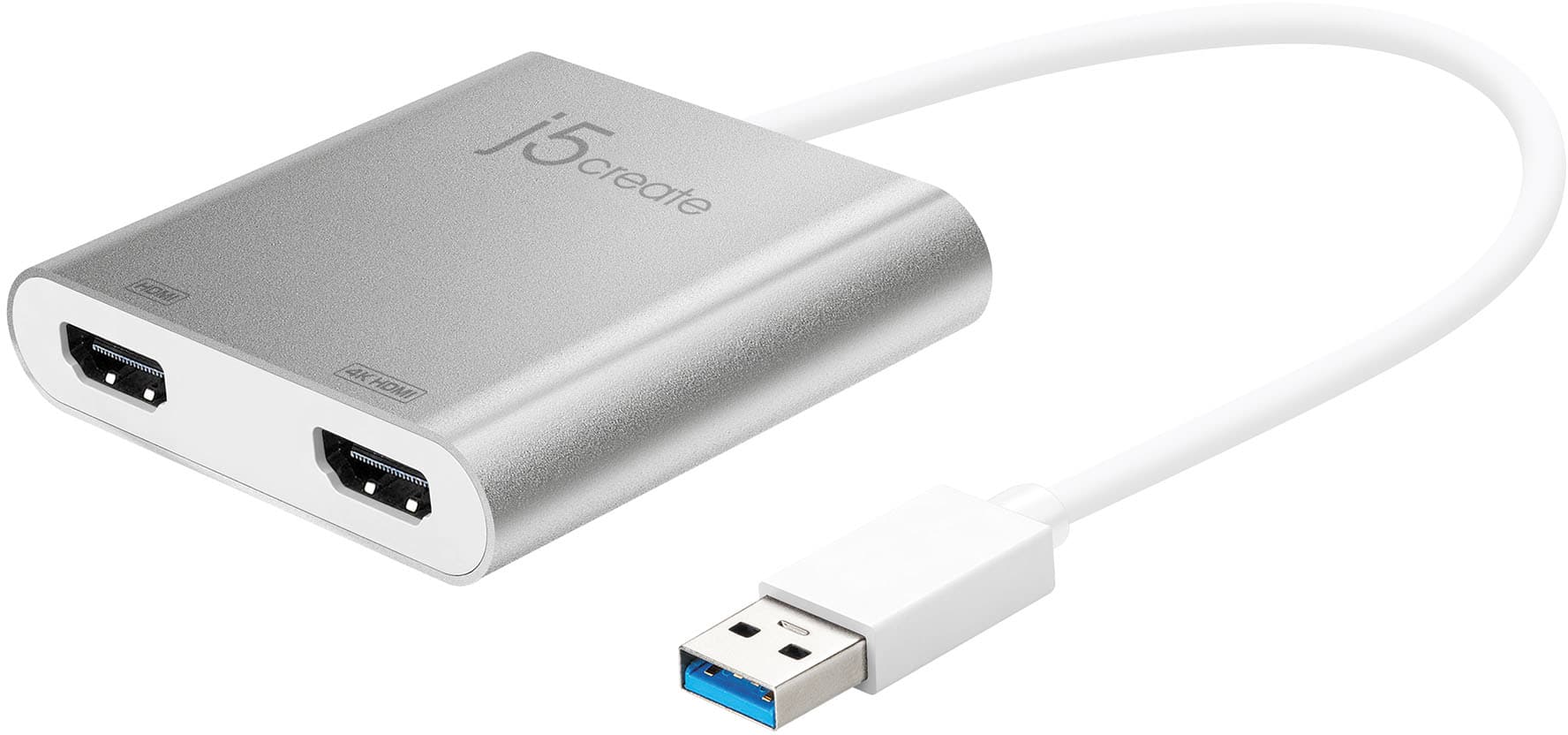
- Model:
- JUA365
- SKU:
- 5615018
Rating by feature
- Value
Rating 4.3 out of 5 stars
- Quality
Rating 4.6 out of 5 stars
- Ease of Use
Rating 4.6 out of 5 stars
Customers are saying
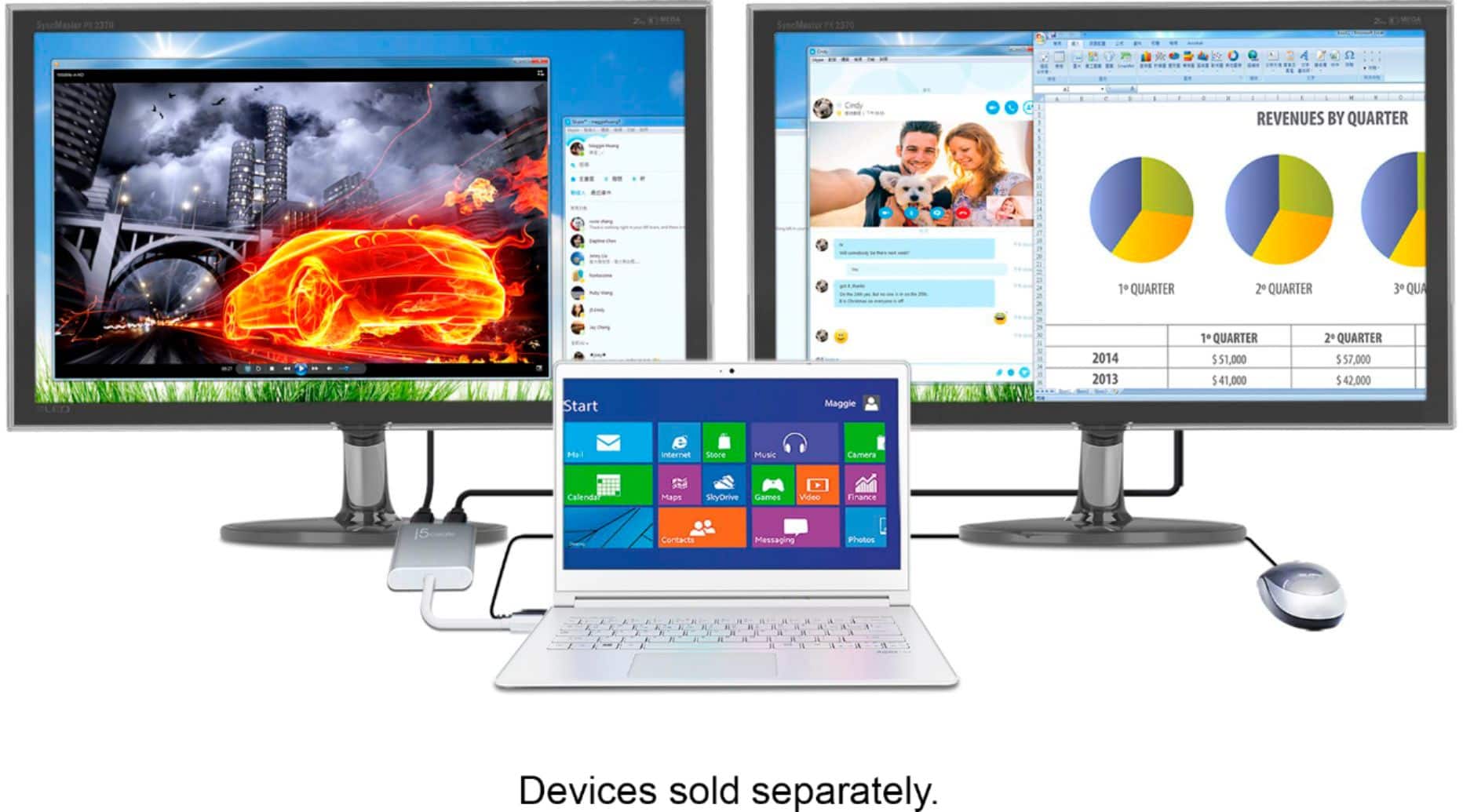
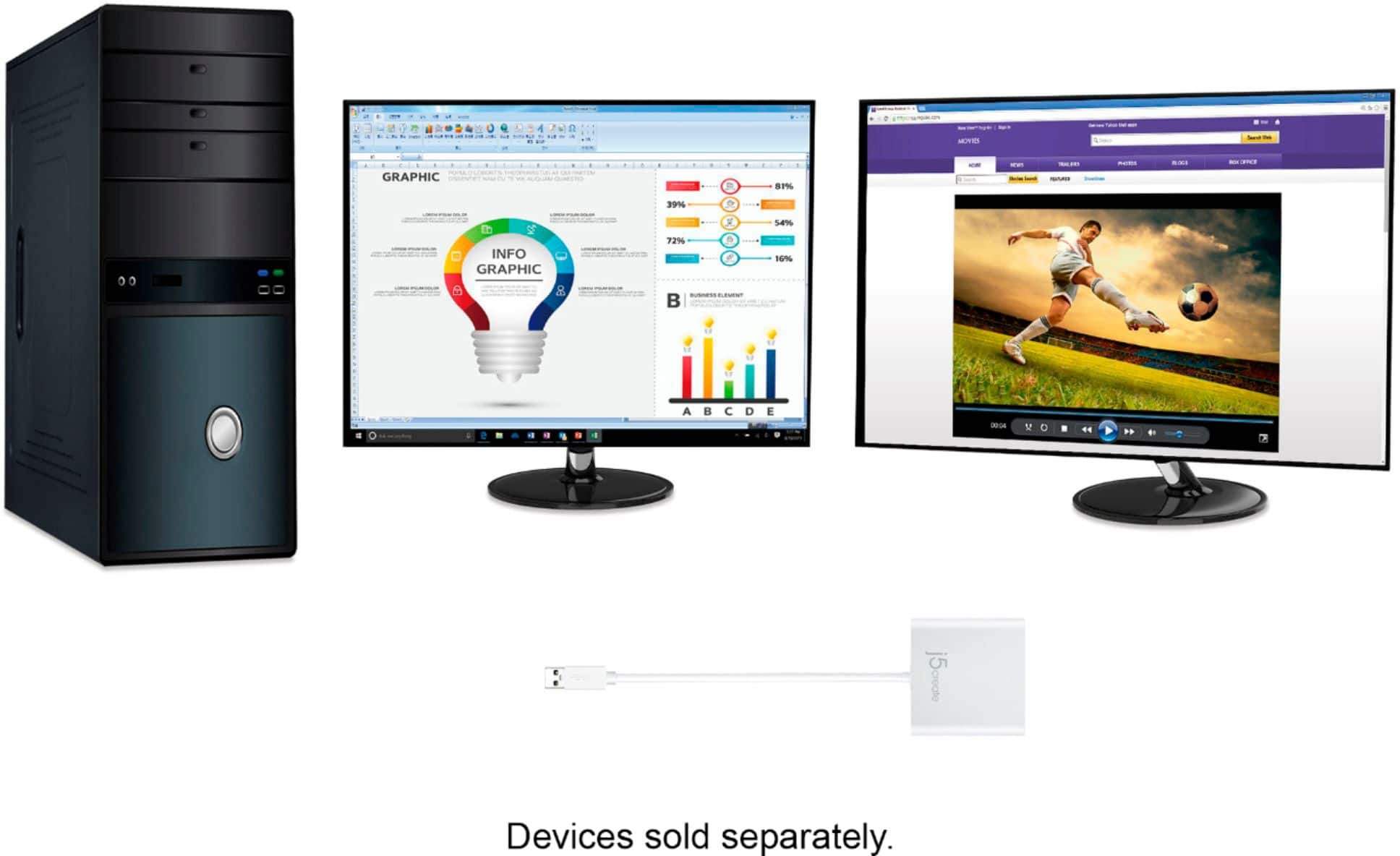
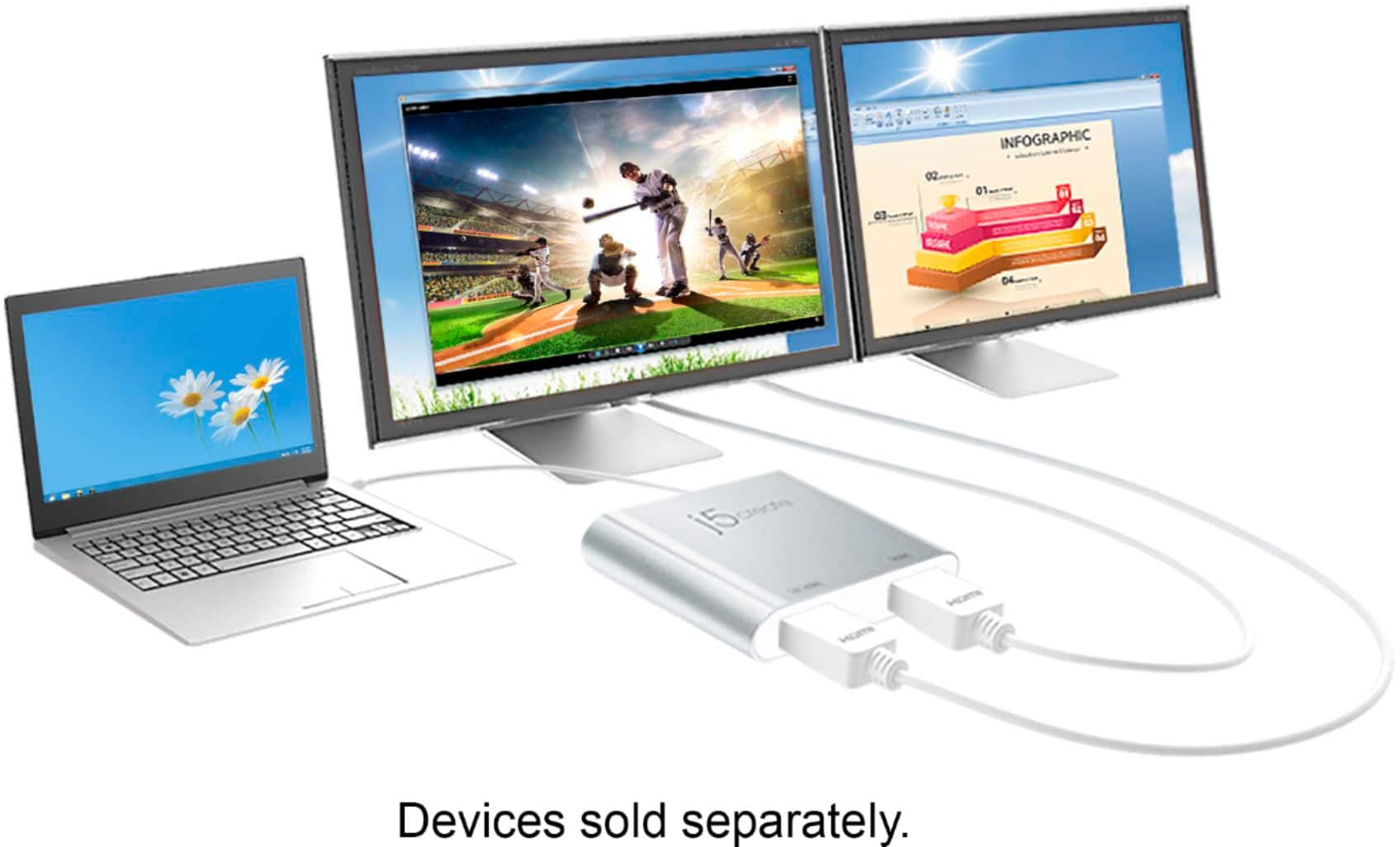
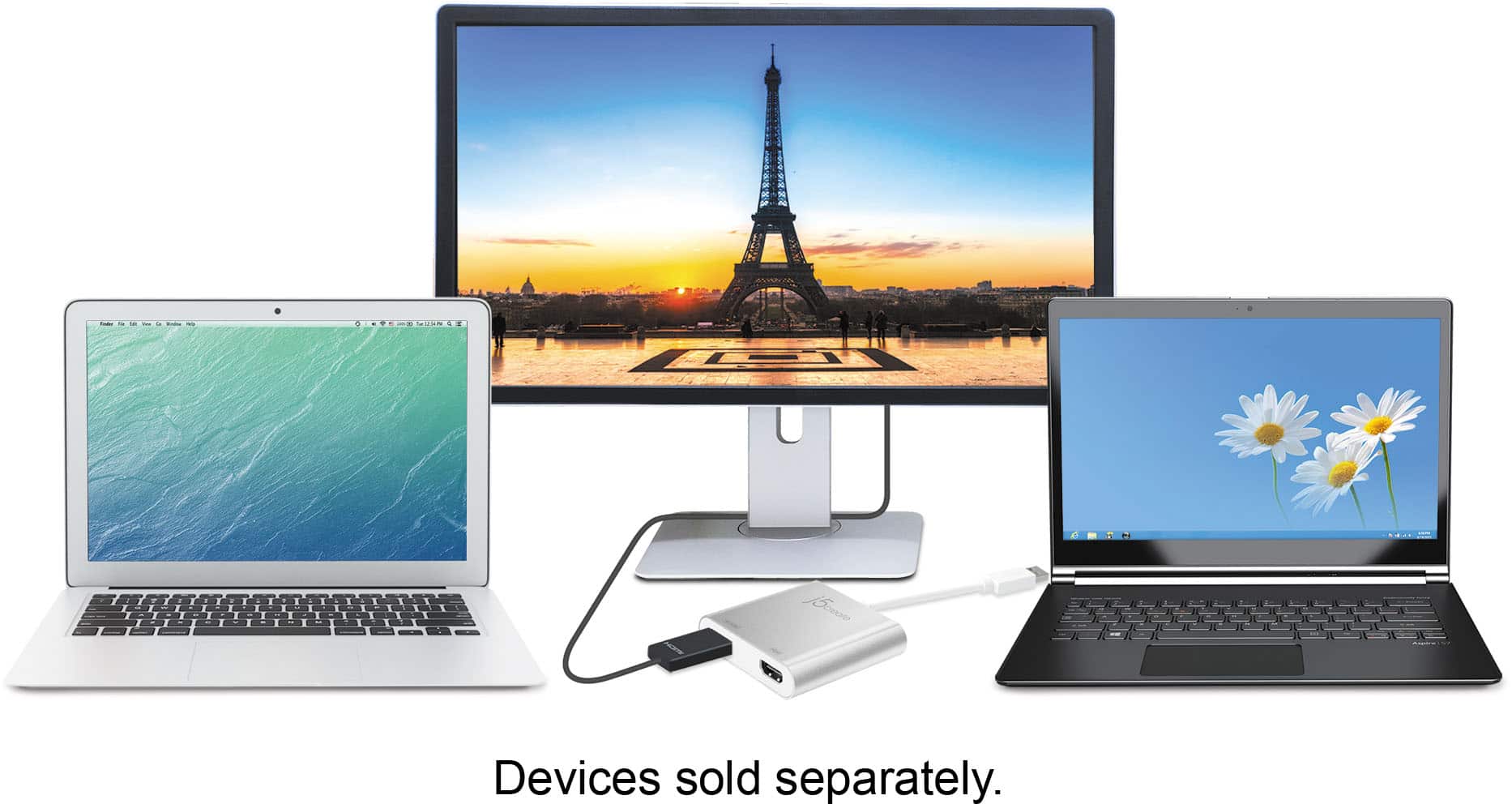
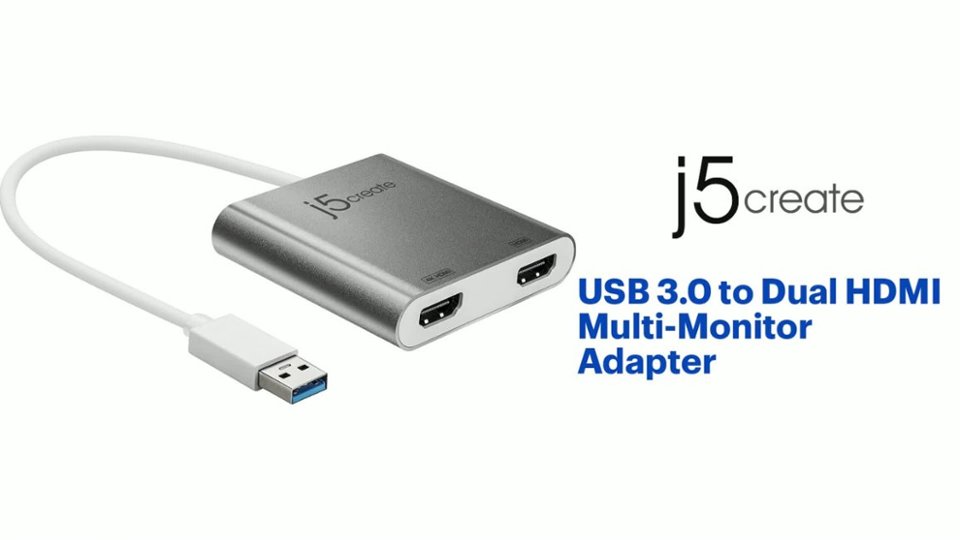
Customers highly value the USB 3.0 to Dual HDMI Multi-Monitor Adapter for its ease of use, HDMI ports, and overall performance. Compatibility and size are also appreciated features. Some customers have expressed concerns regarding the price, driver installation, lag, resolution, and heat.
This summary was generated by AI based on customer reviews.
- Pros mentioned:Ease of use
Mission accomplished
||Posted . Owned for 4 months when reviewed.This reviewer received promo considerations or sweepstakes entry for writing a review.I was able to add a third monitor with ease. Just download the driver and everything works fine
I would recommend this to a friend - Pros mentioned:Performance
Exactly what I needed for MacBook
||Posted . Owned for 6 months when reviewed.This reviewer received promo considerations or sweepstakes entry for writing a review.Exactly what I needed for my MacBook as they don’t have USB ports and instead only has 4 usb-c type ports so I got this to be able to use other things like a wireless keyboard and mouse. Works great but was kind of expensive!
I would recommend this to a friendBrand response from J5create Team
Posted .Hi Russ5tide, thank you for your review and I understand purchasing any product can be an investment. We appreciate your business. With gratitude, j5create.

- Pros mentioned:Compatibility
Works for my monitors
||Posted . Owned for 11 months when reviewed.This reviewer received promo considerations or sweepstakes entry for writing a review.I got a good deal on this product and it works very well with my computer and monitors. I used it to set up three monitors for my computer so I can have multiple screens.
I would recommend this to a friend - Pros mentioned:Size
HDMI device
||Posted . Owned for 1 year when reviewed.This reviewer received promo considerations or sweepstakes entry for writing a review.Nice, compact , clean device that does what a person who bought this needs it to do.
I would recommend this to a friend - Cons mentioned:Price
Adapter
||Posted . Owned for 2 months when reviewed.This reviewer received promo considerations or sweepstakes entry for writing a review.Works as intended. Kind of expensive for what it is.
I would recommend this to a friend - Pros mentioned:Performance
Great screen replicator
||Posted . Owned for 2 months when reviewed.This reviewer received promo considerations or sweepstakes entry for writing a review.It works very well. To me, it's like a docking station without the dock. I like it and now have 3 screen at the same time when I count the screen of my laptop. You just have to set it up in the OS display setting.
I would recommend this to a friendBrand response from J5create Team
Posted .Thank you for your feedback and your support rating. Cheers!
- Pros mentioned:Ease of use
good product
||Posted . Owned for 1 month when reviewed.This reviewer received promo considerations or sweepstakes entry for writing a review.Love it it’s amazing. It’s gave me what I like. Highly recommend.
I would recommend this to a friend - Pros mentioned:Ease of use
It just works!
||Posted .This reviewer received promo considerations or sweepstakes entry for writing a review.I wanted to connect two external displays to my laptop.. None of the "thunderbolt" dual display adapters I've tried actually worked, at least on the MacBook I'm using. But this adapter just needs a USB 3.0 socket, and a driver you must download and install in advance, and you're ready to go.
I would recommend this to a friendBrand response from J5create Team
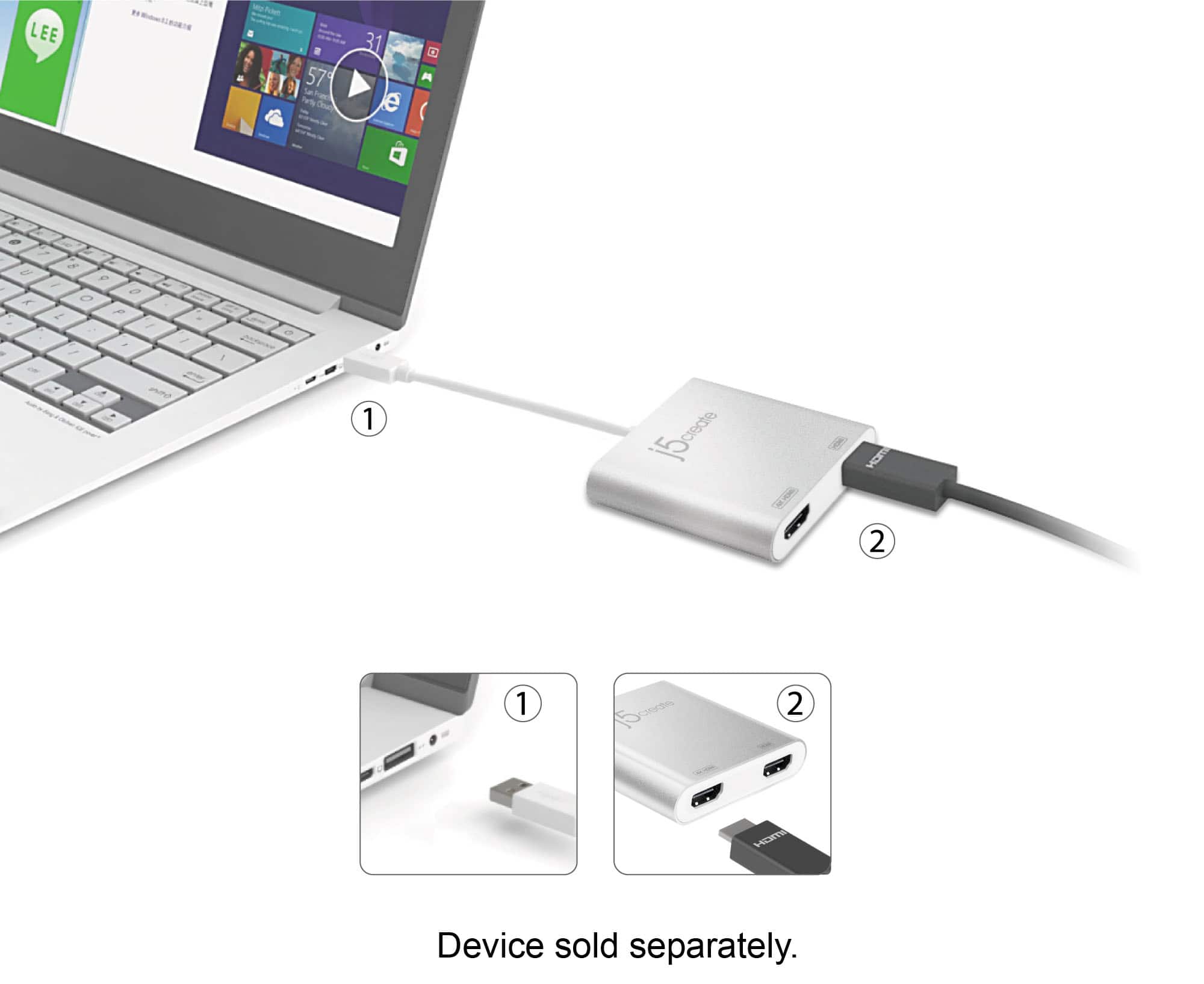
Posted .It allows you to add two additional displays through your USB 3.0 port, boosting your productivity by giving you more screen space to work from.
- Pros mentioned:Ease of use
Usb connector, more options
||Posted . Owned for 3 months when reviewed.This reviewer received promo considerations or sweepstakes entry for writing a review.Easy plug and play, in some cases requires your Company to configure for use
I would recommend this to a friend - Cons mentioned:Driver
Perfect multi monitor adapter
||Posted . Owned for 1.5 years when reviewed.This reviewer received promo considerations or sweepstakes entry for writing a review.Works perfectly after being able to install the driver. Unfortunately if your work will not will allow you to install the driver you will be unable to use this product.
I would recommend this to a friend - Pros mentioned:Ease of use
Nice device
||Posted . Owned for 5 months when reviewed.This reviewer received promo considerations or sweepstakes entry for writing a review.Great for a one piece dual monitor set up for more work from home or personal use. I’m use to having multiple monitors at work just feels good to have more real estate on screens. Works well. Easy to use and install
I would recommend this to a friendBrand response from J5create Team
Posted .Thank you for your review. Glad the HDMI adapter works great. Cheers!
- Pros mentioned:Compatibility
Works great
||Posted . Owned for 1 week when reviewed.This reviewer received promo considerations or sweepstakes entry for writing a review.This product allows me to display 2 additional monitors by hooking them up to my lap top (= 3rd monitor). I used on-line chat to find it & the woman was incredibly helpful. She made my decision quite easy.
I would recommend this to a friendBrand response from J5create Team
Posted .Thank you for your review and enjoy your Dual HDMI Adapter. Cheers!
- Pros mentioned:Compatibility
Great dual monitor adaptor!
||Posted . Owned for 1 year when reviewed.This reviewer received promo considerations or sweepstakes entry for writing a review.This works great for my dual monitors! Was a little tricky setting up the first time but otherwise its been a dream!
I would recommend this to a friend - Pros mentioned:Hdmi
Recommend
||Posted . Owned for 3 weeks when reviewed.This reviewer received promo considerations or sweepstakes entry for writing a review.Does the job well! And it’s cheaper than buying it at Office Depot! I bought it for my 3 monitor setup
I would recommend this to a friend - Pros mentioned:Hdmi
Easy to connect and Go
||Posted . Owned for 1 month when reviewed.This reviewer received promo considerations or sweepstakes entry for writing a review.I bought a new monitor that had an HDMI plug to which I did not a corresponding jack on my computer. The devise has allowed me to use the monitor with my laptop and during these quarantine COVID 19 times, made working from home an easier task.
I would recommend this to a friendBrand response from J5create Team
Posted .Hello Rich,
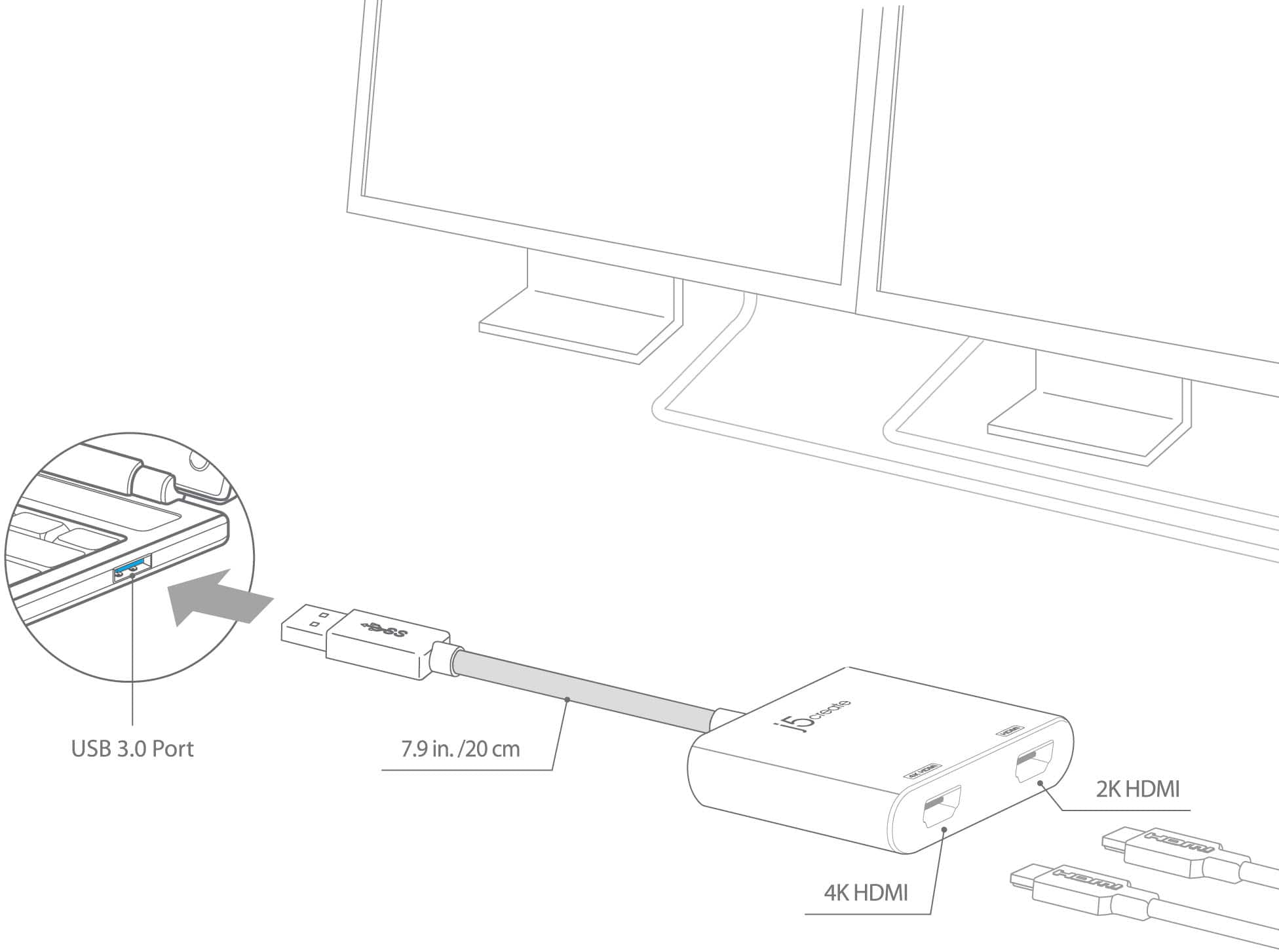
Having multiple monitors makes working much easier. The trick is to find the right cord or adapter to connect your computer to your display. This adapter will allow you to connect two adapters through a USB 3.0 port on your computer.
Thank you,
j5create
- Pros mentioned:Hdmi
simple plug and play, so far working amazing.
||Posted . Owned for less than 1 week when reviewed.This reviewer received promo considerations or sweepstakes entry for writing a review.simple plug and play, so far working amazing. keep in mind onlysupport 4k for one monitor and 2k for other can not do both 4k
I would recommend this to a friendBrand response from J5create Team
Posted .Hello,
We appreciate your feedback. This adapter is a quick and easy way to add two extra monitors to your workstation.
Have a good day,
The j5create Team
- Pros mentioned:Performance
works for computers with no HDMI ports
||Posted . Owned for 4 months when reviewed.This reviewer received promo considerations or sweepstakes entry for writing a review.served its purpose, school issued computer didn't have HDMI port, used this to have duel monitors, worked good, however second monitor goes to sleep every once in a while, could be the monitor. ended up buying new computer.
I would recommend this to a friendBrand response from J5create Team
Posted .Easily add two HDMI video outputs through a single USB Type-A port
- Cons mentioned:Price
Multiple Monitor Set-Up Option
||Posted . Owned for 1 month when reviewed.This reviewer received promo considerations or sweepstakes entry for writing a review.I use this to add multiple monitors and when it works - it's awesome. I have to occasionally wiggle the connections but otherwise find it to work great. A bit pricy.
I would recommend this to a friend - Pros mentioned:Hdmi
Perfect product
||Posted . Owned for more than 2 years when reviewed.This reviewer received promo considerations or sweepstakes entry for writing a review.Does exactly what I need it to do and haven’t had any issues at all.
I would recommend this to a friend 2 way HDMI
||Posted . Owned for 3 weeks when reviewed.This reviewer received promo considerations or sweepstakes entry for writing a review.Good prduct for connecting 2 HDMI cable. Great buy
I would recommend this to a friend