Customer Ratings & Reviews
- Model:
- JUA365
- SKU:
- 5615018
Rating by feature
- Value
Rating 4.3 out of 5 stars
- Quality
Rating 4.6 out of 5 stars
- Ease of Use
Rating 4.6 out of 5 stars
Customers are saying
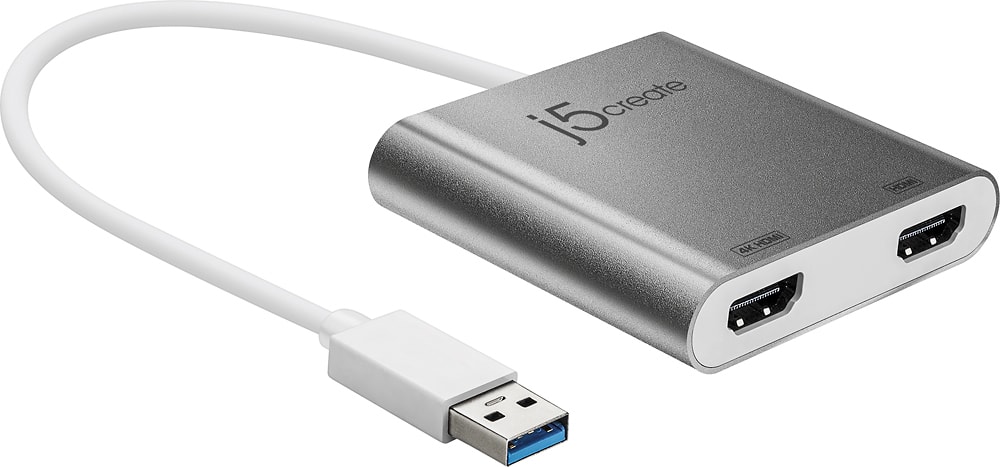
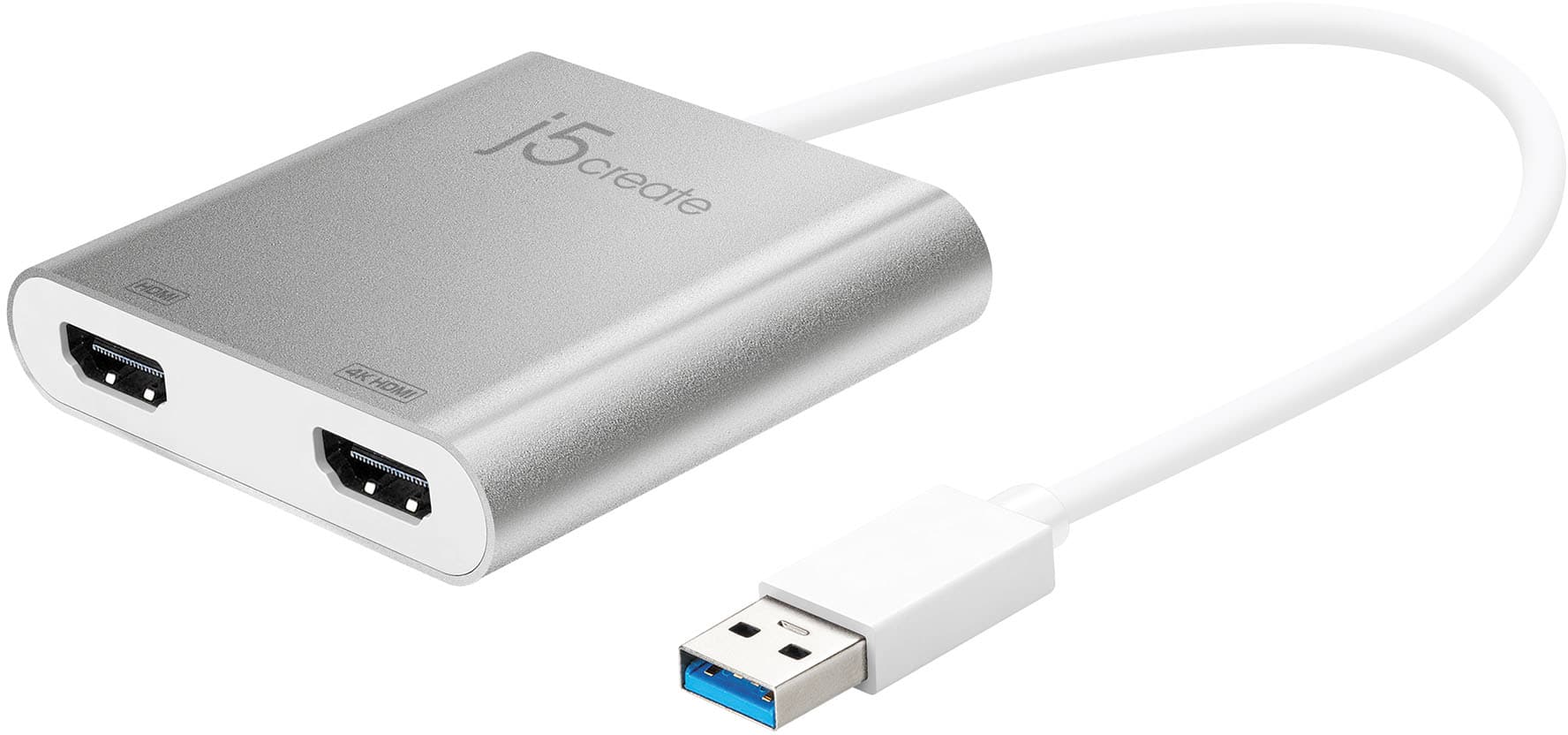
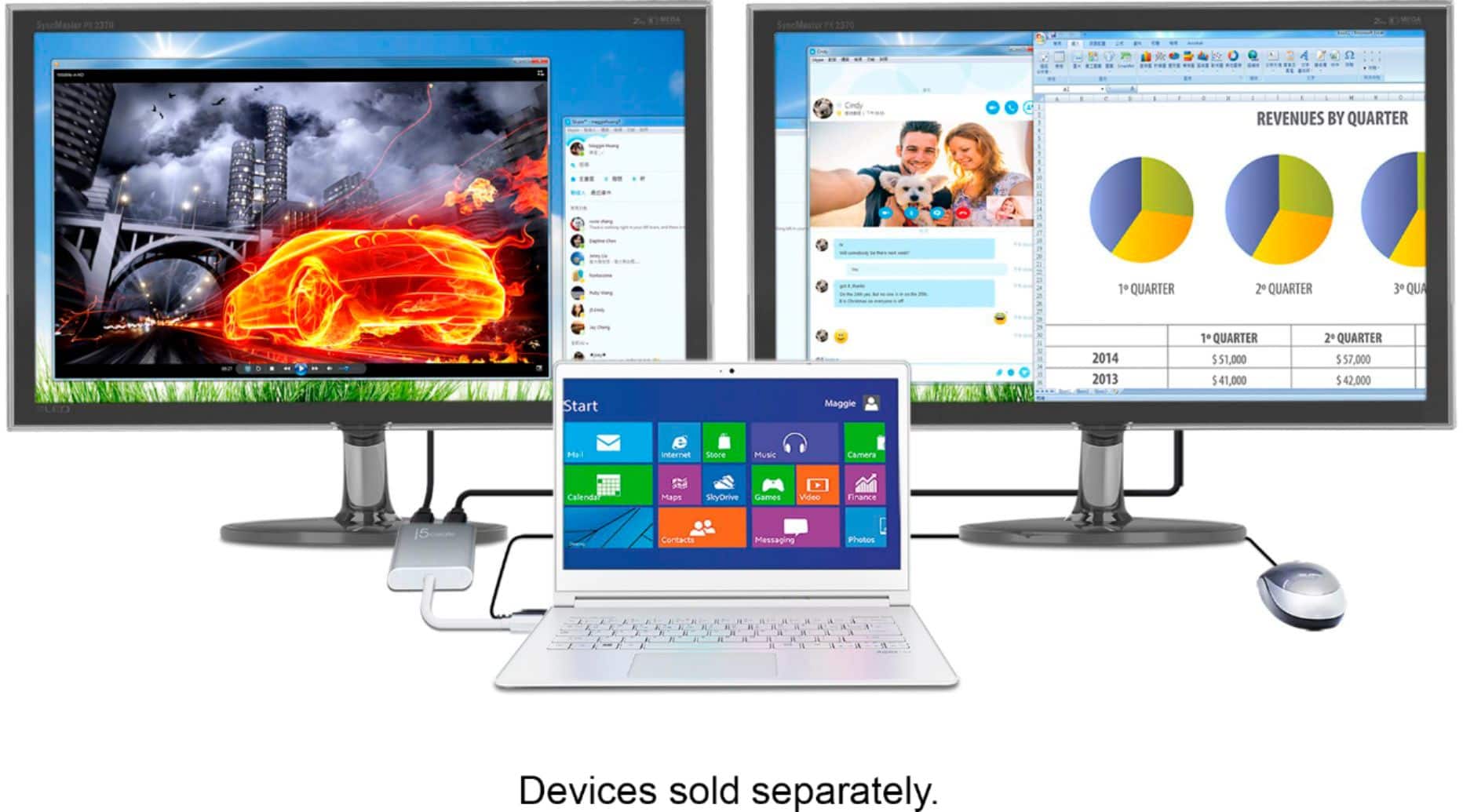
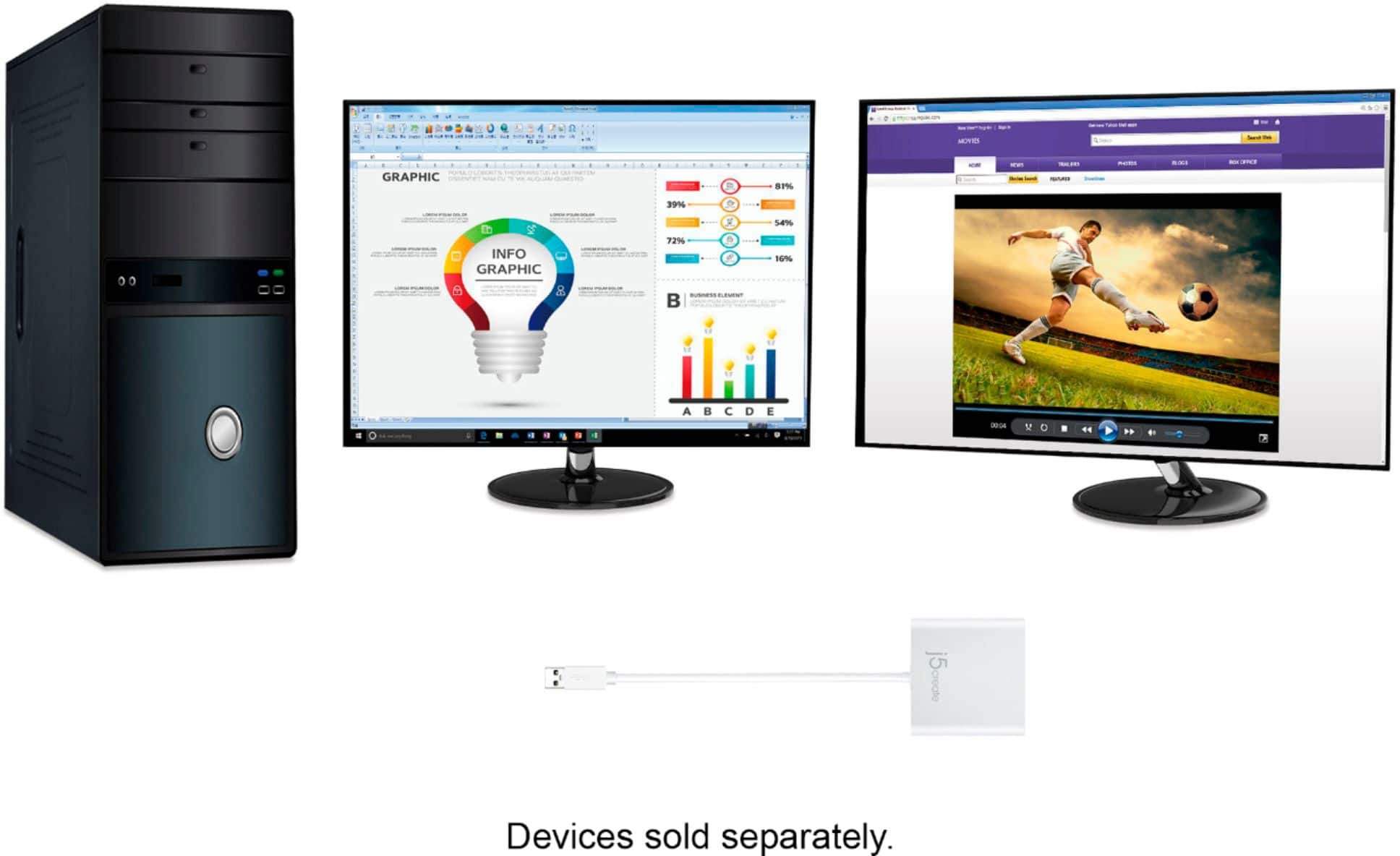
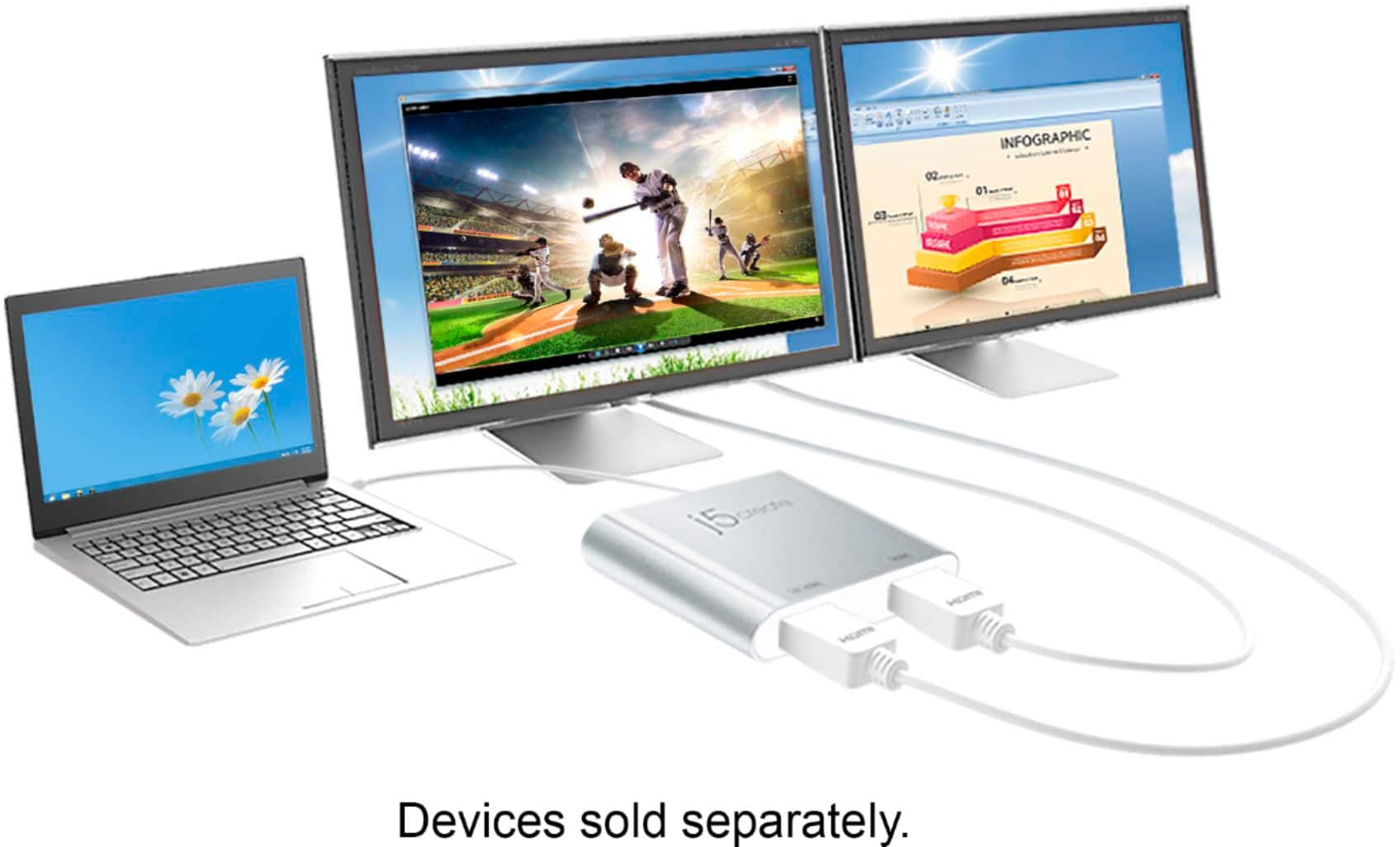
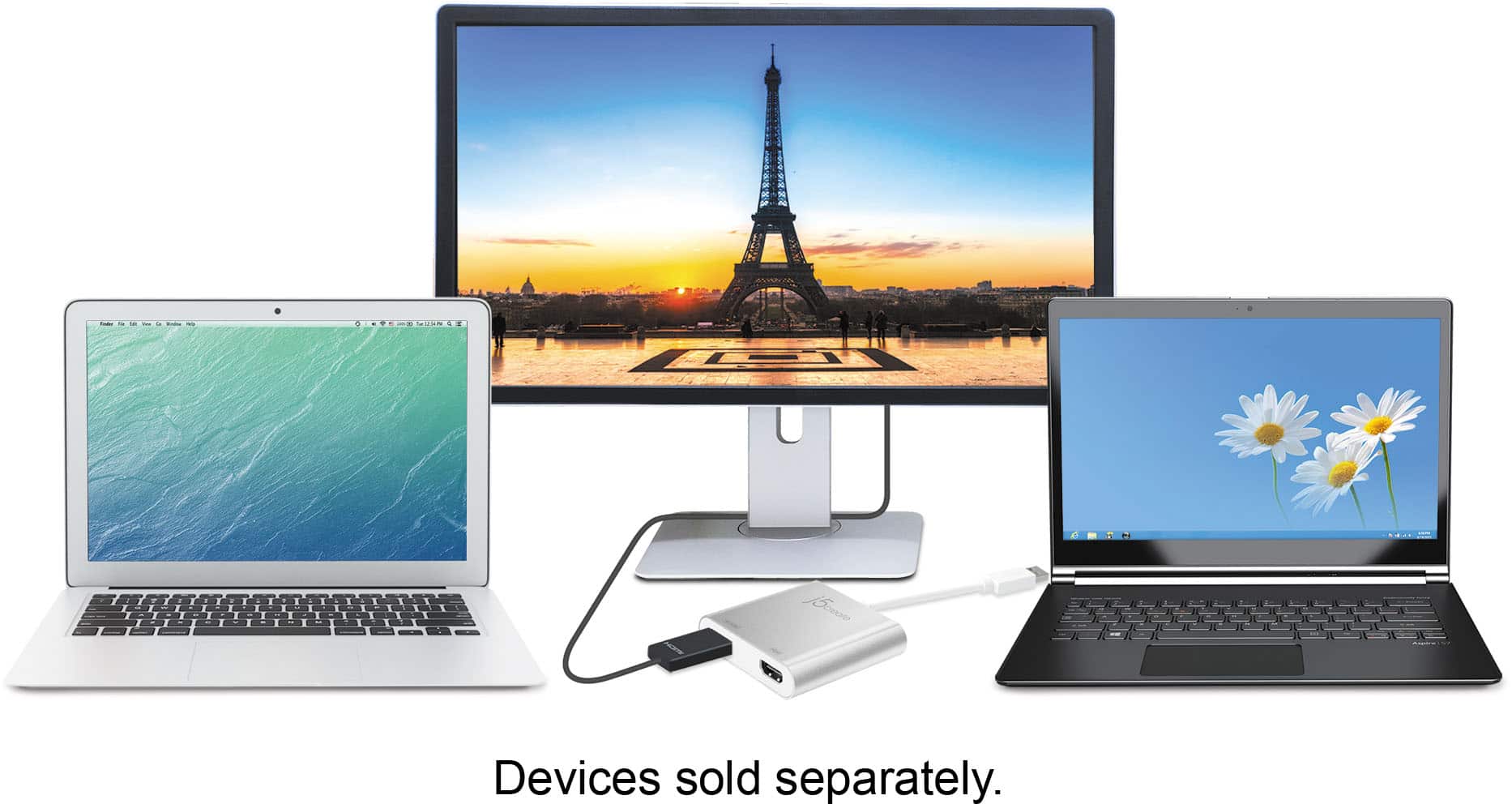
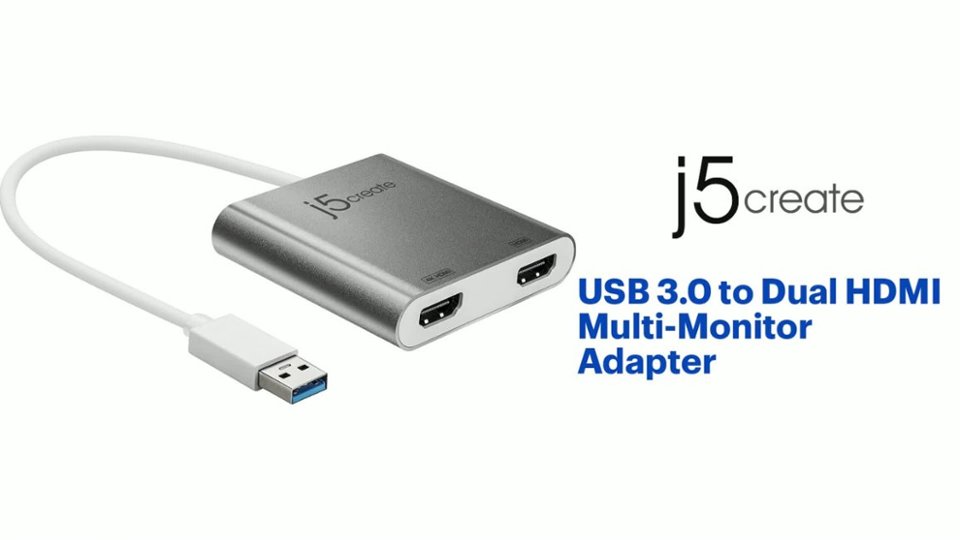
Customers find value in the USB 3.0 to Dual HDMI Multi-Monitor Adapter's ease of use and overall performance, with many praising its seamless installation and reliable functionality. The adapter's HDMI ports, compatibility, connectivity, and size also contribute to its positive reception. However, some customers have expressed concerns about the price, driver installation, potential lag, resolution limitations, and heat generation.
This summary was generated by AI based on customer reviews.
Home office
||Posted . Owned for 1 month when reviewed.This reviewer received promo considerations or sweepstakes entry for writing a review.Perfect item for our home office. I will purchase again
I would recommend this to a friend- Pros mentioned:Ease of use
Works like a charm
||Posted . Owned for 1 week when reviewed.This reviewer received promo considerations or sweepstakes entry for writing a review.I am very pleased with devise. It works perfectly.
I would recommend this to a friendBrand response from J5create Team
Posted .Hi!
That's awesome! I'm happy to hear that you've been able to get up and running without issues.
Thanks,
j5create
- Pros mentioned:Ease of use
Easy hub port
||Posted . Owned for 6 months when reviewed.This reviewer received promo considerations or sweepstakes entry for writing a review.Easy to hook the 2 monitors up to my laptop and complete my home office.
I would recommend this to a friendBrand response from J5create Team
Posted .Thank you Chad for leaving a review and supporting us with a five-star for the JUA365. Cheers, j5create.
Great way to add second monitor.
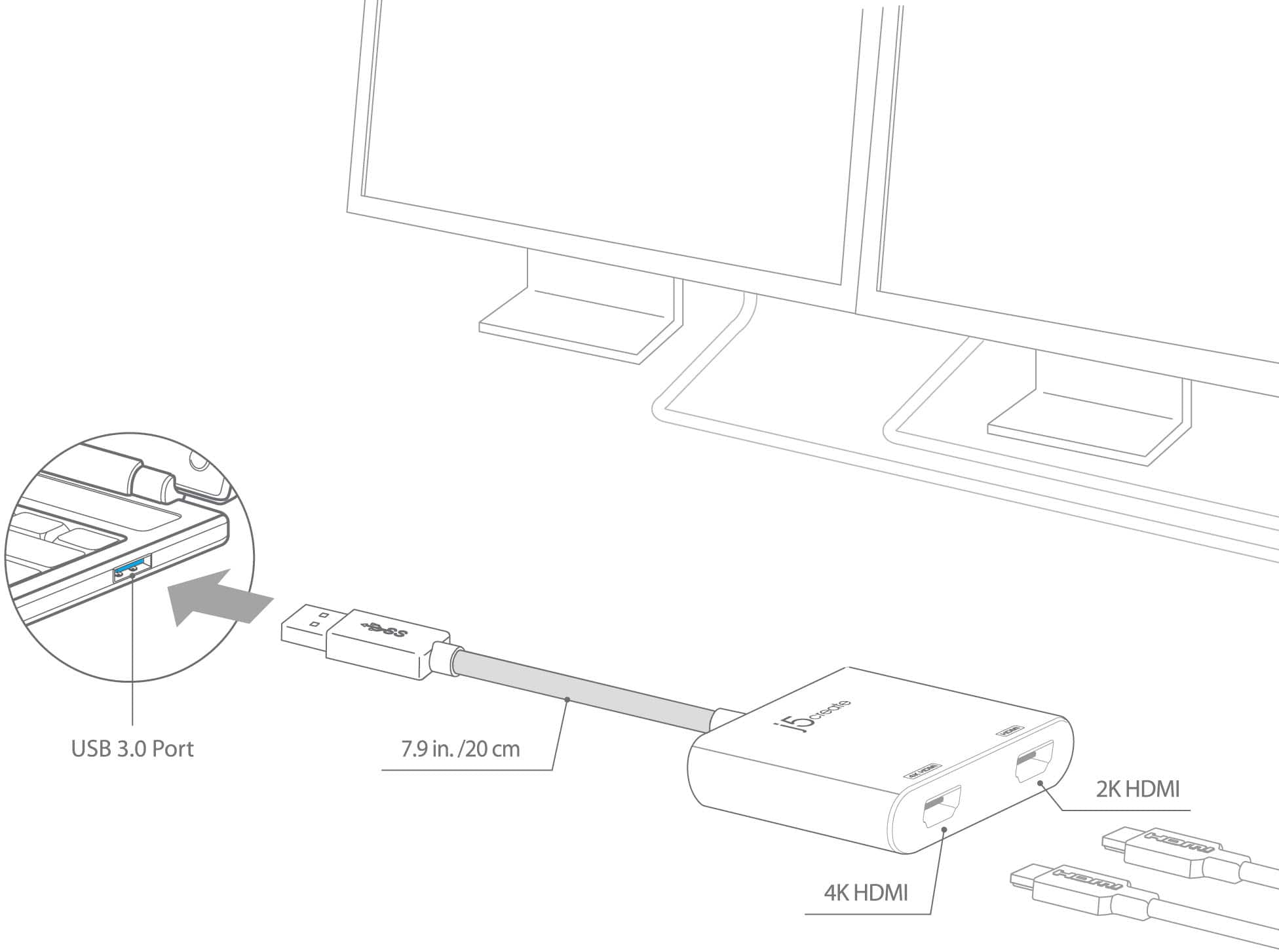
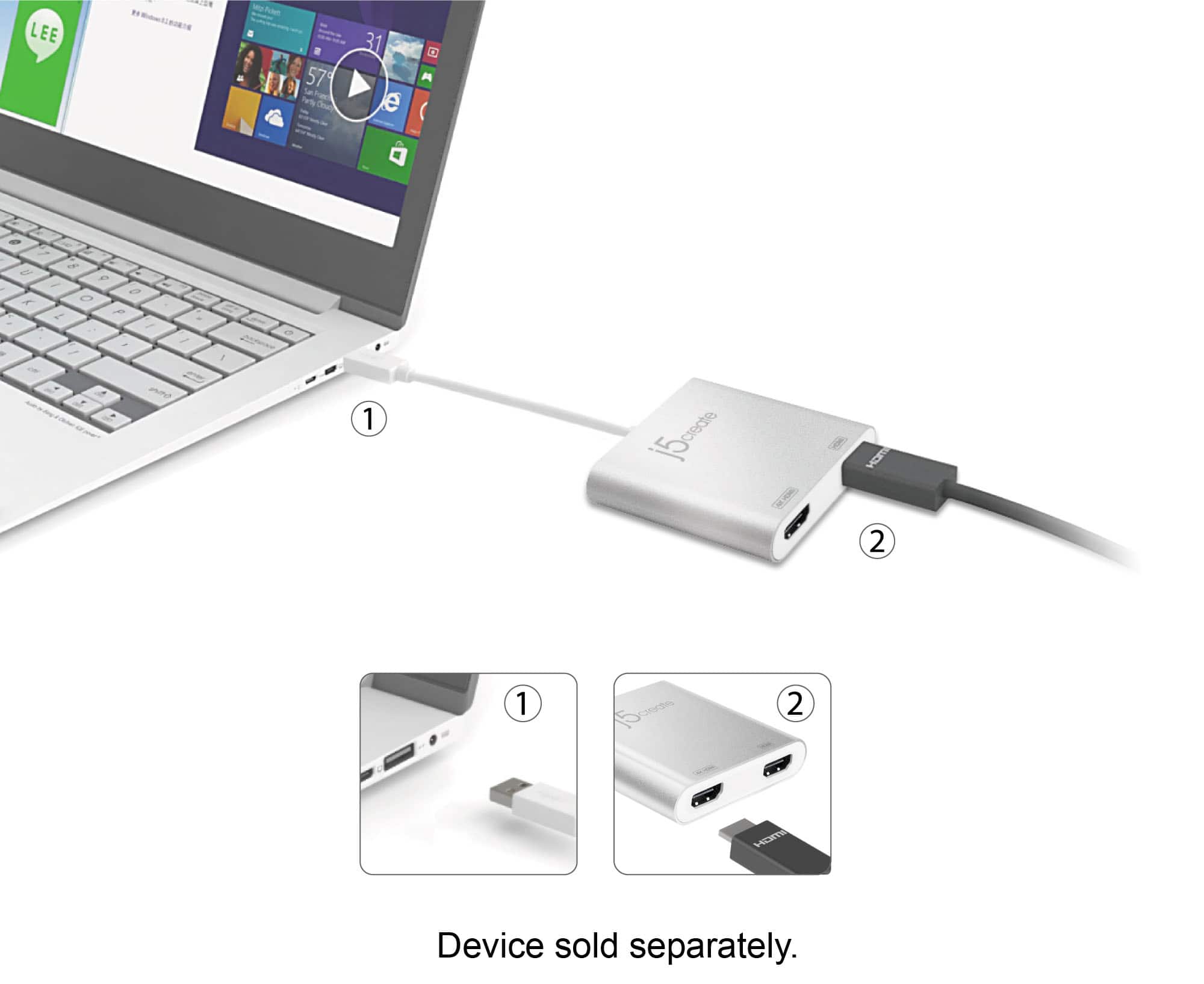
||Posted . Owned for 3 weeks when reviewed.This reviewer received promo considerations or sweepstakes entry for writing a review.This is great way to add a second monitor. I just plugged it in to USB C port and plug the two monitors with HDMI cables. I have nothing plugged in to the video card and it works!
I would recommend this to a friendA must have for your dual monitor setup!
||Posted . Owned for 1 month when reviewed.This reviewer received promo considerations or sweepstakes entry for writing a review.This Dual HDMI multi monitor adapter got the job done right! it was quick and easy to install both of my Samsung monitors via the HDMI ports. I am now able to extend my display to perfection.
I would recommend this to a friendGreat Device
||Posted . Owned for 2 months when reviewed.This reviewer received promo considerations or sweepstakes entry for writing a review.This absolutely made working remotely more manageable since I'm use to working with two monitors. Fast, quick and easy install. Great price too.
I would recommend this to a friendBrand response from J5create Team
Posted .Hi Deb!
That's fantastic! I'm glad to hear that the JUA365 has made things easier for you allowed you to keep working. If you ever have any questions regarding your device, please don't hesitate to contact us and we would be more than happy to assist you. Our information can be found on the back of all of our product boxes and on our website under the support tab. There you can find links to our livechat, phone, and ticketing services.
Thanks,
j5create
Compatible with Mac Mini M2
||Posted . Owned for less than 1 week when reviewed.This reviewer received promo considerations or sweepstakes entry for writing a review.After downloading the driver and adjusting permissions in system/privacy settings, I was able to get this to work with my Mac mini M2 (macOS Ventura 13) for an extended display.
I would recommend this to a friend- Pros mentioned:Hdmi
Warning Message!?
||Posted . Owned for 10 months when reviewed.This reviewer received promo considerations or sweepstakes entry for writing a review.I purchased this device at the nearest Best Buy, and the moment I plugged it into my laptop, I received a message saying that my laptop sensed a power source with a lower rating was connected and that continued use would discharge the battery. I'm not sure what I did wrong or if I purchased the wrong device? On the other hand, the HDMI and USB ports work just fine.
No, I would not recommend this to a friendBrand response from J5create Team
Posted .The USB 3.0 to Dual HDMI Adapter is powered by a computer when connected and will display dual monitors for your computer when the required drivers are downloaded and installed correctly. You could try do a diagnostics test to what is causing Low-power power source detected message. Please contact the manufacturer of your computer to guide you on a diagnostics system test. Thank you.
HDMI hub
||Posted . Owned for 2 months when reviewed.This reviewer received promo considerations or sweepstakes entry for writing a review.I use this for streaming so I can have two monitors. It’s never failed me. I would buy this again if I needed to.
I would recommend this to a friendVery nice!
||Posted . Owned for 1 month when reviewed.This reviewer received promo considerations or sweepstakes entry for writing a review.Very good adapter just make sure to choose the right output for your main PC
I would recommend this to a friendAwesome and unique
||Posted . Owned for 3 weeks when reviewed.This reviewer received promo considerations or sweepstakes entry for writing a review.My msi laptop is perfectly working with 2 desktops now
I would recommend this to a friendA must if you for extending your monitors
||Posted . Owned for 1.5 years when reviewed.This reviewer received promo considerations or sweepstakes entry for writing a review.Excellent product, a must if you are planning on using two monitors.
I would recommend this to a friendGreat product.
||Posted . Owned for 3 weeks when reviewed.This reviewer received promo considerations or sweepstakes entry for writing a review.Works perfect, not driver installation needed. Use 3 TV's as monitors
I would recommend this to a friendDual set up
||Posted . Owned for 1 month when reviewed.This reviewer received promo considerations or sweepstakes entry for writing a review.If you need dual screens for work highly recommend this product.
I would recommend this to a friendBrand response from J5create Team
Posted .Thank you for your support and recommending our product. With gratitude, j5create.
Did not work and causes recurring error msgs
||Posted . Owned for less than 1 week when reviewed.This reviewer received promo considerations or sweepstakes entry for writing a review.Did not work on a new Windows10 machine. The driver software causes error messages, even after you uninstall it. Basically a waste of money and time and then you get to spend even more time trying to repair whatever the driver screws up with your operating system. J5create tech support was available, but not really useful. They were responsive, but could not get the device to function. When it was obvious that their driver was causing new error messages on machine, they said it was not their problem.
No, I would not recommend this to a friendBrand response from J5create Team
Posted .Hello,
I regret to hear that the multi monitor adapter did not work on your computer. Every PC is different and depending on the specific configuration devices that would normally be compatible may not work.
Have a good day,
j5create
- Pros mentioned:Ease of use
Huge help!
||Posted . Owned for 1 year when reviewed.This reviewer received promo considerations or sweepstakes entry for writing a review.I recently upgraded my workspace with the j5create USB 3.0 to Dual HDMI Multi-Monitor Adapter, and it has been a game-changer. Setting it up was a breeze; within minutes, I had two additional monitors connected to my laptop, greatly enhancing my productivity. The adapter provides crisp and clear visuals with no lag, even when running graphic-intensive applications. The dual HDMI outputs allow me to extend my display seamlessly, making multitasking a lot easier and more efficient. The silver finish gives it a sleek and professional look that complements my workspace perfectly. One of the best features is its plug-and-play functionality—no complicated installations or additional power sources needed. It’s incredibly compact and lightweight, making it easy to take with me when I need to work on the go. Overall, the j5create USB 3.0 to Dual HDMI Multi-Monitor Adapter is a must-have for anyone looking to expand their screen real estate effortlessly. Highly recommended for both professionals and casual users alike!
I would recommend this to a friend - Pros mentioned:Ease of use, Overall performanceCons mentioned:Price
Great device
||Posted . Owned for 3 weeks when reviewed.This reviewer received promo considerations or sweepstakes entry for writing a review.It's straightforward to install on both Windows and Mac. I have it connected to a 4 input KVM and it works well. It's good quality, I've never used j5create, but I like the quality of this product. I would buy more products from them. It's a bit pricier than I would normally pay for this item, but definitely a good quality, good working product.
I would recommend this to a friendBrand response from J5create Team
Posted .Thank you so much for the 5 star review on the JUA365. I'm excited to hear it is working to your expectations. If you ever come across any issues, please feel free to contact the support team on the packaging and a specialist will be glad to help.
Gratefully,
j5create
- Pros mentioned:Ease of use
USB 3.0 HDMI dual monitor adapter
Posted .This reviewer received promo considerations or sweepstakes entry for writing a review.I bought this item to set up my dual monitors for my home office. My computer did not have an extra HDMI port, so this was my next best option. It's really easy to set up and connects in less than 5 minutes. the quality is a little dull on the extra screen, not sure if I have to adjust some settings so that both screens are the same. Overall, it works for me, and I am happy with my purchase.,
I would recommend this to a friend - Pros mentioned:Compatibility, Overall performanceCons mentioned:Price
Worth the price
||Posted . Owned for 1 month when reviewed.This reviewer received promo considerations or sweepstakes entry for writing a review.This product worked like a charm right out of the box. It drives two external monitors allowing me to expand my screen across both monitors. Compared to the glitches I have with my docking station at work - this product has worked flawlessly at home. I thought the price was a bit steep but the quality has been excellent so I couldn’t be happier with the purchase.
I would recommend this to a friendBrand response from J5create Team
Posted .Hello,
Glad to hear that you feel that the JUA365 is a quality product at a fair price. We appreciate you taking your time to post a review online about your experience with the JUA365.
Thank you,
j5create
- Pros mentioned:Connectivity, Overall performance
J5CREATE - USB 3.0 to dual HDMI Multi Adaptor
||Posted . Owned for 3 weeks when reviewed.This reviewer received promo considerations or sweepstakes entry for writing a review.EASY TO USE AND PLUG N PLAY. WORKED GREAT. This item worked well and is simple to use. MS update disabled my video adaptor and I needed a way to get into Windows the correct the display settings. Bios would not do it and lower res (safe mode) would not display. but this allowed me to get windows up and correct the settings. I'm now using it to drive a second monitor. WORKS GREAT!
I would recommend this to a friend