Customer Ratings & Reviews
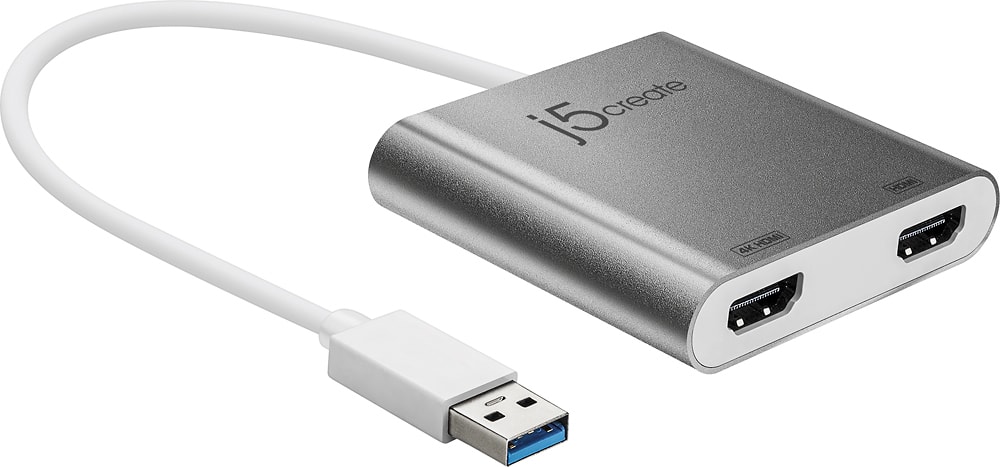
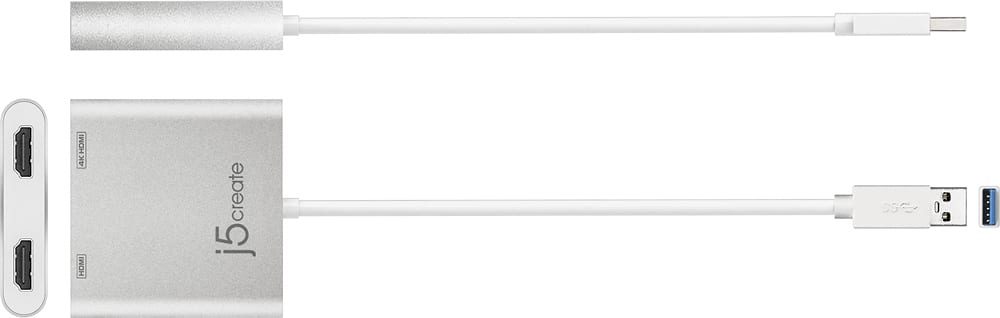
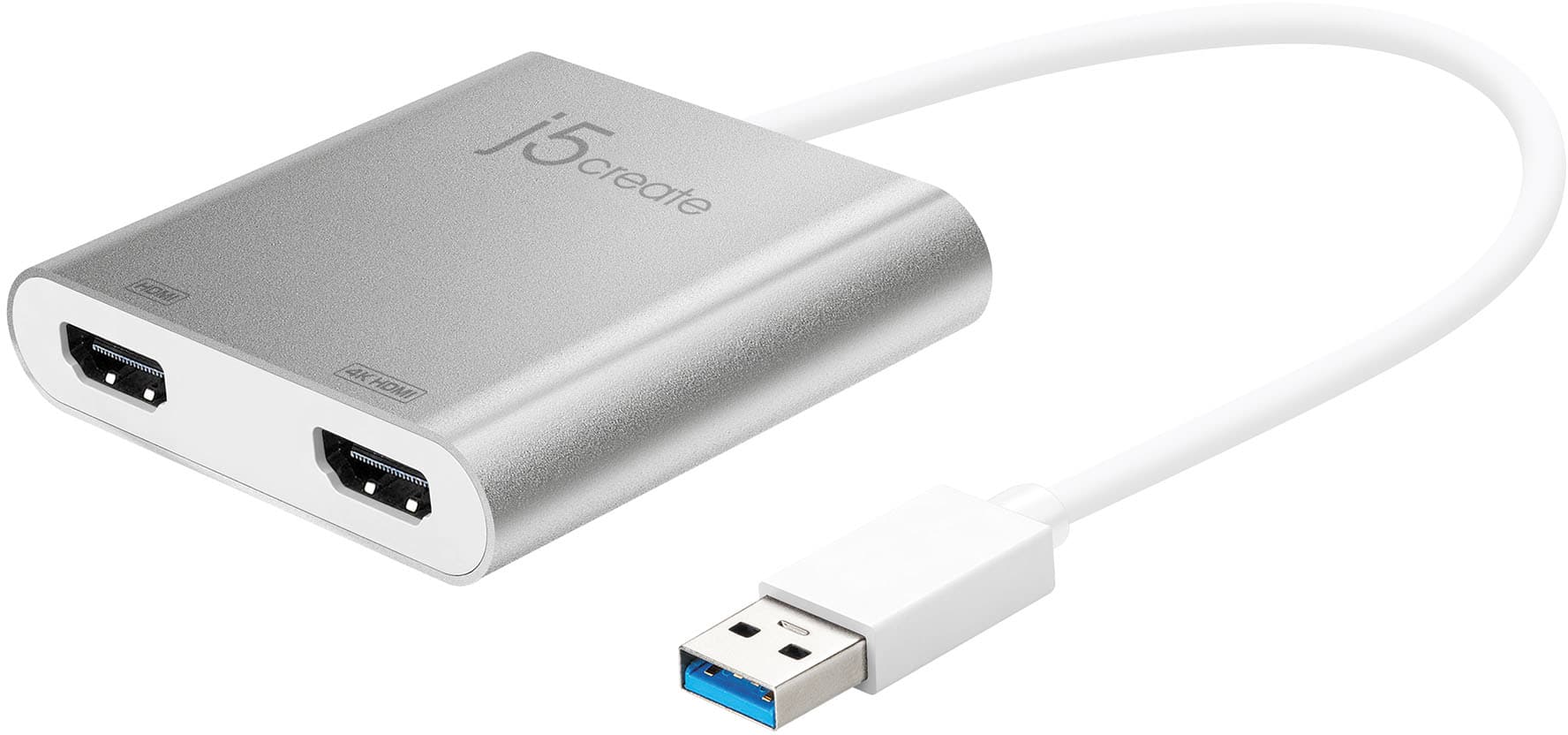
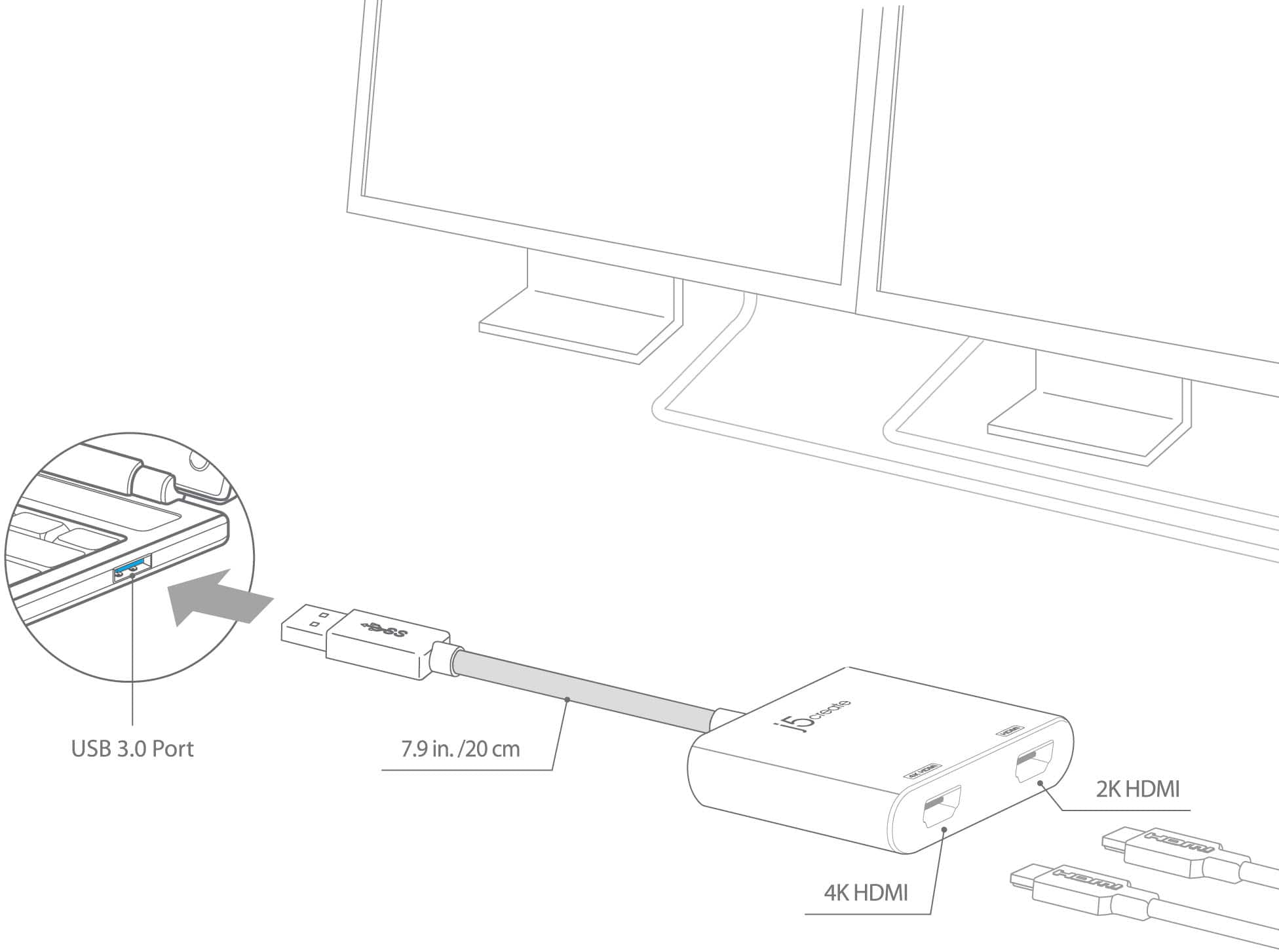
- Model:
- JUA365
- SKU:
- 5615018
Rating by feature
- Value
Rating 4.3 out of 5 stars
- Quality
Rating 4.6 out of 5 stars
- Ease of Use
Rating 4.6 out of 5 stars
Customers are saying
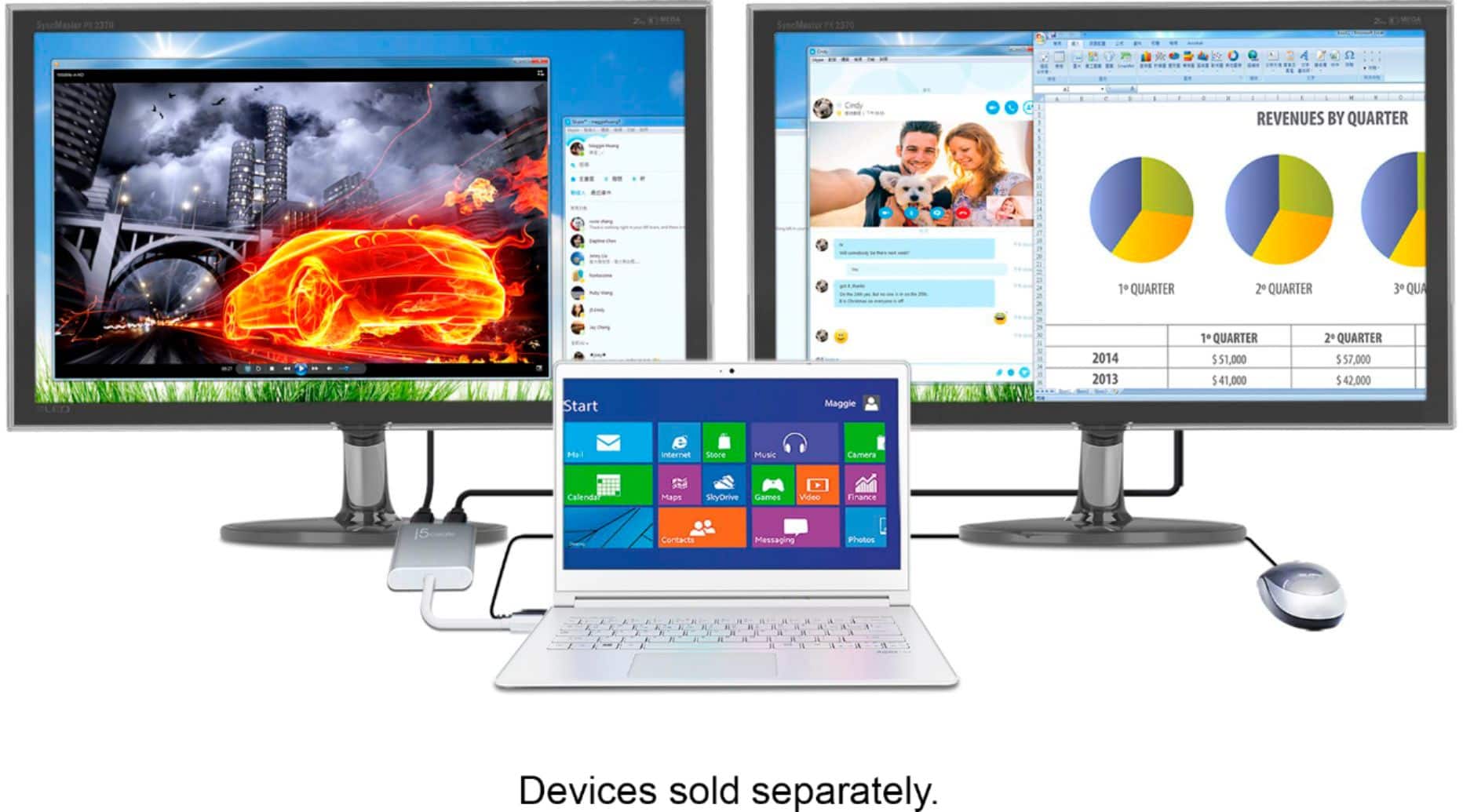
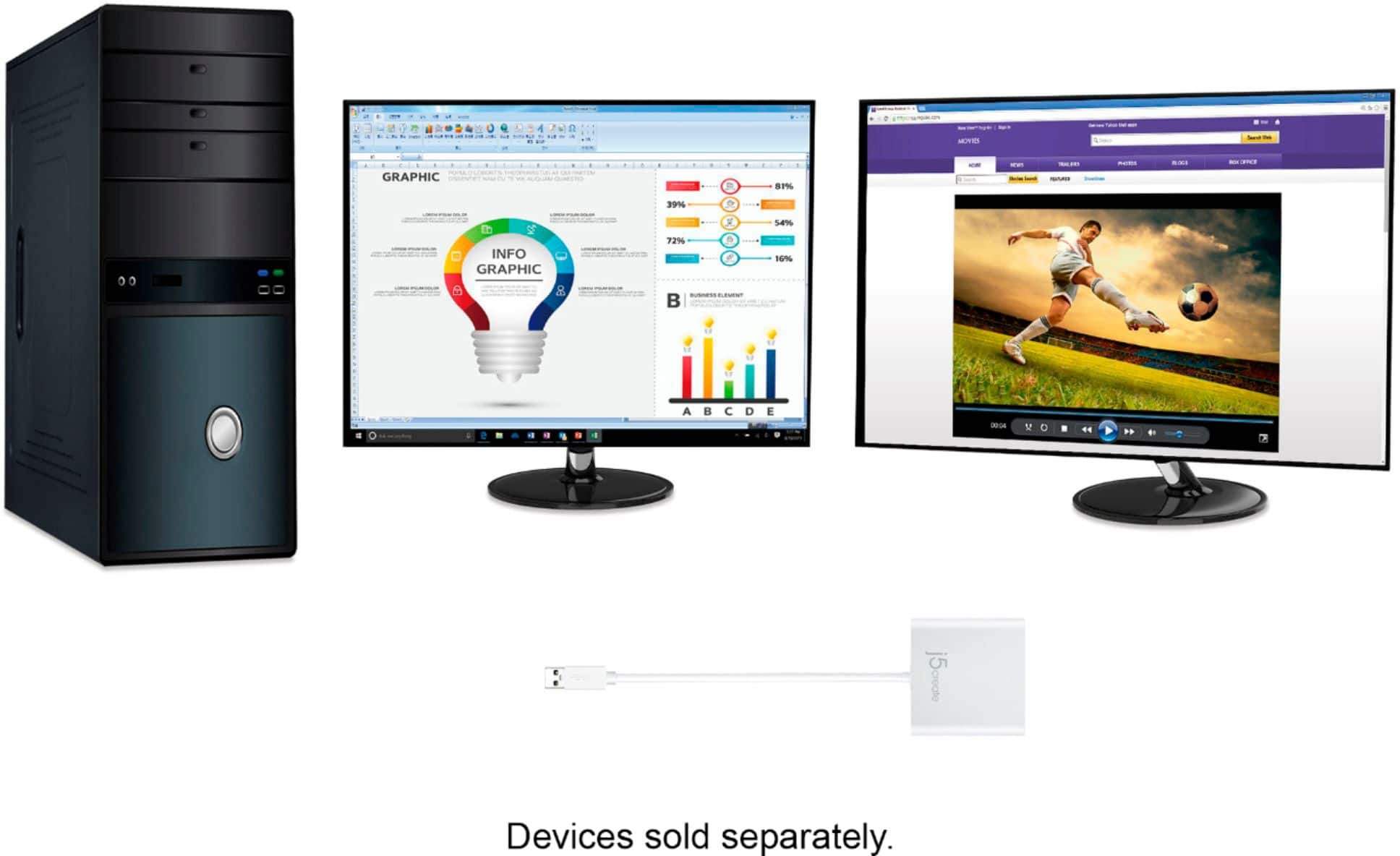
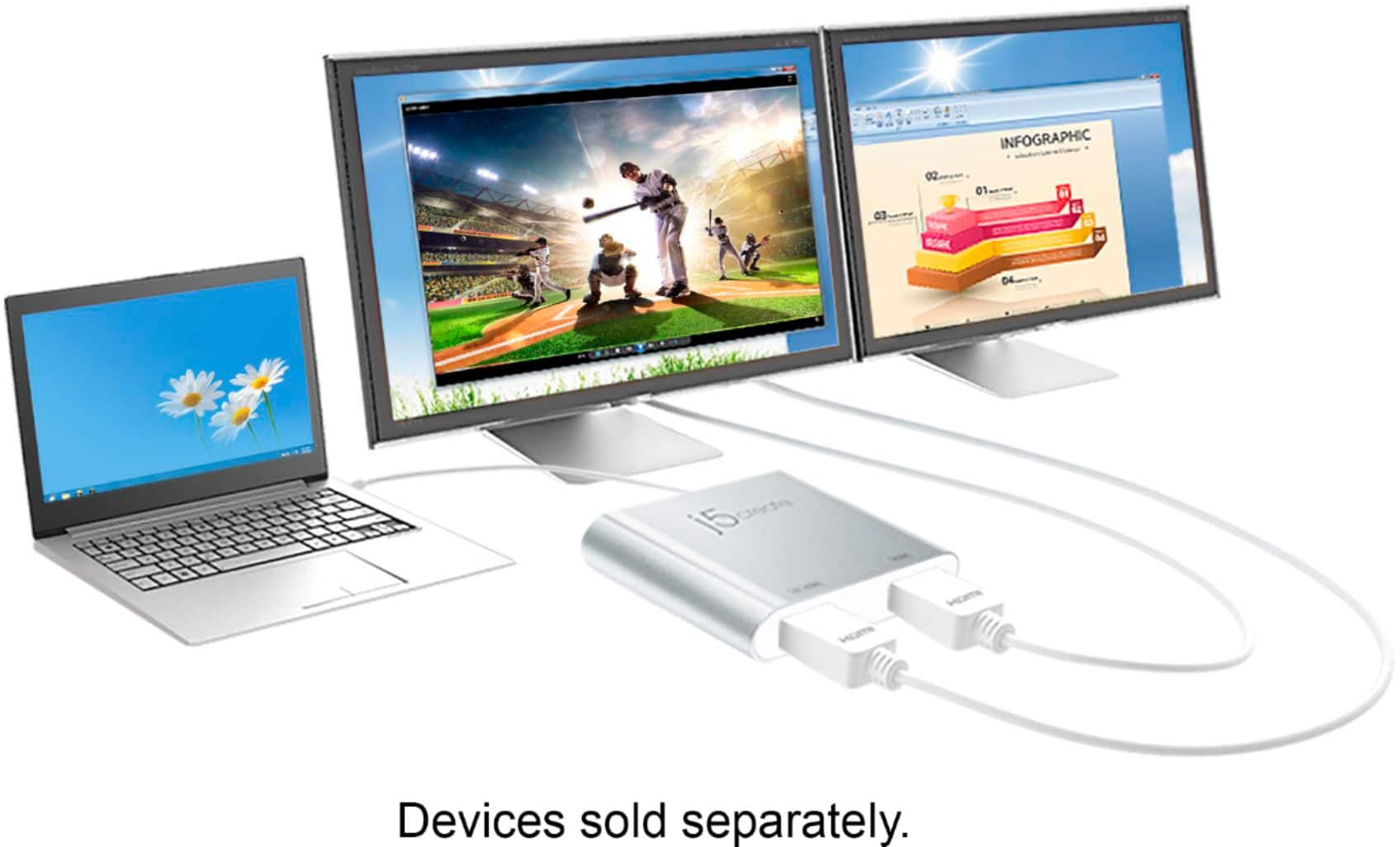
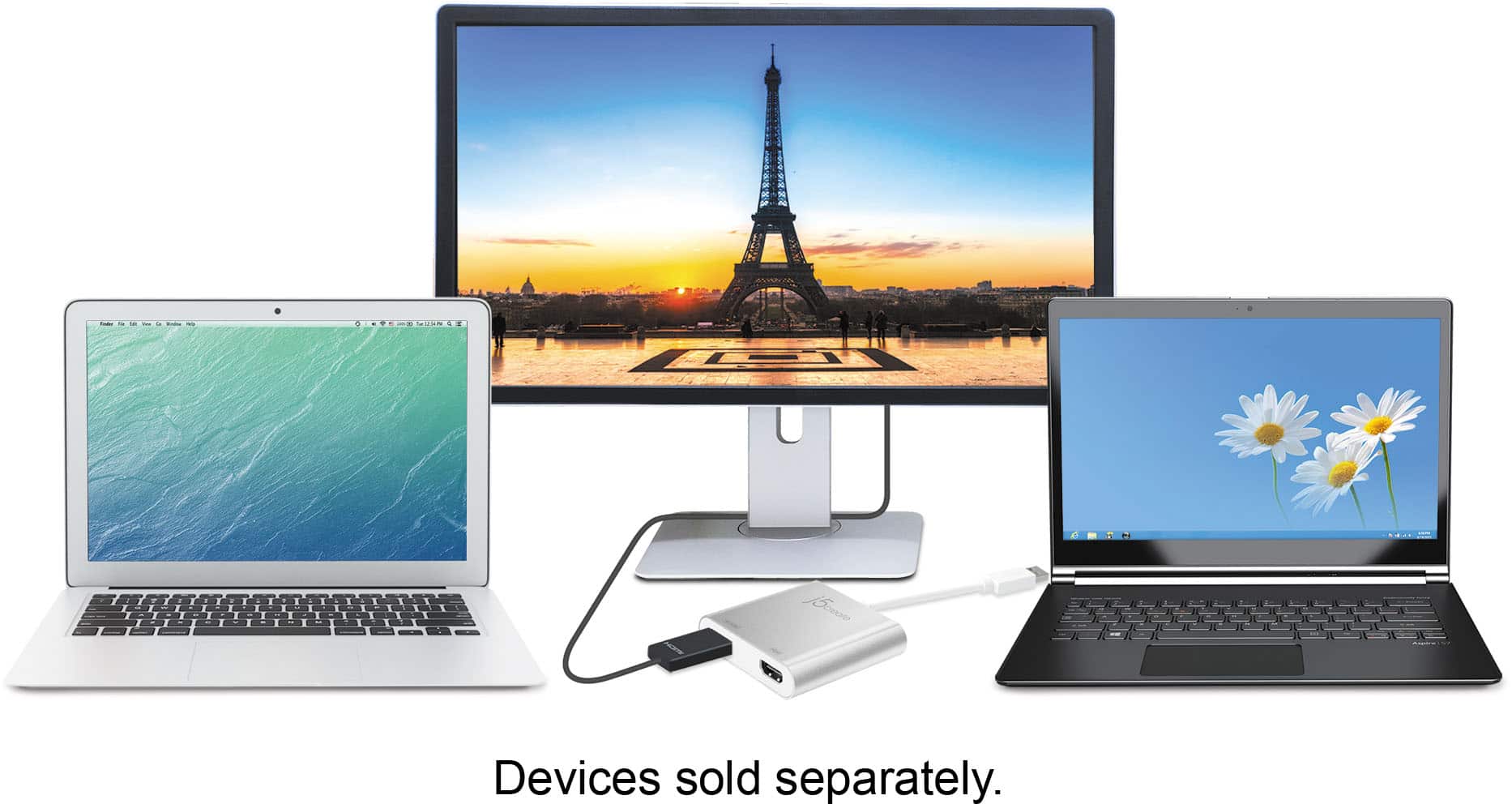
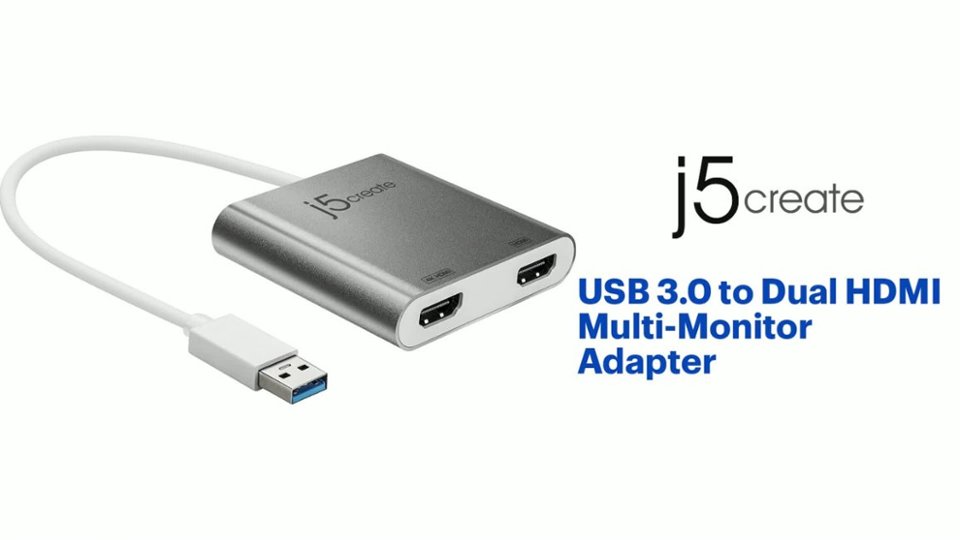
Customers highly value the USB 3.0 to Dual HDMI Multi-Monitor Adapter for its ease of use, HDMI ports, and overall performance. Compatibility and size are also appreciated features. Some customers have expressed concerns regarding the price, driver installation, lag, resolution, and heat.
This summary was generated by AI based on customer reviews.
- Pros mentioned:Hdmi
USB - HDMI adapter
||Posted .This reviewer received promo considerations or sweepstakes entry for writing a review.This works great for my needs - i would recommend to anyone that would like to have 2 HDMI monitors
I would recommend this to a friendBrand response from J5create Team
Posted .Buddy, We're glad to hear the JUA365 is meeting your expectations and that you recommend it!
Cordially,
j5create
- Pros mentioned:Ease of use
Easy and ready to work
||Posted .This reviewer received promo considerations or sweepstakes entry for writing a review.This was the easiest way to connect my monitors without any need for technical advice or complicate set up
I would recommend this to a friendBrand response from J5create Team
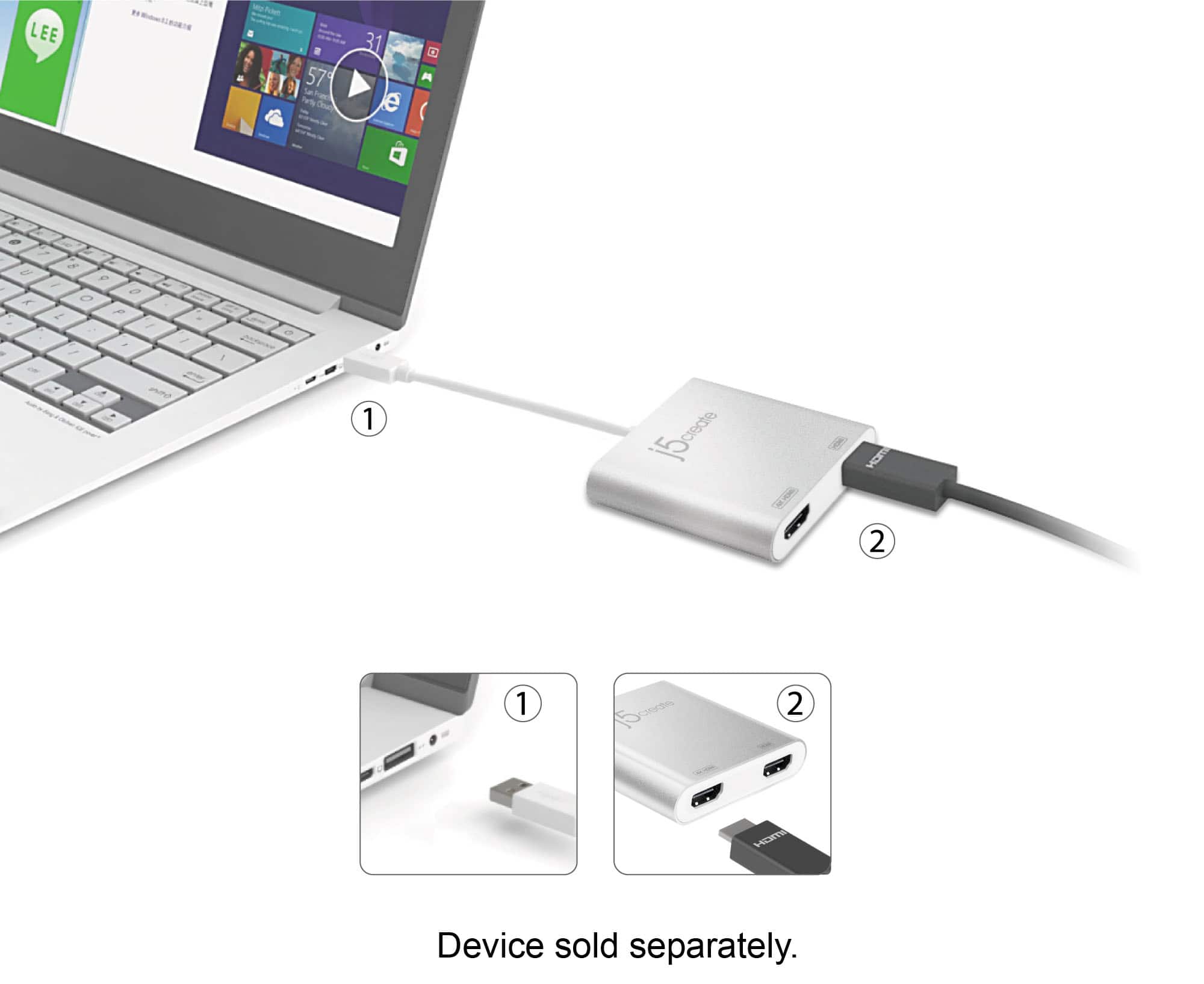
Posted .Easily add two HDMI video outputs through a single USB Type-A port
- Pros mentioned:Ease of use
Simple to use.
||Posted . Owned for 1 month when reviewed.This reviewer received promo considerations or sweepstakes entry for writing a review.Works as advertised so far! Connected right away with little hassle.
I would recommend this to a friendBrand response from J5create Team
Posted .A nice way to output a dual display for your computer. Enjoy and thank you for your review.
- Pros mentioned:Hdmi
Worked great
||Posted . Owned for 6 months when reviewed.This reviewer received promo considerations or sweepstakes entry for writing a review.I connected 2 monitors to my laptop and it works great.
I would recommend this to a friendBrand response from J5create Team
Posted .I'm glad the Adapter works great for your laptop. Thank you!
- Pros mentioned:Ease of use
Multi Monitor Adapter
||Posted .This reviewer received promo considerations or sweepstakes entry for writing a review.have used it and find no issues so far...................
I would recommend this to a friendBrand response from J5create Team
Posted .Thank you for your review. Take care.
- Pros mentioned:Performance
Excellent adapter
||Posted .This reviewer received promo considerations or sweepstakes entry for writing a review.This little guy turned my yoga to a full desktop computer. I run two monitors and it works excellent.
I would recommend this to a friendBrand response from J5create Team
Posted .It allows you to add two additional displays through your USB 3.0 port, boosting your productivity by giving you more screen space to work from.
Works great with pc, not with macbook
||Posted . Owned for 1 week when reviewed.This reviewer received promo considerations or sweepstakes entry for writing a review.This works as it should with my wife’s PC but not with my macbook. It could be that macs cannot extend screens like pc’s but the device advertised thst it does work with macs…
I would recommend this to a friend- Pros mentioned:Ease of use
buy it
||Posted . Owned for 8 months when reviewed.This reviewer received promo considerations or sweepstakes entry for writing a review.Simple and easy to use, literally a plug and play unit
I would recommend this to a friendBrand response from J5create Team
Posted .Thank you for your review. Have a great day and enjoy your new device.
- Pros mentioned:Hdmi
Works just fine
||Posted . Owned for 3 weeks when reviewed.This reviewer received promo considerations or sweepstakes entry for writing a review.This allows me to connect the two external monitors to my laptop.
I would recommend this to a friendBrand response from J5create Team
Posted .Hello Delaney,
Glad to hear that you got two monitors working through the JUA365. I really prefer having multiple monitors and cannot see myself going back to working on a single monitor ever again.
Have a good day,
j5create
- Pros mentioned:Compatibility
Got the Job Done
||Posted . Owned for 2 weeks when reviewed.This reviewer received promo considerations or sweepstakes entry for writing a review.Got the job done to connect mg two monitors to my laptop.
I would recommend this to a friendBrand response from J5create Team
Posted .Hello, I'm glad to hear you got your monitors setup and thank you for your review. Cheers.
- Pros mentioned:Ease of use
Better than dock station to manage +3 monitors
||Posted .This reviewer received promo considerations or sweepstakes entry for writing a review.Less expensive than docking station to manage 2 monitors and the laptop display. Very easy installation.
I would recommend this to a friendBrand response from J5create Team
Posted .Easily add two HDMI video outputs through a single USB Type-A port
- Pros mentioned:Hdmi
good adapter
||Posted . Owned for less than 1 week when reviewed.This reviewer received promo considerations or sweepstakes entry for writing a review.good adapter. bought it to hook up 2 dual monitors to my MacBook Air. did the job.
I would recommend this to a friendBrand response from J5create Team
Posted .Good adapter for augmenting two additional HDMI displays, the JUA365's USB 3.0 connectivity ensure a great quality image.
Cordially,
j5create
- Pros mentioned:Compatibility
Works well at a reasonable price
||Posted . Owned for 2 months when reviewed.This reviewer received promo considerations or sweepstakes entry for writing a review.I am using this adapter to connect a 5 year old laptop to two monitors. Works well.
I would recommend this to a friendBrand response from J5create Team
Posted .Whether you're using a Windows or Mac, the JUA365 adds up to 2 displays to work with expanding room for more windows.
Gratefully,
j5create
- Pros mentioned:Compatibility
Great for work!
||Posted . Owned for 1 week when reviewed.This reviewer received promo considerations or sweepstakes entry for writing a review.Perfect for using with my Microsoft laptop and Samsung monitor!
I would recommend this to a friendBrand response from J5create Team
Posted .Compatible with both Mac & Windows. Backwards compatible with USB 2.0.
nice little tool
||Posted . Owned for 3 weeks when reviewed.This reviewer received promo considerations or sweepstakes entry for writing a review.my j5create unit is a wonderful gadget--- i plugged it into my surface laptop and add on monitor. got a very clear picture. very happy with this little tool.
I would recommend this to a friend- Pros mentioned:Ease of use
Great
||Posted . Owned for 1 month when reviewed.This reviewer received promo considerations or sweepstakes entry for writing a review.Bought this for my son for Christmas. It’s Great! Easy set up.
I would recommend this to a friendBrand response from J5create Team
Posted .Connect the device to your monitors using HDMI cables and then you will have a dual-display workstation!
Finally! Two Screens and an Open HDMI Port!
||Posted .This reviewer received promo considerations or sweepstakes entry for writing a review.My new HP laptop has only one HDMI port. No way to run dual monitors, plus I have a Wacom which needs that HDMI port. Sweet! The j5Create software builds a virtual driver to power the USB, so you can run the Duals, the Wacom, and have the laptop open and screen up on it, too. It also eats up a lot of the Graphics horsepower, so once you open up enough Adobe Apps, and a dozen others, it will slog everything. Oh, well.. Four Stars...
I would recommend this to a friendBrand response from J5create Team
Posted .HerbLovesIt, Customer input is always welcome as it helps us discover flaws that need improvement. In regards to the slog when everything is open, we recommend using a plug and play model as it works off the computer's hardware and will perform better. If you wish to learn about PnP adapters that may be compatible with your setup, please reach out to the support team and a rep will gladly find you a good fit for your setup.
Regards,
j5create
- Pros mentioned:Ease of use
Works great
||Posted . Owned for 1 month when reviewed.This reviewer received promo considerations or sweepstakes entry for writing a review.Works great. Does exactly what it is intended for.
I would recommend this to a friendBrand response from J5create Team
Posted .Thank you for your review, Dave.
- Pros mentioned:Ease of use
Just what I needed!
||Posted . Owned for 1 month when reviewed.This reviewer received promo considerations or sweepstakes entry for writing a review.No complaints! Does everything it's suppose to and keeps me working at home:-)
I would recommend this to a friendBrand response from J5create Team
Posted .Glad to hear that you have no complaints. The adapter is a good solution to add two monitors to your workstation.
Have a nice day,
j5create
- Pros mentioned:Ease of use
Doesn't get easier
||Posted . Owned for 3 months when reviewed.This reviewer received promo considerations or sweepstakes entry for writing a review.Looked everywhere for this. Easy to use and easy to install.
I would recommend this to a friendBrand response from J5create Team
Posted .Acts as an external video card for your MacBook or Windows computers.