Customer Ratings & Reviews
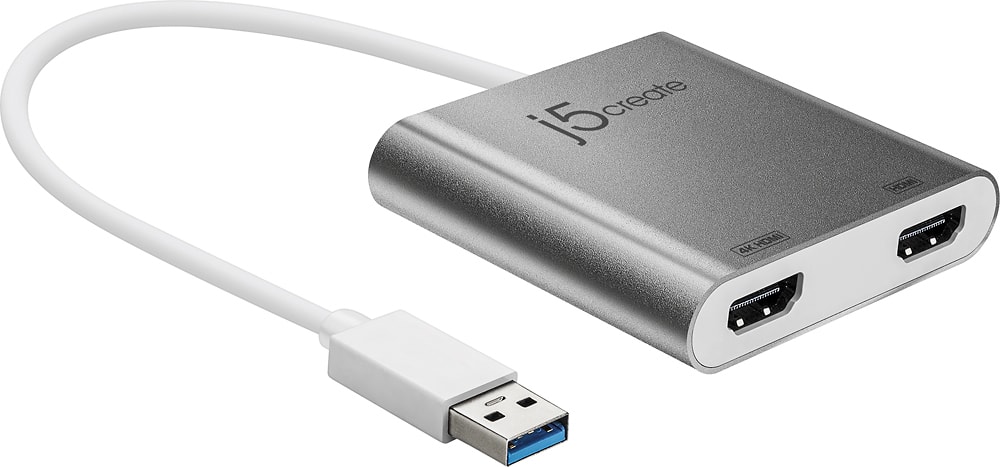
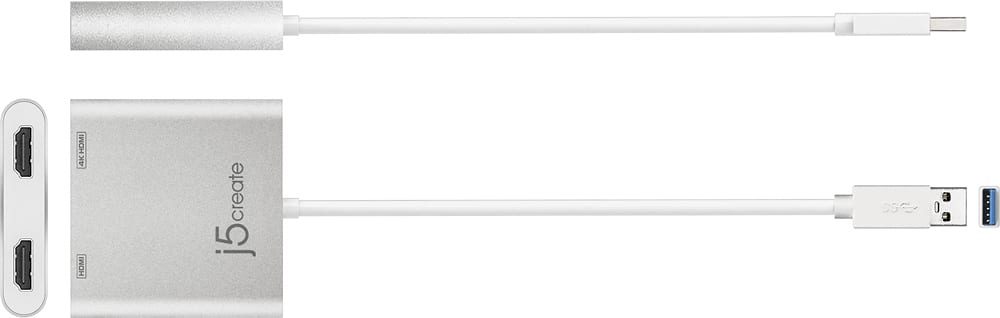
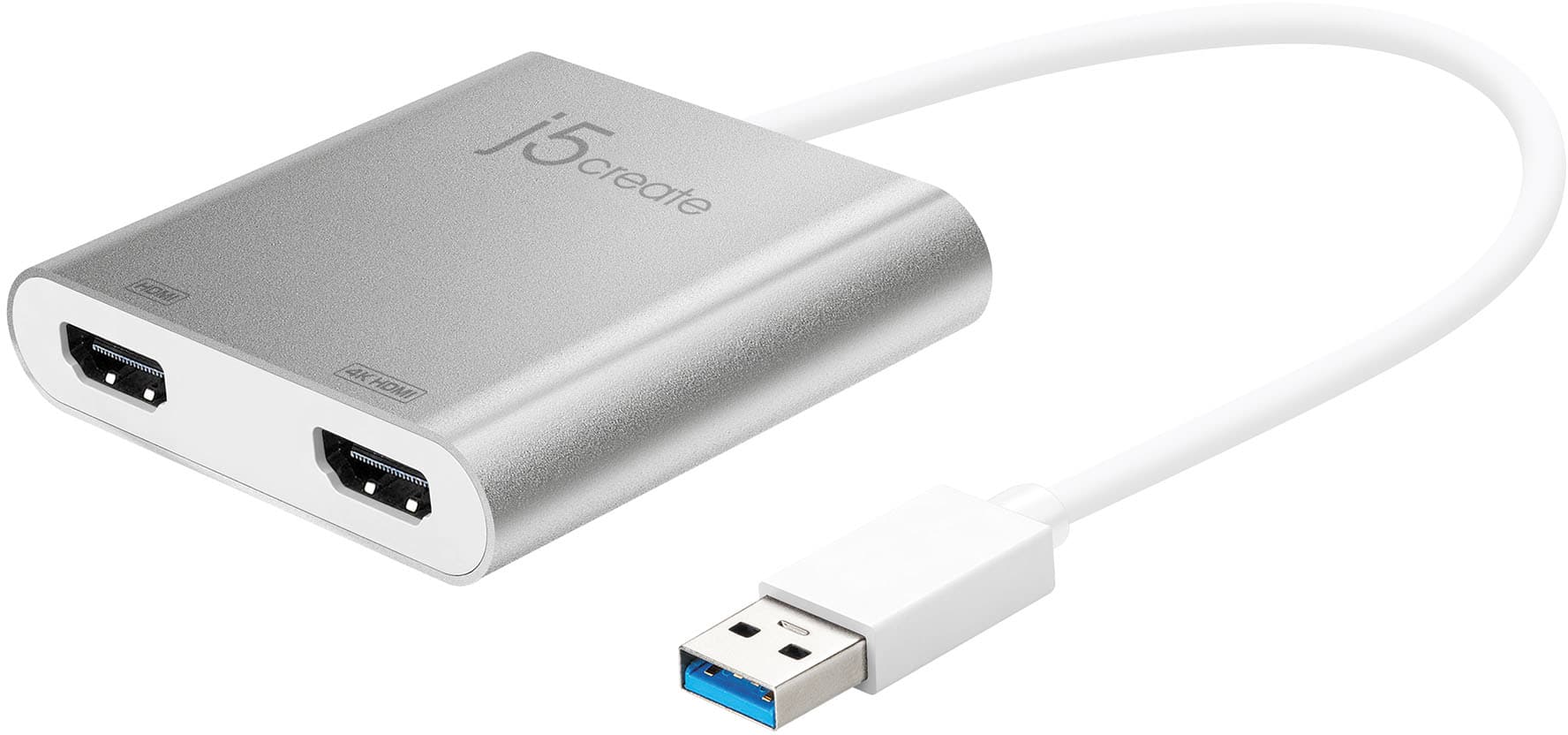
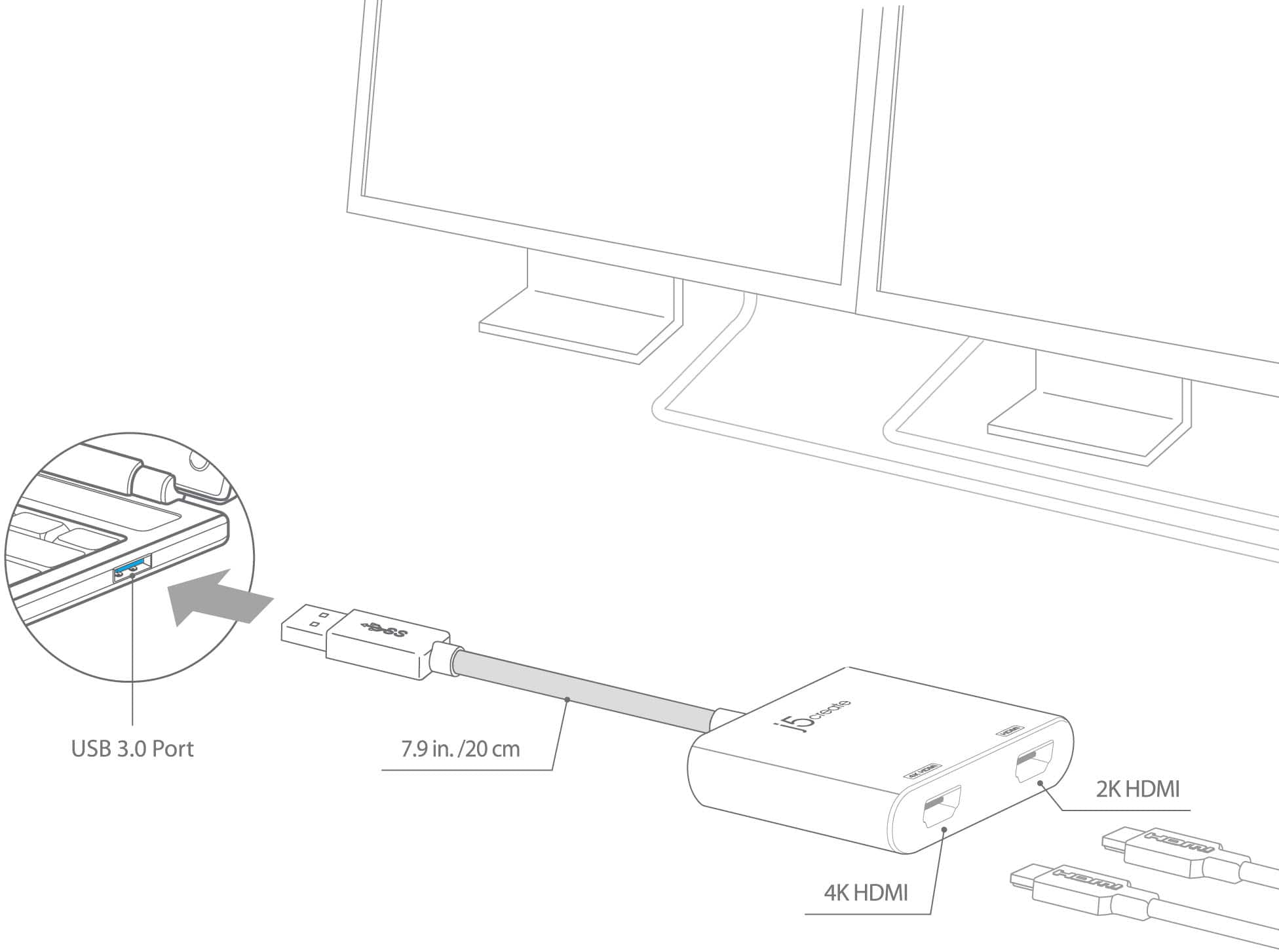
- Model:
- JUA365
- SKU:
- 5615018
Rating by feature
- Value
Rating 4.3 out of 5 stars
- Quality
Rating 4.6 out of 5 stars
- Ease of Use
Rating 4.6 out of 5 stars
Customers are saying
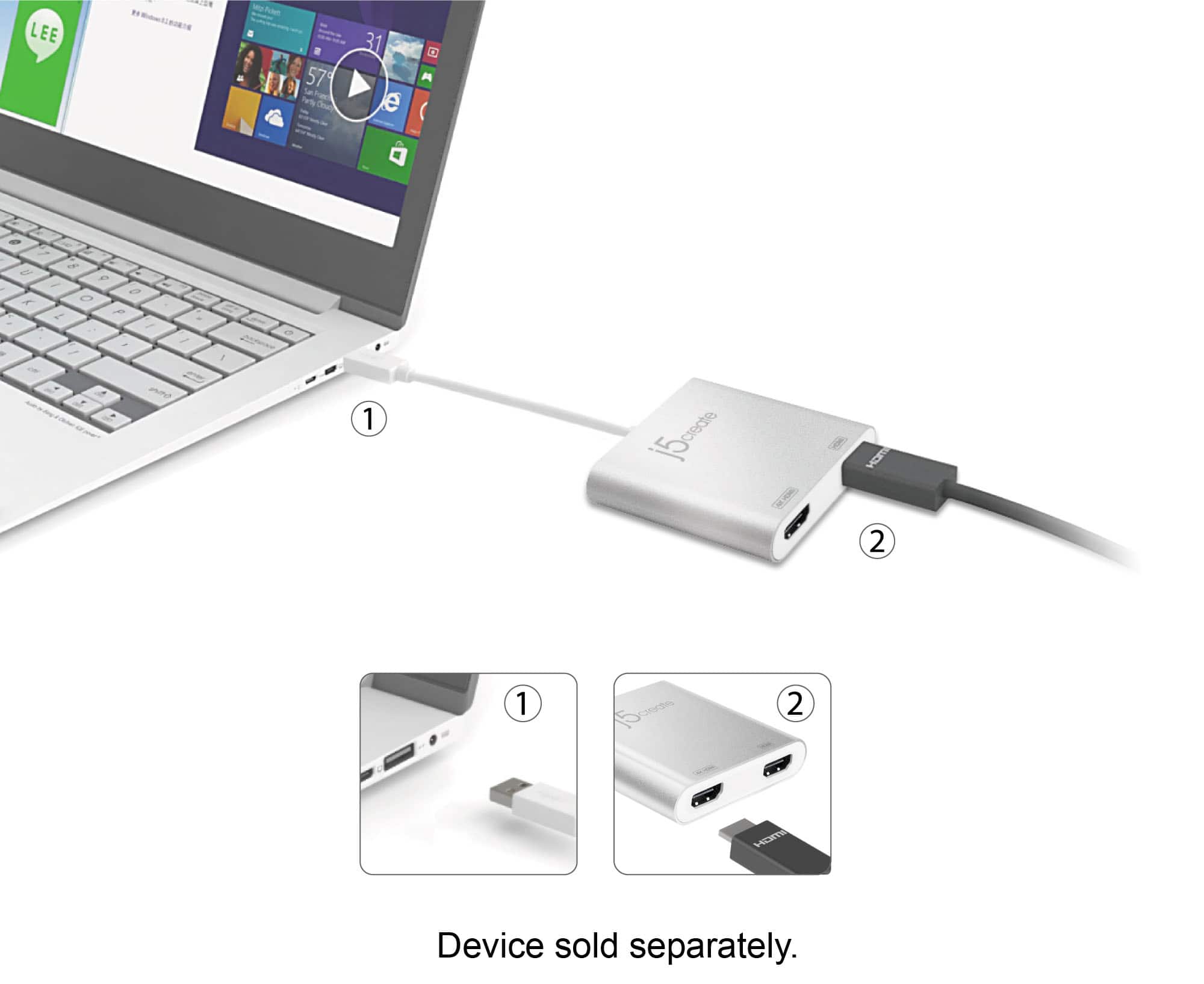
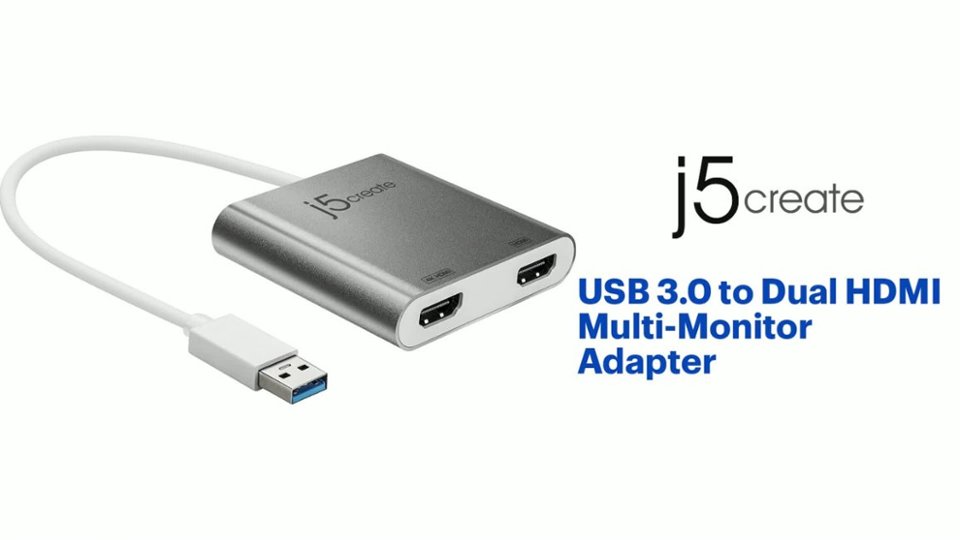
Customers find value in the USB 3.0 to Dual HDMI Multi-Monitor Adapter's ease of use and overall performance, with many praising its seamless installation and reliable functionality. The adapter's HDMI ports, compatibility, connectivity, and size also contribute to its positive reception. However, some customers have expressed concerns about the price, driver installation, potential lag, resolution limitations, and heat generation.
This summary was generated by AI based on customer reviews.
- Pros mentioned:Connectivity
adapter
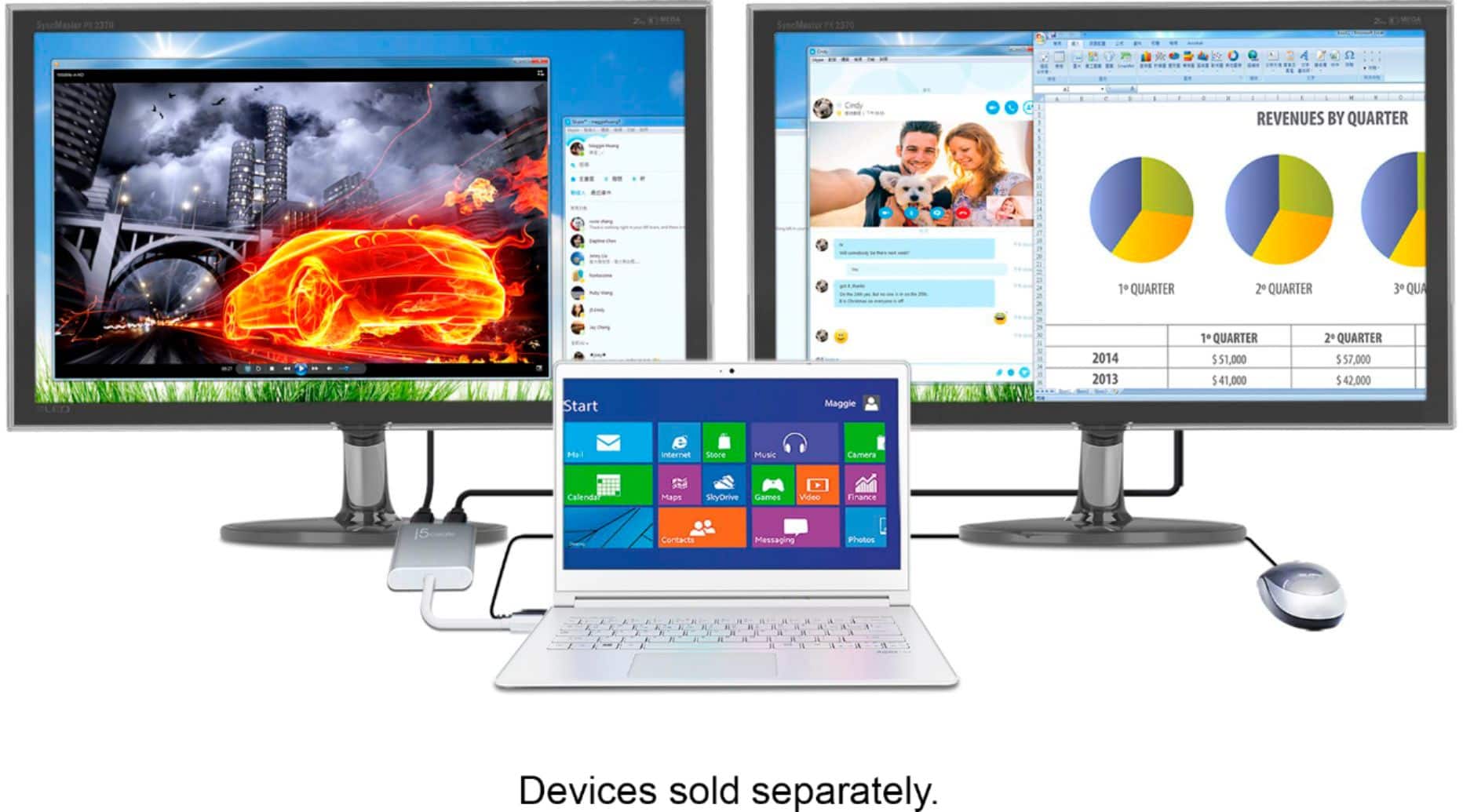
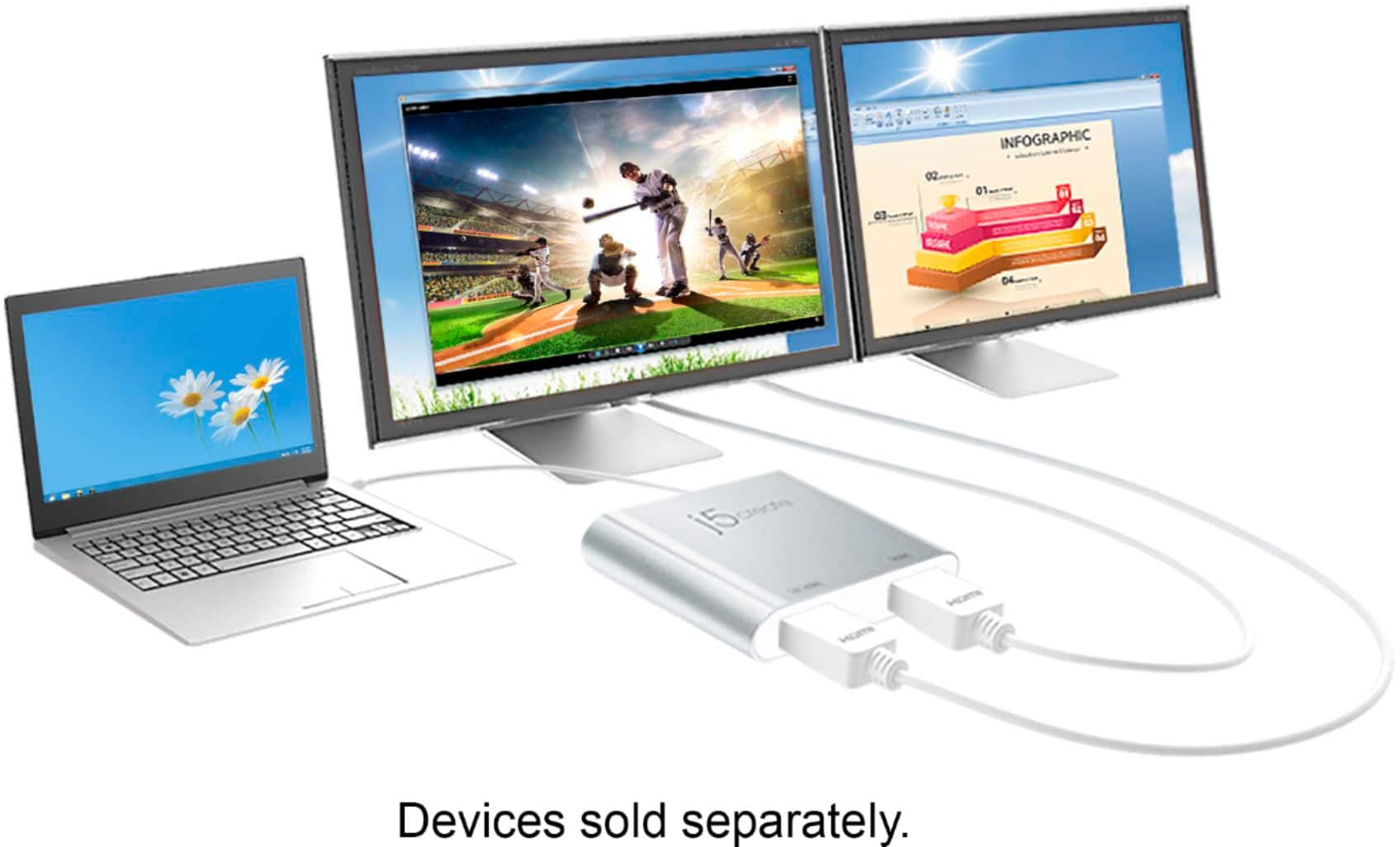
||Posted . Owned for 1 year when reviewed.This reviewer received promo considerations or sweepstakes entry for writing a review.allows me to connect two difference sized monitors to my laptop for opening multiple files.
I would recommend this to a friend - Pros mentioned:Ease of use
Needed Item
||Posted . Owned for 3 weeks when reviewed.This reviewer received promo considerations or sweepstakes entry for writing a review.Thia is needed if uoi wat want to use multiple sceens. Works like a charm. Very easy to set up just need a couple a hdmi cables.
I would recommend this to a friend - Pros mentioned:Ease of use
Fantastic Device
||Posted .This reviewer received promo considerations or sweepstakes entry for writing a review.I recently added two monitors to my computer. Went thru issues trying to get them to work. Called HP support and they were helpless. After spending a whole day trying to get them to work, I googled some other options, and came across this device. Went in a purchased one and boom both monitors were working. I did have to call there tech support to get them properly aligned. Turned out my old monitor was still in the registry, so my computer was showing I had three monitors. Deleted the one I was no longer using and it work perfectly. Was on the phone with there tech for about 10 minutes whom diagnosed and remedied the issues. Perfect device. I recently recommended it to a friend who was upgrading to dual monitors. Had it up and running in a matter of minutes. Great device, easy to use, and great tech support if needed.
I would recommend this to a friendBrand response from J5create Team
Posted .Great tech support is very important to us and we're excited to hear the JUA365 and our service team was a positive experience for you!
Cordially,
j5create
- Pros mentioned:Compatibility, Ease of use
Lifesaver
||Posted . Owned for 1 month when reviewed.This reviewer received promo considerations or sweepstakes entry for writing a review.This has been a life-saver while I am waiting to rebuild my desktop. Unboxing was simple. I had no problem connecting my laptop to my two external monitors. Extending the desktop was no problem under Windows OS. The windows to look at not an issue. Can't to use on desktop once I have finished rebuilding. Did job it is designed to do.
I would recommend this to a friendBrand response from J5create Team
Posted .With Windows 10 you can quickly install the driver with a simple USB plug-in. Afterwards, connect the device to your monitors using HDMI cables and then you will have a dual-display workstation.
- Pros mentioned:Hdmi, Overall performance
Works Perfectly!
||Posted . Owned for 3 weeks when reviewed.This reviewer received promo considerations or sweepstakes entry for writing a review.I bought a second monitor with HDMI connection so I had to find a way to connect both monitors to my laptop for work. The j5create - USB 3.0 to Dual HDMI Multi-Monitor Adapter works PERFECTLY! I don't have much to offer in terms of specs or how well the product performs relative to others. I just know it has been serving its purpose since the day I received and installed it!
I would recommend this to a friendBrand response from J5create Team
Posted .Hi Adrianne!
Fantastic! I'm glad to hear that the JUA365 has expanded your set up and made things a little better for you. If you ever have any questions regarding your device, please don't hesitate to contact us and we would be more than happy to assist you. Our information can be found on the back of all of our product boxes and on our website under the support tab. There you can find links to our livechat, phone, and ticketing services.
Thanks,
j5create
- Pros mentioned:Connectivity
Solid Choice
||Posted . Owned for 2 weeks when reviewed.This reviewer received promo considerations or sweepstakes entry for writing a review.Took 2-3 minutes to download the driver and then basically plug and play to run dual monitors. Very satisfied.
I would recommend this to a friend - Pros mentioned:HdmiCons mentioned:Lag
Super helpful!
||Posted . Owned for 1 month when reviewed.This reviewer received promo considerations or sweepstakes entry for writing a review.Perfect to be able to use both of my monitors when working on my laptop! Sometimes can be a little finicky and might have to unplug and plug back in. But then it works great! No lag!
I would recommend this to a friend - Pros mentioned:Overall performance
Desktop essential
||Posted . Owned for 2 months when reviewed.This reviewer received promo considerations or sweepstakes entry for writing a review.Worked perfectly! After months of searching and dealing with faulty products.
I would recommend this to a friend - Pros mentioned:Connectivity
Excellent Product, worth the money
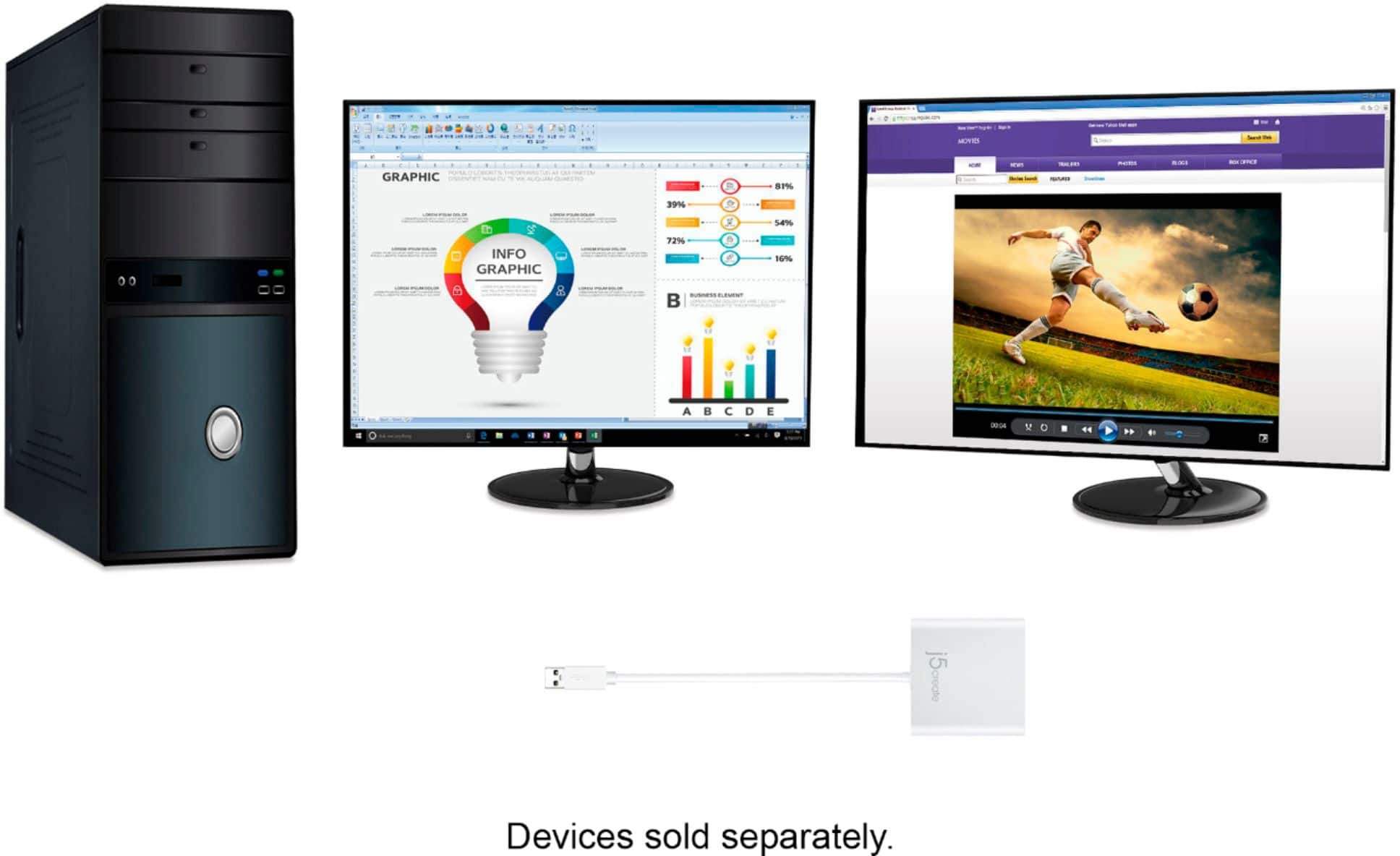
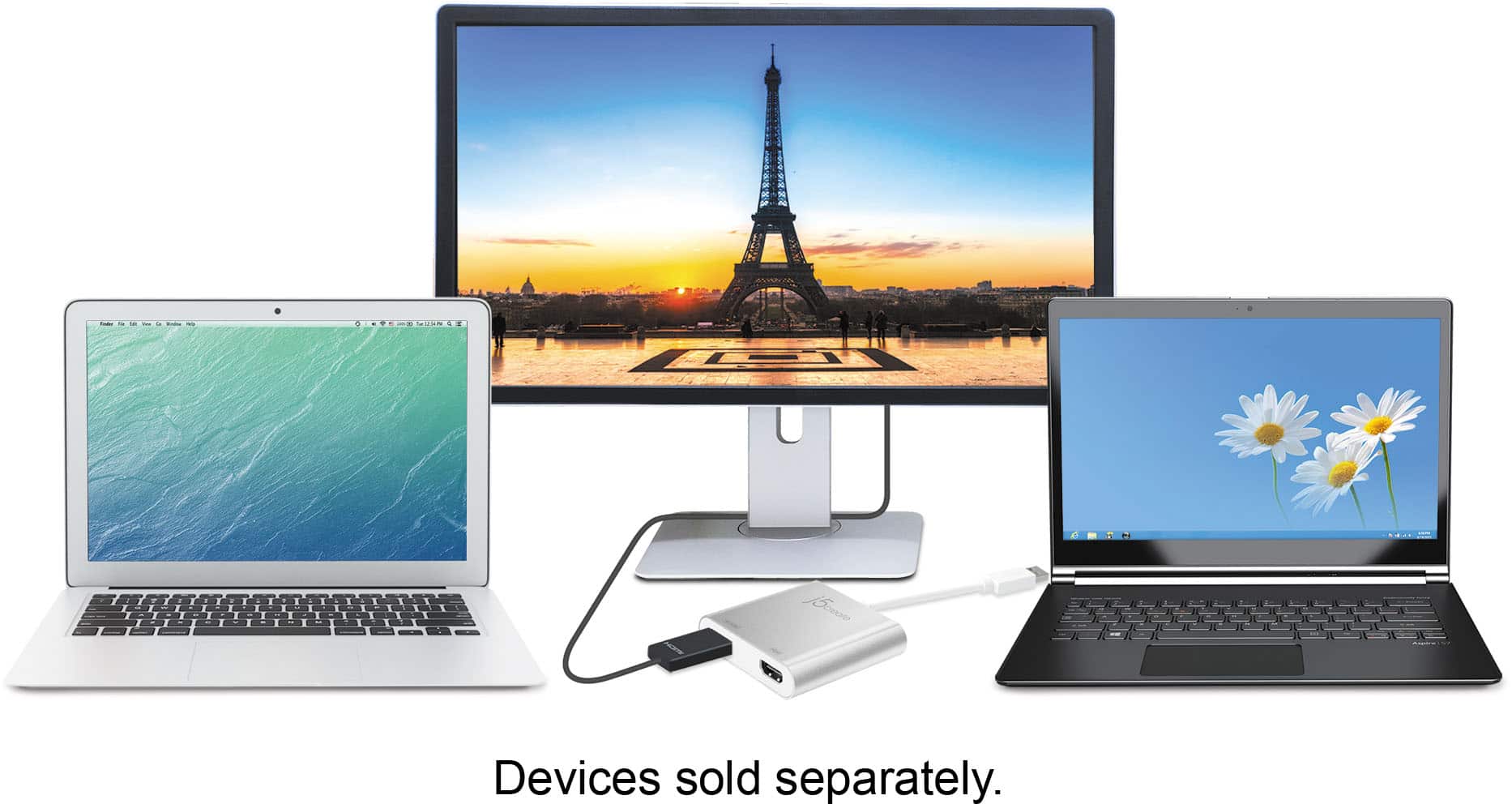
||Posted .This reviewer received promo considerations or sweepstakes entry for writing a review.Read the instructions and download and install the device driver first. Then just plug it in. This product has its own video card which allowed me to connect a 2nd external HDMI monitor to my Lenovo Windows 11 laptop, which only has one HDMI port and only two USB A ports. It can also be plugged into a multi port USB A docking station.
I would recommend this to a friend - Pros mentioned:Overall performance
Monitor Splitter that works
||Posted . Owned for 1 month when reviewed.This reviewer received promo considerations or sweepstakes entry for writing a review.This piece of hardware works extremely well.********
I would recommend this to a friend - Pros mentioned:Overall performanceCons mentioned:Resolution
Good for one 2560 x 1440 monitor plus...
||Posted .This reviewer received promo considerations or sweepstakes entry for writing a review.Note that with all USB video extenders (not just this one), only one monitor can be in (2560 x 1440). If you are looking to have to 2560 x1440's, USB will not support this. The second monitor will be at a lesser resolution. If you are using a laptop, more than likely you already have some type of video output (display port, HDMI, VGA) that can support 2560 x 1440. I'm using this device to do just that and it works great!
I would recommend this to a friendBrand response from J5create Team
Posted .One of the HDMI ports can output resolutions up to 4K, while the other can output resolutions up to 2048 x 1152.
- Pros mentioned:Compatibility, Ease of use
HDMI - A Simple Solution For Epson Projector
||Posted . Owned for 1 month when reviewed.This reviewer received promo considerations or sweepstakes entry for writing a review.If you are needing a quick solution for your Epson Projector, the HDMI Adapter is the best choice. Easy connection and I guarantee that your projector will operate as designed.
I would recommend this to a friend - Pros mentioned:Ease of use
Thanks
||Posted . Owned for 2 weeks when reviewed.This reviewer received promo considerations or sweepstakes entry for writing a review.This product was exactly what I needed for mine computer and monitors to connect. It was easy and simple to installed.
I would recommend this to a friend - Pros mentioned:Overall performance
Quality of life
||Posted . Owned for 2 weeks when reviewed.This reviewer received promo considerations or sweepstakes entry for writing a review.Works great easy pug in. Not to complicated either
I would recommend this to a friend - Pros mentioned:Ease of use, Overall performance
Easy to use
||Posted .This reviewer received promo considerations or sweepstakes entry for writing a review.I was hesitant at first about this product because I initially wanted to purchase a docking station to use with my laptop and dual monitors. After some convincing, I purchased this product and I'm glad I did. The only thing I do not like is you can not fully close your laptop as you would if you were using a docking station. This is not a deal breaker for me and the product does what it is designed to do.
I would recommend this to a friendBrand response from J5create Team
Posted .To do clam shell (Laptop closed) you must provide a KnM and a power-Brick connected to your computer at all times. Once completed, close laptop and move your mouse around until you see your screens come up.
- Pros mentioned:HdmiCons mentioned:Heat
Worth the splurge for Work from Home setup
||Posted . Owned for 2 months when reviewed.This reviewer received promo considerations or sweepstakes entry for writing a review.Pricier than I wanted to spend - but works very well compared to the cheaper version I bought on Amazon. Seamless monitor displays, with no lags. It does allow for screen duplication or extended. Worked great for my new work from home set up. Also does not seem to get hot from use as the other one did.
I would recommend this to a friendBrand response from J5create Team
Posted .Hello,
By adding this adapter to a laptop setup you can add two additional monitors and really increase your productivity. I personally do not think that I could go back to working on just one monitor. We appreciate you taking your time to post a review.
Thank you,
j5create
- Pros mentioned:Connectivity
Love it
||Posted . Owned for 3 weeks when reviewed.This reviewer received promo considerations or sweepstakes entry for writing a review.I'm glad I was able to find this. I work from home and needed to setup my second monitor because my laptop have one hdmi port and one USB port on it. So I bought 4 port USB to plug in the back of my laptop so I was able to hookup this device with two hdmi cords that connected to my monitors. That worked perfectly now I have 3 monitors that extends 1 my laptop and my 2 monitors. You will have to go to your settings on your computer and select displays and then scroll down the screen to select option where you can extend your monitors. And it also do mirror also.so if work from like me that needs extra monitors this would a great option if you have one hdmi port and one USB port.
I would recommend this to a friendBrand response from J5create Team
Posted .Hello,
Thank you for your review of the JUA365. Great to hear that it is doing its job for your workstation. I hope that you have a great day.
Thanks,
j5create
- Pros mentioned:Ease of use
Easy to set up dual hdmi screens
||Posted . Owned for 1 month when reviewed.This reviewer received promo considerations or sweepstakes entry for writing a review.Works perfectly for business and personal use. If you want three (2 tvs and your laptop)separate screens coming out of your laptop this is a winner!
I would recommend this to a friend - Pros mentioned:Overall performance
Adapter
||Posted . Owned for 1 year when reviewed.This reviewer received promo considerations or sweepstakes entry for writing a review.This has been a nice addition to my pc. Easy to use and great quality.
I would recommend this to a friend - Pros mentioned:Overall performance
Adapter
||Posted . Owned for 3 weeks when reviewed.This reviewer received promo considerations or sweepstakes entry for writing a review.Got tge job done. Does exactly what its supposed to do
I would recommend this to a friend