Customer Ratings & Reviews
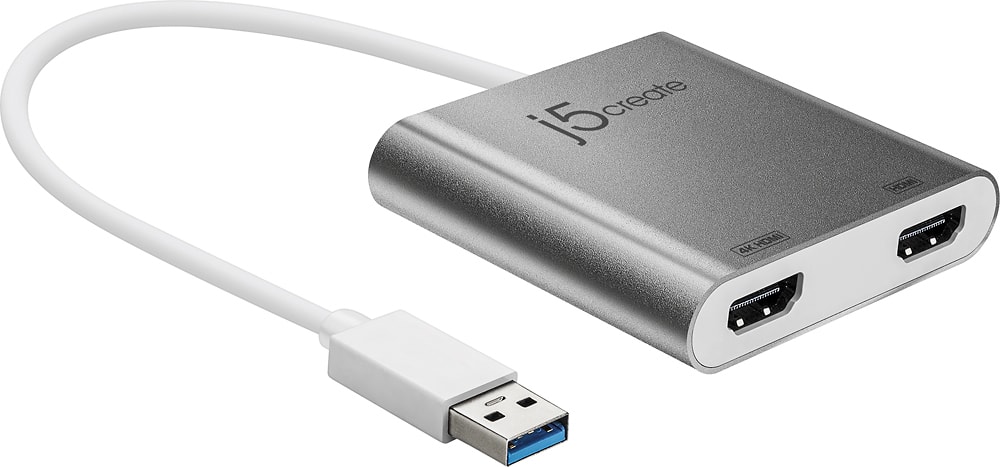
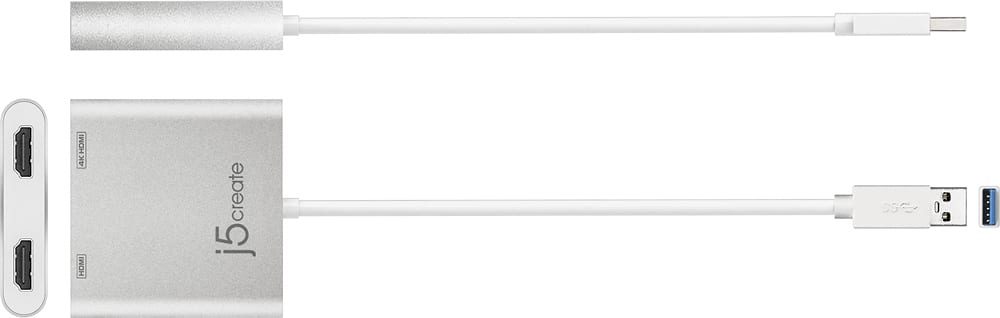
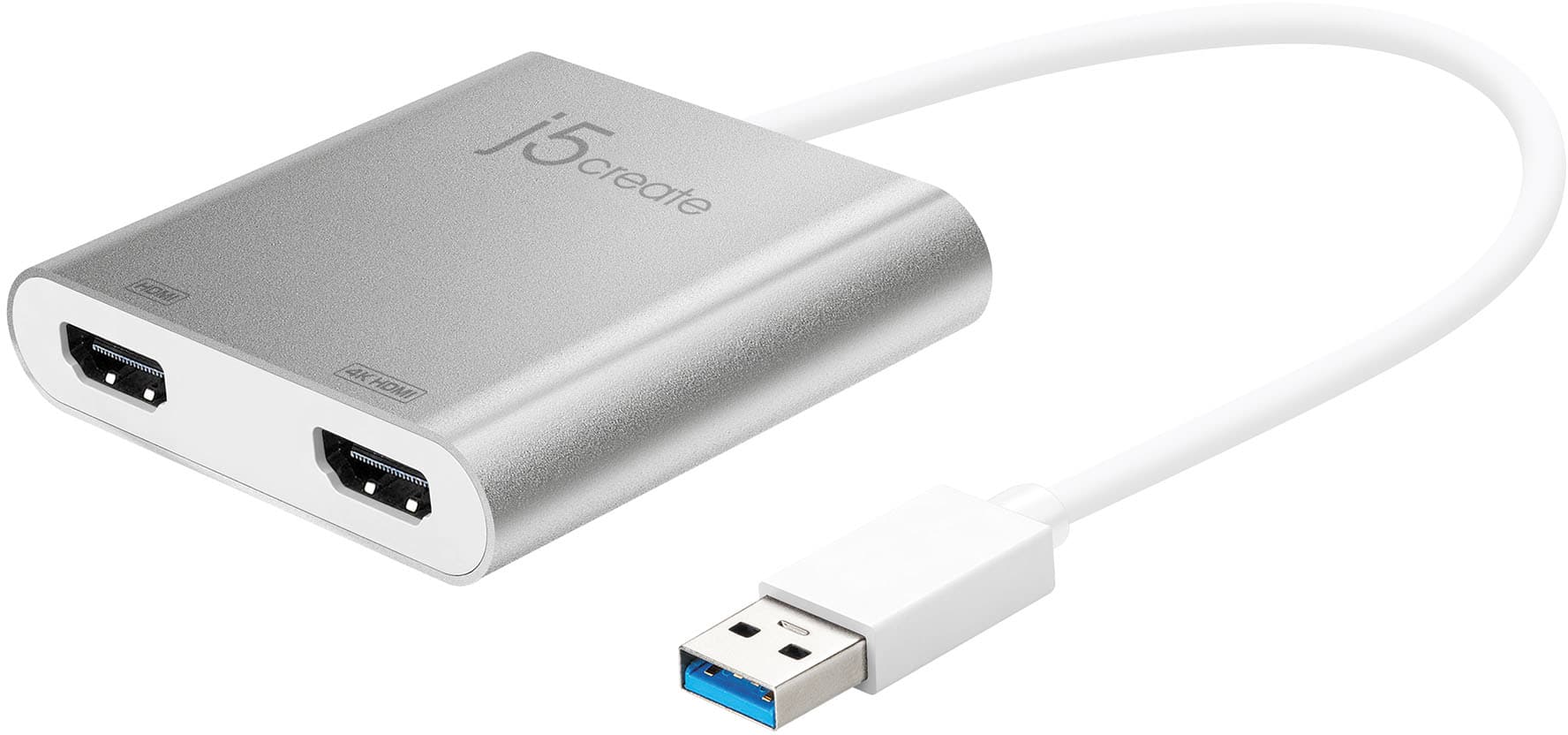
- Model:
- JUA365
- SKU:
- 5615018
Rating by feature
- Value
Rating 4.3 out of 5 stars
- Quality
Rating 4.6 out of 5 stars
- Ease of Use
Rating 4.6 out of 5 stars
Customers are saying
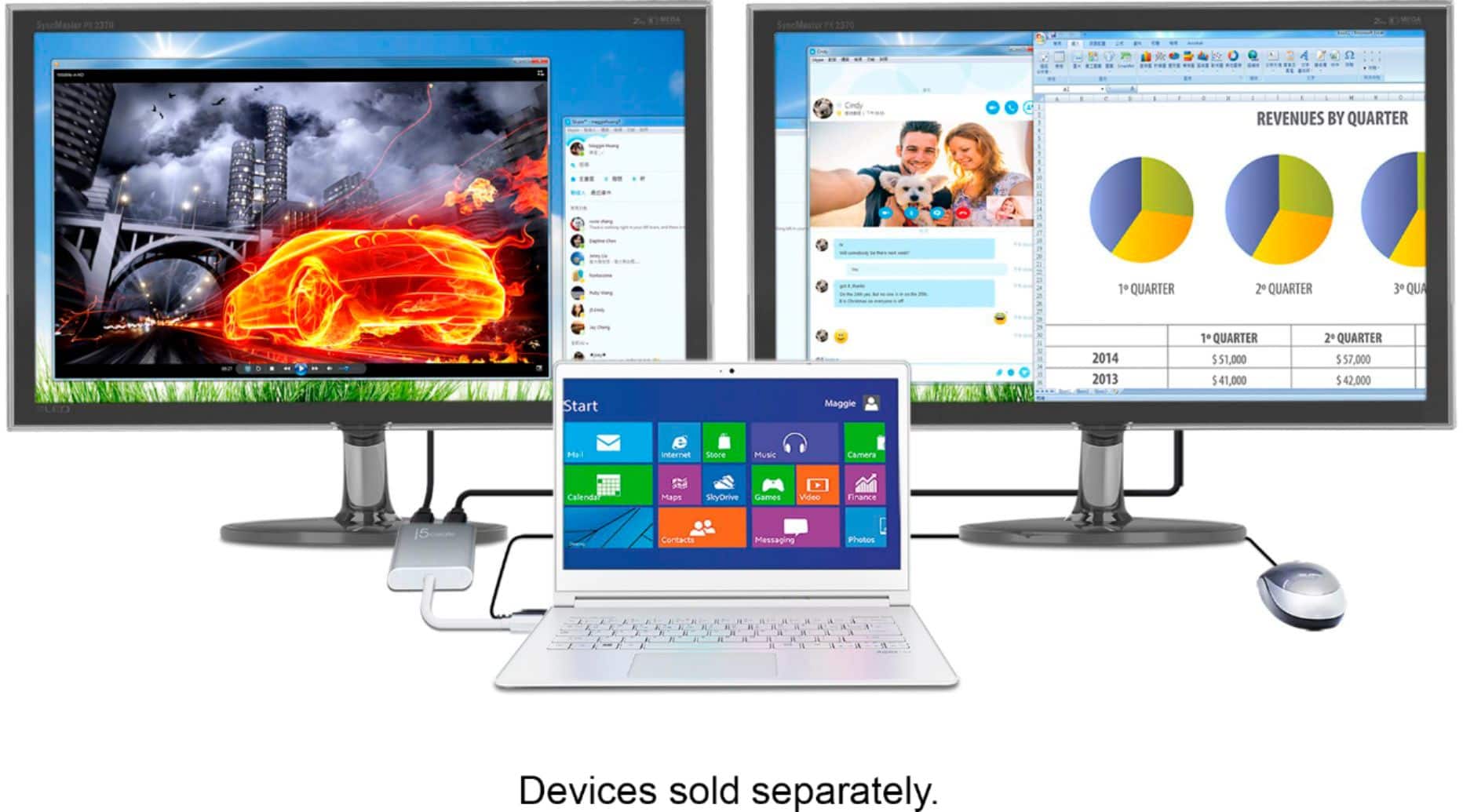
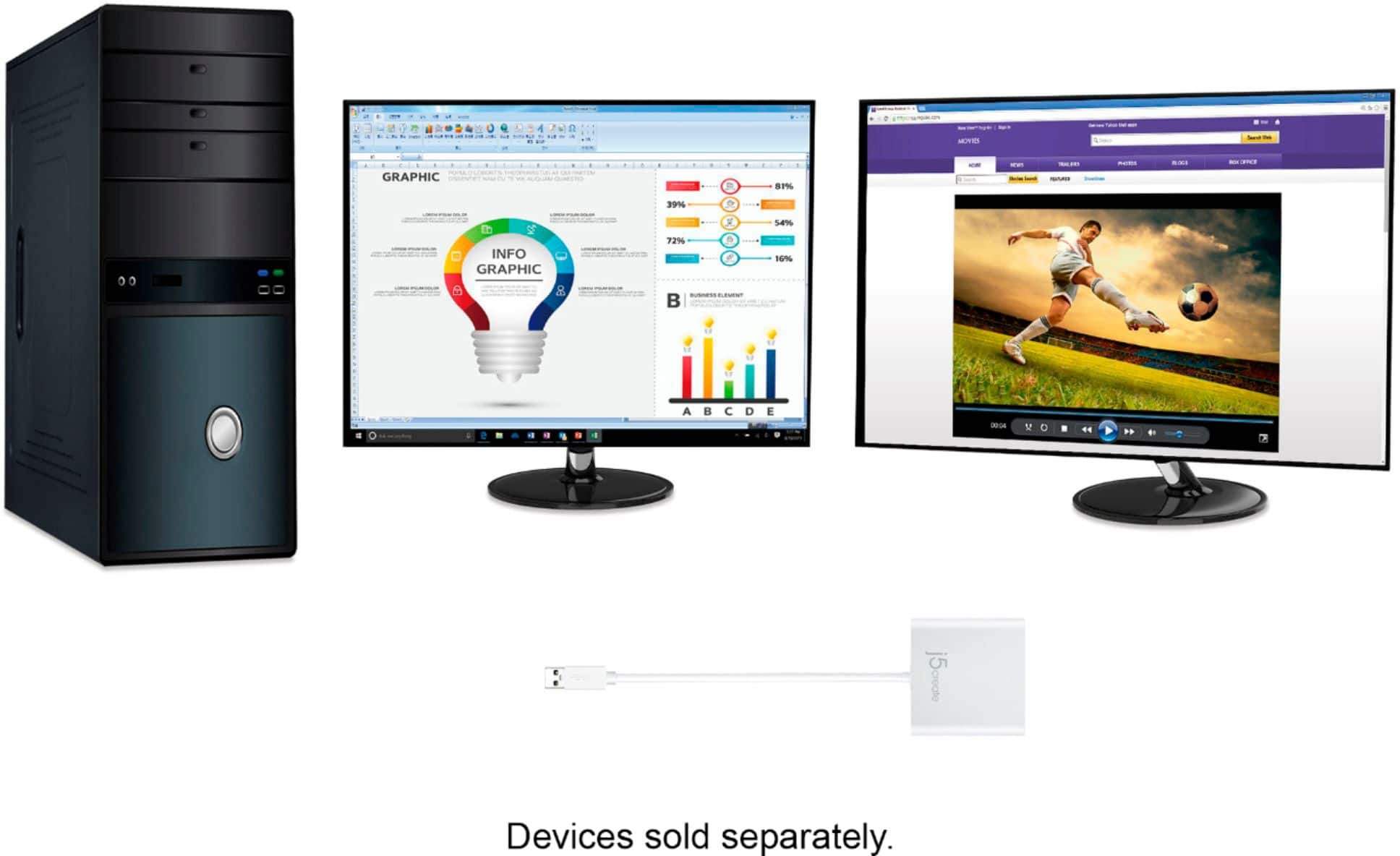
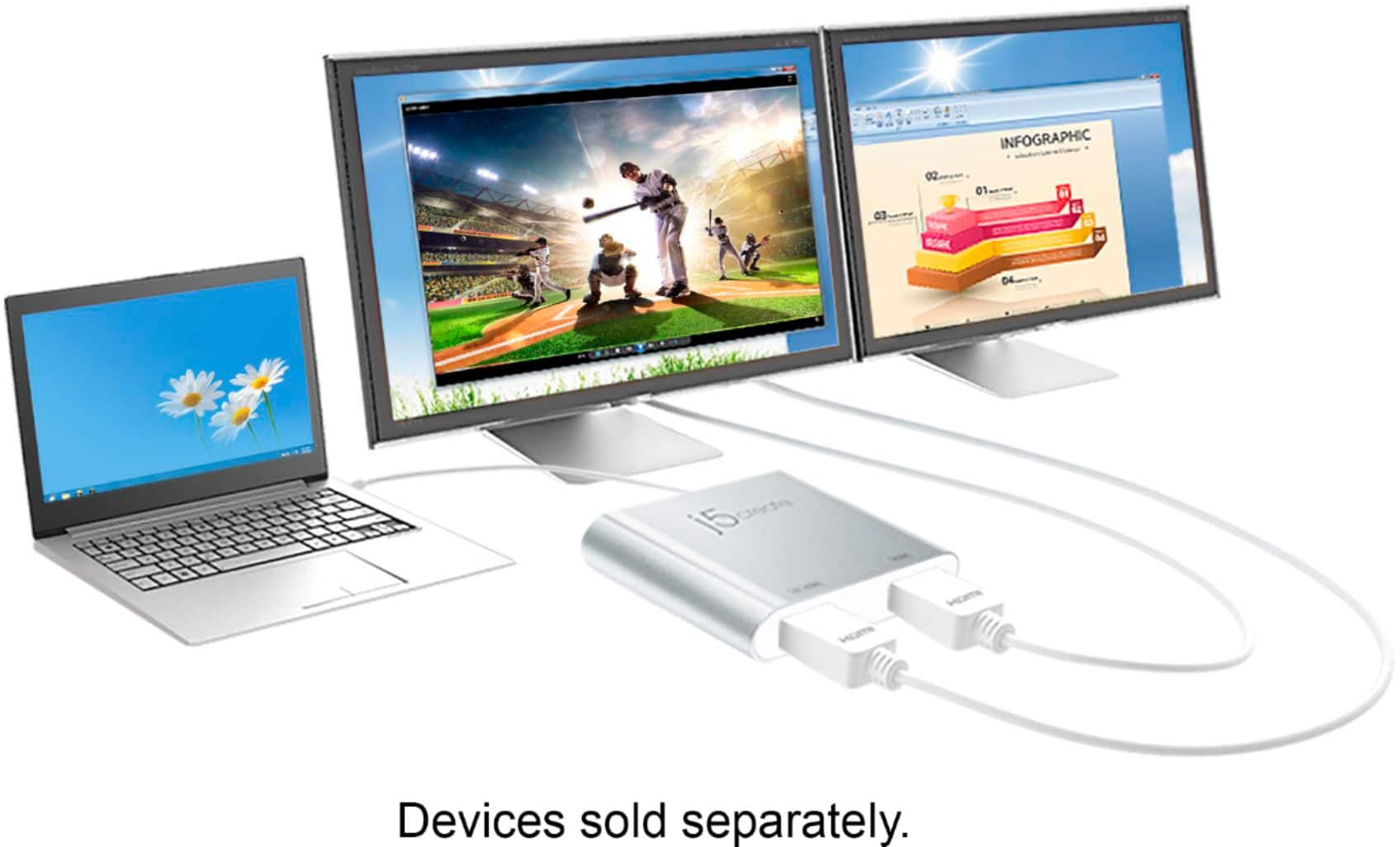
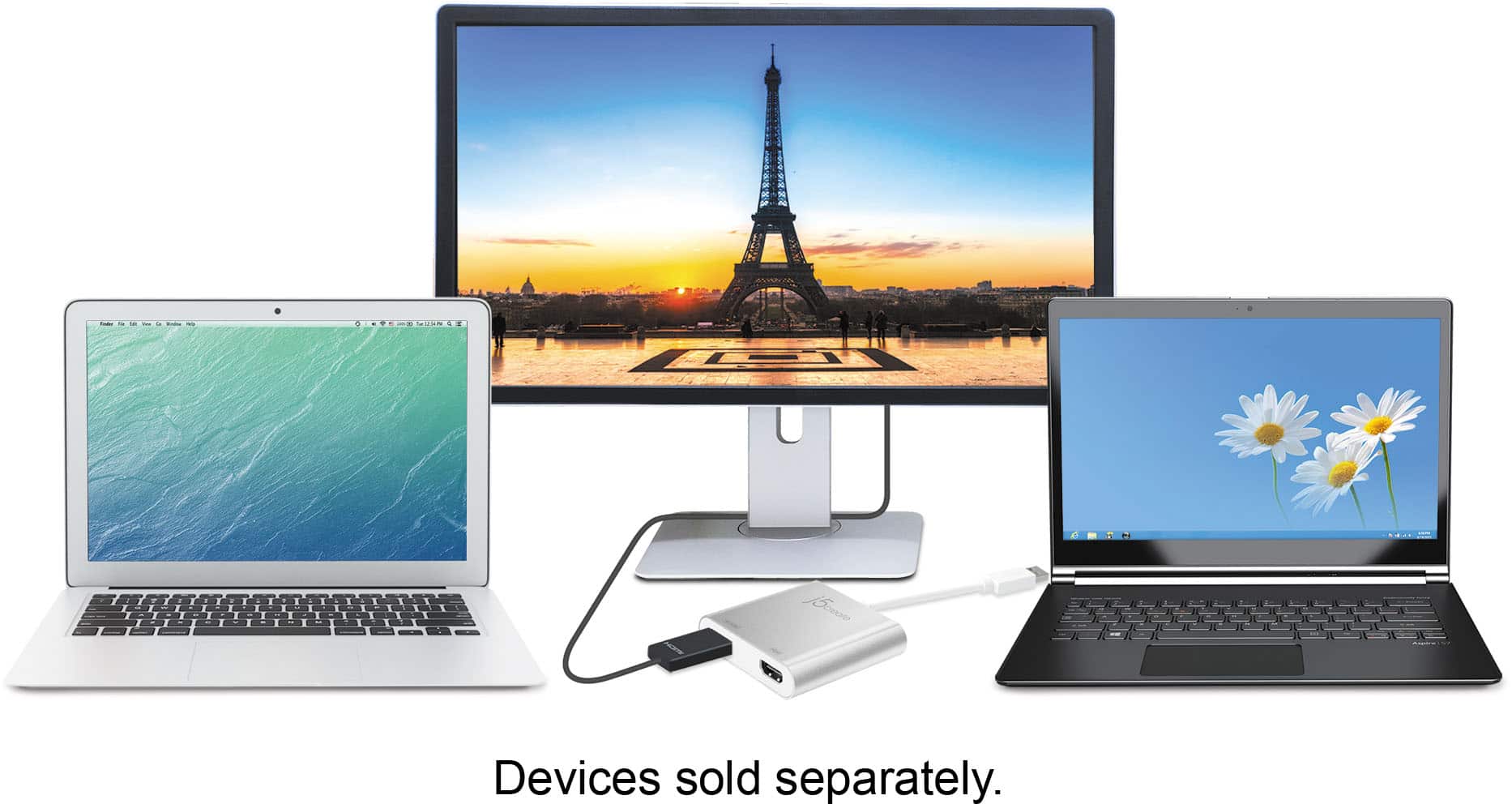
Customers highly value the USB 3.0 to Dual HDMI Multi-Monitor Adapter for its ease of use, HDMI ports, and overall performance. Compatibility and size are also appreciated features. Some customers have expressed concerns regarding the price, driver installation, lag, resolution, and heat.
This summary was generated by AI based on customer reviews.
Works Great.
||Posted .This reviewer received promo considerations or sweepstakes entry for writing a review.You need to install some drivers, but once installed it works great.
I would recommend this to a friendBrand response from J5create Team
Posted .The driver is automatically downloaded when plugged in a network environment. If the automatic download does not start, please install the driver manually on the homepage.

Splitter
||Posted .This reviewer received promo considerations or sweepstakes entry for writing a review.Allowed me to use two computer monitors at once. Great for work.
I would recommend this to a friendBrand response from J5create Team
Posted .Easily add two extra displays to any computer
Works perfectly
||Posted .This reviewer received promo considerations or sweepstakes entry for writing a review.I'm doing a dual screen setup and this works perfectly
I would recommend this to a friendBrand response from J5create Team
Posted .Working perfectly and adding dual screens makes the JUA365 a top choice. We always appreciate customer feedback as it helps us improve. Thanks, Keebler.
Appreciatively,
j5create
Great
||Posted .This reviewer received promo considerations or sweepstakes entry for writing a review.Used to Split screens for desktop so we can use 2 monitors
I would recommend this to a friendBrand response from J5create Team
Posted .Easily add two HDMI video outputs through a single USB Type-A port
Great product for monitor expansion
||Posted .This reviewer received promo considerations or sweepstakes entry for writing a review.Great product for monitor expansion; either Mac or PC!
I would recommend this to a friendBrand response from J5create Team
Posted .Expanding monitor connectivity on your PC or Mac is now easy to do; simply download, install the driver and enjoy the extra work space! Thanks for the feedback, TheTWIN.
Gratefully,
j5create
Great Product
||Posted .This reviewer received promo considerations or sweepstakes entry for writing a review.Great product, perfect for what I need. Great product.
I would recommend this to a friendBrand response from J5create Team
Posted .Great product as stated - reaching up to 4k at 30 hz for a great image is part of the deal with the JUA365. If you experience any issues with your device, please give us a buzz and an agent will happily help.
Appreciatively,
j5create
- Pros mentioned:Hdmi
Solid piece, feels durable
||Posted .This reviewer received promo considerations or sweepstakes entry for writing a review.I bought this to go with my new monitor, which has 3 HDMI ports. Not sure what to do with this thing though. Need to do some research. Currently, I am just using USB connectors instead of the HDMI.
I would recommend this to a friendBrand response from J5create Team
Posted .Solid build for years of use, USB 3.0 connectivity for optimal performance, supporting up to 4k resolution makes the JUA365 a must have; with this adapter, you can now work off 3 screens instead of just 1.
Sincerely,
j5create
Works great
||Posted .This reviewer received promo considerations or sweepstakes entry for writing a review.Everything seems to be working great for my multi monitor set up.
I would recommend this to a friendBrand response from J5create Team
Posted .Easily add two HDMI video outputs through a single USB Type-A port
Easy Setup
||Posted .This reviewer received promo considerations or sweepstakes entry for writing a review.Comes in handy for dual or triple monitors. Mac or PC.
I would recommend this to a friendBrand response from J5create Team
Posted .MJ30, Thanks for taking the time to write a review on the JUA365.
Have a great day,
j5create
Great quality and product
||Posted .This reviewer received promo considerations or sweepstakes entry for writing a review.Best Buy always has great quality and warranty!!!!
I would recommend this to a friendBrand response from J5create Team
Posted .Great quality and warranty; when it comes to adding a display to work with on your Windows or Mac, the JUA354 supports up to 4k resolution making an excellent choice - thanks, MommaJ.
Gratefully,
j5create
2 computer screens
||Posted . Owned for 11 months when reviewed.This reviewer received promo considerations or sweepstakes entry for writing a review.Didn’t need it after purchase. I kept it because I thought it would come in handy but haven’t used it yet
I would recommend this to a friendGood item but stilk can deliver more
||Posted .This reviewer received promo considerations or sweepstakes entry for writing a review.Good product but ratio rendering image can be better
I would recommend this to a friendBrand response from J5create Team
Posted .Easily add two HDMI video outputs through a single USB Type-A port
Works
||Posted .This reviewer received promo considerations or sweepstakes entry for writing a review.This gets the job done and is an affordable option.
I would recommend this to a friendBrand response from J5create Team
Posted .Easily add two extra displays to any Mac or Windows computer
Didn’t work for me and my pc
||Posted . Owned for 1 year when reviewed.This reviewer received promo considerations or sweepstakes entry for writing a review.Didn’t work for me. Product support wasn’’t helpful to find an HDMI splitter for my laptop, so i gave up and returned the multiple splitters i tried with. my pc
No, I would not recommend this to a friendBrand response from J5create Team
Posted .This adapter does not require an HDMI splitter, it’s designed to connect directly to two monitors via its built-in HDMI ports once the Driver software is installed.
- Pros mentioned:Performance
none
||Posted .This reviewer received promo considerations or sweepstakes entry for writing a review.gets the job done...........................................................................................................
I would recommend this to a friendBrand response from J5create Team
Posted .Increase efficiency by easily adding two extra displays to any computer.
Works
||Posted .This reviewer received promo considerations or sweepstakes entry for writing a review.Needed an option for dual monitors and this did the trick
I would recommend this to a friendMulti-Monitor Adapter
||Posted . Owned for 1 month when reviewed.This reviewer received promo considerations or sweepstakes entry for writing a review.It works for one monitor but not both plugged in to this adapter. I have to plug the other monitor directly into my laptop. Not sure if it's compatibility issues with the monitors or the computer.
No, I would not recommend this to a friendBrand response from J5create Team
Posted .Please use HDMI cables with the correct input selected on the monitors. Cordially, j5.
Work for basics
||Posted . Owned for 10 months when reviewed.This reviewer received promo considerations or sweepstakes entry for writing a review.This worked well, but I needed to set up a third monitor which wasn't possible. There was some mouse and keyboard lag which I assumed was because it didn't have a separate power supply.
No, I would not recommend this to a friendBrand response from J5create Team
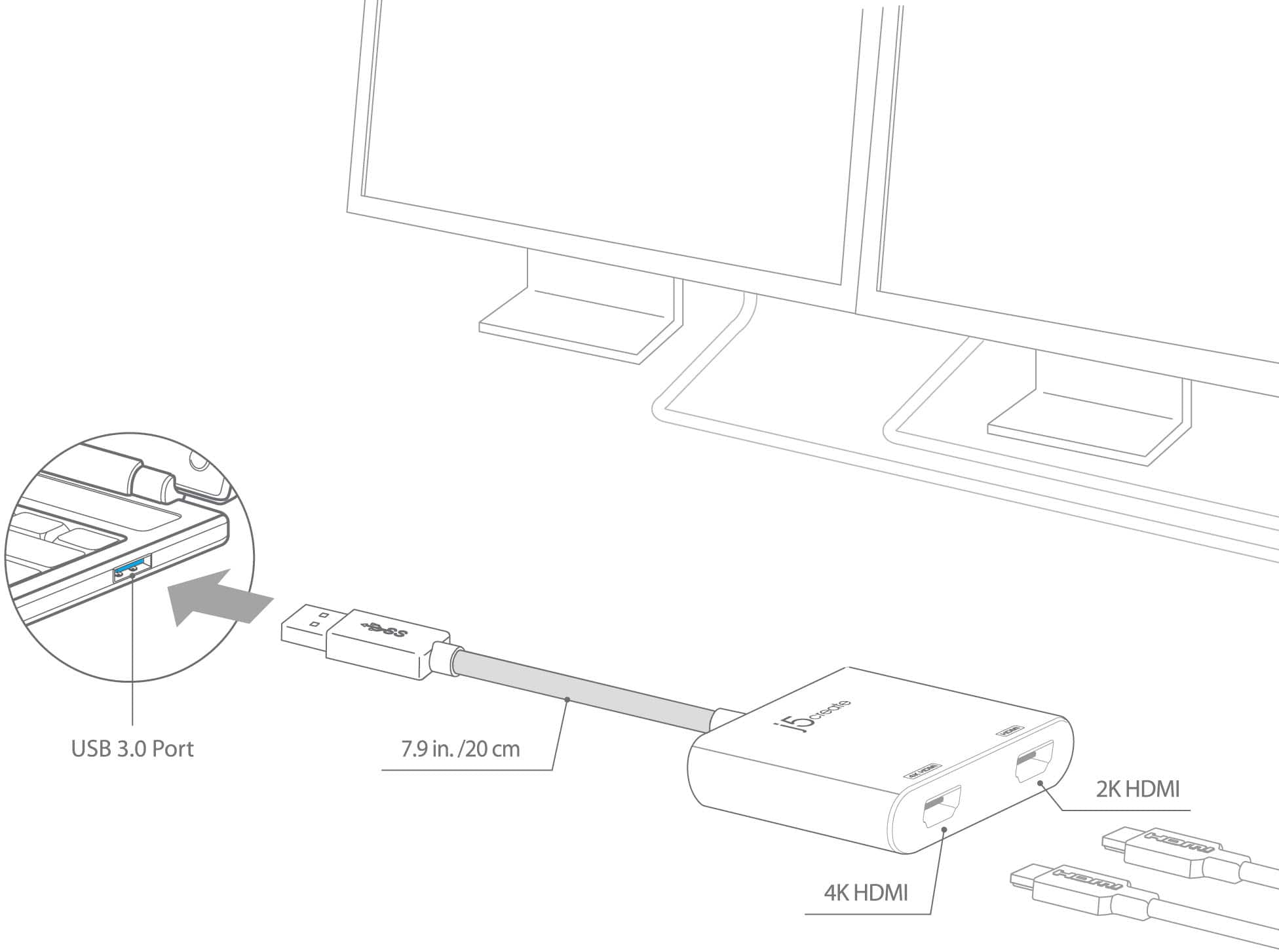
Posted .One of the HDMI ports can output resolutions up to 4K, while the other can output resolutions up to 2048 x 1152.
Did not accomplish what I expected
||Posted .This reviewer received promo considerations or sweepstakes entry for writing a review.I purchased this after buying two brand new HP 25in displays with the goal of running a dual monitor setup off my MacBook Pro (Retina, 15-in, Mid 2015). While it did accomplish a dual monitor-esque type setup, it came with many flaws. First, I had to install software before using the product, which is unheard of. Second, it did not work properly. Have you ever tried to remote into a desktop on a slow connection and you are presented with a downgraded quality display? This is exactly what happens. It is slow, flickers, and does not produce a 100% clone of the graphics that you would expect. I immediately returned this product in favor of 2x MDP to HDMI cables instead (which only cost $8 each also).
No, I would not recommend this to a friendBrand response from J5create Team
Posted .Proper functionality entails downloading and installing a driver on a Mac platform. It is not a PnP device. Resolution can be changed in Arrangement tab under System Preferences. Unfortunately, the adapter is not intended for graphic intensive applications. Cordially, j5
It’s okay
||Posted . Owned for 1 month when reviewed.This reviewer received promo considerations or sweepstakes entry for writing a review.This works okay but sometimes give glitches with my screens where it will connect both monitors and then cut off. On and off, on and off. I usually have to play with it for it to stop
No, I would not recommend this to a friendBrand response from J5create Team
Posted .Hello, please test with another video cable, uninstall and reinstall drivers, check any available updates on your computer such as BIOS, S/H drivers, etc. Thank you, NTCS.