Customer Ratings & Reviews
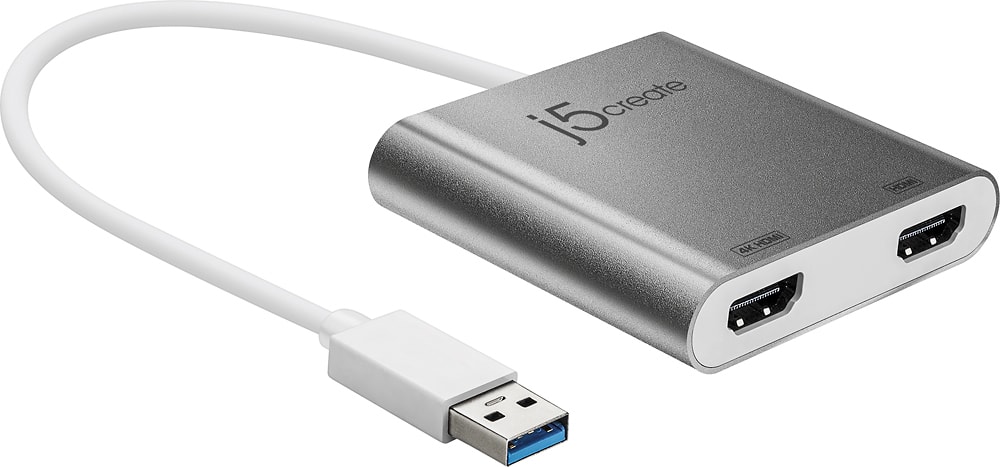
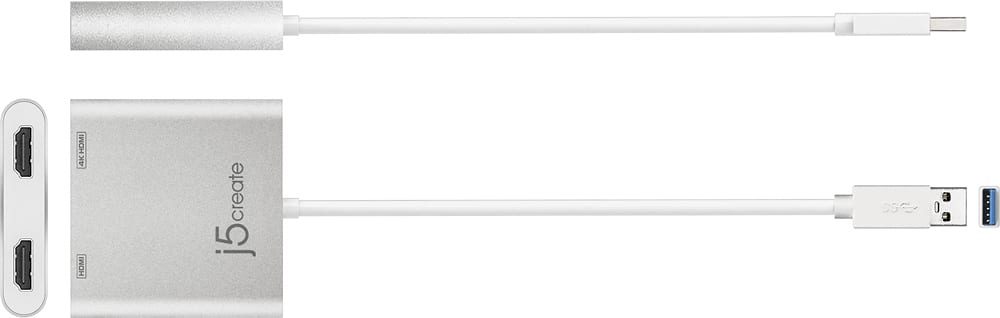
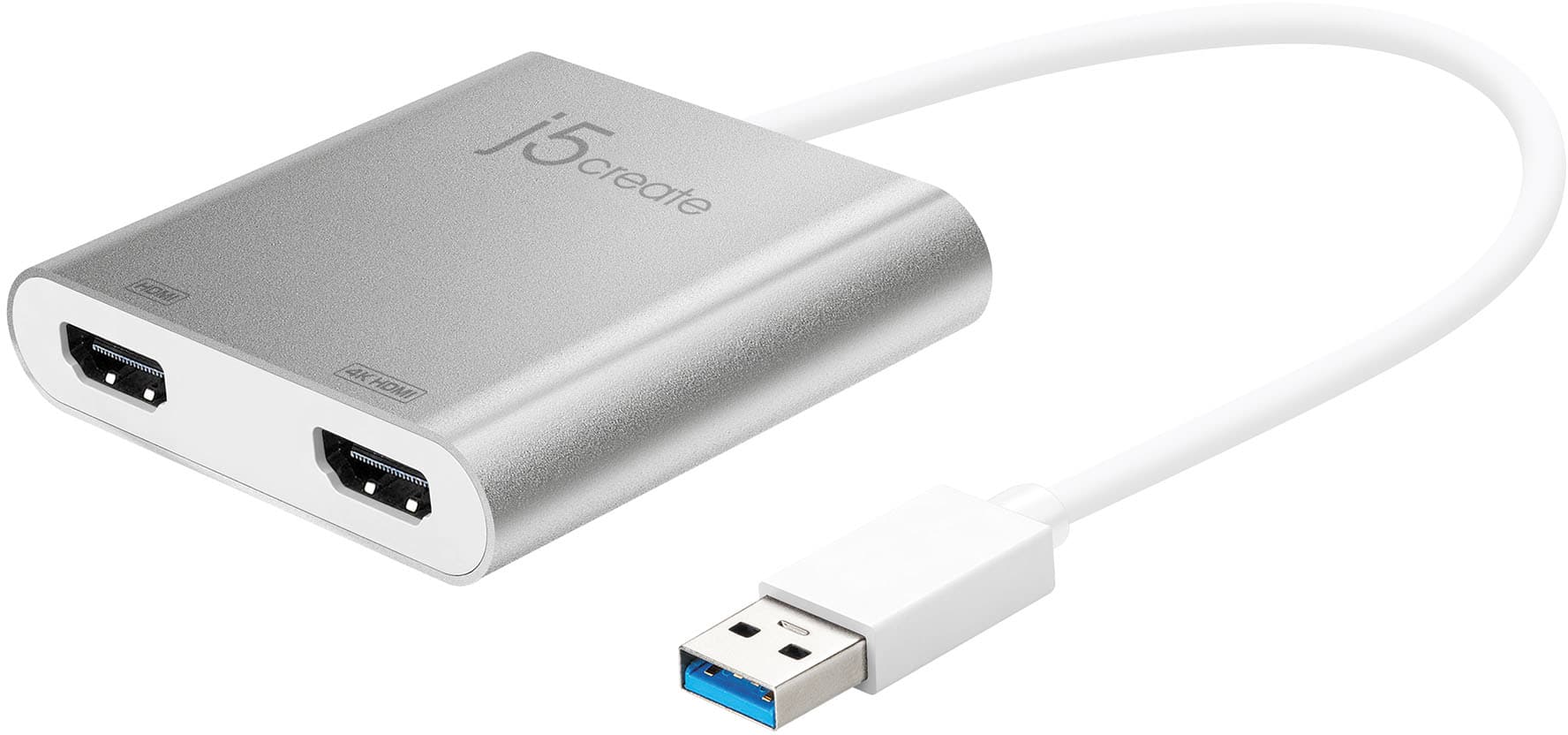
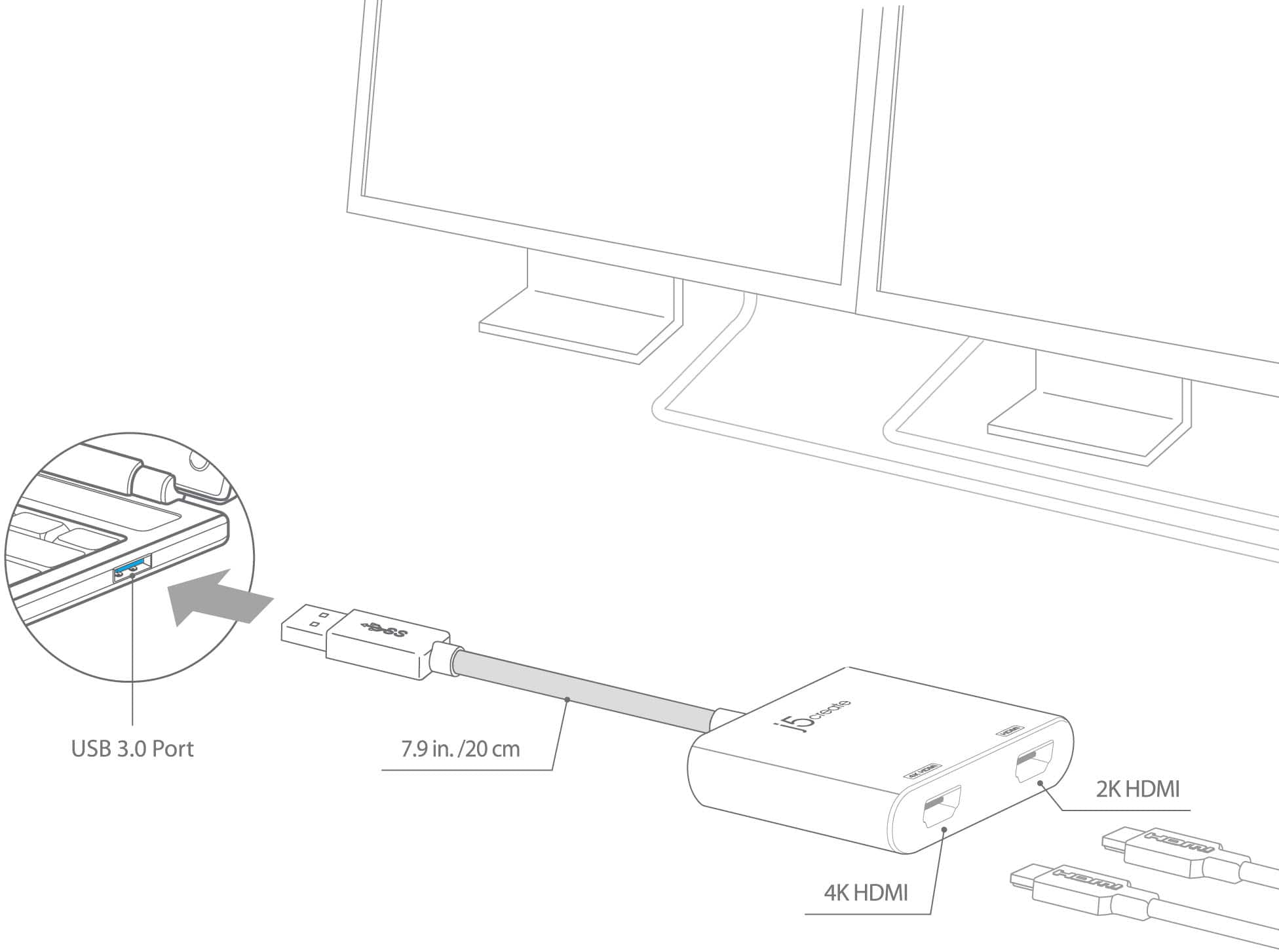
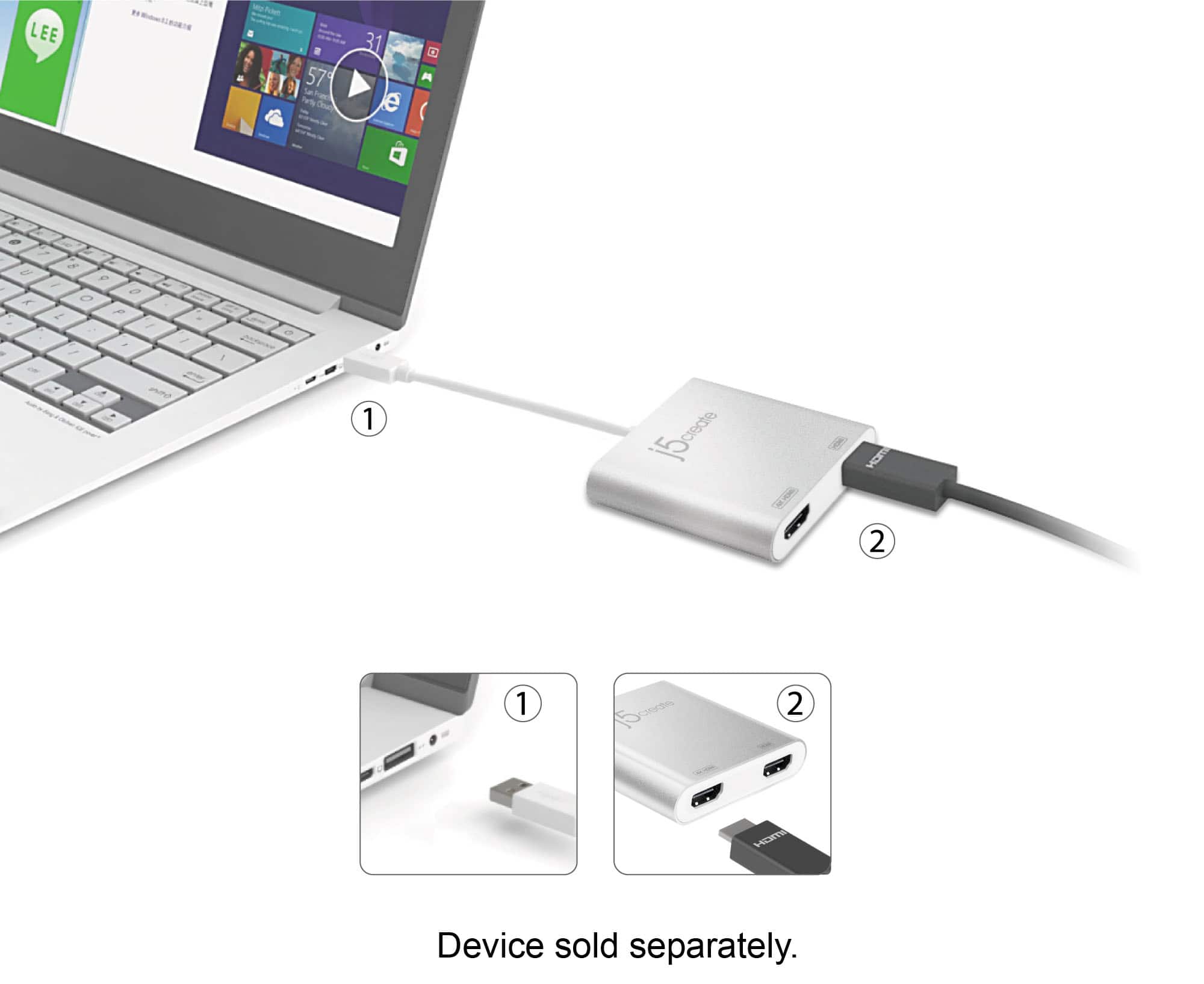
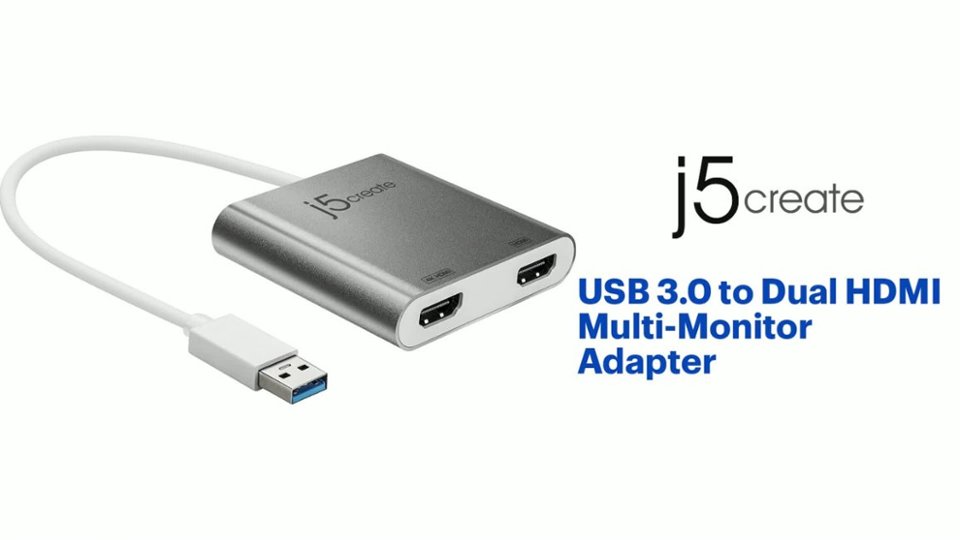
- Model:
- JUA365
- SKU:
- 5615018
Rating by feature
- Value
Rating 4.3 out of 5 stars
- Quality
Rating 4.6 out of 5 stars
- Ease of Use
Rating 4.6 out of 5 stars
Customers are saying
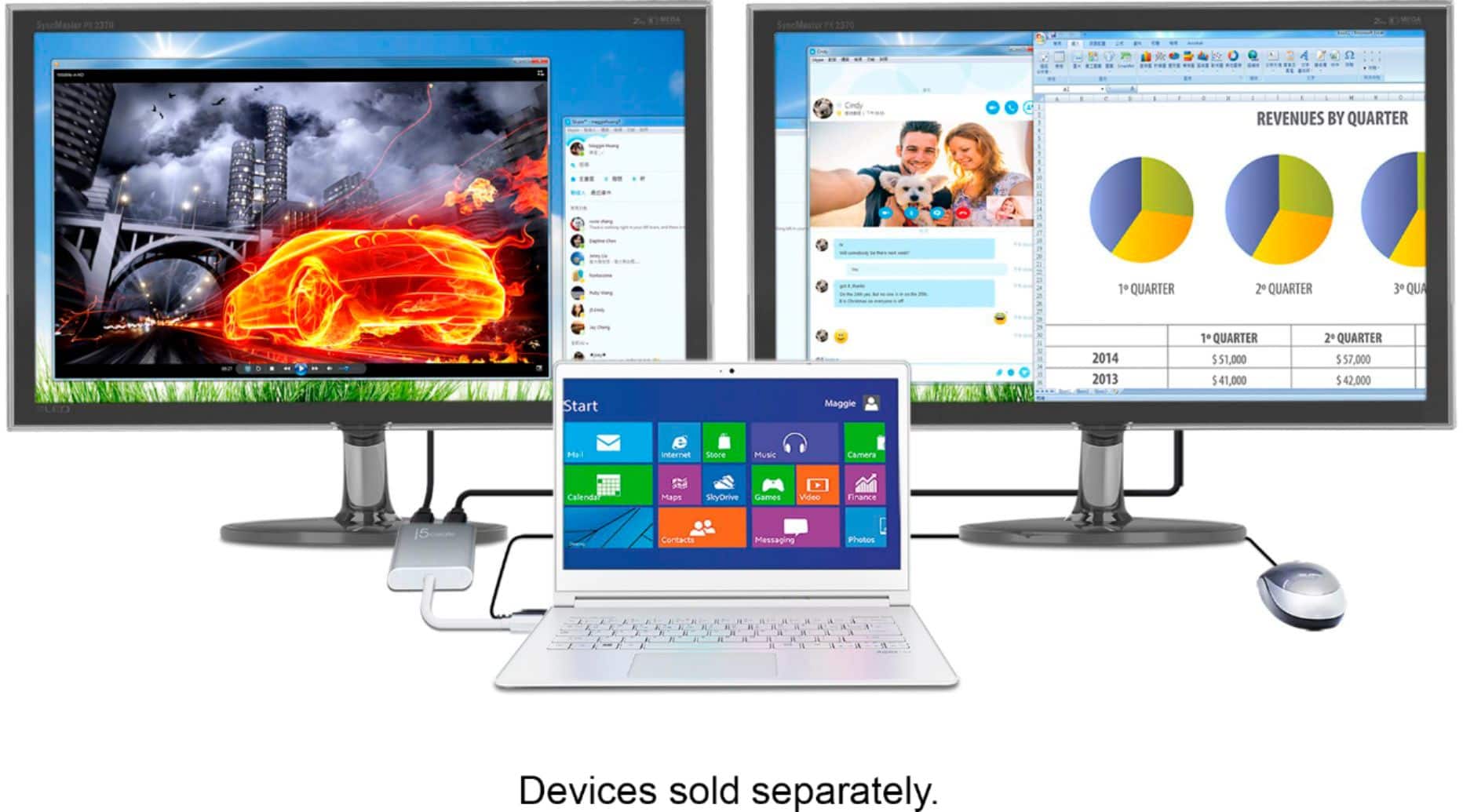
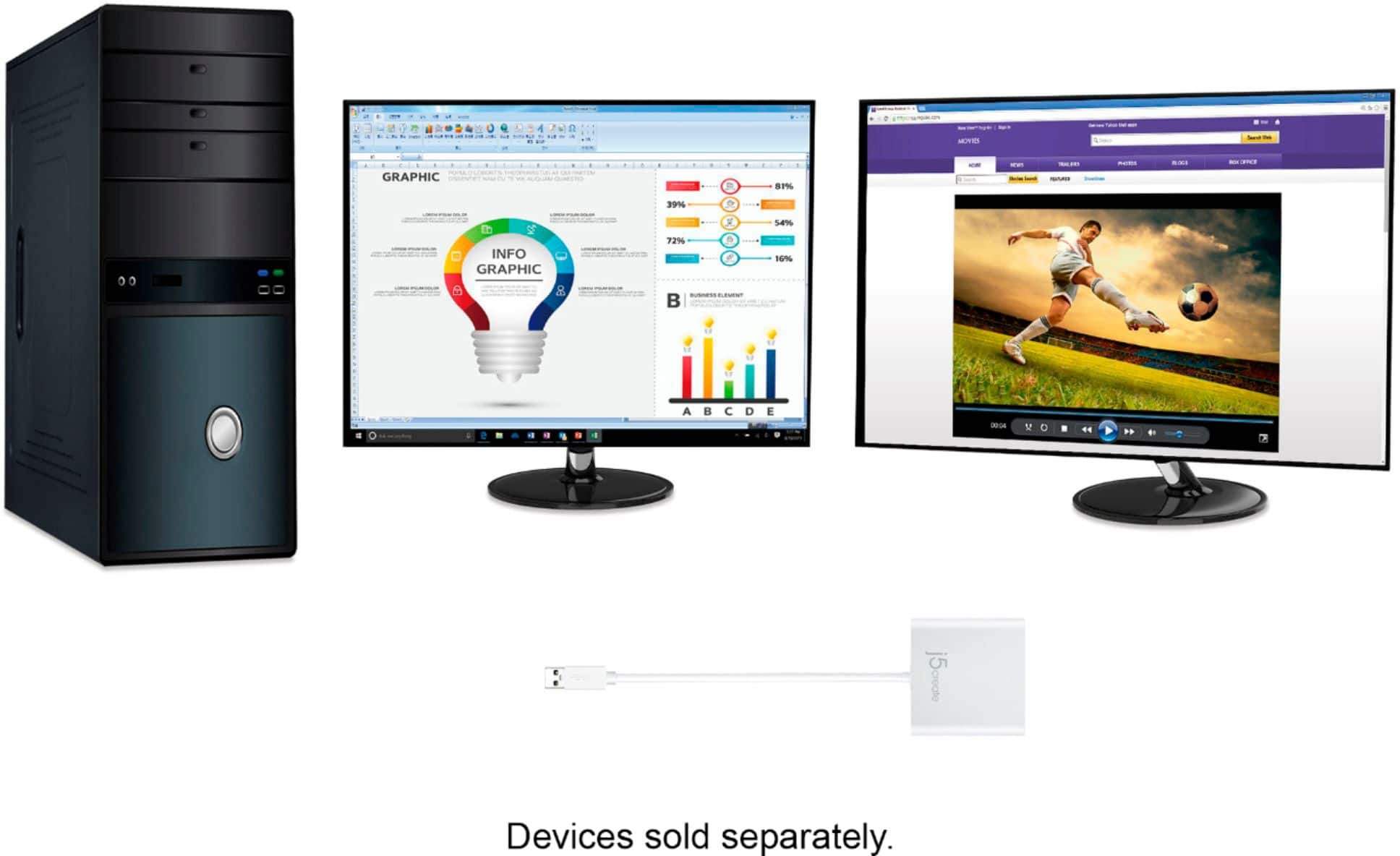
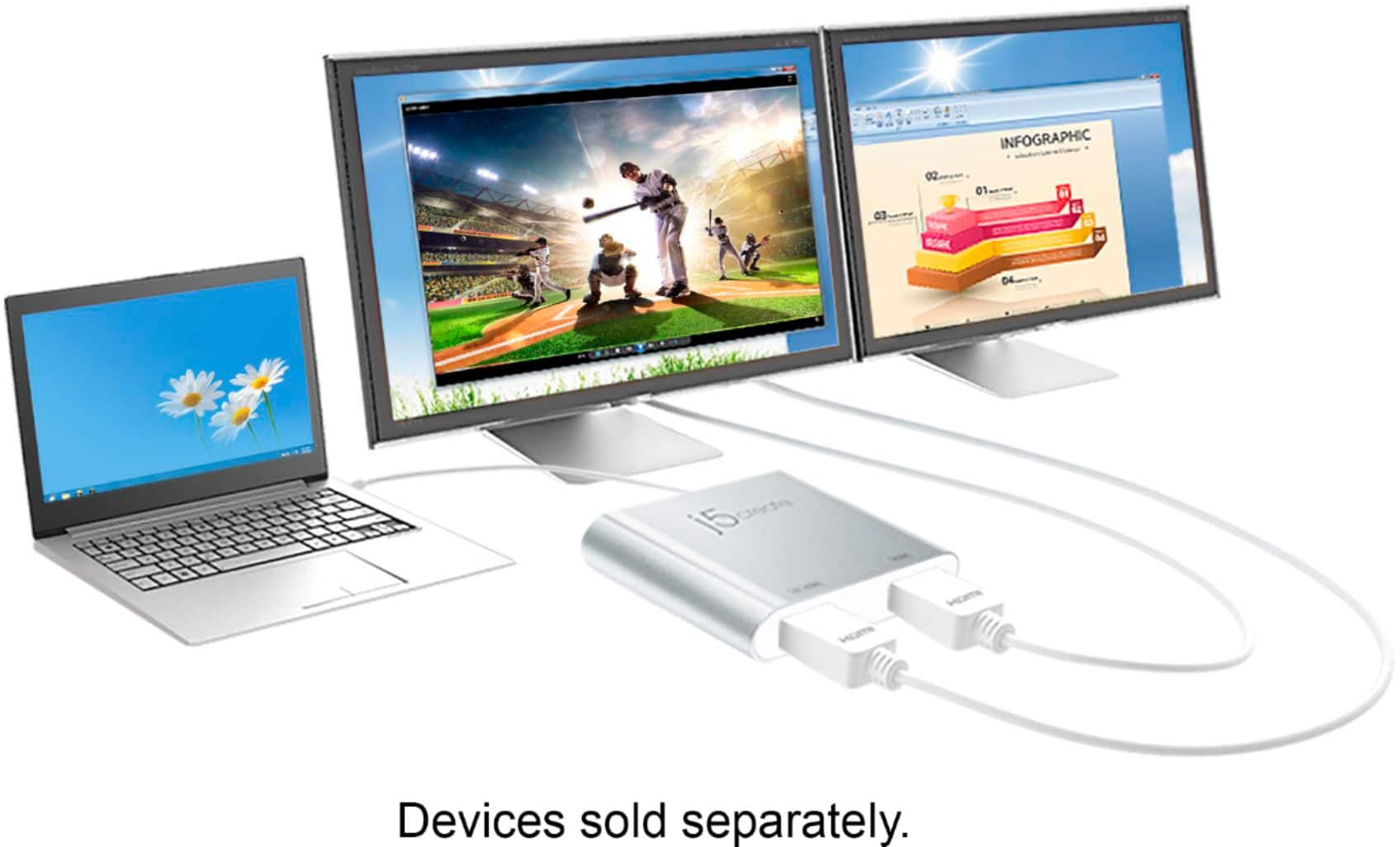
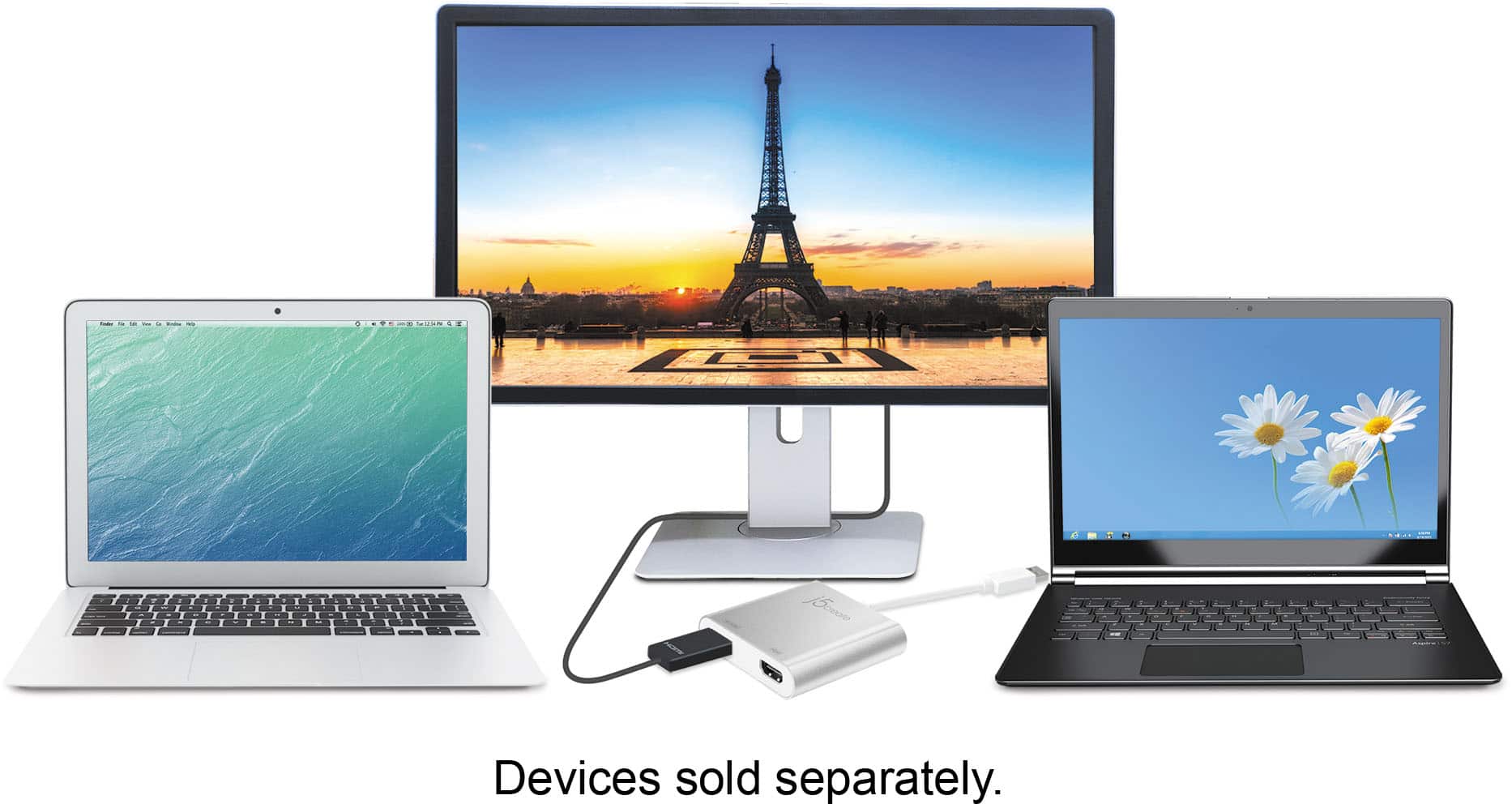
Customers highly value the USB 3.0 to Dual HDMI Multi-Monitor Adapter for its ease of use, HDMI ports, and overall performance. Compatibility and size are also appreciated features. Some customers have expressed concerns regarding the price, driver installation, lag, resolution, and heat.
This summary was generated by AI based on customer reviews.
Its Ok if you want to Use Basic Programs
||Posted . Owned for 1 month when reviewed.This reviewer received promo considerations or sweepstakes entry for writing a review.Its Ok if you want to Use Basic Programs(Excel, Word & PowerPoint), but is slow for games and Autocad because the USB 3.0 Connection.
No, I would not recommend this to a friendBrand response from J5create Team
Posted .Good Morning JALE, we apologize for the issues you experienced using the JUA365 HDMI adapter and the poor performance you had with it. The JUA365 because it works off a driver will have some slight delay when using software programs such has AutoCAD, in this case we would recommend using a "Plug-and-Play" device as they work off the computer's hardware and there will not be any kind of delay there. Please feel free to contact us at your earliest convenience with our information on the packaging for
Technical Support with questions, comments, concerns
regarding your j5create device and someone will be more than happy to further assist you and potentially provide a solution to your situation.
We also provide both Spanish and English speaking Technical Support. Thank you.
Screen Connector
||Posted . Owned for 1.5 years when reviewed.This reviewer received promo considerations or sweepstakes entry for writing a review.Problems with this product connecting to my laptop. I also forgot to buy the soundbar - which is annoying.
I would recommend this to a friendBrand response from J5create Team
Posted .You can quickly install the driver with a simple USB plug-in.(Window only) Afterwards, connect the device to your monitors using HDMI cables and then you will have a dual-display workstation. For Mac computers, please install the drivers manually through our website. Respectfully, j5
Did not work for extend laptop to 2 monitoeo
||Posted . Owned for 1 week when reviewed.This reviewer received promo considerations or sweepstakes entry for writing a review.I wanted this to attach to my laptop to extend to 3 screens. Wasn’t compatible switch
No, I would not recommend this to a friendBrand response from J5create Team
Posted .Proper functionality entails downloading and installing a driver on a Windows or Mac platform. Depending on the OS you have, different instructions apply and if you could please contact our support team, a specialist will be more than happy to lend a helping hand. Thank you.
- Cons mentioned:Driver
Requires Drivers
||Posted .This reviewer received promo considerations or sweepstakes entry for writing a review.I gave it a one star because it didnt work for me. I was trying to setup a dual monitor situation with my work laptop. Because I do not have administrative rights I could not download the necessary drivers for my Lenovo laptop. Instead I bought an insigna adapter with one HDMI port and a C Type USB connector. As my laptop only has one HDMI port so the adapter was needed.
No, I would not recommend this to a friendBrand response from J5create Team
Posted .AceBandito, I regret to hear about the inconvenience in regards to the administrative rights. Due to work computers having such limitations, you may not be able to install the driver and in such cases, we recommend having your employer's IT dept. contact us directly for assistance. If in the future, you have any questions or concerns with our devices or software, please reach out to support and a rep will be more than happy to help.
Respectfully,
j5create
No sound
||Posted . Owned for 3 weeks when reviewed.This reviewer received promo considerations or sweepstakes entry for writing a review.Projection to monitors works great. Sound from laptop doesn’t work when plugged in to adapter
No, I would not recommend this to a friendBrand response from J5create Team
Posted .Hello, in order to have the audio output through the device,, it will require that you change the "Default playback device" for your computer. ** If you require further assistance; please contact the j5create Technical Support team and we will be glad to further assist if necessary. Thank you.
HDMI
||Posted . Owned for 3 weeks when reviewed.This reviewer received promo considerations or sweepstakes entry for writing a review.This was difficult to set up, but the most frustrating part was when ever I downsized or upsized windows, the add on monitor froze...it had to be unplugged and plugged back in. This was a MacBook so that could be part of the problem...
No, I would not recommend this to a friendBrand response from J5create Team
Posted .If you have more specific details about the issue, please reach out to j5create customer support team for troubleshooting. Thank you.
This does NOT work with macOS Big Sur!
||Posted . Owned for less than 1 week when reviewed.This reviewer received promo considerations or sweepstakes entry for writing a review.As of 11/30/2020 this does NOT work with the macOS Big Sur update! Check their website before you buy!
I would recommend this to a friendBrand response from J5create Team
Posted .Hello,
Our software drivers are currently not compatible with MacOS Big Sur. Our developers are currently working on updating our drivers to be compatible with Big Sur. Once the updated drivers are released a notice will be put on the j5create website. Your patience is greatly appreciated.
Thank you,
j5create
As described
||Posted . Owned for 3 weeks when reviewed.This reviewer received promo considerations or sweepstakes entry for writing a review.Not as crisp as we had hoped for but it is ok. Next time we will go for additional USB ports on the pc.
No, I would not recommend this to a friendBrand response from J5create Team
Posted .Hello Ashley,
This adapter will provide better resolution if only one monitor is plugged in to it. With two monitors it will only support 1080p. We appreciate your feedback.
Thanks,
j5create
- Pros mentioned:Ease of use
This is a hand little adapter.
||Posted .This reviewer received promo considerations or sweepstakes entry for writing a review.This adapter has made it easy to connect my iPad to my TV, what a great convenience.
I would recommend this to a friendBrand response from J5create Team
Posted .For those looking to have 2 additional monitors to work off of, the JUA365 is the right adapter for you; supporting up to 4K resolution and durable build make this a top seller.
Sincerely,
j5create
Not that great
||Posted . Owned for 2 months when reviewed.This reviewer received promo considerations or sweepstakes entry for writing a review.Didn’t even work and too much confusion in trying to fix the prouduct
No, I would not recommend this to a friendBrand response from J5create Team
Posted .Ensure the correct driver is installed from the j5create support website. The adapter relies on this to function properly.
Verify that your system meets the requirements for the adapter, including a USB 3.0 port and supported operating systems.
Plug the adapter directly into your computer rather than through a hub, as hubs can sometimes cause connectivity issues.
If you have more specific details about the issue, please reach out to j5create customer support team for troubleshooting. Thank you.
Hmmm
||Posted . Owned for 1 month when reviewed.This reviewer received promo considerations or sweepstakes entry for writing a review.Not sure it was user error or whatever, not as plug and play as it should be for as expensive as it was.
No, I would not recommend this to a friendBrand response from J5create Team
Posted .Hi!
I'm so sorry to hear about this! If you would contact my customer service department we'd be more than happy to help get you up and running! Our information can be found on the back of all of our product boxes and on our website.
Thanks,
j5create
didn't work with my Dell
||Posted . Owned for 8 months when reviewed.This reviewer received promo considerations or sweepstakes entry for writing a review.Purchased but it didn't work with my laptop. Trying to find other usage within the home.
No, I would not recommend this to a friendBrand response from J5create Team
Posted .I apologize the Adapter did not work with your computer. We also make PnP device which requires no drivers to be used. If your computer supports DP Alt. Mode (Type-C connection). Please visit j5create.com and look at our USB Type-C devices. Sincerely, j5create.
Ok product
||Posted .This reviewer received promo considerations or sweepstakes entry for writing a review.My second monitor moves really slow..Sp right now just using my laptop and one monitor with this...
I would recommend this to a friendBrand response from J5create Team
Posted .Hello,
If you are still seeing this issue with your second monitor moving slow I would recommend contacting j5create customer support. You can find our contact information on our website: https://en.j5create.com/pages/contact-us
Have a good day,
j5create
- Pros mentioned:Ease of use
Great Product
||Posted .This reviewer received promo considerations or sweepstakes entry for writing a review.This is the first I have used a device of this nature...works excellent.
I would recommend this to a friendBrand response from J5create Team
Posted .Using an adapter for the first time to add monitors to work off and performing excellent is what the JUA365 does; quality in every detail at it's best.
Cordially,
j5create
Ok
||Posted .This reviewer received promo considerations or sweepstakes entry for writing a review.Did not work with my MacBook, but with the laptop.
I would recommend this to a friendBrand response from J5create Team
Posted .Proper functionality entails downloading and installing a driver on a Windows or Mac platform. Depending on the OS you have, different instructions apply. ** Feel free to contact j5create Technical Support if you require further assistance. Their information can be found on our website under the "Support" tab. Thank you.
Adapter HDMI to USB
||Posted . Owned for 1 week when reviewed.This reviewer received promo considerations or sweepstakes entry for writing a review.It did not work with my laptop and tevelision setup.
No, I would not recommend this to a friendBrand response from J5create Team
Posted .Proper functionality entails downloading and installing a driver on a Windows or Mac platform. Depending on the OS you have, different instructions apply. Please contact our Technical Support Team, so that they can get more information from you. Their information can be found on our website under the "Support" tab and a specialist will be ready to assist you. Thank you.
- Pros mentioned:Hdmi
love it
||Posted .This reviewer received promo considerations or sweepstakes entry for writing a review.love it. Now I can play my xbox and playstation at the same time
I would recommend this to a friendBrand response from J5create Team
Posted .Providing the user with up to 2 additional monitors to work off at USB 3.0 speeds guarantees optimal performance and we are glad to hear it is working to your expectations.
Thanks,
j5create
Indifferent
||Posted . Owned for 3 months when reviewed.This reviewer received promo considerations or sweepstakes entry for writing a review.It was not the ideal product but is a solid starting place for splitting a PC to monitors.
I would recommend this to a friendBrand response from J5create Team
Posted .We are sorry to hear the JUA365 was not what you were looking for. If possible; we would love the opportunity to discuss what you were trying to achieve and offer a working solution, if interested; our support information can be found on the packaging and a representative will be more than happy to help.
Respectfully,
j5create
- Pros mentioned:Performance
Wonderful for dual monitors
||Posted .This reviewer received promo considerations or sweepstakes entry for writing a review.Awesome gadget, I connected it to 3 moniters and it works well
I would recommend this to a friendBrand response from J5create Team
Posted .Awesome gadget for obtaining more monitors supporting up to 4k resolution is what the JUA365 does best - simply download, install the driver and you're done.
Cordially,
j5create
Waste of money if you update your computer often
Posted .This reviewer received promo considerations or sweepstakes entry for writing a review.Items is not compatible with MacOS Big Sur. Best Buy make no mention of it.
No, I would not recommend this to a friendBrand response from J5create Team
Posted .Hello,
We have recently released a Beta Driver for macOS 11.1 Big Sur available! (NOTE: This driver is NOT compatible with M1 Chip mac books & macOS 11.2 Big Sur BETA we advise to disable automatic updates and do NOT update to Big Sur 11.2 at this time). For assistance installing the Big Sur drivers please contact the j5create customer support team:
https://en.j5create.com/pages/support
Thank you,
j5create