Customer Ratings & Reviews
- Model:
- JUA365
- SKU:
- 5615018
Rating by feature
- Value
Rating 4.3 out of 5 stars
- Quality
Rating 4.6 out of 5 stars
- Ease of Use
Rating 4.6 out of 5 stars
Customers are saying
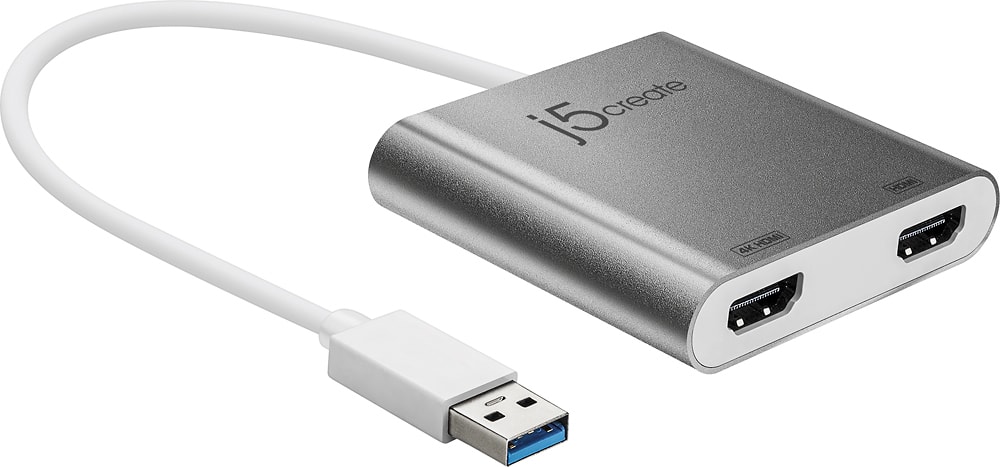
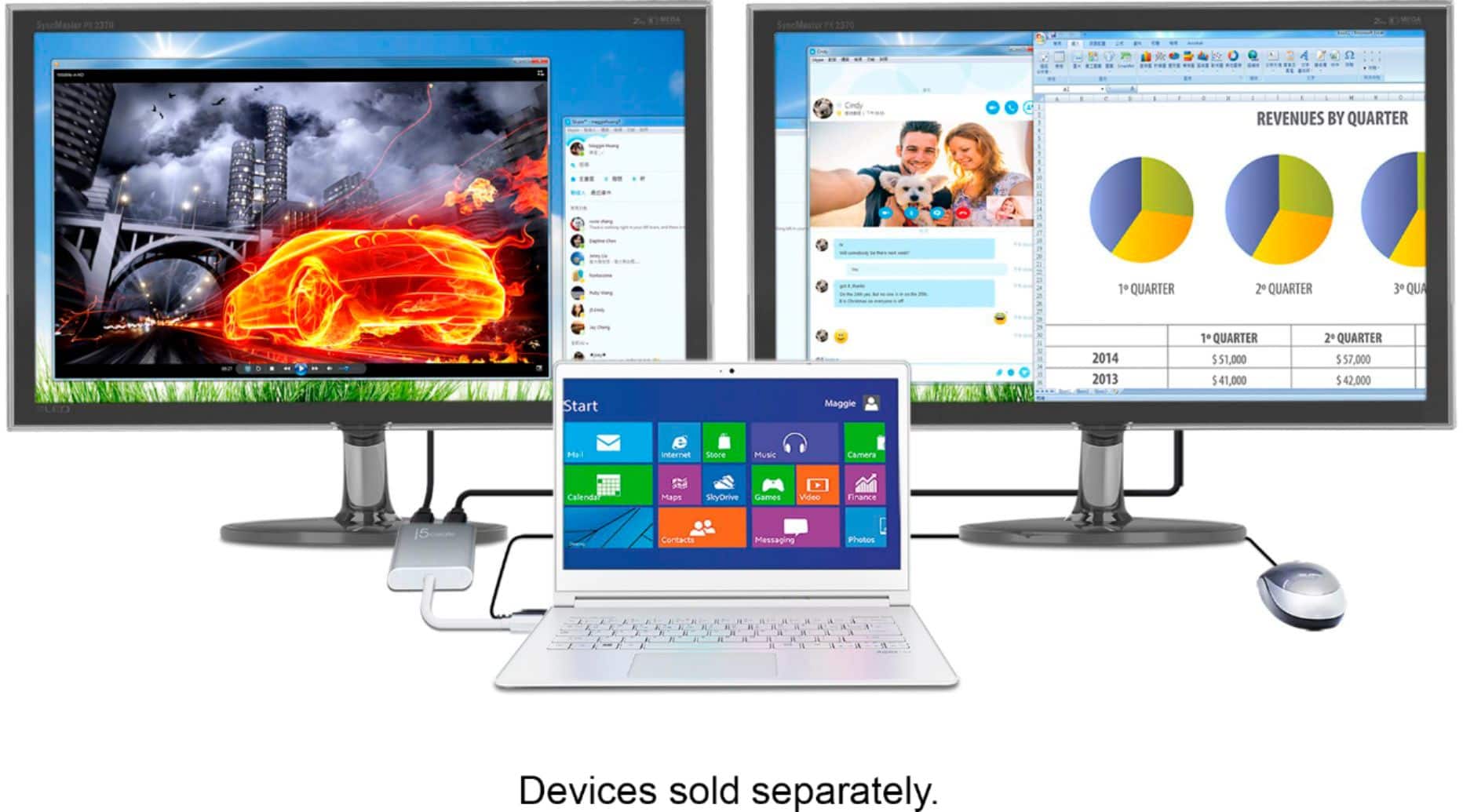
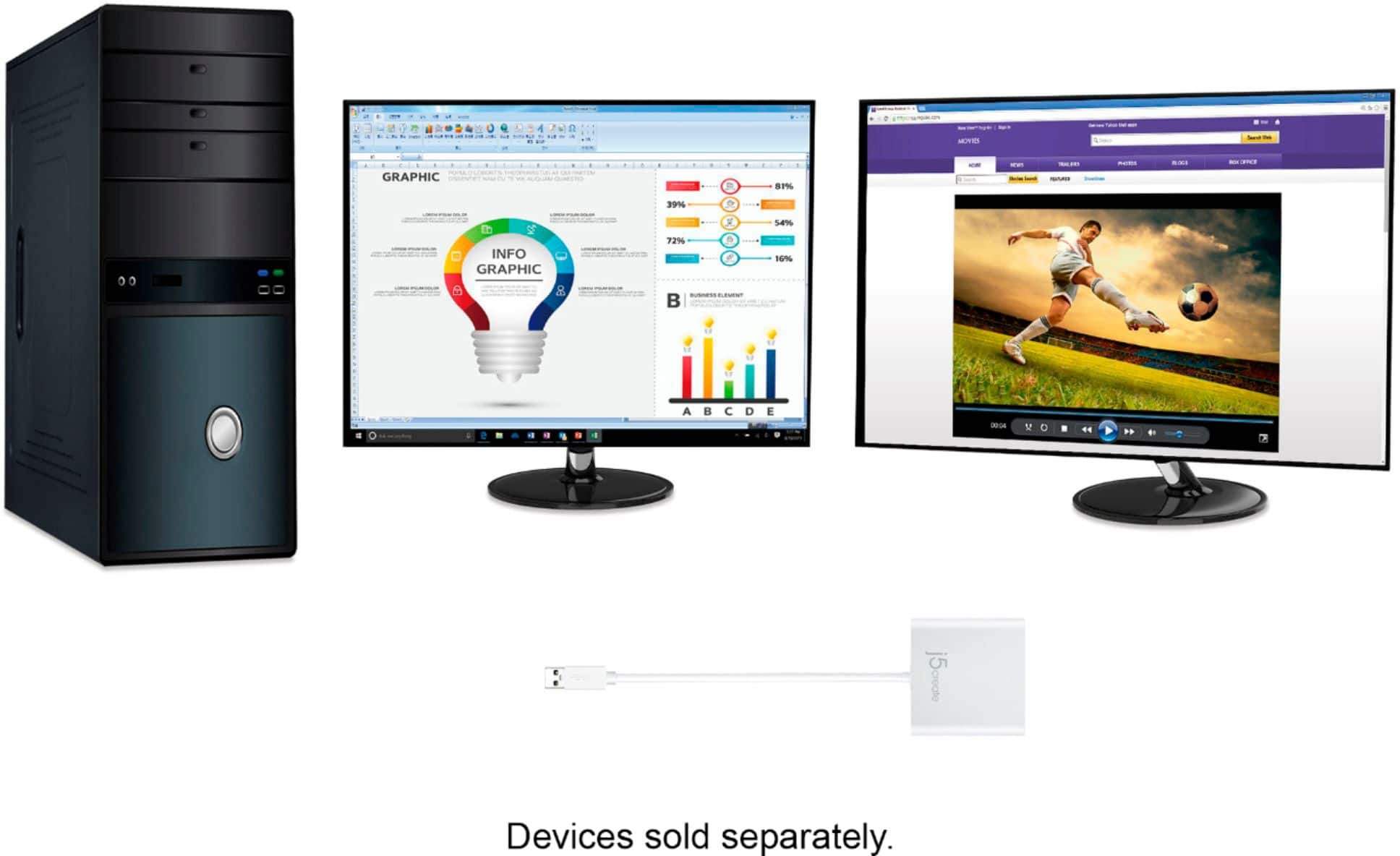
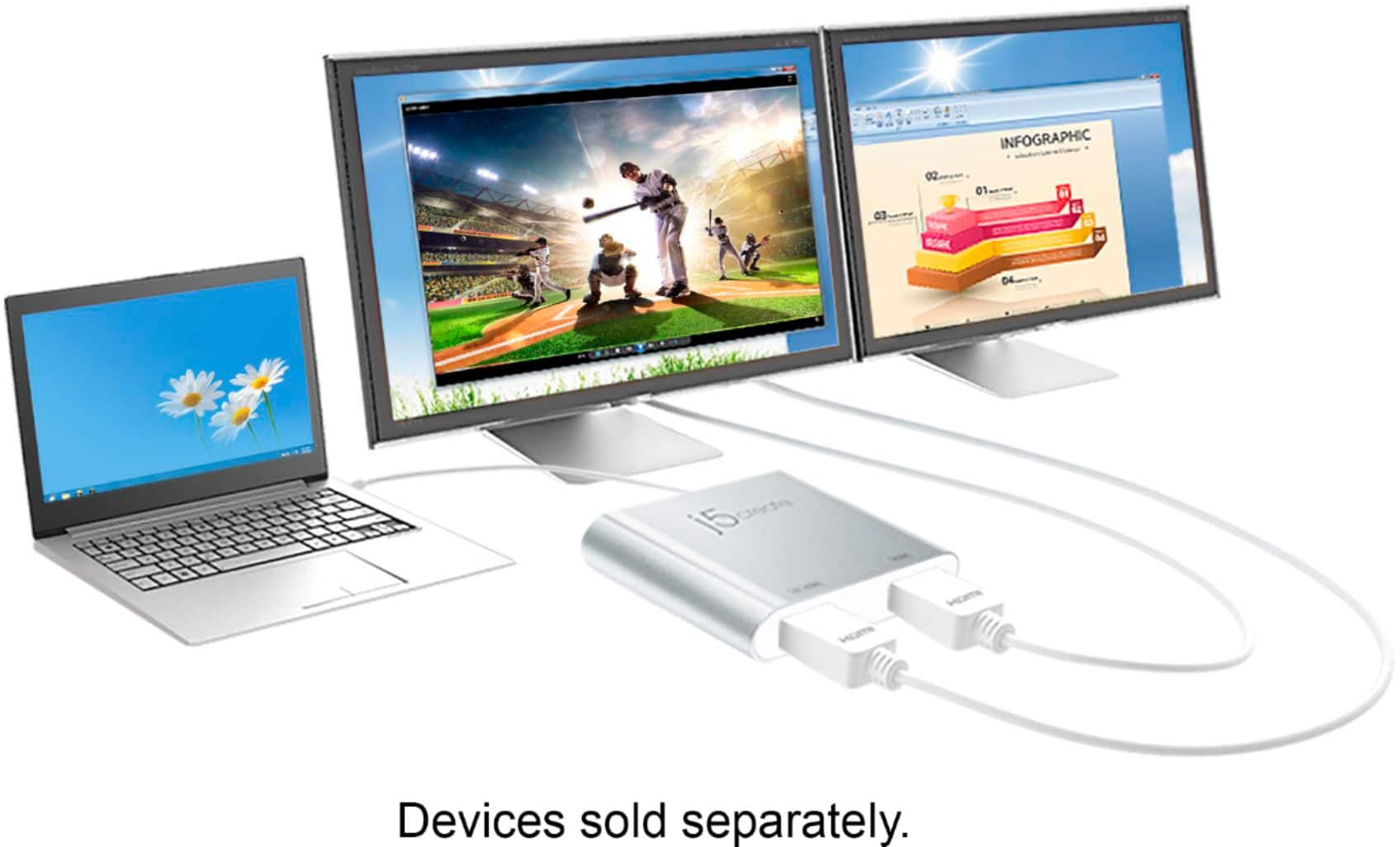
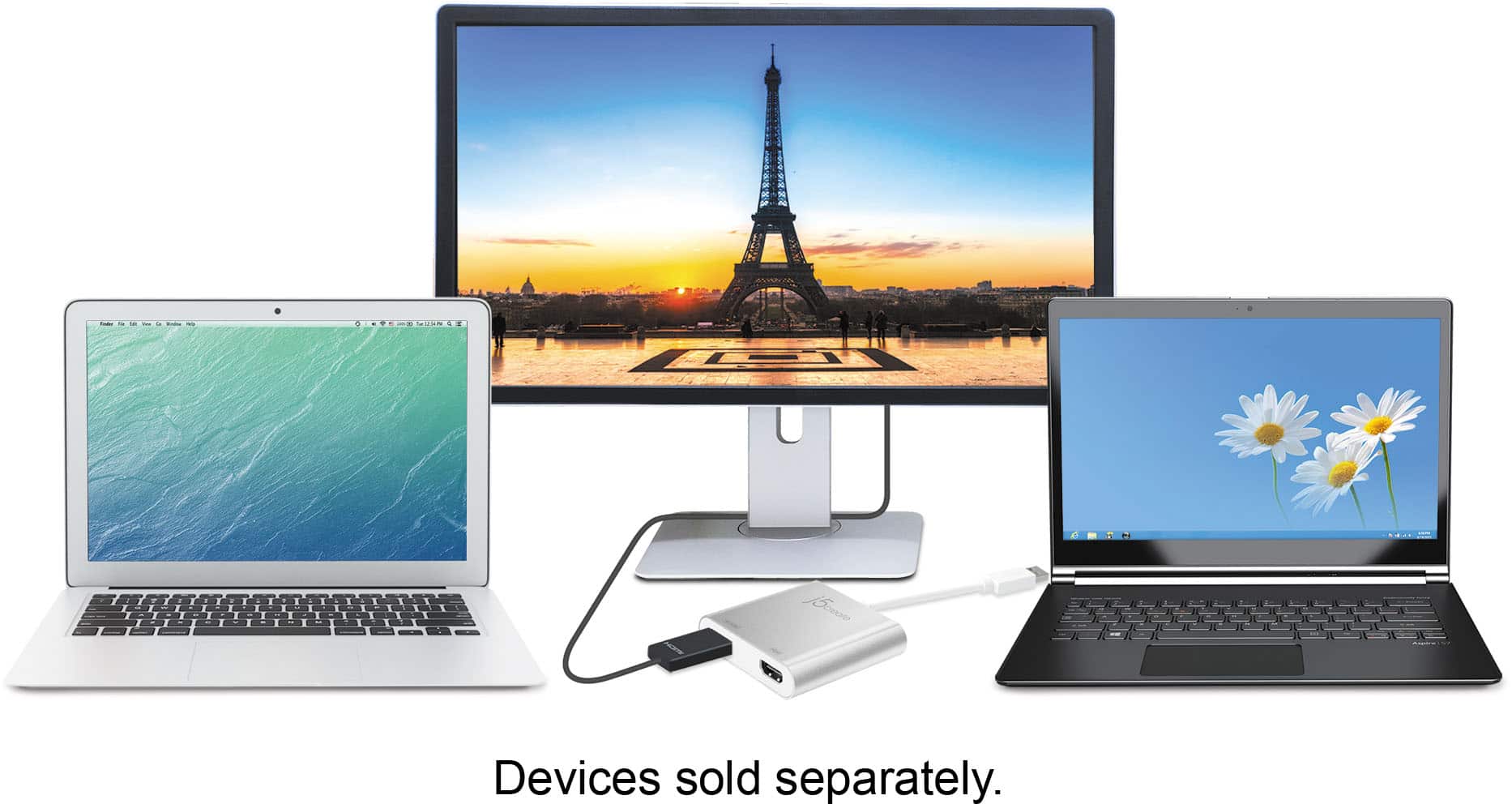
Customers highly value the USB 3.0 to Dual HDMI Multi-Monitor Adapter for its ease of use, HDMI ports, and overall performance. Compatibility and size are also appreciated features. Some customers have expressed concerns regarding the price, driver installation, lag, resolution, and heat.
This summary was generated by AI based on customer reviews.
Dual multi-monitor adapter
||Posted . Owned for 3 weeks when reviewed.This reviewer received promo considerations or sweepstakes entry for writing a review.Tried using this on two different setups, didn’t work on either desktop or laptop.
No, I would not recommend this to a friendBrand response from J5create Team
Posted .Confirm that your desktop and laptop meet the system requirements specified for the USB 3.0 to Dual Monitor Adapter. Verify compatibility with your operating system.
Ensure that you have installed the correct and up-to-date drivers for the Adapter. Visit j5create website to download the latest drivers compatible with your operating system.
Try connecting the Adapter to different USB ports on both your desktop and laptop. Avoid using USB hubs, if possible, and connect directly to USB ports on the computers.
Update the graphics drivers on both your desktop and laptop to the latest versions.
If the issue persists, contact j5create Technical Support Team. Provide them with detailed information about your setup, including the make and model of your desktop and laptop. Thank you.
Junk! 9 months of light use and it broke
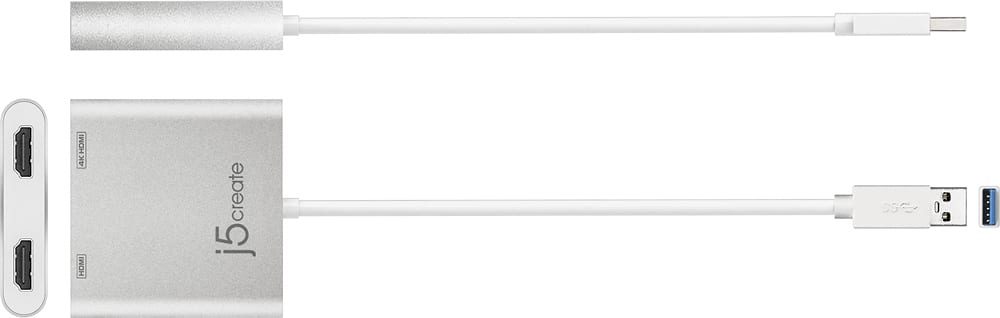
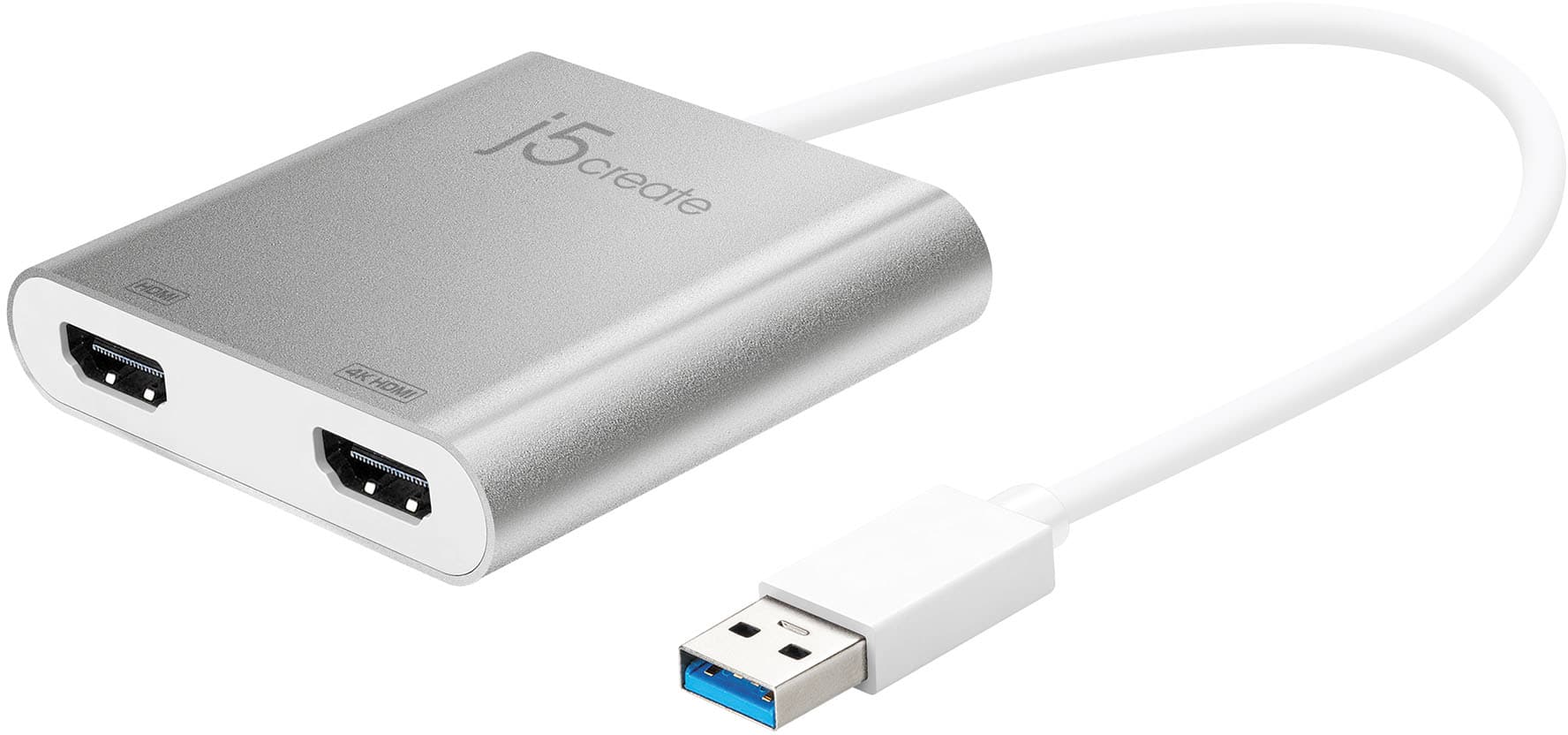
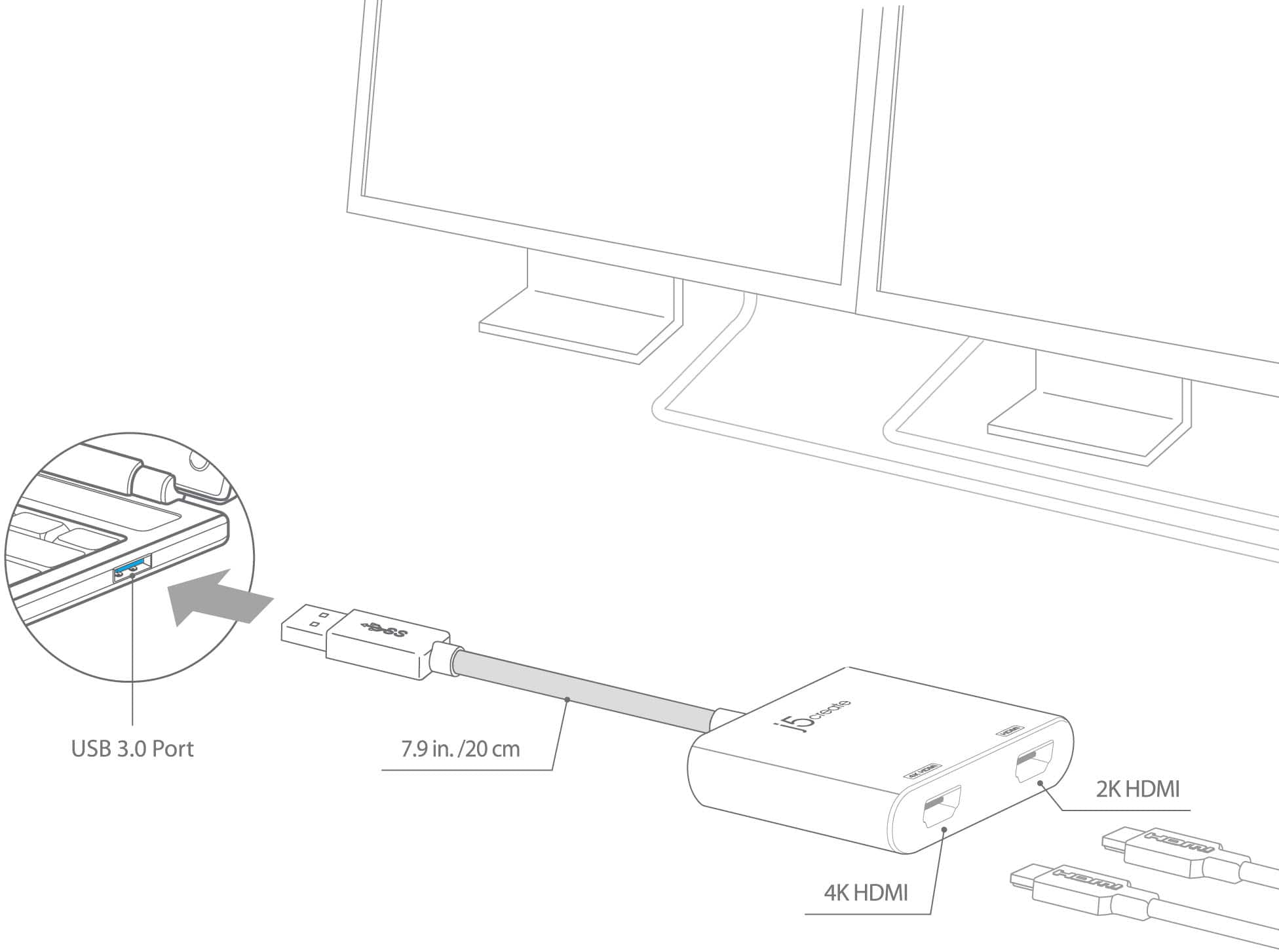
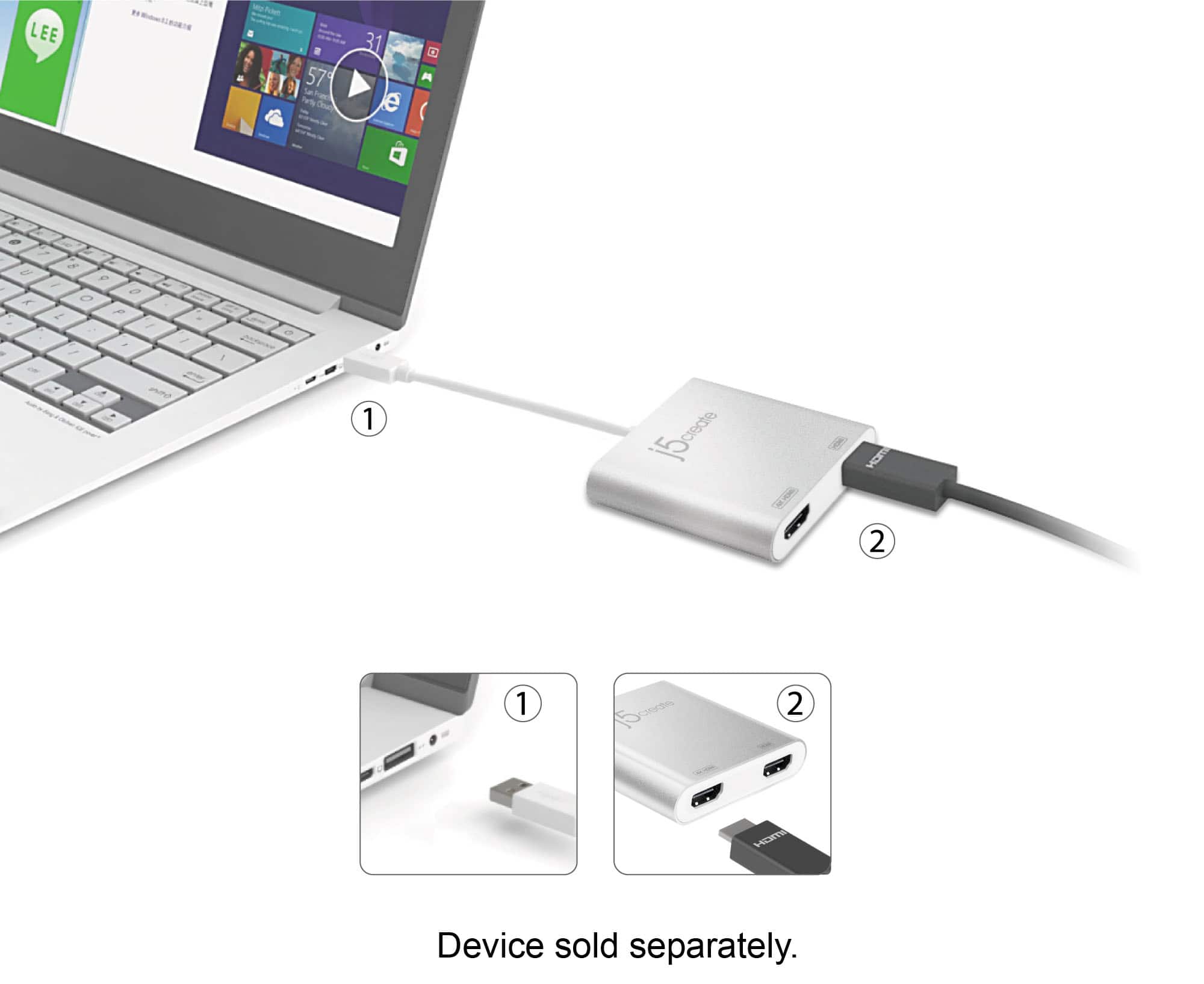
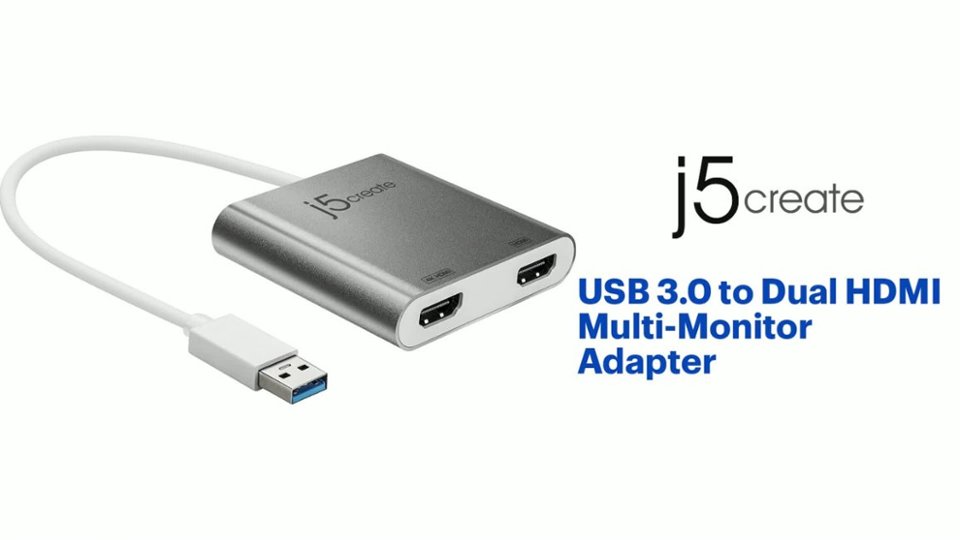
||Posted . Owned for 8 months when reviewed.This reviewer received promo considerations or sweepstakes entry for writing a review.After 9 months it stopped working. Also, I found the description to be misleading. USB 3.0 to Dual 4K HD/HDMI. No... It's 2 outputs yes but one is standard and the other is 4k. Huge difference in clarity. This was my fault for not reading past the description and looking at the product image that clearly shows one port labeled HDMI and the other 4K HDMI.
No, I would not recommend this to a friendBrand response from J5create Team
Posted .Please contact our agents so they will be able to help with troubleshooting or set up a replacement under the 2 year limited warranty if the product no longer works. Contact info is available on our website under the "Support" tab. We apologize for the inconvenience. Cordially, j5.
Works but does not accept Sleep command
||Posted . Owned for 1 month when reviewed.This reviewer received promo considerations or sweepstakes entry for writing a review.Would not register that the computer had gone to sleep or shut off the monitors and would send a false power signal to the monitors that did not see a source signal so turned off only for the adapter to power cycle them again. Repeat. Otherwise while you are using the computer it worked as specified.
No, I would not recommend this to a friendBrand response from J5create Team
Posted .It seems like you're describing an issue where your computer is not registering when it goes to sleep or when the monitors shut off. Consequently, the computer sends a false power signal to the monitors, causing them to turn off momentarily before powering back on. Please contact our Technical Support Team, so that they can get more information from you. Their information can be found on our website under the "Support" tab and a specialist will be ready to assist you. Thank you.
Not worth it.
||Posted .This reviewer received promo considerations or sweepstakes entry for writing a review.Even with drivers installed, does not work in macOS. Only 1 display can be run on a Windows 10 device from the '4k' port. Nothing works plugged into the '2k' port. Not worth the $.
No, I would not recommend this to a friendBrand response from J5create Team
Posted .Due to the different installation process between Windows and macOS, different steps are taken; in the case where the JUA365 is not working properly, we recommend reaching out to the technical support team mentioned on the packaging to speak with an agent in order to troubleshoot. Our technical support team is ready to assist you in obtaining full functionality of our adapters and find a working solution in no time. We apologize for the troubles you had and hope we can turn this experience around.
Thank you for your review James,
j5create
Does what it says
||Posted . Owned for 1 week when reviewed.This reviewer received promo considerations or sweepstakes entry for writing a review.Connected just fine, no hassle, had to figure out install for windows 11, other than than it’s a great product
I would recommend this to a friend- Cons mentioned:Lag
Had to return it
||Posted .This reviewer received promo considerations or sweepstakes entry for writing a review.There was soo much lag when I used this from screen to screen, I had to return it.
No, I would not recommend this to a friendBrand response from J5create Team
Posted .Hi!
I'm sorry to hear that this happened! My Customer Service team is always available to help in situations like this and they'd be more than happy to help. In the time since your review, we've much improved all of our devices and we'd love to have you back so we can show you the difference!
Thanks,
j5create
Causes glitches in both screens
||Posted . Owned for 2 weeks when reviewed.This reviewer received promo considerations or sweepstakes entry for writing a review.Seemed to work great the first day that I hooked it up. However, both screens began to glitch out, turn off and then back on, the longer that I had the product plugged into my CPU.
No, I would not recommend this to a friendBrand response from J5create Team
Posted .If the USB port you’re using is faulty or not providing consistent power/data transfer, this could cause instability. Try plugging the adapter into a different USB 3.0 port or even a powered USB hub. Testing it on a different computer could also help determine if the issue is with the adapter or the original system. Feel free to contact j5create Technical Support if you require further assistance. Their information can be found on our website under the Support tab. Thank you.
Kind of sucks
||Posted . Owned for 3 weeks when reviewed.This reviewer received promo considerations or sweepstakes entry for writing a review.I’ve had this product for about a month now and it works sometimes. I don’t like how it disconnects and connects constantly.
No, I would not recommend this to a friendBrand response from J5create Team
Posted .Hi Ferd!
I'm really sorry to hear about this! My Customer Service team is always available to assist you in matters like this. Our information is located on the back of our product boxes and on our website under the contact page.
Thanks,
j5create
Very slow
||Posted . Owned for 2 months when reviewed.This reviewer received promo considerations or sweepstakes entry for writing a review.This is what was recommended to me by a Best Buy employee. I have the long piece connected to a Lenovo laptop. For the two sockets, I have two Hdmi cables connected. Each one connecting to a Samsung monitor. It makes my work from home set up very slow and inefficient. You also can’t just plug this in to your monitors, you have to install a software on j5’s website to use. Very frustrating
No, I would not recommend this to a friendBrand response from J5create Team
Posted .Hi Julia!
I'm so sorry to hear about this! If you'd contact my customer service team we'd be more than happy to help get you up and running. Our information can be found on the back of all of our product boxes and on our website.
Thanks,
j5create
Stopped working
||Posted . Owned for 3 weeks when reviewed.This reviewer received promo considerations or sweepstakes entry for writing a review.I will NEVER buy anything else from Best Buy. It stopped working after 3 wks and I couldn’t get a refund nor another one (with receipt) because it has past 14 days. Do yourself a favor and go to Amazon!
No, I would not recommend this to a friendBrand response from J5create Team
Posted .I apologize for the experience you have had with your USB 3.0 to Dual HDMI Multi-Monitor Adapter. The adapter comes with a 2 year warranty that allows you to exchange a defective product for a new one. To contact our customer support team please visit the j5create website then click on the "SUPPORT" tab at the top right of the webpage. Thank you.
USB port
||Posted . Owned for 3 weeks when reviewed.This reviewer received promo considerations or sweepstakes entry for writing a review.This did not work for me. It was the wrong at all. I would not recommend this to anyone
No, I would not recommend this to a friendBrand response from J5create Team
Posted .Proper functionality entails downloading and installing a driver on a Windows or Mac platform. Depending on the OS you have, different instructions apply. ** Feel free to contact j5create Technical Support if you require further assistance. Their information can be found on our website under the "Support" tab. Thank you.
Poor Experience with an Overpriced Device
||Posted .This reviewer received promo considerations or sweepstakes entry for writing a review.Installation, first of all, was extremely annoying and took me above than 2 hours After all, lagging was very annoying. Although I have a strong MacBook Air latest model with high specifications, the performance was unsatisfying at all. I am going to return the costly thing and take my money back.
No, I would not recommend this to a friendBrand response from J5create Team
Posted .Hi!
I'm so sorry to hear about this! In the future, please don't forget that my customer service team is available to help whenever a problem arises with one of our products. I hope that since your review, you've found a device that works for you and gets you up and running.
Thanks,
j5create
This bombed
||Posted . Owned for less than 1 week when reviewed.This reviewer received promo considerations or sweepstakes entry for writing a review.This product did not work with my macboof pro, 2015. Even tried factory resetting my mac to a previous OS. Waste of time.
No, I would not recommend this to a friendBrand response from J5create Team
Posted .Proper functionality entails downloading and installing a driver for Mac platform. Depending on the OS you have, different instructions apply and if you could please contact our support team, a specialist will be more than happy to lend a helping hand
J5create HDMI Adapter
||Posted .This reviewer received promo considerations or sweepstakes entry for writing a review.J5create has great products. This is a good HDMI adapter. Highly recommended.
I would recommend this to a friend- Cons mentioned:Resolution
Bad video sitter
||Posted . Owned for 7 months when reviewed.This reviewer received promo considerations or sweepstakes entry for writing a review.Wont do noth satelite monitors at the same resution
No, I would not recommend this to a friendBrand response from J5create Team
Posted .The Dual HDMI Adapter requires drivers. Once installation is completed, you may run HDMI cables to your monitors with the correct input selected. If you require further assistance; please contact the j5create Technical Support team and we will be glad to further assist if necessary. Sincerely, j5
Poor product
||Posted .This reviewer received promo considerations or sweepstakes entry for writing a review.The product did not work as intended. Its poorly designed and there was a huge lag time on of my monitors.
No, I would not recommend this to a friendBrand response from J5create Team
Posted .Hi!
I'm so sorry to hear about this! Since your review we've continued to improve our devices and drivers so that issues like this don't happen. I hope that you would consider giving us a second chance so that we can show you the difference!
Thanks,
j5create
Disappointed
||Posted . Owned for 1 month when reviewed.This reviewer received promo considerations or sweepstakes entry for writing a review.I felt rush and saw it half the price at target. And my company give discount and they would not give me a discount on my computer or asseries.i work for a billion dollar company knight swift (xpress trucking) shame
I would recommend this to a friendBrand response from J5create Team
Posted .The USB 3.0 to Dual HDMI Adapter allows you to add two additional displays through your USB 3.0 port, boosting your productivity by giving you more screen space to work from.
Dual HDMI
||Posted . Owned for 1 month when reviewed.This reviewer received promo considerations or sweepstakes entry for writing a review.This worked perfect for my needs. Great packaging. Solid product.
I would recommend this to a friendGreat for viewing multiple screens
||Posted . Owned for 1 week when reviewed.This reviewer received promo considerations or sweepstakes entry for writing a review.Great to view multiple screens from the laptop for work
I would recommend this to a friendNo go adapter
||Posted . Owned for less than 1 week when reviewed.This reviewer received promo considerations or sweepstakes entry for writing a review.This did not work out of the box. I am returning this product. Very disappointed.
No, I would not recommend this to a friendBrand response from J5create Team
Posted .Please contact our Technical Support Team for further information. Their information can be found on j5create website under the Support tab and a specialist will be ready to assist you. Thank you.