Customer Ratings & Reviews
- Model:
- JUA365
- SKU:
- 5615018
Rating by feature
- Value
Rating 4.3 out of 5 stars
- Quality
Rating 4.6 out of 5 stars
- Ease of Use
Rating 4.6 out of 5 stars
Customers are saying
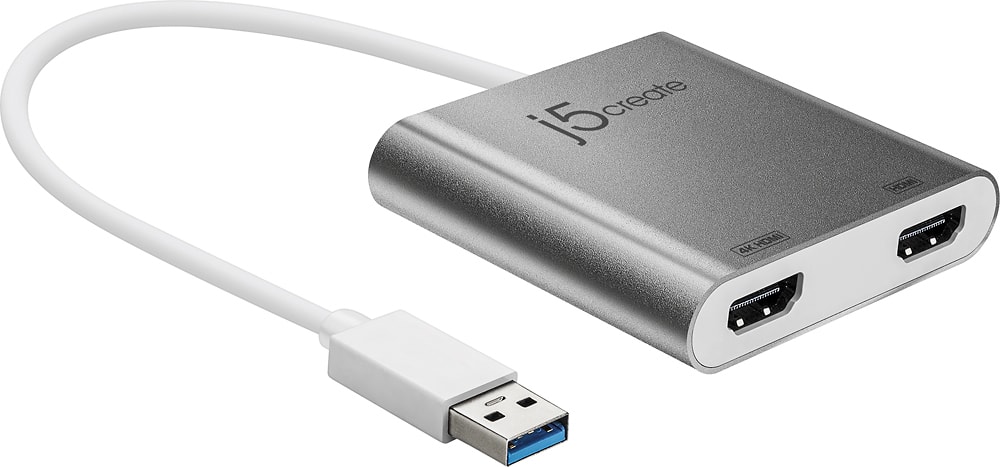
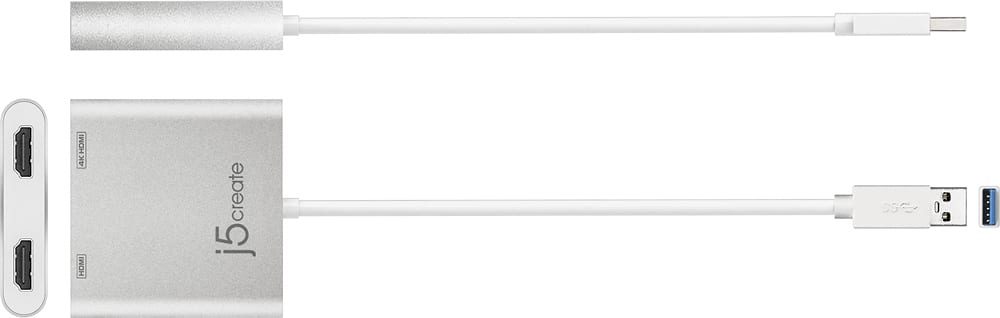
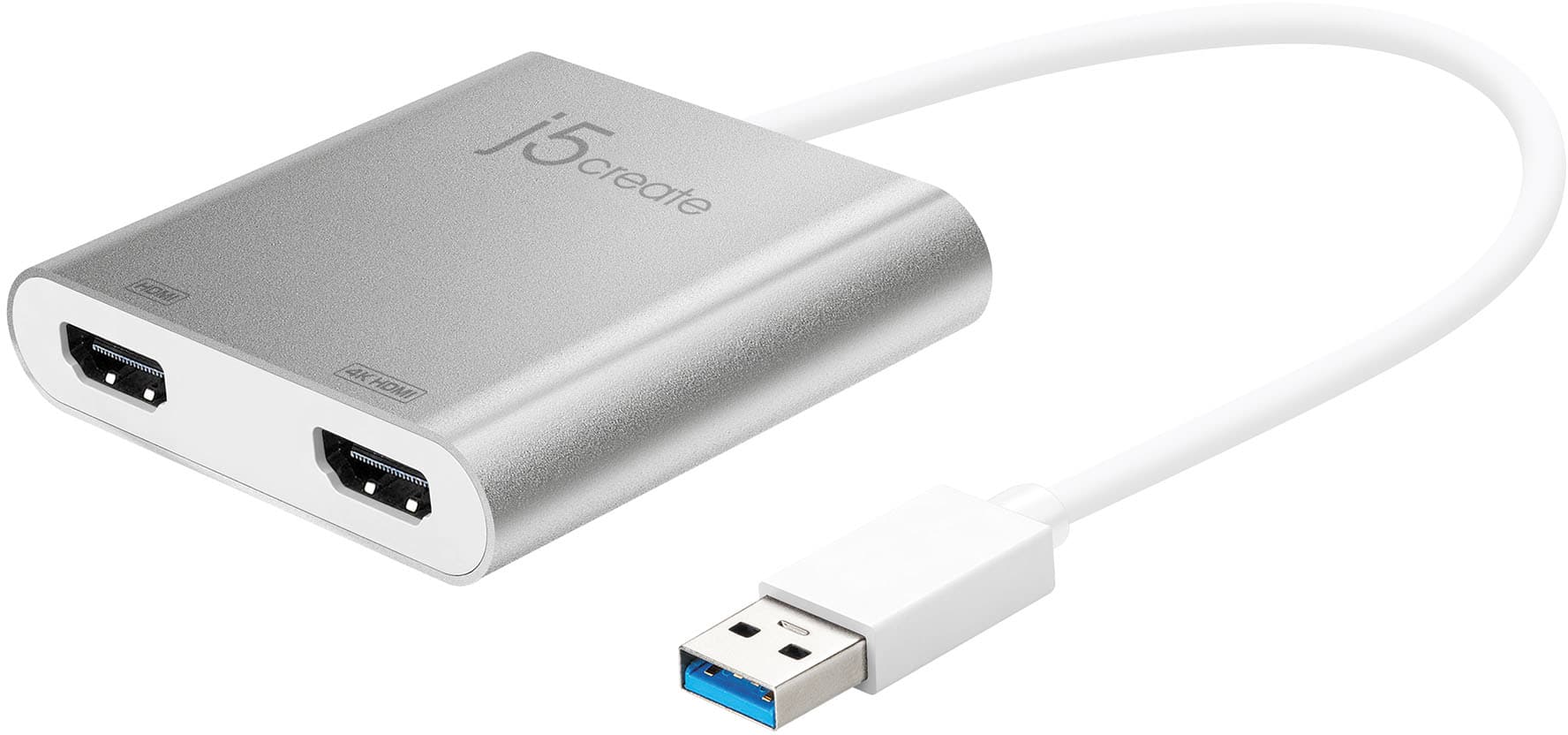
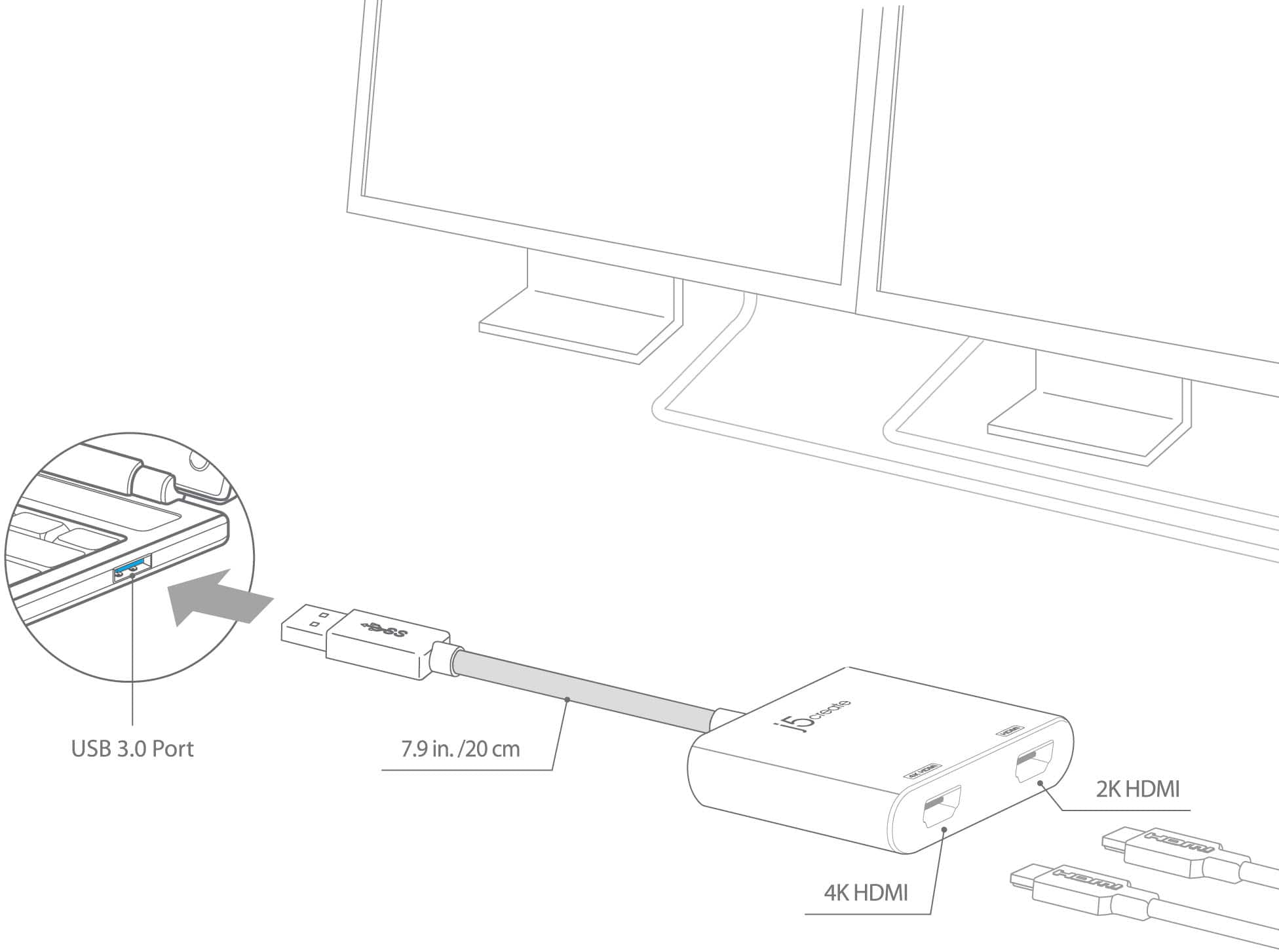
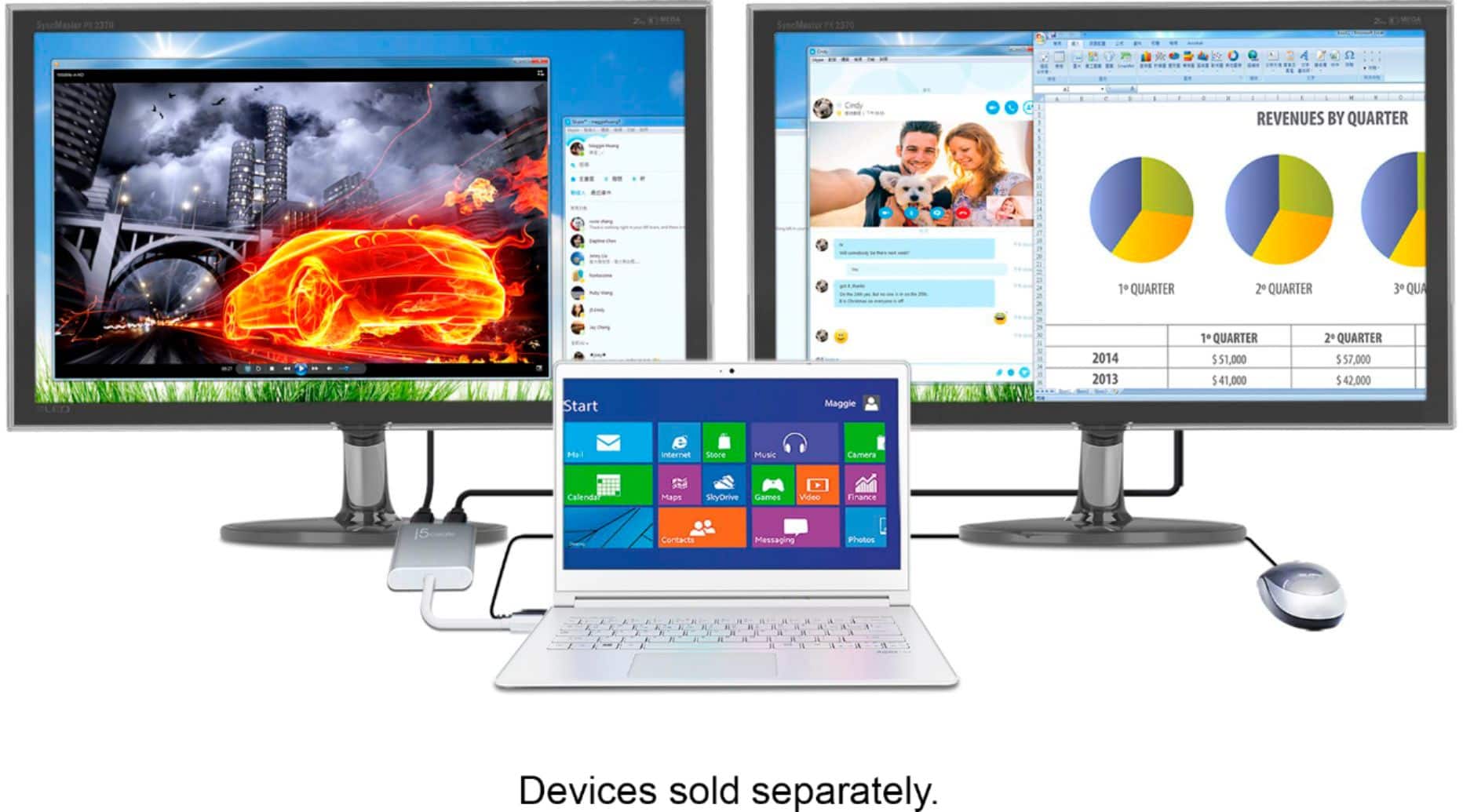
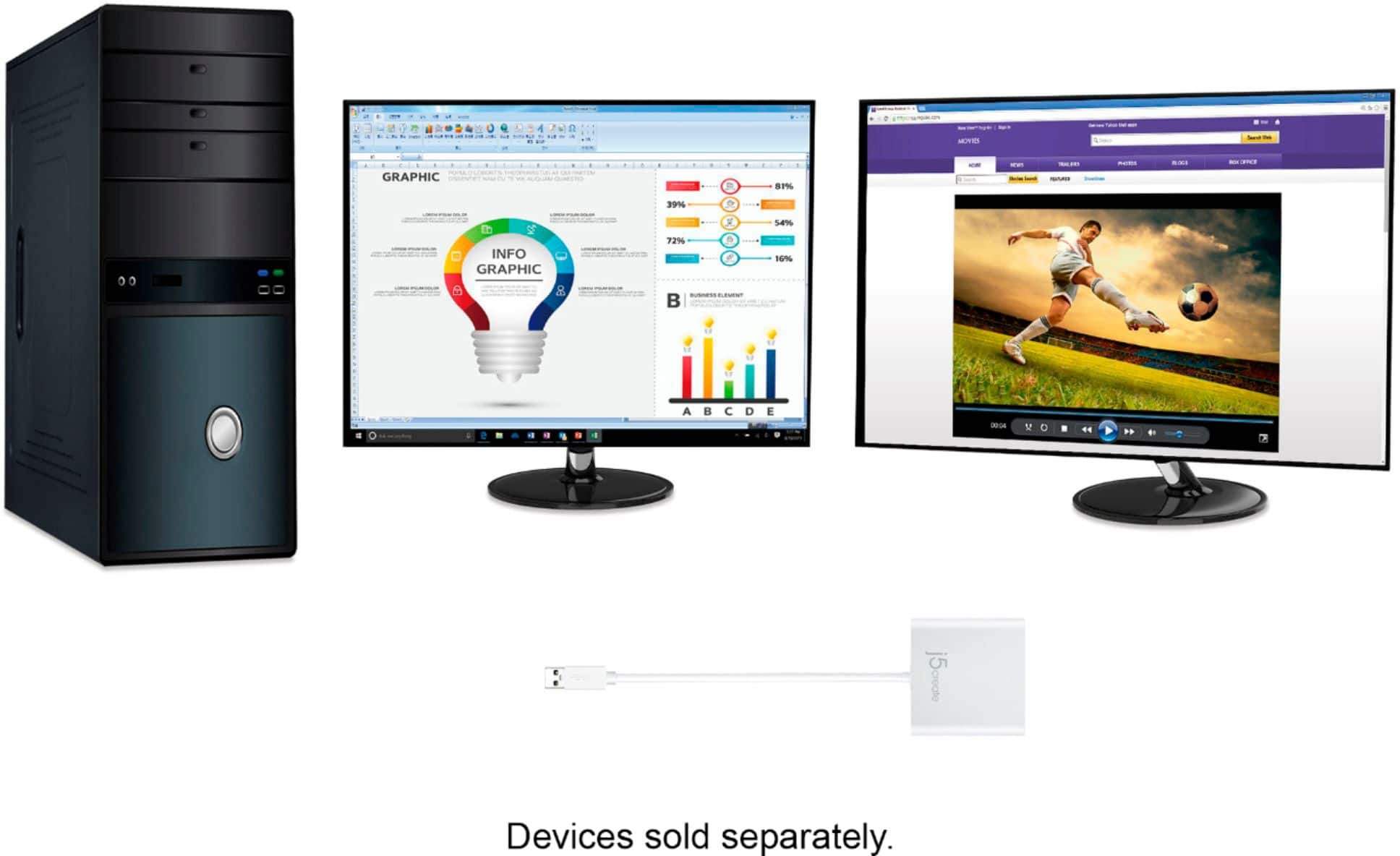
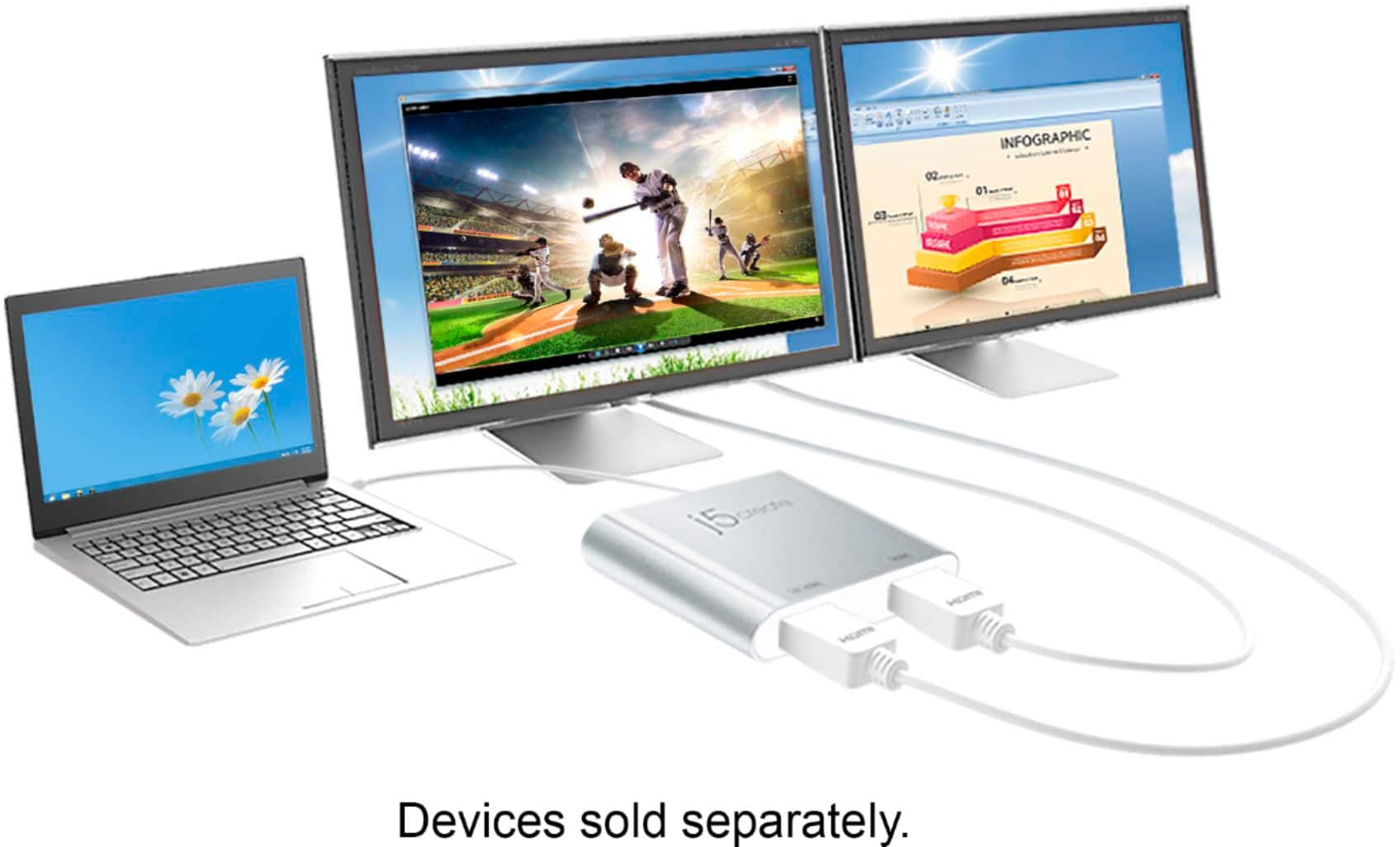
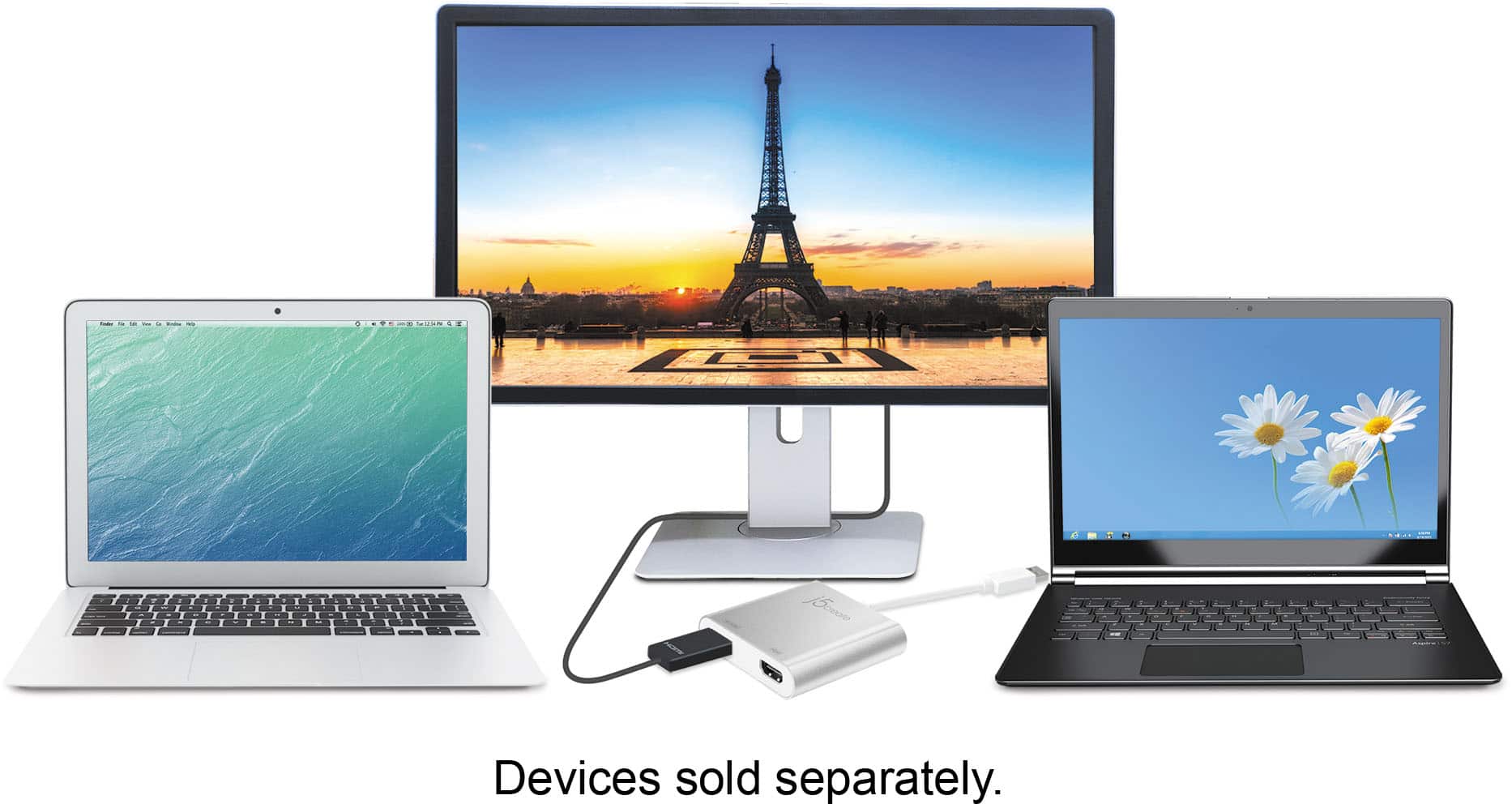
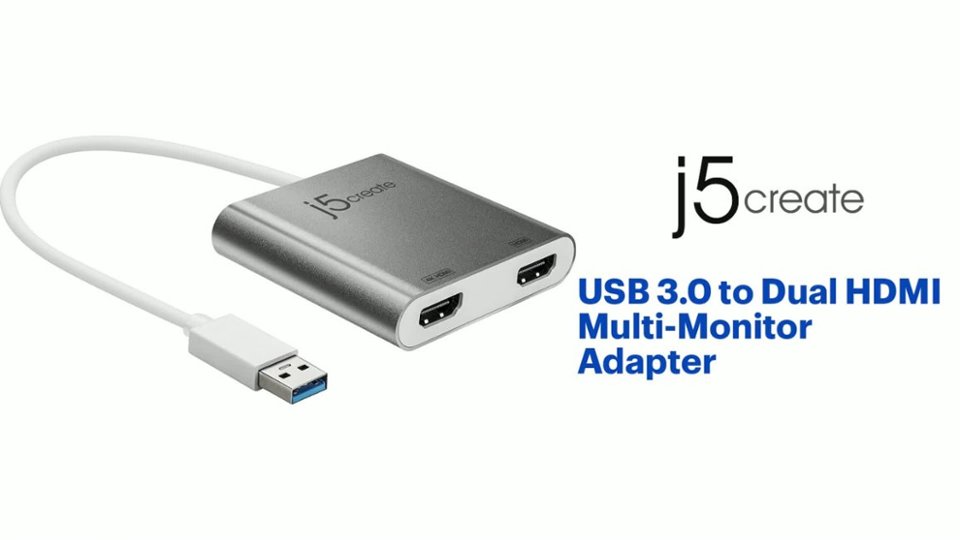
Customers highly value the USB 3.0 to Dual HDMI Multi-Monitor Adapter for its ease of use, HDMI ports, and overall performance. Compatibility and size are also appreciated features. Some customers have expressed concerns regarding the price, driver installation, lag, resolution, and heat.
This summary was generated by AI based on customer reviews.
- Cons mentioned:Driver
DO NOT BUY!
Posted .This reviewer received promo considerations or sweepstakes entry for writing a review.Nothing works. The install instructions are terrible. Driver does NOT automatically install. Run as Administrator does not allow Display Setings to appear. No icon ever appears. No clue on how to activate the program after installation. j5Create has unacceptable hours of operation for Help (M-F 8:30-6:30). My only chance to spend time troubleshooting is on the weekend (I work M-F). Not happy, not happy at all. This product gets one star because there's nothing lower. The time I spent trying to figure out this garbage necessitates a negative score. j5Create owes me for my time wasted.
No, I would not recommend this to a friendBrand response from J5create Team
Posted .Instructions for setting up a device to work for one's needs and still unable to get it working as intended is upsetting; we understand and apologize for the inconvenience it has caused and also for not being available to assist on the weekends. If interested, we would value the chance to turn things around, recommend a different device to better fit your needs. Technical assistance can be obtained with it's contact information on the packaging and a rep will be happy to help.
Thank you,
j5create
Good display, but no sound
Posted .This reviewer received promo considerations or sweepstakes entry for writing a review.I bought this to get rid of wire clutter for my two monitors (HP and Lenovo). So far, the picture looks great, but the sound is missing. If you want this just for display, then it is fine, but not for video.
No, I would not recommend this to a friendBrand response from J5create Team
Posted .In order to have the audio output through the device that you would prefer, it will be required that you change the audio output device for your computer.
It is working but not dual..
Posted .This reviewer received promo considerations or sweepstakes entry for writing a review.This device supposed to be working for dual monitors at once, but it works only for one monitor and the other monitor can't connected to Mac Air. I'm not sure what's the problem.
No, I would not recommend this to a friendBrand response from J5create Team
Posted .Macairuser, we greatly appreciate customer feedback as we strive for perfection. In the case where you have already tried cross-testing cables, monitors and more, we suggest speaking with an agent. Our highly trained specialists will be able to rule everything out to find the reason for this issue and if necessary exchange it under the manufacturer's two-year warranty.
Respectfully,
j5create
- Cons mentioned:Resolution
Doesn't work easily
Posted .This reviewer received promo considerations or sweepstakes entry for writing a review.Bought as a subistute for my Video Port port. Took a lot of effort to get a single HDMI to work and it would not change resolution. Was so low that could not use. Tried for a very long time to get 2nd port to work and could not. Switched back to using the Video Port,a nd everything is fine. Tried the HDMI agian and nothing. I will be returning it asap.
No, I would not recommend this to a friendBrand response from J5create Team
Posted .Proper functionality entails downloading and installing a driver on a Windows or Mac platform. Depending on the OS you have, different instructions apply. To change your resolutions, that can be done in your Display settings or Arrangement tab.
Reduced quality due to adapter
Posted .This reviewer received promo considerations or sweepstakes entry for writing a review.I bought this product and im not very happy because when I connect my 2 monitors the quality on the screen reduces. When I plug in one hmdi cable in my hdmi port from my laptop and 1 in the J5 adapter you can see the difference between the 2 screens...
No, I would not recommend this to a friendBrand response from J5create Team
Posted .Hello, please check to see if there is any available updates for your graphic card including your BIOS, software and hardware, etc. If you require further assistant, our contact information is available on j5create website under the "Support" tab. Thank you.
Terrible for Macs - do NOT buy!
Posted .This reviewer received promo considerations or sweepstakes entry for writing a review.If you have a Mac, do NOT purchase this. Terrible product. They never have a driver to support the most recent software's. They are always 2-3 updates behind. I purchased this last year when COVID relocated me to working from home, and it worked for about 2 months until the next software update came out. They are unwilling to help in anyway... super annoying.
No, I would not recommend this to a friendBrand response from J5create Team
Posted .Unfortunately, if you have updated to 11.4 OS, you may want to try and uninstall our drivers and do a reinstall with out the device connected. If the issue remains, please contact our support team and they will further troubleshoot with you. I apologize for the inconvenience this may have caused. Kindly, j5create.
No sound to my external speakers
Posted .This reviewer received promo considerations or sweepstakes entry for writing a review.When I plug the USB into my pc everything works except my external speakers. I tried different usb ports but just cant figure it out
No, I would not recommend this to a friendBrand response from J5create Team
Posted .In order to have the audio output through the device that you would prefer, it will require that you change the "Default playback device" for your computer.
1. Right-click on the Windows Start button, select Settings.
2. Select System
3. Select Sound
4. From the drop-down menu under “Choose your output device”, select a device. E.g. Speakers (USB Audio), (Speakers (Realtek(R) Audio).
5. Move the volume bar under “Master Volume”
Repeat steps 4 & 5 until you hear audio coming through your preferred playback device. At this point, the audio should play through the device that was selected.
Does not work on any other full multi screen apps
Posted .This reviewer received promo considerations or sweepstakes entry for writing a review.Purchase this for work to use with VMware just to be told that we can't verify if it work with other 3rd party applications that use full multi-screens, but it is guaranteed to work with windows operating system for operating system programs. Not worth it, don't waste your time.
No, I would not recommend this to a friendBrand response from J5create Team
Posted .Hi!
I'm so sorry to hear about this! I'll pass this feedback onto my team so that we can continue to improve our devices.
Thanks,
j5create
Don't buy it if you have a Mac
Posted .This reviewer received promo considerations or sweepstakes entry for writing a review.Don't buy it if you have a Mac. You will have trouble getting it to work. I finally got mine to work but whenever i shut down my computer, the screens will not come back on until i unplug everything and plug it back in.
No, I would not recommend this to a friendBrand response from J5create Team
Posted .Hello,
If you are still having to unplug everything and plug it back in for the screens to work I would recommend contacting j5create customer support. Our contact information is printed on the product package and is on our website:
https://en.j5create.com/pages/contact-us
I hope that we can get the adapter working properly for you.
Have a good day,
j5create