Customer Ratings & Reviews
- Model:
- JCA366
- SKU:
- 11989676
Rating by feature
- Value
Rating 4.2 out of 5 stars
- Quality
Rating 4.3 out of 5 stars
- Ease of Use
Rating 4.3 out of 5 stars
Requires Screen Record
||Posted . Owned for less than 1 week when reviewed.This reviewer received promo considerations or sweepstakes entry for writing a review.It doesn’t make any logical sense as to why J5 create as a whole needs to screen record anything while I’m using my devices. All of the J5 products I tried forced me to download a driver and enable screen recording for their driver within the privacy settings. If you have a mac, look elsewhere.
No, I would not recommend this to a friendBrand response from J5create Team
Posted .Hello, the driver does not record the screen. The setting is required because macOS is detecting a USB display which is our product. If you have any questions or concerns please contact our customer support team by visiting the j5create website then click on the "SUPPORT" tab at the top right of the webpage. Thank you.

- Cons mentioned:Compatibility
Didn’t work for me
||Posted . Owned for 3 weeks when reviewed.This reviewer received promo considerations or sweepstakes entry for writing a review.These adapters are a joke. You have a 50/50 shot of them working. You would be much better off getting multiple HDMI to USB-C cables.
No, I would not recommend this to a friendBrand response from J5create Team
Posted .In order to narrow down the exact issue you are experiencing, we recommend contacting support and a specialist will be ready to assist you. Their information can be found on our website under the "Support" tab. Thank you.
- Cons mentioned:Compatibility
Caution mac owners
||Posted .This reviewer received promo considerations or sweepstakes entry for writing a review.Not compatible with Macs with 12.0.01 software or higher. Otherwise it would have been a good product. READ THE FINE PRINT MAC OWNERS
I would recommend this to a friendBrand response from J5create Team
Posted .The drivers are available for MacOS 12.0.01 for this device. Different instructions apply on different architecture type. Please contact our Customer Service Department by Live Chat or Email, so that they can get more information from you. Their information can be found on our website under the "Support" tab. Thank you.
Can't mirror to 4 TV's for conference
||Posted . Owned for 1 month when reviewed.This reviewer received promo considerations or sweepstakes entry for writing a review.Bought this to mirror windows screen on to several TV's used in a conference, but would not allow me. I called the company and they it will not allow you to replicate the same screen on 4 monitors. Only allows you to extend the screen over all the monitors. Not what I expected at all.
No, I would not recommend this to a friendBrand response from J5create Team
Posted .I apologize for the experience you have had with your USB-C to 4-Port HDMI Multi-Monitor Adapter. Our customer support team can help with finding a solution that best fits your needs. To contact our customer support team please visit the j5create website then click on the "SUPPORT" tab at the top right of the webpage. Thank you.
Does not give you quality graphics
||Posted . Owned for 1 month when reviewed.This reviewer received promo considerations or sweepstakes entry for writing a review.I used this for my laptop and 2 different monitors. The graphic for one of the monitors was very poor it was blurry like I was using some old video cable. This thing is for kids. I spent over $100 on this thing and couldn't return it because I destroyed the package as soon as I opened it thinking it was good. My best advice is only to buy a slitter or extender with a power cord those are the good ones.
No, I would not recommend this to a friendBrand response from J5create Team
Posted .The USB-C to 4-Port HDMI Adapter supports 1920 x 1080 @ 60 Hz. Please contact our Technical Support Team, so that they can get more information from you regarding this issue. Their information can be found on our website under the "Support" tab. Thank you.
- Cons mentioned:Compatibility
Doesn't Work on a MacBook Pro 2021
||Posted . Owned for 1 month when reviewed.This reviewer received promo considerations or sweepstakes entry for writing a review.Couldn't make this work on my MacBook Pro 2021. Would not buy. And would return if the return period hadn't expired.
No, I would not recommend this to a friendBrand response from J5create Team
Posted .Proper functionality entails downloading and installing a driver on a Windows or Mac platform. Depending on the OS you have, different instructions apply. Please contact our Technical Support Team, so that they can get more information from you. Their information can be found on our website under the "Support" tab and a specialist will be ready to assist you. Thank you.
- Cons mentioned:Compatibility
Dont buy it, it doest work with my macbook pro 16
||Posted .This reviewer received promo considerations or sweepstakes entry for writing a review.Dont buy it, it doest work with my macbook pro 16 and my lenovo i9, I have called the support and they couldnt figure the out why.
No, I would not recommend this to a friendBrand response from J5create Team
Posted .Hello, the JCA366 requires drivers to install to the computer with full admin rights. However, the drivers are not compatible with M1 and ARM processors. We apologize for the inconvenience this has caused. Kindly, j5.
Not what I expect it
||Posted . Owned for 2 weeks when reviewed.This reviewer received promo considerations or sweepstakes entry for writing a review.Not suitable for wide screens it gives you a blurry image plus if ypu do not have a C port impossible to use it. Find a better product do not waste your time and money.
No, I would not recommend this to a friendBrand response from J5create Team
Posted .Julio, we are sorry to hear that the JCA366 did not meet your expectation. We recommend calling in to speak with a representative and they would be able to better assist you in troubleshooting the JCA366. Hope to hear from you, j5create.
Would Not Work For Me.
||Posted . Owned for 1 month when reviewed.This reviewer received promo considerations or sweepstakes entry for writing a review.Downloaded the drivers and followed all instructions. I could not get this to work. It may be user error but I am tech savvy.
No, I would not recommend this to a friendBrand response from J5create Team
Posted .Proper functionality entails downloading and installing a driver on a Windows or Mac platform. Depending on the OS you have, different instructions apply and if you could please contact our support team, a specialist will be more than happy to lend a helping hand. Thank you.
Don’t like it
||Posted . Owned for 9 months when reviewed.This reviewer received promo considerations or sweepstakes entry for writing a review.Cheap and not very high quality. Spend the money on better technology
No, I would not recommend this to a friendBrand response from J5create Team
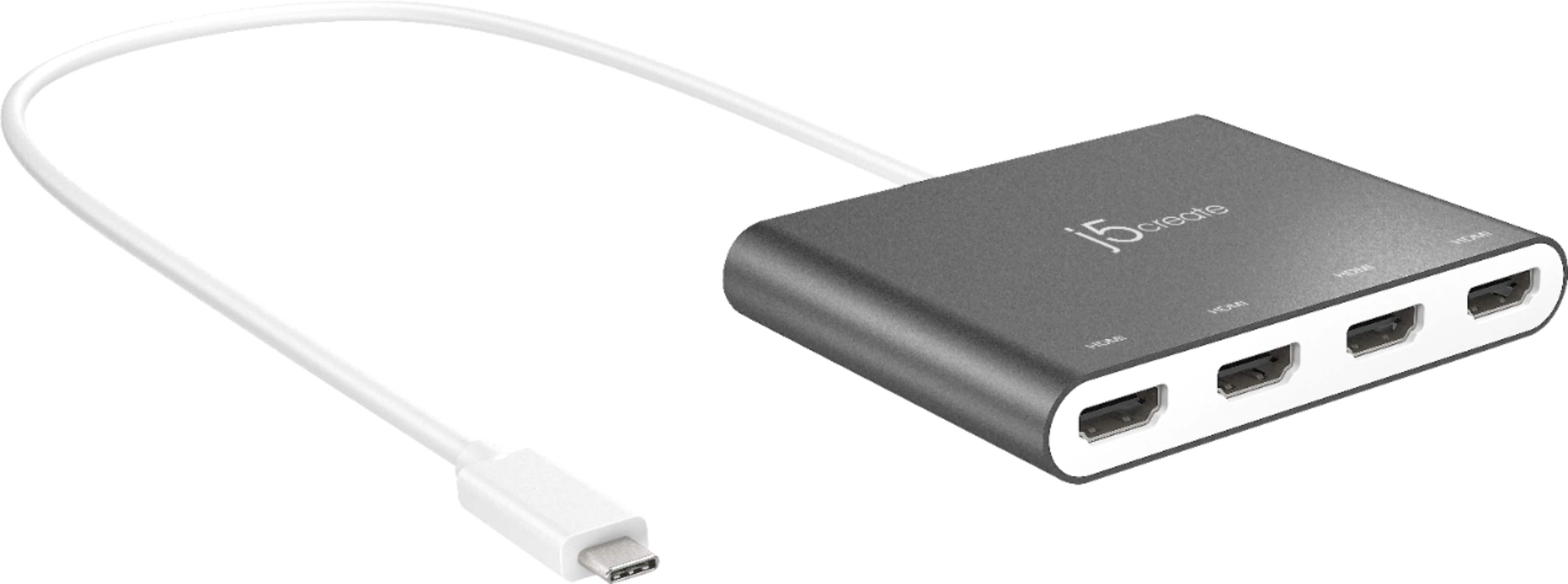
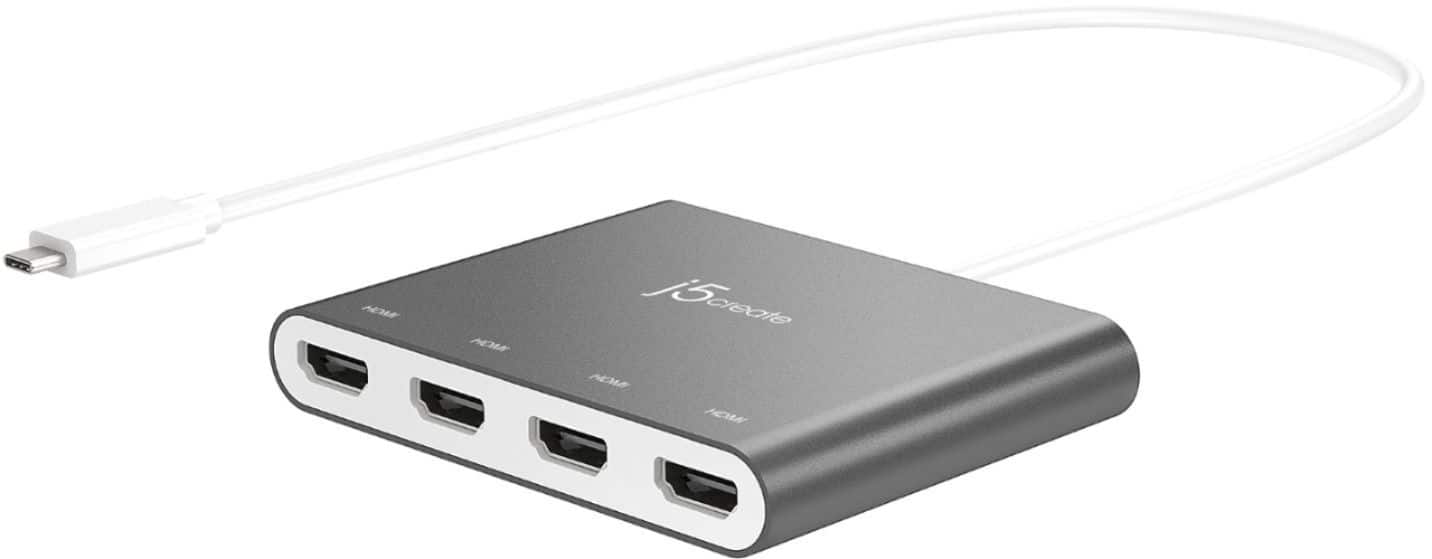
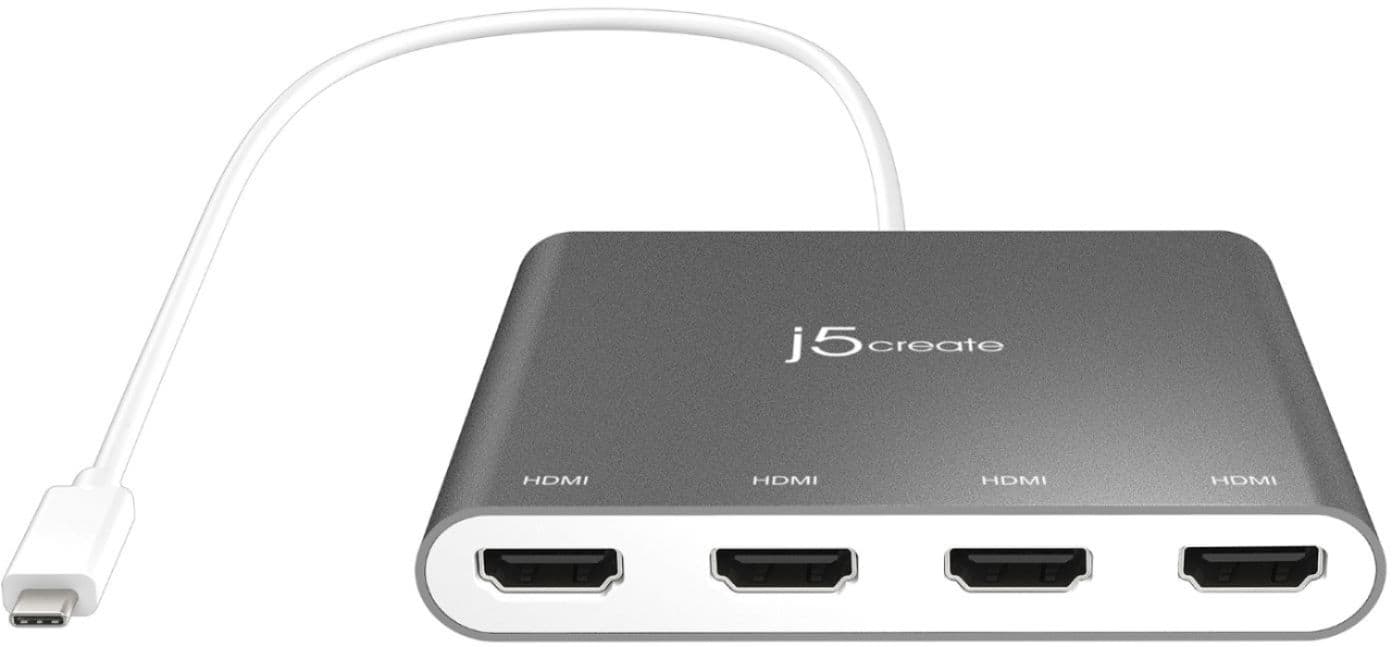
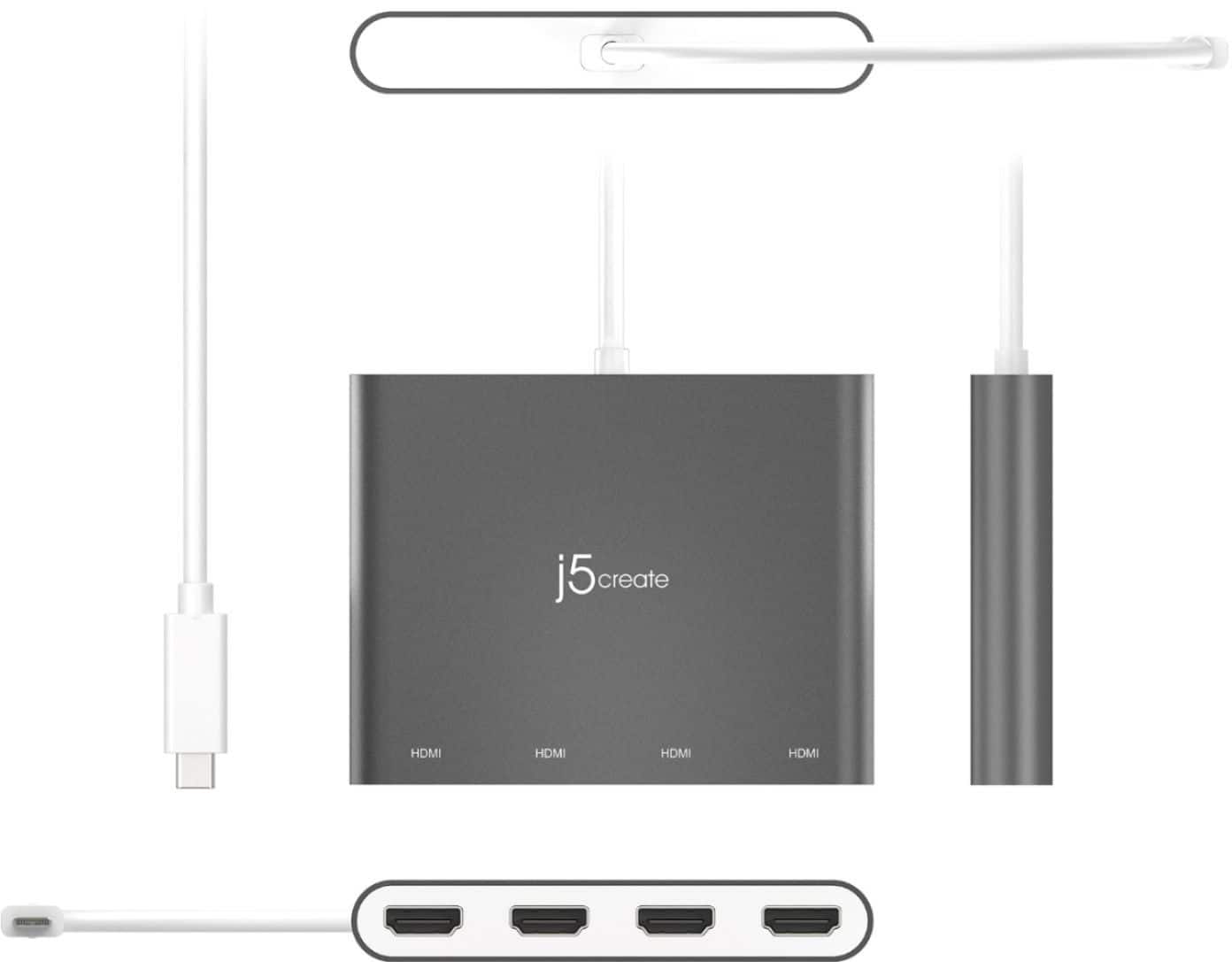
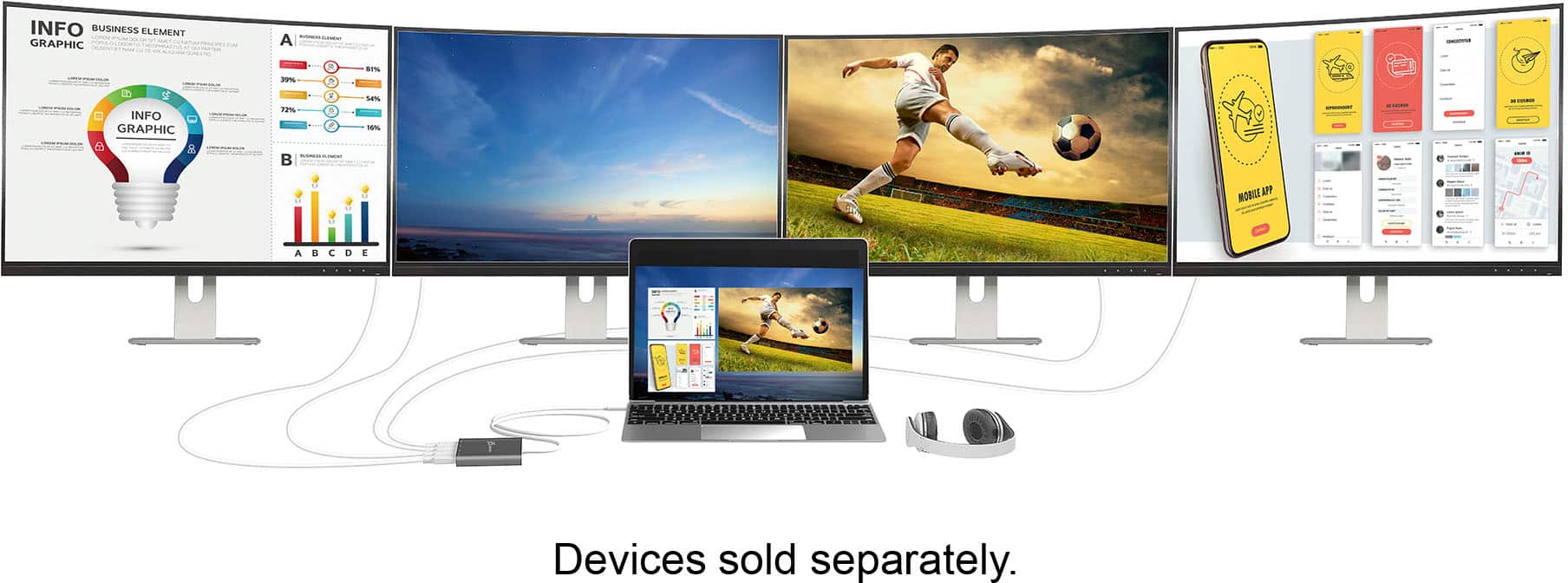
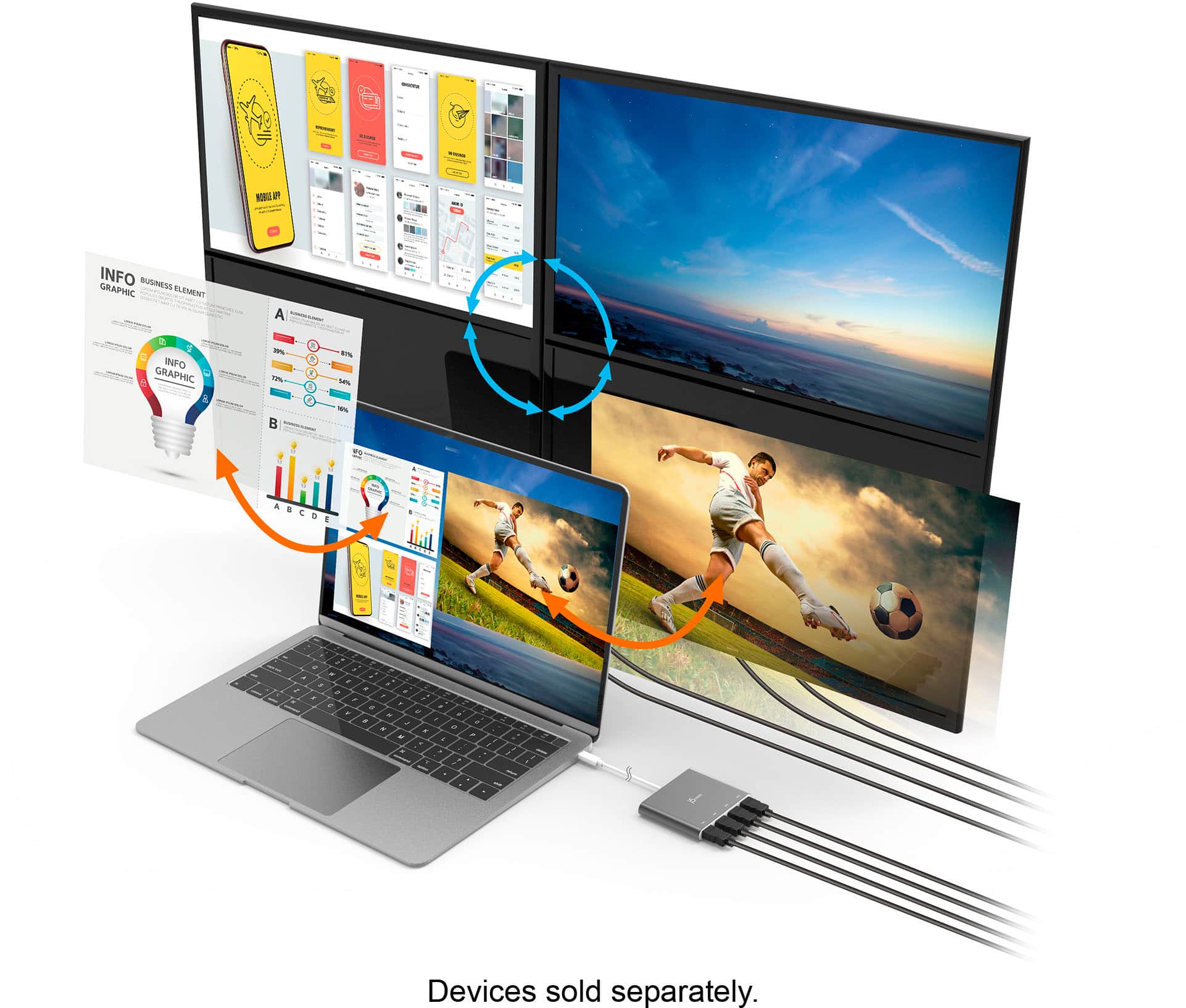
Posted .The USB-C to 4-port HDMI Multi-Monitor Adapter allows you to add four additional monitors/displays through your USB-C port. Driver installation is required for macOS and Windows. Drivers are available on j5create website under the Support tab.
Driver required.
||Posted . Owned for 3 weeks when reviewed.This reviewer received promo considerations or sweepstakes entry for writing a review.Does the job but requires a driver. Good grief! If there was a competing peoduct, I would have gotten it instead.
No, I would not recommend this to a friendBrand response from J5create Team
Posted .Proper functionality entails downloading and installing a driver on a Windows or Mac platform. The other option is the JCD389, which is a PnP device. However, computers must support "DisplayPort Alt Mode" and "Power Delivery" over USB-C. Windows must support MST and M1 Pro or M1 Max chip on a Mac Will not work with ARM and M1.
- Cons mentioned:Compatibility
Not good
||Posted . Owned for 1 week when reviewed.This reviewer received promo considerations or sweepstakes entry for writing a review.No support for macOS Big Sur support site does not offer an eta on when support will be available.
No, I would not recommend this to a friendBrand response from J5create Team
Posted .Hello,
Our developers are currently working on software drivers that will fix the device compatibility issue with MacOS Big Sur. Once the drivers are released there will be an announcement on the j5create website. If you have any further questions you can contact the j5create customer support team. Your patience is appreciated.
Thank you,
j5create
Poor ongoing support.
||Posted . Owned for 4 months when reviewed.This reviewer received promo considerations or sweepstakes entry for writing a review.Despite being given ample notice and opportunity to update their drivers for new OS versions (MacOS in my case), this company fails to do so, rendering all of their products completely unusable for anyone who upgrades their OS. Support does not reply at all. The process of installing the driver and getting the product to actually work in the first place is very tedious and requires multiple attempts (even for an IT pro).
No, I would not recommend this to a friendBrand response from J5create Team
Posted .Hello,
We apologize for the delay in releasing the drivers for Big Sur. Our developers are currently working on the drivers, but we do not have an ETA at this time (12/28/2020). Once we have the drivers completed we will post an announcement on the j5create website. Your patience is appreciated.
Thanks,
j5create
It isnt work
||Posted . Owned for 1 month when reviewed.This reviewer received promo considerations or sweepstakes entry for writing a review.It is not work. When I connect with the other devices
No, I would not recommend this to a friendBrand response from J5create Team
Posted .If you have more specific details about the issue, please reach out to j5create customer support team for troubleshooting. Thank you.
Great device
||Posted . Owned for 1 week when reviewed.This reviewer received promo considerations or sweepstakes entry for writing a review.Overpriced but you the ability to use multiple monitors on Mac devices
I would recommend this to a friend1 star for misinformation
||Posted . Owned for 1 month when reviewed.This reviewer received promo considerations or sweepstakes entry for writing a review.1 star as the associate didn't fully explain that my mac mini can't split the signal more than two ways. I specifically asked about this and they assured me that this would work.
No, I would not recommend this to a friendBrand response from J5create Team
Posted .Hello the USB-C to 4-Port HDMI Multi-Monitor Adapter allows for 4 extended displays with macOS devices. You must install the driver for macOS devices otherwise the product will not work. For assistance with installing the driver and determining the issue please reach out to our customer support team by visiting the j5create website then click on the "SUPPORT" tab at the top right of the webpage. Thank you.
Buy Belkin
||Posted . Owned for 1 month when reviewed.This reviewer received promo considerations or sweepstakes entry for writing a review.I prefer Belkin. The J5 brand is in reliable. No one wants to download drivers anymore. We want plug and play
No, I would not recommend this to a friendBrand response from J5create Team
Posted .Hello Eric,
A single USB-C/Thunderbolt-3 port can only support up to 2 monitors. The drivers are required to support the 4 HDMI ports. We understand the frustration of having to install drivers for peripherals. If you require any assistance our customer support team would be happy to assist.
Thank you,
j5create
Absolute Trash
||Posted . Owned for 4 months when reviewed.This reviewer received promo considerations or sweepstakes entry for writing a review.I always hesitate to say a device is absolute trash, but this one deserves it. It outputs the correct resolution, but the refresh rate is way slower than it needs to be. Very choppy, and there is an apparent half-second delay, which is unacceptable, especially being that I was trying to use it to feed displays in a venue that uses audio and video.
No, I would not recommend this to a friendBrand response from J5create Team
Posted .I regret to hear that you had a poor experience with the JCA366. It is designed to support 1080p at 60 Hz. If you were not able to obtain those specifications I would recommend contacting j5create customer support for troubleshooting assistance. You can find our contact information on our website and on the product package.
Thank you,
j5create
- Cons mentioned:Compatibility
DOES NOT WORK
||Posted . Owned for 1 week when reviewed.This reviewer received promo considerations or sweepstakes entry for writing a review.It doesn't work. I plugged it in and NOTHING......
No, I would not recommend this to a friendBrand response from J5create Team
Posted .Depending on the type of operating system you are using, different installation instructions apply. In situations like these, we recommend contacting the technical support team mentioned on the packaging to speak with a rep and they will be able to talk you through the setup. If the JCA366 is not compatible with your computer, we will make recommendations for alternatives, or offer an exchange if deemed to be defective.
Thank you for your time and we apologize for the inconvenience,
j5create
Ok product
||Posted . Owned for 11 months when reviewed.This reviewer received promo considerations or sweepstakes entry for writing a review.Takes over your computer. Seems kinda sketchy in my opinion.
I would recommend this to a friendBrand response from J5create Team
Posted .The HDMI Adapter provides 4 additional external display's for your computer. Please contact our Customer Service Team, so that they can get more information from you; in order to understand this issue. Their information can be found on our website under the "Support" tab. Thank you.