Customer Ratings & Reviews
- Model:
- JCA366
- SKU:
- 11989676
Rating by feature
- Value
Rating 4.2 out of 5 stars
- Quality
Rating 4.3 out of 5 stars
- Ease of Use
Rating 4.3 out of 5 stars
USB port connections are flaky
Posted .This reviewer received promo considerations or sweepstakes entry for writing a review.HDMI adapters worked fine. USB ports did not work well. Tried using with a USB mouse and USB keyboard, but would keep losing key hits and mouse clicks. Had a different USB-C to USB converter that worked perfectly with both the mouse and keyboard.
No, I would not recommend this to a friendBrand response from J5create Team
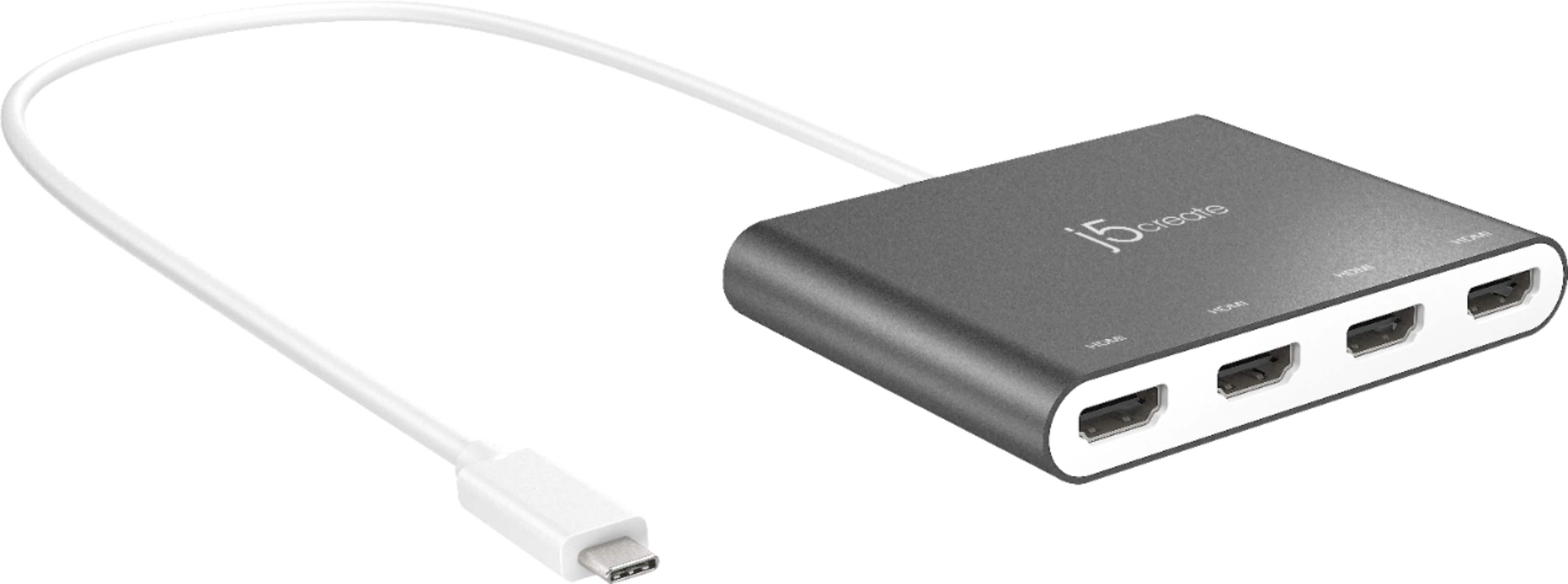
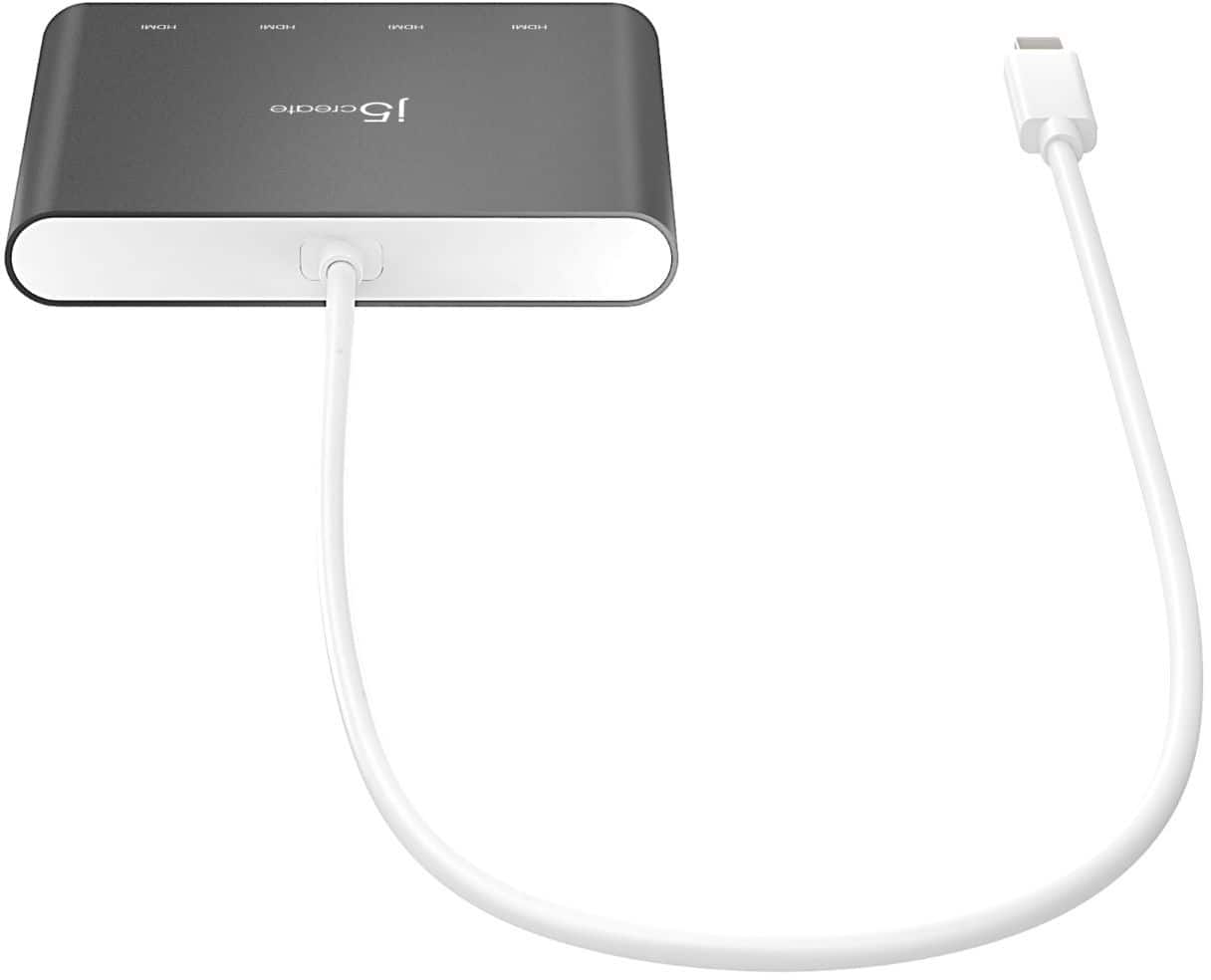
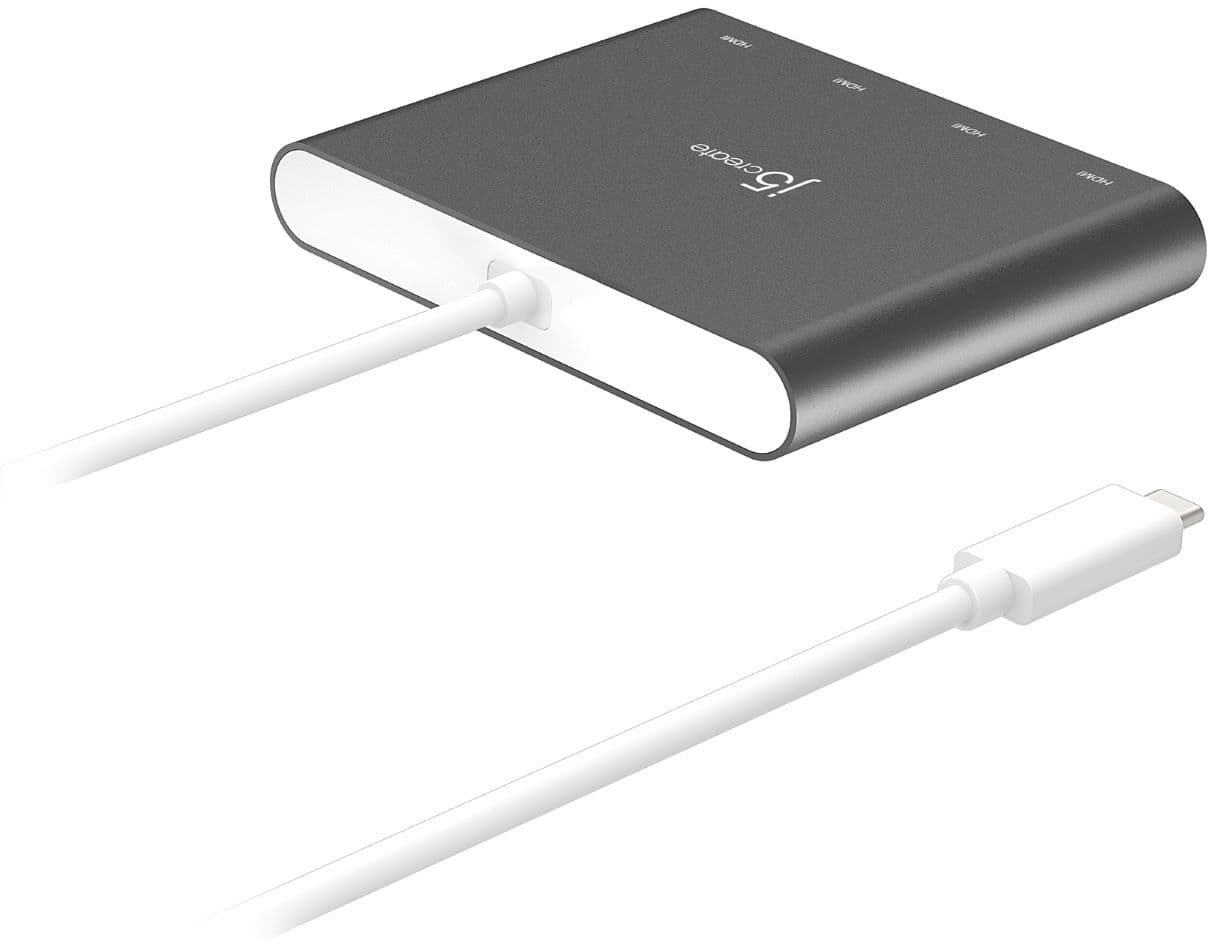
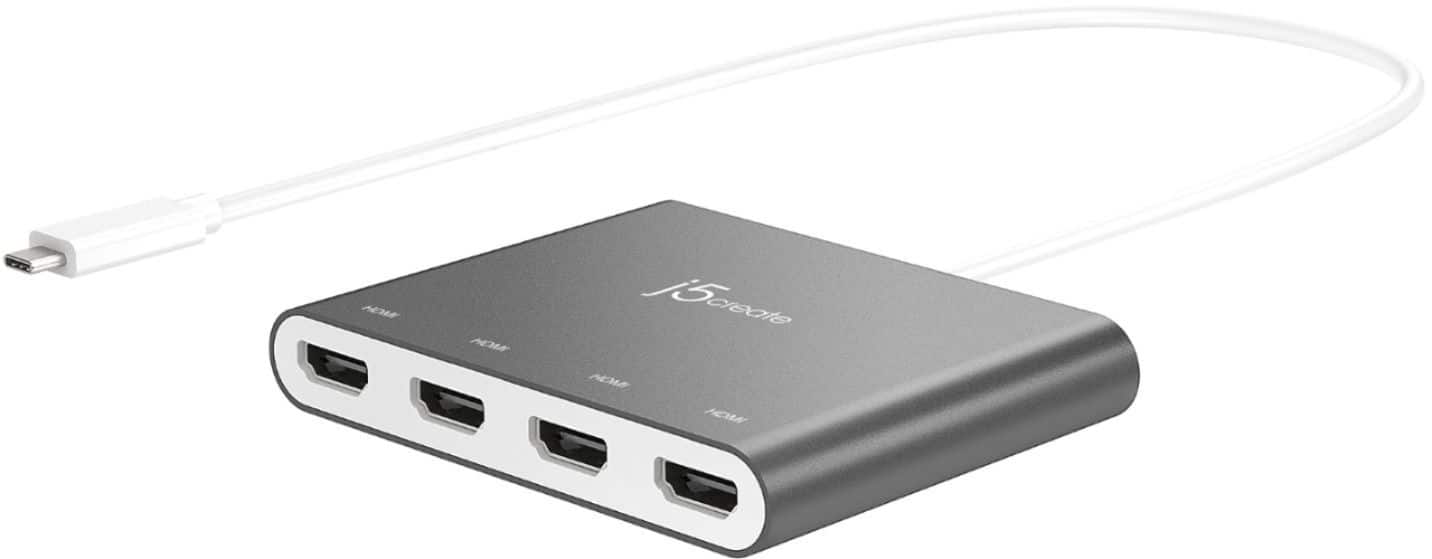
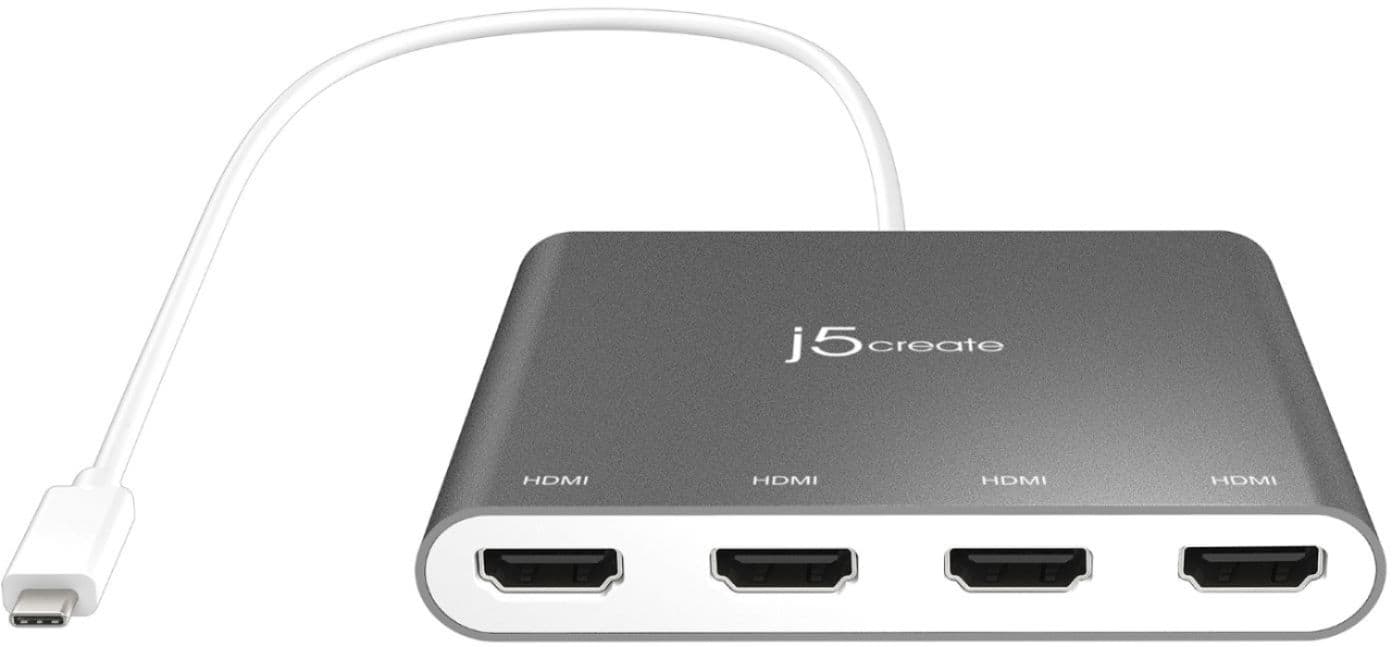
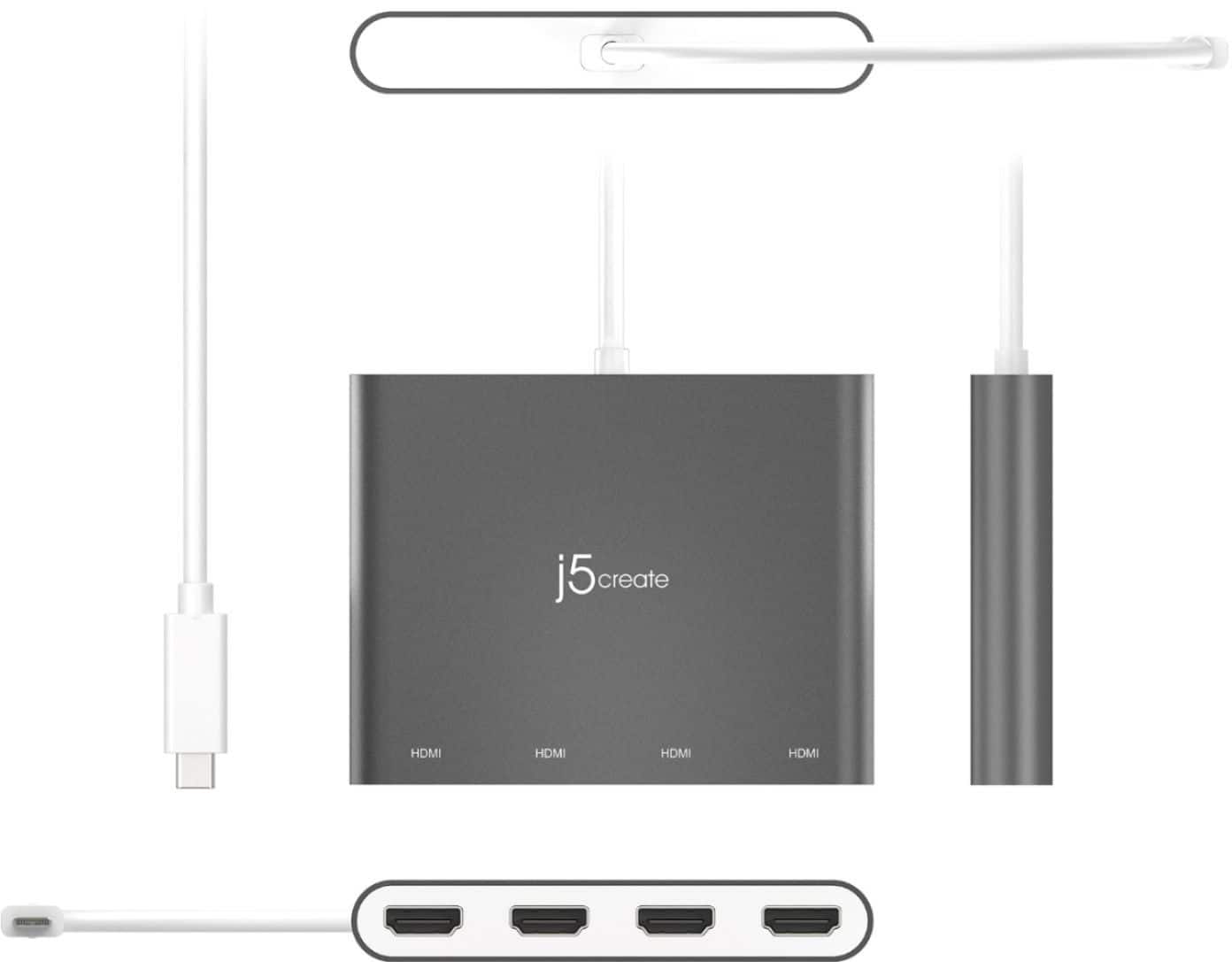
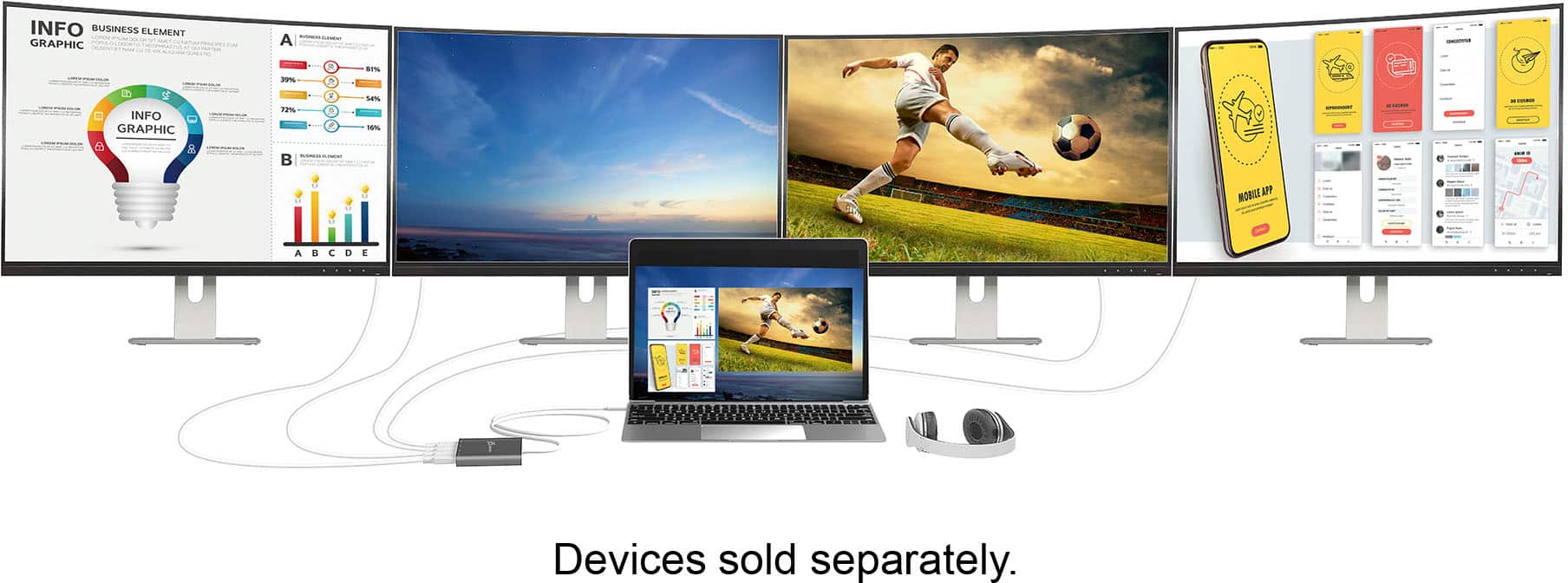
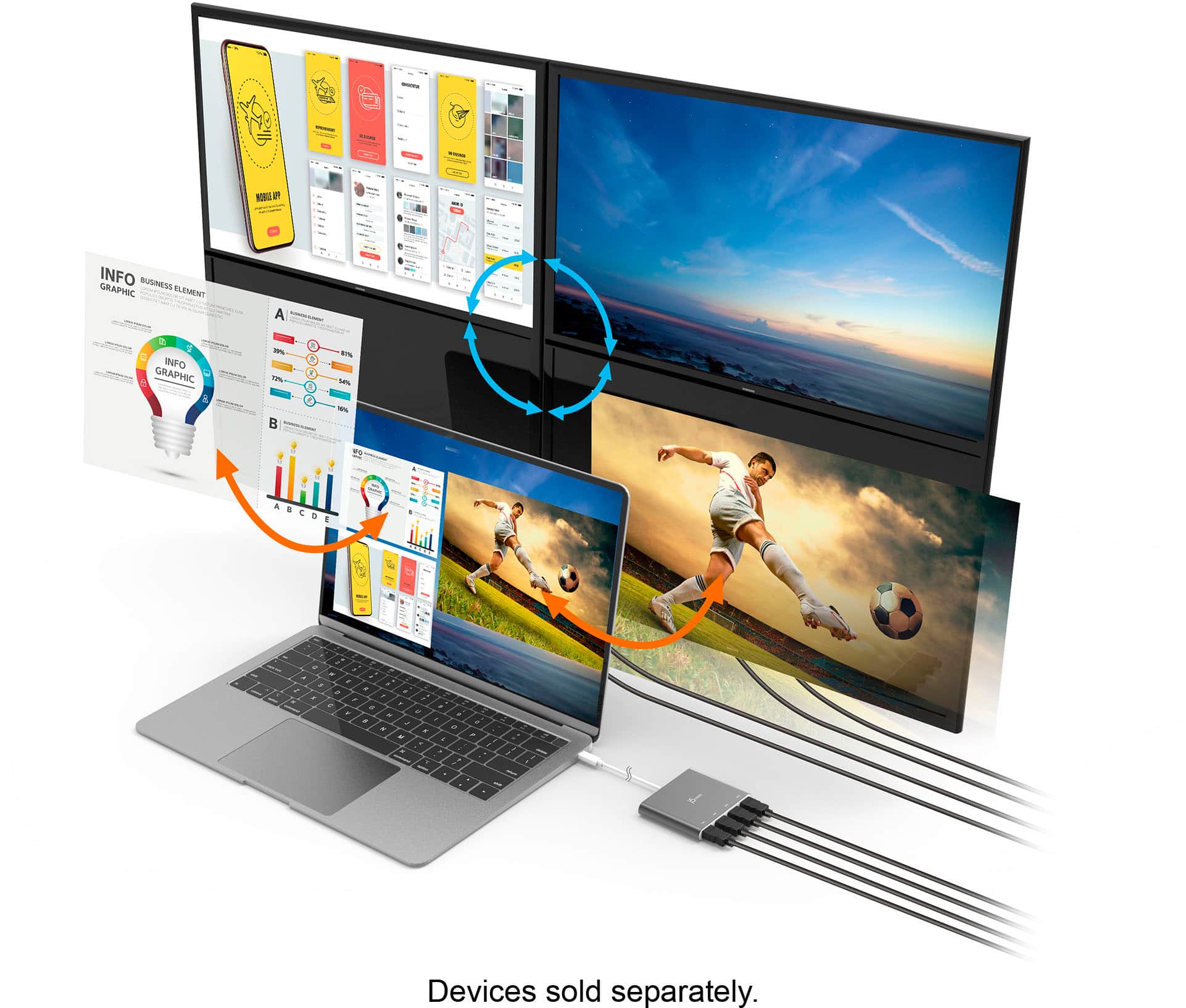
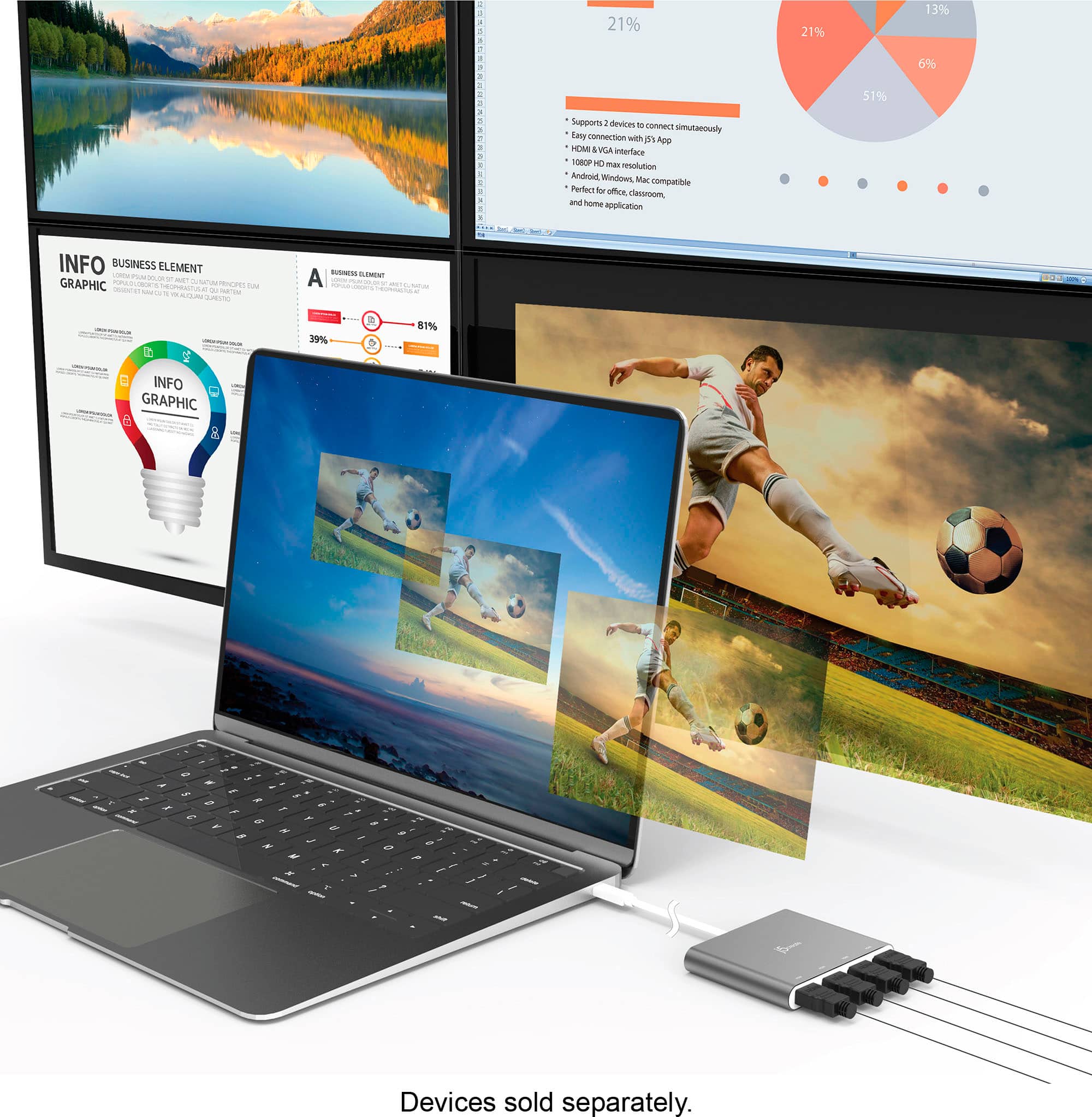
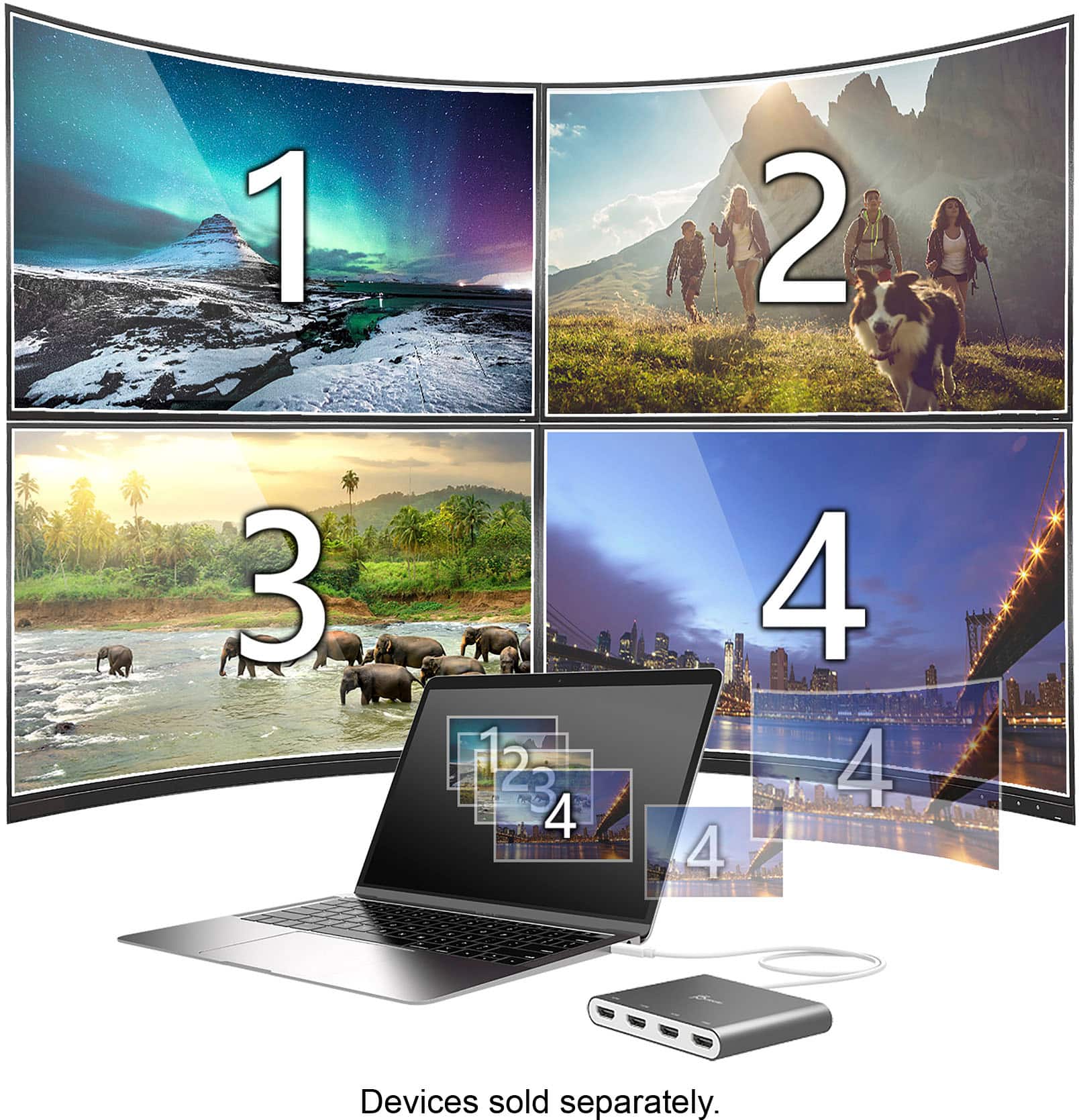
Posted .The USB-C to 4-Port HDMI Multi-Monitor Adapter is intended to allow additional display's with the capability to extend your desktop across multiple displays, clone one screen onto another, and have individual applications displayed on each monitor.

- Cons mentioned:Heat
Poor Quality for price paid
Posted .This reviewer received promo considerations or sweepstakes entry for writing a review.I purchased mine just over a month ago, had issues getting my monitor screens to come up. half the time they would and the other half nothing. i even troubleshot and followed all steps, still nothing. i noticed adapter get hot as well. i have not been able to get it to work for at least 3 days now.
No, I would not recommend this to a friendBrand response from J5create Team
Posted .Hi!
I'm very sorry for the inconvenience that this has caused you. Your device is covered under a two year warranty and we would be more than happy to replace it for you. Our information can be found on the back of all of our product boxes and on our website under the support tab. There you can find links to our livechat, phone, and ticketing services.
Thanks,
j5create
- Cons mentioned:Compatibility
Doesn’t work with iPad Prp
Posted .This reviewer received promo considerations or sweepstakes entry for writing a review.Before getting it I did a small research and trusted Google as it said it was compatible with iPad Pro, but it ain’t.
No, I would not recommend this to a friendBrand response from J5create Team
Posted .Unfortunately the information you came across is misinformation. Unfortunately the USB-C to 4-Port HDMI Multi-Monitor Adapter is not compatible with the iPad Pro, it is only compatible with Windows and macOS computers. If you have any questions please reach out to our customer support team by visiting the j5create website and click on the "SUPPORT" tab at the top right of the webpage.
- Cons mentioned:Heat
Garbage, poor video quality.
Posted .This reviewer received promo considerations or sweepstakes entry for writing a review.Garbage product. Sincerely doubt that it portrays an hd resolution. It certaintly steps down the video output. Images come out grainy. Using on windows, unit stays smoking hot. Also produces latency when monitors are plugged in. Junk product.
No, I would not recommend this to a friendBrand response from J5create Team
Posted .We're sorry to hear the Adapter did not work out for you. The JCA366 supports 1920 x 1080 resolution up to 4 external displays but requires the computers graphics card to support the much outputs. If you have any questions regarding the device, our contact is available on our website and we'll be happy to assist you. Kindly, j5
Mac User with Untold Damage
Posted .This reviewer received promo considerations or sweepstakes entry for writing a review.This USB Hub does work relatively well for what it is. HOWEVER, It only could run up to four ports at a time, and did not properly power my battery. After a year, I have noticed my battery overall life diminish more than my laptop of the same manufacturer and brand that is from 2012. Due to the inability to sufficiently work, the untold damage it has done to my battery's life, and other slight issues...I cannot recommend this in good faith and will never buy this brand ever again.
No, I would not recommend this to a friendBrand response from J5create Team
Posted .Thank you for your feedback Joe,
I am sorry that the 4-port HDMI Multi-Monitor Adapter did not meet your needs. Regarding the loss of battery life we do offer a number of docking stations with pass through charging for your laptop and also have multiple video output ports. Again let me apologize for the experience that you had with the adapter. If you do consider J5Create products in the future please know that we have a very helpful customer support team that can assist with choosing the right product for you. They can be contacted through our website.
-J5Create
Stay Away
Posted .This reviewer received promo considerations or sweepstakes entry for writing a review.Terrible device, does not work, instructions are not clear. Also feels odd that they want me to allow the driver/adapter to have access to screen recording. Seems like a security risk.
No, I would not recommend this to a friendBrand response from J5create Team
Posted .Proper functionality entails downloading and installing a driver on a Windows or Mac platform. Depending on the OS you have, different instructions apply. Allowing "DJTVirtualDisplayAgent" under System Preferences "Screen Recording", will simply permit for our device to know what needs to be drawn onto the external display(s). In order for j5create USB display adapters to operate, to mirror and extend to an external display, it requires that the device communicates and shares resources with the computer's integrated graphics adapter. If you have any questions, please contact our Technical Support Team and they'll be happy to help. Their information can be found on our website under the "Support" tab. Thank you.