Customer Ratings & Reviews
- Model:
- JCA366
- SKU:
- 6381214
Rating by feature
- Value
Rating 4.2 out of 5 stars
- Quality
Rating 4.3 out of 5 stars
- Ease of Use
Rating 4.3 out of 5 stars
Customers are saying
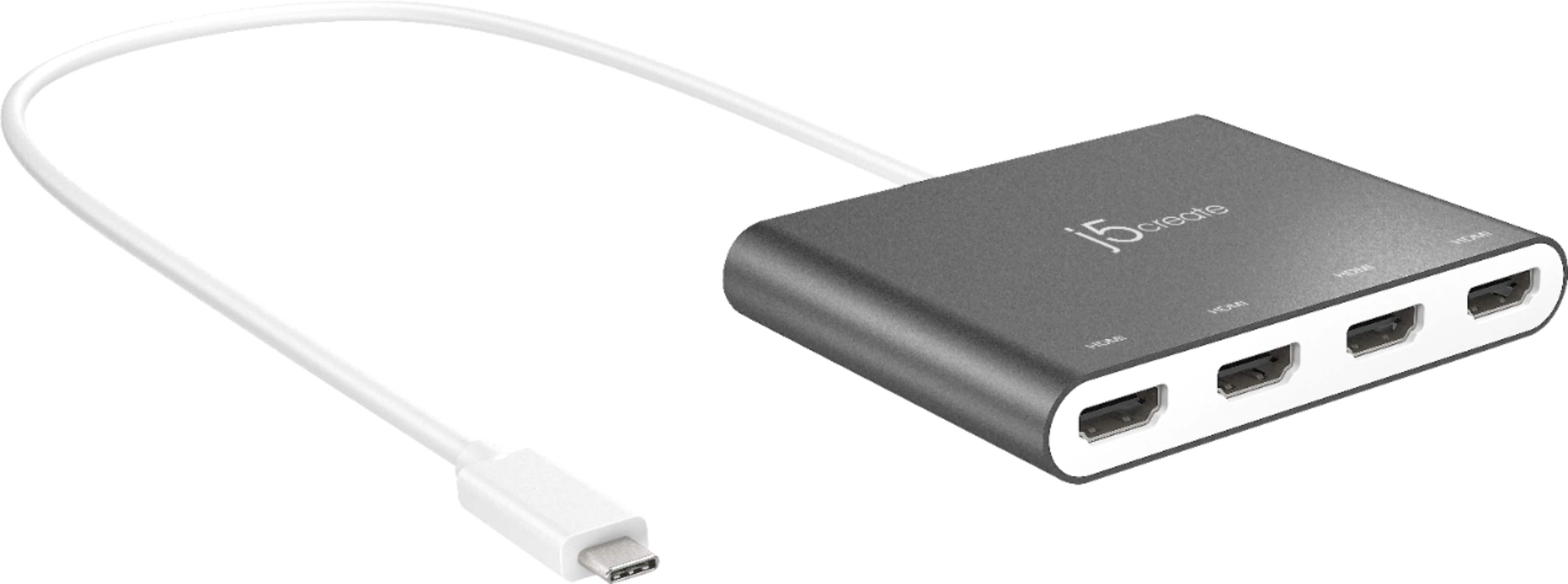
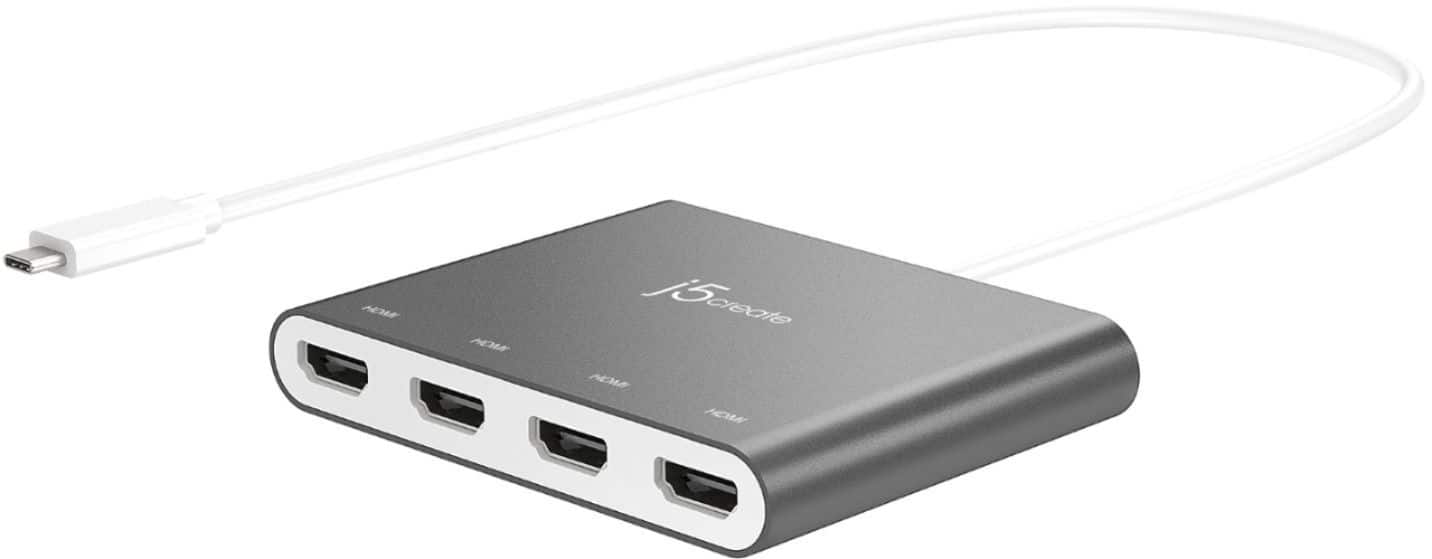
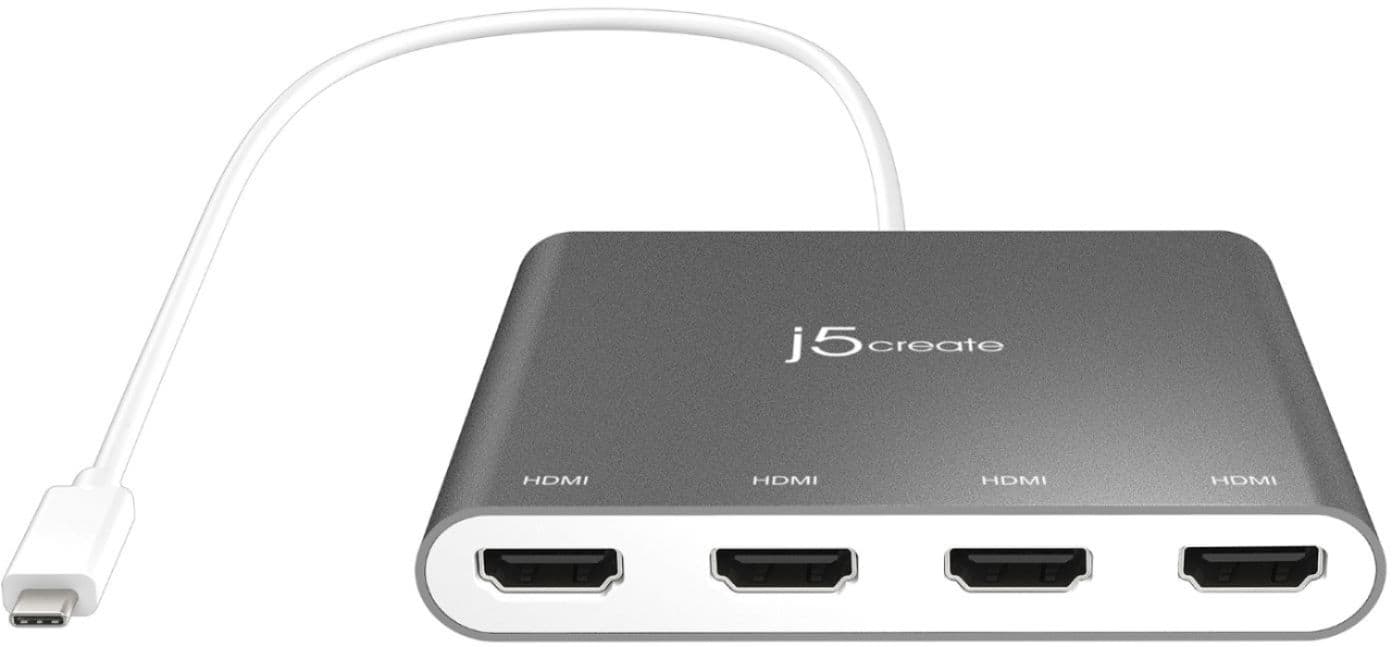
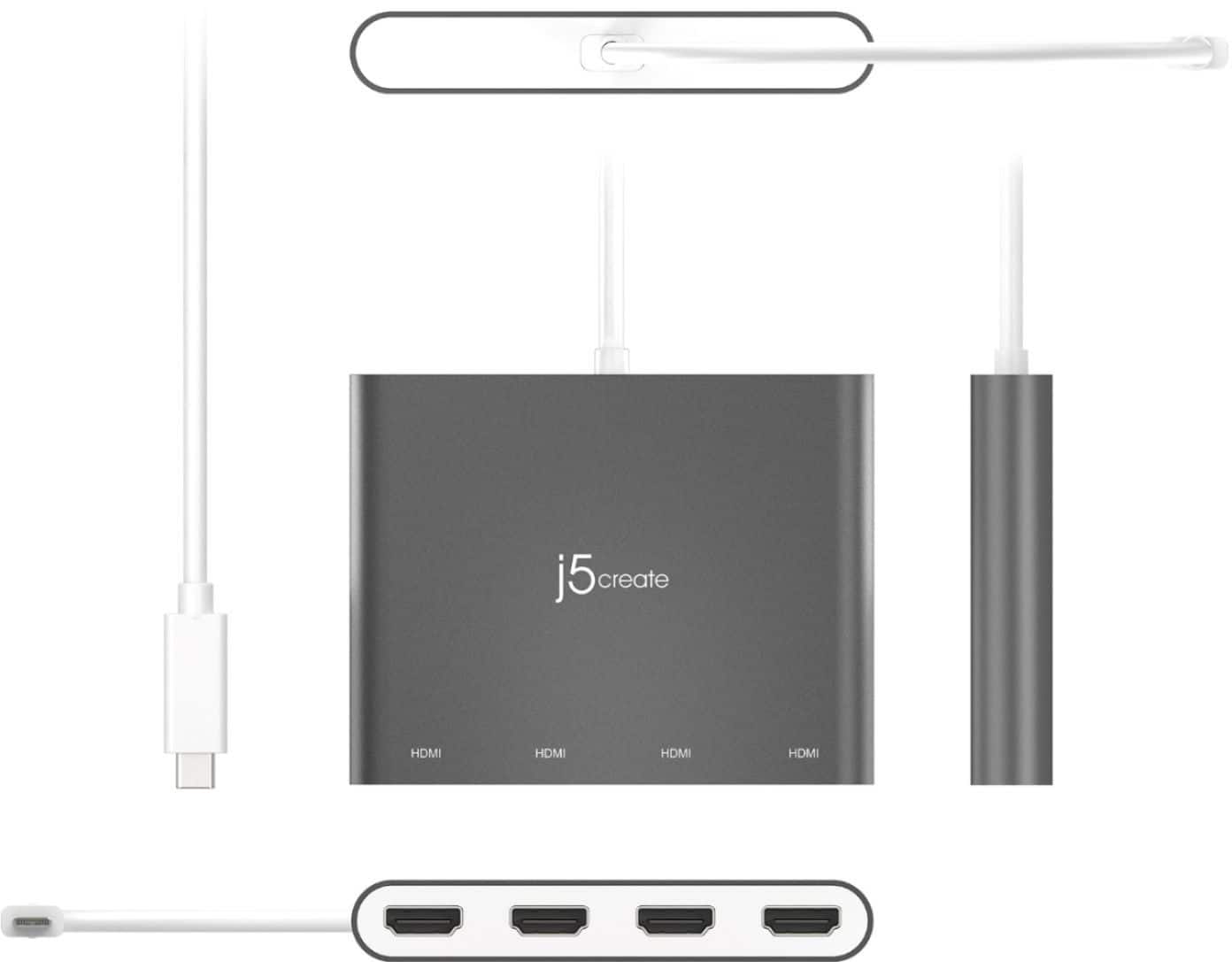
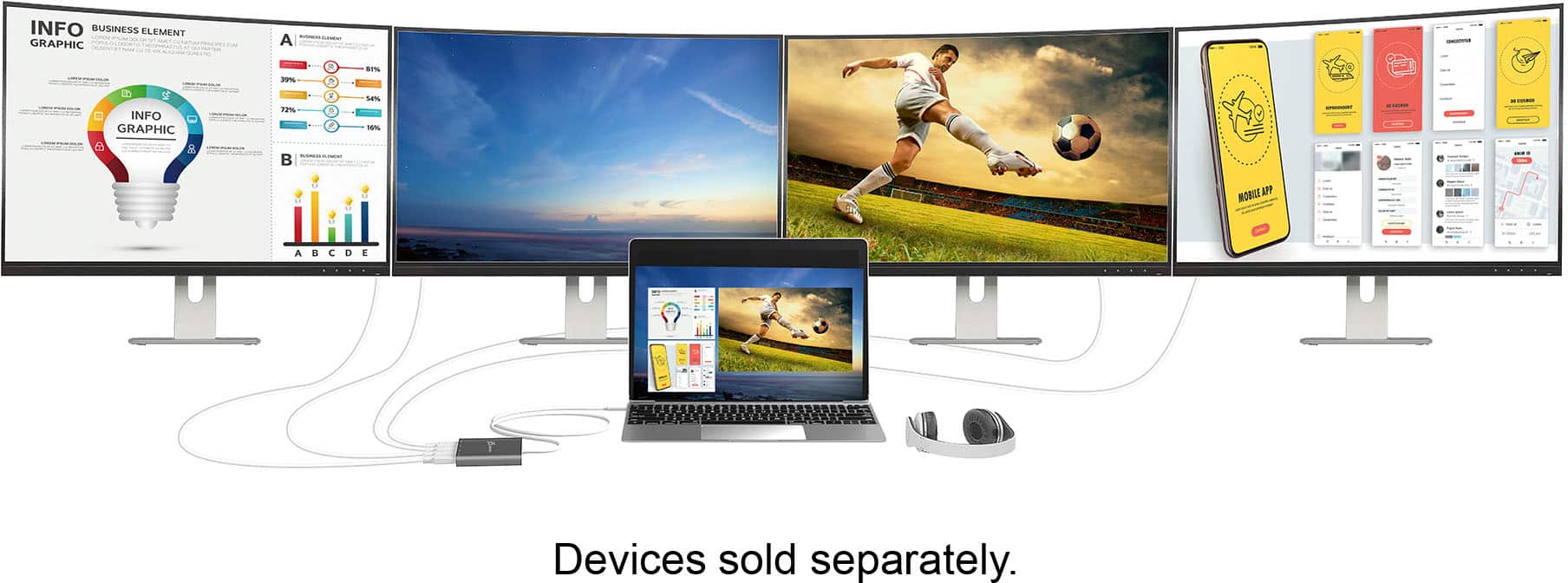
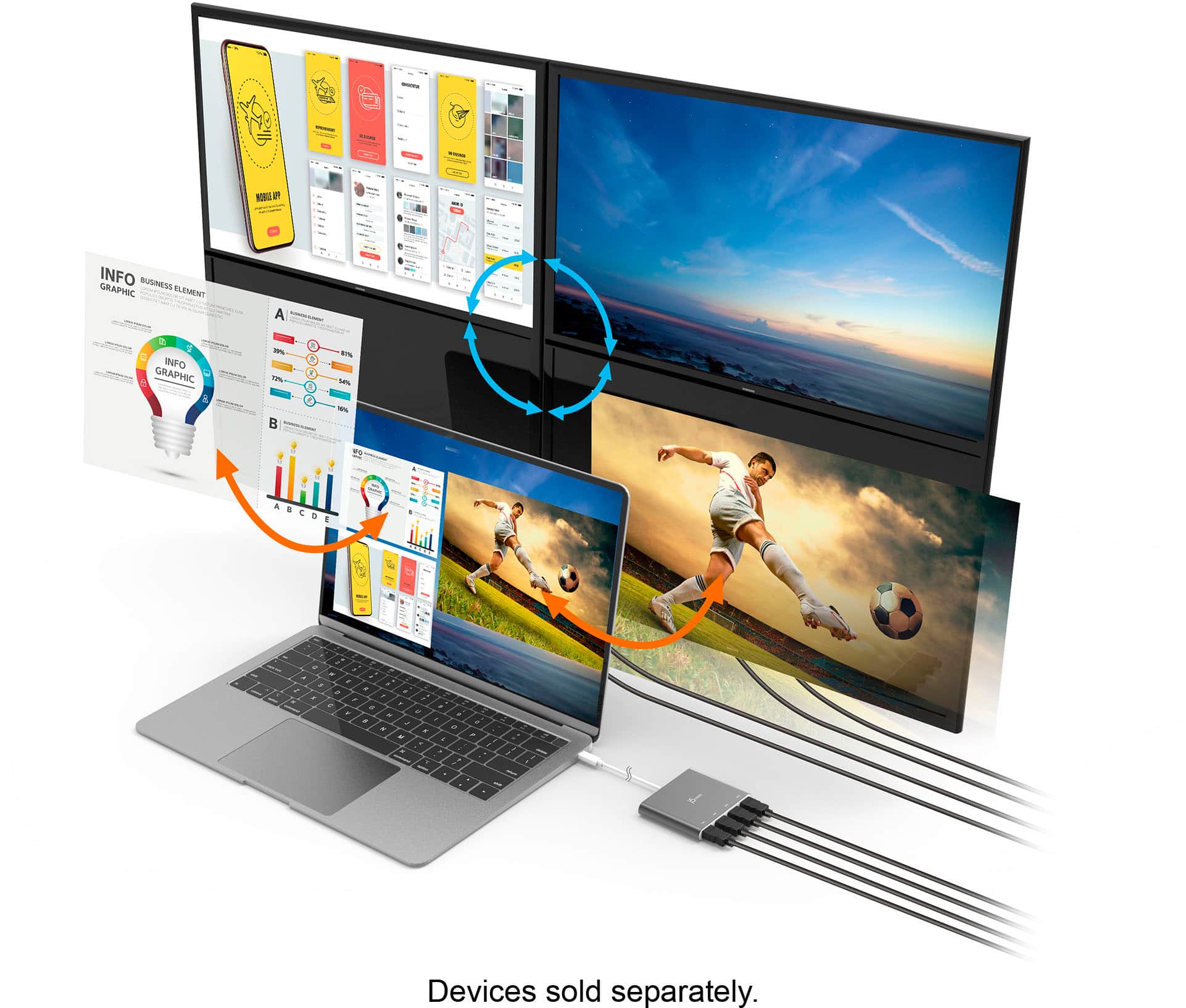
Customers value the overall performance and ease of use of the USB-C to 4-Port HDMI Multi-Monitor Adapter, as well as its HDMI capabilities and connectivity options. Some users have reported issues with heat, compatibility, driver installation, and lag. While some have noted compatibility issues with certain systems, others appreciate the adapter's compact size and reasonable price.
This summary was generated by AI based on customer reviews.
- Pros mentioned:Connectivity
4 screens
||Posted . Owned for 1 month when reviewed.This reviewer received promo considerations or sweepstakes entry for writing a review.was able to connect all four screens to the laptop
I would recommend this to a friendBrand response from J5create Team
Posted .We're glad to hear all monitors woks great to the HDMI Adapter. Thank you for your feedback.

- Pros mentioned:Ease of use
Chub
||Posted . Owned for 1 month when reviewed.This reviewer received promo considerations or sweepstakes entry for writing a review.Quick easy install easier than buying a docking station.
I would recommend this to a friendBrand response from J5create Team
Posted .Hi Chub, the JCA366 is great for running up to 4 monitors if need be. Thank you for your feedback. Enjoy, j5create.
- Pros mentioned:Overall performance
Nice Product
||Posted . Owned for less than 1 week when reviewed.This reviewer received promo considerations or sweepstakes entry for writing a review.Purchased for home office and this works great so far!
I would recommend this to a friendBrand response from J5create Team
Posted .Thank you Nratliff, for posting your review. I'm glad it's working great for you. Cheers.
- Pros mentioned:Hdmi
4 monitors connected
||Posted .This reviewer received promo considerations or sweepstakes entry for writing a review.I have 4 monitors connected to this and they all work great.
I would recommend this to a friendBrand response from J5create Team
Posted .Hello,
If you need to add a bunch (defining a bunch as up to 4) of HDMI ports to your computer then the JUA366 is the adapter for you. This adapter will allow you to connect four additional HD monitors to your computer. We appreciate your review.
Have a good day,
j5create
- Pros mentioned:Hdmi
It works
||Posted . Owned for 1 month when reviewed.This reviewer received promo considerations or sweepstakes entry for writing a review.I currently use it for two monitors. I like it. I am pleased with it
I would recommend this to a friendBrand response from J5create Team
Posted .Adding monitors to your computer is now easier with the JCA366, it's up to 4 monitors at 1080P resolution capability makes this is a must have and we are excited to hear it is working great for you.
Cordially,
j5create
- Pros mentioned:Hdmi
Like it
||Posted . Owned for 4 months when reviewed.This reviewer received promo considerations or sweepstakes entry for writing a review.It's very nice, great connection for all my monitors
I would recommend this to a friendBrand response from J5create Team
Posted .Jmoore, thanks for sharing your feedback on the JCA366 and supporting us, we appreciate your input!
With gratitude, j5create.
- Pros mentioned:Ease of use
Awesome product
||Posted . Owned for 1 month when reviewed.This reviewer received promo considerations or sweepstakes entry for writing a review.Awesome product easy to use and right out the package plug and play
I would recommend this to a friendBrand response from J5create Team
Posted .Hey Ki4low23, the JCA366 is a great device for adding up to four additional monitors via HDMI at 1080P resolution. It's unique design makes it very simple for connecting as well. You can also download the "Monitor Assistant" app for free from the manufacturers website for easier monitor functionality. ** We appreciate the positive input as we constantly strive to improve
all or any flaws in our devices in order to obtain perfection and better satisfy our customers. Be sure to check out our website for other devices that could also be of great
usage to you and your colleagues.
Just as a heads up, we also provide both Spanish and English speaking Technical Support. Thanks again!
- Pros mentioned:Overall performance
Plug and play all day
||Posted . Owned for 3 weeks when reviewed.This reviewer received promo considerations or sweepstakes entry for writing a review.Saw it, purchase it, hook it up, work first try, satisfied
I would recommend this to a friendBrand response from J5create Team
Posted .Hello,
The for port HDMI adapter is a great way to expand you desktop workspace. We recommend that you download the driver from the j5create website before plugging it in. I hope that you have a great day.
Thanks,
j5create
- Pros mentioned:Overall performance
No Matrox needed
||Posted . Owned for 2 weeks when reviewed.This reviewer received promo considerations or sweepstakes entry for writing a review.I tried this instead on a Matrox unit and it did the job!
I would recommend this to a friendBrand response from J5create Team
Posted .Hello,
We appreciate that you chose a j5create device. This 4 port HDMI adapter will really expand your desktop working area. I hope that you have a great day.
Thank you,
j5create
- Pros mentioned:Overall performance
Works great for triple monitor setup
||Posted . Owned for 1 month when reviewed.This reviewer received promo considerations or sweepstakes entry for writing a review.Easy setup. Just plug and play. Have had no problems.
I would recommend this to a friendBrand response from J5create Team
Posted .Good Day Ryan,
Glad to hear that you had no problems with the HDMI adapter. Additional monitors help increase productivity so much. Thank you for choosing a j5create product.
Have a good day,
-The j5create Team
- Pros mentioned:Overall performance
Yea
||Posted . Owned for 9 months when reviewed.This reviewer received promo considerations or sweepstakes entry for writing a review.Love it and can’t wait to buy more for future uses
I would recommend this to a friendBrand response from J5create Team
Posted .Hello Nate,
Glad to hear that you like the JCA366. If you have any questions about any j5create product our customer support team would be happy to answer them. Thank you for sharing your review.
Have a good day,
j5create
Works great!
||Posted . Owned for 3 weeks when reviewed.This reviewer received promo considerations or sweepstakes entry for writing a review.Love the product! Allows me to have multiple monitors which makes my workflow a lot more smooth & efficient! I actually had trouble getting it started by myself but called product company & received thorough help. By time we hung up product was working great.
I would recommend this to a friendGood buy
||Posted . Owned for 3 weeks when reviewed.This reviewer received promo considerations or sweepstakes entry for writing a review.Works as advertised. Ok with the price............
I would recommend this to a friendBrand response from J5create Team
Posted .Hello Jessie,
We're glad to hear that the four port HDMI adapter is working well for your needs. This is an easy way to add an array of monitors to your computer setup. We appreciate you for taking the time to review your purchase.
Thanks,
j5create
I could run 6 monitors from my laptop if I wanted
||Posted . Owned for 2 weeks when reviewed.This reviewer received promo considerations or sweepstakes entry for writing a review.Install the drivers and this thing just works. I use this with my work laptop. Laptop is plugged into a usbc multi port hub. This little guy is plugged into the hub and I run 4 monitors in 1080p for work. 2 monitors are plugged into the hub, 2 are plugged into the j5 with 2 ports left over. Crazy....
I would recommend this to a friendBrand response from J5create Team
Posted .With this multi-monitor adapter, you can extend your desktop across multiple displays, clone one screen onto another, and have individual applications displayed on each monitor. Thank you for your positive review and support.
I wish J5 offered on option for 8 or 9 monitors.
||Posted . Owned for 2 months when reviewed.This reviewer received promo considerations or sweepstakes entry for writing a review.Great device, it allow me to use 4 monitors seamlessly and unlike most devices I've found It has it's own graphics card so I can see 4 different things on each screen.
I would recommend this to a friendDoes what it suppose to
||Posted . Owned for 11 months when reviewed.This reviewer received promo considerations or sweepstakes entry for writing a review.Works as intended. Able to connect my four monitors to my laptop. 90-95% of time seamless workability. Sometimes have to reset when connection drops.
I would recommend this to a friendBrand response from J5create Team
Posted .Thank you for your review. If you have any questions regarding the unit, please reach out to our Support Team and they'll be happy to assist you. Thank you.
Not ideal for desktop setups.
||Posted . Owned for 1 month when reviewed.This reviewer received promo considerations or sweepstakes entry for writing a review.Worked well enough. Its wasn't ideal for extra monitors for my imac seeing as I needed to unplug it and replace it in after every restart to make it work.
I would recommend this to a friendBrand response from J5create Team
Posted .Hello Caleb,
If you would like troubleshooting assistance with the HDMI hum j5create customer support can help. You should not have to unplug the hub every time you restart. Our contact information is printed on the product package and can be found on the j5create website under ‘Support’.
Thanks,
j5create
Multi-Monitor adapter
||Posted . Owned for 2 weeks when reviewed.This reviewer received promo considerations or sweepstakes entry for writing a review.It is a great product. You can do a lot when you use multiple monitors. you can set up different back grounds for each monitor also.
I would recommend this to a friendHighly functional
||Posted . Owned for 4 months when reviewed.This reviewer received promo considerations or sweepstakes entry for writing a review.Costly but did exactly what I needed it to. Using 3 screens and a drawing tablet, and this seamlessly integrates all of them. Make sure your oc has a usb c input and you are good to go.
I would recommend this to a friendExcellent multi-monitor adapter
||Posted . Owned for 6 months when reviewed.This reviewer received promo considerations or sweepstakes entry for writing a review.Easy setup. Connects reliably every time. No problems with overheating, as some other reviewers mentioned.
I would recommend this to a friend