Customer Ratings & Reviews
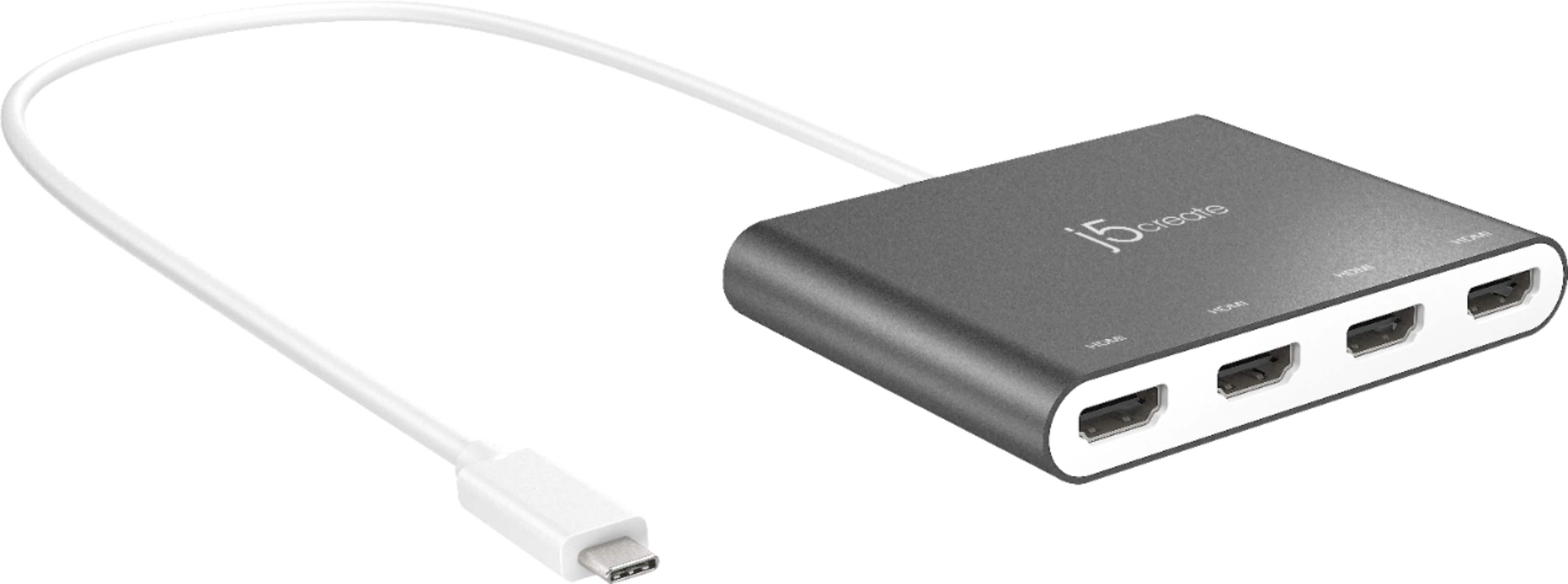
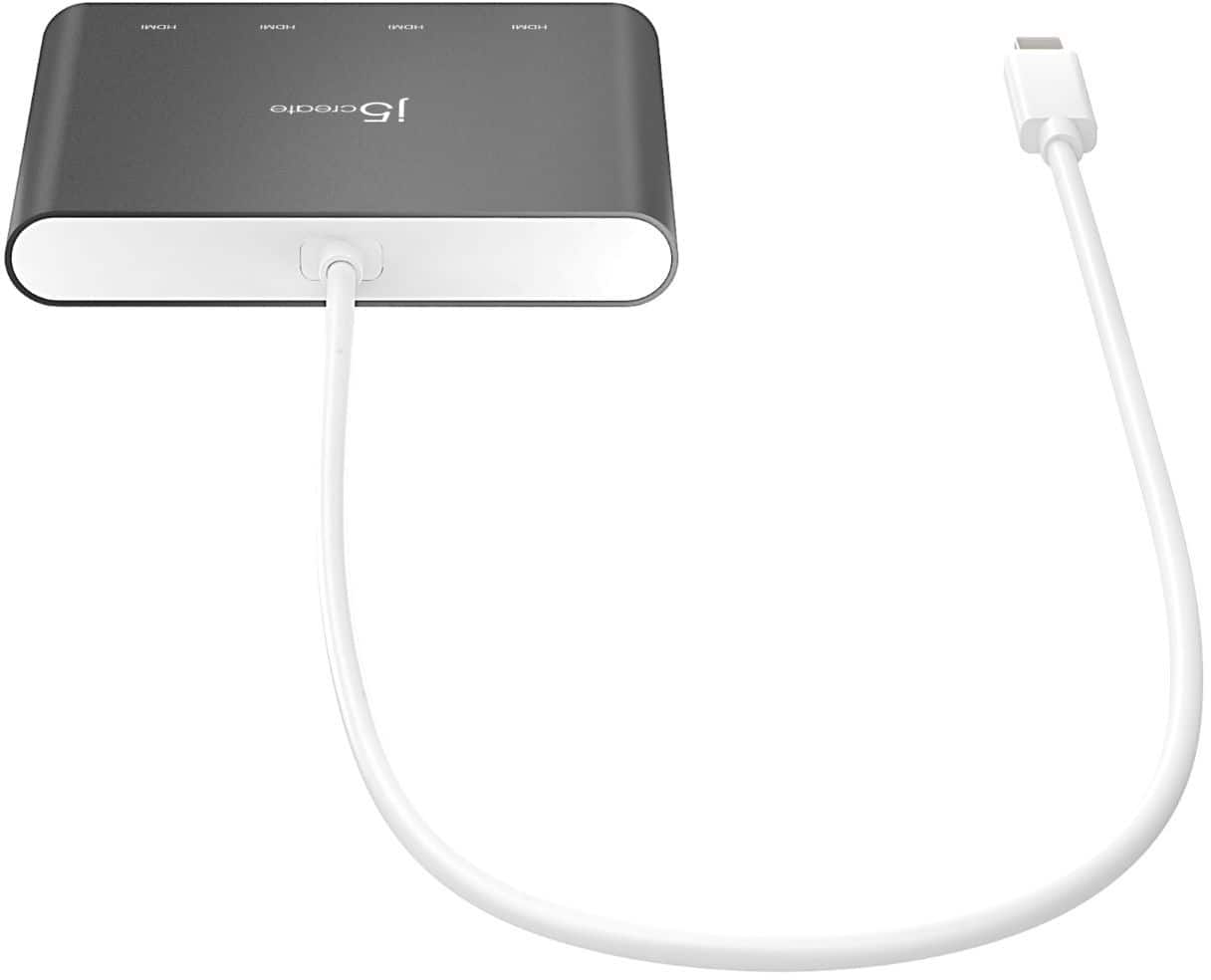
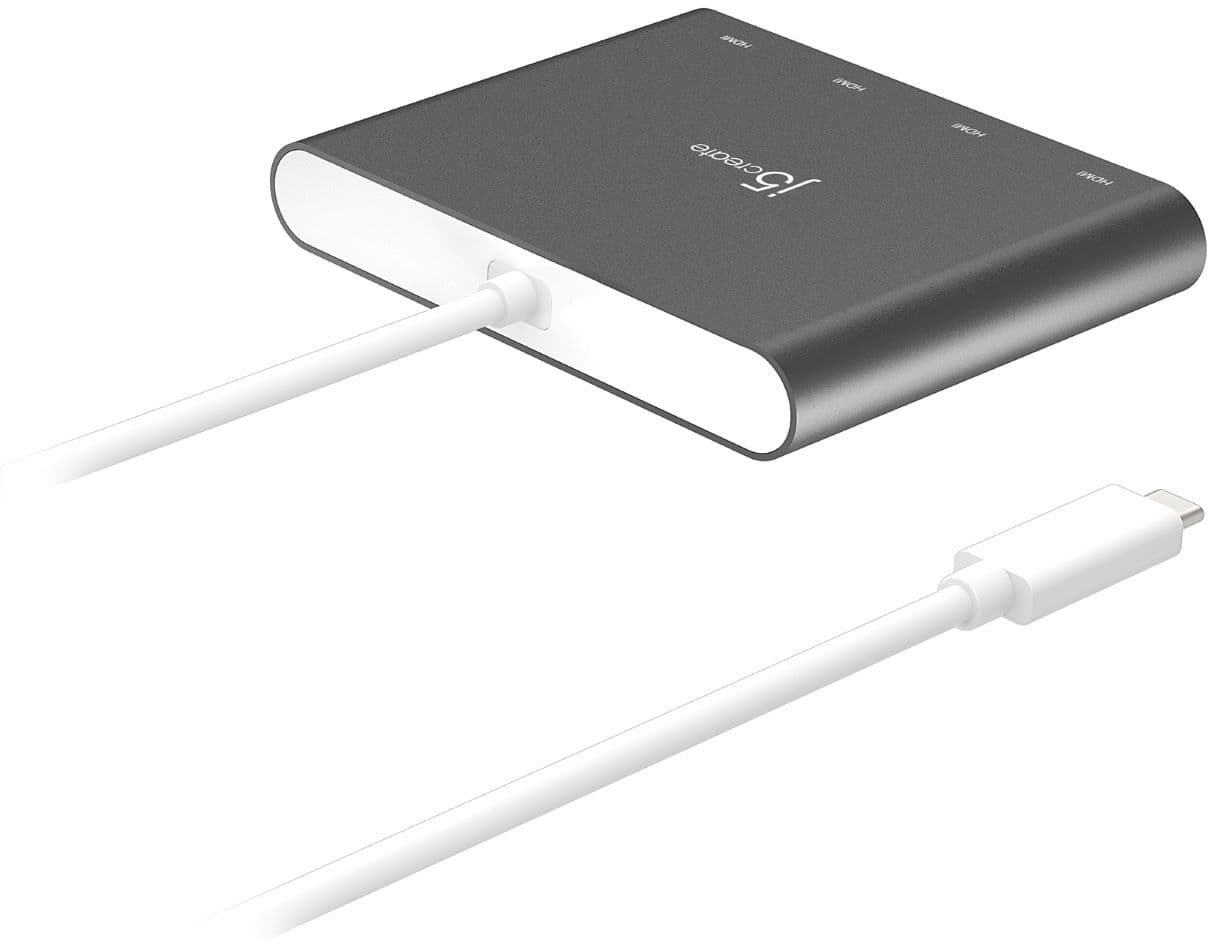
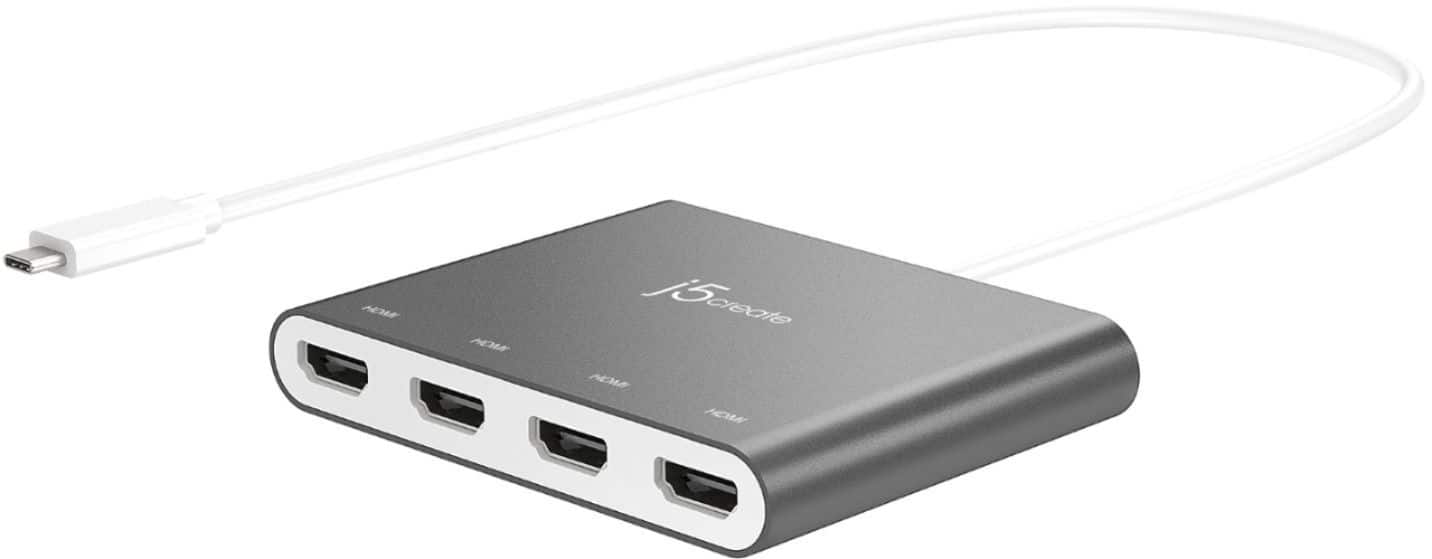
- Model:
- JCA366
- SKU:
- 6381214
Rating by feature
- Value
Rating 4.2 out of 5 stars
- Quality
Rating 4.3 out of 5 stars
- Ease of Use
Rating 4.3 out of 5 stars
Customers are saying
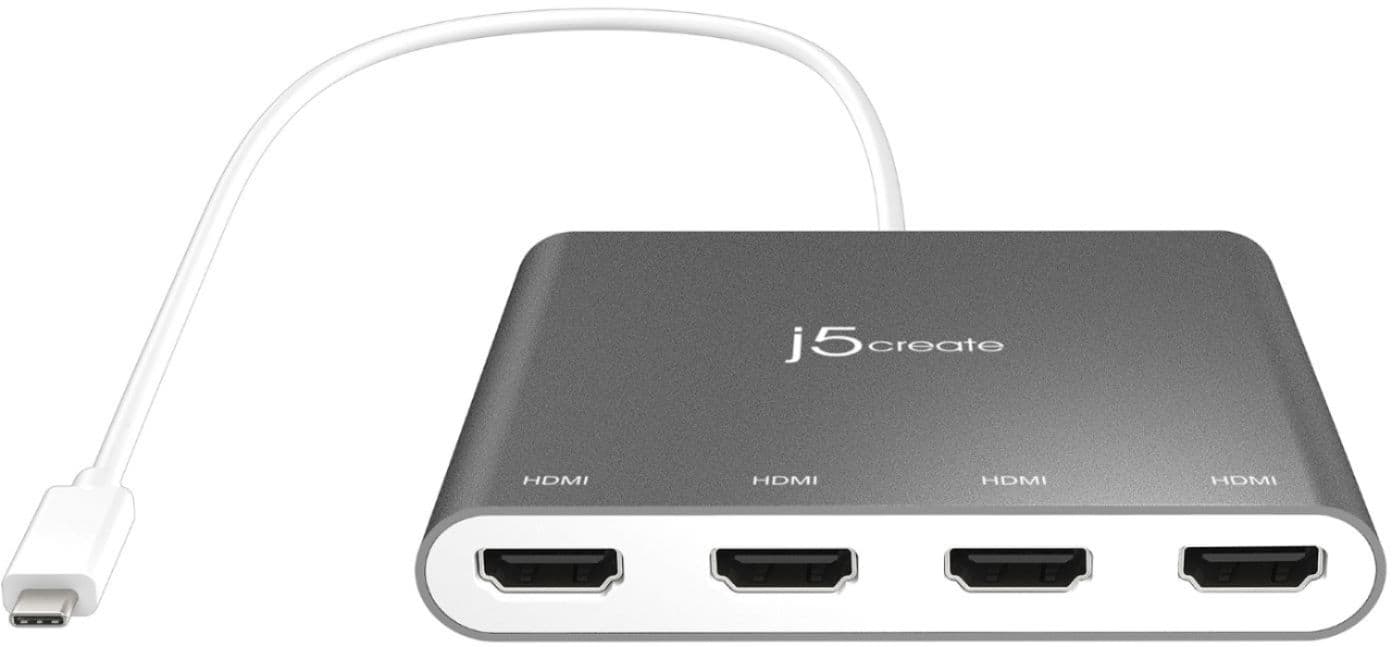
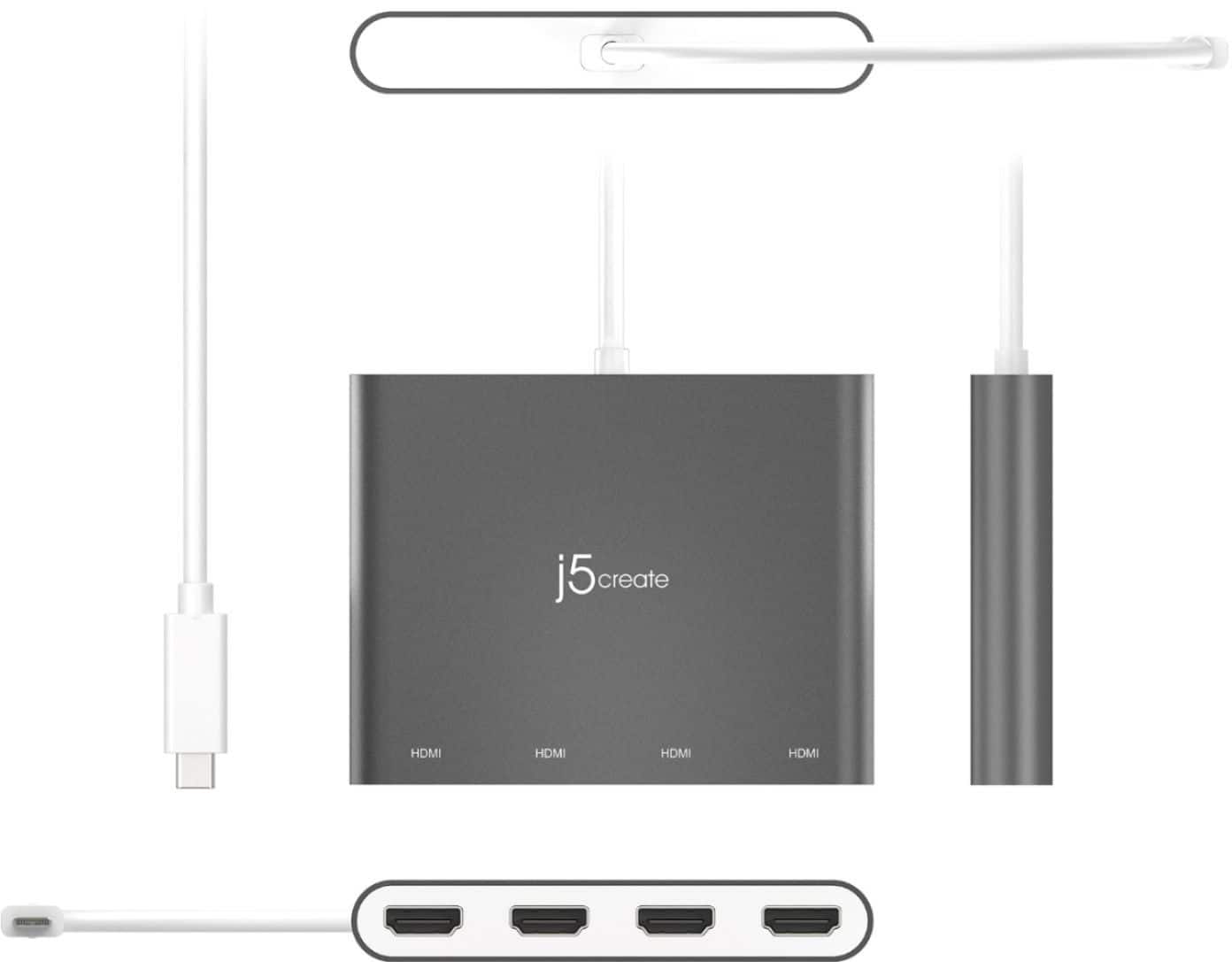
Customers value the overall performance and ease of use of the USB-C to 4-Port HDMI Multi-Monitor Adapter, as well as its HDMI capabilities and connectivity options. Some users have reported issues with heat, compatibility, driver installation, and lag. While some have noted compatibility issues with certain systems, others appreciate the adapter's compact size and reasonable price.
This summary was generated by AI based on customer reviews.
Ok
||Posted . Owned for 1 month when reviewed.This reviewer received promo considerations or sweepstakes entry for writing a review.I don’t know why I have to write something but it’s making me
I would recommend this to a friend- Cons mentioned:Compatibility
Wish it would have worked!
||Posted .This reviewer received promo considerations or sweepstakes entry for writing a review.I was very excited to use this and had pre read the question and answers and there were a few multiple that said it works with a Chromebook but alas it does not at all. I've been using two extra monitors with my Chromebook for a while and wanted to add on a third so I don't know if it's because of the driver software not being available or because Chromebooks cap out at two maybe.
I would recommend this to a friendBrand response from J5create Team
Posted .We sincerely apologize for the miscommunication in regards to the JCA366 being compatible with Chromebook. We have plug-and-play adapters that we may recommend if your Chromebook supports video output via USB-C. In order to make recommendations and ensure your Chromebook supports video output via USB-C, we would value the opportunity to discuss the make and model of your Chromebook via a phone call or chat session. If possible, please feel free to reach out to us at your earliest convenience and an agent will be glad to help.
Respectfully,
j5create
Excellent Product
||Posted .This reviewer received promo considerations or sweepstakes entry for writing a review.Excellent product. I would suggest this item to anyone looking to take advantage of multiple monitors.
I would recommend this to a friendBrand response from J5create Team
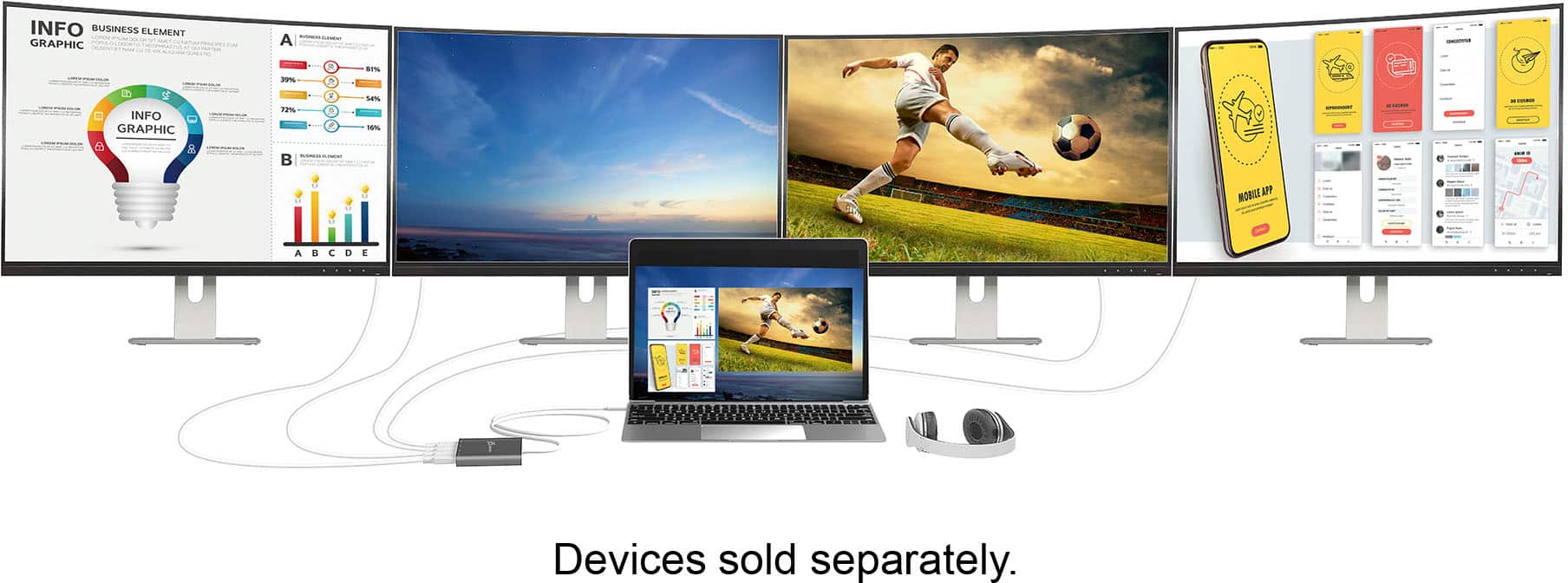
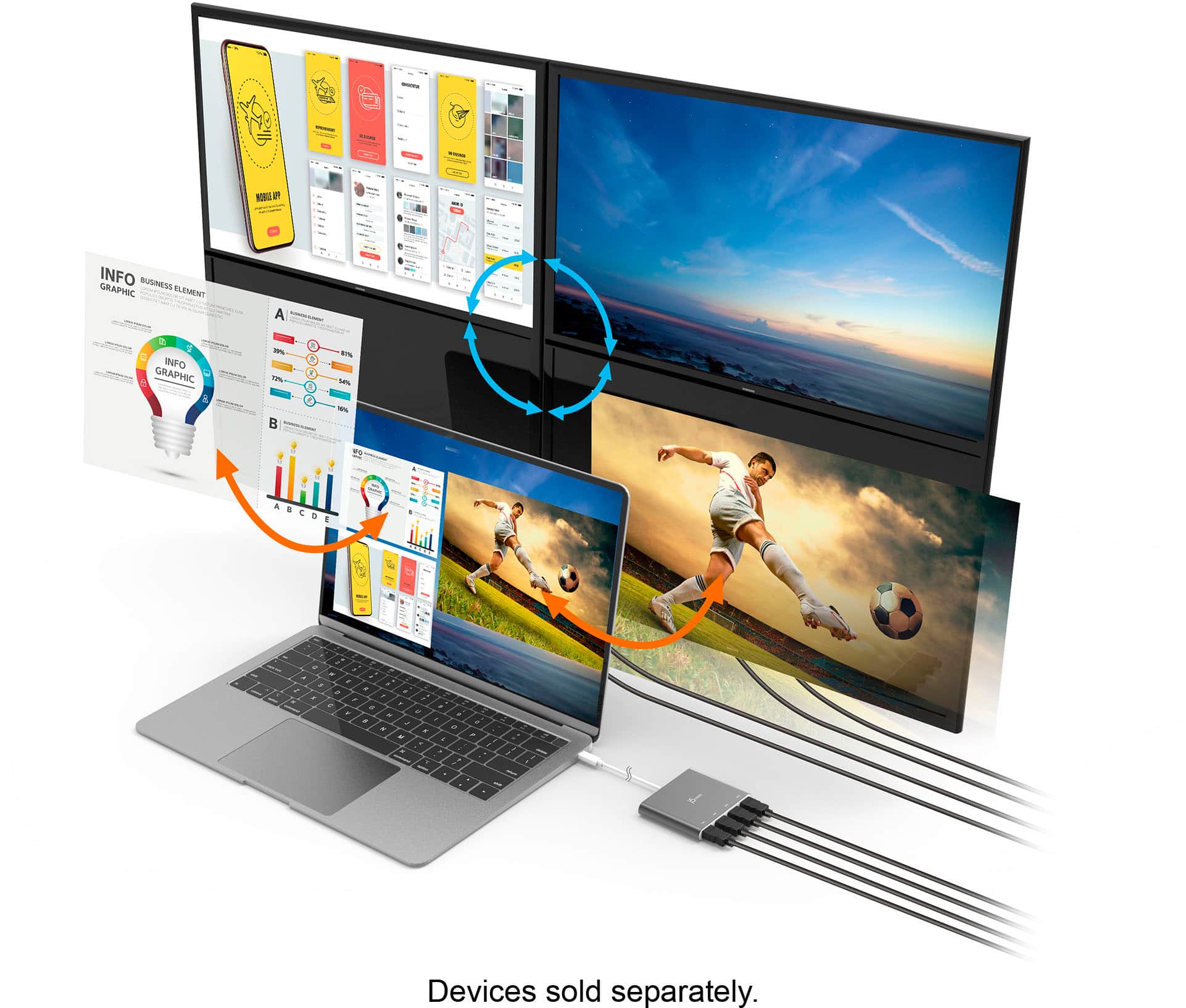
Posted .With multi-monitor, you can quickly extend your desktop across multiple displays, clone one screen onto another, and have individual applications displayed on each monitor. Thanks for your review.
4 HDMI TV and Laptop screen :P
||Posted . Owned for 1.5 years when reviewed.This reviewer received promo considerations or sweepstakes entry for writing a review.This thing is great. I needed 4 televisions for my gaming laptop. Super product.
I would recommend this to a friendUp to 4 monitors
||Posted . Owned for 2 months when reviewed.This reviewer received promo considerations or sweepstakes entry for writing a review.Can have 4-1 screens, great for work from home! Buy this now.
I would recommend this to a friendBrand response from J5create Team
Posted .Hi Piotr, thank you for choosing the JCA366, it is our only 4 HDMI output adapter to display multiple monitors. Thanks for posting your review. Cheers, j5create.
steve
||Posted . Owned for less than 1 week when reviewed.This reviewer received promo considerations or sweepstakes entry for writing a review.Im very happy my laptop said 2 monitors but i can use laptop and 4 more monitors
I would recommend this to a friendHome Office
||Posted .This reviewer received promo considerations or sweepstakes entry for writing a review.Great for the home office. Have to use multiple monitors.
I would recommend this to a friend4 Monitors
||Posted . Owned for 3 weeks when reviewed.This reviewer received promo considerations or sweepstakes entry for writing a review.So far so good Clear transmission and 4 monitors! What???
I would recommend this to a friend- Cons mentioned:Compatibility
Not Apple Friendly
||Posted . Owned for 1 week when reviewed.This reviewer received promo considerations or sweepstakes entry for writing a review.I thought this device could work with my MacBook Pro but it couldn't. It works fine with my work PC but will not work with my MacBook.
I would recommend this to a friendBrand response from J5create Team
Posted .The JCA366 requires a driver for Mac computers. Depending on the OS you have, different instructions apply and if you could please contact our support team, a specialist will be more than happy to lend a helping hand Thank you.
Dwsk
||Posted . Owned for 3 weeks when reviewed.This reviewer received promo considerations or sweepstakes entry for writing a review.Great product. Needed something to help with more gadgets
I would recommend this to a friendGreat addition to work computer
||Posted .This reviewer received promo considerations or sweepstakes entry for writing a review.So far my wife loves it with three monitors. It was plug and play and have no issues at this review
I would recommend this to a friendBrand response from J5create Team
Posted .Hello,
Having extra monitors can really help productivity. We appreciate you taking the time to post your review and hope that you have a nice day.
Cheers,
j5create
great for the use intended of dual moniters.
||Posted . Owned for 2 weeks when reviewed.This reviewer received promo considerations or sweepstakes entry for writing a review.works nicely to hookup 2 monitors to my laptop! you can hookup more too but I only needed two.
I would recommend this to a friendBrand response from J5create Team
Posted .1920 x 1080 @ 60 Hz, with 1080p Video Playback.
- Cons mentioned:Driver installation
Not Plug and Play
||Posted . Owned for 1 month when reviewed.This reviewer received promo considerations or sweepstakes entry for writing a review.Advertised as plug and play (no driver installation necessary). Turns out all JB Docking Station require a driver installation.
No, I would not recommend this to a friendBrand response from J5create Team
Posted .The USB-C to 4-Port HDMI Multi-Monitor Adapter is not a PnP. This device requires a driver for functionality. For more information, visit j5create website. Thank you.
- Cons mentioned:Heat
Low quality image
||Posted . Owned for 2 weeks when reviewed.This reviewer received promo considerations or sweepstakes entry for writing a review.It gets hot and the image is glitchy. It not worth the price.
No, I would not recommend this to a friendBrand response from J5create Team
Posted .If you have more specific details about the issue, please reach out to j5create customer support team for troubleshooting. Thank you.
great hdmi splitter
||Posted . Owned for 6 months when reviewed.This reviewer received promo considerations or sweepstakes entry for writing a review.works as intended, no complaints and looks nice. I like the silver color.
I would recommend this to a friendBrand response from J5create Team
Posted .Thank you for your review and 5 star rating. Take care!
- Cons mentioned:Driver installation
Driver issue
||Posted . Owned for less than 1 week when reviewed.This reviewer received promo considerations or sweepstakes entry for writing a review.Unfortunately I was not able to download the driver, and it did not automatically install. It was to be for two monitors hooked up to my laptop but was dead out of the box. J5create customer service was very friendly but said sometimes units don't behave with usb-c ports. I swapped this for a Belkin USB 3.0 hub that worked immediately, and was half the price
No, I would not recommend this to a friendBrand response from J5create Team
Posted .We sincerely apologize for the inconvenience you experienced. With a Windows 10 computer, the driver is automatically downloaded when plugged in a network environment. If the automatic download does not start, you would need to install the driver manually on our homepage. If you have a work computer, you may have to contact your IT department in order to see if they will allow you to install the software. Cordially, j5.
Great device
||Posted .This reviewer received promo considerations or sweepstakes entry for writing a review.Its well worth it to expand your computer screens and its an excellent value
I would recommend this to a friendBrand response from J5create Team
Posted .Hi Brandon, the JCA366 is a great device for when you need to expand to multiple displays. Thank you for a great rating too. Take care, j5create.
Good price
||Posted . Owned for 1 month when reviewed.This reviewer received promo considerations or sweepstakes entry for writing a review.This was a good price for what I needed. Would recommend to others!
I would recommend this to a friendBrand response from J5create Team
Posted .Thank you for recommending the JCA366 to others, it's a great device to add up to 4 monitors. Have a great day, Ashy. j5create.
Easy to use
||Posted . Owned for 1 month when reviewed.This reviewer received promo considerations or sweepstakes entry for writing a review.Helped me extend my surfacebook 3 to 4 screens I love it
I would recommend this to a friendBrand response from J5create Team
Posted .Glad the 4-port HDMI Adapter was an easy use. Thank you for your review.
Satisfied purchase
||Posted . Owned for 3 weeks when reviewed.This reviewer received promo considerations or sweepstakes entry for writing a review.Works great for multiple monitors with different views.
I would recommend this to a friendBrand response from J5create Team
Posted .Thank you for your review, SMWK.