Customer Ratings & Reviews
- Model:
- JCA366
- SKU:
- 6381214
Rating by feature
- Value
Rating 4.2 out of 5 stars
- Quality
Rating 4.3 out of 5 stars
- Ease of Use
Rating 4.3 out of 5 stars
Customers are saying
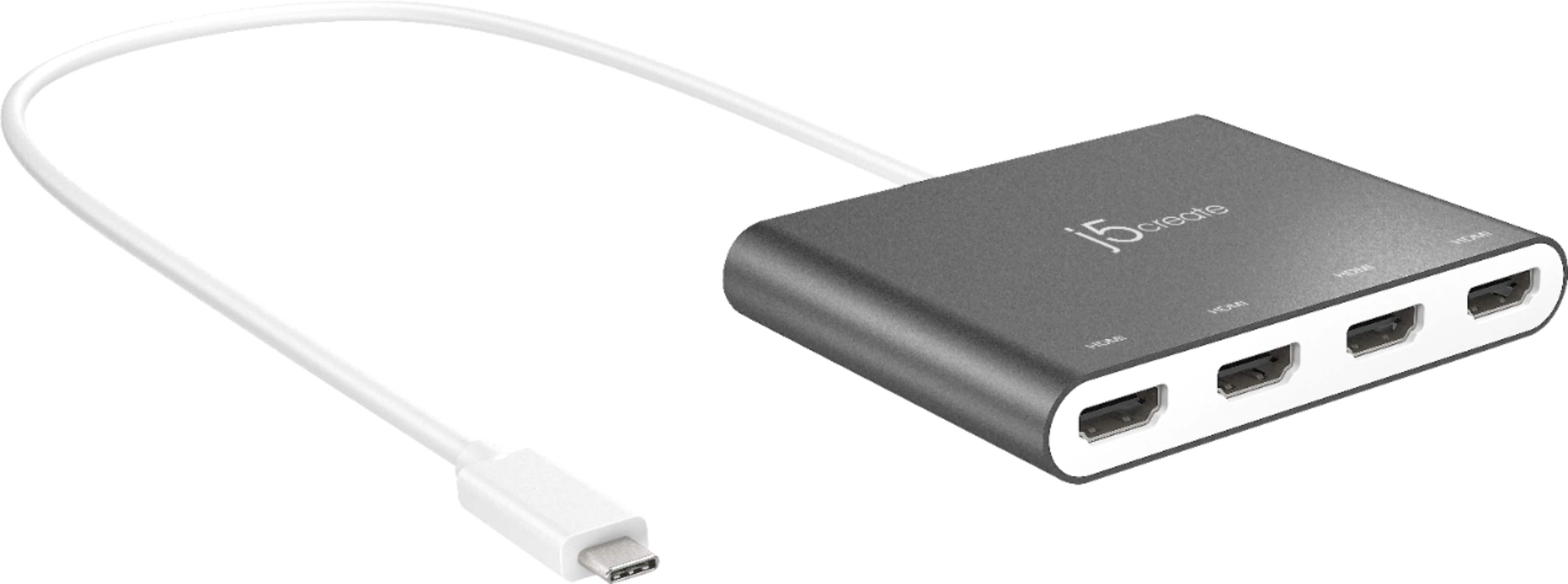
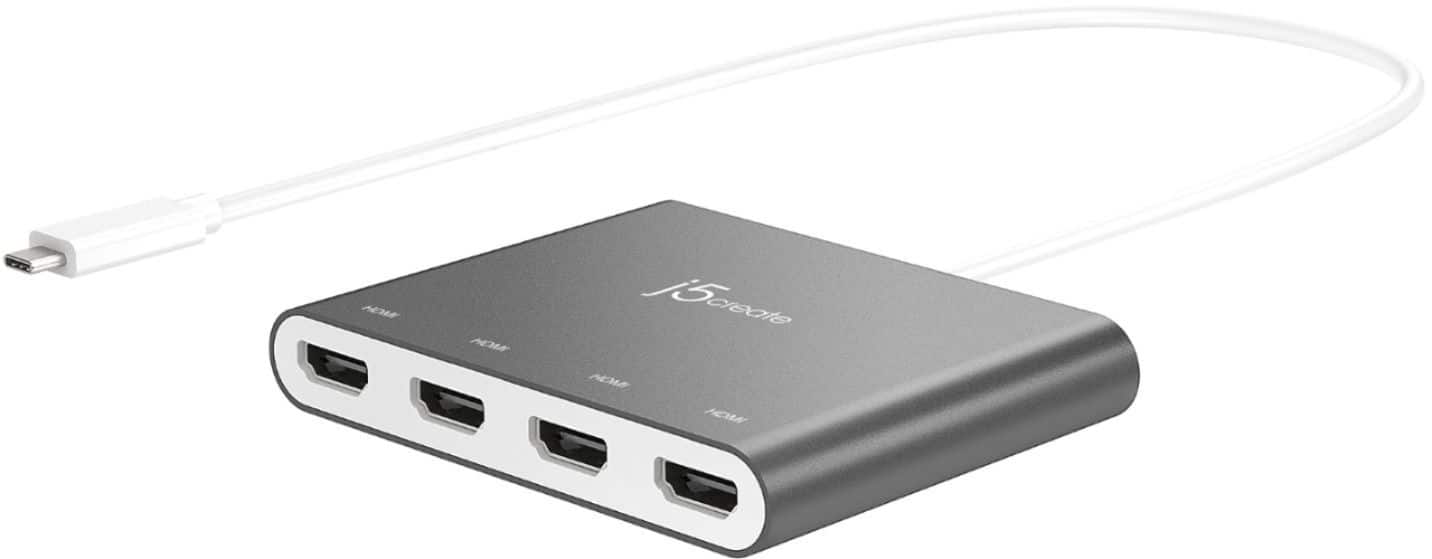
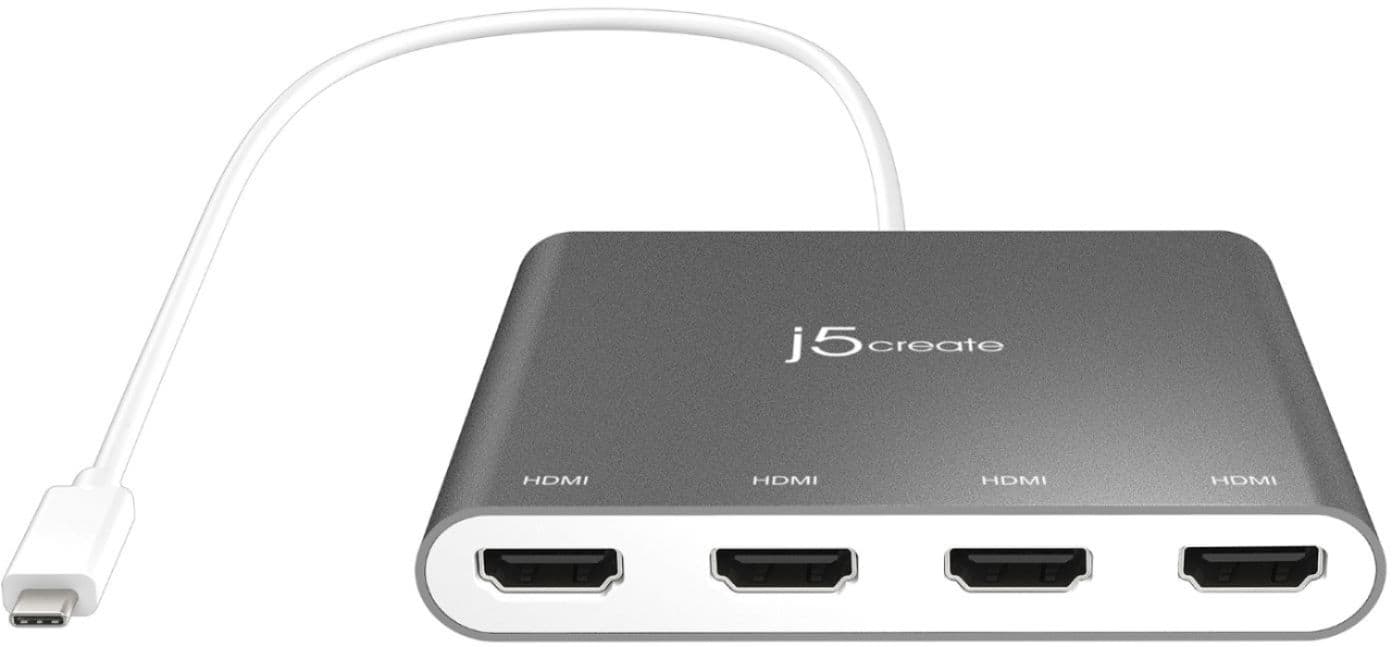
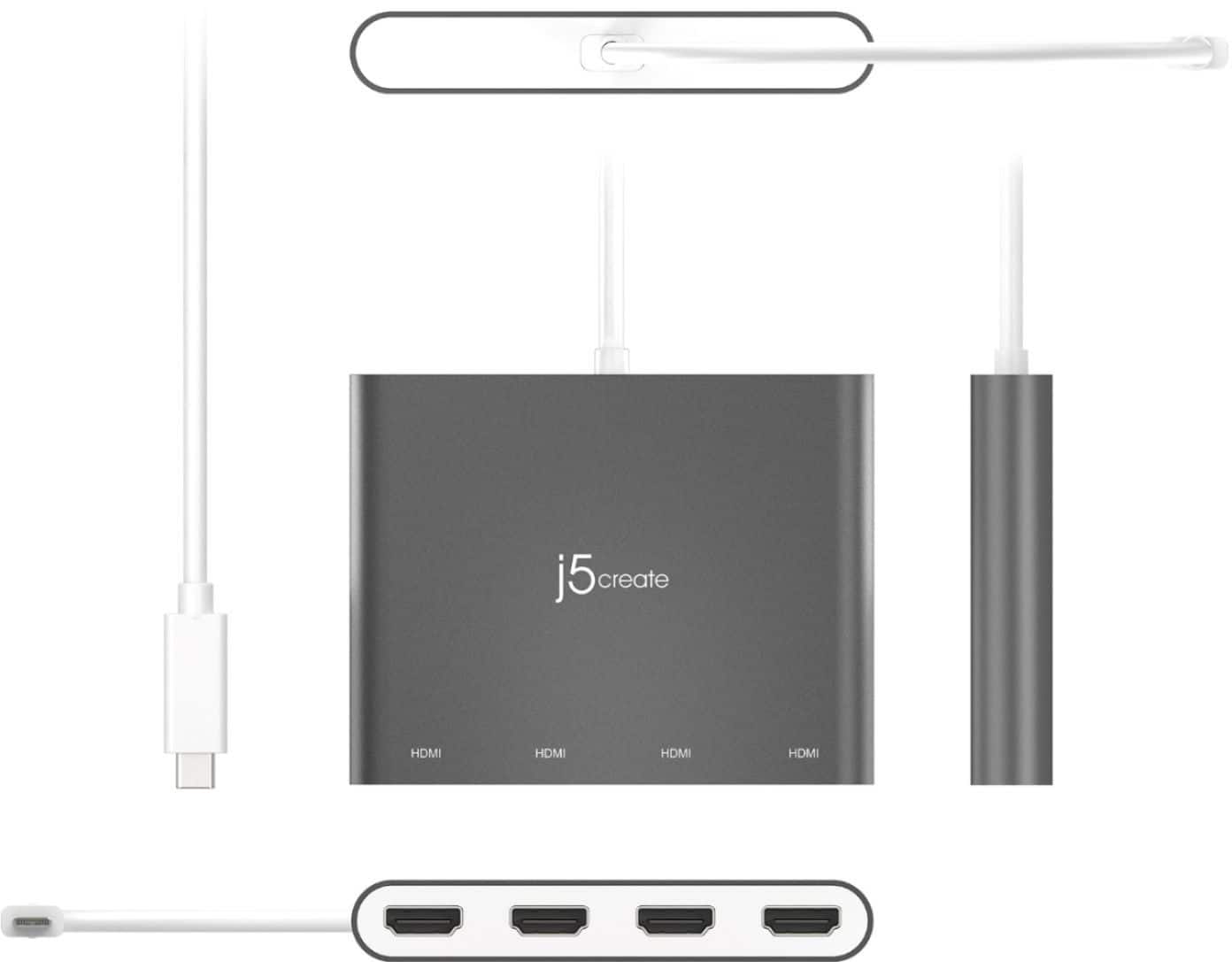
Customers value the overall performance and ease of use of the USB-C to 4-Port HDMI Multi-Monitor Adapter, as well as its HDMI capabilities and connectivity options. Some users have reported issues with heat, compatibility, driver installation, and lag. While some have noted compatibility issues with certain systems, others appreciate the adapter's compact size and reasonable price.
This summary was generated by AI based on customer reviews.
- Pros mentioned:Overall performance
USB Multi Port Hub
||Posted .This reviewer received promo considerations or sweepstakes entry for writing a review.Works great with multiple USB devices; wireless mouse/KB and an external camera. Every once in a while, I will see a lag in keystrokes. It might happen once or twice a day. Overall, it works good for me since my Zbook 15 only has 2 USB ports.
I would recommend this to a friend - Cons mentioned:Compatibility, Lag
Stable
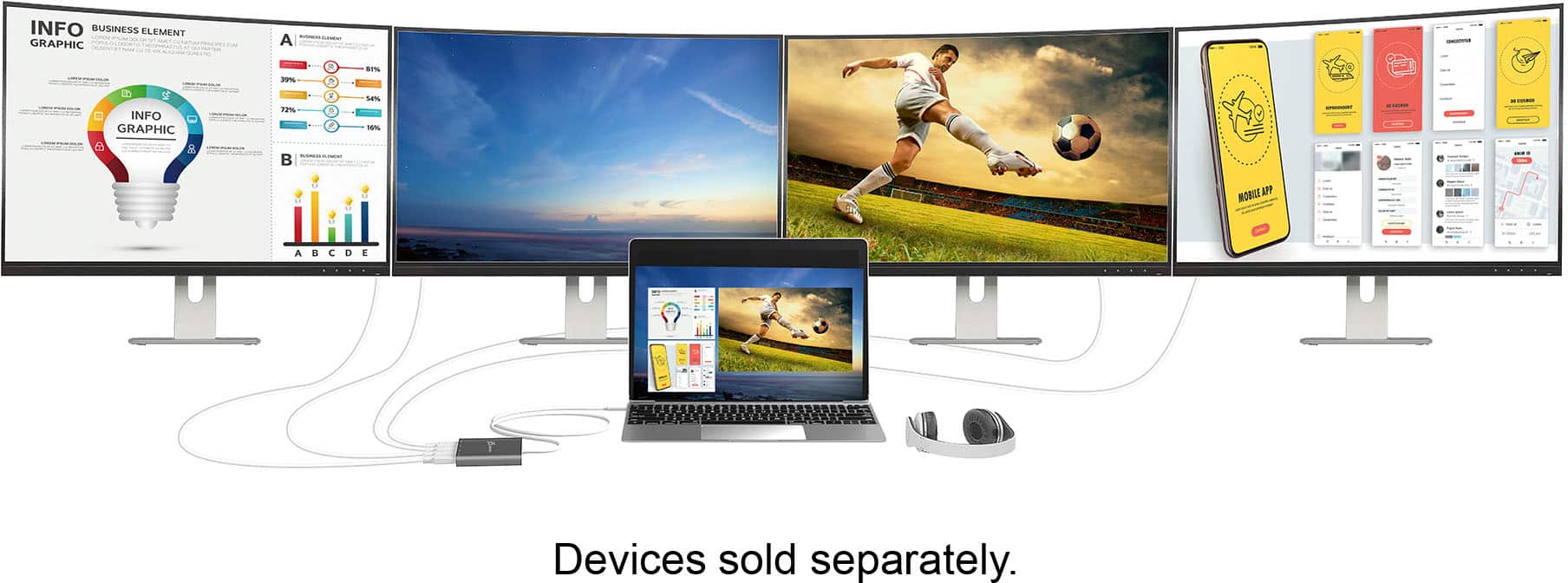
||Posted .This reviewer received promo considerations or sweepstakes entry for writing a review.If you are someone that wants to have a multiple monitor set up, this is the one for you. I have a HP Envy laptop and I am connecting two external screen on this. There is no lag or glitch so it’s been pretty reliable so far. BUT for Mac users, do know that MacBooks only support up to two screens in TOTAL. So buying this to connect to two screens is a waste of money. This is a Windows ONLY extension
I would recommend this to a friendBrand response from J5create Team
Posted .Ideal for viewing multiple windows at the same time to enhance productivity for standard business applications.

- Pros mentioned:HdmiCons mentioned:Lag
Great to extend your screen
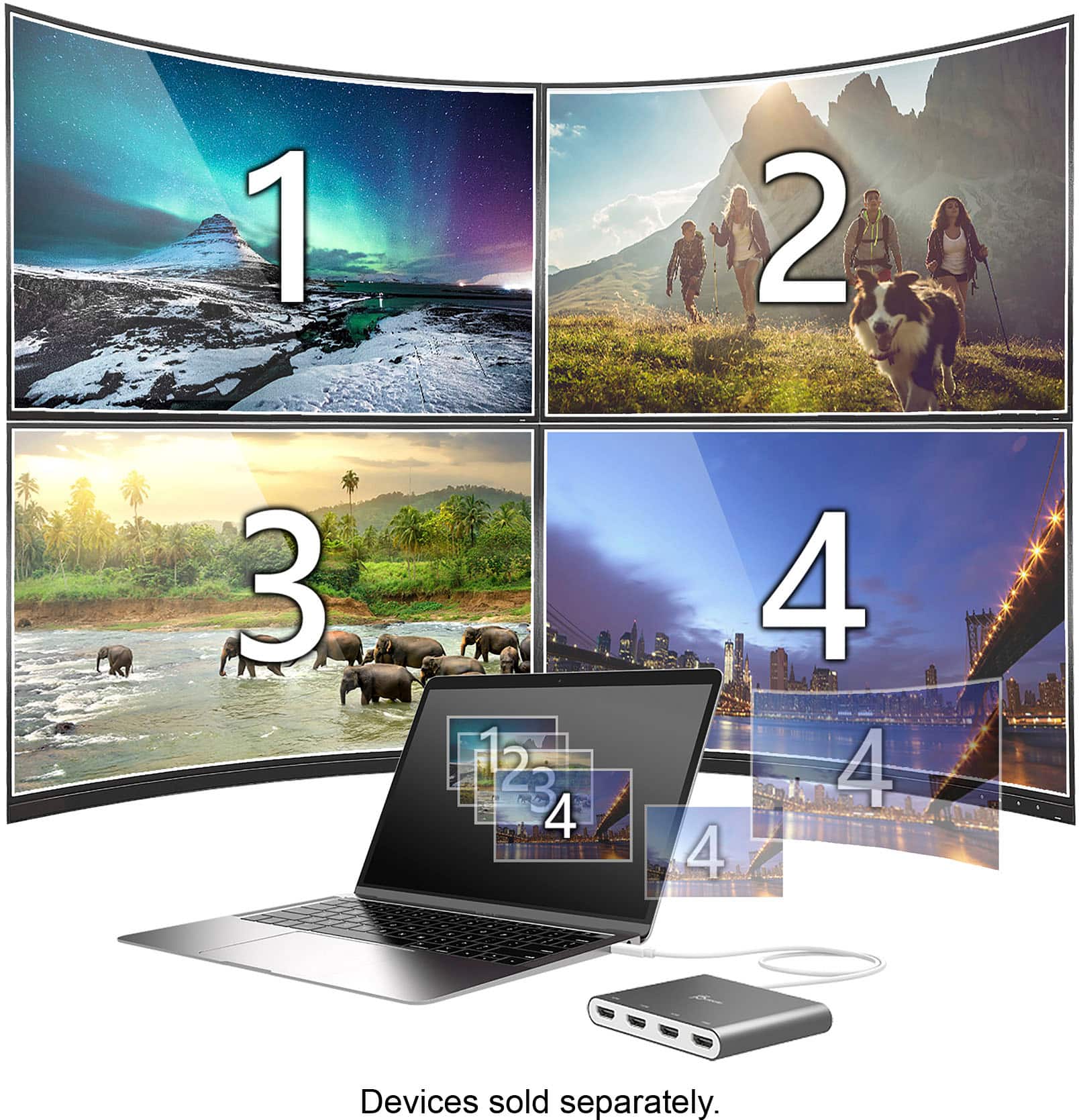
||Posted . Owned for 1 month when reviewed.This reviewer received promo considerations or sweepstakes entry for writing a review.It worked great, I downloaded the wrong Mac driver software without knowing: I called their tech support , they helped real quick. I have 3 monitors plus my Macprobook. There is one more port , You can add up to 4 monitors . Sometimes I see some lags but not sure if it’s my internet or this device.
I would recommend this to a friend - Cons mentioned:Heat
A little hot at times but appears to be working.
||Posted . Owned for 1 month when reviewed.This reviewer received promo considerations or sweepstakes entry for writing a review.The unit does seem to get hot to the touch at times with 4 full HD monitors being driven off of my Dell T16 Thunderbolt 3 dock. I also run a fifth FHD monitor from the dock and the laptop display in FHD. Six total FHD monitors. I have the J5 Create unit suspended in the air to help with cooling but this adapter would probably have done better with some type of active cooling and heatsink. Also the unit appears to be randomly hot. The displays are work displays that don't have action content (video) or anything that would stress the display adapter differently. Sometimes the adapter is cool using it and other times it gets hot to the touch and I don't know what the difference is in my use to explain it.
I would recommend this to a friend - Pros mentioned:Ease of use, Size
Great Little Device
||Posted . Owned for 1 month when reviewed.This reviewer received promo considerations or sweepstakes entry for writing a review.This is a great device - I wanted it because I have a very low profile computer with limited ports. I have a 4-arm monitor bracket and this device helps me connect all of them without adding extra graphic cards. Works great with wanting to expand your laptop on the go. Fits easily inside a laptop bag, book bag, etc. Also there is a cool widget that allows you to drag and drop windows to your different screens!
I would recommend this to a friendBrand response from J5create Team
Posted .Great for adding monitors, great for travel due to it's compact size; the JCA366 is next to none in competition - it's up to 1080P on all four displays makes it one and only.
Cordially,
j5create
- Cons mentioned:Compatibility, Heat
Dell display manager does not work!
||Posted .This reviewer received promo considerations or sweepstakes entry for writing a review.Two things I noticed when I bought this today. 1. I have a DELL monitor, and the Dell display manager does not work. It says "that it cannot communicate with any dell monitors" even though its connected and seems to be working normal. However, when I plug my Selore HDMI adapter the dell display manager works fine. I made sure I installed the correct drivers and checked every possible issue and I believe its the j5 adapter causing this issue. 2. The adapter gets super hot. I can literally warm a cup of coffee on it. I feel like if leave it connected the plastic will melt.
No, I would not recommend this to a friendBrand response from J5create Team
Posted .Hello there, we are sorry to hear that you are experiencing difficulties using our JCA366 device. To help troubleshoot with you, please contact our representatives and they'll be happy to solve the issue with you. Sincerely, j5create.
- Pros mentioned:Overall performance
j5Create adapter for monitor
||Posted . Owned for 1 month when reviewed.This reviewer received promo considerations or sweepstakes entry for writing a review.My grandson really needed this adapter. He set it up right away and tis otally happy with it! Glad it could help him out!
I would recommend this to a friend - Pros mentioned:Overall performance
Works great but stops (could be computer)
||Posted . Owned for 1 year when reviewed.This reviewer received promo considerations or sweepstakes entry for writing a review.It is hard to review this because I don't know if an intermittent problem is with a USB port on my computer or the Adapter. I love what it does when it is working right, but occasionally it just stops working. Instead of three screens I get just the single screen. I switch USB ports, reboot the computer, occasionally just move the adapter unit and get the screens back. It isn't clear where the problem is - the adapter or the HP Desktop (both bought at the same time) When it works its great. I guess I would recommend a friend to try it just in case my issue is the computer.
I would recommend this to a friend - Pros mentioned:Hdmi
Additional external monitors so much easier
||Posted . Owned for 2 weeks when reviewed.This reviewer received promo considerations or sweepstakes entry for writing a review.I purchased this for my laptop so i could use additional monitors at home where i didn't have a docking station. It has worked well, it was an inexpensive option.
I would recommend this to a friendBrand response from J5create Team
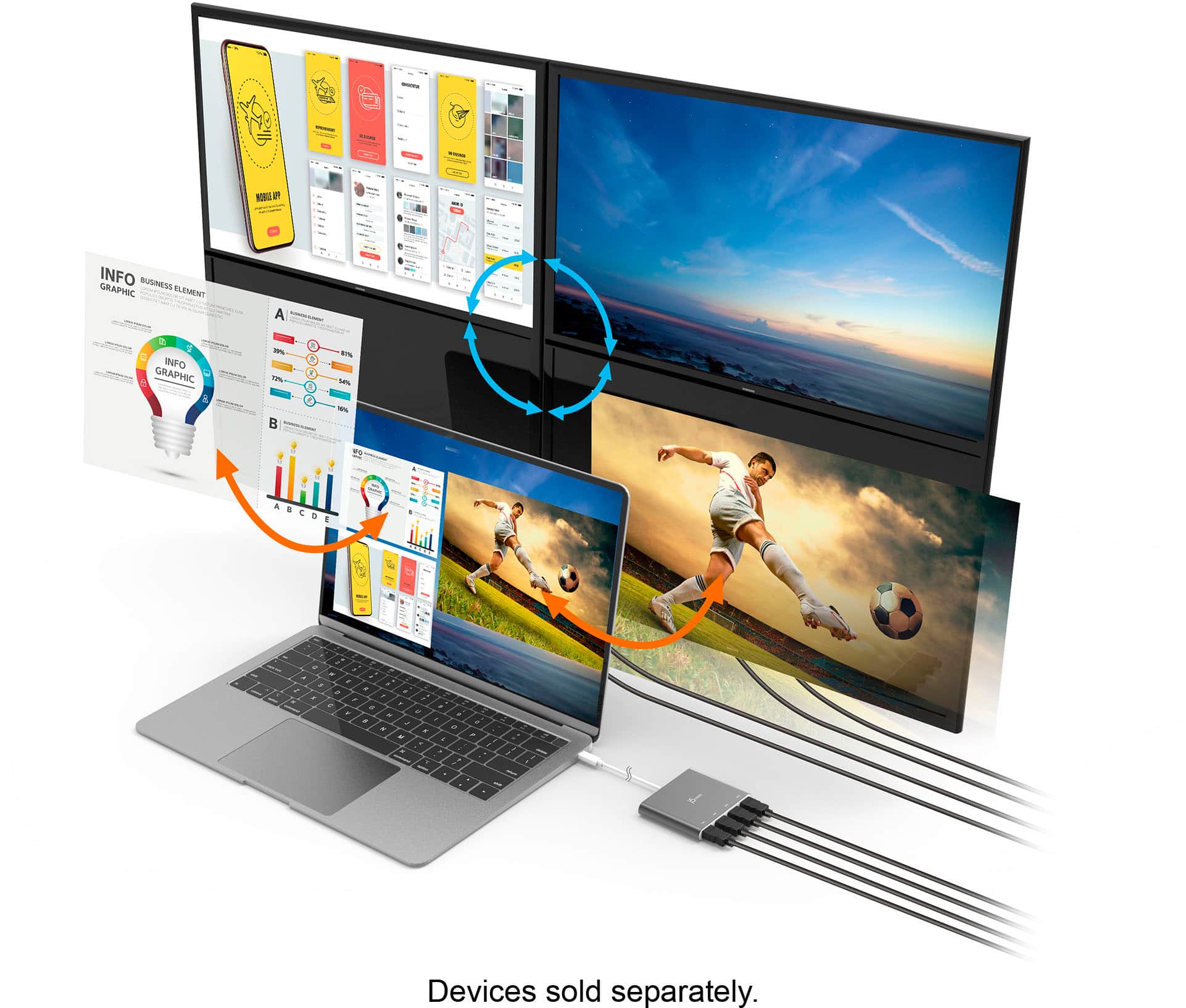
Posted .Extend your desktop across multiple displays, clone one screen onto another, and have individual applications displayed on each monitor.
- Pros mentioned:Ease of use
Simplicity Meets Functionality
||Posted . Owned for 1 week when reviewed.This reviewer received promo considerations or sweepstakes entry for writing a review.Love this gadget! Just plug it in (I'm using Windows 11) and all the monitors show up. No instructions and you have to have one monitor plugged in to the computer's port first, but I don't see how this could be easier or function better. I also have one monitor hooked up to two computers and I was able to use a switch that worked flawlessly with this. Plus, if you ever have to replace your computer, just unplug it and move it. Home run in my book.
I would recommend this to a friend Quality and Great price
||Posted . Owned for 1 month when reviewed.This reviewer received promo considerations or sweepstakes entry for writing a review.It was easy to find and get in store right when I needed it. Great price and quality!
I would recommend this to a friend- Pros mentioned:Ease of use, Hdmi
The real deal
||Posted .This reviewer received promo considerations or sweepstakes entry for writing a review.Absolutely love this thing. Plus and play for the most part. Easily connects 4 screens and is simple to tweak each monitor or screen. Powered by usb C port so no extra power cable is needed. If all you need is screen ports, this is the one to get. Don't miss this one.
I would recommend this to a friend - Pros mentioned:Overall performance
Perfect splitter.
||Posted . Owned for 2 weeks when reviewed.This reviewer received promo considerations or sweepstakes entry for writing a review.Does exactly what I needed it to, each monitor worked straight away.
I would recommend this to a friend - Pros mentioned:Overall performance
Works great
||Posted . Owned for 3 months when reviewed.This reviewer received promo considerations or sweepstakes entry for writing a review.It worked great! It does get a little glitchy if you move it a bit too much, but overall it gets the job done.
I would recommend this to a friend - Pros mentioned:Overall performance
Functional Unit
||Posted . Owned for 3 weeks when reviewed.This reviewer received promo considerations or sweepstakes entry for writing a review.Functional unit stores and produce quality input and output of added devices. I would Definitely recommend purchasing good price range user friendly.
I would recommend this to a friend - Pros mentioned:SizeCons mentioned:Driver installation
Drivers required
||Posted . Owned for 1 month when reviewed.This reviewer received promo considerations or sweepstakes entry for writing a review.As an item that will allow easier connection to more monitors, it is exceptional. Unfortunately, its usage WILL require installation of drivers to enable the connections. And for most work computers, this renders it unusable. Its size is compact, so its space footprint is minimal. So be it used in your telework office or your traditional worksite, it will be an asset - if you are free to install drivers.
I would recommend this to a friendBrand response from J5create Team
Posted .Hello,
Thank you for your review of the JCH366. The drivers are a drawback of being able to get four monitors to work through one port on your computer. Hope that you have a good day.
Thanks,
j5create
- Pros mentioned:Connectivity, Overall performance
Works perfect for Macbook Pro 16 2019
||Posted . Owned for 3 weeks when reviewed.This reviewer received promo considerations or sweepstakes entry for writing a review.Great product, it works perfect with my Macbook pro 16 inch 2019, I can use 4 screens plus my macbook screen. They (j5create) have a great support (chat), in case you need it. They helped me to solve a little issue with the software installation process.
I would recommend this to a friendBrand response from J5create Team
Posted .Hello Patrick,
I am happy to hear that the j5create customer support team was able to provide quality assistance to you and were able to get your adapter working. Thank you for sharing your experience with our support team.
Have a nice day,
j5create
- Pros mentioned:Connectivity, Overall performance
Dock Works
||Posted . Owned for 3 weeks when reviewed.This reviewer received promo considerations or sweepstakes entry for writing a review.This works great! I have a TV and a computer monitor and this can pipe my computer to both seamlessly.
I would recommend this to a friend - Pros mentioned:Overall performance
j5create - USB-C to 4-Port HDMI Multi-Monitor Ada
||Posted . Owned for 3 weeks when reviewed.This reviewer received promo considerations or sweepstakes entry for writing a review.4-port hub works wonderfully well and no lag with 4 monitor hookup.
I would recommend this to a friend easy but pricy
||Posted . Owned for 3 weeks when reviewed.This reviewer received promo considerations or sweepstakes entry for writing a review.It does what I need it to do. Easy instillation into my computer no issues. Only reason it's 4 and not 5 stars is it's pricy for what it is
I would recommend this to a friend