Customer Ratings & Reviews
- Model:
- JBLLINK20BLKUS
- SKU:
- 6086202
Rating by feature
- Value
Rating 4.4 out of 5 stars
- Quality
Rating 4.4 out of 5 stars
- Ease of Use
Rating 4.4 out of 5 stars
Customers are saying
Customers are enthusiastic about the LINK 20 Smart Portable Bluetooth Speaker's sound quality, portability, and Google Assistant functionality. Many appreciate its long battery life and water resistance, making it ideal for various uses. However, some users have noted concerns about the charging port's durability and the speaker's size. Overall, the positive feedback on sound and convenience outweighs the reported issues.
This summary was generated by AI based on customer reviews.
Not too pleased.
||Posted .This reviewer received promo considerations or sweepstakes entry for writing a review.It’s a real hassle to get the Bluetooth to connect and the battery life isn’t all that good.
No, I would not recommend this to a friendBrand response from JBL Support
Posted .Thank you for your review, our sincerest apology for the inconvenience. Your feedback will be communicated to the proper department to improve our current and future product line. We would like to work with you directly, please submit a case request at www.jbl.com/support-contact.html and the Customer Service team will be more than happy to further assist you.

- Pros mentioned:Google assistant
2nd one that FAILED. So disappointed.
||Posted . Owned for 4 months when reviewed.This reviewer received promo considerations or sweepstakes entry for writing a review.I returned one of these already, speaker busted. Now the exchanges model busted too. Of course, I just threw out the box last week so I can't return. This must be a defective product. Google assistant feature is awesome but the speaker itself doesn't last..
No, I would not recommend this to a friend Voice recognition needs to improve
||Posted .This reviewer received promo considerations or sweepstakes entry for writing a review.Voice recognition needs to improve. I returned this unit for another Bluetooth speaker
No, I would not recommend this to a friendBrand response from JBL Support
Posted .Thank you for your review, our sincerest apology for the inconvenience. Your feedback will be communicated to the proper department to improve our current and future product line. We would like to work with you directly, please submit a case request at www.jbl.com/support-contact.html and the Customer Service team will be more than happy to further assist you.
Okay
||Posted .This reviewer received promo considerations or sweepstakes entry for writing a review.It is a good assistant, but not a great quality speaker.
No, I would not recommend this to a friendGood speaker for most part.
||Posted . Owned for 1 year when reviewed.This reviewer received promo considerations or sweepstakes entry for writing a review.worked well until charger port broke . Not sure how .
No, I would not recommend this to a friendif you need exactly this, then fine. otherwise no.
||Posted .This reviewer received promo considerations or sweepstakes entry for writing a review.i wouldn't recommend this speaker as its sound is slightly muddy, and the google assistant does have a bit of a delayed response in comparison to any google home speaker. it can't work off of say a phone's tether, so why bother having a portable smart speaker?
No, I would not recommend this to a friendBrand response from JBL Support
Posted .Thank you for your review, our sincerest apology for the inconvenience. Your feedback will be communicated to the proper department to improve our current and future product line. We would like to work with you directly, please submit a case request at www.jbl.com/support-contact.html and the Customer Service team will be more than happy to further assist you.
- Pros mentioned:Google assistant, Sound quality

Good speaker with great sound!
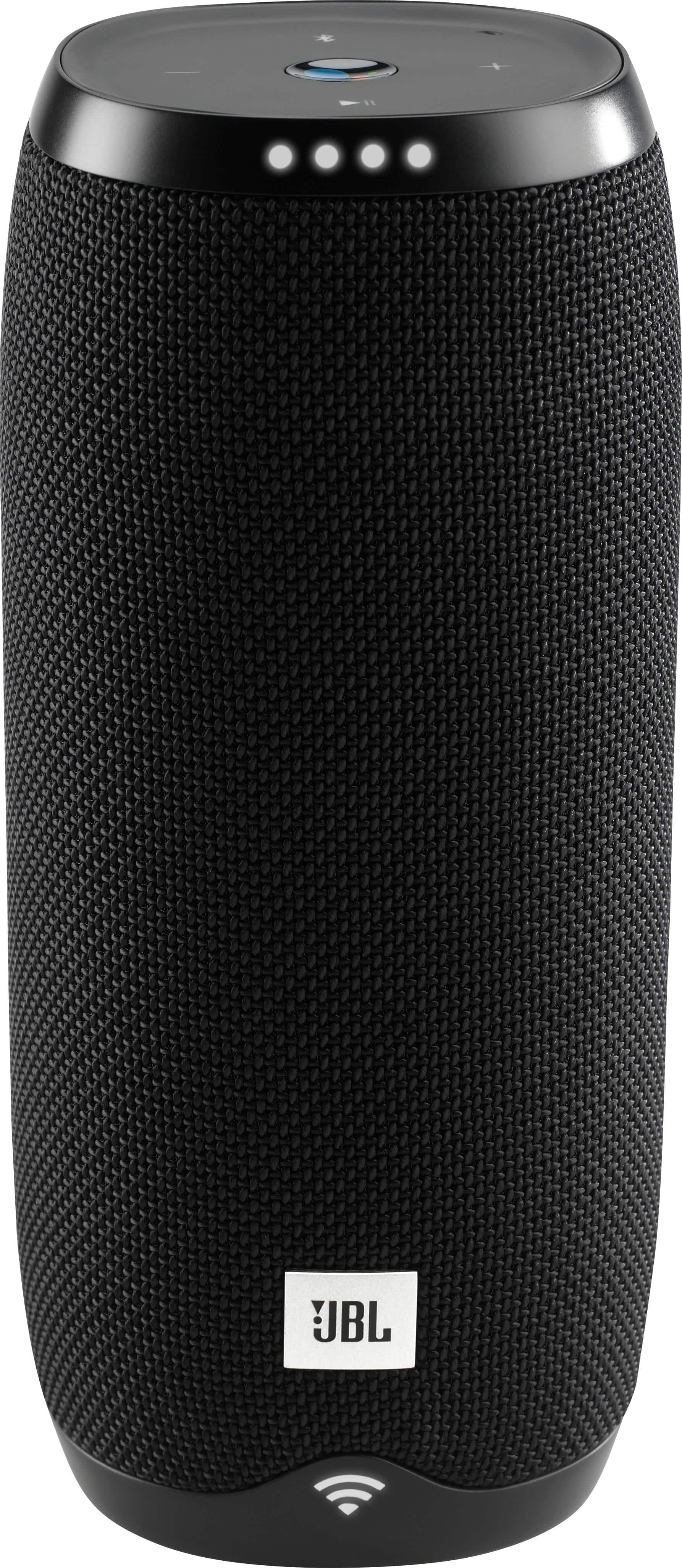
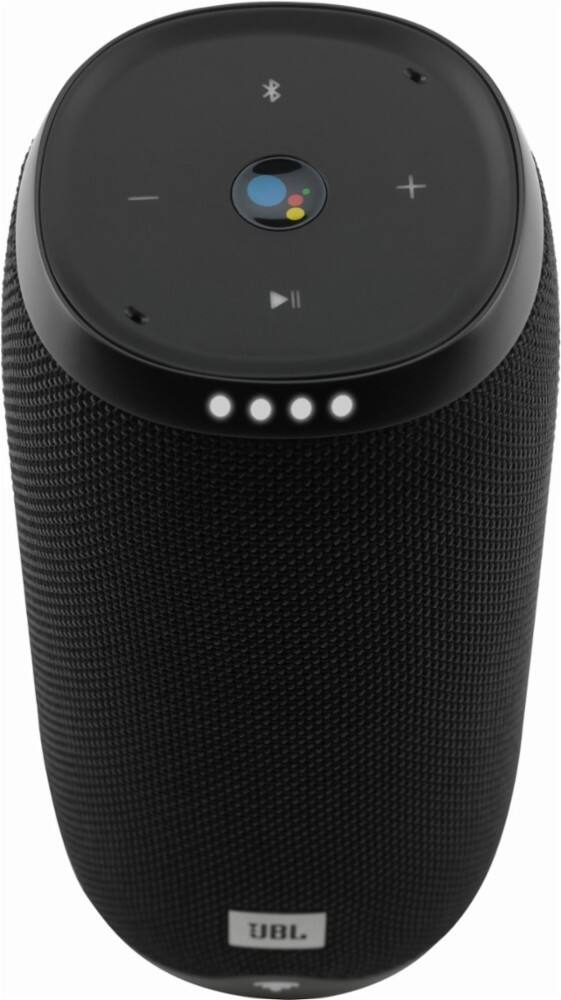
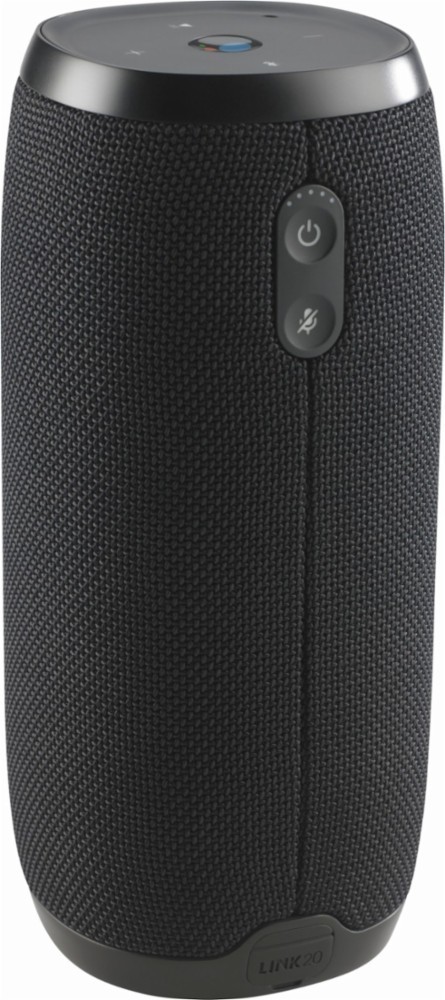
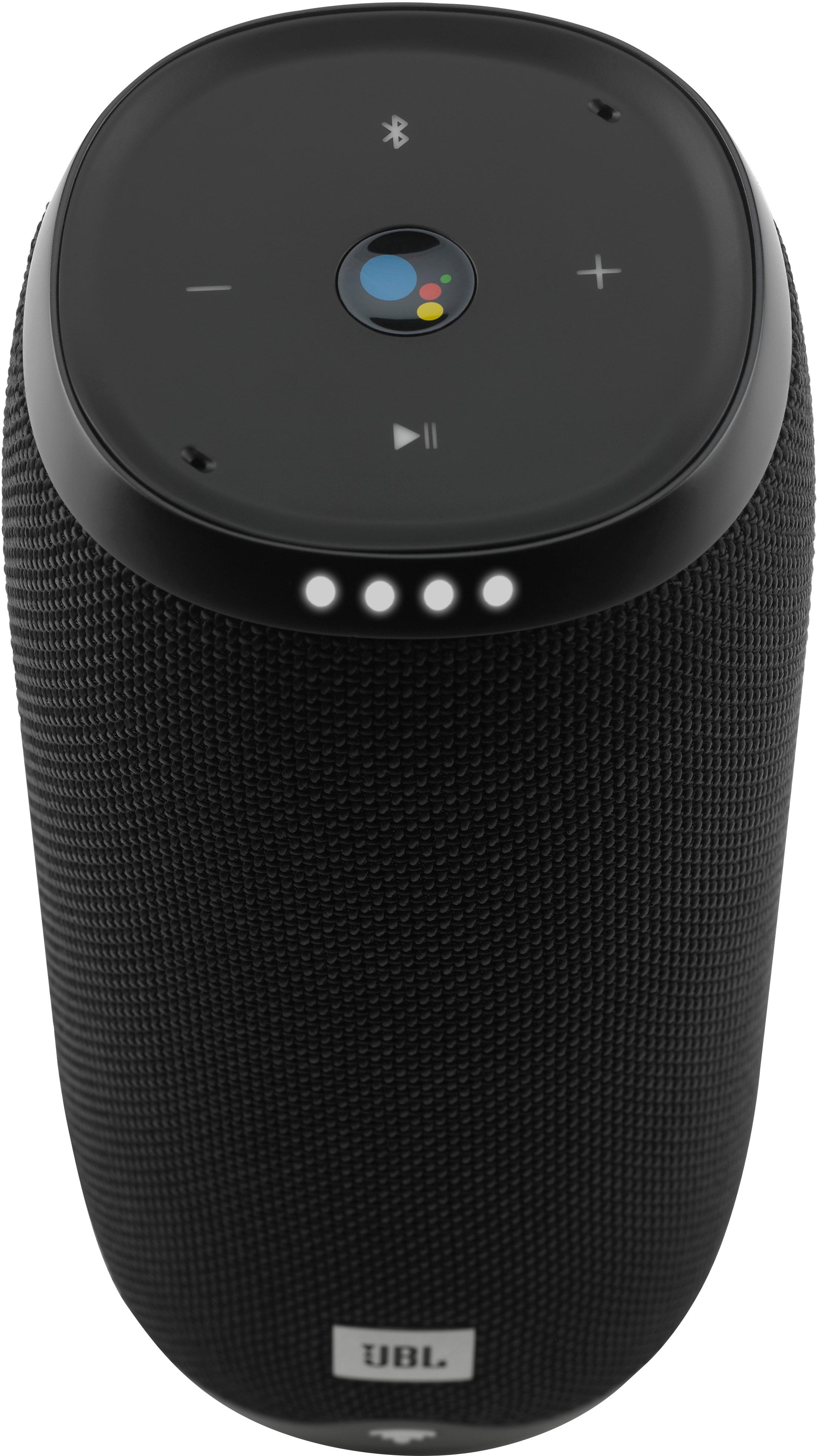
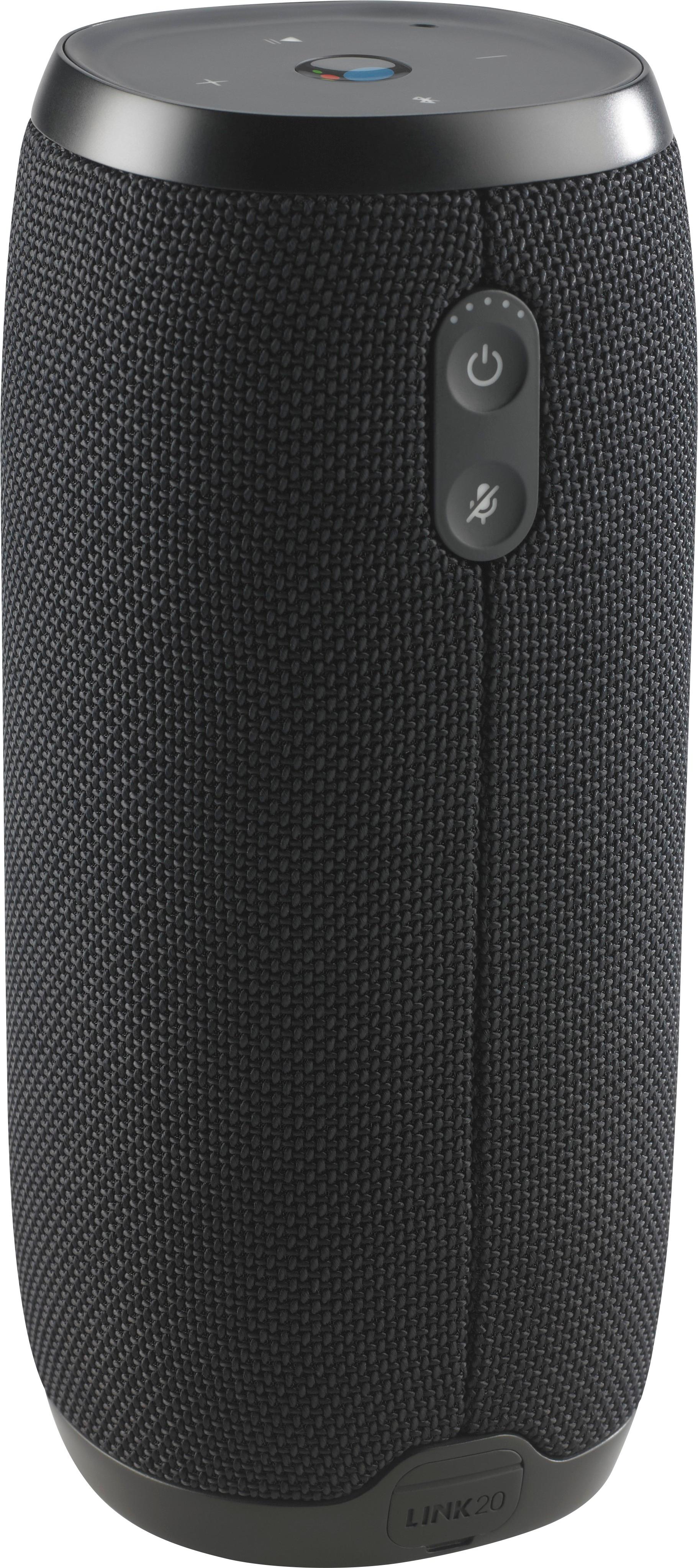
|Posted .This reviewer received promo considerations or sweepstakes entry for writing a review.Still not really comfortable with "ok google" after using "alexa". As is typical with many JBL products, the sound quality is very good with crisp mids and highs and adequate bass, although I was expecting a stronger bass response from a speaker this size. It connects to Google Play music which is awesome. I have all my collections stored in google play music which not many devices are compatible with so far. This is also the only speaker that has Google Assistant that can also run on a battery which finally makes for a portable Google Assistant speaker. I like the design. It is thinner and taller than the Google Home and is covered in a tough, black mesh fabric with plastic ends. The top of the speaker comes with minimal controls where you can play/pause, lower and raise the volume, a Bluetooth pairing button and a physical button to activate Google Assistant. You can also activate Google Assistant with your voice and the two microphones in the speaker worked well. I asked it questions from weather forecasts to old sports questions, and Google would have the answer right away. You can adjust the volume and play music through apps by voice request. Setup is quite easy with the Google Home app. It connects with Pandora and few other apps which are quite common. Overall, a very good speaker for the price point.
I would recommend this to a friend - Pros mentioned:Battery life, Sound quality
This Is Really Nice, BUT Be Careful
|Posted .This reviewer received promo considerations or sweepstakes entry for writing a review.This is a really nice smart speaker. Good, not great, sound. It will fill a room or let your neighbors know what is on your playlist with no issue. Controls are very straightforward. Configuration is the same as any other Google Home device. The waterproof warning, for those who skip the startup/quick start packet. Make sure you replace the cover to the USB port and the cover is snug. This is the sole entry point for water on the speaker. THIS IS NOT WATERPROOF WHILE CHARGING. Sorry for yelling. I just want to make sure that is seen. The size is about 2 to 2 1/2 times the size of the Google Home speaker. It is completely round/cylindrical and can roll off a table if knocked over. The best part of this, you can take it outside with no issues If you have WI-FI signal, you can use Google Assistant with no issue. Otherwise, pair it up as a good old Bluetooth speaker and use Google Assistant thru the phones connection. Battery life is advertised for 10 hours, I would have to say that is pretty accurate. Highly recommended if you are looking for a versatile smart speaker.
I would recommend this to a friend - Pros mentioned:Google assistant, Sound quality
Not bad, not great
|Posted .This reviewer received promo considerations or sweepstakes entry for writing a review.The very first thing I noticed when I started playing music with this was a popping sound from the speaker. It's not loud, not super noticeable, but it's definitely there. I don't hear it all the time, mostly at higher volumes. It should not be doing that obviously, and I really would have expected better from JBL. I think it may be getting better and occurring less frequently, but I don't know what's causing it. That being said, I do like the other features of this speaker. Google Assistant does work well for me (it's like being able to bring my Google Home anywhere). If it weren't for the popping noises, I'd say that the sound quality is excellent. Connecting devices was easy, and I haven't had any problems with my phone disconnecting. I am slightly disappointed by the quality, but this is still a solid speaker. And with Google Assistant built in, it definitely has features that you won't find in other Bluetooth speakers.
I would recommend this to a friend Bad product
||Posted . Owned for 4 months when reviewed.This reviewer received promo considerations or sweepstakes entry for writing a review.I bought it on sale. The microphone wont turn on, tried many times to turn it on still wont. Power wont turn on. Have to push power button multiple times to get it on. I noticed other people names on the device from 2017. I bought it in April 2019 supposedly new but now i think it was refurbished and best buy didn’t tell me. I love the speaker but hate the issues it has.
No, I would not recommend this to a friendBrand response from JBL Support
Posted .Hi there, that's not the experience we want you to have. It's possible that the power button may have an issue. We want to try some troubleshooting steps with you. Please reach out to us directly at https://support.jbl.com/us/en/
- Pros mentioned:Battery life, Sound quality
Ok speaker - Could be better
|Posted .This reviewer received promo considerations or sweepstakes entry for writing a review.This speaker overall is decent. Has decent sound. For most it will be plenty loud, and has deep base, but if you turn it up it starts to sound pretty blah. There is some initial crackling from the speaker, that seemed to go away with longer use. Battery lasted about 9 hours before it ran out. Not sure if it was fully charged to begin with so the 10 hour advertised length is pretty accurate. The one thing I didn't like is it would constantly go to sleep if not used, which I know is pretty common, but still kind of annoying. Otherwise overall a decent speaker, but i feel you can get better for the same price or close to it.
No, I would not recommend this to a friend - Cons mentioned:Charging port
Charging port poor
||Posted .This reviewer received promo considerations or sweepstakes entry for writing a review.In less than 72 hours the charging port was broke.
No, I would not recommend this to a friendBrand response from JBL Support
Posted .Thanks for your review, we'd like to work with you directly so we can find out our options. Please submit a case request and so we can assist you at www.jbl.com/support-contact.html .
Great sounding speaker
||Posted .This reviewer received promo considerations or sweepstakes entry for writing a review.I thought that this would be a great speaker I wanted the Google assistant while at work but couldn't get it to work on hotspot also will not let me make calls on it the final straw was when I could not get it to bluetooth to my phone anymore after about a week will be returning it
No, I would not recommend this to a friendBrand response from JBL Support
Posted .Thanks for your review, we'd like to check some settings on your end so we can find out our options. Please submit a case request and so we can assist you at www.jbl.com/support-contact.html
- Pros mentioned:Google assistant, Sound quality
Great blue tooth speaker!
|Posted .This reviewer received promo considerations or sweepstakes entry for writing a review.Overall this is a great Bluetooth speaker. The Google Assistant was easy to set up. Google Assistant works great with most music apps EXCEPT the Amazon Music app. Google Assistant will not recognize the app. You may still use the app, but you can't say "ok Google play Amazon music". It's a great quality speaker, just lost a star because of Google vs Amazon beef.
I would recommend this to a friend - Pros mentioned:Battery life, Google assistant, Sound quality
Limited Google Assistant
Posted .This reviewer received promo considerations or sweepstakes entry for writing a review.One of the major features of this speaker over other JBL speakers is that it comes with support for Google Assistant. However, it seems that you can only link one Google account at a time, which pretty much means that only one person can use all the available features, as it does voice detection to access information available from your account (Calendar, Location etc). Others can do things like play music or Netflix, but the most interesting and useful features will be limited to only the person that links their account. If you are just looking for a plain old BT speaker, then go with JBL Charge 3. It has twice the battery life, it can act as a powerbank to charge your other devices too, and you can get it for almost half the price. If you are interested in a Google Assistant capable device, then look at Google Home or something else. Overall as a speaker it's ok. I expected it to be a bit louder. It has pretty poor performance in bass tones for my taste, but otherwise the sounds is very clear.
No, I would not recommend this to a friend Broken in 3 months
||Posted . Owned for 4 months when reviewed.This reviewer received promo considerations or sweepstakes entry for writing a review.I bought this speaker in April for a family vacation in August. This speaker is already broke. Won't keep charge and won't scan to connect to bluetooth. So now I'm on my vacation with out a working speaker
No, I would not recommend this to a friend- Pros mentioned:Portability, Sound quality
Beautifully crafted - easy to use
|Posted .This reviewer received promo considerations or sweepstakes entry for writing a review.This is a beautiful piece of technology - the sound is impressive and this is easy to use - available for both iOS and Android, installation is a breeze downloading the Google Home app. In about 5 minutes you'll go from unwrapping this wonderful device to saying "okay google" and it will play music or to do what you need it to do on google. I've used other bluetooth speakers before, but this one with Google Assistant is a joy to use. I highly recommend this!
I would recommend this to a friend Smh
||Posted .This reviewer received promo considerations or sweepstakes entry for writing a review.Terrible I bought mine from Bestbuy at gateway mall. In less than 2 months it stop wrking
No, I would not recommend this to a friendBrand response from JBL Support
Posted .Thank you for your review, our sincerest apology for the inconvenience. Your feedback will be communicated to the proper department to improve our current and future product line. We would like to work with you directly, please submit a case request at www.jbl.com/support-contact.html and the Customer Service team will be more than happy to further assist you.
Do not buy if you have Apple products
||Posted .This reviewer received promo considerations or sweepstakes entry for writing a review.Does not work with Apple even tho product says it does. Very disappointed
No, I would not recommend this to a friendBrand response from JBL Support
Posted .The JBL LINK 20 does work with iOs devices, you just need to make sure that Bluetooth is enabled on your phone / tablet during the set-up. Below are the steps on how to set-up the LINK 20 speaker using an iOS device.
1. Please check if you have a strong WiFi connection and make sure that you have uPNP enabled in your router settings in order for the Link to successfully set up (this may require your service provider’s assistance).
2. Always use 5 GHz Wi-Fi if possible. If your router only has 2.4G Wi-Fi support, make sure that you are only using channels 1, 6 or 11 (The ones in-between will cause interference)
3. JBL LINK does not support unsecured Wi-Fi networks. Router must have Encryption enable to install JBL LINK speakers (WPA2 etc).
4. If you are using Wi-Fi Extenders: Make sure the Extender has support of Multicast forwarding and UPnP.
o Note: Extenders with AP Isolation does not work for our products.
5. Please have the Google Home app installed and ready on your device.
6. If you’re using an iPhone/iPad, you will need to activate Bluetooth to install the Link. (Bluetooth is not needed after the installation).
7. To start fresh, press and hold Mute button for 13 seconds to reset the device.
8. To begin the set-up, press the top button on the Link and open the Google Home app – it will try to detect the speakers and will connect to it automatically.
9. Once it’s been detected, simply follow the instructions to set up your Link with the Google Home app and you should be good to go.
Should you need further assistance, we would like to work with you directly, please submit a case request at www.jbl.com/support-contact.html and the Customer Service team will be more than happy to further assist you. Thank you.
- Pros mentioned:Battery life, Sound quality
Very Good Speaker
Posted .This reviewer received promo considerations or sweepstakes entry for writing a review.I like the sound quality and battery lasts long enough.
I would recommend this to a friend