Customer Ratings & Reviews

- Model:
- JBLVBUDSWHTAM
- SKU:
- 10100503
Rating by feature
- Sound Quality
Rating 4.5 out of 5 stars
- Battery Life
Rating 4.5 out of 5 stars
- Connectivity
Rating 4.5 out of 5 stars
Customers are saying
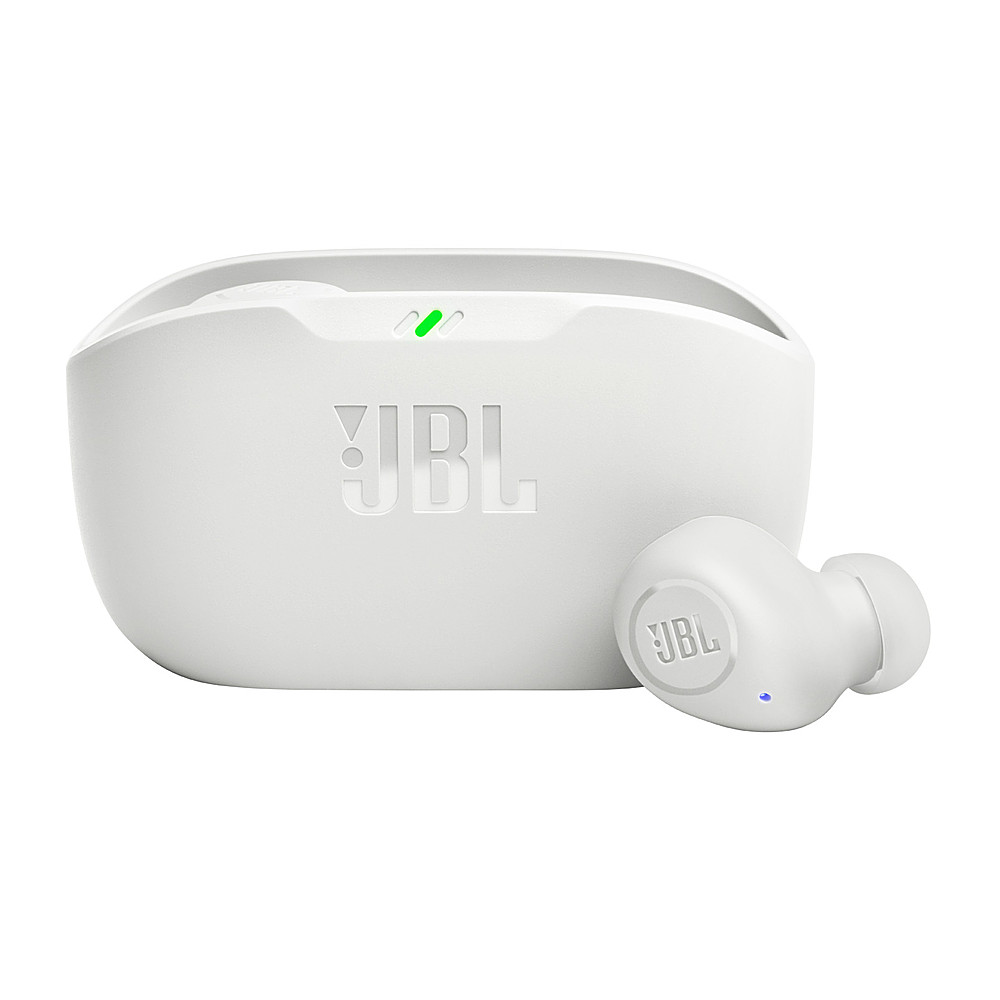
Customers praise the Vibe Buds True Wireless Earbuds - 2023 for their impressive sound quality, long battery life, and comfortable fit. Many users appreciate the strong bass and find them to be a great value for the price. However, some customers have reported issues with the fit of the earbuds, the case design, and occasional connection problems. A few also expressed concerns about the portability of the earbuds.
This summary was generated by AI based on customer reviews.
Too expensive for what you get
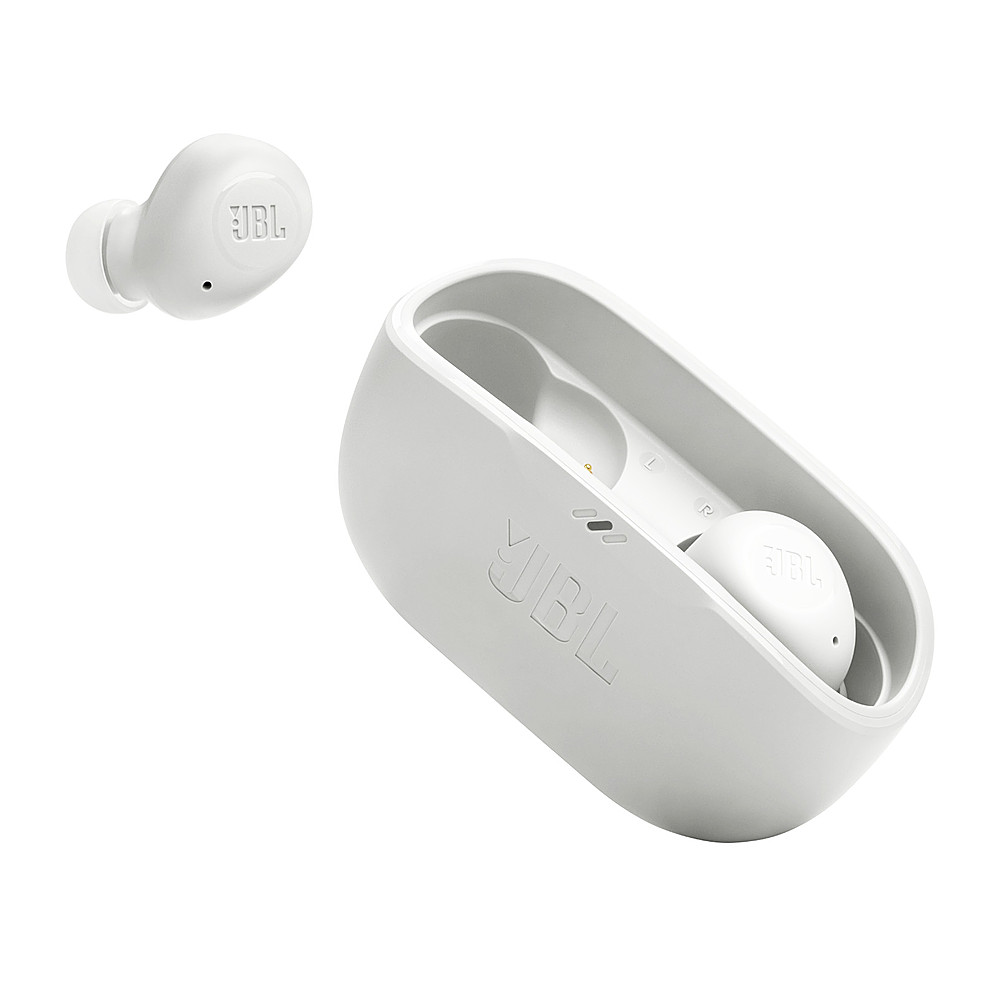
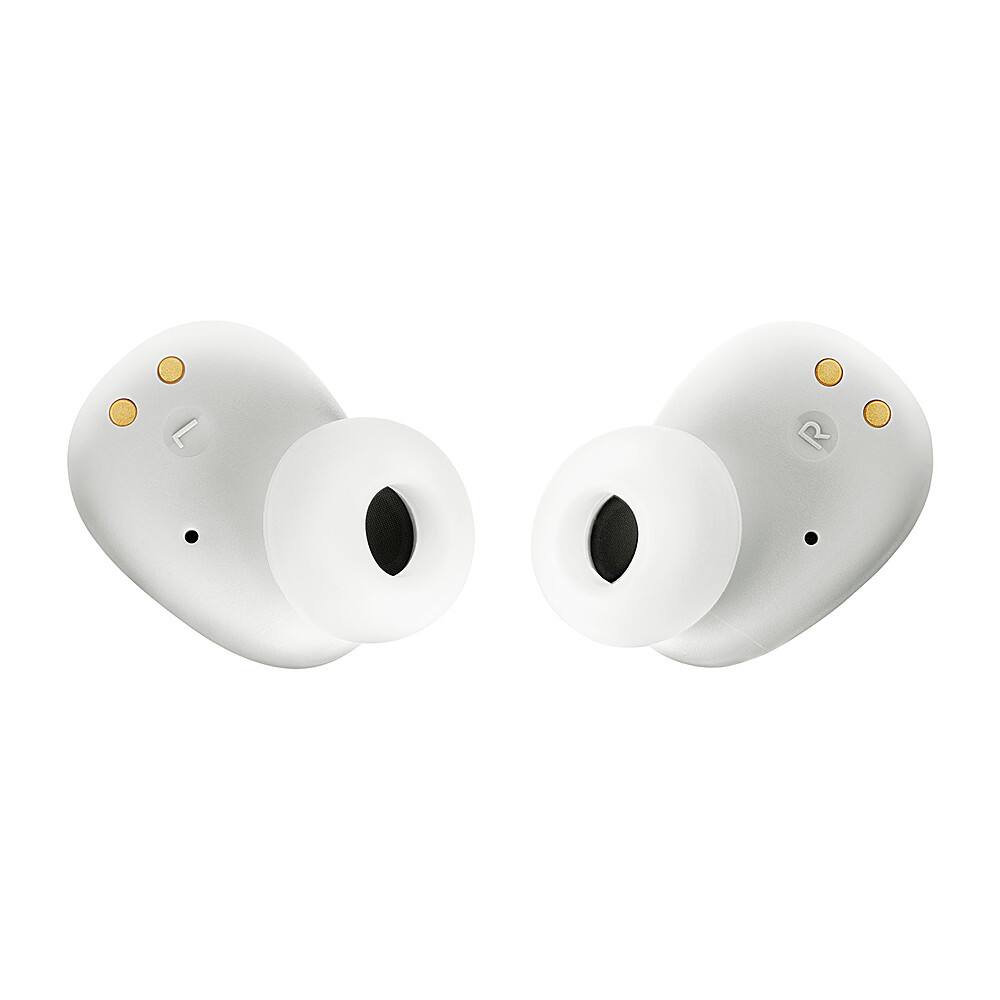
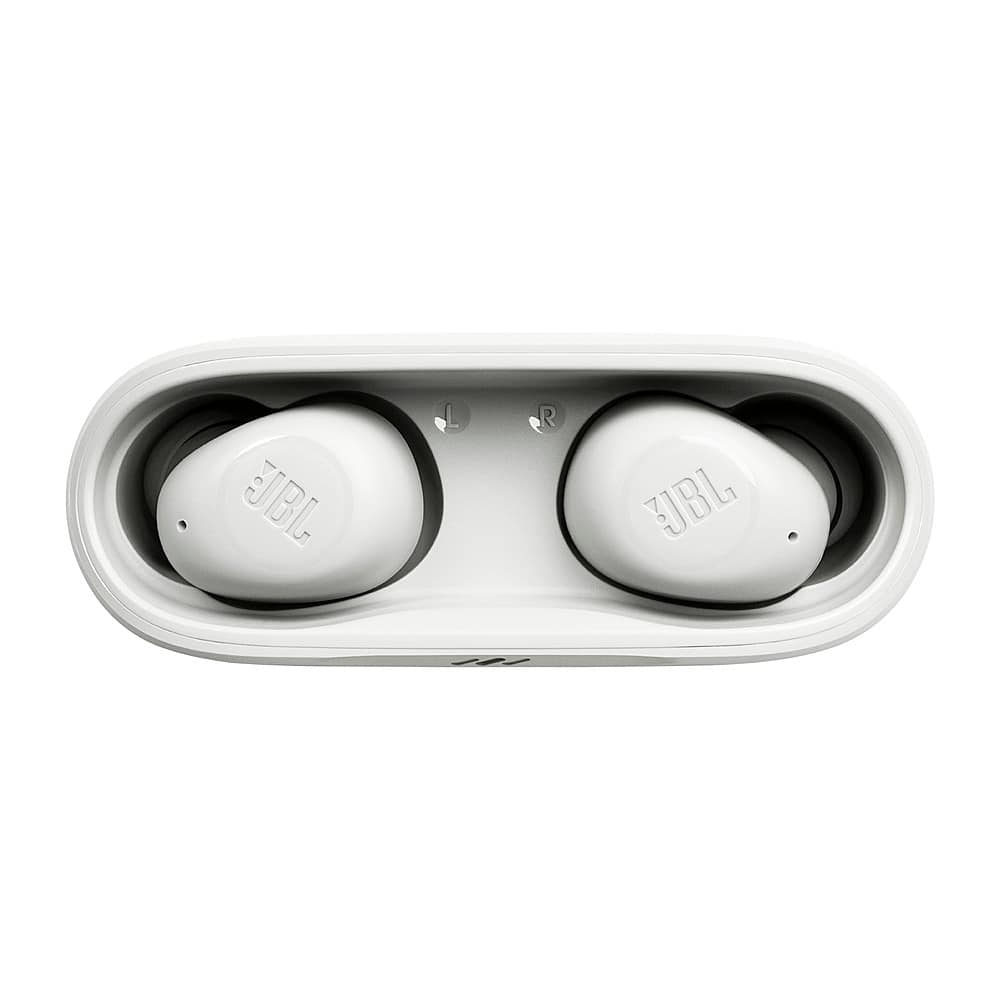
||Posted . Owned for 3 weeks when reviewed.This reviewer received promo considerations or sweepstakes entry for writing a review.The sound quality is pretty tinney and the buds themselves are fairly uncomfortable. Even with the different sized rubber tips I could not make them feel good. Additionally, since there is no cover closing the holders for the charger, the case quickly fills up with lint and dirt causing poor contact with the charging pins
No, I would not recommend this to a friendBrand response from JBL Support
Posted .Thanks for your feedback. We're here to help with your JBL Vibe Buds. This instance is sometimes caused by the quality of your source, depending on what you are listening to. You may check the music player app on your source device to see if Equalizer is engaged. If engaged, turn off the equalizer. If turning it off does not resolve the issue, turn it on again and adjust the EQ by boosting the bass to your liking. If you still find the bass insufficient, you can control the Equalizer through the JBL Headphones App to adjust your desired sound modes. Should you wish to increase the bass level of your JBL Vibe Buds, you can use the App for this purpose. If you have already tried this and remain unsatisfied with the sound quality, rest assured that we're always looking for ways to improve, and your feedback will be forwarded to our development team for future improvement.

Meh…not bad but not great
||Posted . Owned for 1 month when reviewed.This reviewer received promo considerations or sweepstakes entry for writing a review.I bought them on sale and used best buy certificates to pay fir them so I don’t feel ripped off…doesnt sound like JBL quality..I was hoping the reason JBL prices have dropped wasn’t due to quality but being a JBL brand loyal person..I can tell you its not the JBL quality I’ve always known. Would return them but paid with certificates I earned with ny Best Buy Visa which is another rip off
No, I would not recommend this to a friendBrand response from JBL Support
Posted .We appreciate you taking the time to provide us with your feedback on our JBL Vibe Buds TWS. We're sorry to hear that it didn't meet your expectations. We're always looking for ways to improve, and we'll make sure to share your feedback with the appropriate team.
- Pros mentioned:Comfort
Sound drops out
||Posted . Owned for 1 month when reviewed.This reviewer received promo considerations or sweepstakes entry for writing a review.I purchased these because everything else I have from JBL is amazing. However, with these earbuds I found that the sound would drop for about a half second about once or twice every couple of minutes. Comfortable to wear, possibly got a faulty pair, but I returned them and purchased the Skullcandy headphones instead that I was very happy with.
No, I would not recommend this to a friendBrand response from JBL Support
Posted .Thank you for providing your feedback on our JBL Vibe Buds. We're always looking for ways to improve. We'll make sure to share your feedback with the appropriate team. If you'll have any questions or concerns about your device, please contact our Customer Support via our official website or toll-free hotline.
Good price
||Posted . Owned for 3 weeks when reviewed.This reviewer received promo considerations or sweepstakes entry for writing a review.Good price does not hold a charge as long as I would like.
I would recommend this to a friendJbl
||Posted . Owned for 3 weeks when reviewed.This reviewer received promo considerations or sweepstakes entry for writing a review.I like them But sometimes when I talk on the phone I know the sound of my voice and the other people don't hear me well
I would recommend this to a friend- Cons mentioned:Fit
Ear phones
||Posted . Owned for 1 month when reviewed.This reviewer received promo considerations or sweepstakes entry for writing a review.It does not fit in properly ..it keeps falling down
No, I would not recommend this to a friend Just fine
||Posted . Owned for 1 month when reviewed.This reviewer received promo considerations or sweepstakes entry for writing a review.Fine. They work, but the design doesn’t allow the earbuds to stay in my ears.
No, I would not recommend this to a friendBrand response from JBL Support
Posted .We appreciate your feedback on our JBL Vibe. We're always looking for ways to improve. We'll make sure to share your feedback with the appropriate team. We'd like to work with you directly to address the issues you're experiencing. If you have any questions or concerns about your device, please contact our Customer Support.
- Cons mentioned:Fit
Not for me
||Posted . Owned for 1 month when reviewed.This reviewer received promo considerations or sweepstakes entry for writing a review.They kept falling out of my ears. Wouldn't stay put.
No, I would not recommend this to a friendBrand response from JBL Support
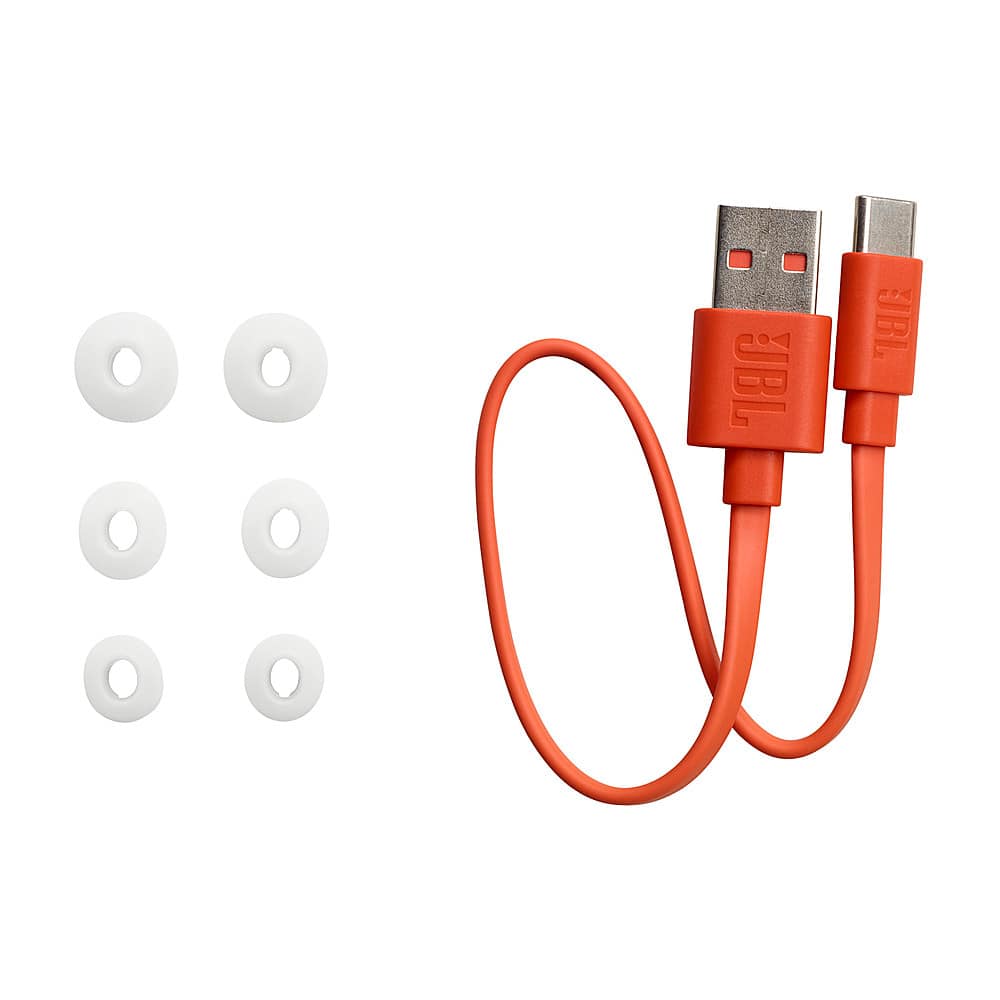
Posted .Thanks for letting us know. Our JBL Vibe Buds come with three different sizes of ear tips that you may try to see which best fits your ear comfortably.
These here earbuds
||Posted . Owned for 1 month when reviewed.This reviewer received promo considerations or sweepstakes entry for writing a review.Pretty good overall. They do the job. Had issues seeing the bluetooth on iPhone to begin with.
I would recommend this to a friendworst headphones i’ve ever gotten
||Posted . Owned for 1 month when reviewed.This reviewer received promo considerations or sweepstakes entry for writing a review.the worst headphones i have ever gotten other then the airpods max, nobody can ever hear me when i speak on the phone and i bought them specifically to be able to speak on the phone while i work, THEY ARE BAD DO NOT WASTE YOUR MONEY THE CHEAPER VERSION ONES OF THESE ARE BETTER (btw it doesn’t have a cap, it looks exactly as the picture)
No, I would not recommend this to a friendBrand response from JBL Support
Posted .Thanks for your feedback. You can try resetting it to fix the issue with the microphone. With both earbuds on, and not charging, tap either side two times and hold the button on the third tap for more than 5 seconds. You may need to 'forget' the headphones in Bluetooth settings on your phone/tablet in order to pair it again. If you need more help, please contact us at (800) 336-4525. We are available Monday to Friday from 9:00 am to 11:00 pm (ET) and Saturday to Sunday from 9:00 am to 5:00 pm (ET).
Choppy
||Posted . Owned for 3 weeks when reviewed.This reviewer received promo considerations or sweepstakes entry for writing a review.Glitchy sound. Somewhat skips certain parts of sound (music/movies). Would not purchase again.
No, I would not recommend this to a friendBrand response from JBL Support
Posted .Thank you for taking the time to provide us with your feedback. We're sorry to hear that our JBL Vibe Buds didn't meet your expectations. We're always looking for ways to improve and we'll make sure to share your feedback with the appropriate team.
JBL VIBE BUDS
||Posted . Owned for 3 weeks when reviewed.This reviewer received promo considerations or sweepstakes entry for writing a review.Whose genius idea was it to get rid of the flip top to keep your earbuds in place? They fall out all the time. Super sensitive to volume and Siri adjustments. Sound OK. I’ve had to forget device on my Bluetooth 2x now because it wouldn’t connect. Overall not happy with purchase.
No, I would not recommend this to a friendBrand response from JBL Support
Posted .Thanks for your feedback. Our JBL Vibe Buds come with 3 sizes of ear tips. To achieve the best seal and secure fit, you must create a tight seal within your ear canal. To do this, angle the ear tip slightly downward to make it easier to insert into your ear canal, gently twist the earbud to fit it securely into the shape of your ear, and continue twisting the earbud into your ear canal. Normally, our JBL Vibe Buds will be in pairing mode once you remove the earbuds and tap "JBL Vibe Buds" on your source device's Bluetooth settings. You may also enable advanced controls on our JBL Headphones. If you need more help, please contact our customer support.
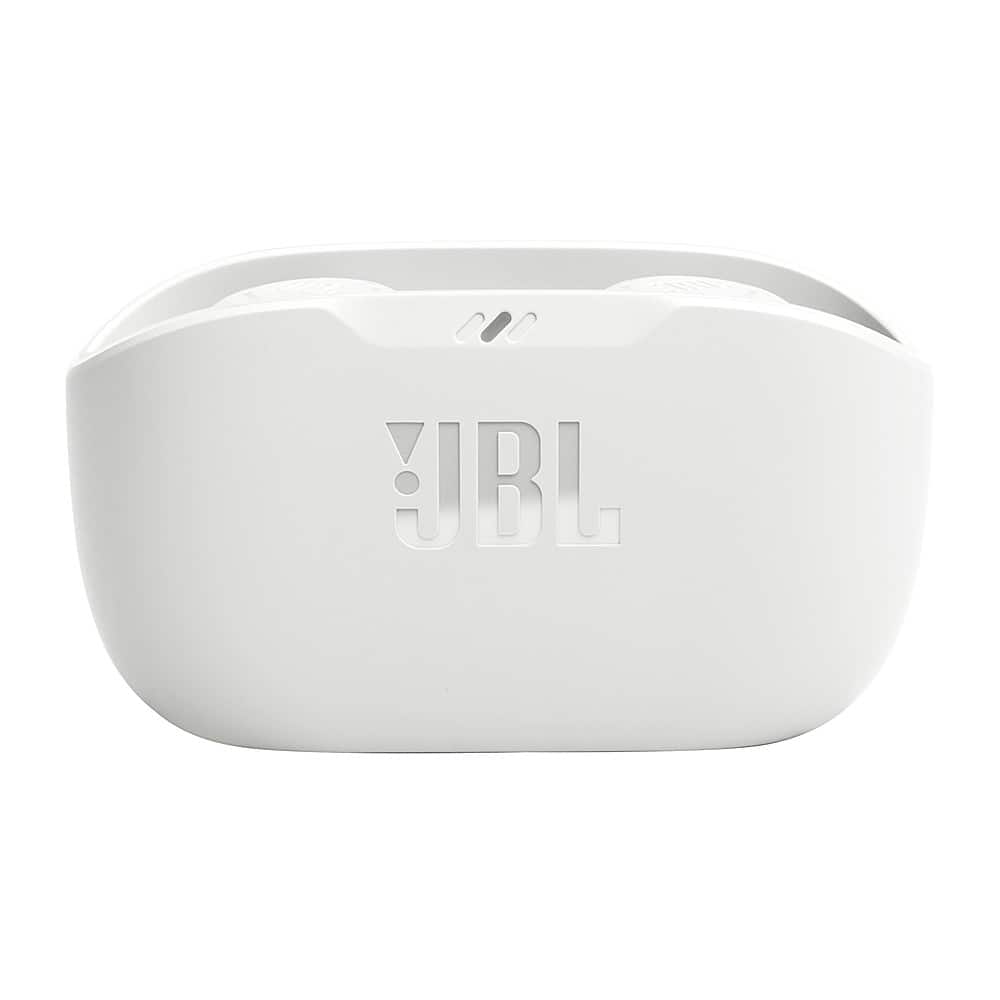
- Cons mentioned:Case design
Waste of money
||Posted . Owned for 1 month when reviewed.This reviewer received promo considerations or sweepstakes entry for writing a review.Below average quality, the case has no top? Not worth it.
No, I would not recommend this to a friendBrand response from JBL Support
Posted .We appreciate you for sharing your feedback on our JBL Vibe Buds. We understand that the product design didn't meet your expectations. We're always looking for ways to improve, and we'll make sure to share your feedback with the appropriate team.
- Cons mentioned:Connection
Difficult
||Posted . Owned for 1 month when reviewed.This reviewer received promo considerations or sweepstakes entry for writing a review.I purchased this item and I wish I hadn’t. Both pairs never seem to want to stay connected. Ive done everything and it never stays connected for more than a minute. Its a shame because I really like JBL as a brand.
No, I would not recommend this to a friendBrand response from JBL Support
Posted .We appreciate you taking the time to provide us with your feedback on our JBL Vibe Buds TWS. Make sure that the devices are within 10 feet of each other and have a clear line of sight (no obstacles). Next, forget or unpair the headphones on your device and perform manual pairing. You may also try to connect the headphones to a different device (phone, tablet, or music player) to see if it fixes the problem. Lastly, to reset, with both earbuds on and not charging, tap two times and hold the button on the third tap for more than 5 seconds. If the issue remains, please reach out to our customer support.
Don't waste ur money
||Posted .This reviewer received promo considerations or sweepstakes entry for writing a review.Cheap product I've had them for 3 month and the right earbud is already dead silent.
No, I would not recommend this to a friendHeadphones
||Posted . Owned for 3 weeks when reviewed.This reviewer received promo considerations or sweepstakes entry for writing a review.Nice but not as good as Galaxy Buds. They are good for temporary use
No, I would not recommend this to a friendGlitchy
||Posted . Owned for 1 month when reviewed.This reviewer received promo considerations or sweepstakes entry for writing a review.I really wanted to like these but they do not work seamlessly with my iPhone. They glitch in and out so much so that I cannot stand to listen to it. Back to the AirPod Pros
No, I would not recommend this to a friendBrand response from JBL Support
Posted .Thank you for your feedback. This is not the experience that we want you to have. Please try to perform a factory reset, and make sure both earbuds are outside the case and not being charged. Tap the touch control twice, and on the third tap, hold it for five seconds. We're here to help with your JBL Vibe Buds, please contact JBL Customer Support so we can assist you.
- Cons mentioned:Connection
Not Good
||Posted . Owned for 1 month when reviewed.This reviewer received promo considerations or sweepstakes entry for writing a review.Just bought and already failing, earbuds cut of frequently. Will never buy jbl again, my second bad pair
No, I would not recommend this to a friendBrand response from JBL Support
Posted .Thanks for your inquiry. Please restart your Bluetooth connection by disconnecting your JBL Vibe Buds from your source device and reconnecting it again. Also, please don’t stand too close to the Wi-Fi router and appliances like microwaves that can interfere with the connection. If you need more help, please contact our customer support.
- Cons mentioned:Connection
Good quality great sound WHEN THEY WORK
||Posted . Owned for 1 month when reviewed.This reviewer received promo considerations or sweepstakes entry for writing a review.Buds cut in and out after a while even asked someone else who had them and was told theirs did the same thing
No, I would not recommend this to a friendBrand response from JBL Support
Posted .We'd like to work with you directly to assist you further with your JBL Vibe Buds. Please make sure that the earbuds has sufficient charge. We recommend always cleaning them to avoid charging issues that could cause unstable connection. For further assistance, please contact JBL Customer Support. We're here to help.
Not that comfortable
||Posted . Owned for 3 weeks when reviewed.This reviewer received promo considerations or sweepstakes entry for writing a review.Somhow those are great spinding earphones but man … not so much comfortable. Constantly have pain in ears after using them
No, I would not recommend this to a friendBrand response from JBL Support
Posted .We appreciate you taking the time to provide us with your feedback. Our JBL Vibe Buds TWS comes in different ear tip sizes that can help the earbuds fit more comfortably.