Customer Ratings & Reviews

- Model:
- KEPICMECHKEYRBLK4
- SKU:
- 6588500
Rating by feature
- Value
Rating 4.4 out of 5 stars
- Quality
Rating 4.3 out of 5 stars
- Ease of Use
Rating 4.3 out of 5 stars
Customers are saying
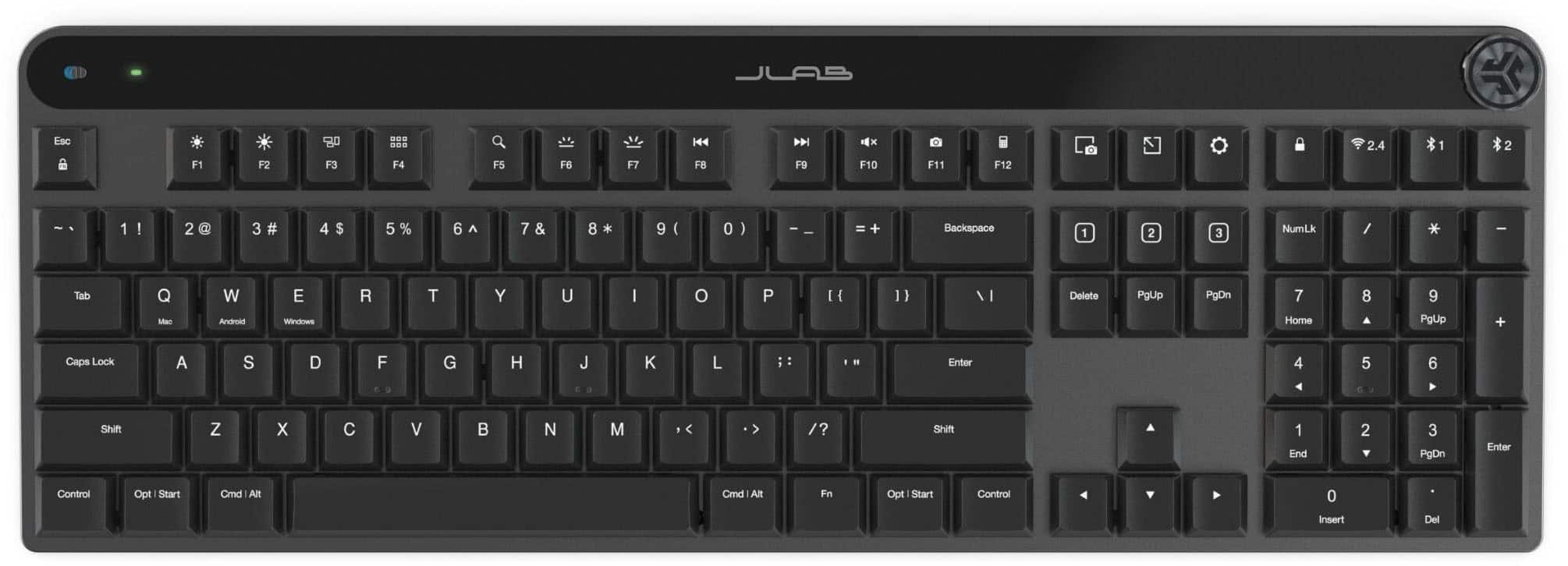
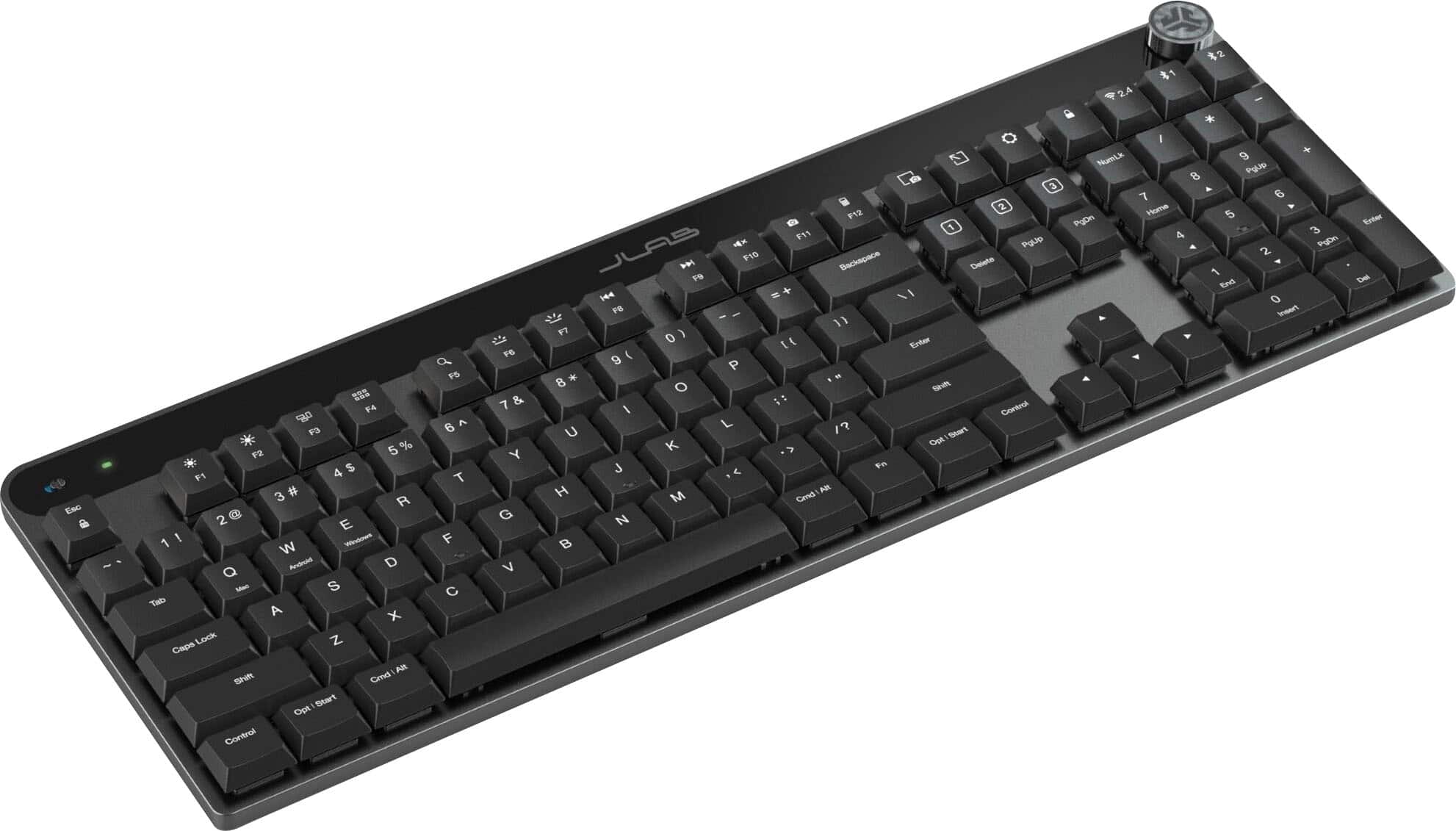
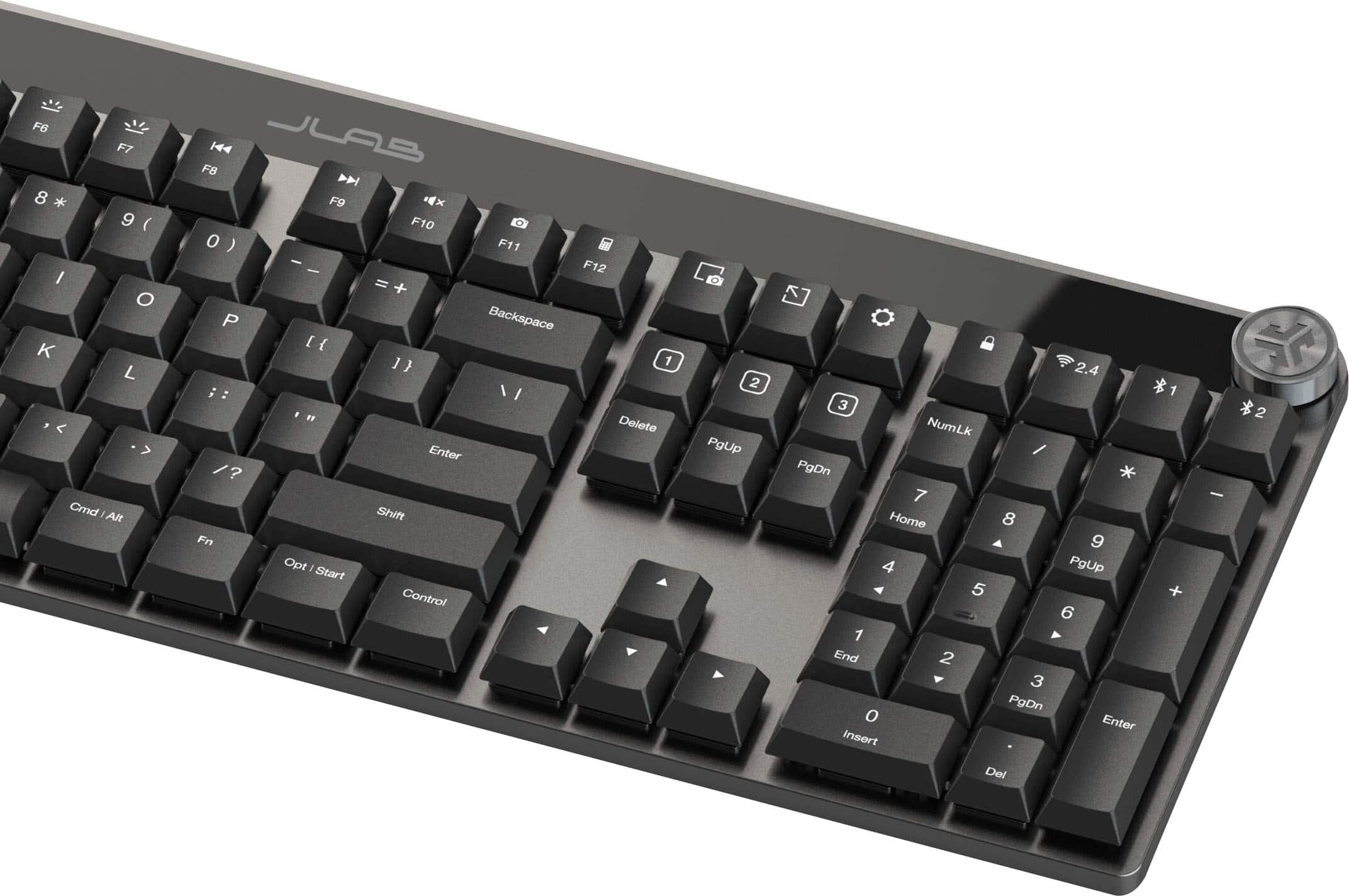
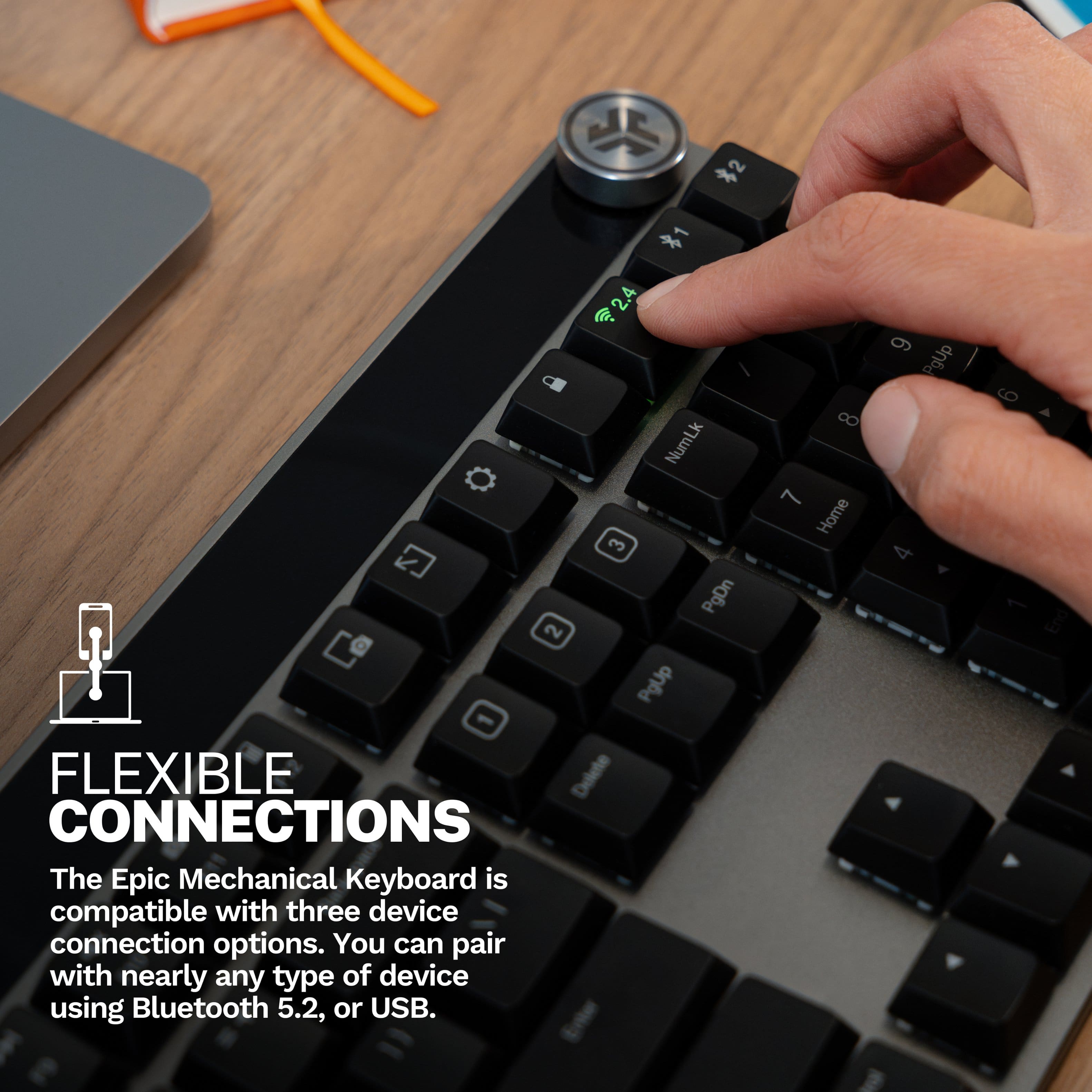
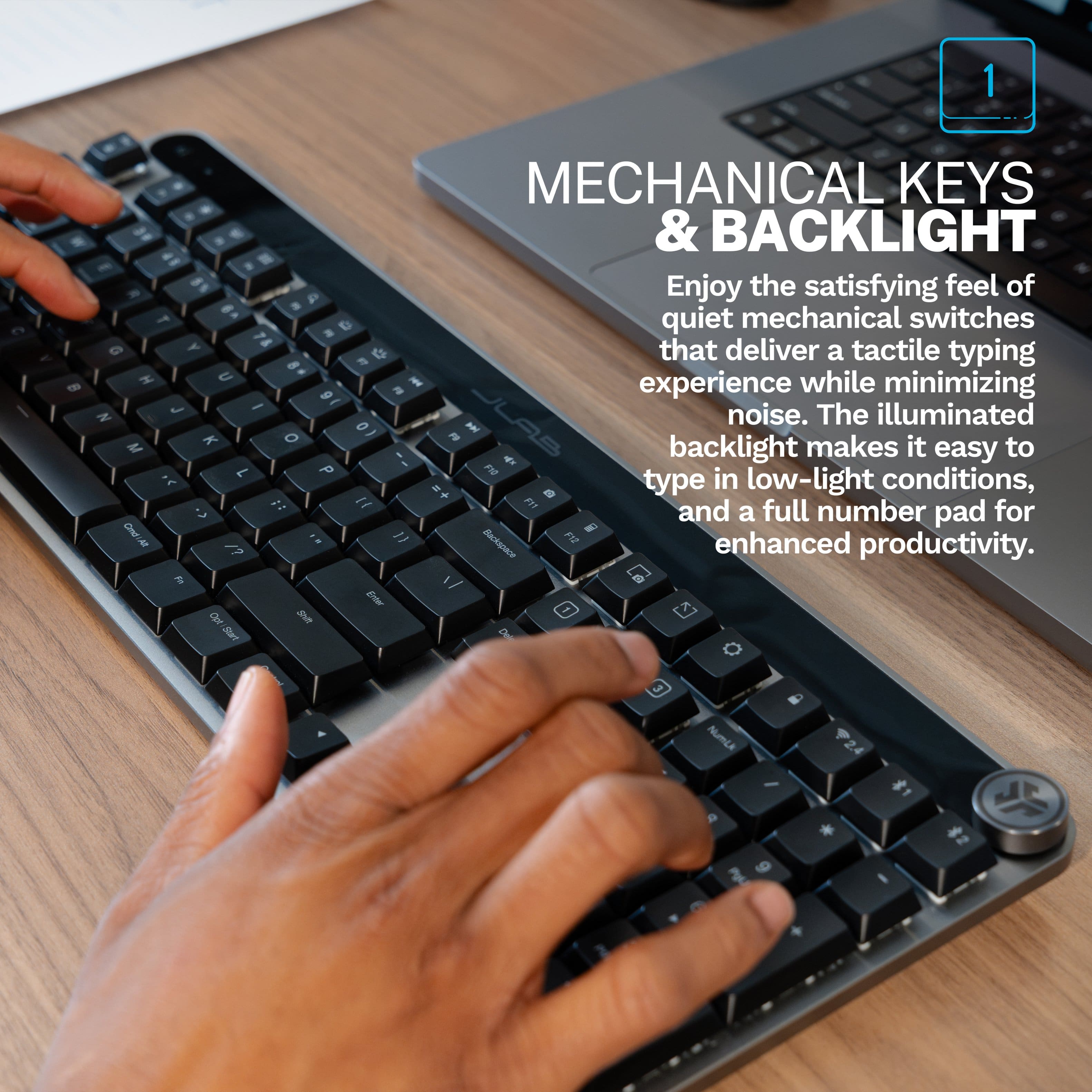
Customers highly value the Epic Mechanical Advanced Multi-device Wireless Keyboard for its excellent build quality, fantastic multi-device connectivity, and perfect mechanical key feel. The keyboard also receives praise for its good battery life, smooth typing experience, and convenient volume control. However, some customers have expressed concerns regarding the button layout.
This summary was generated by AI based on customer reviews.
Great Keyboard
||Posted . Owned for less than 1 week when reviewed.This reviewer received promo considerations or sweepstakes entry for writing a review.Great keyboard, highly recommended! If I needed one I’d get the same exact one for home!
I would recommend this to a friendUnstable connection
||Posted . Owned for less than 1 week when reviewed.This reviewer received promo considerations or sweepstakes entry for writing a review.I have had mutliple episodes of this keyboard losing connection and having delayed input. This has happened when browsing the web or during video game sessions. Takes several attempts to connect to a different connection like bluetooth and back to the usb-c dongle to fix the problem.
No, I would not recommend this to a friendGood Keyboard
||Posted . Owned for 1 month when reviewed.This reviewer received promo considerations or sweepstakes entry for writing a review.Bought this for my wife to use when she works from home. She loves the keyboard and it works well for her.
I would recommend this to a friendWake up delays
||Posted . Owned for 9 months when reviewed.This reviewer received promo considerations or sweepstakes entry for writing a review.The keyboard lights turn off and it goes to sleep in about 30 seconds. When you start typing, the 1st two keys you type are lost due to the time it takes to wake up. NEVER had a keyboard this slow to wake up, even cheap ones. For over $100, this is UNACCEPTABLE.
No, I would not recommend this to a friendI love!
||Posted . Owned for 1 month when reviewed.This reviewer received promo considerations or sweepstakes entry for writing a review.I love my keyboard! It is so easy to set up and connect to multiple devices.
I would recommend this to a friend- Pros mentioned:Key feel
Too light for a boat anchor.
||Posted .This reviewer received promo considerations or sweepstakes entry for writing a review.It has a nice feel to the keyboard and once its connected it works as it should. Unfortunately, the Bluetooth does not connect to the computer when I power it back on. It probably would once I'm logged in but you know what is needed to log into a computer? A KEYBOARD!!
No, I would not recommend this to a friend Don't Buy This
||Posted . Owned for 1 month when reviewed.This reviewer received promo considerations or sweepstakes entry for writing a review.This keyboard is terrible. The bluetooth cuts in and out making it very difficult to type continuously. The worst part is it didn't start doing that until about a month after I bought it, so I can't even return it due to Best Buy's 15-day return policy. What a scam. . .
No, I would not recommend this to a friendFailed
||Posted . Owned for 2 months when reviewed.This reviewer received promo considerations or sweepstakes entry for writing a review.They moved the buttons, and I had to reconfigure them. Then, the keyboard I was delayed and very difficult to work with due to the delay. I ended up returning
No, I would not recommend this to a friendIts OK
||Posted . Owned for 1 week when reviewed.This reviewer received promo considerations or sweepstakes entry for writing a review.Looks Nice but connectivty issues made it a problem.
I would recommend this to a friendIncompatible
||Posted .This reviewer received promo considerations or sweepstakes entry for writing a review.I returned the item because it was not compatible with my computer.
No, I would not recommend this to a friend- Pros mentioned:Battery life, Build quality, Connectivity

Total low profile mechanical for a value package!
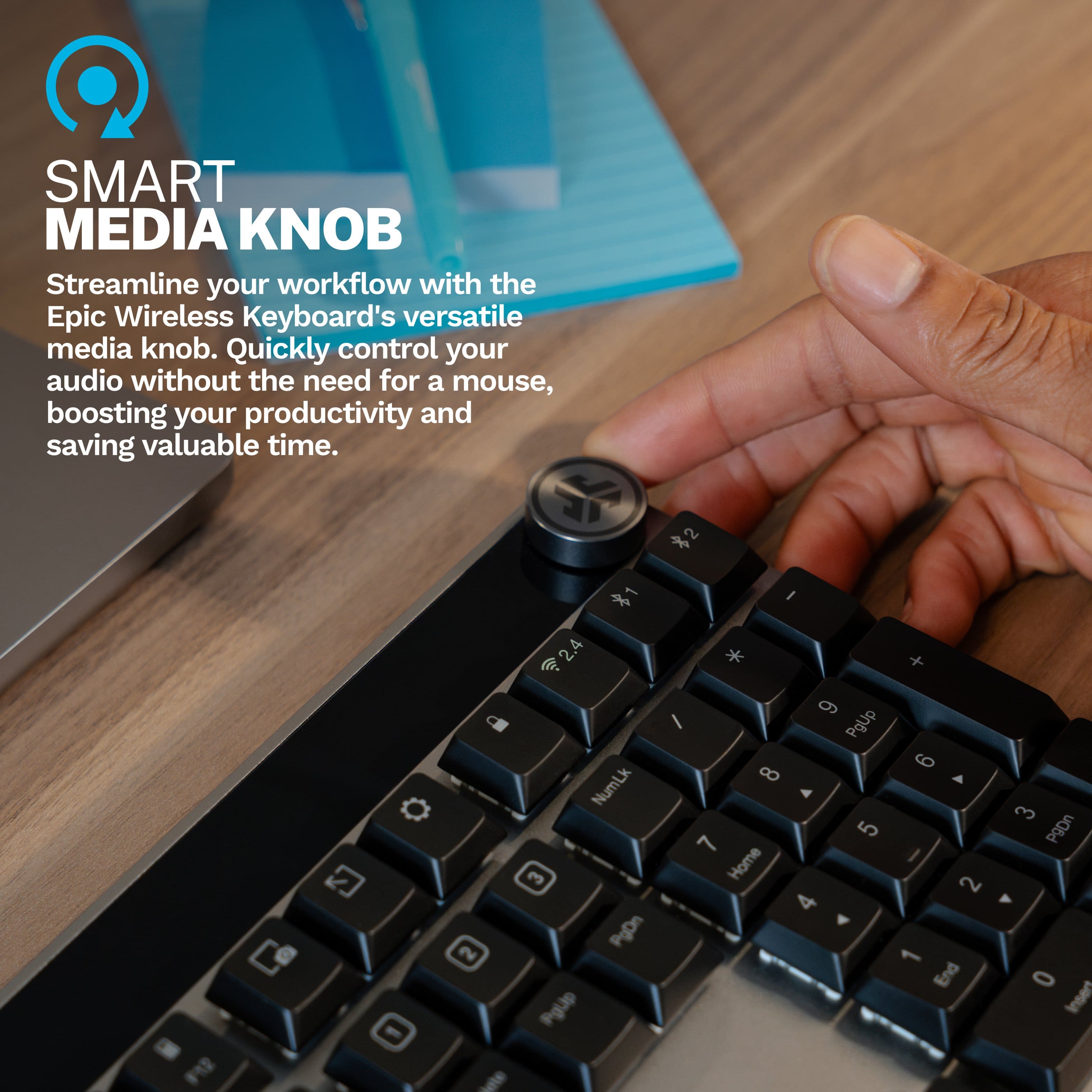
|Posted .This reviewer received promo considerations or sweepstakes entry for writing a review.As a person that truly enjoys a good mechanical keyboard yet the convenience of a low profile at the same time I can really say this actually hits the mark for me. I enjoy low profile due to less wrist fatigue typing for work and even playing games. It integrates into both of those situations because this is using real tactile mechanical switches similar in feel to an MX brown though proprietary Jlab. The feel of the switches are fairly dry if your into the keyboard hobby you’ll note this as well as stabilizer rattle but if your just an everyday joe you won’t even know what I’m talking about. On this note the switches take from my measurement just over 50g of force to actuate which is a great spot to hit between easy to press but not so easy you make mistakes. Another main feature I like is the media knob which you can program in the software. My go to is always volume but track control is also great. The fact you can pair multiple devices in different ways keeps this extremely versatile. I personally use this with Bluetooth on my Mac and PC to swap with one button and then also with my Apple TV so I can search faster when using that. Battery powered is always great and since it’s using Bluetooth 5.2 it uses far less power than days past making the battery something you don’t even need to think about. When you do you can just simply plug in to a usb and you’re good to go. With the backlit keycaps and mechanical switches along with the low profile form factor media control and value you get for this money I think they have made a true winner here.
I would recommend this to a friend KEYBOARD BACKLIGHTING PROBLEM
||Posted . Owned for 1 week when reviewed.This reviewer received promo considerations or sweepstakes entry for writing a review.This keyboard is good EXCEPT that the keyboard backlighting shuts off only 6 seconds after you stop typing. The user then has to press a random key to turn it back on. This basic design flaw is inexplicable. And tech support does not give any solution.
No, I would not recommend this to a friendNo customer support
||Posted . Owned for less than 1 week when reviewed.This reviewer received promo considerations or sweepstakes entry for writing a review.I purchased this keyboard last weekend. It will only connect via 2.4gHz dongle. Bluetooth will not connect. I've tried connecting to multiple computers. My problem isn't really with the keyboard, it's with the JLab customer service. I started a ticket and was asked to give more info. After providing the requested info, they asked for the same info again. I have now sent 4 messages, but have gotten no help in response. I've tried multiple times to use their chat system during hours posted on their website, but the chat system does not seem to be manned. Totally frustrated and will be returning the keyboard.
No, I would not recommend this to a friend- Pros mentioned:Battery life, Build quality, Connectivity
Versatile Keyboard with Several Nice Features
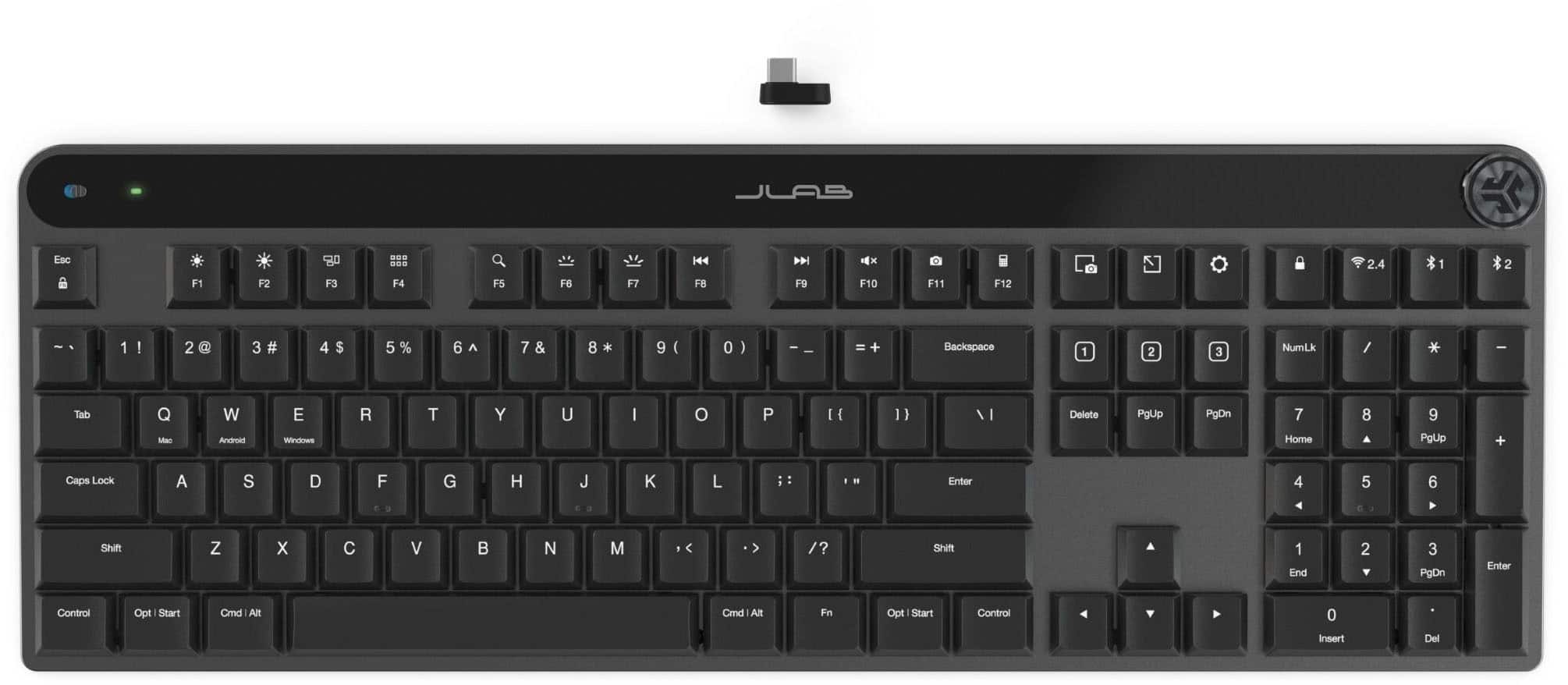
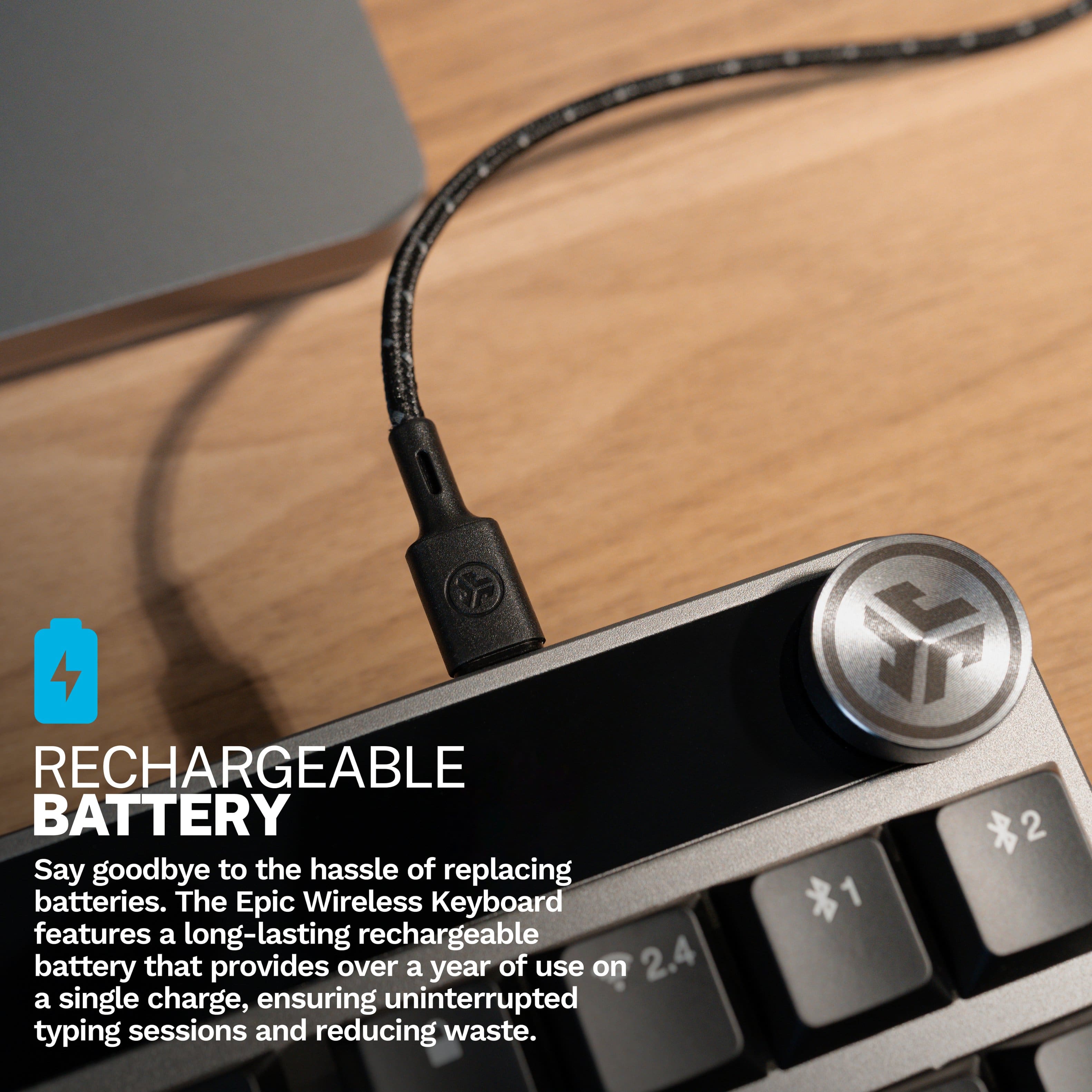
|Posted .This reviewer received promo considerations or sweepstakes entry for writing a review.When it comes to computer keyboards, there are a lot of things to consider. What is it going to be used for? How does it feel? Can I use it for gaming? These are all just a few of the questions that may be asked. With this latest iteration of keyboards from JLab, they have come up with highly versatile and customizable unit for work and play. Inside the box you have everything that you need to get started. There is the keyboard itself along with a USB-C cord and USB-C dongle. The dongle is very small and thin so it will not add very much dimension to your computer. So you have 3 ways to connect to your computer. You can go direct line, use the dongle, or even connect via Bluetooth. In all you can connect to three devices. Connecting to a computer is fast and easy. It literally takes seconds even if pairing to a Bluetooth system. Perhaps the most annoying part about the setup for me was removing the white protective cover from the top strip of the keyboard. The white tape strip left residue on the keyboard and tore off in several placing making removal harder that it should have been. I eventually removed all of the tape and had the keyboard looking nice. As far as mechanical keyboards go, this keyboard is one of the lighter ones I have tried. At first I was a little thrown off by that, but it really had no effect. I am a little concerned though with the structure. Being a mechanical keyboard, there is a sizable gap between the bottom of the keys and the actual base of the keyboard. This is certainly enough for dirt or dust to get in, but I am more worried that it could lead to a key breaking. It just feels like a key could easily be broken off. I did not have this happen, but it is a potential problem. Typing on the keyboard was a little adjustment. At first, the keys felt a bit slit. I got used to it quickly. It is just the plastic nature of the keys. Also, in my mind I was just expecting a different feel for a mechanical keyboards. It is different from others I have used. But I quickly got over that. The keys are very fast and surprisingly quiet for a mechanical keyboard. I started to prefer this keyboard over the other mechanical ones I was using. The keyboard has some very nice features. As mentioned, you can connect to up to 3 different devices. This makes cleaning that clutter off your desk much easier. The keyboard is also backlit which I consider an essential feature any more. However, I you want a keyboard that is going to light up in 256 different colors and add super flair to your system, this one isn't it. Another nice feature is you do not have to add a bunch of batteries to the keyboard. The internal rechargeable battery lasts up to 1-year. When you need to charge it, simply plug it in a let it recharge. So to break it down at a high level, the cons I have for this keyboard are 1) having to deal with annoying white tape strip when unpacking, 2) keys are elevated which could lead to keyboard damage or a key breaking off, and 3) lack of additional colors to chose from for keyboard lighting. The pros for this keyboard are 1) the ability to connect to three different devices, 2) lightweight, mechanical keyboard, 3) backlighting for keyboard, 4) extremely quiet, mechanical keyboard, and 5) nice, long-lasting, rechargeable battery. In the end, I really like the new JLAb Epic Mechanical Advanced Multi-device Wireless Keyboard. The ability to connect to up to three devices is just too valuable to me. I can use it to both work and play. The keyboard is quick and responsive. I recommend it for any application from office, to student, to play.
I would recommend this to a friend - Pros mentioned:Build quality, Connectivity
Decent Keyboard
|Posted .This reviewer received promo considerations or sweepstakes entry for writing a review.This is a surprisingly good keyboard. First, let's start with the basics. The box includes the keyboard, a 2.4 GHz USB-C dongle, and a charging cable. At first glance, the keyboard does look quite nice. After connecting the keyboard to my PC using the USB-C adapter (this was an easy process; all I had to do was plug it in), I tested out the keyboard. I had a similar typing speed as my old keyboard, which tells me that this is a decent keyboard for me. I find the many different functions that are directly on the keyboard very useful. For example, I can lock my computer or open settings with the press of a button. Once I had the keyboard set up, I downloaded the JLab Work app. I found it to be underwhelming. It looks like it was made 10-15 years ago and doesn't have nearly as many options as competitors at the same price such as Razer. For example, I can reprogram any key on my Razer Ornata V2 keyboard. The actual keyboard is much better here, but if you care about the software experience, then other brands might be better. One thing that I love on this keyboard is the volume wheel. It feels so satisfying and actually changes the volume at set intervals. I was a little worried about the device switching feature. Looking at reviews of the non-mechanical version of this keyboard, it can be a bit unreliable. On this keyboard, however, JLab seems to have fixed that. It's a seamless transition between 2.4 GHz and Bluetooth. It only takes about 5 seconds to setup. Overall, this is a decent keyboard and I would recommend it to anyone looking for a good mechanical keyboard.
I would recommend this to a friend Returned
||Posted . Owned for 4 months when reviewed.This reviewer received promo considerations or sweepstakes entry for writing a review.Ended up returning for a different keyboard. Wasnt my favorite for use while gaming.
No, I would not recommend this to a friend- Pros mentioned:Build quality, Connectivity
Freedom from KVM
|Posted .This reviewer received promo considerations or sweepstakes entry for writing a review.It is very interesting what JLAB did to this keyboard. Not only have they added all the different ways you can connect to a computer such as a dongle, cord, and Bluetooth but they also added the ability to connect to multiple computers. I've always used KVMs to manage the many computers I have or just used multiple keyboards but all that is a big mess and consumes a lot of space. I do have a mouse that connects to up to two computers and along with one of my monitors that has multiple input ports, it almost meets all the requirements for me to get rid of the KVM except for one reason. But now with this keyboard, I don't see any need of a KVM anymore. It works with my DVR, my gaming desktop computer, my laptop, and even with my tablet. All modern keyboards should have backlighting and volume control. Those are a must for me because I not always have the lights on when I'm working or playing on my computer at night, and because controlling the volume by clicking on the taskbar and sliding a virtual volume control is not very practical. JLAB took care of that too. There is only one thing that many people might not like very much but I have a conflicting opinion about it. I couldn't confirm but it seems that the built-in Bluetooth is class 3 instead of Class 2 or 1. That means that it has a very short range and the higher the class, the lower the range. So, if you have a computer connected to a TV for instance (I have one, but it came with its own wireless keyboard), you might experience issues with connectivity. However, that's usually not an issue as most people will use it closer than ten feet to their device. In fact, the shorter range might be a good thing because it prevents it from affecting other Bluetooth devices that might be very sensitive to interference such as AirPods and other wireless headsets. In my case, the range is fine, and I haven't experienced any issues yet. Overall, I like almost everything about this keyboard including the quality as it's well built and feels premium, but I can't deny that my excitement is mostly because of the multiple-device capability. It gave me freedom.
I would recommend this to a friend Overpriced, doesn't hold charge
||Posted . Owned for 1 month when reviewed.This reviewer received promo considerations or sweepstakes entry for writing a review.After using the keyboard for about a month it will no longer hold a charge. Charged it a few times from my computer now anytime I disconnect the cable the battery drains almost instantly. Its a cool keyboard but not worth $100+ for it to break that quickly.
No, I would not recommend this to a friend- Pros mentioned:Battery life, Connectivity
Awesome wireless keyboard
|Posted .This reviewer received promo considerations or sweepstakes entry for writing a review.Unboxing and Setup: Unboxing the Jlab Epic Mechanical Wireless Keyboard had me feeling like a kid on Christmas morning. I have loved the idea of a wireless mechanical keyboard that looks less flashy so I can use it for work/play. The unboxing process was straightforward, and I just inserted the USBC dongle in my laptop dock and it paired quickly. I did find it challenging to get the Jlab work software since it was hard to find and even if you register the product the software is not offered. They only show IOS/Android options. In my case this was for a Windows Laptop. After installation the software was pretty basic. I was able to change the brightness, backlight time and what the 3 custom functions do. However, the list was not that long. I ended up just leaving them at what a normal keyboard layout would be. First Impressions and Use: The initial feel of the keyboard was impressive. It had some weight to it and felt like a blend of metal and plastic. The key travel is deep and smooth. The quiet keys are fairly quiet but just enough to give that mechanical sound. I found the accuracy perfect. I did not like how the default behavior of the Function row is the F1-12 vs the other settings that I use more. There unfortunately was no way to change the defaults. You can customize them though to other functions which are nice. I found the battery life all week to still be strong. It did not require a recharge. I do like the option to connect via Bluetooth so I can use it on my mobile devices and other items like my Xbox. This makes the keyboard extremely more flexible. Finally, the volume knob is a nice touch in the corner and was accurate. The button presses down, however that does not serve as a mute function which is a letdown. Final Thoughts: All in all, I found this keyboard extremely nice and quality. If you can live with the Function buttons and do not need RGB lighting, then this is an excellent choice for business and gaming. I did find the accuracy in a few games to keep up just fine with no issues.
I would recommend this to a friend - Pros mentioned:Battery life, Build quality
New wireless multi device keyboard from JLab
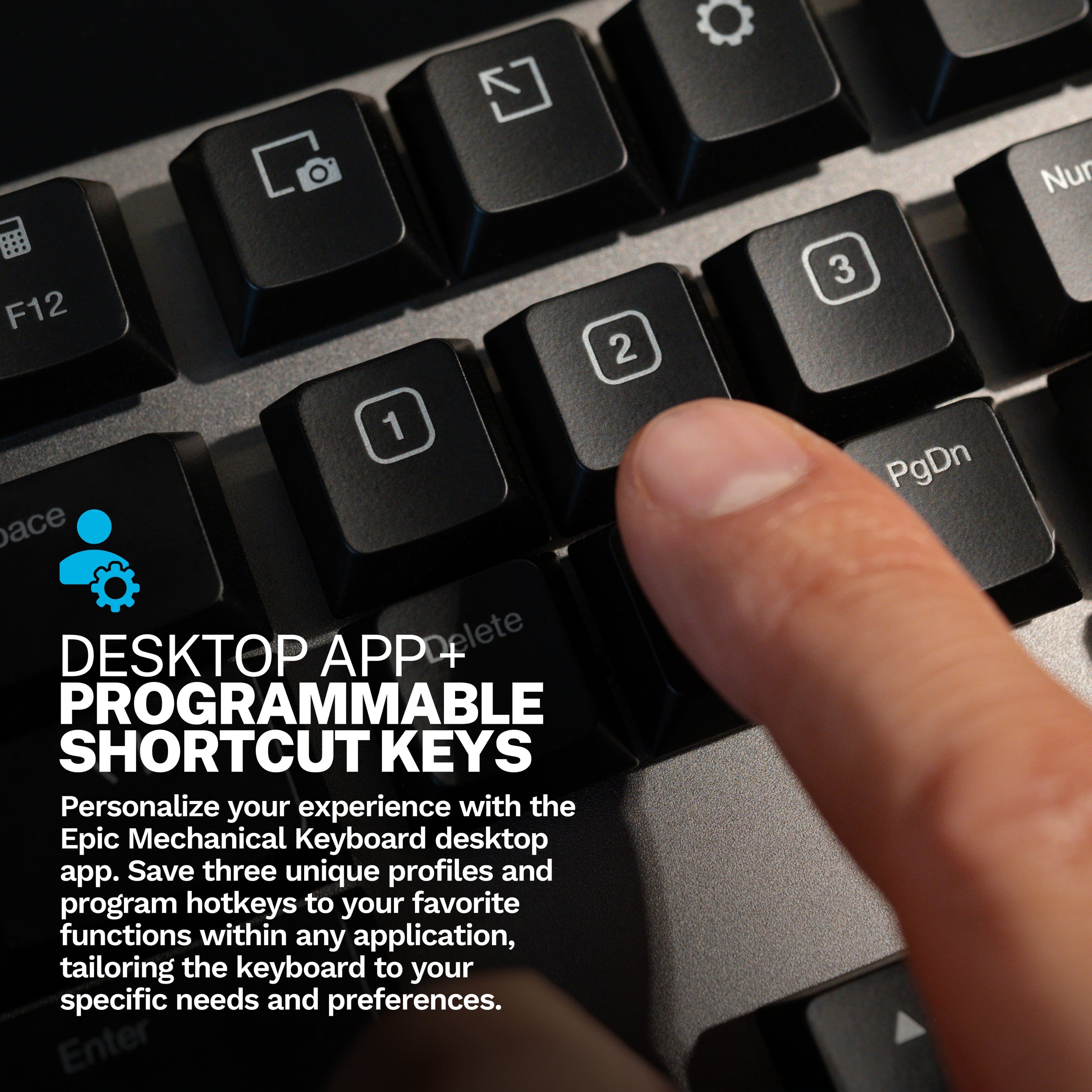
|Posted .This reviewer received promo considerations or sweepstakes entry for writing a review.The JLab Epic wireless keyboard is a nice keyboard allowing multiple device use with this touch of a key. You can connect up to three devices for use with this keyboard 2 Bluetooth and 1 wifi through the USB dongle. The keyboard also includes three profile keys that allow you to change the setup of the keyboard for three different applications. The keyboard is a full size keyboard with three programmable keys and a volume control knob. The Bluetooth is version 5.2 USB. The keyboard has an aluminum frame with fairly flat low-rise keys. They do not give the type of feedback that I prefer, but you may like it. The keyboard feel resembles a premium laptop keyboard. The backlit keys are great and allow you to see the key symbols in dimmer light. The one advantage of the softer keys is they do not make a lot of noise during use. The keyboard has a 2000 milliamp hour battery that is rechargeable using any charger with a USB C connector. Jlab advertises a 10 plus months of battery life during normal use. This is a good choice if you want a wireless keyboard especially if you want to use it with multiple devices.
I would recommend this to a friend