Customer Ratings & Reviews
- Model:
- MEPICMOUSERBLK124
- SKU:
- 10117563
Rating by feature
- Value
Rating 4.4 out of 5 stars
- Quality
Rating 4.5 out of 5 stars
- Ease of Use
Rating 4.5 out of 5 stars
to a friend

almost perfect
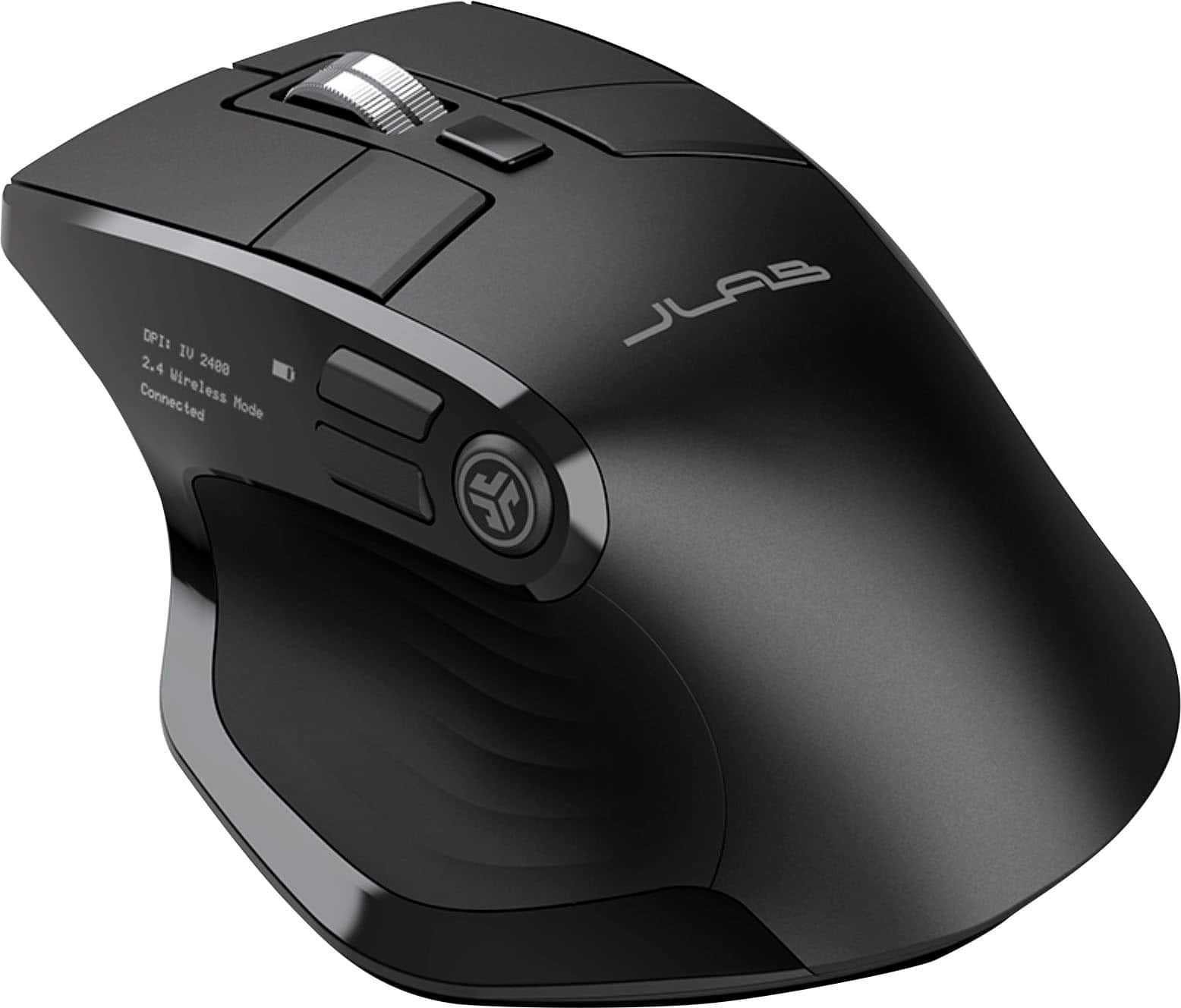
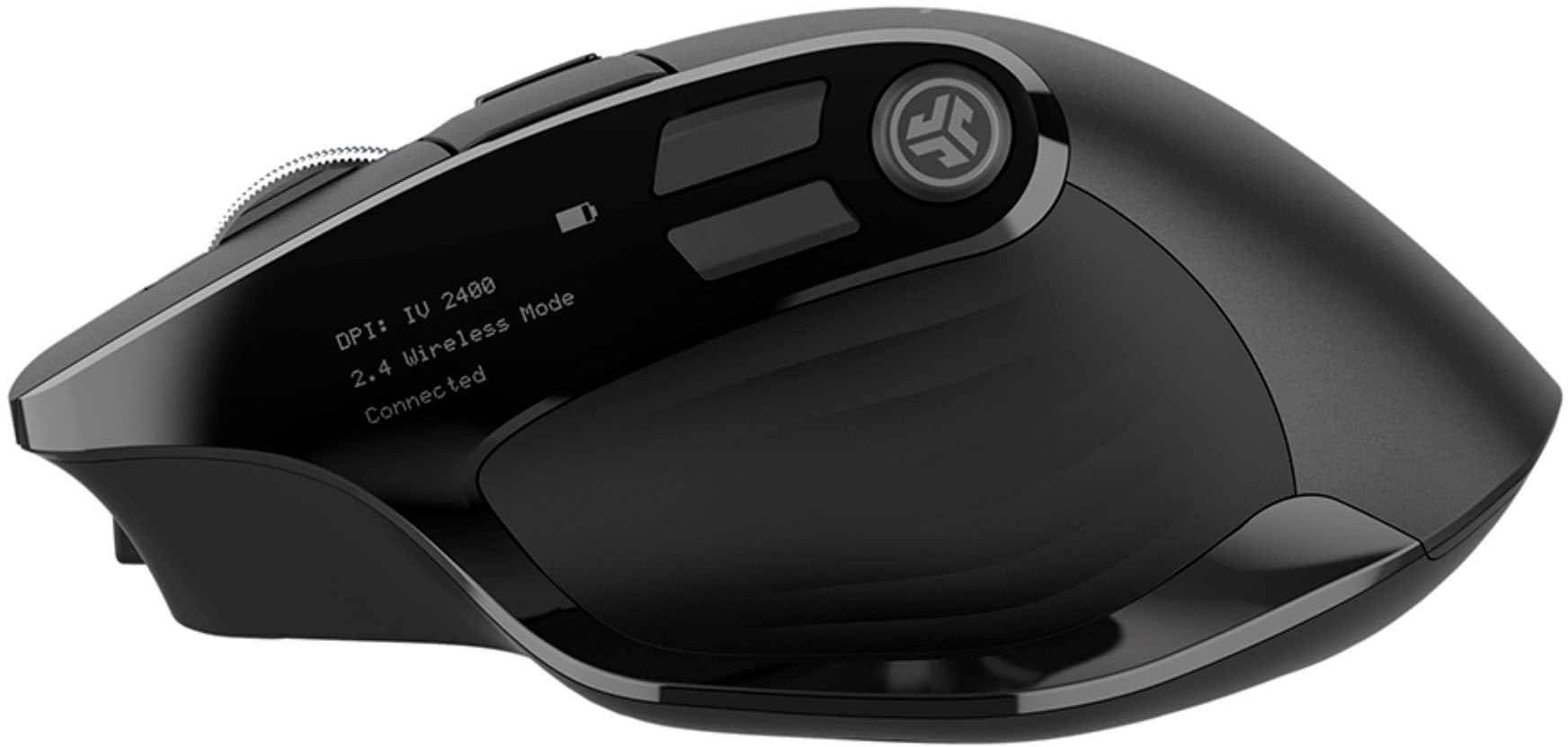
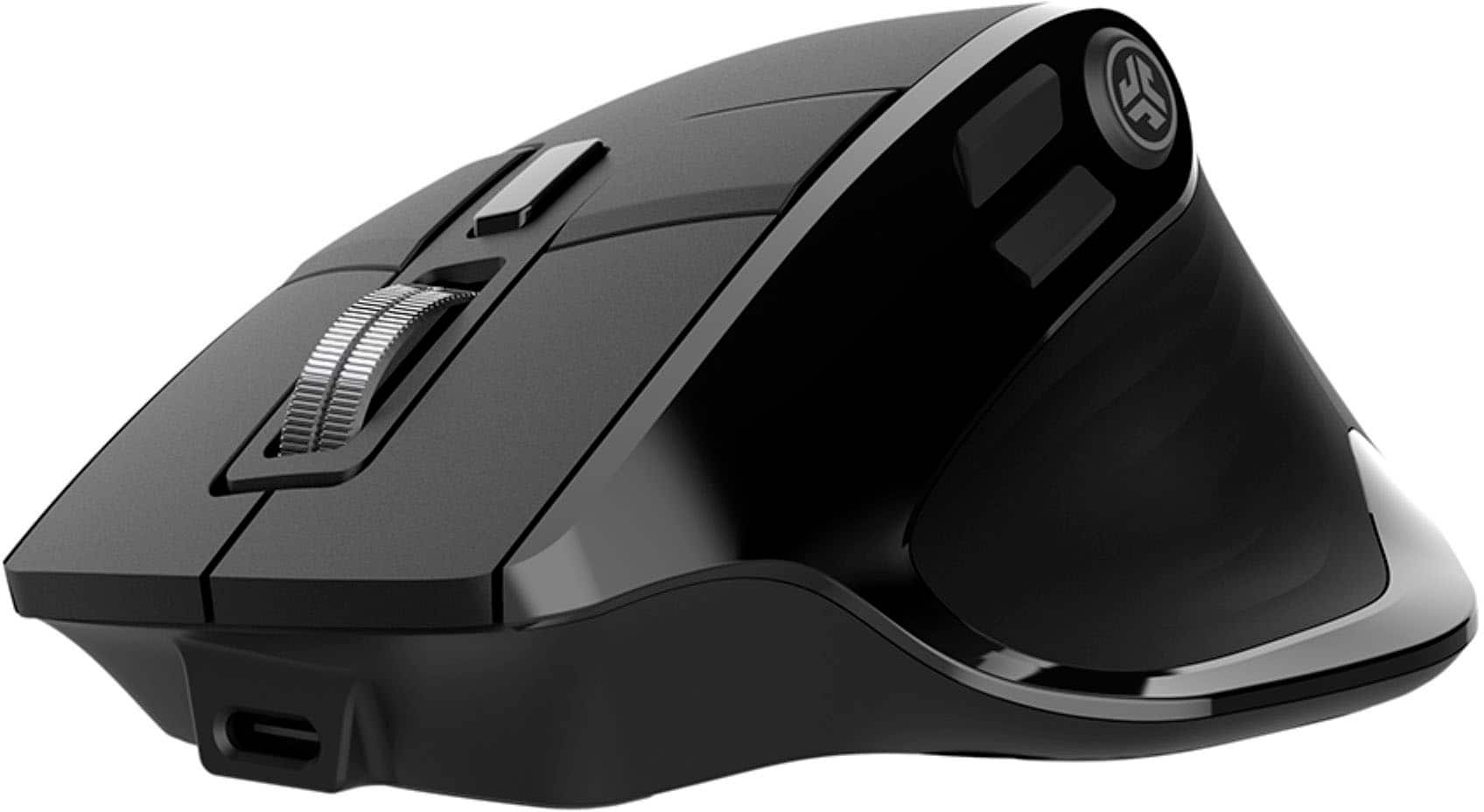
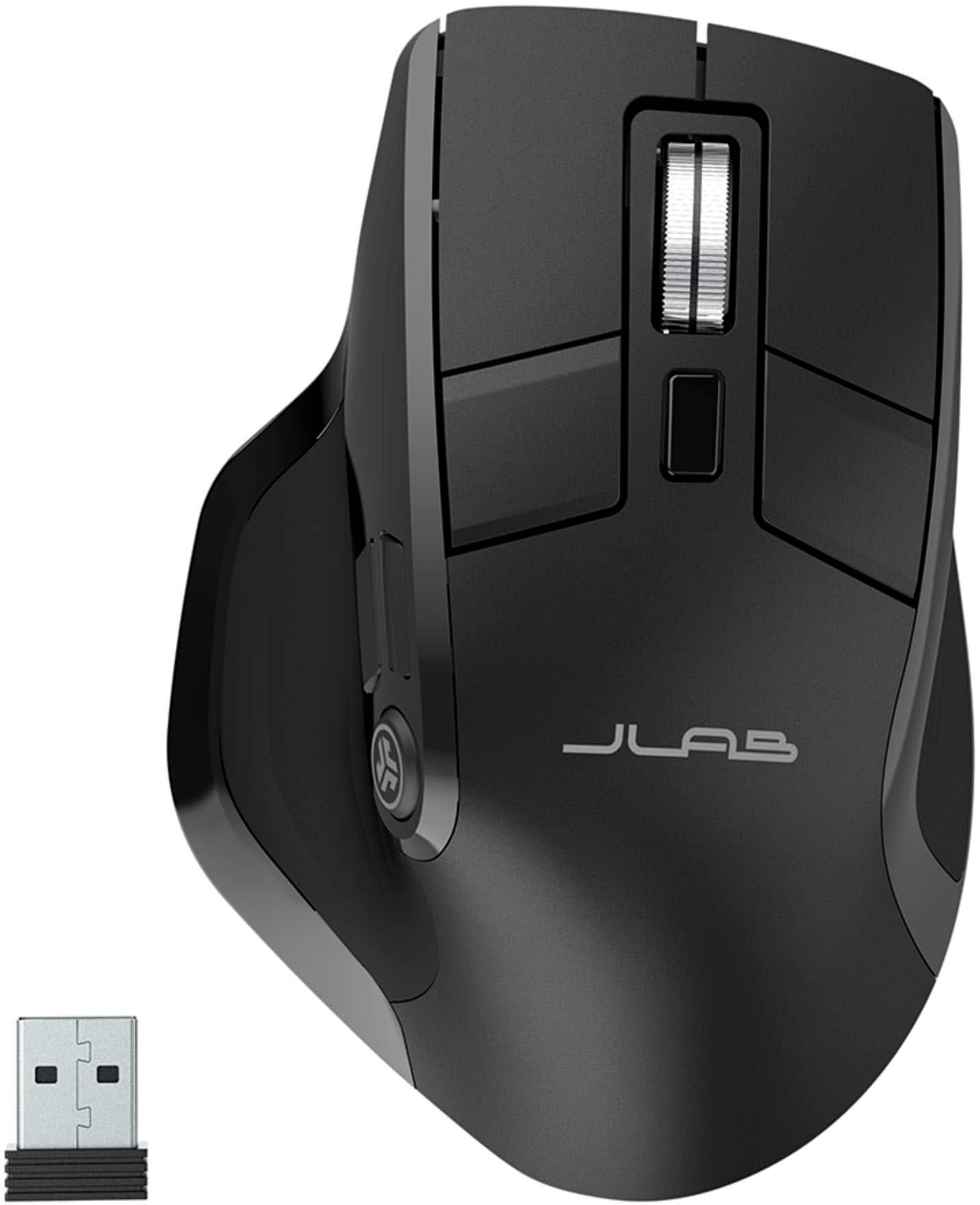
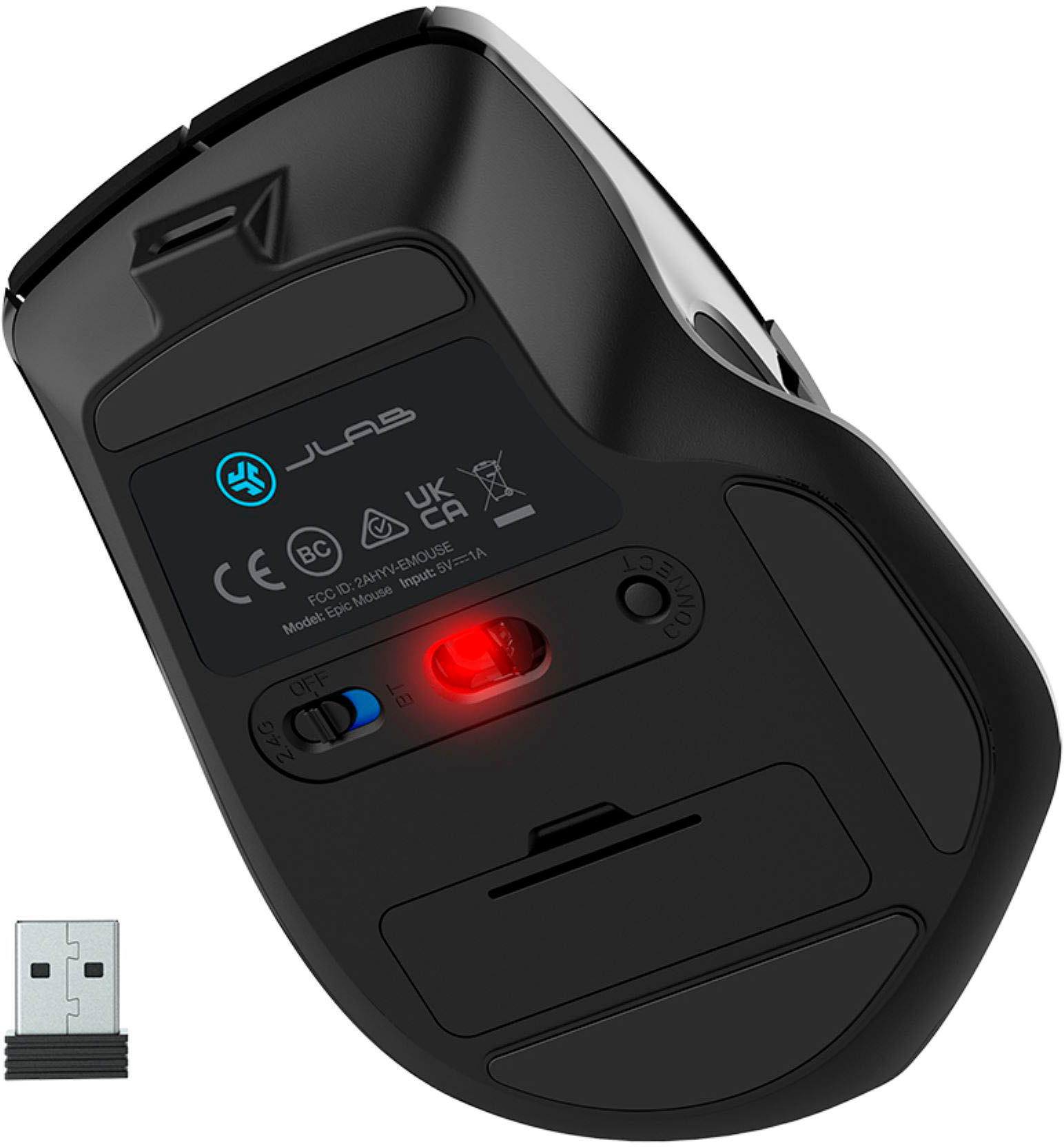
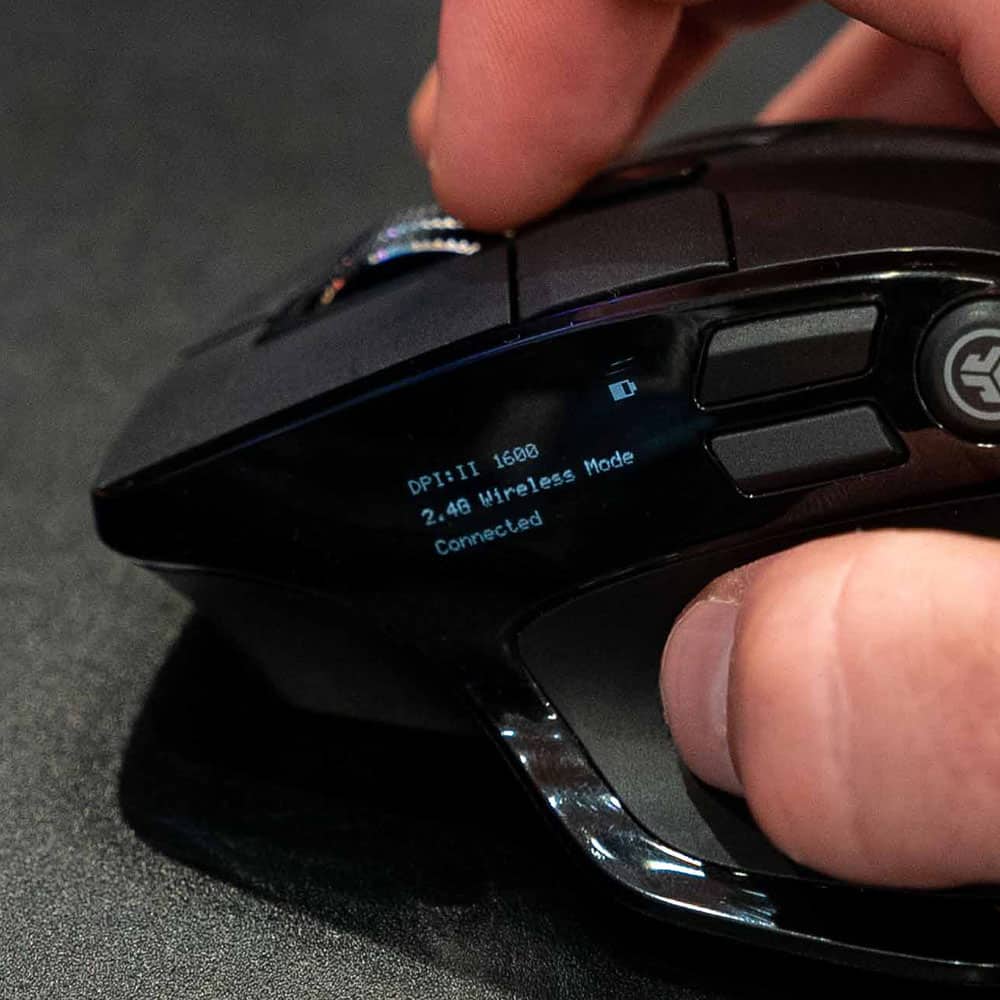
|Posted .This reviewer received promo considerations or sweepstakes entry for writing a review.When you sit on a computer all day running CAD, you NEED to have a perfect mouse. Programmable buttons are a godsend to save from reaching for the keyboard, so I thought this Jlabs Epic was worth a shot. I like having the connection options. I had no problem pairing with existing bluetooth on the PC. It also paired easily with the included USB dongle. Note: you will have to use the included dongle connection if you want to program the buttons, it does not work over a bluetooth pair. I also like the fact the mouse is USB C rechargeable, no more looking for and buying batteries. There is a small display screen on the side of the mouse, but unless you have young eyes you probably won't be able to read it. The programmable buttons work for my needs. I like the soft and quiet clicks. Overall the mouse feels good in the hand. The one thing I don't like, but this may just take more getting used to, my previous mouse scroll wheel was smooth with a rubber texture. This Jlabs Epic has a smooth serrated type wheel that my finger doesn’t spin as easy. For my finger, there is a fine line between pushing it hard enough for the traction to spin it, or to click it. I find myself clicking it when I only want to spin it. The wheel OD is also flat but angled and doesn’t let my finger land on it how I’d like, again maybe after a little more time, I’ll get used to it. Overall I like this mouse and might get the matching keyboard for it now. I just wish I could read the display, program the button over BT connection, and wish the scroll wheel felt better.
I would recommend this to a friendBrand response from JLab Audio Team
Posted .Thank you so much for taking the time to share your feedback. We are so grateful for your kind words!

A feature-rich mouse at a very fair price
|Posted .This reviewer received promo considerations or sweepstakes entry for writing a review.I was very excited to receive The JLab Epic Mouse. I've been looking for a replacement mouse for the Magic Mouse I've been using with my Macs since I've been an all Mac household. Out of the box, the mouse looks very similar to most feature rich mice on the market today. It's black, it's got a nice grip that fits the hand naturally, and it has a variety of buttons. This mouse also brings some great features like USB-C charging. My inital impression of the mouse was good. The mouse had about half charge out of the box, and it was easy to pair via Bluetooth with the Mac Stuido - I was up and going in seconds. The mouse itself has very good responsiveness and a button that you can press to adjust the resolution of the mouse in DPI. You can also adjust this using the JLab Work app. Charging the mouse is simple, and you can still use the mouse while charging - though you won't need to charge it that often as it seems to sip battery. I havent yet gotten it to die completely. I was prepared to give this mouse a poor review - as when I initially connected the mouse to the Mac Studio via Bluetooth, every few minutes for 20 seconds or so, the mouse would simply stop responding - but other bluetooth devices connected to the Mac Studio continued to work fine. The problem got even worse after upgrading to MacOS Sonoma. I cannot recommend using this mouse with Bluetooth on a Mac Studio - the experience was practically unusable. Then, I decided to try the included 2.4GHz dongle that is in a small compartment on the bottom of the mouse - and the experience so far has been perfect since switching to the dongle. The Bluetooth issues I had with the Mac, and the fact that you can't use the customization software without using the 2.4Ghz dongle is kind of disappointing. Also, the fact that I must consume a USB port to use this without issues on my Mac Studio is also disheartening. I also find it a bit confusing that the included USB receiver is USB-A, but the charging is USB-C. Everything these days is moving to USB-C, so it would have made sense to include a USB-C receiver. Also, the small OLED screen seems a bit overkill - in day to day use I never actually look at it. Overall, this is a solid option for a feature rich mouse I suspect I'd be able to 5 star this if not for the Bluetooth and the fact that I have to use the receiver and consume a USB Port. Like most JLab products, you get a quality product at a very fair price.
I would recommend this to a friendDecent mouse but not so great with claw grip
|Posted .This reviewer received promo considerations or sweepstakes entry for writing a review.This is my first JLab mouse, and like a lot of gamers, I've gone through a lot of mice since my first game. First impression of the Jlab is that its form factor look pretty identical to my preferred mouse. The arch over the buttons are just slightly higher than the most popular designs for gaming mice, but it seems that it's enough to make a difference in comfort for my knuckles. A slightly lower button placement causes a little pain between my first two knuckles after a few days of gaming. So the JLab Epic gets a big plus there. The two buttons behind the main left and right are a decent alternative to side scroll clicks. I use those for quick actions that don't require me to move my fingers. With the side scroll, a little knuckle knock is all I need to activate them. These buttons require just slightly more effort that could be countered with muscle memory. They're easy to press with a slight flex without activating the main clicks. Side buttons are a different story. Maybe in a slow game they'd be useful, but with my claw grip, I have to adjust my grip to activate them. I like that the aim button is in the back and easy to reach - if I used a different grip, but they're just too high up to be of any use in fast paced gaming with a claw grip. If you can handle the button placement then you won't regret getting the JLab Epic.
I would recommend this to a friendBrand response from JLab Audio Team
Posted .Thank you so much for taking the time to share your feedback. We are so grateful for your kind words!
Great Product!
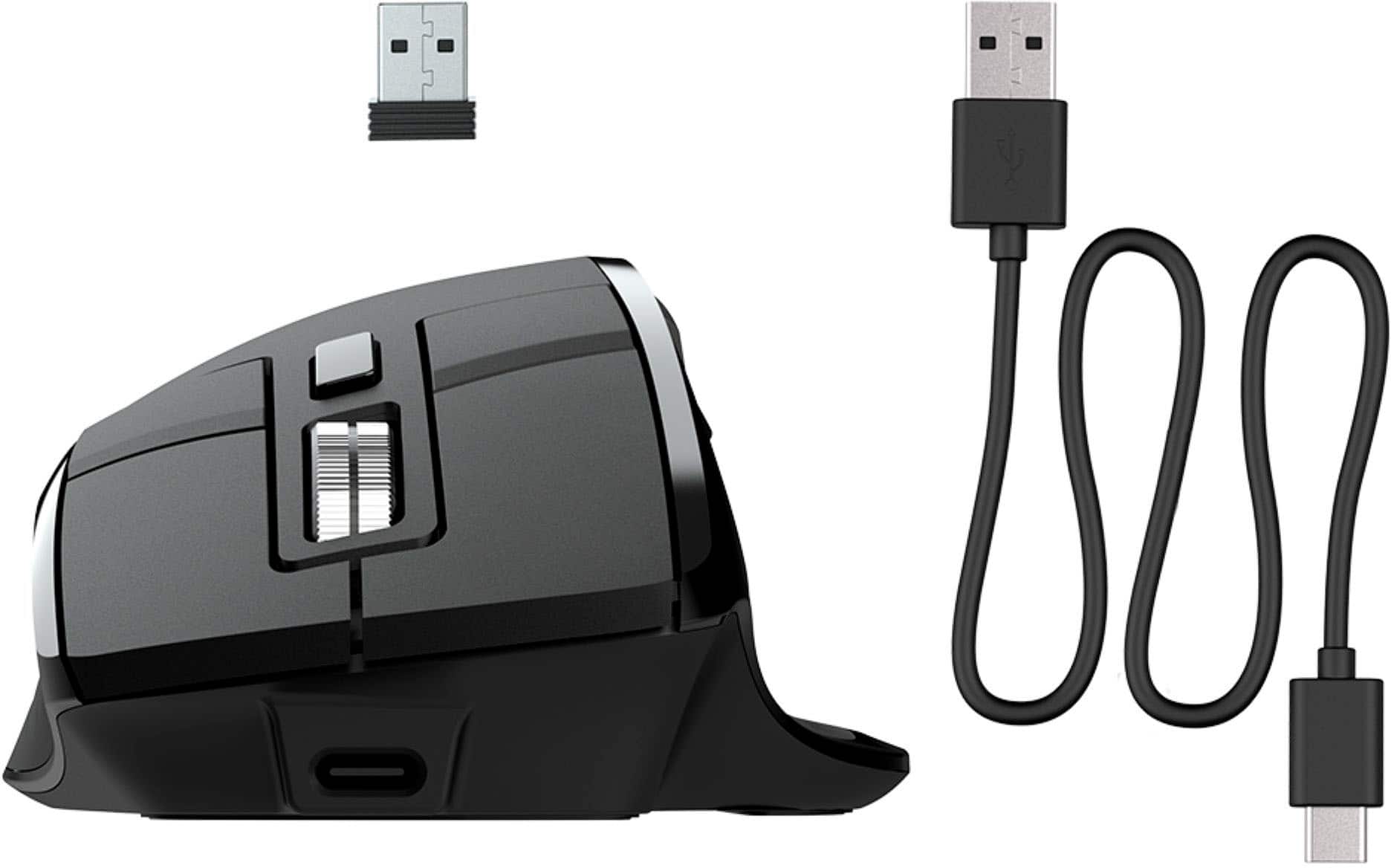
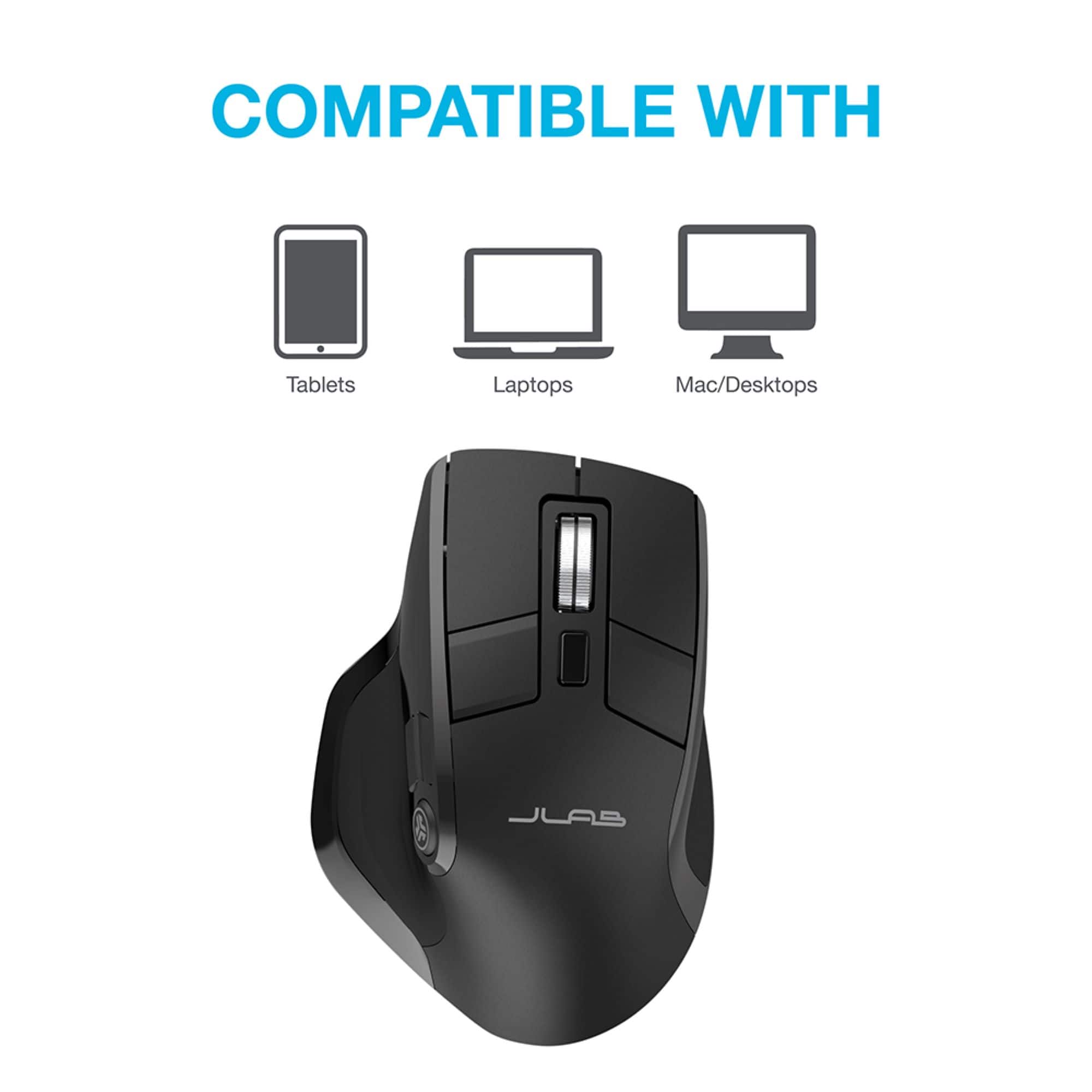
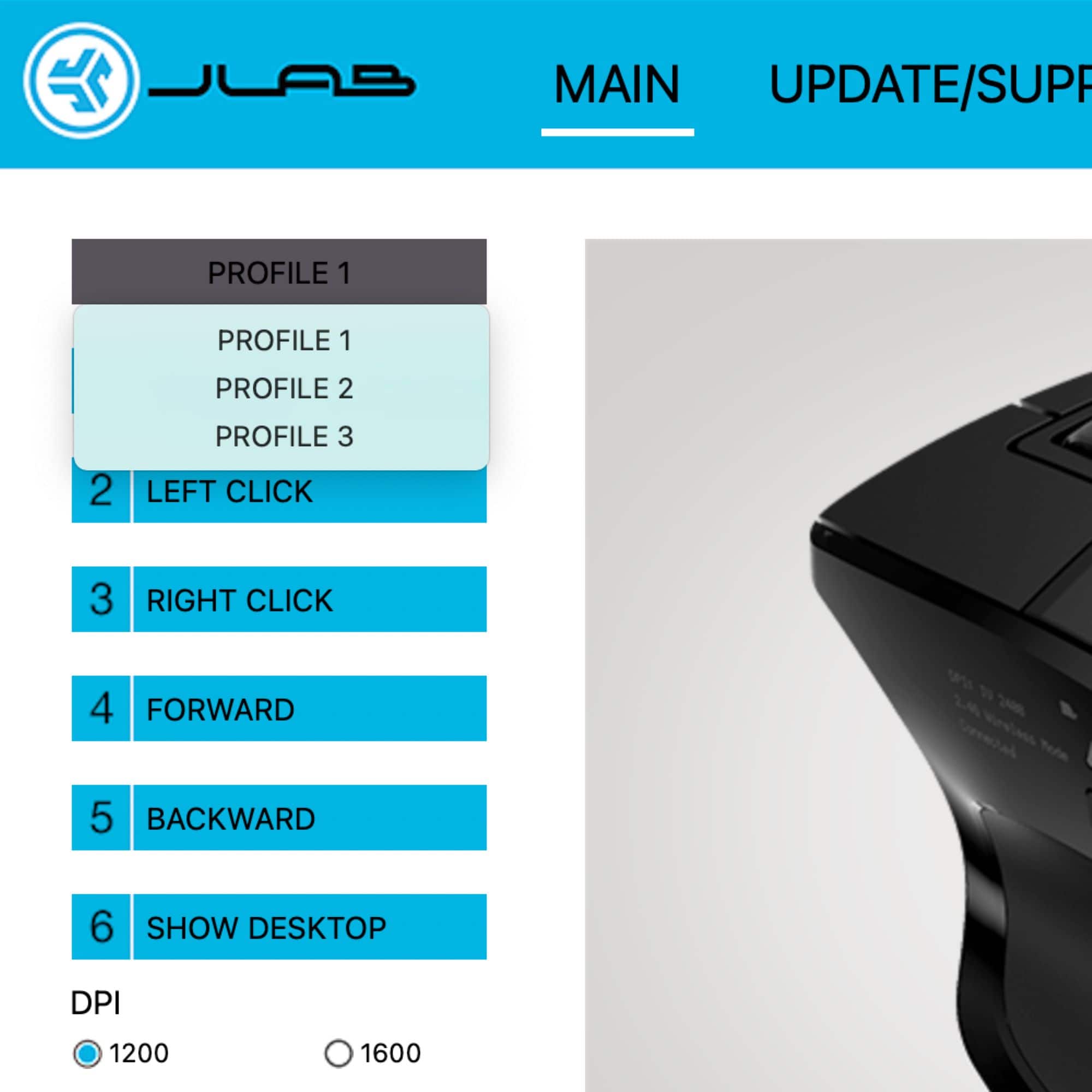
|Posted .This reviewer received promo considerations or sweepstakes entry for writing a review.The J Lab Epic wireless bluetooth optical mouse features a sleek, ergonomic design that really fits well in the palm of you hand. It's a comfortable size and just feels good! It is compatible with 3 device connection options - and they really work! With the touch of a button, I can quickly change from my personal laptop to my work desktop. It paired easily to the laptop via bluetooth, and connected to the desktop via the enclosed USB dongle. With the J Lab Work App, you can assign specific buttons for your most-used applications. It includes three profiles allowing you to switch between them easily. It also features adjustable tracking which allows you to change the speed of your mouse. The buttons are silent so there's no noise when clicking or scrolling. It also works well with gaming and seems to track accurately without delay/lag. The J Lab Epic is rechargeable so there's no worry about dead batteries, or trying to find replacements in a pinch. It charges quickly/easily with the enclosed USB cable and lasts a long time. I've tried other products that are supposed to connect to multiple devices but this one is by far the best. It paired easily and quickly switches between devices. Since it's wireless, it's easy to move around on my desk and switch between computers. Need to quickly see your desktop without closing several windows first? Simply click one button to minimize all of your screens at one time! Considering how expensive some products can be, the J Lab Epic Mouse is a great product at a reasonable price!
I would recommend this to a friendBrand response from JLab Audio Team
Posted .Thank you so much for taking the time to share your feedback. We are so grateful for your kind words!
Ergonomic mouse with loaded features
|Posted .This reviewer received promo considerations or sweepstakes entry for writing a review.JLab Epic wireless mouse is a full-size ergonomic mouse that is amazingly comfortable and easy to use. The packaging is neat and includes the mouse, charging cable, USB dongle and a quick start guide. The mouse includes a rechargeable battery, which means no more hunting for AA or AAA batteries. The mouse can be paired with three devices at a time. This is done via the USB dongle, and two Bluetooth connections. There is a quick switch button to cycle the connection between these devices. The mouse is charged using a USB C cable, which I really like and one less cable to carry and worry about. Make sure to charge the battery completely before you start using it. The battery life is spec'd to last 4+ months on a full charge. The sleek design includes nine customizable buttons. Make sure to download JLab Work app to program and customize the mouse the way you want it. The app also lets you create custom user profiles. This will come in handy when you use it across multiple devices for various tasks. There is also an OLED display screen that will show you battery life, DPI settings, and the device connection you are using. I really like the quiet and soft clicks when using the mouse as well as the buttons. This is a nice addition for those working from home or public places. Overall, this is a great mouse with superb build quality and added features that can be used for work or gaming.
I would recommend this to a friendTruly Epic!
Posted .This reviewer received promo considerations or sweepstakes entry for writing a review.By far the best mouse I've ever purchased. Not only is it customizable with extra buttons you can pick what they do, I have had it for two weeks and the battery is still over 3/4 full! By far the best mouse on the market in my opinion!
I would recommend this to a friendHigh quality, feel, and technology for $60
Posted .This reviewer received promo considerations or sweepstakes entry for writing a review.The feel, design, and software is comparable to Logitech's MX master $100 mouse. If the mouse had a white version or other color variant, I would 100% recommend this mouse. This mouse is still great and having it pair to 3 devices(windows desktop, macbook air, & rog ally) makes switching efficient and easy.
I would recommend this to a friendWasted money
Posted .This reviewer received promo considerations or sweepstakes entry for writing a review.The scrolling wheel died in 3 months + disconnected by itself time after time.
No, I would not recommend this to a friendBluetooth connection fails
Posted .This reviewer received promo considerations or sweepstakes entry for writing a review.Does not work the Bluetooth connection keeps on disconnecting
No, I would not recommend this to a friendBrand response from JLab Audio Team
Posted .We're sorry to hear you're experiencing this issue, but we're here to help. For assistance, please email support@jlab.com or call 405-445-7219.