Customer Ratings & Reviews
- Model:
- MEPICMOUSERBLK124
- SKU:
- 6521120
Rating by feature
- Value
Rating 4.4 out of 5 stars
- Quality
Rating 4.5 out of 5 stars
- Ease of Use
Rating 4.5 out of 5 stars
Customers are saying
Customers are enthusiastic about the Epic Wireless Mouse, highlighting its exceptional battery life and comfortable ergonomics. Many appreciate its ease of use, versatile Bluetooth connectivity, and well-placed buttons. However, some users find the size a bit large and have noted concerns about the scroll wheel's grip and occasional lag.
This summary was generated by AI based on customer reviews.
JLab mouse
||Posted . Owned for 2 weeks when reviewed.This reviewer received promo considerations or sweepstakes entry for writing a review.Nice mouse for someone with large hands...works very well
I would recommend this to a friendSTAY AWAY FROM JLAB!
||Posted . Owned for 2 months when reviewed.This reviewer received promo considerations or sweepstakes entry for writing a review.I bought this mouse since it had all the features and I thought it was a reasonably priced item. I connected to my Windows 11 computer via Bluetooth and the 2.4 ghz dongle and it caused havoc on my machine. It made it so the keyboard would not work and keys did random things. I tried JLAB support and they just sent me a return request for JLAB credit. Even have to pay my own postage to return for that credit (and waiting on them to approve the warranty once received). STAY AWAY FROM JLAB!
No, I would not recommend this to a friendMid range mouse
||Posted . Owned for 2 months when reviewed.This reviewer received promo considerations or sweepstakes entry for writing a review.Connects fast but occasionally loses connection for a second or two. Sometimes the buttons will get stuck and input the mapped button several times.
No, I would not recommend this to a friendOkay
||Posted . Owned for 1 month when reviewed.This reviewer received promo considerations or sweepstakes entry for writing a review.Expected better. When using blue tooth, it lags. It's easy to hit wrong buttons when dragging items. Would not purchase again
No, I would not recommend this to a friendblue tooth mouse
||Posted . Owned for 1 month when reviewed.This reviewer received promo considerations or sweepstakes entry for writing a review.I had trouble getting this item to work with my motherboard. Somekind of bluetooth problem. I liked the feel of it however.
No, I would not recommend this to a friendnot connecting well
||Posted . Owned for 3 weeks when reviewed.This reviewer received promo considerations or sweepstakes entry for writing a review.Mouse does not connect well wireless. Often needing to pick it up and place it down
No, I would not recommend this to a friendJunk - Do Not Purchase
||Posted . Owned for 4 months when reviewed.This reviewer received promo considerations or sweepstakes entry for writing a review.I purchased this mouse along with an ergonomic keyboard at the same time…approximately $189 for both items. The mouse would not stay charged and the keyboard just stopped typing. The amount of frustration this caused me at work. Thank goodness I still kept my old keyboard and I had to order a mouse on Amazon for same day delivery. I knew it was past time to return for a refund or a partial refund so the cashier said, I can dispose of them for you. I said that’s fine and almost $200 wasted on junk. My employer sent me a basic keyboard and another mouse and I’ll just make do with that.
No, I would not recommend this to a friendBrand response from JLab Audio Team
Posted .We're sorry to hear of the issues you encountered. All our Bluetooth devices come with a two-year warranty. Please don't hesitate to reach out to us if there is anything we can do to help. support@jlab.com

waste of money
||Posted . Owned for 11 months when reviewed.This reviewer received promo considerations or sweepstakes entry for writing a review.overpriced. not very responsive .battery needs to be recharged every week
No, I would not recommend this to a friendGood feel in hand, meh quality
||Posted . Owned for 1 week when reviewed.This reviewer received promo considerations or sweepstakes entry for writing a review.It feels exactly like the MX master 3. My main concern is the buttons feel like they will go bad quickly. Sometimes they don’t register clicks.
I would recommend this to a friend- Cons mentioned:Size

Big and loaded with cool features
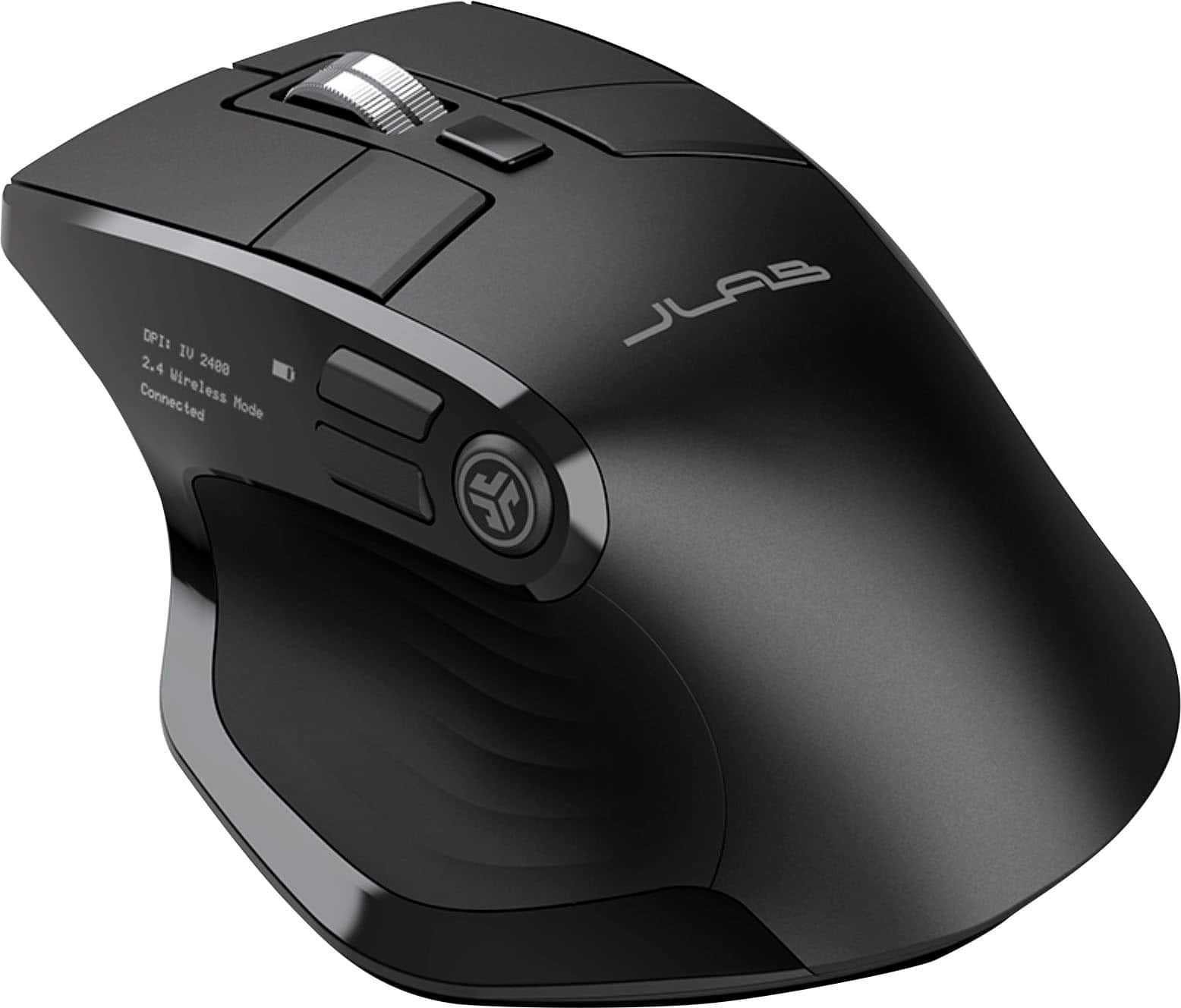
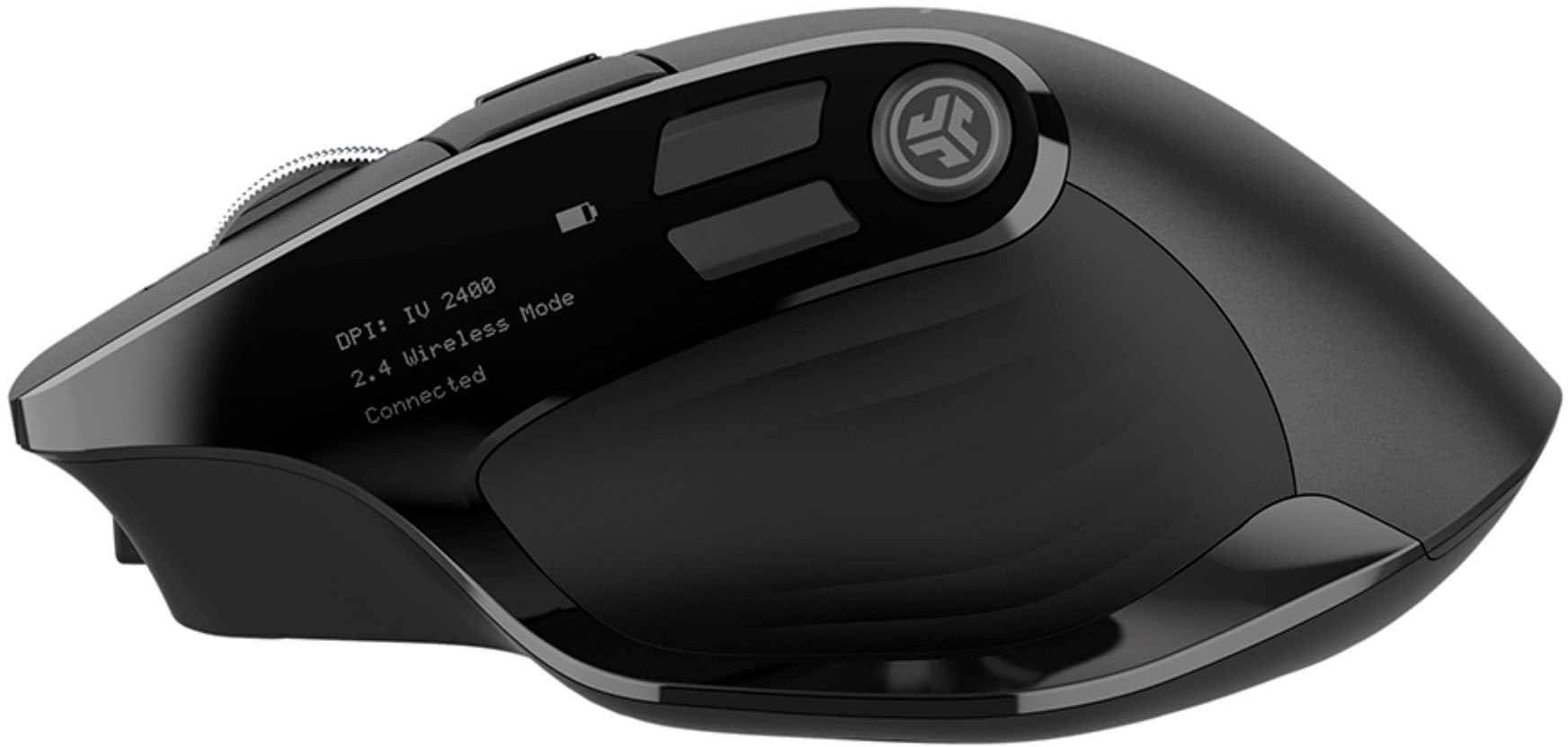
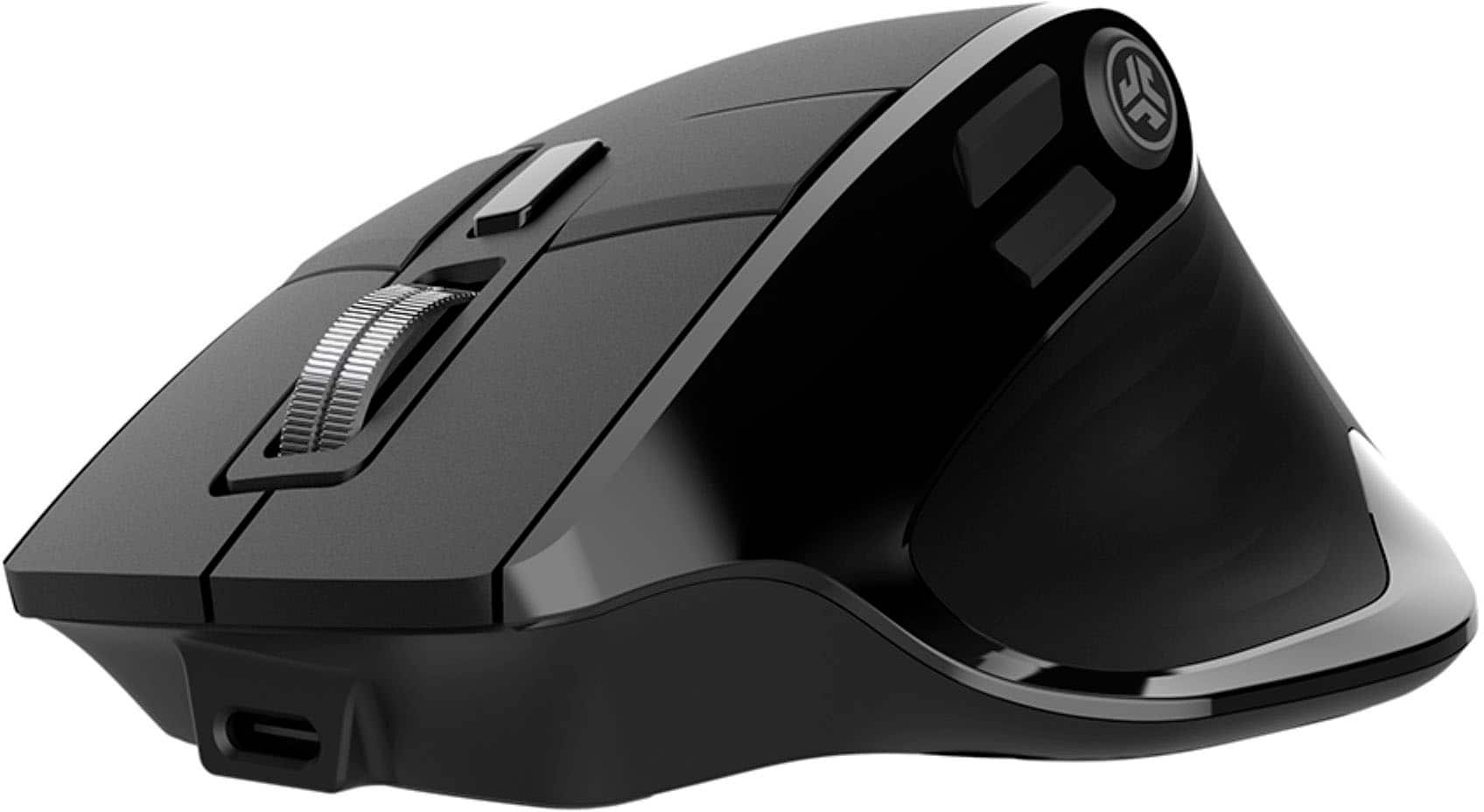
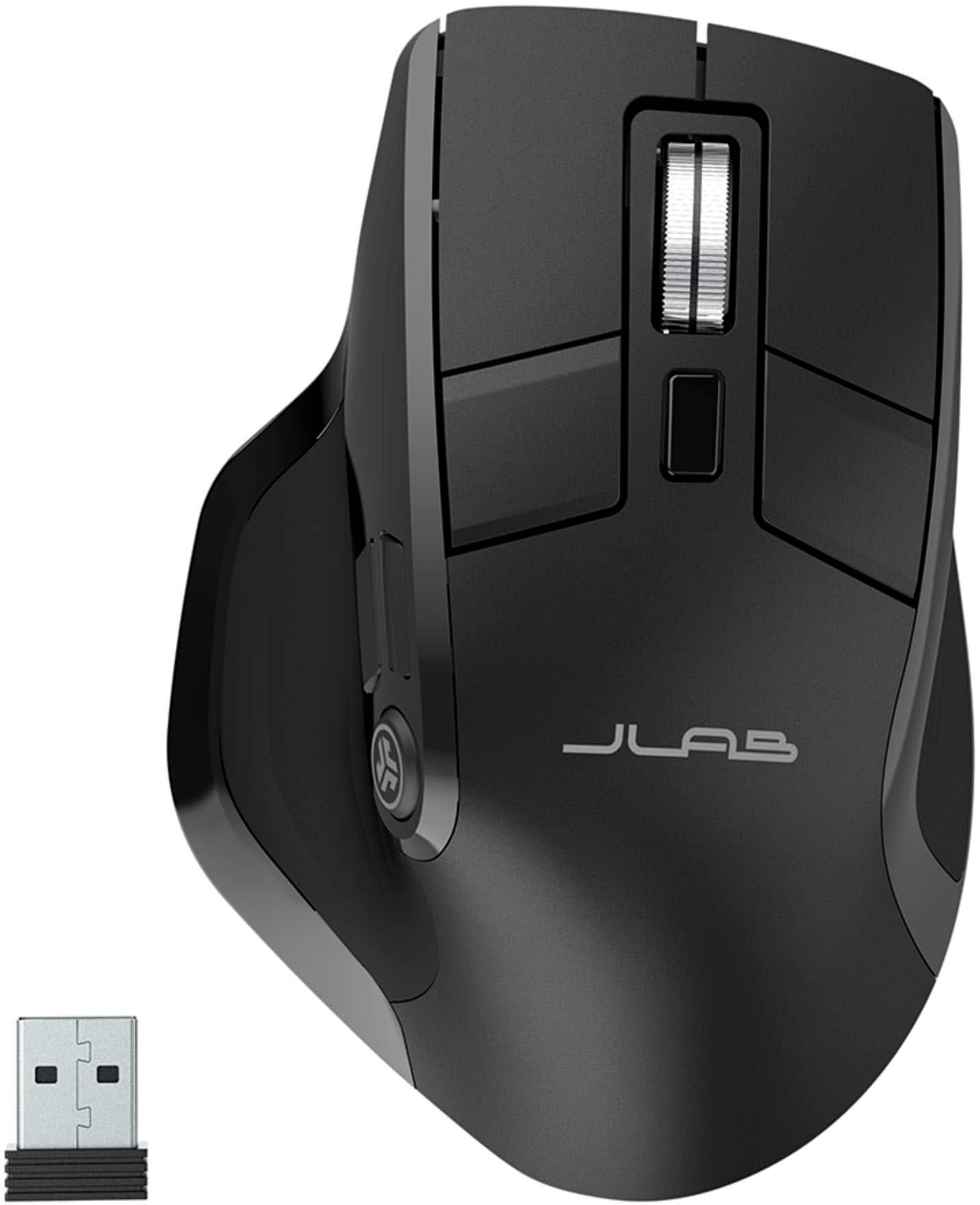
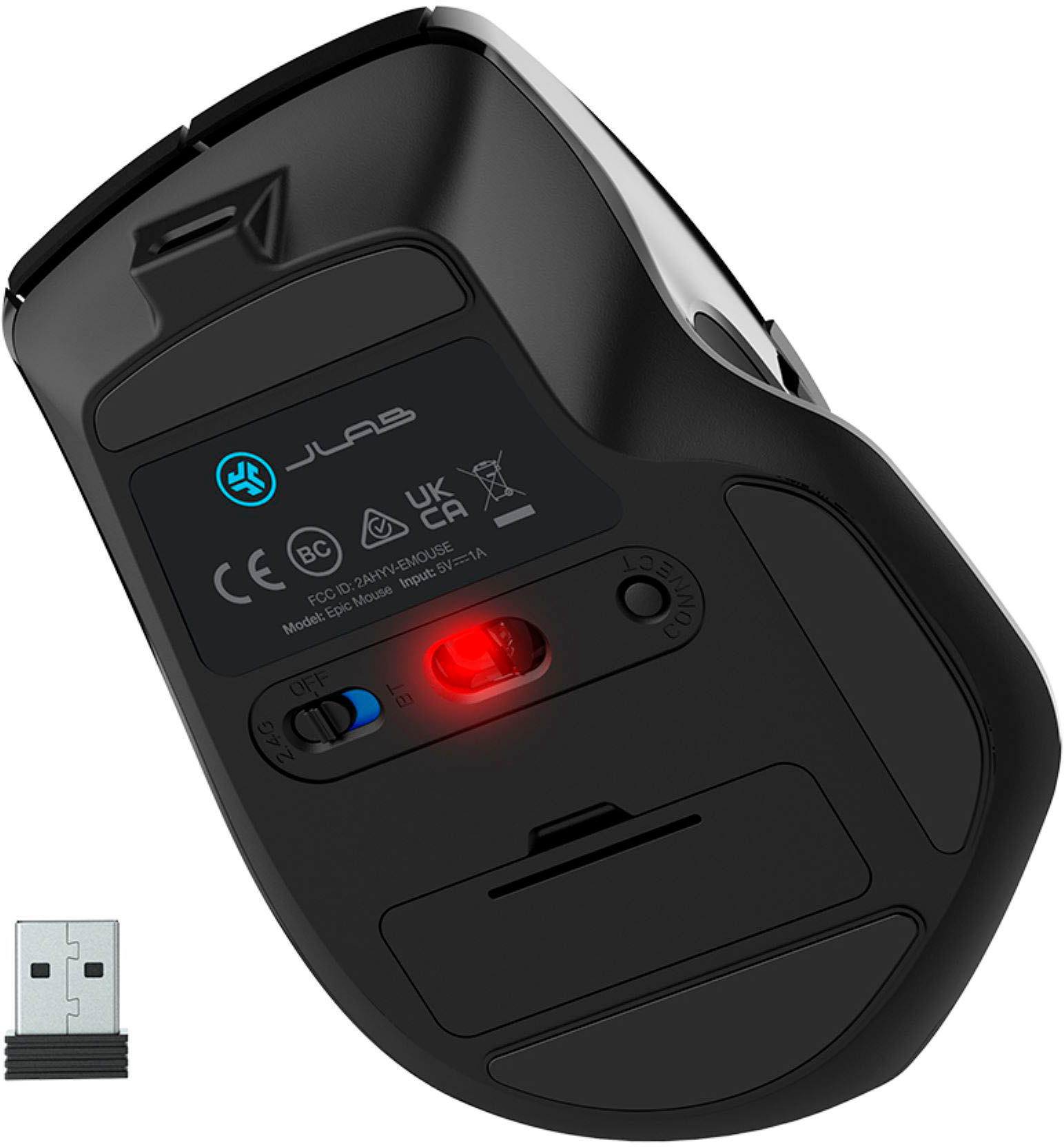
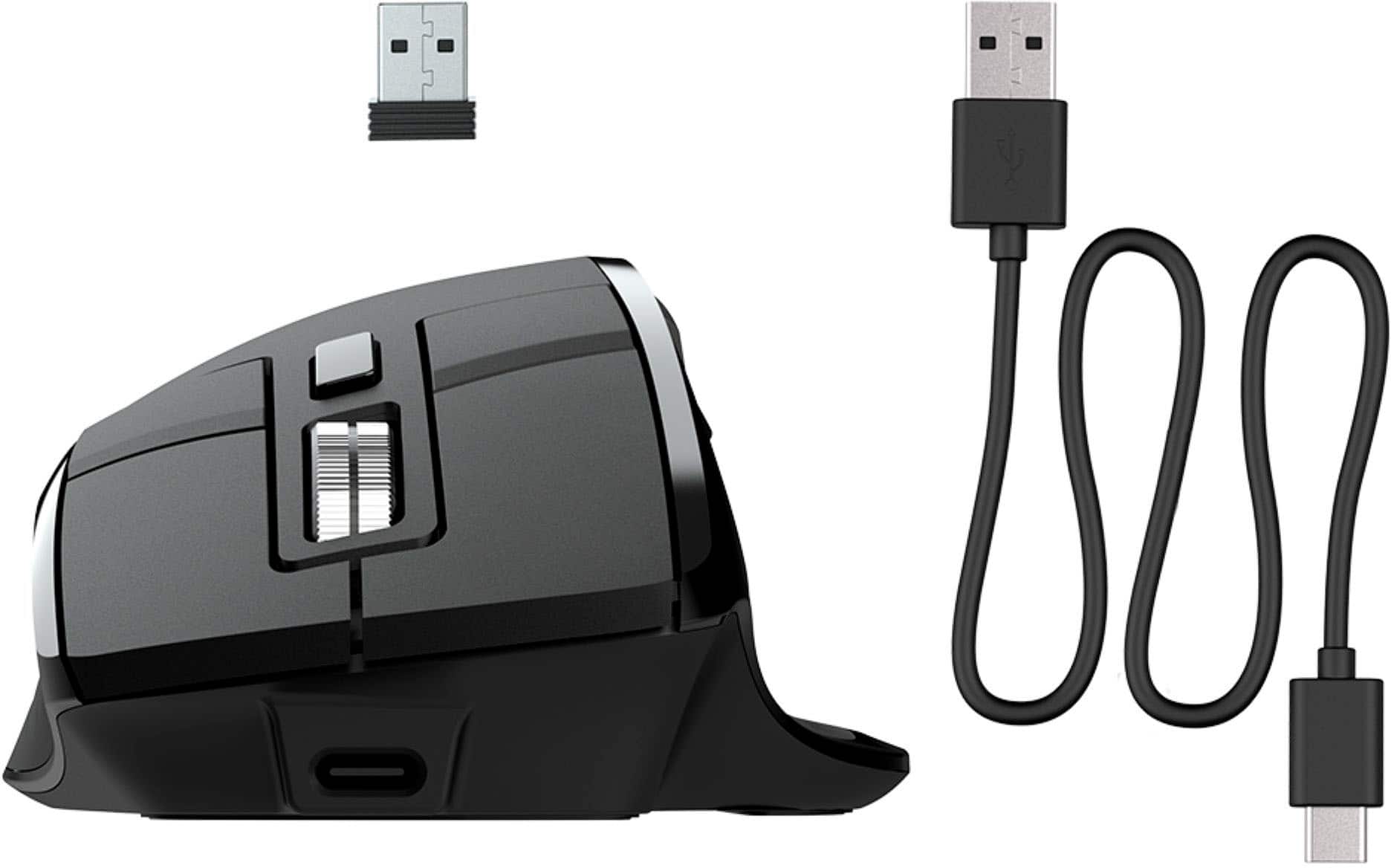
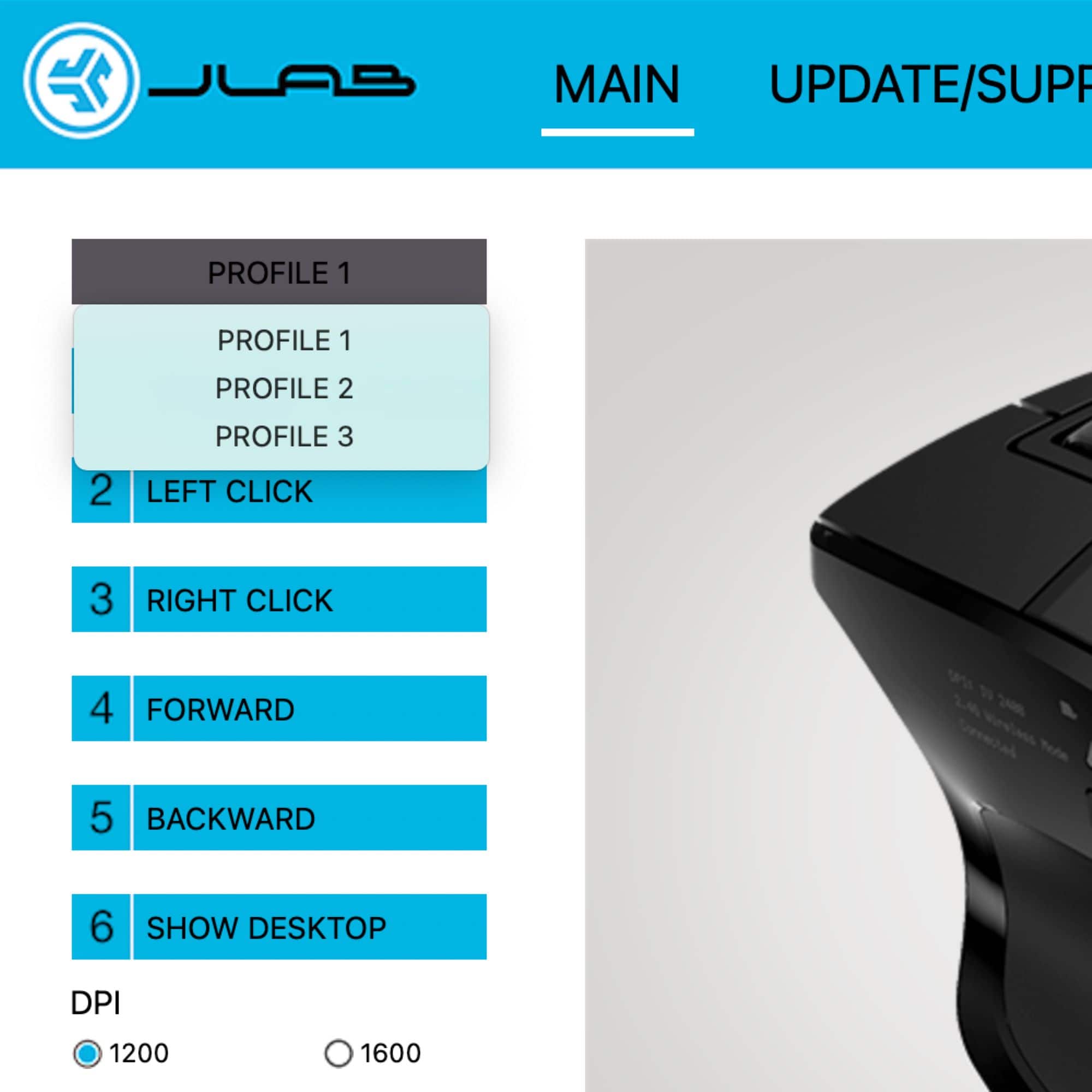
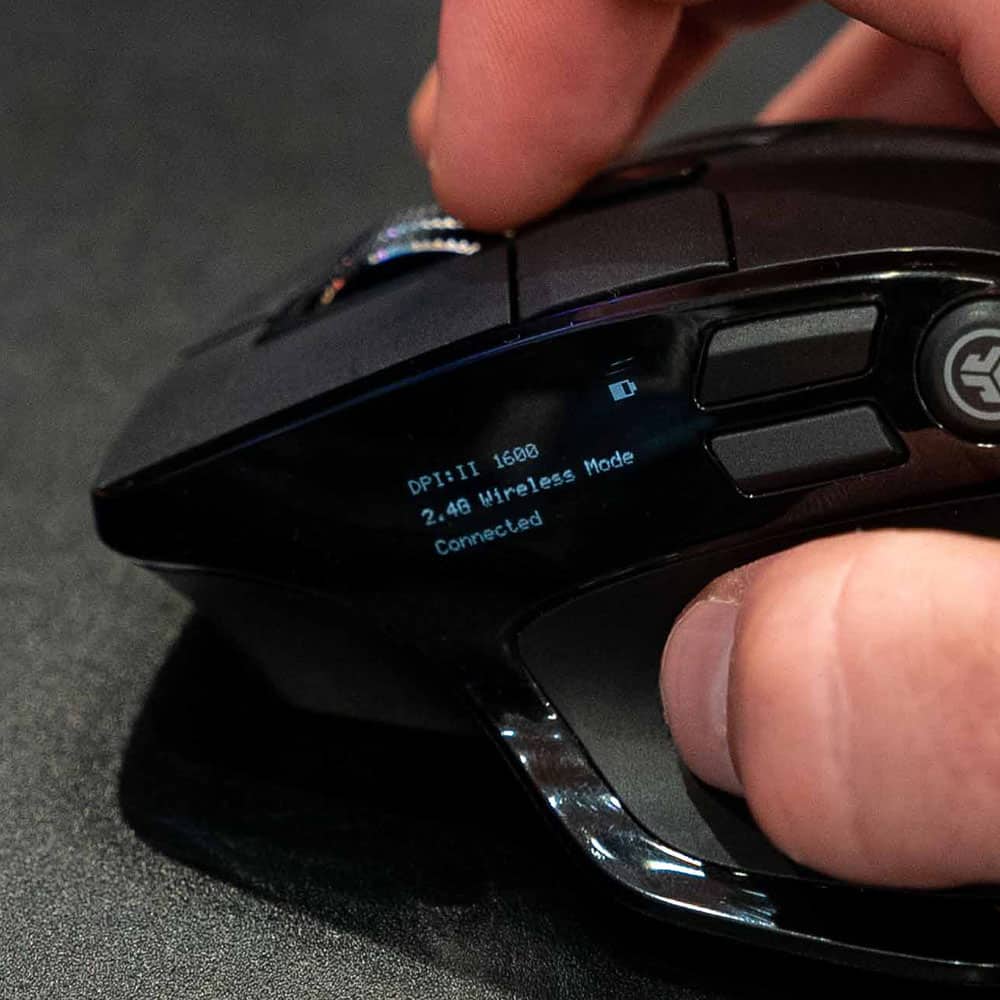
|Posted .This reviewer received promo considerations or sweepstakes entry for writing a review.This is a review of the JLAB Epic Mouse. Six weeks ago, the left button on my Logitech mouse started failing, so I ordered the JLAB Epic Mouse. Supply chain problems delayed shipment, but those problems seem to have been sorted out, and now I am able to use this very cool mouse, which comes with a very long and sturdy USB C to USB A cable for charging. What is cool about the JLAB Epic Mouse? A lot of customizable buttons, for starters. But the coolest feature is the tiny OLED screen on the side of the mouse that displays the battery status, current DPI, current connection mode (Bluetooth I or II or 2.4 wireless, chosen by toggling through the options with a button on the bottom of the mouse), and connection status. All of this information is remarkably clear and readable on the tiny screen. You can turn the screen off if you want (I suppose to save battery) by holding down simultaneously the DPI button (located on the top of the mouse just behind the scroll wheel) and one of three buttons on the side of the mouse. The screen will go off by itself if the mouse is motionless for 15 seconds (and will turn on again when you move the mouse). The DPI button serves functions beyond turning off the OLED display. The main function, of course, is to be able to scroll through and select one of the DPI settings (1200, 1600, 2000, 2400). But if you press and hold the DPI button, the OLED screen displays a message about how to customize buttons. The process is simple. Simply press the button you want to customize, scroll through options with the scroll wheel, press the button you are customizing to confirm, and finally press and hold the DPI button to end the process. Very cool. You can also do button customization with the free JLAB mouse and keyboard app that can be downloaded from their website. I found this software to be less convenient though, because for some reason the app requires the 2.4 wireless connection (you are warned about this in the accompanying quick start guide). You can open the app if you are connected via Bluetooth, but four grayed-out devices appear, so you cannot select the Epic Mouse to configure it. I strongly prefer Bluetooth for accessories because of the limited USB A ports on my laptop, so if I were to use the app, I would have to dig the wireless dongle out of the bottom of the mouse, insert it, and toggle to the wireless connection. Fortunately, you can customize buttons with the mouse itself, as I described earlier. Perhaps the one advantage of the app is that you can instantly see the functions assigned to all of the buttons in one glance. To hold all of its buttons (6 on top, 3 on the side, and one on the bottom) plus the OLED screen, the JLAB Epic Mouse has to be rather large. I have fairly big hands, so reaching the buttons was not a problem, but it might be if you have very small hands. Even with my long fingers, I found myself occasionally pressing left button #2 instead of left button #1 because with my smaller mouse I was not used to extending my finger so far forward to press the left button. This is something I can learn, though. The documentation accompanying the mouse was clear and complete, explaining just about everything you need to know in a 6.5"x8" area of the quick start guide. Registering the mouse on the company website was easy, and I was rewarded for registering with a small gift. The only small glitch was a message after I registered that said, "Thanks for registering your GO Air Pop Earbuds!" A confirmation email indicated that I had registered the mouse; I assume JLAB's webmaster will fix this small glitch soon. Most importantly, this mouse with many customizable buttons is great, and I can recommend it without reservation.
I would recommend this to a friendBrand response from JLab Audio Team
Posted .Thank you so much for taking the time to share your feedback. We are so grateful for your kind words!
- Pros mentioned:Buttons, ErgonomicsCons mentioned:Size
Great mouse for all occasion
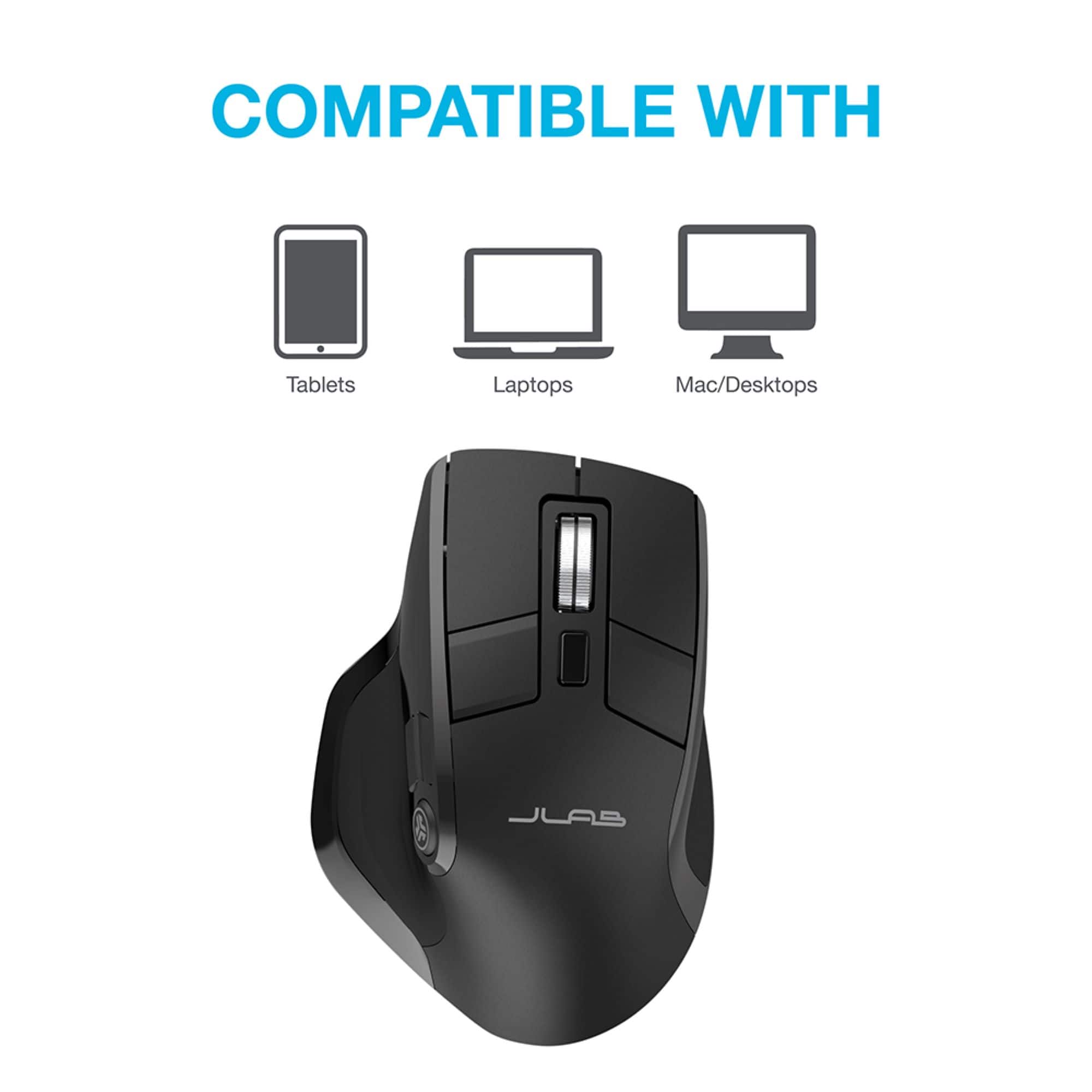
|Posted .This reviewer received promo considerations or sweepstakes entry for writing a review.When it comes to a bluetooth mouse, this one does not dissapoint. Ergonomical and programmable, this mouse is perfect for all functions including gaming. It is pretty well crafted and lightweight. Being a full size mouse though does mean it can be a bit bulky when transporting. Connectivity is simple and does have a quick response time. The multitude of buttons means a lot of creative control and the scroll wheel has a nice click when turning. . There is not a lot to say about a mouse but this one is a definite must have if you are looking for a full size wireless and love having hotkeys set up. It does come with a usb dongle as well for wireless connection on non bluetooth devices. One cool feature is that it does have a rechargeable battery . All in all this full size mouse is comfortable to grip. Has 7 programmable buttons and great functionality and use. I would defintely recommend it for laptop users needing a mouse on the go, or even desktop users just looking to keep a clean, wire free desk space.
I would recommend this to a friend The quality is not good
||Posted . Owned for 1 month when reviewed.This reviewer received promo considerations or sweepstakes entry for writing a review.I don’t think this mouse is good, because it’s not working after 50 days I bought
No, I would not recommend this to a friendBrand response from JLab Audio Team
Posted .We appreciate your feedback and will use it to improve your experience.
Uncomfortable
||Posted . Owned for 1 month when reviewed.This reviewer received promo considerations or sweepstakes entry for writing a review.Great features but terrible uncomfortable to use. I had to return it and get a Logitech
No, I would not recommend this to a friendBrand response from JLab Audio Team
Posted .We appreciate your feedback and will use it to improve your experience.
- Pros mentioned:Battery life, ButtonsCons mentioned:Size
Nice mouse for larger hands.
|Posted .This reviewer received promo considerations or sweepstakes entry for writing a review.This is a nice mouse and the customization is easy and useful. The side screen is helpful. It looks nice, there are plenty of buttons to make work easier along with a thumb rest. This mouse is plug and play, comes with a dongle for wireless setup or can be setup via Bluetooth. The included charging cord is quality built and plenty long enough for any need. Charging is quick and the battery is lasting quite long so far. The side screen gives helpful information like dpi setting, battery level and the software version. No more guessing at these. The software to customize the mouse is a quick download and very easy to use, you just decide which action you want to appoint to each button and save it to the profile. And there are lots of useful options to make this mouse truly yours. The only problem I have with this mouse is that it's too large for my hand to be comfortable. I can use all buttons easily except for the two at the end with the scrolling button. My fingers barely reach them so I don't have enough leverage to push them without lifting my hand over the mouse. Not very comfortable or convenient for myself, however, my son who has a larger hand with longer fingers finds this mouse very comfortable.
I would recommend this to a friend Bad MOUSE
||Posted . Owned for 3 weeks when reviewed.This reviewer received promo considerations or sweepstakes entry for writing a review.I bought one of these and took it back because the middle mouse button didn't work as it should and got a second one and the middle mouse button froze up on it. I will be returning it to and sure want get another one them.
No, I would not recommend this to a friendBrand response from JLab Audio Team
Posted .We appreciate your feedback and will use it to improve your experience.
Had to return
||Posted . Owned for 2 weeks when reviewed.This reviewer received promo considerations or sweepstakes entry for writing a review.Uncomfortable. There is a noticeable lip where plastic pieces meet, however it is coincidentally right where the palm rests. This caused unnecessary friction and discomfort. Had to return.
No, I would not recommend this to a friendBrand response from JLab Audio Team
Posted .We appreciate your feedback and will use it to improve your experience.
Low quality
||Posted . Owned for 6 months when reviewed.This reviewer received promo considerations or sweepstakes entry for writing a review.Less than 6 months later, this mouse doesn't charge or connect to my PC. As far as I can tell it's broken. Don't waste the money!
No, I would not recommend this to a friendBrand response from JLab Audio Team
Posted .We're sorry to hear your mouse stopped working. Please reach out to our support team when you get a chance so we can discuss getting that replaced under JLab's 2 yr manufacturers warranty. support@jlab.com
This sucks
||Posted . Owned for 1 month when reviewed.This reviewer received promo considerations or sweepstakes entry for writing a review.Cheap, slow, charge runs down quicky and it sucks eggs
No, I would not recommend this to a friendBrand response from JLab Audio Team
Posted .We appreciate your feedback and will use it to improve your experience.
- Pros mentioned:Ease of use
Great mouse for those with larger hands.
|Posted .This reviewer received promo considerations or sweepstakes entry for writing a review.This is the mouse I have been waiting for. The JLab Epic full-size mouse is excellent. I have been looking for a replacement mouse for a while now because my previous mouse decided to start not recognizing that new batteries were being put into it. I have big hands and this mouse is very comfortable in my hand and while playing a few FPS games it felt good after a few hours of play. I like the display built into the side of it that shows you the battery status and dpi settings and how its connected to whatever device you are using (it connects via bluetooth or 2.4Ghz dongle which can be stored onboard the device). The only drawback I can see as far as future use of this mouse is that the batteries are sealed inside which depending on how you look at is a blessing or a curse. The mouse is smooth and very easy to use and adjust on the fly. Definitely read the directions and this mouse will become a permanent part of your computer peripherals. I predict that this will hold up in the long run (fingers crossed). Would I recommend this to anyone? Yes especially if you have big hands and are looking for a comfortable mouse.
I would recommend this to a friendBrand response from JLab Audio Team
Posted .Thank you so much for taking the time to share your feedback. We are so grateful for your kind words!
- Cons mentioned:Scroll wheel
Nice readout and feel, not a great scroll wheel...
|Posted .This reviewer received promo considerations or sweepstakes entry for writing a review.The mouse is decent, not earth-shattering, but it has a couple of things going for it. 1) Wider fit in the hand: the overall design of the mouse mimics that of another major mouse manufacturer, but I found the slightly wider grip on this mouse to be more comfortable for me. Of course, my hands are large, so YMMV. 2) The OLED screen is really convenient. It tells you how you're connected, how much battery is left, status and DPI. At first it seemed gimmicky, but I gotta say I grew to really appreciate having that information right there. The Jlab software that comes with it is simple enough to use, although its configuration options are a bit limited. One annoyance with it is that it doesn't seem to work with the mouse while using bluetooth. The software had no problem when the mouse was using 2.4GHz dongle. My particular mouse also has a slight alignment problem with the scroll wheel. It's slightly tilted, which I thought was a flaw, but other pictures I've seen of the mouse seem to show this same tilt. The real problem is that while I'm scrolling, I can hear part of the wheel hitting its chassis in a very specific place. This results in scrolling that is not consistently smooth. The only other issue I've come across is that perhaps the mouse sensor is not as precise as that of the competition. Sure, it works well on a mouse pad, but sometimes I bring my laptop to work on my kitchen island area that has a marble countertop. This mouse has problems tracking its position on this whereas some other mice I use do not. Not sure if this is fair to hold a gaming mouse to such a standard, but it's important to mention. Aside from that specific tracking issue, I've had no other problems using the mouse and I actually enjoy using it with my gaming laptop. I just wish the scroll wheel wasn't scraping.
No, I would not recommend this to a friend