Customer Ratings & Reviews





- Model:
- 1101-02
- SKU:
- 6418696
Rating by feature
- Battery Life
Rating 4.4 out of 5 stars
- Display
Rating 4.2 out of 5 stars
- Value
Rating 4.3 out of 5 stars
Customers are saying
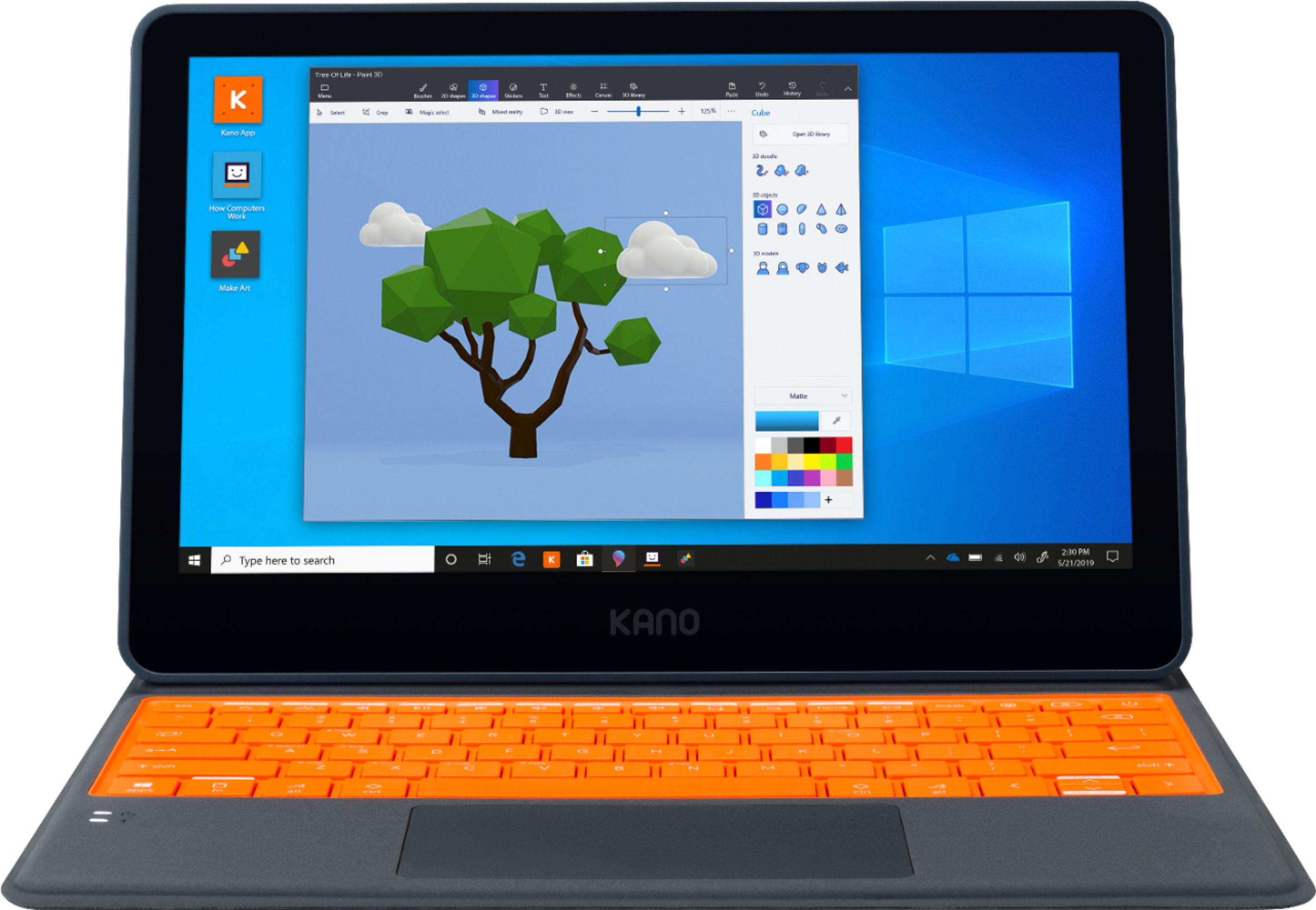
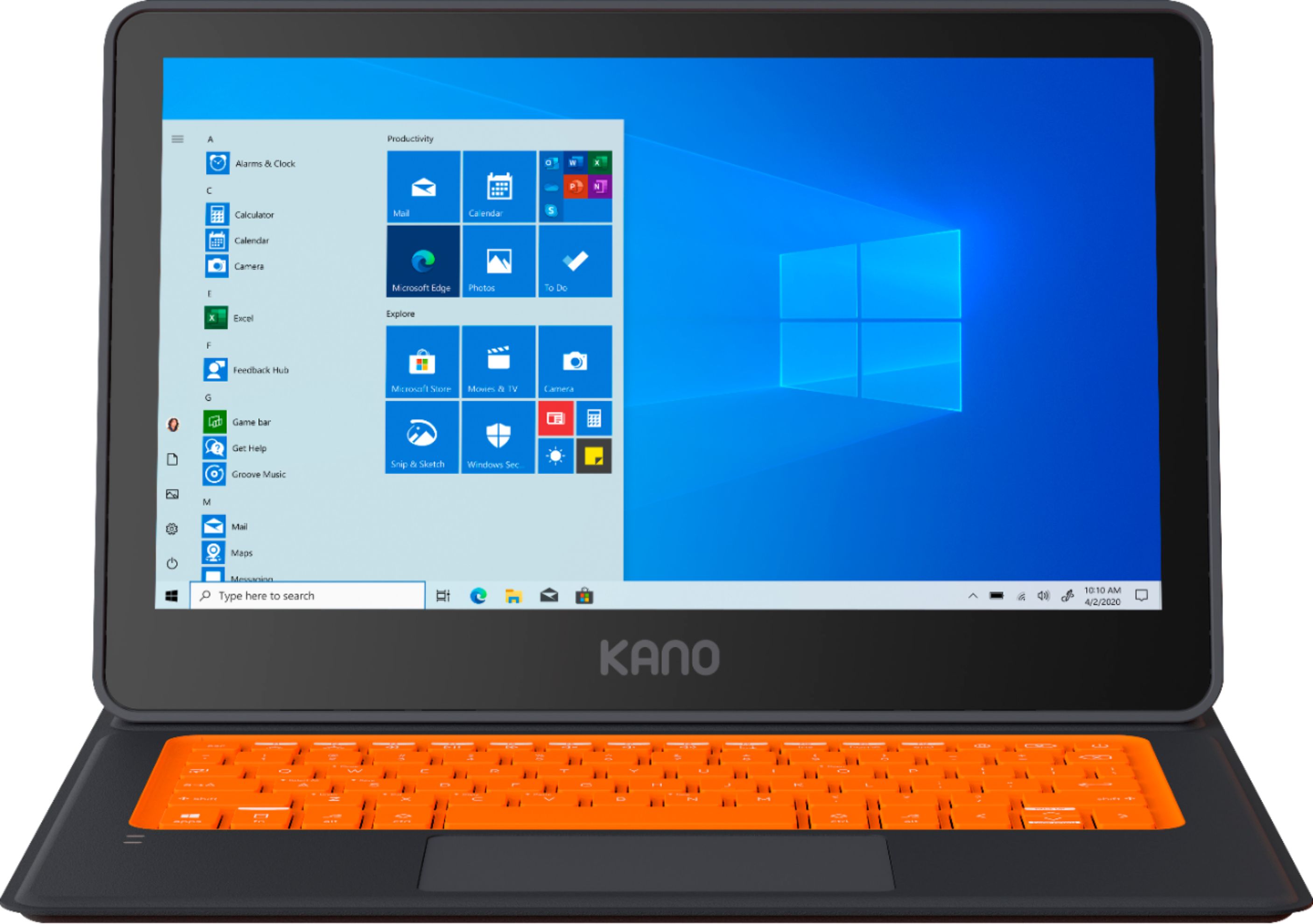
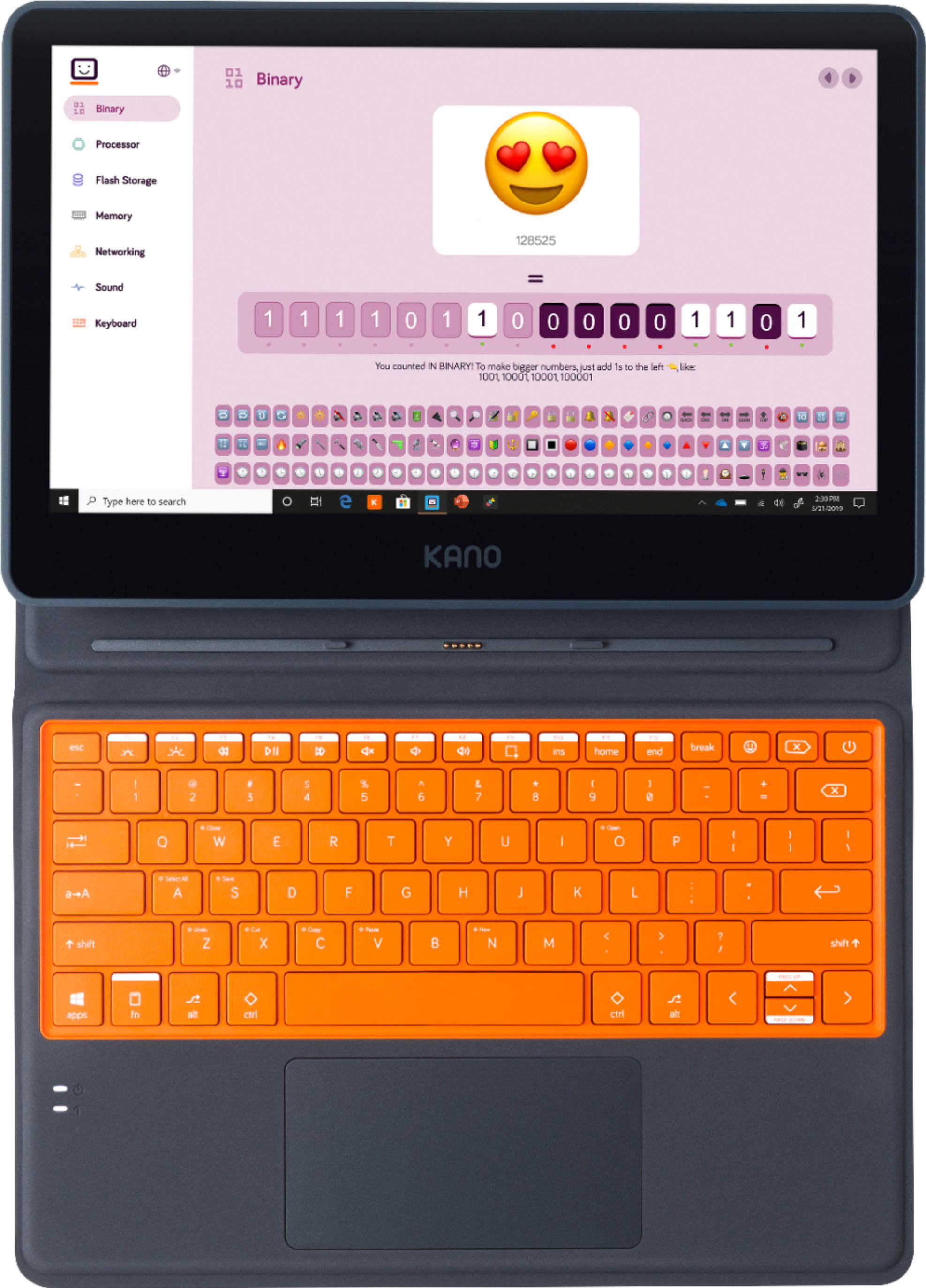
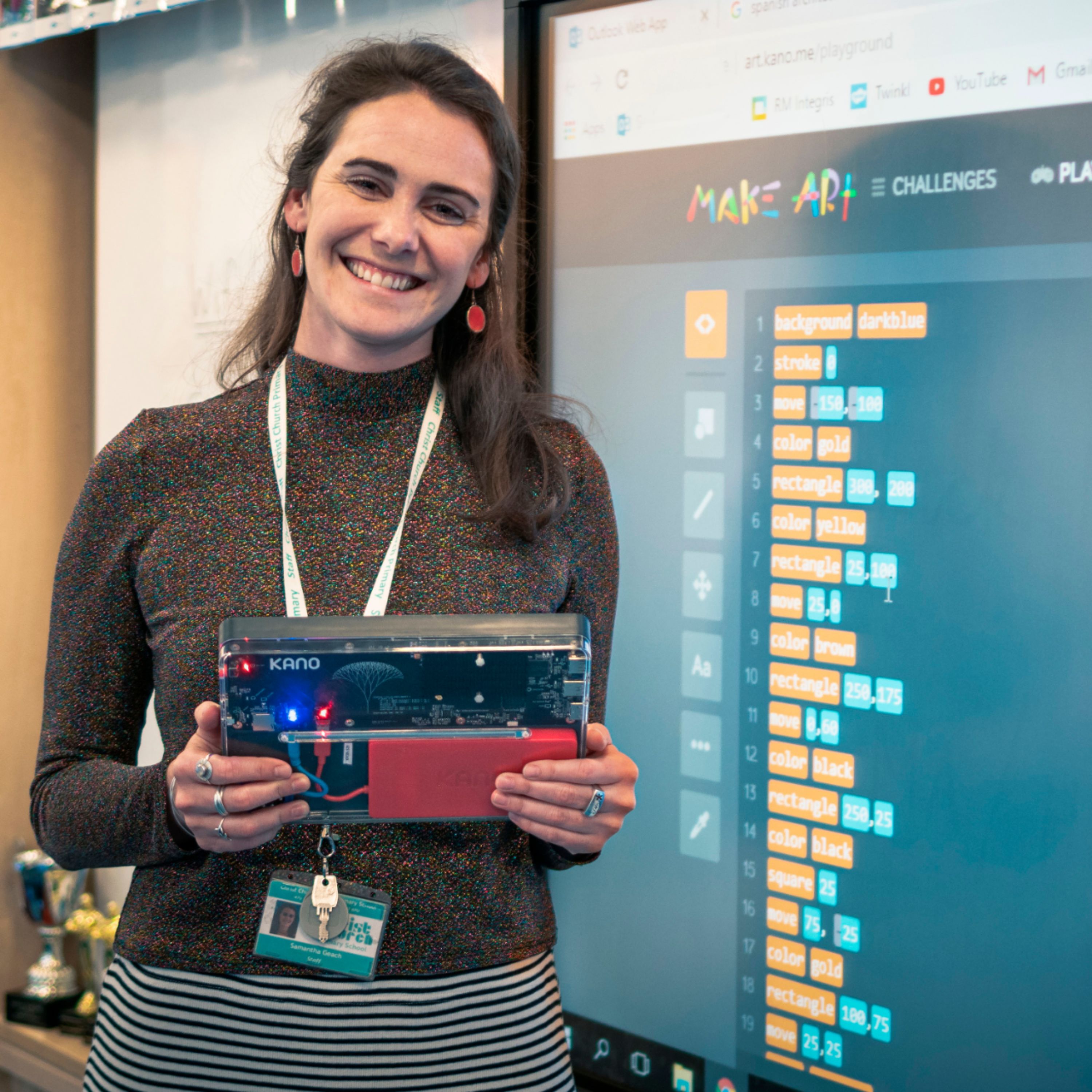
Customers consistently note the Kano PC's affordability, making it a great option for families on a budget. Parents appreciate the kid-friendly design and educational value, which helps children learn and grow. While some users mention the lack of a camera and the laptop's weight, many find the touch screen, ease of use, and portability to be significant advantages. Overall, customers are pleased with the Kano PC's performance and features, making it a popular choice for families looking for an educational and enjoyable computing experience for their children.
This summary was generated by AI based on customer reviews.
- Pros mentioned:Price
Super Basic but fun
||Posted . Owned for 1 week when reviewed.This reviewer received promo considerations or sweepstakes entry for writing a review.My expensive computer died and I needed a cheep alternative for the time being and this was a good option. Works great. The coding stuff is fun and gives me both something to play with when bored and gives me something to keep my niece busy when waiting around. The keyboard is slower than I type which can get frustrating but overall and effective and good computer for the price. And building it was added bit of fun.
I would recommend this to a friendBrand response from Team Kano
Posted .Hi Sarah, Thank you for your review. I am sorry to hear you are having some trouble with your keyboard being slow. This is not typical and our customer care team would be happy to assist you with this. Please reach out to them at help.kano.me at your convenience. Kind regards, Team Kano

- Pros mentioned:Easy to use
Good For Younger Kids
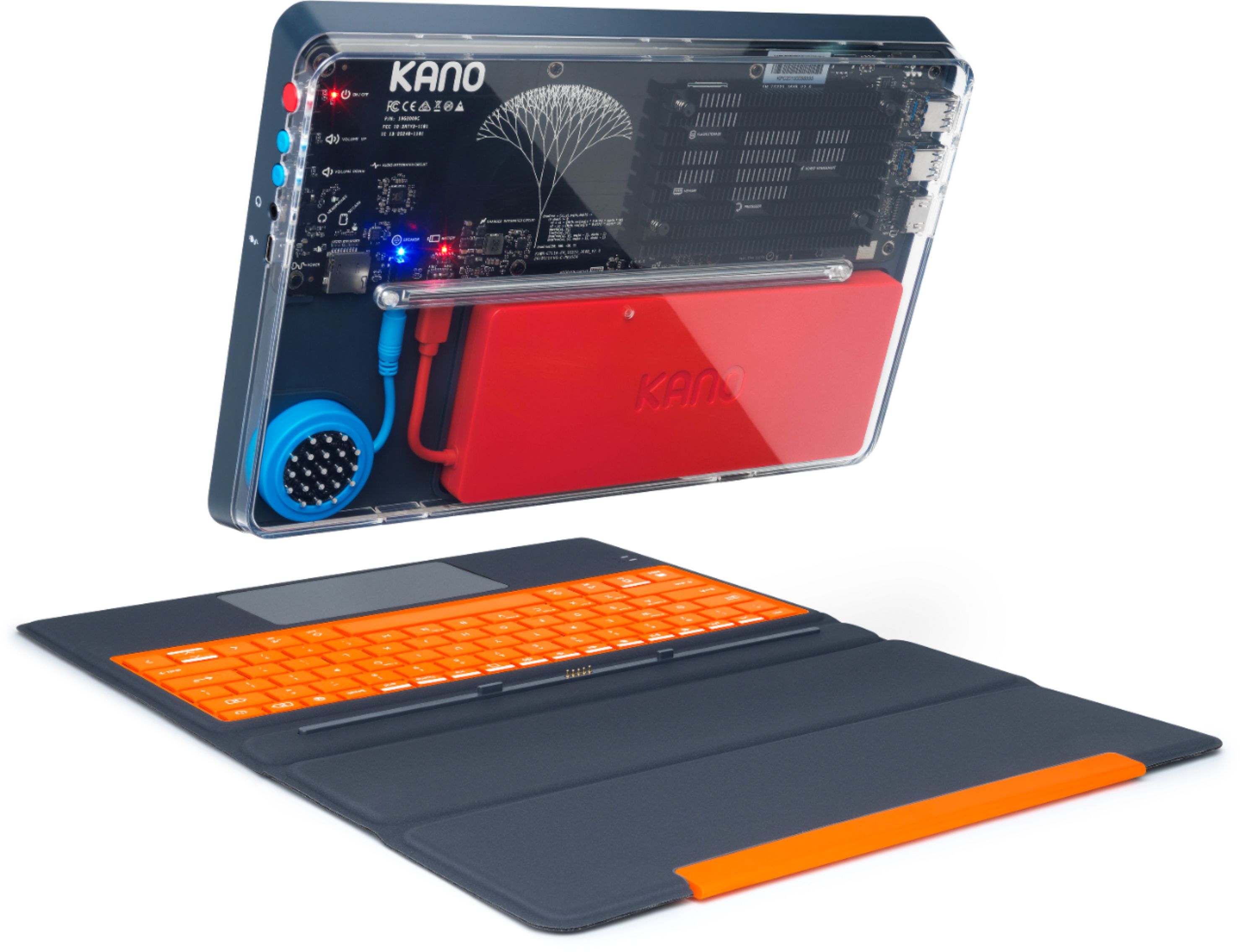
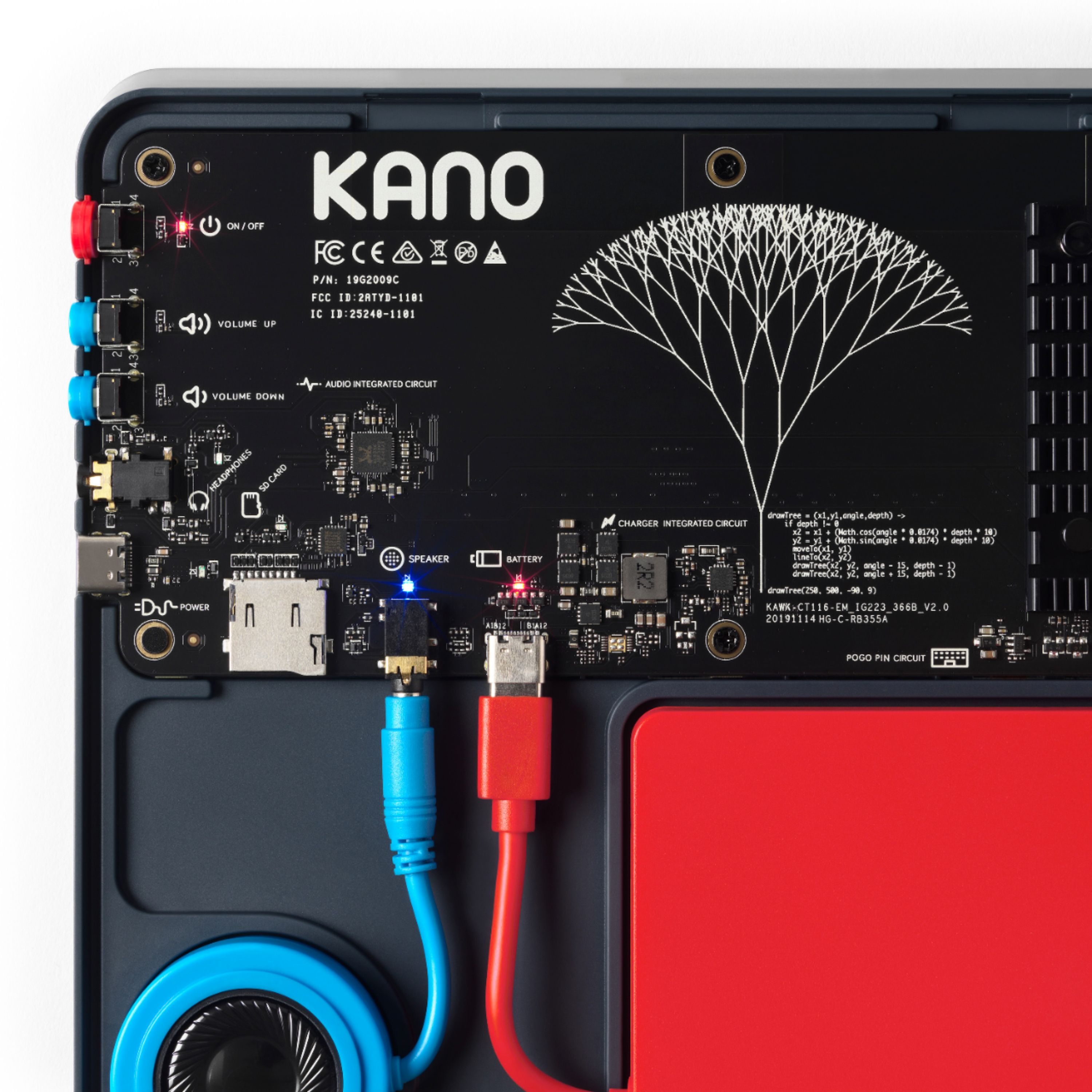
||Posted . Owned for 2 weeks when reviewed.This reviewer received promo considerations or sweepstakes entry for writing a review.Overall I am happy with this purchase. I bought this for my 9yr old daughter. The instructions were very clear and easy and she was able to do most of it. There was an issue with the back clear acrylic cover though. She did not have the strength necessary to click it into place so I had to assist her. One warning double check connections before clicking that clear cover on! My daughter failed to set the battery connection quite all the way and I was forced to try to remove that cover. It took a good ten minutes of concerted effort to coax that cover back off! The windows set up was trouble free and she was able to accomplish that with my role only to watch her do it. When it rebooted it was responsive and she took right to it and was over the moon. She has yet to explore the code instruction portion since she is still in explorer mode about her very 1st computer. I wish this was available when my oldest got his 1st PC.
I would recommend this to a friend - Cons mentioned:Weight
great for children
||Posted . Owned for 3 weeks when reviewed.This reviewer received promo considerations or sweepstakes entry for writing a review.I'm shocked at how well this little PC performs. Easy to assemble and works like a charm. My only reason for not 5 stars is that it is a little heavy and if it had a webcam for remote learning it would be perfect.
I would recommend this to a friend - Pros mentioned:Educational
Powerful PC, that they built, couldn't be happier!
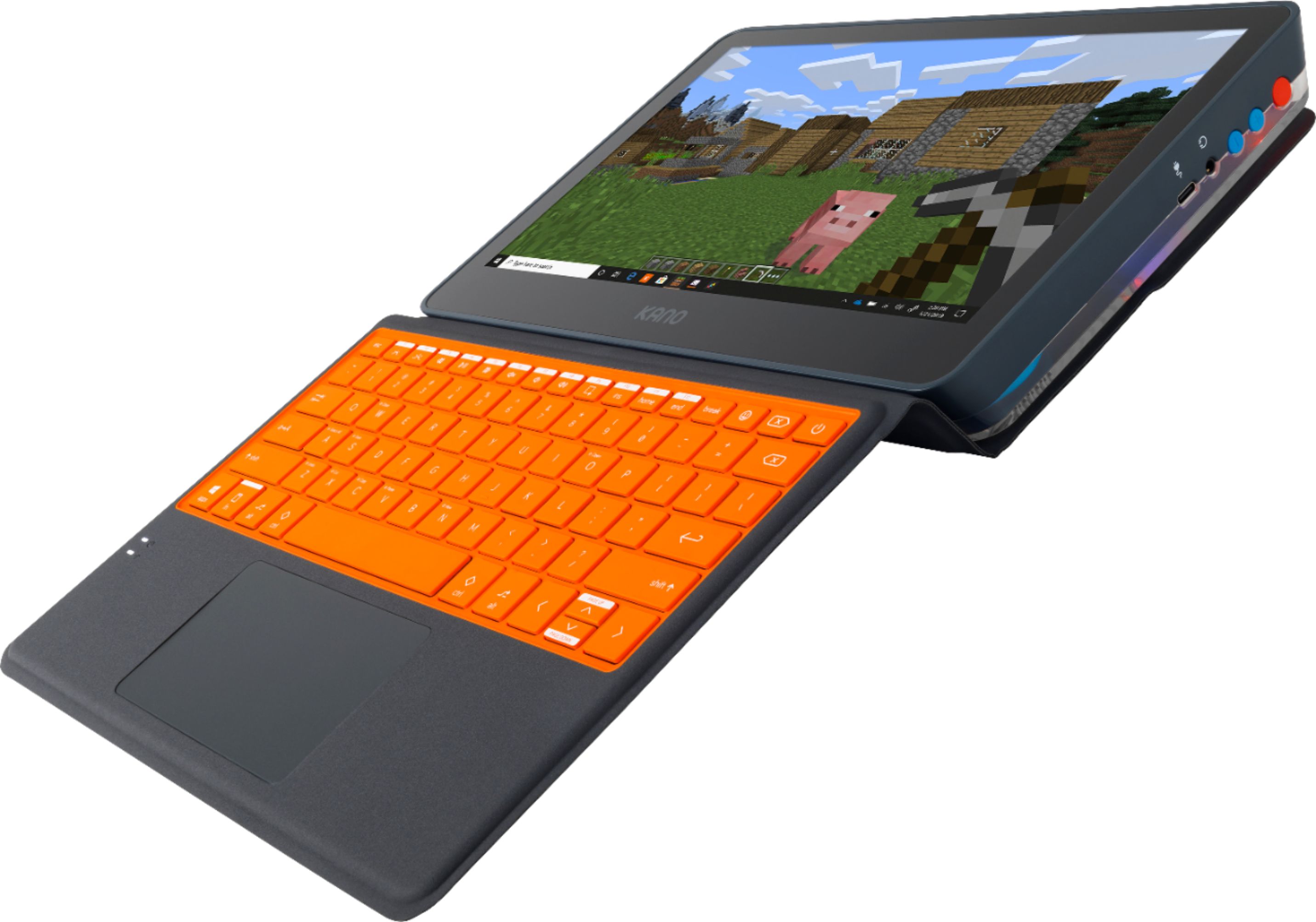
||Posted .This reviewer received promo considerations or sweepstakes entry for writing a review.As soon as we opened that box I knew we made the perfect choice of a learn at home (and at school when back) device! You open it up and a really cute book shows you how to plug the pieces together. It was super simple and educational, great for kids. Once built it just works! It’s a full proper Windows 10 PC, so you can do anything on it. Running Office is fast and responsive, we’ve tried Minecraft as well and no lag at all - really impressed with the power here! And then there are these great Kano apps with fun challenges to teach coding and create some cool things. They’ve already started trying to code all sorts of games, music and apps. I’m excited to see what else they get up to, something about this computer just gets their creative juices flowing and it’s wonderful to see, but the key thing is that it’s just the perfect first computer for them, to use everyday, do their homework on, learn, play, create things... the list goes on and on. Very happy and couldn’t recommend it more highly!
I would recommend this to a friend - Cons mentioned:Camera
Better than a Chromebook at same price
||Posted . Owned for 3 weeks when reviewed.This reviewer received promo considerations or sweepstakes entry for writing a review.This is a phenomenal computer for a pre teen. You're getting essentially a Microsoft Surface 3 for the price of a Chromebook. It was simple to assemble and boots up quick. My son is able to do virtual school for 3rd grade just fine. Now the drawback. For being aimed at kids, there is no webcam, but will accept any camera via USB. I would recommend a mouse. A good gaming one is $30 This computer is durable and has about an 11 hour battery. This also got my son into coding and comes with Minecraft educational installed
I would recommend this to a friend - Cons mentioned:Storage
Easy step to get S mode to full Windows 10 Home
||Posted . Owned for less than 1 week when reviewed.This reviewer received promo considerations or sweepstakes entry for writing a review.I bought this Kano machine on a whim for $99. The machine came with Windows 10 in S mode by default. However, it is very easy to exit from S mode to full Home version. I see many people reviewed this and complained that they couldn’t install anything in S mode. Yes, while the machine is in S mode, you’d be stuck with Microsoft Store and couldn’t install third party applications. Upgrading S mode to full Windows 10 mode is very easy. Here are the steps: Go to Settings > Update & Security > Activation > Click Activate to exit from S mode Voila! A full Windows 10 Home at your disposal! Kano has opted for an Intel Celeron 1.1GHz N4020 processor to handle the thinking in this machine, which is a slight step up from the N4000 in the Acer Chromebook 314. It’s not going to set the world on fire in terms of performance, but I don’t expect $299 retail machines are intended for heavy gaming or video editing. If you want heavy gaming, invest in a desktop gaming PC instead. I satisfied that this Kano machine is still capable for me to run PCSX2 and Dolphin emulators for my gaming needs. If I have to name a con then I wish Kano gave me the opportunity to upgrade the RAM because 4GB RAM is very low for a Windows PCs. The storage is 64GB eMMC is also too small so you’ll need to add an SDcard to increase the storage capacity. I added 256GB Samsung Evo SDcard which I paid $20 for. Overall, I’m still very happy with my purchase of $120 for a basically a Windows Surface.
I would recommend this to a friend - Pros mentioned:Touch screenCons mentioned:Weight
"Laptop" is good for kids.
||Posted . Owned for 2 months when reviewed.This reviewer received promo considerations or sweepstakes entry for writing a review.The "laptop" is perfect for kids if they don't carry it around as it's a bit heavy. Pros: - Touch screen is a bonus - Long battery life is nice - USB C charge is nice - Attached keyboard with firm keys is nice - No webcam is also nice because it's safe for kids. Cons: - Thick and heavy
I would recommend this to a friend - Pros mentioned:Touch screen
The perfect kids computer
||Posted . Owned for 3 weeks when reviewed.This reviewer received promo considerations or sweepstakes entry for writing a review.I really just needed a touch screen laptop type device so my 3 year old can watch his precious dinosaur YouTube videos when its screen time. This was..is...perfect. When he is old enough it will help him code computers and do more but for right now this is just the bees knees. Sturdy, long lasting battery, and touch screen.
I would recommend this to a friend - Pros mentioned:Touch screenCons mentioned:Camera
Great value.
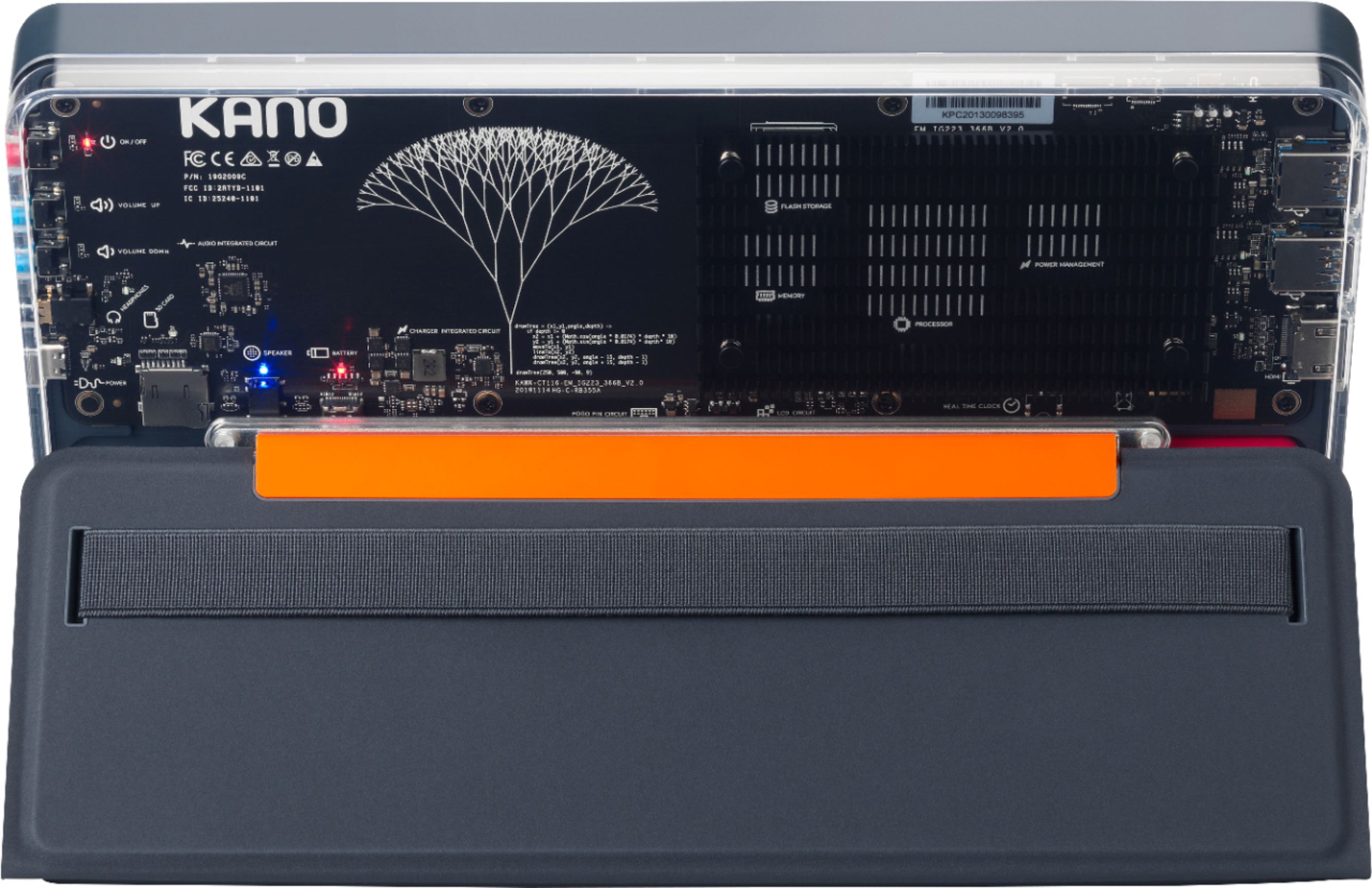
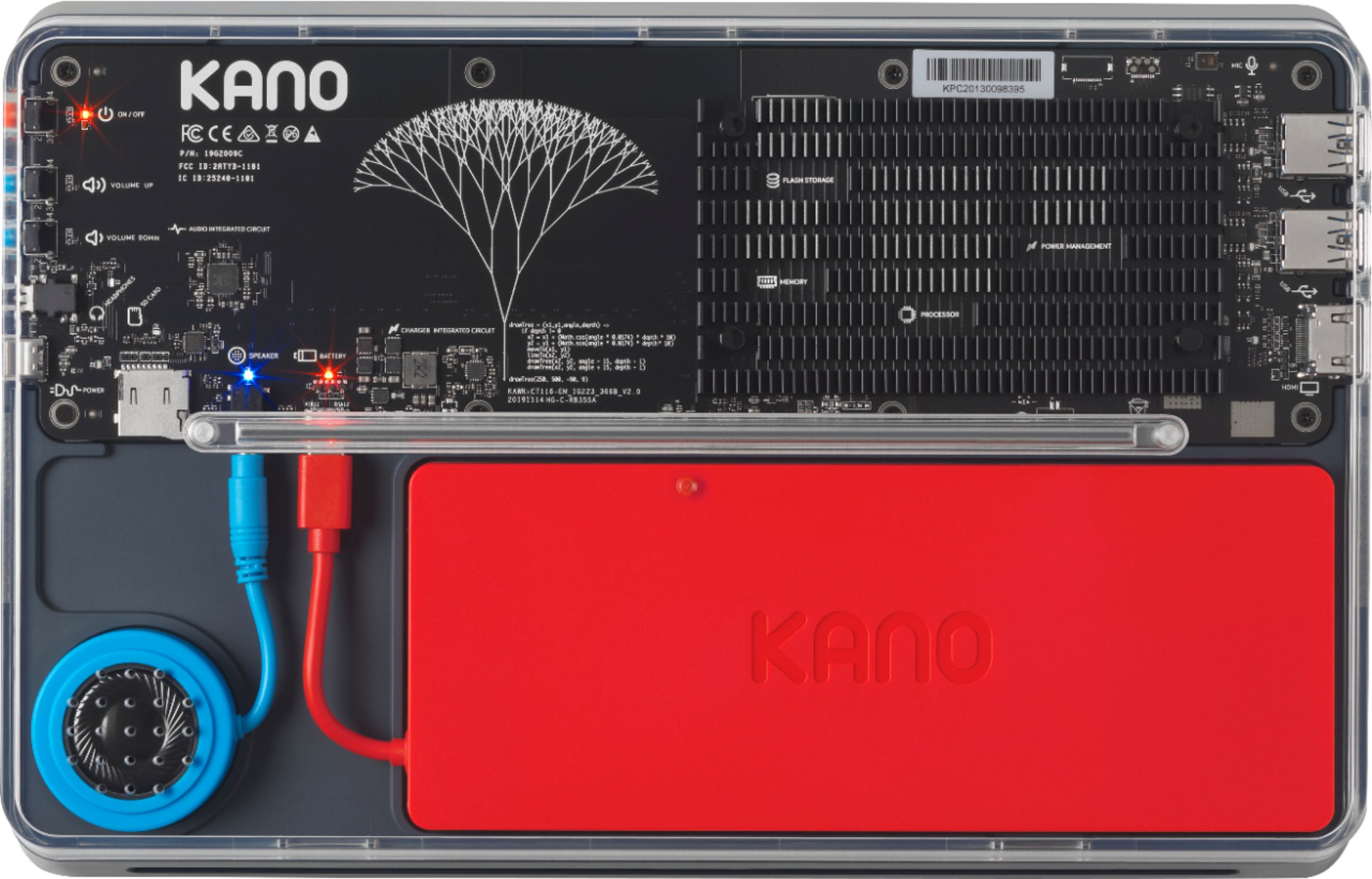
||Posted . Owned for 2 weeks when reviewed.This reviewer received promo considerations or sweepstakes entry for writing a review.Fun touchscreen laptop/tablet for the kids online school. Clear plastic back so you can see it light up when turned on and the kids get to put it together themselves, don't worry it is super simple. Also it comes with installed coding games to teach them about computers. Only knock is no webcam
I would recommend this to a friend - Pros mentioned:Price, Touch screen
Excellent computer for children
||Posted . Owned for 3 weeks when reviewed.This reviewer received promo considerations or sweepstakes entry for writing a review.Purchased this computer for my child who is starting remote learning in 3rd grade. Complete windows 10 allows this to perform with the functionality of a PC rather than a chrome book. Touch screen is a great addition, and putting together was fun. Was 10% off msrp on Best Buy when purchased, so used the savings to order the webcam direct from KANO. Hoping this arrives soon to maximize the utility of this excellent starter PC.
I would recommend this to a friend - Pros mentioned:Touch screen
Love this computer!
||Posted . Owned for less than 1 week when reviewed.This reviewer received promo considerations or sweepstakes entry for writing a review.We bought this computer for our 5 year old son. He is being homeschooled this school year. It is really cool! We let him put it together and help set it up. He was so excited. We haven’t started with the coding yet but we will see how he likes it. Should be great for his school year!
I would recommend this to a friend - Pros mentioned:Educational
Superior
||Posted . Owned for 1 month when reviewed.This reviewer received promo considerations or sweepstakes entry for writing a review.The Windows 10 2-in-1 Kano computer exceeds our expectations. I purchased one for each of my four children ages four, seven, elevan, and thirteen. The devices keep up with my children's homeschooling, YouTube viewing, and video gaming without any issues or problems. What is even more impressive, is that my children all have dropped their device at least once, and the devices are still in perfect condition. I am certain that most other laptops/tablets would have already experienced a cracked shattered screen. I love that that it comes with computer literacy applications so it will prepare my children for the technological world that they live in, and they had to physically build the computer before using it for the first time so they have a better understanding of the working parts of the computer before they go into learning about computer coding!
I would recommend this to a friend Thank you thank you Kano!
||Posted .This reviewer received promo considerations or sweepstakes entry for writing a review.This purchase has been a life saver. My wife and I finally took the plunge and decided to get a computer for our daughter. Times being what they are, we've been concerned about cost, but also wanted to make sure we were getting a computer that could grow with our daughter, so we wouldn't have to replace it in a couple of years. The Kano PC has delivered in spades. We've gained another fully functional computer in the house for less than the cost of an iPad (way less when you consider the iPad doesn't come with a keyboard??!). Putting the computer together was a great family project, and I've been amazed that my daughter has been as interested in the Kano programming content as she has in the ability to stream Netflix. Finally, we can give her some screen time that we don't have to feel guilty about. Other pluses have been the battery life, which has lived up to the 10 hour claim, and the parental controls. Will update this review if anything changes, but so far this purchase has been a big win for us, our daughter, and our wallet!
I would recommend this to a friend- Pros mentioned:Easy to use, Educational
So much fun!
||Posted . Owned for 3 weeks when reviewed.This reviewer received promo considerations or sweepstakes entry for writing a review.Love this silly computer! It's perfect for homeschooling and a little Minecraft. My kids got the biggest kick out of putting it together and learning about circuits, etc. We are not a tech-y family but got this put together in just a few minutes...we stretched it out and read all the instructions super thoroughly to make it last a little, but you COULD put it together in 5 minutes. It's heavy, shockingly heavy. However, they like taking the tablet off and using it separate to lay on the couch to Minecraft together. We watch our homeschool lessons online and participate in the little Kano educational videos. So, it's a perfect device for my 8 and 10 year old boys. My 12 year old daughter was jealous, but she got a more substantial device to use for middle school
I would recommend this to a friend - Pros mentioned:PriceCons mentioned:Speakers
affordable computer for a kid
||Posted . Owned for 10 months when reviewed.This reviewer received promo considerations or sweepstakes entry for writing a review.As an adult, I bought this kid's laptop/tablet to learn more about coding. It was very easy to assemble right out of the box. Windows 10 is a plus compared to Chromebooks because you can install third-party software. I use this laptop mainly to play retro games on an emulator. The speakers are not that loud. I bought this for $229.99 before taxes (deal of the day sale) and today i see it listed again for $99.99 and in my opinion that is a steal.
I would recommend this to a friend - Pros mentioned:Educational, Kid-friendly
Your kids will love it.
||Posted . Owned for 1 month when reviewed.This reviewer received promo considerations or sweepstakes entry for writing a review.It's a real laptop/pc!. Perfectly cool for the kid at 7 years old... Good battery, full pre loaded programs. It has lots of stuffs for studying, games, more... very handy. Highly recommended for you your kids.
I would recommend this to a friend - Pros mentioned:Easy to use, Educational
Perfect way to introduce kids to computers & codin
||Posted . Owned for 3 weeks when reviewed.This reviewer received promo considerations or sweepstakes entry for writing a review.This was a gift for our 8yo daughter. She was able to put it together and start coding early, with little assistance (her dad helped with account start up/ email registrations). She has enjoyed using it daily. She started asking if it was OK to use, as if it was a game... she's learning without realizing it!
I would recommend this to a friend - Pros mentioned:Educational, Touch screen
Youngest Sons first pc
||Posted . Owned for 4 months when reviewed.This reviewer received promo considerations or sweepstakes entry for writing a review.Great little touch screen tablet and laptop for you youngest son. Using it to teach him computer basics and operations. He loves Roblox which plays fine. great for school work. I build my own pc's normally but great first for kids and better then a chrome book.
I would recommend this to a friend - Pros mentioned:Educational
Coding for a Child with ADHD & Asperger's
||Posted . Owned for less than 1 week when reviewed.This reviewer received promo considerations or sweepstakes entry for writing a review.Just starting out with this for my almost 16 year old son with Asperger's who is a tech fanatic. He loves gaming and is interested in coding; however, he would much rather have had a gaming computer. I decided that this computer would help him engage and give him purpose since he will be a Jr in High School next year. He didn't use any instructions to put it together, but enjoyed doing it. Since he realized that it is running Windows 10, he is extra happy. He actually turned this into a gaming computer (side eye), he downloaded Spotify, Steam, Xbox app, Discord, Epic Games, League of Legends, OBS, Minecraft, and has begun the beginner lessons for coding. The app store is definitely a great feature. Anyone who buys this will likely need to ensure that they have the expanded storage ready to go (it would have been great to have details on what to buy). I have been trying to determine if there is a capacity limit, do I get Ultra vs Extreme, which brand is compatible, etc. Nonetheless, I am pleased to get him out of his comfort zone, make him come out of his room, and help engage him in what I know he is capable of doing. Super excited!
I would recommend this to a friend - Pros mentioned:Educational, Kid-friendly, Price
Perfect starter!
||Posted . Owned for 3 weeks when reviewed.This reviewer received promo considerations or sweepstakes entry for writing a review.Great starter computer for my 7 year old! Runs fast and clean. Also teaches her as she goes! Plus i got it deal of the day for right around $100
I would recommend this to a friend