Customer Ratings & Reviews






- Model:
- 1101-02
- SKU:
- 6418696
Rating by feature
- Battery Life
Rating 4.4 out of 5 stars
- Display
Rating 4.2 out of 5 stars
- Value
Rating 4.3 out of 5 stars
Customers are saying
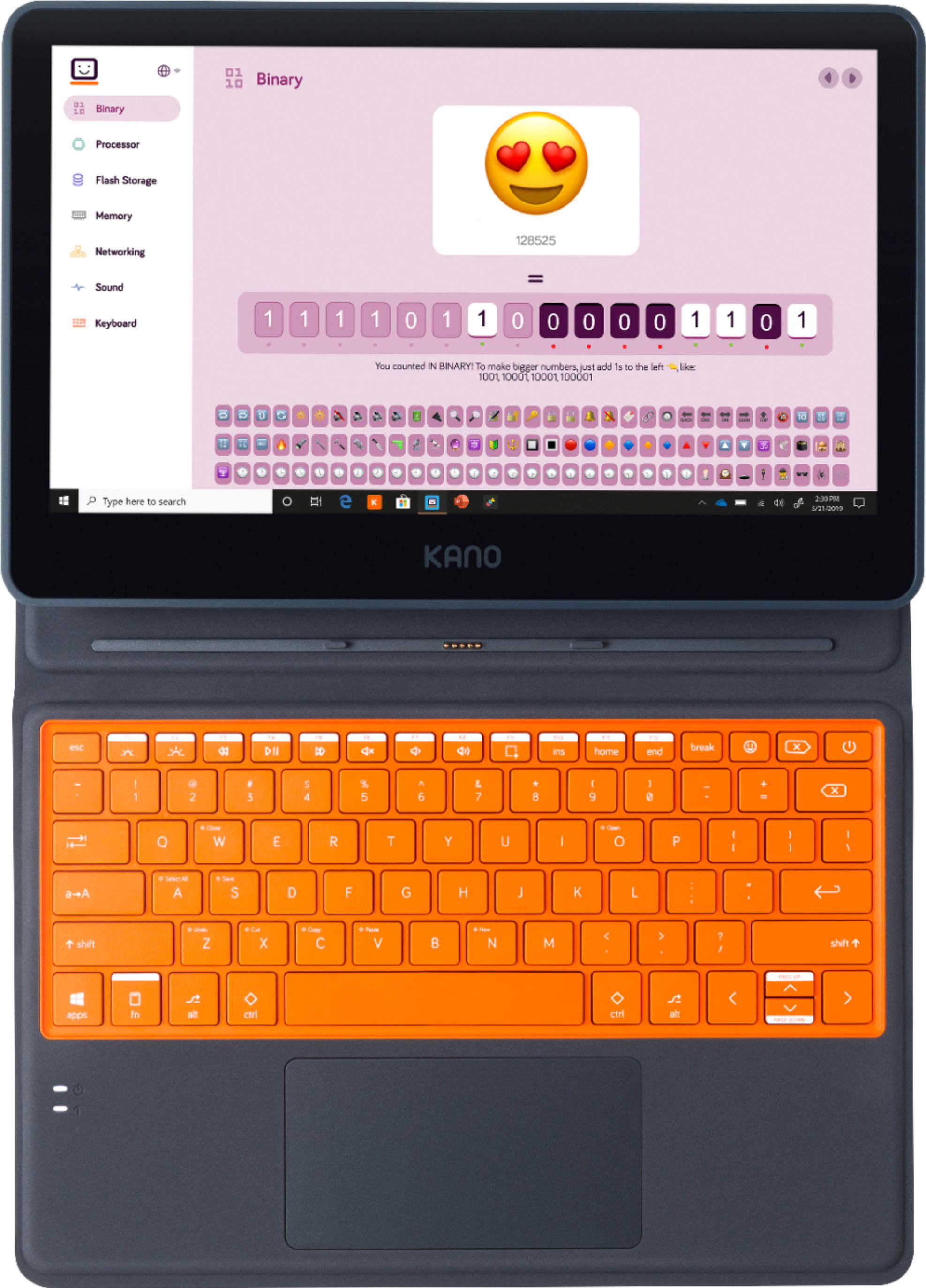
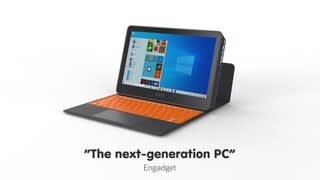
Customers consistently note the Kano PC's affordability, making it a great option for families on a budget. Parents appreciate the kid-friendly design and educational value, which helps children learn and grow. While some users mention the lack of a camera and the laptop's weight, many find the touch screen, ease of use, and portability to be significant advantages. Overall, customers are pleased with the Kano PC's performance and features, making it a popular choice for families looking for an educational and enjoyable computing experience for their children.
This summary was generated by AI based on customer reviews.
- Pros mentioned:Touch screenCons mentioned:Weight
Great for the price!
||Posted . Owned for 1 month when reviewed.This reviewer received promo considerations or sweepstakes entry for writing a review.Very cheap, but surprisingly sturdy so far! It's been doing everything I needed it to do and has been teaching me to use a computer as this is my first one. Runs fairly smooth but battery life is not incredible.. I assume this is due to the touch screen so I have no large complaints about the way that it is. You have to assemble a couple small pieces but the guide provided was very helpful with that. It is heavy and feels a little wobbly but the kickstand keeps it feeling rather sturdy overall. Trackpad has decent sensitivity when it needs to be used too!
I would recommend this to a friend I am the Technician that assembled my Laptop
||Posted . Owned for 1.5 years when reviewed.This reviewer received promo considerations or sweepstakes entry for writing a review.I am still enjoying my Kano Laptop while slowly mastering it. It is different. I had fun playing Laptop Technician while assembling it! Awesome!
I would recommend this to a friendGreat computer/tablet for kids!
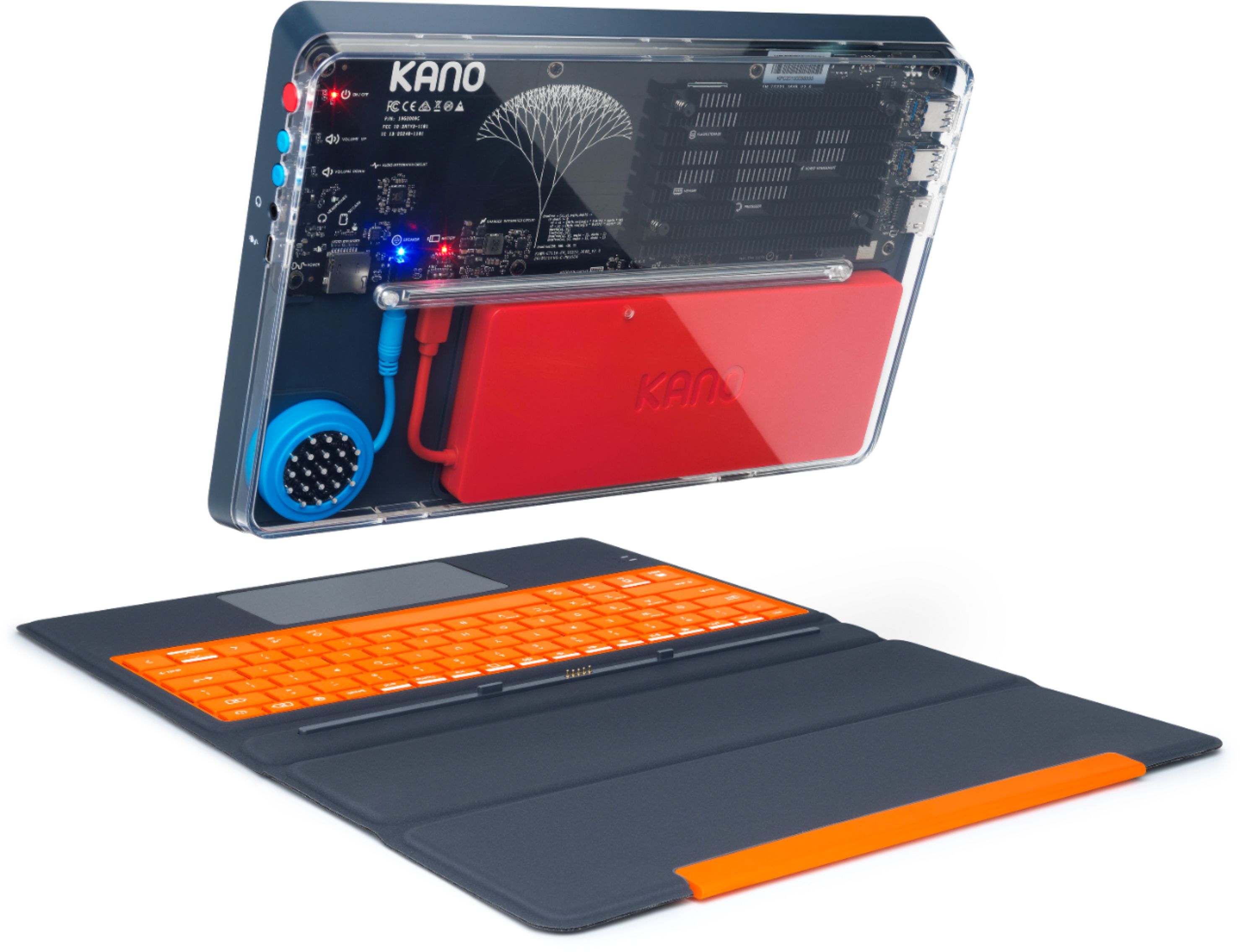
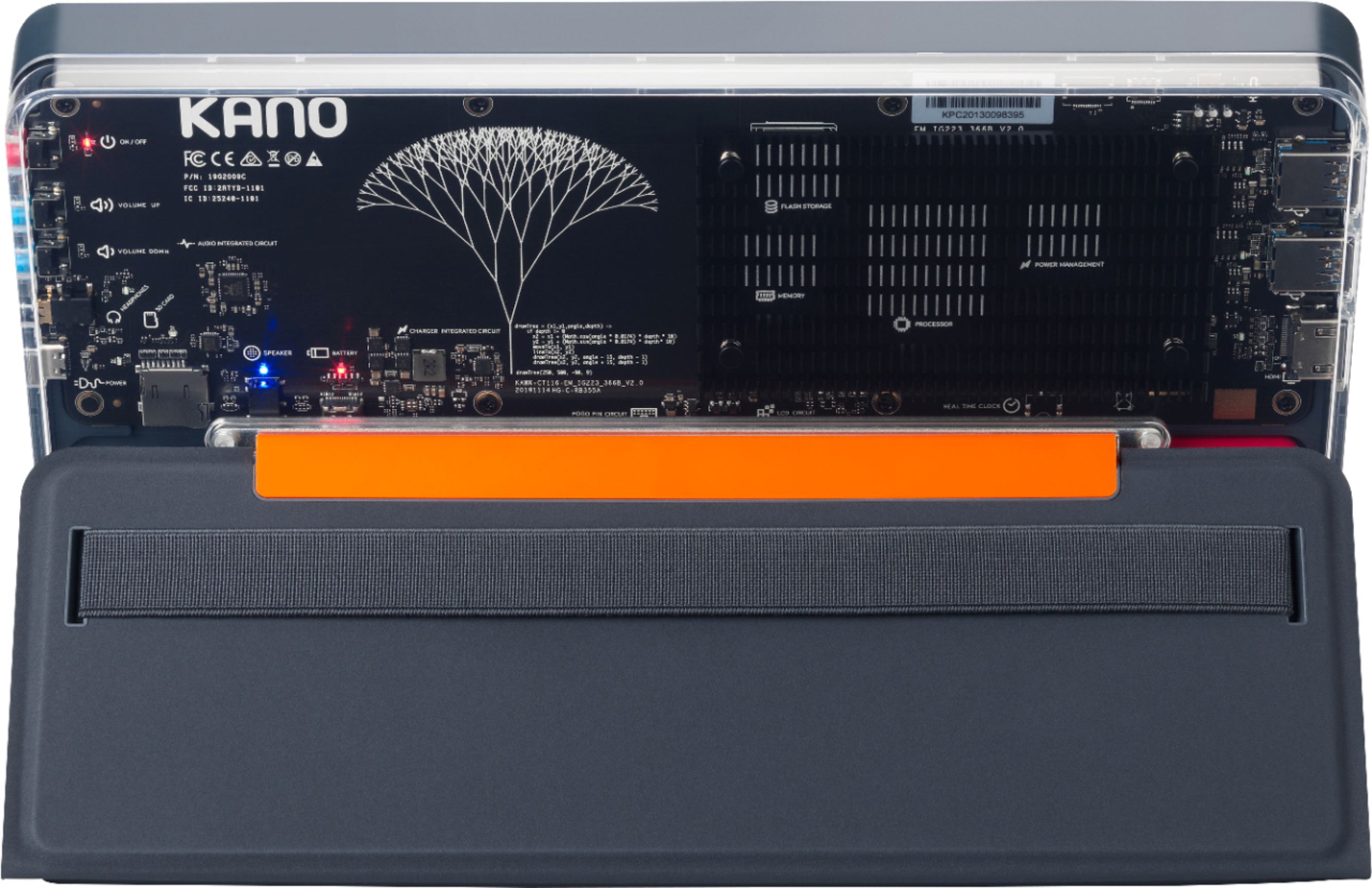
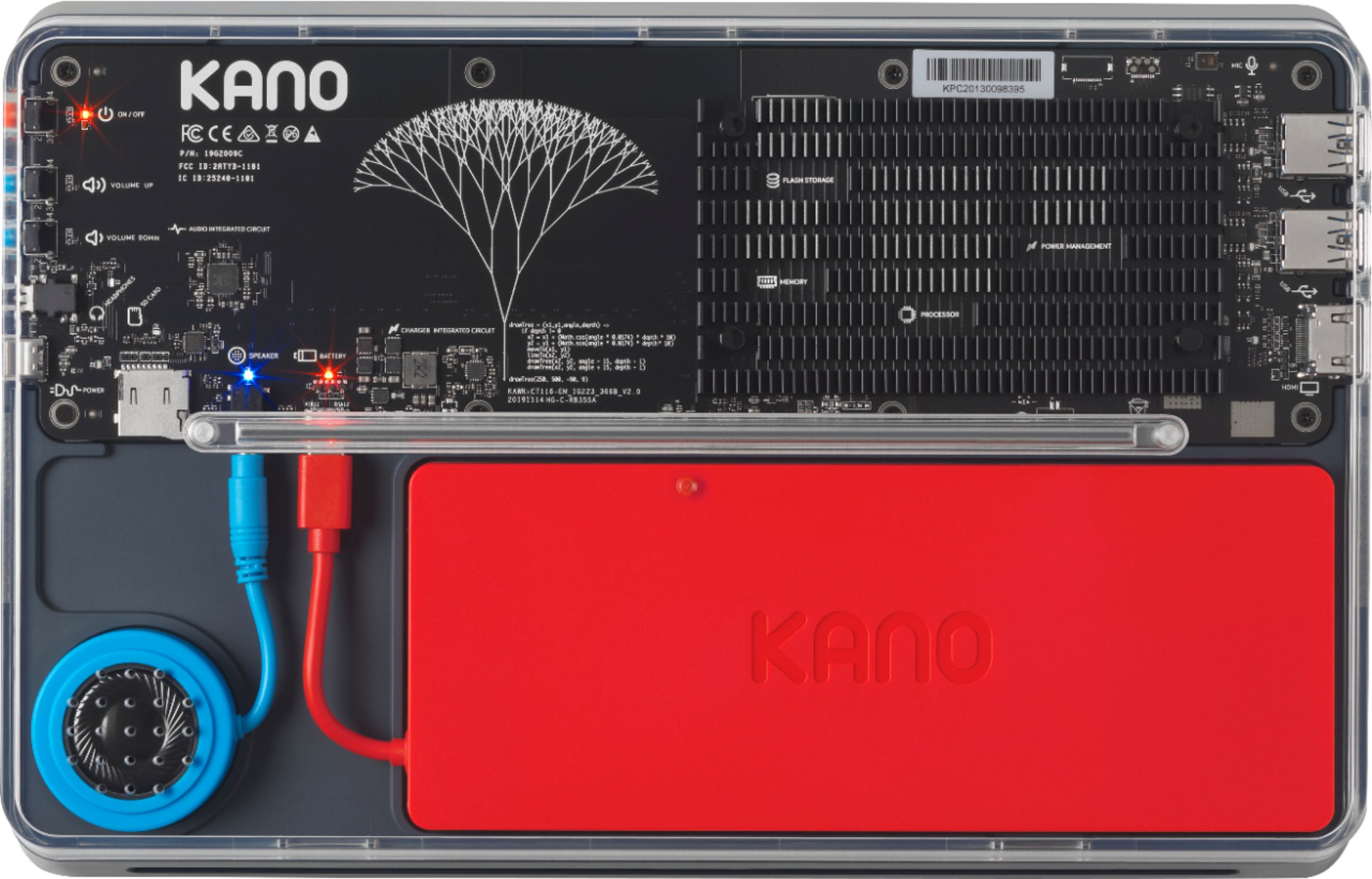
||Posted . Owned for 1 week when reviewed.This reviewer received promo considerations or sweepstakes entry for writing a review.We were a little scared to buy this as we had to assemble it ourselves but it was actually easy! The hardest part was opening the box it came in which is saying something as it's like a shoe box...that easy! Good for kids as it's not thin like other tablets or laptop computers and its see through on the back so they learned a bit on how a computer works! The keyboard is magnetic so it clicks right into place and the computer automatically changes between laptop and computer mode. If you have questions Cortana is there to help. We are tempted to get 2 more so our 3 boys won't have to share it for their homework since they're mostly homeschooled now with Covid-19 happening.
I would recommend this to a friend- Pros mentioned:Price, Touch screen
decent little laptop/tablet for the price
||Posted . Owned for 1 month when reviewed.This reviewer received promo considerations or sweepstakes entry for writing a review.very decent little laptop/tablet for the price; includes fun tutorials; touch screen is great; programs need to be updated; has S mode for info: Watch the video below to perform an in-place upgrade. https://www.microsoft.com/en-us/videoplayer/embed/RE201WL
I would recommend this to a friend - Pros mentioned:Easy to use, Touch screen
Great Decision
||Posted . Owned for 1 month when reviewed.This reviewer received promo considerations or sweepstakes entry for writing a review.Bought this for an 8 year old and he absolutely loves it. The set up was pretty easy and did not require too much effort. It took less than 30 minutes to put together and then he was able to start using it. Looking forward to him progressing with the computing and then buying some of the additional attachments
I would recommend this to a friend One of the best $200 PC Laptops available.
||Posted . Owned for 2 weeks when reviewed.This reviewer received promo considerations or sweepstakes entry for writing a review.This is a great PC. The level of quality was shockingly on par with some of the best. It looks and fills like a high-quality piece of hardware. It is simply amazing to see the programming capability for children of all ages to learn how to program. It has a kickstand case that works. It's simple to use. It runs full Windows 10 and has other add-ons that are perfect for a $200 PC.
I would recommend this to a friend- Pros mentioned:Kid-friendly
Excellent
||Posted . Owned for 1.5 years when reviewed.This reviewer received promo considerations or sweepstakes entry for writing a review.It is a good quality product, excellent for children to begin to learn how to use a PC and it also looks very nice
I would recommend this to a friend - Cons mentioned:Camera
A kid's computer kit that's quite usable
||Posted . Owned for 1 week when reviewed.This reviewer received promo considerations or sweepstakes entry for writing a review.I wanted to get my kid a computer he could build and actually use for his school at home. Kano offers a durable Windows machine with touch screen. Doesn't have camera or mouse but tiise can be ordered from kano and built as well. The purpose for the Kano is to teach programming. My kid loves it. It runs on the heavy side, but durable, also SD memory expansion is complicated to get to because it's in side the casinos.
I would recommend this to a friend - Pros mentioned:Easy to useCons mentioned:Camera
Kano computer
||Posted . Owned for 4 months when reviewed.This reviewer received promo considerations or sweepstakes entry for writing a review.Great start up laptop for a child. But if your using this for school, it doesn’t come with a camera. You will have to buy it separately. Easy to use!
I would recommend this to a friend - Pros mentioned:Price
Overall happy with it, has been a good purchase.
||Posted . Owned for 1 week when reviewed.This reviewer received promo considerations or sweepstakes entry for writing a review.This has been good for my kids' zoom classes although yes you need an external cam for that. Sometimes it seems a little slow but probably only because I'm used to an i7 laptop. It really isn't bad considering the price. Just keep the number of tabs and apps open to a minimum. My only real complaint is that the trackpad is fussy. It's passable but we ordered a mouse direct from Kano and hopefully, that will help once it arrives. We also ordered the Kano USB cam which looks really nice and is a decent price. They should arrive next week.
I would recommend this to a friend Great for coding kids!
||Posted . Owned for 1.5 years when reviewed.This reviewer received promo considerations or sweepstakes entry for writing a review.Purchased for my daughter who wanted to get into coding. This matching makes it super easy!
I would recommend this to a friend- Pros mentioned:Price
Excellent choice
||Posted . Owned for 1.5 years when reviewed.This reviewer received promo considerations or sweepstakes entry for writing a review.Awesome learning laptop. My boys love it. Easy to use at a great and affordable price.
I would recommend this to a friend - Cons mentioned:Storage
Pretty Good Value When on Sale
||Posted . Owned for 3 weeks when reviewed.This reviewer received promo considerations or sweepstakes entry for writing a review.I recently bought one of these, on sale, for my oldest grandson, who is turning 12. I was surprised at the quality for the price. The included amount of main memory (4 GB) is sufficient for most ordinary tasks. The included amount of storage memory (64 GB) is a bit anemic; do yourself a favor and order a 256 or 512 GB microSD card (512 GB is the max usable size) to supplement. I also added a Bluetooth wireless mouse because I dislike trackpads, and ordered the USB videocam that normally comes with the Kano (about $30) to complete the package. Setup is straightforward, like any Windows 10 PC (be sure to eliminate the Win 10 S mode). Add some free software like LibreOffice and you're set to go!
I would recommend this to a friend - Pros mentioned:Touch screen
Great student laptop
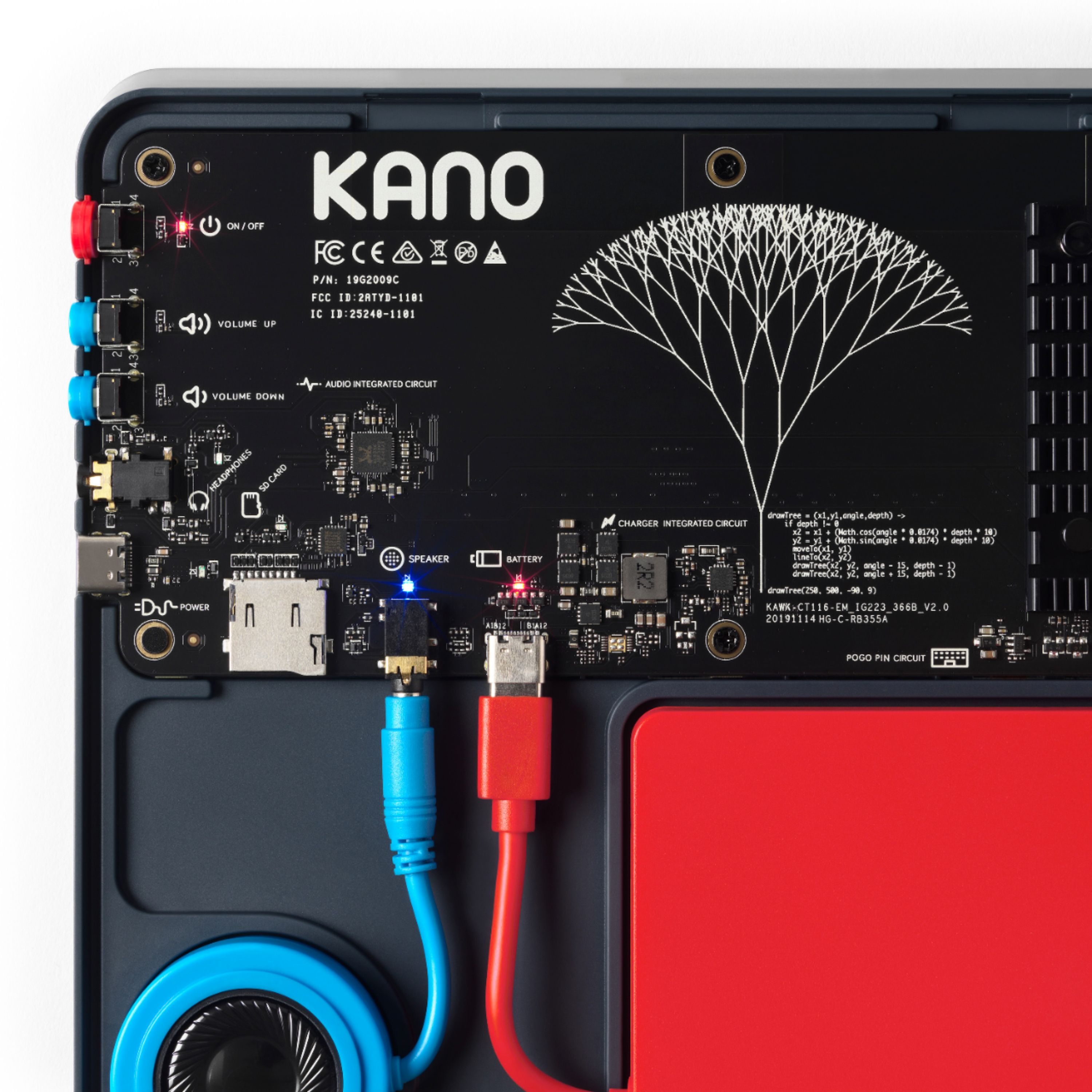
||Posted .This reviewer received promo considerations or sweepstakes entry for writing a review.Because of coronavirus I needed to find a small laptop for Google classroom. They were in short supply and I opted for this one. My kids think it's really cool that you can see the inside. You have to put the battery, speaker and case together and this does not have a camera so you need to put one on top that plugs into the HDMI port. It is touchscreen which is nice. A magnet pulls the tablet and keyboard together as well as the case when you're propping it up.
I would recommend this to a friend - Pros mentioned:Touch screenCons mentioned:Weight
Kano PC
||Posted . Owned for 1 month when reviewed.This reviewer received promo considerations or sweepstakes entry for writing a review.Nice little kids computer. Speeds not too bad. Price reasonable for touchscreen. Only detail that I don't like is that it's extremely heavy, not sure why.
I would recommend this to a friend - Pros mentioned:Kid-friendlyCons mentioned:Camera
Colorful Device
||Posted . Owned for 1 month when reviewed.This reviewer received promo considerations or sweepstakes entry for writing a review.Look good but it doesn’t have a camera it is a great tool for younger kida
I would recommend this to a friendBrand response from Team Kano
Posted .Thank you for your review! Safety and privacy are big priorities for us and our users. This is why we decided not to include an onboard webcam on the Kano PC, but you can use any webcam that is compatible with Windows 10 with your Kano PC. Best wishes, Team Kano

- Pros mentioned:Price
Starter pc for cheap
||Posted . Owned for 1.5 years when reviewed.This reviewer received promo considerations or sweepstakes entry for writing a review.Got it for kid starter pc. Great because it was on sale for 100.
I would recommend this to a friend - Pros mentioned:Price
Stunning! Perfect! Innovative! Great price!
||Posted . Owned for 1 week when reviewed.This reviewer received promo considerations or sweepstakes entry for writing a review.In a sea of sameness in the PC market, Kano delivers a stand out product. Performance is spectacular at the best price for a Windows PC. The fact that you make it yourself and it also is modular makes the Kano PC perfect for the education and consumer markets. Any problems with it, no need to be without it - just replace the part yourself. Kano does it again!
I would recommend this to a friend - Pros mentioned:Easy to use
Great starter PC!
||Posted . Owned for 1 month when reviewed.This reviewer received promo considerations or sweepstakes entry for writing a review.This is the perfect starter PC! It’s basically a “Surface” with a micro as card slot and two USB ports to expand storage. The Kano app is a great source to keep your little one entertained while learning. Putting it together with my 6 year old was a breeze and a really cool activity. It’s made very well, looks nice and performs for what it’s intended exceptionally well.
I would recommend this to a friend - Pros mentioned:Kid-friendly
cool thing.
||Posted . Owned for 3 months when reviewed.This reviewer received promo considerations or sweepstakes entry for writing a review.my child likes it. says its fun. she is 9. so its great for her. better than her school laptop. likes to show it off.
I would recommend this to a friend