Customer Ratings & Reviews
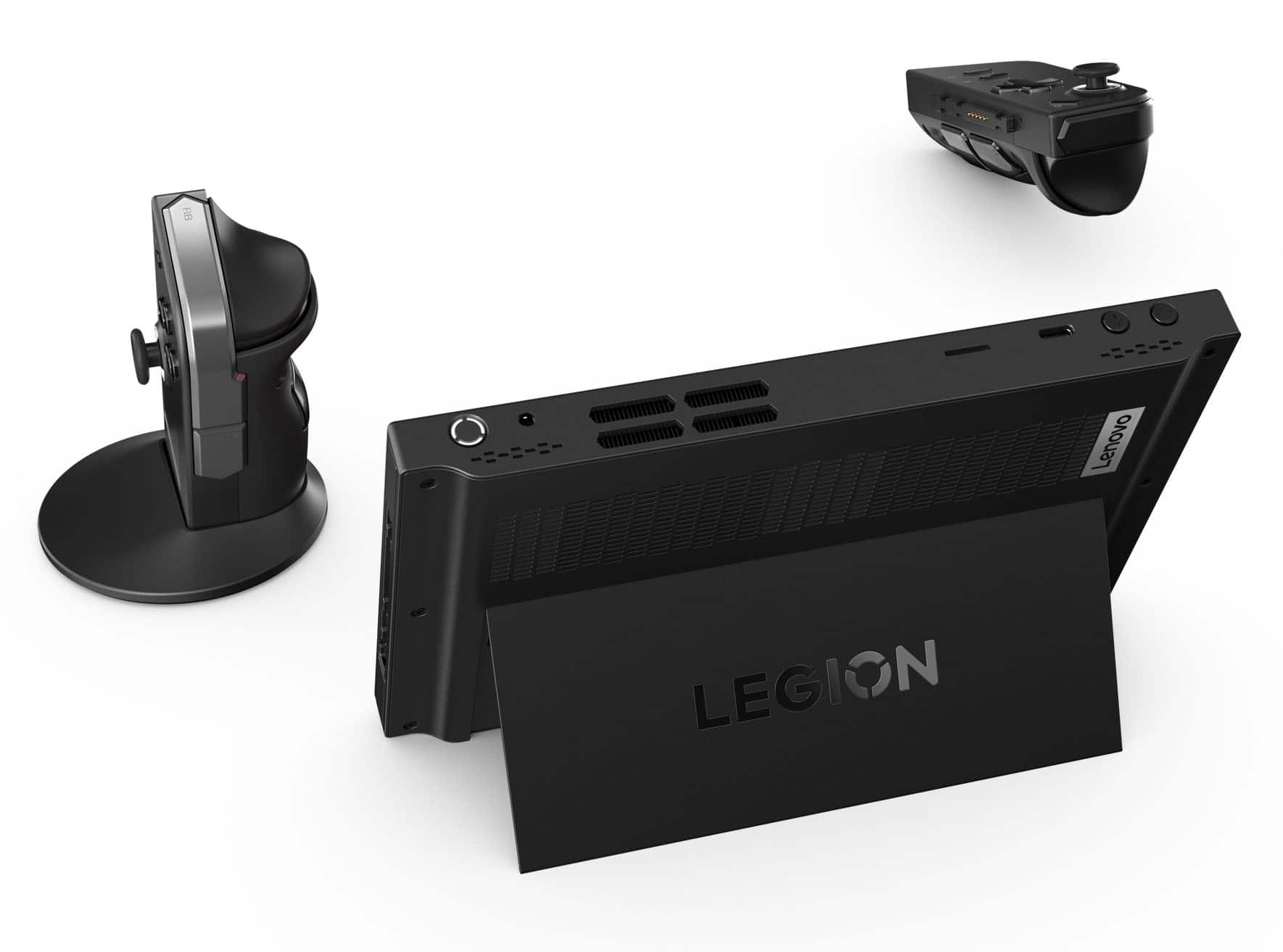
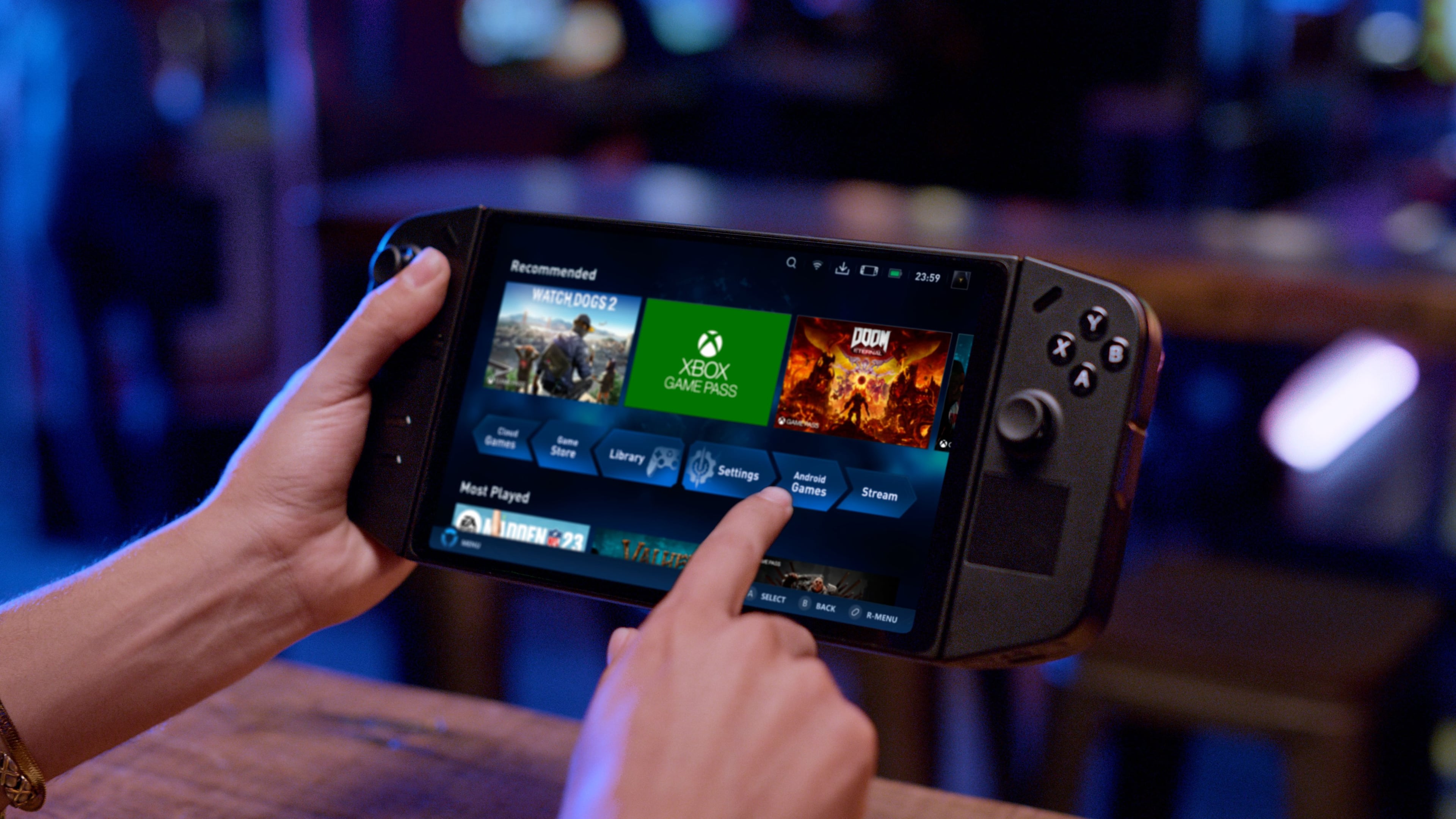



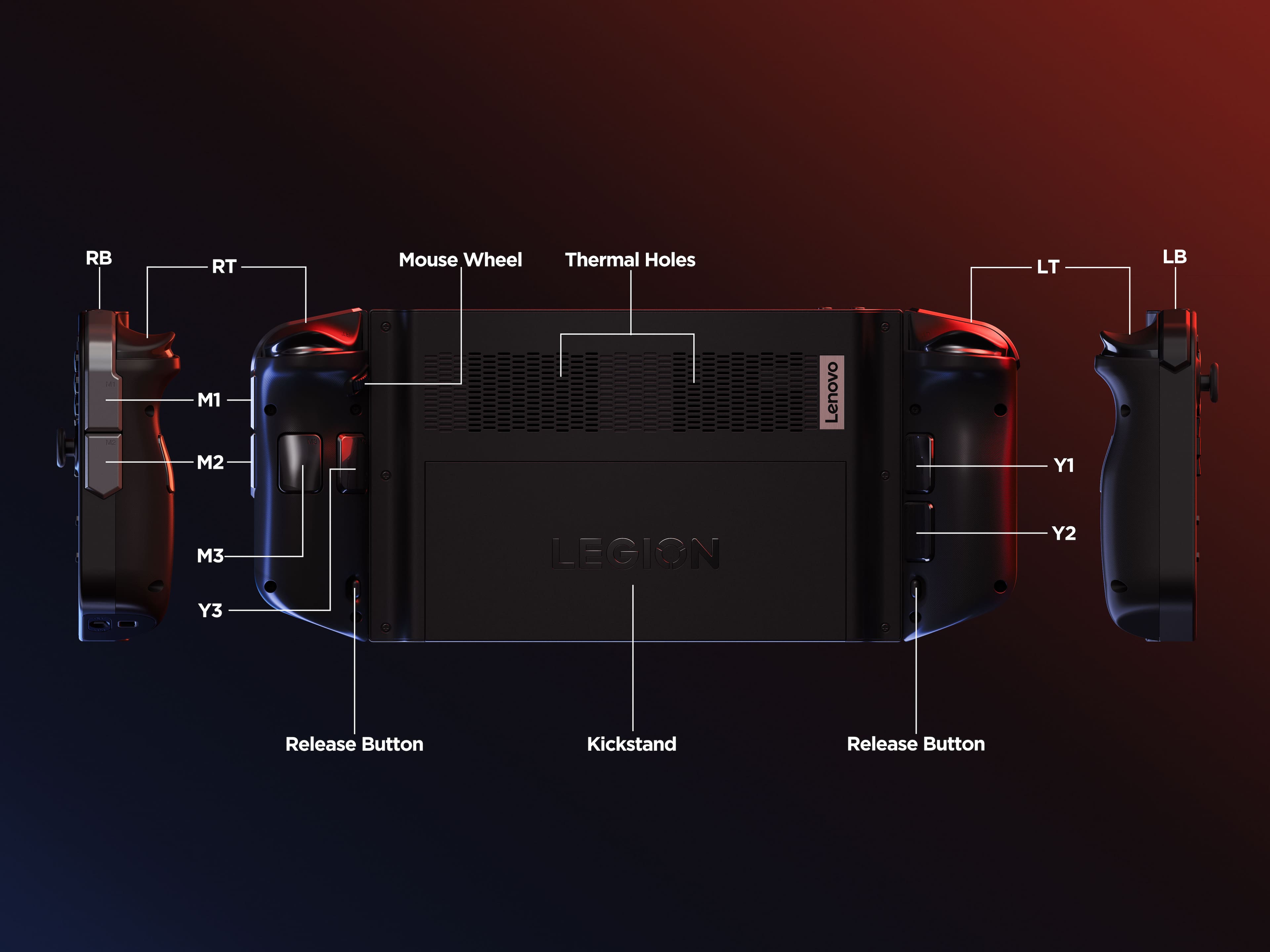
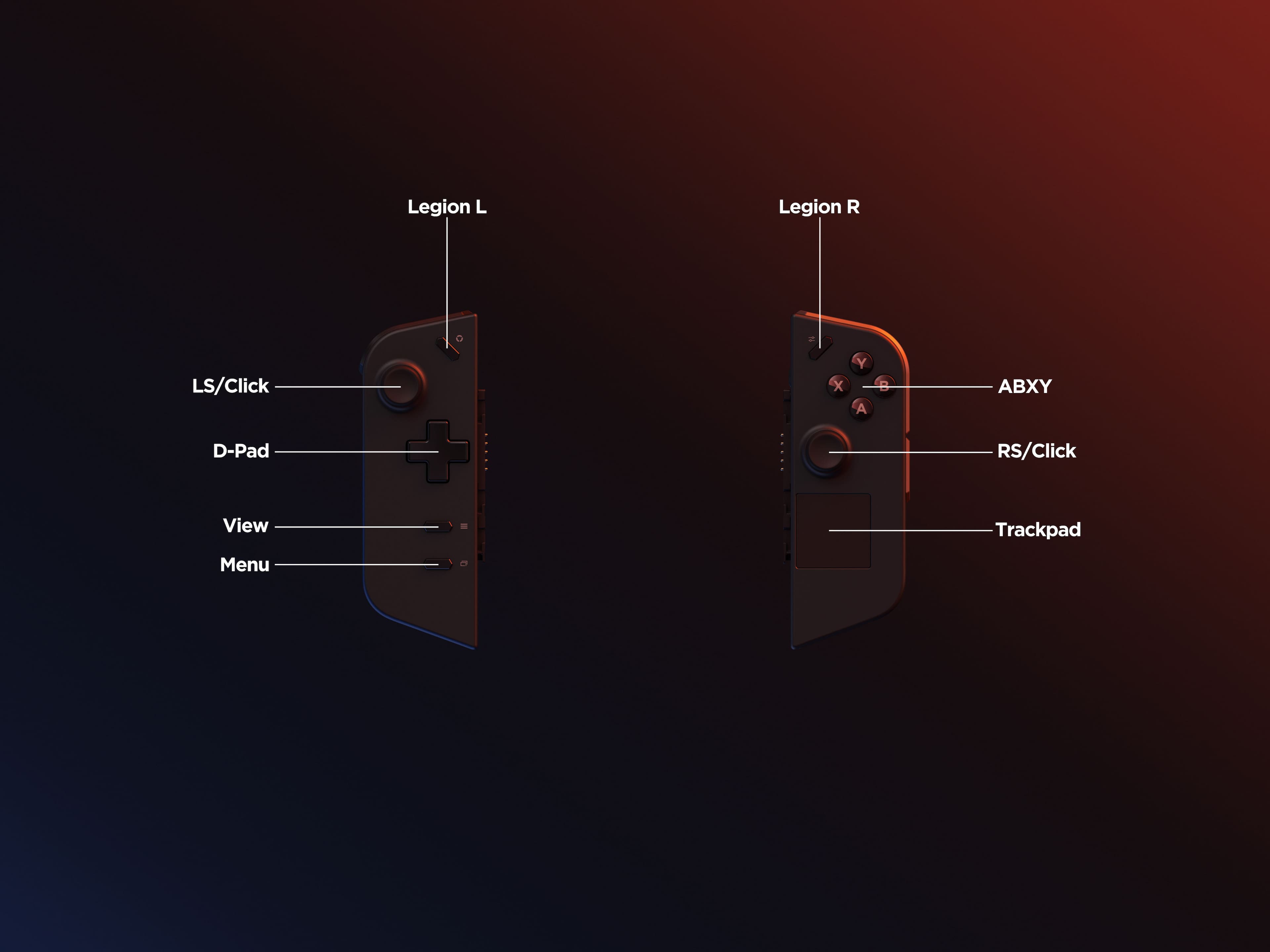




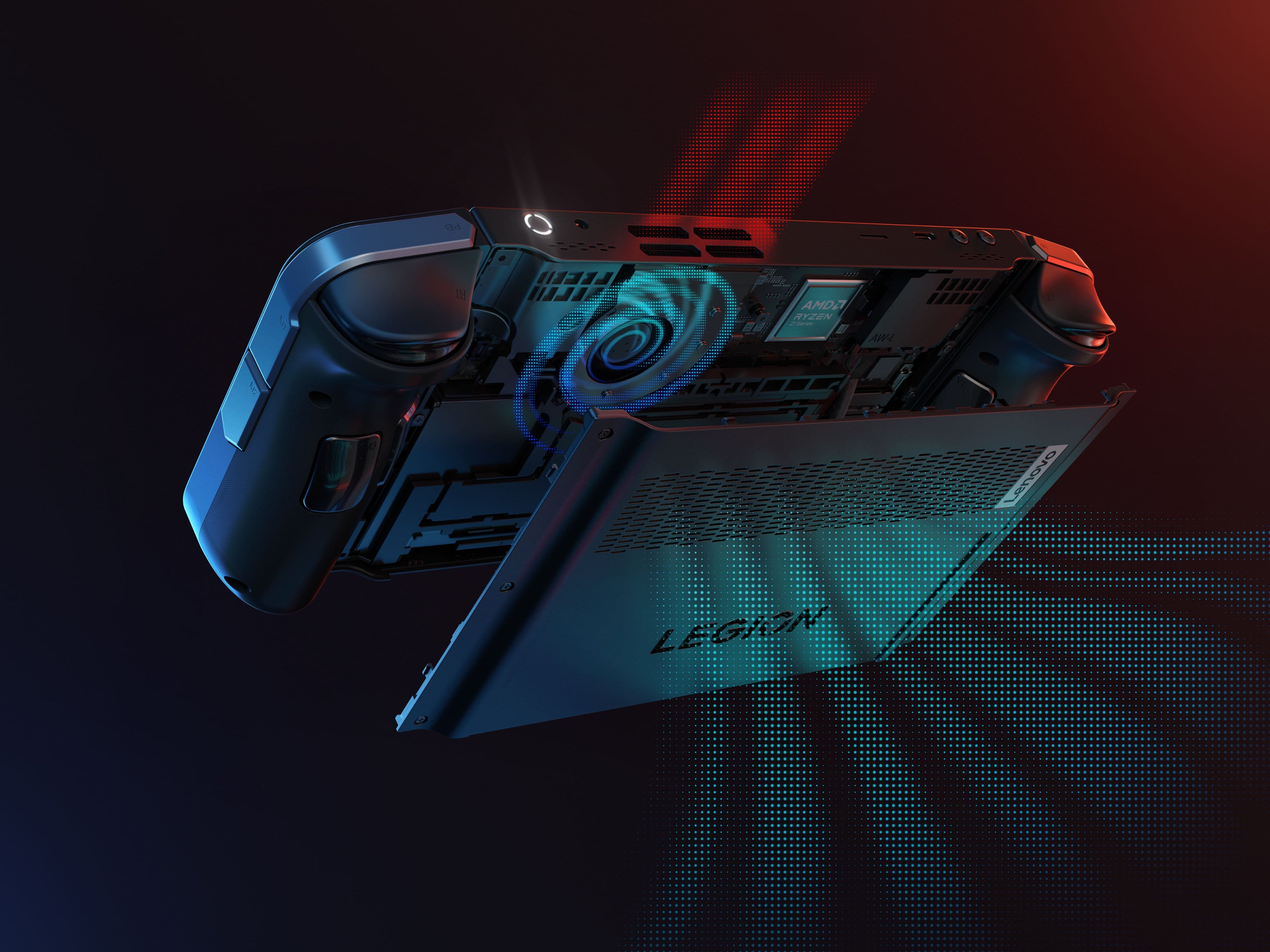
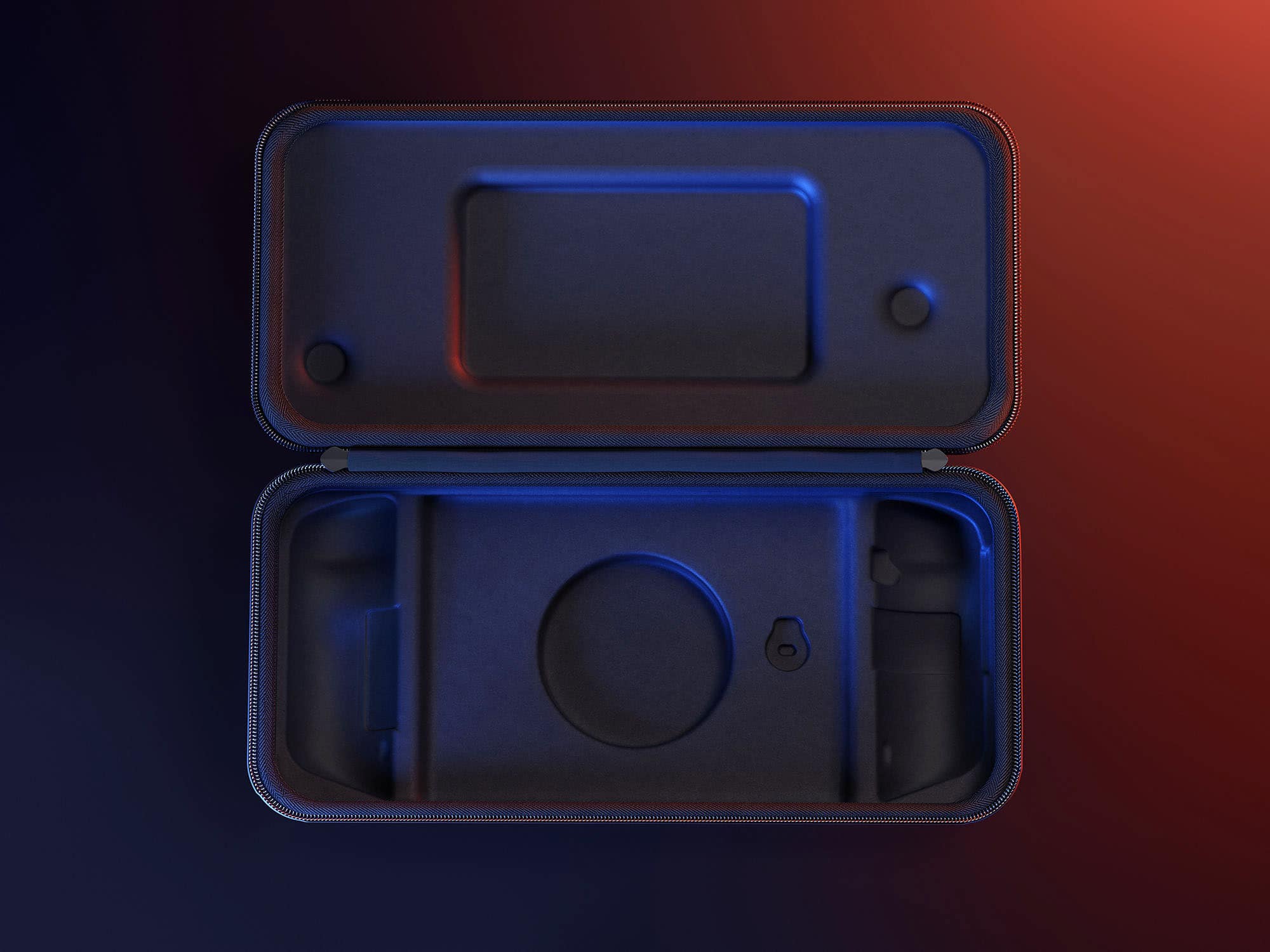
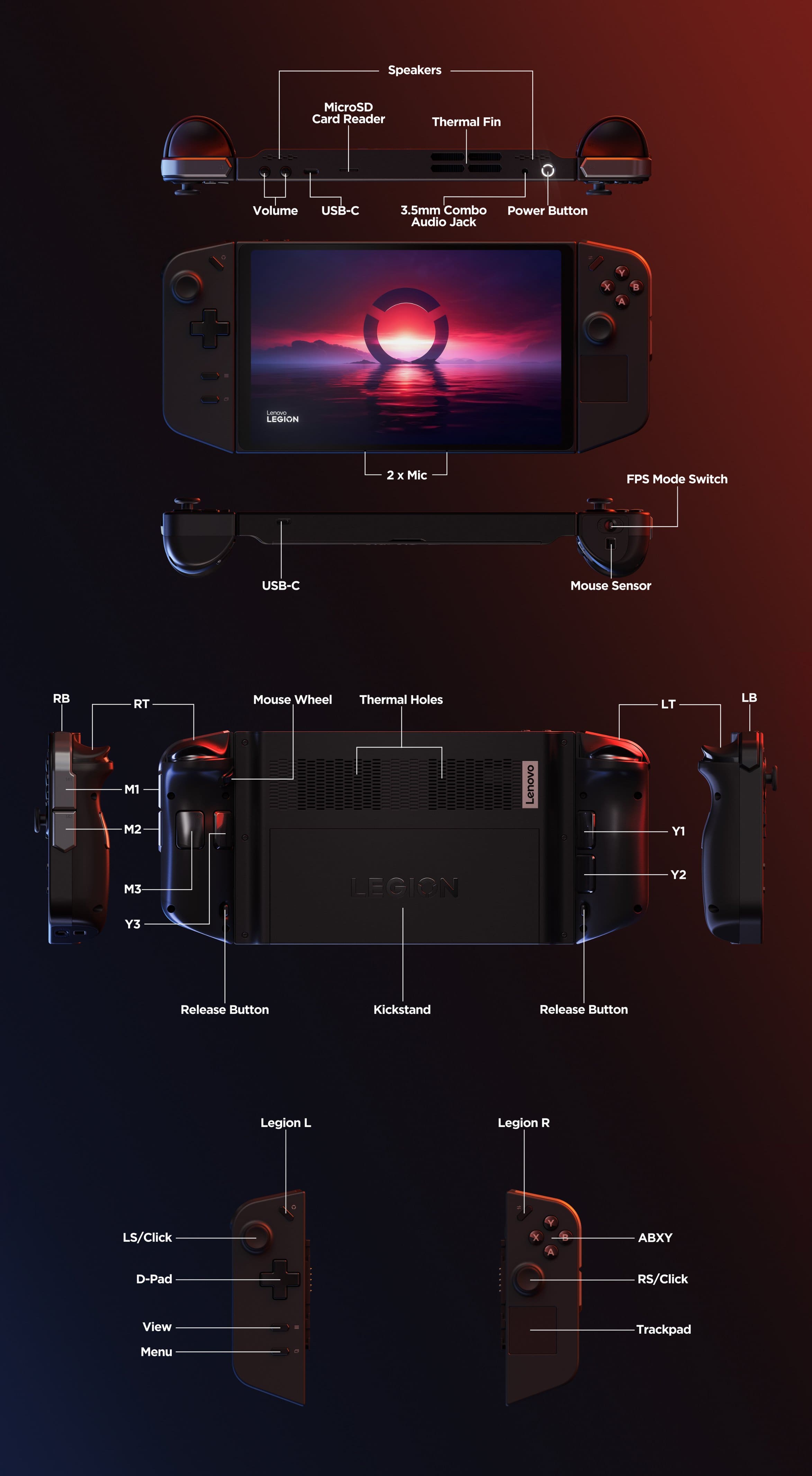




- Model:
- 83E1001YUS
- SKU:
- 6559604
Rating by feature
- Performance
Rating 4.6 out of 5 stars
- Storage Capacity
Rating 4.7 out of 5 stars
- Controller
Rating 4.5 out of 5 stars
Customers are saying
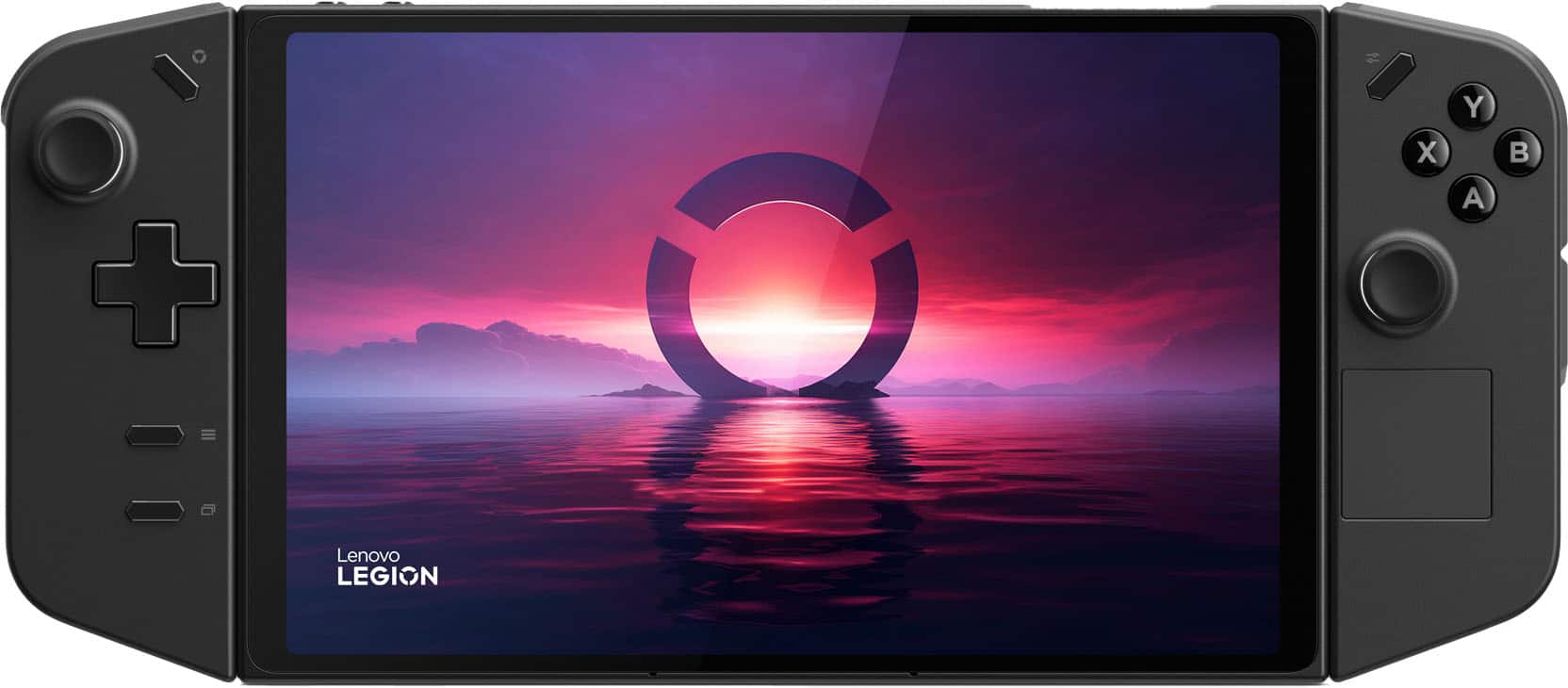
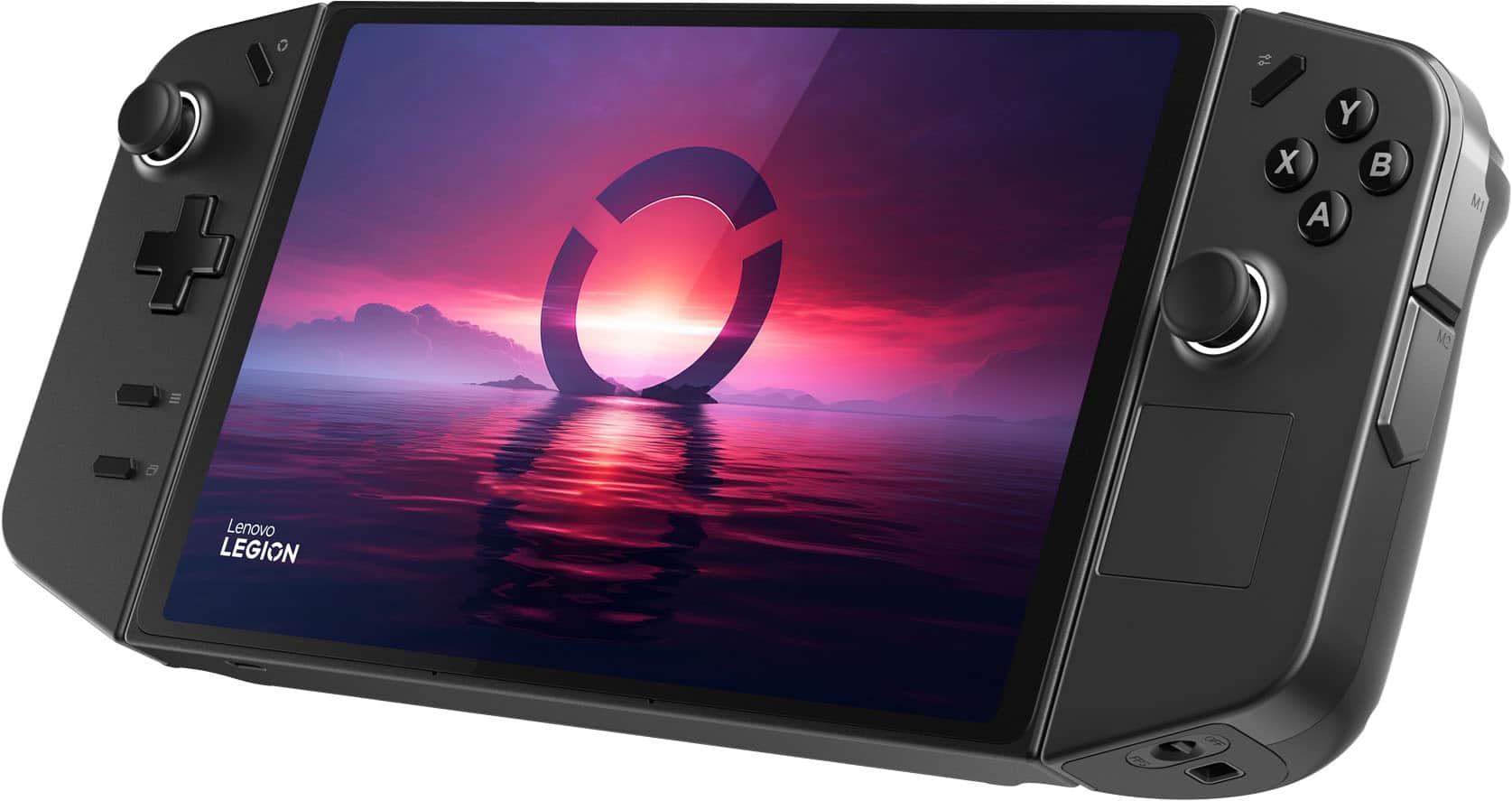
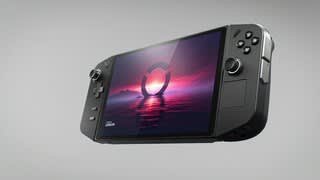
Customers love the Legion Go for its overall performance and beautiful screen quality. Many appreciate its portability and aesthetically pleasing controller design. However, some customers have expressed concerns about the battery life and weight. A few customers mentioned the device can get hot and the fan can be loud, and others feel the size is a little big.
This summary was generated by AI based on customer reviews.
- Pros mentioned:Controller design, Overall performance
Good Investment
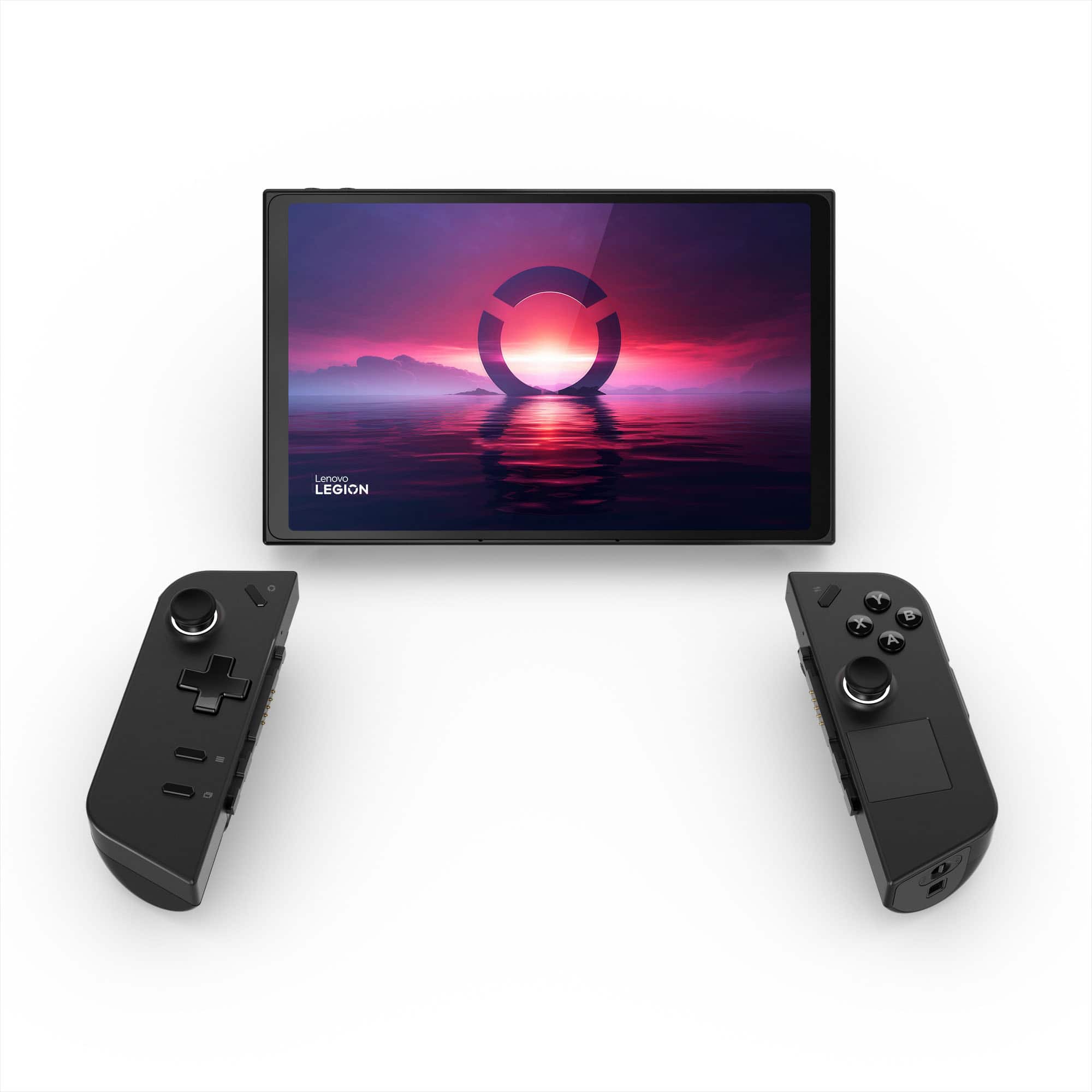
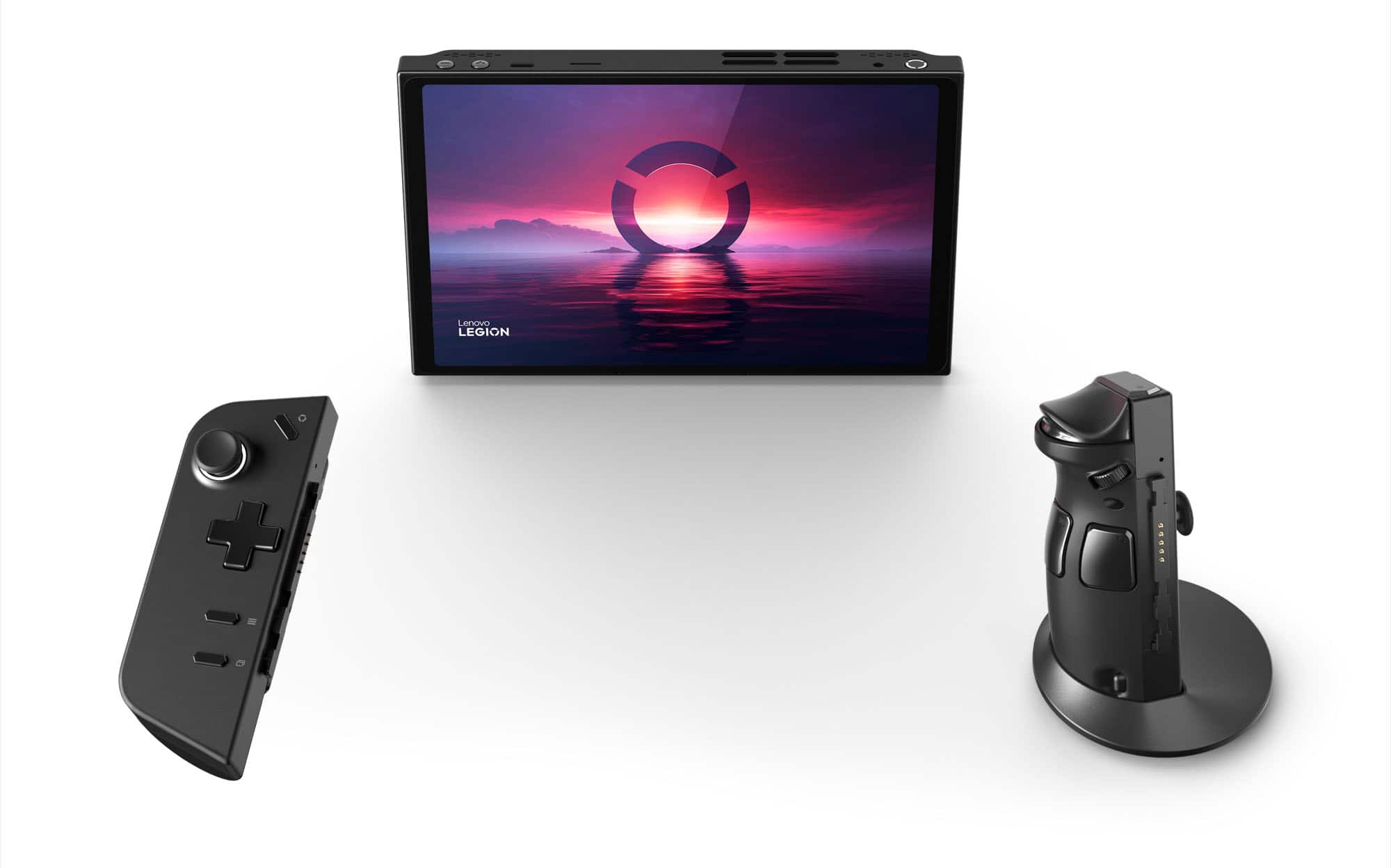
||Posted .This reviewer received promo considerations or sweepstakes entry for writing a review.Did a lot of research into some handheld pc's and since the Legion Go 2 is sold out I went with the Legion Go 1 and I dont regret my decision. This bad boy can run pretty demanding games with the settings tweaked right. I love the design of it since I used to have a switch and the controller as a mouse is what sold me on it. I love this thing and would definitely recommend it.
I would recommend this to a friendBrand response from Lenovo Product Expert
Posted .Hi,
Thanks for choosing Lenovo and for sharing your feedback with us!
We are glad to read that you are satisfied with your purchase overall.
Please don't hesitate to reach out to us via the Q& A section of this product page or contact Lenovo Support should you have any questions or need assistance.
Regards,
Lenovo
- Pros mentioned:Controller design, Portability, Screen quality
A pretty decent device but…
||Posted . Owned for 2 weeks when reviewed.This reviewer received promo considerations or sweepstakes entry for writing a review.The Legion Go is great device for gaming or using it as a portable PC. The screen is amazing. The detachable controllers remind me of the Switch. Removing them basically turns the Go into a tablet PC. Only gripe I have are with the sound from the speakers. It’s not terrible but also not great. You can tweak the settings to improve it a bit or just wear headphones/earbuds and it’s all good. It’s a great device on its own or to add to your already existing collection of portable gaming PC’s.
I would recommend this to a friend - Pros mentioned:Controller design, Overall performanceCons mentioned:Battery life
A great device held back by windows and battery.
||Posted .This reviewer received promo considerations or sweepstakes entry for writing a review.The Lenovo Go has some amazing perks such as a competent Z1 Extreme that really hits above the belt on some modern games, the controls feel nice, plenty of customization etc But the console really hurt the device from the low battery life (not a big deal if you don't travel much) the controller rails for the detachable controllers are flimsy in connectivity sometimes, and Windows is straight up a nightmare to maneuver through on the handheld itself. When it works it's great! Just be prepared to deal with some really annoying UI.
I would recommend this to a friendBrand response from Lenovo Product Expert
Posted .Hi Devvy,
Thank you for sharing your feedback with us. We are sorry to hear that you are having trouble with your Legion Go due to OS difficulties. We apologize for the inconvenience and annoyance that this has caused you, and we'd like to work with you to resolve this issue.
To start, regarding the battery life--depending on the demand of the game you're playing, by pressing the Legion R button to launch the quick menu, you can switch to lower power mode to save battery. In the menu, under the performance tab, users can toggle thermal modes and prioritize battery life by using the default mode or creating a custom thermal mode should you not be satisfied with the 3 presets. These adjustments can also be made by going into Legion Space > Settings (Legion Space can be launched quickly by pressing the Legion L button (Legion Logo above the button).
We appreciate your comment regarding WindowsOS. We wish to provide a platform that enables users to do more with their Legion Go handhelds, and we will always look to improve the user experience where we can.
With any issues regarding the hardware of your controllers or the device connection points, just a reminder that each Legion comes with 1 year of free Legion Ultimate Support, which can be contacted at the following number: 1-888-278-9707, Press 1 for Gaming. They are the best equipped to handle questions, concerns, and requests regarding your Legion and should be able to help you quickly resolve any issues you may have.
Please update us when you can regarding this and reach out to us again should you have any questions or need further assistance.
Best regards,
Lenovo
- Pros mentioned:Overall performance, Screen quality
legion go
||Posted . Owned for 3 months when reviewed.This reviewer received promo considerations or sweepstakes entry for writing a review.I recently added the Lenovo Legion Go to my handheld gaming collection, and it has truly surpassed my expectations. As an owner of both the Lenovo Legion Go and the Steam Deck, I can confidently say that the Legion Go offers a superior gaming experience. Build Quality: The Legion Go's sleek and sturdy design stands out, providing a premium feel compared to the Steam Deck. The ergonomic design ensures comfortable gaming sessions, and the build quality feels robust and durable. Performance: The Legion Go outshines the Steam Deck in terms of performance. The seamless gameplay, powered by its impressive hardware, delivers smooth graphics and quick response times. It's evident that Lenovo has prioritized performance for an unparalleled gaming experience. Display Quality: The Legion Go boasts a vibrant and crisp display, making games come to life with stunning visuals. When compared to the Steam Deck, the Legion Go's display stands out, offering better color accuracy and clarity, enhancing the overall gaming immersion. Battery Life: Lenovo Legion Go impresses with its extended battery life, providing longer gaming sessions compared to the Steam Deck. This is a game-changer for on-the-go gaming enthusiasts, ensuring uninterrupted gameplay without the need for frequent recharging. Customization and User Interface: Lenovo's commitment to user-friendly interfaces and customization options gives the Legion Go a significant edge. Navigating through menus and adjusting settings is intuitive, making it a breeze to personalize the gaming experience according to individual preferences. In conclusion, as a proud owner of both handhelds, the Lenovo Legion Go has become my go-to device for immersive gaming sessions. Its superior build quality, unmatched performance, impressive display, extended battery life, and user-friendly interface make it a clear winner over the Steam Deck. If you're looking for the ultimate handheld gaming experience, the Legion Go is the way to go!
I would recommend this to a friend Quality screen, good gameplay, but heavy.
||Posted . Owned for 2 months when reviewed.This reviewer received promo considerations or sweepstakes entry for writing a review.Overally i *highly* approve of this one. The screen is admittedly beyond the capacity of the actual device to utilize to it's fullest, but it has an easy to access menu with 4 different resolutions. I just pick the second to highest, still very quality image, but far less demanding. THe controls were surprisingly pleasant, but may require getting used to. TH eextra buttons have been great, the built in legion space app is fantastic, i LOVE the ability to remove the controllers from the device, and to use one as either a trackpad OR as a vertical mouse. There are only truly Two complaints: Yes, it's heavy. best played in your lap, or using the controls seperate. But for quick games that's not a big deal anyway. battery life is definitely limited, but not so much it can't be enjoyed without a charger. That said, it's on a smaller screen than a pc. You could easily turn the settings and power levels down to pull more time out of it without much issue. Honestly though it comes with a good length charger, easy to plug in and not pay attention. All in all I've really enjoyed it, i can play most games in my library on it without too much issue, even clair obscure which is actually why I bought it.
I would recommend this to a friend- Pros mentioned:Overall performance, Screen qualityCons mentioned:Battery life
Legion Go
||Posted .This reviewer received promo considerations or sweepstakes entry for writing a review.Love this product, Works great with my games and screen looks amazing. The only con to it would be the battery life is not great but when plugged in its amazing
I would recommend this to a friendBrand response from Lenovo Product Expert
Posted .Hi AimyQ,
Thanks for choosing Lenovo and for sharing your feedback with us!
We are pleased to read that you love this Legion Go.
Please feel free to reach out to us via the Q& A section of this product page should you have any questions or need assistance.
Best,
Lenovo
- Pros mentioned:Screen qualityCons mentioned:Battery life, Weight
Great handheld gamer!
||Posted . Owned for 2 weeks when reviewed.This reviewer received promo considerations or sweepstakes entry for writing a review.I like the screen size on the Legion Go vs the ROG Ally. It’s definitely one of the big reasons to choose this over the ASUS. It is definitely a bit heavier than the Ally, but the kick stand is very handy and having a charging/data port on both top and bottom is a plus as well. Battery life is not great, especially when trying to run in higher performance for gaming. I would recommend one of the Anker battery banks capable of charging at greater than 65 watts if a lot of your usage is away from an outlet.
I would recommend this to a friend - Pros mentioned:Portability, Screen quality
Best Gaming Handheld, until Legion Go 2 drops
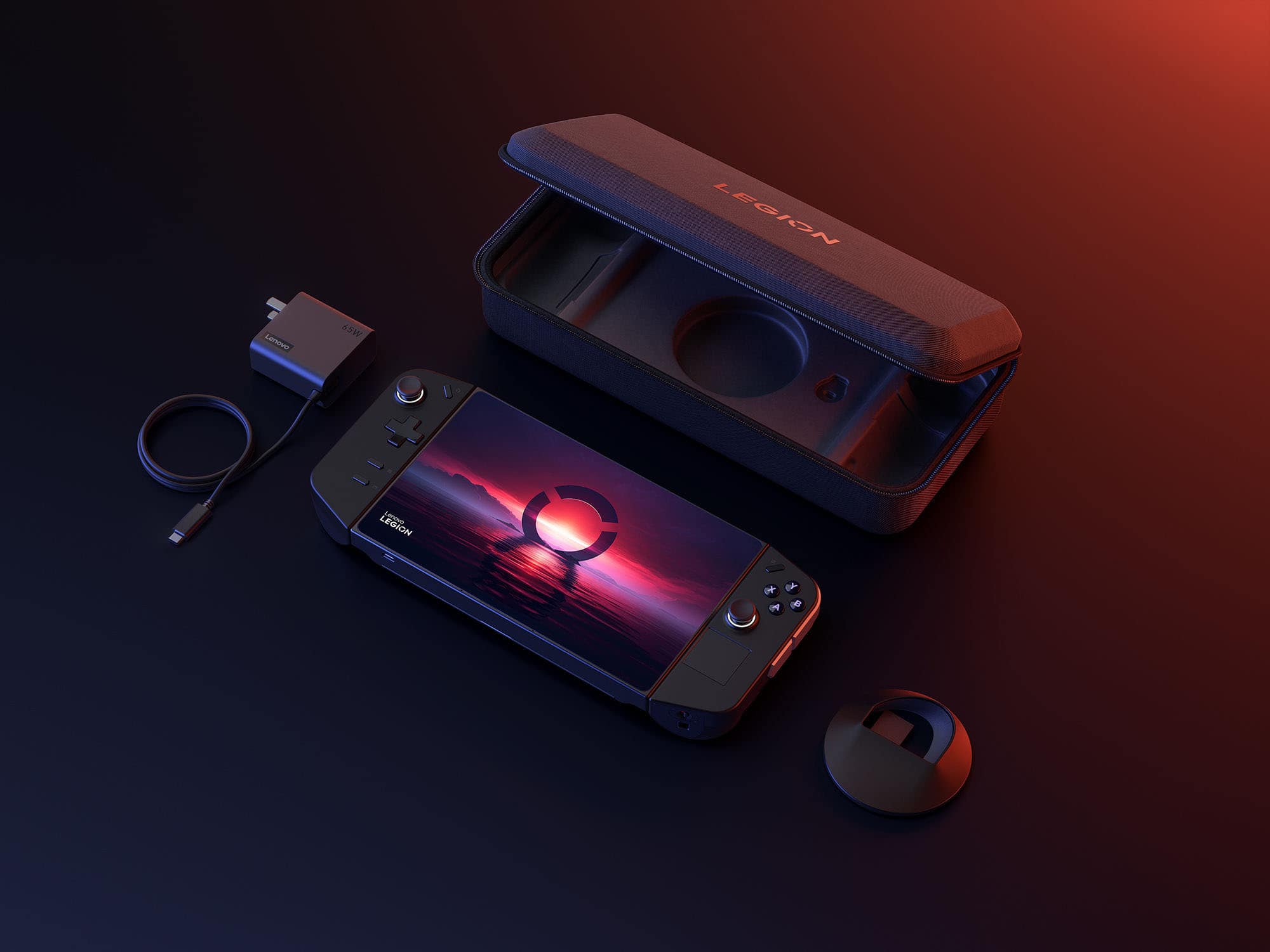
||Posted . Owned for 10 months when reviewed.This reviewer received promo considerations or sweepstakes entry for writing a review.One of the best options out there, in terms of handhelds. Ive tried the steamdeck, and the RoG Ally, and this device has the best specs, as well as the biggest screen. Im a developer, so i installed Gentoo linux and got the system to idle under 1 GB of RAM. all of these gaming handhelds have an inferior computer experience because of windows and how it hogs resources that can be used in game. Overall, portability is high, just clear out the majority of space in your bag for this, or get a dedicated carry case that can also hold your charger and any accessories. The Built In controllers are okay. They could definitely be better. I typically just use my xbox elite controller 2. I got the 1 TB model, although i would highly consider upgrading a 2 TB or larger drive.
I would recommend this to a friendBrand response from Lenovo Product Expert
Posted .Hey GannoK, thanks for choosing Lenovo!
We are glad to hear that you hold the Legion Go in such high regard, and we appreciate you taking the time to share this with us.
- Pros mentioned:Overall performanceCons mentioned:Battery life
Fun device overall
||Posted .This reviewer received promo considerations or sweepstakes entry for writing a review.It's a great device overall, especially if you want to play indie games or old remasters. It does struggle with newer games, so if you want to play those then I would recommend getting a gaming laptop or PC instead. The display is nice and the kickstand is a nice addition. The biggest issue is the battery life. Even at lower graphics settings it's not great. The ergonomics are also not the best but if you use the kickstand and an external controller this is not really an issue. The only other con is it can take a little bit of tinkering to get some games running well, but it's usually not to bad, and there are a lot of guides online nowadays. That being said, you won't have a console like experience with this device. Despite the flaws, I would recommend the legion go if you can afford it
I would recommend this to a friendBrand response from Lenovo Product Expert
Posted .Hey Anon,
Thank you for choosing Lenovo and for sharing your feedback with us!
We are glad to hear that your Legion Go has been fun to use overall.
Please feel free to reach out to us should you have any questions.
Best,
Lenovo
- Pros mentioned:Controller design, Overall performance, Screen quality
Handheld computer for the win!
||Posted . Owned for 2 months when reviewed.This reviewer received promo considerations or sweepstakes entry for writing a review.This is the first gaming PC ever owned and for it to be a handheld PC well you can’t beat that! The screen is huge and the display is beautiful. The unboxing experience was satisfying. It has a little bit of weight to it but comfortable to hold. I like that it has a Usb-c port at the top and bottom. Took me a bit to optimize, even upgraded the SSD my self. If you’re looking for a portable handheld PC this is it!
I would recommend this to a friendBrand response from Lenovo Product Expert
Posted .Hi, SharonT. Thank you for choosing Lenovo and congrats on your first gaming device! We are glad to hear that your Legion Go has been awesome in every aspect, and we appreciate you taking the time to share your experience with us.
- Pros mentioned:Controller design, Screen quality
Great device, set reasonable expectations
||Posted . Owned for 3 weeks when reviewed.This reviewer received promo considerations or sweepstakes entry for writing a review.If you buy this device, know what it is and isn't. The device is tremendously powerful for its size. It is not, however, going to be as fast as an expensive modern desktop with discrete graphics card. I was looking for a device that would meet my specific needs, and this does so with flying colors. 1. I wanted something I could play on in the living room, but not tie up the tv. 2. I wanted a large screen because I'm trying to avoid having to wear reading glasses as long as I can. 3. I wanted something that could play games from multiple stores without a lot of mucking about. 4. Wanted something that can handle emulation. 5. Wanted something with controllers that fit my big hands well. All of those needs were met with this device. I did not care all that much about battery life as most of the time I'm somewhere with power. If you're hoping for hours and hours of battery life, you're going to be disapointed. I did not care about internal speaker quality, if I want sound, I'm wearing my headphones anyway. I was impressed with how well the device works with a docking station to be a reasonable little workstation. It's basically replacing most of my need for a laptop. It plays every game I've wanted it to so far. I'm not expecting 120 FPS at max settings in 4k for brand new AAA titles. I grew up with low frame rates and low resolutions, Most games I've tried I've found options to get stutter free playing with reasonable detail and frame rates. I'm looking forward to more accessories being available, and I really hope someone comes up with a good keyboard solution designed specifically for the device. I'd also love to see other controller options that fit the rails. Neither of those things are deal breakers if they don't eventually happen. Overall I love this device, it's limitations aren't a problem for how I want to use it at all.
I would recommend this to a friend - Pros mentioned:Controller design, Overall performance, Screen quality
Stop being a baby and just get it!
||Posted . Owned for 1 month when reviewed.This reviewer received promo considerations or sweepstakes entry for writing a review.Just get it, the things amazing! Super nice screen the same or better performance than the ally. The kickstand is a huge selling point super durable. Just as ergonomic as any other mainstream option with the option to detach the controllers which is super nice. Espically if you have a bluetooth keyboard it becomes basiclly a pocket all in one pc.
I would recommend this to a friendBrand response from Lenovo Product Expert
Posted .Hello, MrEdwards. Thank you for choosing Lenovo! We are pleased to hear that your Legion Go meets your needs so well. We appreciate your words of encouragement and for taking the time to share your experience.
- Pros mentioned:Screen qualityCons mentioned:Battery life, Weight
Screen star of the show
||Posted . Owned for 1 month when reviewed.This reviewer received promo considerations or sweepstakes entry for writing a review.After multiple updates and restarts, this thing is a pleasure to game on. It is a bit heavy but feels great in the hand. The audio out the box is not great and with demanding games battery life can be poor. The community over on Reddit have a ton of great recommendations for customizing the Legion Go, all of the answers to my questions where found on there. Overall this is a great device to game/watch movies on and I decided to keep it even though I already have a Steamdeck.
I would recommend this to a friend - Pros mentioned:Overall performance, Screen qualityCons mentioned:Battery life
Lenovo Legion Go
||Posted .This reviewer received promo considerations or sweepstakes entry for writing a review.Great handheld! Best futures are definitely the screen and power, battery is a bit weak.
I would recommend this to a friendBrand response from Lenovo Product Expert
Posted .Hi AnnaA-
Thank you for choosing Lenovo and sharing your feedback with us. We are excited to hear that you are enjoying the display quality and performance of the Legion Go. We aim to provide excellent user experience for our products, and we would like to offer you a possible solution to improve your battery life.
Your Legion Go comes with the ability to adjust the active thermal mode based off your needs. To start press the Options hexagonal key on the right controller, from the right-hand menu you select your preferred mode. We recommend using Quiet mode to reduce power consumption and increase battery life. You can also adjust the OS Power Mode which will further increase battery if you choose Efficiency Mode.
Please reach out to us through the Q & A section of this product page if you have any questions or need assistance.
Best wishes,
Lenovo
- Pros mentioned:Screen qualityCons mentioned:Size
Awesome handheld but maybe not the best
||Posted . Owned for 1.5 years when reviewed.This reviewer received promo considerations or sweepstakes entry for writing a review.The Legion go is an amazing handheld PC. For me the handheld is a little bit too big to fit comfortably in my hands. I did notice my hands were fatigued after a short time of gameplay. I eventually traded this for the ROG ally which I think is better because of the economics and huge weight difference. The legion goes screen is amazing. I think an 8 inch screen would’ve been perfect versus the 8.8 inch screen. The mouse feature is cool, but it’s a little bit gimmicky. I really couldn’t play well with it at the end of the day. It’s just personal preference this handheld is great it just wasn’t for me.
I would recommend this to a friendBrand response from Lenovo Product Expert
Posted .Hey Micstev,
Thank you for sharing your feedback with us. We are sorry to hear that the Legion Go was not a good fit for you, leading to you returning the system. We understand your perspective, and we appreciate your comments regarding system design and controller features. These points will be considered for future improvements.
We hope that you consider our products again in the future--like the Legion Go S, a more compact designed system with a focus on ergonomics while still packing a punch with high performance.
Please feel free to reach out to us via the Q& A section of this product page should you have any questions or further comments.
Best regards,
Lenovo
- Pros mentioned:Overall performance, PortabilityCons mentioned:Heat dissipation
Powerful portable system
||Posted .This reviewer received promo considerations or sweepstakes entry for writing a review.Nice system can play games well. Can get a bit hot. I used it mostly for a portable system when visiting out of town friends or family. Having Windows is nice because I can sync it with my PC at home.
I would recommend this to a friendBrand response from Lenovo Product Expert
Posted .Hey MoSa,
Thank you for choosing Lenovo and for sharing your feedback with us!
We are glad to hear that this Legion Go is working nicely for you.
Please feel free to reach out to us should you have any questions.
Best,
Lenovo
- Pros mentioned:Controller design, Overall performance, Screen quality
King of the gaming handhelds
||Posted . Owned for 1 month when reviewed.This reviewer received promo considerations or sweepstakes entry for writing a review.This thing is solid. Of all the handheld gaming devices that I've owned this is by far my favorite. Screen size is enormous, and gorgeous to look at. the removable controllers is neat and very convenient for different gaming scenarios, and I love the built-in kickstand. This thing has no issues running any of my current Library. You're not going to get the highest settings and FPS on Modern games, but it will surprise you on how well it can run them all.
I would recommend this to a friend - Pros mentioned:Overall performance, PortabilityCons mentioned:Weight
Pc on the go
||Posted . Owned for 2 weeks when reviewed.This reviewer received promo considerations or sweepstakes entry for writing a review.I can’t complain about this purchase. Does what it’s advertised to do. It’s a decently powerful pc with on the go capabilities. Runs on windows 11 and that opens up a lot of what you can run on it. It is on the heavier side but that’s because of the huge screen. Once you find a comfortable way to hold it you don’t notice. It comes with a case and that’s definitely on less thing I had to buy. This was definitely worth the purchase.
I would recommend this to a friend - Pros mentioned:Controller design, Screen qualityCons mentioned:Battery life
Pretty good!
||Posted . Owned for 1 month when reviewed.This reviewer received promo considerations or sweepstakes entry for writing a review.Defiantly was worth the upgrade from the ROG Ally. I really enjoy the removable controllers like the switch and the massive screen. Battery life kinda low but what do you expect for a hand held laptop
I would recommend this to a friendBrand response from Lenovo Product Expert
Posted .Hey EthanR,
Thank you for choosing Lenovo and for sharing your feedback with us!
We are glad to hear that your time with your Legion Go has been enjoyable.
Please feel free to reach out to us should you have any questions.
Best,
Lenovo
- Pros mentioned:Overall performance, Screen qualityCons mentioned:Noise level

Amazing gaming device plus more
|Posted . Owned for less than 1 week when reviewed.This reviewer received promo considerations or sweepstakes entry for writing a review.[Employee of bestbuy] Screen is gorgeous. Games run great on this. Im also using it as an entertainment device to watch movies etc. My only complaint is It does make a slight high pitch hum when fans are at full speed. Overall a must buy.
I would recommend this to a friend