Customer Ratings & Reviews
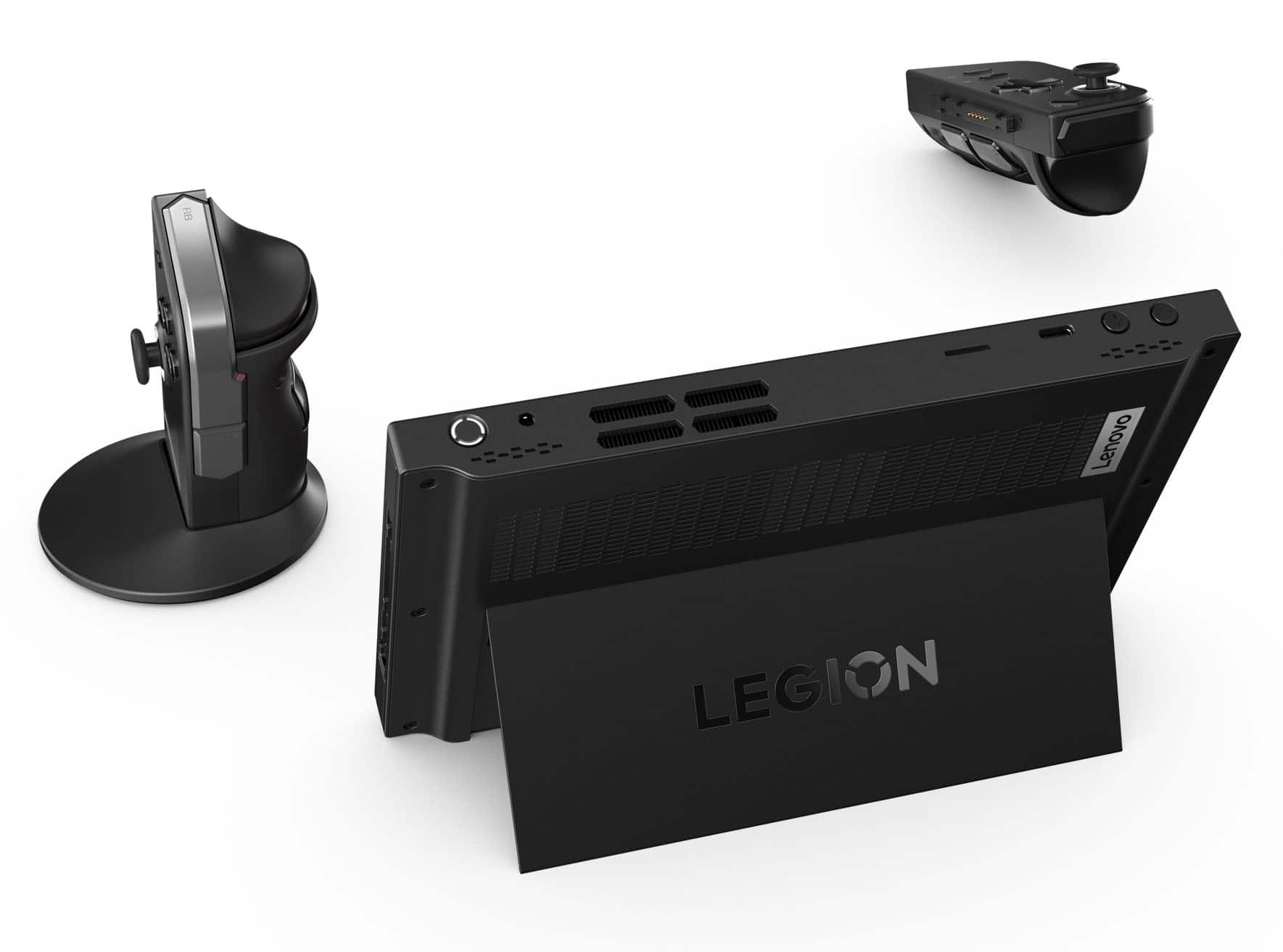
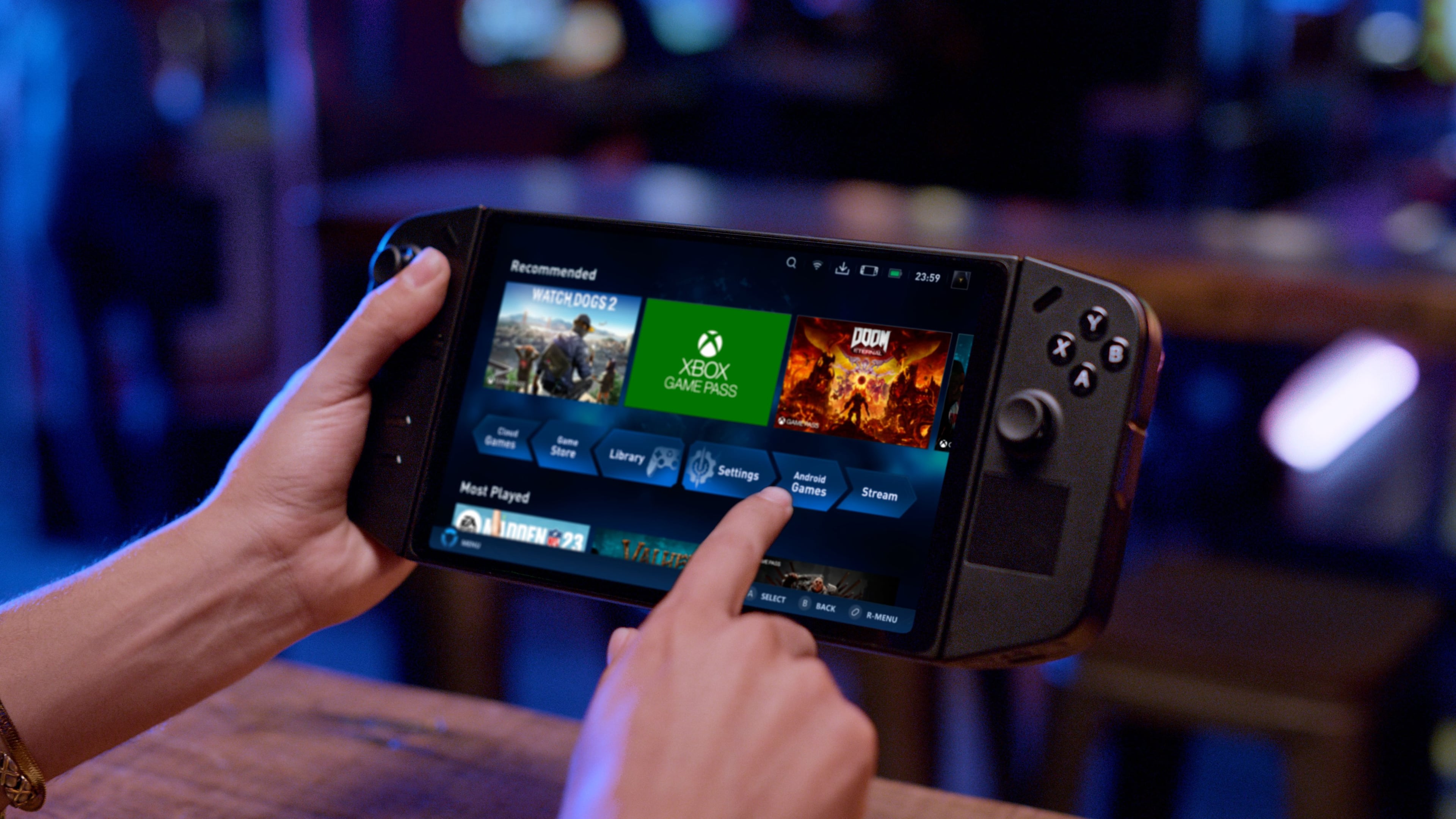



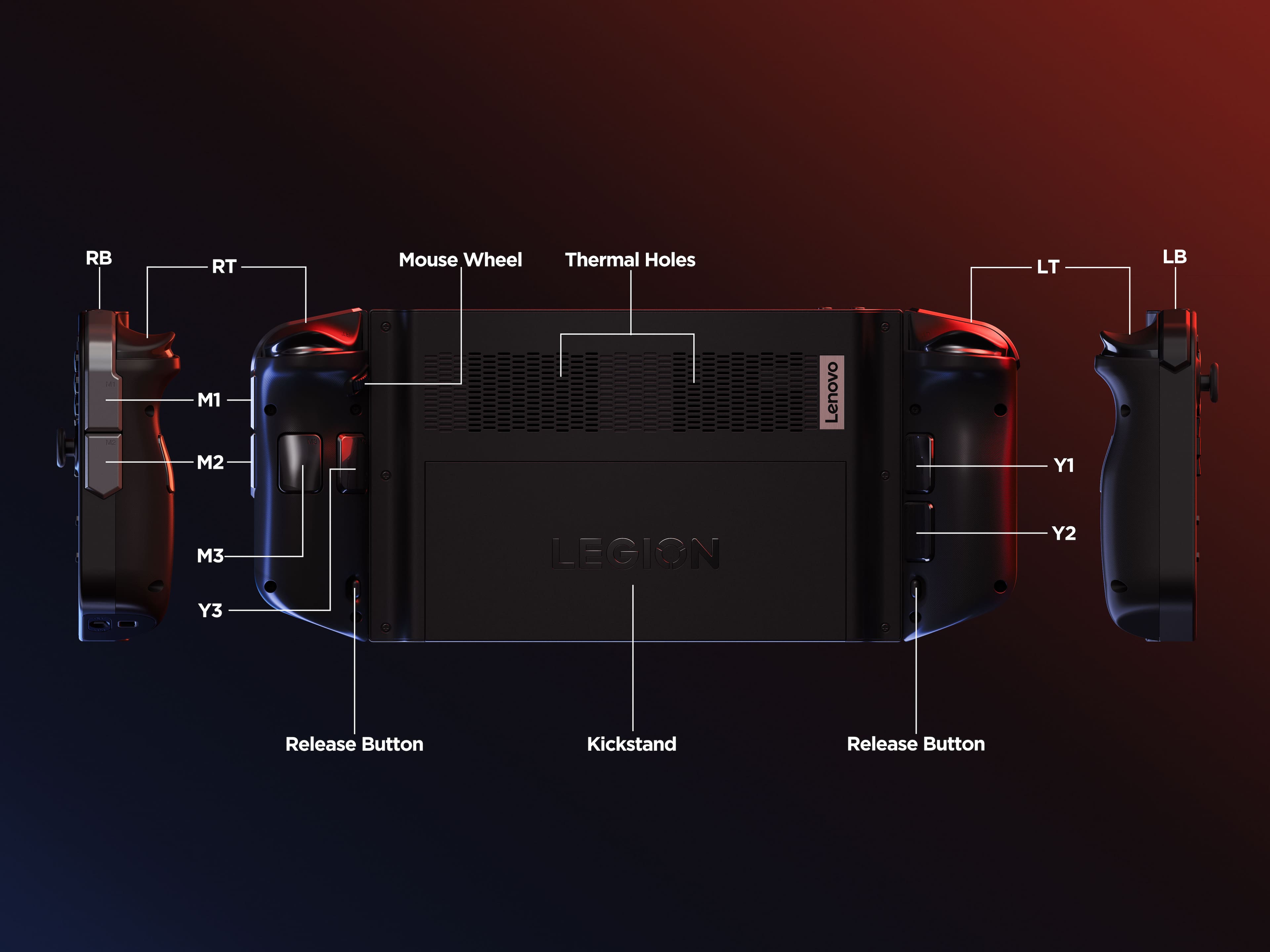
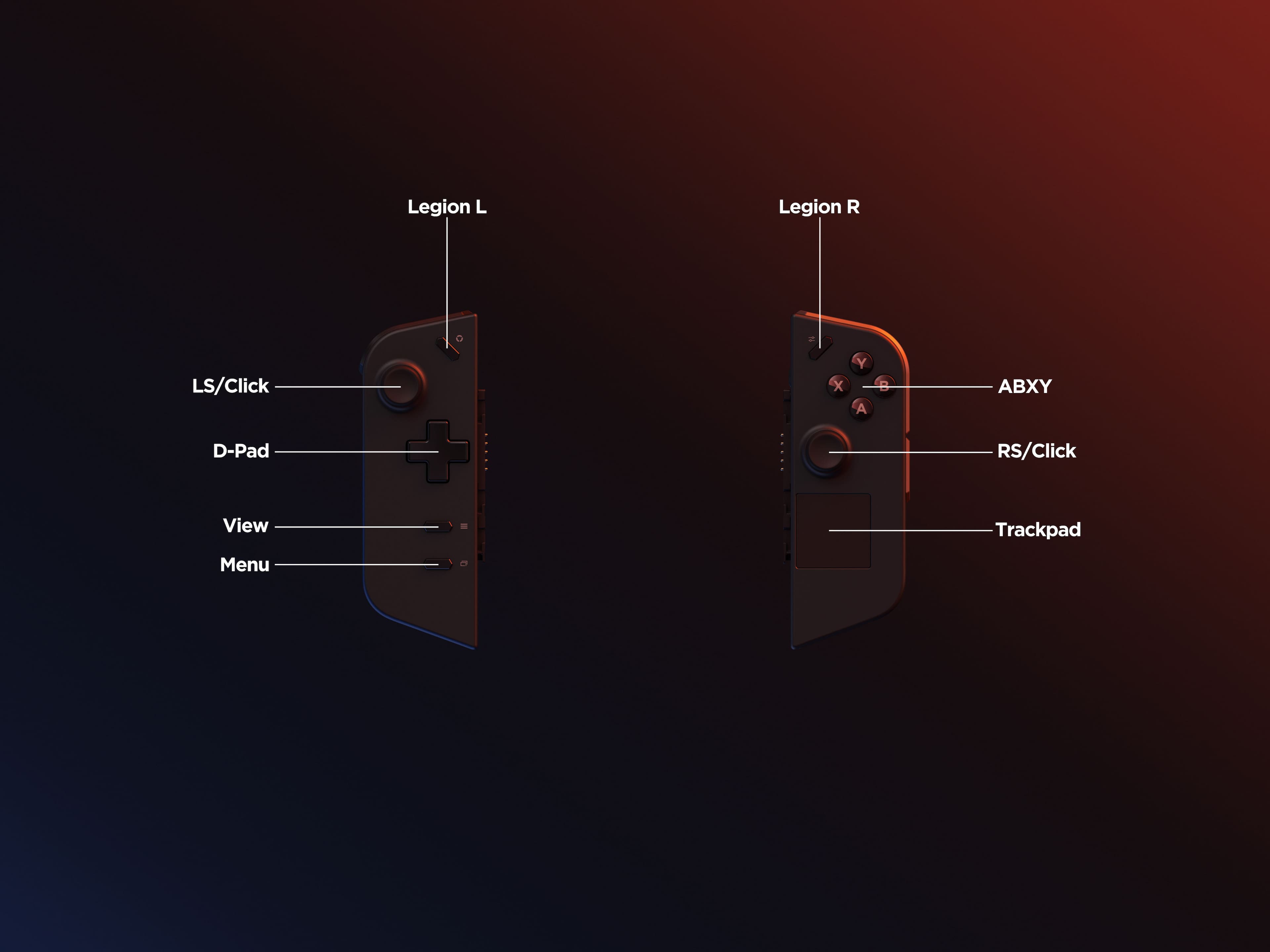




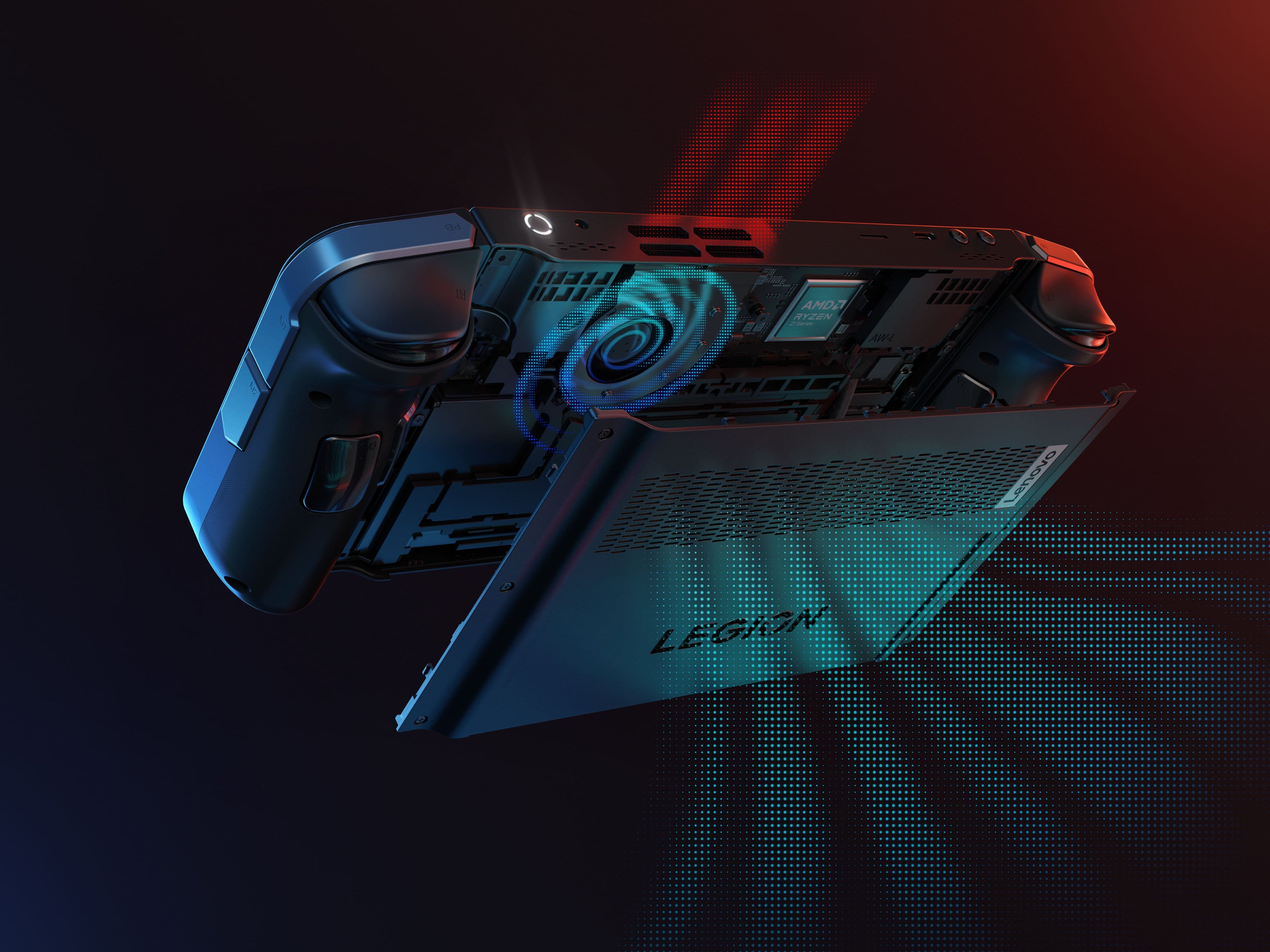
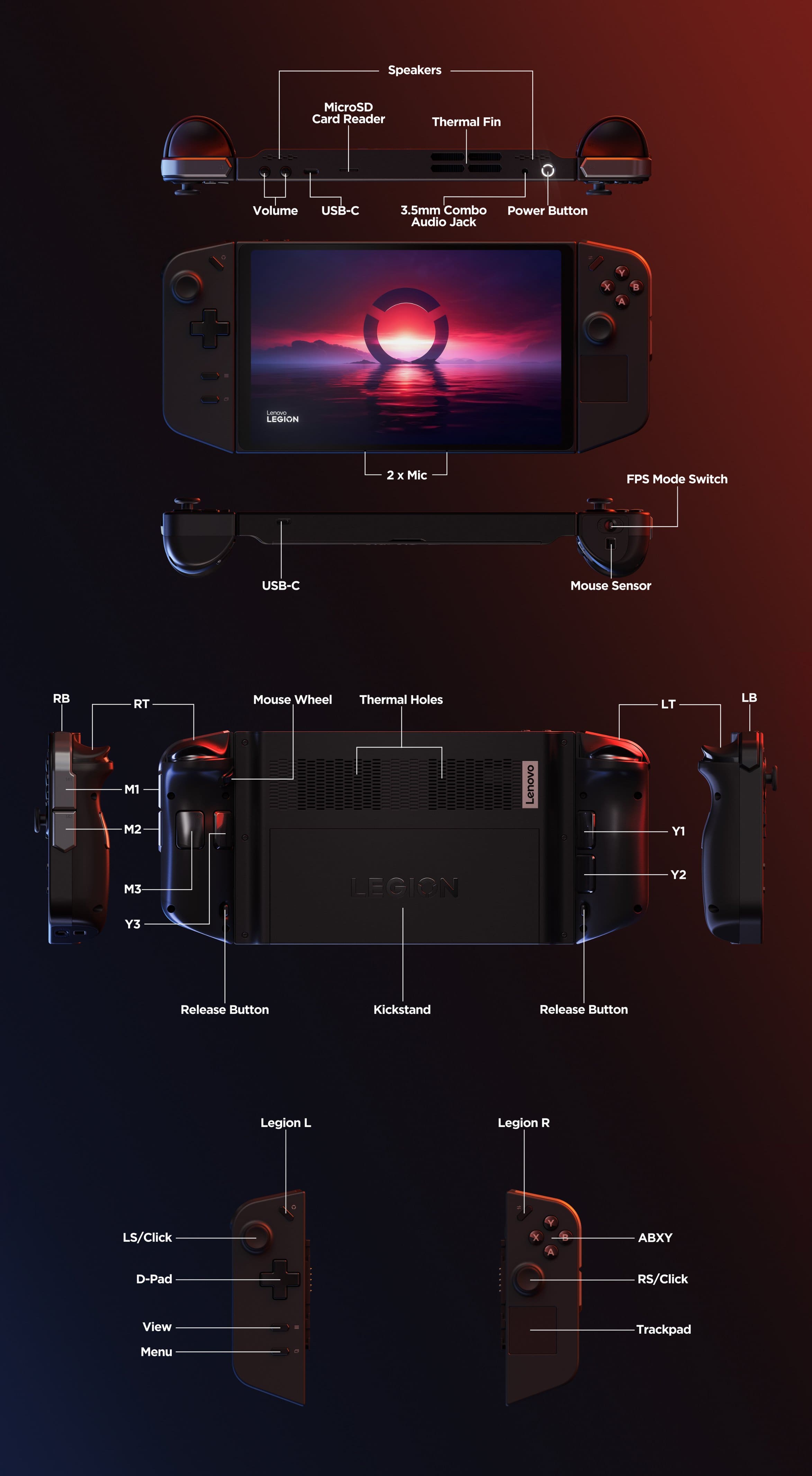




- Model:
- 83E1001YUS
- SKU:
- 6559604
Rating by feature
- Performance
Rating 4.6 out of 5 stars
- Storage Capacity
Rating 4.7 out of 5 stars
- Controller
Rating 4.5 out of 5 stars
Customers are saying
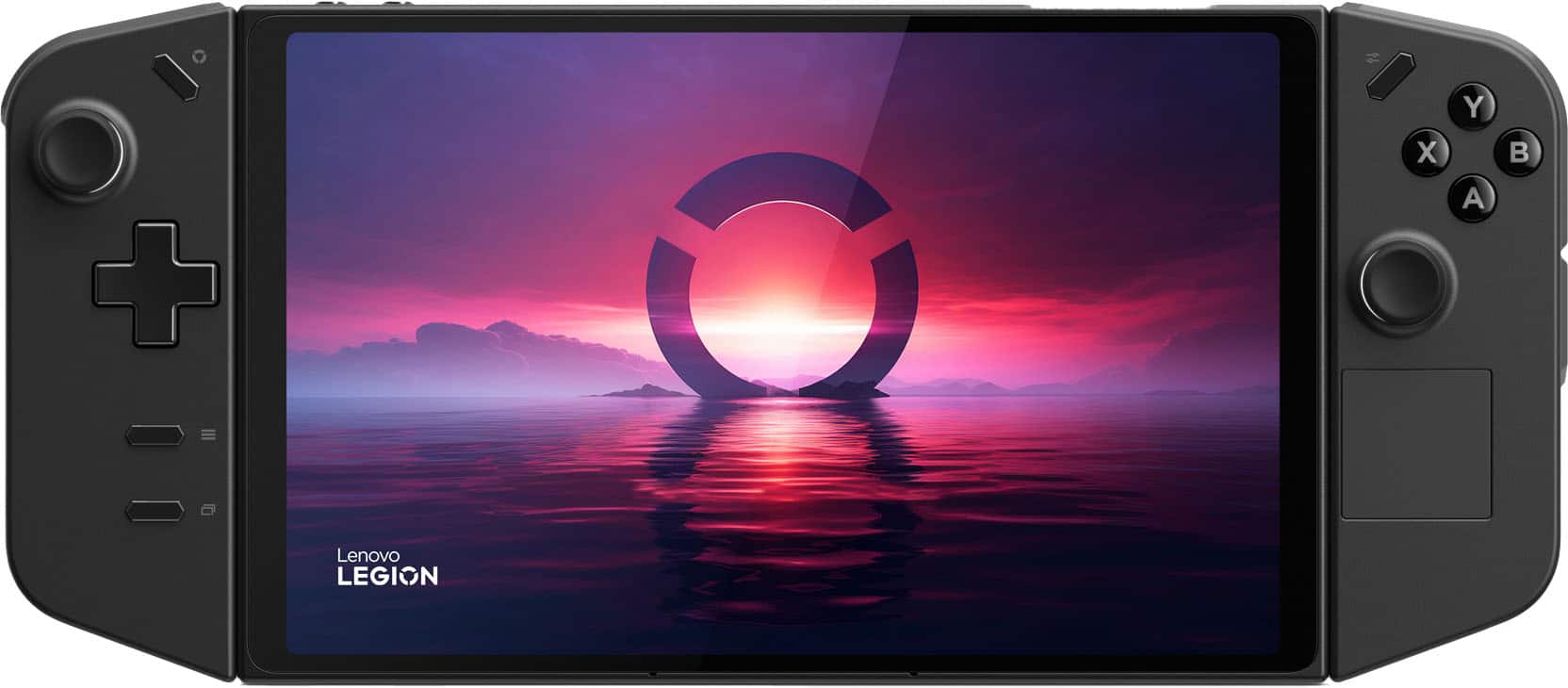
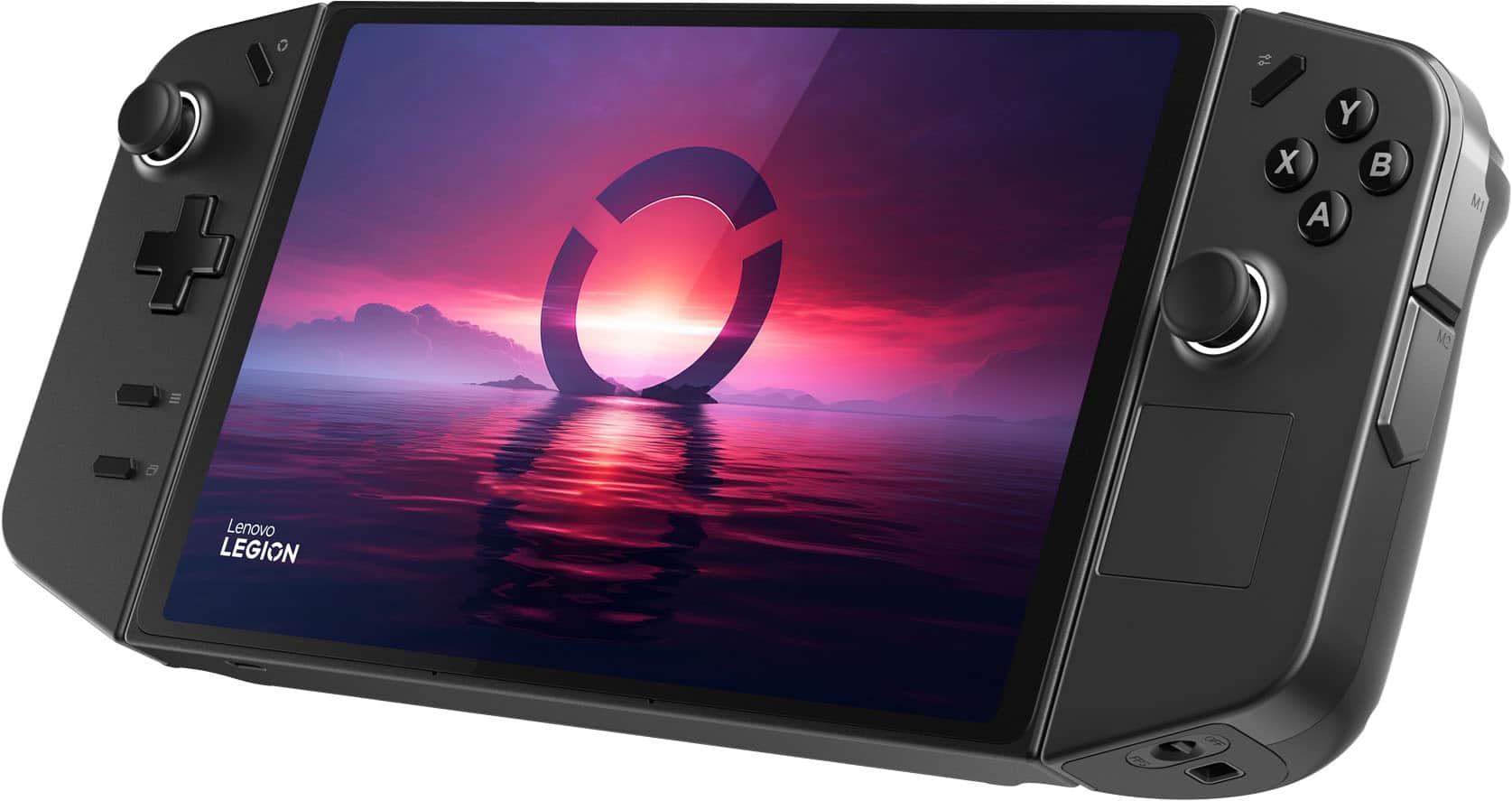
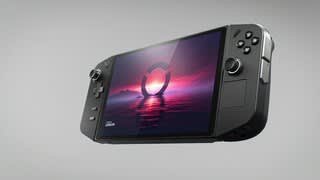
Customers love the Legion Go for its overall performance and beautiful screen quality. Many appreciate its portability and aesthetically pleasing controller design. However, some customers have expressed concerns about the battery life and weight. A few customers mentioned the device can get hot and the fan can be loud, and others feel the size is a little big.
This summary was generated by AI based on customer reviews.
- Cons mentioned:Battery life
⁷loving it.
||Posted . Owned for less than 1 week when reviewed.This reviewer received promo considerations or sweepstakes entry for writing a review.I would like to give my first reactions to this device how it works for me. I have read many reviews before purchasing this. I like this device. there are a few things that I want to say you're different than the other reviewers. not as well not repeat the same things.They are common problems and I know that they are going to fix most of them so I ignore the few issues that bothered me. I thought that they would give us a getting started guide inside the box, which would make a person less nervous about breaking it if they arent good with actual computers as this is a Windows machine. So, I felt that this really isn't a kids toy unless that kid wanted to learn advanced PC troubleshooting. These devices do need a crash start guide not a bunch of youtuber videos. People should know that for now, this device is being debugged and consumer judged by many and I say that it's awesome. It feels great to know that this device is easy to upgrade. We get a little control with these options. I've not seen better cloud gaming experiences than this. The controls bug out s sometimes and I'm not sure why but I've found that it corrects itself after some key presses or by touching the screen. All of my games ran Beautifully at their recommended settings. I am disappointed at the audio quality but I'm sure if the audio was better then it would weigh more. The kickstand is awesome. I believe that overall, i love the design. Functionality and the potential of this device most likely will improve. I expected some flaws. But as I'm learning this device, I feel happy about it. The battery life and the audio are things that can be worked on myself until then. With this gpu, I'm satisfied until I buy the e-gpu. Expect to study this device. There will always be a few tests and tweaking to be done. For awhile, you'll be discovering things. I discovered that I had a dock for a steamdeck that actually works well. I want to skin this as I feel that it will look sexy. Finally, I'm giving this a 5-star only because I like it, it's expensive but I feel that this device is extra impressive that it actually can be a daily driver PC and I will buy the Ally and use it mostly for production. Just an FYI. I never expected any gaming handheld to be capable of multibooting. That's what I mean, we're moving to an age that is ultimately powerful being able to come in with a PC that is small and win games. That's my plan. I've played Overwatch 2 with the thing. The colors were popping and the feel of the controls are good. I say, try this gaming device. Set it up on your desk. The appeal is attractive.
I would recommend this to a friend - Pros mentioned:Overall performance
Really good overall.
||Posted .This reviewer received promo considerations or sweepstakes entry for writing a review.Really good overall especially for a handheld. Probably the best out of em all IMO. 4 stars just due to the fact that the right stick is petty loose and moves very smoothly which isnt bad but when ykur turning in game it makes you turn really fast it just takes some getting used to honestly
I would recommend this to a friend - Pros mentioned:Controller design, Overall performance
Lenovo legion go
||Posted .This reviewer received promo considerations or sweepstakes entry for writing a review.Great product it arrived on time an was in perfect condition pulled it out box quick charge an was ready to set up an game pretty good performance for an older device easy to set up feels good in the hands
I would recommend this to a friendBrand response from Lenovo Product Expert
Posted .Hey TrentonS,
Thanks for choosing Lenovo and for sharing your feedback with us!
We are glad to read that the Legion Go is working out great for you.
Please feel free to reach out to us via the Q& A section of this product page should you have any questions or need assistance.
Best,
Lenovo
- Pros mentioned:Overall performance
Amazing Price for Great Quality!
||Posted .This reviewer received promo considerations or sweepstakes entry for writing a review.Amazing price! when i was questioning whether to buy it best buy pulled through and showed me the best price i could ask for! compared to others, it was at least 200 off. Overall, aside from the price the item itself is something i use daily. It holds an amazing performance which hosts the games i play easily and smoothly. Anyways, thank you lenovo and best buy both!
I would recommend this to a friendBrand response from Lenovo Product Expert
Posted .Hi,
Thanks for choosing Lenovo and for sharing your feedback with us!
We are glad to read that you are satisfied with your purchase overall.
Please don't hesitate to reach out to us via the Q& A section of this product page or contact Lenovo Support should you have any questions or need assistance.
Regards,
Lenovo
- Pros mentioned:Overall performance
legion go
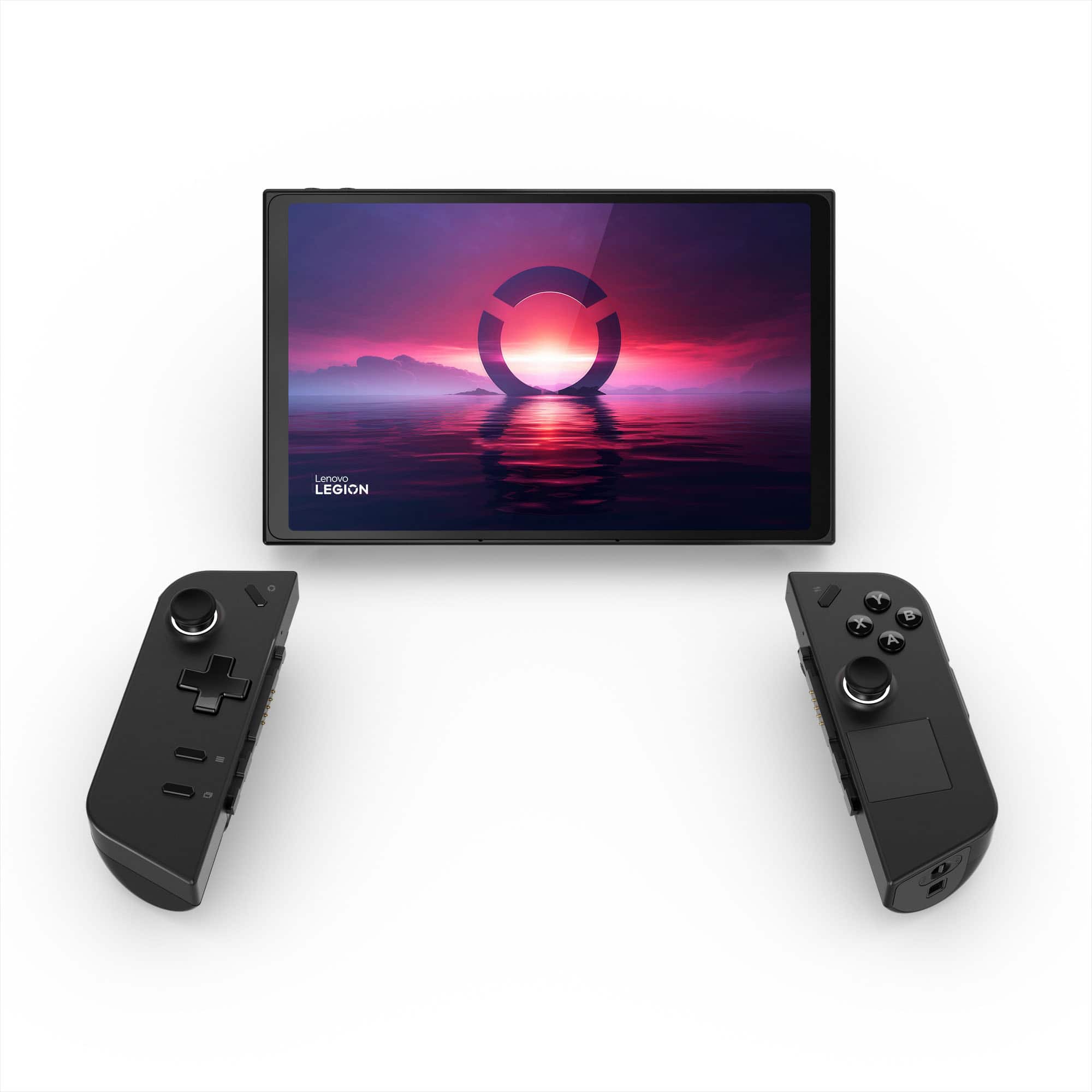
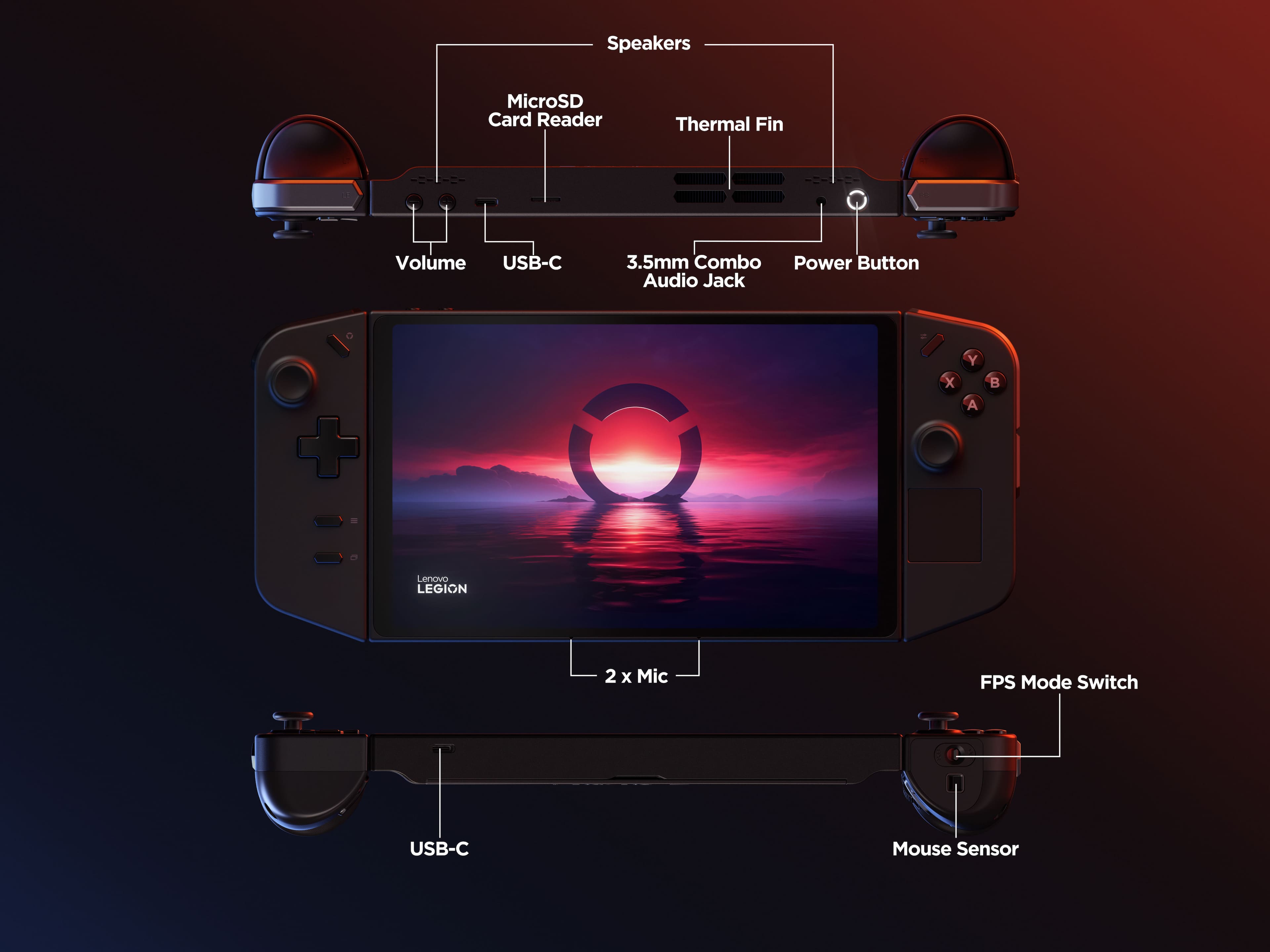
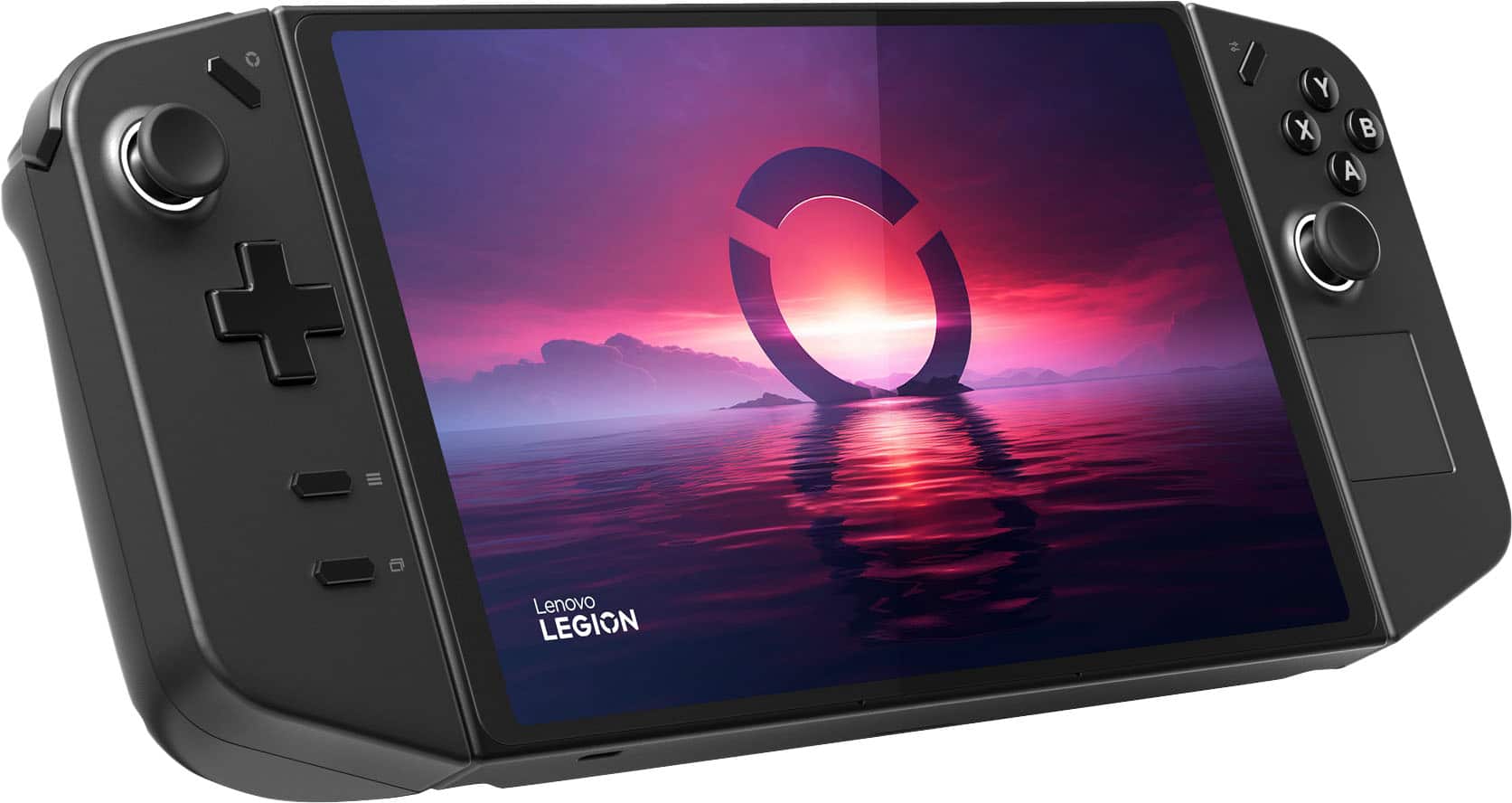
||Posted .This reviewer received promo considerations or sweepstakes entry for writing a review.Lenovo Legion Go Review – The Ultimate Handheld Powerhouse The Lenovo Legion Go isn’t just a handheld console — it’s a statement. This beast packs the AMD Ryzen Z1 Extreme chip, delivering performance that feels almost unreal in such a portable form. Whether I’m running AAA titles like Cyberpunk 2077 or emulating classics, the Legion Go handles it with ease, rarely breaking a sweat. What sets it apart? The stunning 8.8” QHD+ display with a buttery smooth 144Hz refresh rate. It’s literally the best screen on any handheld right now — colors pop, text is crisp, and the high refresh makes every FPS title feel next-level fluid. Combine that with Hall Effect joysticks (no drift, ever), responsive detachable controllers (hello, Switch Pro), and a trackpad that adds PC-style control… and you’ve got a versatile, hybrid gaming weapon.
I would recommend this to a friendBrand response from Lenovo Product Expert
Posted .Hey CommandoF,
Thank you for choosing Lenovo and for sharing your feedback with us!
We are glad to hear that your Legion Go has left such a great impression on you.
Please feel free to reach out to us should you have any questions.
Best,
Lenovo
- Pros mentioned:Overall performance, Portability
Better than Steam Deck?…
||Posted . Owned for less than 1 week when reviewed.This reviewer received promo considerations or sweepstakes entry for writing a review.Originally there was a huge debate for me between getting the “OLED Steam Deck” vs. “Legion Go”. Ultimately I decided on the Legion Go. As the Legion Go is very versatile. Previously had the LCD steam deck since launch. Used the Legion Go for about a week or so and I’m very impressed how it performs. Huge display is amazing. Plays everything in my Steam Library from EldenRing, HellDivers, to even Cyberpunk. Enjoyed every minute playing on the Legion Go. The RGB thumb sticks are a plus.
I would recommend this to a friend - Pros mentioned:Screen qualityCons mentioned:Battery life
Legion Go a Powerful Handheld PC System
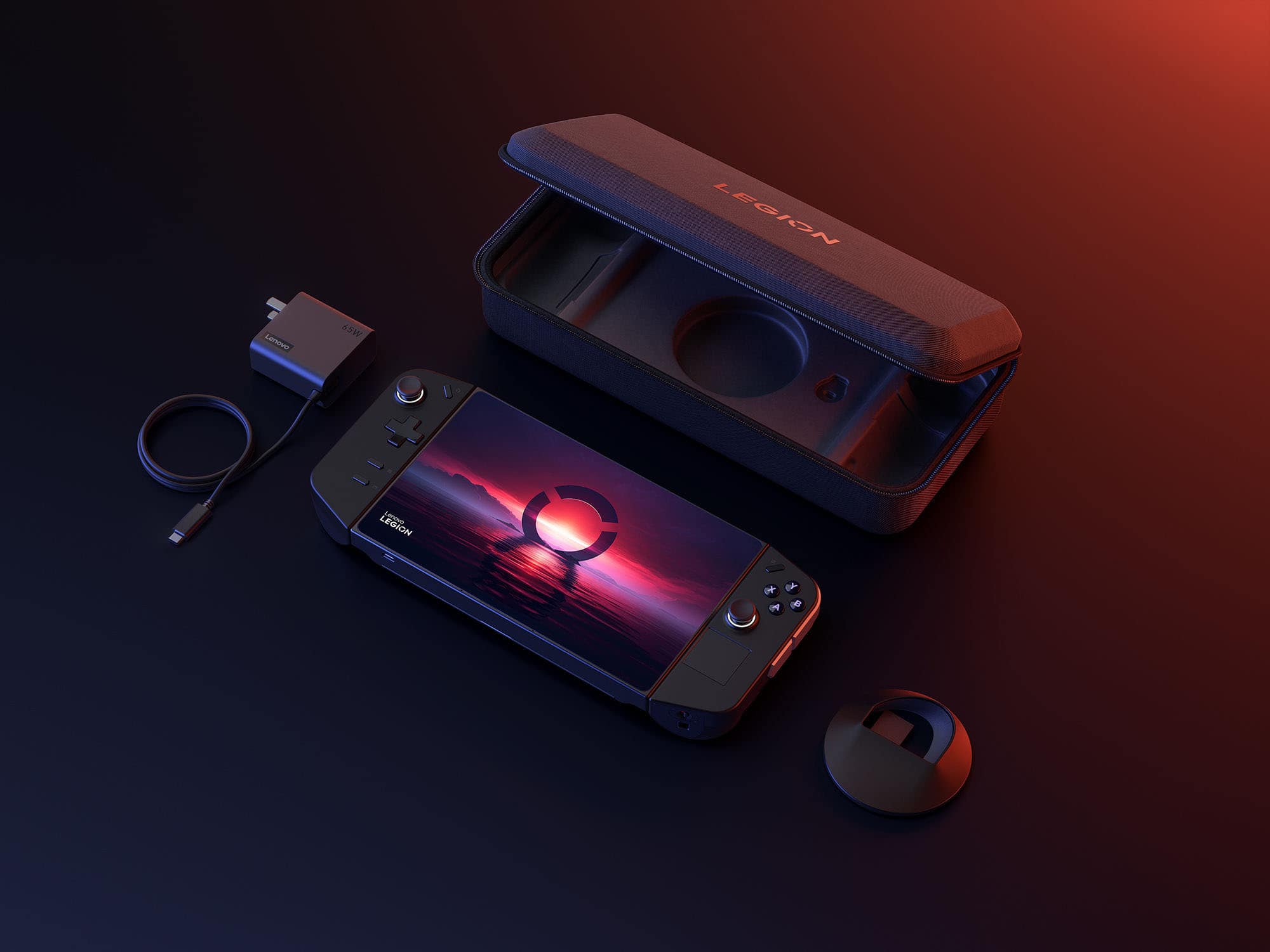
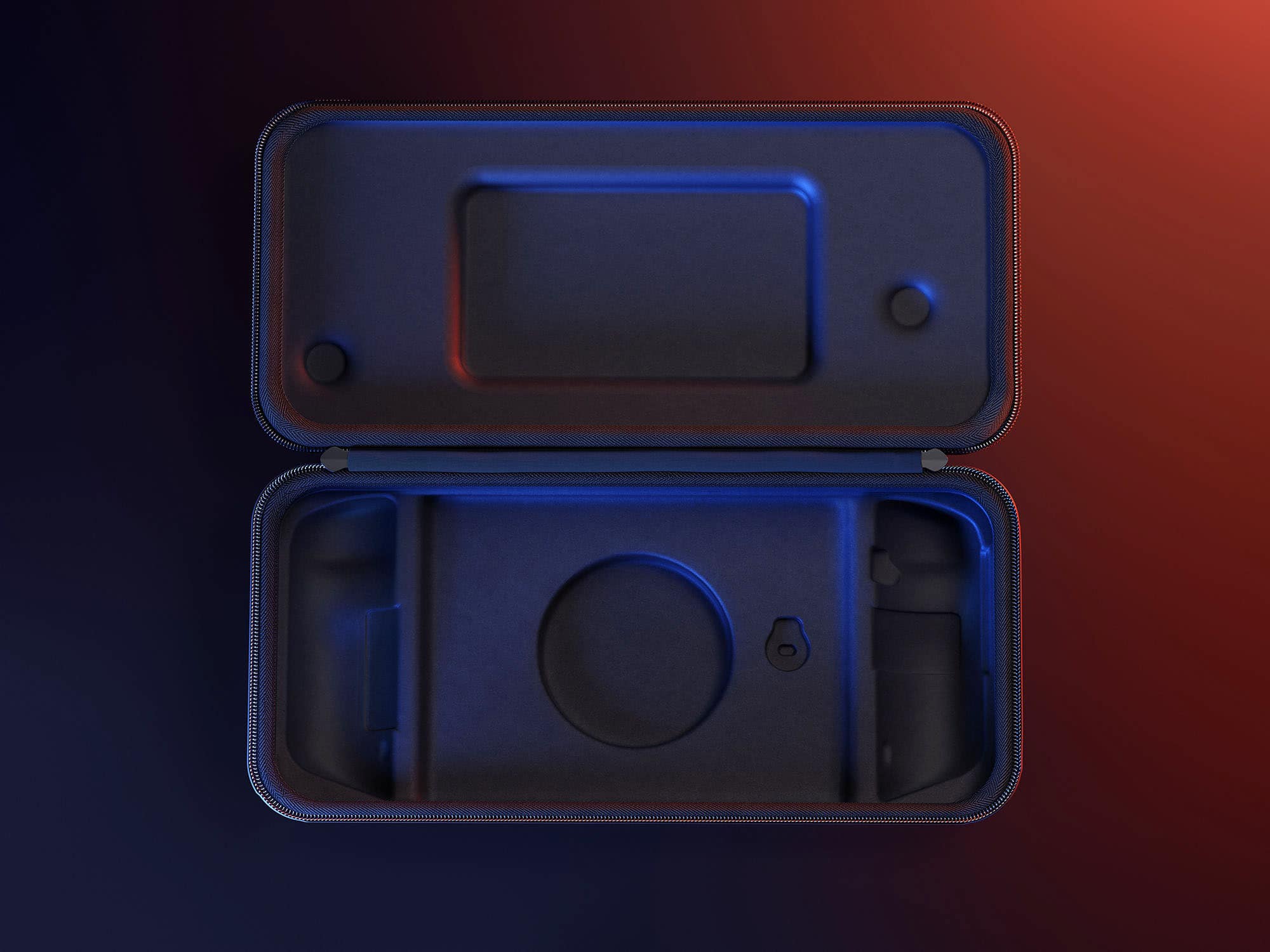
||Posted . Owned for 2 weeks when reviewed.This reviewer received promo considerations or sweepstakes entry for writing a review.This is a great divice, beautiful screen and has an over all good look and feel. I really appreciate that it comes with a very nice case, that's very rare a company incudes anything they can sell to you later so its a nice chage to that. The onlt difficulty i had with it is that I am a console gamer and it has a learning curve if you don't have experience with pc gaming. The battery is strong, but when your running powerful games it only lasts an hour and a half, compared to the switch, wich granted is alot weaker system, it just feels short.
I would recommend this to a friend - Pros mentioned:Overall performanceCons mentioned:Battery life
The best handle gaming device.
||Posted .This reviewer received promo considerations or sweepstakes entry for writing a review.Excellent handle device. Perfect for running emulators, gamepass, and steam at really good performance. Battery could be better, but even with that is still an amazing device.
I would recommend this to a friendBrand response from Lenovo Product Expert
Posted .Hey Muniz9,
Thanks for choosing Lenovo and for sharing your feedback with us!
We are glad to read that the Legion Go is perfect for your use.
Please feel free to reach out to us via the Q& A section of this product page should you have any questions or need assistance.
Best,
Lenovo
- Pros mentioned:Controller design, Overall performance

Excellent handheld gaming device
|Posted . Owned for 2 weeks when reviewed.This reviewer received promo considerations or sweepstakes entry for writing a review.[Employee of bestbuy] Awesome product. Beautiful display, good performance and software compatibility. The economics are comfortable, especially considering the weight. I love the detachable controllers for gaming, but I do wish they stayed on longer when using it to watch shows while docked to the TV. I love that Lenovo made the 1tb model only $50 more than the 512gb model, and I hope other laptop manufacturers follow suit.
I would recommend this to a friend - Pros mentioned:Portability, Screen quality
Replaced My MacBook Pro
||Posted . Owned for 3 weeks when reviewed.This reviewer received promo considerations or sweepstakes entry for writing a review.As a photographer, I needed something that was easy to take on the go, but powerful enough to handle multitasking. I had a 2021 MacBook Pro with an M1 Pro chip, and this thing performed it where it matters most. The screen quality is incredible, And I would say it’s only major flaw. Is it speakers. With a few tweaks in the settings, the speakers become somewhat enjoyable and it is a welcome experience to any sofa or office desktop. 
I would recommend this to a friendBrand response from Lenovo Product Expert
Posted .Hi, KoleWheatBread (great name). Thank you for choosing Lenovo! We are glad to hear that your Legion Go is working out great for you, and we appreciate you taking the time to share your experience with us.
- Pros mentioned:Overall performance, Screen quality
Awesome device!
||Posted . Owned for 2 weeks when reviewed.This reviewer received promo considerations or sweepstakes entry for writing a review.Great product, I enjoyed my time with it. The screen is incredible and the performance is awesome for such a compact form factor. I’ve had a lot of fun with it and am looking forward to using it on my trips
I would recommend this to a friendBrand response from Lenovo Product Expert
Posted .Hey OwenS,
Thanks for choosing Lenovo and for sharing your feedback with us!
We are glad to read that you enjoyed your Legion Go.
Please feel free to reach out to us via the Q& A section of this product page should you have any questions or need assistance.
Best,
Lenovo
- Pros mentioned:Screen qualityCons mentioned:Battery life
The Best handheld
||Posted . Owned for 2 weeks when reviewed.This reviewer received promo considerations or sweepstakes entry for writing a review.The standout feature of this device is its 8.8” screen, which offers vibrant colors and unmatched resolution in the handheld category. While the battery life isn’t great, this issue can be easily mitigated with a battery bank. Additionally, despite 16 GB of RAM seeming modest, it is actually more than sufficient for this handheld.
I would recommend this to a friendBrand response from Lenovo Product Expert
Posted .Hi, ManaP. Thank you for choosing Lenovo! We are glad to know that your Legion Go satisfies your gaming needs, and we appreciate your time taken to share your experience and feedback with us.
- Pros mentioned:Controller design, Screen quality
Legion Go is best
||Posted . Owned for 7 months when reviewed.This reviewer received promo considerations or sweepstakes entry for writing a review.Was there a day too early to get the rog ally x so i took a look at the legion go. Decided to buy this instead and im so glad i did. I love this thing. The screen is bigger and the detachable controllers is what does it for me.
I would recommend this to a friendBrand response from Lenovo Product Expert
Posted .Hey RevYC, thanks for choosing Lenovo! We are glad to hear that you ended up loving your Legion Go, and we appreciate you taking the time to share this experience with us.
- Pros mentioned:Overall performance, Screen quality
NO RAGRETS
||Posted . Owned for 2 weeks when reviewed.This reviewer received promo considerations or sweepstakes entry for writing a review.I was debating on waiting for the Ally X or going with the Go. I am glad I went with the Go, the screen was the deciding factor. I was able to play with the OG Ally in store and the screen made me almost not get a handheld period. Ordered the Go, the bigger screen is great. On the Ally it felt cramped. I'm able to play No Man's Sky, Farming Sim and Dead By Daylight and Civ perfectly.
I would recommend this to a friendBrand response from Lenovo Product Expert
Posted .Hey, JuanG, thank you for choosing Lenovo! We are glad to hear that your Legion Go is working out great for you, and we appreciate you taking the time to share your experience with us.
- Pros mentioned:Screen qualityCons mentioned:Battery life
Giant, dumb, and I love it
||Posted . Owned for 2 weeks when reviewed.This reviewer received promo considerations or sweepstakes entry for writing a review.The battery life is OK, I get about 2-3 hours depending on how hard Im going on it. It smashes through all my AA and indie steam/game pass games with no issues. The audio quality is lacking compared to the Steam Deck and the ROG Ally. But I got it for the giant screen and egpu support. Initial testing shows it's able to recognize and switch to egpus without issues when launching AAA games ( just remember to put it in performance mode )
I would recommend this to a friend - Pros mentioned:Overall performanceCons mentioned:Battery life
awesome!
||Posted . Owned for 2 weeks when reviewed.This reviewer received promo considerations or sweepstakes entry for writing a review.Handheld PC gaming truly is here. Im playing Cyberpunk2077, Diablo4 and Halo Infinite on this. Yes you have to reduce settings to low and but I was getting solid 60 FPS once the correct graphics settings were optimized. I play plugged in 95% of the time and this device is great. For someone with big hands this feels like the first gaming device ever made for me haha. Battery life is not long when playing with maximum performance but for me, thats not an issue.
I would recommend this to a friend - Cons mentioned:Battery life
Almost perfect
||Posted .This reviewer received promo considerations or sweepstakes entry for writing a review.So far loving this product! I can play steam game, Xbox games, and Ubisoft games! Obviously the only down side is the battery. I get about a good two hours without charging but I also don’t fully charge it. I set it to 80-90 charge every charge. I also love this because I can set it down anywhere and play basically. I haven’t really used the controllers (since the detach) but that will probably come later. I would recommend this to anyone who wants to just play pc games but not at your pc. Play anywhere basically.
I would recommend this to a friendBrand response from Lenovo Product Expert
Posted .Hi AmoV,
Thanks for choosing Lenovo and for sharing your feedback with us!
We are pleased to read that you are loving your Legion Go thus far.
Please feel free to reach out to us via the Q& A section of this product page should you have any questions or need assistance.
Best,
Lenovo
LL go review
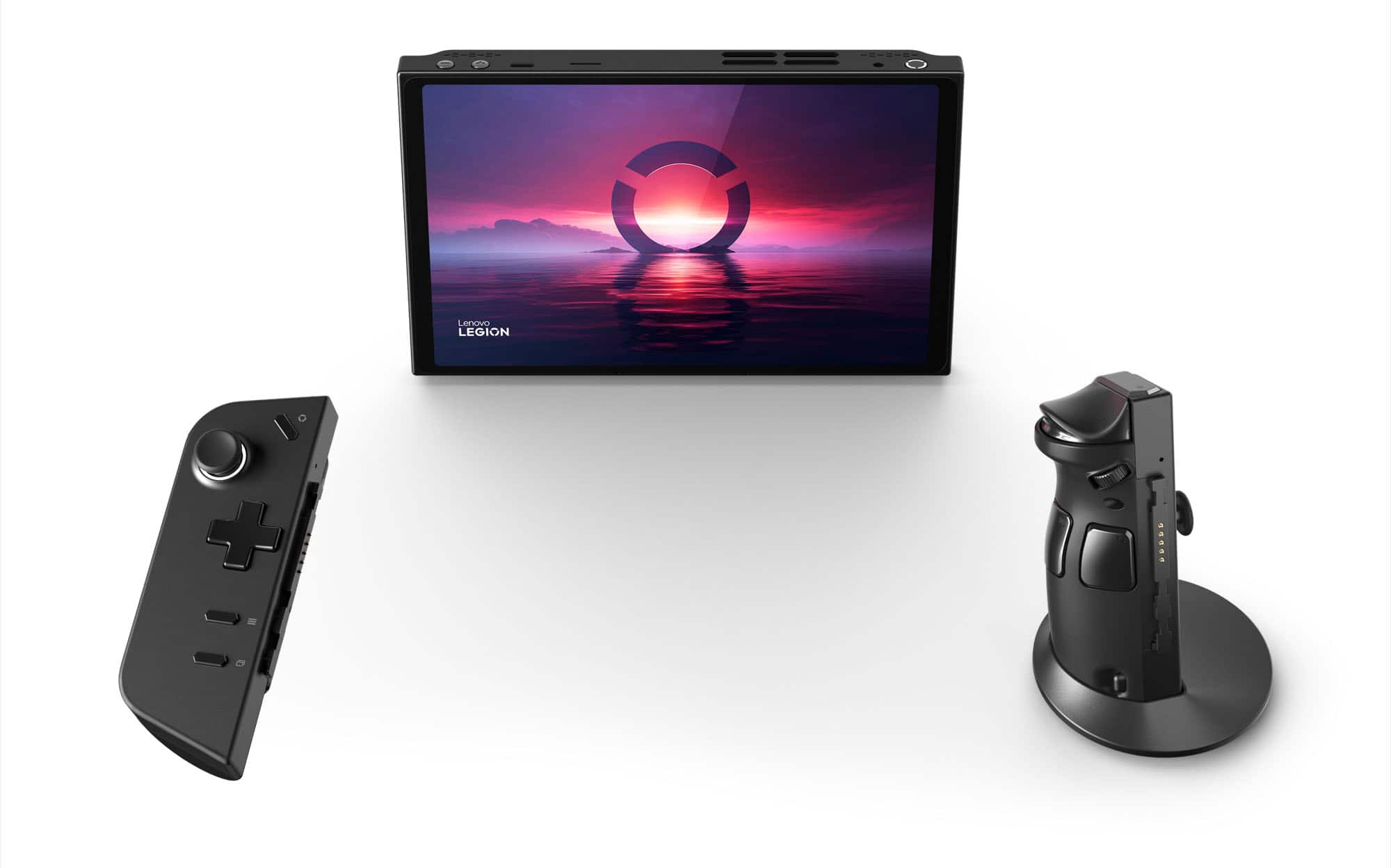
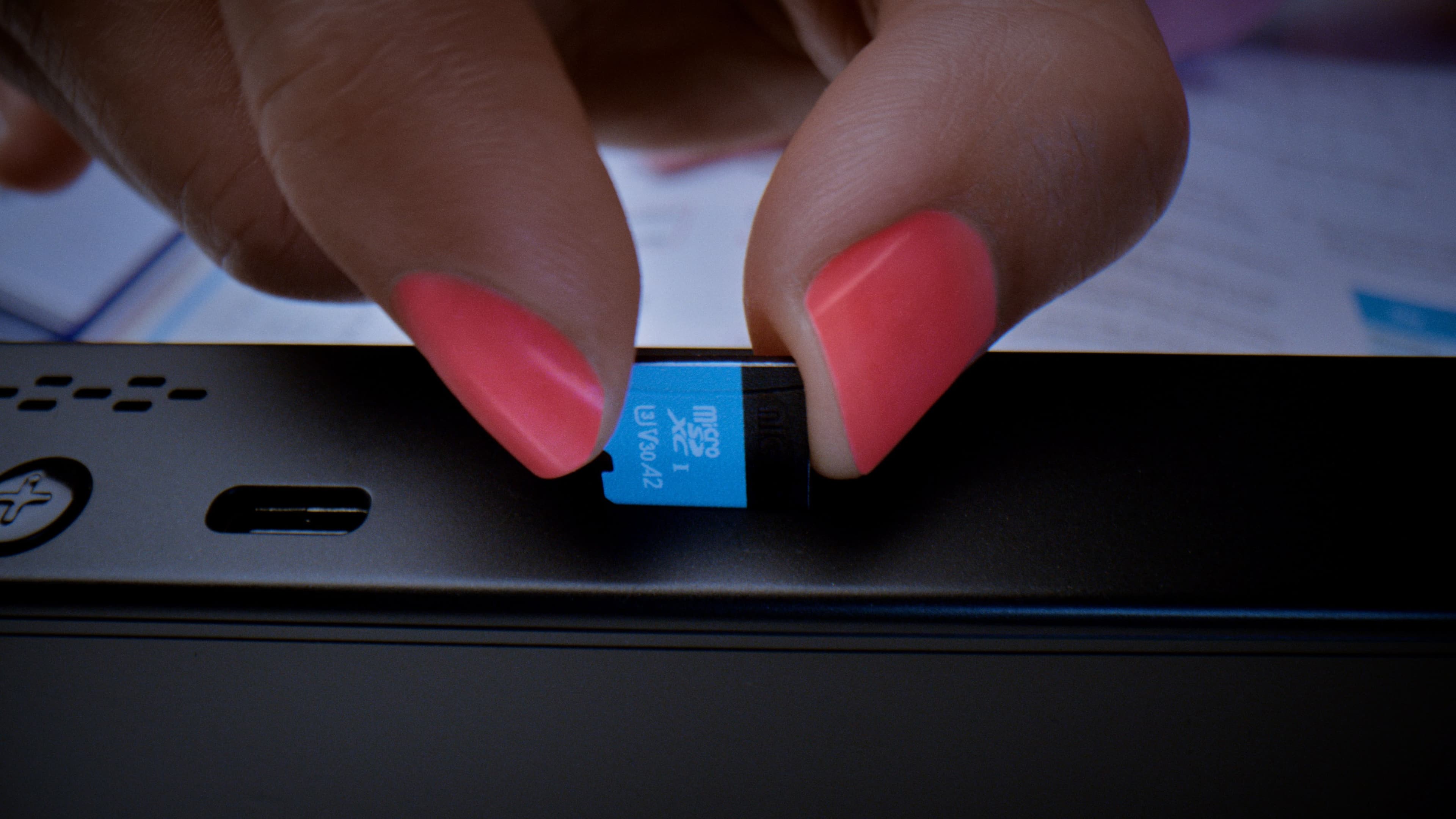
||Posted . Owned for 3 weeks when reviewed.This reviewer received promo considerations or sweepstakes entry for writing a review.After doing a ton of research into the handheld space, I narrowed it down to the Ally and the Go. I almost exclusively play indie 2D platformers (mostly Metroidvanias), so the Proton compatibility stuff turned me off to the steam deck, even though the OLED looks sick. There are definitely tradeoffs to the Go that I'll talk about here, but in the end I am still happy with it for me personally and my use-cases. I also needed something smaller then a laptop that I can throw in my FPV drone backpack with a low profile keyboard so I can edit my flight settings in the field and not have it take too much space. all of the experience of other handhelds are through borrowing friend's. Pros: A)Best screen of the bunch (bigger, 16 by 10, higher res, higher refresh) B)Detachable controllers/FPS mode C)nice case D)Hall effect joysticks E)touchpad F)two USB-C 4.0 ports G)a WORKING sd card slot (WTF Asus) H)1 terabyte SSD I)Awesome kickstand Neutral: J)bigger battery K)weighs more Cons: L)terrible, terrible software M)no VRR support and display in natively portrait N)windows guzzles battery in sleep, always have to shut down O)marginally less performance then ally, more in some games then others P)big deadzones on the sticks Z)Mediocre speakers A) So let's start with the main selling point of this handheld, and the main reason I chose it as well, the screen. I has a GREAT 8.8 inch color accurate display that is 16 by 10. As I said, I usually play 2d platformers, and the bigger display makes all the difference. I was struggling to play one of my favorite games (rain world) on the ally because I could barely see what was going on at all times and had to squint to make out details on it, and it had a noticeable impact on my performance. Now with the Go, I can even play with the detached controllers with the screen on a coffee table and me on a couch pretty comfortably. Now, you may ask, the OLED steam deck is probably 50x better, but IMO what's the point of HDR and deep blacks when the screen is so small anyway and you can barely make it out(personal preference, everybody's different). **B)**The next big thing is the detachable controllers. I'm sure many of you think it's a gimmick, but I have actually found myself using the controllers detached 50% of the time. The controllers feel so ergonomic and also very light in the hands, and being able to have a basically standalone controller baked in to the handheld is a huge benefit. If I could go back, this would be one of the defining features for me to consider, it's really that awesome. Along with that comes FPS mode. now, I won't sugarcoat it. Your gamerbrain that has been glued to a mouse and keyboard are gonna h wddave some trouble with getting used to the buttons and what they do, but people who use an ergo mouse probably will have a much easier time of it. it has it's obvious benefits in games, but I don't see many people talking about the desktop experience with it. Being able to navigate through the desktop with a baked in full-blown mouse is a way better experience then the ally, which doesn't even have a touchpad. It's a fun time, and for me barely crosses the line into not being a gimmick. C) The case is nice and protective, with a port to charge the Go through. Though, the case doesn't have a space for the charger, which is a huge oversight and annoying at some times. D) I only put the Hall effect sticks in the positive for when lenovo might add functionality to the software to allow users to adjust the deadzones, because one of the main selling points of Hall-effect is taken away right now. E) Anybody that has a steam deck probably agrees, but having a small touchpad is a game changer for navigating the desktop and for simple web browsing. The touchpad is a huge win over the ally. **F)**speaking of huge wins over the ally, the two USB-c ports. It is easier for charging, and being able to connect more things is always awesome. If you're planning on using the Go docked I would definitely consider this a major feature. G) I haven't had any problems with the sd card slot, and it is situated on basically the opposite side of where the cooling happens, so I don't think there will be any problems in the future, unlike SOME OTHER handheld. H) The 1 tb ssd that comes in the highest spec one vs. 500gb for only $50 more is almost downright reasonable! I've gotten used to the apple type pricing so this is a breath of fresh air. I) There's a reason everybody in the reviews is singing the kickstand's praises, it is really, I mean REALLY, good. I have even found myself fidgeting with it while doing other stuff. It has a satisfying amount of resistance and the snapping closed is so smooth and perfect. J) The reason I put the bigger battery in the neutral section is because between the bigger screen and unoptimized software, the battery life is pretty similar in most cases to the ally. I hope that is future software updates they can utilize it more, but as it stands, it is just okay right now. K) While it does weigh more, I don't feel as much difference as I thought I would between the ally and this. I think that Lenovo did a good job of balancing the weight and makes it conformable to hold anyway. Also, you can just detach the controllers and then it weighs basically nothing. Now, for the reason I think many WON'T buy this handheld. I'll give it to you straight. L) Legion space is abhorrent, absolutely terrible. I would even call it unusable, and that's exactly what I do. I use the Go as a windows machine. I launch steam from the taskbar and use either the touchscreen or the trackpad to do anything I could conceivably do with built-in software. Now, that's not to say you can dodge all the early-adopter software woes. the settings menu is, while not unusable, definitely more limited then other settings menus. For example, no way to change deadzones and no way to change VRAM allocation without using the bios. M) The VRR not being included leads to games feeling marginally more choppy during frame drops, though the 144hz refresh rate helps with this a lot. N) This is a problem for both windows handhelds, and for any portable PC in general, but Windows hates your battery. It's just a way of life. This isn't Lenovo's fault as much Microsoft refusing to fix modern standby, but it is annoying when you forget to put the go on a charger when you go to bed, then wake up the next morning to it having been murdered by windows. I really hope that Microsoft can fix this with the rumored handheld Windows OS. O) While the Go does have a little less performance then the Ally as of right now, I think that this is a software problem that will be fixed in the coming months. The Ally had similar improvements to it with software updates. **P)**The deadzones on the sticks is very annoying. This is another thing that can also be fixed in software, so I hope that they will do so. As of right now, you basically have to have the stick deflected 90% of the way before it will do anything, which adds a lot of latency and makes the controls feel more clunky. Z) The speakers don't have a good soundstage at all and aren't that loud. I've found myself using this while restoring a van in the garage in between doing things (like waiting for a powder coat to cook) and I thought that the speakers were muted at first. I just use Bluetooth earbuds because I don't care too much about the latency, but if you care about the speaker quality, the ally has a clear win here. Overall, I think that this is a great contender in the handheld space mainly because of the screen and detachable controllers.
I would recommend this to a friend- Pros mentioned:Controller design, Portability
Great buy.
||Posted . Owned for 7 months when reviewed.This reviewer received promo considerations or sweepstakes entry for writing a review.I wanted something portable, this definitely is. I've got monkey paws for hands, this was the most comfortable out of the handheld PCs.
I would recommend this to a friendBrand response from Lenovo Product Expert
Posted .Hi Cricket,
Thanks for choosing Lenovo and for sharing your feedback with us!
We are pleased to read that the Legion Go offers all you wanted in a portable gaming system.
Please feel free to reach out to us via the Q& A section of this product page should you have any questions or need assistance.
Best,
Lenovo
- Pros mentioned:Portability
Great device but approach with caution
||Posted . Owned for 2 weeks when reviewed.This reviewer received promo considerations or sweepstakes entry for writing a review.Excellent build and is surprisingly portable. However, the trackpad is positioned in a way that your palm hits it when trying to manipulate the joystick on the right or push any of the right-side buttons. This triggers whatever in-game assigned function that is associated with tapping the trackpad, which on most FPS is firing the equipped weap. You also trigger the rear buttons constantly, but to be fair they do nothing until you remove the handles or convert the right side to the "mouse" function. Also, a lot of non-steam games do not function well on it (Although this is a problem with every non-steamdeck hardware). Get the steamdeck if you have most of your games on Steam and you want the best, easiest gaming experience. Get this if you are willing to go through a steep learning curve, don't mind tinkering with the settings, and want to try and salvage games from other software platforms (be warned though, the controls simply do not work properly with games that are not on steam, regardless of how much you tinker with it). I bought this because I have a separate keyboard and mouse I travel with that does allow proper controls with non-Steam games and that was good enough. Again, the built-in controls do not function well on its own with most non-steam games. Please go get the Steamdeck if you're going to ONLY use the device's controls and just buy the same games on Steam platform. Lastly, don't buy this over other non-steamdeck devices just because you think the trackpad might help you with FPS, it doesn't and neither does the "mouse" function (at least in my opinion).
I would recommend this to a friend