Customer Ratings & Reviews

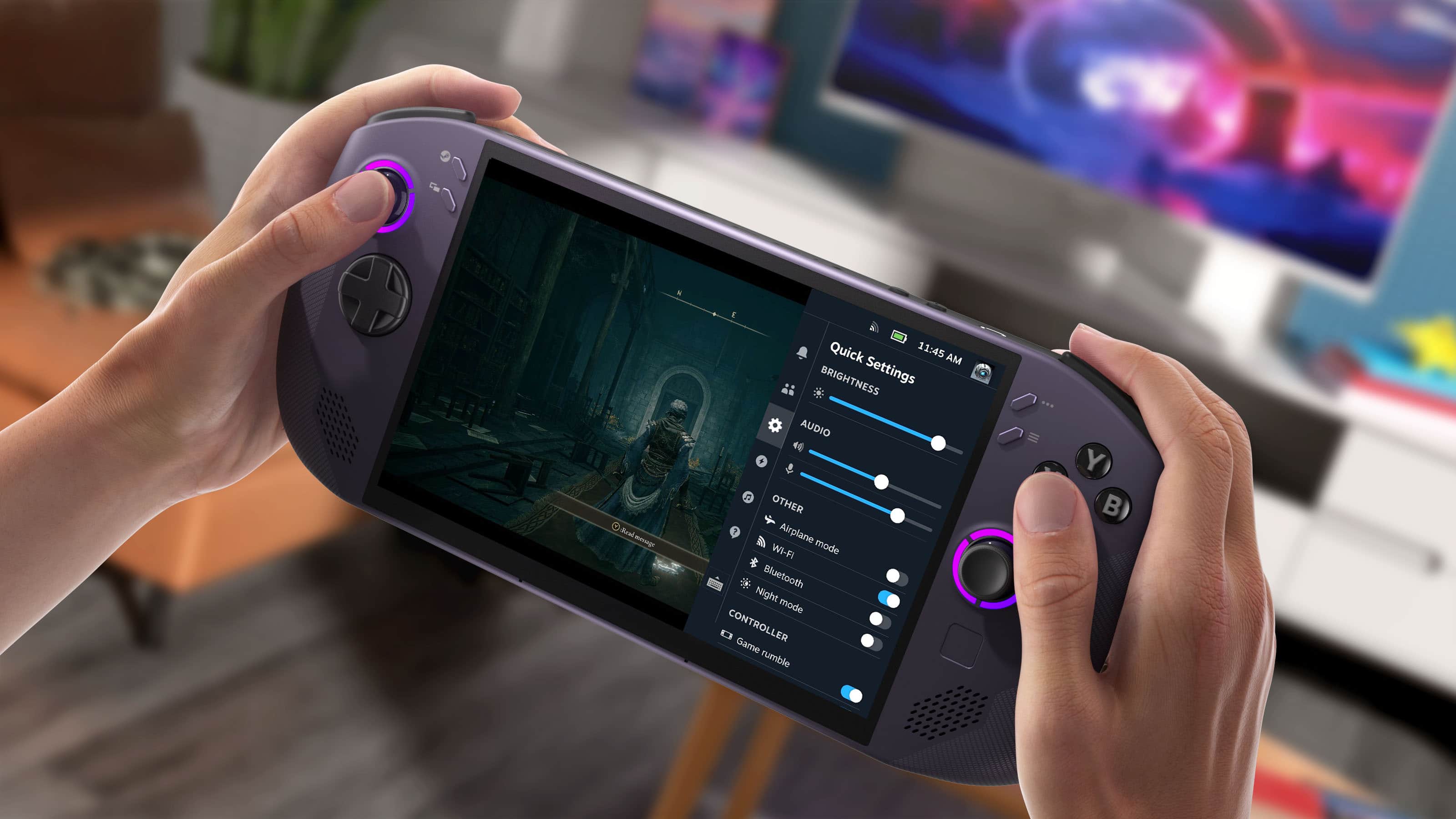
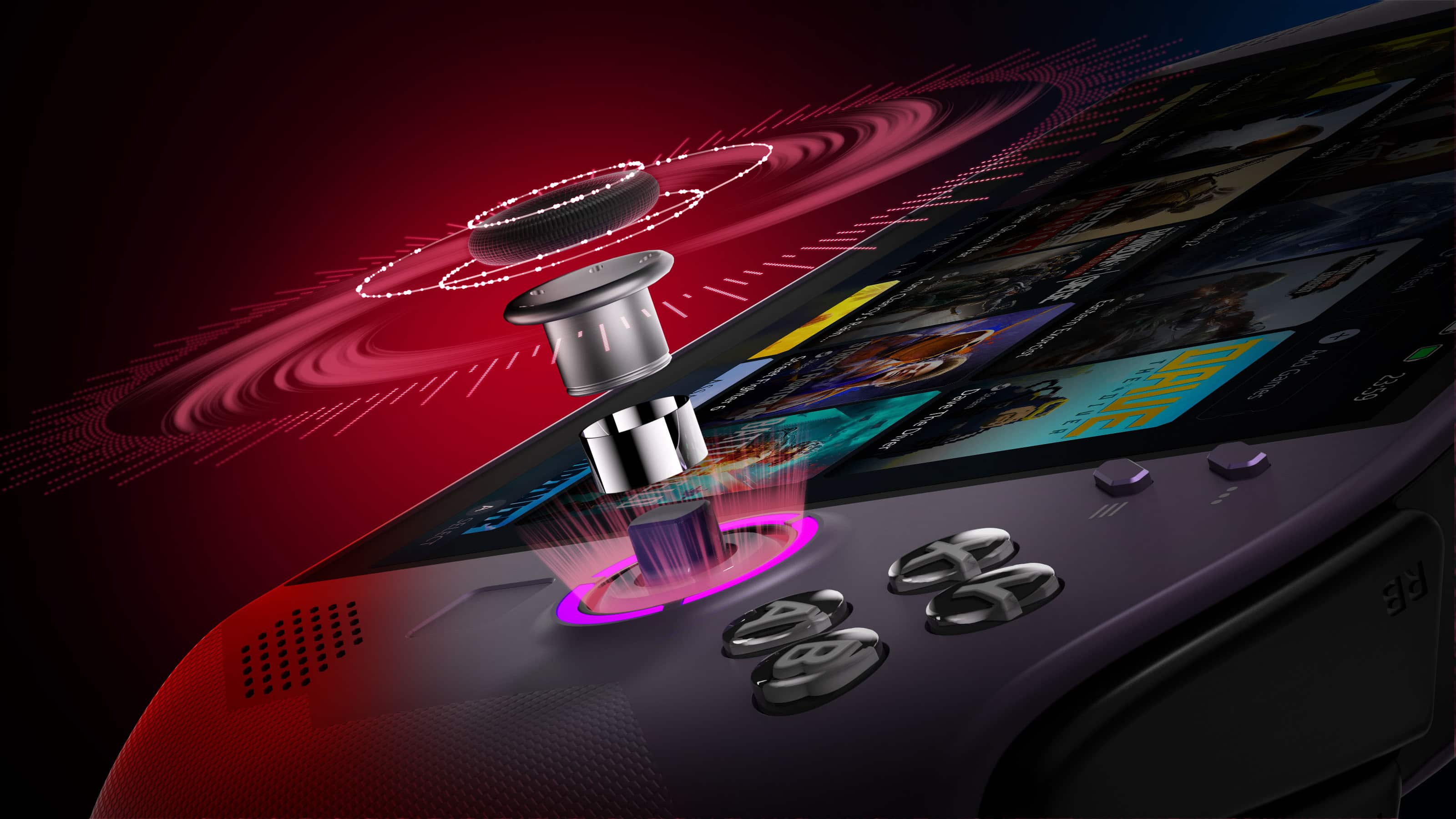
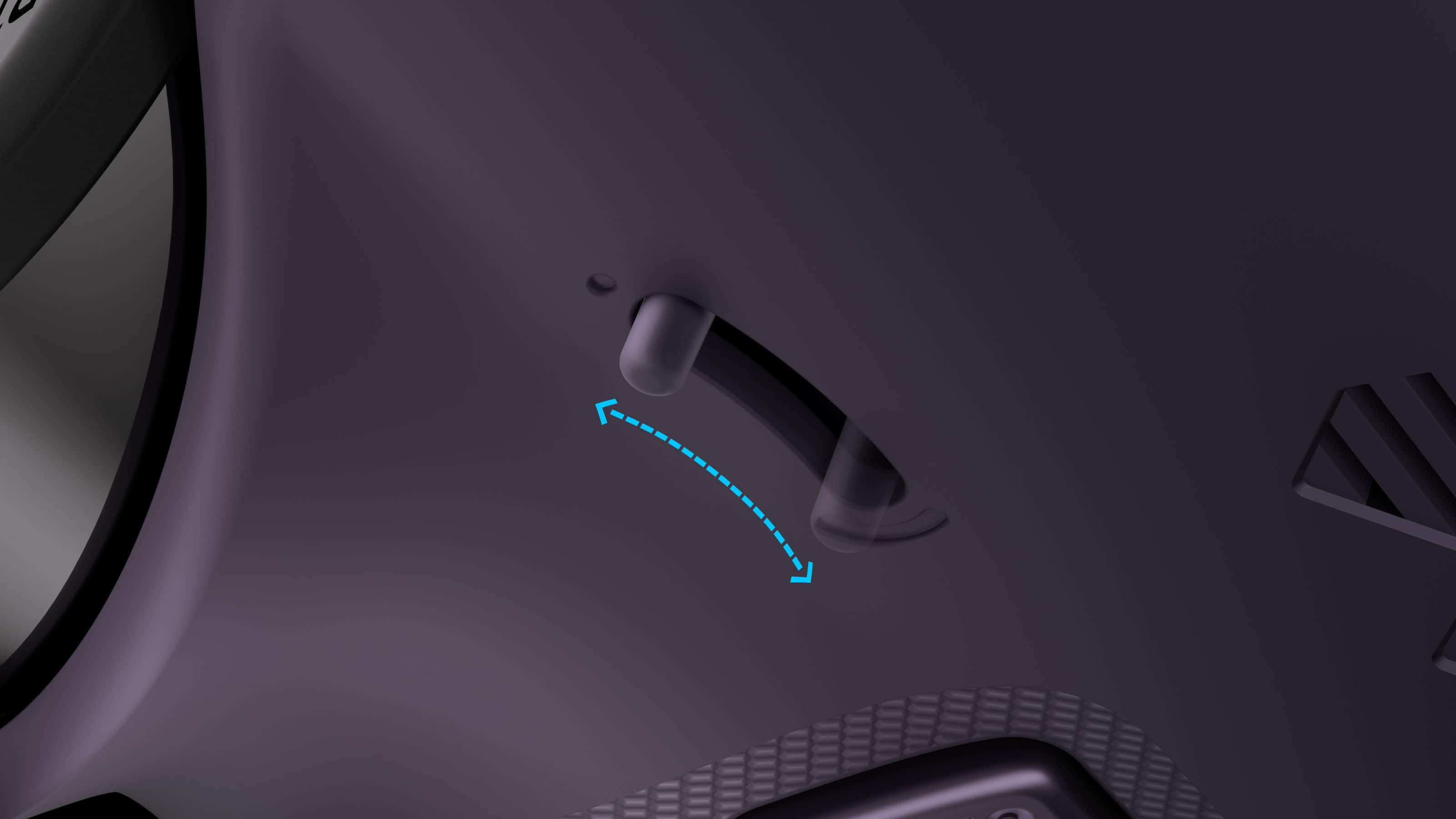
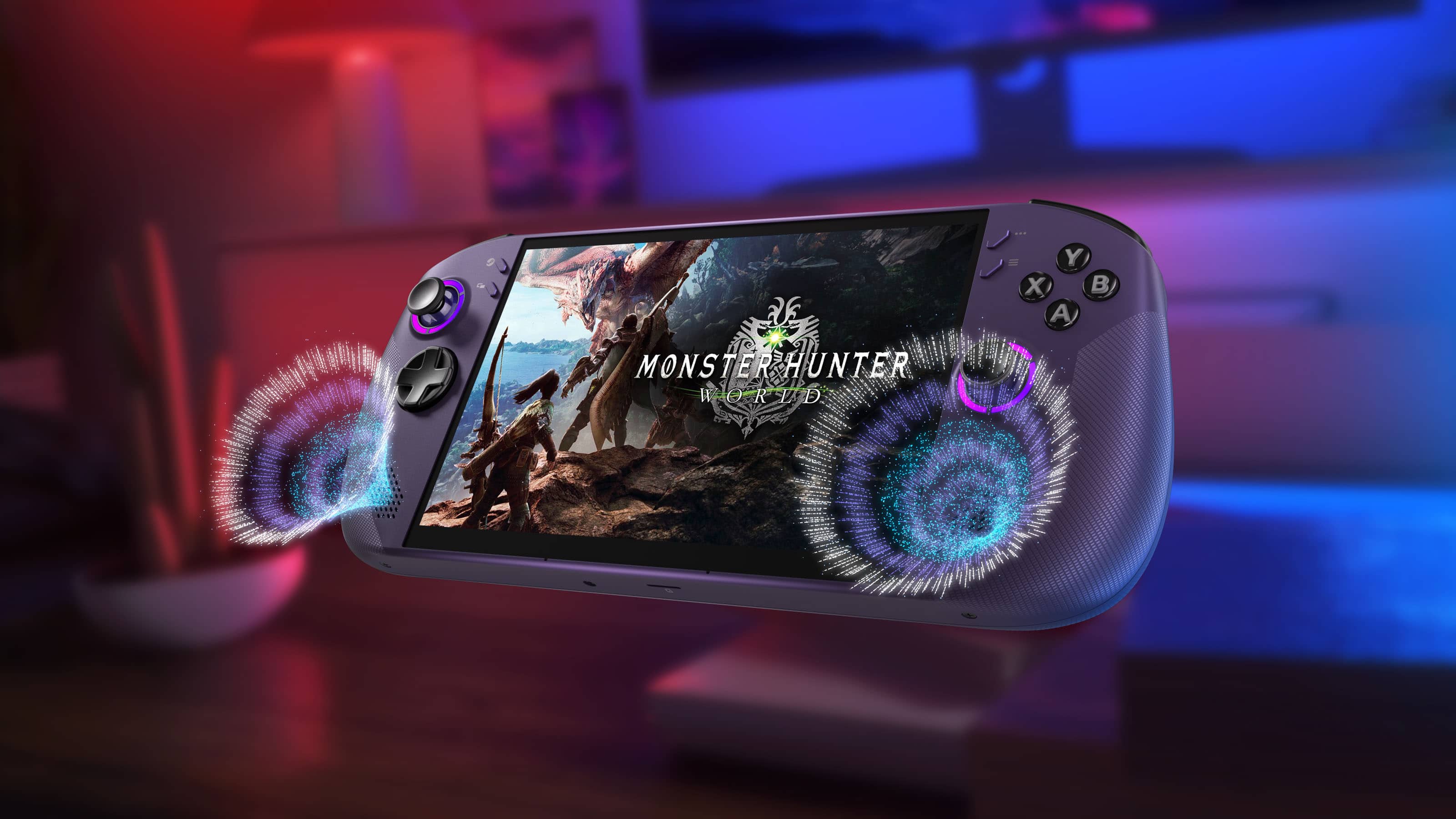

- Model:
- 83N6000GUS
- SKU:
- 6619188
Rating by feature
- Performance
Rating 4.8 out of 5 stars
- Storage Capacity
Rating 4.8 out of 5 stars
- Controller
Rating 4.7 out of 5 stars
Customers are saying
Customers often highlight the device's impressive overall performance, comfortable ergonomics, and smooth operating system as standout features. While users appreciate the high-end specifications like the RAM and processor speed, some have expressed concerns regarding the battery life and fan noise. Additionally, there are mixed feelings about the physical design, with some users finding the touchpad and overall size less than ideal for their needs.
This summary was generated by AI based on customer reviews.
- Pros mentioned:Ergonomics, Overall performance, Screen quality
Perfect for my Wife
||Posted .This reviewer received promo considerations or sweepstakes entry for writing a review.I picked up the Legion Go S specifically so my wife could play Hogwarts Legacy on the go, and it has absolutely delivered. Performance has been excellent. Hogwarts Legacy runs smoothly and looks great for a handheld, with stable frame rates and quick load times. It’s powerful enough that she isn’t feeling like she’s playing a watered down version of the game, which was the biggest concern going in. The display really elevates the experience. The screen is bright, sharp, and vibrant, which matters a lot in a game like Hogwarts Legacy where the environments, lighting, and spell effects are a huge part of the immersion. Everything from the castle interiors to outdoor areas looks fantastic. Comfort and ergonomics are another big plus. It’s comfortable to hold for longer sessions, the controls feel natural, and it doesn’t feel awkward or heavy in use. That made a big difference since this wasn’t for a hardcore PC gamer, but someone who just wants to pick it up and play. Battery life is solid for real world use. Obviously Hogwarts Legacy is a demanding game, but she can get a good session in without immediately reaching for a charger, which is exactly what we wanted for travel or downtime away from home. Setup and day to day use have been straightforward. Windows on a handheld still isn’t quite console simple, but Lenovo’s software makes it manageable, and once it’s set up it’s easy to jump in and play. Bottom line: if you’re looking for a handheld PC that can handle demanding games like Hogwarts Legacy and still be comfortable and approachable for everyday use, the Legion Go S is an excellent choice. It’s been a perfect “play anywhere” solution for her, and I’d buy it again without hesitation.
I would recommend this to a friendBrand response from Lenovo Product Expert
Posted .Hi MAsonH-
Thank you for choosing Lenovo and sharing your experience with us. We are delighted to hear that your wife is enjoying the performance, battery life, ergonomics, and display quality of the Legion Go S. We aim to offer great user experience and are overjoyed to see that we met our goal.
Please reach out to us through the Q & A section of this product page if you have any questions or need any assistance.
Best wishes,
Lenovo
- Pros mentioned:Overall performance, Screen qualityCons mentioned:Battery life
Awesome Handheld
||Posted . Owned for 1 month when reviewed.This reviewer received promo considerations or sweepstakes entry for writing a review.I’ve been using the Legion Go S for a while now, and honestly, it’s been a really solid handheld overall. Performance & Flexibility What stands out most is how it’s basically a full PC in your hands. I’ve been able to run my Steam library, mess around with other launchers, and even do some light tinkering without feeling locked down. It’s not just a gaming device—it feels like a portable setup. Display & Feel The screen looks great—sharp, bright, and big enough to really enjoy games without feeling cramped. The controls feel good too, and after a little adjustment, everything becomes second nature. Battery Life Battery is… what you’d expect. Lighter games are fine, but heavier titles will drain it faster. Not a dealbreaker, just something to be aware of. Software Side There’s a bit of a learning curve if you’re not used to Linux/SteamOS-style systems (depending on your setup), especially when installing non-Steam apps like Electronic Arts or Ubisoft launchers—but once you get it working, it’s worth it. Overall If you want a handheld that gives you freedom and power instead of being locked into a single ecosystem, the Legion Go S is a great choice. It’s not perfect, but it’s very capable.
I would recommend this to a friendBrand response from Lenovo Product Expert
Posted .Hi Drew-
Thank you for choosing the Lenovo Legion Go S and for sharing your experience with us. We are happy to hear that you are enjoying the performance and flexibility of the Lenovo Legion Go S.
Please reach out to us through the Q&A section of this product webpage if you have any questions or need assistance.
Best wishes,
Lenovo
- Pros mentioned:Ergonomics, Ram, Screen qualityCons mentioned:Battery life
Game Changer
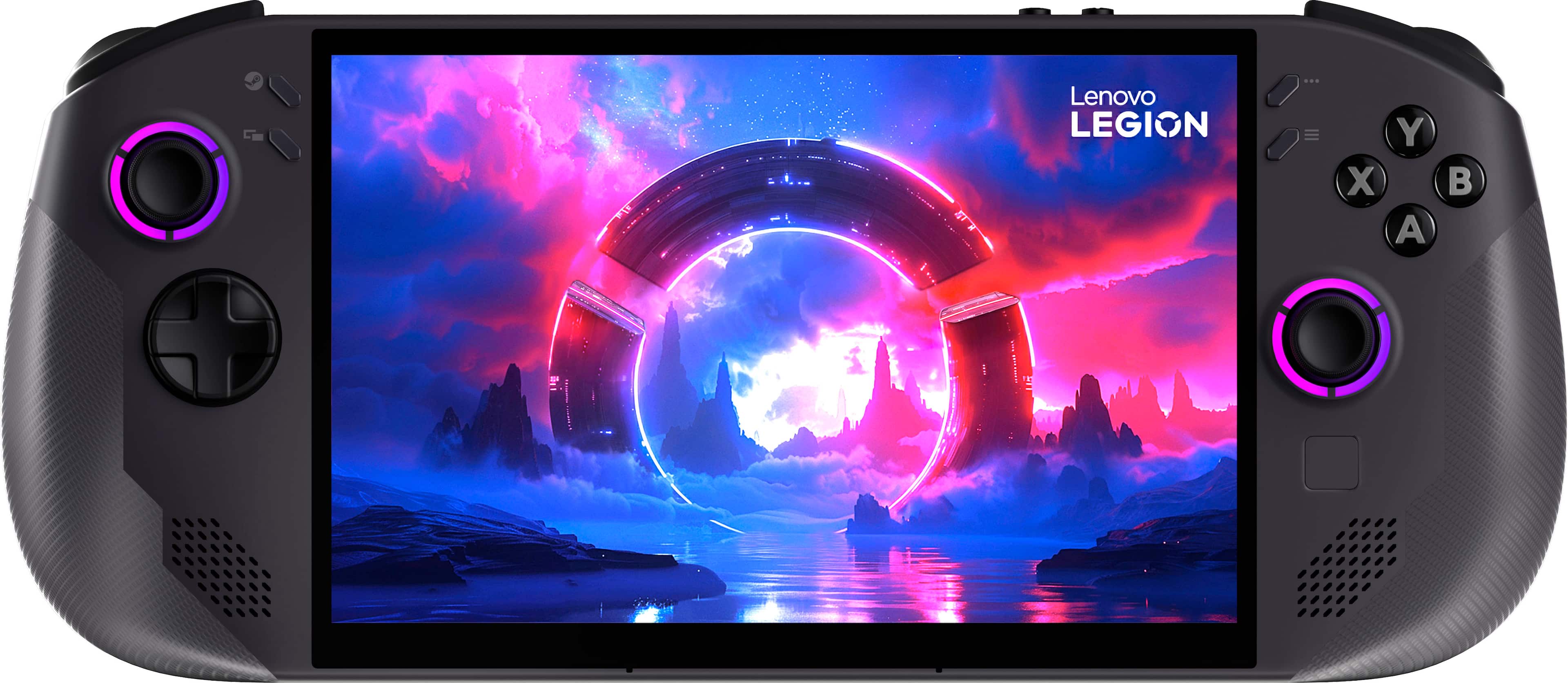
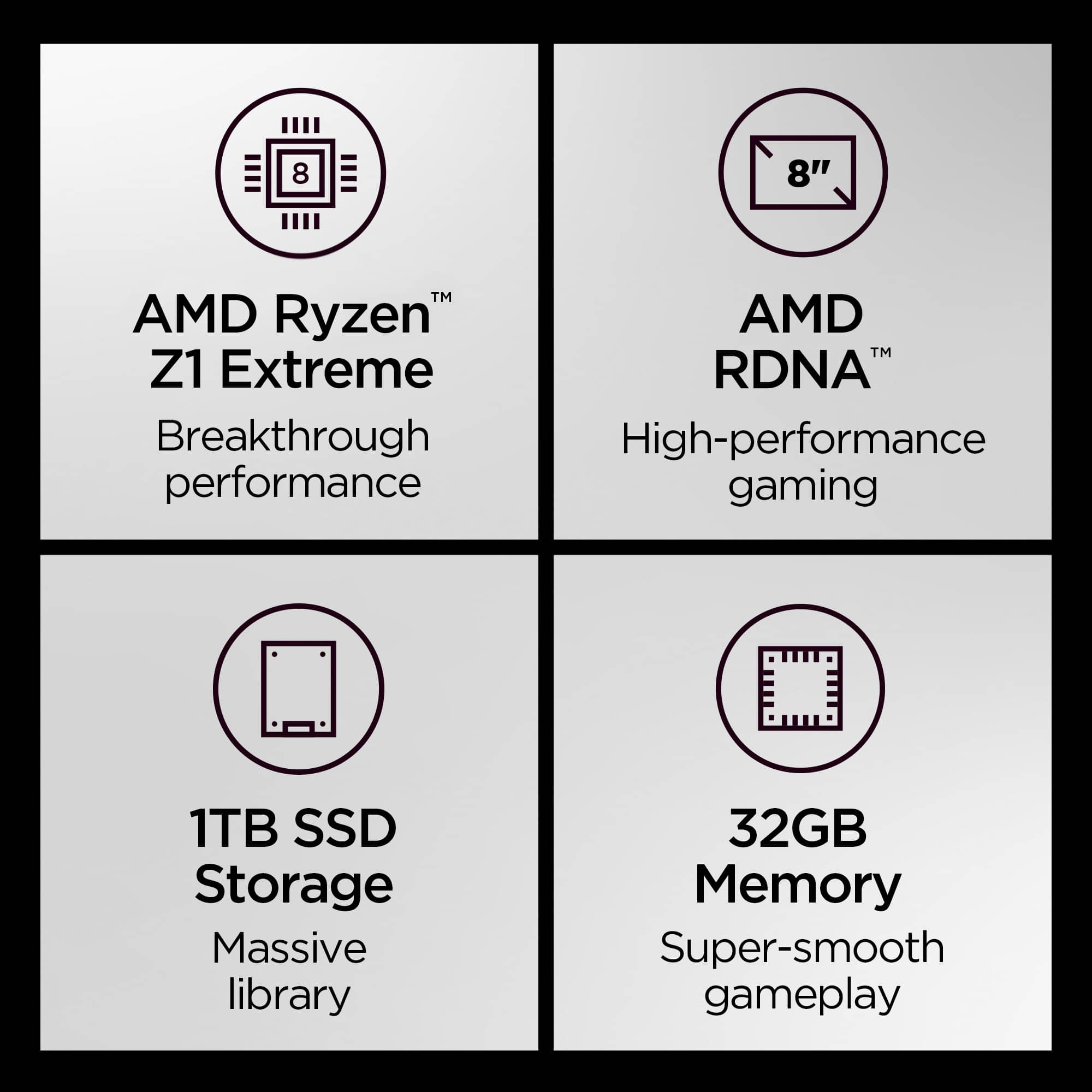
||Posted .This reviewer received promo considerations or sweepstakes entry for writing a review.Coming from the OG legion go. This legion go S Z1extreme with 32 gb ram and 1tb SSD is literally a game changer. Night and day difference. Love the ergonomics. Not much tweaking out of the box. Beautiful 8 inch screen. VRR makes this device so good. Battery is okay about 1hr 30 minutes on most AAA games. I stay by my 100w charger so it chargers quick while playing. If you are thinking about getting this device, i do recommend this handheld.
I would recommend this to a friendBrand response from Lenovo Product Expert
Posted .Hi,
Thanks for choosing Lenovo and for sharing your feedback with us!
We are glad to read that you are satisfied with your purchase.
Please don't hesitate to reach out to us via the Q& A section of this product page or contact Lenovo Support should you have any questions or need assistance.
Regards,
Lenovo
- Pros mentioned:Ergonomics, Overall performance, Screen quality
Even though I returned it, Here’s why it’s great
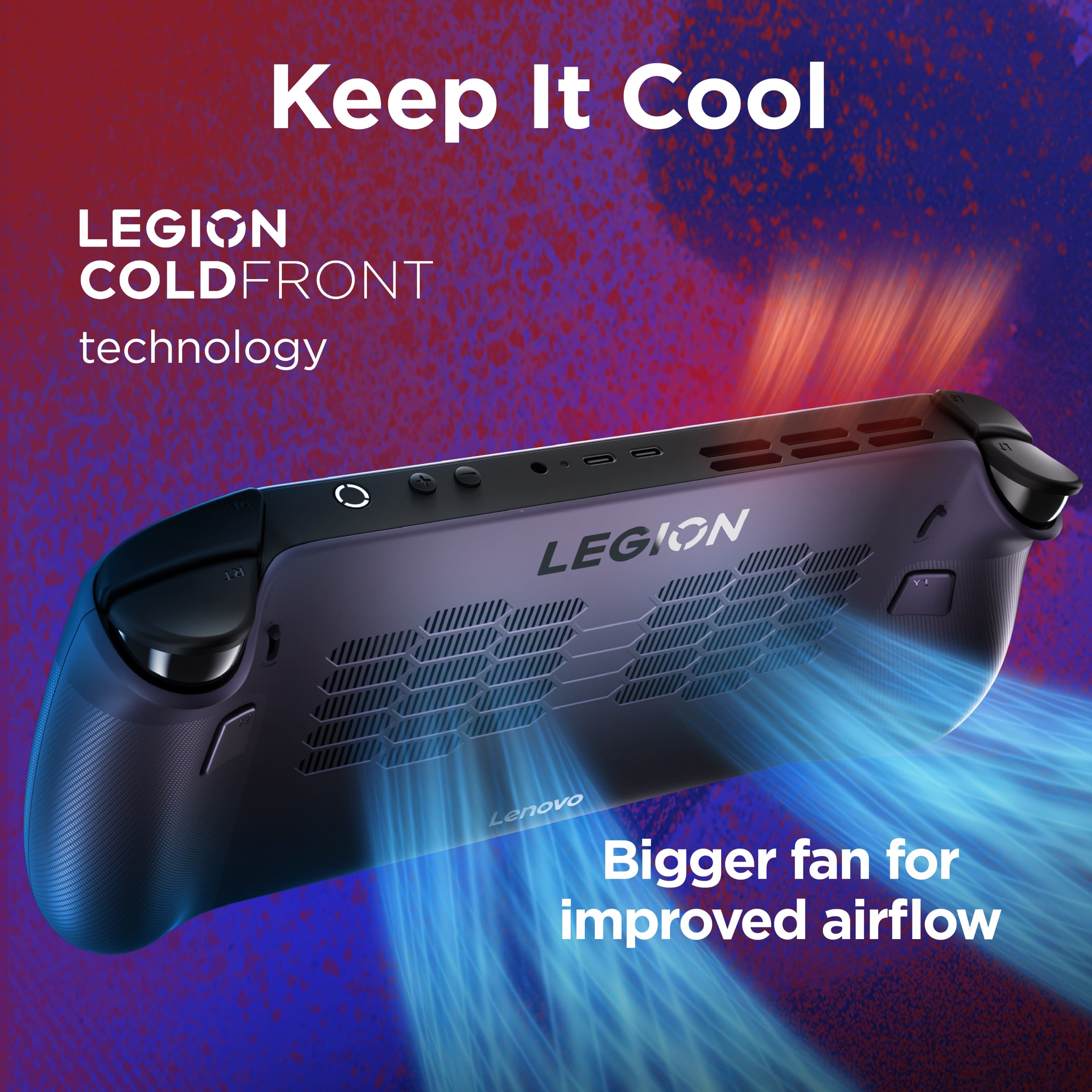
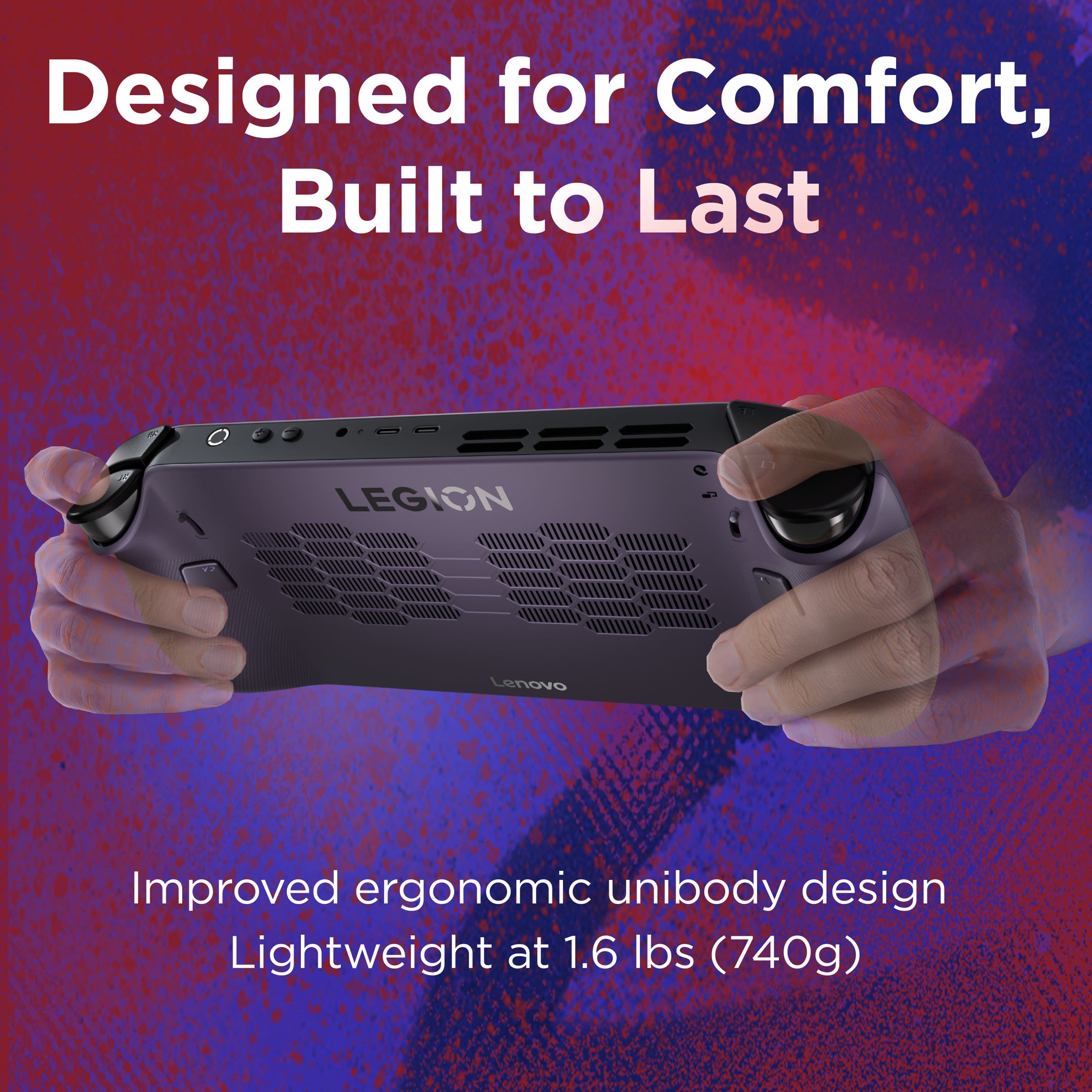
||Posted . Owned for 3 weeks when reviewed.This reviewer received promo considerations or sweepstakes entry for writing a review.It’s a great device really. Its ergonomics were great and the size felt just right for the performance it was giving out. There was a bit of problems thought most of them were personal bias against Linux, and some of them were just because of how limited steamOS is. (First review on a product ever so please tell me if I can improve on my reviews) Pros: Size - 8in is probably the perfect size for a handheld. It’s not too big or too small, depending on your hands or needs, the screen will be great for anyone. Performance - since it’s using steamOS, its performance and use of the Z1E chip is great, running most triple AAA games at 60fps on average setting or sometimes high setting and some games like Helldivers 2 on the highest difficulty with multiple teammates at 60 gps on lower settings using lossless scaling still looks and feels great. And smaller games obviously run 100+ fps Ergonomics - it is not too bulky and for my hands which are a little fatter than most people, fits really well in my hands, where my fingers on the back rest on the extra buttons. So really comfortable Architecture/Airflow - the way the Go S uses the airflow is really well, my hands rest well without being in the way of the intakes on the back. And the fans work great, it’s not loud at all but you can tell they are working well with how much air they are pumping out making sure the device stays cool. the hot air releases from the top near the triggers, but far away enough where you won’t feel them. Setup - It was great, since it’s Steam all I had to do was login, download a game from my current library, and play. It’s plug in play really so if you don’t want to tinker with settings and only want to use your steam library on the go, Then this is perfect Con’s: OS: SteamOS is great, but unfortunately I didn’t do enough research on the fact that a lot of the games that I want to run was not supported. I knew it was using Linux but did not know that any EA games were not supported since EA believes Linux is some kind curse. Of course this is not Steam’s fault or Lenovos. But most of my research consisted these games worked well on the Go S until recently. This is personal, but a lot of the games I wanted to play were using EA, so 90% of my library was out the window. Helldivers and some games work. But I was hoping for some EA games and even some games from steam that uses 3rd party handlers. I was able to get them to work but the setup took a while. Mouse TrackPad - It’s horrendous, everytime I want to press it, it moves severely to the left or right, it’s too small and doesn’t even work some times since it seems to not be programmed the same way as the steam deck. This trackpad is just frustrating and seems like a waste of space on the device. Summary: If you only have steam games and not any games that don’t use Linux, this thing is great (except the awful mouse trackpad) but like I said, the 3 starts mostly come from how SteamOS is unfortunately limited to a few games that I so happened wanted to play. So if you’re thinking of playing this. Make sure the game is steam deck compatible, and if it’s not, usually it is, but since it’s not on steam it doesn’t seem compatible. But make sure you do research on the what you want to do with it and not the actual device itself, since the Go S is really great (except that trackpad) At the end, I returned it since it did not play any of the games I wanted to really so that’s mostly on my end for not looking into the game side of the issue. So I went with the MSI Claw 8ai+ at the end of it. And though I miss how simple Steam OS was, it can play all my games and more using windows. Except for the fact that I had to setup it up after like 4 hours of tinkering and updating. So if you want to play small games only from steam. Go with a Steam Deck. But if you want to play games that are more demanding and only from Steam, The Lenovo Legion Go S SteamOS is probably a better option.
I would recommend this to a friendBrand response from Lenovo Product Expert
Posted .Hey KennethC,
Thank you for sharing your feedback with us. We are sorry to hear that you ended up returning your Legion Go Although, it is good to know that you enjoyed the system for what it offered.
We hope that you consider choosing Lenovo again. Please don't hesitate to reach out to us via the Q& A section of this product page or contact Lenovo Support should you have any questions or need assistance with our products in the future.
Regards,
Lenovo
- Pros mentioned:Ergonomics, Overall performance, Screen qualityCons mentioned:Battery life
Best Bang for the Buck
||Posted .This reviewer received promo considerations or sweepstakes entry for writing a review.Pros: A steal for anything under $600. Steam OS makes everything feel smooth and easy Z1E performance is great and only slightly worse than the Z2E Feels good in hand. Decent looking screen Cons: Battery life sucks Buttons feel a bit slippery if you have dry hands Feels like there is a lack of updates Overall a great handheld and the best you can get under the 1k price point. I would give the device a 9/10 and highliy recommend especially if you can an open box for a fraction of the price.
I would recommend this to a friendBrand response from Lenovo Product Expert
Posted .Hi,
Thanks for choosing Lenovo and for sharing your feedback with us!
We are glad to read that you are satisfied with your purchase.
Please don't hesitate to reach out to us via the Q& A section of this product page or contact Lenovo Support should you have any questions or need assistance.
Regards,
Lenovo
- Pros mentioned:Ergonomics, Overall performance, Screen qualityCons mentioned:Battery life
Legion go S with steam os
||Posted . Owned for 2 weeks when reviewed.This reviewer received promo considerations or sweepstakes entry for writing a review.Over all the legion go s is outstanding. Pros: Screen size Steam os works great out of the box Very user friendly Comfortable to hold Cons: Not compatible with anticheat Battery life is not great Limited to steam verified. Some non verified games work but not great I ended up returning and getting the xbox ally x and don't regret the choice.wouod recommend but only if you are ok with the limitations of steam os
I would recommend this to a friendBrand response from Lenovo Product Expert
Posted .Hey Timhoare,
Thank you for sharing your feedback with us. We're sorry to hear that the Legion Go S fell short for you, leading to you returning the system. We strive to provide the best experience possible, and we appreciate your comments, as your input is important to us. We wish to note that there are other configurations of the Legion Go S which may align more closely with your needs, and we hope that you consider choosing our products again in the future.
Best regards,
Lenovo
- Pros mentioned:Operating system, Overall performanceCons mentioned:Battery life
Fantastic Handheld with One Major Weakness
||Posted . Owned for 2 months when reviewed.This reviewer received promo considerations or sweepstakes entry for writing a review.I picked this up on sale for $649, and at that price, it felt like a steal. I already own an ROG Ally X, and this honestly felt like an upgrade in several ways. SteamOS is a huge win. Being able to put the device to sleep and resume games without issues is such a smoother experience compared to Windows 11 on handhelds. Everything feels more console-like and streamlined. Setup was straightforward, and I was up and running quickly. The 8" 120Hz screen looks great, and overall gameplay feels smooth and responsive. The playing experience has been excellent, and performance has been very solid across the games I’ve tried. My main downside is battery life. For a portable gaming handheld, I really think it should last at least 3 hours. In my experience, this one gets about 1–2 hours max on decent settings. That means you’ll want to stay near a charger if you’re gaming for longer sessions. Overall, it’s a fantastic device, especially at a sale price, with a much better OS experience than Windows-based handhelds. If battery life were stronger, it would easily be a 5-star product.
I would recommend this to a friend - Pros mentioned:Ergonomics, Overall performance, Screen qualityCons mentioned:Battery life
Great handheld
||Posted . Owned for 3 weeks when reviewed.This reviewer received promo considerations or sweepstakes entry for writing a review.I got this this handheld to replace the new Rog Xbox Ally that I wasn't happy with. This handheld gaming device feels good, looks good and performs good. I'm very happy with this purchase. One negative, battery life is max an hour if running complex games like Warframe.
I would recommend this to a friendBrand response from Lenovo Product Expert
Posted .Hi,
Thanks for choosing Lenovo and for sharing your feedback with us!
We are glad to read that you are satisfied with your purchase.
Please don't hesitate to reach out to us via the Q& A section of this product page or contact Lenovo Support should you have any questions or need assistance.
Regards,
Lenovo
- Pros mentioned:Overall performance, Screen qualityCons mentioned:Battery life, Noise level
The new Deck
||Posted . Owned for 1 week when reviewed.This reviewer received promo considerations or sweepstakes entry for writing a review.Pros: Amazing Screen Great Thumbsticks and buttons Cons: Battery Life Loud Fans Pretty happy with the device , Z1 Extreme handles most games at good frames , battery life isn’t the greatest. Large Screen is great.
I would recommend this to a friend - Pros mentioned:Overall performance, Screen qualityCons mentioned:Battery life
This is the sweet spot
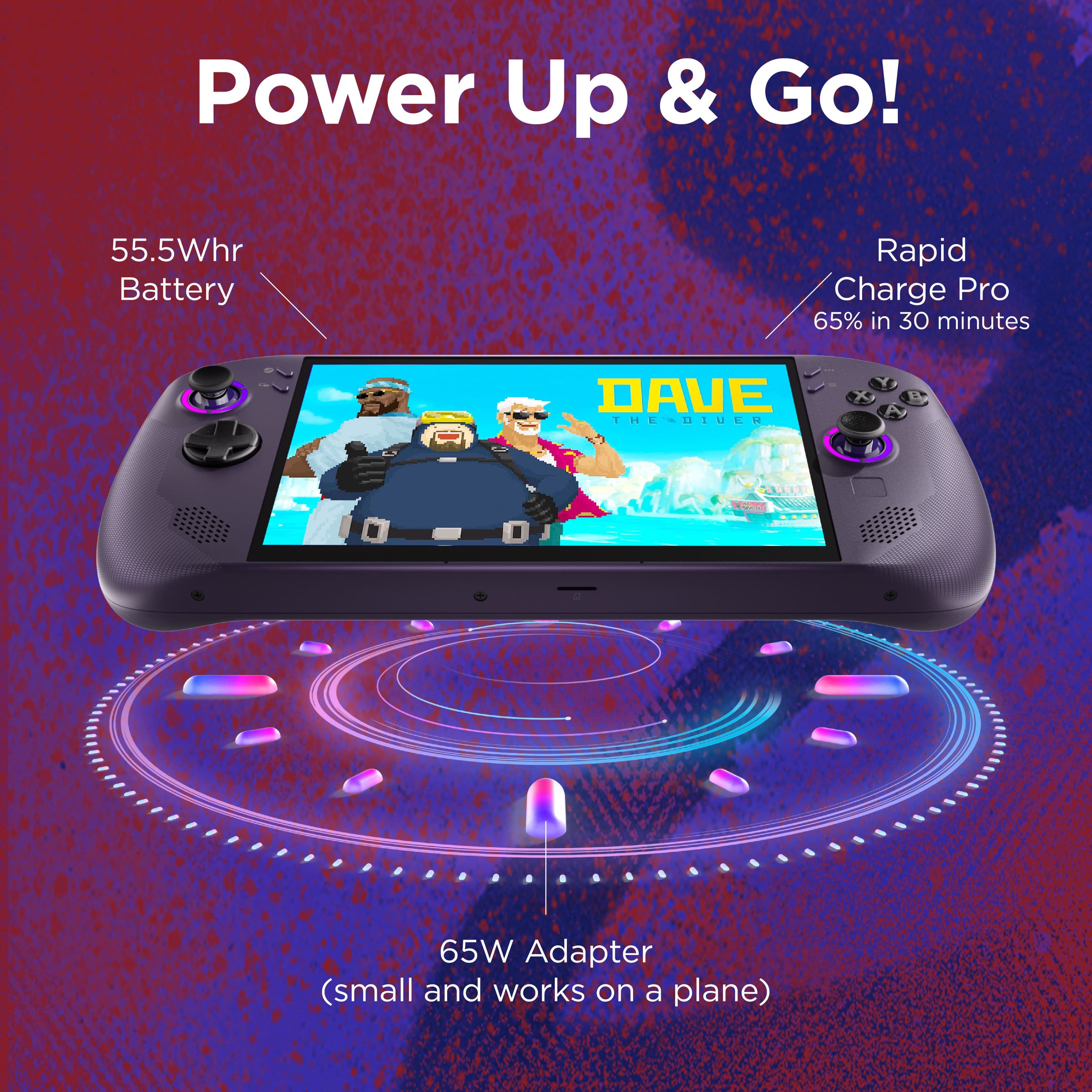
||Posted . Owned for 2 weeks when reviewed.This reviewer received promo considerations or sweepstakes entry for writing a review.Awesome system overall. Steam OS makes a huge difference in QOL and performance over windows. Form factor is my favorite of any handheld system so far and feels like a high quality device. Upgraded to this from my old steam deck LCD and it was completely worth it. Will say battery is the weak point. I wish this shipped with at least a 70+ Watt-hour battery instead of the 55 it has. Maybe there will be an aftermarket upgrade. Overall having a blast with it and it's gotten me to start clearing the years long back log. 4.5/5
I would recommend this to a friend - Pros mentioned:Ergonomics, Overall performance, Screen qualityCons mentioned:Battery life
Just about perfect!
||Posted . Owned for 3 weeks when reviewed.This reviewer received promo considerations or sweepstakes entry for writing a review.Feels great in the hands and has solid performance! Only minor gripes are the battery life, but only applies to graphic-intensive games. Screen is also great, OLED doesn't to offer too much of an imroovement for the difference.
I would recommend this to a friendBrand response from Lenovo Product Expert
Posted .Hi,
Thanks for choosing Lenovo and for sharing your feedback with us!
We are glad to read that you are satisfied with your purchase overall.
Please don't hesitate to reach out to us via the Q& A section of this product page or contact Lenovo Support should you have any questions or need assistance.
Regards,
Lenovo
- Pros mentioned:Screen qualityCons mentioned:Battery life
Really Good! 8" Screen Z1E Well Built
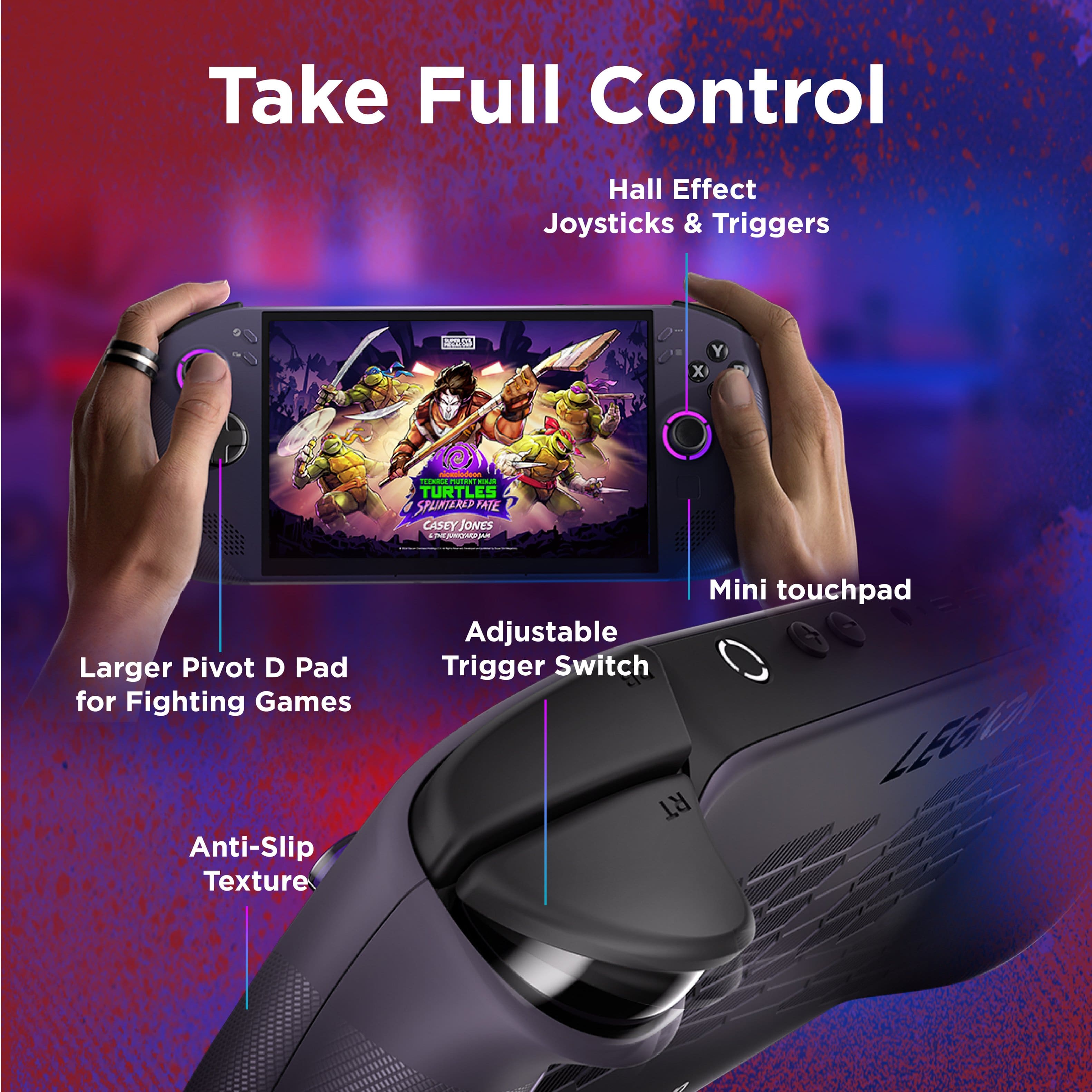
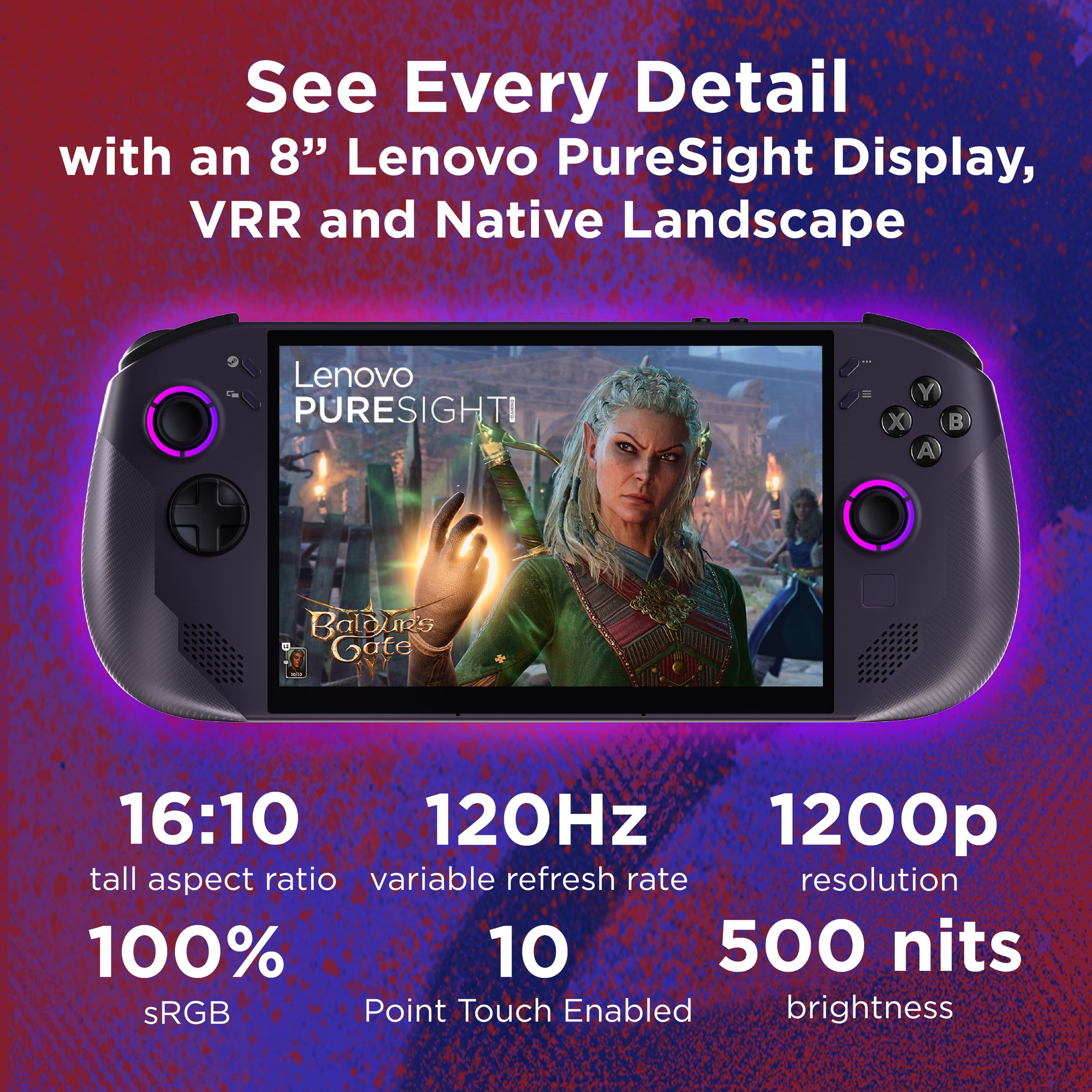
||Posted .This reviewer received promo considerations or sweepstakes entry for writing a review.This Legion is an excellent device. I've used several handhelds including the steam deck OLED and Asus ROG ally. The steam deck OLED is a truly great device especially at the price, but with the 800p screen and less power, it is more at home with lesser demanding games. The ROG ally, with windows or bazzite OS, is also a great device, but I always felt the 7" screen left something to be desired when it comes to the size. When I saw this Lenovo Legion Go S I knew it was likely the product for me as I like to play more demanding games and wanted a larger screen than the ROG Ally. The legion is well built, very solid. The buttons feel good and color of the product has a nice purple undertone to it that I like. 2 USB C ports. Hall effect joysticks. Comfortable to hold. SteamOS is excellent. Can't say enough about that - it really changes the way you can use a PC handheld. There is no "fluff" of Windows. The downside is you lose compatibility with things like call of duty due to the anti cheat, but many things do work. I've been playing and enjoying Hogwarts Legacy, Stellar Blade, No man's sky, Fantasy Life, Skyrim, Halo MCC, Final Fantasy 7, Tony Hawk 3+4, and the Witcher 3. All run like a dream on this device. I set the custom mode to a TDP of 18w which gives a bit of a boost over the built in "balanced" mode but doesn't drain the battery as much as the performance or custom 33w mode. Speaking of which, the 8" 1200p screen is amazing for being a non-oled. Stuff like halo master chief collection at 120hz runs like a dream. More demanding games around 45-70fps benefit from the VRR aspect of the screen and show no tearing or jittering. That's another benefit of steamOS - it just runs smoother than windows. Fan noise is very good - consistent and fairly quiet. No random whining up and down annoyingly. Battery life could be better, but I typically do not play long sessions anyway, so for me personally it's not a huge issue. You can get 1:45-2:00 of a demanding game with balanced or 18w TDP like I set it to, or around 3-4hrs of a less demanding game like Stardew Valley or even Skyrim. Another area I wish was better was the upgradability. If you want to upgrade the SSD, it's more tedious to open up than other handhelds, although part of that is due to the improved build quality. You can just add a microSD card too, and I added a 1TB microSD card and it's worked flawlessly. The speakers are fine but not anything amazing. The touchpad is not very useful. The steam deck touchpads are much more useful. I don't use it though, so it doesn't make a difference in usability for me. The back buttons on the bottom of the device are well placed so you don't accidentally press them which I also like. I wish the legion Go S came with a pouch or case in the box. I bought the $20 Lenovo one on amazon but they could have included it for free in the box. SteamOS on other handhelds is very good, and improving by the day. If you opt into the beta version in the settings you can change the RGB color and brightness of the joystick lights but I'm sure this is coming soon to the stable version. Overall I really really like this device. It's a handheld that's well built, powerful enough for demanding games, 8" screen makes a tremendous difference over 7", great steamOS. It changes the way I play games and makes me enjoy some games a lot more than sitting at a computer.
I would recommend this to a friendBrand response from Lenovo Product Expert
Posted .Hey Cody,
Thanks for choosing Lenovo and for sharing your feedback with us!
We are glad to read that you are really liking the Legion Go S and that the system is working excellently for you.
Please feel free to reach out to us via the Q& A section of this product page should you have any questions or need assistance.
Best,
Lenovo
- Pros mentioned:Ergonomics, Overall performance, Screen quality
Handheld Powerhouse
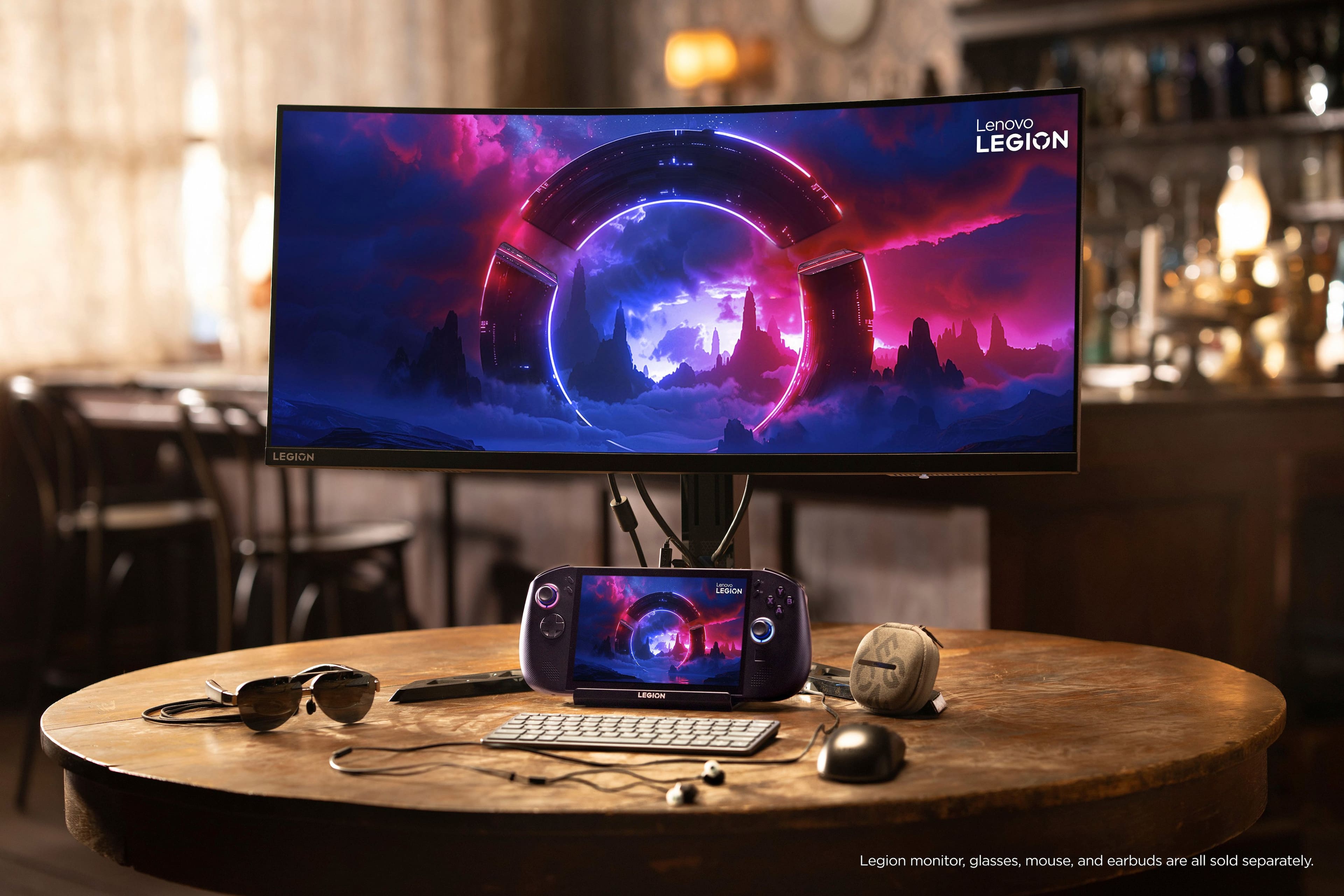
||Posted .This reviewer received promo considerations or sweepstakes entry for writing a review.The Legion Go S Z1 extreme w/ steamos is a handheld power house. A true gaming handheld we’ve all been waiting for. This little thing can do just about anything. The steamos version is much more snappier than the Windows OS. Windows OS has to much bloat going on in the background causing it to be less snappy than the steamos version. This handheld fits comfortably in your hands with a vibrant 8 inch screen. Easy controls. Linux soft ware does take some time to get used to if you’re accustomed to windows os. Took me a day or two. Definitely worth it though. It little pricey. But it’s a handheld PC. Works well with Lenovo docking station. You can hook this bad boy up to a monitor. Since this device enables Bluetooth you can Bluetooth just about anything. I have my keyboard, mouse and gaming headphones Bluetooth to it. If you want the absolute best in handheld gaming this is it. I definitely highly recommend.
I would recommend this to a friendBrand response from Lenovo Product Expert
Posted .Hi JayG76,
Thanks for choosing Lenovo and for sharing your feedback with us!
We are pleased to read that this Legion Go S is a powerhouse of a system for you, with it providing a true gaming handheld experience, tackling all the tasks you need it to.
Please feel free to reach out to us via the Q& A section of this product page should you have any questions or need assistance.
Best,
Lenovo
- Pros mentioned:Overall performance, Screen qualityCons mentioned:Battery life
Best pc handheld
||Posted . Owned for 2 weeks when reviewed.This reviewer received promo considerations or sweepstakes entry for writing a review.The Lenovo Legion Go is an absolute beast of a handheld gaming device. The performance is top-tier it runs modern AAA titles smoothly and looks stunning on that huge QHD+ display. The detachable controllers are a nice touch, especially for those who like flexibility in how they play, and the overall build quality feels premium and solid in the hands. Windows integration makes it super versatile — you can use it as a mini laptop, a gaming PC, or even dock it to a monitor for a full desktop experience. The screen is vibrant, the controls are responsive, and it genuinely feels like a premium step above most other handhelds. The only real downside is the battery life. It drains pretty quickly when playing demanding games, so you’ll want to keep a charger nearby. But honestly, that’s a small trade-off for the power this thing delivers. If you’re looking for a portable gaming powerhouse that can handle anything you throw at it, the Legion Go is absolutely worth it.
I would recommend this to a friendBrand response from Lenovo Product Expert
Posted .Hi,
Thanks for choosing Lenovo and for sharing your feedback with us!
We are glad to read that you are satisfied with your purchase.
Please don't hesitate to reach out to us via the Q& A section of this product page or contact Lenovo Support should you have any questions or need assistance.
Regards,
Lenovo
- Cons mentioned:Battery life, Noise level
Love My Legion Go S
||Posted . Owned for 1 month when reviewed.This reviewer received promo considerations or sweepstakes entry for writing a review.I LOVE my Legion Go S. I'm extremely glad that I bought mine before the price jump. Everything that's a usual CON for this unit is manageable, ie battery life and fan noise. Just play plugged in for most cases. The fan though, you're just gonna have to get used to it. If you're bouncing back and forth from your home rig to this beast, make sure you're games' saves are uploaded to the cloud before switching! I bought an SD card, but the intrinsic memory storage is large enough to hold most games. This isn't a PC replacement; it's something you bust out during a plane ride or long trip. Plenty of SteamOS compatible games you can play on it that makes the Legion Go S worth having. Also, make sure you buy a screen protector and silicone skin! Me, I want to have this thing for as long as I can. You should, too! A nice carrying case for it as well :D
I would recommend this to a friendBrand response from Lenovo Product Expert
Posted .Hi JCRa-
Thank you for choosing the Lenovo Legion Go S and for sharing your experience with us. We are happy to hear that you are enjoying the Lenovo Legion Go S. We strive to provide an excellent user experience and would like to share some helpful tips to improve your Legion Go S experience.
First, we recommend running and installing all available drivers and updates through Legion Space. These updates are crucial to the device’s health and ensure it performs as intended. To check for updates within Legion Space, begin by launching the application, then click “Menu”> “Settings” > “System” > “Apply”. After installing all updates, we recommend restarting your device.
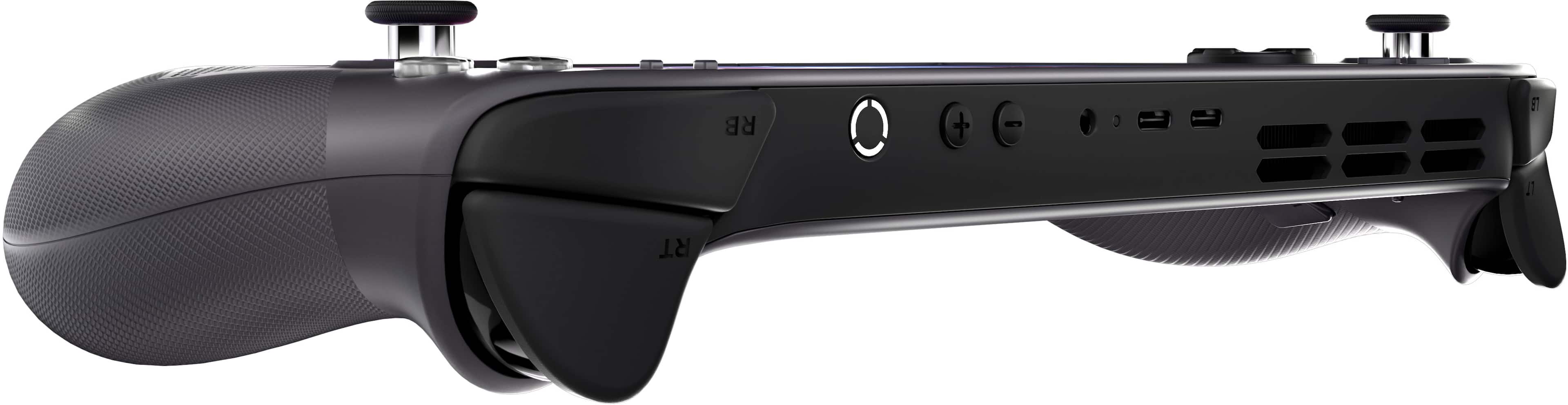
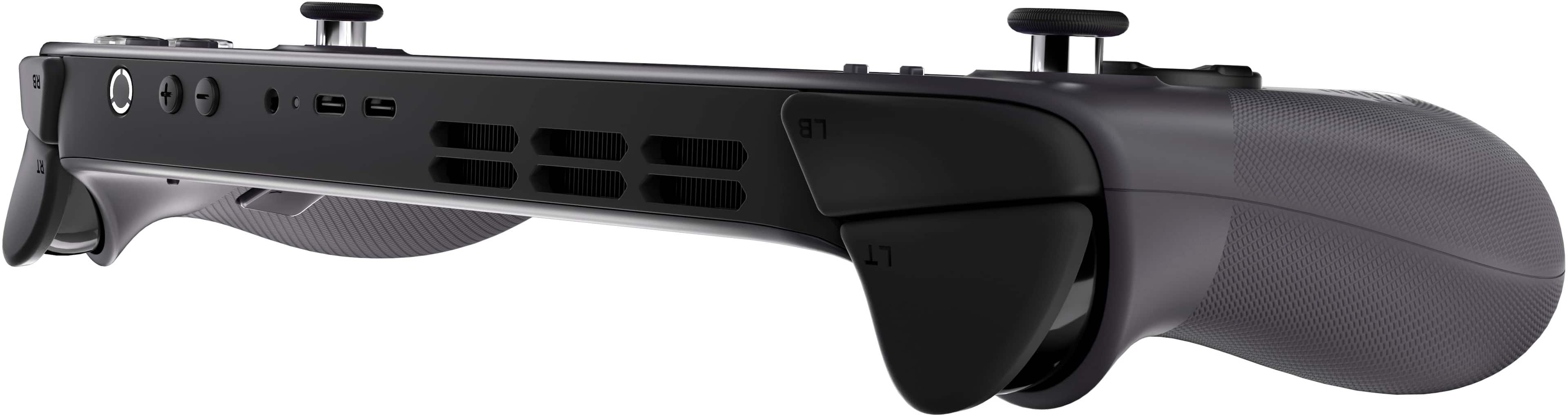
The Legion Go S can also adjust the device's active performance profile and fan speed based on your needs. To start, press the hexagonal options key on the right controller, then select the performance tab represented by the rocket ship. From here, you can adjust the performance mode. We suggest quiet mode to reduce fan noise.
Please reach out to us through the Q&A section of this product webpage if you have any questions or need assistance.
Best wishes,
Lenovo
- Pros mentioned:Ergonomics, Overall performance, Screen qualityCons mentioned:Battery life
Better then steam deck
||Posted .This reviewer received promo considerations or sweepstakes entry for writing a review.Absolutely love the legion go s, especially this model with the 32gd and steam os. Plays all my steam games with ease the only gripe i have is i wish it had an oled screen and a bigger battery, but all in all its comfy to handle and decent 8 inch screen.
I would recommend this to a friendBrand response from Lenovo Product Expert
Posted .Hi AnthonyA,
Thanks for choosing Lenovo and for sharing your feedback with us!
We are pleased to read that you are absolutely loving the Legion Go S.
Please feel free to reach out to us via the Q& A section of this product page should you have any questions or need assistance.
Best,
Lenovo
- Pros mentioned:Overall performanceCons mentioned:Battery life, Size
Solid device, lacks a good battery
||Posted .This reviewer received promo considerations or sweepstakes entry for writing a review.Works great out of the box, no need for performance tweaks, the only issue I had was battery life, its nearly the same as a steam deck while using hardware that's ahead of the steam deck. The legion go s is huge compared to other handheld devices and after some time holding the legion go can get uncomfortable. Long gaming sessions aren't ideal unfortunately unless plugged into a tv and you use a controller or keyboard set up. Im looking for a more portable option while traveling or chilling with family. Great option if you dont prefer oled and have a portable way of charging.
I would recommend this to a friendBrand response from Lenovo Product Expert
Posted .Hi,
Thanks for choosing Lenovo and for sharing your feedback with us!
We are glad to read that you are satisfied with your purchase overall.
Please don't hesitate to reach out to us via the Q& A section of this product page or contact Lenovo Support should you have any questions or need assistance.
Regards,
Lenovo
- Pros mentioned:Screen qualityCons mentioned:Touchpad
Esko’s Legion Go S review
||Posted . Owned for 1 month when reviewed.This reviewer received promo considerations or sweepstakes entry for writing a review.Steam deck user* This piece of hardware is amazing no doubt! If you’re reading this, then you know how it doesn’t have an OLED screen but the screen is great itself. The larger display makes up for the lack of oled and the visuals are still pleasing to look at. Speakers are pretty loud but don’t expect a top notch sound system. Controls are great but having the Steam, Start, quick access right next to each other is confusing at first. The touch pad is “meh”. I really don’t use it unless I’m in desktop mode doing something real quick. (Just get a lil cheap mouse, save a lot of headaches) It is a little heavier than the steam deck but I personally don’t notice a difference when I’m playing in handheld mode. I do bring it to work everyday so traveling with it is EASY. When docked I don’t have any issues with Bluetooth devices (controller, mouse, keyboard) Easily upgradable storage with Supported micro SD Two Type C USB ports so it can be docked and have a direct charge if needed. This device does not come with a case. (PLEASE FOR THE LOVE OF GOD GET A CASE!) I recommend this piece of hardware but if you’re not in a rush, probably wait for it to go on sale again.
I would recommend this to a friendBrand response from Lenovo Product Expert
Posted .Hi KwjuantellW-
Thank you for choosing the Lenovo Legion Go S and sharing your feedback with us. We are thrilled to hear that you are enjoying the performance of the Lenovo Legion Go S.
Please reach out to us through the Q&A section of this product page if you have any questions or need assistance.
Best wishes,
Lenovo
- Pros mentioned:Ergonomics, Screen quality
Great device and buying experience.
||Posted .This reviewer received promo considerations or sweepstakes entry for writing a review.5 Stars. I upgraded from a Steam Deck OLED. First the device is well built, the hand grips are comfortable even for someone with smaller hands. The offset joysticks feel more like an XBOX controller than the Steam Decks even ones. The screen is awesome, no it's not OLED but the VRR on it really shines. The Z1E processor is a game changer, I am running games at 45-60 fps that I could not run on the Steam Deck. The triggers and button are well built, they work smooth with minimal noise. Lastly the buying experience was great. I initially purchased the Win 11 version on my BB card. I decided to change my mind and cancelled the order. Within 30 mins my card was refunded and when I bought the SteamOS version it was less expensive and the pickup date never changed. Pick up at the store was quick and easy too.
I would recommend this to a friendBrand response from Lenovo Product Expert
Posted .Hey JimF,
Thanks for choosing Lenovo and for sharing your feedback with us!
We are glad to read that the Legion Go S is working out great for you and that you are satisfied with your purchasing experience.
Please feel free to reach out to us via the Q&A section of the product page should you have any questions or need assistance.
Best,
Lenovo
- Pros mentioned:Overall performanceCons mentioned:Battery life, Noise level
Best Handheld for the money
||Posted .This reviewer received promo considerations or sweepstakes entry for writing a review.After getting this handheld at a significant discount and comparing it against the MSI Claw 8 and the Legion Go 2 it is by far the best performance for the money. The Steam OS allows it to outperform the Claw and keep up with the Legion Go 2 base model. The Legion Go 2 top end model is the only real leap from a performance perspective but that cost $800 more. If money is no issue go with Legion Go 2, but if you want a great all around for the money this is the clear option. The only negatives are fan noise and battery, but new firmware solves some of it. Battery is the biggest concern, but its not terrible.
I would recommend this to a friendBrand response from Lenovo Product Expert
Posted .Hi Jflea1977-
Thank you for choosing Lenovo and sharing your experience with us. We are happy to hear that you are enjoying the Legion Go S. We aim to offer great user experience and would love to share some actions you can take to improve battery life and reduce fan noise.
The Legion Go S can adjust the active performance profile and fan speed of the device based on your needs. To start press the hexagonal options key located on the right controller, then select the performance tab represented by the gauge symbol, from here you can adjust the performance mode. We recommend Quiet Mode which will both reduce fan noise when playing games and extend battery life.
We also recommend running and installing all available drivers updates through Legion Space, these updates are crucial to the device’s health and can adjust power allocation leading to enhanced battery life. To check for updates within Legion Space begin by launching the application, then click "Disks and Drivers" located at the bottom of the display, then select "Check for Updates".
Please reach out to us through the Q & A section of this product webpage if you have any questions or need any assistance.
Best wishes,
Lenovo