Customer Ratings & Reviews

- Model:
- ZA3N0003US
- SKU:
- 6267024
Rating by feature
- Value
Rating 4.5 out of 5 stars
- Quality
Rating 4.6 out of 5 stars
- Ease of Use
Rating 4.5 out of 5 stars
Customers are saying
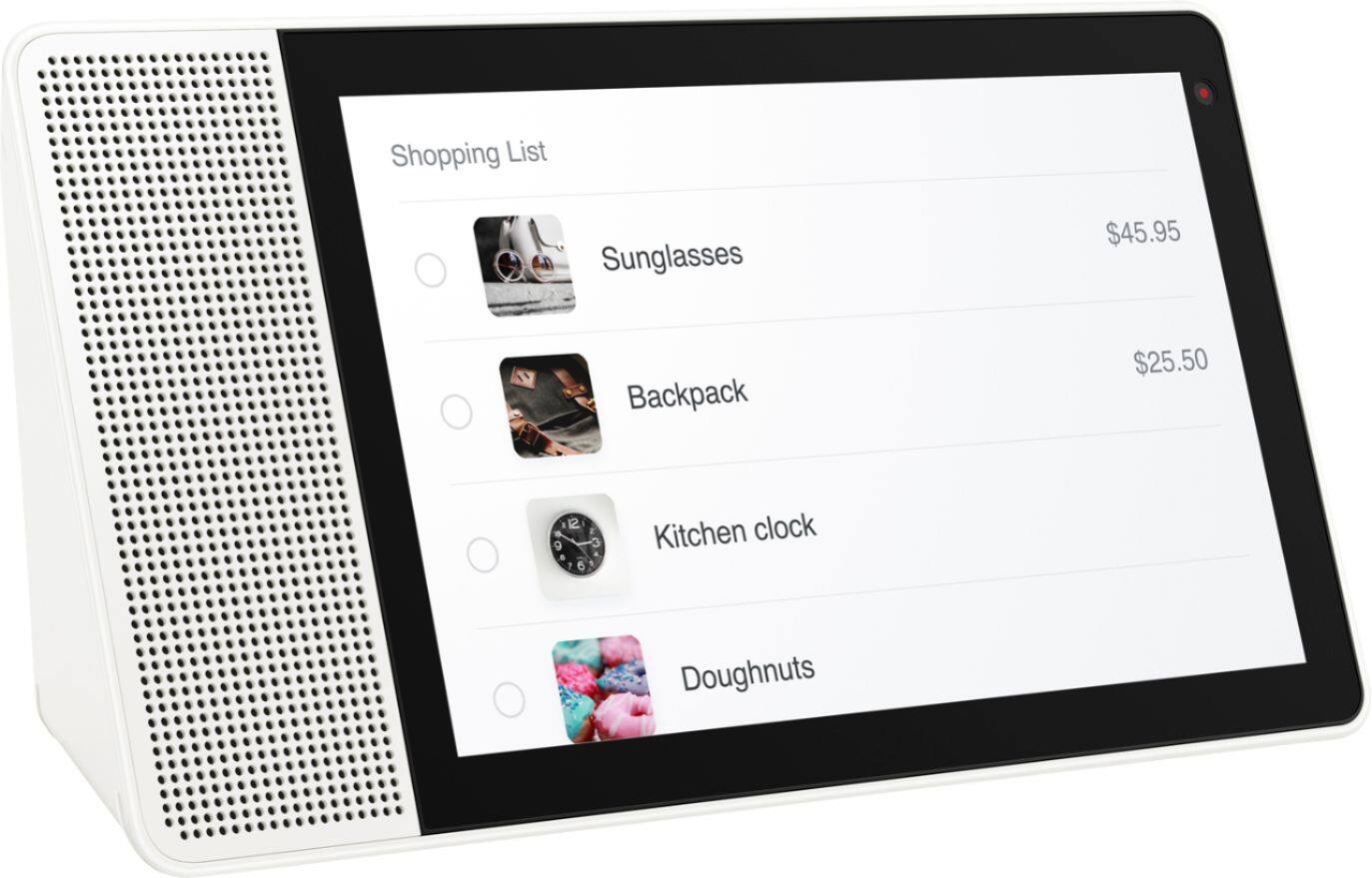
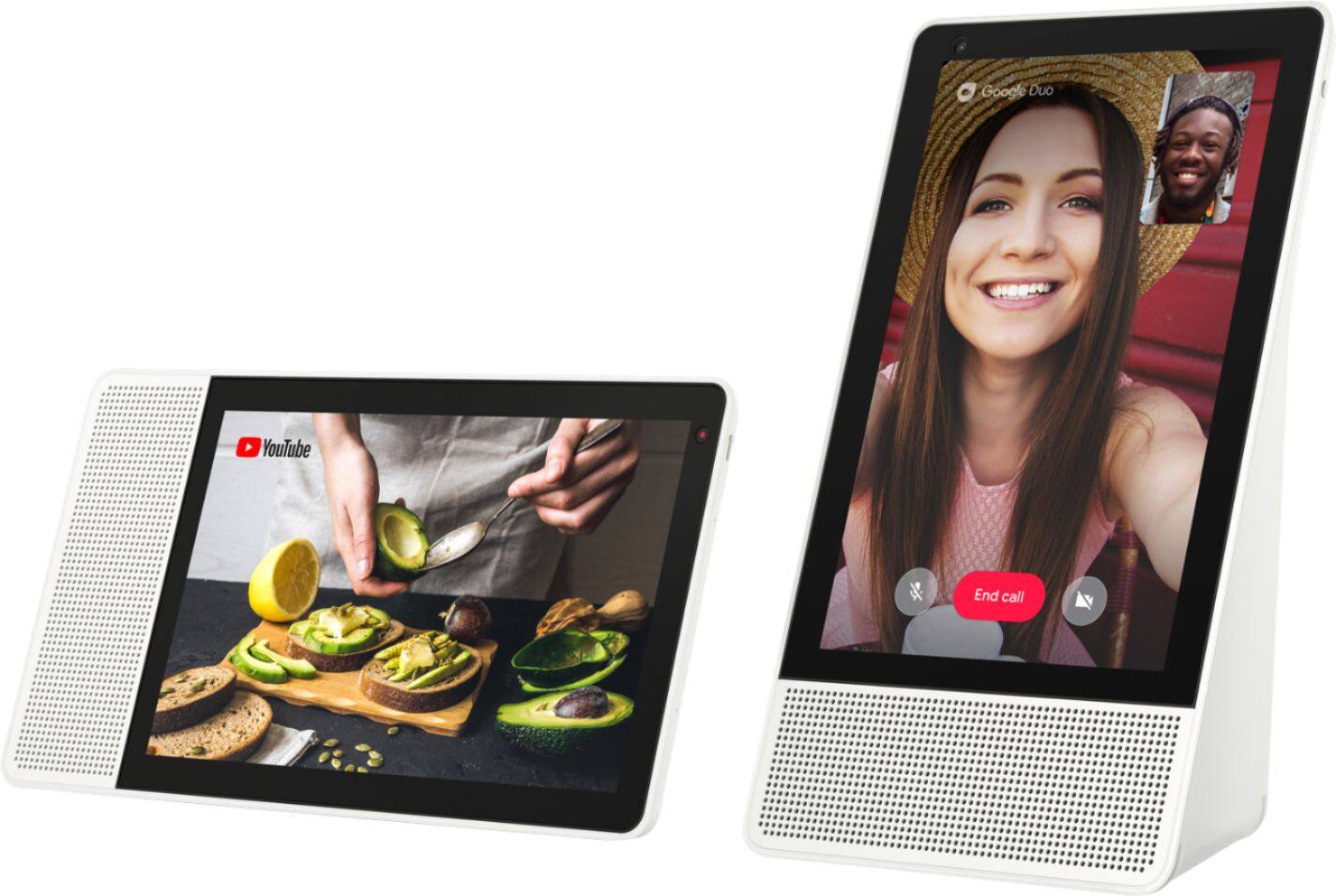
Customers frequently mention the large screen size, excellent sound quality, and ease of use as significant advantages of the 7" Smart Display with Google Assistant. The Google Assistant functionality and video calling capabilities also receive positive feedback. However, some users experienced challenges with the initial setup process. A lack of Bluetooth speaker connectivity and Netflix support were also cited as drawbacks by some customers.
This summary was generated by AI based on customer reviews.
Awesome
||Posted .This reviewer received promo considerations or sweepstakes entry for writing a review.Given as Christmas gift and they used and love it!
I would recommend this to a friendBrand response from Lenovo Product Expert
Posted .Thank you for choosing the Lenovo Smart Display and we are glad to hear that you think it is an awesome Smart Display.

Awesome
||Posted .This reviewer received promo considerations or sweepstakes entry for writing a review.Awesome thanks gotta love Google they are the best
I would recommend this to a friendCould be a little more intelligent.
||Posted .This reviewer received promo considerations or sweepstakes entry for writing a review.Me and my girlfriend really love it, however it could be more intelligent and it often mixes us up with the voice recognition. Lastly it sometimes randomly does things. But overall we like it, just wish it was a little more intelligent.
I would recommend this to a friendGood for the price.
||Posted . Owned for 2 months when reviewed.This reviewer received promo considerations or sweepstakes entry for writing a review.Bought it for my elderly parents so they can communicate with me in case of not being able to find of reach the phone. Once set up, it works great but it was a little challenging to get it going.
I would recommend this to a friendBrand response from Lenovo Product Expert
Posted .Hello, Thanks for choosing the Lenovo Smart Display 7" with Google Assistant. We are so happy to hear the features , performance, and design of the Lenovo Smart Display is working out so well for you! Here is a link with detailed instructions from Google on how to setup your device. https://support.google.com/assistant/answer/7538816?co=GENIE.Platform%3DAndroid&hl=en If you need further assistance please don't hesitate to reach out to Lenovo Tech Support at 866-426-0911
Did not connect with my iPhone so I returned it
||Posted .This reviewer received promo considerations or sweepstakes entry for writing a review.In my opinion, this item cost to much for what it offered. I received it as a Christmas gift and instead of wasting money I returned it. It was recommended to me that I switch cell phones to use item which is unacceptable to me.
No, I would not recommend this to a friendBrand response from Lenovo Product Expert
Posted .We are sorry to hear that you are having some problems with the setup of your Lenovo Smart Display.
It well work with Android and iPhones. Please follow these steps for set up:a) Take the Lenovo Smart Display out of the box and plug in the power adapter on the back side.
b) Download the “Google Home” app on your phone/tablet and sign in on your Google account.
c) The app will show you a new Lenovo Smart Display is nearby. Click to set it up.
d) Follow the instructions inside the application until the setup is completed.
Then you can start your conversation with “Hey Google”. The average set up time will take approximately 5 to 8 minutes.
If you need further assistance, please contact our customer support @ 877-453-6686.
Kitchen Aid
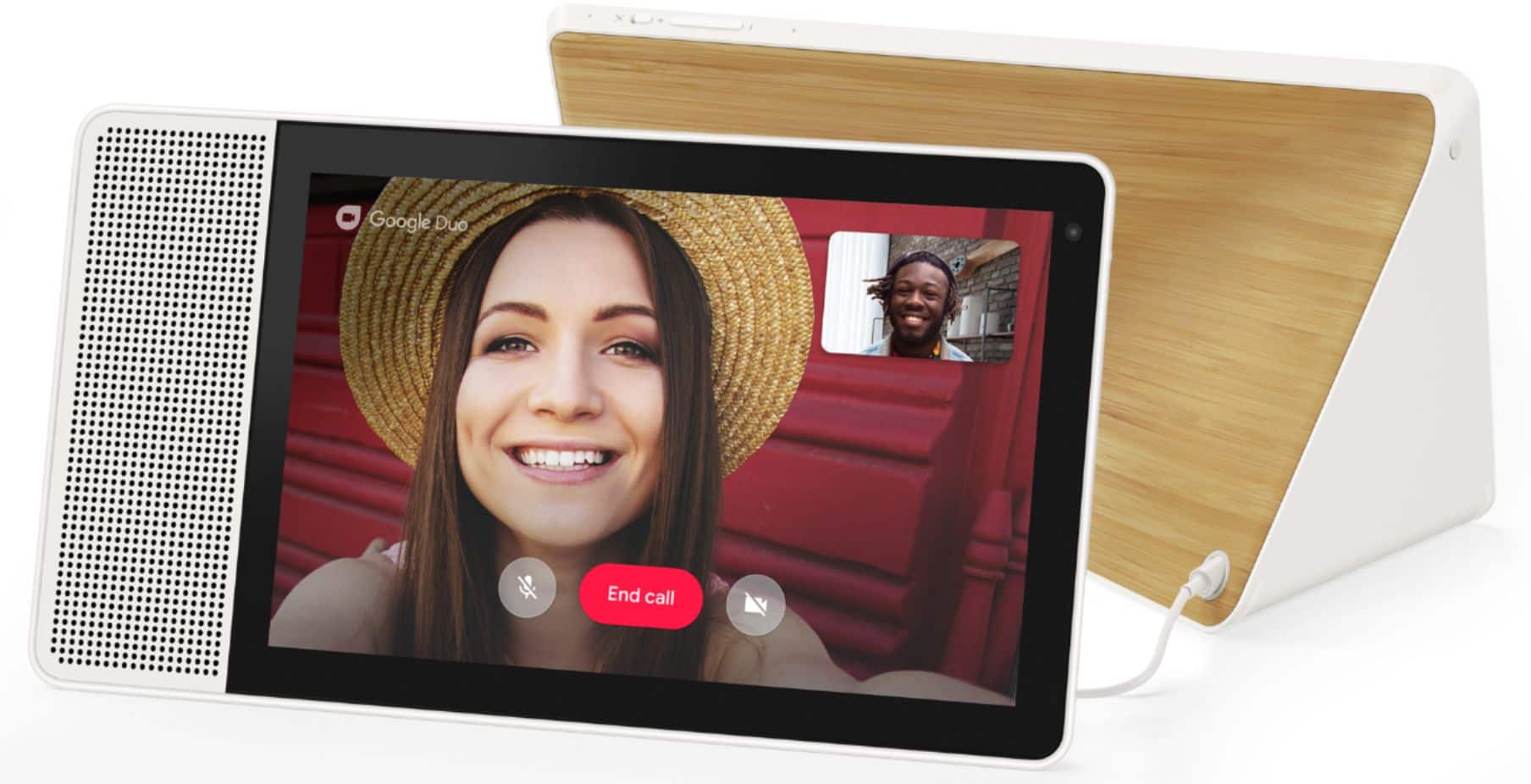
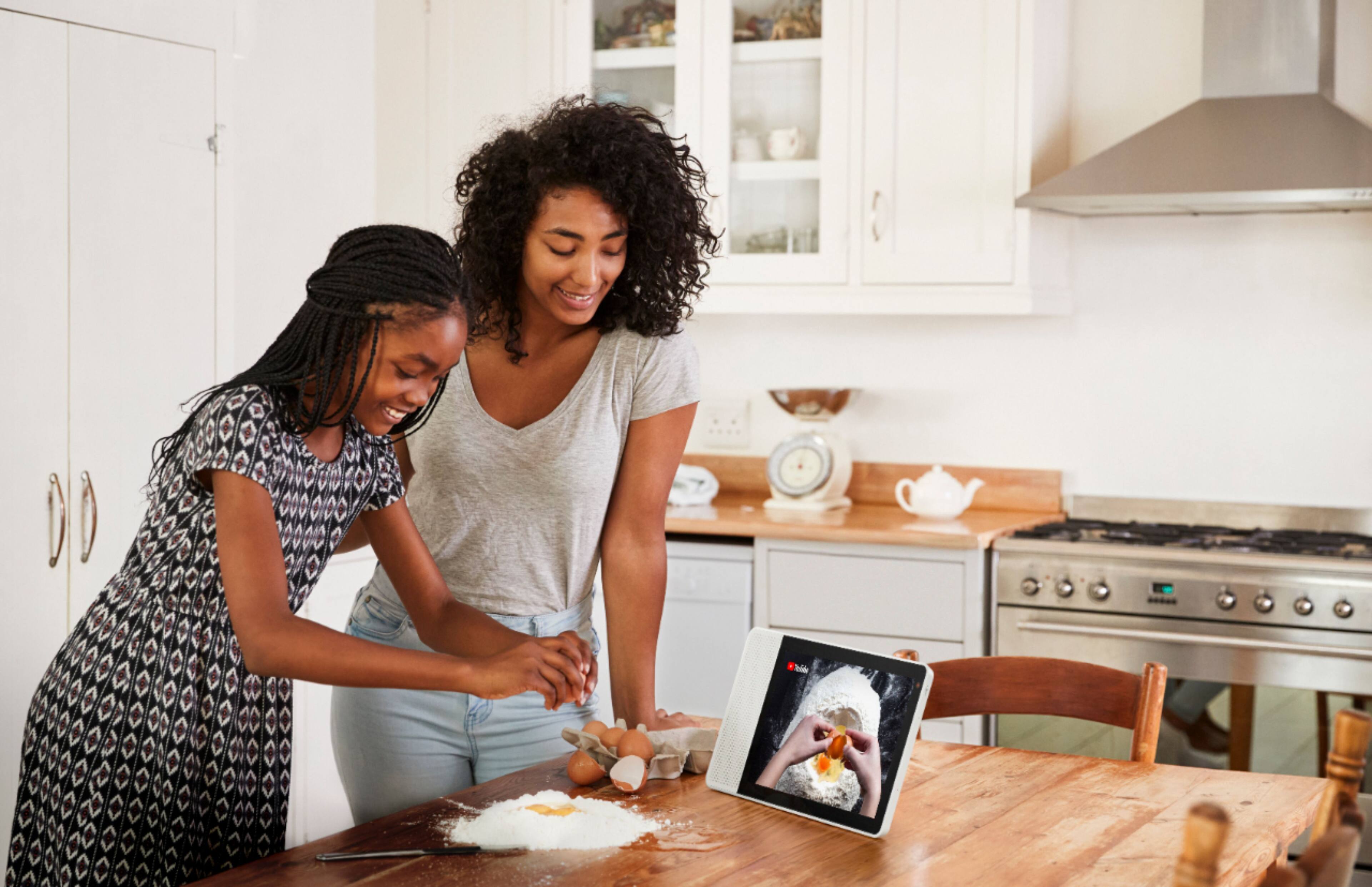
||Posted .This reviewer received promo considerations or sweepstakes entry for writing a review.I bought this to help my wife out in the kitchen. It has been a good source of entertainment, but the phone call (google duo) feature is not acting right. The call feature needs a serious upgrade to give the device thumbs up.
I would recommend this to a friendBrand response from Lenovo Product Expert
Posted .Thank you for choosing the Lenovo Smart Display and we are glad to hear that you think it is a great addition to your kitchen. Please try these steps to set it up Duo: Important: If you already use Duo, make sure you connect your Google Account to your Duo phone number in the Duo app on your phone before following these steps.
1. Open the Google Home app .
2. At the bottom, tap Home .
3. Tap your Smart Display Settings Duo video calling.
4. Follow the steps.
If you still need help ,please contact our customer support @ 877-453-6686.
Lower quality than the goodle nest hub max
||Posted . Owned for 1 month when reviewed.This reviewer received promo considerations or sweepstakes entry for writing a review.the sound and picture quality of this device is a little lacking when compared to the google nest hub max, but it's also less than a third of the price, so I guess you get what you pay for
No, I would not recommend this to a friendBrand response from Lenovo Product Expert
Posted .Hello, Thanks for choosing the Lenovo Smart Display 10" with Google Assistant. We are sorry to hear you are having this experience. If your screen and speaker are misbehaving please power cycle the device by unplugging it for 1-2 minutes. Plugging it back in and allowing it to power on. If the issue remains please perform a factory reset by holding down the “Volume + and – ” buttons on top of your device for 8 Seconds. If the issue persists, please contact our customer support team at 866-426-0911
Good after I got one that worked
||Posted .This reviewer received promo considerations or sweepstakes entry for writing a review.Very disappointed in my experience getting this item 1st my order was canceled with out a notice then after I got that fixed my order came in an it did not work. Third time is a charm I guess it works good if you need visuals
I would recommend this to a friendBrand response from Lenovo Product Expert
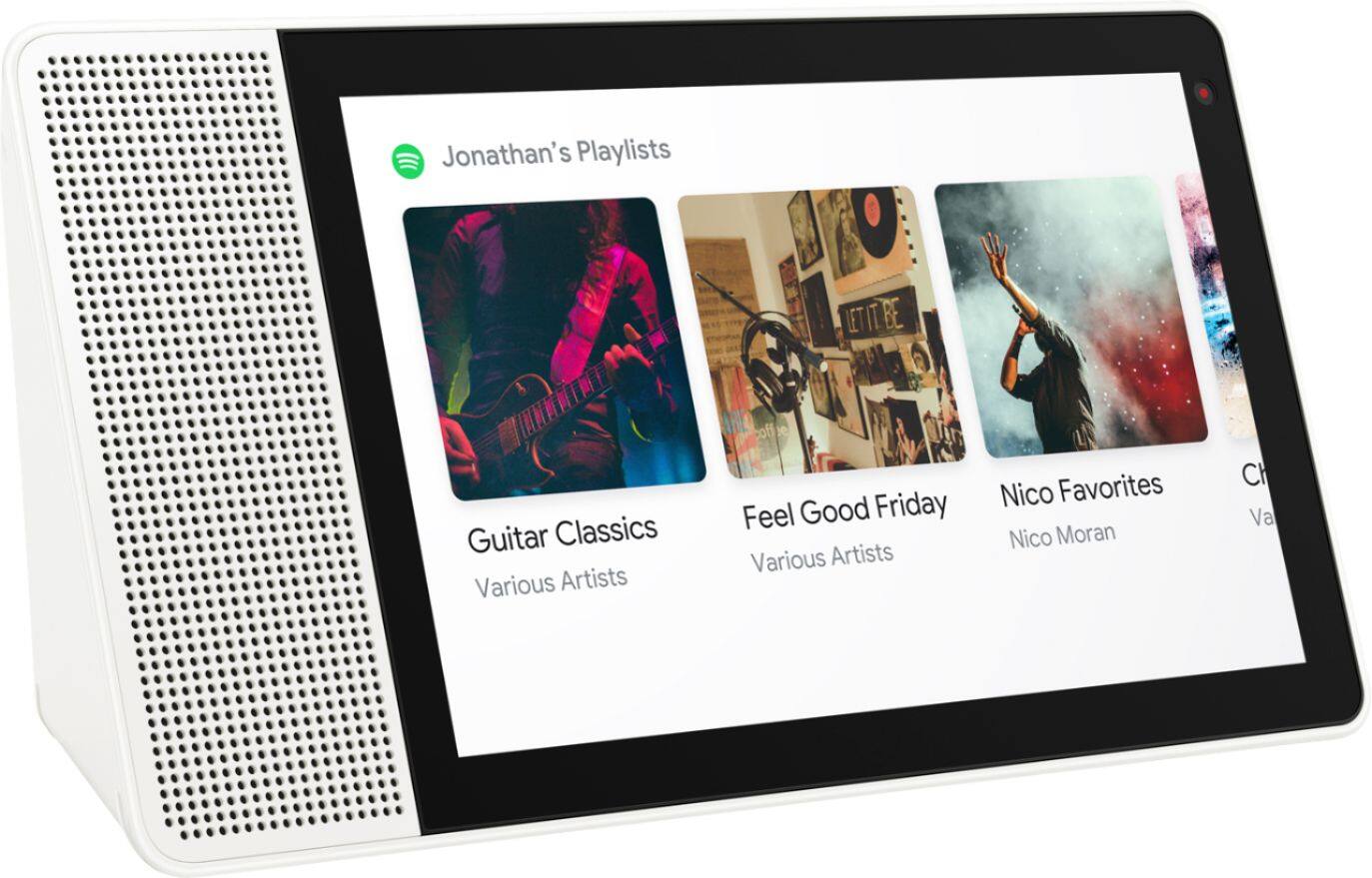
Posted .Thank you for your feedback. The Lenovo Smart Display supports many audio and video services, to name a few: Audio: Google Play Music, YouTube Music, Pandora, iHeart Radio, TuneIn, Spotify, Video: YouTube, HBO Now, CW, Google Play Movies & TV, Crackle and YouTube TV gives you access to up to 40 premium TV channels live. Some of these services will require an active subscription. "The Lenovo Smart Display works with more than 5000 smart home devices from more than 250 brands. It can control all home devices and gadgets featuring the “works with the Google Assistant” badge, and also supports Google Duo for video chatting to mention a few.
okay, needs a bit of work
||Posted .This reviewer received promo considerations or sweepstakes entry for writing a review.got this primarily to use for video phone calling. have not been able to implement that feature yet. despite tech website claims, I don't see the google assistant to be "better" at its job than alexa is (i have both devices).
I would recommend this to a friend- Pros mentioned:Screen size
Average
||Posted . Owned for 10 months when reviewed.This reviewer received promo considerations or sweepstakes entry for writing a review.Very bulky. Prefer Echo Show over this. Only plus is the big screen size. Audio quality is average. Initial setup was easy
No, I would not recommend this to a friend Connection Issues
||Posted .This reviewer received promo considerations or sweepstakes entry for writing a review.Ongoing issues with wifi connection stability. I have tried relocating to multiple places around my home and resetting router - still experiencing drops in connection. I am tech savvy and frustrated!
No, I would not recommend this to a friendBrand response from Lenovo Product Expert
Posted .We are sorry to hear that you are having some WiFi issues with your Smart Display. Please contact our customer support for help and trouble shooting @ 877-453-6686.
Limited usefulness
||Posted .This reviewer received promo considerations or sweepstakes entry for writing a review.Product had limitations since it appeared to need to be plugged in. Also, needed to set it up via my phone (or other device). Had issues with phone recognizing the device. Ended up returning it.
No, I would not recommend this to a friendBrand response from Lenovo Product Expert
Posted .The Lenovo Smart Display is designed to be plugged in, and always be on, so the Google Assistant is always available to help when you need it with a simple “Hey Google” command. It does, however require an always active Wi-Fi connection, and powered on.We are sorry to hear that you are having some trouble setting up you Smart Display. Please follow these steps:) Take the Lenovo Smart Display out of the box and plug in the power adapter on the back side.
b) Download the “Google Home” app on your phone/tablet and sign in on your Google account.
c) The app will show you a new Lenovo Smart Display is nearby. Click to set it up.
d) Follow the instructions inside the application until the setup is completed.
Then you can start your conversation with “Hey Google”. The average set up time will take approximately 5 to 8 minutes.
If you need further assistance ,please contact our customer support @ 877-453-6686.
Lenova smart display
||Posted . Owned for 4 months when reviewed.This reviewer received promo considerations or sweepstakes entry for writing a review.Not as good as alexa display is a little distorted during video calls but the were out of the other ones so went with this as a gift for the parents.
No, I would not recommend this to a friendBrand response from Lenovo Product Expert
Posted .The Lenovo 7" Smart Display with Google Assistant ships with a 1024 x 600 IPS touch screen Display. There is a 720p (HD) webcam with Dual Array Microphones included. If you are getting less than expected broadcast video quality, try resetting your Smart Display: Factory reset your device: With the device powered on, press down both the volume+ / volume- button for 8 seconds. Follow the on-screen instructions to set up your device. This should correct the broadcast video quality. If the issue continues, we recommend you contact Lenovo Tech Support for Smart Devices at: 866-426-0911.
Ok, but not great
||Posted . Owned for 3 months when reviewed.This reviewer received promo considerations or sweepstakes entry for writing a review.Does ok, but sound and screen quality is not comparable to the Google Hub. Even while price reduced I prefer to pay a little more for the better screen.
No, I would not recommend this to a friendBrand response from Lenovo Product Expert
Posted .Hello, Thanks for choosing the Lenovo Smart Display 10" with Google Assistant. We appreciate your feedback as we are always looking for ways to improve our Smart Devices. If you need further assistance please don't hesitate to reach out to Lenovo Tech Support at 866-426-0911
Almost good
||Posted .This reviewer received promo considerations or sweepstakes entry for writing a review.This device seems like it would do more than it would. It’s lacking certain capabilities you think would be basic functions. I am still learning so maybe I haven’t found them yet.
I would recommend this to a friendBrand response from Lenovo Product Expert
Posted .Thank you for your feedback. The Lenovo Smart Display supports many audio and video services, to name a few: Audio: Google Play Music, YouTube Music, Pandora, iHeart Radio, TuneIn, Spotify, Video: YouTube, HBO Now, CW, Google Play Movies & TV, Crackle and YouTube TV gives you access to up to 40 premium TV channels live. Some of these services will require an active subscription. "The Lenovo Smart Display works with more than 5000 smart home devices from more than 250 brands. It can control all home devices and gadgets featuring the “works with the Google Assistant” badge, and also supports Google Duo for video chatting to mention a few.
Pretty darn bad
||Posted .This reviewer received promo considerations or sweepstakes entry for writing a review.I was really excited to purchase this Google assistant when I found it on sale for $150. I set up the device unplugged Google home mini for the full effect and ran through a few simple task. Let it personalize my experience and what not. The initial set up is pretty easy. I was really liking everything. Until it came to the smart home features. I started looking through my supported devices that already worked with my Google home mini. Only one out of 4 of my smart switches would appeared. Then I noticed none of my smart bulbs would work. Also for some reason the assistant also thought I was saying tree when I was actually saying dining room and this after I ran voice recognition exercises to have it learn my voice. Here is where it went from bad to worse. Unlike an echo show that can play video straight from the unit on it's own, you have to cast it from your phone. Well on the first try I got hulu to cast. Worked pretty well albeit annoying you need to use your phone on a regularly priced $250 smart display. Kinda pointless if you ask me. On my second attempt I tried casting YouTube. Picture came up and then went to a black screen. So I went back to hulu and was greeted with the same issue. No idea what the problem was. I couldn't find a solution. Needless to say after a day and a half with this device I returned it to best buy. So do yourself a favor. Unless you are running smart switches or bulbs or other things specific to Google assistant. Get an echo show. Way smarter and more efficient. Not only that but at this moment they are $179.
No, I would not recommend this to a friendBrand response from Lenovo Product Expert
Posted .Thank you for your feedback.
The Lenovo Smart Display works with more than 5000 smart home devices from more than 250 brands. It can control all home devices and gadgets featuring the “works with the Google Assistant” badge.
You can play music or video directly on the display with no need to cast from your phone, on a great sound system that many reviewers prefer over the Echo.
."The Lenovo Smart Display supports many audio and video services, to name a few:
Audio: Google Play Music, YouTube Music, Pandora, iHeart Radio, TuneIn, Spotify,
Video: YouTube, HBO Now, CW, Google Play Movies & TV, Crackle and YouTube TV gives you access to up to 40 premium TV channels live.
Some of these services will require an active subscription. "
The Lenovo Smart Display has Chromecast built-in so you can cast to a newer smart TV.
If you need additional support please contact or customer support @ 877-453-6686.
Laptop review
||Posted . Owned for 1.5 years when reviewed.This reviewer received promo considerations or sweepstakes entry for writing a review.Ran well until it didn’t! Wasn’t fixable. Wouldn’t buy again for a long term investment for a laptop but if you need one then this works.
No, I would not recommend this to a friendBrand response from Lenovo Product Expert
Posted .Hello, we are sorry to hear you are experiencing an issue with your Lenovo Smart Display 10". It is possible a factory reset will fix this. To do this please power cycle the device by unplugging it for 1-2 minutes. Plugging it back in and allowing it to power on. If the issue remains please perform a factory reset by holding down the “Volume + and – ” buttons on top of your device for 8 Seconds. If the issue persists, please contact our customer support team at 866-426-0911
Smart Display
||Posted . Owned for 1 month when reviewed.This reviewer received promo considerations or sweepstakes entry for writing a review.I purchased this item and within 24 hours the price was dropped. I called and asked that I be given a credit for the price difference. The responder said I needed to call after all the "Black" Friday deal business was over. When is that exactly? This was after being told I had two day deliver - which actually took 9 nine days, the first four of which the shipment was not picked up by the carrier. Not the best impression!
No, I would not recommend this to a friendStop working
||Posted .This reviewer received promo considerations or sweepstakes entry for writing a review.My first purchase stopped working so I'm waiting for the replacement but I love this and can't wait to get the replacement . Hopefully it won't have any problems
I would recommend this to a friendBrand response from Lenovo Product Expert
Posted .Thank you for choosing the Lenovo Smart Display, and we are sorry to hear that you are having some problems. In the future please contact our customer support @ 877-453-6686 for trouble shooting.
Go with Google produced products
||Posted . Owned for 1.5 years when reviewed.This reviewer received promo considerations or sweepstakes entry for writing a review.Not bad, although I'm glad this product is discontinued since I had two of them die on me. The sound stopped working on two of mine.
No, I would not recommend this to a friendBrand response from Lenovo Product Expert
Posted .Hello, we are sorry to hear you are experiencing an issue with the sound on your Lenovo Smart Display 8" with Google Assistant. Please power cycle the device by unplugging it for 1-2 minutes. plugging it back in and allowing it to power on. If the issue remains please Please perform a factory reset by holding down the “Volume + and – ” buttons on top of your device for 8 Seconds. If the issue persists, please contact our customer support team at 866-426-0911