Customer Ratings & Reviews

- Model:
- ZA3N0003US
- SKU:
- 6267024
Rating by feature
- Value
Rating 4.5 out of 5 stars
- Quality
Rating 4.6 out of 5 stars
- Ease of Use
Rating 4.5 out of 5 stars
Customers are saying
Customers frequently mention the large screen size, excellent sound quality, and ease of use as significant advantages of the 7" Smart Display with Google Assistant. The Google Assistant functionality and video calling capabilities also receive positive feedback. However, some users experienced challenges with the initial setup process. A lack of Bluetooth speaker connectivity and Netflix support were also cited as drawbacks by some customers.
This summary was generated by AI based on customer reviews.
Works well, trouble with multiple users voices
||Posted . Owned for 3 weeks when reviewed.This reviewer received promo considerations or sweepstakes entry for writing a review.It ok, but not accessing and displaying internet data is a problem. It turns out to be little more than a radio that can display pictures.
No, I would not recommend this to a friendBrand response from Lenovo Product Expert
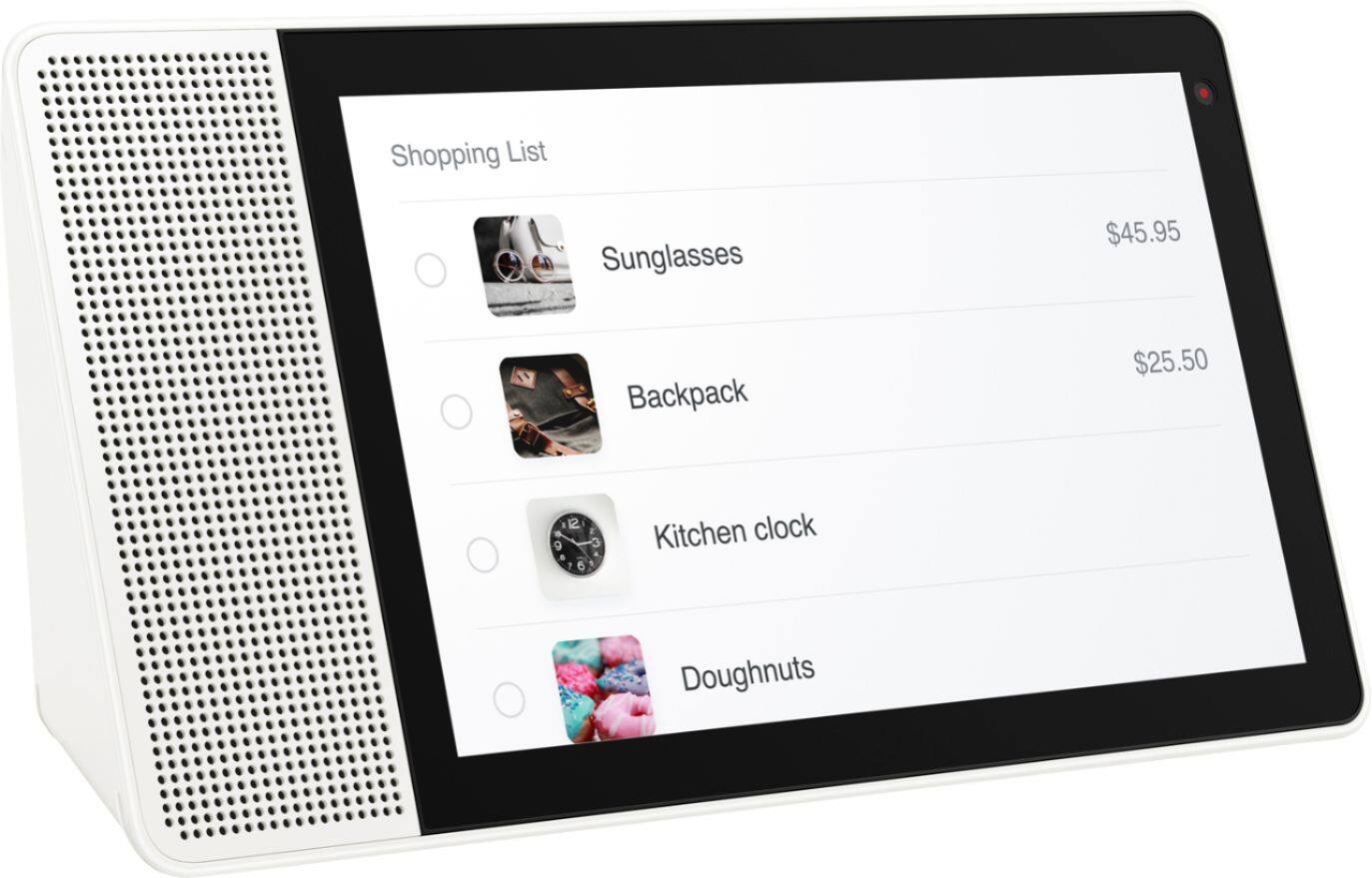
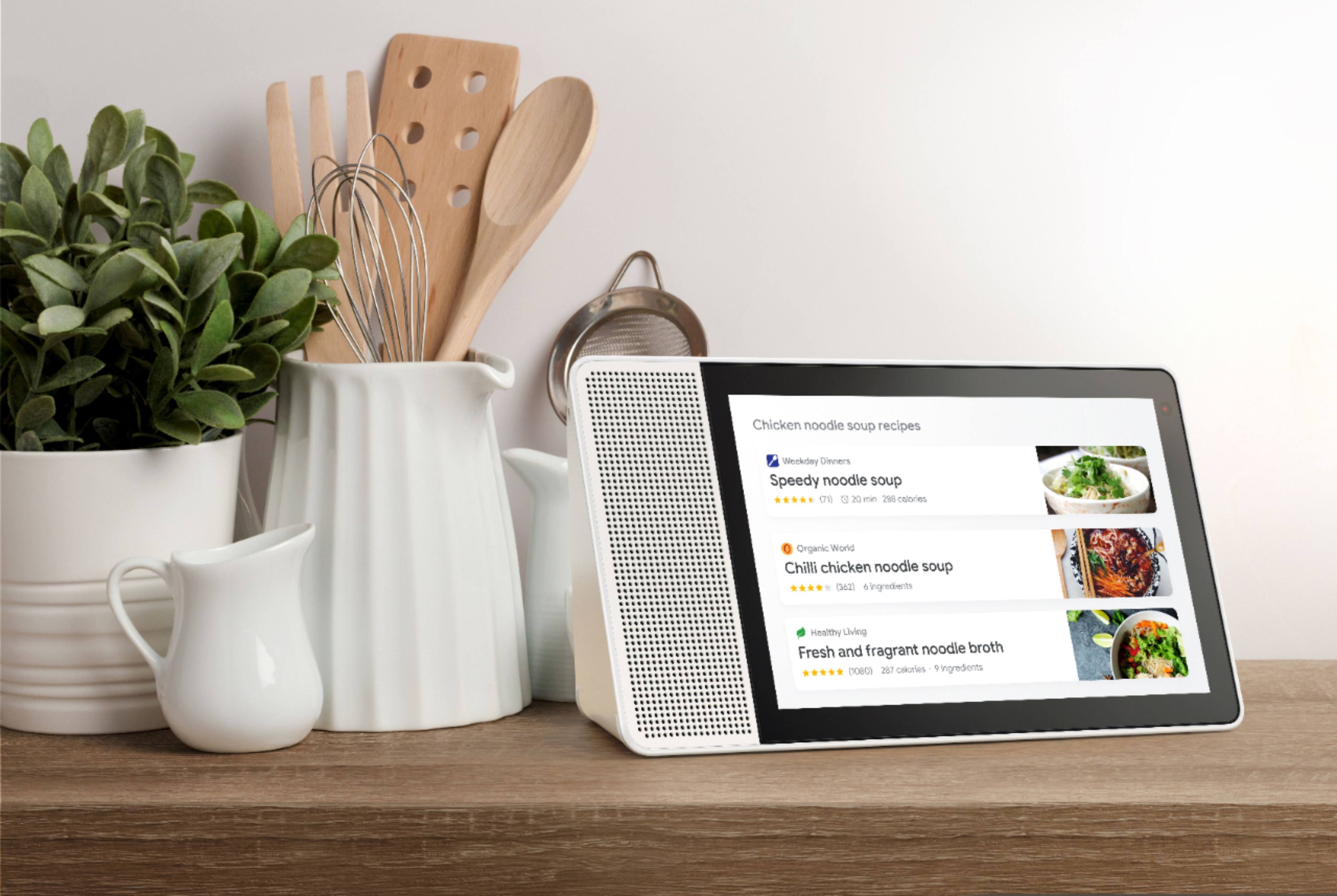
Posted .There are tons of things your Smart Display can do! While it can play your favorite playlist or display your family vacation photos, the SD can also show you YouTube videos, create shopping lists, search recipes and walk you through them - and so much more! I recommend visiting assistant.google.com/explore to learn more about some fun features offered. You can even set up routines within the Google Home app. As always, feel free to contact our customer service team @ 877-453-6686, if you ever have questions.

Small
||Posted .This reviewer received promo considerations or sweepstakes entry for writing a review.The display will not display the security cameras at all times it kept on cutting out and we need to do is play it was on display for a minute
No, I would not recommend this to a friendBrand response from Lenovo Product Expert
Posted .Thank you for your feedback. We do offer a 10" version of the product too. If you need further assistance with trouble shooting with your camera issue, please contact our customer service @ 877-453-6686.
Basic
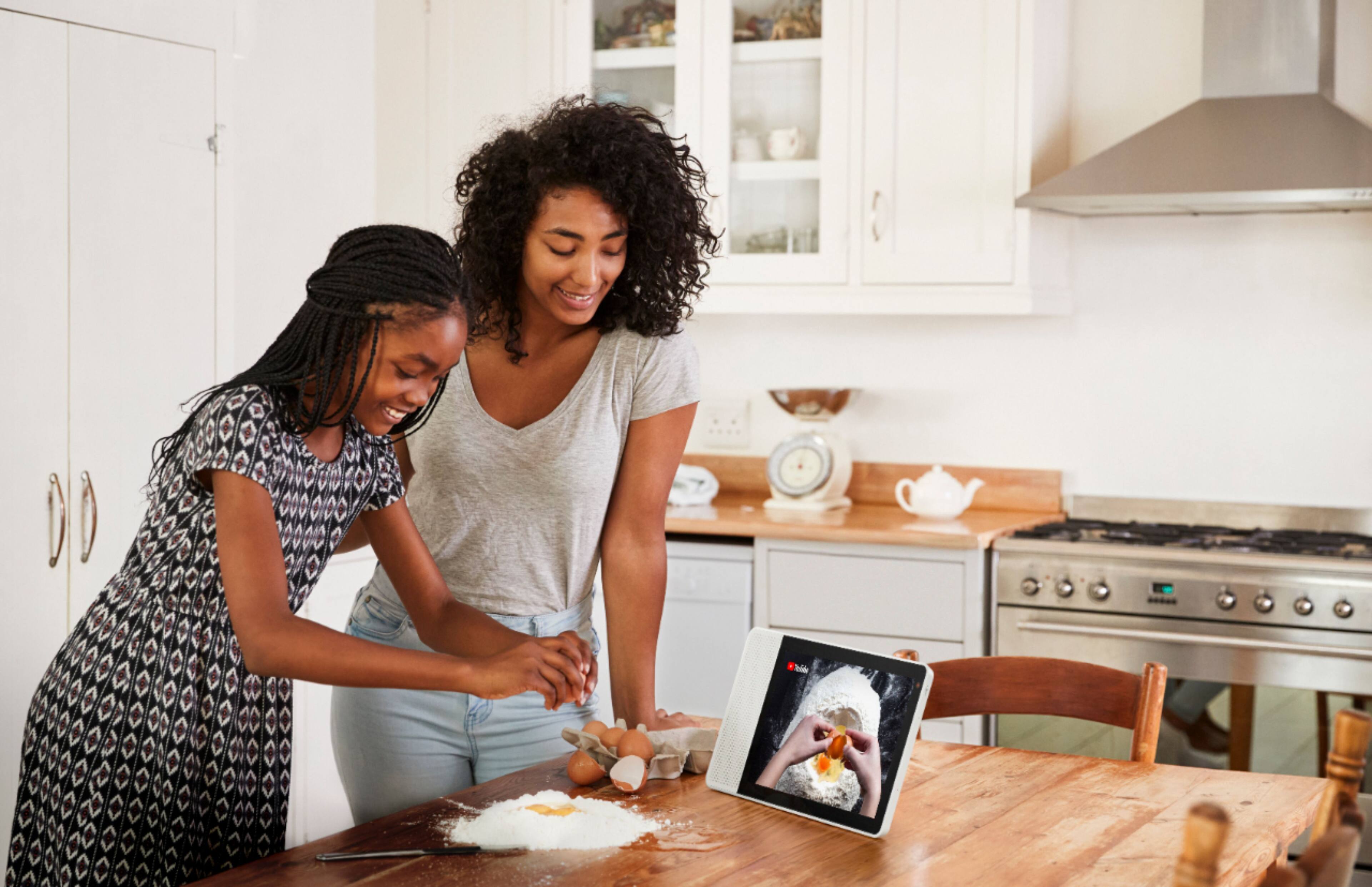
||Posted .This reviewer received promo considerations or sweepstakes entry for writing a review.If you want it as a digital kitchen cookbook it is 5 stars,if you want functionality it is not for you. It shows your calendar, weather and a few other basic things. To be clear it does not support many apps yet (Netflix, Hulu, etc. It is basically the same as the speakers. On the other hand If you have smart home features it may be a good hub to view settings like you do on your phone. It just didn't do anything to make me love it.
No, I would not recommend this to a friendBrand response from Lenovo Product Expert
Posted .Thank you for your feedback.The Lenovo Smart Display supports many audio and video services, to name a few:
Audio: Google Play Music, YouTube Music, Pandora, iHeart Radio, TuneIn, and Spotify.Video: YouTube, HBO Now, CW, Google Play Movies & TV, Crackle and YouTube TV gives you access to up to 40 premium TV channels live.
Some of these services will require an active subscription.
The Lenovo Smart Display is also compatible with more than 1 million actions helping you do more with your favorite devices and services in your home.
Stopped Working Shortly After Purchase,
||Posted . Owned for 5 months when reviewed.This reviewer received promo considerations or sweepstakes entry for writing a review.Stopped working less than three weeks after the product was delivered. Lenovo customer representatives were initially difficult in terms of providing any assistance. Finally they agreed to send a sticker--with a free UPS shipment--that was sent to a facility on the West Coast. The Lenovo 10" Smart Display came back about three weeks later and is now working okay.
No, I would not recommend this to a friendBrand response from Lenovo Product Expert
Posted .Hi Mike, we are sorry to hear you had this experience with the Lenovo Smart Display 10". We understand how frustrating it can be waiting on returns/ repairs. We appreciate your patience while the Lenovo team worked hard to get you your Smart Display 10" back to you. We are happy to hear the device is working as it should now =)
- Pros mentioned:Sound quality
Serious WiFi issues
||Posted . Owned for 5 months when reviewed.This reviewer received promo considerations or sweepstakes entry for writing a review.Sound quality is good. Multiple times throughout the day it says “ please wait while I get connected to WiFi”. This thing should be recalled since it WiFi dependent and that’s what hardly works. My google home & minis don’t have any issues, but the Lenovo has to be unplugged and plugged back in to get the WiFi to work temporarily.
No, I would not recommend this to a friendBrand response from Lenovo Product Expert
Posted .I do apologize that you are experiencing issues with your wifi connection. Ensure that your wifi is reaching the device and verify your network settings and support for smart devices. Feel free to reach out to our customer support team @ 877-453-6686, they will be happy to assist you as well.
It’s ok
||Posted .This reviewer received promo considerations or sweepstakes entry for writing a review.The device itself is ok, but I’m having issue with the google assistance in asking generic questions and google not able to answer
No, I would not recommend this to a friendAll advertised features did not work.
||Posted .This reviewer received promo considerations or sweepstakes entry for writing a review.Sadly after being excited for this item it had a few annoying glitches. The chromecasting did not work nor did making phone calls. Lenovo was blaming google for it being a software issue. Google laid the blame back at Lenovo cause it their hardware. Neither wants to rake credit in fixing the issues. I return this item as I like to have what’s advertised. I would wait till someone takes claim to fixing the glitches.
No, I would not recommend this to a friendBrand response from Lenovo Product Expert
Posted .We are sorry to hear that you are having some problems with your Lenovo Smart Display. Many reviewers are very happy with it and it meets their expectations. Please make sure it has been set up correctly:
a) Take the Lenovo Smart Display out of the box and plug in the power adapter on the back side.
b) Download the “Google Home” app on your phone/tablet and sign in on your Google account.
c) The app will show you a new Lenovo Smart Display is nearby. Click to set it up.
d) Follow the instructions inside the application until the setup is completed.
Then you can start your conversation with “Hey Google”. The average set up time will take approximately 5 to 8 minutes.
If this does not help , please contact Lenovo customer support for trouble shooting and help @ 877-453-6686.
Disappointed
||Posted . Owned for 4 months when reviewed.This reviewer received promo considerations or sweepstakes entry for writing a review.Inneeded this to house all the apps in the play store, it doesn't. Needs a download app update.
No, I would not recommend this to a friendBrand response from Lenovo Product Expert
Posted .The Lenovo Smart Display runs Android Things and does not support Android applications, using Google Assistant. For example, you can use it to control your smart home gadgets, like smart lights and smart locks. And when placed in the kitchen, it's excellent for calling up recipes and setting multiple oven times. As on other Google Assistant displays, you can launch YouTube videos on the Lenovo Smart Display 7 using your voice.
Not a great buy
||Posted . Owned for 3 months when reviewed.This reviewer received promo considerations or sweepstakes entry for writing a review.I should have went with google option. Doesn't work quite as well as I would have hoped
No, I would not recommend this to a friendBrand response from Lenovo Product Expert
Posted .We are sorry to hear that the Lenovo 7-Inch Smart Display is not meeting your needs. Here is a video demonstrating the features of the 7-Inch Smart Display that will provide tips about the functionally of this device: https://www.youtube.com/watch?v=awdcSZm6j-A
Standalone display
||Posted .This reviewer received promo considerations or sweepstakes entry for writing a review.Useful for those who enjoy YouTube, have play lists and wireless connections in mutiple rooms.
No, I would not recommend this to a friendBrand response from Lenovo Product Expert
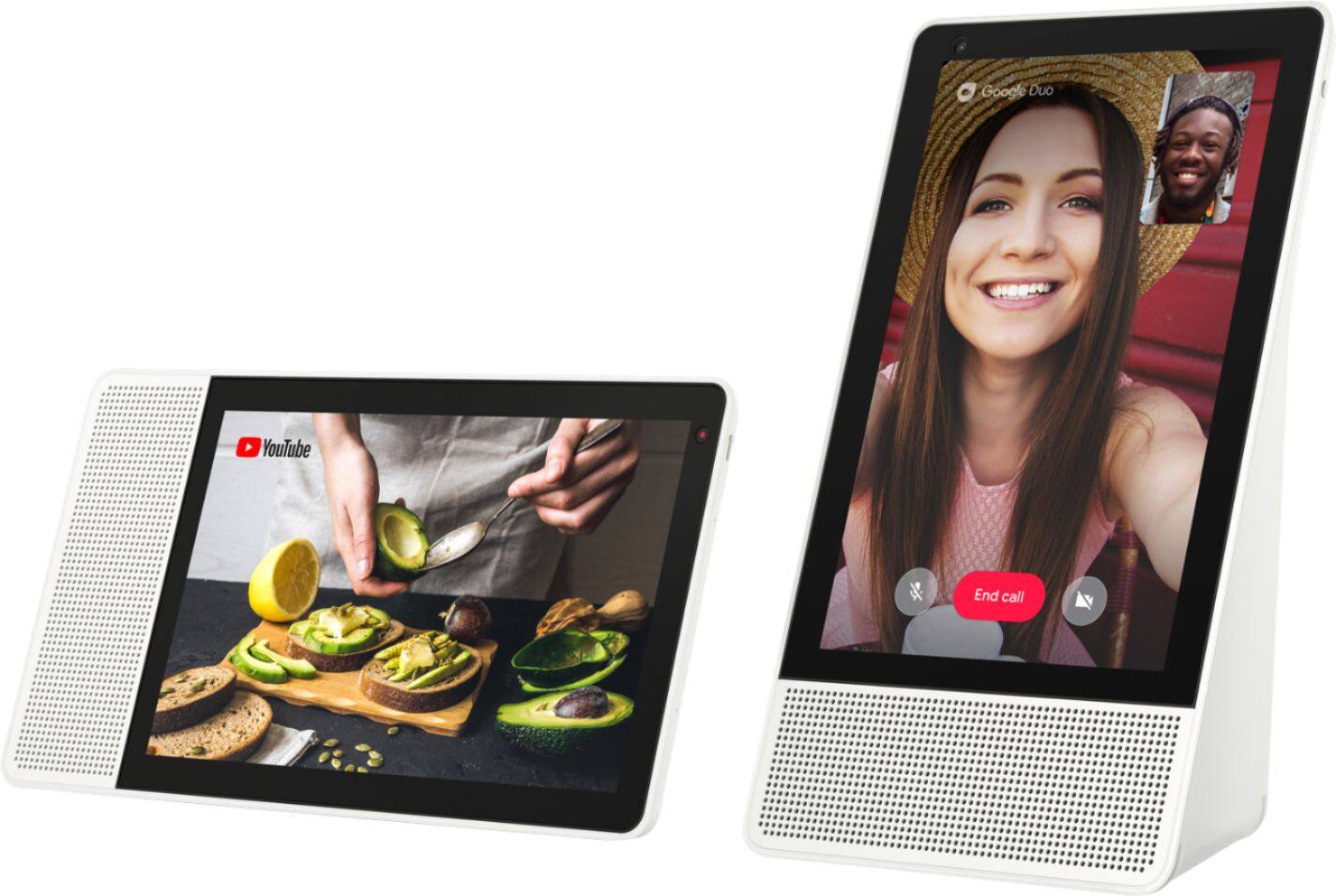
Posted .Hi, thanks for choosing the Lenovo Smart Display 10" with Google Assistant. With the Lenovo Smart display you can play games, pull up recipes, get help solving math equations, control your smart home devices, view the weather, listen to or watch the news, set alarms and reminders, view your calendar, make video calls with Google Duo/Meet, and much more.
its ok!
||Posted . Owned for 8 months when reviewed.This reviewer received promo considerations or sweepstakes entry for writing a review.Was not a big fan. Not easy to use for making calls had to download another app just for calls.
No, I would not recommend this to a friendBrand response from Lenovo Product Expert
Posted .Hello, Thanks for choosing the Lenovo Smart Display 8" with Google Assistant. We are sorry to hear you had this experience with the video calling. The Lenovo Smart Displays use the Google Dup App to make free video calls to any other smart device that has the Google Duo App installed. For tips and tricks on getting the most out of your assistant we recommend checking out this short video https://www.youtube.com/watch?v=mCnHBXn5aEw
Not a fan.
||Posted . Owned for 3 weeks when reviewed.This reviewer received promo considerations or sweepstakes entry for writing a review.The camera is very mediocre. Pay the extra for the bigger version with the better camera.
No, I would not recommend this to a friendBrand response from Lenovo Product Expert
Posted .Hello, we are sorry to hear you are having this experience with the Lenovo 7" Smart Display with Google Assistant. The Lenovo Smart Display 7" features a front facing,
2 megapixels camera. If you are experiencing issues with the camera please ensure the privacy shutter has been moved all the way to the off position. If the image looks blurry we recommend cleaning the camera lens with a soft cloth, preferably microfiber. If you need further assistance please don't hesitate to reach out to Lenovo Tech support at 866-426-0911.
Good camera, able to turn on or off
||Posted .This reviewer received promo considerations or sweepstakes entry for writing a review.It was not user friendly, we followed the activation set up but it was never fully set up no matter what we tried.
No, I would not recommend this to a friendBrand response from Lenovo Product Expert
Posted .We are sorry to hear that you are having some problems with your Lenovo Smart Display set up.
Please try these steps:
a) Take the Lenovo Smart Display out of the box and plug in the power adapter on the back side.
b) Download the “Google Home” app on your phone/tablet and sign in on your Google account.
c) The app will show you a new Lenovo Smart Display is nearby. Click to set it up.
d) Follow the instructions inside the application until the setup is completed.
Then you can start your conversation with “Hey Google”. The average set up time will take approximately 5 to 8 minutes.
If you are still having problems please contact our customer support @ 877-453-6686 for help and trouble shooting.
Doesn't Work 8 months later
||Posted . Owned for 9 months when reviewed.This reviewer received promo considerations or sweepstakes entry for writing a review.Device stopped working 8 months after purchase. Lenovo has a "mail in" only repair warranty, so now I am having to pay to ship my device back to them to repair with no assurances my problem can or will be resolved. Very disappointing product and customer service. Save yourself the hassle and go with the Google Nest Hub. I wish I would have purchased it to begin with.
No, I would not recommend this to a friendGood assistant but weak speaker
||Posted .This reviewer received promo considerations or sweepstakes entry for writing a review.Overall, almost on par with Google Home Hub, with minor difference. Speaker is on the weak side. A bit too bulky.
No, I would not recommend this to a friendBrand response from Lenovo Product Expert
Posted .Thank you for choosing the Lenovo Smart Display, and we are glad to hear that it meets your expectations. Many reviewers have stated that they think that the Lenovo Smart Display has great sound , but you can add one Bluetooth speaker if you want.
Amazing picture but cant do much
||Posted .This reviewer received promo considerations or sweepstakes entry for writing a review.There is not much this thing can do yet. It has a hard time searching. I mean isnt that what it is made for?
No, I would not recommend this to a friendBrand response from Lenovo Product Expert
Posted .Thank you for your feedback. After setup all you have to do is say "hey Google" then your question.The Lenovo Smart Display also supports many audio and video services, to name a few: Audio: Google Play Music, YouTube Music, Pandora, iHeart Radio, TuneIn, Spotify, Video: YouTube, HBO Now, CW, Google Play Movies & TV, Crackle and YouTube TV gives you access to up to 40 premium TV channels live. Some of these services will require an active subscription. "The Lenovo Smart Display works with more than 5000 smart home devices from more than 250 brands. It can control all home devices and gadgets featuring the “works with the Google Assistant” badge, and also supports Google Duo for video chatting to mention a few.
Not user friendly
||Posted .This reviewer received promo considerations or sweepstakes entry for writing a review.I have Alexa and I have this Google Frame. The Alexa set up in just a couple minutes. This Lenovo Smart Frame was painstakingly slow to get set up. It was not easy. It is not a user friendly devise. Once I figured out how to set up some things it was a little more fun, but would I buy this device again? NO WAY!!!
No, I would not recommend this to a friendBrand response from Lenovo Product Expert
Posted .Hello, we are sorry to hear you are experiencing this issue with the Lenovo Smart Display 10" with Google Assistant. The Lenovo Smart Display FAQs and Troubleshooting support page can be found here https://smartsupport.lenovo.com/us/en/products/smart/smart-home/lenovo-smart-display/solutions/ht507000-lenovo-smart-display-faqs-and-troubleshoot . For some useful tips and trick to help you get the most out of your assistant please check out this short video https://www.youtube.com/watch?v=mCnHBXn5aEw
Alternatively the following website has a list of useful commands. https://www.androidauthority.com/google-assistant-commands-727911/
If you need further assistance please don't hesitate to reach out to Lenovo Tech Support at 866-426-0911
Good
||Posted . Owned for 11 months when reviewed.This reviewer received promo considerations or sweepstakes entry for writing a review.Good product,I give 3 stars because this working by duo video call only.
I would recommend this to a friendGifted
||Posted .This reviewer received promo considerations or sweepstakes entry for writing a review.I don’t know if they like it or not, but I think it makes for a great gift to someone who has a smart home
I would recommend this to a friendMeh
||Posted . Owned for 1 month when reviewed.This reviewer received promo considerations or sweepstakes entry for writing a review.It’s just ok. I expected more. You can’t access video streaming unless you “cast” it from another device. Might be useful in a child’s room or if you just want to watch YouTube videos in the kitchen. It doesn’t integrate with my Ring camera either, although the lenovo tablet I have does. They are both going back.
No, I would not recommend this to a friendBrand response from Lenovo Product Expert
Posted .Hello, thanks or choosing the Lenovo Smart Display 7" with Google Assistant. We are are sorry to hear you are having this experience. As long as your streaming accounts are connected to your Google Account you may ask the Google Assistant to play video directly without interacting with another device. For example you can say "Okay Google play Hulu" or "Okay Google Play cat videos from YouTube". For non Google connected Apps you will need to utilize the cast feature from the device the APP or service is playing from. Ring is an Amazon product and is not Compatible with Google Products. For some useful tips and trick to help you get the most out of your assistant please check out this short video https://www.youtube.com/watch?v=mCnHBXn5aEw
Alternatively the following website has a list of useful commands. https://www.androidauthority.com/google-assistant-commands-727911/