Customer Ratings & Reviews

- Model:
- ZA3N0003US
- SKU:
- 6267024
Rating by feature
- Value
Rating 4.5 out of 5 stars
- Quality
Rating 4.6 out of 5 stars
- Ease of Use
Rating 4.5 out of 5 stars
Customers are saying
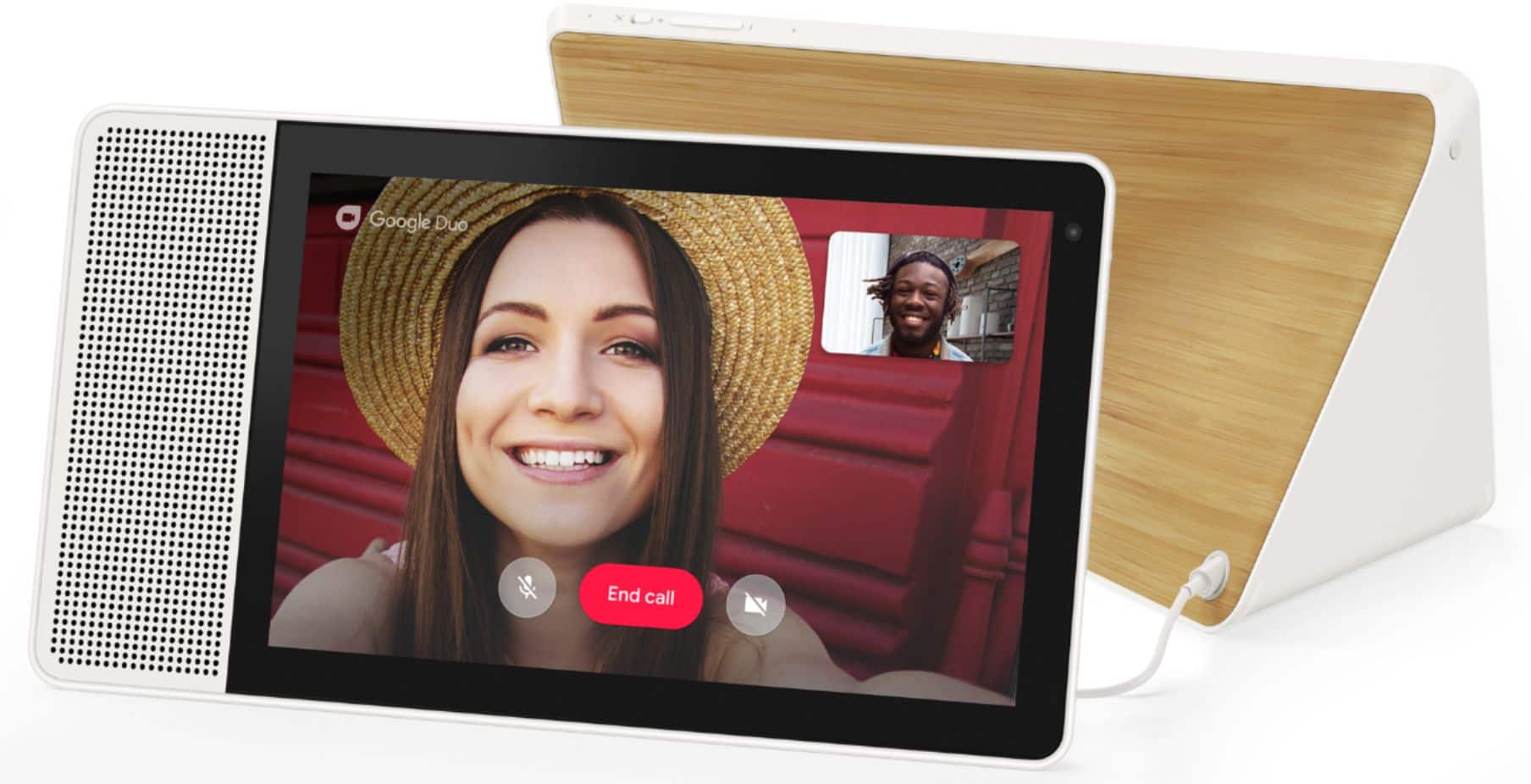
Customers frequently mention the large screen size, excellent sound quality, and ease of use as significant advantages of the 7" Smart Display with Google Assistant. The Google Assistant functionality and video calling capabilities also receive positive feedback. However, some users experienced challenges with the initial setup process. A lack of Bluetooth speaker connectivity and Netflix support were also cited as drawbacks by some customers.
This summary was generated by AI based on customer reviews.
Not easy to use
||Posted .This reviewer received promo considerations or sweepstakes entry for writing a review.Limited bandwidth in our area is making this hard to use.
No, I would not recommend this to a friendNo spanish
||Posted .This reviewer received promo considerations or sweepstakes entry for writing a review.No is bilingual, and no good images, to big for bedroom
I would recommend this to a friendLenovo disapointment
||Posted . Owned for 1 month when reviewed.This reviewer received promo considerations or sweepstakes entry for writing a review.It was a good product until levono says they can't find my device. Even after I put in my serial number and even downloaded there app. Just to get an answer about there product. So I just wasted two hrs. Going in circles on there website and mobile app. In short I didn't get any help at all from them. I'll be turning the display off. I know better than to purchase a Lenovo product again. It is the only tei couldn't obtain help with a product. Hell I bought a cheap. Made in china smart watch and got instant help when I needed it. I'm am very disappointed. Why have a product with no support when needed. Thanks for nothing levono.
No, I would not recommend this to a friendBrand response from Lenovo Product Expert
Posted .Hello, we are sorry to hear you are experiencing an issue with your Lenovo Smart Display 7". If your device isn't functioning correctly please power cycle the device by unplugging it for 1-2 minutes. Plugging it back in, and allowing it to power on. If the issue remains please perform a factory reset by holding down the “Volume + and – ” buttons on top of your device for 8 Seconds. If the issue persists, please contact our customer support team at 866-426-0911

- Cons mentioned:Setup
This item was difficult to set up - I returned for
||Posted .This reviewer received promo considerations or sweepstakes entry for writing a review.Bought this for my teenager - it was VERY difficult to set up and required downloaded apps for every user - to import the phone contacts. I returned for a facebook portal.
No, I would not recommend this to a friendBrand response from Lenovo Product Expert
Posted .Thank you for your feedback. Please follow these steps to set up your Smart Display.
a) Take the Lenovo Smart Display out of the box and plug in the power adapter on the back side.
b) Download the “Google Home” app on your phone/tablet and sign in on your Google account.
c) The app will show you a new Lenovo Smart Display is nearby. Click to set it up.
d) Follow the instructions inside the application until the setup is completed.
Then you can start your conversation with “Hey Google”. The average set up time will take approximately 5 to 8 minutes.
If you need further assistance , please contact our customer support @ 877-453-6686.
- Pros mentioned:Screen size, Sound quality
I like it!
Posted .This reviewer received promo considerations or sweepstakes entry for writing a review.Long time Echo fan as I have 7 of them in my home. Got the 1st google home when it was released and was not impressed. Realizing that it would take time for the Google Home developers to get on board I just left it setup in the office and forgot about it. Using the Echos for home control and daily activities worked just fine for me. The whole YouTube/Google?Amazon battle resulted in Google not allowing YouTube functionally on Amazon devices which made my echo show less then useful. It would be nice if Google and Amazon would play nice together and let consumers just pick the best device design and leave it at that. I really like the Lenovo Google Display as it works with my Nest thermostat, WEMO switches and Arlo cameras BUT due to Amazon owning Ring, they don't allow the Ring doorbell on the google devices as a slap in the face to Google for not allowing YouTube on Amazon devices. The immature face slapping between the two result in us, the consumers not being able to have one device to control all our smart devices. How about just making the competitive battle about building the best possible device and let the consumer choose for themselves. I like both products and they each have their place in my home. The Lenovo display is perfect for the kitchen or den for YouTube recipes or the kids watching Shopkins videos on YT. But for me it's too large for a bedroom environment and that's where the Echo show or spot works out better. It looks like the Google Home platform has grown quite a bit in the last year and I really like the features. The display is sharp and responsive and there are things I like and dislike about each platform. The sound is good for what it is and the purpose it serves in my kitchen. Glad I made the purchase and will be using it everyday as it's a keeper. Can't wait to see what product developers do next. Just wish Google and Amazon would settle their differences.
I would recommend this to a friend Not worth the money
||Posted .This reviewer received promo considerations or sweepstakes entry for writing a review.I was told this would be just like an android device with Google Assistant, but it's not even close. Ask an android device how many top 40 hits Travis Tritt has and it will tell you. Ask this device, and it says, "I'm sorry, I don't know how to help you with that". Extremely disappointed in this item. I get WAY more "I'm sorry" answers than good ones. I also own an Alexa and was told this would answer those types of questions Alexa couldn't. Couldn't be further from the truth. IF all you need is weather and an alarm every now and then, it's fine. This one doesn't even have a camera like my Alexa. NOT WORTH THE MONEY!
No, I would not recommend this to a friendBrand response from Lenovo Product Expert
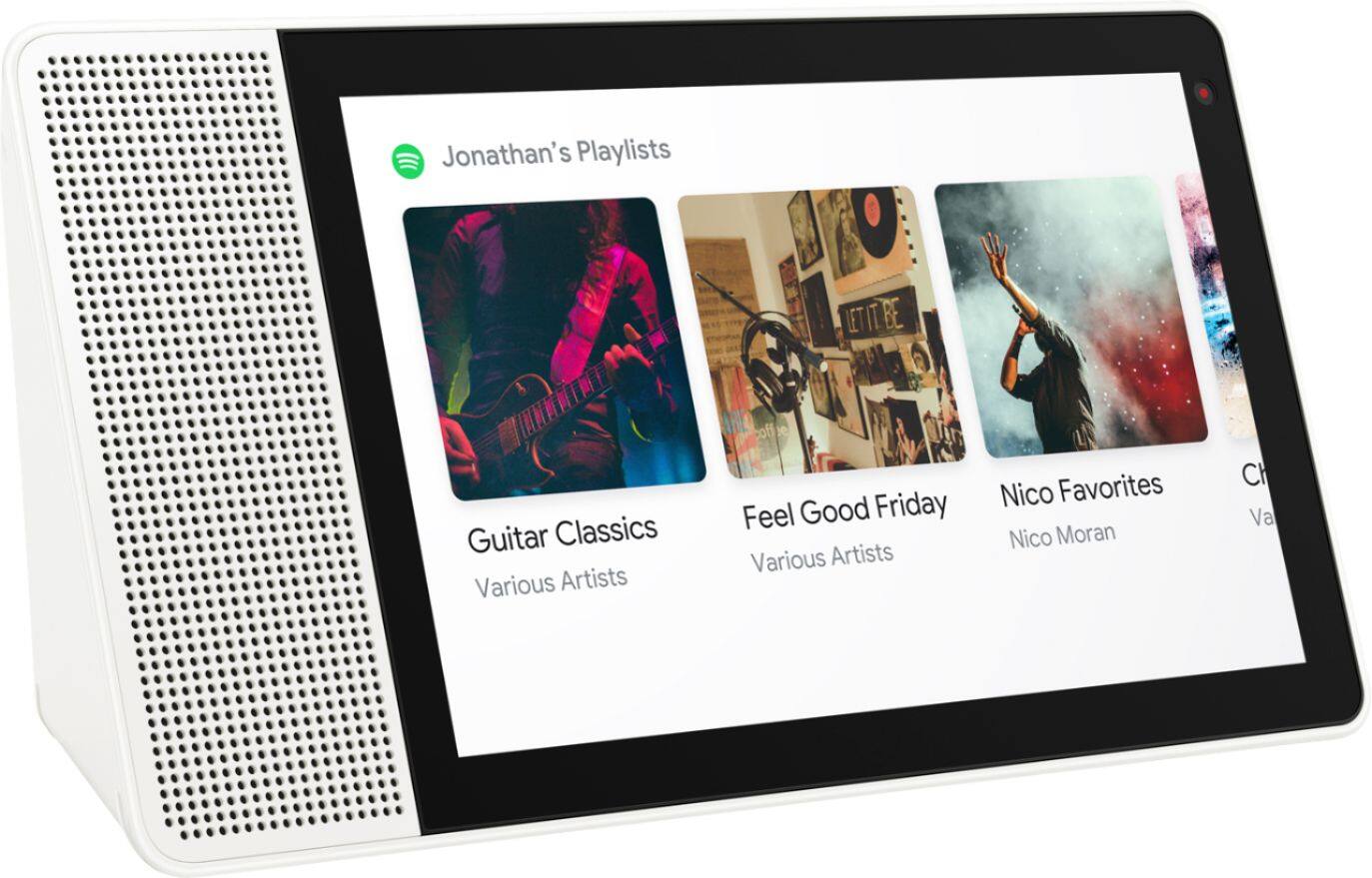
Posted .Thank you for your feedback. After you have done the innitial set up with your phone and the Smart Display with the Google Home app, you are ready to listen to music and ask questions. The Lenovo Smart Display supports the native Google Assistant Play Music experience.It reacts to your voice and youe touches.You can say “Hey Google ” or “Hey Google show me my play lists” for istance. Once your song is playing you can, touch the screen to pause, or skip to the next song.If your playlists are showing, you can tap on one or scroll through the list and play one you like, or just use your voice.The Smart display does have a camera for video chatting. If you are still have problems please contact our customer support @ 877-453-6686.
Disconnect consistently from wifi
||Posted .This reviewer received promo considerations or sweepstakes entry for writing a review.After the setup and the update, this device keep losing connection to wifi. Tried all the suggestions that were available online then called Lenovo and were told that google is responsible for the update and not Lenovo so there nothing they can do, talked to google they said it’s a Lenovo product when ever they release the update it goes to manufacturers and then they release the up date as they fit and there nothing they can do. After that I decided it’s better to just get rid of it.
No, I would not recommend this to a friendBrand response from Lenovo Product Expert
Posted .We are sorry to hear that you are having some problems with your Smart Display. We are not aware of a large running problem like you have described, and this could be a home WiFi issue. Please contact our customer support for any recent information and trouble shooting @ 877-453-6686.
Inconvenient with Nest Hello Doorbell camera
||Posted . Owned for 1 week when reviewed.This reviewer received promo considerations or sweepstakes entry for writing a review.Replaced my Google Nest Hub with Lenovo 7" display because of the included camera and I liked the look and how it sets higher then the Nest. However, when my Nest Hello doorbell has been pushed. The Lenovo will only announce someone is at the door and only shows the camera periodically. This is a common problem with this unit. My Lenovo smart alarm clocks work everytime. Hate I have to return this unit!
No, I would not recommend this to a friendBrand response from Lenovo Product Expert
Posted .Hello, we are sorry to hear you are experiencing this issue with the Lenovo Smart Display 7" with Google Assistant. Please power cycle the device by unplugging it for 1-2 minutes. Plugging it back in and allowing it to power on. If the issue remains please perform a factory reset by holding down the “Volume + and – ” buttons on top of your device for 8 Seconds. If the issue persists, please contact our customer support team at 866-426-0911
DOA and NO replacement offered
||Posted . Owned for less than 1 week when reviewed.This reviewer received promo considerations or sweepstakes entry for writing a review.GREAT deal I bought from Best Buy .com on this awesome product arrived shortly. Upon unbox and setup I was presented with a black screen with everything else on the system working. I was able to connect it to my home app and setup the device, but got NO display. Factory reset did not clear the problem. Best Buy offered to handle the return in-store. Store folks told me they'd no stock in my state and they could not order another. Refund issued and another disappointed Best Buy customer am I.
No, I would not recommend this to a friendBrand response from Lenovo Product Expert
Posted .Hello, we are sorry to hear you experienced this issue with your Lenovo Smart Display 10" with Google Assistant. We appreciate your feedback as we are constantly working to improve our smart devices.
Fine at first, now it’s toast.
||Posted . Owned for 4 months when reviewed.This reviewer received promo considerations or sweepstakes entry for writing a review.Worked fine for several months. Now it’s stuck in a boot loop. Lenovo is going to charge me for returning the device under warranty. Said most likely it will be repaired lol. No thanks. I’ll stick with a reputable name like google or amazon instead. Buyer beware
No, I would not recommend this to a friendDisappointing
||Posted . Owned for less than 1 week when reviewed.This reviewer received promo considerations or sweepstakes entry for writing a review.You can't set up this device by itself. You have to have an app on a phone or tablet, on the same WiFi network, to configure the device for use. My whole point in buying the thing was for me to set up the device then send it to my elderly parents so they can video chat with me without getting bogged down in technical details. It probably COULD do that, but only if I could physically go to my parents' home and configure the device, which I cannot do during this pandemic.
No, I would not recommend this to a friendBrand response from Lenovo Product Expert
Posted .Hi Jimmy. We understand these are trying times that have been difficult to navigate for many. Currently this is how the Google Smart Device setup process works across the entire ecosystem of Google devices. If you need more information on how this setup process works we recommend checking out the Google Support page at https://support.google.com/googlenest/answer/7029485?co=GENIE.Platform%3DAndroid&hl=en-IN
Too big for bedside table.
||Posted . Owned for 1 month when reviewed.This reviewer received promo considerations or sweepstakes entry for writing a review.Way too big for our bedroom side table. Has Google Duo and I'm not sure how useful that is. We ended up returning it. Probably better in the kitchen.
No, I would not recommend this to a friendBrand response from Lenovo Product Expert
Posted .Hi there, we are sorry to hear you had this experience with the Lenovo 10" Smart Display with Google Assistant. For a smaller bedside companion with a crisp 4", touch, color display we recommend the Lenovo Smart Clock with Google Assistant model # ZA4R0002US
- Pros mentioned:Screen size, Sound quality, Video calling
Love this!!!!! Works GREAT in the kitchen!
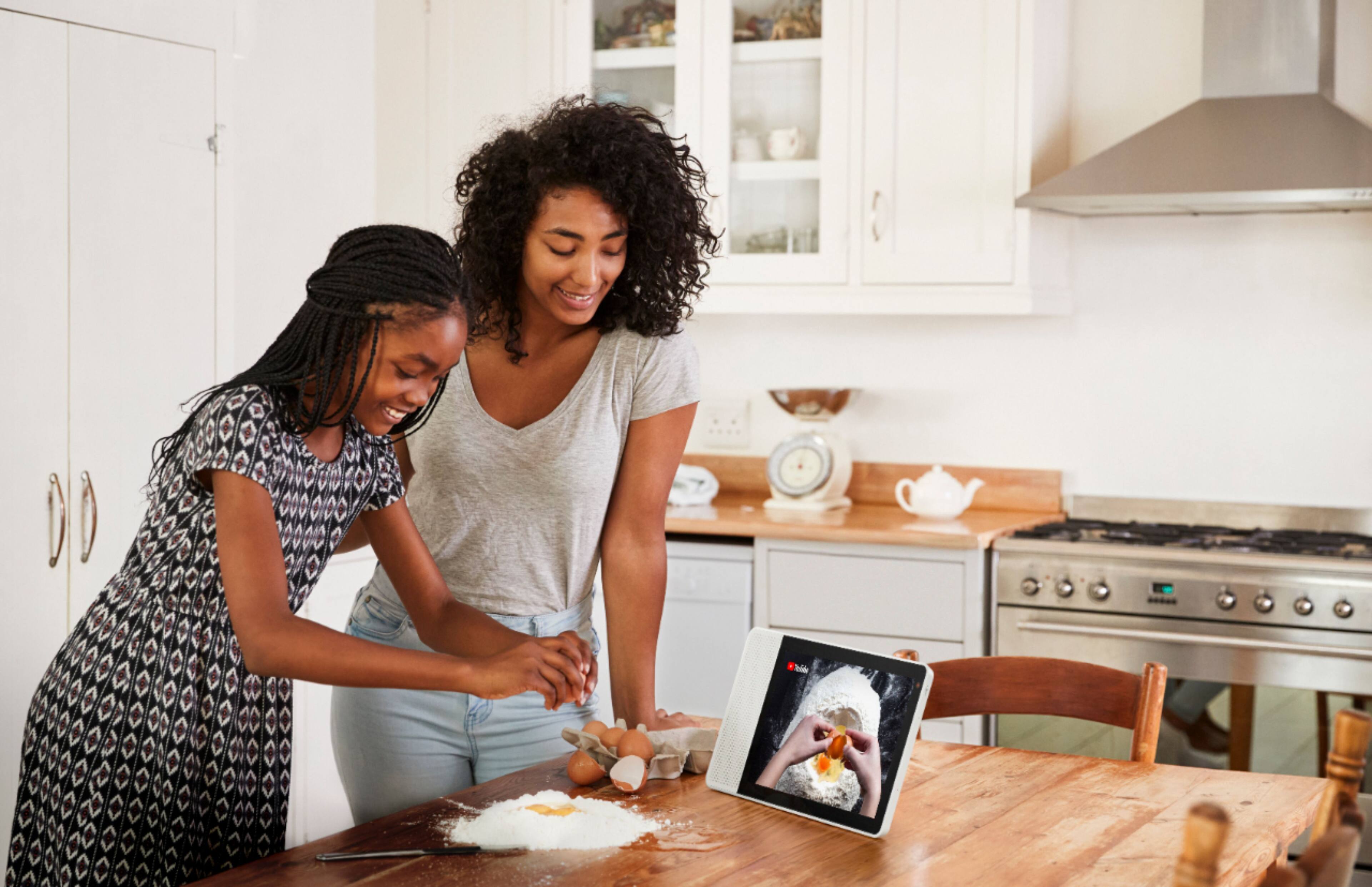
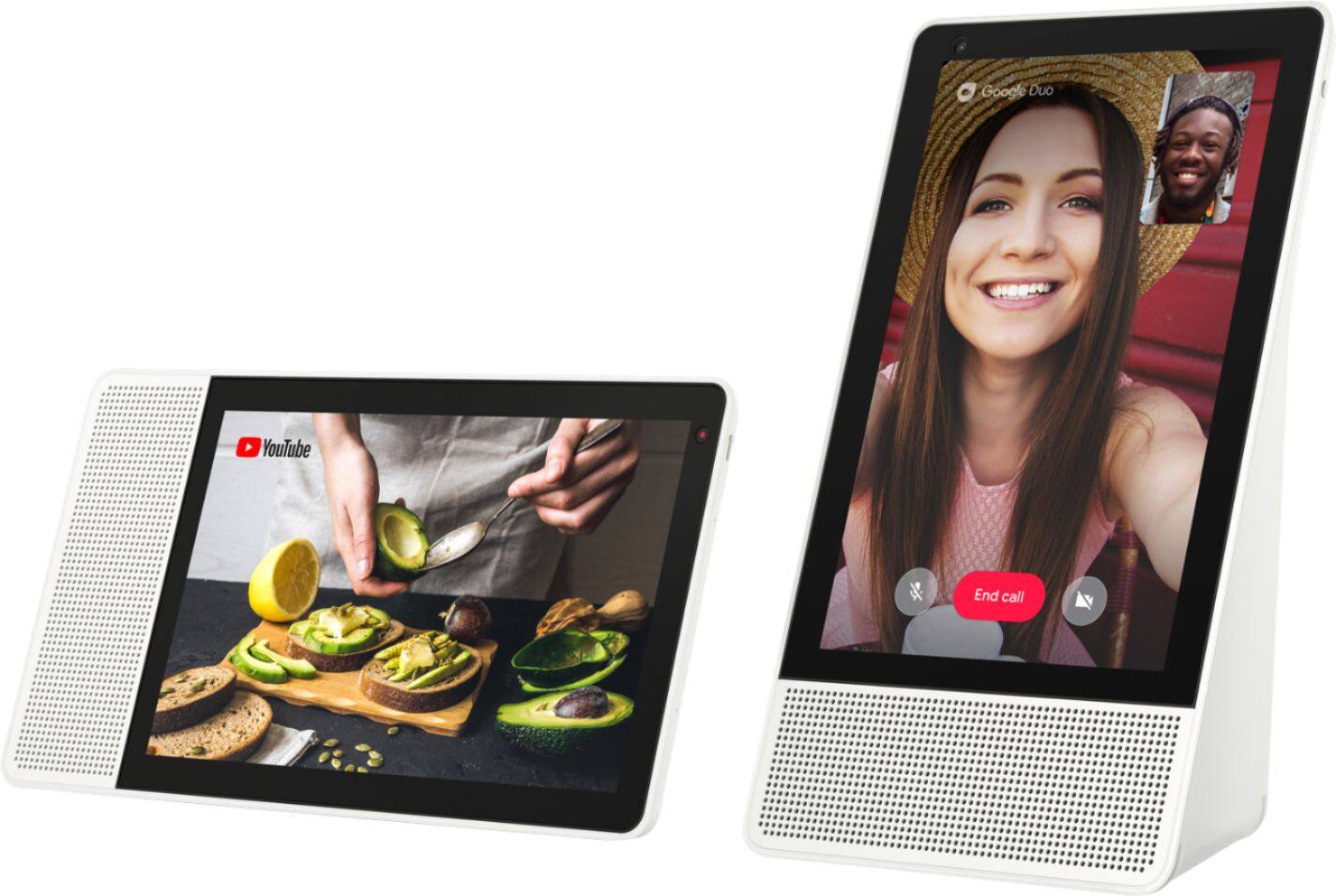
Posted .This reviewer received promo considerations or sweepstakes entry for writing a review.I bought both the 10" display and the 8" display. The 10" is in the kitchen and the 8" in the bedroom. The 10" in the kitchen works perfectly for recipes and watching shows while cooking. The routines are SUPER USEFUL in the morning when I'm sitting having a cup of coffee and not as distracting as having a TV on. We love the photos that rotate through when it's waiting for instructions as they bring back memories and spur conversation. The ability to simply ask a question and get a visible answer is significantly more satisfying that my screenless Google Home. The speakers are just the right size for the kitchen but clearly not as powerful as our Sonos or others (also not meant to replace these). We love the video calling!!! As a Fandroid and not a big "Face time" user, the Duo app works great and it';s nice to see the kid's faces when talking to them. I'm sending an 8" to both set of grandparents to make time more meaningful. All around, love these device and can't wait for Lenovo to just keep making these better and better.
I would recommend this to a friend Lenovo 8" Smart Display
||Posted .This reviewer received promo considerations or sweepstakes entry for writing a review.I am really amazed by Lenovo and their lack of support for this product. There is obviously a bug in the device and they have not addressed the issue. If you are thinking of buying this thing, please do a search on the net for "Video calls drop immediately after the first ring (or knock knock)) - there are so many problems associated with this and the DUO app and Google and Lenovo continue to point the fingers at one another. If I don't get resolution in 2 days, it's back to the shelf for the two I bought.
No, I would not recommend this to a friendBrand response from Lenovo Product Expert
Posted .We are sorry to hear that you are having some problems with Google Duo video calling. Please follow these steps for Duo setup: Important: If you already use Duo, make sure you connect your Google Account to your Duo phone number in the Duo app on your phone before following these steps.
1. Open the Google Home app .
2. At the bottom, tap Home .
3. Tap your Smart Display Settings Duo video calling.
4. Follow the steps.
If you are still having some problems,please contact our customer support @ 877-453-6686.
Lacked Support For Ring Doorbell
||Posted .This reviewer received promo considerations or sweepstakes entry for writing a review.Purchased this to use with our Ring Doorbell, Salesman told me that this was a great way to add a hub for smart devices. After purchasing 2 Ring Doorbell Pro units to my disappointment I discovered it wasn't supported. Spent hours researching how to make it work. I have passed the date of being able to return it and buy what I actually need. The salesman needs to be better trained on what the recommend! I will research anything else I purchase from Best Buy in the future!!
No, I would not recommend this to a friendBrand response from Lenovo Product Expert
Posted .We're so sorry to hear of the mix-up in supported systems, hopefully you are still enjoying your Lenovo Smart Display despite the setback. If you ever have questions about the supported services for the device, you can visit assistant.google.com/explore, or contact our customer service team @ 877-453-6686.
- Pros mentioned:Screen size, Sound quality
The display sets it apart from smart speakers
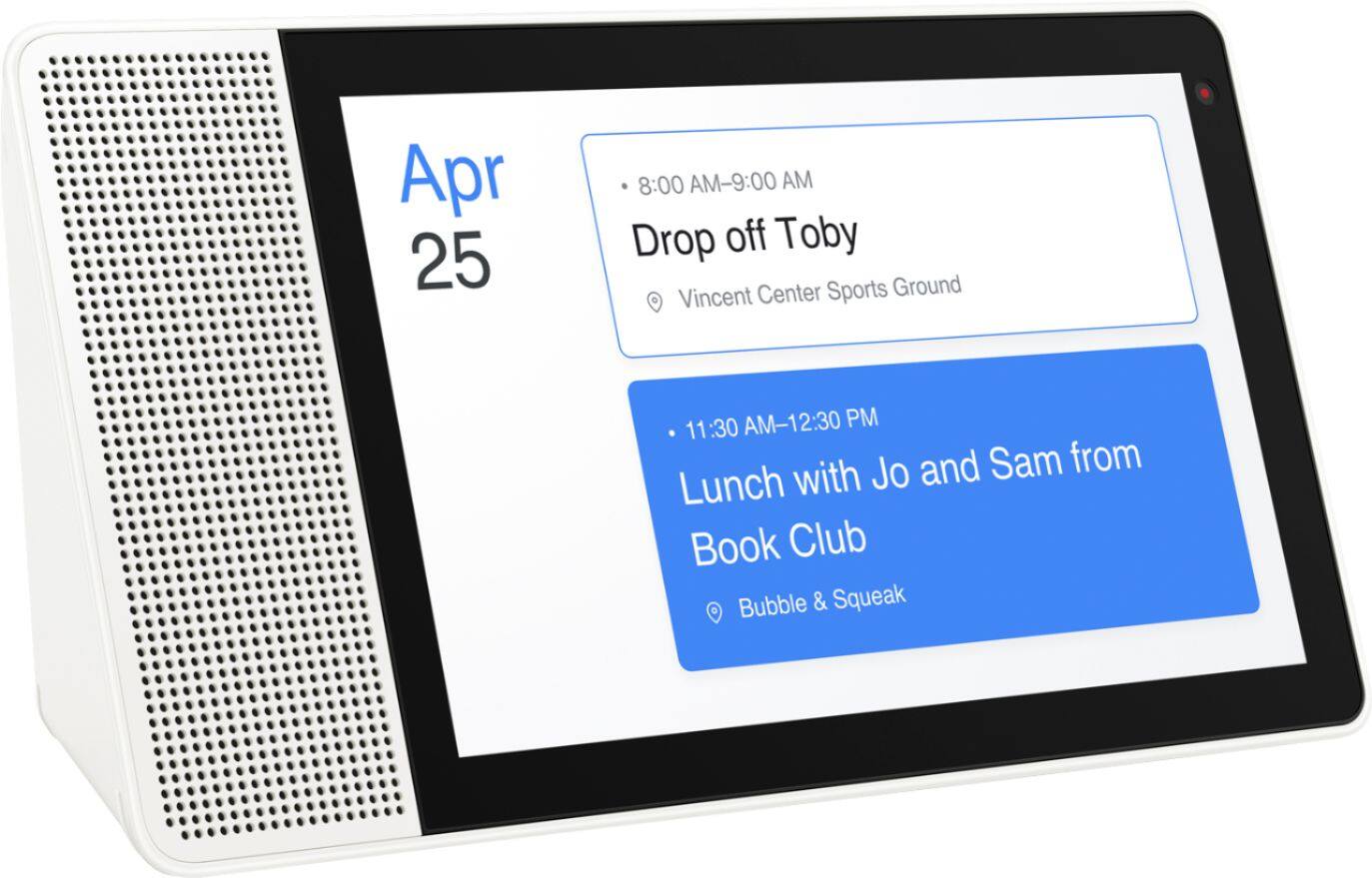
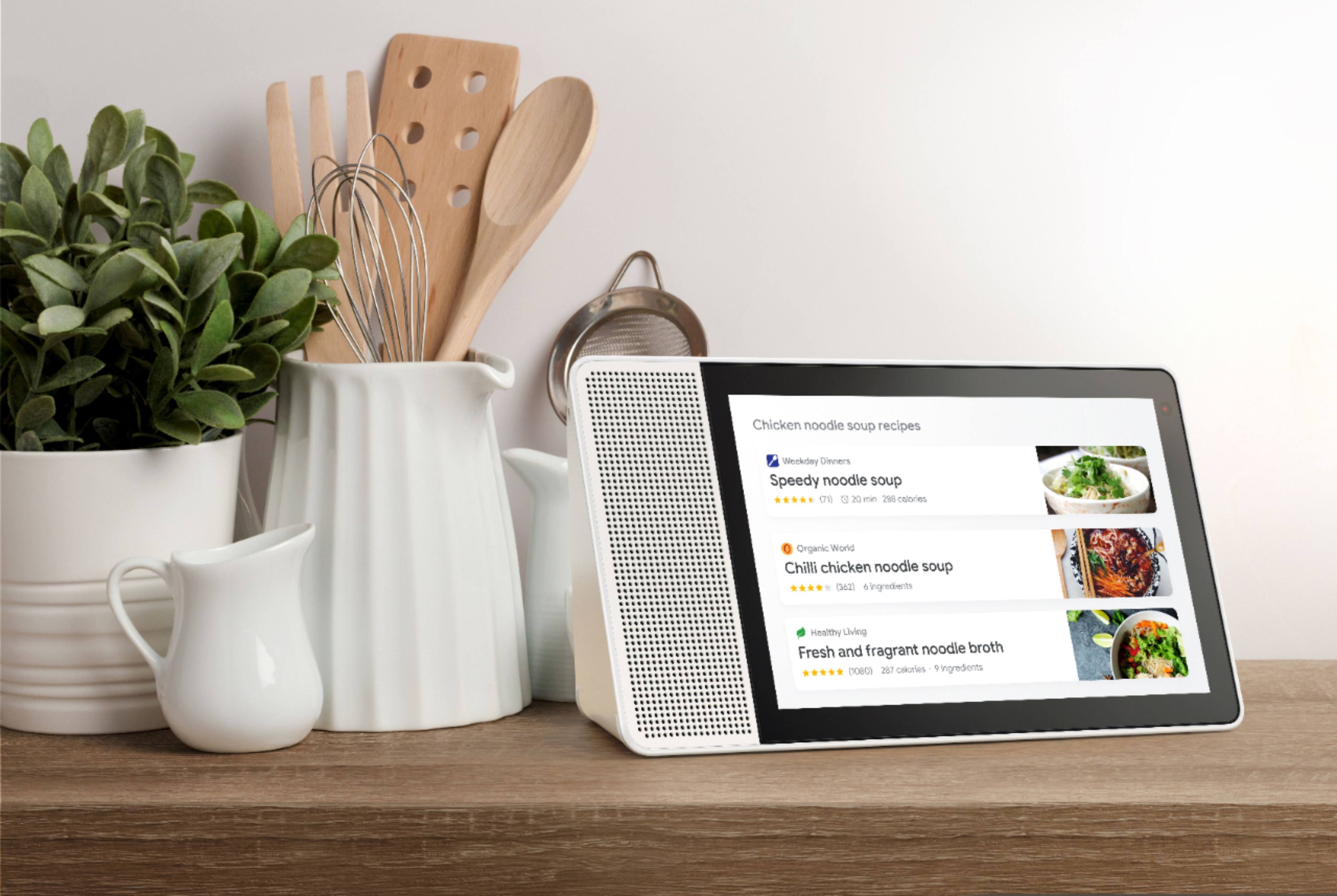
Posted .This reviewer received promo considerations or sweepstakes entry for writing a review.The Lenovo 8" Smart Display with Google Assistant is a great addition to my home and has become a welcome addition to my daily routine. So what can it do that makes it worth the investment? Much like the various smart speakers on the market, it offers all of the benefits of Google Home, but the addition of the 8 inch display sets it apart and raises the bar. I keep mine in the Kitchen and I've come to rely on the "Hey Google, Good Morning" command every morning, which tells me the weather, lets me know my calendar for the day, informs me of my commute to work, and then proceeds to play the various audio and video news feeds that I selected via Google Home, all while I'm making coffee/breakfast and otherwise getting ready for work. The integration with YouTube also sets it apart from plain old speakers with no display. Cooking a recipe? Just ask and you will be guided through it. Need to know how to chop an onion? Just ask and a relevant video will appear! It's also worth noting that the quality of the display is good, and the product is very well made and solid overall. The integration with music streaming is another feature I continue to use regularly and the speaker quality is pretty good for a relatively smallish device. I've also found that it integrates with my smart devices very well, including my Nest Thermostat and my MyQ garage door opener. Commanding devices with my voice never gets old to me and I plan to add more smart devices such as lighting to my home in the future. My kids also enjoy the "tell me a joke" and trivia games. One nit-pick is that I sometimes have to raise my voice a bit more than I'd like to in order to get it to recognize my admittedly soft voice, particularly when I'm playing music at high volume. Overall, I'm pleased with this purchase and would definitely recommend it.
I would recommend this to a friend Very glitchy. Buy Google home instead.
||Posted . Owned for 1 month when reviewed.This reviewer received promo considerations or sweepstakes entry for writing a review.Extremely glitchy device. Just get the Google device. I wish I could exchange this for the google screen. I have that one and it never freezes up or fails to open. I got this because it has a camera. Not worth it. Best Buy should honor a minimum 90 day exchange. I did not know the glitches would persist at the two week window. Not the first time I thought, I should have bought on Amazon.
No, I would not recommend this to a friendBrand response from Lenovo Product Expert
Posted .Hello, we are sorry to hear you are experiencing this issue with the Lenovo Smart Display 7" with Google Assistant. Please power cycle the device by unplugging it for 1-2 minutes. Plugging it back in and allowing it to power on. If the issue remains please perform a factory reset by holding down the “Volume + and – ” buttons on top of your device for 8 Seconds. If the issue persists, please contact our customer support team at 866-426-0911
Disconnect from wifi every 5 mins
||Posted .This reviewer received promo considerations or sweepstakes entry for writing a review.It worked great for a month or so and then it started disconnecting from wifi every 5 mins or so and after talking to Lenovo they are blaming Google and google blaming Lenovo for the update so since the disconnection issues it really can not be used for anything. Very disappointed on Lenovo and on google to not taking the ownership of the issue.
No, I would not recommend this to a friendBrand response from Lenovo Product Expert
Posted .We are sorry to hear that you are having some problems with your Smart Display. There could be several reasons why you are having WiFi problems. Please contact our customer support for help and trouble shooting @ 877-453-6686.
Speaker crackling
||Posted . Owned for 11 months when reviewed.This reviewer received promo considerations or sweepstakes entry for writing a review.It sounds bad now. Having trouble returning it because the links don't work and I can't get through to the store.
No, I would not recommend this to a friendBrand response from Lenovo Product Expert
Posted .We are sorry to hear that you are having issues with your Lenovo 8-Inch Smart Display. It is possible that resetting the Smart Display will fix the issue. Here is a link to instructions for resetting the Lenovo 8-Inch Smart Display: https://smartsupport.lenovo.com/us/en/products/smart/smart-home/lenovo-smart-display/za3n/solutions/ht507604
Unit I received has a broken screen
||Posted .This reviewer received promo considerations or sweepstakes entry for writing a review.Absolute garbage. Pulled it out of the box plugged it in and nothing but a flickering red light and a broken screen. Since I bought it on a Black Friday deal Best Buy is being a huge pain about letting me replace it. I regret making this purchase from Best Buy.
No, I would not recommend this to a friendBrand response from Lenovo Product Expert
Posted .We are sorry to hear that you are having problems with your Lenovo Smart Display. Lenovo tests all product before being packaged. Like all products in this category, the product could have been damaged in shipping to you. Please return it to you local Best Buy for a replacement.