Customer Ratings & Reviews

- Model:
- ZA3N0003US
- SKU:
- 6267024
Rating by feature
- Value
Rating 4.5 out of 5 stars
- Quality
Rating 4.6 out of 5 stars
- Ease of Use
Rating 4.5 out of 5 stars
Customers are saying
Customers frequently mention the large screen size, excellent sound quality, and ease of use as significant advantages of the 7" Smart Display with Google Assistant. The Google Assistant functionality and video calling capabilities also receive positive feedback. However, some users experienced challenges with the initial setup process. A lack of Bluetooth speaker connectivity and Netflix support were also cited as drawbacks by some customers.
This summary was generated by AI based on customer reviews.
Very disappointed
||Posted .This reviewer received promo considerations or sweepstakes entry for writing a review.Was excited to get my 2 units up and running. Plug in the first one and it could find the WiFi. Moved a few times same thing put over the top on the Linksys node and could not connect. Very disappointed with this product. my nest door bell is the farthest away from the nodes and it hook up great. Plus all my blink cameras. This is garbage. Buyer beware.
No, I would not recommend this to a friendBrand response from Lenovo Product Expert
Posted .We are sorry to hear that you are having trouble setting up you Lenovo Smart Display. Please make sure your WiFi is up and running by verifying this with an other WiFi device like you phone. After you know your WiFi is up and running correctly please try setting the Smart Display up again following these steps:
a) Take the Lenovo Smart Display out of the box and plug in the power adapter on the back side.
b) Download the “Google Home” app on your phone/tablet and sign in on your Google account.
c) The app will show you a new Lenovo Smart Display is nearby. Click to set it up.
d) Follow the instructions inside the application until the setup is completed.
Then you can start your conversation with “Hey Google”. The average set up time will take approximately 5 to 8 minutes
If this still does not fix the problem, please contact our customer support for trouble shooting at 877-453-6686.
Great
||Posted .This reviewer received promo considerations or sweepstakes entry for writing a review.Good I will remember to send it to my friends and family
I would recommend this to a friendBrand response from Lenovo Product Expert
Posted .We are pleased to hear that the Lenovo 10" Smart Display meets your needs so well.
Not value for money
||Posted . Owned for 3 weeks when reviewed.This reviewer received promo considerations or sweepstakes entry for writing a review.Its just like a clock with Youtube. Not worth for a 100 bucks
No, I would not recommend this to a friendBrand response from Lenovo Product Expert
Posted .Hello thank you for choosing the Lenovo Smart Display 10" with Google Assistant. We are sorry to hear you are having this experience with your Smart Display. For some useful tips and trick to help you get the most out of your assistant please check out this short video https://www.youtube.com/watch?v=mCnHBXn5aEw
Alternatively the following website has a list of useful commands. https://www.androidauthority.com/google-assistant-commands-727911/
Not good product
||Posted .This reviewer received promo considerations or sweepstakes entry for writing a review.Lenovo is having problems with this unit. Not sure when it will be fixed
No, I would not recommend this to a friendBrand response from Lenovo Product Expert
Posted .We are sorry to hear that you are having some problems with your Lenovo Smart Display. We are not aware of any major running problems with is product. Please contact our customer support @ 877-453-6686 for help and trouble shooting.
S.h.i.t product
||Posted . Owned for 8 months when reviewed.This reviewer received promo considerations or sweepstakes entry for writing a review.It's a trash product. It's been 8 months since I bought it, but the power isn't on. Many faults are easily found in the online community. This product shows why Lenovo is not trusted. Please don't buy it for anyone else. Thank you.
No, I would not recommend this to a friendBroke within a month
||Posted .This reviewer received promo considerations or sweepstakes entry for writing a review.Just got this thing about a month ago. Already the display went out. Threw packaging away so can’t return. Called Lenovo to get it repaired under warranty they are making me pay for shipping for their defected device. Terrible customer service. Not worth the hassle.
No, I would not recommend this to a friendBrand response from Lenovo Product Expert
Posted .We are sorry to hear that you are having some problems with your Lenovo Smart Display. Please contact our customer service for help and trouble shooting @ 877-453-6686.
AWFUL PRODUCT
||Posted .This reviewer received promo considerations or sweepstakes entry for writing a review.This product is a waste of time. Hard to make video calls, cannot sync up to other applications, when you ask Google to search for something all you hear is :I am not familiar with that I am learning" It turned out not to be a good gift at all. Sorry I bought it.
No, I would not recommend this to a friendBrand response from Lenovo Product Expert
Posted .Thank your for your feedback .Please follow these steps for Duo video calling. If you already use Duo, make sure you connect your Google Account to your Duo phone number in the Duo app on your phone before following these steps.
1. Open the Google Home app .
2. At the bottom, tap Home .
3. Tap your Smart Display Settings Duo video calling.
4. Follow the steps.
The Lenovo Smart Display supports many audio and video services, to name a few: Audio: Google Play Music, YouTube Music, Pandora, iHeart Radio, TuneIn, Spotify, Video: YouTube, HBO Now, CW, Google Play Movies & TV, Crackle and YouTube TV gives you access to up to 40 premium TV channels live. Some of these services will require an active subscription. "The Lenovo Smart Display works with more than 5000 smart home devices from more than 250 brands. It can control all home devices and gadgets featuring the “works with the Google Assistant” badge.
If you need assistance with asking questions,please contact our customer support @ 877-453-6686.
Broke 3 weeks later
||Posted .This reviewer received promo considerations or sweepstakes entry for writing a review.Avoid this. Seems like there is a hardware issue where the speakers don't work after a period of time. Bought it on black Friday and about 2 weeks later the sound stopped working. Tried everything. Check the Lenovo forums. Many people have this problem
No, I would not recommend this to a friendBrand response from Lenovo Product Expert
Posted .We are sorry to hear that you are having some audio problems with your Lenovo Smart Display. We are not aware of any major running problems like what you have described. Please contact our customer support for help and troubleshooting @ 877-453-6686.
Software is broken
||Posted .This reviewer received promo considerations or sweepstakes entry for writing a review.Mine says that "the Google Assistant cannot provide answers from your calendar or email, for example the agenda, upcoming flights and tracking packages". I did a search and it's a known issue. I suggest waiting to buy it until they fix the software.
No, I would not recommend this to a friendBrand response from Lenovo Product Expert
Posted ."We are sorry for your inconvenience. Please try the following steps.
1. Set up voice match.
• Open the Google Home app
• Tap the three bars Menu
• At the top right of the Home screen, tap Devices. Tap the Smart Display you want to link to your voice
• Tap Link your account, Continue
• Follow the steps on your smartphone
2. Authorize personal results.
• Open the Google Home app
• Tap the three bars Menu
• Make sure that the Google Account listed is the one linked to your device. To switch accounts, click the Down arrow, next to your picture and name
• Tap More settings in the list below
• Under ""Devices,"" select your Smart Display
• Turn Personal results on
Next, please let us know if this fixed your problems, as all these things are perfectly working on the Lenovo Smart Display.
Thank you"
Defective
||Posted . Owned for 2 weeks when reviewed.This reviewer received promo considerations or sweepstakes entry for writing a review.I have tried to return this product as the audio when you do a Duo call is crackly but I was three day over the return period and they would not let me return a defective product. NOT HAPPY customer.
No, I would not recommend this to a friendBrand response from Lenovo Product Expert
Posted .Hello, we are sorry to hear you are experiencing this issue with the audio during a Duo video call on your Lenovo 7" Smart Display with Google Assistant. Please ensure your device is in good range of your router with a suitable connection for video streaming/calling. We recommend to ensure the person you are calling also has a suitable connection for video calling/ streaming. You can test this by calling someone else with Duo to see if the audio is still crackling or distorting. If it is it is possible that you can fix your device with a reset. To do this please power cycle the device by unplugging it for 1-2 minutes. Plugging it back in and allowing it to power on. If the issue remains please perform a factory reset by holding down the “Volume + and – ” buttons on top of your device for 8 Seconds. If the issue persists, please contact our customer support team at 866-426-0911 for the next steps in resolving your issue.
Great for houses - not great for offices
||Posted .This reviewer received promo considerations or sweepstakes entry for writing a review.Cannot call other smart displays. This was the reasoning of the purchase for my business therefore I would not recommend it if those are looking for video conference style calls between 2 offices. Great product if you need for a home.
No, I would not recommend this to a friendBrand response from Lenovo Product Expert
Posted .Thank you for your feedback. At the moment, the Lenovo Smart Display is designed to work in individual homes with regular WiFi protection. Added security layers as a log in page will prevent the Lenovo Smart Display to connect to the network.
Garbage - DON'T buy.!!!
||Posted .This reviewer received promo considerations or sweepstakes entry for writing a review.Bought 1st one and returned - defective. Same with 2nd one, Had "GEEKS" try 3rd one in store. ->-> Wouldn't even turn on. GARBAGE.!!!
No, I would not recommend this to a friendBrand response from Lenovo Product Expert
Posted .We are sorry to hear that you are having some problems with your Lenovo Smart Display. We are not aware of any running problems with this just not working. Please make sure that the power plug in the back is pushed in all of the way. If this does not work, please contact our customer support @ 877-453-6686 for trouble shooting.
Great device if it works!
||Posted .This reviewer received promo considerations or sweepstakes entry for writing a review.Very dissapointed! It did not boot up, went into setup mode, and unable to get it out of the sparrow bios... I’ve got another one of these in the kitchen and it’s been really good
No, I would not recommend this to a friendBrand response from Lenovo Product Expert
Posted .We are sorry to hear that you are having issues with your Lenovo 10-Inch Smart Display, model number ZA3N0003US. Try resetting the device back to its original factory settings. Here is a link to instructions for doing a reset: https://smartsupport.lenovo.com/us/en/products/smart/smart-home/lenovo-smart-display/za3n/solutions/ht507604-factory-default-reset-lenovo-smart-display-faqs. If the issue continues, we recommend you contact Lenovo Tech Support for Smart Devices at: 866-426-0911.
- Pros mentioned:Screen size, Sound quality
Fantastic first entry to Google Home
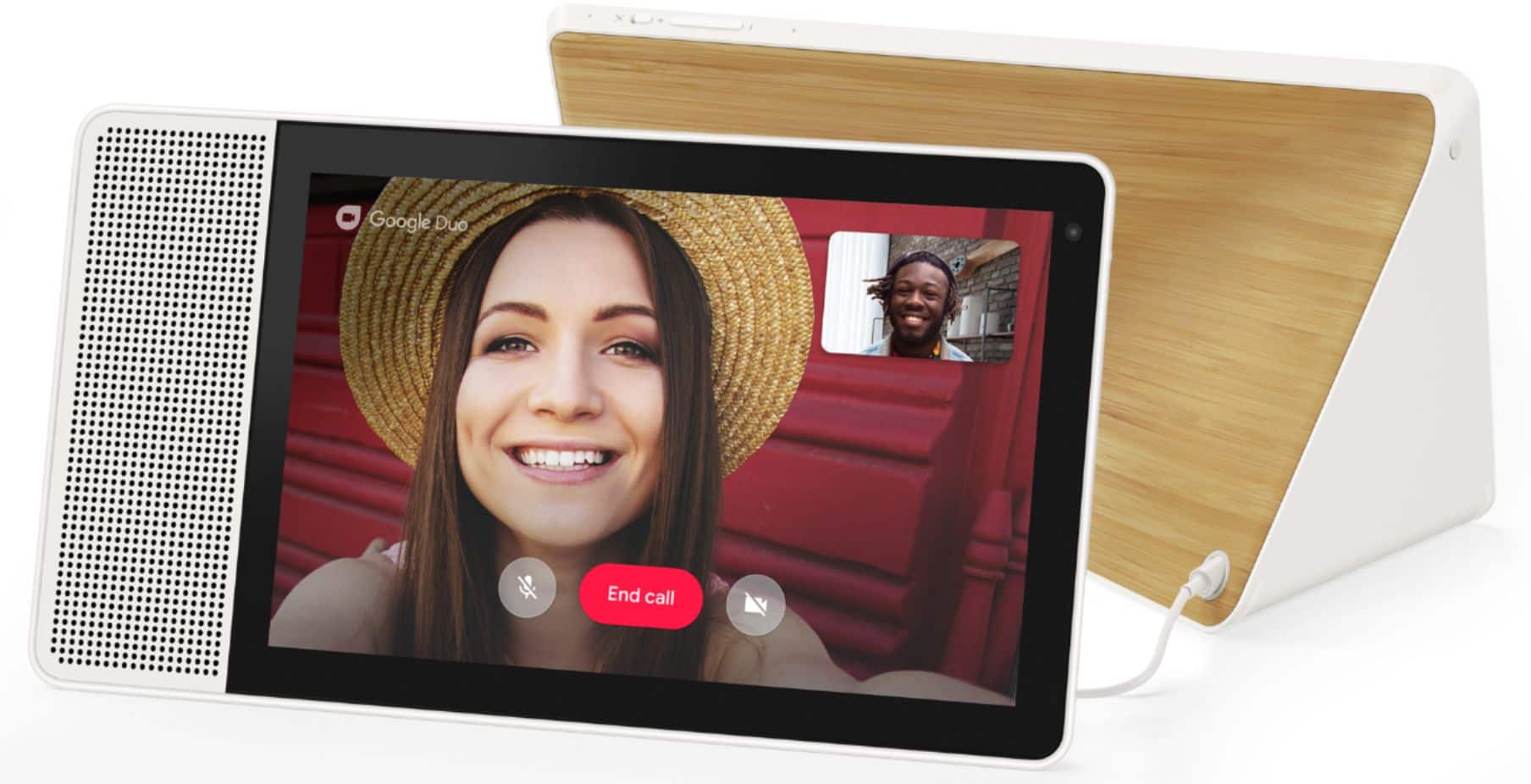
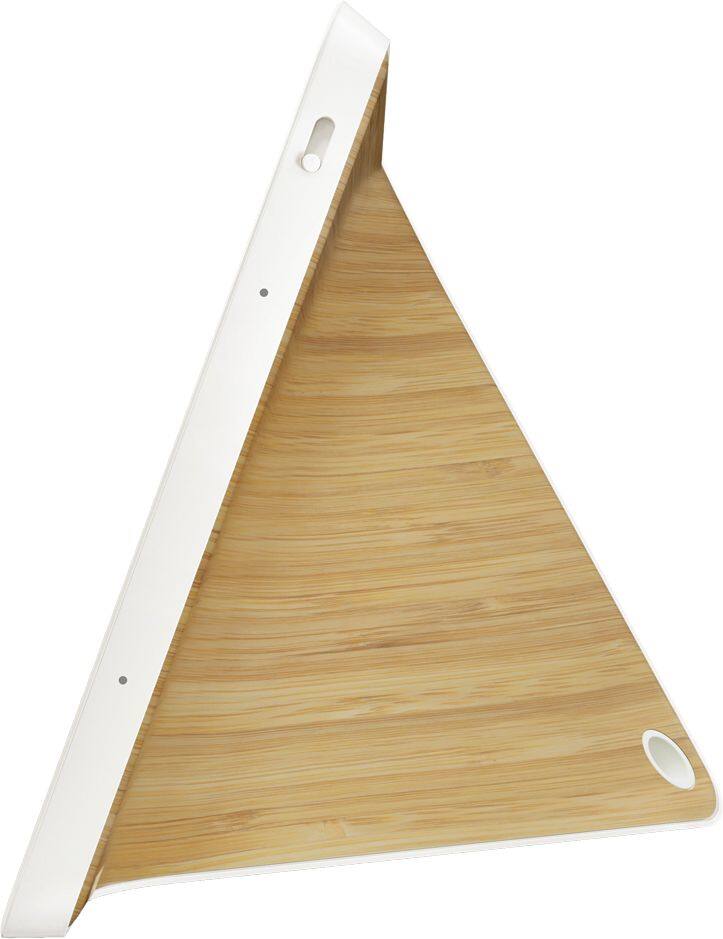
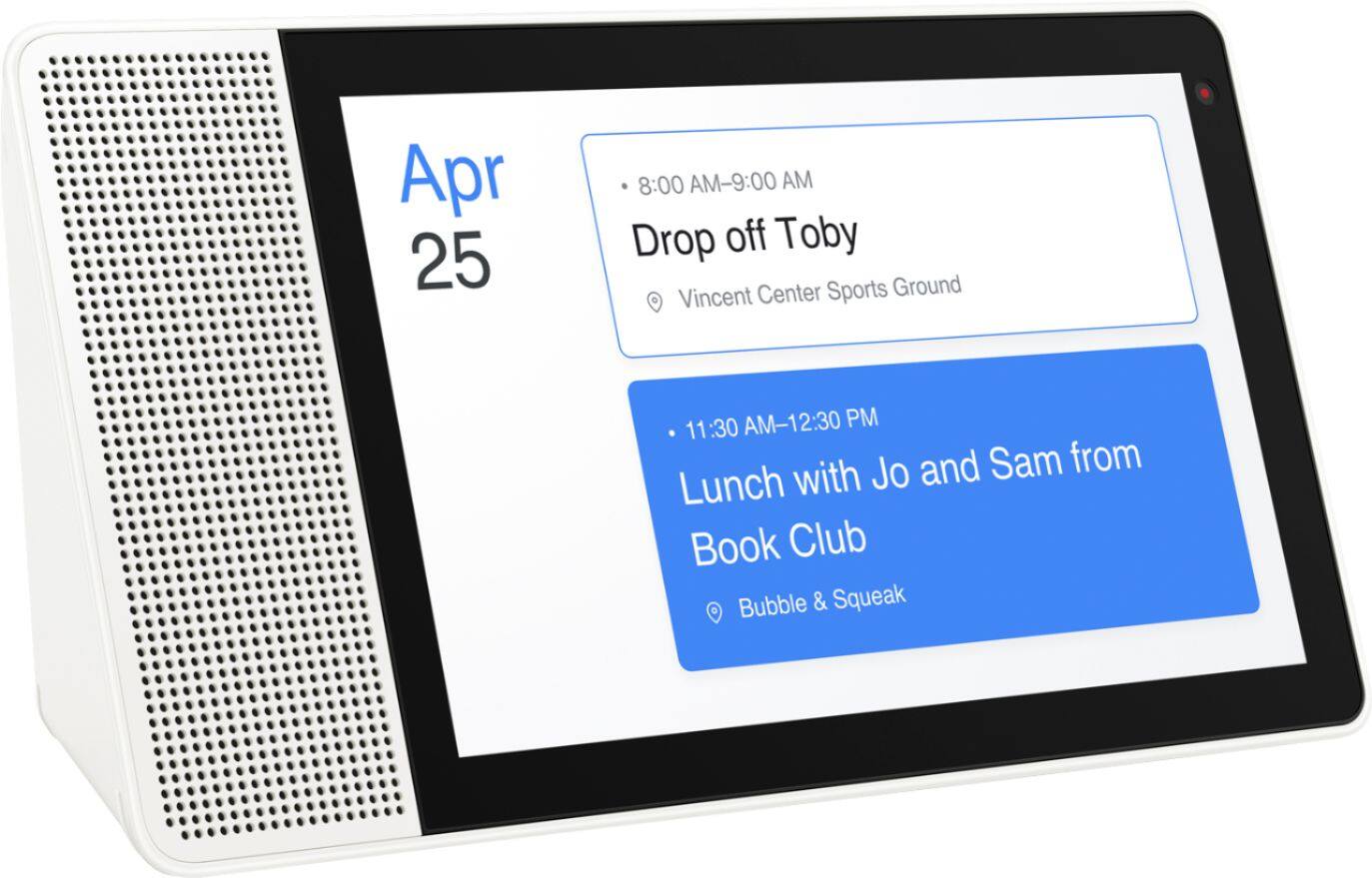
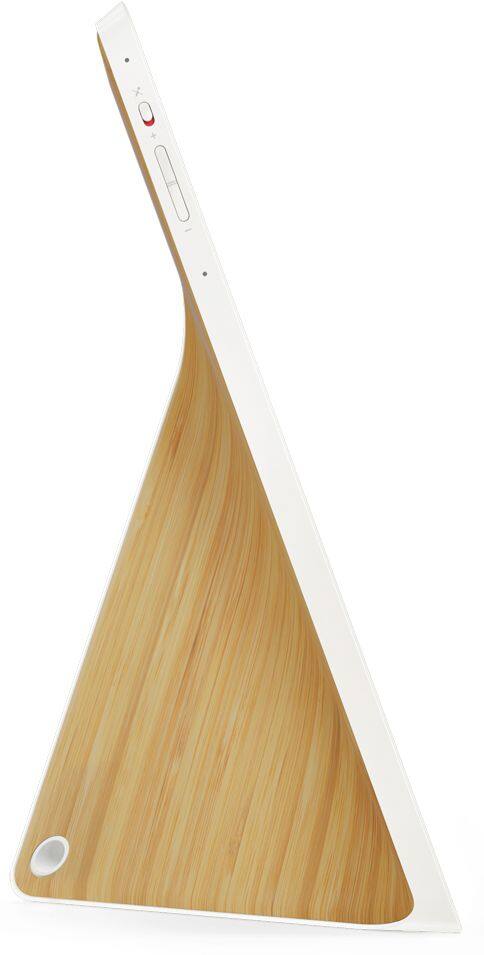
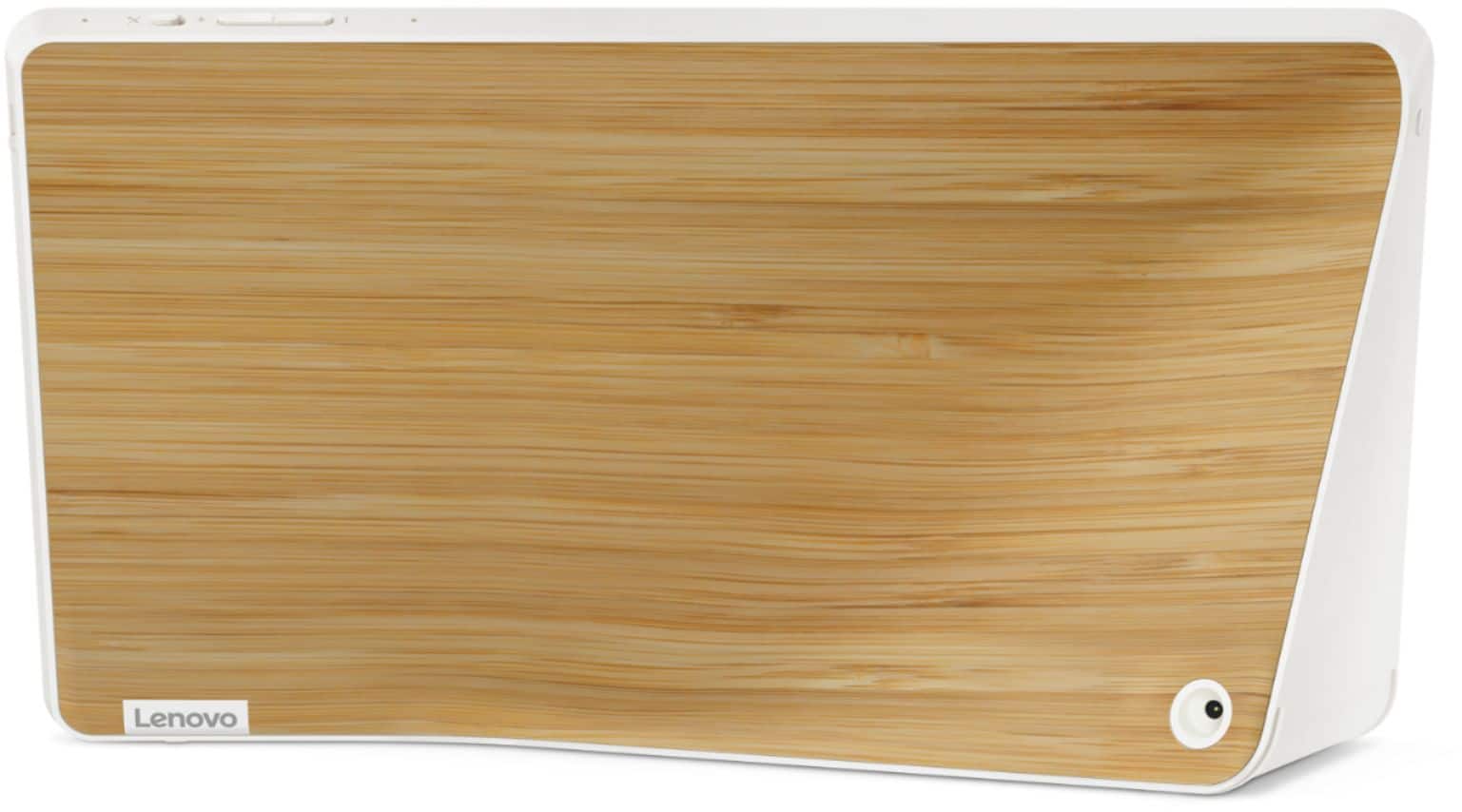
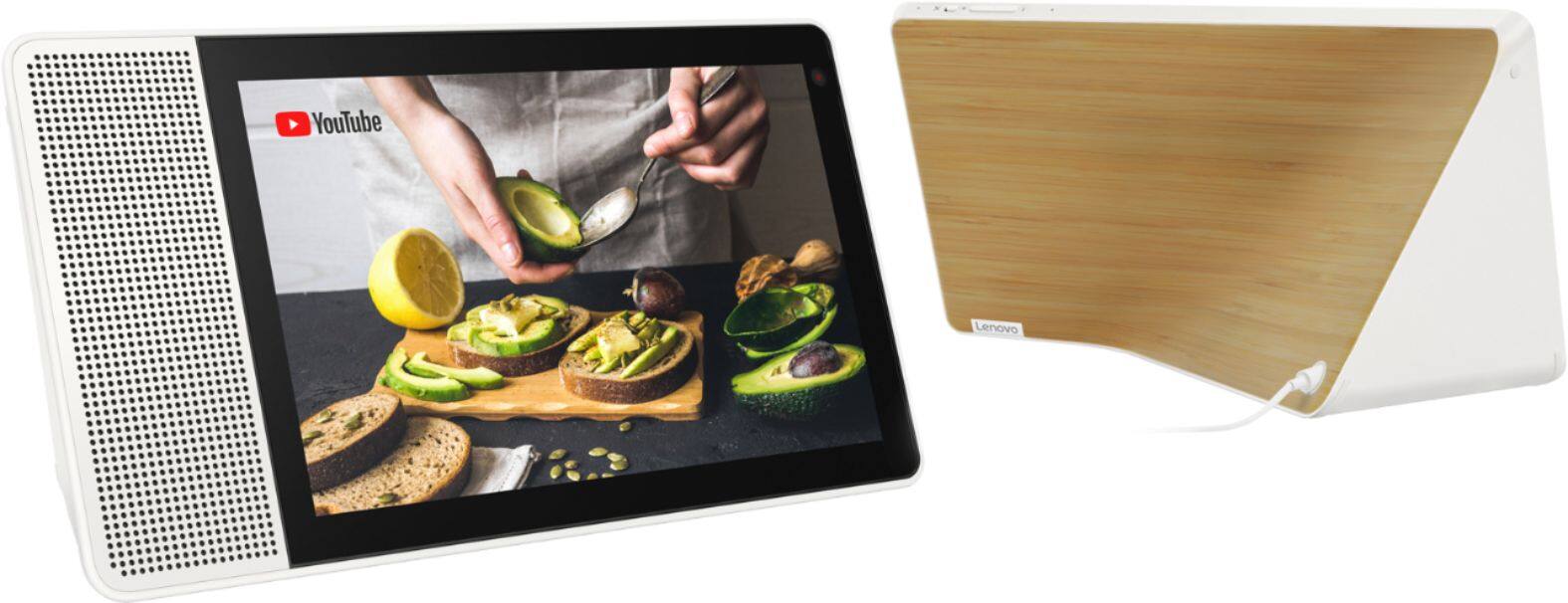
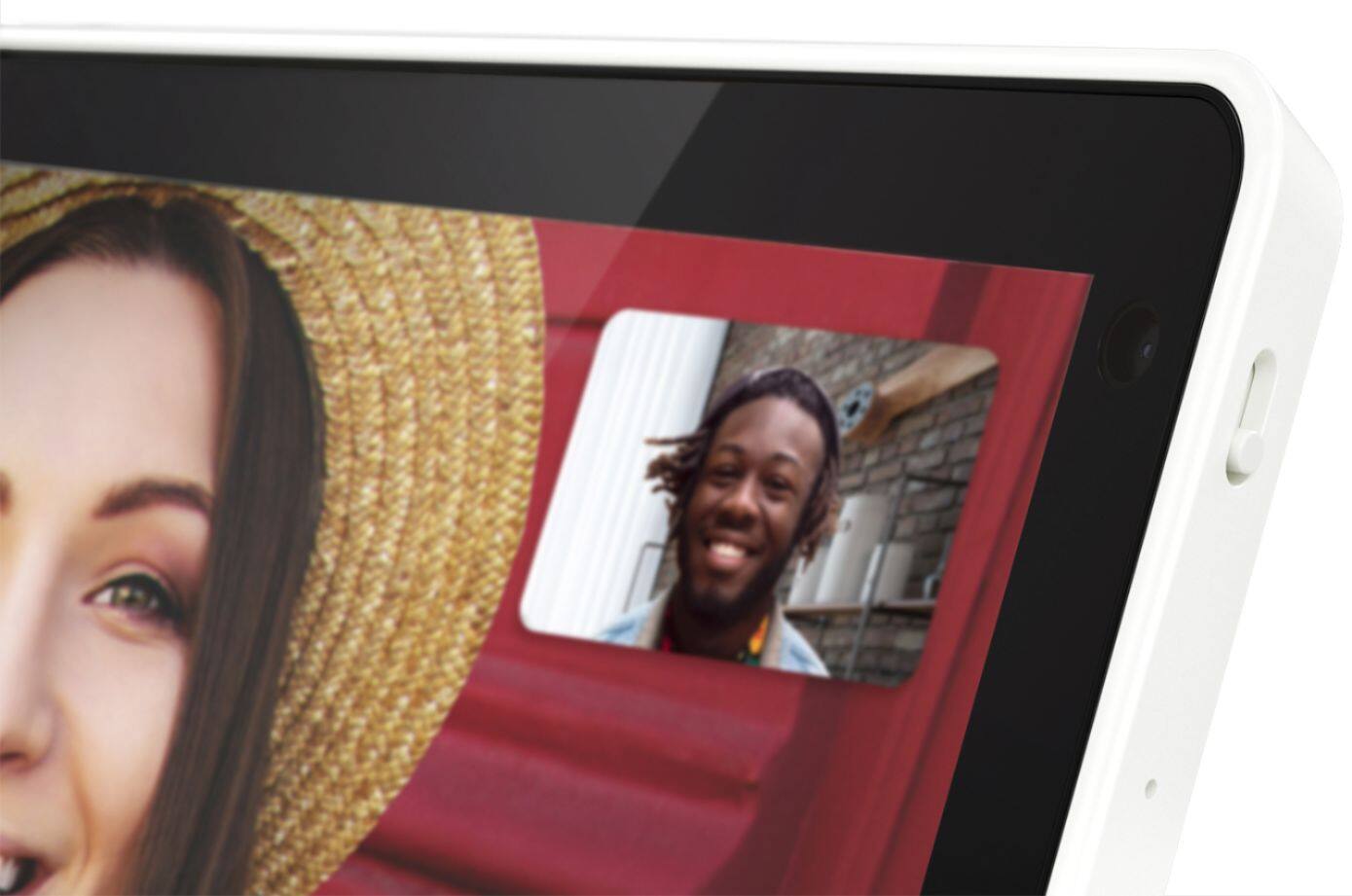
Posted .This reviewer received promo considerations or sweepstakes entry for writing a review.I was hesitant to get a "smart home" product due to the concerns around privacy, but thought, what the heck and did it. I am glad that I did! This thing is beautiful!! Many of our friends have competing products that look out of place wherever you try to hide them, and this really looks like it was designed to fit in any room. The design is beautiful, and I really like the wood back as it makes the device seem more thought out, and fitting to be in a room. The display is amazing! Video looks great and sounds better than I expected! The kids use it constantly, and my wife finds that she now uses it all the time as well. We have made this our "Family Hub" and it works well for schedules, reminders, notes, and photos. Since we already had Google Duo set up on everyone phones, video chat was a snap. We also took a few moments and walked the grandparents through it so we can talk to them at any time. I am so pleased with this, I think im going to get the smaller version to use as a bedside for myself. This also works well with our already installed Nest system (heaters, smoke detectors) and we are about to install cameras and a front doorbell camera, so very excited to use this product for that as well. I am very satisfied with build quality and overall performance, my only beef would be that portrait mode only works with Duo, and I would like it to work with every app...so hopefully this will support on further updated. Great work Lenovo to finally making a home assistant that feels like it actually belongs in a home!!
I would recommend this to a friend Failed Product
||Posted . Owned for 1.5 years when reviewed.This reviewer received promo considerations or sweepstakes entry for writing a review.Heard this unit was bad. I bought it and screen worked for all of 10 minutes and wouldn't work again. Had to bring it back for a full refund. Needs to be built better.
No, I would not recommend this to a friendBrand response from Lenovo Product Expert
Posted .Hello, we are sorry to hear you are experiencing this issue with the screen on Your Lenovo 10" Smart Display with Google Assistant. It's possible resetting the device will fix this problem. To do this please power cycle the device by unplugging it for 1-2 minutes. Plugging it back in and allowing it to power on. If the issue remains please perform a factory reset by holding down the “Volume + and – ” buttons on top of your device for 8 Seconds. If the issue persists, please contact our customer support team at 866-426-0911 for the next steps in resolving your issue.
- Pros mentioned:Ease of use, Screen sizeCons mentioned:Setup
Great Lenovo Smart Display
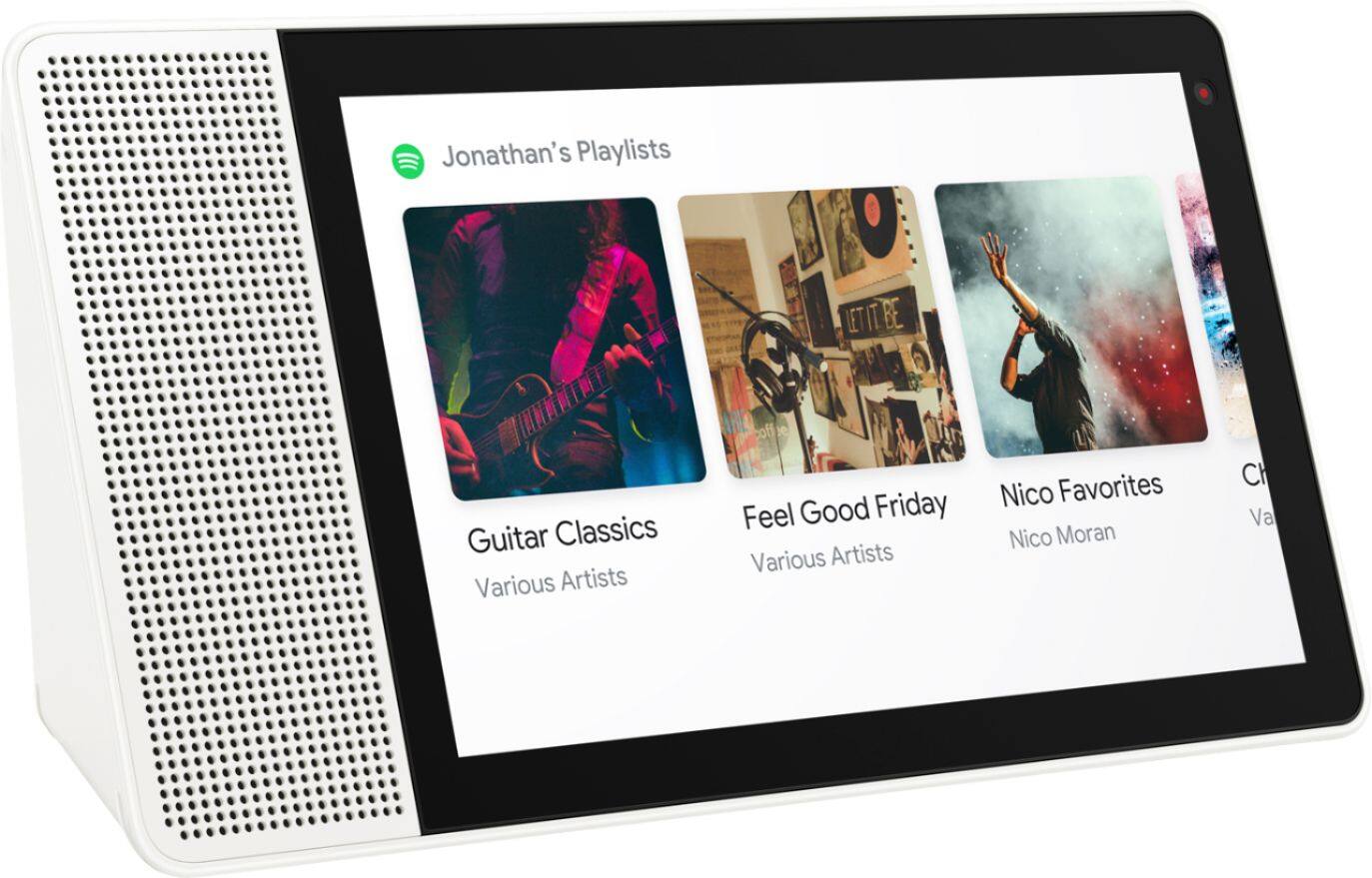
Posted .This reviewer received promo considerations or sweepstakes entry for writing a review.I had originally got a Google Nest Hub for my mom for Christmas but the product was defective. So when I went to the store there were no more Google Nest Hub's available the gentleman who helped me out made an exchange for the Lenovo Smart Display. My mom is very satisfied with this product. She uses it in the kitchen to look up her favorite recipes on YouTube it is a very useful and easy to use Smart display. You can even connect your Spotify account and listen to music when you're cooking, cleaning, just doing anything that you enjoy to do. Also the set up was very easy not like the Google Nest Hub that would not even set up. I definetly recommend the Lenovo Smart Display for just about anyone it is a great product.
I would recommend this to a friendBrand response from Lenovo Product Expert
Posted .Hello, Thanks for choosing the Lenovo Smart Display 7" with Google Assistant. We are so happy to hear the features , performance, and design of the Lenovo Smart Display is working out so well for you!
Buyer beware
||Posted .This reviewer received promo considerations or sweepstakes entry for writing a review.All current devices are bricked!!!!!! Do not purchase. Lenovo doesnt know how to fix. Stay away from this product. You have been warned.
No, I would not recommend this to a friendBrand response from Lenovo Product Expert
Posted .Thank you for your feedback. We are not aware of any running problems with the Smart Display at this time.
I own one and have not seen anything like what you are describing. If you need assistance with yours, please contact our customer service @ 877-453-6686.
Can't Recommend
||Posted . Owned for 9 months when reviewed.This reviewer received promo considerations or sweepstakes entry for writing a review.Hard to recommend this. The tech is a bit dated and not great for video calls. It was disappointing, especially for the price.
No, I would not recommend this to a friendGood idea
||Posted .This reviewer received promo considerations or sweepstakes entry for writing a review.I did not like this smart display at all. Signal dropped out all the time and needed to reconnect. I ended up returning this device
No, I would not recommend this to a friendBrand response from Lenovo Product Expert
Posted .Hello, we are sorry to hear you are experiencing an issue with the Wifi connection on your Lenovo 7" Smart Display with Google Assistant. It is possible adjusting some settings with your router will fix this. As it is more compatible please ensure the Smart Clock is connecting to the 2.4 GHz band of your router and not the 5Ghz band. If the Issue remains we recommend changing the channel the Smart Display connects to. 1, 6, and 11 are usually the best choices because they don’t overlap with each other. Having too much overlap between wireless devices on your network can cause the Smart Display to disconnect in rare occurrences. Here is a link with a how to guide to help with your router settings. https://www.hellotech.com/guide/for/how-to-change-wifi-channel-on-router .. If the issue persists, please contact our customer support team at 866-426-0911
Doesn't stay connected to wifi
||Posted .This reviewer received promo considerations or sweepstakes entry for writing a review.Known issue where it drops connection even with a static ip. Get Google Home Hub instead. Could be great but Lenovo won't fix that bug or others
No, I would not recommend this to a friendBrand response from Lenovo Product Expert
Posted .We are sorry to hear that you are having some problems with your Lenovo Smart Display and your WiFi connection. We would recommend that you make sure that your modem and router and working correctly by trying another WiFi device. If that works you know the WiFi system is working correctly. You can also try to just re -boot your modem and router (unplug them and then plug back in one minute.) If this still does not work, please contact our customer support @ 877-453-6686.