Customer Ratings & Reviews

- Model:
- ZA3N0003US
- SKU:
- 6267024
Rating by feature
- Value
Rating 4.5 out of 5 stars
- Quality
Rating 4.6 out of 5 stars
- Ease of Use
Rating 4.5 out of 5 stars
Customers are saying
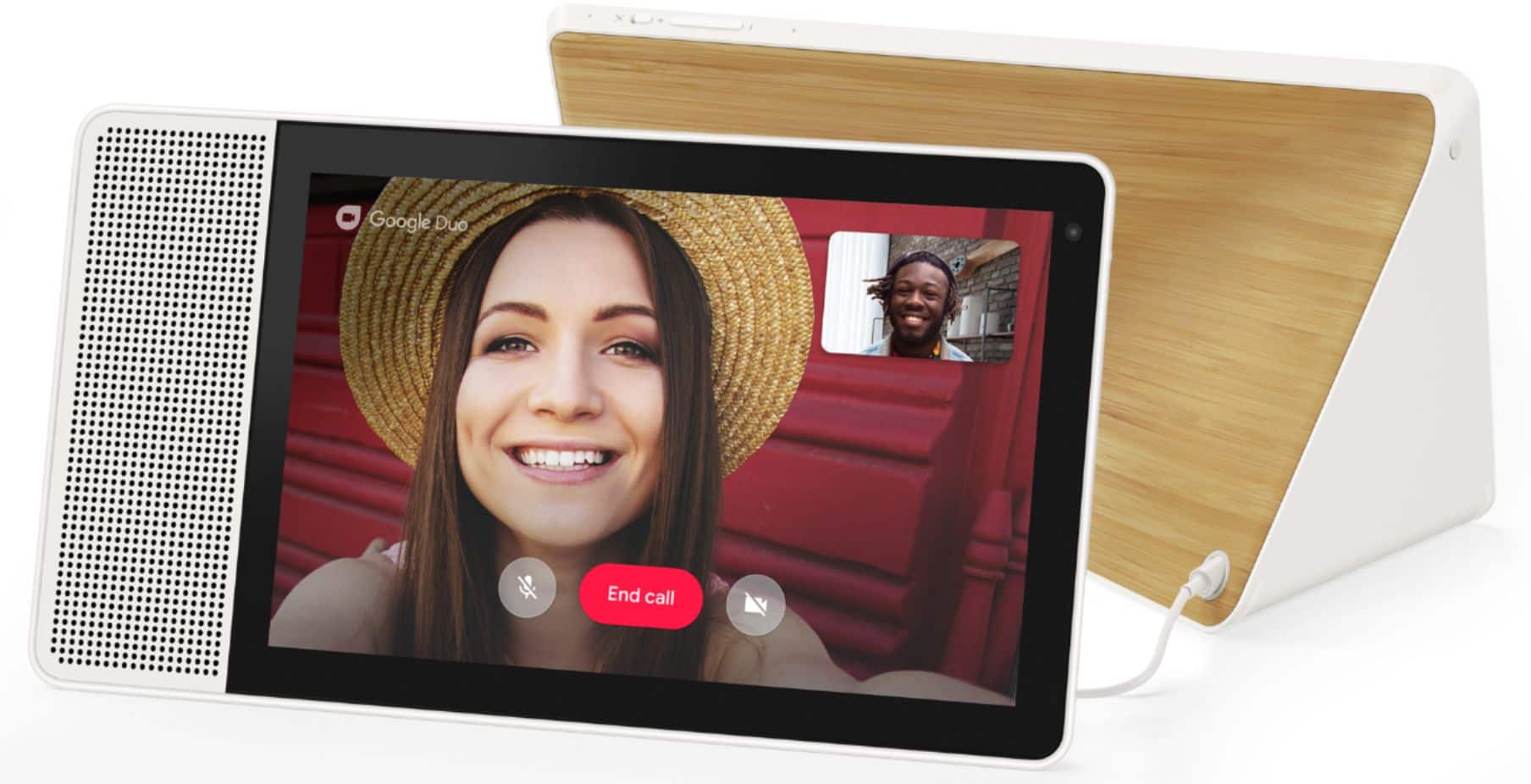
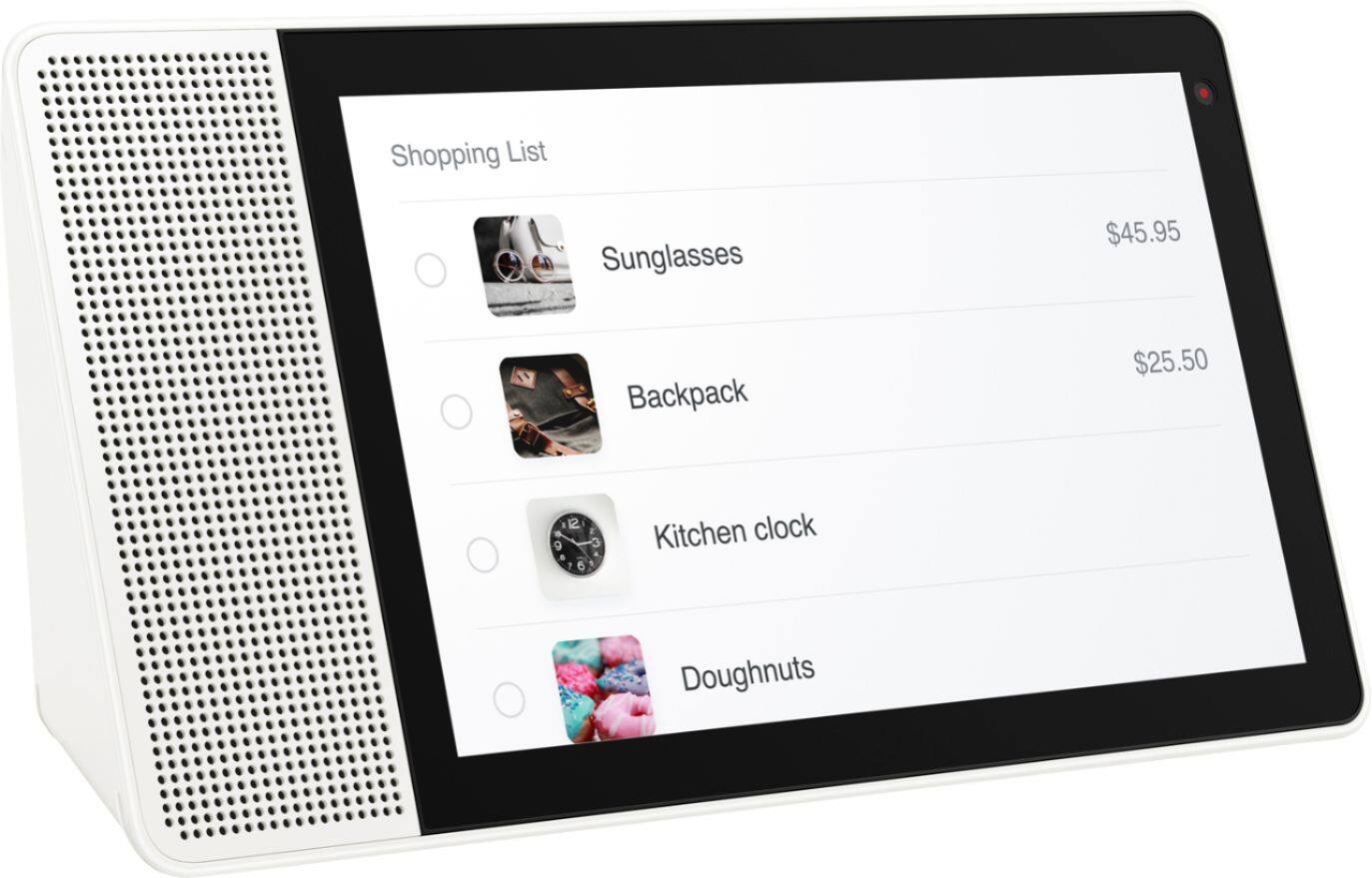
Customers frequently mention the large screen size, excellent sound quality, and ease of use as significant advantages of the 7" Smart Display with Google Assistant. The Google Assistant functionality and video calling capabilities also receive positive feedback. However, some users experienced challenges with the initial setup process. A lack of Bluetooth speaker connectivity and Netflix support were also cited as drawbacks by some customers.
This summary was generated by AI based on customer reviews.
Audio doesn't work anymore
||Posted . Owned for 1 year when reviewed.This reviewer received promo considerations or sweepstakes entry for writing a review.Don't waste your time with this POS. Just get the one Google makes
No, I would not recommend this to a friendBrand response from Lenovo Product Expert
Posted .We are sorry to hear that you are having an issue with the audio on your lenovo 8-Inch Smart Display. It is possible that resetting the device will fix the problem. Here is a link to instructions for resetting your lenovo Smart Display. If the issue continues, here is a link to accessing more Technical Support for Lenovo Smart Devices: https://smartsupport.lenovo.com/us/en/

No tech support
||Posted .This reviewer received promo considerations or sweepstakes entry for writing a review.Couldnt get it to sync with Google account, Lenovo didnt include tech support
No, I would not recommend this to a friendBrand response from Lenovo Product Expert
Posted .We are sorry to hear that you are having problems syncing to your Google account.
Please follow these steps for set up:
a) Take the Lenovo Smart Display out of the box and plug in the power adapter on the back side.
b) Download the “Google Home” app on your phone/tablet and sign in on your Google account.
c) The app will show you a new Lenovo Smart Display is nearby. Click to set it up.
d) Follow the instructions inside the application until the setup is completed.
Then you can start your conversation with “Hey Google”. The average set up time will take approximately 5 to 8 minutes.
Please contact our customer support for further assistance @ 877-453-6686.
The sound is gone
||Posted .This reviewer received promo considerations or sweepstakes entry for writing a review.Just 3 months with the Smart Display and it doesn't work any more. :(
No, I would not recommend this to a friendBrand response from Lenovo Product Expert
Posted .I'm so sorry you are experiencing troubles with your Smart Display. Please give our customer service team a call @ 877-453-6686 and they will be happy to help you.
Lasted 3 months
||Posted .This reviewer received promo considerations or sweepstakes entry for writing a review.Got this for my wife for Christmas. Speaker has now stopped working. So begins the pains of warranty process.
No, I would not recommend this to a friendBrand response from Lenovo Product Expert
Posted .I am so sorry to hear you are having issues with your Smart Display. Please reach out to our customer service team @ 877-453-6686, if you have not already.
Lenovo
||Posted . Owned for 1.5 years when reviewed.This reviewer received promo considerations or sweepstakes entry for writing a review.I bought it to be able to FaceTime. I was never able to use it fir that purpose.
No, I would not recommend this to a friendBrand response from Lenovo Product Expert
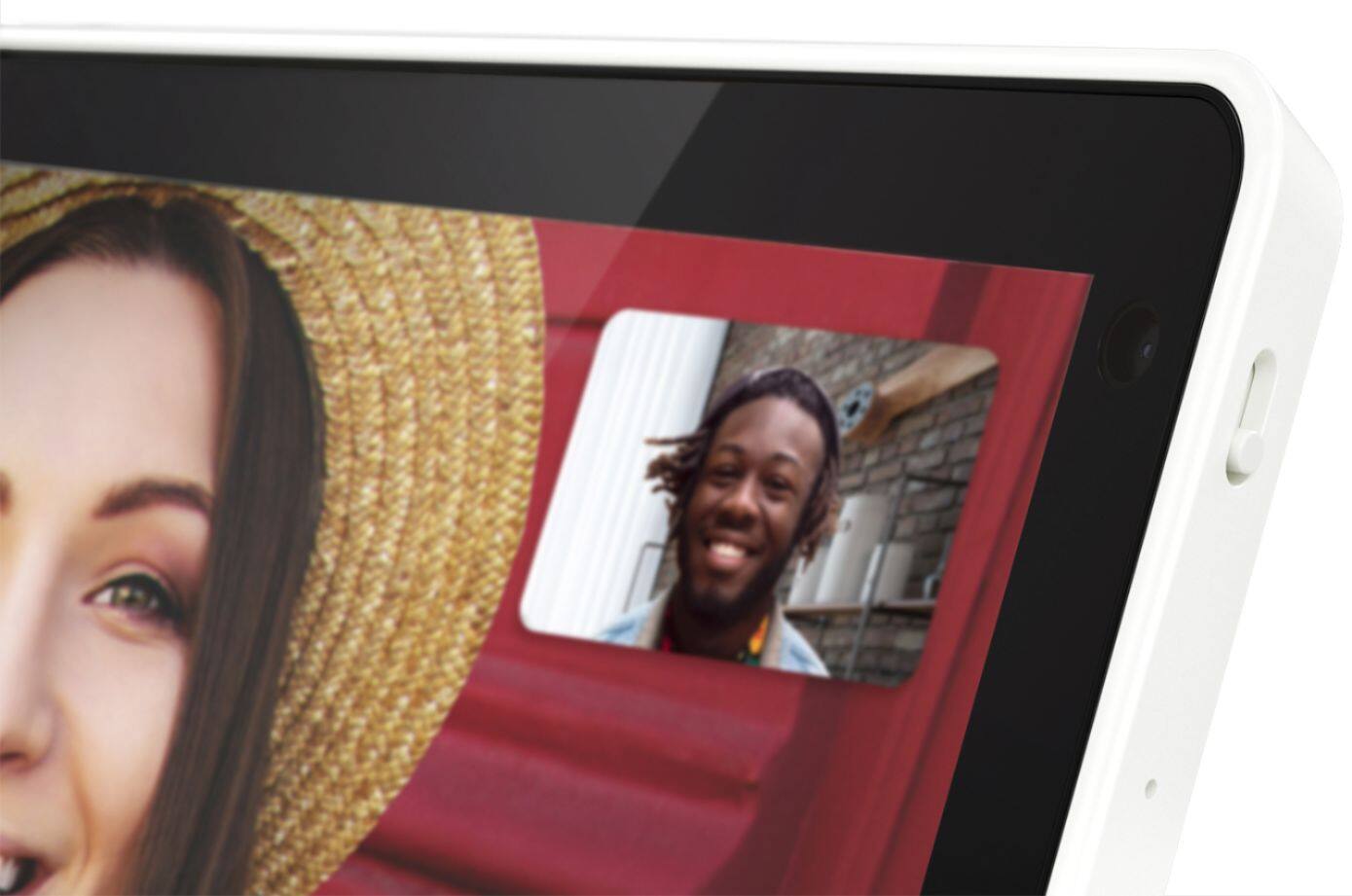
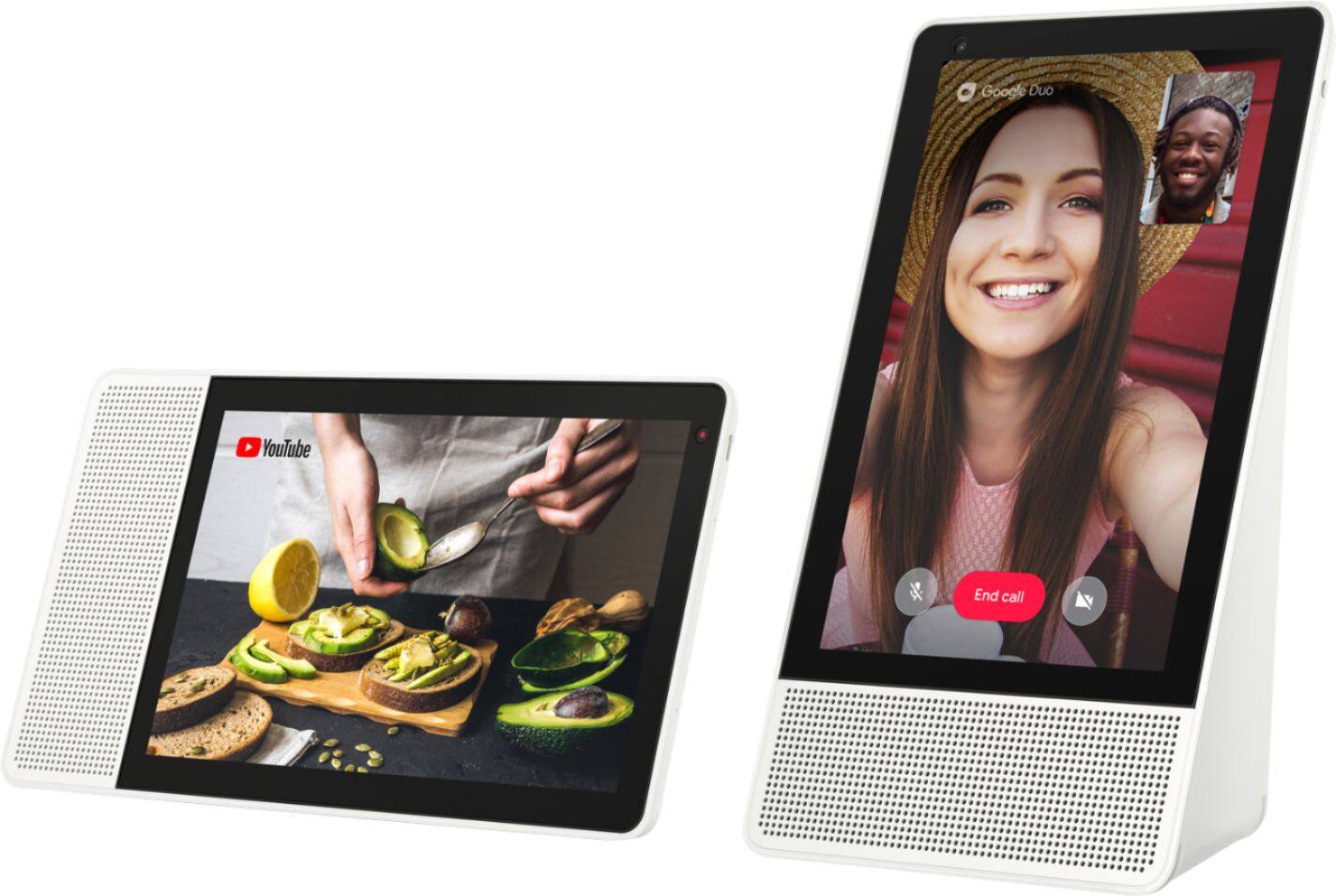
Posted .Hello, FaceTime is for Apple/ IOS devices. The Lenovo 8" Smart Display with Google Assistant is a Google device and uses Google Duo for free Video Calling. To utilize this feature the person you are calling will need to have a smartphone, tablet, or Smart Device that uses the Google Duo platform/ App. To enable duo calling with your Lenovo Smart Display 8" you will need to enable it with the Google Home App on your Smart Phone or Tablet. Here is a link to the Google Support Page with detailed instructions. https://support.google.com/googlenest/answer/9165631?co=GENIE.Platform%3DAndroid&hl=en . If you need further assistance please don't hesitate to reach out to Lenovo Tech Support at 866-426-0911
Don’t like it
||Posted . Owned for 1 year when reviewed.This reviewer received promo considerations or sweepstakes entry for writing a review.Not what I was expecting it was very intimidating did whatever I had no control over it
No, I would not recommend this to a friendBrand response from Lenovo Product Expert
Posted .I'm so sorry to hear you are having issues with your Lenovo Smart Display. Please do not hesitate to contact our customer service team @ 877-453-6686 for full support.
- Pros mentioned:Screen size, Sound quality
Step up from the Google Home Hub
Posted .This reviewer received promo considerations or sweepstakes entry for writing a review.The 8" Lenovo SmartDisplay is a step up from the Google Home Hub in terms of hardware. The 8" IPS screen is noticeably sharper and has richer colors. While only a 8" screen compared to the Hub's 7", that extra inch makes a huge difference in casual readability, especially if the unit sits toward the back of a countertop. The front-facing speaker also results in louder, clearer sound than the Hub's backward-firing speaker. The SmartDisplay has a built-in camera, which the Hub lacks. But the Hub has ambient light sensors and adaptive display brightness, which is a feature absent in the SmartDisplay. Also in the Hub's favor is its small footprint. In addition to the larger screen, the SmartDisplay's speaker is side-mounted, making it much wider than the Home Hub. I personally think the SmartDisplay's advantages outweigh its few cons. As of this review, the 2 units have feature parity in regards to Google Assistant, so there's nothing to compare at this time.
I would recommend this to a friendBrand response from Lenovo Product Expert
Posted .Thank you for choosing the Lenovo Smart display, and we are happy to hear that like the sound quality and 8" screen.
No image
||Posted .This reviewer received promo considerations or sweepstakes entry for writing a review.From the second I. Turned this on there was no image on the sreeen and I couldn’t see anything.
No, I would not recommend this to a friendBrand response from Lenovo Product Expert
Posted .Thank you for your feedback. Please make sure that it is plugged in all of the way in the back of the product, and then try these steps: a) Download the “Google Home” app on your phone/tablet and sign in on your Google account.
b) The app will show you a new Lenovo Smart Display is nearby. Click to set it up.
c) Follow the instructions inside the application until the setup is completed.
Then you can start your conversation with “Hey Google”. The average set up time will take approximately 5 to 8 minutes. If you need further assistance ,please contact our customer support @ 877-453-6686.
expensive
||Posted .This reviewer received promo considerations or sweepstakes entry for writing a review.less responsive screen..very slow. Hope Lenovo will cut the price to make it affordable
No, I would not recommend this to a friendCrap
||Posted . Owned for 2 weeks when reviewed.This reviewer received promo considerations or sweepstakes entry for writing a review.Graphic is crap. Do not buy. I returned mine. Get the 10in
No, I would not recommend this to a friendBrand response from Lenovo Product Expert
Posted .The Lenovo Smart Display 7" with Google Assistant features a bright, crisp,
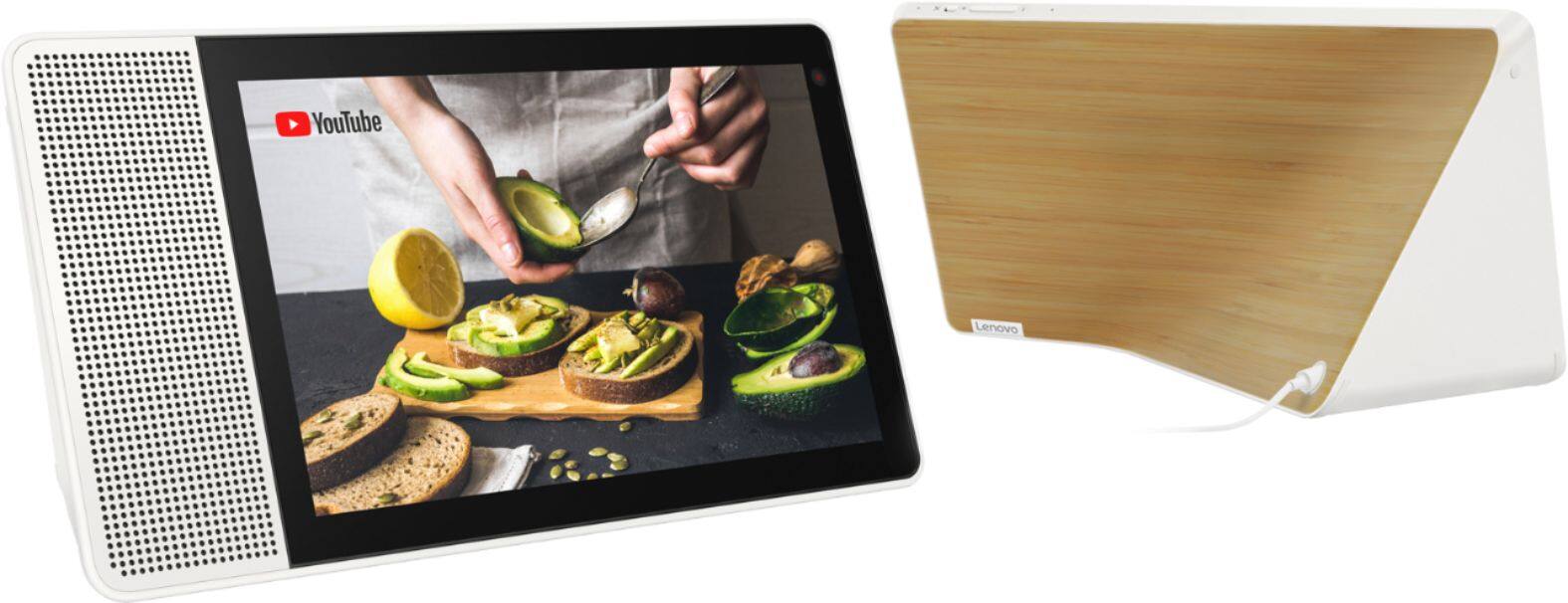
1024 x 600 pixel resolution display. It's auto dim feature automaticity adjusts the light based on the ambient lighting in the room. Color tone adds warmth to your screen making sure your photo frame backgrounds with Google Photos always look amazing. The 7" screen is perfect for watching YouTube videos, viewing recipes in the kitchen, free video calling with Google Dou, or casting your favorite TV shows/ Sporting events. If your having an issue with the resolution Please ensure the device is within good range of your route and that your connection is suitable for streaming. If the it is and the issue remains please don't hesitate to reach out to tech support at 866-426-0911
returned
||Posted . Owned for 1 month when reviewed.This reviewer received promo considerations or sweepstakes entry for writing a review.had to return it...did not work properly...can't recommend
No, I would not recommend this to a friendBrand response from Lenovo Product Expert
Posted .Hello, we are sorry to hear you experienced this issue with your device. In the event your Lenovo 7" Smart Display with Google Assistant is not functioning correctly we recommend you first power cycle the device by unplugging it, plugging it back in, and allowing it to power on. If your'e still experiencing issues perform a factory reset by holding down the “Volume + and – ” buttons on top of your device for 8 Seconds. If the issue persists, we always recommend you contact our customer support team at 866-426-0911
Did not like
||Posted .This reviewer received promo considerations or sweepstakes entry for writing a review.Didn't work if I was out of the home and the in hone use just sucked
No, I would not recommend this to a friendBrand response from Lenovo Product Expert
Posted .Thank you for your feedback. The Lenovo Smart Display works with more than 5000 smart home devices from more than 250 brands. It can control all home devices and gadgets featuring the “works with the Google Assistant” badge. It is not currently compatible with Netflix, or regular tv, but you can ""Cast"" from it to your newer smart TV and ""The Lenovo Smart Display"" supports many audio and video services, to name a few:
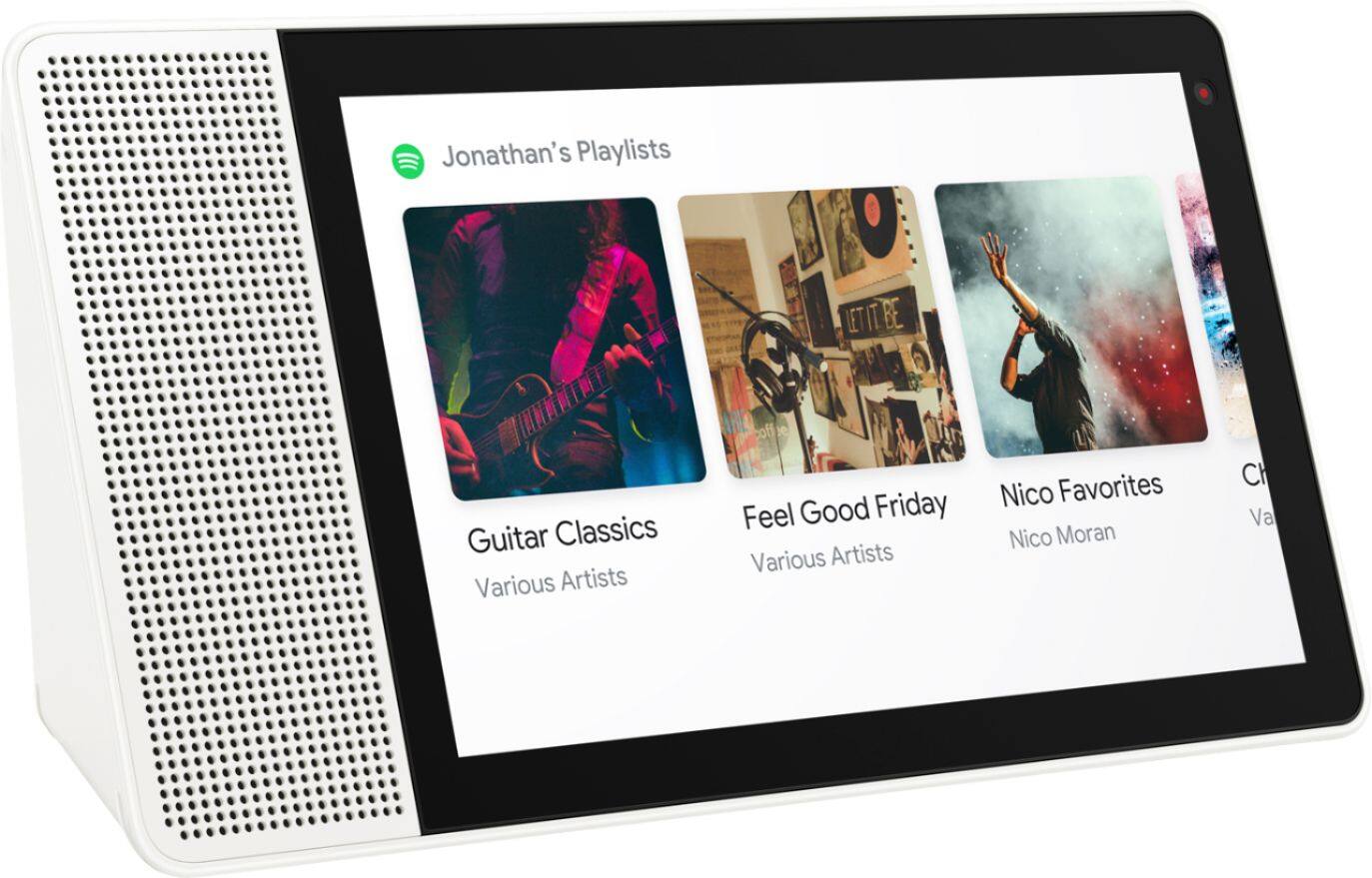
Audio: Google Play Music, YouTube Music, Pandora, iHeart Radio, TuneIn, Spotify,
Video: YouTube, HBO Now, CW, Google Play Movies & TV, Crackle and YouTube TV gives you access to up to 40 premium TV channels live.
Some of these services will require an active subscription.
You can also do Google Duo video catting.
If you need help with your Smart Display ,please contact our customer support @ 877-453-6686.
Audio stopped working after 3 months :(
||Posted .This reviewer received promo considerations or sweepstakes entry for writing a review.No Audio after 3 months. Worked great up until it broke.
No, I would not recommend this to a friendBrand response from Lenovo Product Expert
Posted .I'm so sorry to hear you are experiencing some issues. Please contact our customer service team @ 877-453-6686.
Don't buy if planning to Nest stream
||Posted .This reviewer received promo considerations or sweepstakes entry for writing a review.Major issues with Nest streaming. Buy Hub instead.
No, I would not recommend this to a friendBrand response from Lenovo Product Expert
Posted .The Lenovo Smart Display will stream from a Nest Doorbell camera. Once set up, any doorbell press will automatically stream the camera on the Lenovo Smart Display. Outside of that scenario, and at anytime, you can use voice or touch to stream the camera manually. You will need to make sure your Lenovo Smart Display is updated to the latest software version available now. If you have one setup in your home, you can ask it to check the feed of a smart camera that you have setup in a different room. To view your supported camera feeds, say "Hey Google, show me ". As an example, you can say "Hey Google, show me the kids' room" if that is where you have successfully set up your compatible camera.
If you need assistance with this feature ,please contract our customer support @ 877-453-6686.
- Pros mentioned:Screen size
Promising addition to the home
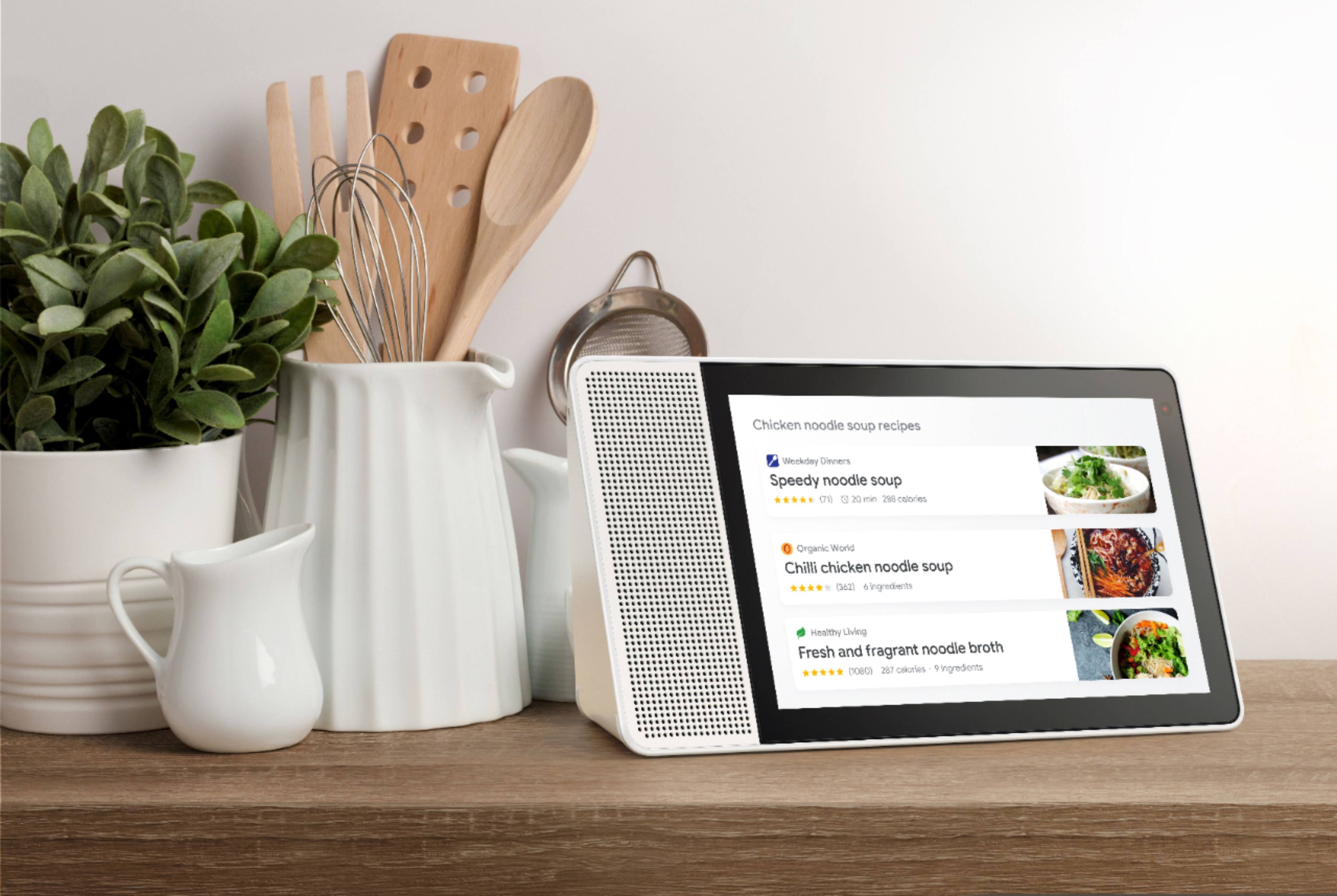
Posted .This reviewer received promo considerations or sweepstakes entry for writing a review.I went back and forth between this device and the Google Hub to replace our Google Home in the kitchen. I ended up with the Lenovo because I do a fair amount of video calling and wanted a camera. We battle tested our new kitchen addition on Thanksgiving and overall it did pretty well. Some positives: -Really like our pictures scrolling in the background -It's nice to see how long is left when running a timer -Was able to recognize the my voice as well as the Google Home, even when speaking from behind the display (was worried about this one) -Apparently the processor is a little faster on the Hub however the Lenovo seems plenty speedy with a smooth flow -Following recipes is great; search for something like stuffing recipe, and some entries pop up along with a rating and the recipe's source. -Light sensor works well, display goes into dark mode maybe 3 seconds after lights are turned off. It also adapts well to varying brightness. -Setup was identical to the Home, took 5 minutes Now some not so positive: -Only some general recipes are searchable on this device. We have some specific go-tos that were not found, we had to pull out the trusty tablet for these. I'm fine with not having a full browser but pulling a recipe up on my laptop and then casting that specific page to the Lenovo would be great. -After setting up I noticed a dim red light next to the screen constantly blinking. Googling showed that this was the light sensor and could not be turned off. It went away by itself after a few hours and has not been observed since. -Speaker not as good as the Home -Casting Youtube from my phone/laptop mostly worked however sometimes the screen would just freeze -All options are handled through the Home app, not always intuitive. As this has a screen would be great to be able to modify settings for itself -The AC plug is sort of large and unsightly. The Google's was too but was easier on the eyes. I doubt anyone else in the family has noticed, just a minor annoyance Final Notes: Overall I'm very happy with the purchase. It's fairly limited in use right now but so was the Google Home when we got it and that has matured nicely. I'm sticking with a 5 star rating as it does handle the basics and there's quite a lot of functionality that could be added in the future. I must get in my jabs at this point-from my understanding Lenovo just handles the hardware and Google is responsible for the software/updates. I would have NEVER purchased this if I knew Lenovo had any hand in the updates. I currently own a Yoga laptop and their response to software issues/bug fixes is downright shameful.
I would recommend this to a friend - Pros mentioned:Screen size, Sound quality
Best Smart Display Available.
Posted .This reviewer received promo considerations or sweepstakes entry for writing a review.I purchased the 10" Lenevo because 8" is a bit small for me. I'm very happy with my purchase. I have the other google assistants without the display so I was really excited to get this. After being disappointed with amazon echo display (can't use google services or youtube on it), this Leveno was just what I was hoping for. The screen is amazing! Bright and crystal clear. The sound is very good, too. Although, JBL released a google display a few weeks later that blew Lenevo completely out of the water as far as speakers are concerned. Both are excellent displays. If screen quality is more important to you, definately go with Lenevo. If sound quality is more important, go with JBL. I have both so I'm quite happy.
I would recommend this to a friend - Pros mentioned:Screen sizeCons mentioned:Bluetooth
Wanted something for the kitchen!!!!
Posted .This reviewer received promo considerations or sweepstakes entry for writing a review.Ray and Alex at Best Buy knew I wanted something like this for my kitchen. It is amazing!!! It’s everything I wanted ... without the bulkyness of a tv. It’s more than meets the eye. You can actually watch and listen to recipes.. Music and news. Goggle has definitely outdone themselves here. I only have a problem with connecting to Bluetooth, but hopefully I will figure it out.. This is way better than the echo show....
I would recommend this to a friend - Pros mentioned:Screen size
Great. But...
Posted .This reviewer received promo considerations or sweepstakes entry for writing a review.I got it to replace the Google Home I have on my nightstand. It's really cool to have a display that can provide additional options after the first request as well as being a table clock. I have five Google Home's or Mini's all grouped together so I can play things like music and news across the house. The Smart Display is incapable of being grouped. I don't know if it's a Lenovo thing, Google thing, or temporary thing because the OS is so new. Might not matter to some but will to those that use groups.
I would recommend this to a friendBrand response from Lenovo Product Expert
Posted .We are glad to hear that you are enjoying the Lenovo Smart Display.
The Lenovo Smart Display currently doesn't support this feature. We are working to bring it to future OTA updates.
- Pros mentioned:Ease of use, Screen size
My New Coffee Date
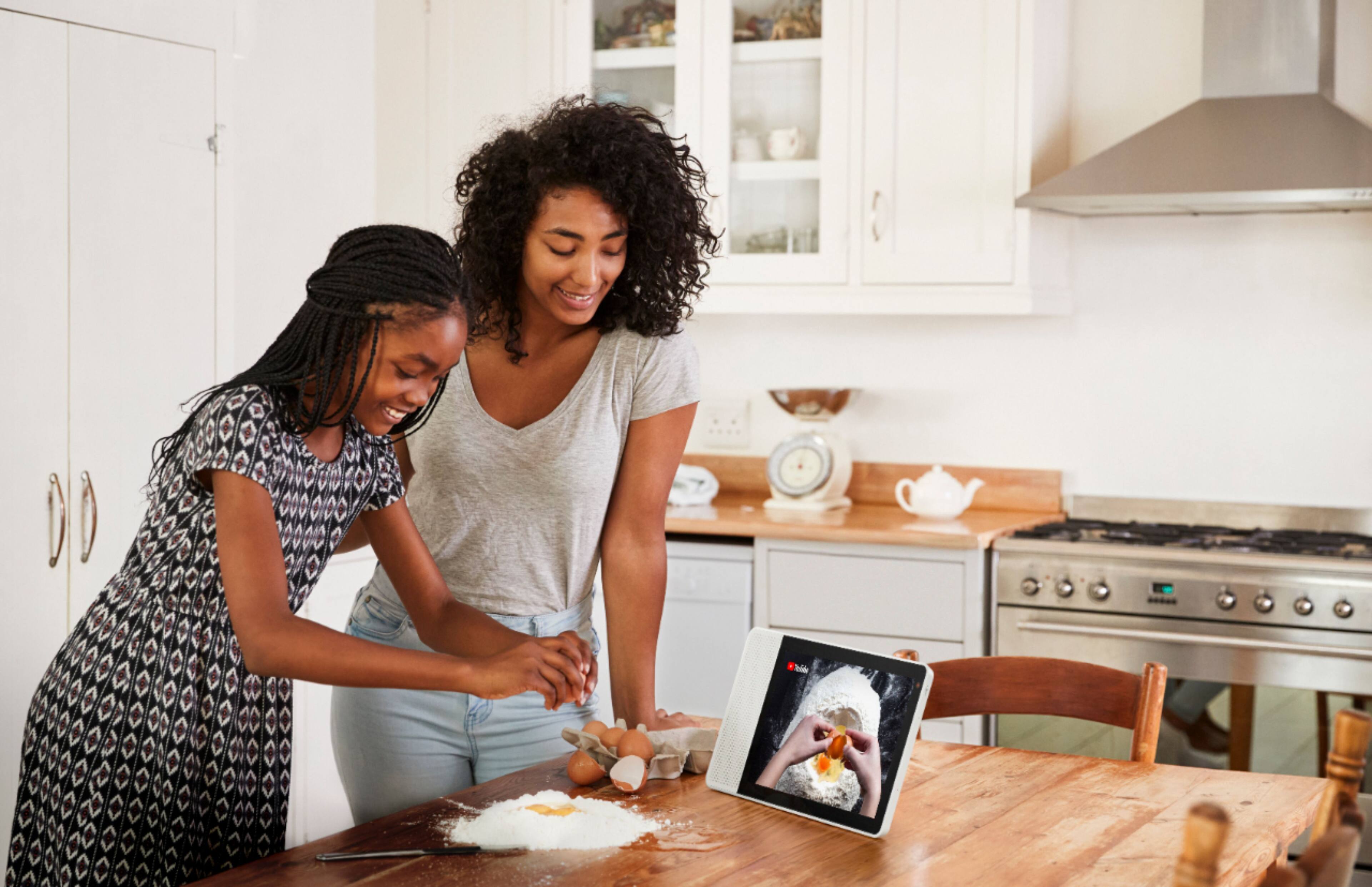
Posted .This reviewer received promo considerations or sweepstakes entry for writing a review.Have been using our new gadget for several weeks now, and I couldn't be happier. It's very intuitive, easy to use out of the box after minimal setup. No problems at all so far. Think of it as a google home, but with a face! Over coffee in the morning she helps me review the day's schedule, weather, and traffic. After work she helps me with cooking-- the recipe instructions are great! The kids have fun with it as well, enjoying all the youtube kids videos, or talking with her, asking questions. I really enjoy the ability to customize, we've currently got it set up as a picture frame of some fun family memories during downtime.
I would recommend this to a friend - Pros mentioned:Sound quality
Skeptical At First But...
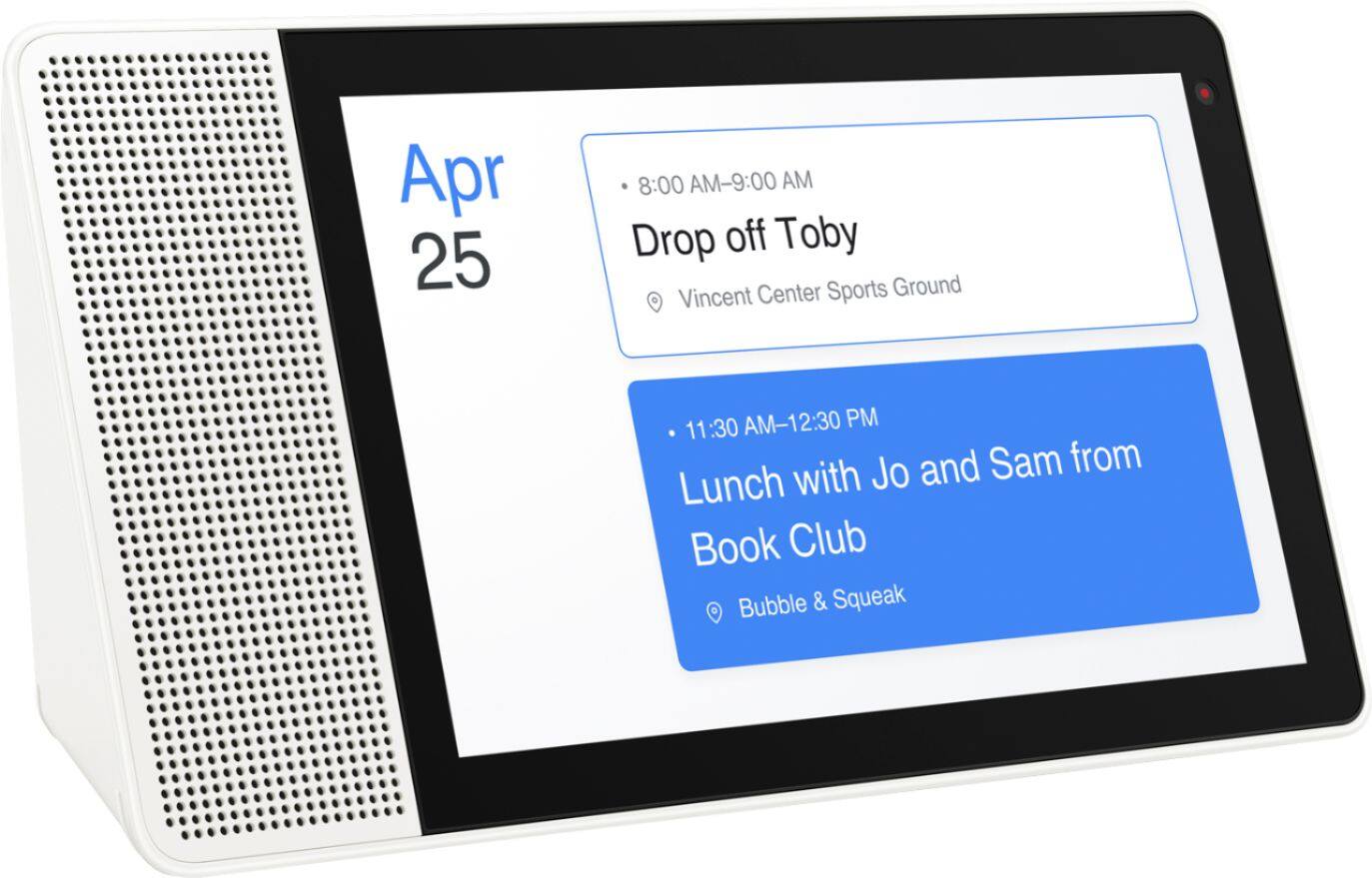
Posted .This reviewer received promo considerations or sweepstakes entry for writing a review.Had this for about a week now. Wife bought it for me. I currently have a Google Home Mini in the living room controlling lights and Arlo security system. I put the Lenovo Smart Display in the kitchen. Setup was a breeze with the Google Home App. Integration was seamless. I was having issues with not being able to display some YouTube TV channels but resetting the Lenovo Smart Display fixed it. I can now watch local channels, sports, tv shows, control all my smart things, get visual recipes, set timers, view my calendar, listen to music, make video calls ( as long as the recipient has Google Duo installed ) and of course anything on YouTube. I also like the option to limit profanity on YouTube videos. The sound quality is exceptional for the size of this. The ambient mode is great for showing photos of family pics. Overall, a great unit. Lenovo has done a fantastic job in creating a Visual Smart Home device and integrating with Google Home.
I would recommend this to a friendBrand response from Lenovo Product Expert
Posted .Thank you for purchasing the Lenovo Smart Display, we are glad to hear that you like the multi functionality.