Customer Ratings & Reviews

- Model:
- ZA3N0003US
- SKU:
- 6267024
Rating by feature
- Value
Rating 4.5 out of 5 stars
- Quality
Rating 4.6 out of 5 stars
- Ease of Use
Rating 4.5 out of 5 stars
Customers are saying
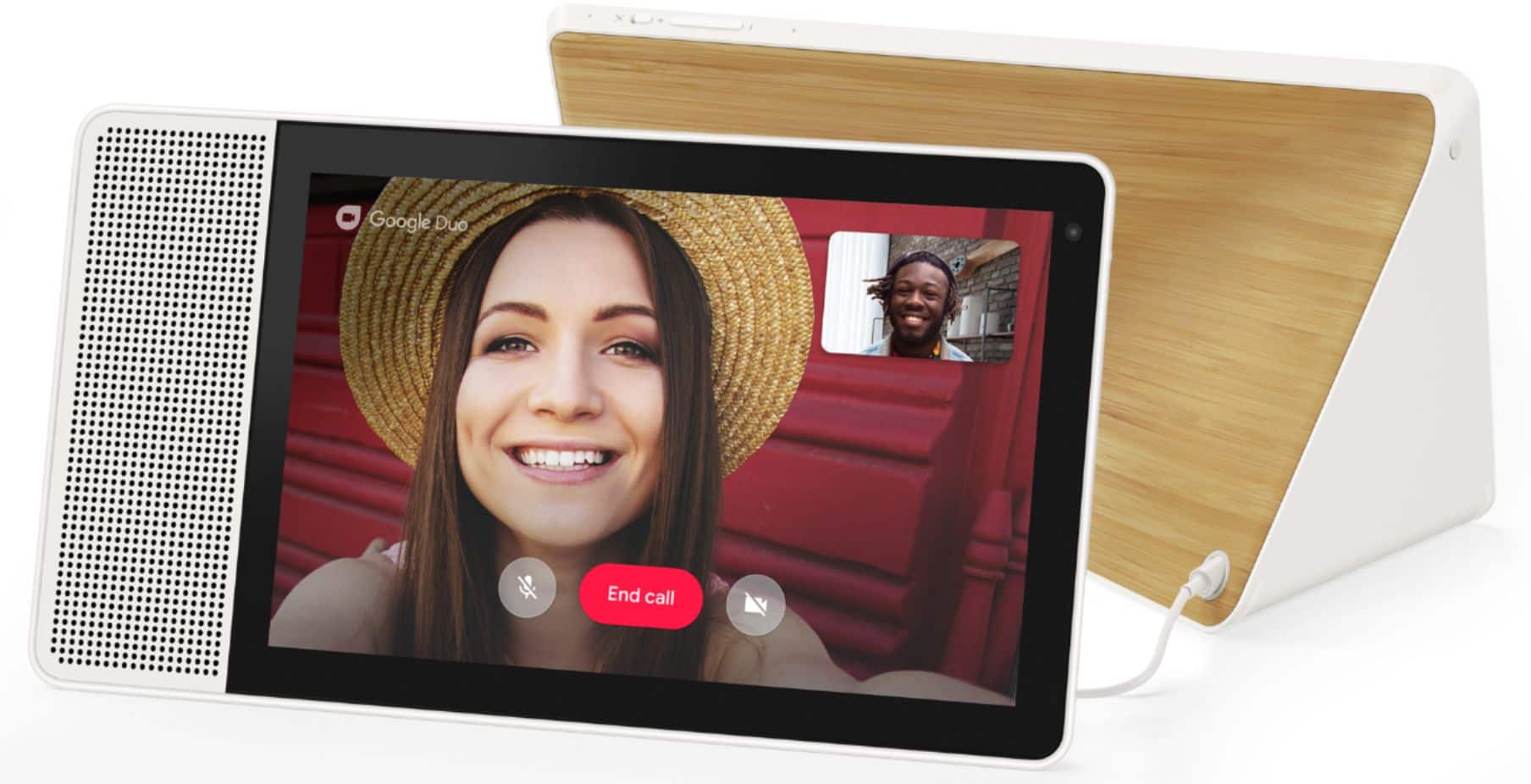
Customers frequently mention the large screen size, excellent sound quality, and ease of use as significant advantages of the 7" Smart Display with Google Assistant. The Google Assistant functionality and video calling capabilities also receive positive feedback. However, some users experienced challenges with the initial setup process. A lack of Bluetooth speaker connectivity and Netflix support were also cited as drawbacks by some customers.
This summary was generated by AI based on customer reviews.
- Pros mentioned:Screen size
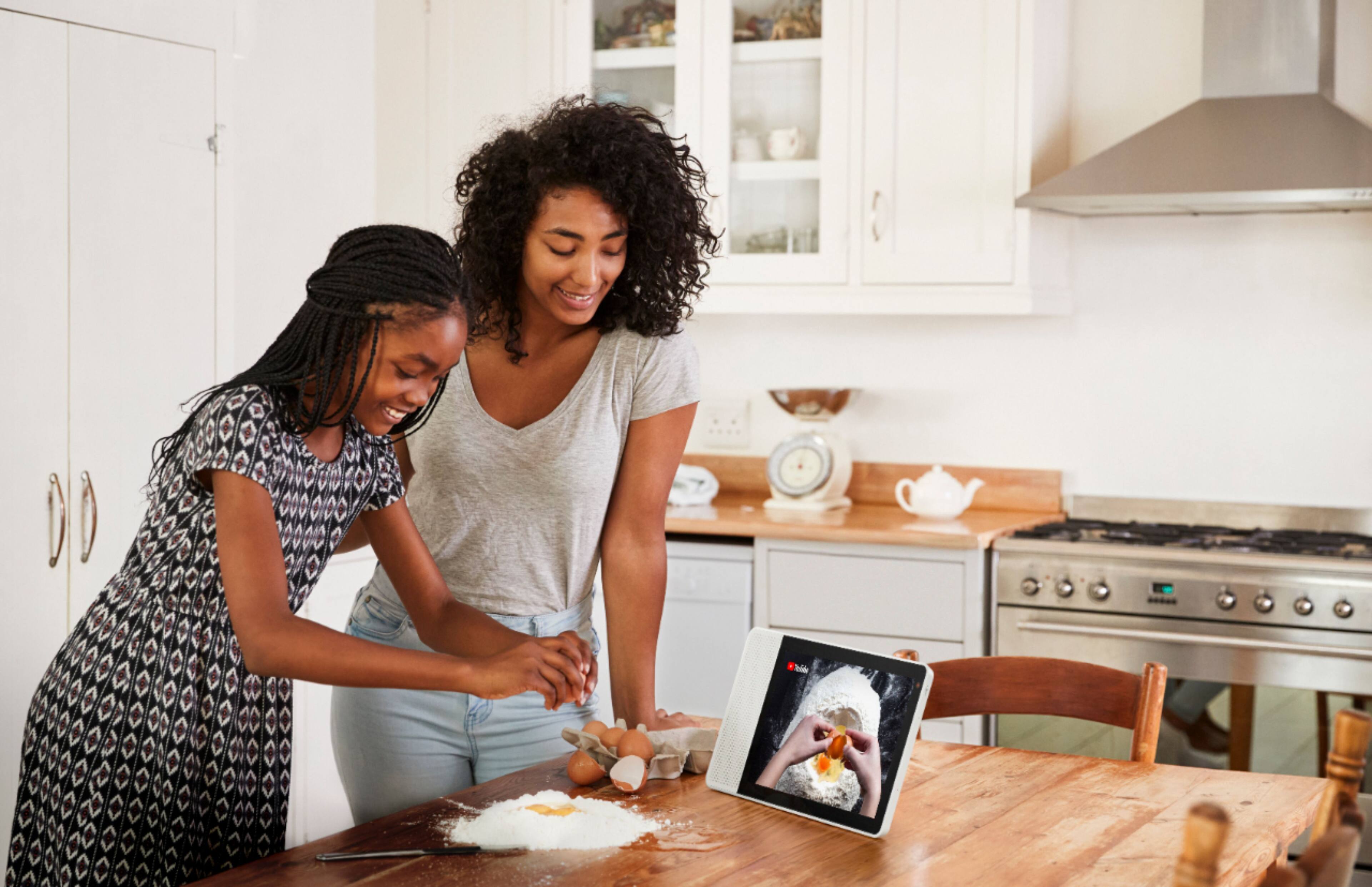
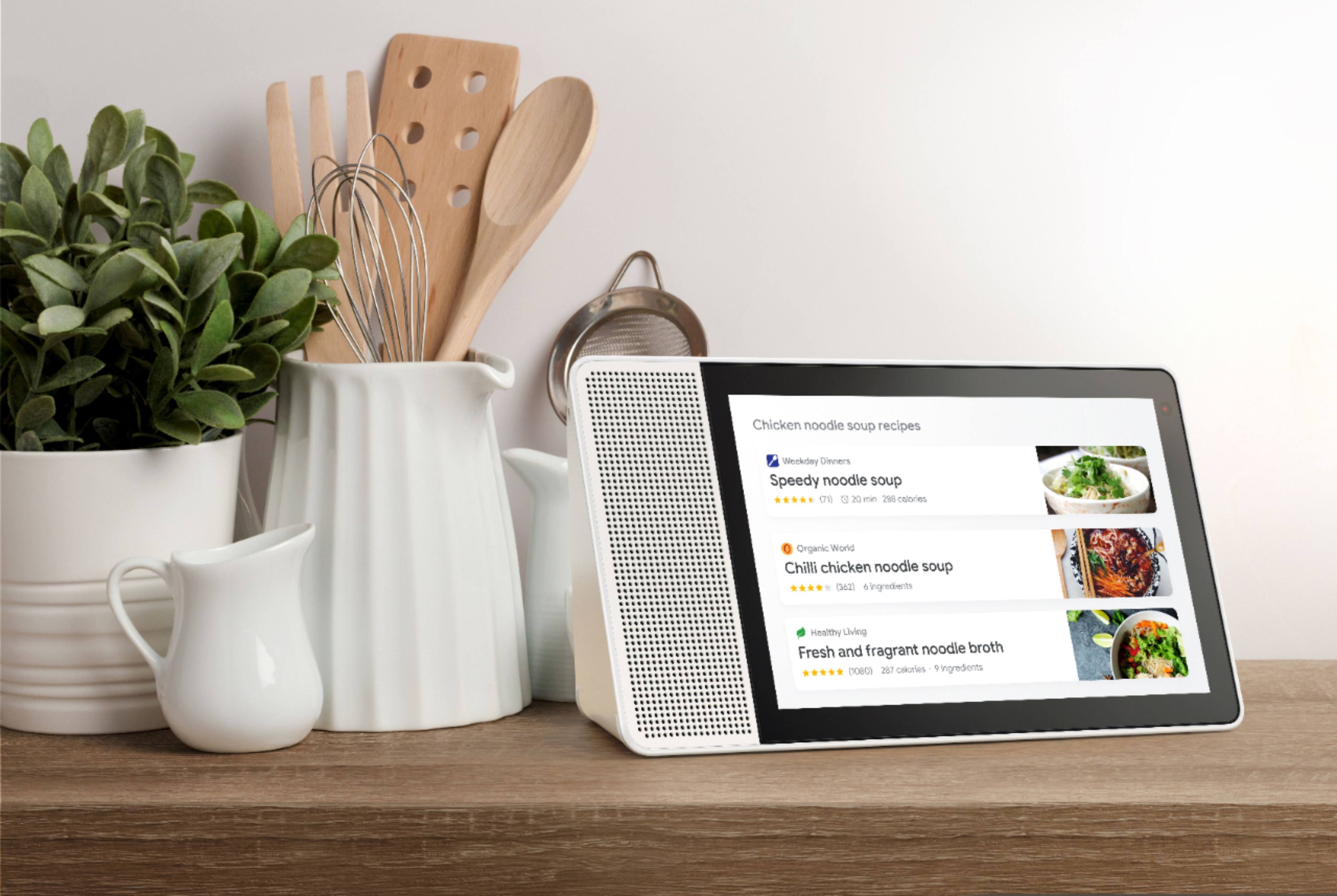
Great in the kitchen
Posted .This reviewer received promo considerations or sweepstakes entry for writing a review.Got this to replace the mini in the kitchen and it is great to see the recipes.
I would recommend this to a friendBrand response from Lenovo Product Expert
Posted .Thank you for your purchase of the Lenovo Smart Display and we are glad to hear that you like the video to see your recipes.

- Pros mentioned:Screen size
Beware bad batch!
Posted .This reviewer received promo considerations or sweepstakes entry for writing a review.Screen went blank and stopped working shortly after warranty expired. Many similar claims online about a bad ribbon cable or firmware update being the cause. Most appear manufactured around the same time. Lenovo has remained silent and has not responded to any of those claims on their own forum site, other than a scripted response and to contact tech support ... which is a chore in itself. I spent several hours on phone and in chat sessions hoping they'd do the right thing and replace it after only 18 months of light and protective use. We own three other Lenovo smart devices so it was disappointing to be told they wouldn't do anything for us despite our brand loyalty. It's less costly to buy another one new than to repair it. In fact they sent me an email to buy it during a Cyber Monday in July sale this week for $99 but it was out of stock before the sale even started and remains so today. I called then again and there was nothing they could do for us. Now it looks like they're selling a new smart tab and dock to take the place of this display. Bad form Lenovo, bad optics at best. Time to consider a different manufacturer that stands by their product and loyal customers!
No, I would not recommend this to a friendBrand response from Lenovo Product Expert
Posted .Hi Sean. We are sorry to hear you are having issues with your Lenovo Smart Device. We recommend you contact Lenovo Tech Support for guidance as to the next steps at: 866-426-0911.
- Pros mentioned:Google assistant
Good while it last
Posted .This reviewer received promo considerations or sweepstakes entry for writing a review.Google assistant is good but need more polish and update. So I bought this on Nov 9 on sale, it stopped working on Dec 2. It does the bootloop to Lenovo logo and then blank screen. Unplug and plug back in does nothing as there is no power. Once in a while it come and do the bootloop but that was about it. It's good while it last, my parent only use it to watch youtube but it doesn't supported international language like a tablet so a big let down. Quality check is a hit or miss since I haven't encounter any sort of tablet or display die in less than a month. BB said to return to them but I wonder if I can get refund and buy a different display.
I would recommend this to a friendBrand response from Lenovo Product Expert
Posted .We are sorry to hear that you are having some problems with your Lenovo Smart Display. Please contact our customer support @ 877453-6686 for support and trouble shooting. The product does have a One year Limited manufacturer's warranty , valid in North America.
Please contact Best Buy directly for information regarding an exchange. The Lenovo Smart Display sold in the US only supports English at this time.
- Pros mentioned:Screen size
Smart display, but need for integration..
Posted .This reviewer received promo considerations or sweepstakes entry for writing a review.I like this screen, but the description they have it on the website is not all true, it doesn’t work with Ring door bell, also all bunch of other smart devices, need more integration..
I would recommend this to a friendBrand response from Lenovo Product Expert
Posted .We're glad to hear you are enjoying the screen. As for pairing with other smart devices, the Lenovo Smart Display works with more than 5000 smart home devices from more than 250 brands. It can control all gadgets featuring the “works with the Google Assistant” badge. If you ever have questions about your devices integration, please do not hesitate to contact our customer service team @ 877-453-6686.
Dorm essential!
Posted .This reviewer received promo considerations or sweepstakes entry for writing a review.Great product for hanging around the dorm with friends. From streaming youtube to blasting spotify, definitely an awesome party trick! Highly recommended.
I would recommend this to a friendThe 8" is fine, but can't recommend the 10"
Posted .This reviewer received promo considerations or sweepstakes entry for writing a review.I own the 8" and the 10", and while one would think they're identical other than screen size, the latest firmware caused sound problems with the 10" (though the 8" appears not to be impacted). The sound starts out soft and then gradually gets louder. What's annoying about this is every time you ask google a question, you can't hear the first couple words of her response back to you. Again, would think it's just a fluke that can be easily fixed, if it weren't for the fact the 8" isn't plagued with this problem. At first I thought I just got a defective 10", as my 8" stilled worked fine. However, after returning and exchanging the 10" for another, the new one does the exact same thing. Googled it and found a whole thread on Lenovo's forum of other 10" users complaining, but Lenovo nor Google have yet to address or respond. Now I'm faced with deciding whether to return yet this second 10" and just get a refund, or hold on to it and simply hope Lenovo will fix someday with a software update. Fortunately I have until January to return this one, so will probably just go that route vs waiting for Lenovo to fix. This is after all a $250 product, so not worth the gamble.
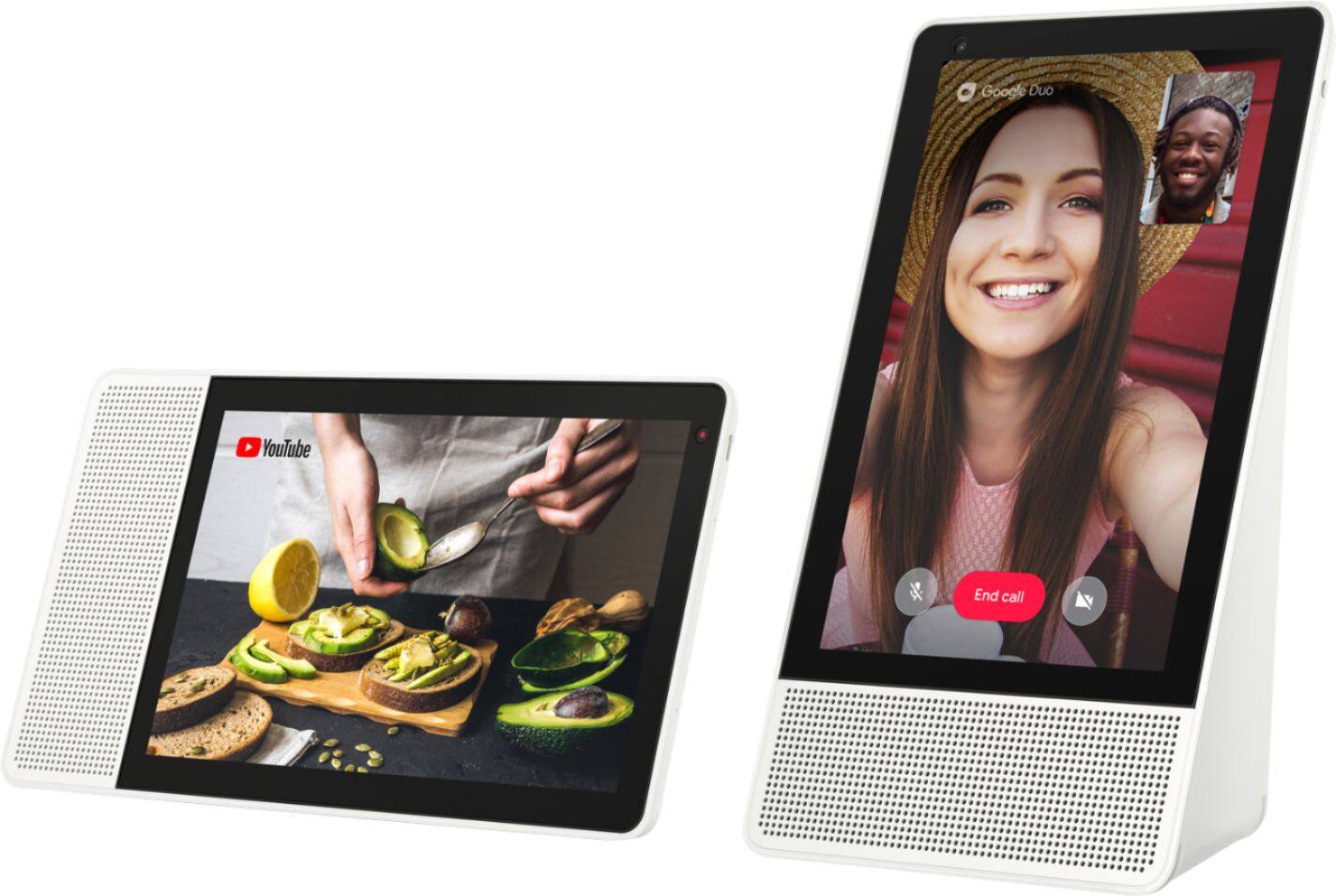
No, I would not recommend this to a friendNo portrait mode
Posted .This reviewer received promo considerations or sweepstakes entry for writing a review.We spent an hour trying to figure out why it wouldn't go into portrait mode, on the Lenovo support site it says, "The Lenovo Smart Display is designed to work in landscape mode, portrait mode is supported for video calling only." What?!?! Who could possibly want to see recipes in landscape mode, you'll be constantly scrolling up and down, very stupid design it's going back, doesn't matter how great of a deal it is.
No, I would not recommend this to a friend- Pros mentioned:Screen size
Slow
Posted .This reviewer received promo considerations or sweepstakes entry for writing a review.I have both the Google Home hub as well as the Lenovo 10" smart display. I like the 10" screen size and the camera feature of the Lenovo, but the over all smartness and responsiveness of the Google Home hub. The Lenovo is slower to respond to commands compared to the Google home hub. Ideally I would prefer the Google hub had it been available in the 10" with a camera feature (it is miniature and camera-less). Will be returning both the Lenovo as well as the Google for not having the ideal features I prefer in a smart display.
No, I would not recommend this to a friendBrand response from Lenovo Product Expert
Posted .Thank you for your feedback. We are glad to hear that you prefer the Lenovo Smart Display because of the 10" screen. Speed can sometimes be directly related to your internet connection. You may want to check with you provider and see what speed you are getting.

- Pros mentioned:Screen size
New unit doesn't work out of box!
Posted .This reviewer received promo considerations or sweepstakes entry for writing a review.So I get my new unit from Best Buy Ebay, its new in sealed box. Go through setup and get to the end, it says swipe right from left edge of screen. Did so and nothing :( Frustating, I looked up on Lenovo how to do a hard reset. Well that did nothing but repeat the process. So went to process a return, they said I should get label to ship back in 4 DAYS (really) Then it has to ship back snail ground. then they will refund me and I can purchase again? What a crock. So I will be roughly waiting 10 days for a product I paid for to get my money back. Should have went Amazon I guess. SMH.... Its sad because the unit other than that looked great and the voice part seemed to work well. While looking on line this seems to be a common issue with Lenovo Smart Displays so that was even more frustrating knowing I may get another that doesn't work.
No, I would not recommend this to a friendBrand response from Lenovo Product Expert
Posted .We are sorry to hear that you are having some problems with your Lenovo Smart Display. We are not aware of any running problems this product simply not working after the initial setup with your phone and the Google Home app. Please contact our customer support for further help and trouble shooting @ 877-453-6668.
- Cons mentioned:Bluetooth
Does not connect to bluetooth speakers
Posted .This reviewer received promo considerations or sweepstakes entry for writing a review.Was pretty excited for this but it's incomprehensible as to why this thing has bluetooth yet cannot connect to bluetooth speakers. Go buy the google product it is worth the extra money. Lenovo has already abandoned this product as soon as it hit the shelves.
No, I would not recommend this to a friendBrand response from Lenovo Product Expert
Posted .Hi Johnny. Thanks for choosing the Lenovo 10" Smart Display with Google Assistant. Your smart display can play music from another device through Bluetooth. An example would be connecting your phone to the Lenovo Smart Display to play music through its built in speakers. At this time the way to play music from your smart display to other speakers in your home is by utilizing the "cast" functionality over WiFi. In this way you may cast music and video to any other cast enabled device on your home network. Bluetooth compresses audio which degrades sound quality. By streaming your favorite music over WiFi with the "cast" feature you can ensure you are getting the highest fidelity audio available from your streaming service of choice.
Handy Assistance
Posted .This reviewer received promo considerations or sweepstakes entry for writing a review.The product is good to carry around with multiple functionalities and good support makes your work easier
I would recommend this to a friendBrand response from Lenovo Product Expert
Posted .Thank you for choosing the Lenovo Smart Display and we are glad to hear that you think you like the multiple functionalities and good support .
Lenovo Smart Display
Posted .This reviewer received promo considerations or sweepstakes entry for writing a review.Very crisp images displayed, was very easy to setup, speakers are great with no distortion
I would recommend this to a friendBrand response from Lenovo Product Expert
Posted .Thank you for choosing the Lenovo Smart Display and we are glad to hear that you are very happy with it.
- Pros mentioned:Screen size
Awful Product
Posted .This reviewer received promo considerations or sweepstakes entry for writing a review.Ok so this thing is frustrating, no manual, no guides no help what so ever, it's like a guessing game to what commands work and what don't (not to mention it thinking you said something you didn't, or picking a command you didn't want that was similar to what you said). Then I wanna access settings and alarms or schedules it says to refer to the app on my phone. It's this thing's purpose is to access stuff without the need to mess with my phone? Then if you call someone from it to their phone it shows up as unknown caller. As well as wanting to play YouTube for everything. As of right now this thing is an expensive joke with no help built what so ever.
No, I would not recommend this to a friendBrand response from Lenovo Product Expert
Posted .We are sorry you feel that way. The Lenovo Smart Display comes with a control application which is the Google Home app, it serves multiple purposes including discovering what it can do. Browing the application will help you discover many of the things the Lenovo Smart Display can help you with. In addition, your Lenovo Smart Display home screen is full of things to try (touch the ambien screen to get to the home screen, or say "Hey Google, go home."). Furthermove, you are welcome to ask "Hey Google, what can you do?" to get your Lenovo Smart Display to start taking you through what it can do for you. However, you should expect that for setting up new experiences, it will prompt you to check the Google Home app to complete the process - usually a few steps like pairing accounts or preferred settings. We hope you can give it another try after you get a bit more familiar with it.
- Pros mentioned:Screen size
Missing browser and conversational mode
Posted .This reviewer received promo considerations or sweepstakes entry for writing a review.Without a browser and conversational mode, the product is extremely limited in capabilities. Youtube works realatively well and the screen is crisp and clear. Not sure why they chose a white speaker i would have preffered black.
No, I would not recommend this to a friendBrand response from Lenovo Product Expert
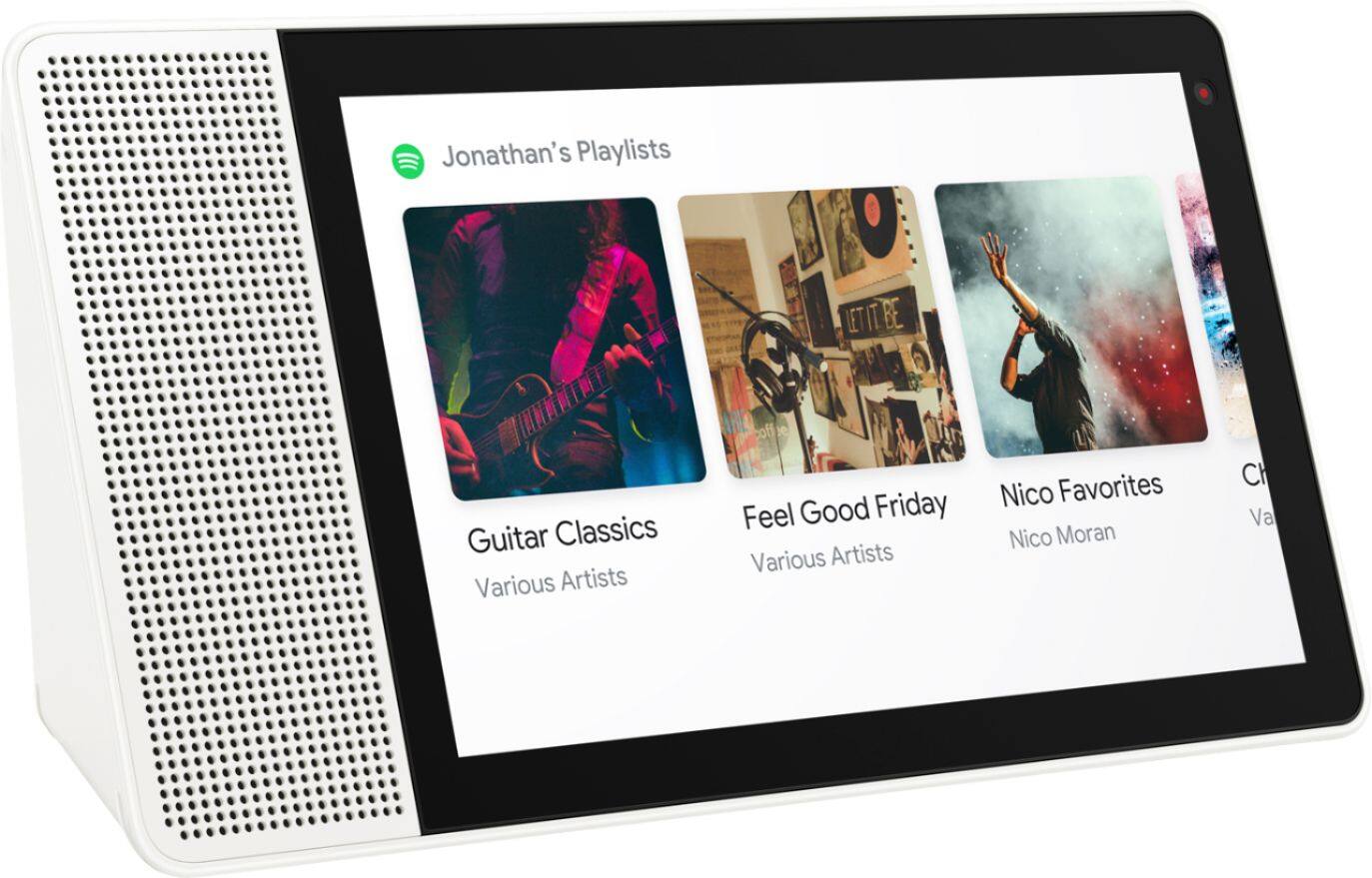
Posted .Thank you for your feedback. The Lenovo Smart Display supports many audio and video services, to name a few: Audio: Google Play Music, YouTube Music, Pandora, iHeart Radio, TuneIn, and Spotify. Video: YouTube, HBO Now, CW, Google Play Movies & TV, Crackle and YouTube TV gives you access to up to 40 premium TV channels live. Some of these services will require an active subscription. The Lenovo Smart Display is also compatible with more than 1 million actions helping you do more with your favorite devices and services in your home. The Smart Display only comes in White and White with Bamboo at this time.
Warning - only speaks English
Posted .This reviewer received promo considerations or sweepstakes entry for writing a review.I bought this device to use in my classroom. I am a foreign language teacher and was excited to learn that Google assistant has bilingual capabilities. I did a fair amount of research and found that Google assistant generally outperforms Alexa in French (the language I teach). This is not surprising, since Google has been working with languages for a very long time. Sadly, this device does not support full Google assistant capabilities. I checked with Google, they sent me to Lenovo. Lenovo confirmed this fact. Because Best Buy has such a short return window I am now stuck with a very fancy thing for my house that I could care less about. I guess I'll count myself lucky that I got it at a significant discount.
No, I would not recommend this to a friendBrand response from Lenovo Product Expert
Posted .In the United-States of America, the Lenovo Smart Display currently only supports English.
- Cons mentioned:Setup
It's very pretty but it ain't too smart.
Posted .This reviewer received promo considerations or sweepstakes entry for writing a review.Plain and simple - looks gorgeous and the setup is fine but not intuitive and all done though a phone-- not this "smart" device. Can only make DUO calls to DUO active contacts -- not too smart. Can't make regular voice calls since November update (it pretends to though)--not too smart for a communication device. Also, not conversation made capable - so saying "hey google" over and over - not smart. Overall - this is not ready for primetime any tablet with a stand could do more and do it better.
No, I would not recommend this to a friendBrand response from Lenovo Product Expert
Posted .Thank you for your feedback. The Lenovo Smart Display supports many audio and video services, to name a few: Audio: Google Play Music, YouTube Music, Pandora, iHeart Radio, TuneIn, Spotify, Video: YouTube, HBO Now, CW, Google Play Movies & TV, Crackle and YouTube TV gives you access to up to 40 premium TV channels live. Some of these services will require an active subscription. "The Lenovo Smart Display works with more than 5000 smart home devices from more than 250 brands. It can control all home devices and gadgets featuring the “works with the Google Assistant” badge, and also supports Google Duo for video chatting to mention a few.
A great device no longer working because of Lenovo
Posted .This reviewer received promo considerations or sweepstakes entry for writing a review.This was the Granddaddy of all smart display devices. It received great reviews and was highly rated by every tech site on the Internet. For the first few months I owned it, this Lenovo Smart Display was better than Google Hub and Echo Show 2. However, recently, Lenovo let this device lapse in oblivion. The software no longer works properly. Give it specific commands and many times it will not activate them. Nest cameras in your home? It will no longer display them upon command. Meanwhile, my two Google Hubs perfectly execute the given commands so I know it's not incompatibility with Google OS. The Lenovo support forums are filled with owners having issues with this device. Lenovo is not answering any of the complaints. When I called their tech support, it was obvious that their outsourced support had no idea of what their products could or could not do. Now many owners of this device are basically stuck with a useless brick that doesn't show Nest cameras and doesn't properely execute commands. I would sure love to hear from someone at Lenovo. In the meantime, wait till October and buy the upcoming Google Nest Max. It will work far better than this product. I really urge you not to buy this until Lenovo fixes the issues.
No, I would not recommend this to a friendBrand response from Lenovo Product Expert
Posted .I'm very sorry you are experiencing some issues with your device. Nest cameras should be working seamlessly with the device. I recommend you try a factory reset on your device and see if that provides the fix. If you are still experiencing these issues, I do recommend you give our team another call @ 877-453-6686, as they are your best resource. Please let me know if there is anything else I could assit you with or if you are able to get your device back up and running!
Wait for the one that came from google
Posted .This reviewer received promo considerations or sweepstakes entry for writing a review.There's no continuous listening that's a deal breaker for me. I will wait until the google original one comes out with screen.
No, I would not recommend this to a friendWould not have bought if I'd known:
Posted .This reviewer received promo considerations or sweepstakes entry for writing a review.I’ve had it for 4 months and now rarely use this expensive and fancy device for these reasons: Amazon Echo will play my books on Audible and will link via Bluetooth to my iPod. Google Assistant will NOT do either of these things. When I ask Amazon Echo to play random songs, it almost always plays them even though I have not purchased that song through Amazon. When I ask Google Assistant, it always says no and invites me to subscribe to Google Play Music. I do not want to pay yet another monthly fee for yet another service. I have a huge library of music and I can find no way to play it on this device. And finally, I've discovered Google Keep is a great note taking app (better than Evernote or ColorNote) but surprisingly, Google Assistant does not connect to Google Keep.
No, I would not recommend this to a friendBrand response from Lenovo Product Expert
Posted .We're so sorry to hear you are not finding use for your Smart Display. There are many Google Assistant programs available for your use. I recommend heading over to https://assistant.google.com/explore to discover some of these useful apps. For music, there is Spotify and also Pandora, if you are looking to play random songs on Shuffle. Both of which do not require subscriptions to enjoy. If you ever have questions about your device, please do not hesitate to contact our customer service team @ 877-453-6686.
not smart enough to make phone calls
Posted .This reviewer received promo considerations or sweepstakes entry for writing a review.The smart display has a serious flaw. This unit only makes DOUS vdeo calls. unlike the (audio only) Google HOME and HOme Mini, this unit is unable to make voice calls. The unit will attempt to make a voice call then immediately end. One of the mig decision points for me over the Echo is its ability to make voice calls to any domestic number, something the amazon echo cannot do. however, if you upgrade to the smart home display by lenovo, you lose this ability. Lenovo knows about the problem but does not have a solution. They are knowingly selling this unit with the known issue.
No, I would not recommend this to a friendBrand response from Lenovo Product Expert
Posted .We are sorry to hear that you are having some problems with calls on the Lenovo Smart Display. Please contact our customer support for trouble shooting @ 877-453-6686.