Customer Ratings & Reviews


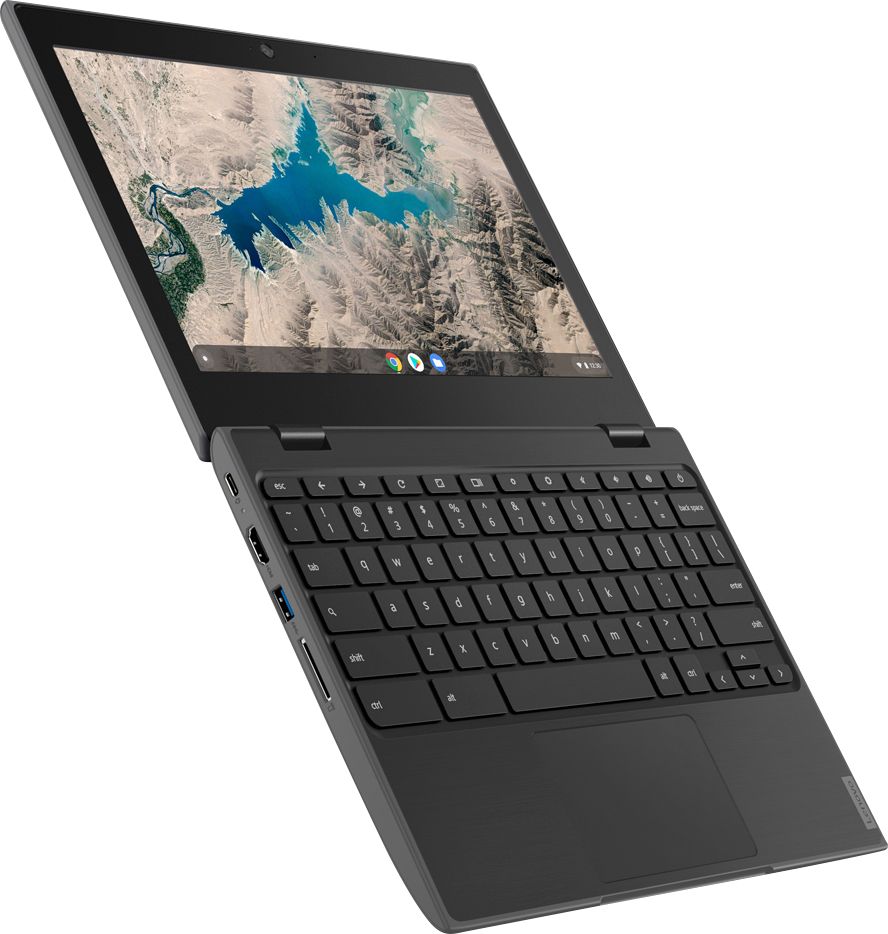


- Model:
- 81QB0000US
- SKU:
- 6341812
Rating by feature
- Battery Life
Rating 4.3 out of 5 stars
- Speed
Rating 4.1 out of 5 stars
- Display
Rating 4.3 out of 5 stars
Customers are saying
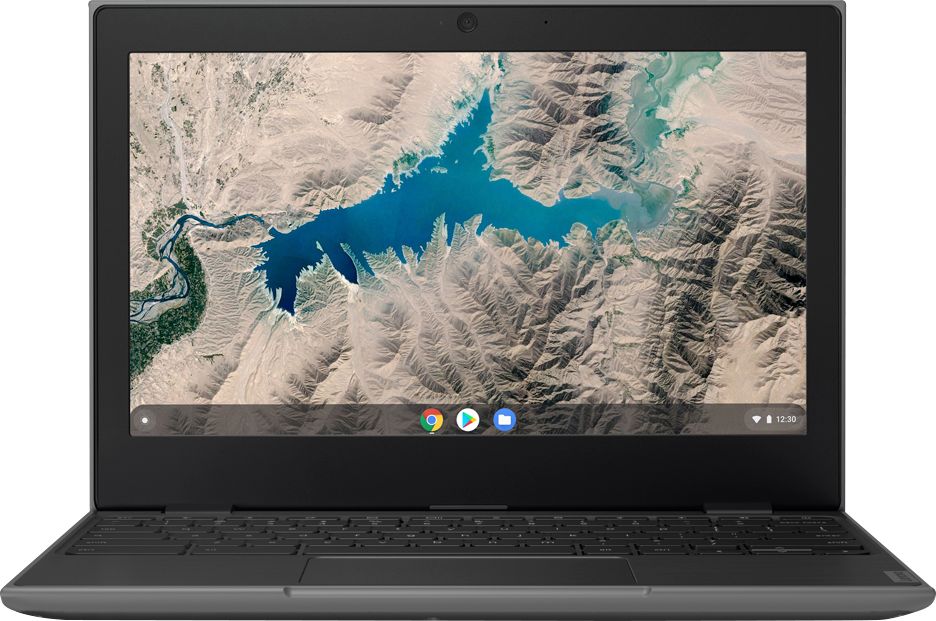
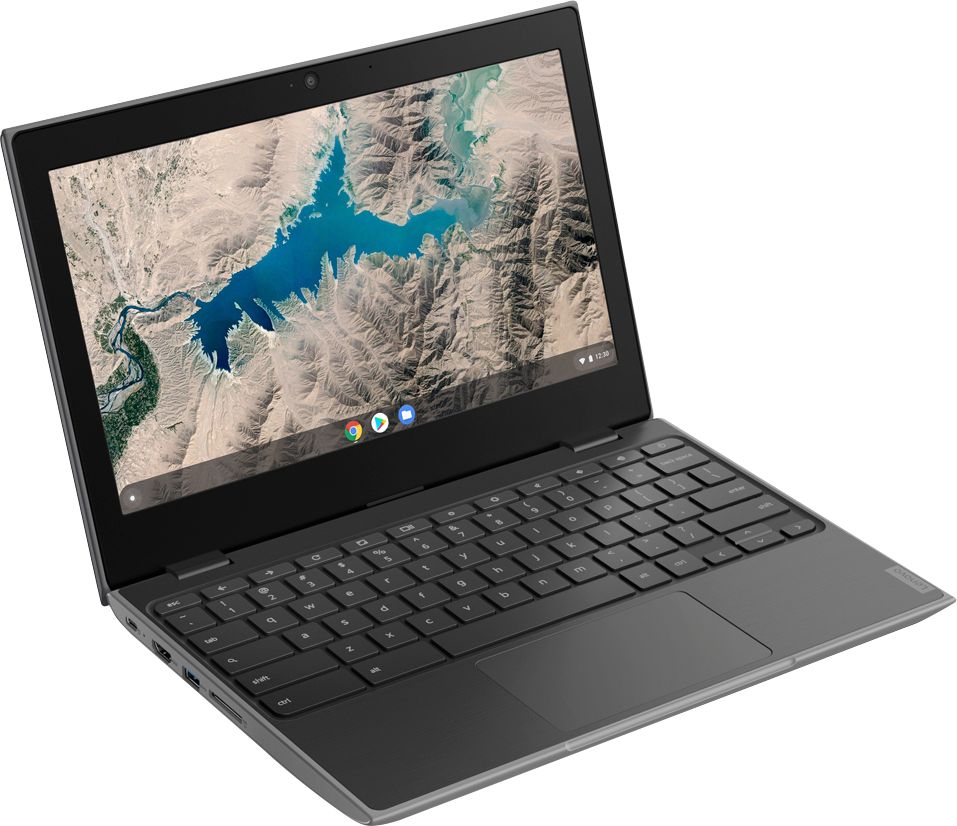
Customers are delighted by the 100e 11.6" Chromebook's ease of use, attractive price, and compact size, finding it particularly well-suited for children. Positive feedback also highlights its performance and long battery life, along with its lightweight design. However, some users expressed concerns regarding the operating system's learning curve and limited compatibility with certain programs. A few also mentioned that the memory could be insufficient for demanding tasks.
This summary was generated by AI based on customer reviews.
Didnt purchase this. Cant pull up statements
||Posted .This reviewer received promo considerations or sweepstakes entry for writing a review.I did not purchase this. But yet it shows that I did. I cannot pull up my statements to see if I was charged for this. I need my Feb. 2020 and march 2020 statements but YOUR SYSTEM FOR MY ACCOUNT ONLINE will NOT ALLOW them to be pulled up. This is the ONLY account that I have that will not allow this. WHY? SEEMS shady business to me. I have never been able to pull up statements except on did download as pdf but no other ones will. Makes no sense. I NEED MY STATEMENTS PLEASE!!
No, I would not recommend this to a friendLenovo chrome book
||Posted . Owned for 10 months when reviewed.This reviewer received promo considerations or sweepstakes entry for writing a review.It’s not working more than eight months.I want to return it . It’s automatically shut off . Then it’s not start again.please tell me how can I return It.
No, I would not recommend this to a friendBrand response from Lenovo Product Expert
Posted .Hello, we are sorry to hear you are experiencing issues with your Lenovo 100e Chromebook. We recommend reaching out to Lenovo Tech Support at 800-426-7378

Unable to do many things
||Posted . Owned for 3 weeks when reviewed.This reviewer received promo considerations or sweepstakes entry for writing a review.This computer is limited as to what you can do. Printing is only to certain printers and software downloads too. I would return this if possible but I'm stuck with it.
No, I would not recommend this to a friendBrand response from Lenovo Product Expert
Posted .The Lenovo 100e Chromebook uses the Chrome Operating System and is compatible with Google Play Store APPs. You can print from any printer that is compatible with the Chrome Operating System, whether wired or wireless printing. Check with your printer manufacturer about compatibility.
Horrible
||Posted . Owned for 1.5 years when reviewed.This reviewer received promo considerations or sweepstakes entry for writing a review.Horrible! Will not charge! Thinking it was the power chord, bought a new one and device still would not charge. Did the hard reboot (hold refresh + pwr buttons at the same time for 10 secs) chromebook would not turn on. Charge port LED light extremely dim when plugged in with faint flashing. Had it plugged in for at least 12 hours. Do not Buy
No, I would not recommend this to a friendPoor quality.
||Posted . Owned for 1 year when reviewed.This reviewer received promo considerations or sweepstakes entry for writing a review.This has already stopped working. Screen won’t load program. Have had it fixed twice. Not worth the time.
No, I would not recommend this to a friendNot that good but good for beginners
||Posted . Owned for 3 weeks when reviewed.This reviewer received promo considerations or sweepstakes entry for writing a review.Having trouble with it not loading my email or onto my internet I have to restart it a lot and it freezes up a lot
No, I would not recommend this to a friendBrand response from Lenovo Product Expert
Posted .The Lenovo 100e Chromebook uses the Chrome Operating System. With its MediaTek processor, the 100e Chromebook (2nd Gen) seamlessly runs apps from Google Play and the Chrome Web Store. No setup needed—just log in with your Google account to experience a new type of 2-in-1 laptop for everything you love to do. The Lenovo 100e Chromebook is easy to use, offers built-in virus protection, and keeps going with long battery life. Stay synced with your Android phones and tablets, and everywhere you’re signed in with your Google account, so your stuff stays with you even when your laptop doesn’t.
Stop working
||Posted . Owned for 1 month when reviewed.This reviewer received promo considerations or sweepstakes entry for writing a review.Product stop working less then 30 days from purchase and guess what best buy said i couldn’t return. Money down the drain and warranty is a waste
No, I would not recommend this to a friendBrand response from Lenovo Product Expert
Posted .We are sorry to hear that you are having issues with your Lenovo 100e Chromebook. Try this troubleshooting tip: Turn the Chromebook off, hold down the Refresh button (circular arrow at top of the keyboard) and the Power button simultaneously for about 5 seconds. Release the buttons and the computer should restart. If the issue continues, we recommend you call Lenovo Tech Support at: 877-453-6686.
Not pleased.
||Posted . Owned for 1 month when reviewed.This reviewer received promo considerations or sweepstakes entry for writing a review.The browser often freezes up and will not display the results of a search... can I return it for replacement?
No, I would not recommend this to a friendBrand response from Lenovo Product Expert
Posted .We are sorry to hear that you are having issues with your Lenovo 100e Chromebook. Here is a link to troubleshooting tips for fixing a Chromebook, including a Chromebook that freezes: https://support.google.com/chromebook/answer/6309225?hl=en. If the issue continues, we recommend you call Lenovo Tech Support at: 877-453-6686.
Don’t bother
||Posted . Owned for 8 months when reviewed.This reviewer received promo considerations or sweepstakes entry for writing a review.Worse investment I have ever made. Worked great for about a month then stopped working completely. I installed a program to protect from virus etc as I usually do. It was only used to file taxes and kids school work and was working great one second and not at all then next could only power on and off. I guess you get what you pay for
No, I would not recommend this to a friendSave your money.
||Posted . Owned for 9 months when reviewed.This reviewer received promo considerations or sweepstakes entry for writing a review.18 months and they keyboard wears out on certain alphabet letters and keyboard combos.
No, I would not recommend this to a friendLaptop
||Posted . Owned for 1 year when reviewed.This reviewer received promo considerations or sweepstakes entry for writing a review.It’s a good laptop just after about a year it only works half the time.
No, I would not recommend this to a friendGood for kids. Bad for adults.
||Posted . Owned for 10 months when reviewed.This reviewer received promo considerations or sweepstakes entry for writing a review.Too small for regular hands to use. I would not recommend this to anyone who is an adult.
No, I would not recommend this to a friendIt's an ok computer
||Posted . Owned for 3 weeks when reviewed.This reviewer received promo considerations or sweepstakes entry for writing a review.The keyboard commands are different than a typical laptop and it's a small computer.
No, I would not recommend this to a friendBrand response from Lenovo Product Expert
Posted .The Lenovo 100d Chromebook, like all Chromebooks, uses a different keyboard layout than a Windows or iOS computer, with different keyboard shortcuts. Here is a link to information about Chromebook keyboard shortcuts: https://support.google.com/chromebook/answer/183101?hl=en
- Pros mentioned:Performance
very good
||Posted .This reviewer received promo considerations or sweepstakes entry for writing a review.Good performance. very good item it fits my needs
I would recommend this to a friendBrand response from Lenovo Product Expert
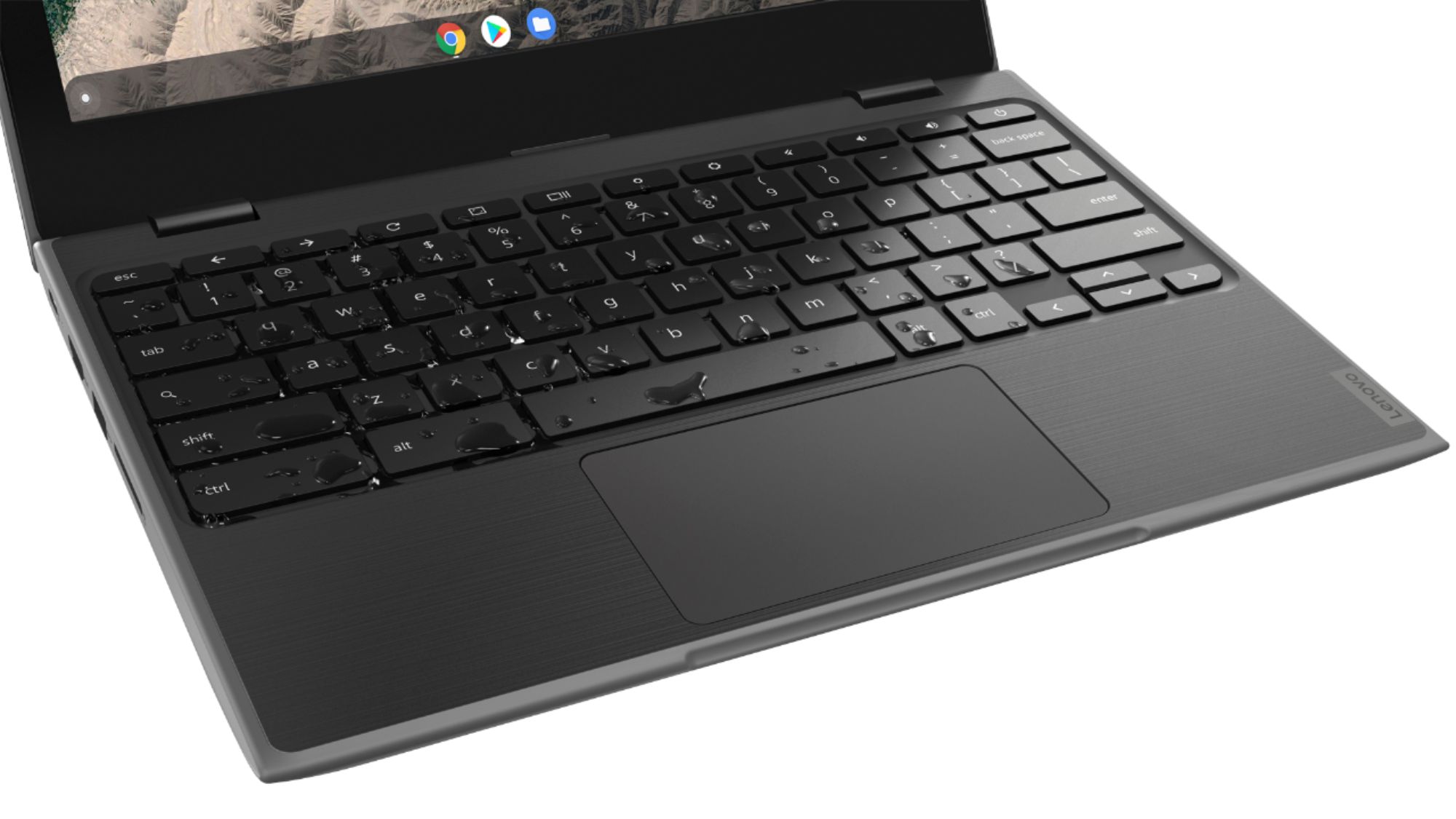
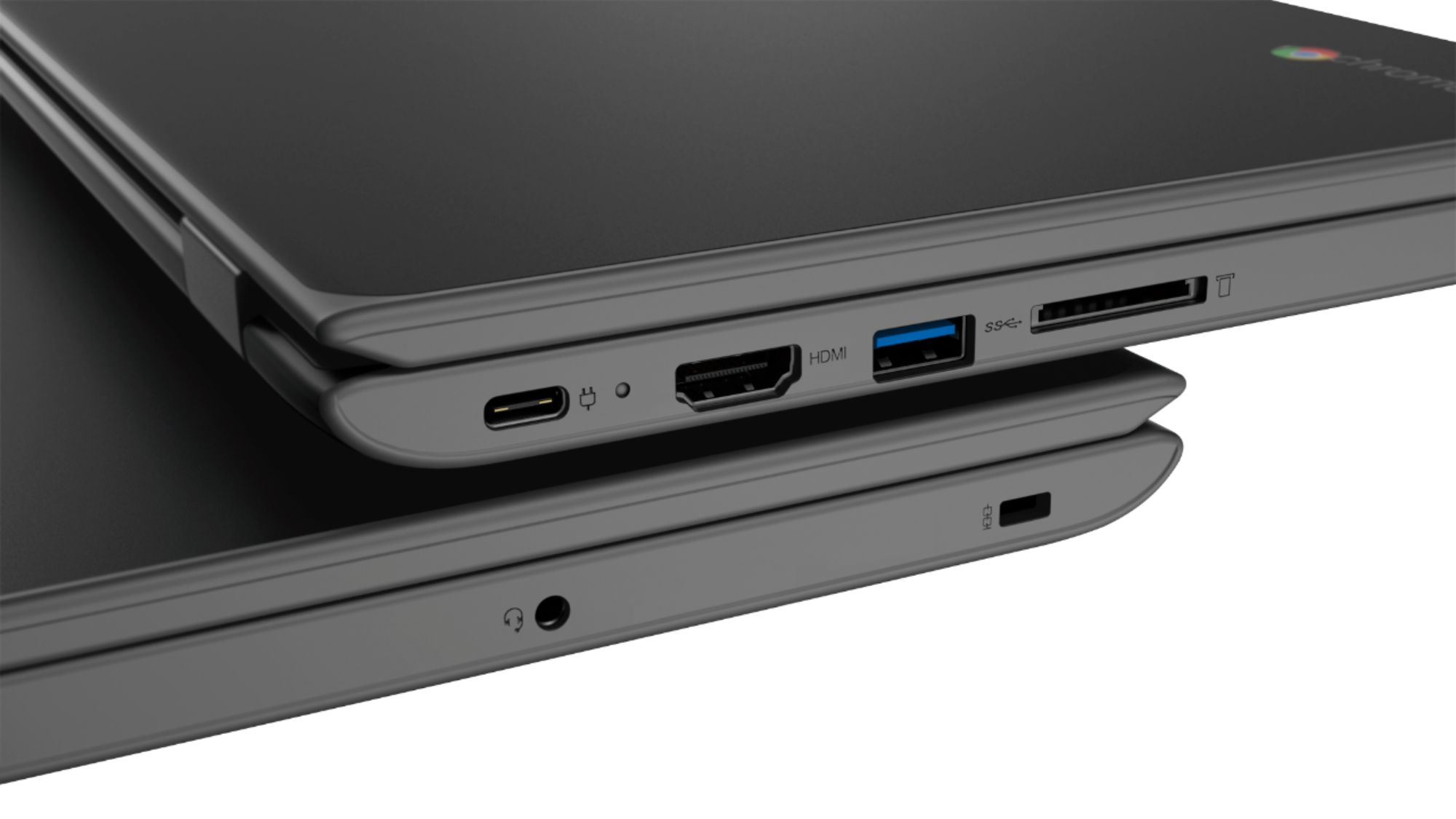
Posted .The Lenovo 100e Chromebook is engineered for durability. Built tough with rubber bumpers, reinforced ports and hinges, and mechanically anchored keys, the 100e Chromebook (2nd Gen) can handle all manner of shock and awe. It's even drop-resistant up to 29.5 inches. With its MediaTek processor, the 100e Chromebook (2nd Gen) seamlessly runs apps from Google Play and the Chrome Web Store. With up to 10 hours of battery life, the 100e Chromebook (2nd Gen) lasts an entire day and then some, no need to haul around power cords and adapters. You can work a full day and recharge overnight for the next day.
Was not suitable for my needs
||Posted . Owned for 2 weeks when reviewed.This reviewer received promo considerations or sweepstakes entry for writing a review.This was not adequate for my needs to use as a monitor. I returned it immediatly.
No, I would not recommend this to a friendBrand response from Lenovo Product Expert
Posted .The Lenovo 100e Chromebook is engineered for durability. Built tough with rubber bumpers, reinforced ports and hinges, and mechanically anchored keys, the 100e Chromebook (2nd Gen) can handle all manner of shock and awe. It's even drop-resistant up to 29.5 inches, roughly the height of a school desk. With its MediaTek processor, the 100e Chromebook (2nd Gen) seamlessly runs apps from Google Play and the Chrome Web Store. With an 11.6-inch HD display, the built-in antiglare technology on the 100e Chromebook (2nd Gen) reduces eye strain—great for both teachers and students. The front-facing 720p HD camera makes collaboration simple; video-conference or chat on Skype knowing you'll be seen and heard clearly.
Keyboard broke
||Posted . Owned for 3 weeks when reviewed.This reviewer received promo considerations or sweepstakes entry for writing a review.Keys broke almost immediately others don’t work all the time and it’s very heavy
No, I would not recommend this to a friendBrand response from Lenovo Product Expert
Posted .The Lenovo 100e Chromebook, model number 81QB0000US, weighs just 2.67 lbs. Regarding the issue you are having with the keyboard, here is a link to tips for fixing keyboard issues on the 100e Chromebook: https://support.lenovo.com/us/en/solutions/ht507934. If the issue continues, we recommend you call Lenovo Tech Support for help with your specific issue at: 877-453-6686.
I returned it
||Posted . Owned for 1 month when reviewed.This reviewer received promo considerations or sweepstakes entry for writing a review.Not IOS friendly and it did not specify this in the specification section
No, I would not recommend this to a friendBrand response from Lenovo Product Expert
Posted .The Lenovo 100e Chromebook uses the Chrome Operating System. It is compatible with the Google Play Store and the Chrome Web Store APPs.
its ok
||Posted . Owned for 2 months when reviewed.This reviewer received promo considerations or sweepstakes entry for writing a review.Runs slow, hard to use, can't really handle much. returned right away.
No, I would not recommend this to a friendBrand response from Lenovo Product Expert
Posted .The Lenovo 100e Chromebook uses the Chrome Operating System and is compatible with Google Play Store and Chrome Web Store APPs. No setup needed—just log in with your Google account to experience a new type of 2-in-1 laptop for everything you love to do. The Lenovo Chromebook 100e is easy to use, offers built-in virus protection, and keeps going with long battery life. Stay synced with your Android phones and tablets, and everywhere you’re signed in with your Google account, so your stuff stays with you even when your laptop doesn’t.
Piece of Junk
||Posted . Owned for 9 months when reviewed.This reviewer received promo considerations or sweepstakes entry for writing a review.If you need a paper weight by all means get this device. It is super slow, and will crash on you multiple times where you'll need to sign out and resign back in or turn off the Chromebook and turn it back on or restart it. Best bet is to spend a little bit more get better quality.
No, I would not recommend this to a friendBrand response from Lenovo Product Expert
Posted .We are sorry to hear that you are having issues with your Lenovo 100e Chromebook. It is possible that restoring your Chromebook back to original factory settings will correct the issues you describe. Here is a link to instructions for resetting a Chromebook: https://support.google.com/chromebook/answer/183084?hl=en. If the issue continues, we recommend you call Lenovo Tech Support for Chromebooks at: 800-426-7378.
Very underpowered
||Posted .This reviewer received promo considerations or sweepstakes entry for writing a review.My daughter is trying to play roblox and it doesn’t work well.
No, I would not recommend this to a friendBrand response from Lenovo Product Expert
Posted .With its Quad-Core, MediaTek MT8173C processor, with a speed of 2.1GHz, the 100e Chromebook (2nd Gen) seamlessly runs apps from Google Play and the Chrome Web Store.