Customer Ratings & Reviews




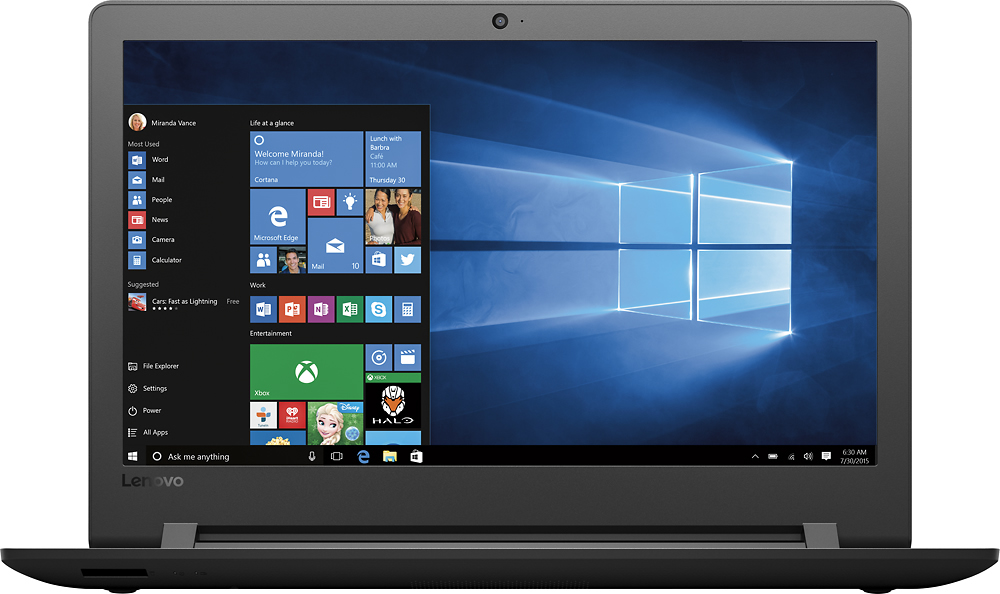
- Model:
- 80UD0017US
- SKU:
- 5496140
Rating by feature
- Value
Rating 3.7 out of 5 stars
- Quality
Rating 3.4 out of 5 stars
- Ease of Use
Rating 3.8 out of 5 stars
Customers are saying
Customers are delighted by the 110-15ISK laptop's affordability, ease of use, and performance for everyday tasks. Many appreciate its lightweight design, ample storage, and screen size. While some experienced issues with battery life and the sound quality, the positive feedback on price and usability outweighs these concerns.
This summary was generated by AI based on customer reviews.
Not for me
||Posted .This reviewer received promo considerations or sweepstakes entry for writing a review.The Best Buy salesperson recommended this Lenovo (first time buying Lenovo). This was inexpensive but the material felt cheap. Also, terrible sound. Could only hear if I used my earbuds. Returned and bought an hp instead. Very happy with it (although I did end up spending $200 more). I guess I got what I paid for.
No, I would not recommend this to a friendGood Price
||Posted .This reviewer received promo considerations or sweepstakes entry for writing a review.Its worth the price, recommend to all those want to change computers every year
I would recommend this to a friendNot bad
||Posted .This reviewer received promo considerations or sweepstakes entry for writing a review.Computer is used for a work computer. A little slow. Graphics a little fuzzy.
No, I would not recommend this to a friendGood computer for the price
||Posted .This reviewer received promo considerations or sweepstakes entry for writing a review.Overall a good computer. However, a little slow and the keyboard is loud.
I would recommend this to a friendGood laptop for personal use.
||Posted .This reviewer received promo considerations or sweepstakes entry for writing a review.The sound is not that great but works fine for personal home computer use.
I would recommend this to a friendBrand response from Lenovo Product Expert
Posted .With regard to the speaker volume, you might try going in to Properties for sounds/speaker. For Playback, find the Enhancement Tab. Find Equalizer. Change setting to Powerful.

Ok
||Posted .This reviewer received promo considerations or sweepstakes entry for writing a review.Great for just browsing. I wouldn't expect much more out of this laptop.
No, I would not recommend this to a friendSlow but cheap
||Posted .This reviewer received promo considerations or sweepstakes entry for writing a review.Slow opening programs and checking mail. Easy setup! Good starter computer.
No, I would not recommend this to a friendits good
||Posted .This reviewer received promo considerations or sweepstakes entry for writing a review.its a good lap top for what i need it for so im glad i bought it thus far
I would recommend this to a friendlap top
||Posted .This reviewer received promo considerations or sweepstakes entry for writing a review.i have no problem with the computer considering i seldom use it
I would recommend this to a friendFrustrating
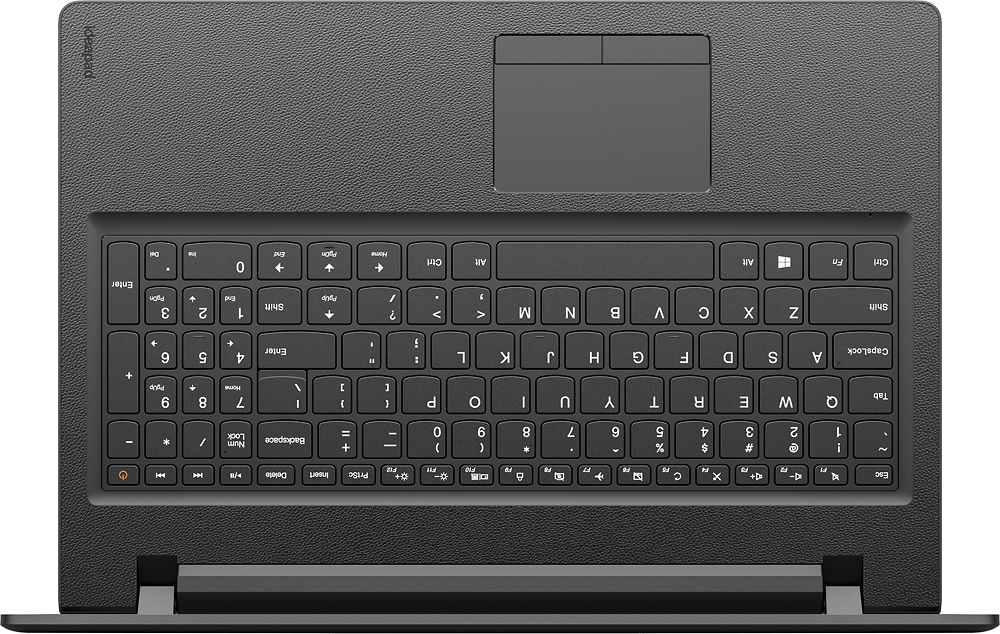
||Posted .This reviewer received promo considerations or sweepstakes entry for writing a review.This computer is hard to operate. I don't like how the screen size zooms in and out when I don't request it. The Cortana App keeps opening up and the right hand Shift key is located next to the Up Page key so that when I reach for the Shift Key I hit the Up Page key and start typing in the line above.
No, I would not recommend this to a friendBrand response from Lenovo Product Expert
Posted .Concerning the screen zooming in an out, it sound like you are inadvertently touching the touchpad while typing, you can make adjustments to the touchpad in your system settings. You can get there by clicking on the magnifying glass at the bottom left your Windows 10 screen. Type "touchpad" in the search window. Select "Mouse & touchpad settings" from the list of choices. You can make general adjustments to the touchpad there. You can also select "Additional mouse options" for more detailed adjustments to the touchpad sensitivity by increasing the delay of the touchpad. Concerning Cortana opening up without your direction, here is a link to an article about fixing this: http://www.thewindowsclub.com/start-menu-keeps-popping-up. Finally, with regard to the right shift key issue you mention, there is a free software APP called KeyTweak that may help you. You can switch the key functions of specific keys on your keyboard with this software, so you could change the right shift key with the key you hit in its place. Just Google search "KeyTweak" and you will find articles about what the software does and you will find the download location for this free APP.
Nice features
||Posted .This reviewer received promo considerations or sweepstakes entry for writing a review.I enjoyed working with the Best Buy staff and the Montgomeryville store
I would recommend this to a friend- Cons mentioned:Hard drive
Piece of junk
||Posted .This reviewer received promo considerations or sweepstakes entry for writing a review.Takes forever to load at start up, takes over a minute for any spreadsheet or web browser to open, started getting hard drive errors 3 months after the warranty expired.Will not buy another Lenovo.
No, I would not recommend this to a friend Keyboard layout is not good (Returned)
||Posted .This reviewer received promo considerations or sweepstakes entry for writing a review.Computer runs fine has enough power. This issue is the small "right shift" key, which is becoming common on Lenovo's. The shift key is half the size of a normal one. The other half is replace with the "up" arrow. So when you go capitalize you'll hit the up arrow. They really need to fix this.
No, I would not recommend this to a friendBrand response from Lenovo Product Expert
Posted .With regard to the right shift key issue you mention, there is a free software APP called KeyTweak that may help you. You can switch the key functions of specific keys on your keyboard with this software, so you could change the right shift key with the key you hit in its place. Just Google search "KeyTweak" and you will find articles about what the software does and you will find the download location for this free APP.
Not so great
||Posted .This reviewer received promo considerations or sweepstakes entry for writing a review.I am not very happy with my computer. It's a little slow and the color is not very intense. The keyboard is also strange the shift key is Wayover too far to the right and I keep hitting the up-and-down key. I'm just not very happy with. I wish I had spent the extra money and bought an apple
No, I would not recommend this to a friendBrand response from Lenovo Product Expert
Posted .With regard to the right shift key issue you mention, there is a free software APP called KeyTweak that may help you. You can switch the key functions of specific keys on your keyboard with this software, so you could change the right shift key with the key you hit in its place. Just Google search "KeyTweak" and you will find articles about what the software does and you will find the download location for this free APP.
Good cheap laptop. Way to big and heavy
||Posted .This reviewer received promo considerations or sweepstakes entry for writing a review.Should have spent a few More dollars for a slightly better laptop.
No, I would not recommend this to a friendGr8
||Posted .This reviewer received promo considerations or sweepstakes entry for writing a review.I wish I got the touch screen. Windows 10 seems to be made for it!
No, I would not recommend this to a friendJob
||Posted .This reviewer received promo considerations or sweepstakes entry for writing a review.This laptop is perfect for my job. I have everything I need on it.
I would recommend this to a friendServed its purpose
||Posted .This reviewer received promo considerations or sweepstakes entry for writing a review.I purchased this computer to write a paper. I finished the task.
I would recommend this to a friendits has its function
||Posted .This reviewer received promo considerations or sweepstakes entry for writing a review.I don't understand the difference between a laptop and ideapad.
I would recommend this to a friendBrand response from Lenovo Product Expert
Posted .Thank you for choosing the Lenovo IdeaPad 110-15 laptop. "IdeaPad" is a Brand Name owned by Lenovo, "laptop" is a generic category of computer used by all computer companies to describe a portable, lightweight computer.
ok lap4
||Posted .This reviewer received promo considerations or sweepstakes entry for writing a review.Dislike having to log in with password everytime turn system on
I would recommend this to a friendBrand response from Lenovo Product Expert
Posted .Thank you for choosing the Lenovo IdeaPad 110-15 laptop. You don't need to use a password. Here is a link to instructions on how to skip the log in page in Windows 10:
https://www.tekrevue.com/tip/skip-windows-10-login-screen/