Customer Ratings & Reviews
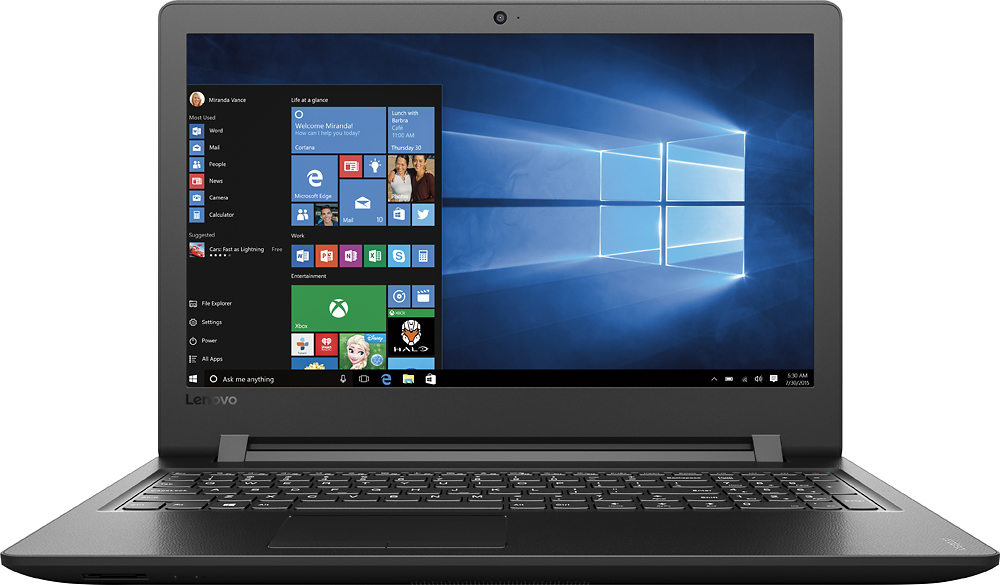

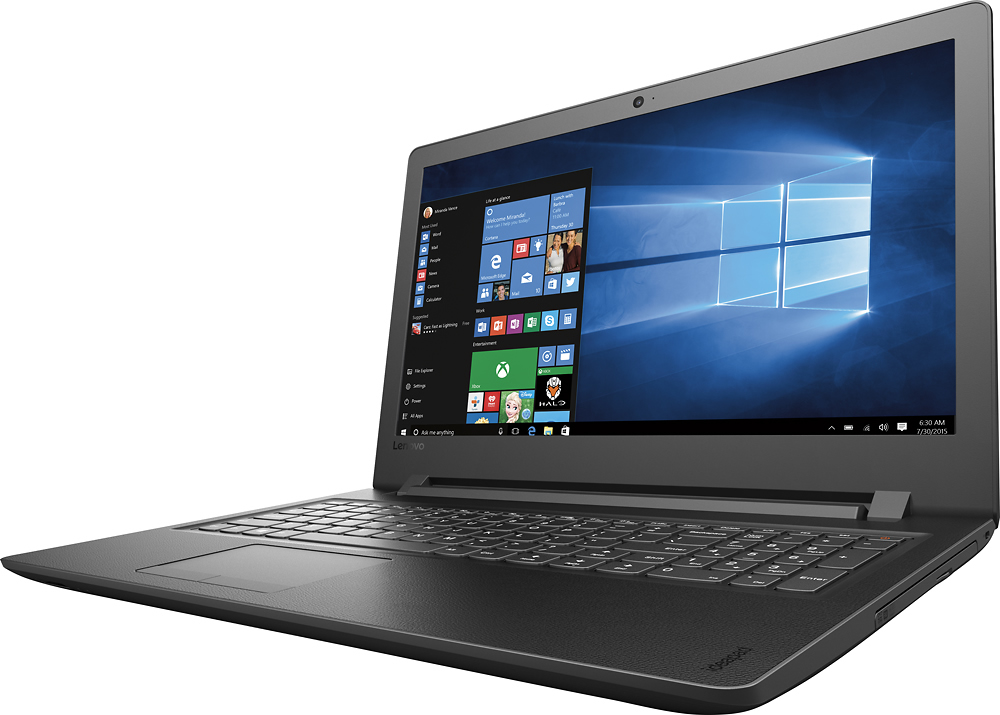



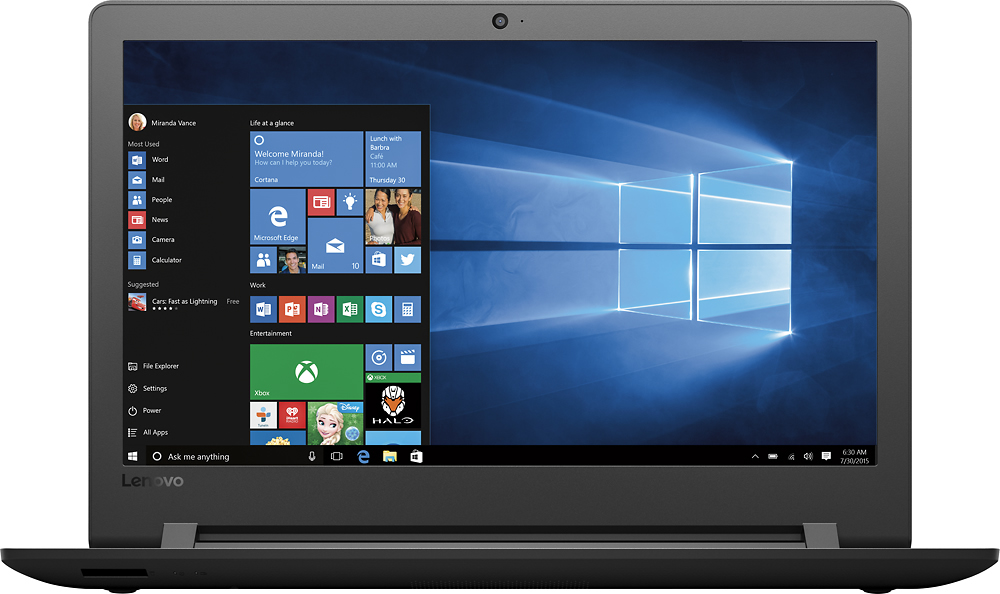
- Model:
- 80UD0017US
- SKU:
- 5496140
Rating by feature
- Value
Rating 3.7 out of 5 stars
- Quality
Rating 3.4 out of 5 stars
- Ease of Use
Rating 3.8 out of 5 stars
Customers are saying
Customers are delighted by the 110-15ISK laptop's affordability, ease of use, and performance for everyday tasks. Many appreciate its lightweight design, ample storage, and screen size. While some experienced issues with battery life and the sound quality, the positive feedback on price and usability outweighs these concerns.
This summary was generated by AI based on customer reviews.
its nice
||Posted .This reviewer received promo considerations or sweepstakes entry for writing a review.its a good laptop fast easy to use alot of room on it
I would recommend this to a friendBasic laptop
||Posted .This reviewer received promo considerations or sweepstakes entry for writing a review.Very basic laptop, all i need, sound is minimal.....
No, I would not recommend this to a friendPc works well
||Posted .This reviewer received promo considerations or sweepstakes entry for writing a review.Was unable to get geek squad to setup laptop. ......
I would recommend this to a friendNice laptop
||Posted .This reviewer received promo considerations or sweepstakes entry for writing a review.Good basic laptop for kids to use to do school work
I would recommend this to a friendGood Basic PC
||Posted .This reviewer received promo considerations or sweepstakes entry for writing a review.Purchased for elementary student. Meets his needs.
I would recommend this to a friendCheap
||Posted .This reviewer received promo considerations or sweepstakes entry for writing a review.Very cheap laptop. I purchased for my father in-law for use at his volunteer organization. He doesn't use it for anything else, but emails and occasional word documents. He got a virus on this thing and now it's virtually useless.
No, I would not recommend this to a friendSlow laptop
||Posted .This reviewer received promo considerations or sweepstakes entry for writing a review.If this is the price range you are looking in I recommend upgrading the RAM. The computer freezes often and has trouble running multiple apps at once
No, I would not recommend this to a friendDisappointed
||Posted .This reviewer received promo considerations or sweepstakes entry for writing a review.This is a very slow laptop and often doesn't work. The internet is dysfunctional. The salesman at the store sold me an antivirus package when there was already a program installed on the computer. Technology shouldn't be this complicated.
No, I would not recommend this to a friendBrand response from Lenovo Product Expert
Posted .You can use the anti-virus software you purchased. There is a 30-day trial of McAfee anti-virus on the device. Just uninstall this software before you install any other anti-virus software. With regard to the WiFi issues you mention with your device, there may be WiFi driver updates for your specific system. Follow the link below to look for new driver updates for your specific system. You can also run diagnostics from the Lenovo site as well. As always, be sure to create a restore point on your system before you make any changes. You can do this by just typing "restore point" in the search window within Cortana and follow the link to create a restore point. Here is the link:
http://support.lenovo.com/us/en/products/Laptops-and-netbooks/100-series/110-15isk/80UD/0017US?tabName=Downloads&linkTrack=Mast:SubNav:Support:Drivers and Software|Drivers and Software
Not for me
||Posted .This reviewer received promo considerations or sweepstakes entry for writing a review.After owning the laptop for about a week with no issues it froze up and shut down and would not power back on no matter what I did. I returned it to the store where they were able to get it up and running. I decided to let them keep it.
No, I would not recommend this to a friendHate the Keyboard
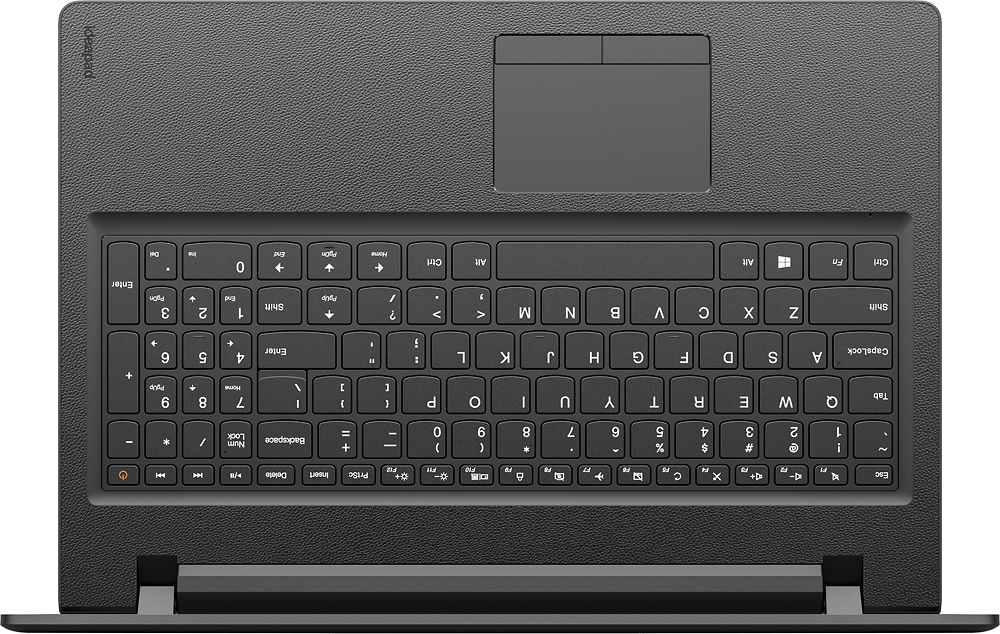
||Posted .This reviewer received promo considerations or sweepstakes entry for writing a review.Works fine. But who's idea was it to put the page-up key to the left of the shift key in the keyboard? I hit page-up every time I try to type capital letters. After several weeks I'm still doing it. Planning to buy a detached keyboard.
No, I would not recommend this to a friendBrand response from Lenovo Product Expert
Posted .With regard to the right shift key issue you mention, there is a free software APP called KeyTweak that may help you. You can switch the key functions of specific keys on your keyboard with this software, so you could change the right shift key with the key you hit in its place. Just Google search "KeyTweak" and you will find articles about what the software does and you will find the download location for this free APP.
- Cons mentioned:Speakers
Lenovo laptop
||Posted .This reviewer received promo considerations or sweepstakes entry for writing a review.I purchased a cheap lenavo laptop. I should have spent more money. This laptop was $259. Not very happy with it. Horrible speakers. Have to use ear buds when listing to audio.
No, I would not recommend this to a friend Nice laptop, it had issues.
||Posted .This reviewer received promo considerations or sweepstakes entry for writing a review.Something was wrong with the wireless card on the unit I purchased. It would only get 1.2 mb download speeds while still achieving 40 mb upload speeds. I tried loading new drivers but could not overcome. I returned the unit.
No, I would not recommend this to a friend- Cons mentioned:Battery life
Lenovo 110-15isk laptop
||Posted .This reviewer received promo considerations or sweepstakes entry for writing a review.not a good purchase..........worked well for about a year and has not worked well since. We only used it for internet browsing, email and watching videos.
No, I would not recommend this to a friend Keyboard layout is terrible
||Posted .This reviewer received promo considerations or sweepstakes entry for writing a review.So far not a bad computer except if you type with 10 fingers then the right shift key is so far over you are constantly hitting the page up instead. So annoying. Should have read the other reviews first.
No, I would not recommend this to a friendBrand response from Lenovo Product Expert
Posted .With regard to the right shift key issue you mention, there is a free software APP called KeyTweak that may help you. You can switch the key functions of specific keys on your keyboard with this software, so you could change the right shift key with the key you hit in its place. Just Google search "KeyTweak" and you will find articles about what the software does and you will find the download location for this free APP.
Not really user friendly
||Posted .This reviewer received promo considerations or sweepstakes entry for writing a review.With the smaller keyboard and rearrangement of keys, it's hard to type. The up arrow is where the shift button should be. It seems to be slower as well. The saying is true...you get what you pay for.
No, I would not recommend this to a friendBrand response from Lenovo Product Expert
Posted .With regard to the right shift key issue you mention, there is a free software APP called KeyTweak that may help you. You can switch the key functions of specific keys on your keyboard with this software, so you could change the right shift key with the key you hit in its place. Just Google search "KeyTweak" and you will find articles about what the software does and you will find the download location for this free APP. This system should provide good speed with its Core I-3 processor and 4GB of RAM. Be sure any software you installed is compatible with Windows 10. There is no need to install Microsoft Office software. The software is already part of the operating system, you just need to activate the software with a purchased product key. If you have installed a copy of Microsoft Office, this is conflicting with the existing copy on the system and this will slow your system down. If you have installed a 3rd party anti-virus program, be sure that Windows Defender is turned off and that the trial version of McAfee Anti-Virus software is uninstalled. There can only be one anti-virus program on the system. You may need to restore your system to original factory default settings if any of the programing errors have occurred. You can do that by typing "restore" in the Cortana search window. Just click on the magnifying glass icon at the bottom left of your Windows 10 Desktop. Click on "Reset This PC" Then click on "Get Started" and follow the on screen directions to restore to factory defaults.
I do not like the keyboard on this computer.
||Posted .This reviewer received promo considerations or sweepstakes entry for writing a review.The right side shift key is too far over, so I often hit the page up button instead, which is very frustrating. Also, the keys need to be pushed fairly hard or the letters will not actually get typed.
No, I would not recommend this to a friendBrand response from Lenovo Product Expert
Posted .With regard to the right shift key issue you mention, there is a free software APP called KeyTweak that may help you. You can switch the key functions of specific keys on your keyboard with this software, so you could change the right shift key with the key you hit in its place. Just Google search "KeyTweak" and you will find articles about what the software does and you will find the download location for this free APP.
- Cons mentioned:Battery life
Down Two
||Posted .This reviewer received promo considerations or sweepstakes entry for writing a review.No longer pleased with these. Purchased two at Christmas. They died within days of each other in the spring. Warranty repair on one was 80.00
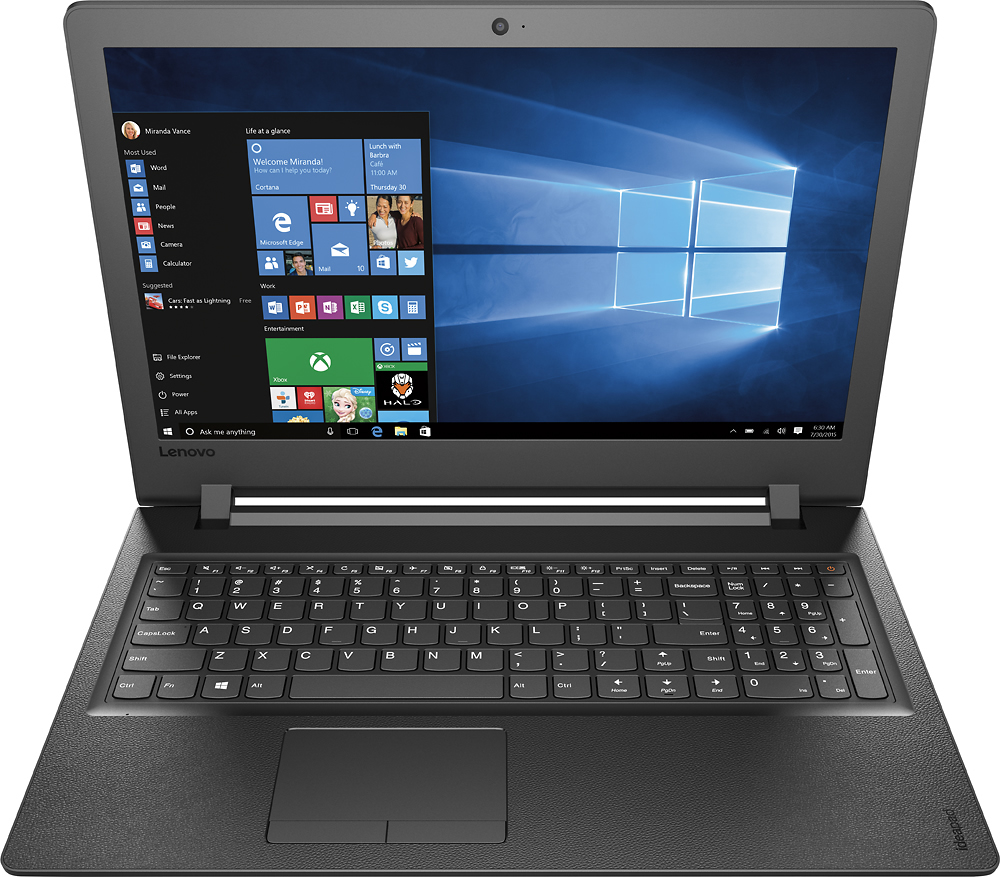
No, I would not recommend this to a friend Lenovo - 110-15ISK 15.6" Laptop - Intel Core i3 -
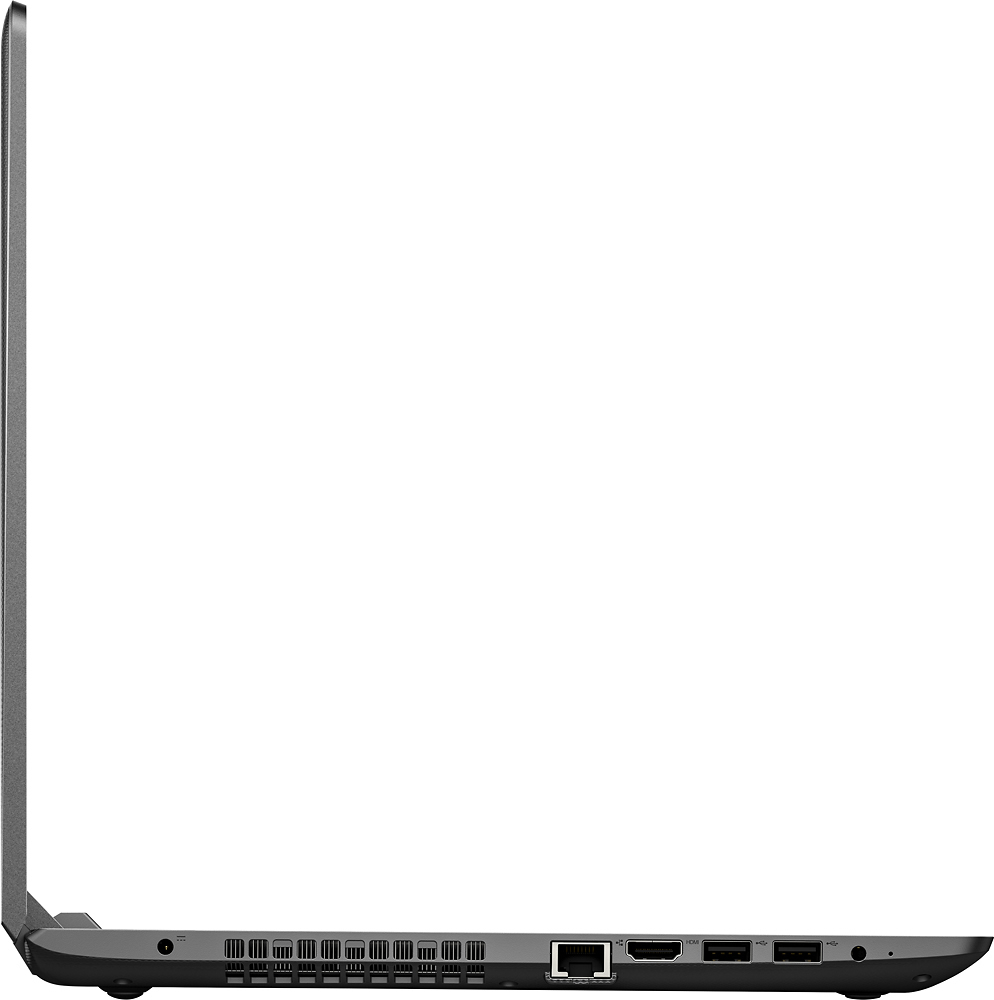
||Posted .This reviewer received promo considerations or sweepstakes entry for writing a review.The laptop has been running fine. A plastic part inside one of the USB port came loose and was inside the device that had been plugged in to it. I sent it to Lenovo for repair since it was still in warranty. Got a call wanting $350.00 to repair it, and was asked if I had purchased a "special warranty" for accidents like droping it. I told him I had not dropped it or damaged it - they still wanted the money telling me they were a 3rd party that did repair work. I just had it returned - not fixed.
No, I would not recommend this to a friendDefective
||Posted .This reviewer received promo considerations or sweepstakes entry for writing a review.Struggled to get the computer set up. Finally took it to the Geek Squad and found that one of the USB ports was not functioning.
I would recommend this to a friendSlow
||Posted . Owned for more than 2 years when reviewed.This reviewer received promo considerations or sweepstakes entry for writing a review.Bought due to the large hard drive was a mistake partition makes it half that size very slow and has a small ethernet card and wireless.
No, I would not recommend this to a friend