Customer Ratings & Reviews
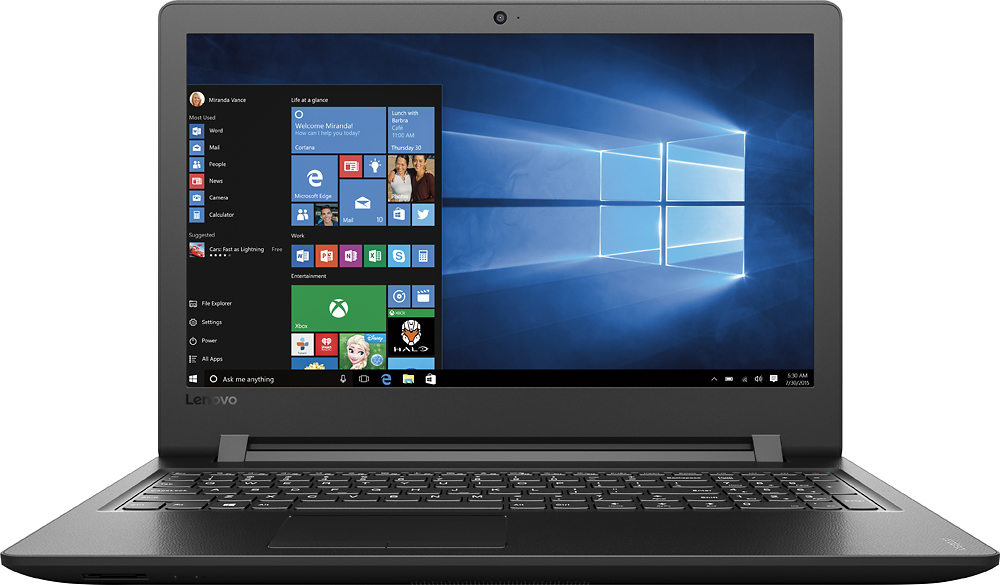

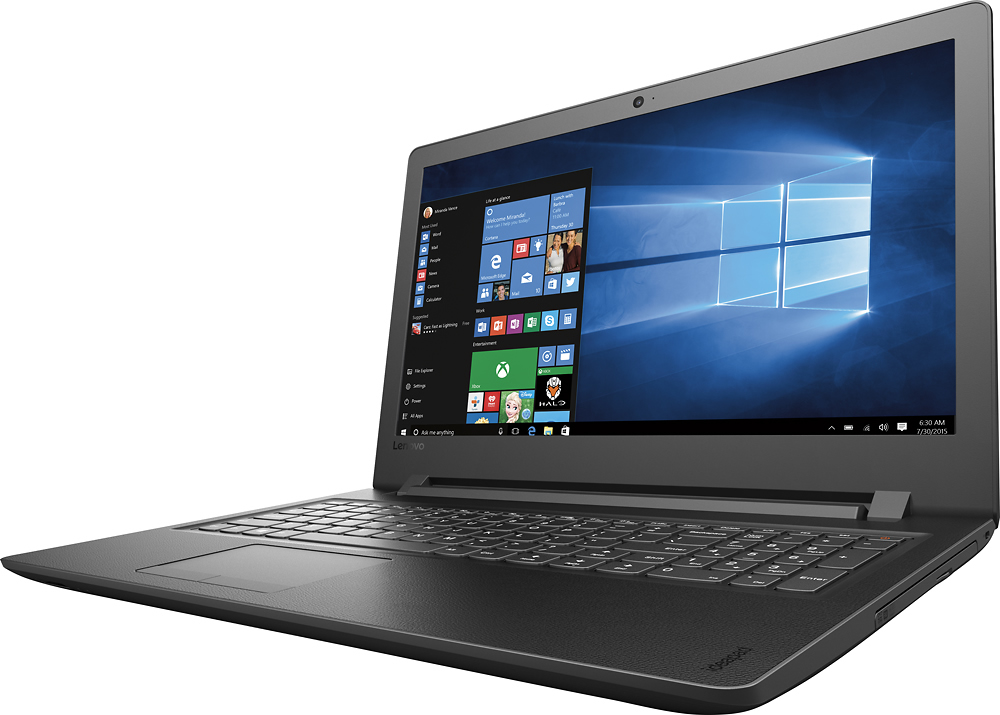



- Model:
- 80UD0017US
- SKU:
- 5496140
Rating by feature
- Value
Rating 3.7 out of 5 stars
- Quality
Rating 3.4 out of 5 stars
- Ease of Use
Rating 3.8 out of 5 stars
Customers are saying
Customers are delighted by the 110-15ISK laptop's affordability, ease of use, and performance for everyday tasks. Many appreciate its lightweight design, ample storage, and screen size. While some experienced issues with battery life and the sound quality, the positive feedback on price and usability outweighs these concerns.
This summary was generated by AI based on customer reviews.
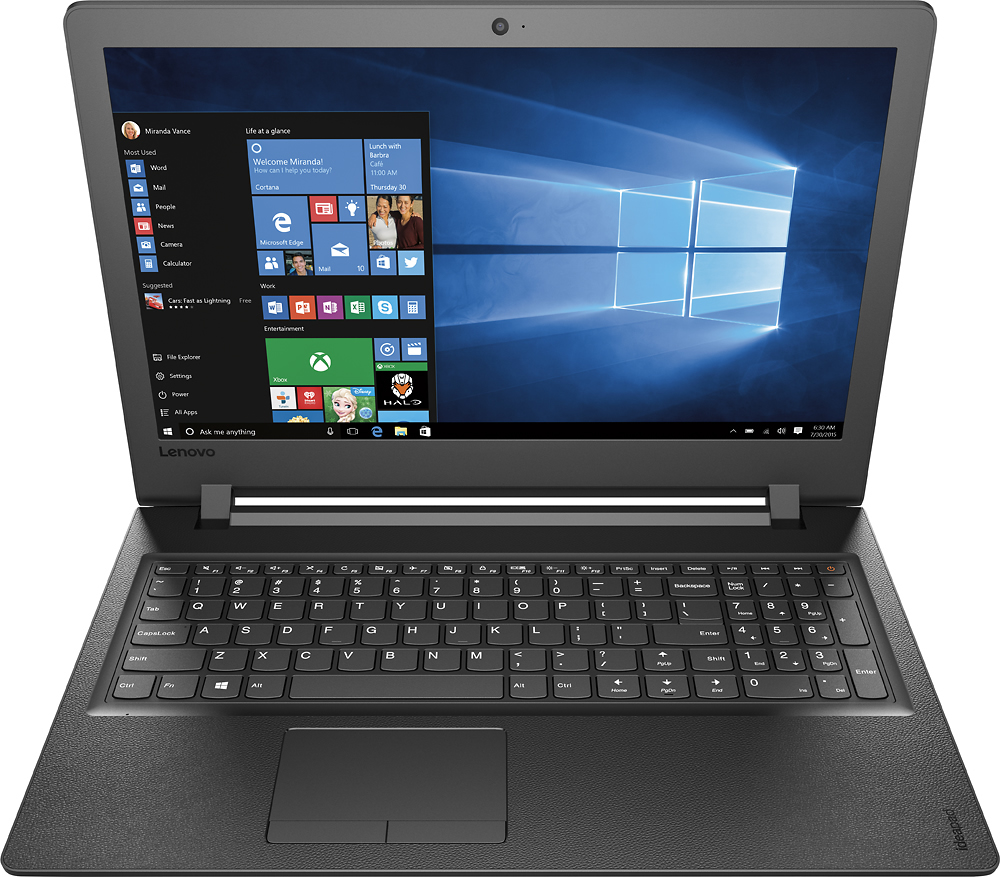
Lenovo - 110-15isk 15.6 Laptop
||Posted .This reviewer received promo considerations or sweepstakes entry for writing a review.Like the laptop as is a Lenovo but the camera has a very bad focus and bad sharpness.
No, I would not recommend this to a friendRefurbished
||Posted .This reviewer received promo considerations or sweepstakes entry for writing a review.There were some issues since it was an open box. You ended up returning it.
No, I would not recommend this to a friendNo sound
||Posted .This reviewer received promo considerations or sweepstakes entry for writing a review.It is in the shop because it has no sound, I had to use ear buds to hear it
No, I would not recommend this to a friendNot what I expected, the screen is not sharp
||Posted .This reviewer received promo considerations or sweepstakes entry for writing a review.Not what I expected. The picture is not sharp. I wanted it to watch movies.
No, I would not recommend this to a friendBrand response from Lenovo Product Expert
Posted .This system has a 1366 x 768 HD resolution screen. You can stream movies with this device.

I bought so many staffs but most of them not worki
||Posted .This reviewer received promo considerations or sweepstakes entry for writing a review.Most of them not worked my at all I would like to return them . Thank you
No, I would not recommend this to a friendStarted ok
||Posted .This reviewer received promo considerations or sweepstakes entry for writing a review.Have not had it 2 months and it won't turn on. Going to store tomorrow
No, I would not recommend this to a friendBrand response from Lenovo Product Expert
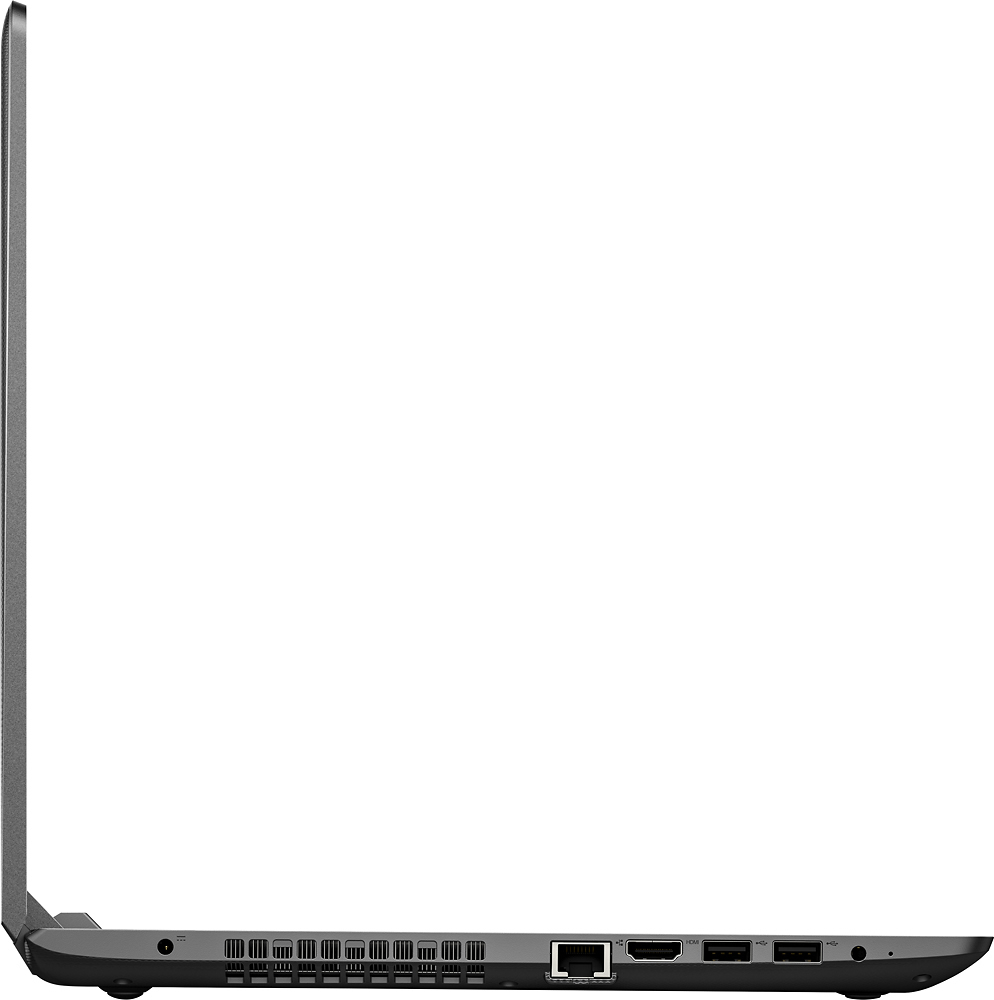
Posted .This system is equipped with OneKey Recovery System. There is a very small pin hole on the left side of the device, right near the headphone jack on the device. You will need a pin to push this reset button. Plug the device in. Let the battery charge for about 15 minutes. Push the reset button. The system should boot to a choice screen where you can choose "Restore To Factory Default". Select this. It will delete everything from the hard drive except the original factory install of the operating system. You will need to reinstall all programs and files after the reset. If you don't have copies of the files, try to make one before you restore by selecting "Boot to desktop" and trying to back up your files. After the device is restored, be sure any software you install is compatible with Windows 10. There is no need to install Microsoft Office software. The software is already part of the operating system, you just need to activate the software with a purchased product key. If you have installed a copy of Microsoft Office, this is conflicting with the existing copy on the system and this will slow your system down. If you have installed a 3rd party anti-virus program, be sure that Windows Defender is turned off and that the trial version of McAfee Anti-Virus software is uninstalled. There can only be one anti-virus program on the system. You may need to restore your system to original factory default settings if any of the programing errors have occurred. You can do that by typing "restore" in the Cortana search window. Just click on the magnifying glass icon at the bottom left of your Windows 10 Desktop. Click on "Reset This PC" Then click on "Get Started" and follow the on screen directions to restore to factory defaults.
Poor
||Posted .This reviewer received promo considerations or sweepstakes entry for writing a review.I found this model very slow and it tended to crash frequently.
No, I would not recommend this to a friendPoor performance.
||Posted .This reviewer received promo considerations or sweepstakes entry for writing a review.Computer freeze a lot of times. Allways need to do a restart.
No, I would not recommend this to a friendBrand response from Lenovo Product Expert
Posted .With regard to the issues you mention with your device, there may be driver updates for your specific system. Follow the link below to look for new driver updates for your specific system. You can also run diagnostics from the Lenovo site as well. As always, be sure to create a restore point on your system before you make any changes. You can do this by just typing "restore point" in the search window within Cortana and follow the link to create a restore point. Here is the link:
http://support.lenovo.com/us/en/products/Laptops-and-netbooks/100-series/110-15isk/80UD/0017US?linkTrack=Caps%253ABody_SearchProduct&tabName=downloads&beta=false
lap top
||Posted .This reviewer received promo considerations or sweepstakes entry for writing a review.had to return in less than a week. locked up. cheap design
No, I would not recommend this to a friendNever tried
||Posted .This reviewer received promo considerations or sweepstakes entry for writing a review.I Returned the laptop it was too slow with a i3 processor.
No, I would not recommend this to a friendNot happy with the product
||Posted .This reviewer received promo considerations or sweepstakes entry for writing a review.Really misleading about product and it's capabilities.
No, I would not recommend this to a friendIt crashed.
||Posted .This reviewer received promo considerations or sweepstakes entry for writing a review.Never got to use it because it crashed. Poor quality
No, I would not recommend this to a friend- Pros mentioned:Price, Weight
For the price it's good
Posted .This reviewer received promo considerations or sweepstakes entry for writing a review.First off this is a no frills machine. It is a basic laptop, which for the majority of people will do everything you need it to do. It's fairly thin and lightweight. No issues so far. As was stated by another reviewer the speakers and placement of the speakers is not ideal. But when I look at the price of a sub $300 laptop ($279.00 to be exact) what do you expect? This is the fourth Lenovo product we have. We have two Think Pads and two Idea Pads. It's replacing and older Idea Pad. This is by no means in the Think Pad quality level but at a third of the price when all I needed was basic computing it was well worth it. I am using mine to run my Christmas light show and it does that just fine.
I would recommend this to a friendBrand response from Lenovo Product Expert
Posted .Thank you for your loyalty to Lenovo. With regard to your latest Lenovo purchase, this IdeaPad 110-15 laptop, we are pleased to hear that the value and performance of the IdeaPad 110-15 meets your computing needs so well.
- Pros mentioned:Performance
Good for minimal tasks
Posted .This reviewer received promo considerations or sweepstakes entry for writing a review.Not bad, it worked and it did the job. Mainly was for childs school
I would recommend this to a friend - Pros mentioned:PerformanceCons mentioned:Hard drive
Hard to dissassemble, slow hard drive
Posted .This reviewer received promo considerations or sweepstakes entry for writing a review.I purchased this product earlier this morning. However, I received one with a defective hard drive. Upon purchasing the system, the hard drive was particularly slow, and within two hours, the hard drive stopped working completely. I tried clean installs with no success booting into the Windows setup and linux installations crashing. Normally, I send defective products back, but I had already planned on replacing the hard drive. I purchased an ssd, and came to realize that the system was harder than many to disassemble. Once the hard drive was replaced, the system performed really excellently. The only two downfalls of this system are the slow hard drive, and the disassembly processs and difficulty finding instructions. I do have to say the system has decent connectivity and a pretty good processor for the price. I would recommend this system for those who can replace the hard drive, and not spend the extra $300 for a comparable system with the ssd preinstalled.
No, I would not recommend this to a friend Decent, Basic Laptop with ONE Big Issue
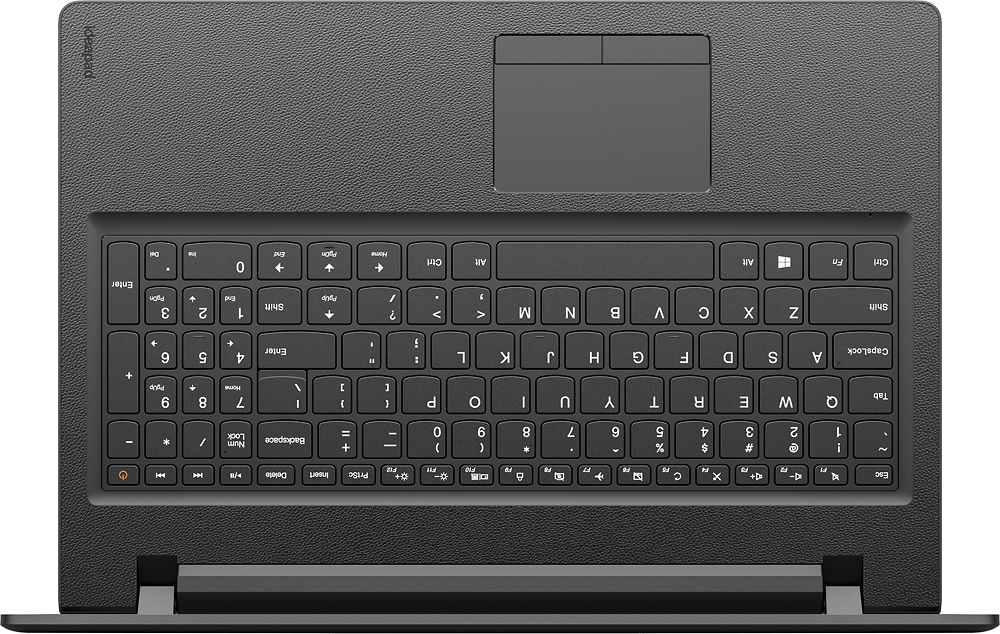
Posted .This reviewer received promo considerations or sweepstakes entry for writing a review.First off, for all those complaining about this laptop not being very fast, please! - It's a very inexpensive and basic laptop. It's designed to accomplish the most pedestrian of tasks (i.e., reading email, surfing the web, writing a Word document, etc.) . From my experience, it does all these task perfectly fine. Startup is a bit slow, but that is expected, especially when you load it up with memory resident software (i.e., Adobe, Anti-virus, Dashlane, etc.). Once it's up and running, things are great. Bottom line, if you want a snappy, responsive unit, do your research, drop the extra cash, and buy a laptop that meets your lofty expectations! Now,as to the ONE BIG ISSUE - The keyboard layout is terrible! They set the direction keys (Up, Down, Left, Right) under the Enter key where the Shift key should be. The Shift key is right next to the Up key, "shifted" further to the right. (No pun intended). The result is constant mistyping because you constantly are hitting the Up key instead of the Shift key. I have no idea what rocket scientist at Lenovo decided this was a good design, but they should be shown the door immediately. From what I've read so far, Lenovo's response is to install a keyboard tweaking app. That's just plain sad. A company shouldn't have to offer that you search online for a free app to compensate for a really, really poor design.
No, I would not recommend this to a friendBrand response from Lenovo Product Expert
Posted .Thank you for choosing the Lenovo IdeaPad 110-15 laptop. With regard to the right shift key issue you mention, there is a free software APP called KeyTweak that may help you. You can switch the key functions of specific keys on your keyboard with this software, so you could change the right shift key with the key you hit in its place. Just Google search "KeyTweak" and you will find articles about what the software does and you will find the download location for this free APP.
- Pros mentioned:Ease of use, Performance
Pleased with this laptop
Posted .This reviewer received promo considerations or sweepstakes entry for writing a review.I purchased this one to replace my Ideapad N585 as I liked my previous Lenovo & decided to stay with the brand and I'm happy I did. This one has the speed I wanted in order to surf the net and shop. I'm a senior so I don't need anything too technical or complicated to operate. My husband has an Ideapad N580 and I think maybe it's time for an upgrade for him too.
I would recommend this to a friendBrand response from Lenovo Product Expert
Posted .Thank you for choosing the Lenovo IdeaPad 110-15 laptop. We are pleased to hear that the IdeaPad 110-15 meets your computing needs so well. We appreciate your loyalty to the Lenovo Brand.
- Pros mentioned:Performance
Decent laptop
Posted .This reviewer received promo considerations or sweepstakes entry for writing a review.Being in computer technology, I was pleasantly pleased with this laptop, even before I upgraded the memory to 16GB which I purchaded for about $80.00. Entirely boosting the performace evrn more, laptop willbe used by mh daughter for high school etc.
I would recommend this to a friendBrand response from Lenovo Product Expert
Posted .Thank you for choosing the Lenovo IdeaPad 110-15 for your daughter. We are pleased to hear that the IdeaPad 110-15 is working out for your daughter so well.
- Cons mentioned:Battery life
Great "hold me over" laptop, but wait for Kaby Lak
Posted .This reviewer received promo considerations or sweepstakes entry for writing a review.This is a great machine who want to put off a full upgrade for a couple of years. Slap 32GB of RAM and an SSD on this machine and it will fly. The battery life could be better and graphic intensive applications are not going to work. It's a bit heavy and bulky. It easily plugs into two external displays, has plenty of ports and the Bluetooth works well with multiple devices. If you're reading this in 2017, wait for the next gen machine which should sport Kaby Lake with vastly improved battery and graphics; you'll be glad you did!
I would recommend this to a friend Decent little laptop - good for home or student
Posted .This reviewer received promo considerations or sweepstakes entry for writing a review.Good laptop for school students or moderate home use. For the price paid, it is an excellent value. So far, I find it completely acceptable for working with word docs, excel and powerpoints, watching standard def videos, music, browsing (just nothing extremely media intensive). The 6th Gen CPU i3-6100u is a big improvement over the 5th Gen. 8GB memory. Good enough for daily household use, which is exactly why we bought it.
I would recommend this to a friendBrand response from Lenovo Product Expert
Posted .Thank you for choosing the Lenovo IdeaPad 110-15 laptop. We are pleased to heat that the features and performance of the IdeaPad 110-15 meets your computing needs so well.